ToolMage
Sign in

Best 4 Document Analysis AI tools for Data Analysis

Popular Document Analysis AI tools in Data Analysis include Cogram, Ogt.ai, Kairo, and RealtyGenius.AI, helping you work more efficiently.

Kairo
Freemium

Kairo

Kairo is an AI-powered desktop assistant for macOS that integrates seamlessly into your workflow, eliminating the need to switch applications for AI tasks. It offers smart text transformation, visual analysis of screenshots, and deep analysis of files directly from any app using simple keyboard shortcuts.

Document Analysis
Visits 7KFavorites 146Likes 140
RealtyGenius.AI
Freemium

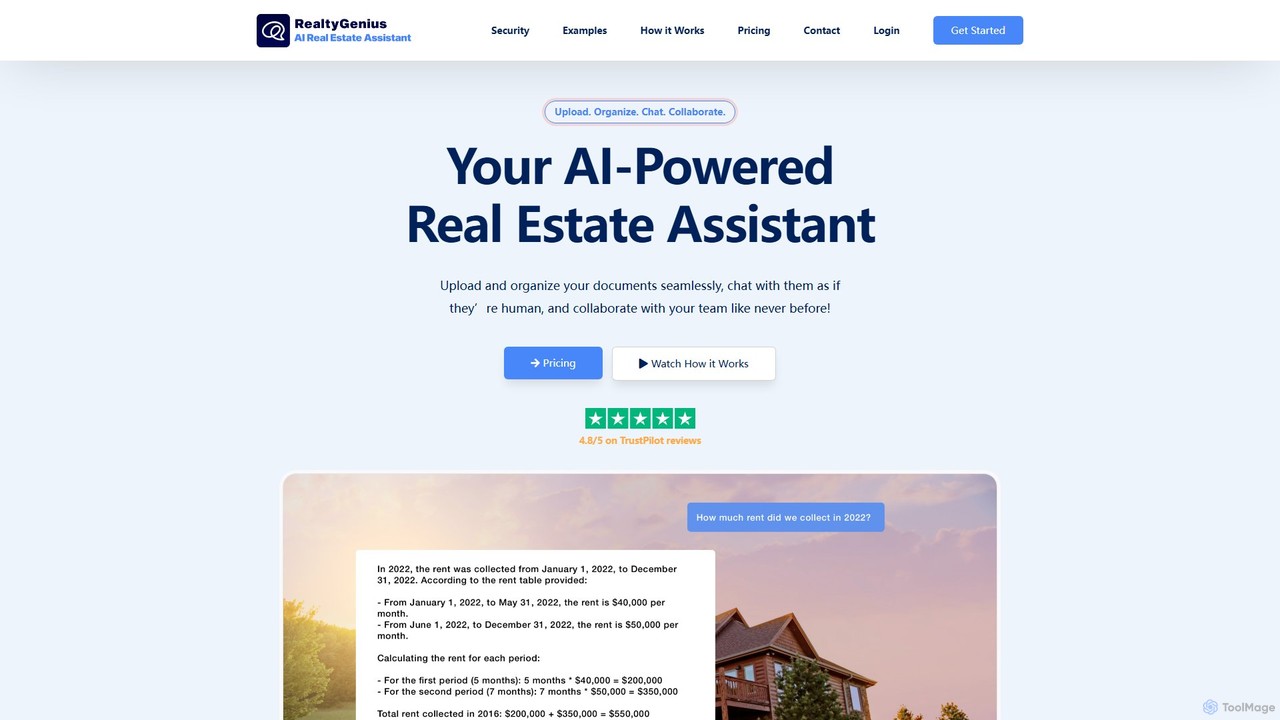
RealtyGenius.AI

RealtyGenius.AI is an AI-powered assistant for the real estate industry. It allows users to upload, organize, and interact with complex documents like leases, mortgages, and appraisals through a conversational chat interface. This secure platform streamlines document management, enhances team collaboration, and provides instant, accurate answers to complex questions, saving time and reducing errors for real estate professionals.

Contract Management
Visits 6.5KFavorites 143Likes 132
Ogt.ai
Freemium

Ogt.ai

Ogt.ai is an all-in-one conversational AI platform that allows you to chat, generate, and analyze various media formats. Interact with YouTube videos, webpages, documents (PDF, DOCX), and audio/video files. It also features a powerful AI image generator and a browser extension for real-time data access, making it a versatile tool for research, content creation, and data analysis.

Research Assistant
Visits 8KFavorites 125Likes 127
Cogram
Paid

Cogram

Cogram is an AI-powered platform specifically designed for the Architecture, Engineering, and Construction (AEC) industry. It acts as a central knowledge base, allowing architects, builders, and engineers to instantly find answers from vast project documentation, automate reporting, and analyze complex data. By connecting to all project files, Cogram helps teams reduce time spent on information retrieval, mitigate risks, and improve project outcomes.

Document Analysis
Visits 10.4KFavorites 101Likes 131

About Document Analysis

Document Analysis tools are AI-powered solutions designed to extract, interpret, and organize valuable information from various types of documents. Leveraging advanced natural language processing (NLP), computer vision, and machine learning, these tools automate the processing of unstructured and semi-structured data, transforming raw text and images into actionable insights. This specialized area within data analysis significantly enhances efficiency and accuracy in handling large volumes of textual content, enabling better decision-making and operational streamlining.

Core Features

  • Information Extraction: Automatically identifies and extracts specific data points like names, dates, amounts, and key phrases from documents.
  • Text Summarization: Generates concise summaries of lengthy documents, highlighting main ideas and critical information.
  • Sentiment Analysis: Determines the emotional tone (positive, negative, neutral) expressed within textual content in documents.
  • Document Classification: Categorizes documents into predefined types (e.g., invoices, contracts, reports) based on their content and structure.
  • Optical Character Recognition (OCR): Converts scanned images of text, handwritten or printed, into machine-readable text for further analysis.

Use Cases

Document Analysis tools are crucial for organizations dealing with extensive textual data, from legal firms and financial institutions to healthcare providers and customer service centers. They automate tedious manual tasks, accelerate information retrieval, and provide deeper insights from vast document repositories, supporting compliance, risk management, and strategic planning.

How to Choose

When selecting a Document Analysis tool, consider its accuracy in information extraction, support for various document formats (PDF, images, handwritten), scalability for processing large volumes, integration capabilities with existing systems, and compliance with data privacy regulations. Evaluate the tool's ability to handle specific industry jargon and its customization options for unique document types.


Document Analysis use cases

1

Automating Invoice Data Extraction

Finance departments use document analysis tools to automatically extract vendor names, invoice numbers, line items, and total amounts from incoming invoices. This eliminates manual data entry, reduces errors, and accelerates payment processing, saving hours of administrative work daily.

2

Expediting Legal Contract Review

Legal professionals leverage these tools to quickly identify key clauses, obligations, and potential risks within large volumes of legal contracts. The AI can flag non-compliant terms or missing information, significantly speeding up due diligence and ensuring regulatory adherence.

3

Analyzing Customer Feedback from Surveys

Marketing and product teams utilize document analysis to process open-ended responses from customer surveys, emails, and reviews. Tools can identify common themes, sentiment, and emerging issues, providing actionable insights to improve products and services.

4

Summarizing Academic Research Papers

Researchers and academics employ document analysis to generate concise summaries of lengthy scientific articles and journals. This helps them quickly grasp the core findings and methodologies, accelerating literature reviews and knowledge acquisition.

5

Interpreting Patient Medical Records

Healthcare providers use these tools to extract critical patient information, diagnoses, and treatment plans from unstructured clinical notes and medical reports. This aids in faster patient intake, accurate billing, and comprehensive health data management while maintaining privacy.

6

Streamlining Real Estate Document Processing

Real estate agencies apply document analysis to automatically extract property details, lease terms, and applicant information from various forms like rental applications and property deeds. This reduces manual processing time, minimizes errors, and speeds up transactions.

Document Analysis FAQ

What are Document Analysis tools?

Document Analysis tools are AI-powered software that automatically extracts, interprets, and organizes information from digital and scanned documents. They use technologies like NLP and computer vision to transform unstructured data into structured, actionable insights, making large document sets manageable and searchable.

How do Document Analysis tools differ from general Data Analysis tools?

While Document Analysis is a subset of Data Analysis, its primary focus is on unstructured and semi-structured data within documents (text, images). General Data Analysis often deals with structured numerical data from databases or spreadsheets. Document Analysis specifically handles the complexities of natural language and visual layouts to extract meaning, whereas broader data analysis might focus on statistical modeling or trend identification from pre-processed data.

What types of documents can AI Document Analysis handle?

AI Document Analysis tools can handle a wide range of document types, including PDFs, scanned images (via OCR), Word documents, emails, contracts, invoices, legal briefs, medical records, research papers, and customer feedback forms. Their effectiveness depends on the tool's specific capabilities in handling different layouts, languages, and data complexities.

What are the key benefits of using AI for Document Analysis?

The key benefits include significant time savings by automating manual data entry and review, improved accuracy by reducing human error, enhanced data accessibility through structured information, and deeper insights from large volumes of text. These tools also help ensure compliance, mitigate risks, and enable faster decision-making across various business functions.

How accurate are AI Document Analysis tools?

The accuracy of AI Document Analysis tools varies depending on the tool's sophistication, the quality of the input documents, and the complexity of the data to be extracted. Modern AI models, especially those with machine learning capabilities, can achieve high levels of accuracy, often surpassing manual methods for repetitive tasks. Many tools also offer human-in-the-loop validation to ensure critical data is always correct.