
Raycast Overview
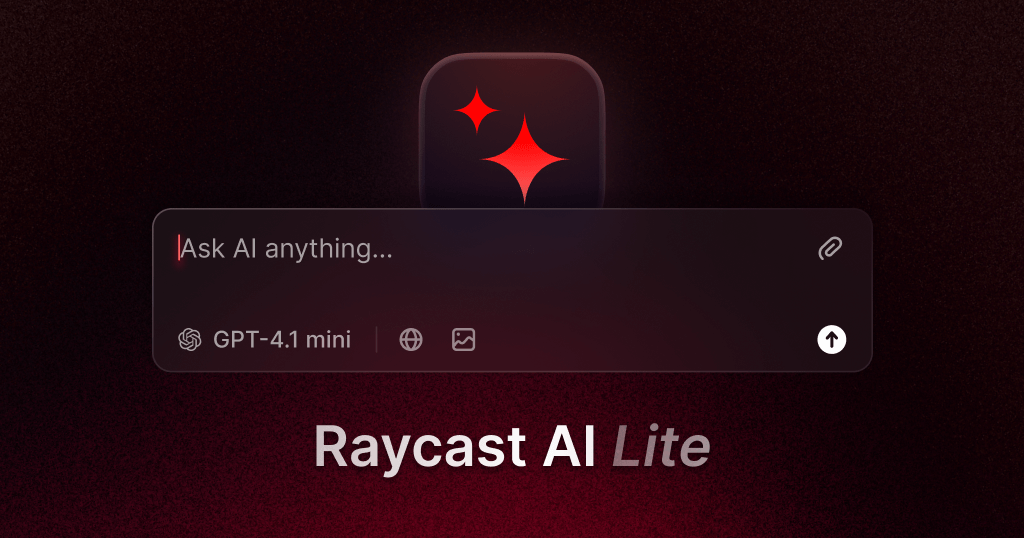
Raycast is a revolutionary productivity tool for macOS, designed to be a blazingly fast and infinitely extensible command bar. It replaces the standard Spotlight search with a powerful, centralized hub that allows you to control your Mac and various applications using simple commands. The core philosophy behind Raycast is to minimize context switching and mouse usage, enabling users to perform complex tasks through a consistent, keyboard-driven interface. Whether you're launching apps, searching for files, managing windows, or interacting with third-party services, Raycast streamlines your workflow into a seamless experience.
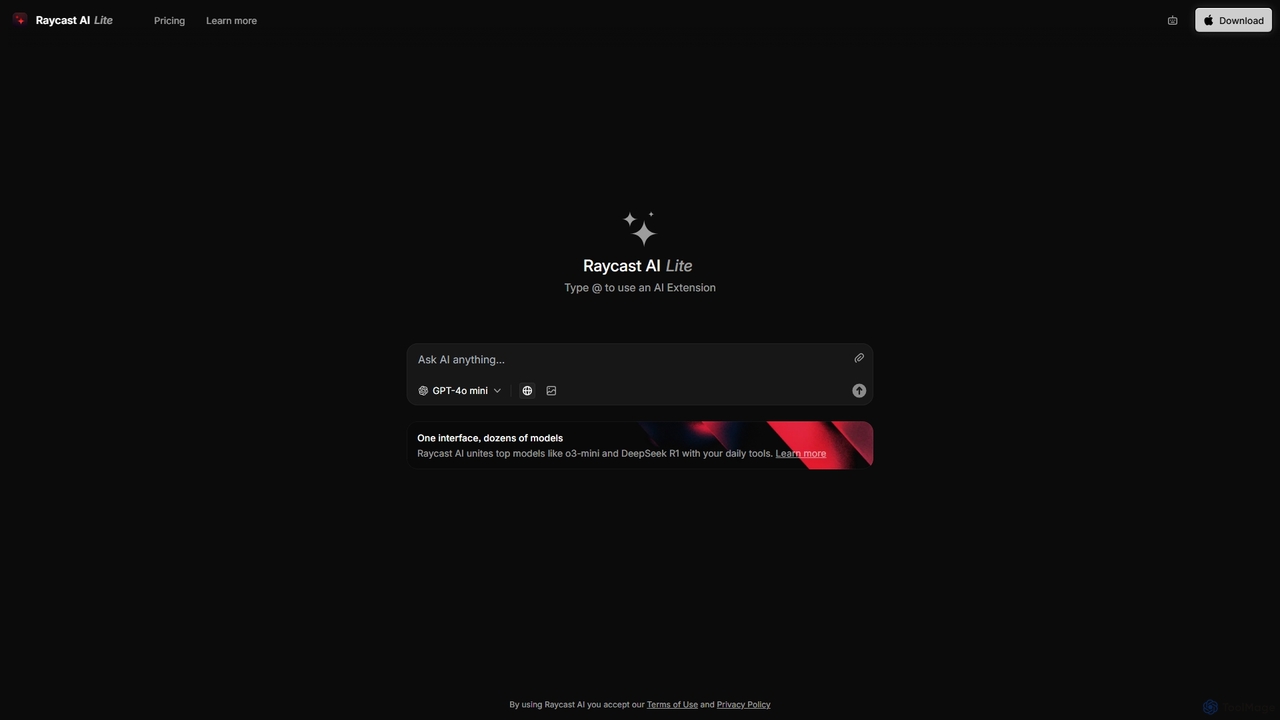
At its heart, Raycast integrates a powerful AI assistant, allowing you to leverage models like GPT-4o and others directly from anywhere on your Mac. This AI integration is not just a chatbot; it's woven into your daily tasks. You can draft emails, write and debug code, summarize articles, or brainstorm ideas without ever leaving your current application. This contextual AI support makes it an indispensable tool for developers, writers, and professionals across all fields.
How to use Raycast
Getting started with Raycast is simple and intuitive:
- Download and Install: Visit the official Raycast website and download the application for macOS.
- Assign a Hotkey: During setup, you'll be prompted to assign a global hotkey (e.g., Option + Space) to open the Raycast bar. This makes it instantly accessible from anywhere.
- Start with Basic Commands: Use it to launch applications, search for files, perform calculations (e.g., "10kg in lbs"), or search Google.
- Explore the Store: Open Raycast and type "Store". This is the gateway to hundreds of extensions. Install extensions for your favorite tools like GitHub, Jira, Slack, Figma, or Google Workspace.
- Use AI Commands: Type "AI Chat" to start a conversation, or select text in any application and use a hotkey to run AI commands like "Improve Writing," "Fix Spelling & Grammar," or "Explain Code."
- Customize Your Workflow: Create custom Quicklinks for your most visited websites, set up Snippets for frequently typed text, and configure Aliases for your most-used commands to make them even faster to access.
Core Features of Raycast
- Raycast AI: Seamlessly integrated AI assistant for writing, coding, and answering questions, accessible system-wide. Supports top models like GPT-4o, Claude 3, and more.
- Extensive Extension Store: A marketplace with hundreds of free, community-built extensions that integrate with popular services like GitHub, Jira, Asana, Slack, Google Drive, and many more.
- Advanced Window Management: Easily organize your workspace with commands to move, resize, and snap windows to predefined layouts.
- Clipboard History: A powerful, searchable clipboard manager that stores text, images, and files you've copied, so you never lose important information.
- Snippets: Create and quickly insert frequently used text blocks, from simple email signatures to complex code templates, with dynamic placeholders.
- Quicklinks: Create custom shortcuts to open files, folders, and websites with specific search queries.
- Developer-Friendly: A robust API allows developers to build and share their own custom extensions using React and TypeScript.
- Team Features: Share extensions, Quicklinks, and Snippets with your team to ensure everyone is working with the same tools and workflows.
Use Cases for Raycast
Raycast is versatile and adapts to various professional workflows:
- Software Developers: Search GitHub repositories, create pull requests, view Jira tickets, search documentation, and use AI to debug code without leaving their editor.
- Project Managers: Quickly create and assign tasks in Asana or Jira, search for documents in Google Drive, and join video calls with a single command.
- Writers and Content Creators: Use Raycast AI to brainstorm ideas, draft articles, improve writing tone, and check for grammar errors. Use Snippets to quickly insert boilerplate text.
- Designers: Search for assets in Figma, find color codes, and open specific design files instantly.
- General Productivity: Anyone on a Mac can use Raycast to find files faster, manage their calendar, control their music, and automate repetitive daily tasks.
Advantages of Raycast
Raycast stands out from other productivity tools due to several key advantages:
- All-in-One Hub: It consolidates dozens of tools and workflows into a single, unified interface, drastically reducing the need to switch between applications.
- Speed and Efficiency: The keyboard-first design is optimized for speed, allowing users to execute commands in a fraction of the time it would take with a mouse.
- Unmatched Extensibility: The open-source Store is constantly growing, allowing users to tailor Raycast perfectly to their specific needs and toolsets.
- Deep and Contextual AI: The AI is not just an add-on; it's deeply integrated and can act on the context of your selected text or current application.
- Modern and Clean UI: Raycast features a polished, intuitive, and highly customizable interface that is a pleasure to use.
Pricing and Plans
Raycast operates on a freemium model, making it accessible to everyone:
- Free Plan: Designed for personal use. It includes the core launcher, access to the entire Extension Store, and a limited number of AI commands per day.
- Pro Plan (approx. $8/user/month): Aimed at individuals and power users. It offers unlimited AI usage with top models, cloud synchronization of settings, custom themes, and more advanced features.
- Team Plan (approx. $12/user/month): Built for collaboration. It includes all Pro features plus shared extensions, snippets, quicklinks, and centralized billing and management.
Traffic
Latest traffic
Status
Monthly traffic trend
- 2025-9: 34.6K
- 2026-1: 33.9K
- 2026-2: 28.9K
- 2026-3: 31.9K
- 2026-4: 22.5K
- 2026-5: 25.9K
Geography
Top 5 countries / regions
- 🇺🇸United States47.0%
- 🇮🇳India15.8%
- 🇧🇷Brazil13.5%
- 🇫🇷France12.0%
- 🇩🇪Germany11.6%
Top keywords
| Keyword | Cost per click |
|---|---|
| raycast | $0.31 |
| raycast ai | $1.31 |
| raycast ai web | $0.00 |
| raycats | $0.00 |
| reycast | $0.00 |
Raycast Alternatives

Raycast
Raycast is a blazingly fast, extendable launcher for macOS that supercharges your productivity. It replaces Spotlight with a powerful command-line interface to control your tools, search files, run scripts, and automate tasks. With an integrated AI assistant, a vast store of community-built extensions, and features like Clipboard History, Snippets, and Window Management, Raycast centralizes your workflow, saving you time and context-switching.
Workflow Automation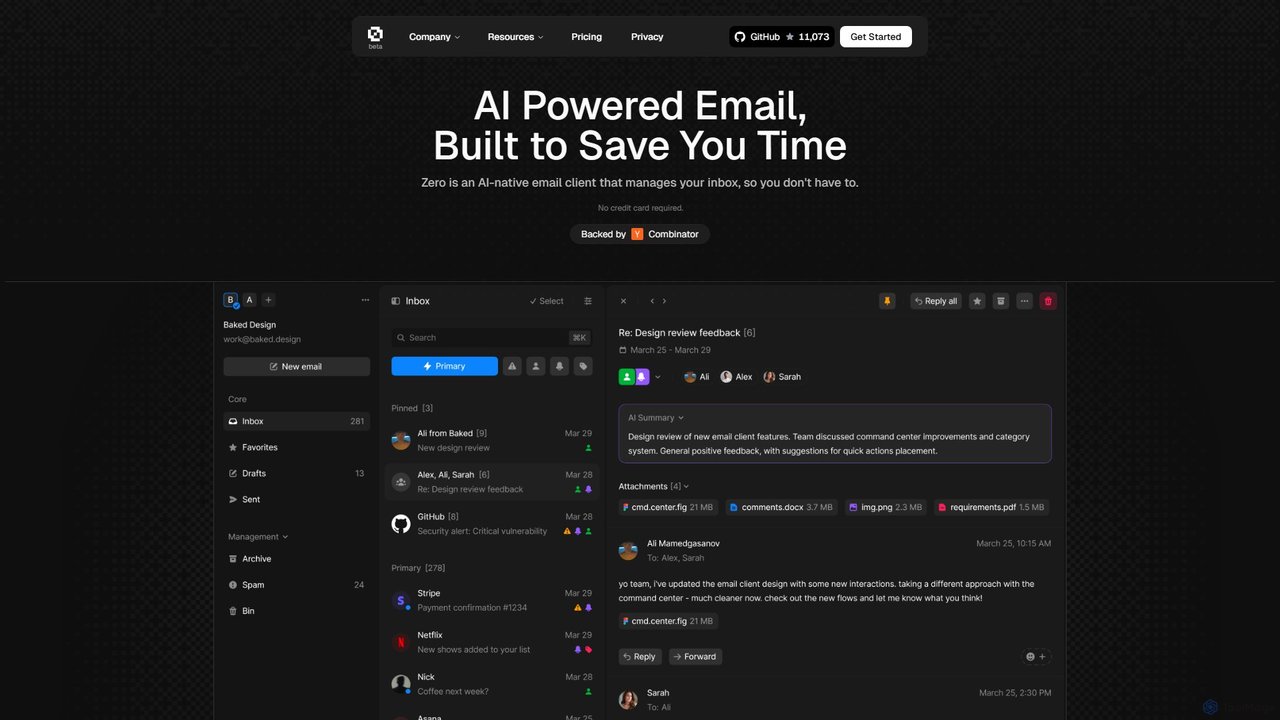
Zero
Zero is an AI-native email client designed to save you time. It automatically manages your inbox by summarizing threads, drafting replies, and extracting action items, allowing you to process emails at lightning speed with a keyboard-first interface.
Personal Assistant
Prompt Dress
Prompt Dress is a powerful browser extension designed to manage, organize, and quickly access all your AI prompts. It acts as a central library, eliminating scattered text files and streamlining your workflow with AI models. Ideal for marketers, developers, writers, and anyone who frequently uses AI.
Workflow Automation
Side Space
Side Space is a powerful AI assistant that integrates seamlessly into your desktop workflow. It operates from a convenient sidebar, providing instant access to AI-powered tools for writing, coding, and general productivity without ever leaving your current application. Enhance your efficiency with contextual actions on selected text and customizable commands.
Code Assistant
ChatLLM
ChatLLM is an advanced conversational AI platform designed for professionals and developers. It provides unified access to multiple leading Large Language Models (LLMs) like GPT-4, Claude 3, and more. The platform focuses on enhancing productivity, streamlining workflows, and enabling powerful integrations through a robust API.
ApiRaycast Categories
Raycast Jobs
Raycast Embed Widget
Copy this embed code to place the badge on your blog, article, or product site and send readers directly to this ToolMage detail page.

Related AI tools
Raycast
Raycast is a blazingly fast, extendable launcher for macOS that supercharges your productivity. It replaces Spotlight with a powerful command-line interface to control your tools, search files, run scripts, and automate tasks. With an integrated AI assistant, a vast store of community-built extensions, and features like Clipboard History, Snippets, and Window Management, Raycast centralizes your workflow, saving you time and context-switching.
Workflow AutomationSide Space
Side Space is a powerful AI assistant that integrates seamlessly into your desktop workflow. It operates from a convenient sidebar, providing instant access to AI-powered tools for writing, coding, and general productivity without ever leaving your current application. Enhance your efficiency with contextual actions on selected text and customizable commands.
Code Assistant
Iris
Iris is a seamless AI assistant for macOS, designed to integrate into your workflow. It provides instant access to top AI models like GPT-4o and Claude 3.5, allowing you to chat, capture your screen for context, and get answers without ever leaving your current application. With intuitive gestures and powerful shortcuts, Iris is there when you need it and invisible when you don't.
Coding AssistantChatLLM
ChatLLM is an advanced conversational AI platform designed for professionals and developers. It provides unified access to multiple leading Large Language Models (LLMs) like GPT-4, Claude 3, and more. The platform focuses on enhancing productivity, streamlining workflows, and enabling powerful integrations through a robust API.
Api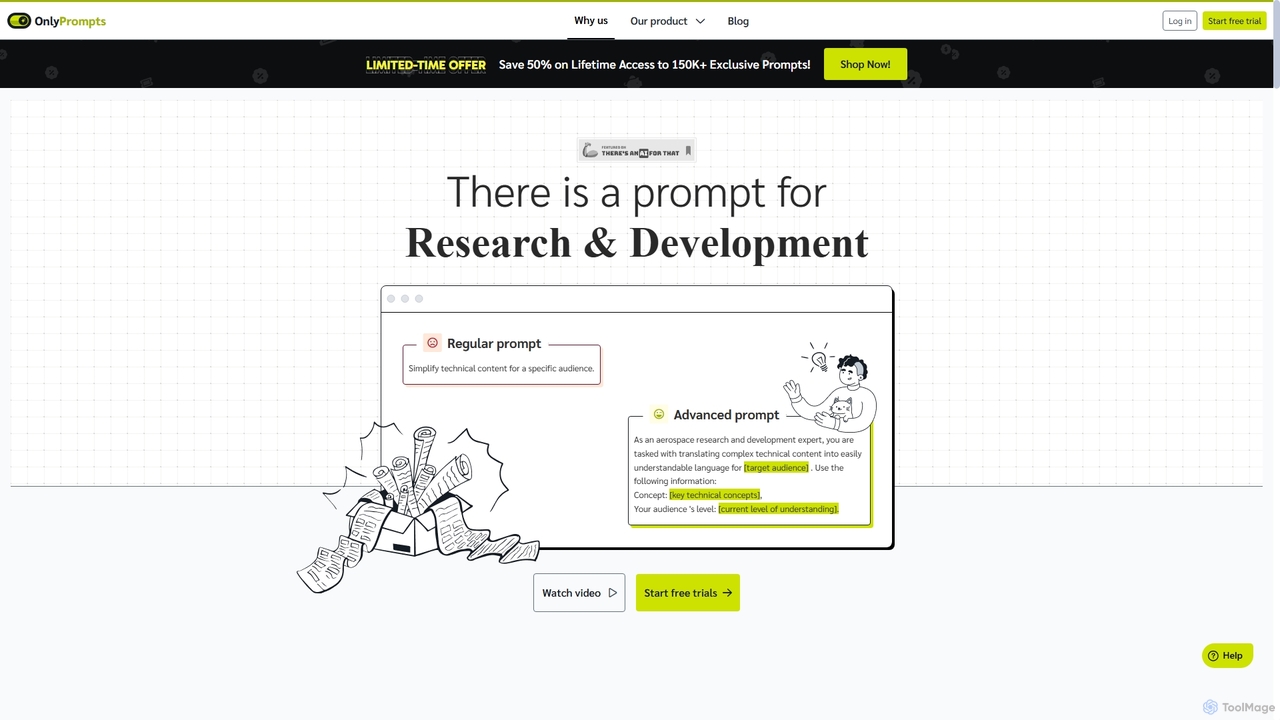
OnlyPrompts
OnlyPrompts is the ultimate AI prompt library, offering over 150,000 expertly crafted prompts for 37,000+ tasks. It features an integrated AI assistant compatible with GPT-4 and Claude 3, side-by-side prompt testing, and customizable templates. Designed for professionals in marketing, HR, finance, and more, it streamlines workflows, enhances productivity, and elevates the quality of AI-generated content.
Operations
carlos_app
carlos_app is an intelligent AI personal assistant designed to streamline your workflow, manage tasks, automate scheduling, and enhance communication. It acts as your proactive partner, helping you focus on what truly matters by handling the administrative details.
Task Management
Omnipilot
Omnipilot is a system-wide AI copilot for macOS, designed to integrate seamlessly into any application. It provides contextual assistance, allowing you to generate text, write code, and automate tasks in any text field, boosting productivity by eliminating the need to switch between apps. Note: Omnipilot has been acquired by and merged into Highlight AI.
Coding Assistant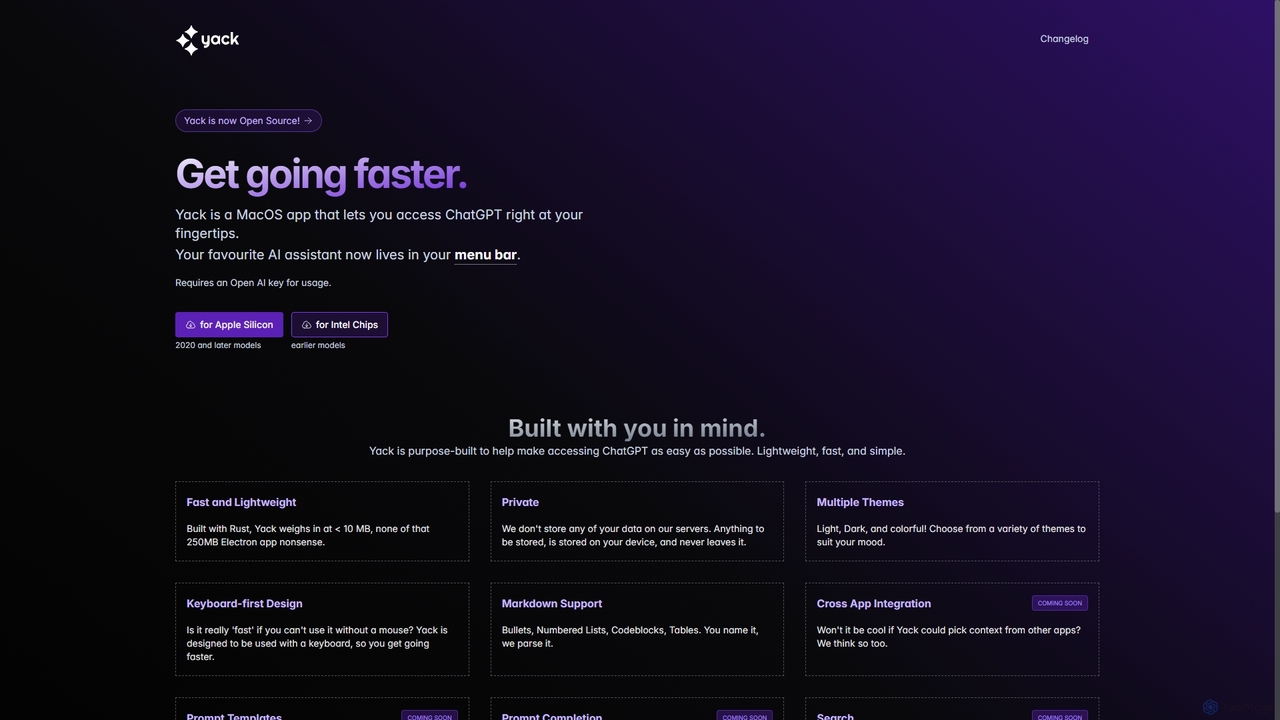
Yack
Yack is a lightweight, fast, and private open-source native macOS application that provides instant access to ChatGPT directly from your menu bar. Built with Rust, it's designed for efficiency with a keyboard-first approach, ensuring you can interact with AI without disrupting your workflow.
Api Client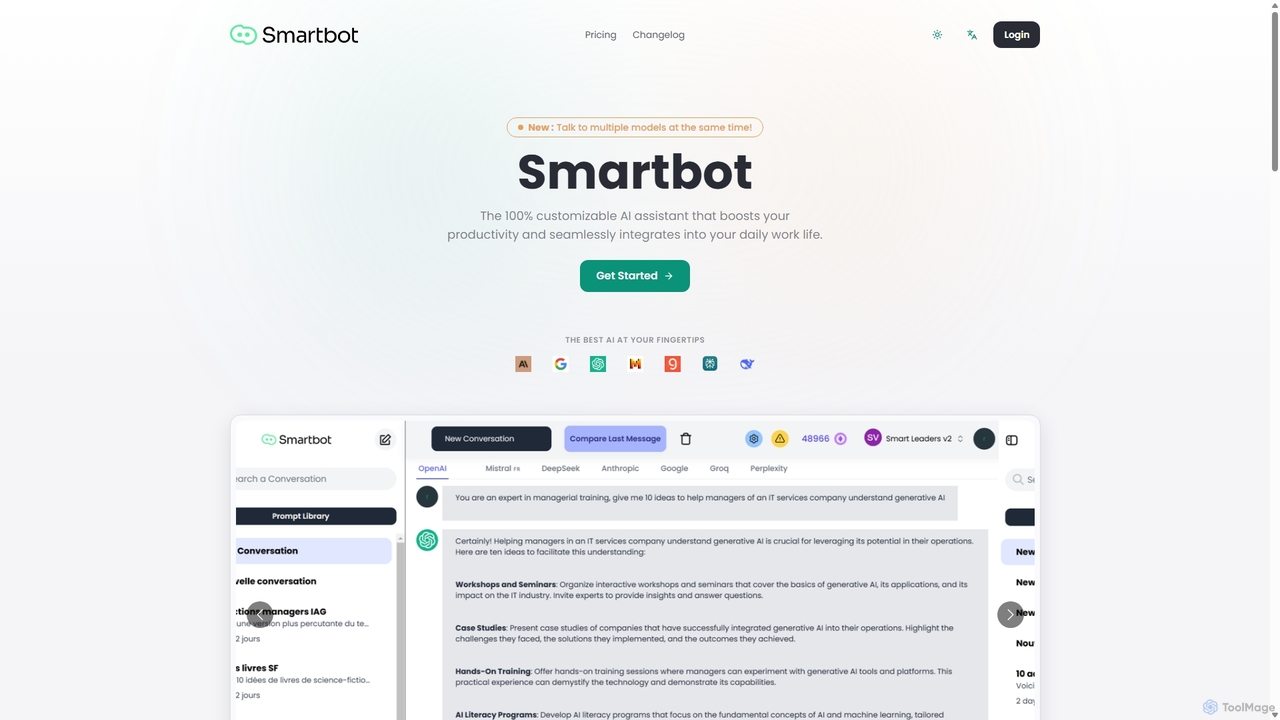
Smart Bot
Smart Bot is a highly customizable AI assistant that boosts productivity by integrating multiple top-tier AI models like ChatGPT, Claude, and Gemini into a single interface. It allows users to compare responses simultaneously, manage a shared library of custom prompts for team collaboration, and even visualize and test generated code. With features like image and file reading, it streamlines daily workflows for individuals and organizations.
Code Assistant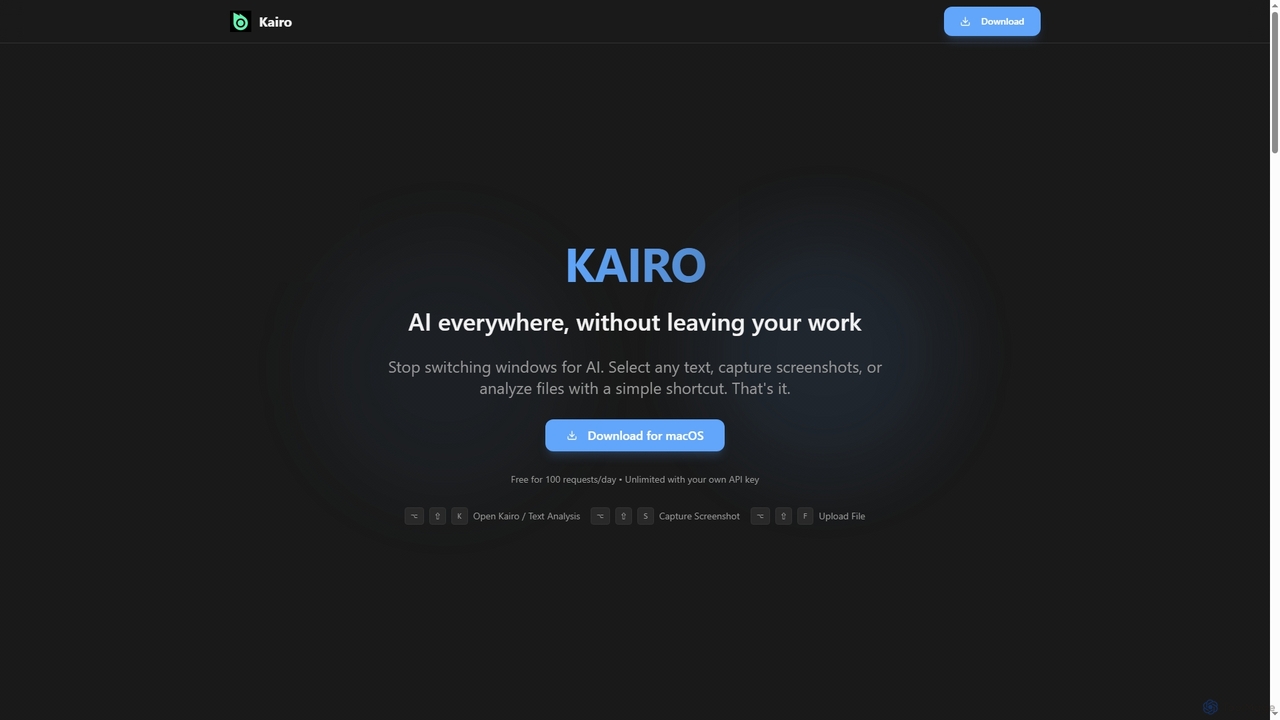
Kairo
Kairo is an AI-powered desktop assistant for macOS that integrates seamlessly into your workflow, eliminating the need to switch applications for AI tasks. It offers smart text transformation, visual analysis of screenshots, and deep analysis of files directly from any app using simple keyboard shortcuts.
Document Analysis
Jyek
Jyek is an AI agent platform that understands objectives, creates execution plans, uses tools, and delivers verifiable results for complex, multi-step tasks.
Automation
MultiLLM
MultiLLM is a web-based platform designed to provide users with a personal AI assistant experience. It offers a centralized hub to access and manage various AI models, potentially integrating plugins and knowledge bases for enhanced productivity and personalized interactions. Users can sign in via email or Google to leverage its capabilities.
Automation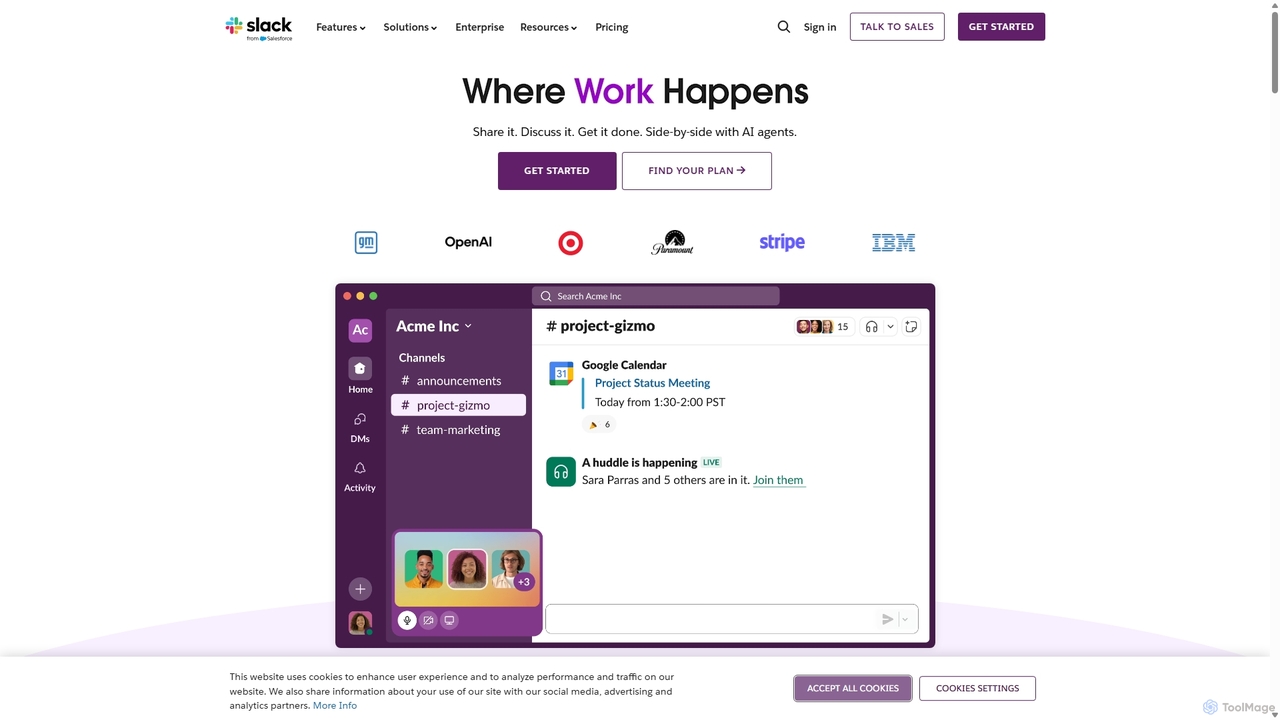
Slack
Slack is an AI-powered collaboration hub that connects your people, partners, and tools. It replaces email with faster, better-organized communication through channels. With integrated AI, workflow automation, and thousands of apps, Slack centralizes your work to boost productivity and streamline project management.
Project Management
Google Gemini
Google Gemini is a powerful, multimodal AI assistant designed to enhance creativity and productivity. It can understand and process text, code, images, and video to help you write, plan, learn, and create. Integrated with Google's ecosystem, it offers features like advanced content generation, deep research, and seamless collaboration within Google apps.
Image Generator
GPT Workspace
GPT Workspace integrates AI-powered features directly into Google Workspace applications like Docs, Sheets, Slides, and Gmail. It enhances productivity by automating content creation, data analysis, email drafting, and document editing, allowing users to leverage the power of models like GPT-4o seamlessly within their existing workflow.
Document Management
Raycast Comments (0)
Sign in to comment.
Sign inNo comments yet.