

Raycast Overview
Raycast is a revolutionary productivity tool for macOS, designed to be your shortcut to everything. It functions as an extendable launcher that is fast, ergonomic, and reliable, transforming how you interact with your computer. By replacing the standard Spotlight search with a powerful, keyboard-first command bar, Raycast allows you to perform complex tasks without ever taking your hands off the keyboard, minimizing distractions and context switching.
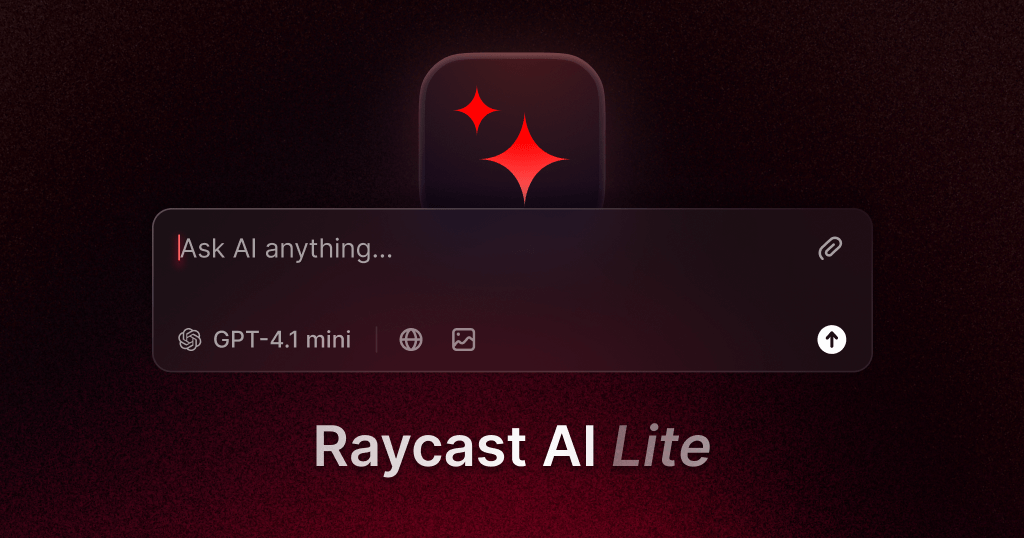
At its core, Raycast provides a unified interface to control your applications and system. It's not just for launching apps; it's for interacting with them. Through a vast and growing library of extensions, you can manage your Jira tickets, search Notion pages, control your Spotify music, or join a Zoom call in seconds. The integration of AI makes it even more powerful, turning your Mac into an AI-native operating system. Raycast AI can help you write code, draft emails, answer complex questions by combining its knowledge with web search, and automate repetitive tasks through custom AI Commands.
How to use Raycast
Getting started with Raycast is simple and intuitive. Here’s a typical workflow:
- Installation and Setup: Download Raycast for Mac and assign it a global hotkey (e.g., ⌥ + Space) to replace or complement Spotlight.
- Basic Commands: Invoke Raycast with your hotkey. Start typing to search for applications, files, or contacts. You can also perform quick calculations, convert units, or check your calendar.
- Using Core Features: Access your Clipboard History to find previously copied items. Use Window Management commands to organize your desktop. Create Snippets for frequently typed text (like email templates or code blocks) and insert them with a keyword.
- Exploring the Store: Open the Store command to browse and install hundreds of extensions for your favorite tools like Slack, GitHub, Google Chrome, and more. Once installed, their commands become available directly in Raycast.
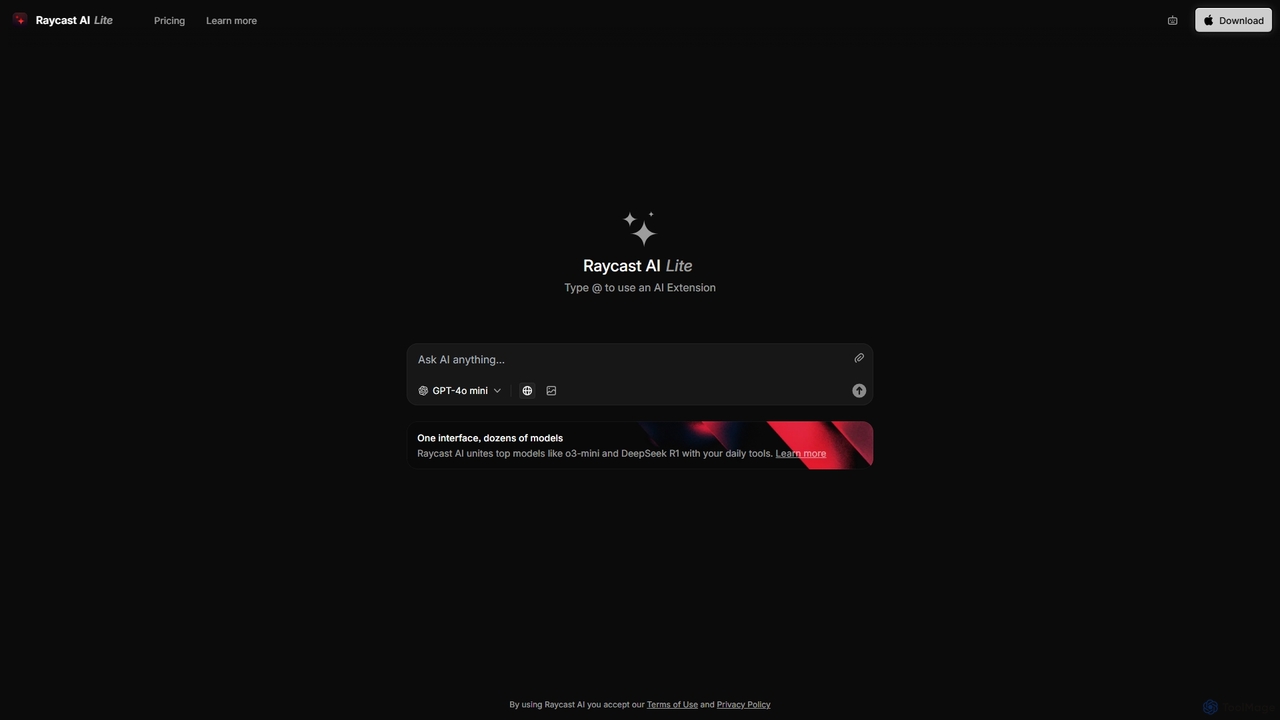
- Leveraging AI: Use 'Ask AI' for quick questions or open 'AI Chat' for a persistent, ChatGPT-like assistant. You can select text anywhere in your OS and send it to Raycast AI to fix spelling, change tone, or translate.
- Automation: Create Quicklinks to instantly open specific websites, files, or folders. Assign aliases or hotkeys to your most used commands for even faster access.
Core Features of Raycast
- Raycast AI: An integrated AI assistant powered by models like GPT-4, Claude, and Perplexity. It offers AI Chat, Quick AI for instant answers, and customizable AI Commands to automate workflows.
- Extensible Launcher: A central command bar to search for and launch apps, files, and run scripts with lightning speed.
- Extension Store: A rich ecosystem with thousands of extensions to integrate with popular services and tools like Jira, GitHub, Slack, Notion, Spotify, and many more.
- Clipboard History: A visual and searchable history of everything you copy, including text and images, with unlimited history available for Pro users.
- Snippets: Create dynamic and static text snippets that can be inserted anywhere using a keyword, saving you from repetitive typing.
- Window Management: A comprehensive set of commands to easily resize and arrange application windows into halves, thirds, quarters, or custom layouts.
- Quicklinks: Create shortcuts to launch your most-used files, folders, and websites from anywhere.
- Raycast Notes: A fast, frictionless, floating note-taking feature with Markdown support, cloud sync, and integration with other Raycast features.
- Developer API: A powerful and easy-to-use API for developers to build custom extensions using React, TypeScript, and Node.js.
Use Cases for Raycast
Raycast is versatile and benefits a wide range of professionals:
- Developers: Search GitHub repositories, manage Linear or Jira issues, run scripts, search documentation, and use AI to debug code or write commit messages without leaving their development environment.
- Writers and Marketers: Use AI to draft marketing copy, rewrite sentences, or generate blog post ideas. Use Snippets to quickly insert brand messaging or standard replies.
- Designers: Quickly find design assets, use a color picker, compress images with the TinyPNG extension, and manage project tasks in tools like Notion or Asana.
- Project Managers: Manage tasks in Todoist or Jira, check their calendar, quickly join meetings, and search across all their project management tools from one place.
- Students: Take quick notes with Raycast Notes, search for research papers, translate text, and manage their study schedule efficiently.
Advantages of Raycast
Raycast stands out for several key reasons:
- Speed and Efficiency: It's built for speed with a keyboard-first design, allowing users to execute tasks in milliseconds and stay in their flow.
- Centralization and Unification: It brings disparate tools and workflows into a single, consistent interface, reducing the need to juggle multiple applications.
- Deep Extensibility: The powerful API and thriving community-driven Store allow for near-infinite customization to fit any workflow.
- Seamless AI Integration: AI is a first-class citizen, deeply integrated into the operating system experience, making it accessible and useful for everyday tasks.
- Generous Free Tier: The free plan is incredibly powerful and sufficient for many users, making it highly accessible.
Pricing and Plans
Raycast operates on a freemium model:
- Free: Includes all core features, access to the extension store, 3 months of clipboard history, 5 Raycast Notes, and 50 free AI messages. Perfect for personal use.
- Pro ($8/month, billed annually): Aimed at individual professionals. Offers everything in Free plus unlimited AI with standard models (GPT-4.1 mini, Claude 3.5 Haiku), unlimited Clipboard History, unlimited Notes, Cloud Sync across devices, custom themes, and more.
- Pro + Advanced AI ($16/month, billed annually): For power users who need the most capable models. Includes everything in Pro plus access to advanced AI models like GPT-4.1, Claude 3.5 Sonnet, and Grok-4.
- Teams (Free & Paid): Designed for organizations. The free tier allows for a limited number of shared commands and snippets. Paid plans (starting at $12/user/month) offer unlimited sharing, a private extension store, and team-wide AI access.
Traffic
Latest traffic
Status
Monthly traffic trend
- 2025-9: 816.3K
- 2026-1: 1.0M
- 2026-2: 756.0K
- 2026-3: 837.6K
- 2026-4: 847.1K
- 2026-5: 1.1M
Geography
Top 5 countries / regions
- 🇺🇸United States41.1%
- 🇧🇷Brazil26.1%
- 🇨🇳China11.9%
- 🇩🇪Germany10.8%
- 🇮🇳India10.0%
Traffic sources
| Source type | Percentage |
|---|---|
Direct | 83.9% |
Referral | 14.9% |
Email | 1.2% |
Top keywords
| Keyword | Cost per click |
|---|---|
| raycast | $0.31 |
| raycast ai | $1.31 |
| raycast extensions | $0.54 |
| raycast mac | $1.57 |
| raycast windows | $0.40 |
Raycast Videos on YouTube


Raycast

Raycast


Digital Freelance Lab

Raycast Alternatives
Raycast
Raycast is a blazingly fast, extensible launcher for macOS that supercharges your productivity. It acts as a central command bar to control your tools, with integrated AI, an extensive extension store, and powerful built-in features like window management and clipboard history. It's designed to reduce context switching and keep you in the flow.
Personal Assistant
alfredsearch
alfredsearch is an award-winning productivity application for macOS that boosts your efficiency. It allows you to search your Mac and the web with incredible speed, and be more productive with custom actions to control your computer. Its powerful search, workflows, and automation features make it an indispensable tool for power users.
Automation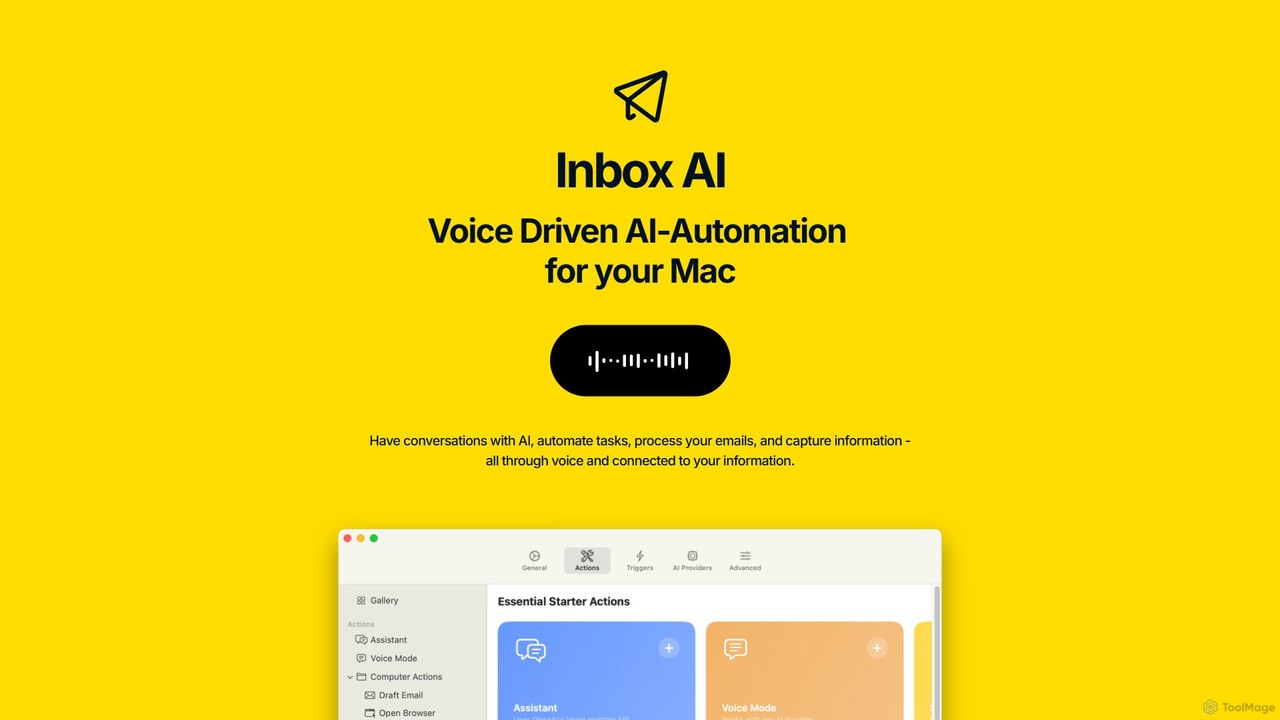
inbox_ai
inbox_ai is a powerful voice-driven AI automation tool for macOS. It allows you to create custom voice commands and build intelligent assistants to streamline your workflow. With features like on-screen quick capture, email filtering, and deep integration with native macOS apps and services like Raycast and PopClip, inbox_ai puts advanced AI capabilities at your fingertips. It operates entirely on-device, ensuring your data remains private and secure, with no login required.
Workflow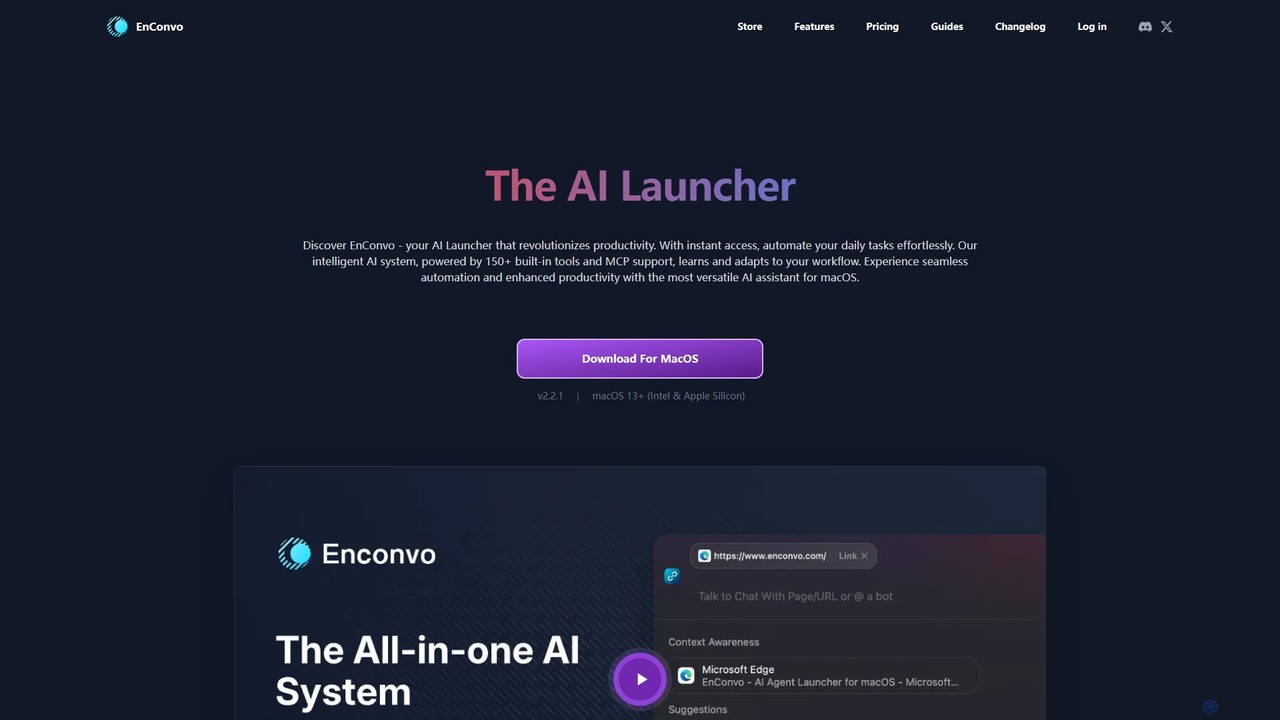
EnConvo
EnConvo is a powerful AI agent launcher for macOS designed to automate tasks and boost productivity. It integrates seamlessly into your workflow with a Spotlight-like interface, offering over 150 tools, custom workflows, context awareness, and support for local LLMs, transforming how you interact with your Mac.
Workflow Automation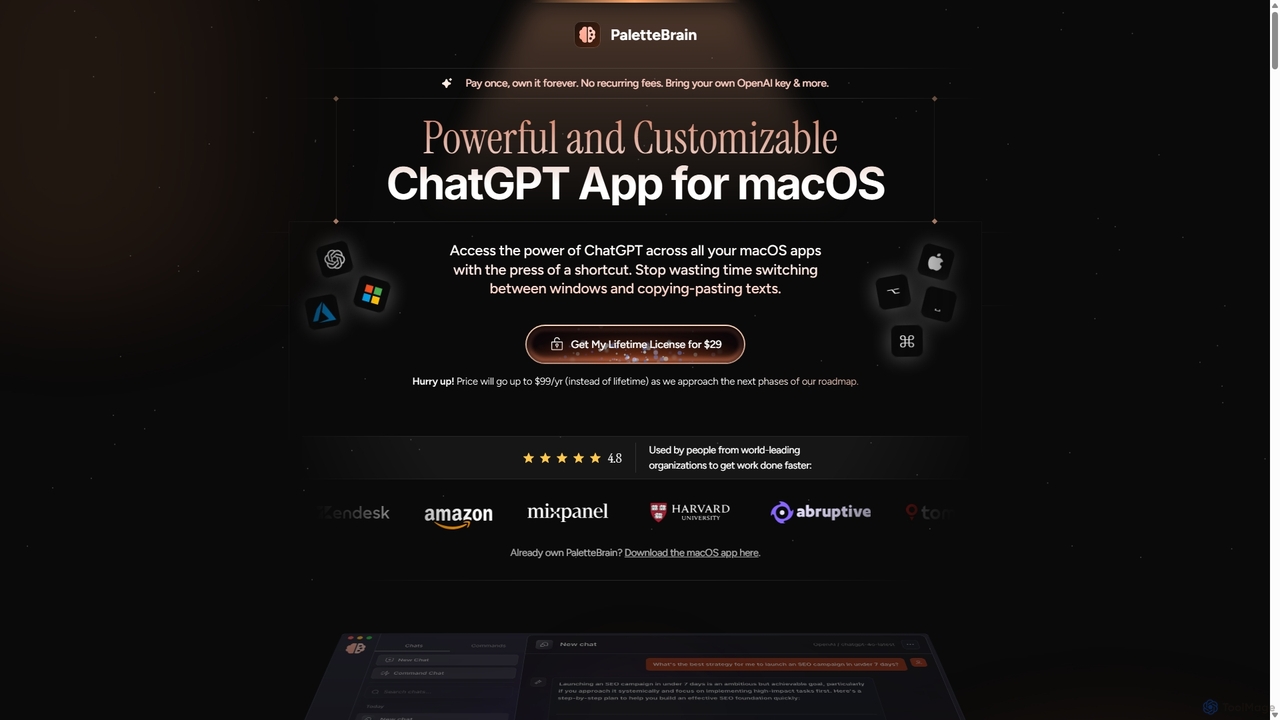
PaletteBrain
PaletteBrain is a native macOS application that integrates the power of ChatGPT directly into your workflow. With a simple keyboard shortcut, you can access AI commands on any selected text within any app, eliminating context switching. It offers customizable prompts, a one-time purchase model, and allows you to use your own OpenAI key for pay-as-you-go usage, making it a cost-effective and efficient productivity booster for writers, developers, and marketers.
Code AssistantRaycast Categories
Raycast Embed Widget
Copy this embed code to place the badge on your blog, article, or product site and send readers directly to this ToolMage detail page.

Related AI tools
Raycast
Raycast is a blazingly fast, extensible launcher for macOS that supercharges your productivity. It acts as a central command bar to control your tools, with integrated AI, an extensive extension store, and powerful built-in features like window management and clipboard history. It's designed to reduce context switching and keep you in the flow.
Personal Assistantalfredsearch
alfredsearch is an award-winning productivity application for macOS that boosts your efficiency. It allows you to search your Mac and the web with incredible speed, and be more productive with custom actions to control your computer. Its powerful search, workflows, and automation features make it an indispensable tool for power users.
Automationinbox_ai
inbox_ai is a powerful voice-driven AI automation tool for macOS. It allows you to create custom voice commands and build intelligent assistants to streamline your workflow. With features like on-screen quick capture, email filtering, and deep integration with native macOS apps and services like Raycast and PopClip, inbox_ai puts advanced AI capabilities at your fingertips. It operates entirely on-device, ensuring your data remains private and secure, with no login required.
WorkflowEnConvo
EnConvo is a powerful AI agent launcher for macOS designed to automate tasks and boost productivity. It integrates seamlessly into your workflow with a Spotlight-like interface, offering over 150 tools, custom workflows, context awareness, and support for local LLMs, transforming how you interact with your Mac.
Workflow Automation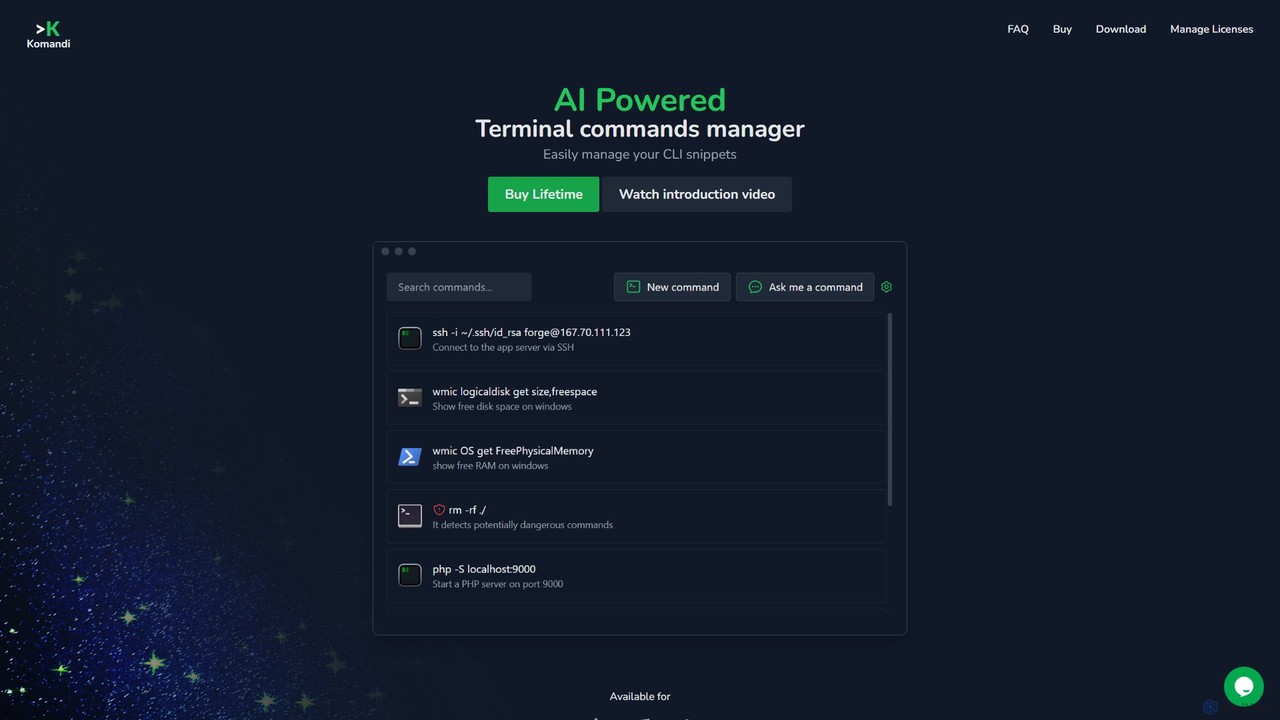
Komandi
Komandi is an AI-powered CLI/terminal command manager for developers and sysadmins. It simplifies command-line operations by allowing you to manage snippets, generate complex commands from natural language, and execute them safely. It supports macOS, Windows, and Linux, streamlining your workflow by organizing frequently used commands and detecting potentially dangerous ones before execution.
Code AssistantPaletteBrain
PaletteBrain is a native macOS application that integrates the power of ChatGPT directly into your workflow. With a simple keyboard shortcut, you can access AI commands on any selected text within any app, eliminating context switching. It offers customizable prompts, a one-time purchase model, and allows you to use your own OpenAI key for pay-as-you-go usage, making it a cost-effective and efficient productivity booster for writers, developers, and marketers.
Code Assistant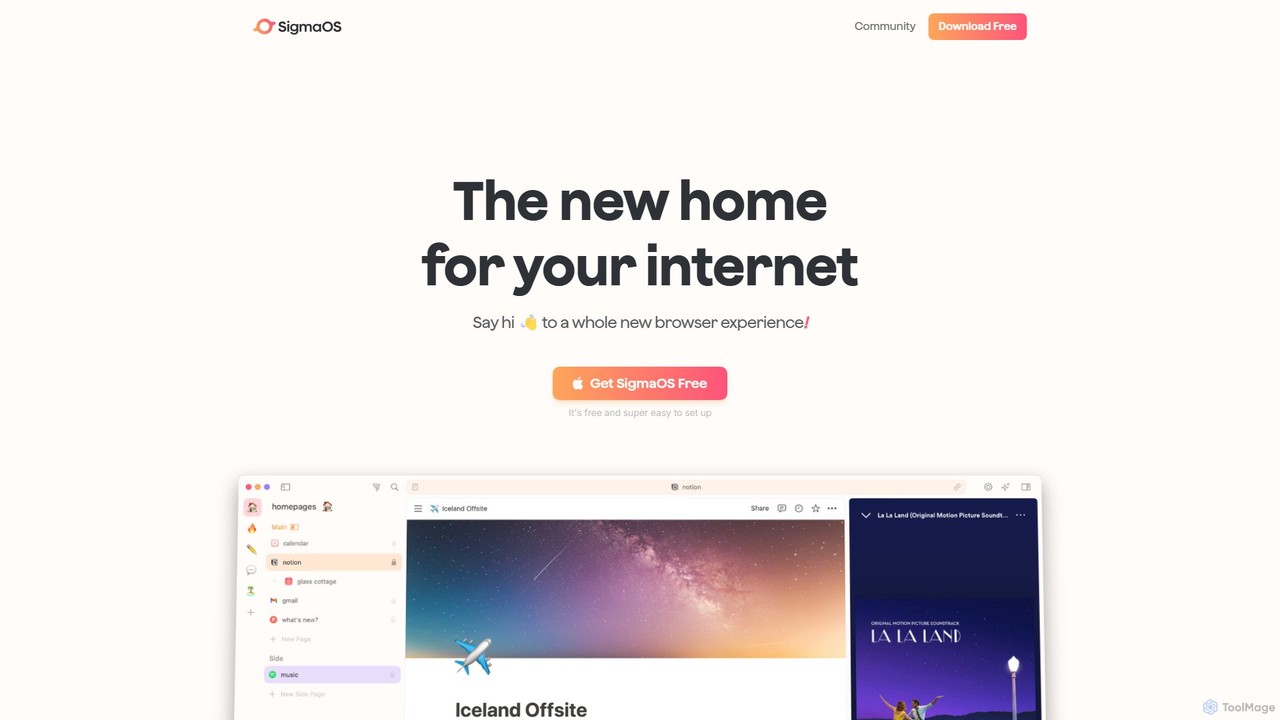
SigmaOS
SigmaOS is a revolutionary AI-powered web browser designed for work and productivity on macOS. It reimagines the browsing experience with features like workspaces for organization, vertical tabs managed as tasks, and an integrated AI assistant named Airis. It combines the speed and security of Safari's WebKit engine with the versatility of Chrome extensions, creating a focused, efficient, and intelligent environment for students, founders, and creatives.
Search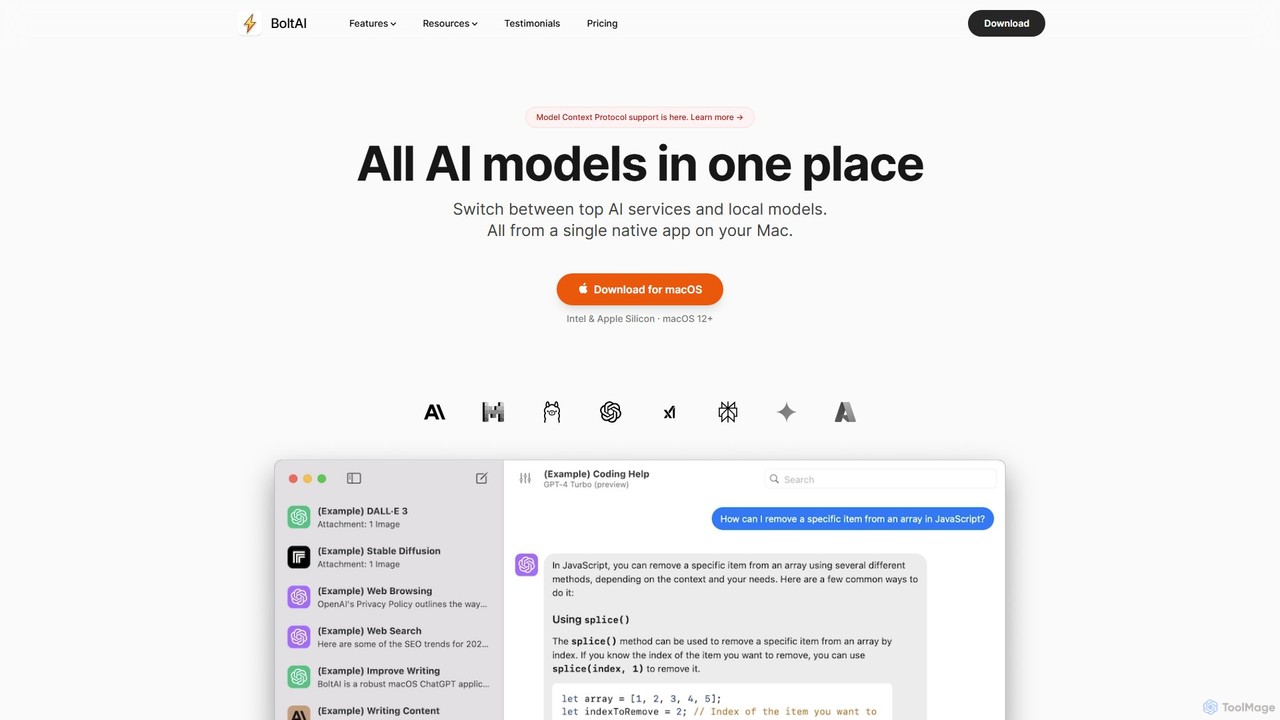
BoltAI
BoltAI is a native, high-performance AI assistant for macOS that integrates multiple AI models like GPT, Claude, and local models directly into your workflow. It offers features like an in-IDE coding assistant, custom AI assistants, a prompt library, and powerful plugins to boost productivity for developers, writers, and professionals.
Coding
Omnipilot
Omnipilot, now part of Highlight, is a powerful AI assistant for Mac & Windows. It works across all your apps, providing context-aware assistance for writing, meetings, and tasks. It understands what's on your screen to reduce context switching and boost productivity without needing to copy-paste.
Utilities
heyalice
heyalice is a personal AI assistant for your desktop (macOS, Windows, Linux) that centralizes top AI models like GPT-4o and Claude 3.5. It enhances productivity through customizable assistants, reusable prompts (Skills), and seamless integration with automation tools like Zapier and Make. Bring your own API keys to control costs and work faster with powerful keyboard shortcuts, all within a privacy-focused, local application.
Code Assistant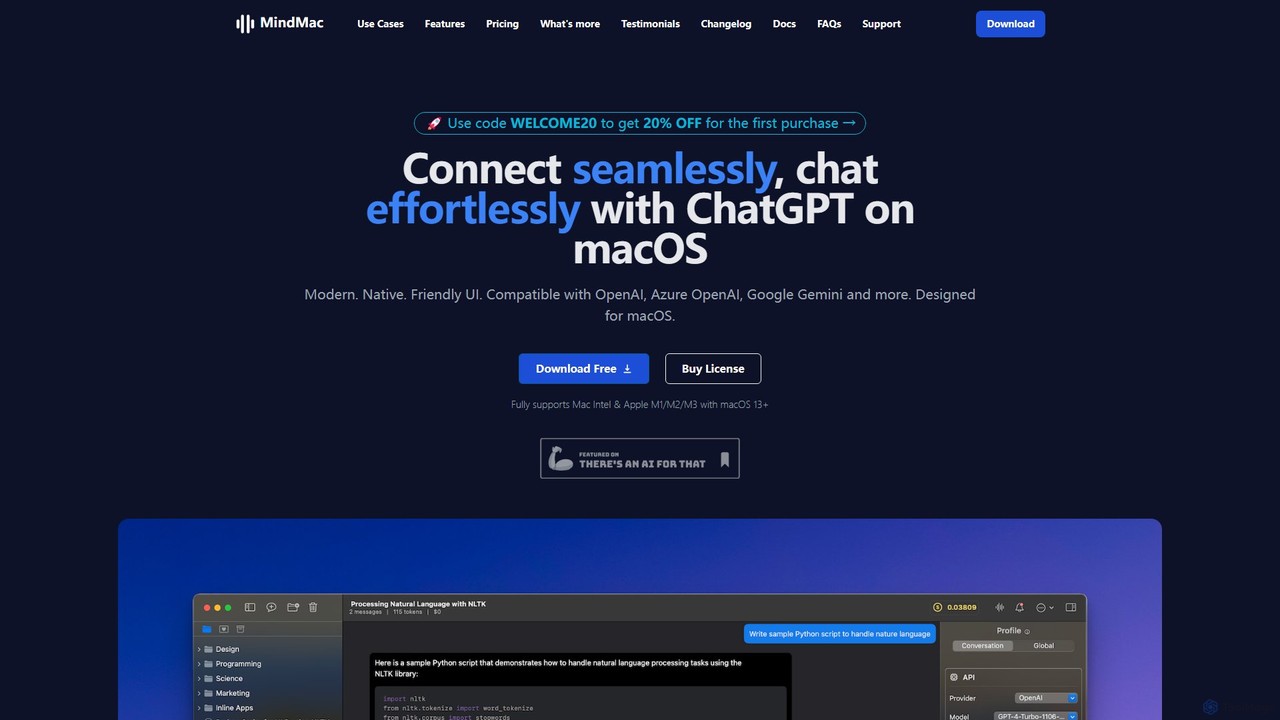
MindMac
MindMac is a powerful, native macOS client that provides a unified interface for interacting with a vast range of AI models, including OpenAI's GPT, Google Gemini, Claude, and local LLMs. It enhances productivity with features like an inline mode for use in any app, a rich prompt library, and extensive customization. It prioritizes privacy and security by storing API keys locally and communicating directly with AI providers.
Macos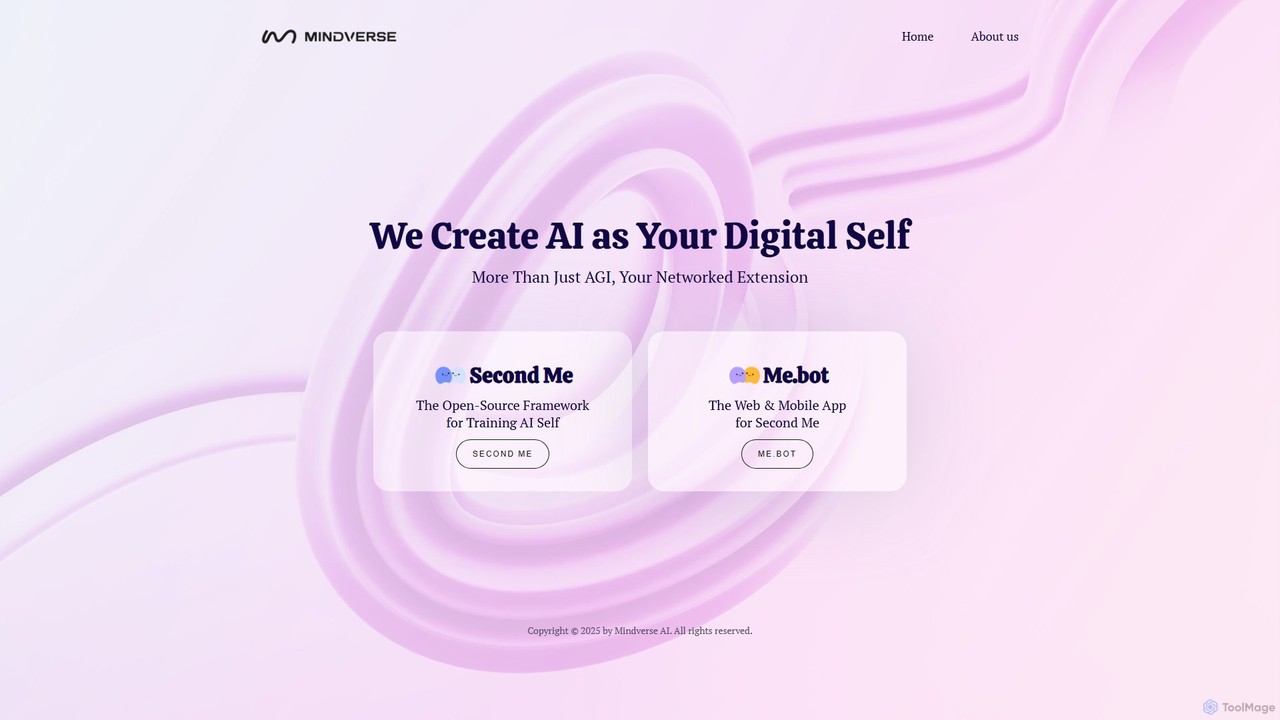
Mindverse.ai
Mindverse.ai is a platform for creating your 'Digital Self'—a personalized AI that acts as your networked extension. It features 'Second Me,' an open-source framework for training your AI, and 'Me.bot,' a user-friendly web and mobile app to interact with your digital twin for enhanced productivity and automation.
Personalized Avatars
Omnipilot
Omnipilot is a system-wide AI copilot for macOS, designed to integrate seamlessly into any application. It provides contextual assistance, allowing you to generate text, write code, and automate tasks in any text field, boosting productivity by eliminating the need to switch between apps. Note: Omnipilot has been acquired by and merged into Highlight AI.
Coding Assistant
timemaster
timemaster is an AI-powered, privacy-first time and productivity tracker for macOS. It automatically monitors your activities in the background, providing insightful analytics to help you understand your work habits, minimize distractions, and supercharge your focus to achieve more every day.
Analytics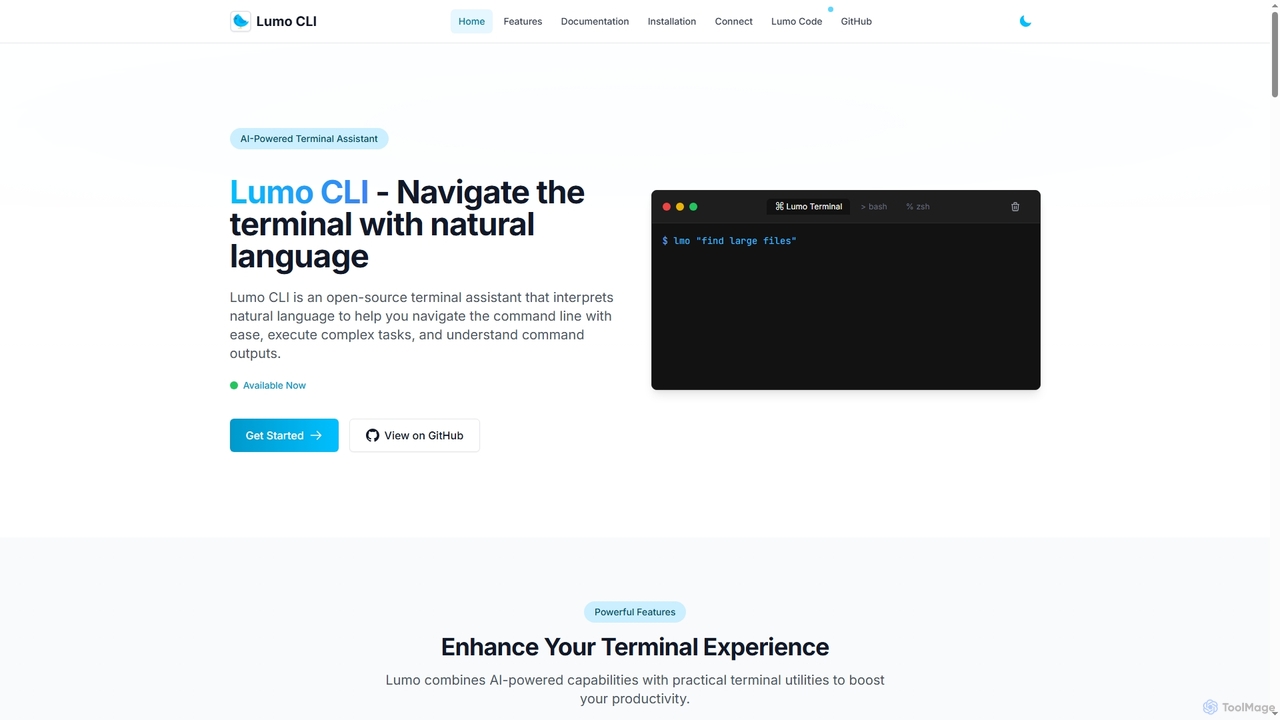
Lumo
Lumo is an open-source, AI-powered terminal assistant that allows users to interact with the command line using natural language. It translates plain English into executable commands, automates complex tasks, monitors system health, and supports multiple AI models including Gemini, OpenAI, and Ollama for local inference.
Code Assistant
Raycast Comments (0)
Sign in to comment.
Sign inNo comments yet.