

timemaster Overview
timemaster is an intelligent productivity assistant designed exclusively for macOS users who want to take control of their time and enhance their focus. Operating seamlessly in the background, this application provides a fully automatic time tracking experience, eliminating the need for manual timers or tedious logging. It's built on a privacy-first principle, ensuring all your sensitive data is stored locally and encrypted on your device, never transmitted to the cloud. By analyzing your app and website usage, timemaster offers powerful, data-driven insights into your work patterns, helping you identify your most productive hours and pinpoint your biggest distractions.
The tool goes beyond simple tracking by offering a suite of features aimed at building better habits and preventing burnout. It helps you understand where your time truly goes, categorizes activities, and can even generate detailed time logs with AI-generated summaries for projects. With timemaster, you can reclaim your focus, optimize your workflow, and achieve a healthier work-life balance.
How to use timemaster
Using timemaster is designed to be effortless. First, download and install the application on your macOS device (compatible with macOS 11+ on both Intel and Apple Silicon). Once installed, the app runs automatically in the background, tracking your computer usage without any manual intervention. You can access the main dashboard to view your productivity data, including focus scores, time spent on different apps, and distraction patterns. To customize your experience, navigate to the settings to define work hours, set goals, manage project lists, and configure notifications. For structured work, you can activate the Pomodoro timer directly from the app. The menu bar widget provides a quick, at-a-glance summary of your day's progress without interrupting your workflow. Simply let it run, and review the weekly and monthly reports to gain long-term insights into your habits.
Core Features of timemaster
- Fully Automatic Time Tracking: Runs in the background to automatically log time spent on apps and websites without manual start/stop timers.
- AI-Powered Analytics: Delivers insights on your most productive hours, top distractions, and a personal productivity score to help you optimize your workflow.
- Privacy-First Architecture: All user data is stored exclusively on the local device and is encrypted before storage, ensuring complete privacy and security.
- Goal Setting and Tracking: Set daily, weekly, and monthly goals for work hours, focus time, and distraction limits, and monitor your progress on the dashboard.
- Integrated Pomodoro Timer: Use the Pomodoro technique with a built-in timer that provides detailed analytics after each session, including focus scores and distractions.
- Advanced Project Management: Automatically detects projects from tools like Figma, VS Code, and JetBrains, and allows for custom labeling, approval workflows, and detailed time logs.
- Distraction Management: Identifies and helps you manage non-work activities, allowing you to set usage limits for specific apps to maintain focus.
- Comprehensive Reporting: Generates detailed weekly and monthly reports, and allows you to export timesheets with AI-generated summaries for analysis or billing.
- Habit-Building Tools: Features overworking notifications to encourage breaks, daily notes for task organization, and discipline tracking to maintain a consistent schedule.
Use Cases for timemaster
timemaster is ideal for a wide range of users. Freelancers and consultants can use it for accurate, automatic time logging across different client projects, simplifying the billing process with exportable timesheets. Software developers and designers benefit from its seamless integration with development tools, automatically tracking time spent on specific projects and codebases. Product managers and remote workers can leverage it to understand how their day is structured, identify time sinks, and optimize their schedule for deep work. Students and academics can use the Pomodoro timer and distraction analysis to improve their study habits and focus. Essentially, anyone who works on a Mac and wants to improve their productivity, reduce distractions, and gain a clear understanding of their work habits will find timemaster invaluable.
Advantages of timemaster
The primary advantage of timemaster is its combination of powerful, automatic tracking with a steadfast commitment to user privacy. Unlike many cloud-based trackers, your data never leaves your machine. Its AI-driven insights are actionable, moving beyond raw data to provide concrete suggestions for improvement. The tool is highly comprehensive, integrating time tracking, project management, goal setting, and habit formation into a single, intuitive macOS application. This eliminates the need for multiple separate tools. The fully automatic nature means users can 'set it and forget it,' ensuring consistent and accurate data collection without the mental overhead of manual tracking.
Pricing and Plans
timemaster operates on a freemium model, making its core functionality accessible to everyone.
- Free Plan: At $0/month, this plan includes all core features but only retains data for the current week. It's perfect for users who want to try out the tool or need basic weekly insights.
- Pro Plan: This plan unlocks the full potential of the tool. It offers unlimited data retention, allowing for long-term trend analysis. It also includes advanced features like AI-powered activity categorization and a detailed AI Productivity Score. The Pro plan is available via monthly, yearly, or a one-time lifetime purchase.
Traffic
Latest traffic
Status
Monthly traffic trend
- 2025-9: 4.1K
- 2026-1: 3.2K
- 2026-2: 1.6K
- 2026-3: 838
- 2026-4: 585
- 2026-5: 939
Geography
Top 5 countries / regions
- 🇮🇳India64.1%
- 🇺🇸United States35.9%
Top keywords
| Keyword | Cost per click |
|---|---|
| best productivity books | $0.39 |
| is there screen time on macbook | $0.00 |
| screentime blocker for macbook | $0.00 |
| timemaster | $0.10 |
| timemasterhd app | $0.00 |
timemaster Alternatives
hootz
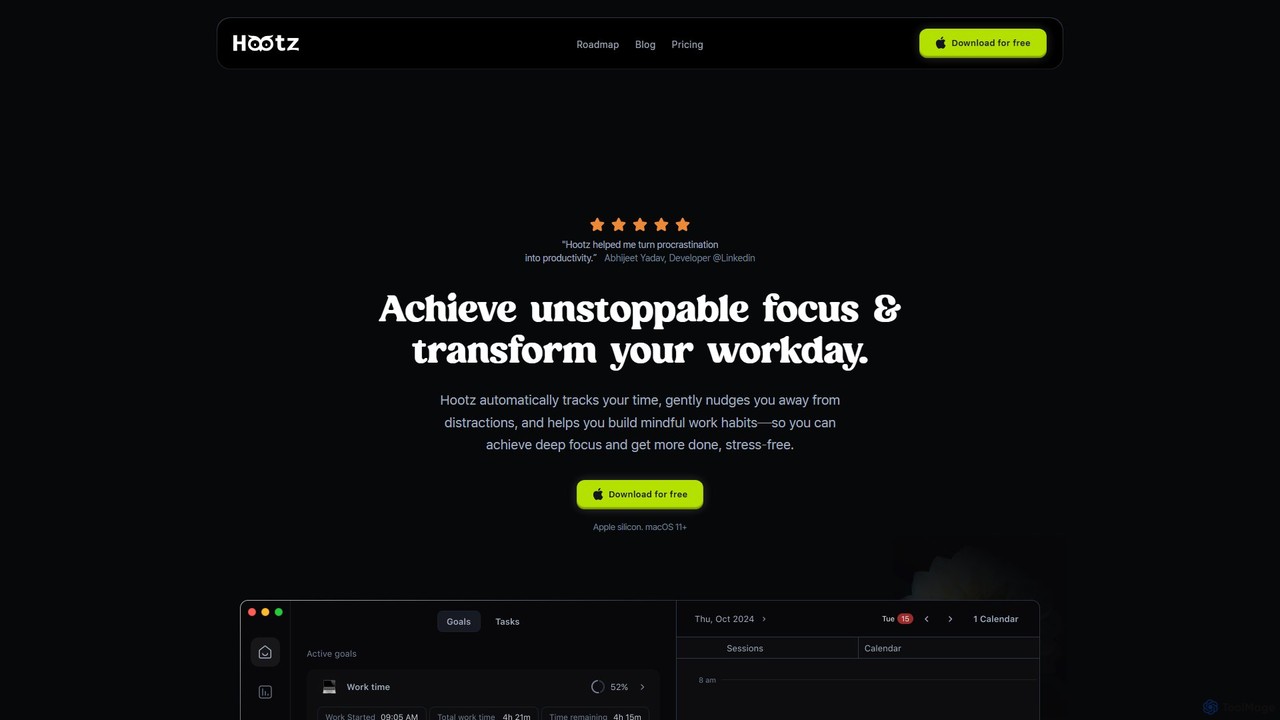
hootz is an AI-powered productivity companion for macOS designed to help users achieve deep focus. It automatically tracks time, blocks distractions, provides real-time nudges to stay on task, and integrates mindful practices to transform your workday and build better habits.
Focus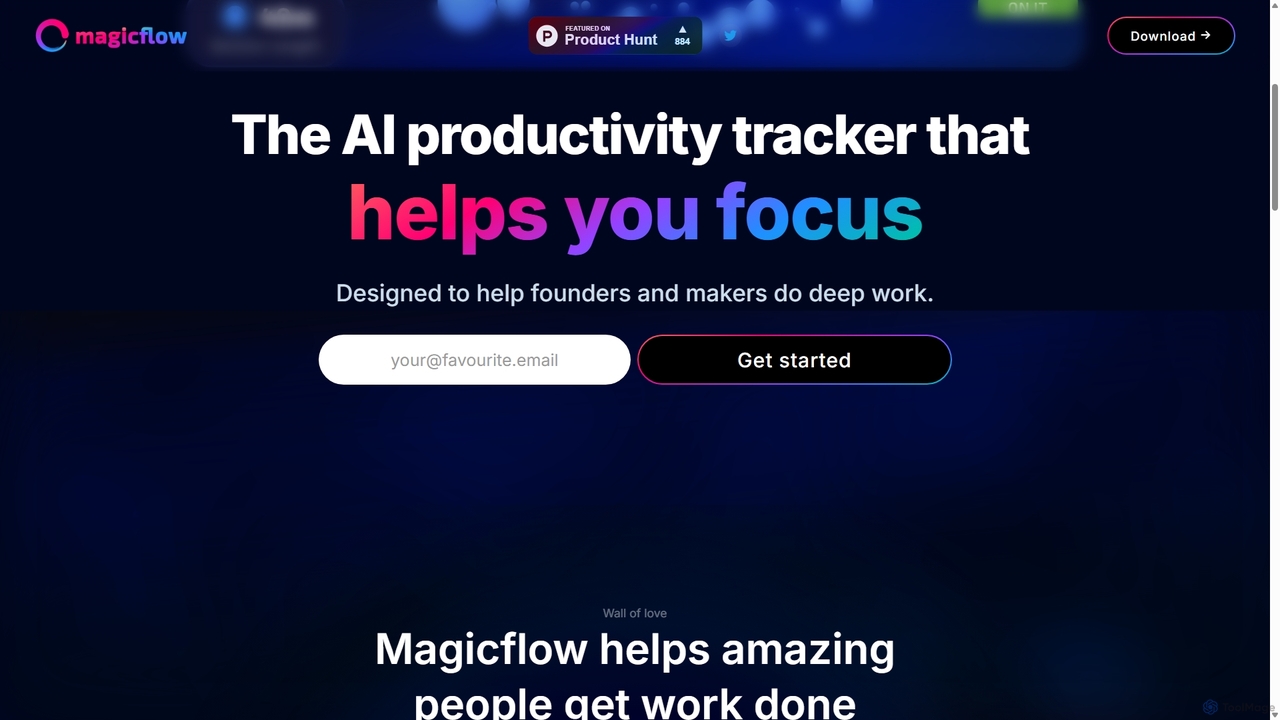
Magicflow
Magicflow is your personal AI productivity coach, designed to help you achieve deep focus and optimize your work habits. It goes beyond simple time tracking by analyzing your patterns, identifying distractions, and providing actionable insights to improve your efficiency, well-being, and help you enter a state of 'flow'.
Wellness Tracking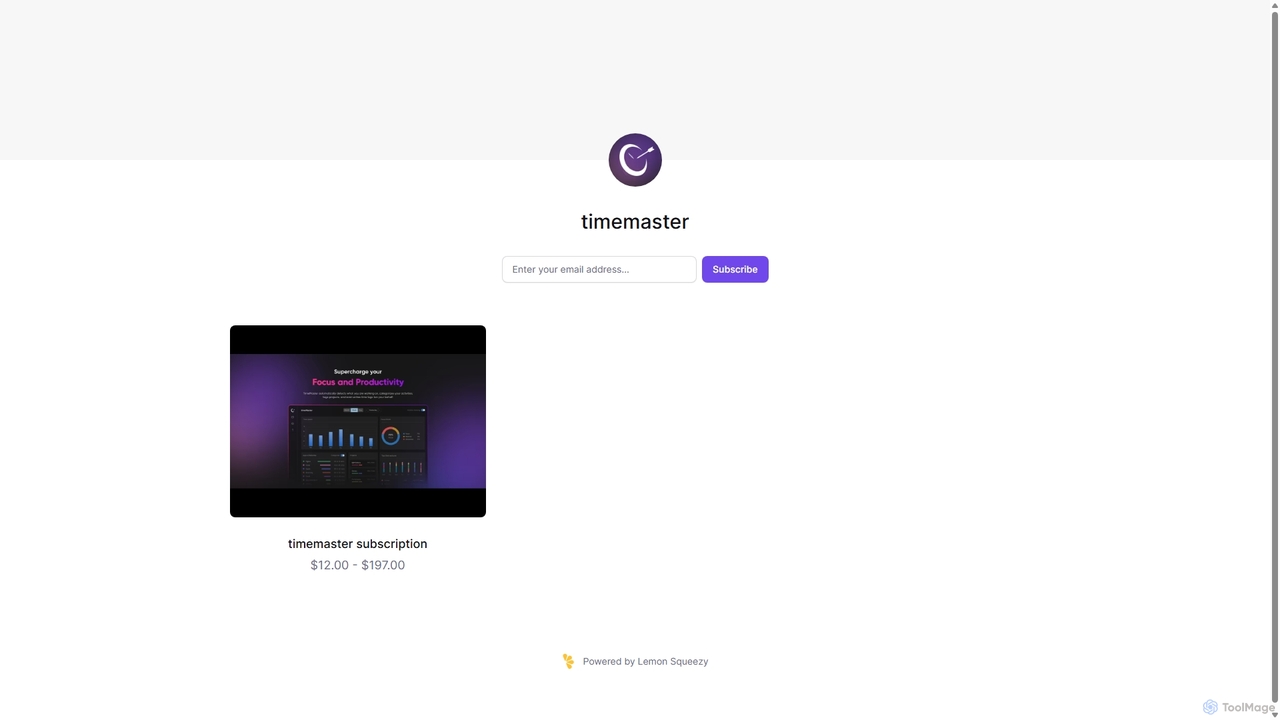
Timemaster
Timemaster is an intelligent, privacy-first time tracking and analytics tool. It uses AI to provide insightful analytics, helping freelancers, teams, and individuals manage their time more effectively, boost productivity, and achieve their goals without compromising data privacy.
Analytics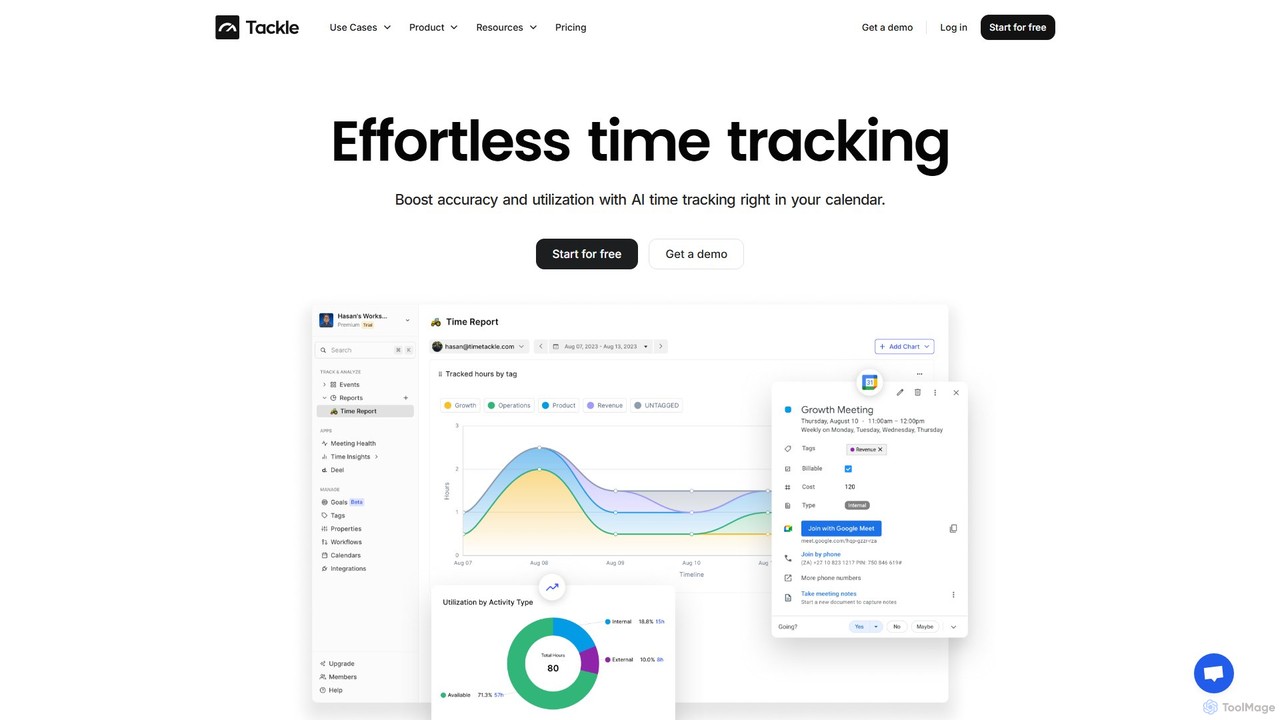
timetackle
timetackle is an AI-powered time tracking software that integrates seamlessly with Google and Outlook calendars. It automates activity logging, provides intelligent insights, and offers customizable reporting to help teams and individuals optimize productivity, improve resource allocation, and align daily tasks with strategic goals. Effortlessly track time and gain actionable data without leaving your calendar.
Analytics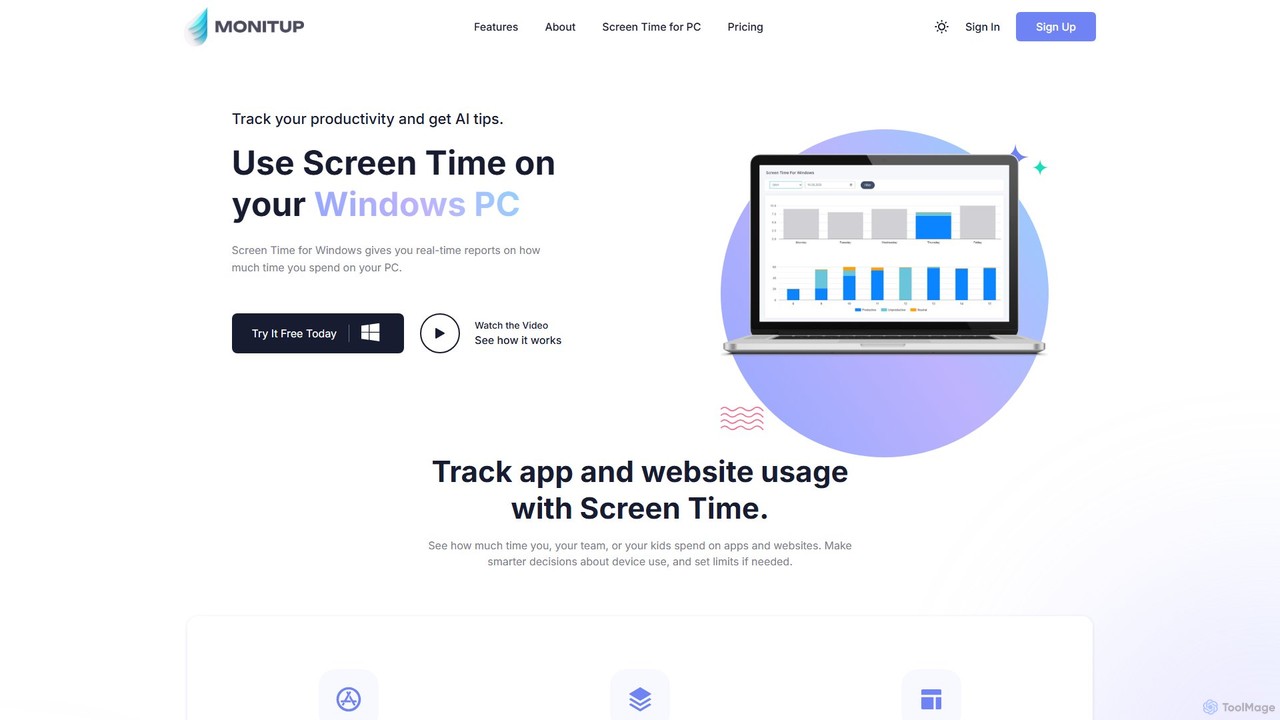
screentime
An AI-powered time management tool for Windows that tracks your PC usage on apps and websites. It provides personalized suggestions to help you understand your habits, eliminate distractions, and significantly boost your productivity.
Analyticstimemaster Categories
timemaster Embed Widget
Copy this embed code to place the badge on your blog, article, or product site and send readers directly to this ToolMage detail page.

Related AI tools
hootz
hootz is an AI-powered productivity companion for macOS designed to help users achieve deep focus. It automatically tracks time, blocks distractions, provides real-time nudges to stay on task, and integrates mindful practices to transform your workday and build better habits.
Focus
TiimoAI
TiimoAI is an AI-powered Chrome extension designed to enhance productivity by intelligently tracking time, organizing browser tabs, and fostering deep focus. It provides detailed analytics on work patterns, helping users understand and optimize their daily output and achieve long-term goals.
Productivity Tracking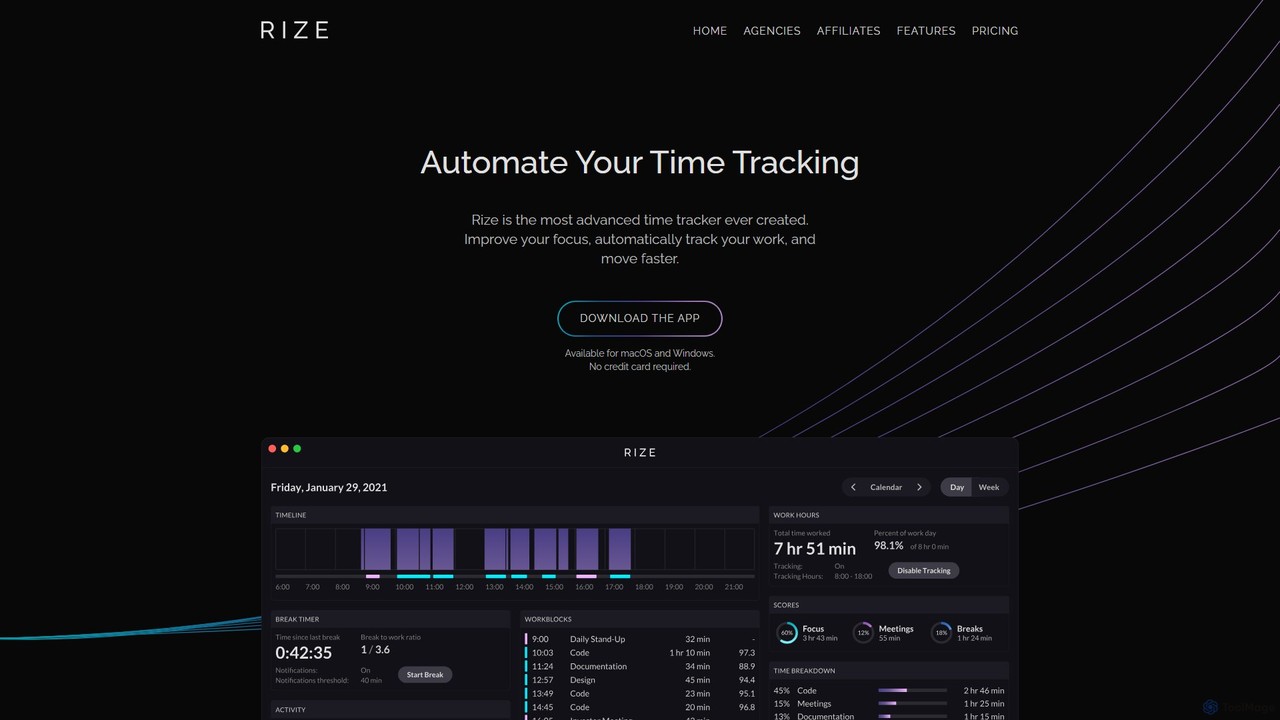
Rize
Rize is an intelligent, AI-powered time tracking application designed to boost your productivity and focus. It automatically monitors your computer activity without manual timers, providing deep insights into how you spend your time. Rize helps you build better work habits, prevent burnout with smart notifications, and achieve a healthier work-life balance. It's the ultimate fitness app for your productivity, tailored for founders, freelancers, managers, and anyone looking to optimize their workflow.
Personal Analytics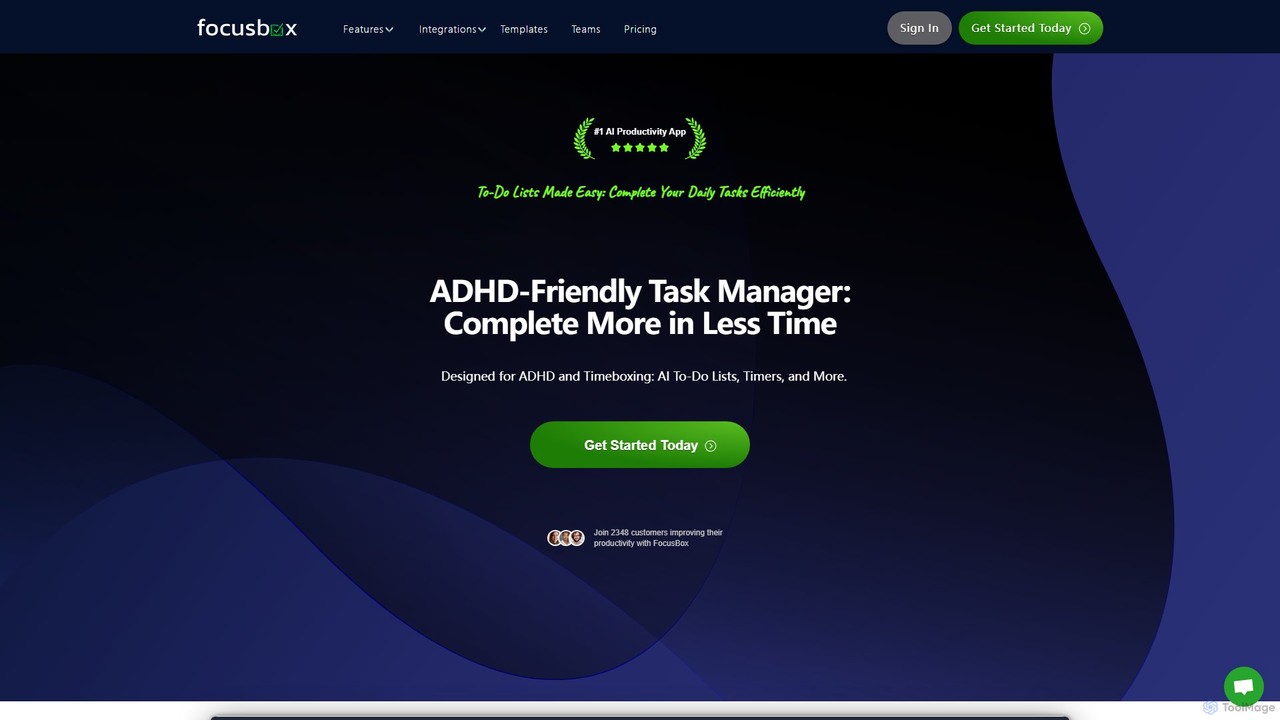
FocusBox
FocusBox is an AI-powered productivity app designed for ADHD and timeboxing. It creates smart to-do lists, uses timers to enhance focus, and offers features like ambient sounds and celebration modes to boost motivation. Ideal for individuals and teams looking to minimize distractions and complete tasks efficiently.
Mental Health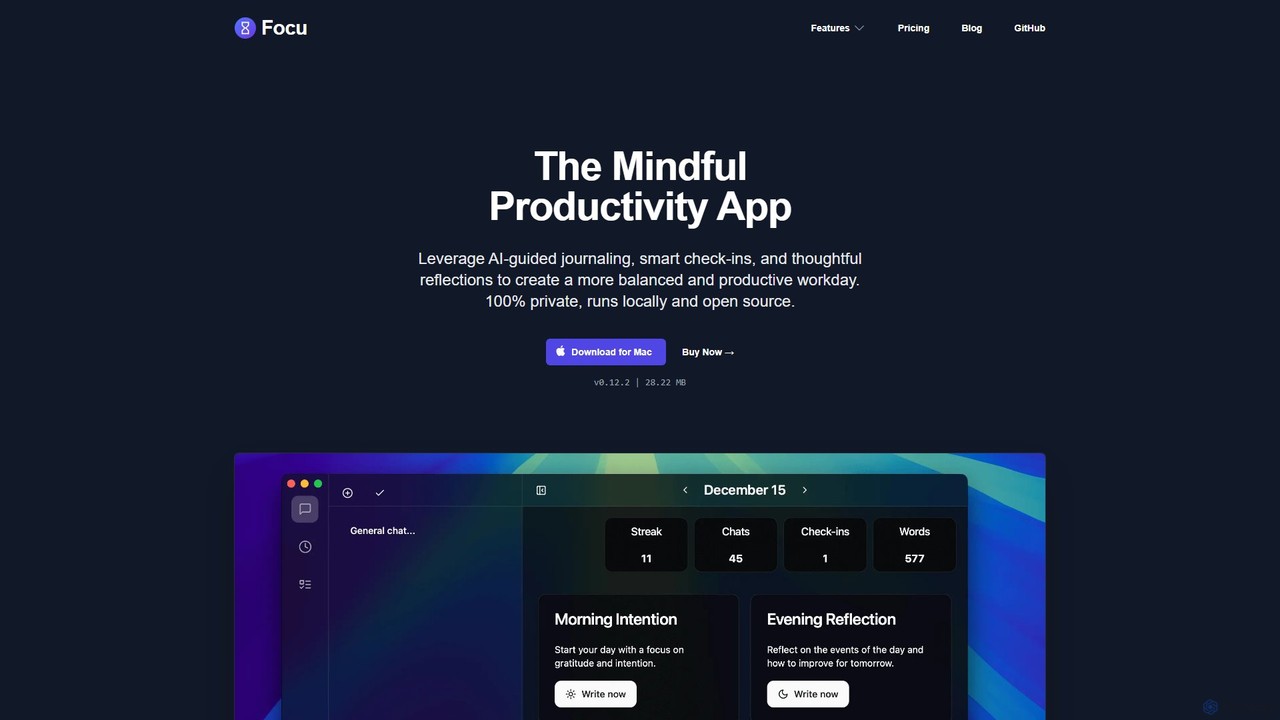
Focu
Focu is a mindful productivity app for Mac that enhances your workday with AI-guided journaling, smart check-ins, and thoughtful reflections. It features a Pomodoro timer, AI task extraction, and operates 100% locally to ensure complete privacy. As an open-source tool with a one-time purchase model, Focu offers a balanced, focused, and secure approach to task management and personal well-being.
Task Management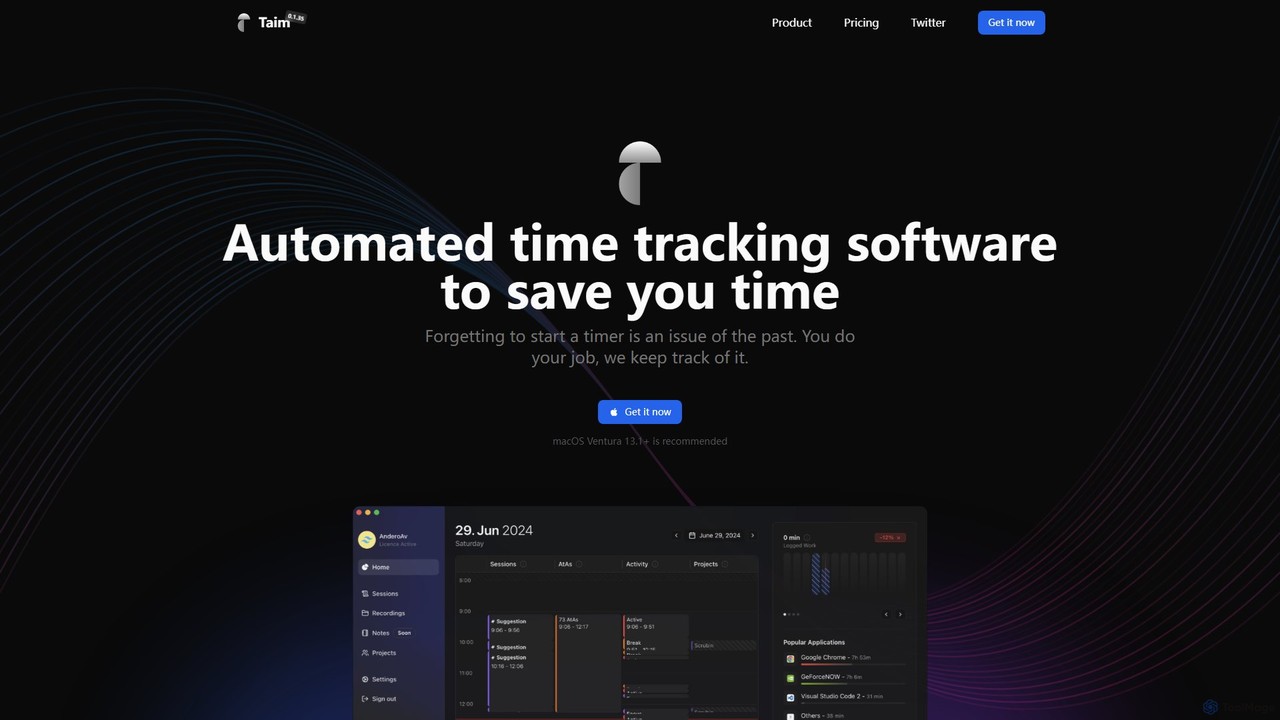
Taim
Taim is an intelligent, automated time tracking software for macOS and Windows designed for freelancers, consultants, and teams. It automatically records your activity across apps and windows, providing accurate data for billing and productivity analysis. With both manual and automatic modes, Pomodoro timer, and detailed analytics, Taim helps you work smarter, not harder, while ensuring your data remains private and on your device.
Freelancer Tools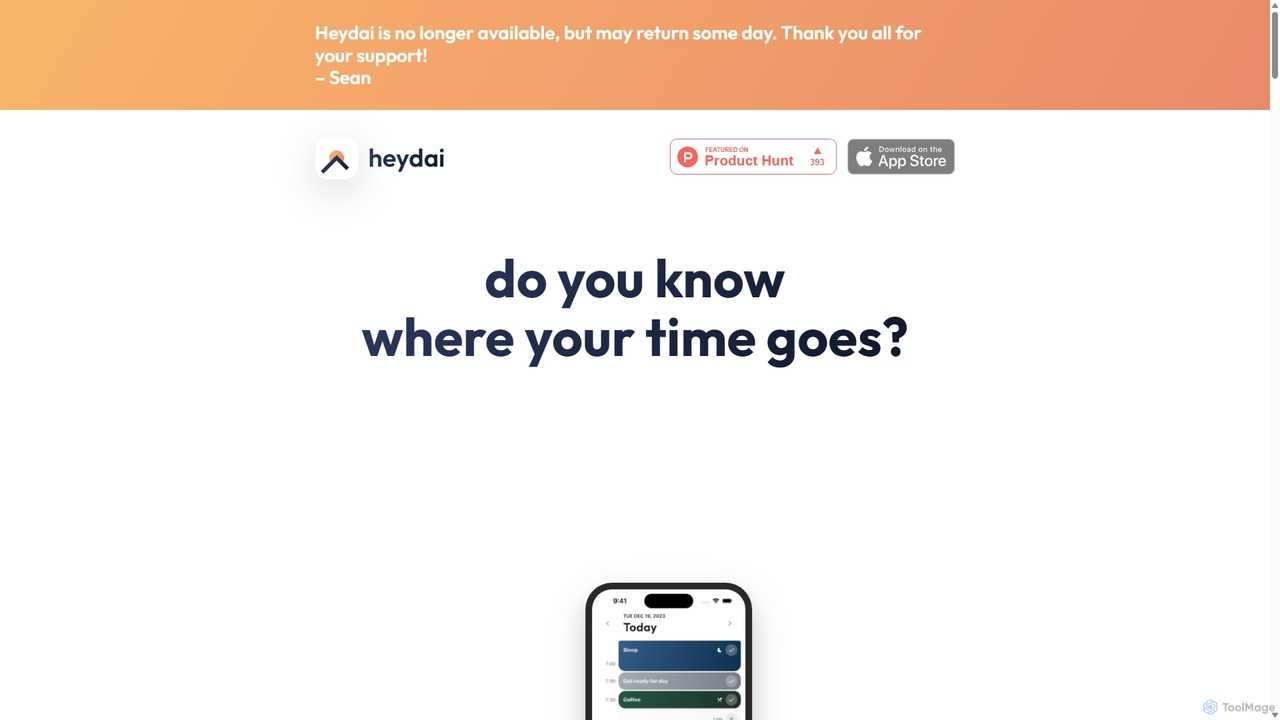
Heydai
Heydai is an AI-powered daily planner and time tracker designed to help you understand where your time goes. It provides a visual timeline, in-depth analytics, and intelligent recommendations to align your daily activities with your long-term goals, boosting productivity and ensuring your time matches your priorities.
Analytics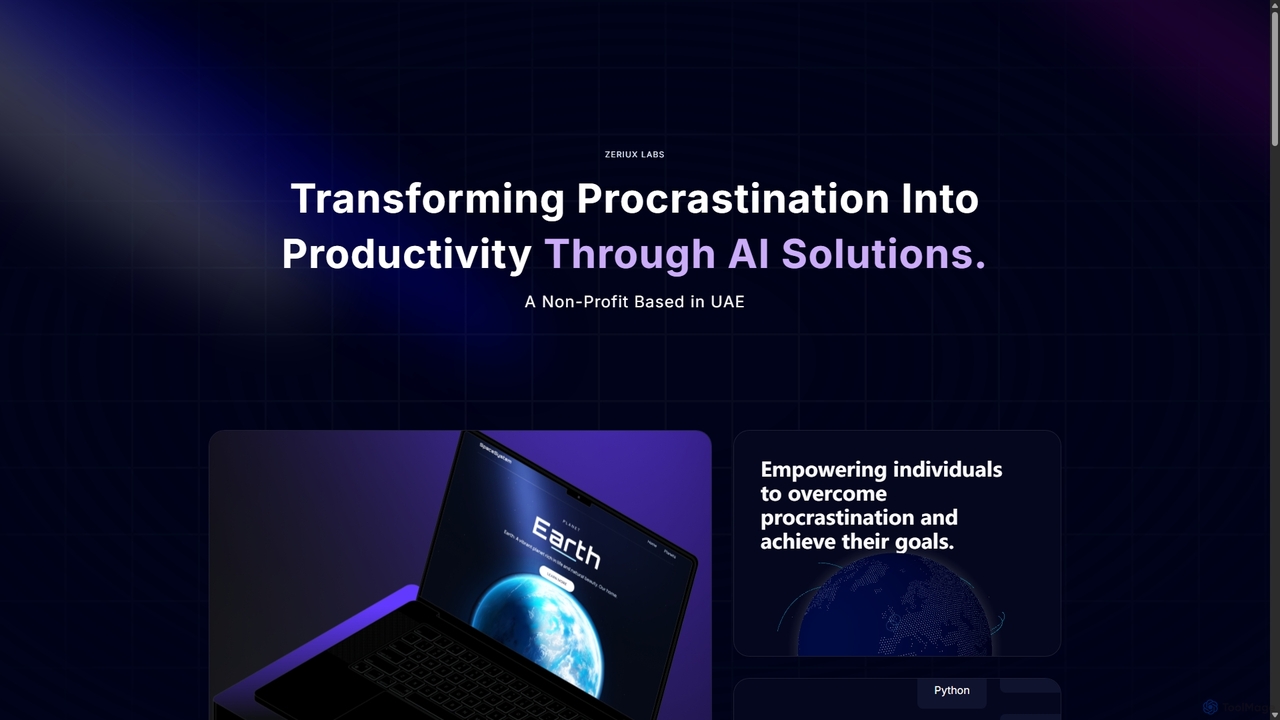
Zeriux Labs
Zeriux Labs is a non-profit organization developing a suite of AI-powered productivity tools designed to combat procrastination. Their solutions, including ProAct+, ProSync+, and Focus Forge, help users manage tasks, optimize schedules, and maintain focus. By leveraging AI, Zeriux Labs aims to make productivity accessible to everyone, transforming daunting goals into achievable daily actions.
Habit Formation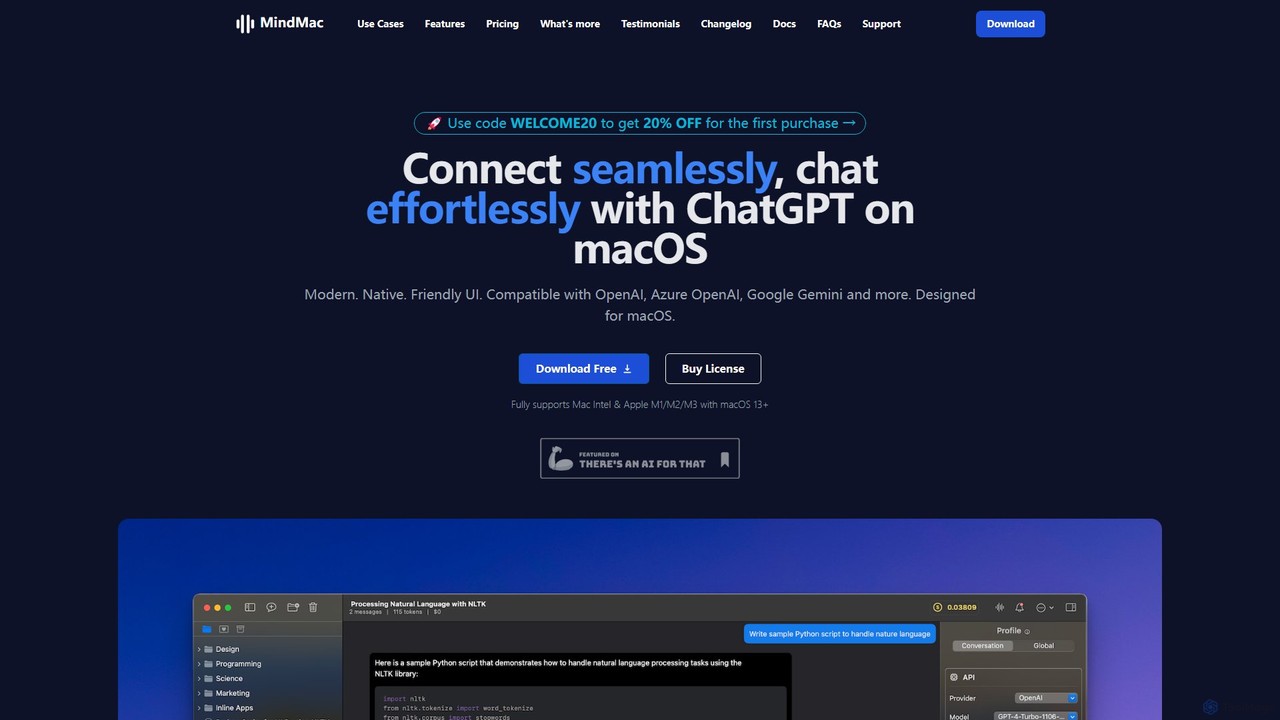
MindMac
MindMac is a powerful, native macOS client that provides a unified interface for interacting with a vast range of AI models, including OpenAI's GPT, Google Gemini, Claude, and local LLMs. It enhances productivity with features like an inline mode for use in any app, a rich prompt library, and extensive customization. It prioritizes privacy and security by storing API keys locally and communicating directly with AI providers.
Macos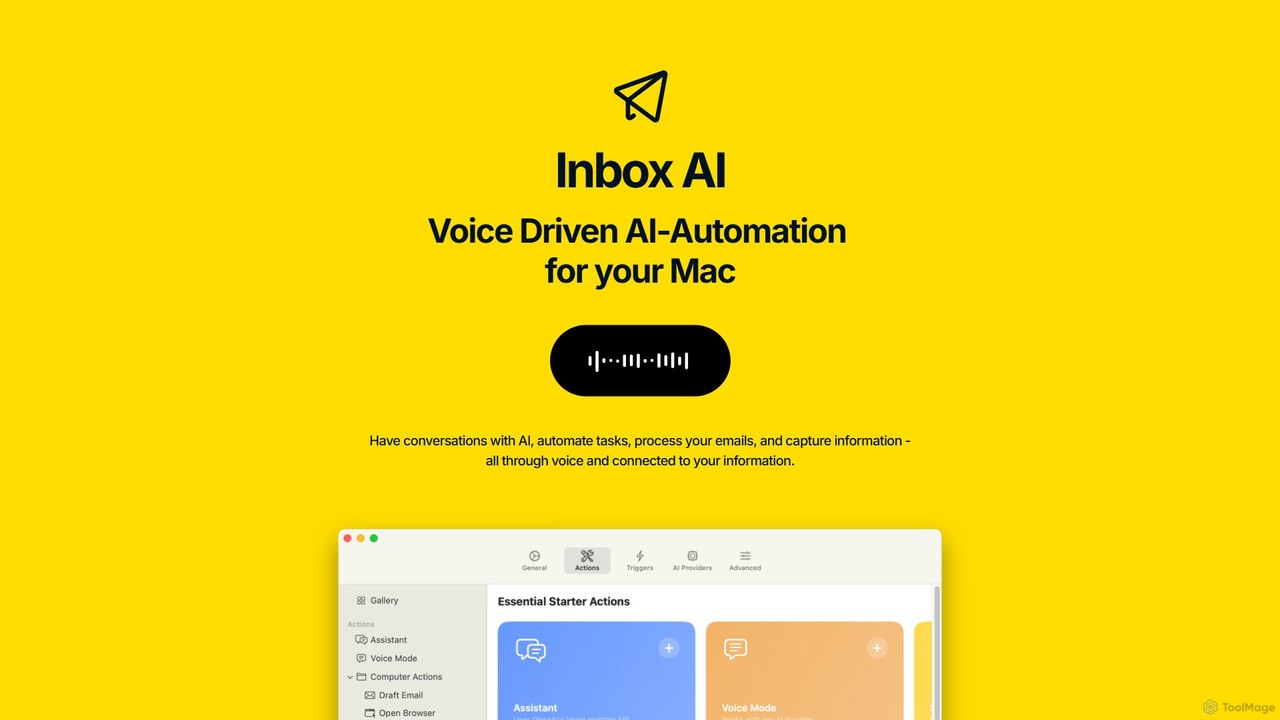
inbox_ai
inbox_ai is a powerful voice-driven AI automation tool for macOS. It allows you to create custom voice commands and build intelligent assistants to streamline your workflow. With features like on-screen quick capture, email filtering, and deep integration with native macOS apps and services like Raycast and PopClip, inbox_ai puts advanced AI capabilities at your fingertips. It operates entirely on-device, ensuring your data remains private and secure, with no login required.
Workflow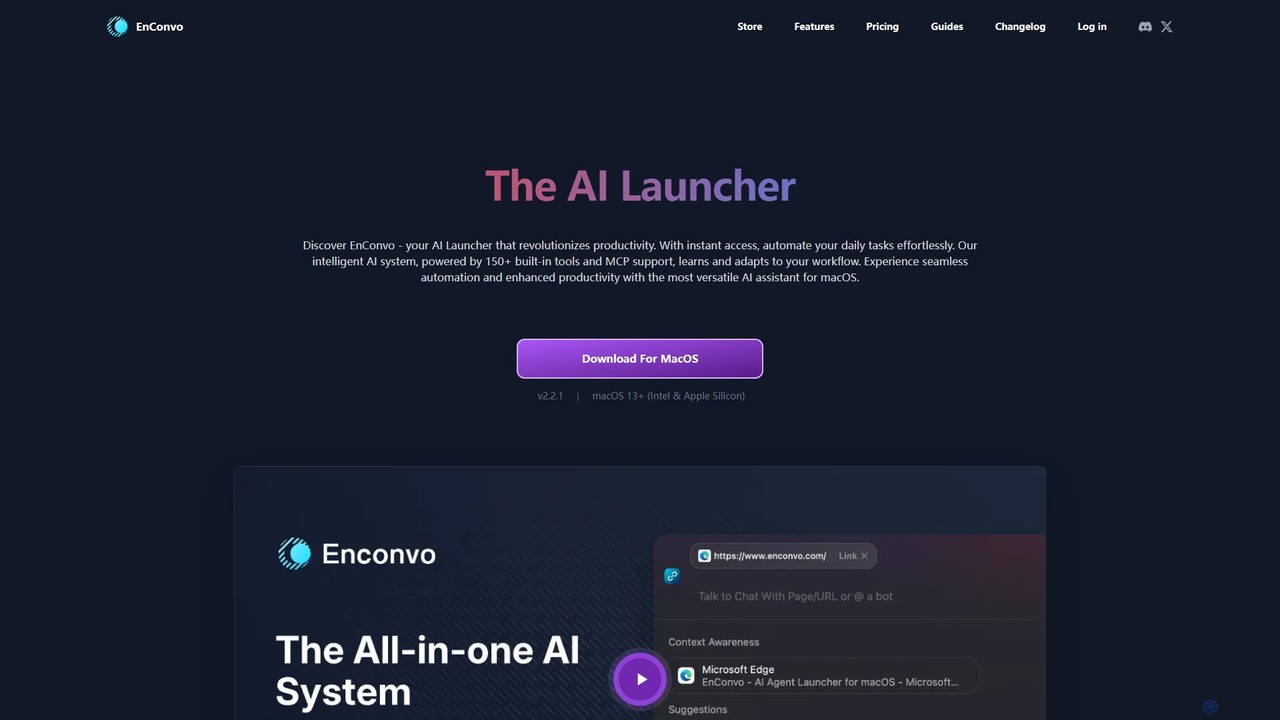
EnConvo
EnConvo is a powerful AI agent launcher for macOS designed to automate tasks and boost productivity. It integrates seamlessly into your workflow with a Spotlight-like interface, offering over 150 tools, custom workflows, context awareness, and support for local LLMs, transforming how you interact with your Mac.
Workflow Automation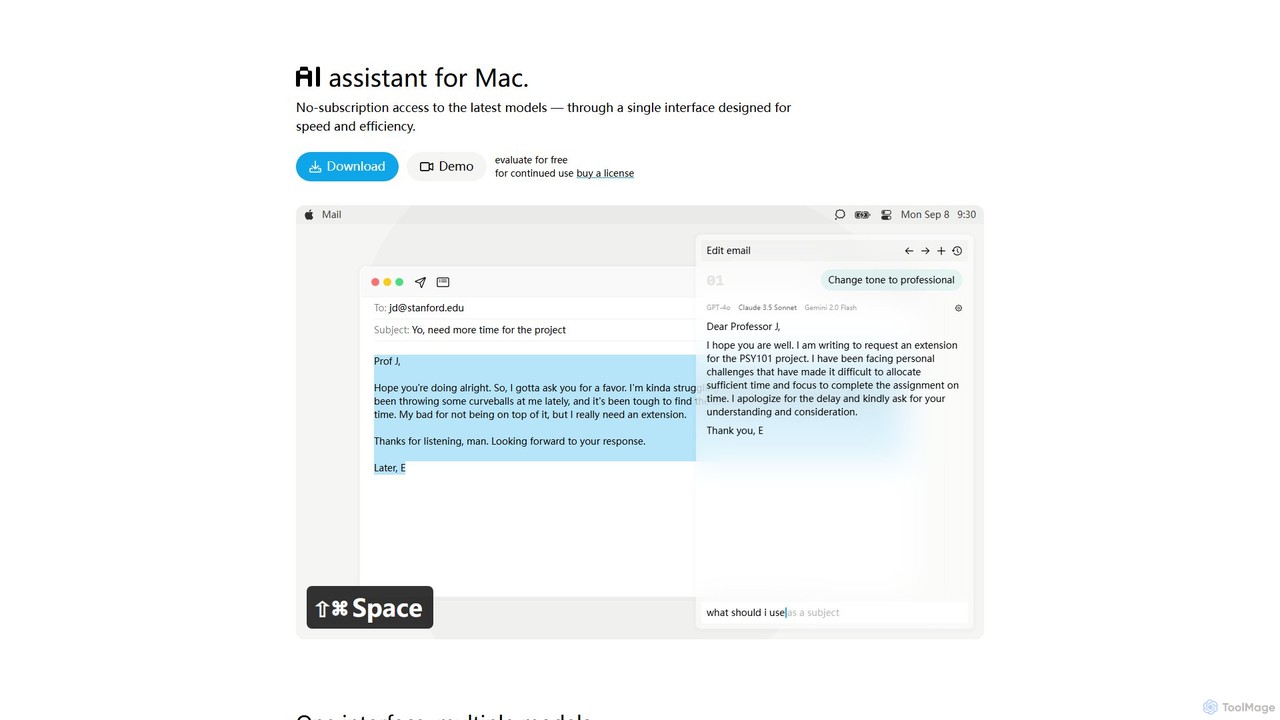
IntelliBar
IntelliBar is a native AI assistant for Mac, providing a unified interface to access the latest large language models like GPT-4o, Claude 3.5, and Gemini, plus local models via Ollama. It focuses on speed, efficiency, and privacy, with a one-time purchase model instead of recurring subscriptions. Compare models, use powerful shortcuts, and keep your data secure on your device.
Api Management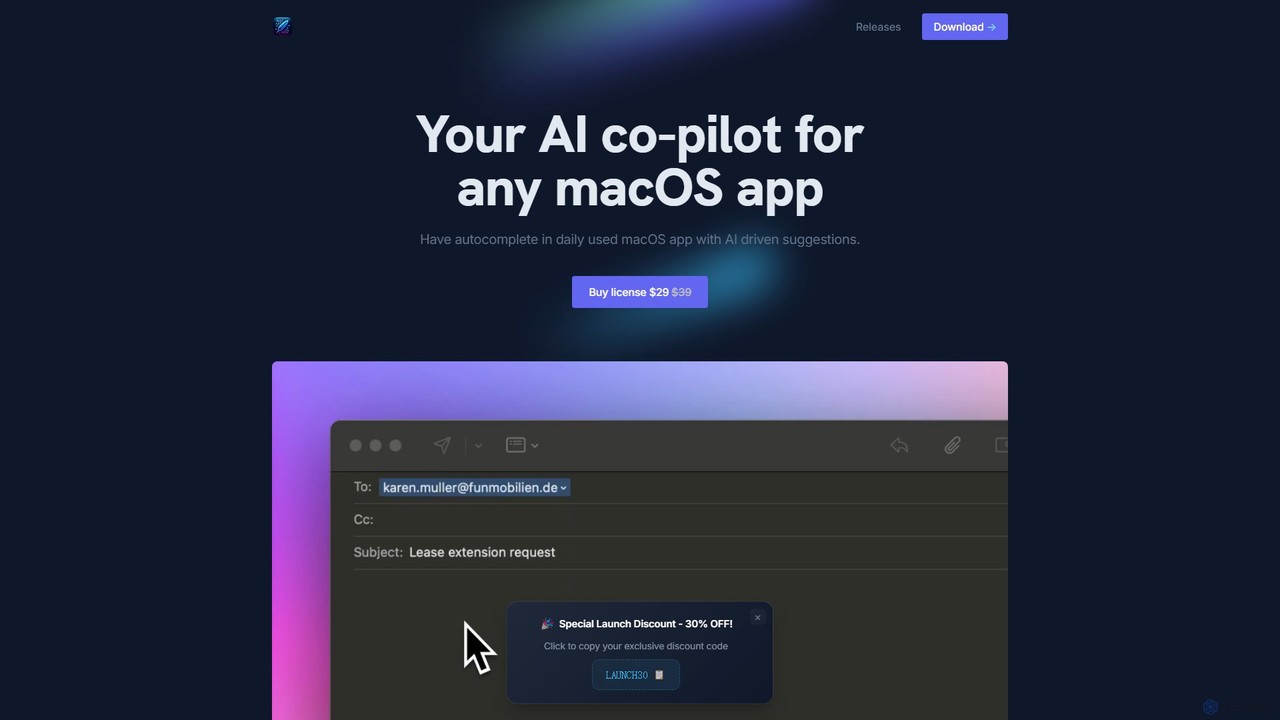
InfinipilotAI
InfinipilotAI is a native macOS AI co-pilot that seamlessly integrates with any application. It boosts productivity with features like AI-driven autocomplete, writing enhancement, translation, and developer utilities. With a strong focus on privacy, it supports local language models via Ollama, ensuring your data stays on your device. It's a lightweight, high-performance tool available for a one-time purchase.
Code AssistantMagicflow
Magicflow is your personal AI productivity coach, designed to help you achieve deep focus and optimize your work habits. It goes beyond simple time tracking by analyzing your patterns, identifying distractions, and providing actionable insights to improve your efficiency, well-being, and help you enter a state of 'flow'.
Wellness TrackingTimemaster
Timemaster is an intelligent, privacy-first time tracking and analytics tool. It uses AI to provide insightful analytics, helping freelancers, teams, and individuals manage their time more effectively, boost productivity, and achieve their goals without compromising data privacy.
Analytics
timemaster Comments (0)
Sign in to comment.
Sign inNo comments yet.