ToolMage
Sign in

Best 5 Freelancer Tools for Business

Popular Freelancer Tools in Business include smartinvoices, Contractable, Taim, ClearTerm, and Billy, helping you work more efficiently.

ClearTerm
Freemium

ClearTerm

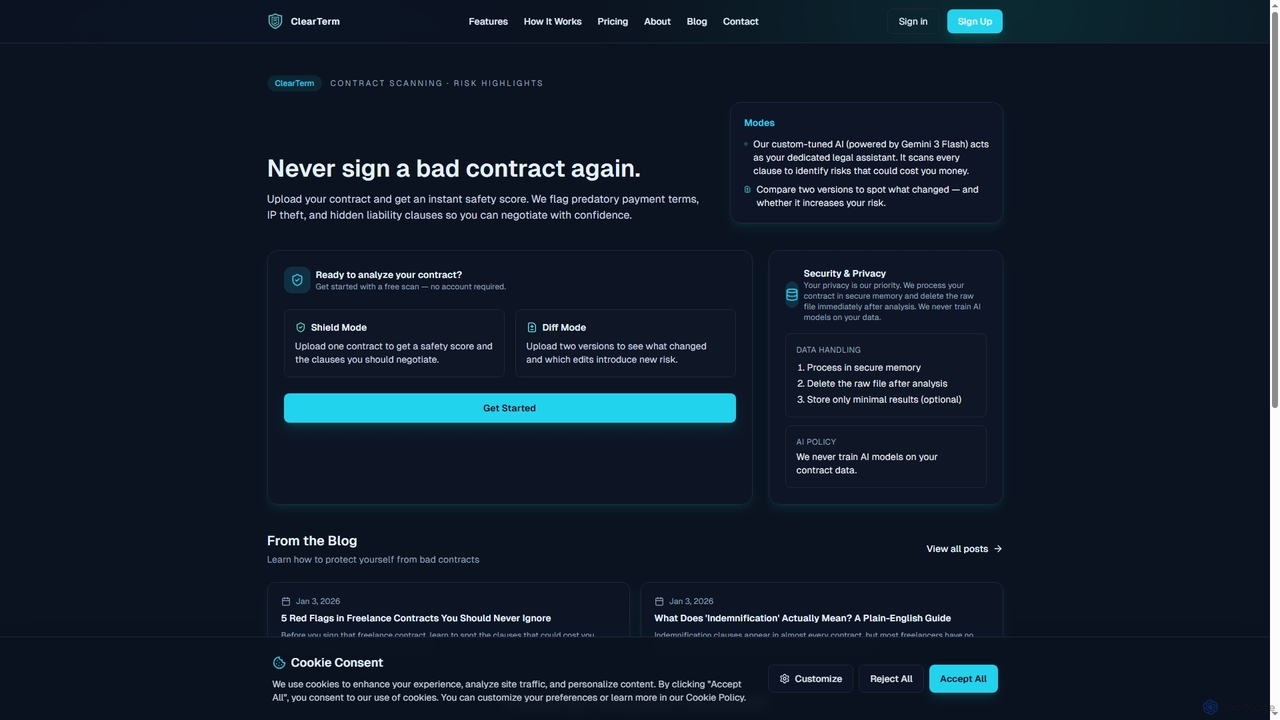
ClearTerm is an AI-powered contract analysis tool designed for freelancers and independent professionals. It rapidly scans contracts to identify potential risks like predatory payment terms, IP theft, and liability traps, providing plain-English explanations and negotiation suggestions. With features like Shield Mode for single contract analysis and Diff Mode for version comparison, ClearTerm empowers users to understand agreements, negotiate confidently, and protect their interests without legal jargon.

Text Analysis
Visits 5.4KFavorites 45Likes 41
smartinvoices
Freemium

smartinvoices

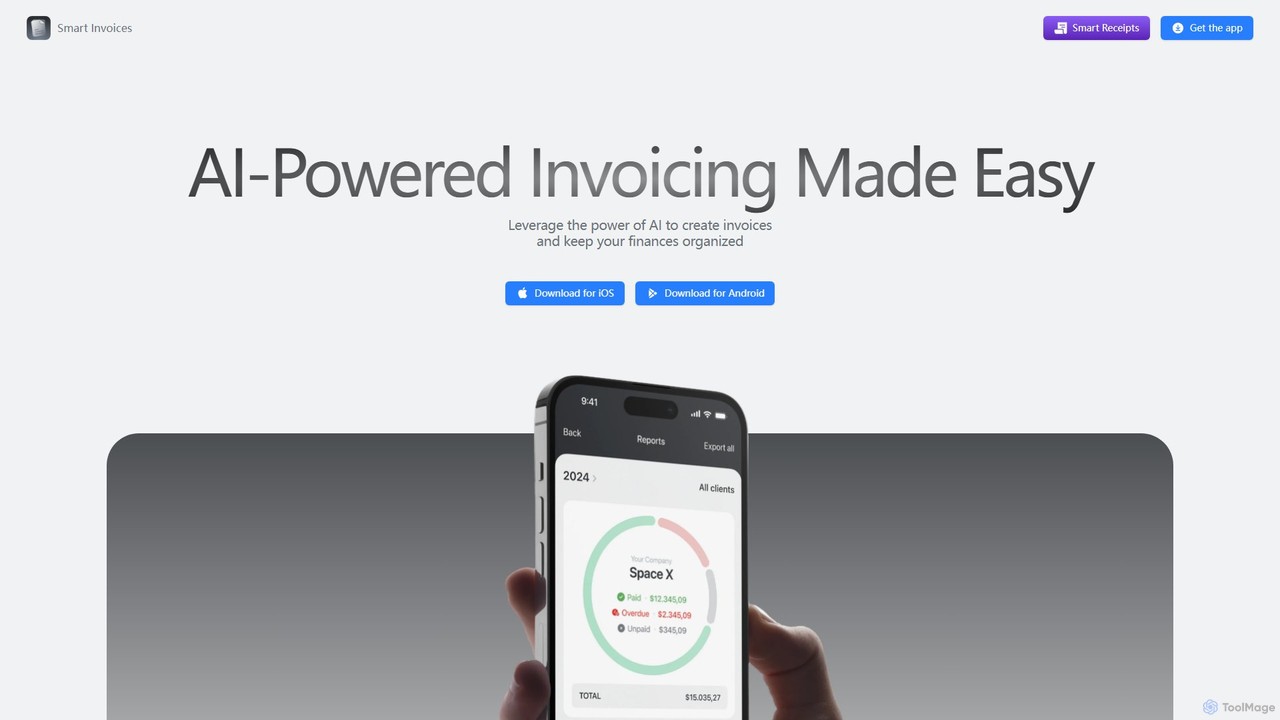
smartinvoices is an AI-powered mobile app designed for effortless invoice management. Tailored for freelancers and small business owners, it simplifies creating, sending, and tracking professional invoices. Leverage AI to generate invoices with simple commands, automate tax and discount calculations, and manage your finances on the go. With features like client database integration, cloud sync, and automated payment reminders, smartinvoices streamlines your entire billing workflow, saving you time and ensuring accuracy.

Freelancer Tools
Visits 8.1KFavorites 117Likes 117
Taim
Paid

Taim

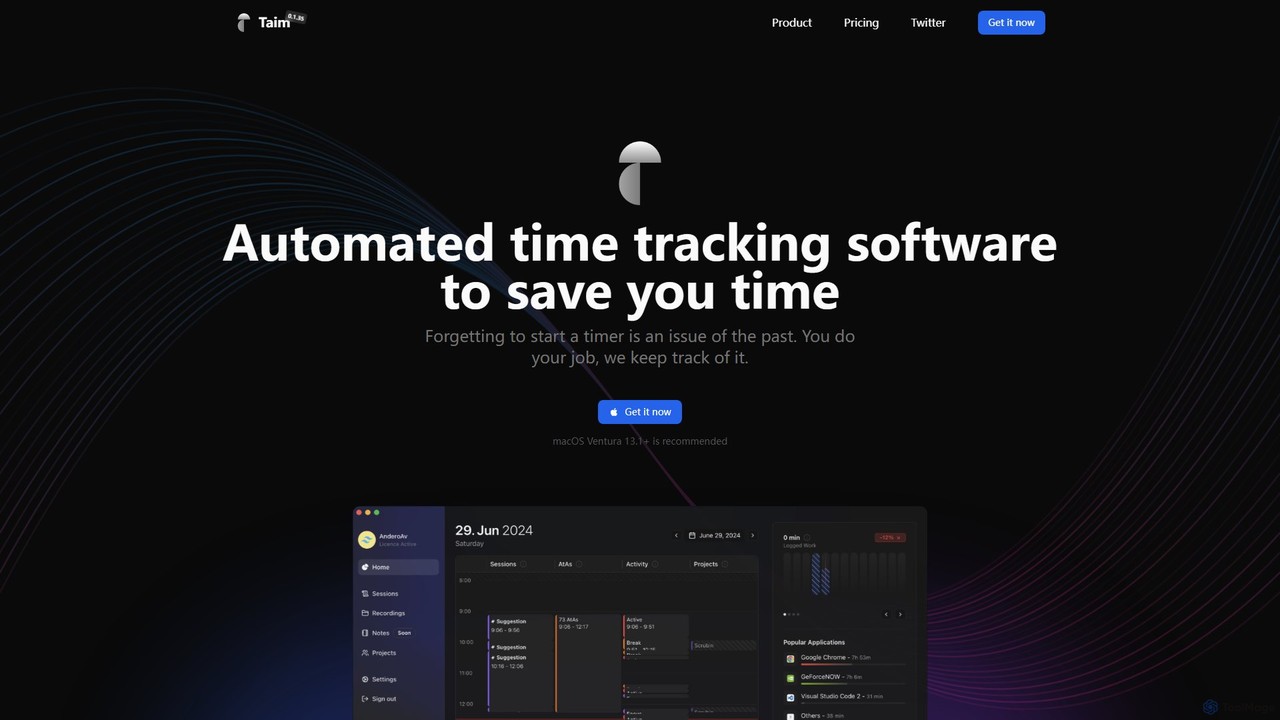
Taim is an intelligent, automated time tracking software for macOS and Windows designed for freelancers, consultants, and teams. It automatically records your activity across apps and windows, providing accurate data for billing and productivity analysis. With both manual and automatic modes, Pomodoro timer, and detailed analytics, Taim helps you work smarter, not harder, while ensuring your data remains private and on your device.

Freelancer Tools
Visits 6.2KFavorites 120Likes 114
Contractable
Paid

Contractable

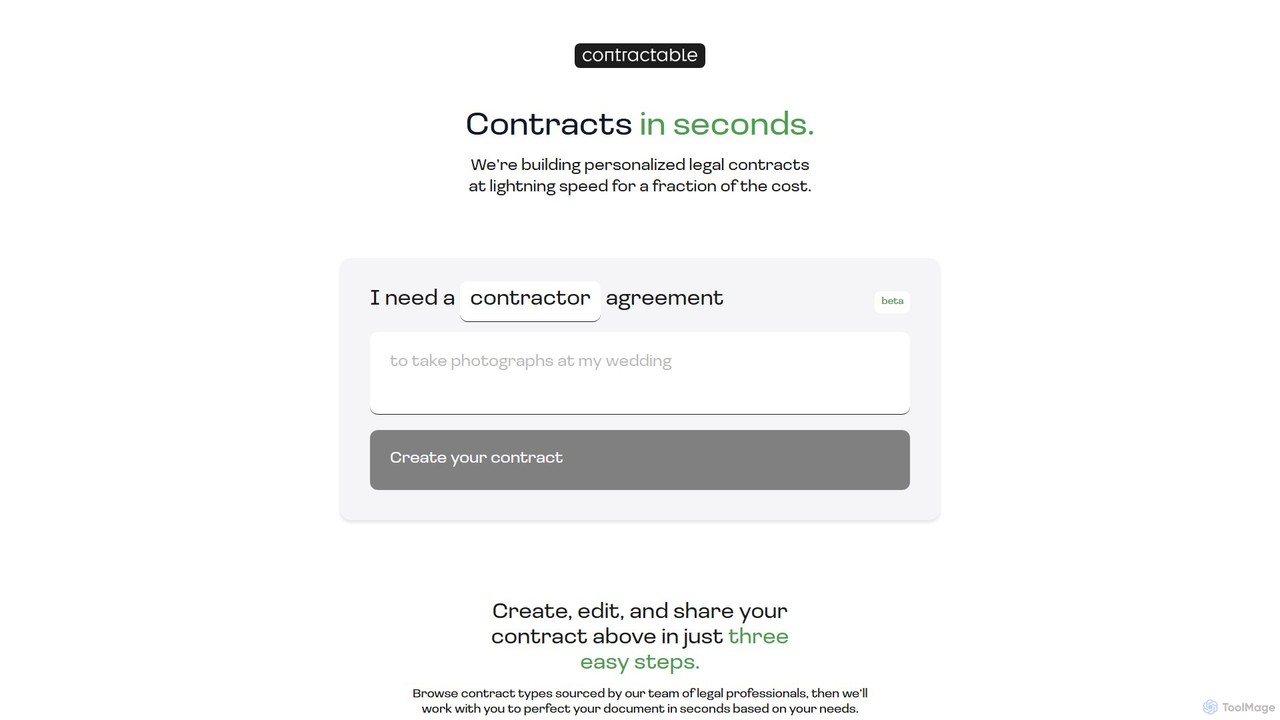
Contractable is an AI-powered platform that generates personalized legal contracts in seconds. Simply describe your needs in natural language, and the tool creates, edits, and shares legally sound documents like NDAs, contractor agreements, and service agreements, making legal processes fast, affordable, and accessible.

Freelancer Tools
Visits 7.2KFavorites 114Likes 110
Billy
Freemium

Billy

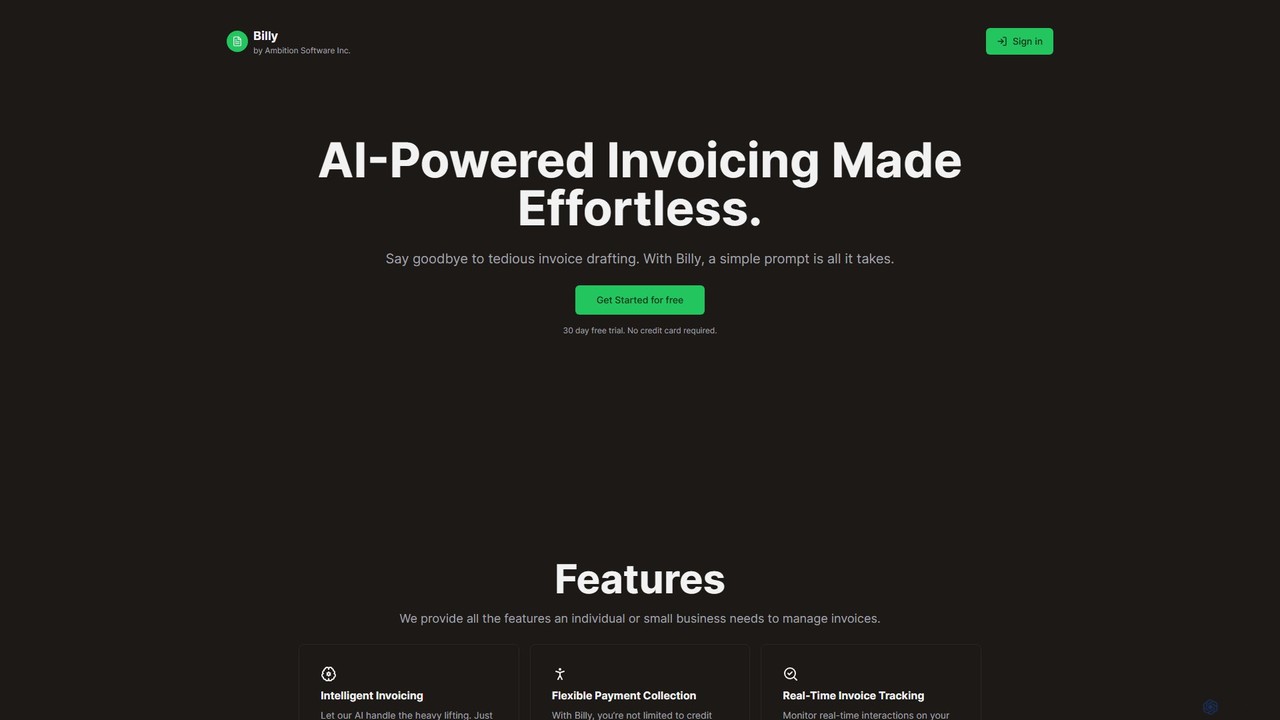
Billy is an AI-powered invoicing platform designed for freelancers and small businesses. It transforms simple text prompts into professional invoices, complete with automated email and PDF generation. Featuring real-time tracking, flexible payment options, and seamless Stripe integration, Billy streamlines your billing process, saving you time and effort. Say goodbye to tedious manual invoicing and get paid faster.

Freelancer Tools
Visits 5.4KFavorites 138Likes 126

About Freelancer Tools

AI Freelancer Tools are specialized platforms designed to automate and streamline the administrative, financial, and client management tasks for independent professionals. These tools leverage AI to handle functions like proposal generation, automated invoicing, and project tracking. Their primary value lies in minimizing non-billable work, allowing freelancers to focus on their core skills, deliver better client results, and manage their business more efficiently. Many platforms offer an all-in-one solution, integrating multiple business functions into a single dashboard.

Core Features

  • AI Proposal Generation: Automatically creates customized, professional proposals and contracts based on client requirements and project templates.
  • Automated Time Tracking: Intelligently tracks billable hours across different projects and clients, ensuring accurate invoicing.
  • Smart Invoicing & Payment Processing: Generates and sends invoices automatically, sends payment reminders, and integrates with payment gateways.
  • Project & Client Management: Provides a centralized dashboard to manage project timelines, tasks, and client communications.
  • Financial Analytics: Analyzes income, expenses, and profitability, offering insights for better financial planning and tax preparation.

Use Cases

These tools are ideal for a wide range of independent professionals, including freelance writers, graphic designers, web developers, consultants, and virtual assistants. They are particularly useful for managing multiple clients simultaneously, ensuring consistent cash flow through timely invoicing, and presenting a professional image through polished proposals and communication. They help transform a creative skill into a sustainable business operation.

How to Choose

When selecting an AI Freelancer Tool, consider the scope of features—do you need an all-in-one suite or a specialized tool for invoicing? Evaluate its integration capabilities with other software you use, such as accounting software or payment gateways. Assess the pricing model (monthly subscription vs. per-transaction fees) to ensure it aligns with your income flow. Finally, prioritize a user-friendly interface that minimizes the learning curve and saves you time.

Freelancer Tools use cases

1

Automating Proposal Creation for a Graphic Designer

A freelance graphic designer needs to respond to multiple project inquiries daily, a time-consuming process. By using an AI freelancer tool, they can create a professional, customized proposal in minutes. The designer inputs key project details like scope, deliverables, and client information. The AI then generates a complete document, including a project timeline, pricing tiers, and standard terms of service from a pre-approved template. This not only saves several hours per week but also increases their proposal acceptance rate due to the speed and professionalism of the response, allowing them to secure more high-value projects.

2

Streamlining Time Tracking and Invoicing for a Consultant

A freelance business consultant works with multiple clients on an hourly basis. Manually tracking hours and creating invoices is prone to errors and delays payments. An AI freelancer tool with an integrated time tracker automatically logs billable hours for each client project. At the end of the month, the system uses this data to auto-generate accurate invoices and sends them to the respective clients with a payment link. The AI can also send automated reminders for overdue payments, significantly improving cash flow and reducing the administrative burden of financial management.

3

Managing Multiple Projects for a Freelance Web Developer

A freelance web developer juggles several client projects simultaneously, each with different deadlines and milestones. Keeping track of tasks in spreadsheets or generic to-do lists is inefficient. An AI-powered project management tool for freelancers provides a central dashboard to visualize all projects. The AI can analyze task dependencies and suggest an optimal daily schedule. It sends automated status updates to clients and flags potential bottlenecks before they become critical issues. This allows the developer to maintain a clear overview, meet all deadlines, and communicate proactively with clients, enhancing their reputation for reliability.

4

Simplifying Expense Tracking for Tax Season

For a freelance writer, keeping track of business-related expenses like software subscriptions, office supplies, and professional development courses is crucial for tax deductions but often tedious. An AI freelancer tool can automate this process. The writer connects their business bank account or credit card, and the AI automatically scans transactions, categorizes them as business expenses (e.g., 'Software', 'Marketing'), and stores the digital receipts. At the end of the year, the tool generates a comprehensive expense report ready for tax filing, saving significant time and ensuring no deductible expense is missed.

5

Building a Professional Portfolio for a Photographer

A freelance photographer wants to showcase their work to attract high-end clients but struggles with writing compelling project descriptions. An AI tool designed for freelancers can help build a portfolio. The photographer uploads their images and provides basic context for each project. The AI then generates engaging narratives, highlights the creative process, and suggests relevant keywords for SEO. Some tools can even create a simple, elegant portfolio website from this content. This enables the photographer to present their work professionally without needing advanced writing or web design skills, ultimately attracting better client opportunities.

6

Managing Client Communications for a Virtual Assistant

A freelance Virtual Assistant (VA) manages communications for several clients, leading to a cluttered inbox and the risk of missing important messages. An AI-powered tool can centralize all client communications from email, messaging apps, and project platforms into one unified inbox. The AI helps by drafting replies based on context, scheduling meetings automatically by checking calendar availability, and prioritizing messages that require urgent attention. This system allows the VA to respond faster and more consistently, manage their workload effectively, and provide a higher level of service to all their clients without feeling overwhelmed.

Freelancer Tools FAQ

What are AI Freelancer Tools?

AI Freelancer Tools are software applications specifically designed to help independent professionals manage their business operations. Unlike general business software, they focus on the unique workflow of a freelancer, automating tasks like creating proposals, tracking billable hours, sending invoices, and managing client relationships. They act as an all-in-one business manager, using AI to reduce administrative overhead so freelancers can spend more time on their actual work and less on paperwork.

How do I choose the right AI tool for my freelance business?

Choosing the right tool depends on your specific needs. Consider these factors:

  • All-in-One vs. Specialized: Do you need a single platform to manage everything (proposals, projects, invoices), or just a tool for a specific task like time tracking?
  • Integrations: Check if the tool connects with other software you rely on, such as your calendar, email, or payment gateways like Stripe or PayPal.
  • Pricing Model: Evaluate if a monthly subscription, a percentage-based fee on transactions, or a free plan with limited features best suits your budget and business volume.
  • Ease of Use: Look for a tool with an intuitive interface. Your goal is to save time, not spend it learning complex software.
What's the difference between Freelancer Tools and general Business Software?

The main difference lies in their target user and scale. General business software (like enterprise CRMs or project management tools for large teams) is built for collaboration among multiple employees and departments. They often have complex features and higher price points. AI Freelancer Tools, in contrast, are built for the 'business of one.' They are typically more affordable, have a simpler user interface, and combine multiple functions (like invoicing, proposals, and project management) that an individual needs to run their entire operation from a single platform.

Can these tools help me find new clients?

While most AI freelancer tools are designed for managing existing clients and business operations, some do offer features that indirectly help with client acquisition. For example, AI-powered proposal generators can help you create more professional and persuasive proposals faster, increasing your win rate. Some platforms include portfolio-building features that use AI to write compelling project descriptions. While they are not typically client-finding marketplaces, they equip you with more professional tools to convert leads into paying clients.

Are AI Freelancer Tools difficult to use for non-technical people?

No, the vast majority of these tools are designed with user-friendliness as a top priority. The developers understand that their target audience consists of creatives, writers, and consultants, not necessarily software engineers. Most platforms feature intuitive drag-and-drop interfaces, guided setup processes, and clear dashboards. The goal is to minimize the time spent on administrative tasks, so a steep learning curve would be counterproductive. Many also offer extensive support documentation and customer service to help new users get started quickly.