

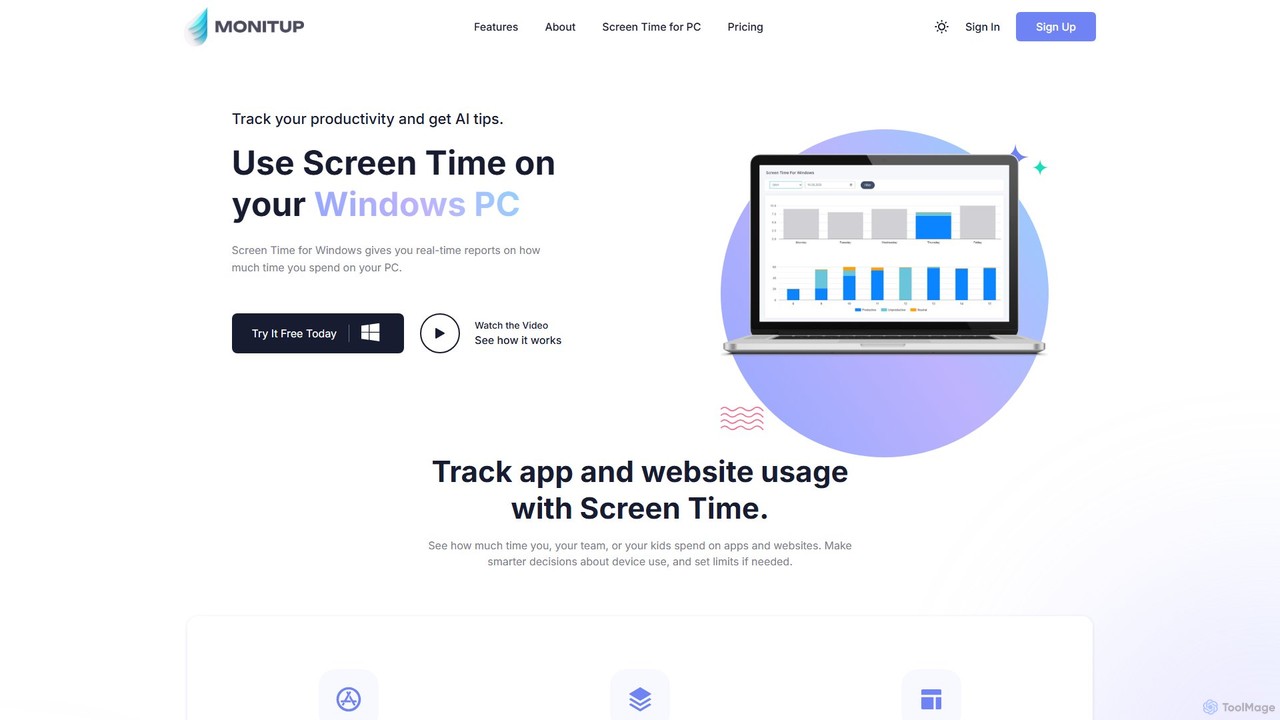
screentime Overview
screentime by MonitUp is an intelligent productivity application designed for Windows users who want to regain control of their time and enhance their focus. In a world filled with digital distractions, screentime acts as a personal productivity coach, running silently in the background to provide a clear and accurate picture of your computer usage. It's built on the principle that 'you cannot manage what you cannot measure.' By meticulously tracking the time you spend on various applications, websites, and even specific files, the tool empowers you with the data needed to make informed decisions about your digital habits.
The core of screentime is its ability to not just track, but also to analyze. It goes beyond simple time logging by leveraging artificial intelligence to study your usage patterns. Based on this analysis, it delivers personalized, actionable suggestions aimed at improving your efficiency. Whether you're spending too much time on social media during work hours or getting sidetracked by non-essential tasks, screentime's AI will gently nudge you towards more productive behaviors, helping you work smarter, not harder.
How to use screentime
Using screentime is a straightforward process designed for immediate impact:
- Download and Install: Visit the official screentime website and download the application for your Windows PC. The installation process is quick and simple.
- Automatic Tracking: Once installed, screentime runs automatically and discreetly in the background. There's no need to manually start or stop timers; it captures all your activity seamlessly.
- Access Your Dashboard: Open the screentime dashboard to view your data. Here you will find comprehensive reports and visualizations of your time usage.
- Review Daily/Weekly Reports: Check your daily and weekly summaries to see how much time you've spent on each app and website. Identify trends, productive periods, and time-wasting activities.
- Implement AI Suggestions: Pay attention to the AI-powered tips. These suggestions are tailored to your specific habits and are designed to provide practical ways to optimize your workflow and reduce distractions.
- Adjust and Improve: Use the insights gained from the reports and AI suggestions to consciously adjust your habits. Set personal goals to reduce time on unproductive apps and increase focus on important tasks.
Core Features of screentime
- Automatic Time Tracking: Effortlessly monitors time spent on all applications, websites, and documents on your Windows PC without any manual input.
- AI-Powered Productivity Suggestions: The intelligent core of the tool. It analyzes your unique usage patterns and provides personalized recommendations to help you become more efficient and focused.
- Detailed Activity Reports: Generates easy-to-understand daily and weekly reports with visual charts, breaking down exactly where your time goes.
- Application and Website Monitoring: Provides a granular view of time spent on specific software and web pages, helping you identify your biggest time sinks.
- Productivity Measurement: Helps you categorize activities as productive or unproductive, giving you a clear score of how effectively you used your day.
- Personal Growth Focus: Designed to foster self-awareness, enabling users to understand their habits and make meaningful improvements for personal and professional development.
Use Cases for screentime
screentime is a versatile tool suitable for a wide range of users:
- Professionals and Corporate Employees: To optimize their workday, minimize distractions from non-work-related sites, and ensure they are focusing on high-priority tasks to meet deadlines.
- Freelancers and Consultants: To accurately track billable hours spent on different projects and clients, ensuring fair compensation and transparent reporting.
- Students: To manage study schedules, reduce time on social media and entertainment during study sessions, and develop disciplined learning habits.
- Writers, Developers, and Designers: To create blocks of uninterrupted deep work by identifying and eliminating common distractions, thereby enhancing creativity and output.
- Anyone Seeking Personal Growth: For individuals who want to build better digital habits, reduce overall screen time, and dedicate more time to offline activities and personal well-being.
Advantages of screentime
screentime offers several key advantages:
- Increased Self-Awareness: Provides undeniable data about your digital habits, replacing guesswork with facts.
- Actionable Insights: Moves beyond raw data to offer intelligent, AI-driven advice that you can immediately apply.
- Reduced Stress and Anxiety: By helping you manage your time more effectively, it reduces the pressure of deadlines and the feeling of being overwhelmed.
- Enhanced Focus: Empowers you to identify and eliminate distractions, leading to longer periods of deep, focused work.
- Data-Driven Improvement: Allows you to set measurable goals and track your progress over time, fostering a continuous cycle of improvement.
Pricing and Plans
screentime operates on a freemium model. It offers a free trial that allows users to experience its core features. After the trial period, users can choose to subscribe to a paid plan to unlock more detailed data, advanced analytics, and the full suite of AI-powered suggestions. For the most current pricing and plan details, please visit the official screentime website.
Traffic
Latest traffic
Status
Monthly traffic trend
- 2025-9: 996
- 2026-1: 401
- 2026-2: 306
- 2026-3: 403
- 2026-4: 745
- 2026-5: 228
Geography
Top 5 countries / regions
- 🇮🇳India100.0%
Top keywords
| Keyword | Cost per click |
|---|---|
| pc screen time | $0.00 |
| pc screen time tracker | $0.32 |
| screen time for pc | $0.00 |
| screen time mangement pc | $0.00 |
| screentime track your screen usage download | $0.00 |
screentime Alternatives
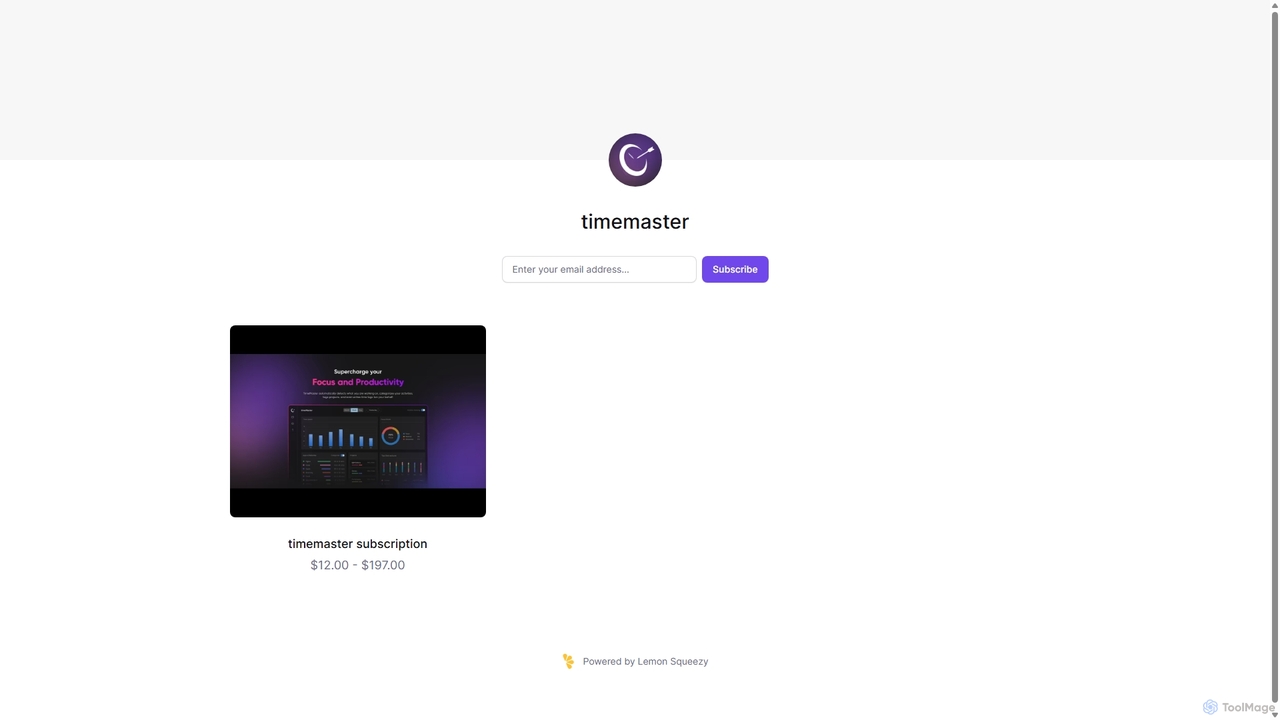
Timemaster
Timemaster is an intelligent, privacy-first time tracking and analytics tool. It uses AI to provide insightful analytics, helping freelancers, teams, and individuals manage their time more effectively, boost productivity, and achieve their goals without compromising data privacy.
Analytics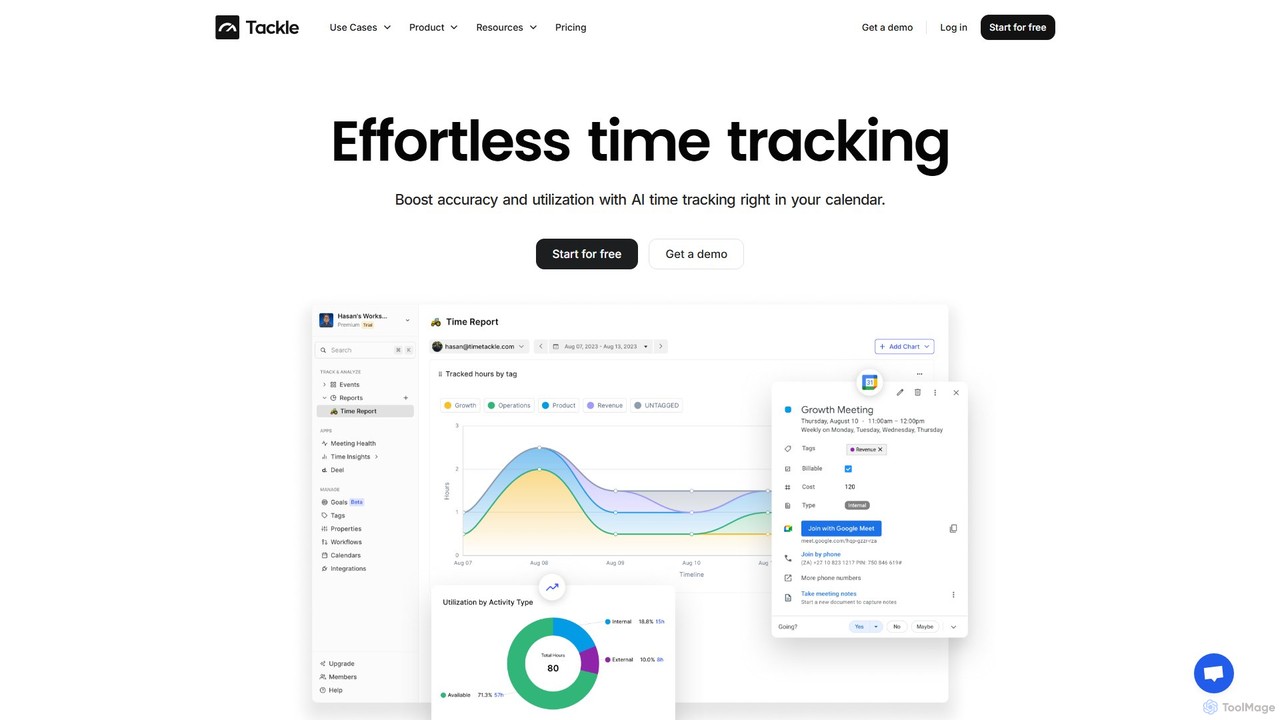
timetackle
timetackle is an AI-powered time tracking software that integrates seamlessly with Google and Outlook calendars. It automates activity logging, provides intelligent insights, and offers customizable reporting to help teams and individuals optimize productivity, improve resource allocation, and align daily tasks with strategic goals. Effortlessly track time and gain actionable data without leaving your calendar.
Analytics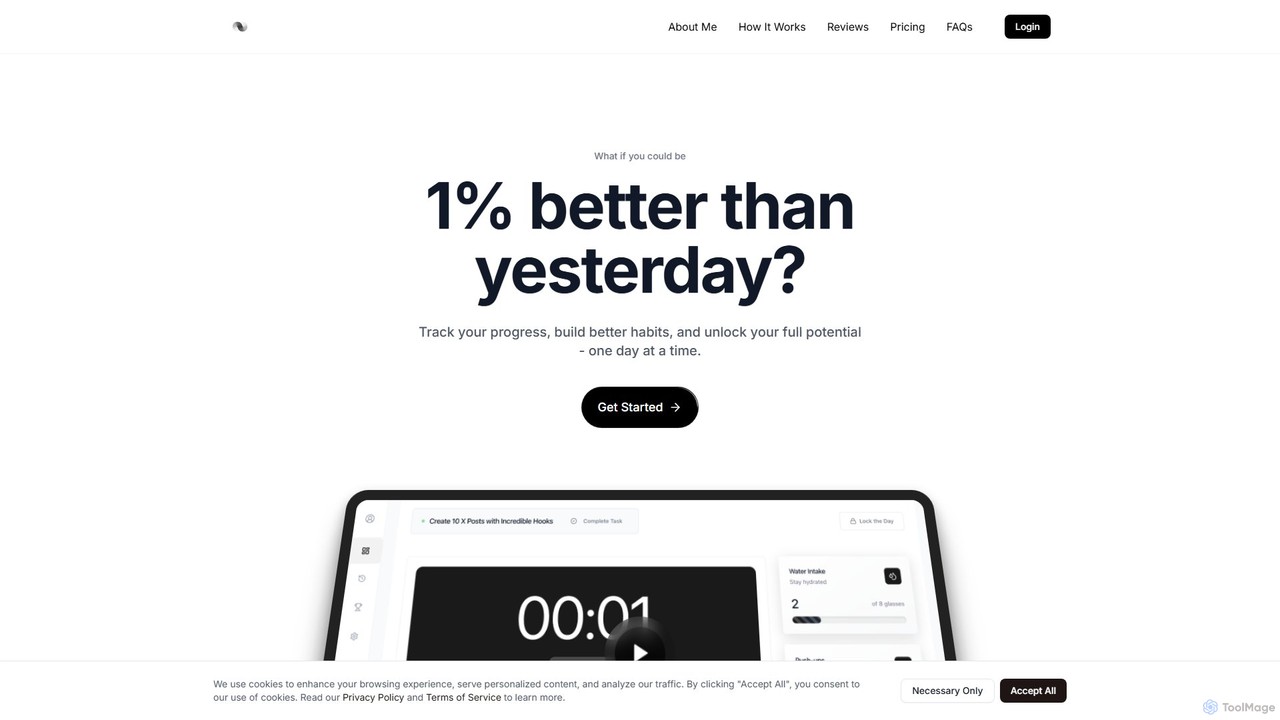
brainmentum
Brainmentum is a gamified productivity and self-improvement platform designed to help you build better habits and enhance focus. By combining the Pomodoro technique with game mechanics like XP and achievements, it turns your daily routine into an engaging journey of personal growth. Track your progress, analyze your performance, and unlock your full potential, one day at a time.
Habit Building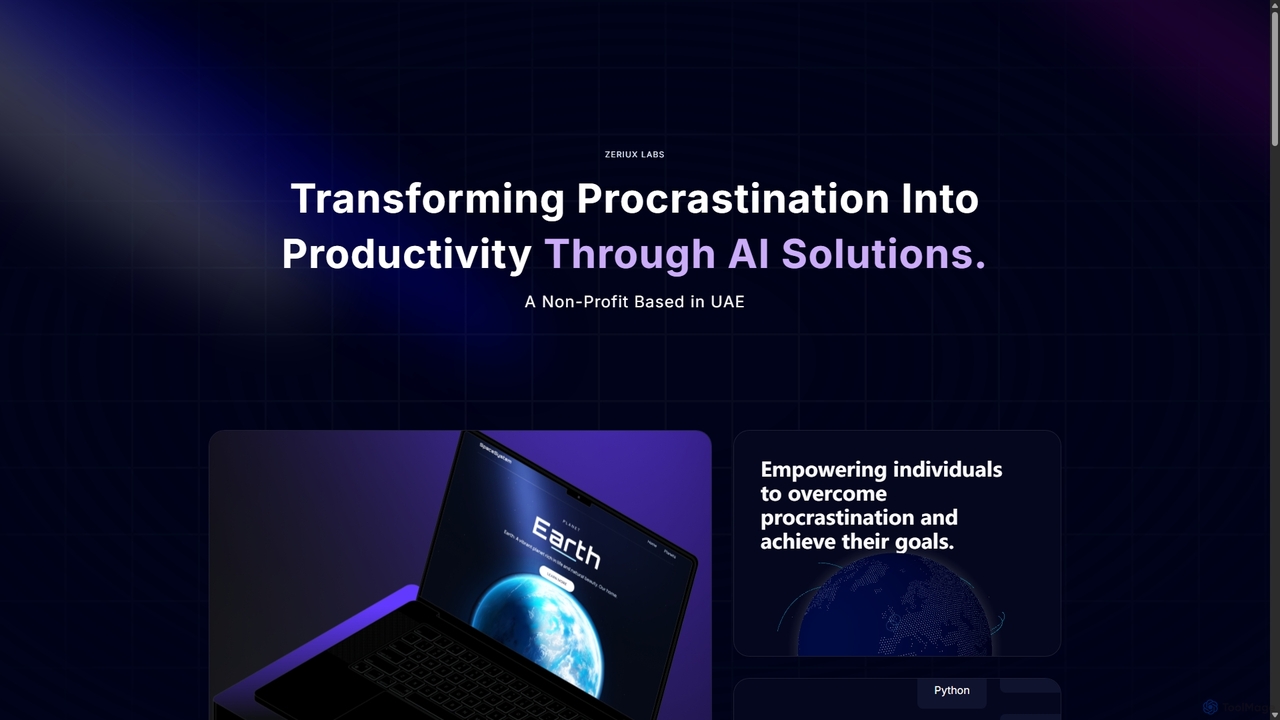
Zeriux Labs
Zeriux Labs is a non-profit organization developing a suite of AI-powered productivity tools designed to combat procrastination. Their solutions, including ProAct+, ProSync+, and Focus Forge, help users manage tasks, optimize schedules, and maintain focus. By leveraging AI, Zeriux Labs aims to make productivity accessible to everyone, transforming daunting goals into achievable daily actions.
Habit Formation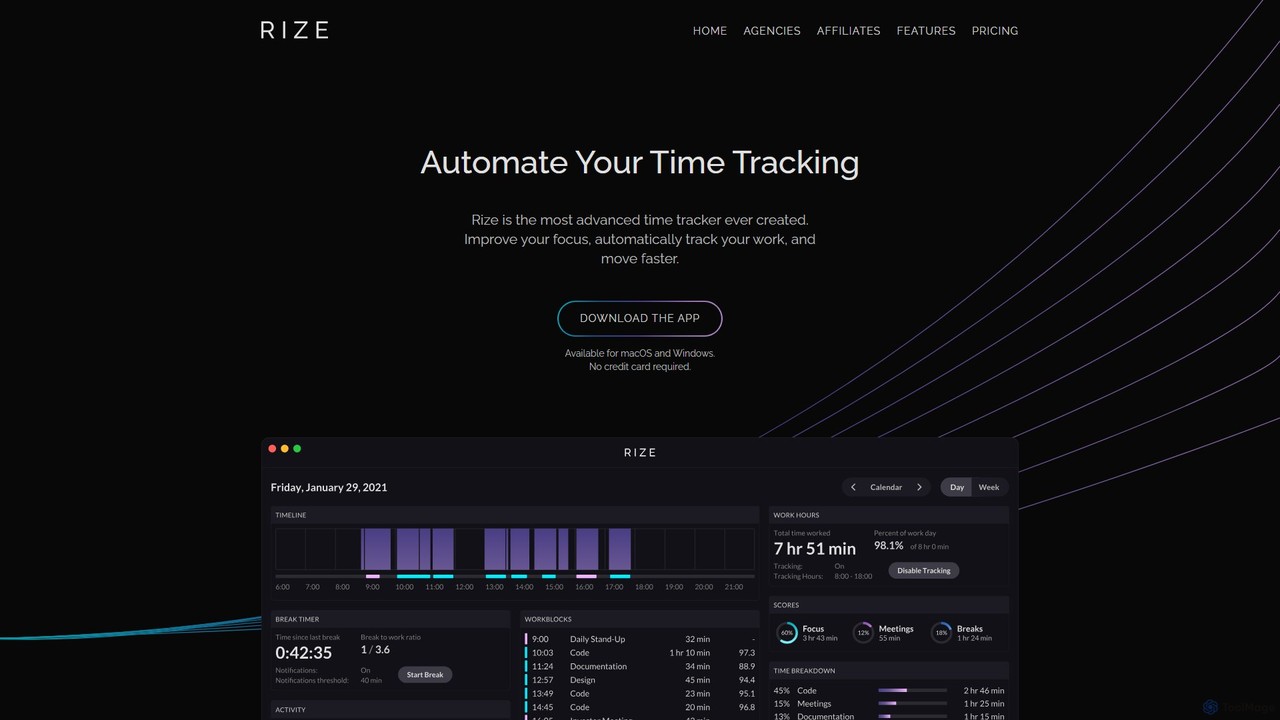
Rize
Rize is an intelligent, AI-powered time tracking application designed to boost your productivity and focus. It automatically monitors your computer activity without manual timers, providing deep insights into how you spend your time. Rize helps you build better work habits, prevent burnout with smart notifications, and achieve a healthier work-life balance. It's the ultimate fitness app for your productivity, tailored for founders, freelancers, managers, and anyone looking to optimize their workflow.
Personal Analyticsscreentime Categories
screentime Embed Widget
Copy this embed code to place the badge on your blog, article, or product site and send readers directly to this ToolMage detail page.

Related AI tools
Magicflow
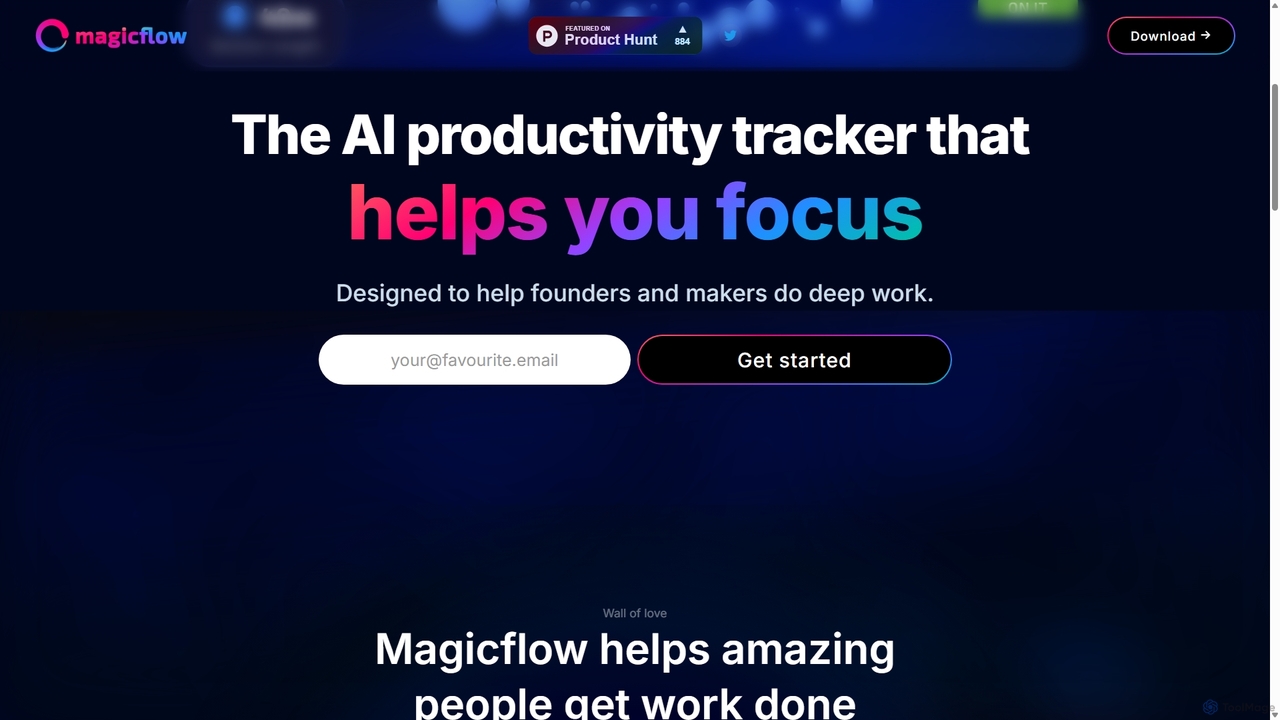
Magicflow is your personal AI productivity coach, designed to help you achieve deep focus and optimize your work habits. It goes beyond simple time tracking by analyzing your patterns, identifying distractions, and providing actionable insights to improve your efficiency, well-being, and help you enter a state of 'flow'.
Wellness Tracking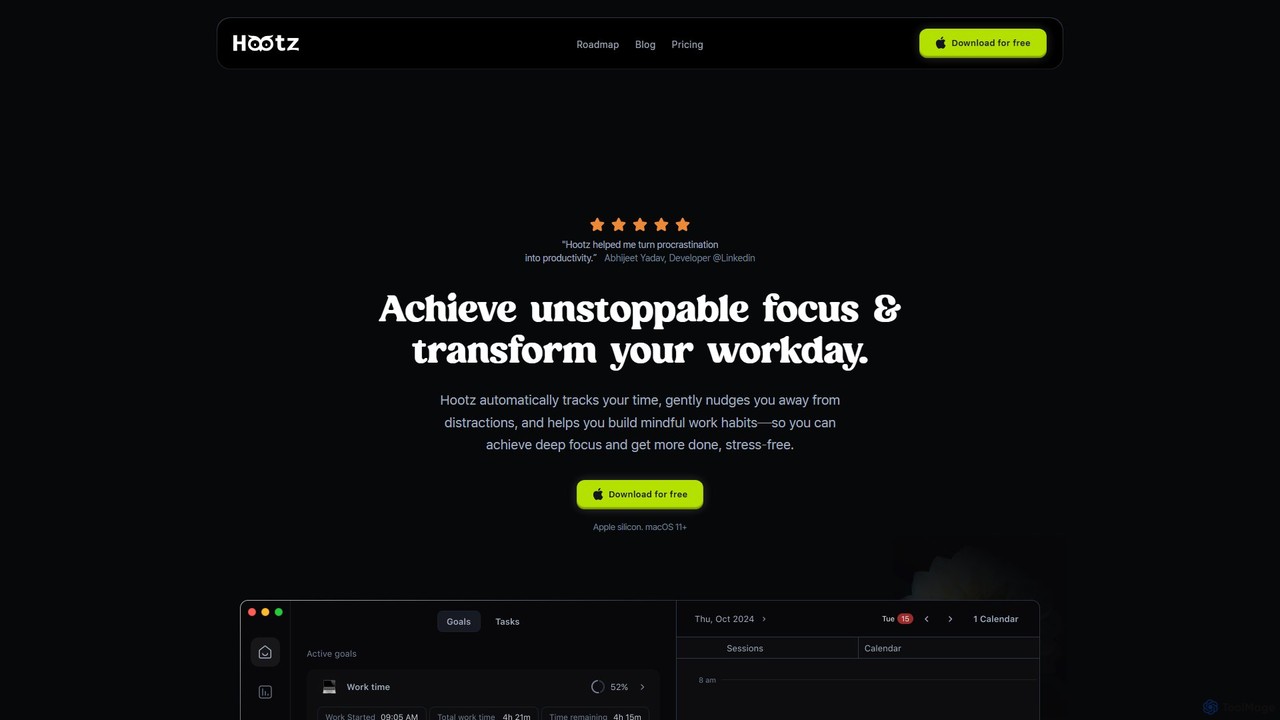
hootz
hootz is an AI-powered productivity companion for macOS designed to help users achieve deep focus. It automatically tracks time, blocks distractions, provides real-time nudges to stay on task, and integrates mindful practices to transform your workday and build better habits.
FocusTimemaster
Timemaster is an intelligent, privacy-first time tracking and analytics tool. It uses AI to provide insightful analytics, helping freelancers, teams, and individuals manage their time more effectively, boost productivity, and achieve their goals without compromising data privacy.
Analytics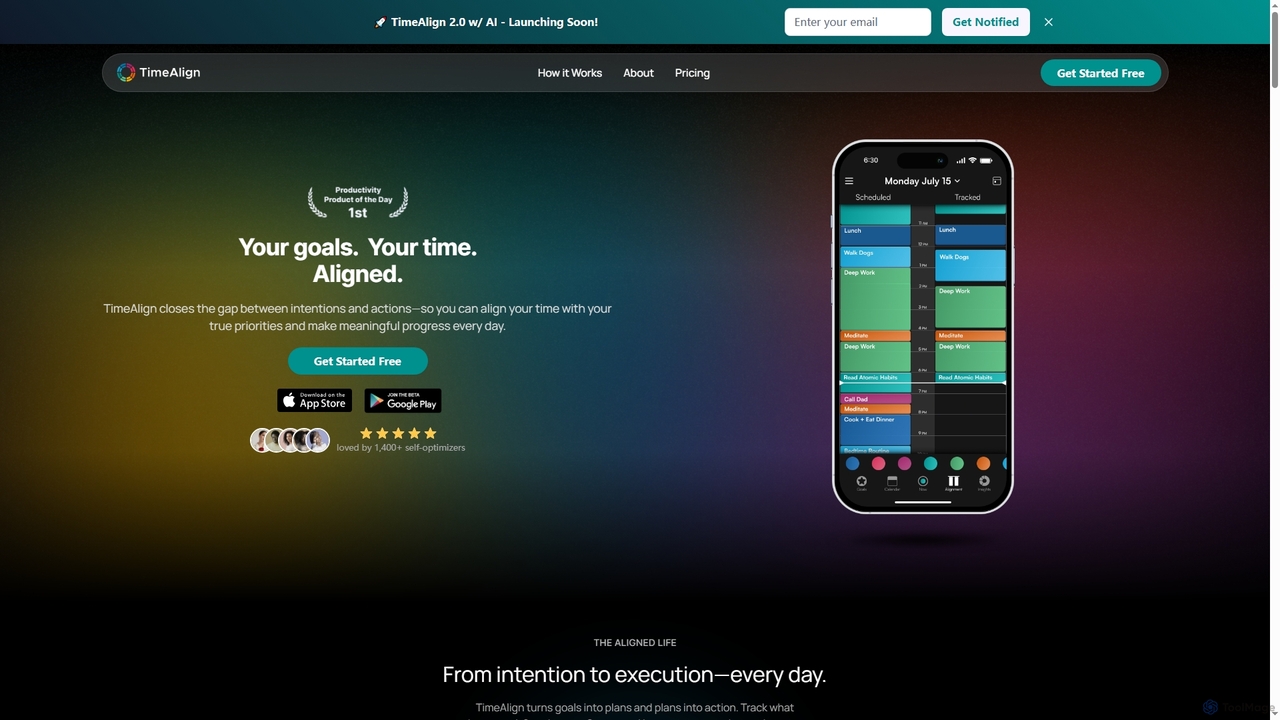
TimeAlign
TimeAlign is an AI-powered time optimization app designed to help you align your actions with your goals. Through intelligent goal setting, time-blocking, and activity tracking, TimeAlign provides an "Alignment Score" and actionable insights to help you master your schedule, improve productivity, and achieve a balanced life.
Personal Development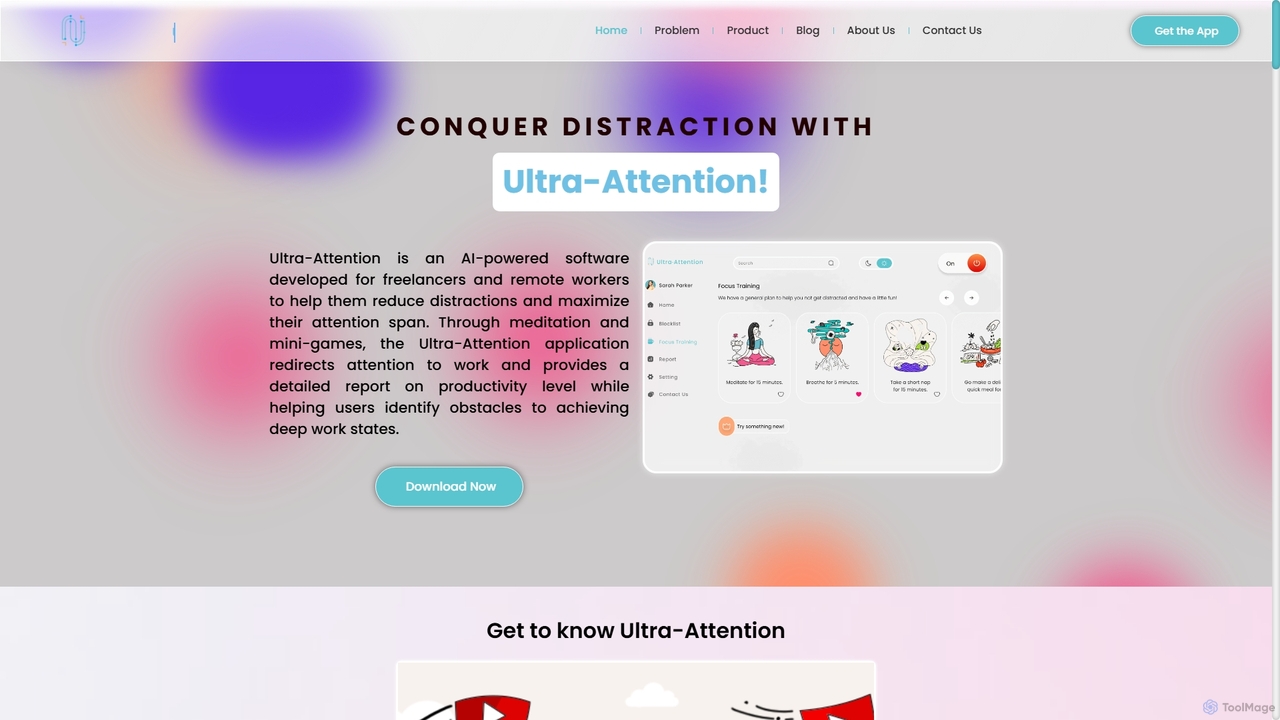
Ultra Attention
Ultra-Attention is an AI-powered desktop application designed for freelancers and remote workers to combat distractions. It uses webcam-based eye tracking and machine learning to detect loss of focus, providing real-time alerts, app blocking, and focus-training exercises to help users achieve deep work states and boost productivity.
Time Tracking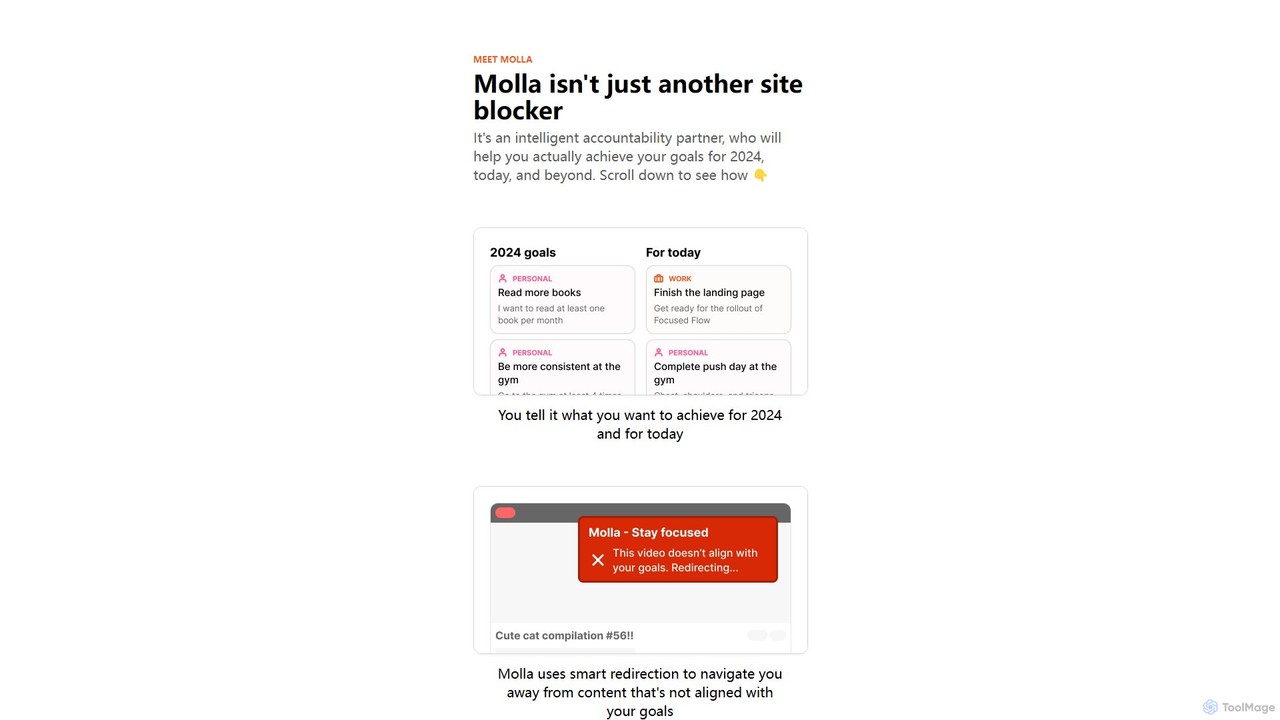
getmolla
Molla is an intelligent accountability partner and smart site blocker designed to help you achieve your goals. It uses AI to understand your objectives, redirecting you from distracting content to productive alternatives, and offers an AI chat for motivation and guidance.
Chrome Extensionsbrainmentum
Brainmentum is a gamified productivity and self-improvement platform designed to help you build better habits and enhance focus. By combining the Pomodoro technique with game mechanics like XP and achievements, it turns your daily routine into an engaging journey of personal growth. Track your progress, analyze your performance, and unlock your full potential, one day at a time.
Habit BuildingZeriux Labs
Zeriux Labs is a non-profit organization developing a suite of AI-powered productivity tools designed to combat procrastination. Their solutions, including ProAct+, ProSync+, and Focus Forge, help users manage tasks, optimize schedules, and maintain focus. By leveraging AI, Zeriux Labs aims to make productivity accessible to everyone, transforming daunting goals into achievable daily actions.
Habit Formation
centered
centered is an AI-powered focus and productivity app designed to help users achieve a 'flow state'. It combines a task manager, session timer, and distraction blocker with a unique AI coach named Noah, who guides users through their work. With curated music and community features, it's built for remote workers, students, and anyone looking to eliminate distractions and accomplish deep work.
Focus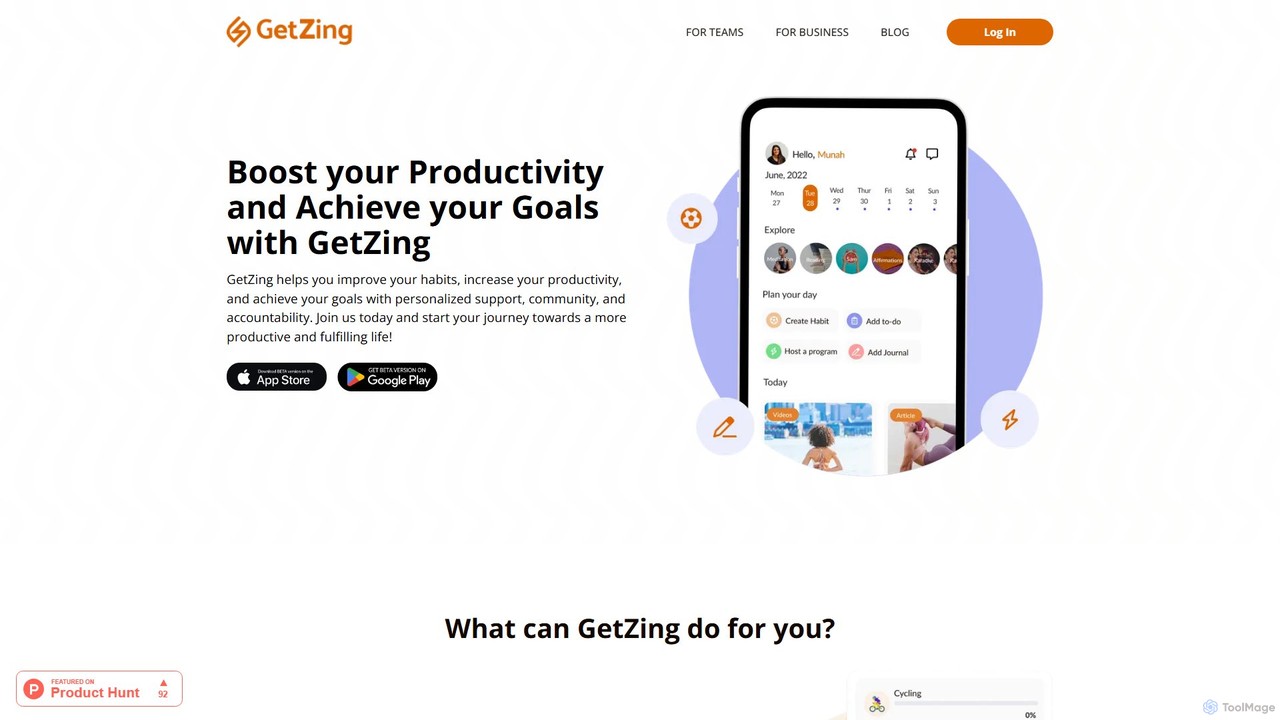
GetZing
GetZing is an AI-powered productivity and habit management platform for individuals, teams, and businesses. It helps you build positive habits, increase productivity, and achieve goals through personalized support, smart reminders, and calendar integration. GetZing intelligently schedules time for your routines and tasks, making it a comprehensive tool for personal growth, employee well-being, and client management for coaches.
Coaching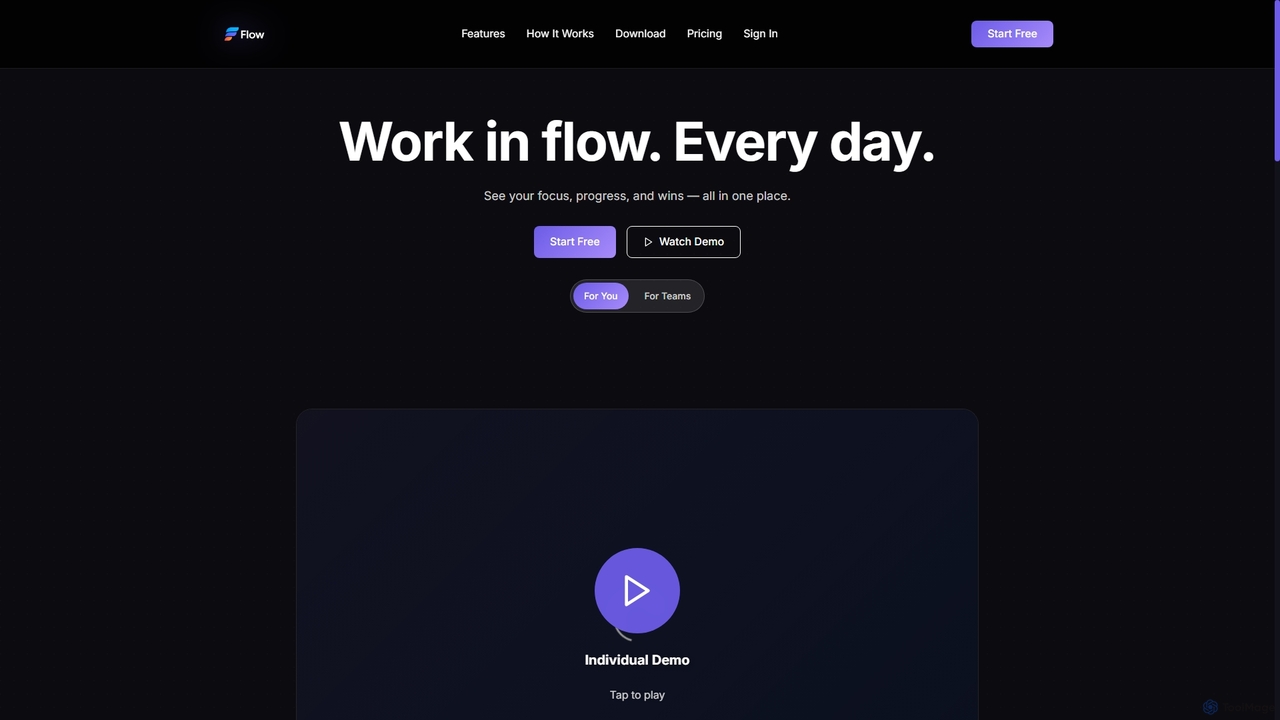
Flow
Flow is an AI-powered productivity companion designed to help individuals and teams achieve deep focus, track progress, and celebrate daily accomplishments. It minimizes distractions and provides insights to maximize work efficiency.
Workflow Optimization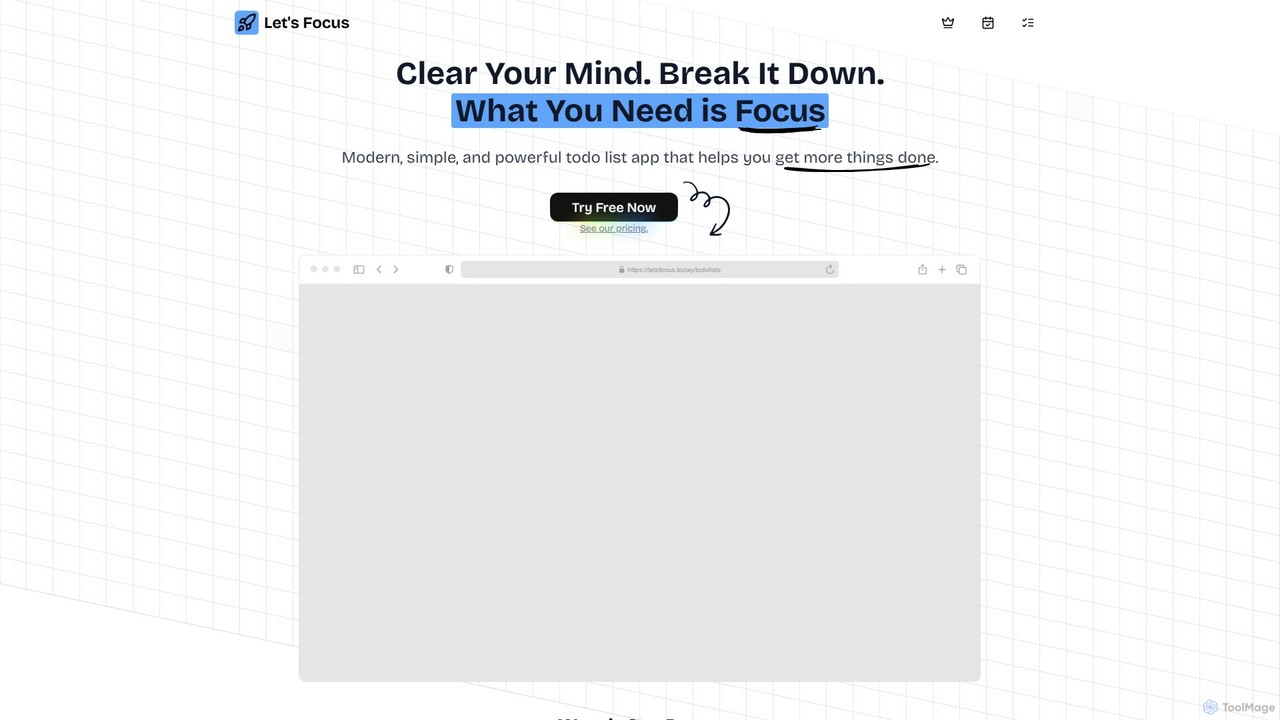
letsfocus
letsfocus is an AI-powered productivity tool designed to help you eliminate distractions and enhance concentration. By leveraging smart timers, intelligent website blocking, and personalized analytics, it creates an optimal environment for deep work, helping students, professionals, and creatives achieve their goals more efficiently.
Study Tools
goalfocus
An AI-powered goal management and productivity platform. It helps individuals and teams set clear objectives, break them down into actionable tasks, and maintain focus. The AI provides intelligent suggestions, prioritizes tasks, and offers insights to optimize performance and accelerate goal achievement.
Goal Setting
Patience.ai
Patience.ai is an AI-powered personal development platform designed to help you achieve long-term goals. It combines intelligent goal decomposition, adaptive scheduling, and mindfulness tools to foster sustainable progress and prevent burnout. Turn your biggest ambitions into a patient, step-by-step journey.
Personal Development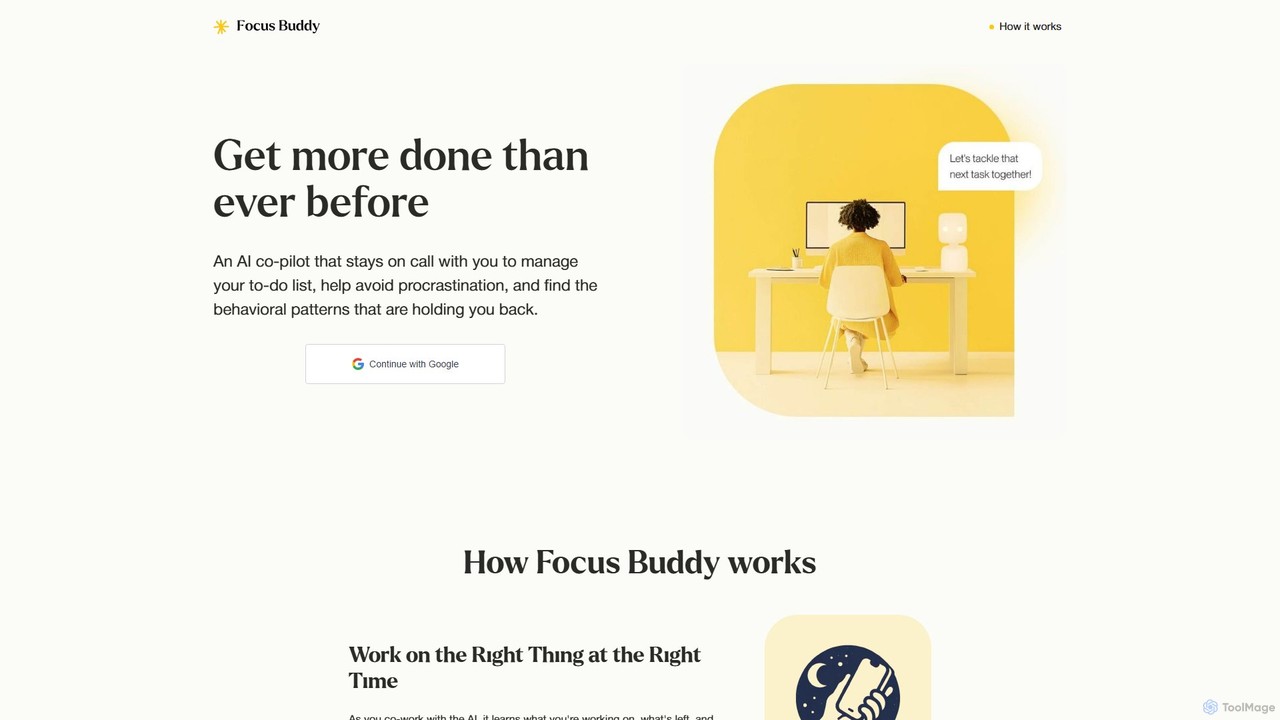
Focus Buddy
Focus Buddy is an AI co-pilot designed to boost your productivity. It acts as an accountability partner, staying on a virtual call with you to manage your to-do list, overcome procrastination, and break down tasks. By analyzing your work patterns, it provides weekly insights into your peak productivity times, distractions, and burnout signals, helping you build better work habits. It's available 24/7 and is especially helpful for those who struggle with focus and getting started.
Coaching
screentime Comments (0)
Sign in to comment.
Sign inNo comments yet.