
InfinipilotAI Overview
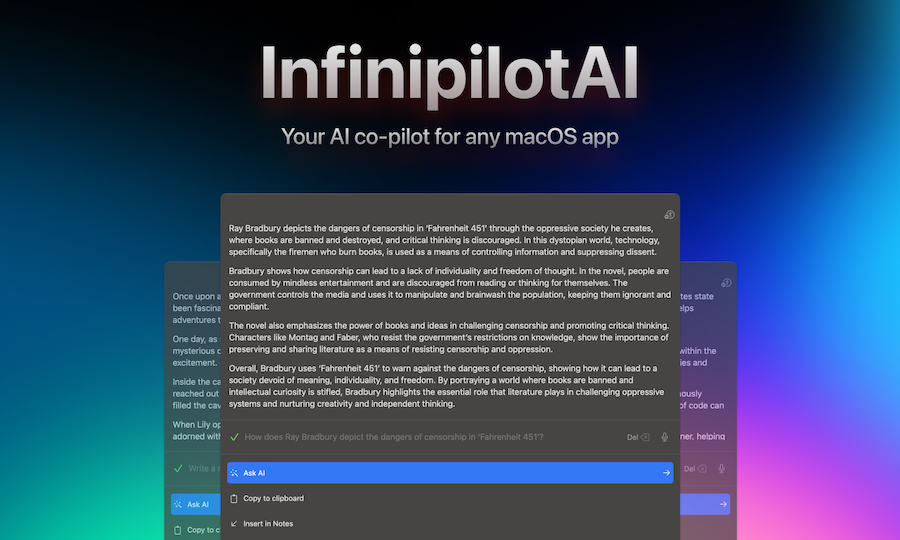
InfinipilotAI is a powerful and versatile AI co-pilot designed exclusively for macOS. It acts as a universal assistant that integrates seamlessly into your existing workflow, working within any application on your system. Whether you're writing an email, coding, drafting a document, or chatting on Slack, InfinipilotAI is just a hotkey away, ready to enhance your productivity. It's built to be a lightweight, fast, and native macOS experience, prioritizing performance and user privacy.
The core philosophy of InfinipilotAI is to bring the power of advanced AI models directly into your daily tasks without forcing you to switch contexts or use a separate web interface. It supports a wide range of leading AI providers, including OpenAI (GPT-4o, GPT-4 Turbo, etc.), Anthropic (Claude Opus, Sonnet, Haiku), and Google (Gemini Pro). For users who prioritize data privacy above all, it offers full support for local language models through Ollama, allowing all processing to happen on your machine, offline and secure.
How to use InfinipilotAI
Using InfinipilotAI is designed to be intuitive and non-disruptive. The process is straightforward:
- Select Text: Highlight any text within any macOS application. This could be a sentence you want to rephrase, a block of code with a bug, a paragraph to translate, or a question you want to ask.
- Press Hotkey: Use a customizable hotkey to launch the InfinipilotAI interface. The app will automatically capture the selected text.
- Choose an Action: The InfinipilotAI window will appear, allowing you to choose from various actions. You can fix spelling and grammar, change the writing tone (e.g., to be more professional or casual), translate the text into another language, write a reply, or ask a follow-up question.
- Generate and Paste: After the AI generates the response, you can instantly paste it back into the original application, replacing the selected text, or copy it to your clipboard for manual use.
To get started, you need to provide an API key from a supported cloud AI provider or have Ollama installed and configured on your Mac for local processing.
Core Features of InfinipilotAI
- Universal Compatibility: Works system-wide in any macOS application, from text editors and IDEs to browsers and messaging apps.
- AI-Driven Autocomplete: Provides intelligent text predictions and completions as you type, speeding up your writing process.
- Advanced Writing Tools: Use pre-configured presets to instantly improve your writing. Fix grammar, enhance style, adjust the tone, and improve clarity with a single click.
- Multi-Language Translation: An AI-assisted tool for quick and accurate translation of text between numerous languages.
- AI Question & Answer: Select any topic or text and ask the AI questions to get detailed explanations, summaries, or further information.
- Privacy First: Offers the option to use local language models via Ollama, ensuring your data never leaves your device.
- Developer Utilities: Includes specialized functions to assist developers, such as code explanation, debugging, and generation.
- Accessibility: Features like Text-to-Speech and Speech-to-Text make the application more accessible to all users.
- High Performance: A native macOS app optimized for speed and efficiency, using minimal memory (~40MB) and having a small footprint (
Use Cases for InfinipilotAI
InfinipilotAI is valuable for a wide range of users:
- Students & Academics: Paraphrasing research material, checking grammar on essays, summarizing long articles, and translating academic papers.
- Developers: Debugging code, explaining complex functions, writing documentation, and generating boilerplate code directly in their favorite IDE.
- Writers & Marketers: Overcoming writer's block, drafting marketing copy, rephrasing content for different platforms, and creating engaging social media posts.
- Business Professionals: Quickly replying to emails in a professional tone, summarizing meeting notes, and drafting reports or presentations.
- Support Agents: Crafting clear and empathetic replies to customer queries in apps like Slack or Zendesk.
Advantages of InfinipilotAI
The main advantage of InfinipilotAI is its seamless integration and efficiency. Unlike browser-based tools, it's a native app that works everywhere on your Mac. The one-time payment model is a significant benefit, freeing users from recurring subscription fees. Its support for local LLMs is a critical feature for privacy-conscious users and organizations. Furthermore, its lightweight nature ensures it doesn't slow down your system, providing a smooth and responsive experience that outpaces many competitors.
Pricing and Plans
InfinipilotAI offers a simple and transparent pricing model:
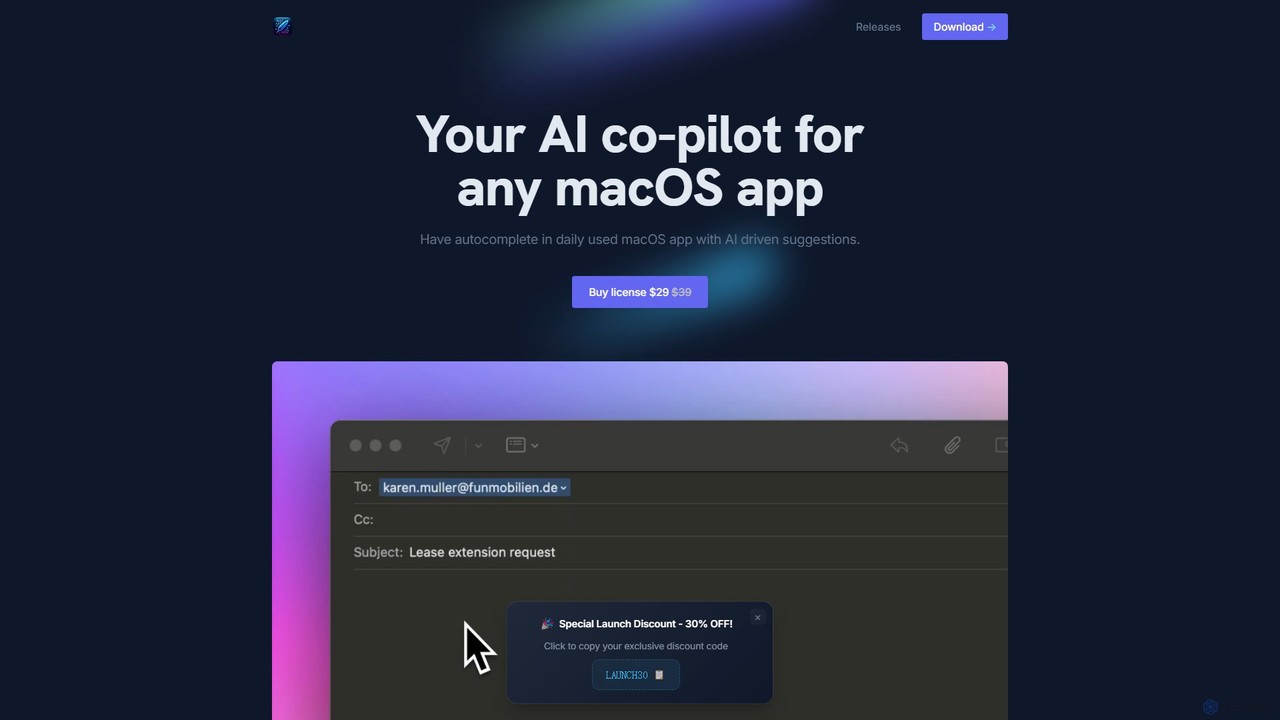
- Lifetime License: A one-time payment of $29 (special launch discount from the regular price of $39).
- What's Included: This single purchase grants you a lifetime license for one device (transferable), including all future app updates and improvements. There are no subscriptions or hidden fees.
- Discounts: A 30% discount is available for students and non-profit organizations upon providing proof of status.
- Refund Policy: A 14-day, no-questions-asked money-back guarantee is offered on all purchases.
InfinipilotAI Alternatives
Kerlig
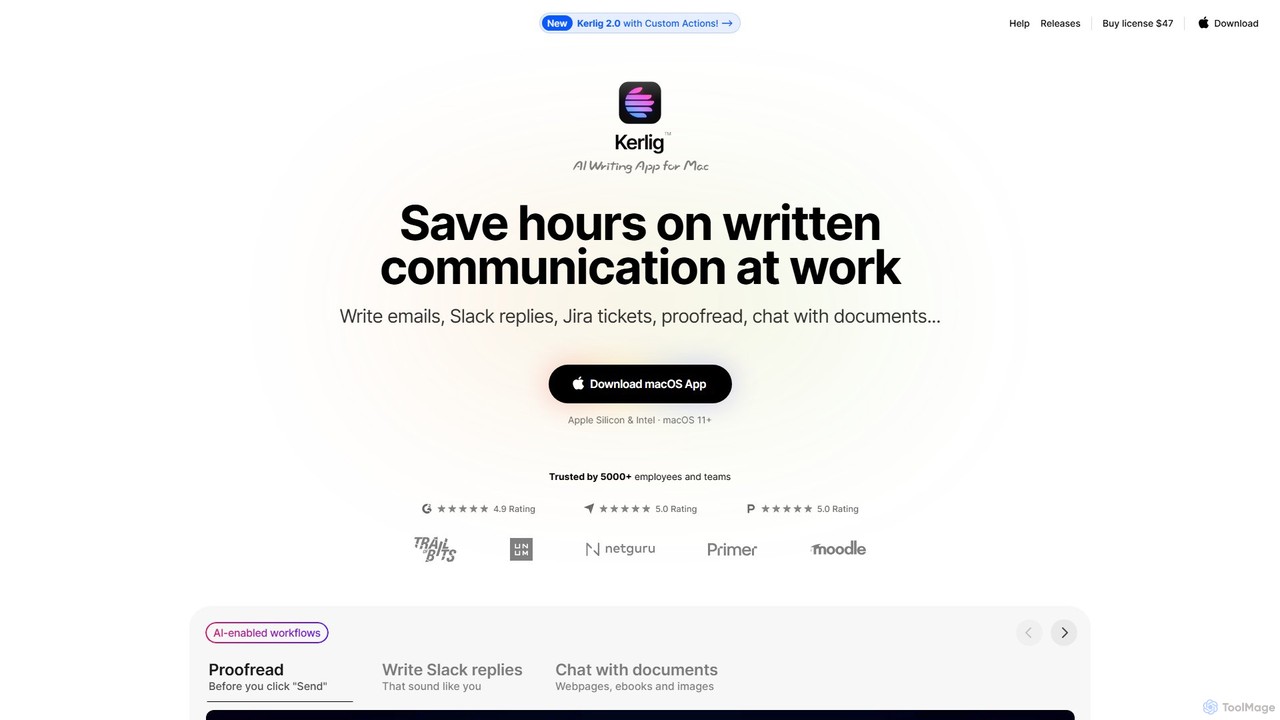
Kerlig is a native AI writing assistant for macOS designed to streamline your communication. It integrates seamlessly into your workflow, allowing you to write emails, proofread text, chat with documents, and generate content using over 350 AI models. With custom actions and a focus on privacy, Kerlig saves you hours by bringing powerful AI to your fingertips, without ever leaving your current application.
Mac Apps
RewriteBar
RewriteBar is a native macOS menu bar app that acts as your personal AI writing assistant. It works seamlessly across all applications, allowing you to instantly correct grammar, change tone, translate text, summarize content, and more with a simple keyboard shortcut. It supports over 12 AI providers, including local models for ultimate privacy, offering a powerful and flexible writing enhancement experience.
Code Assistant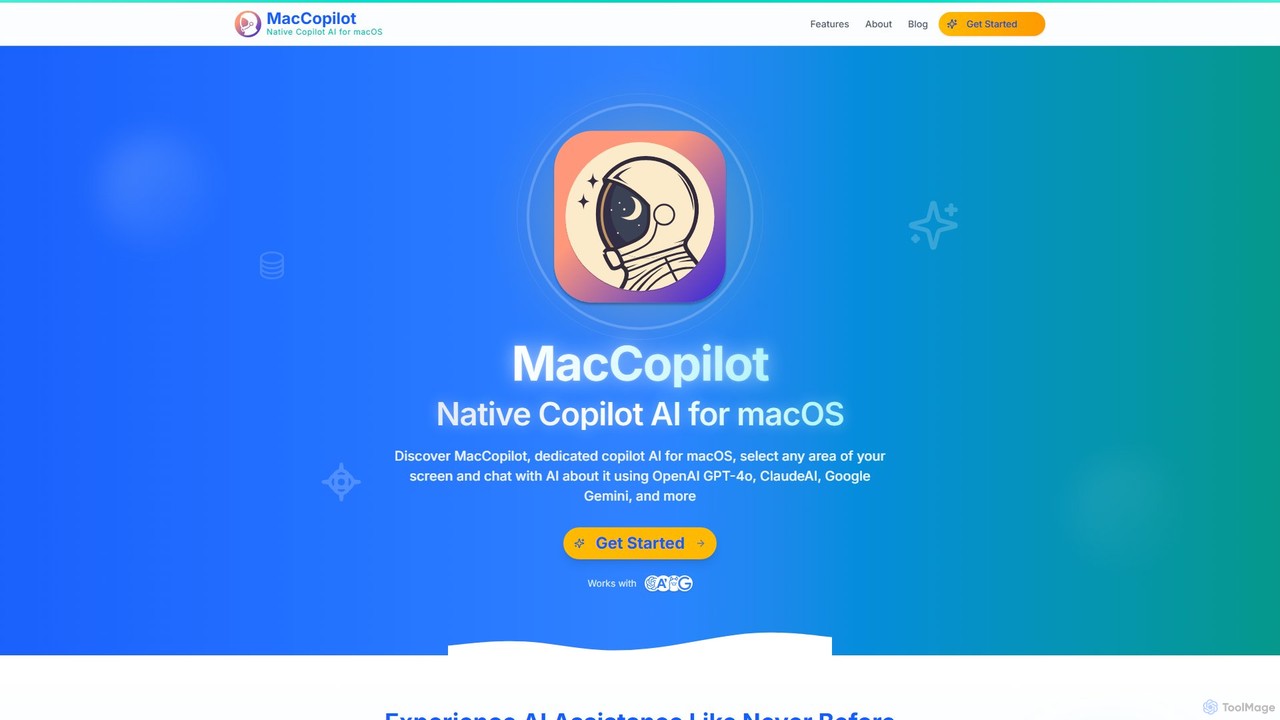
MacCopilot
MacCopilot is a native AI assistant for macOS that revolutionizes productivity. It allows you to select any area of your screen and instantly start a conversation with advanced AI models like GPT-4o, Claude 3.5, and Gemini. Get immediate insights, code explanations, email drafts, and more, without ever leaving your current window. It's a seamless bridge between your screen's content and powerful AI.
Code Assistant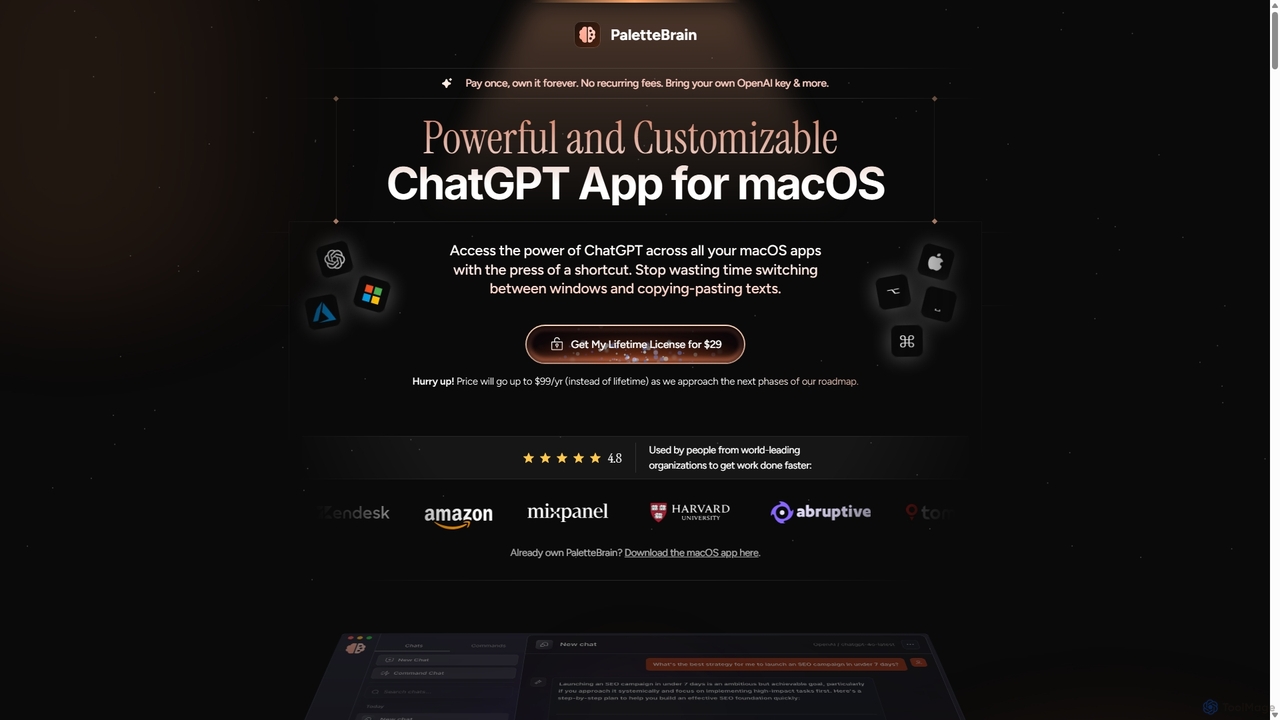
PaletteBrain
PaletteBrain is a native macOS application that integrates the power of ChatGPT directly into your workflow. With a simple keyboard shortcut, you can access AI commands on any selected text within any app, eliminating context switching. It offers customizable prompts, a one-time purchase model, and allows you to use your own OpenAI key for pay-as-you-go usage, making it a cost-effective and efficient productivity booster for writers, developers, and marketers.
Code Assistant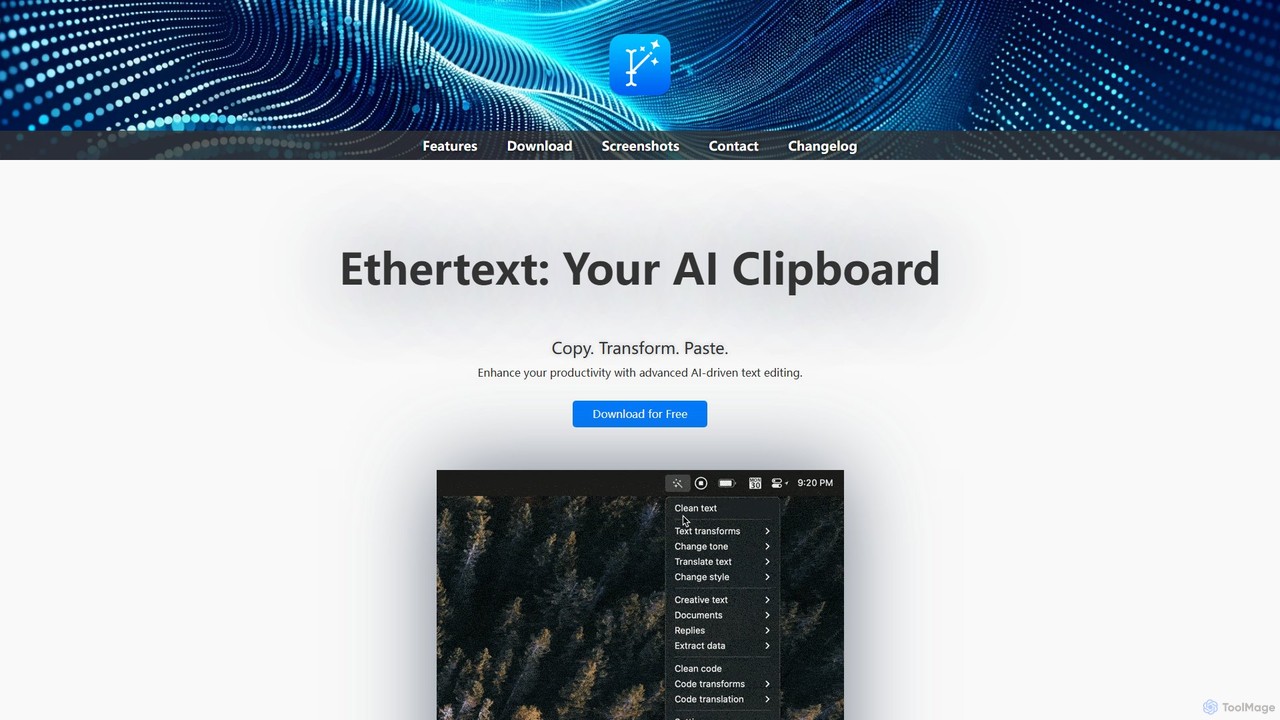
Ethertext
Ethertext is an AI-powered clipboard assistant for macOS that supercharges your productivity. It allows you to instantly transform, edit, and enhance any text you copy. With support for major AI models like OpenAI, Gemini, and Claude, as well as local models via Ollama, it offers powerful text and code manipulation, a smart memory feature, and seamless integration into your daily workflow through keyboard shortcuts.
Code AssistantInfinipilotAI Categories
InfinipilotAI Embed Widget
Copy this embed code to place the badge on your blog, article, or product site and send readers directly to this ToolMage detail page.

Related AI tools
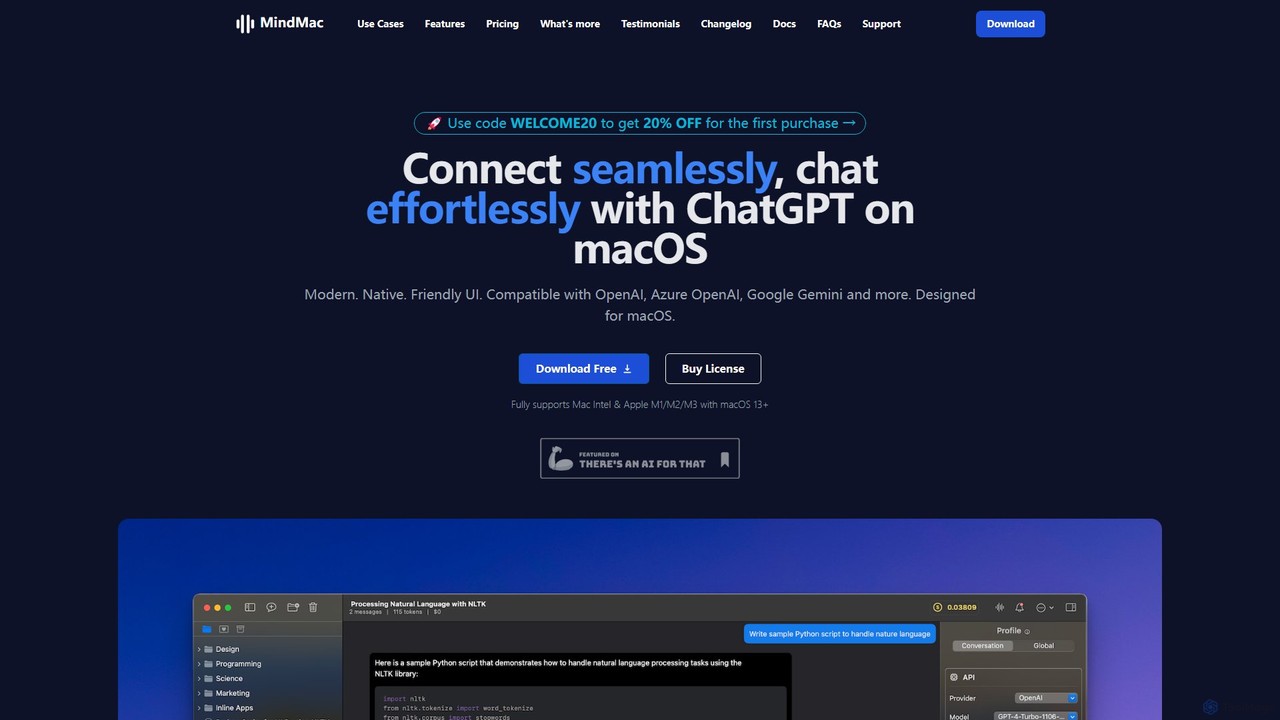
MindMac
MindMac is a powerful, native macOS client that provides a unified interface for interacting with a vast range of AI models, including OpenAI's GPT, Google Gemini, Claude, and local LLMs. It enhances productivity with features like an inline mode for use in any app, a rich prompt library, and extensive customization. It prioritizes privacy and security by storing API keys locally and communicating directly with AI providers.
Macos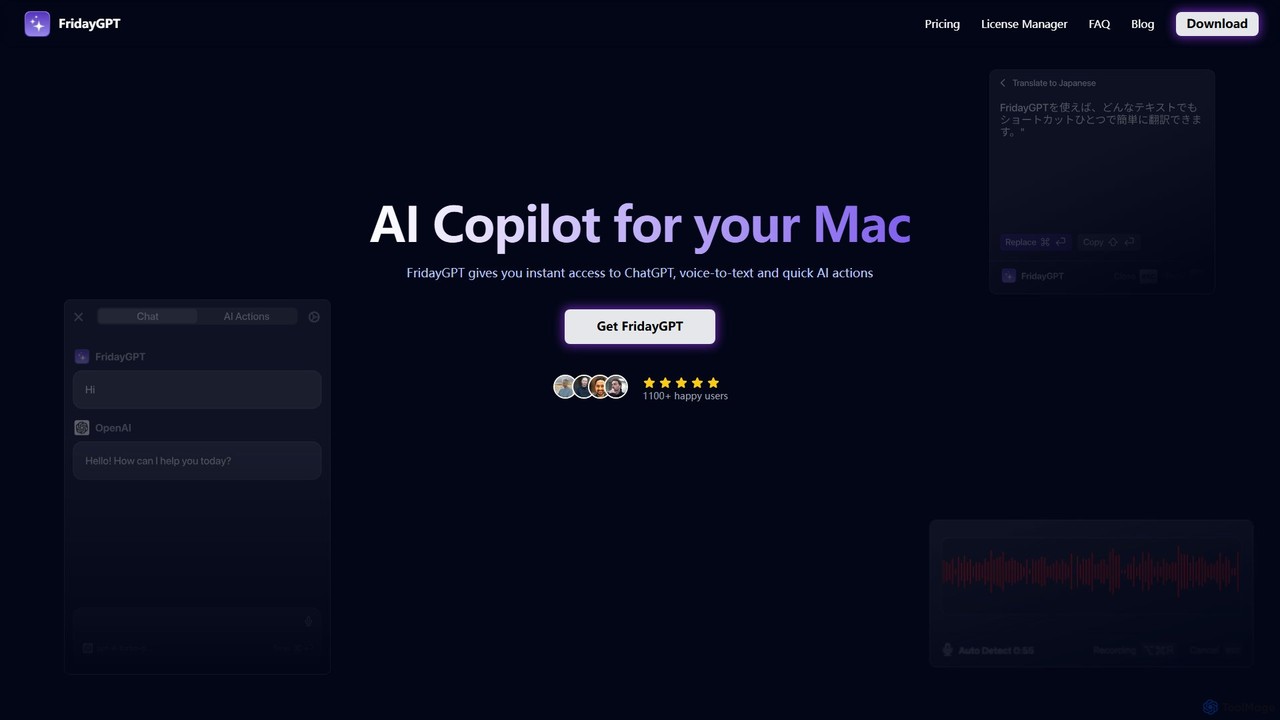
FridayGPT
FridayGPT is an AI copilot for Mac that integrates ChatGPT, Claude, and local LLMs directly into your workflow. It offers instant access to AI, advanced voice-to-text transcription in over 100 languages, and one-click actions like grammar correction and text rewriting. Boost your productivity by using AI anywhere on your Mac without switching contexts.
Desktop Apps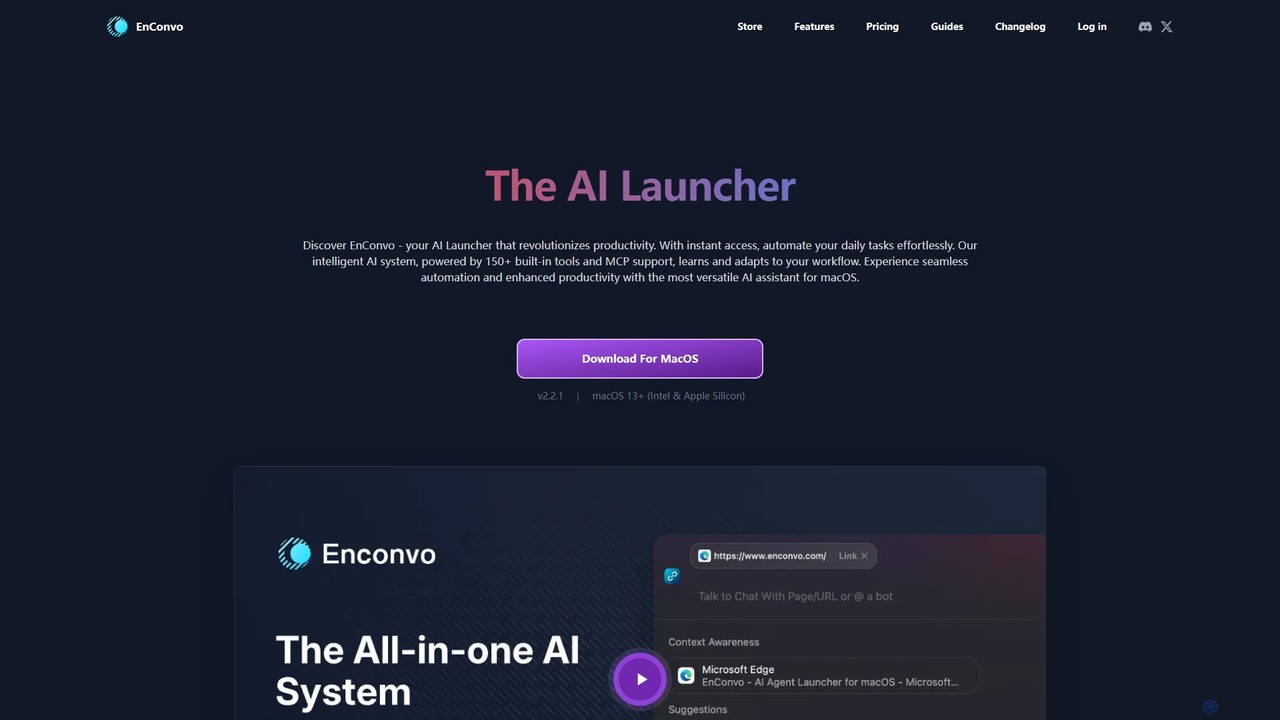
EnConvo
EnConvo is a powerful AI agent launcher for macOS designed to automate tasks and boost productivity. It integrates seamlessly into your workflow with a Spotlight-like interface, offering over 150 tools, custom workflows, context awareness, and support for local LLMs, transforming how you interact with your Mac.
Workflow Automation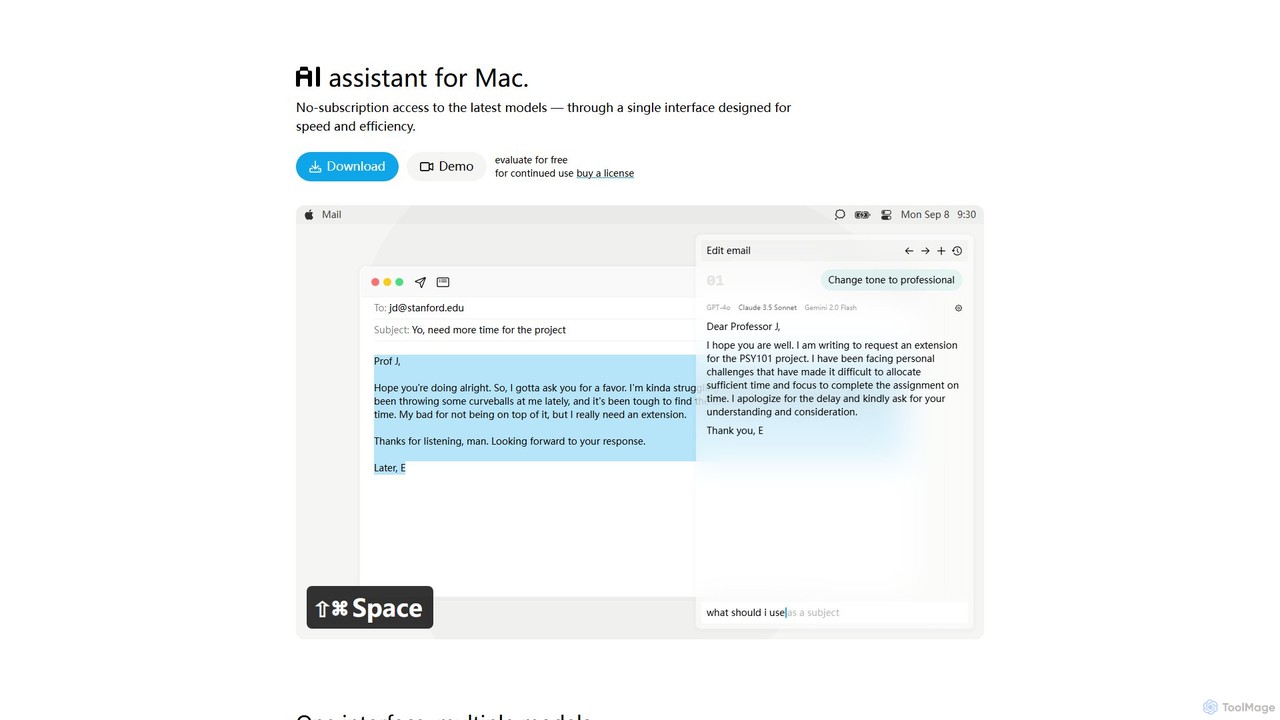
IntelliBar
IntelliBar is a native AI assistant for Mac, providing a unified interface to access the latest large language models like GPT-4o, Claude 3.5, and Gemini, plus local models via Ollama. It focuses on speed, efficiency, and privacy, with a one-time purchase model instead of recurring subscriptions. Compare models, use powerful shortcuts, and keep your data secure on your device.
Api ManagementKerlig
Kerlig is a native AI writing assistant for macOS designed to streamline your communication. It integrates seamlessly into your workflow, allowing you to write emails, proofread text, chat with documents, and generate content using over 350 AI models. With custom actions and a focus on privacy, Kerlig saves you hours by bringing powerful AI to your fingertips, without ever leaving your current application.
Mac AppsRewriteBar
RewriteBar is a native macOS menu bar app that acts as your personal AI writing assistant. It works seamlessly across all applications, allowing you to instantly correct grammar, change tone, translate text, summarize content, and more with a simple keyboard shortcut. It supports over 12 AI providers, including local models for ultimate privacy, offering a powerful and flexible writing enhancement experience.
Code Assistant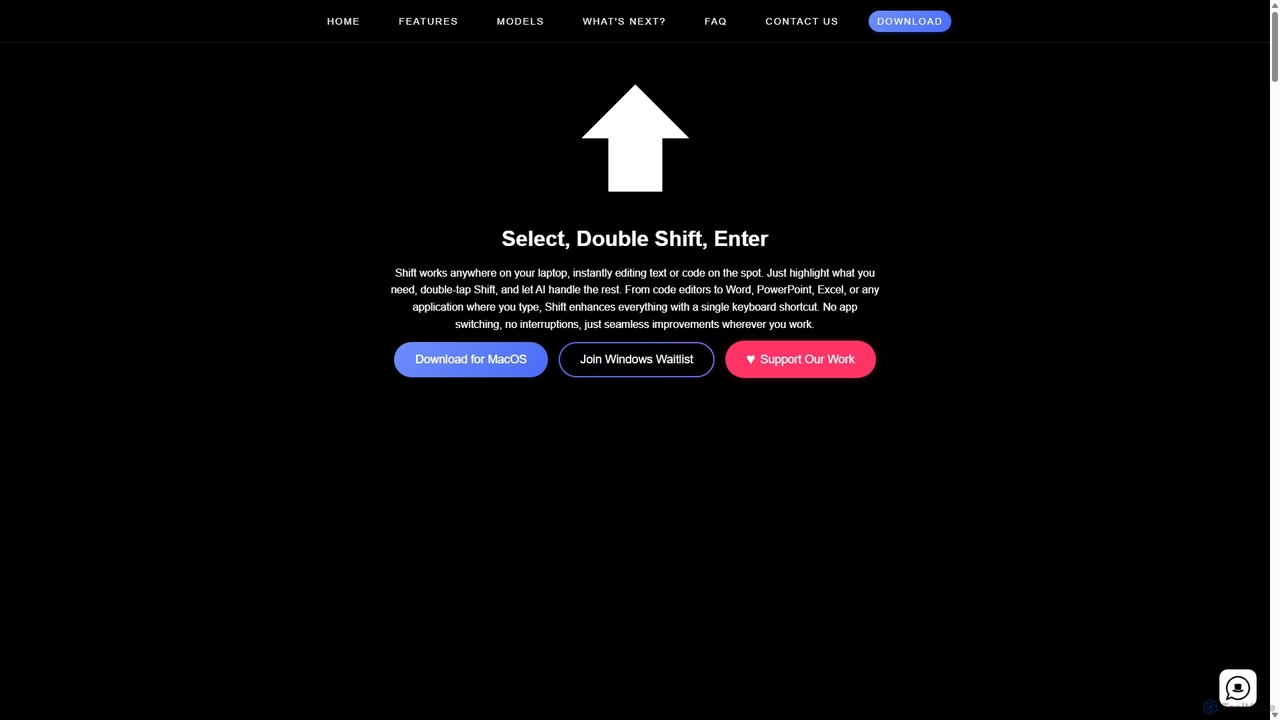
Shift
Shift is a system-wide AI assistant for macOS that enhances your workflow by allowing you to edit text and code anywhere with a simple keyboard shortcut. Just highlight text, double-tap Shift, and let the AI rewrite, debug, translate, or rephrase it instantly within any application.
Code Assistant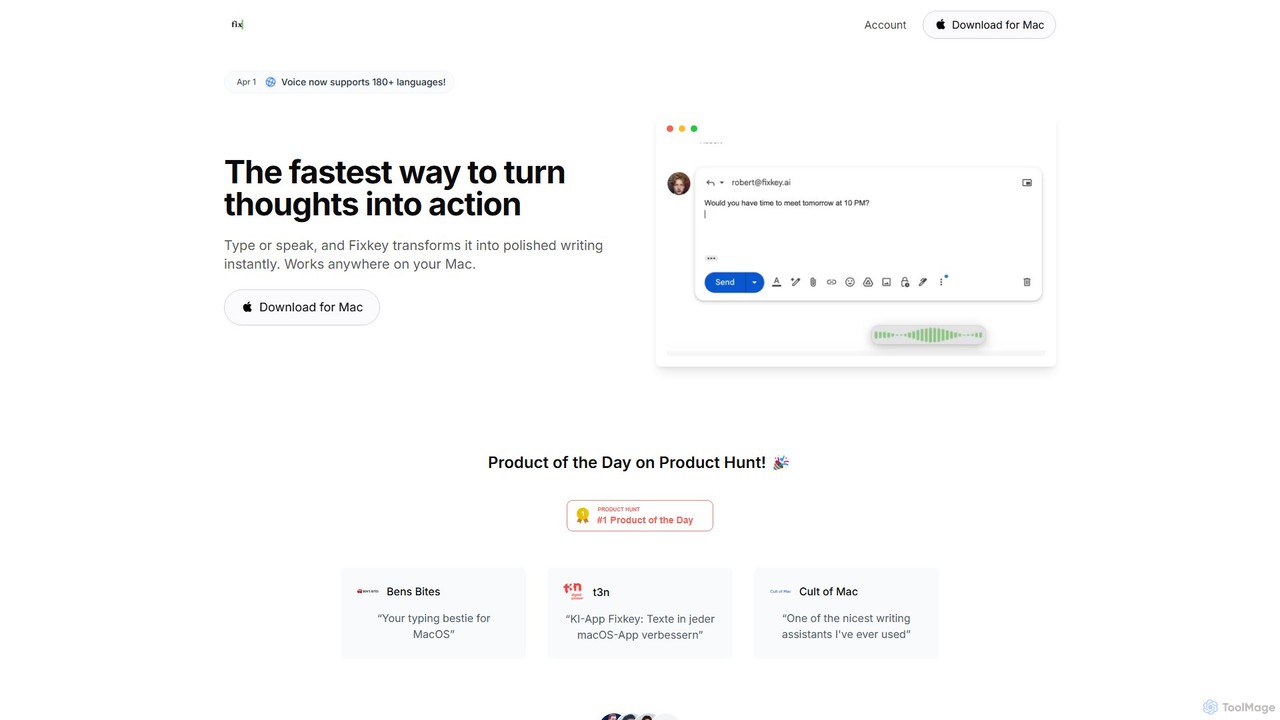
Fixkey
Fixkey is a native AI writing assistant for macOS that enhances your productivity. It transforms your voice or text into polished, professional writing instantly, working seamlessly across all Mac applications. Features include real-time speech-to-text, one-click text improvement, translation into over 180 languages, and customizable AI prompts.
Response Management
timemaster
timemaster is an AI-powered, privacy-first time and productivity tracker for macOS. It automatically monitors your activities in the background, providing insightful analytics to help you understand your work habits, minimize distractions, and supercharge your focus to achieve more every day.
Analytics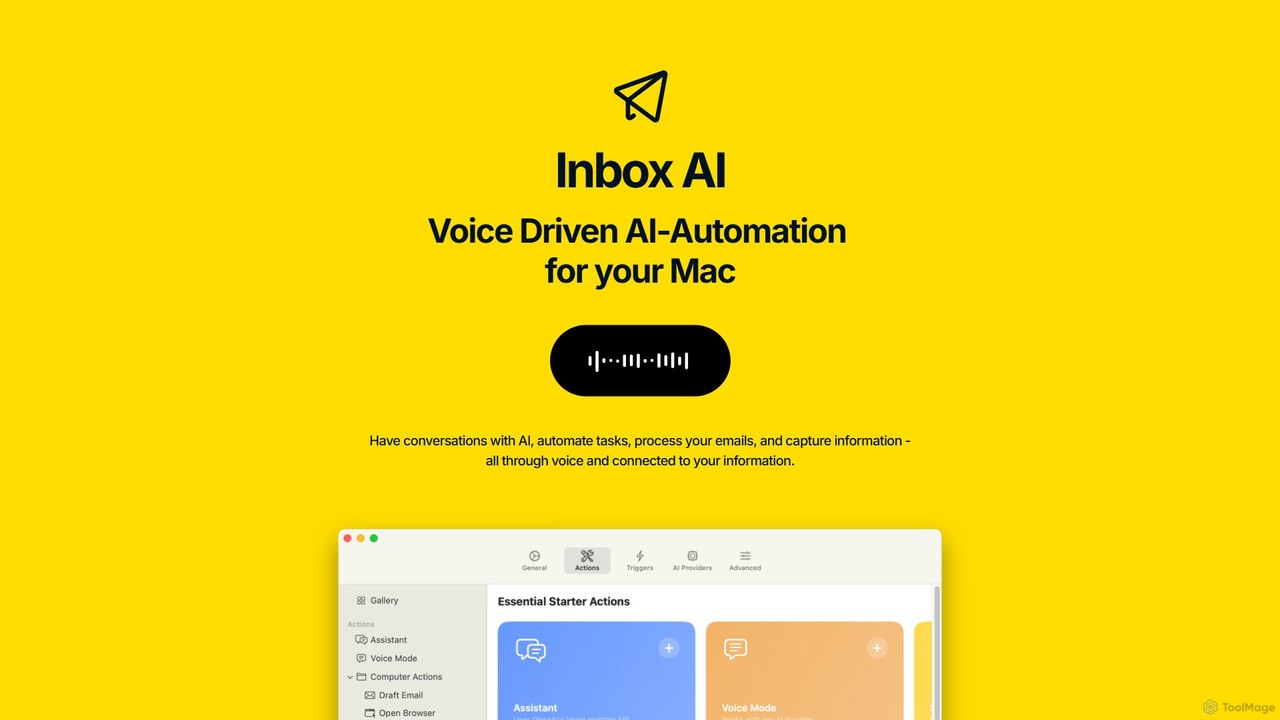
inbox_ai
inbox_ai is a powerful voice-driven AI automation tool for macOS. It allows you to create custom voice commands and build intelligent assistants to streamline your workflow. With features like on-screen quick capture, email filtering, and deep integration with native macOS apps and services like Raycast and PopClip, inbox_ai puts advanced AI capabilities at your fingertips. It operates entirely on-device, ensuring your data remains private and secure, with no login required.
Workflow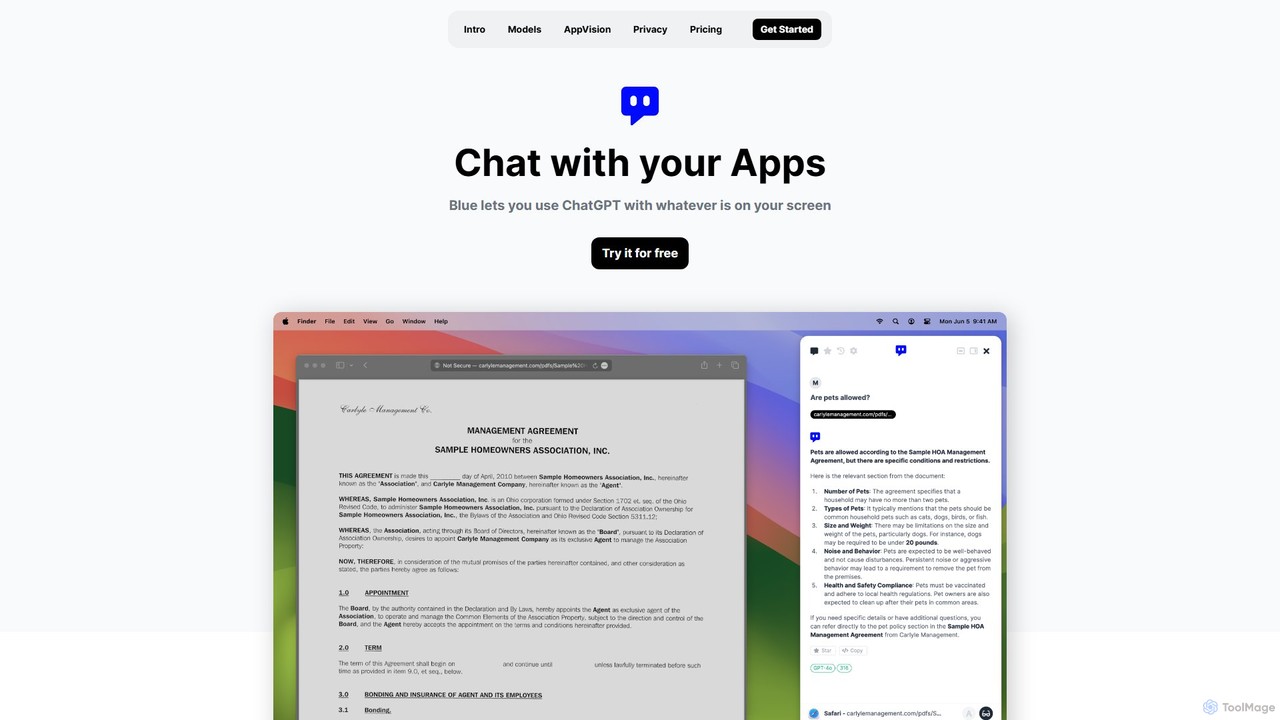
Blue
Blue is a native macOS AI assistant that integrates ChatGPT and other advanced AI models directly into your workflow. Featuring unique screen context awareness (AppVision) and a strong focus on privacy, it allows you to analyze, summarize, or create content in any app with a simple keyboard shortcut, boosting productivity for professionals.
Coding Assistant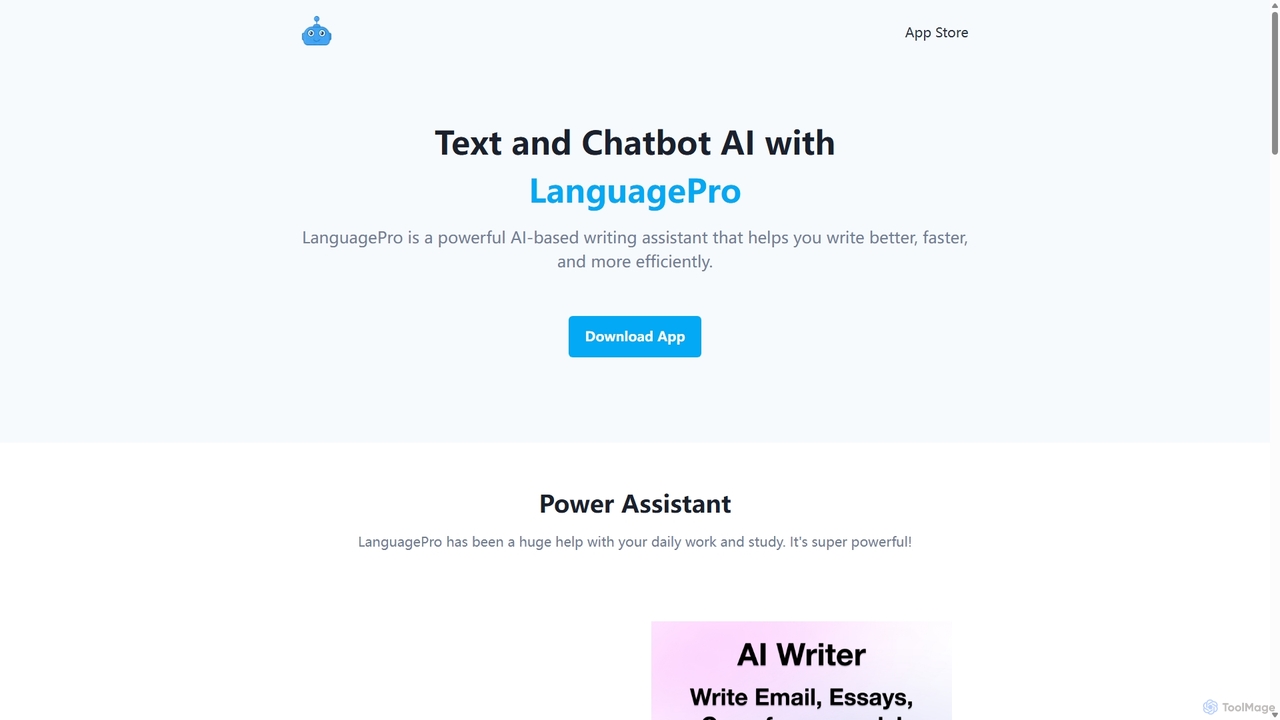
LanguagePro
LanguagePro is a versatile AI power assistant designed to enhance daily work and study. It integrates advanced GPT capabilities directly into Siri, offering powerful features like AI writing, translation, grammar correction, voice chat, and interactive conversations with AI characters.
Character AiMacCopilot
MacCopilot is a native AI assistant for macOS that revolutionizes productivity. It allows you to select any area of your screen and instantly start a conversation with advanced AI models like GPT-4o, Claude 3.5, and Gemini. Get immediate insights, code explanations, email drafts, and more, without ever leaving your current window. It's a seamless bridge between your screen's content and powerful AI.
Code AssistantPaletteBrain
PaletteBrain is a native macOS application that integrates the power of ChatGPT directly into your workflow. With a simple keyboard shortcut, you can access AI commands on any selected text within any app, eliminating context switching. It offers customizable prompts, a one-time purchase model, and allows you to use your own OpenAI key for pay-as-you-go usage, making it a cost-effective and efficient productivity booster for writers, developers, and marketers.
Code AssistantEthertext
Ethertext is an AI-powered clipboard assistant for macOS that supercharges your productivity. It allows you to instantly transform, edit, and enhance any text you copy. With support for major AI models like OpenAI, Gemini, and Claude, as well as local models via Ollama, it offers powerful text and code manipulation, a smart memory feature, and seamless integration into your daily workflow through keyboard shortcuts.
Code Assistant
InfinipilotAI Comments (0)
Sign in to comment.
Sign inNo comments yet.