
inbox_ai Overview
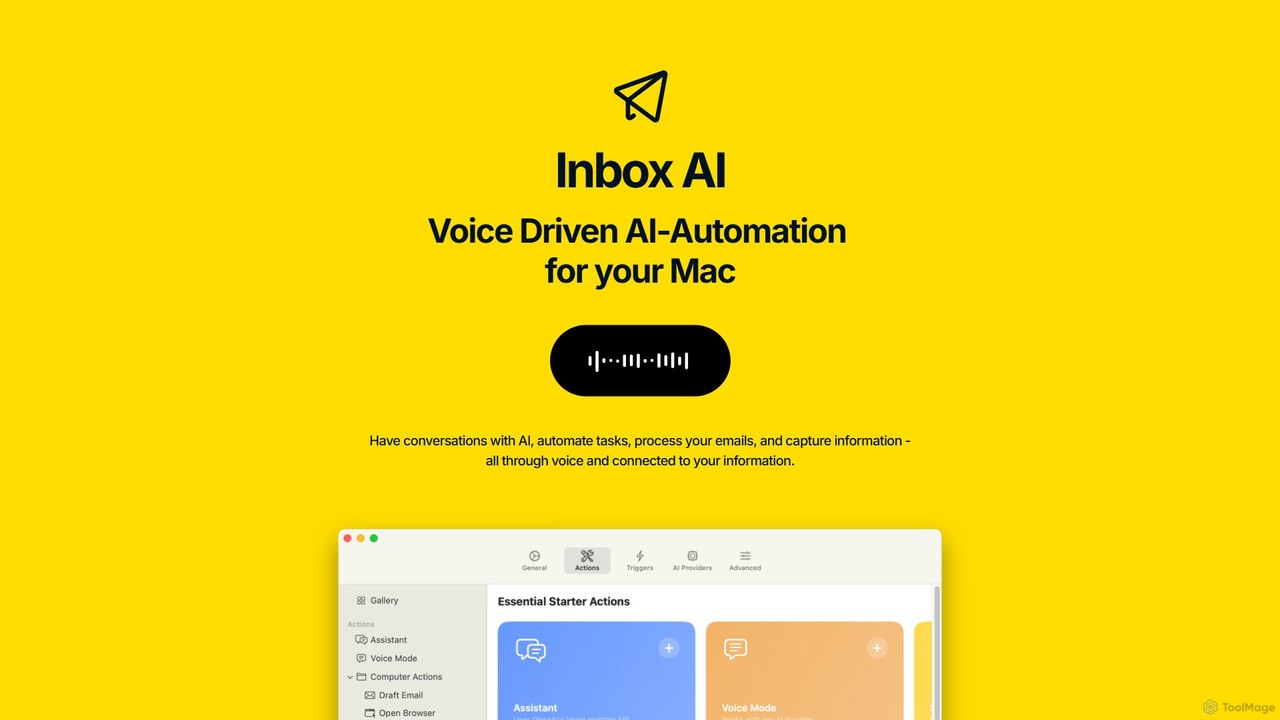
inbox_ai is a sophisticated, voice-driven AI automation application designed exclusively for macOS. It transforms how you interact with your computer by allowing you to build powerful, custom automations triggered by simple voice commands. This tool acts as your personal AI assistant, capable of understanding context, interacting with on-screen content, and integrating deeply with the macOS ecosystem to streamline complex workflows and eliminate repetitive tasks. Its core philosophy is built on privacy and efficiency, with all processing handled locally on your device, meaning your data never leaves your computer and no internet connection or login is required for its core operations.
With inbox_ai, you move beyond simple shortcuts and create multi-step, intelligent workflows. Whether you need to summarize an article, reply to a common Slack message, extract tasks from an email and add them to your to-do list, or run a complex script, you can configure it all to be executed with a single voice command. The app is designed for power users, developers, and anyone looking to significantly boost their productivity by automating the digital minutiae of their daily work.
How to use inbox_ai
Using inbox_ai involves a straightforward process of building and triggering custom automations:
- Install the Application: Download and install the native macOS application from its official source.
- Create a Trigger: The primary trigger is voice. You define a specific phrase, like "Summarize this page" or "Process this email." Other triggers, such as incoming emails, can also be configured.
- Build Your Action Chain: This is where the magic happens. You can chain multiple actions together. For example, a workflow could start with 'Quick Capture' to select text on the screen, followed by an 'Ask AI' action to summarize it, and end with a 'Clipboard' action to copy the summary.
- Leverage Smart Actions: Incorporate intelligent AI capabilities. Use 'AI Conversation' to build agents that interact with your content, 'Ask AI' for analysis or extraction, or 'Choice' to have the AI ask you clarifying questions to guide the workflow.
- Integrate with Your System: Connect inbox_ai to native macOS apps like Apple Mail and Reminders. It also plays nicely with popular productivity tools like Raycast and PopClip for a seamless experience.
- Utilize Advanced Actions: For ultimate power, use the 'API Request' action to connect to any third-party service or the 'Terminal Command' action to run shell scripts and integrate their output into your workflow.
- Execute and Iterate: Simply speak your command to run the automation. You can easily tweak and refine your workflows to perfectly match your needs.
Core Features of inbox_ai
- Voice-Driven Triggers: Create custom voice commands to initiate complex automation workflows effortlessly.
- On-Device AI Processing: All AI operations run locally on your Mac for maximum speed, security, and privacy. No login or cloud dependency required.
- Quick Capture: Instantly select any text or element on your screen and use it as input for your AI automations.
- Intelligent Email Management: Automatically filter junk mail, extract actionable tasks from incoming emails, and organize your inbox.
- Deep macOS Integration: Works seamlessly with Apple Mail, Apple Reminders, Clipboard, and system notifications. It also integrates with power-user tools like Raycast and PopClip.
- Advanced Workflow Builder: Group multiple actions to run sequentially or simultaneously. Build conversational agents that can see and interact with your content.
- Extensible Actions: Integrate with virtually any online service via custom API requests or leverage the full power of your system with Terminal commands.
- Callback URL Support: Trigger Apple Shortcuts or other compatible applications as part of your automation chains.
Use Cases for inbox_ai
inbox_ai is versatile and can be adapted for various professional needs:
- Productivity Enthusiasts: Automate daily routines like sorting emails, creating to-do items from messages, summarizing articles with a voice command, and filing documents.
- Developers: Create voice commands to run build scripts, check API statuses, query logs, or format code snippets, all without switching context from their code editor.
- Writers & Researchers: Use Quick Capture to grab text from PDFs or websites, have AI summarize it, and send the output directly to a notes app or clipboard for easy citation and research.
- Managers and Team Leads: Build automations to handle routine communications, such as sending a templated reply in Slack, extracting action items from meeting notes, or creating reminder tasks for follow-ups.
Advantages of inbox_ai
The primary advantages of inbox_ai lie in its unique combination of power, privacy, and integration:
- Privacy-First Design: With 100% on-device processing, your personal and professional data remains secure and private on your Mac.
- Unparalleled Customization: The flexible action builder allows you to create highly specific workflows tailored to your exact needs, something generic tools cannot offer.
- Frictionless Efficiency: It replaces dozens of manual clicks, copy-pastes, and context switches with a single, natural language voice command.
- Seamless Ecosystem Fit: Its deep integration with macOS and popular power tools makes it feel like a native, supercharged extension of your operating system.
- Empowers Non-Coders: While powerful enough for developers, its interface allows users without programming skills to build sophisticated automations.
Pricing and Plans
inbox_ai is a premium application. The website does not provide explicit pricing details, which is common for native apps sold through platforms like the Mac App Store. It is likely offered as a one-time purchase, providing full access to all features without recurring subscriptions. For the most accurate and up-to-date pricing information, please visit the official website or its page on the Mac App Store.
Traffic
Latest traffic
Status
Monthly traffic trend
- 2025-9: 1.6K
- 2026-1: 2.9K
- 2026-2: 2.9K
- 2026-3: 1.6K
- 2026-4: 1.9K
- 2026-5: 857
Geography
Top 5 countries / regions
- 🇺🇸United States96.1%
- 🇮🇳India3.9%
Top keywords
| Keyword | Cost per click |
|---|---|
| ai inbox | $20.47 |
| inbox | $0.77 |
| inbox ai | $0.00 |
| inbox ai stack | $0.00 |
| inbox automation | $0.00 |
inbox_ai Alternatives
DeckAssistant
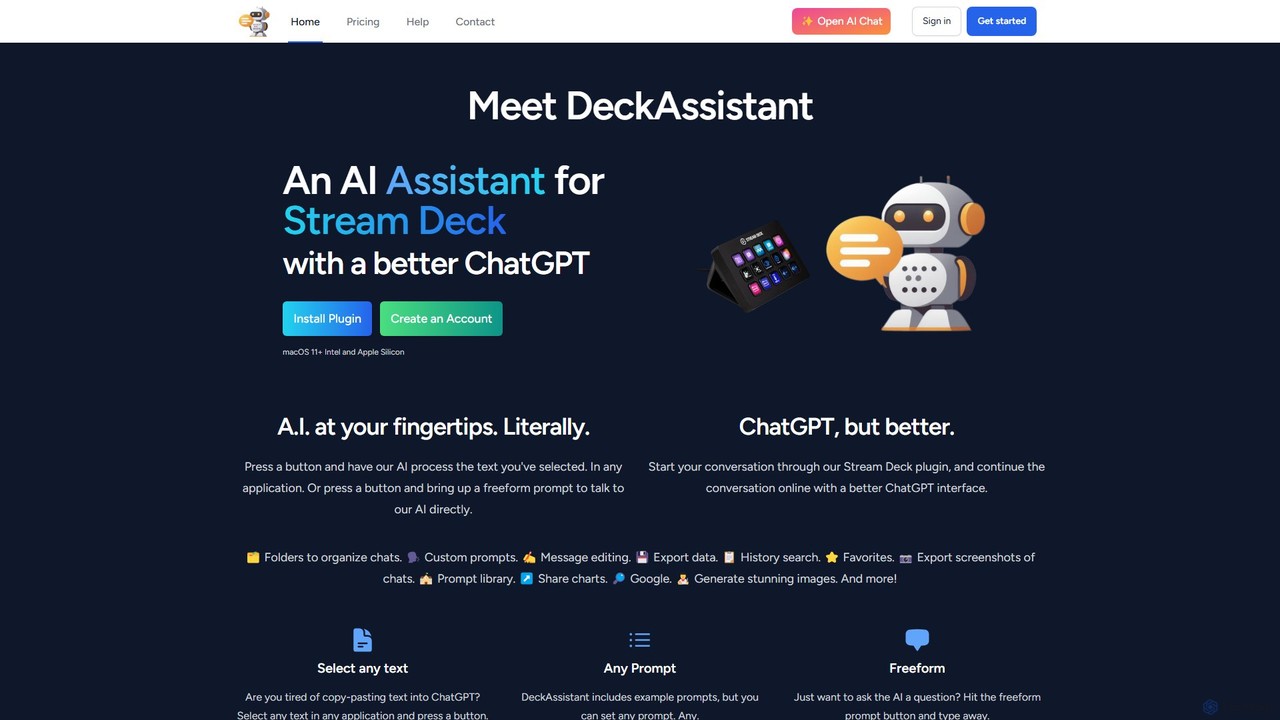
DeckAssistant is a powerful AI assistant that integrates directly with your Elgato Stream Deck. It allows you to process selected text, generate content, or chat with an AI using a single button press, directly within any application on your macOS. This eliminates context switching and streamlines your workflow for tasks like writing, coding, and content creation.
Workflow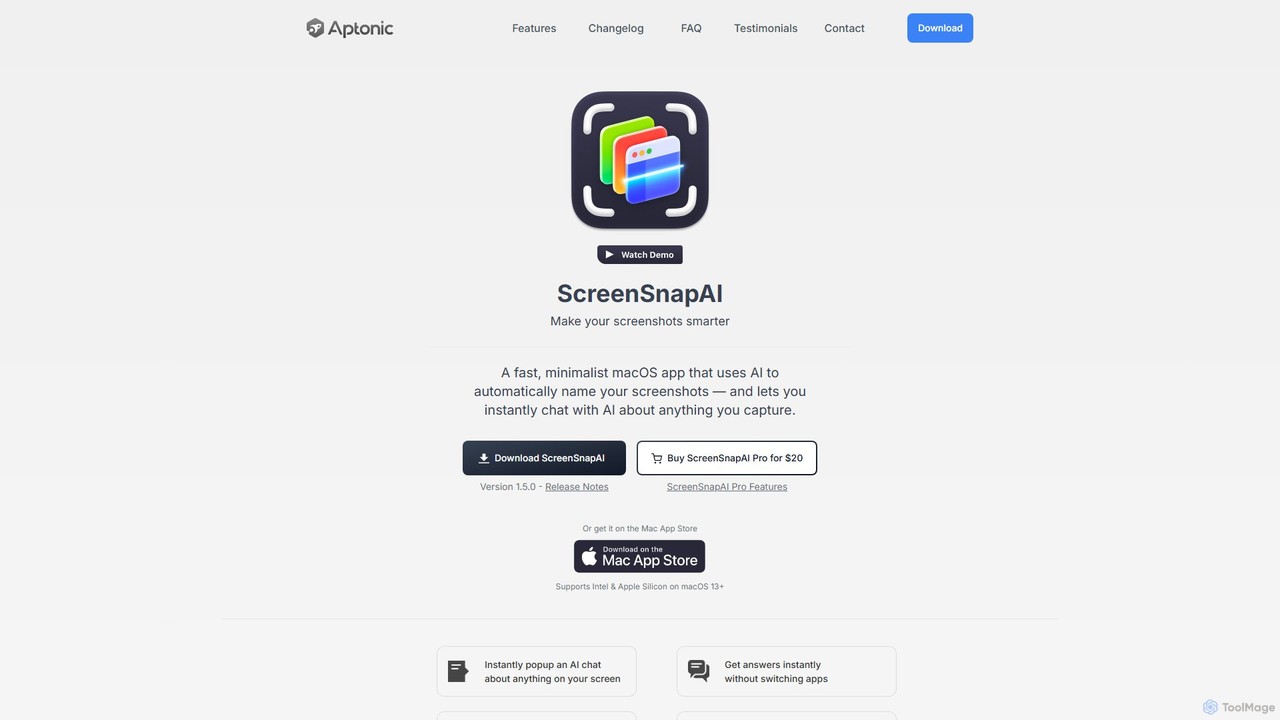
ScreenSnapAI
ScreenSnapAI is a smart macOS application that uses AI to automatically rename, tag, and organize your screenshots. It features an integrated AI assistant that allows you to instantly chat about, translate, or extract text and code from any captured image, dramatically improving productivity and workflow efficiency.
Code Assistant
Raycast
Raycast is a blazingly fast, extendable launcher for macOS that supercharges your productivity. It replaces Spotlight with a powerful command-line interface to control your tools, search files, run scripts, and automate tasks. With an integrated AI assistant, a vast store of community-built extensions, and features like Clipboard History, Snippets, and Window Management, Raycast centralizes your workflow, saving you time and context-switching.
Workflow Automation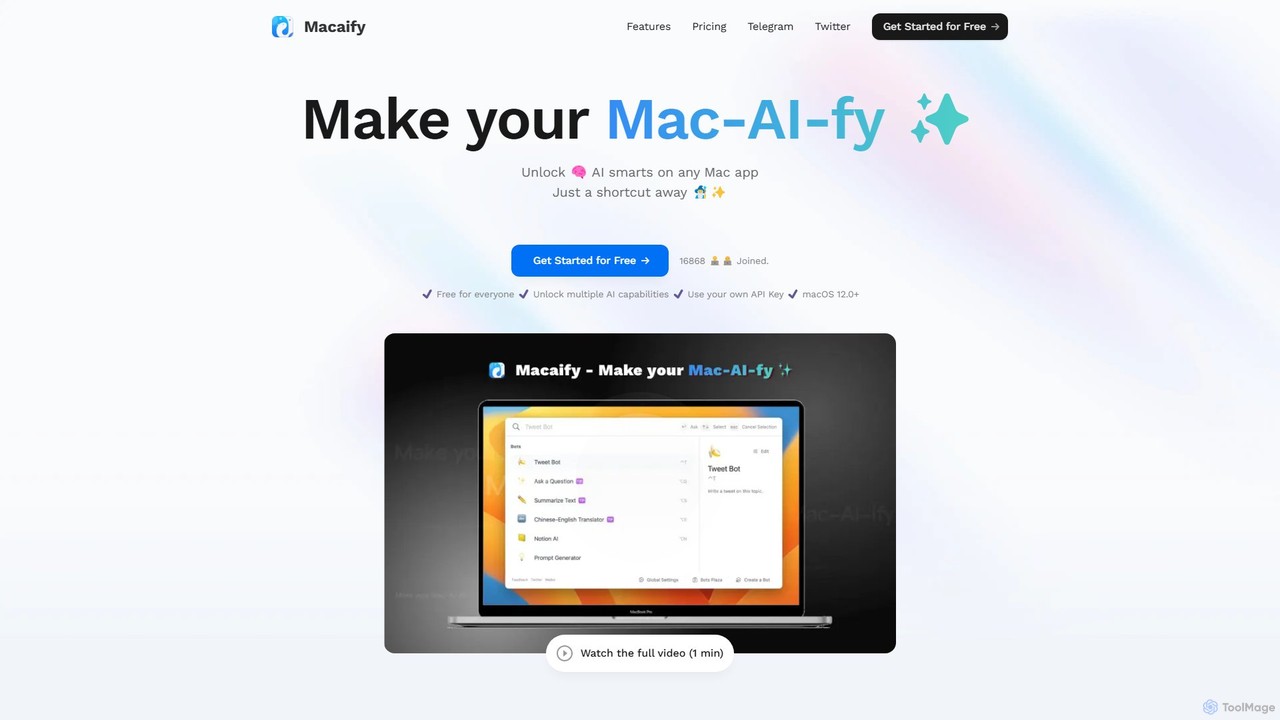
Macaify
Macaify is a native macOS application that integrates AI capabilities into any app on your Mac. With a simple keyboard shortcut, you can select text and instantly perform tasks like writing, translation, code generation, and more, without ever leaving your current application.
Code Assistant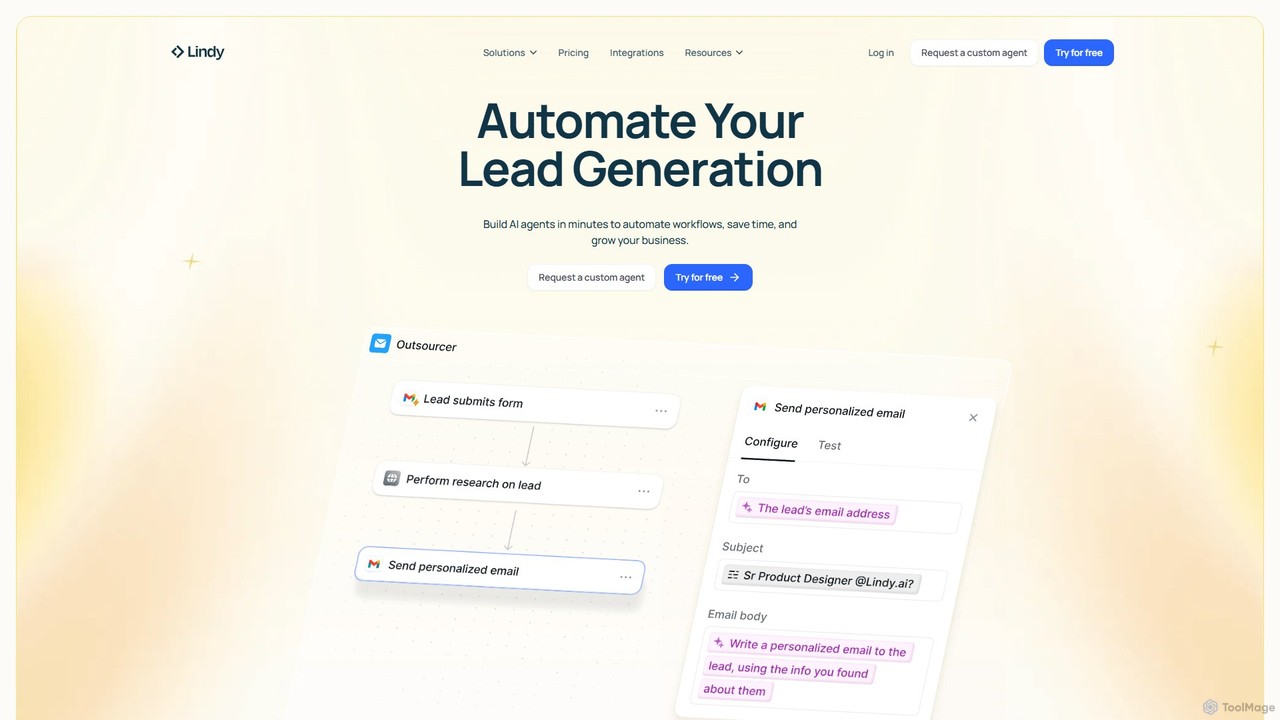
Lindy
Lindy is an AI assistant platform that enables you to build custom AI agents to automate workflows, saving time and scaling business operations. It integrates with hundreds of apps like Gmail and HubSpot, allowing you to automate tasks in sales, customer support, recruiting, and personal productivity using simple natural language commands.
Chatbotinbox_ai Categories
inbox_ai Embed Widget
Copy this embed code to place the badge on your blog, article, or product site and send readers directly to this ToolMage detail page.

Related AI tools
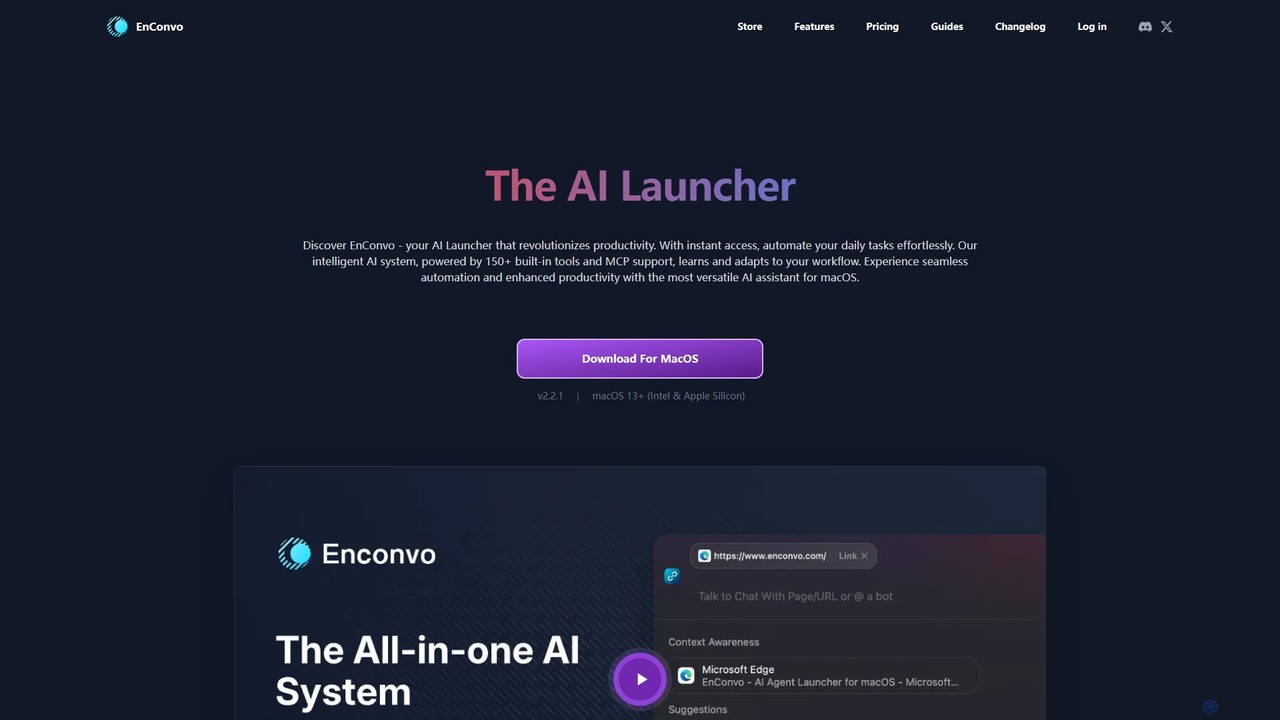
EnConvo
EnConvo is a powerful AI agent launcher for macOS designed to automate tasks and boost productivity. It integrates seamlessly into your workflow with a Spotlight-like interface, offering over 150 tools, custom workflows, context awareness, and support for local LLMs, transforming how you interact with your Mac.
Workflow AutomationRaycast
Raycast is a blazingly fast, extendable launcher for macOS that supercharges your productivity. It replaces Spotlight with a powerful command-line interface to control your tools, search files, run scripts, and automate tasks. With an integrated AI assistant, a vast store of community-built extensions, and features like Clipboard History, Snippets, and Window Management, Raycast centralizes your workflow, saving you time and context-switching.
Workflow AutomationMacaify
Macaify is a native macOS application that integrates AI capabilities into any app on your Mac. With a simple keyboard shortcut, you can select text and instantly perform tasks like writing, translation, code generation, and more, without ever leaving your current application.
Code Assistant
Raycast
Raycast is a blazingly fast, extensible launcher for macOS that supercharges your productivity. It acts as a central command bar to control your tools, with integrated AI, an extensive extension store, and powerful built-in features like window management and clipboard history. It's designed to reduce context switching and keep you in the flow.
Personal Assistant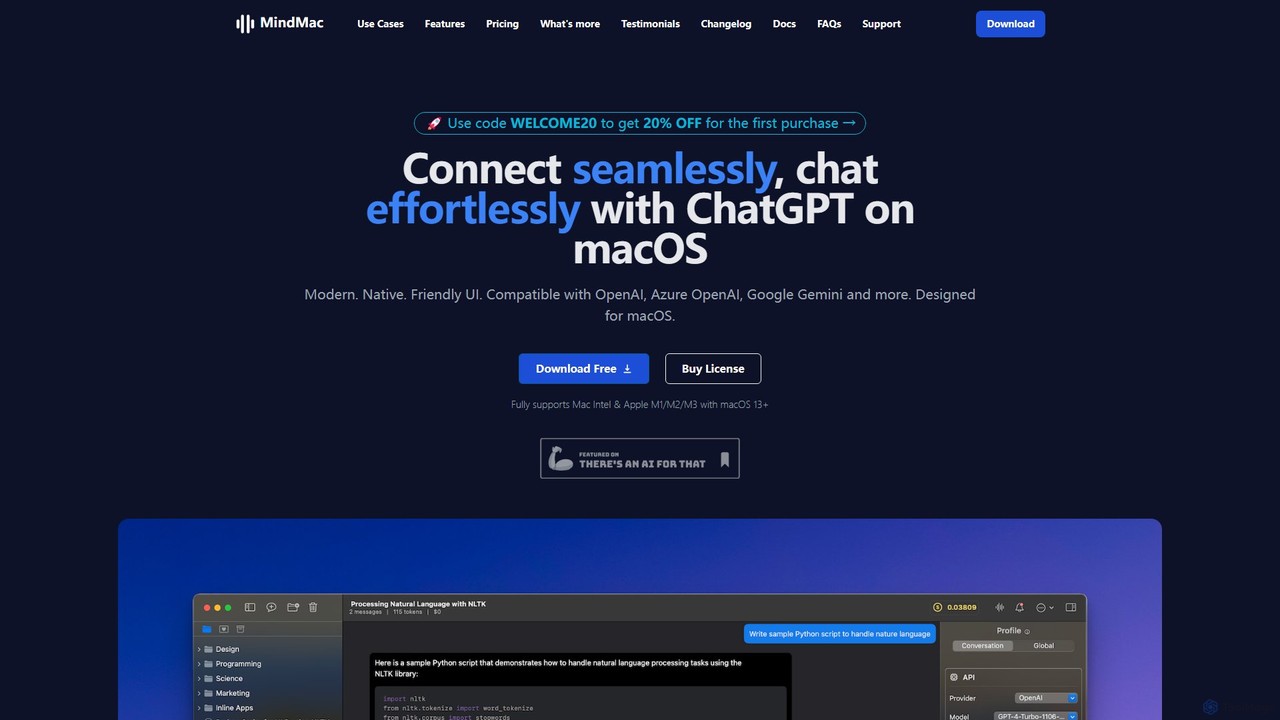
MindMac
MindMac is a powerful, native macOS client that provides a unified interface for interacting with a vast range of AI models, including OpenAI's GPT, Google Gemini, Claude, and local LLMs. It enhances productivity with features like an inline mode for use in any app, a rich prompt library, and extensive customization. It prioritizes privacy and security by storing API keys locally and communicating directly with AI providers.
Macos
timemaster
timemaster is an AI-powered, privacy-first time and productivity tracker for macOS. It automatically monitors your activities in the background, providing insightful analytics to help you understand your work habits, minimize distractions, and supercharge your focus to achieve more every day.
Analytics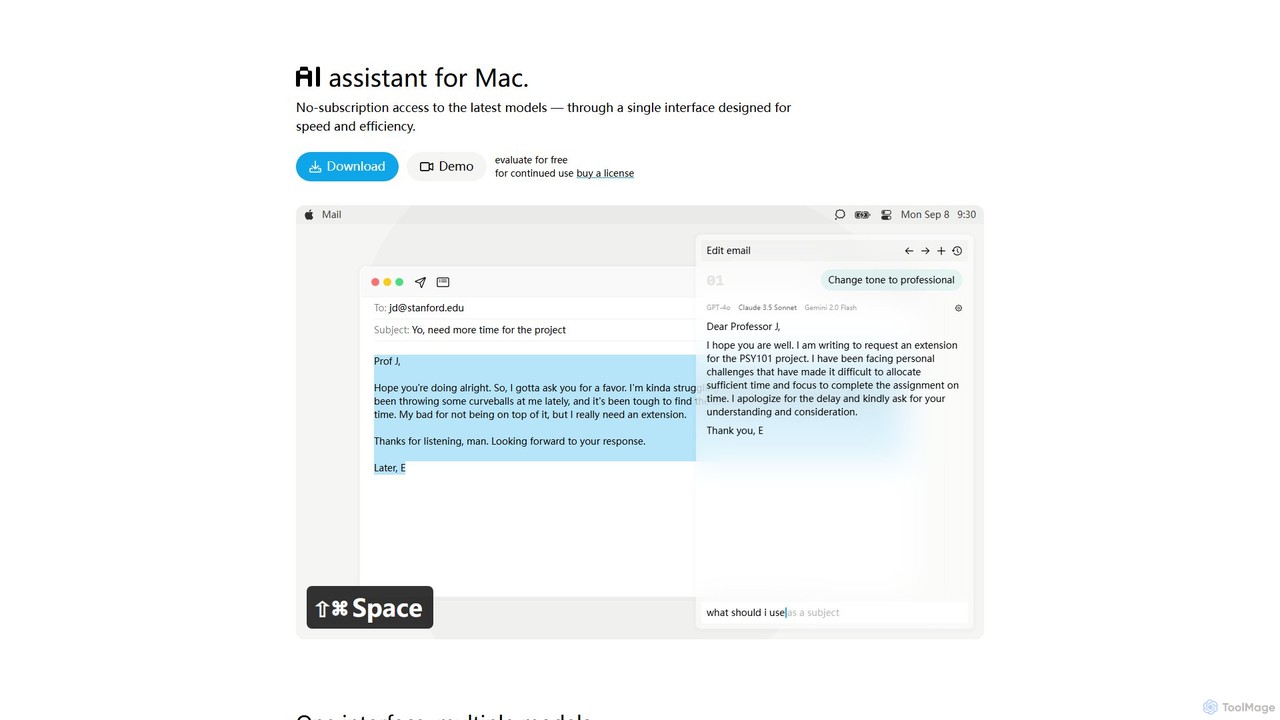
IntelliBar
IntelliBar is a native AI assistant for Mac, providing a unified interface to access the latest large language models like GPT-4o, Claude 3.5, and Gemini, plus local models via Ollama. It focuses on speed, efficiency, and privacy, with a one-time purchase model instead of recurring subscriptions. Compare models, use powerful shortcuts, and keep your data secure on your device.
Api Management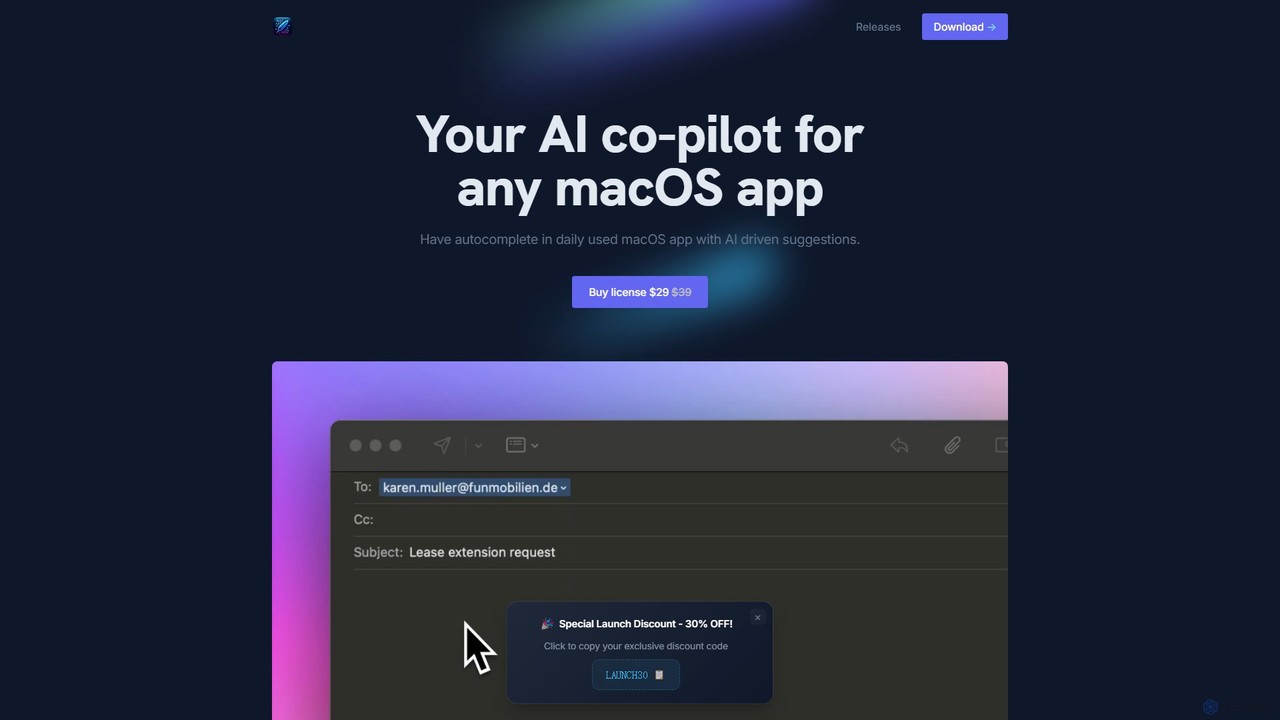
InfinipilotAI
InfinipilotAI is a native macOS AI co-pilot that seamlessly integrates with any application. It boosts productivity with features like AI-driven autocomplete, writing enhancement, translation, and developer utilities. With a strong focus on privacy, it supports local language models via Ollama, ensuring your data stays on your device. It's a lightweight, high-performance tool available for a one-time purchase.
Code AssistantDeckAssistant
DeckAssistant is a powerful AI assistant that integrates directly with your Elgato Stream Deck. It allows you to process selected text, generate content, or chat with an AI using a single button press, directly within any application on your macOS. This eliminates context switching and streamlines your workflow for tasks like writing, coding, and content creation.
WorkflowLindy
Lindy is an AI assistant platform that enables you to build custom AI agents to automate workflows, saving time and scaling business operations. It integrates with hundreds of apps like Gmail and HubSpot, allowing you to automate tasks in sales, customer support, recruiting, and personal productivity using simple natural language commands.
Chatbot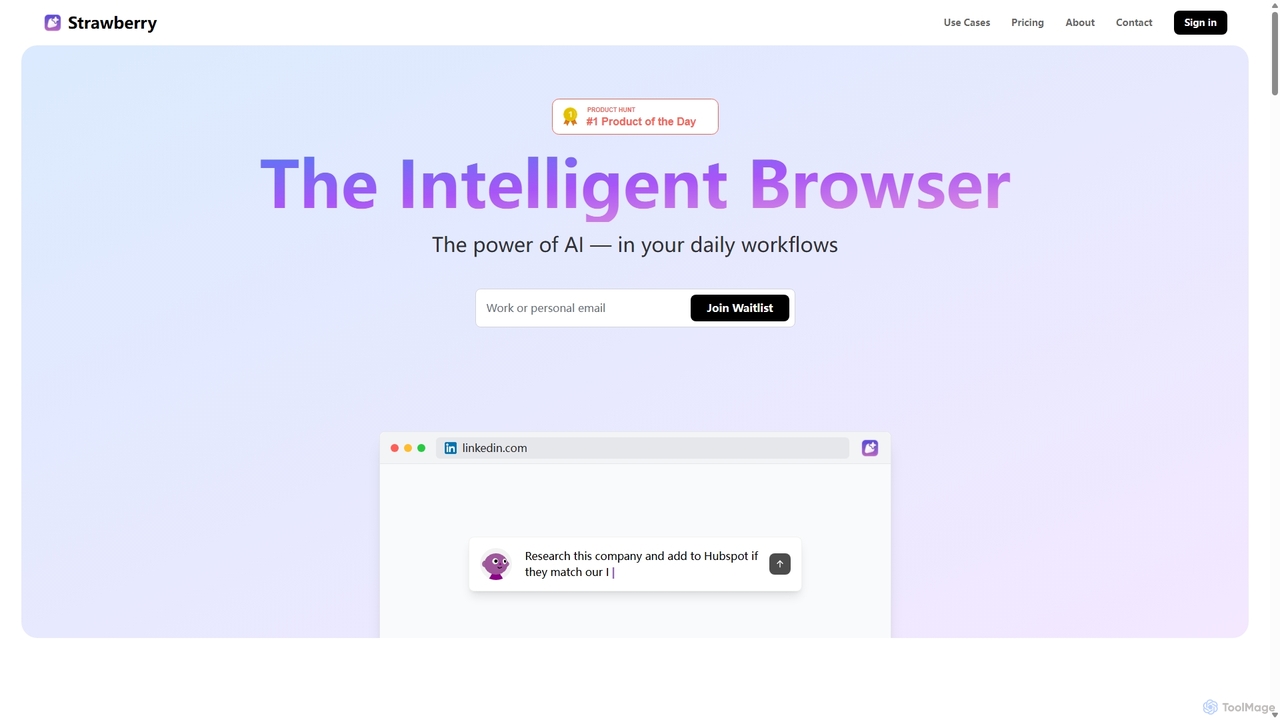
Strawberry Browser
Strawberry Browser is an intelligent, AI-powered browser designed to automate your daily workflows. It allows you to build a team of customizable AI assistants that handle repetitive tasks like research, data extraction, and lead generation directly within your browser. Eliminate grunt work, stay focused, and enhance your productivity.
Ai Assistant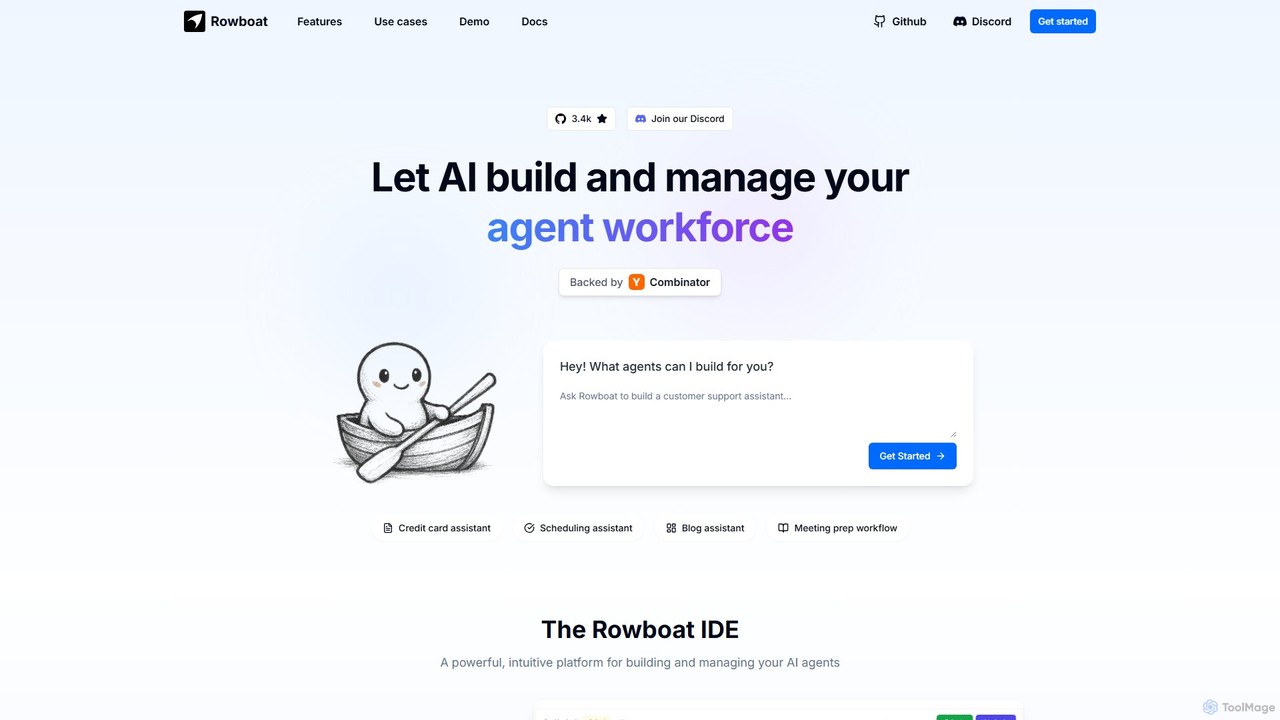
Rowboat
Rowboat is a powerful, AI-powered IDE for building, managing, and deploying complex multi-agent systems. Backed by Y Combinator, it allows users to describe workflows in plain English, and its AI copilot automatically generates the entire agent graph, including roles, prompts, and tool integrations. It's designed to simplify the creation of robust, real-world AI agents for productivity, e-commerce, support, and more, with features like open-source flexibility and support for over 100 LLMs.
Agent Builder
Omnipilot
Omnipilot, now part of Highlight, is a powerful AI assistant for Mac & Windows. It works across all your apps, providing context-aware assistance for writing, meetings, and tasks. It understands what's on your screen to reduce context switching and boost productivity without needing to copy-paste.
Utilities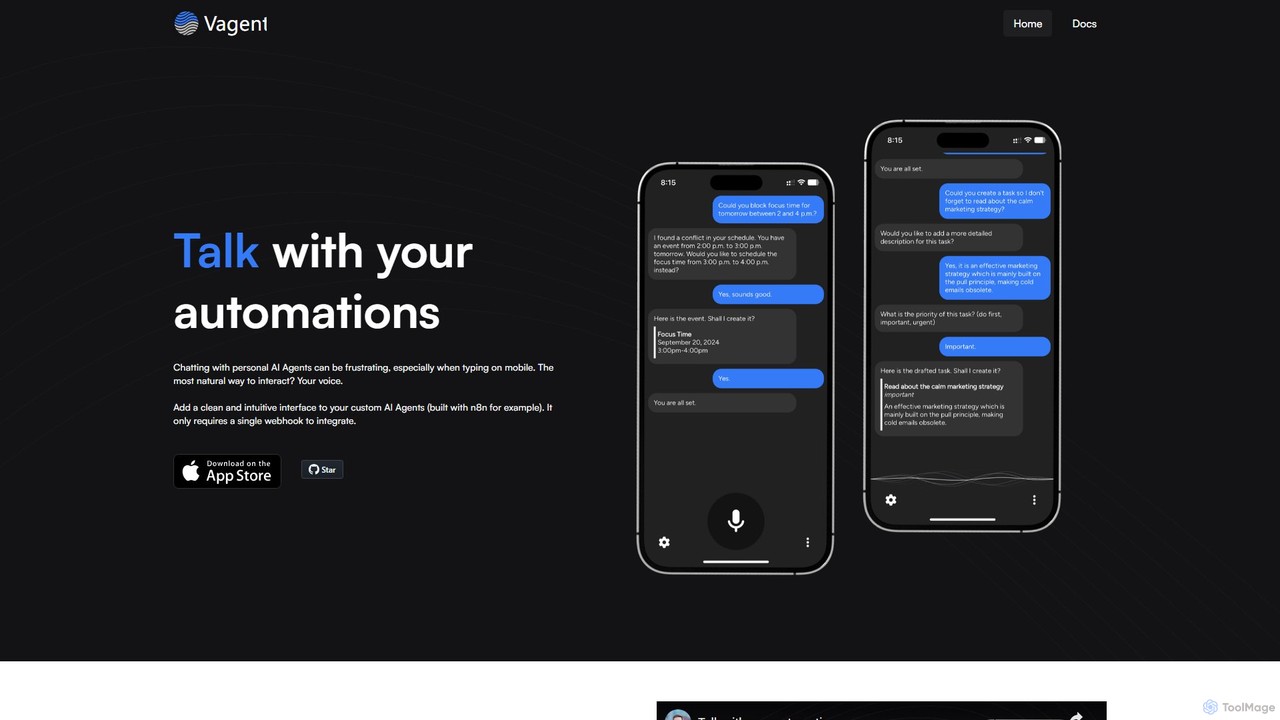
Vagent
Vagent is a privacy-focused application that provides a voice interface for your custom automations. Connect it to any backend system, like n8n or your own scripts, via a simple webhook. Use high-quality, natural-sounding speech powered by OpenAI to interact with and control your personal or professional workflows, all while keeping your data stored locally on your device.
Voice Assistant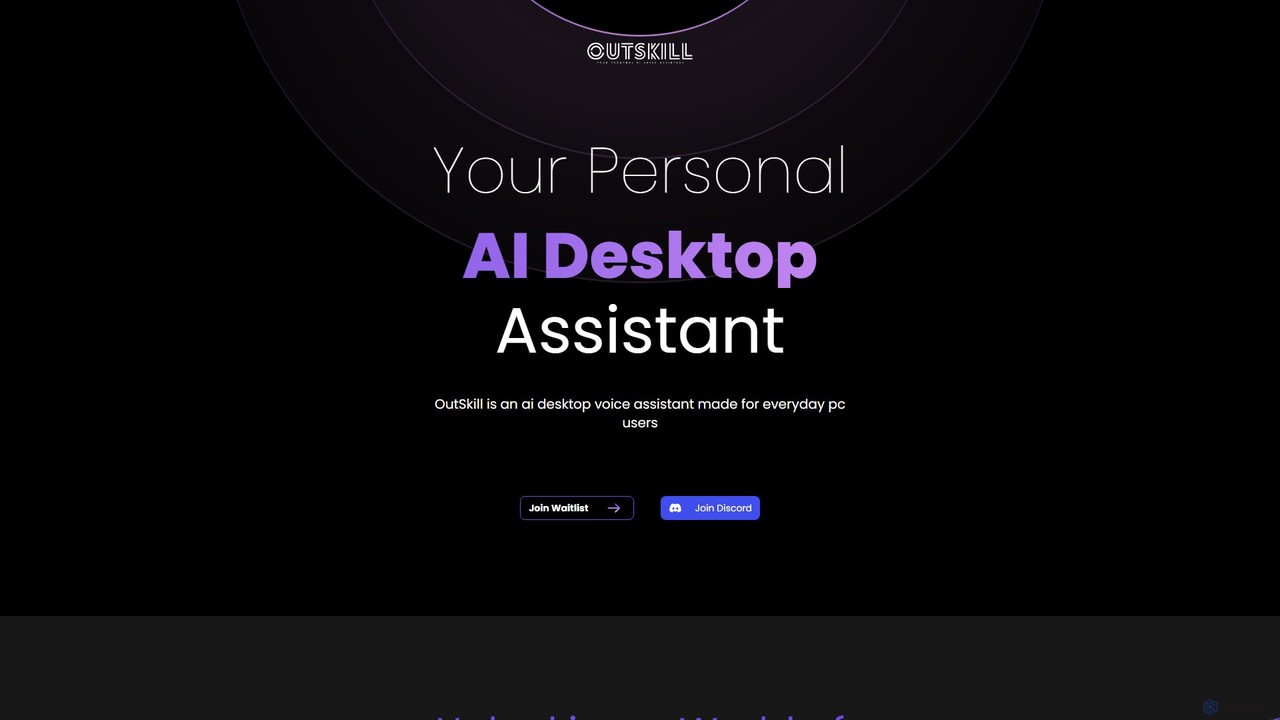
Outskill
Outskill is a revolutionary AI-powered desktop voice assistant designed for both productivity and gaming. Control your PC, manage applications, automate workflows, and enhance your gaming experience with simple voice commands. It integrates seamlessly with your apps to provide a personalized, hands-free computing experience.
Gameassistant
inbox_ai Comments (0)
Sign in to comment.
Sign inNo comments yet.