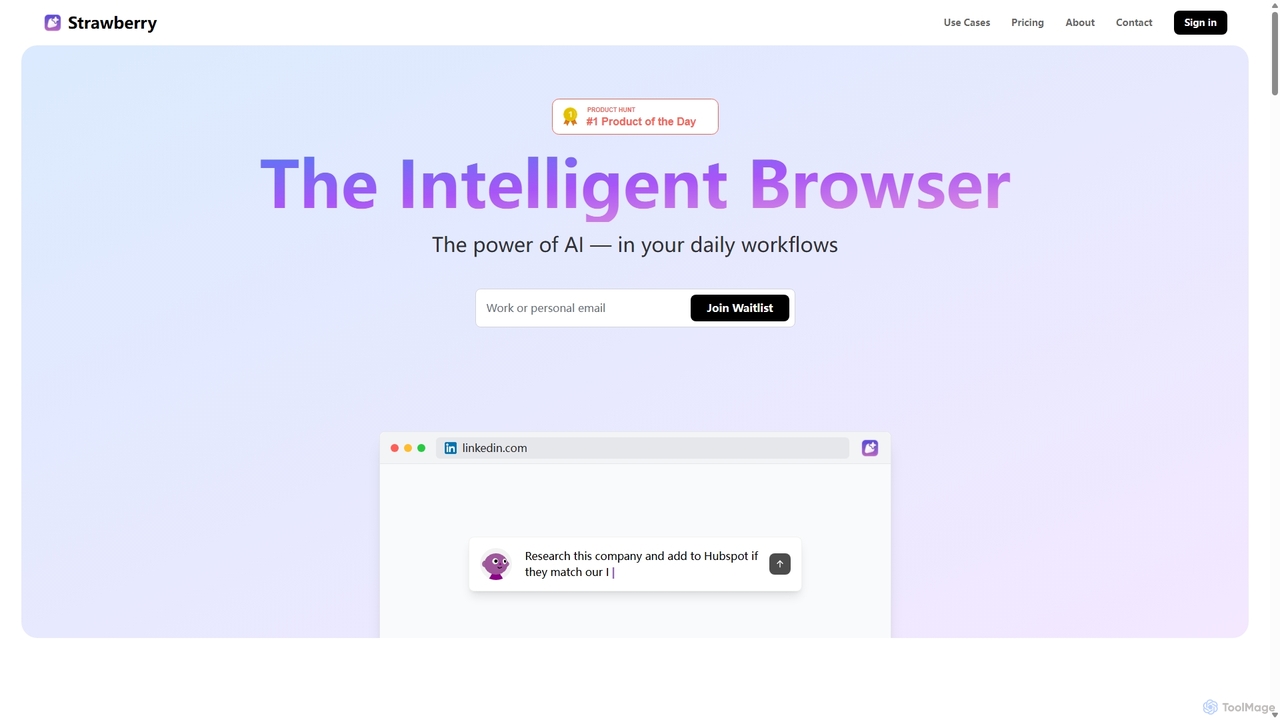
AI Assistants for browsers are tools, typically extensions, that integrate artificial intelligence directly into your web browsing experience. They leverage large language models to understand the context of the page you're on, allowing you to interact with web content in powerful new ways. With a browser AI Assistant, you can summarize articles, draft emails, generate social media posts, and get quick answers to questions without switching tabs. This seamless integration transforms your browser into a smart workspace, enhancing productivity and streamlining information processing.
Core Features
- Contextual Awareness: Understands the content of the current webpage to provide relevant summaries, answers, or content suggestions.
- On-the-fly Text Generation: Drafts emails, social media posts, or other text directly in any input field on any website.
- Quick Search & Summarization: Highlights text to get instant explanations, translations, or summaries in a sidebar or pop-up.
- Seamless Workflow Integration: Works across various platforms like Gmail, Google Docs, social media, and research sites without leaving the page.
Use Cases
These tools are widely used by researchers and students for summarizing academic papers, by marketers for creating ad copy and social media content, and by professionals for drafting emails and reports. Developers also use them to explain code snippets or generate boilerplate code directly on platforms like GitHub or Stack Overflow.
How to Choose
When selecting a browser AI Assistant, consider its compatibility with your browser (Chrome, Firefox, etc.) and the underlying AI model it uses (e.g., GPT-4, Claude). Evaluate its specific feature set—whether it excels at writing, research, or coding. Also, carefully review the tool's privacy policy to understand how it handles your browsing data and the content it processes.