Browser Best in category 1 results Utility AI Tool

Popular AI tools in the Utility field of Browser include Composite, etc., helping you quickly improve efficiency.

Composite

Composite

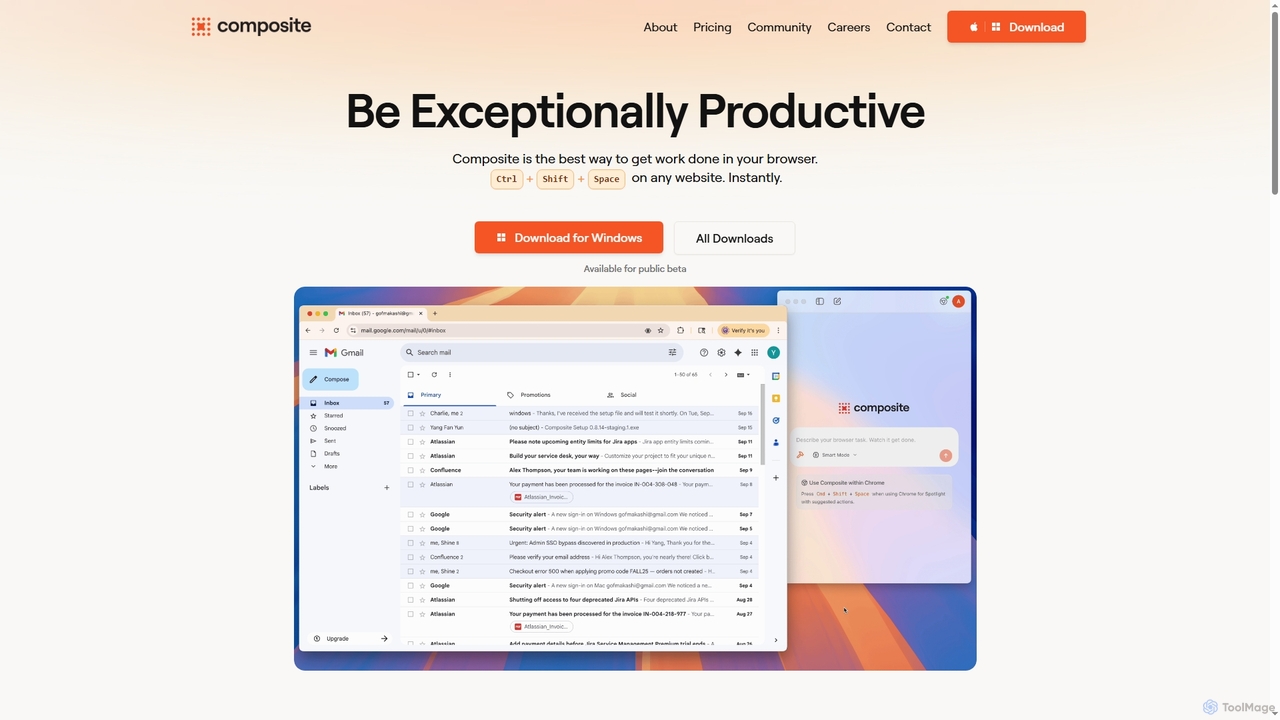
Composite is an AI browser autopilot designed to significantly boost productivity by automating repetitive tasks directly within your …

5.5K

About Utility

AI Utility tools for browsers are AI-powered extensions or integrated features designed to enhance the web browsing experience. These tools leverage artificial intelligence, such as natural language processing and machine learning, to automate tasks, process information, and provide intelligent assistance directly within your browser. They significantly boost productivity, streamline workflows, and offer personalized interactions, transforming your browser into a more powerful and efficient workspace.

Core Features

  • Intelligent Summarization: Automatically condenses long articles, reports, or web pages into concise summaries, saving reading time.
  • AI Writing Assistance: Provides real-time grammar checks, style suggestions, and content generation capabilities for emails, social media posts, and documents.
  • Smart Content Translation: Offers instant, context-aware translation of web pages or selected text, breaking down language barriers.
  • Advanced Information Extraction: Identifies and extracts key data points, entities, or insights from web content for research and analysis.
  • Personalized Productivity: Manages tabs, organizes research, or automates repetitive actions based on user behavior and preferences.

Applicable Scenarios

AI Utility tools are invaluable for professionals, students, and content creators who spend significant time online. They assist researchers in quickly sifting through academic papers, help marketers draft compelling copy directly in their CRM, and enable students to summarize lecture notes from online sources. These tools are also crucial for anyone looking to optimize their daily browsing for efficiency and better information management.

How to Choose

When selecting an AI browser utility, consider its compatibility with your browser and existing tools, the specific AI capabilities offered (e.g., summarization, writing, translation), and its impact on browser performance. Evaluate the tool's data privacy policies, ease of use, and the accuracy of its AI output. Finally, assess the pricing model and whether it integrates seamlessly into your daily workflow without causing disruptions.

UtilityUse Cases

1

Summarize Long Articles for Research

A university student or researcher needs to quickly grasp the main points of numerous academic papers or lengthy online articles. Using an AI browser utility, they can instantly generate concise summaries of web pages, allowing them to efficiently review more content, identify relevant sources, and extract key findings without having to read every word, significantly accelerating their research process.

2

Enhance Email and Document Writing

A marketing professional frequently drafts emails, social media posts, and reports directly within their browser-based CRM or content management system. An AI writing assistant utility can provide real-time grammar and spelling corrections, suggest stylistic improvements, and even help generate initial drafts or rephrase sentences, ensuring clear, professional, and impactful communication across all online platforms, saving significant editing time.

3

Real-time Web Page Translation

An international business professional or a traveler browsing foreign language websites needs to quickly understand content without switching tabs or copying text. An AI browser utility can provide instant, high-quality translation of entire web pages or selected text snippets, maintaining the original layout and context. This enables seamless cross-cultural communication and information access, making global content instantly accessible and understandable.

4

Extract Key Information from Web Pages

A market analyst or content curator needs to quickly gather specific data points, such as product specifications, pricing, or contact information, from various websites. An AI utility can intelligently scan web pages to identify and extract structured or unstructured data, presenting it in an organized format. This automates tedious manual data collection, ensuring accuracy and saving hours of work for competitive analysis or content aggregation.

5

Automate Repetitive Browser Tasks

An e-commerce manager regularly performs repetitive actions like checking product stock, updating prices, or filling out forms across multiple vendor portals. An AI browser utility can learn these patterns and automate sequences of clicks, data entries, and navigation. This significantly reduces manual effort and the risk of human error, freeing up time for more strategic tasks and ensuring consistency in data management across various platforms.

6

Personalized Content Curation and Discovery

A content creator or enthusiast seeks to discover new, relevant articles, videos, or podcasts tailored to their specific interests without endless scrolling. An AI browser utility can analyze browsing history and preferences to intelligently curate content feeds, suggest related topics, or highlight trending information. This transforms passive browsing into an active discovery process, ensuring users stay informed and inspired with minimal effort.

UtilityFrequently Asked Questions