

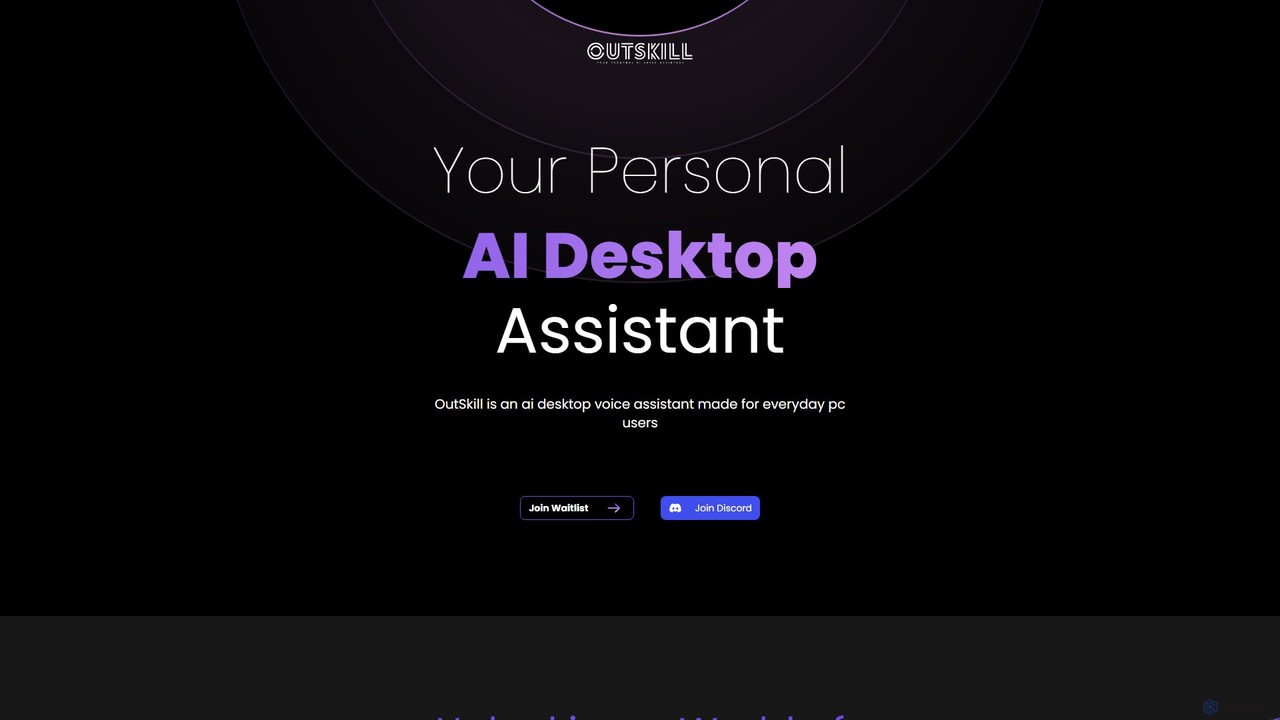
Outskill Overview
Outskill is a next-generation AI desktop assistant engineered to fundamentally change how users interact with their computers. By leveraging advanced voice recognition and artificial intelligence, Outskill allows you to control your entire desktop environment—from launching applications and managing files to executing complex in-game actions—all through voice commands. It's designed for a wide range of users, including professionals seeking to boost productivity, content creators streamlining their workflow, and gamers who want to maintain focus without taking their hands off the controls.
The core philosophy behind Outskill is to reduce manual effort and context switching. Instead of navigating through menus, clicking icons, or typing repetitive commands, you can simply speak your intentions. Outskill understands the context of your current activity, whether you're in a coding editor, a design program, or a full-screen game, and provides relevant, intelligent assistance. The platform is currently in a pre-launch phase, inviting users to join a waitlist to be among the first to experience this new paradigm of human-computer interaction.
How to use Outskill
Using Outskill is designed to be intuitive and seamless. Once installed, the process is straightforward:
- Installation and Setup: Download the Outskill application for your operating system. During the initial setup, you'll grant it necessary permissions, such as microphone access and accessibility controls, which allow it to interact with other applications on your behalf.
- Activation: Activate the assistant using a customizable wake word, similar to other voice assistants (e.g., "Hey Outskill").
- Issuing Commands: Simply speak your command naturally. The AI is built to understand a wide range of instructions. For example:
- Productivity Command: "Outskill, open my latest project in VS Code, launch the local server, and open Slack to the #dev channel."
- Gaming Command: "Outskill, while I'm playing, mute all notifications except from my team, start recording my gameplay with OBS, and play my 'Focus' playlist on Spotify."
- General Command: "Outskill, what's on my schedule for this afternoon?" or "Find all PDF files modified last week in my documents folder."
- Customization: Dive into the settings to create custom workflows and macros. You can chain multiple actions together and trigger them with a single, personalized voice command, effectively creating your own 'skills'.
Core Features of Outskill
- Advanced Voice Command & Control: Go beyond simple tasks. Control your operating system, manage windows, interact with specific app features, and execute command-line scripts with your voice.
- Context-Aware Smart Recognition: Outskill intelligently detects the active application (e.g., Photoshop, Excel, League of Legends) and adapts its available commands and suggestions to be relevant to your current task.
- Seamless App & Game Integration: It's built to connect with a vast ecosystem of popular applications and games, including Slack, Discord, Spotify, OBS, Microsoft Office, Adobe Creative Suite, and more.
- Powerful Workflow Automation: Create and save custom voice-activated macros. Automate repetitive tasks like setting up your work environment, running build processes, or preparing for a streaming session with a single command.
- Dedicated Gaming Assistant: Gain a competitive edge. Use voice commands to control in-game settings, manage third-party apps (like Discord or music) without alt-tabbing, capture highlights, and monitor system performance in real-time.
- Personalized and Adaptive AI: The assistant learns your habits, preferred apps, and common commands over time, becoming a more efficient and personalized partner the more you use it.
Use Cases for Outskill
Outskill's versatility makes it valuable in various scenarios:
- For Developers & IT Professionals: A developer can compile code, run tests, switch between branches in Git, and search documentation without their hands ever leaving the keyboard, drastically speeding up the development cycle.
- For Content Creators & Streamers: A streamer can manage their entire broadcast hands-free. They can switch scenes in OBS, trigger sound effects, respond to chat commands, and start/stop recordings, all while staying fully engaged with their audience and gameplay.
- For Gamers: A competitive gamer can adjust audio levels, reply to a message on Discord, or check their PC's temperature without ever leaving the game screen, ensuring maximum immersion and focus.
- For Everyday Users & Multitaskers: Anyone can benefit from hands-free control. Manage your calendar, set reminders, compose quick emails, search the web, and control media playback while working on other tasks.
- For Accessibility: Outskill provides a powerful new way for users with physical disabilities or mobility impairments to interact with their computers efficiently and independently.
Advantages of Outskill
- Drastic Productivity Boost: Minimizes distractions and time spent on manual, repetitive tasks, allowing you to focus on what truly matters.
- Effortless Multitasking: Juggle multiple applications and tasks smoothly without the friction of constant window switching.
- Enhanced Gaming Immersion: Stay in the zone. Control your environment without interrupting your gameplay.
- Deep Personalization: Tailor the assistant to your unique workflow and preferences for a truly bespoke experience.
- Intuitive and Natural Interaction: Speaking is often faster and more natural than typing or clicking for many commands.
Pricing and Plans
Outskill is currently in a pre-launch phase. Specific pricing and plan details have not yet been publicly released. Interested users can join the waitlist on the official website to receive updates and be notified when the product becomes available. It is anticipated that there may be different tiers of service, potentially including a free version with basic features and premium plans for advanced users and professionals.
Traffic
Latest traffic
Status
Monthly traffic trend
- 2025-9: 3.0K
- 2026-1: 1.6K
- 2026-2: 876
- 2026-3: 868
- 2026-4: 2.4K
- 2026-5: 2.0K
Geography
Top 5 countries / regions
- 🇦🇴Angola72.9%
- 🇫🇮Finland12.7%
- 🇬🇧United Kingdom12.3%
- 🇧🇷Brazil2.0%
Top keywords
| Keyword | Cost per click |
|---|---|
| outskill | $0.70 |
| outskill.cpm | $0.00 |
Outskill Alternatives
inbox_ai
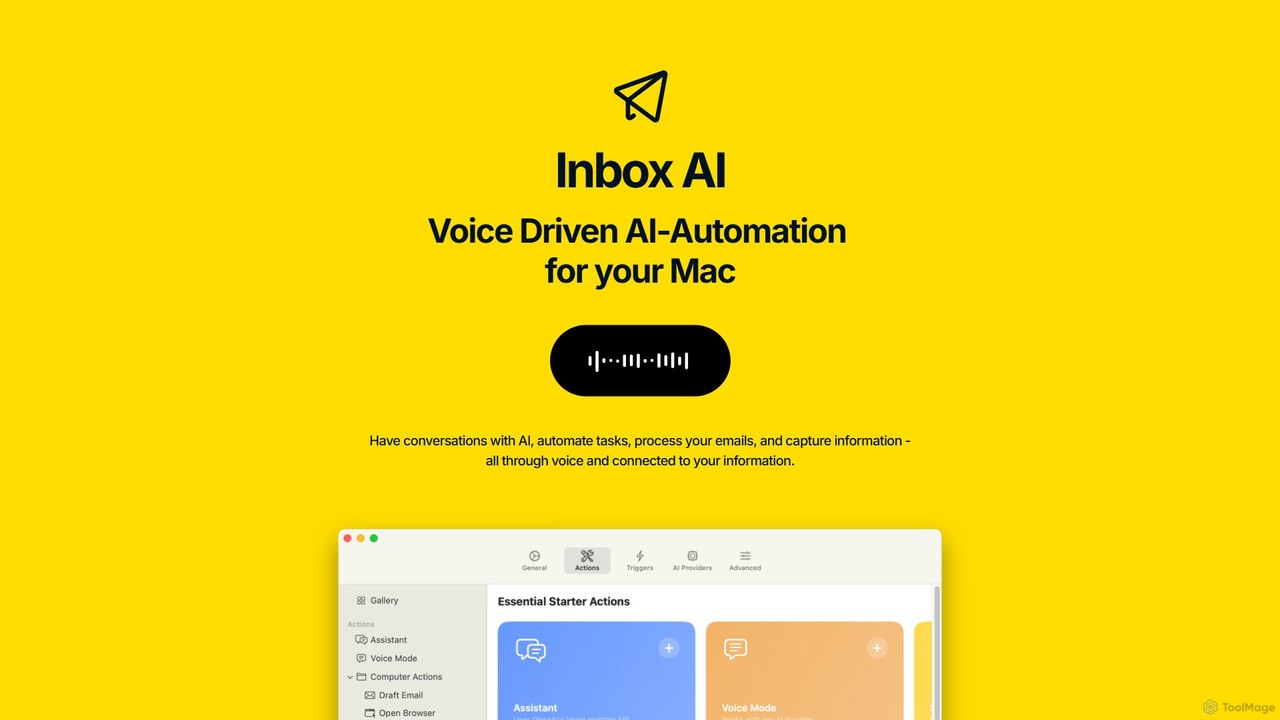
inbox_ai is a powerful voice-driven AI automation tool for macOS. It allows you to create custom voice commands and build intelligent assistants to streamline your workflow. With features like on-screen quick capture, email filtering, and deep integration with native macOS apps and services like Raycast and PopClip, inbox_ai puts advanced AI capabilities at your fingertips. It operates entirely on-device, ensuring your data remains private and secure, with no login required.
Workflow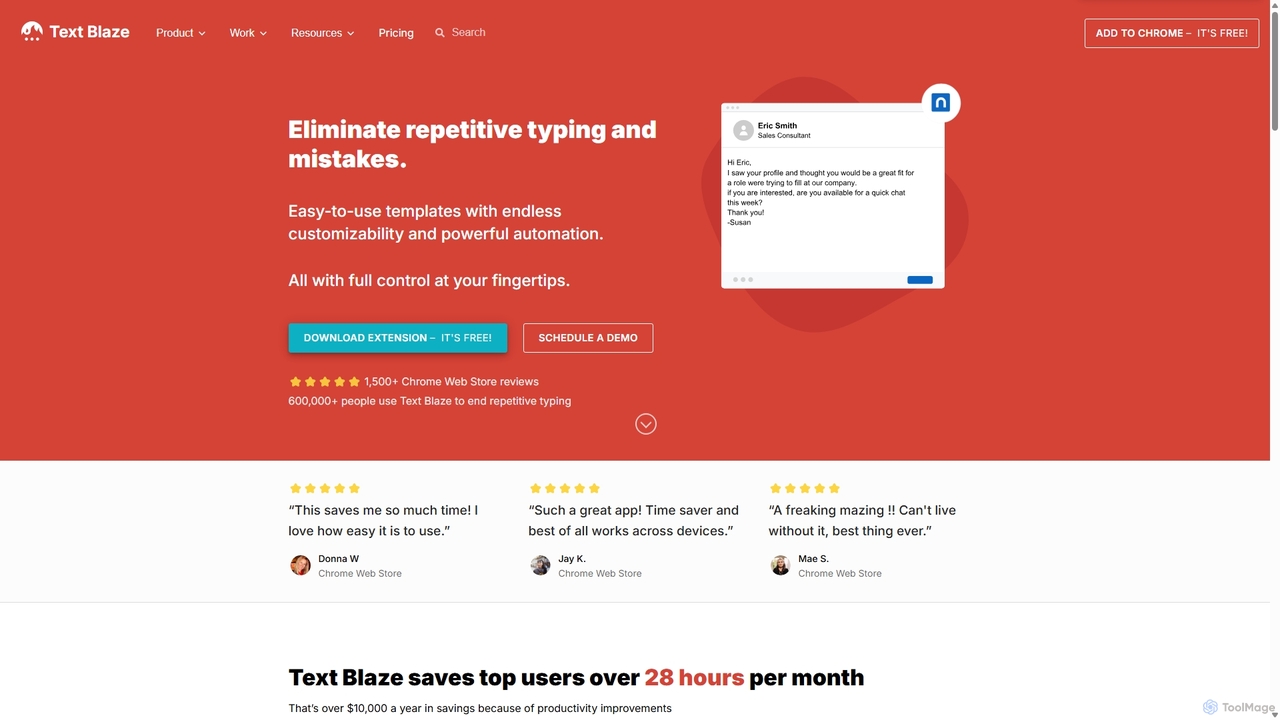
Blaze
Blaze (formerly Text Blaze) is a powerful text expander and automation tool that eliminates repetitive typing. Create customizable snippets and templates with dynamic formulas, forms, and team collaboration features to boost productivity across any website or application.
Response Management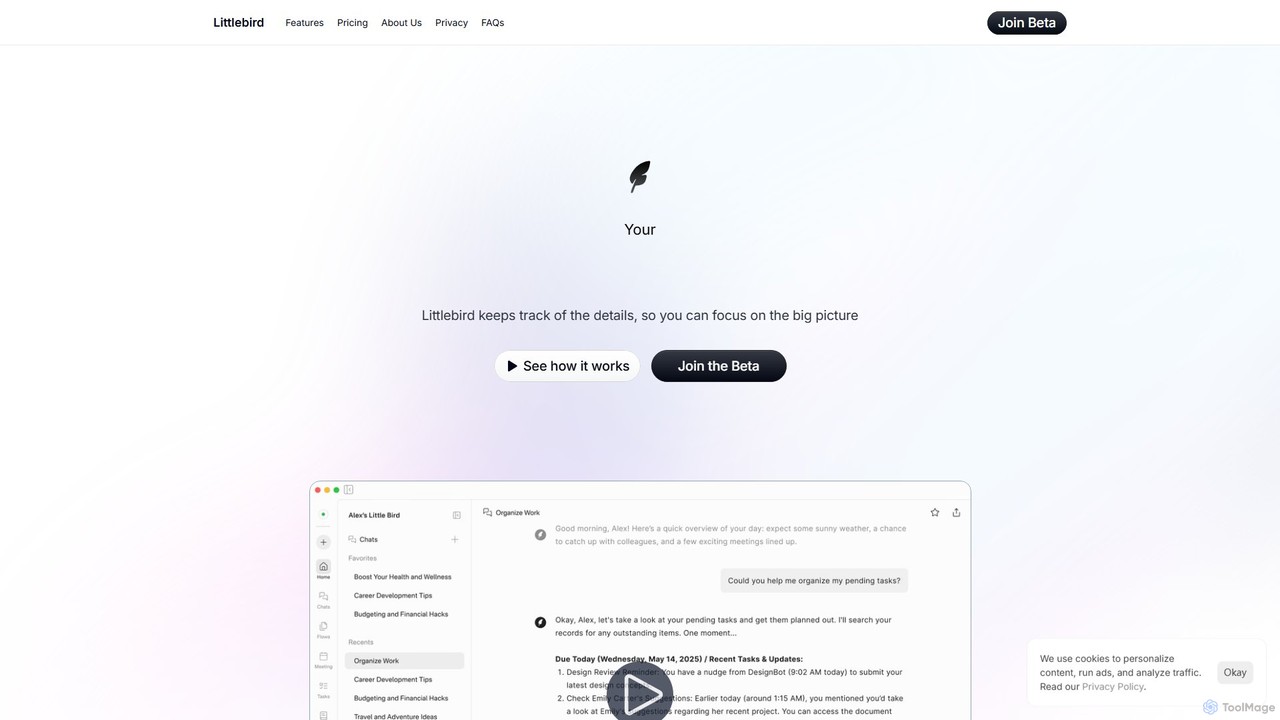
Littlebird
Littlebird is a personalized AI assistant that acts as your digital twin, learning your unique workflow across all applications. It automates tasks, organizes information, and provides contextual insights to help you focus on what matters most, eliminating busywork and context switching.
Personal Assistant
Albato
Albato is an AI-driven, no-code integration platform (iPaaS) that empowers users to connect over 800 applications and automate complex workflows effortlessly. It serves as a powerful alternative to Zapier and Make, offering an intuitive interface, extensive app library, and the ability to build custom integrations. Ideal for businesses of all sizes, Albato simplifies data synchronization, task automation, and process management, enhancing productivity and efficiency without requiring any coding knowledge.
Workflow Management
Strawberry Browser
Strawberry Browser is an intelligent, AI-powered browser designed to automate your daily workflows. It allows you to build a team of customizable AI assistants that handle repetitive tasks like research, data extraction, and lead generation directly within your browser. Eliminate grunt work, stay focused, and enhance your productivity.
Ai AssistantOutskill Categories
Outskill Embed Widget
Copy this embed code to place the badge on your blog, article, or product site and send readers directly to this ToolMage detail page.

Related AI tools
inbox_ai
inbox_ai is a powerful voice-driven AI automation tool for macOS. It allows you to create custom voice commands and build intelligent assistants to streamline your workflow. With features like on-screen quick capture, email filtering, and deep integration with native macOS apps and services like Raycast and PopClip, inbox_ai puts advanced AI capabilities at your fingertips. It operates entirely on-device, ensuring your data remains private and secure, with no login required.
WorkflowBlaze
Blaze (formerly Text Blaze) is a powerful text expander and automation tool that eliminates repetitive typing. Create customizable snippets and templates with dynamic formulas, forms, and team collaboration features to boost productivity across any website or application.
Response ManagementLittlebird
Littlebird is a personalized AI assistant that acts as your digital twin, learning your unique workflow across all applications. It automates tasks, organizes information, and provides contextual insights to help you focus on what matters most, eliminating busywork and context switching.
Personal AssistantAlbato
Albato is an AI-driven, no-code integration platform (iPaaS) that empowers users to connect over 800 applications and automate complex workflows effortlessly. It serves as a powerful alternative to Zapier and Make, offering an intuitive interface, extensive app library, and the ability to build custom integrations. Ideal for businesses of all sizes, Albato simplifies data synchronization, task automation, and process management, enhancing productivity and efficiency without requiring any coding knowledge.
Workflow ManagementStrawberry Browser
Strawberry Browser is an intelligent, AI-powered browser designed to automate your daily workflows. It allows you to build a team of customizable AI assistants that handle repetitive tasks like research, data extraction, and lead generation directly within your browser. Eliminate grunt work, stay focused, and enhance your productivity.
Ai Assistant
Rowboat
Rowboat is a powerful, AI-powered IDE for building, managing, and deploying complex multi-agent systems. Backed by Y Combinator, it allows users to describe workflows in plain English, and its AI copilot automatically generates the entire agent graph, including roles, prompts, and tool integrations. It's designed to simplify the creation of robust, real-world AI agents for productivity, e-commerce, support, and more, with features like open-source flexibility and support for over 100 LLMs.
Agent Builder
TaskMagic
TaskMagic is a no-code automation tool that records your web actions like clicks, typing, and scraping to create powerful workflows. It acts as a virtual assistant, automating repetitive tasks that traditional tools like Zapier can't handle due to API limitations. Simply record a task once, and let TaskMagic run it for you forever.
Web Scraping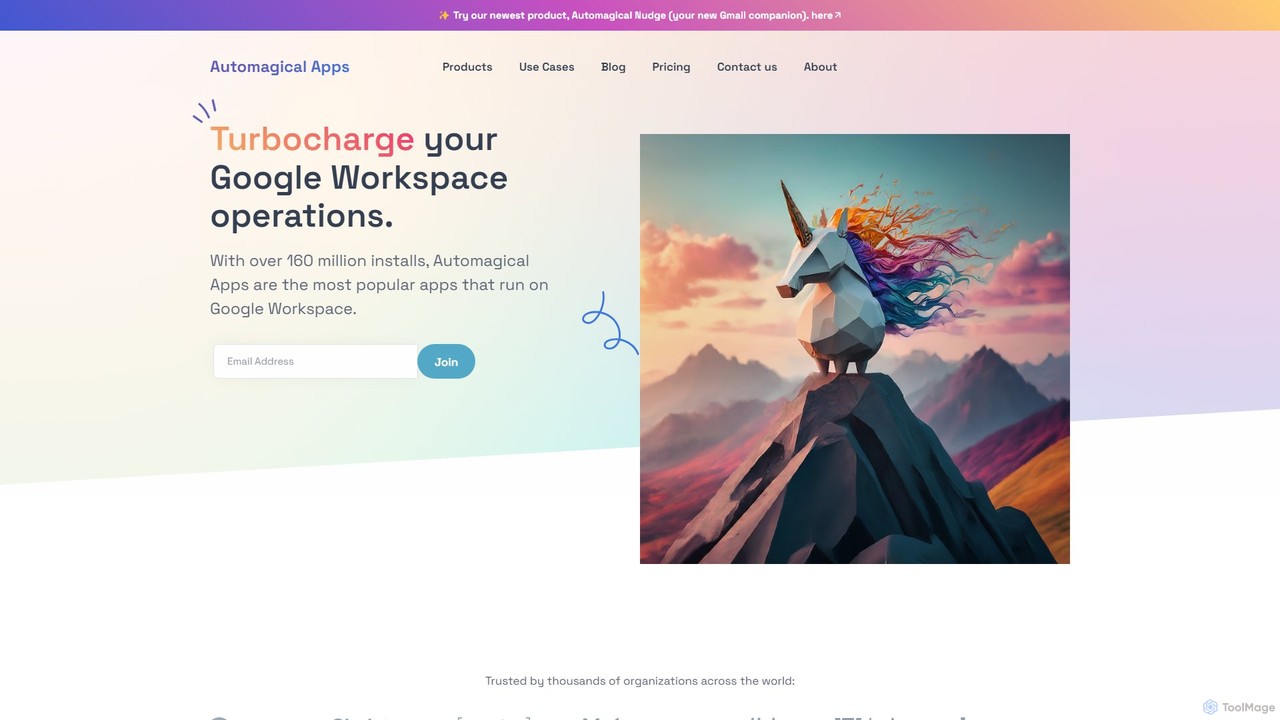
Automagical Apps
A suite of AI-powered productivity and automation tools designed to enhance Google Workspace. Automate email workflows, translate documents and slides into over 100 languages, and instantly convert PDFs or docs into Google Forms. Trusted by over 160 million users worldwide.
Teaching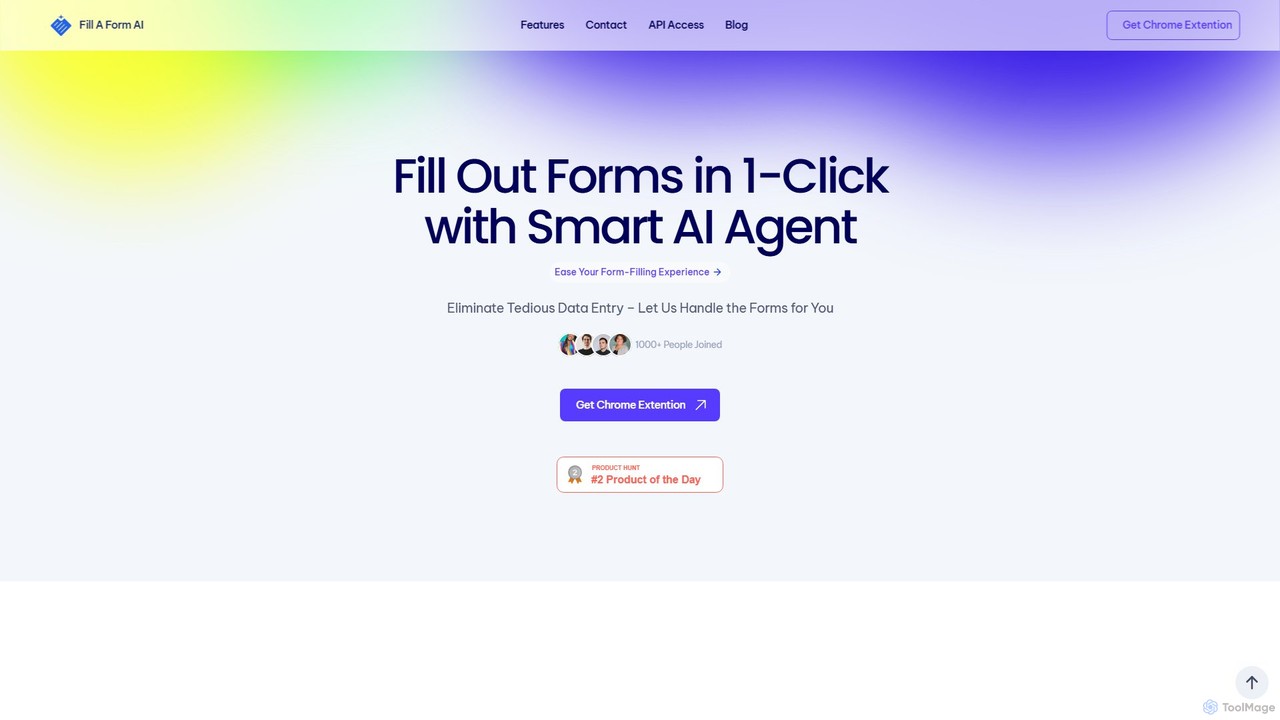
fillaform.ai
fillaform.ai is an AI-powered Chrome extension that automates form filling with a single click. It intelligently learns from your past entries and data libraries to accurately populate web forms, saving you time and eliminating tedious data entry. Ideal for online shoppers, business professionals, and HR managers, it streamlines workflows and boosts productivity by making online forms effortless.
Form Filler
Aphid
Aphid is a no-code workforce automation network that allows you to create and deploy AI-powered 'Digital Clones'. These bots automate online tasks, helping you save time, increase productivity, and even generate income through automated activities like trading or sales.
Virtual Assistant
Aify
Aify is a no-code AI platform that empowers users to build custom AI-powered applications and automate complex workflows. Integrate top AI models through a visual drag-and-drop interface to create tools for content generation, data analysis, and process automation without writing any code.
Workflow Management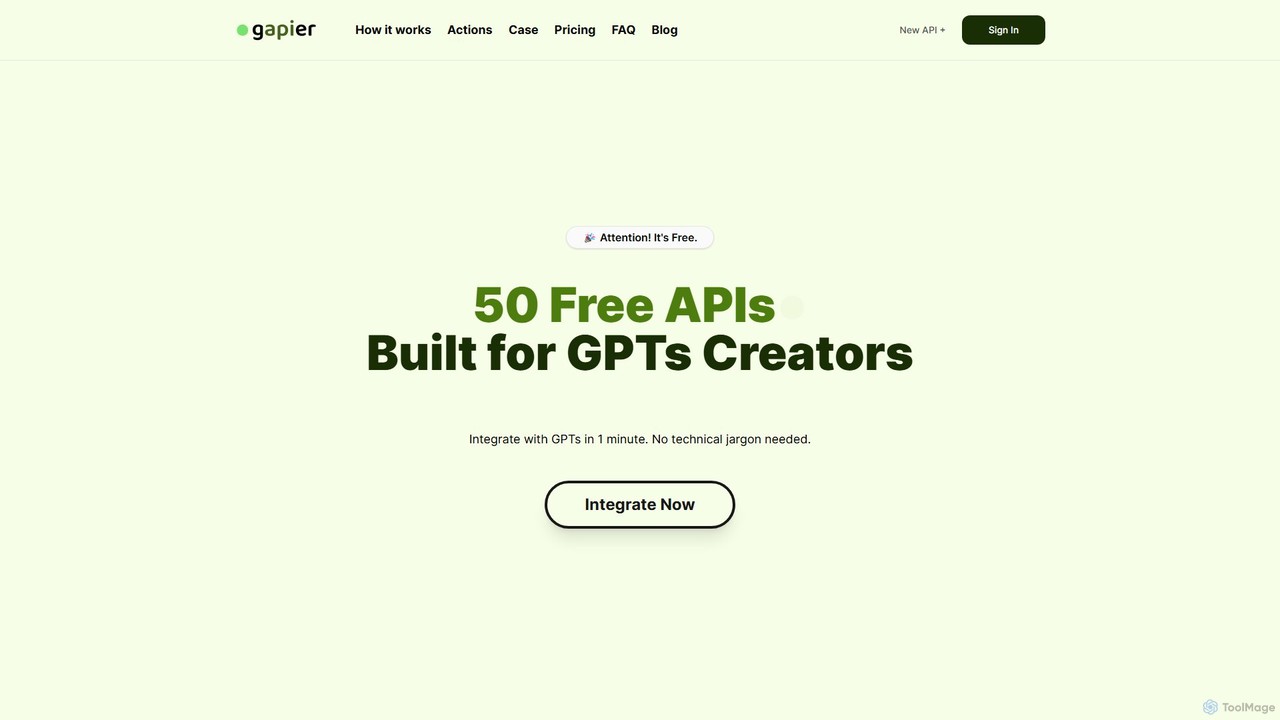
Gapier
Gapier is a no-code platform that enhances ChatGPT by providing over 50 free, pre-built Actions for custom GPTs. It allows non-technical users to easily integrate external functionalities like web searching, data retrieval, and task automation into their GPTs in just one minute, transforming them into powerful, multi-functional agents.
Api & Integration
gptbricks
gptbricks is a no-code platform that allows users to build custom AI-powered applications and workflows using modular 'bricks'. It simplifies the process of integrating GPT technology into daily tasks, enabling automation of content creation, data analysis, and communication without any coding knowledge.
No Code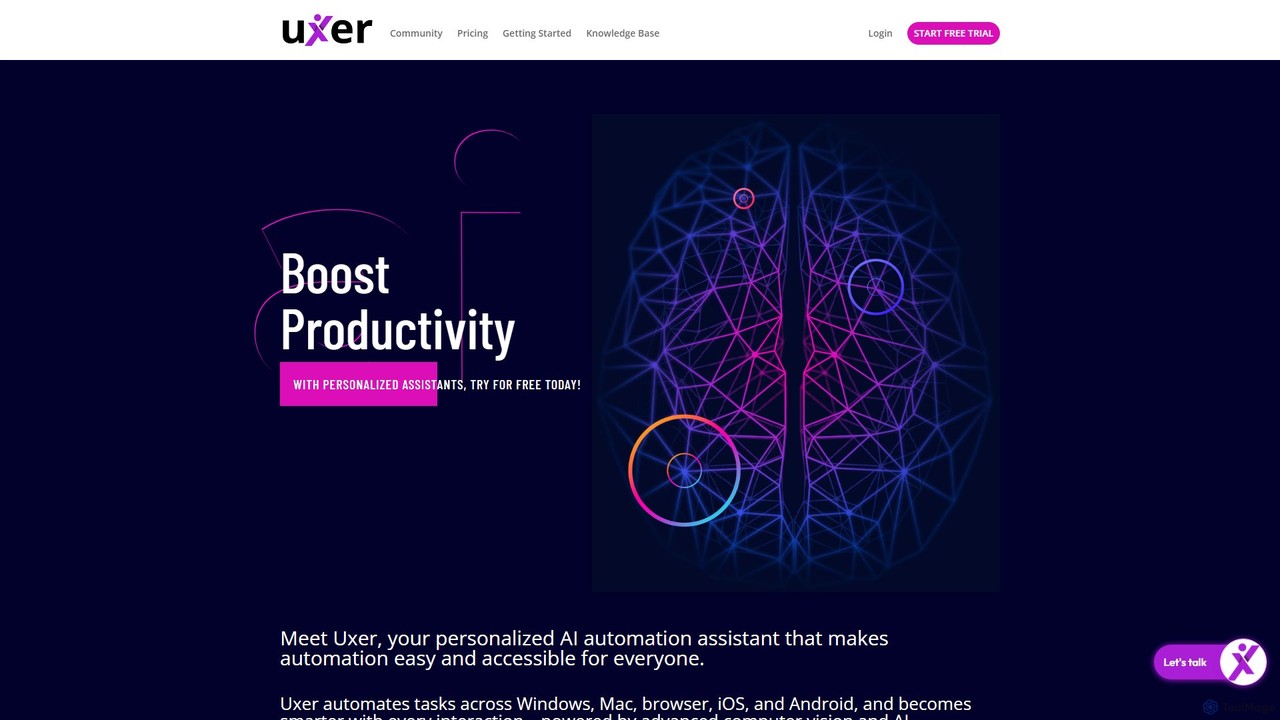
Uxer
Uxer is a no-code AI automation agent that boosts productivity by automating repetitive tasks across Windows, Mac, browsers, iOS, and Android. Using advanced computer vision and natural language, it allows both non-technical and advanced users to create powerful workflows without complex code. It learns from your interactions to become a smarter, personalized assistant.
Task Automation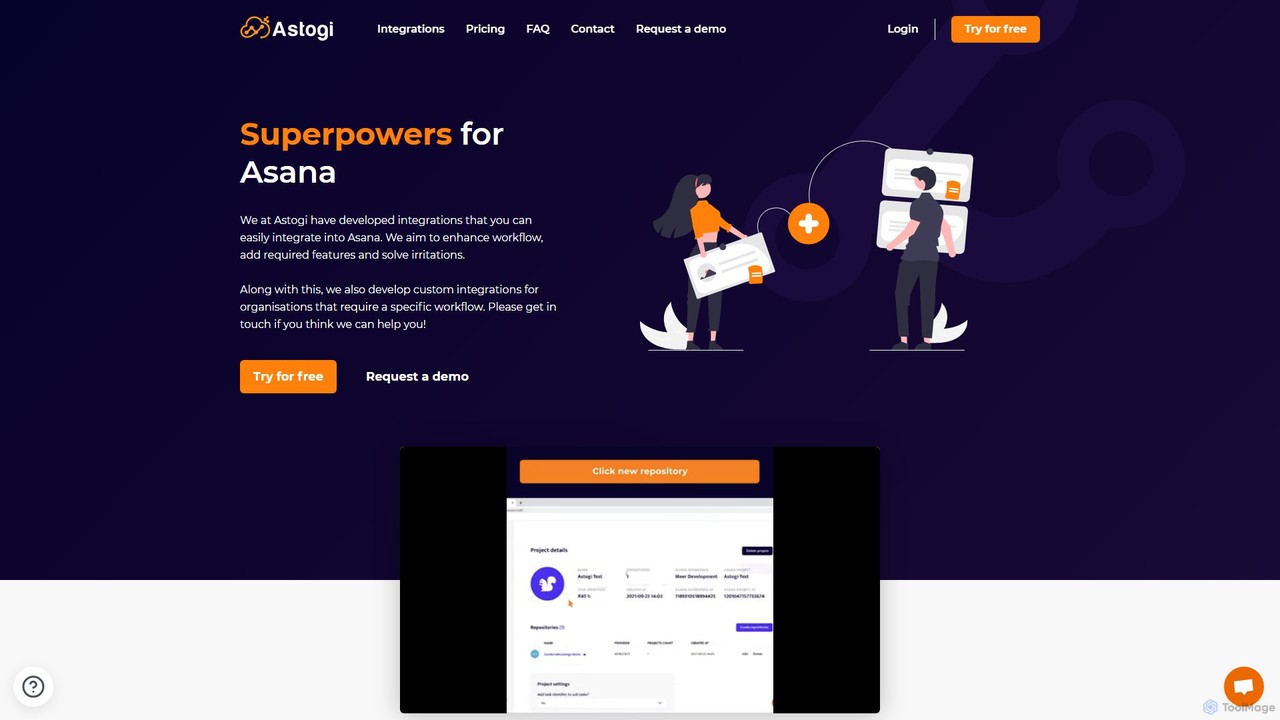
Astogi
Astogi supercharges Asana with powerful AI and automation integrations. It enhances team productivity by embedding tools like ChatGPT directly into tasks, automating task numbering, distributing assignments via round-robin, and simplifying team collaboration, all within the familiar Asana environment.
Collaboration
Outskill Comments (0)
Sign in to comment.
Sign inNo comments yet.