
Littlebird Overview
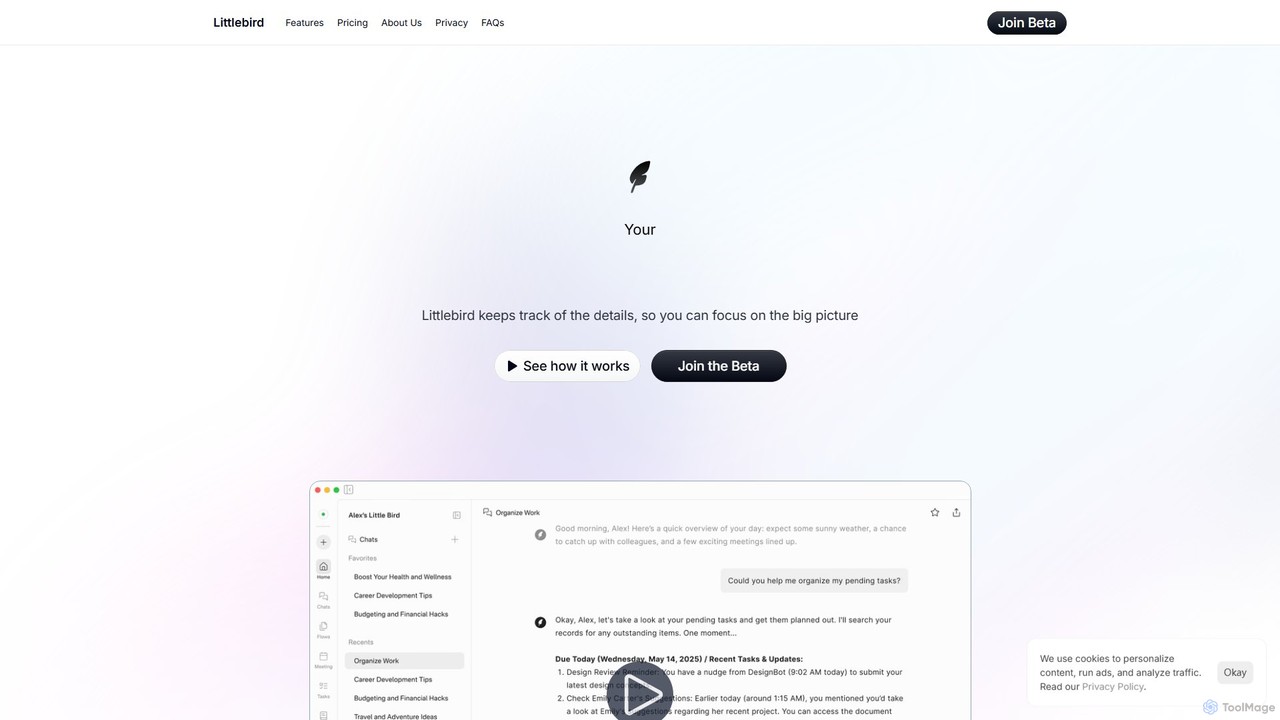
Littlebird is an advanced AI-powered coach designed to streamline your digital work life. It operates quietly in the background, creating a 'digital twin' of your work habits and information flows. By understanding the context of your activities across various applications, Littlebird eliminates the need for manual organization and repetitive prompts. Its core mission is to amplify human potential by breaking down application silos, making information instantly accessible, and automating routine processes. This allows users, from freelance writers to business owners, to reduce clutter, stay in their creative flow, and focus on impactful work.
How to use Littlebird
Getting started with Littlebird is a straightforward process designed for seamless integration into your daily routine:
- Install Littlebird: Begin by installing the Littlebird application on your primary computer (currently with a focus on Mac users). The installation is quick and simple.
- Let it Learn: Once installed, Littlebird runs securely in the background. It passively observes your activities across different apps like Slack, Notion, and others to learn your unique workflow, key projects, and important contacts. All data is encrypted and stored securely, with you in full control over what is captured.
- Receive Automated Support: As Littlebird builds a rich understanding of your work, it starts delivering value automatically. You'll receive auto-generated daily journals, updated task lists, and smart meeting recaps. You can also interact with it through a conversational interface to find information, generate reports, or create new automations without ever having to explain the context.
Core Features of Littlebird
- Contextual Intelligence: Littlebird works behind the scenes to build a deep, contextual understanding of your personal workflow without requiring constant input.
- Cross-App Integration: It breaks down silos by working across all your applications, creating a unified knowledge base from platforms like Slack, Notion, and more.
- Automated Task & Journal Generation: Automatically creates and updates your daily journals and task lists based on your activity, ensuring you never lose track of important items.
- Instant Information Retrieval: Acts like a second brain, remembering and instantly locating any information you need, regardless of which application it's in.
- Conversational Automation: Allows you to build new routines and automate processes using simple, conversational instructions, making automation accessible to everyone.
- Smart Meeting Recaps: Saves hours each week by generating concise summaries of your calls, highlighting key takeaways and action items.
- Privacy and Security: Your context is encrypted and stored securely. You have complete control over what Littlebird captures and retains, ensuring your data remains private.
Use Cases for Littlebird
Littlebird is trusted by a wide range of professionals to enhance productivity and focus:
- Designers and Creatives: Can maintain their creative flow by eliminating the need to constantly switch between design tools, project management apps, and communication platforms.
- Business Owners and Managers: Can stay on top of team progress with automated highlights and project updates, avoiding the need for micromanagement.
- Freelance Writers and Consultants: Benefit from having a 'second brain' that automatically tracks tasks, organizes notes, and summarizes client calls, freeing up time for billable work.
- Software Developers: Can easily access context from Slack conversations and Notion documents without interrupting their coding workflow.
- New Team Members: Can onboard to new projects painlessly by instantly accessing all relevant historical context without needing to ask colleagues for updates.
Advantages of Littlebird
Littlebird offers a significant edge in managing modern digital work:
- Enhanced Focus: By automating organizational tasks and reducing the need to switch between apps, it helps you stay in a state of deep work.
- Time Savings: Automations like smart meeting recaps and report generation save users hours of manual work every week.
- Effortless Organization: Your tasks, notes, and ideas are organized automatically, so everything is exactly where you need it, when you need it.
- Unified Information Access: Eliminates the frustration of searching for information across siloed applications.
- Proactive Assistance: Littlebird anticipates your needs, providing updates and information before you even have to ask.
Pricing and Plans
Littlebird is currently in its Beta phase and is offering full, free access to its premium features. Users can join the Beta program to experience the complete power of Littlebird at no cost. This includes always-on contextual intelligence, workflow-aware conversations, cross-app search, document creation, personalized routines, and robust privacy protection.
Traffic
Latest traffic
Status
Monthly traffic trend
- 2025-9: 59.4K
- 2026-1: 86.1K
- 2026-2: 125.1K
- 2026-3: 171.6K
- 2026-4: 195.3K
- 2026-5: 203.9K
Geography
Top 5 countries / regions
- 🇺🇸United States59.4%
- 🇮🇳India23.4%
- 🇬🇧United Kingdom7.5%
- 🇨🇦Canada5.5%
- 🇦🇺Australia4.2%
Traffic sources
| Source type | Percentage |
|---|---|
Direct | 84.3% |
Referral | 11.7% |
Email | 4.0% |
Top keywords
| Keyword | Cost per click |
|---|---|
| cluely | $1.89 |
| little bird | $2.94 |
| littlebird | $2.61 |
| little bird ai | $10.74 |
| littlebird ai | $7.29 |
Littlebird Videos on YouTube

CREATIVES SUMAN


Pro Assistant

Kym Tolson The Traveling Therapist

Tool Finder

Marisol Vega Daily


Littlebird
Littlebird Alternatives
Helly
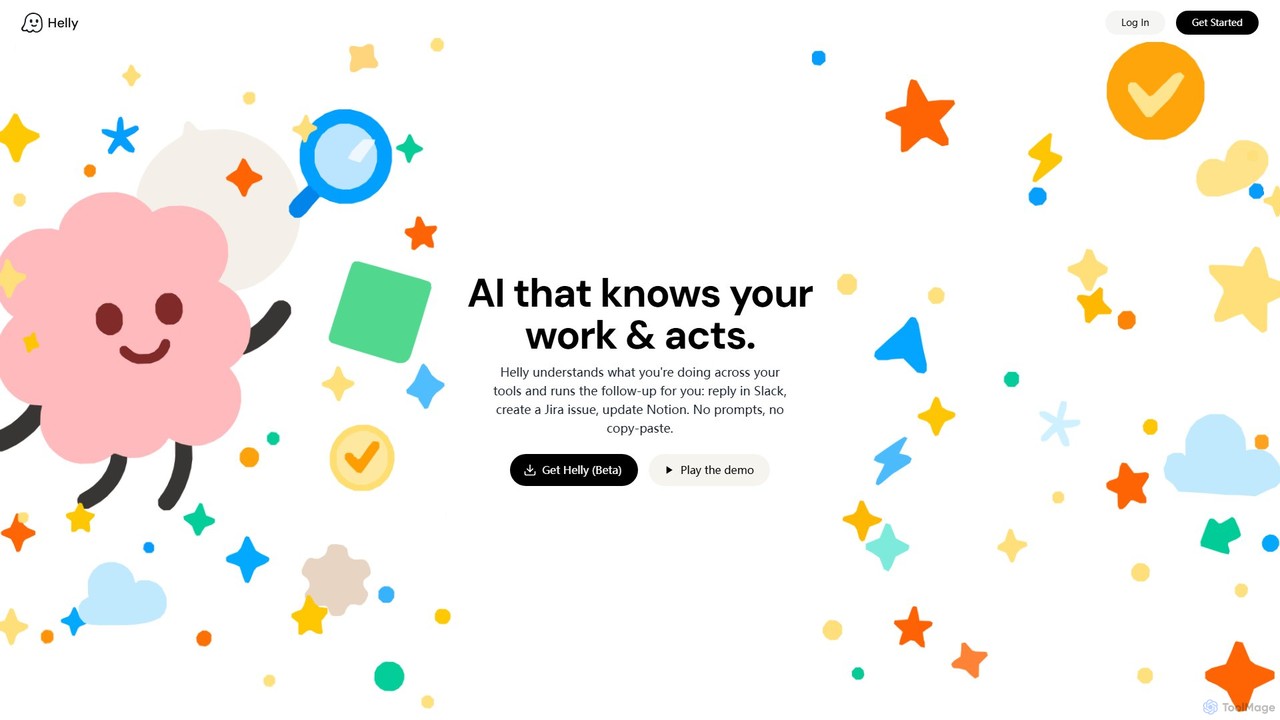
Helly is a proactive AI assistant that acts as your second brain across all your applications. It understands your work context and automates follow-up tasks like replying in Slack, creating Jira issues, or updating Notion, all without prompts or copy-pasting.
Ai Assistant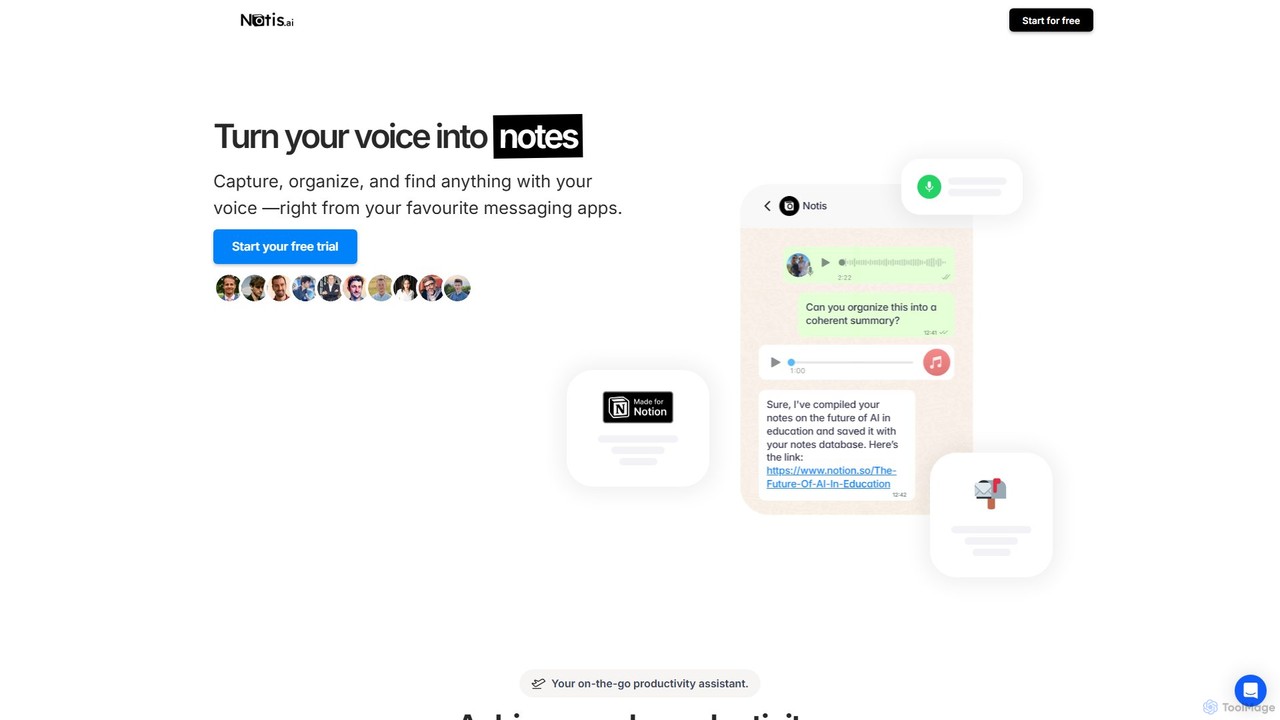
Notis
Notis is an AI-powered productivity assistant that turns your voice, text, and images into structured entries in Notion. Operating directly from messaging apps like WhatsApp and Telegram, it helps you capture ideas, manage tasks, draft content, and organize your life without ever opening the Notion app.
Content Creation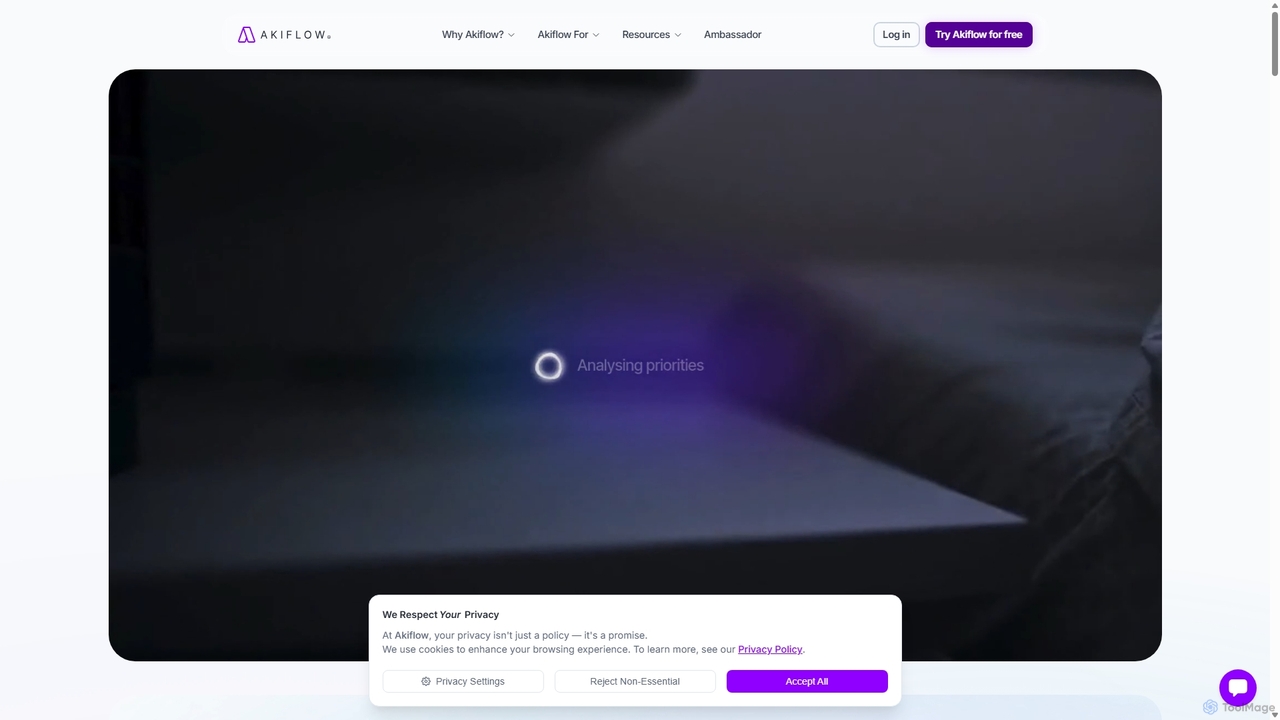
Akiflow
Akiflow is an AI-powered time blocking and task management platform that consolidates all your tasks and calendars into a single, unified workspace. Featuring Aki, an AI executive assistant, it helps you automate scheduling, manage routines, and organize your day with unparalleled speed and efficiency, eliminating the need to switch between multiple apps.
Automation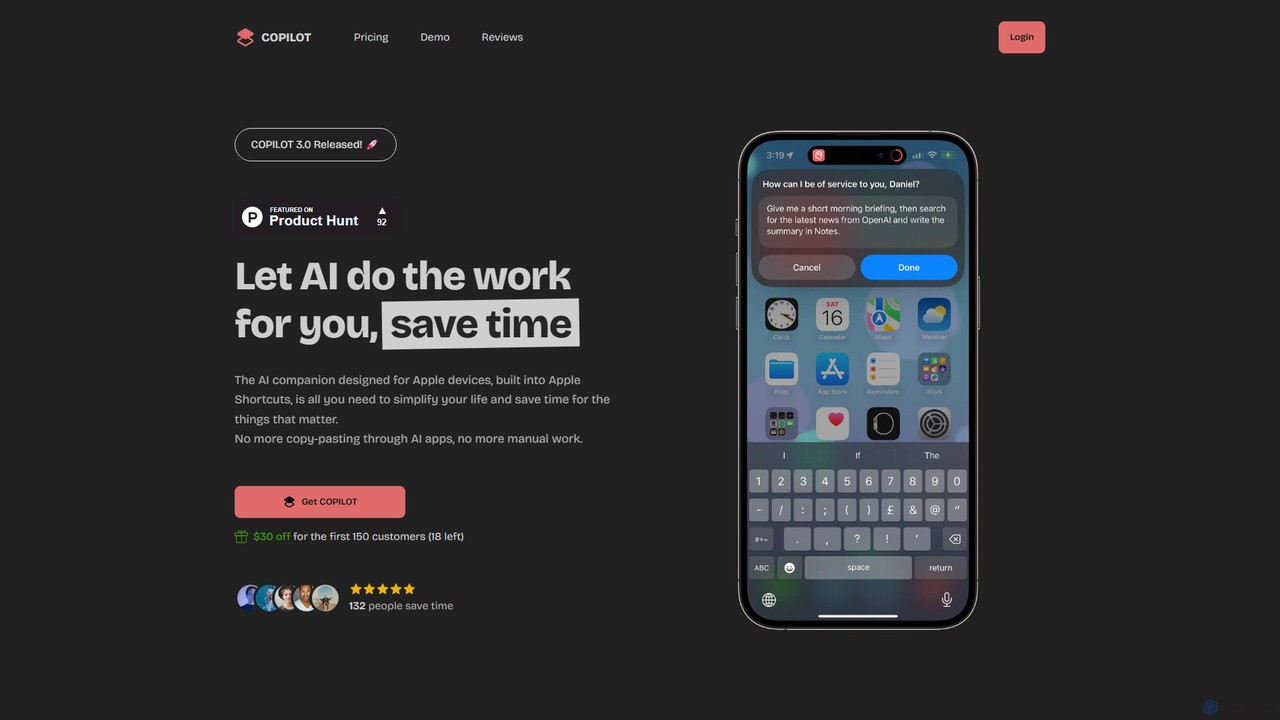
COPILOT
COPILOT is an AI assistant deeply integrated into the Apple ecosystem via Shortcuts. It automates daily tasks like summarizing schedules, browsing the web, writing content, and generating images, all within your favorite apps. Designed for Apple users, it eliminates the need for constant app-switching and copy-pasting, saving you time and streamlining your workflow.
Personal Assistant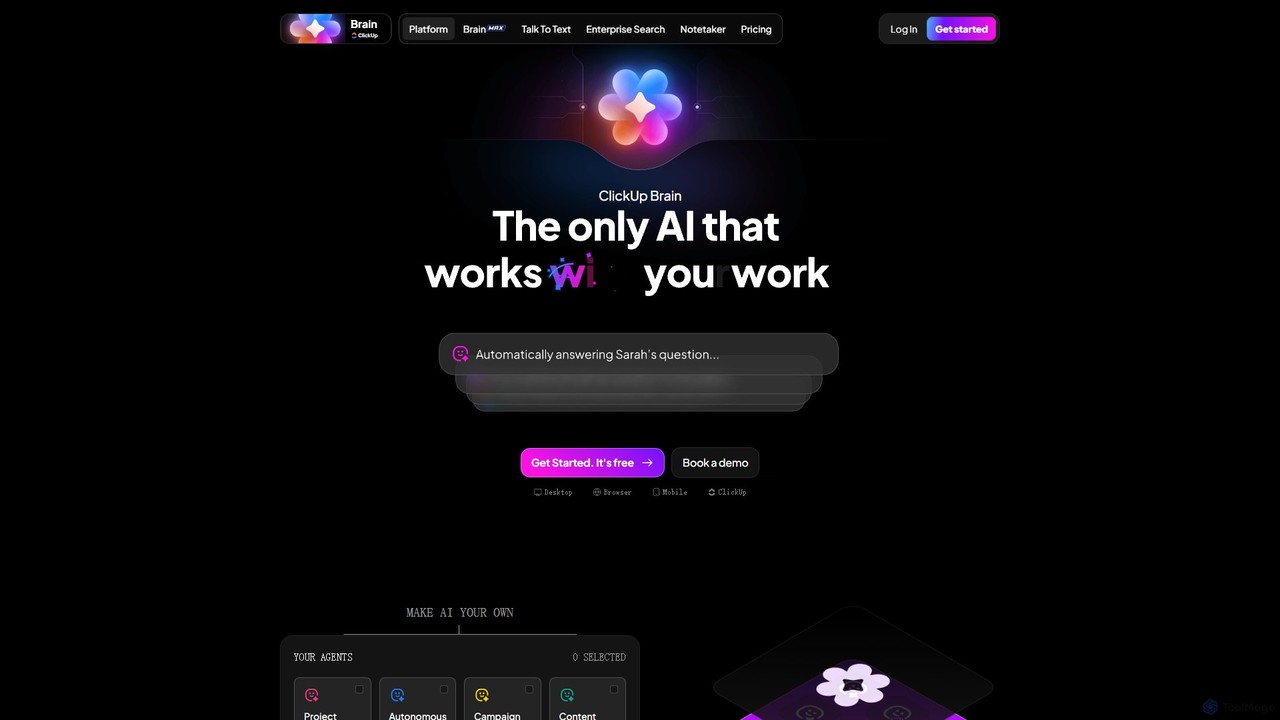
ClickUp Brain
ClickUp Brain is an all-in-one AI assistant integrated directly into the ClickUp productivity platform. It automates tasks, manages projects, summarizes meetings, and generates content by leveraging the full context of your work. It aims to replace multiple standalone AI tools by providing a unified, intelligent workspace that enhances team collaboration and accelerates project completion.
CollaborationLittlebird Categories
Littlebird Embed Widget
Copy this embed code to place the badge on your blog, article, or product site and send readers directly to this ToolMage detail page.

Related AI tools

Jarvis
Jarvis is an intelligent AI assistant designed to automate tasks, manage schedules, and streamline communication for busy professionals and teams. It acts as a central command hub, integrating with your existing tools to boost productivity and reclaim your time.
WorkflowHelly
Helly is a proactive AI assistant that acts as your second brain across all your applications. It understands your work context and automates follow-up tasks like replying in Slack, creating Jira issues, or updating Notion, all without prompts or copy-pasting.
Ai Assistant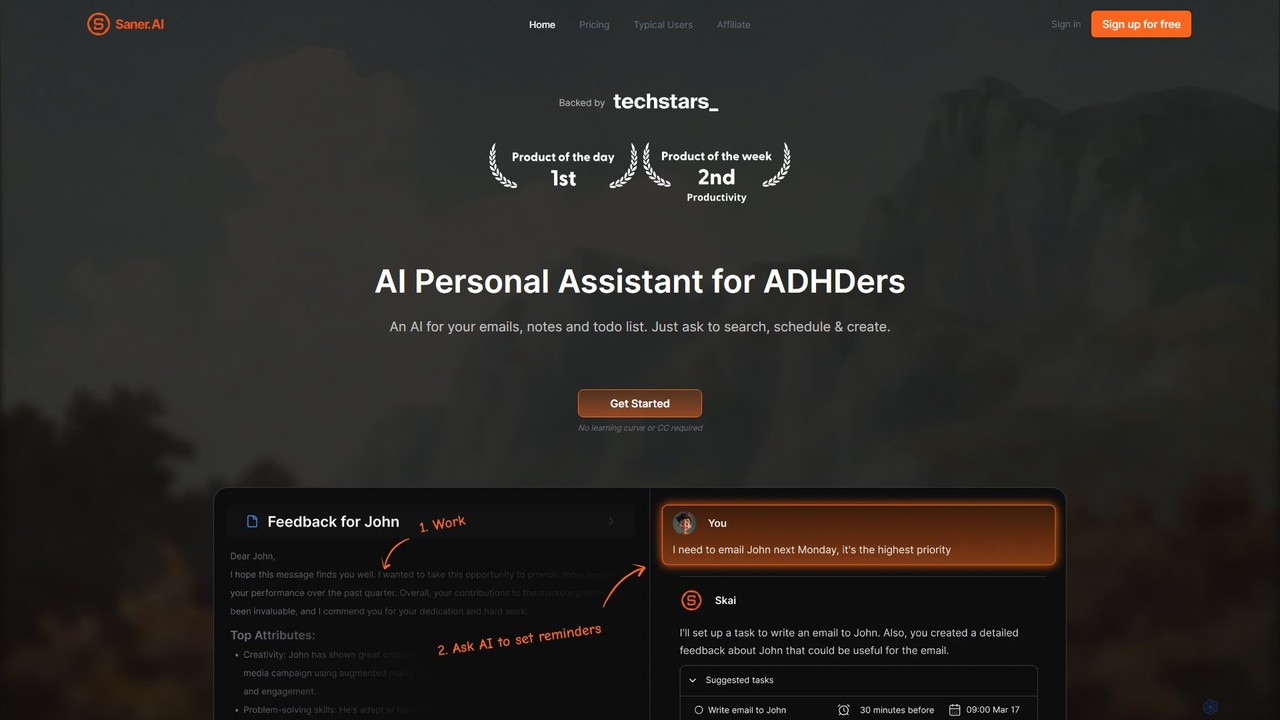
Saner.AI
Saner.AI is an AI personal assistant designed to help users, especially those with ADHD, manage notes, emails, and to-do lists. It acts as a unified workspace to capture, organize, and synthesize information, reducing cognitive load and context switching. With its AI assistant, Skai, it automates task planning, prioritization, and knowledge connection, creating a calmer, more productive workflow.
Second Brain
Mother Computer
Mother Computer is a next-generation, AI-native operating system designed to unify your digital life. It acts as a central command center, integrating all your apps, automating complex workflows, and providing intelligent assistance to dramatically boost productivity for individuals and teams.
Ai Assistant
Omniverse
Omniverse is an all-in-one AI-powered productivity platform designed to centralize your workflow. It integrates a powerful writing assistant, task management, knowledge base, and data analysis into a single, intuitive workspace. Streamline your projects, automate repetitive tasks, and unlock new levels of efficiency by leveraging a unified AI that understands the full context of your work.
All In One
EverlynAI
EverlynAI is your intelligent personal assistant designed to streamline your daily workflow. It manages your schedule, triages emails, drafts communications, and automates repetitive tasks, allowing you to focus on what truly matters. It learns your habits and preferences to provide proactive and personalized support.
Email Assistant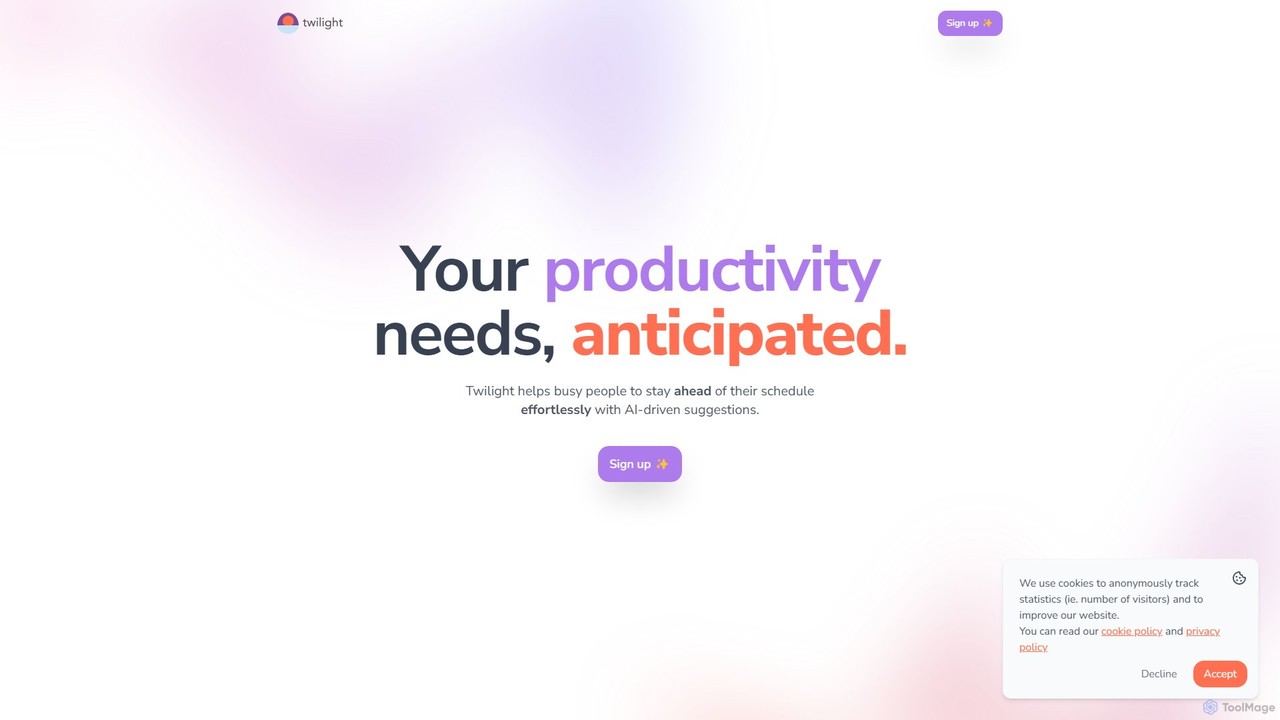
Twilight
Twilight is an AI-driven personal assistant that anticipates your productivity needs. It intelligently manages your schedule with proactive suggestions, automates rescheduling, prevents overbooking, and helps you focus on what truly matters by organizing your workflow.
Calendar Management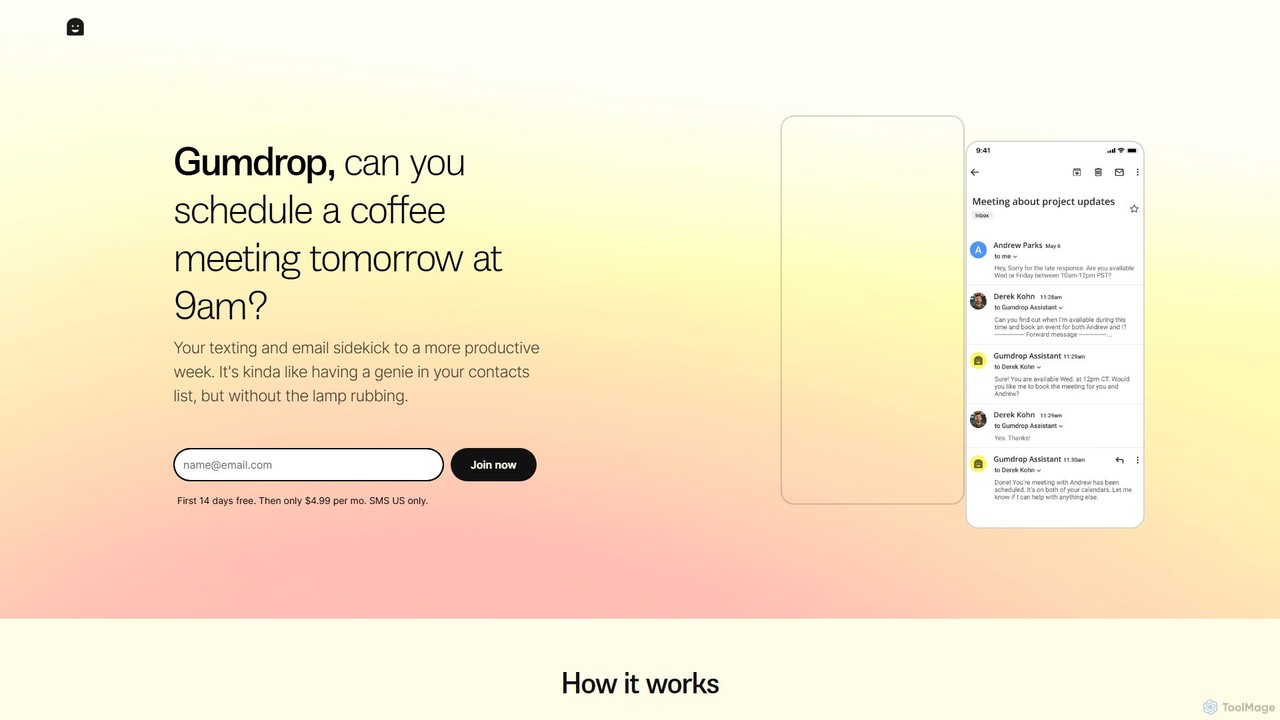
Gumdrop
Gumdrop is an AI-powered personal assistant that you can interact with via SMS and email. It helps you manage your schedule, book reservations, set reminders, and get information without needing a separate app. Simply text your requests and let Gumdrop handle the rest.
Automation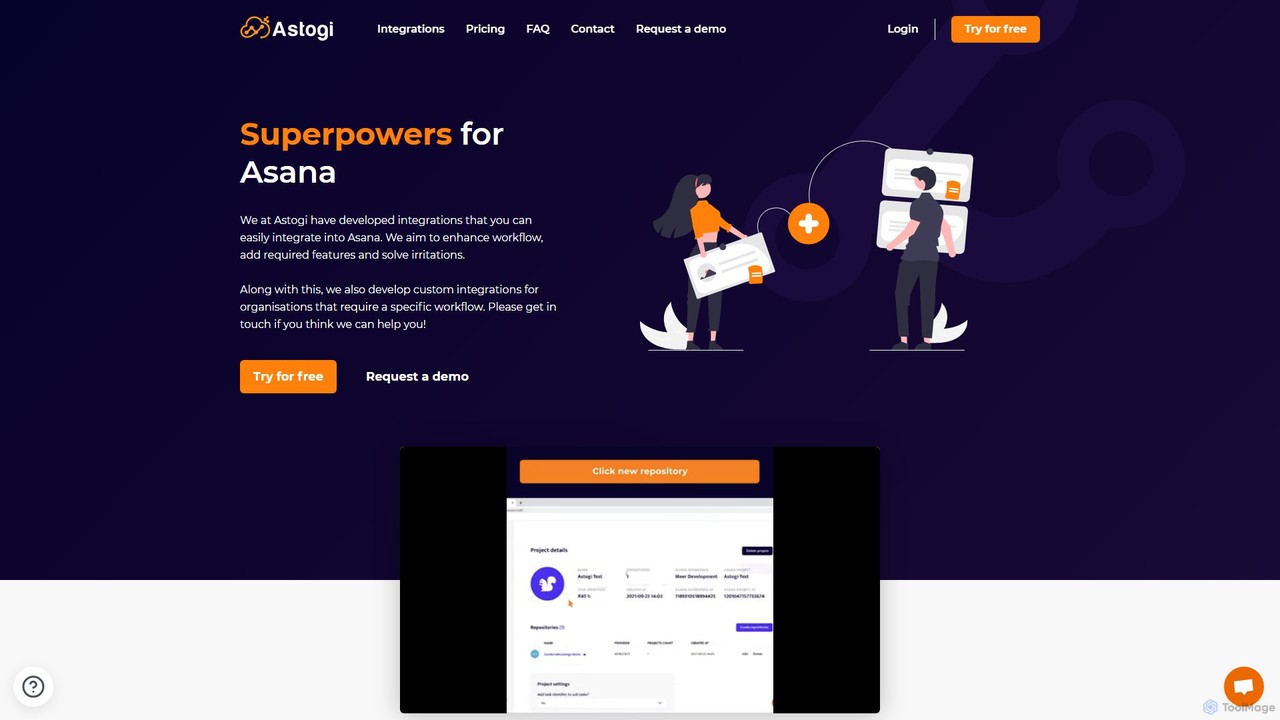
Astogi
Astogi supercharges Asana with powerful AI and automation integrations. It enhances team productivity by embedding tools like ChatGPT directly into tasks, automating task numbering, distributing assignments via round-robin, and simplifying team collaboration, all within the familiar Asana environment.
Collaboration
Process.app
Process.app is an AI-powered business process management (BPM) and workflow automation platform. It enables teams to design, execute, analyze, and optimize their business processes and workflows with intelligent suggestions and powerful automation, boosting productivity and efficiency.
Process Management
Den
Den is an AI-powered workspace for macOS that unifies your chats, documents, and AI agents into a single platform. Backed by Y Combinator, it connects to your business tools, understands your company's knowledge, and automates tasks to boost productivity and streamline workflows.
Task Automation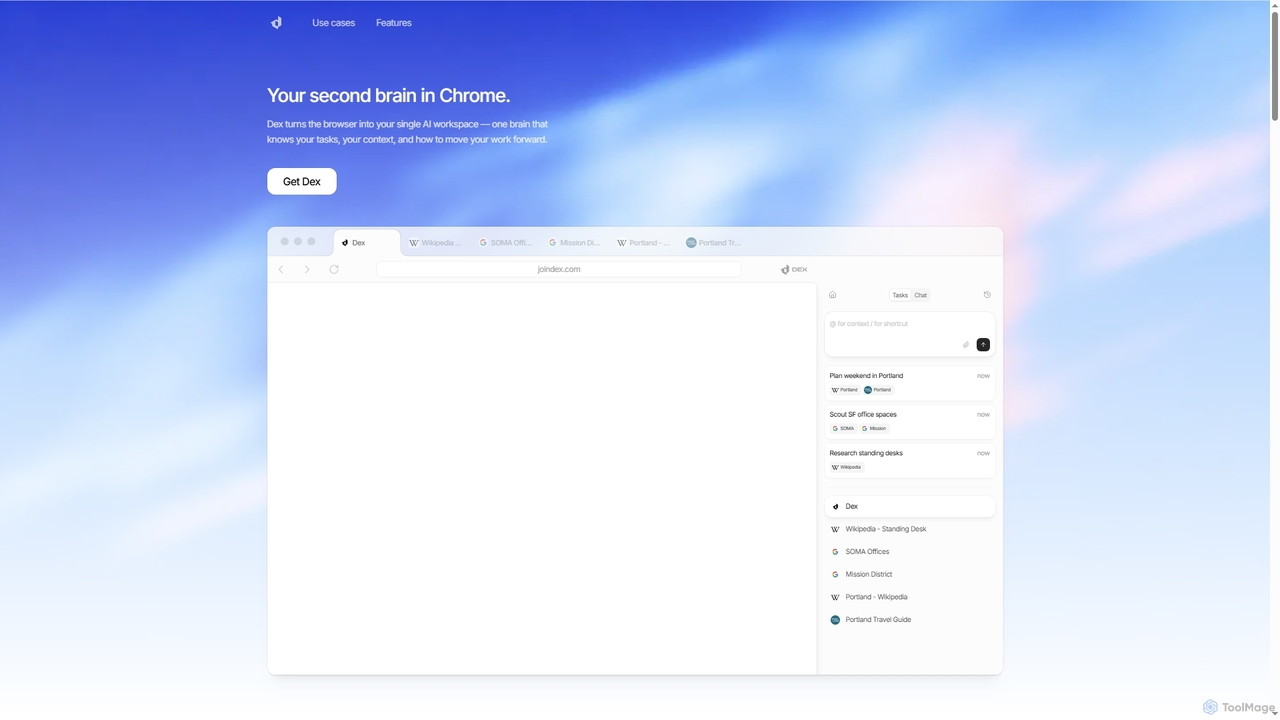
Dex
Dex is an AI-powered Chrome extension that transforms your browser into a smart, integrated workspace. It acts as your second brain, managing tasks, understanding context, and proactively moving your work forward by connecting with over 14 applications to eliminate context switching and boost productivity.
Workflow Automation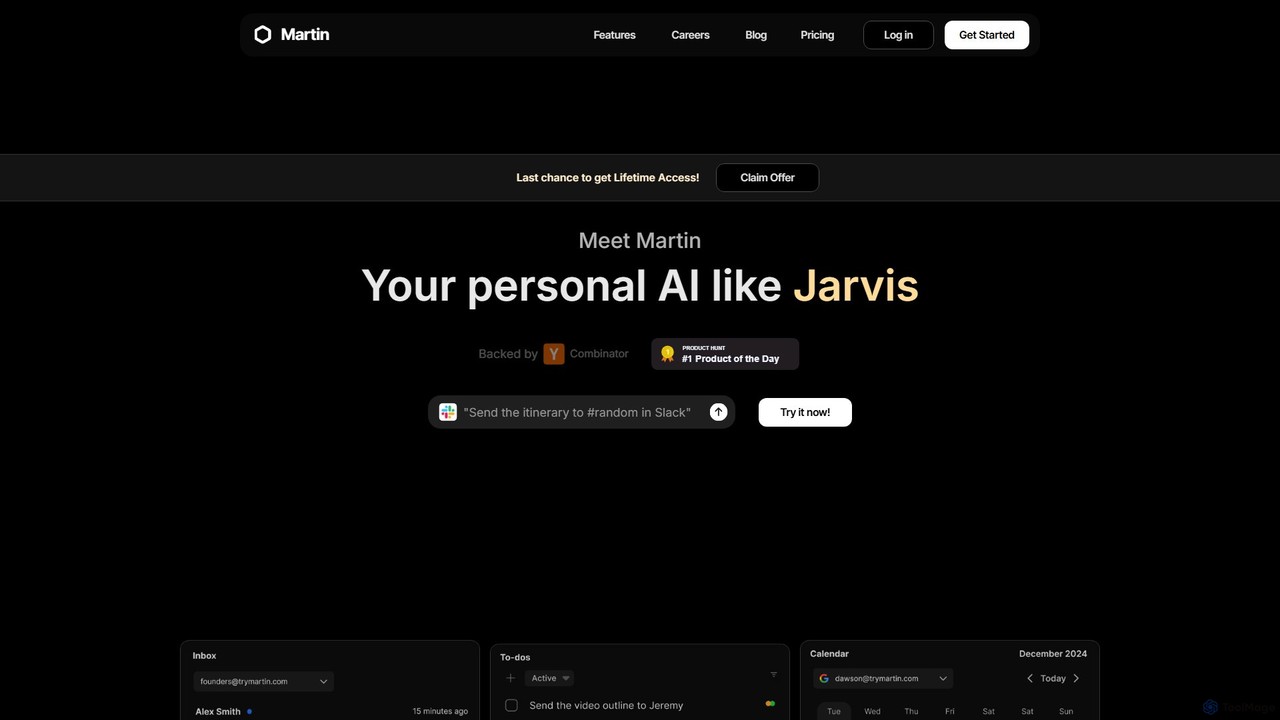
Martin
Martin is a personal AI assistant, like Jarvis, designed to streamline your life by managing tasks, communications, and schedules. Interact with Martin via text, call, email, or Slack to set reminders, send messages, manage your calendar, and automate daily workflows. It integrates seamlessly with your existing apps to boost your productivity.
Email Assistant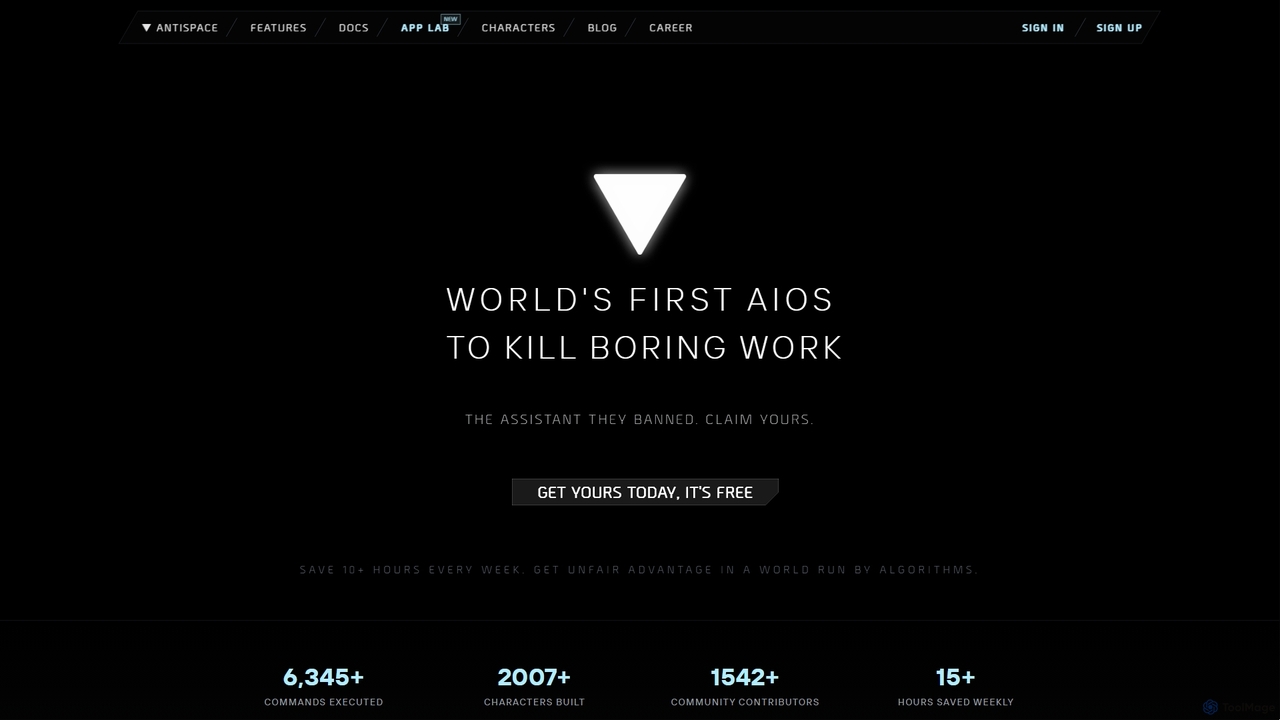
Antispace
Antispace is the world's first AI Operating System (AIOS) designed to eliminate boring work. It provides users with customizable AI sidekicks, each with a unique personality, to proactively manage emails, calendars, notes, and tasks. By predicting and executing the best actions, Antispace saves users over 10 hours per week and reduces decision fatigue.
Scheduling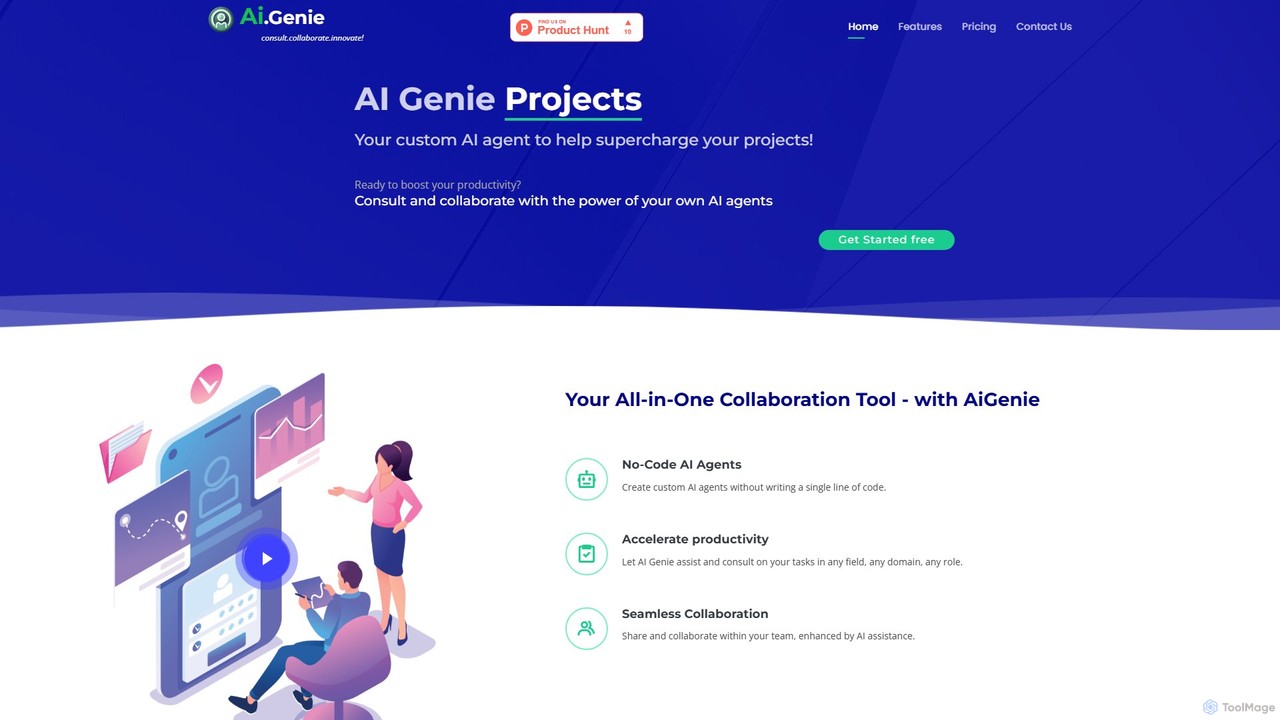
goaigenie
goaigenie is an all-in-one, no-code AI collaboration platform designed to boost productivity. It allows users to create custom AI agents for any task, manage projects, and collaborate seamlessly with teams. Build knowledge bases from files and websites to power your AI, all within a secure, privacy-focused environment.
Agent Builder
Littlebird Comments (0)
Sign in to comment.
Sign inNo comments yet.