

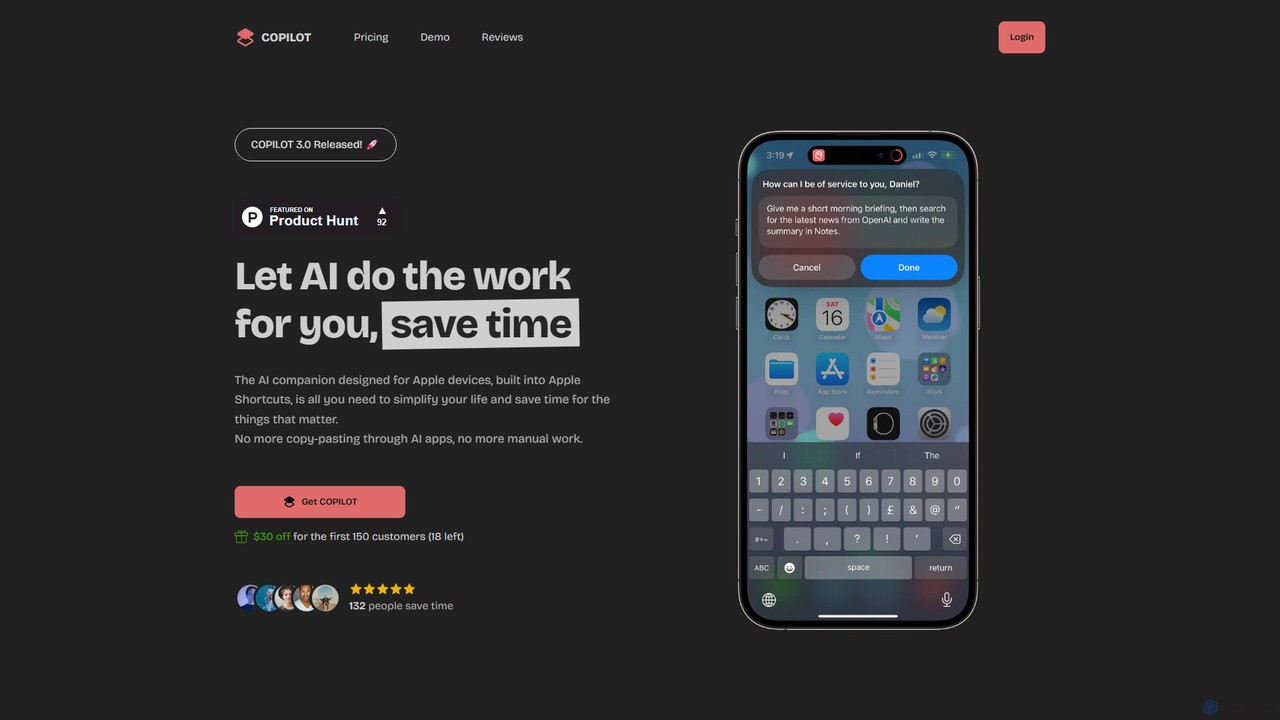
COPILOT Overview
COPILOT is a powerful AI companion designed specifically for the Apple ecosystem, including iOS, iPadOS, and macOS. It's not just another chatbot; it's an autonomous assistant that integrates directly into your existing workflow through Apple Shortcuts. The primary goal of COPILOT is to eliminate repetitive, time-consuming tasks such as switching between applications, and copying and pasting information. By letting AI handle the heavy lifting, you can save precious time and focus on what truly matters.
Imagine starting your day and, with a simple voice command like "Hey Siri, Activate COPILOT!", receiving a full morning briefing that includes your schedule summary, a check of overdue reminders, and a prioritized task list. This tool seamlessly connects with your native Apple apps like Calendar, Reminders, Mail, and Notes, as well as third-party services, to create a unified and automated experience.
How to use COPILOT
Using COPILOT is designed to be intuitive and deeply integrated into your daily routine. After a one-time purchase, you receive a license key and access to the COPILOT Shortcuts. The setup involves installing these pre-built shortcuts on your Apple device. Once installed, you can trigger COPILOT in various ways:
- Voice Commands: The most common method is using Siri. Simply say "Hey Siri, Activate COPILOT!" to initiate a task or your daily briefing.
- Shortcuts App: You can run any COPILOT function directly from the Shortcuts app on your iPhone, iPad, or Mac.
- Share Sheet: Use COPILOT from within any app. For example, you can select text on a webpage in Safari, tap the Share button, and choose a COPILOT shortcut to summarize it, translate it, or draft a reply based on it.
- Text Input: You can interact with COPILOT anywhere you can type, allowing it to write or edit text directly in your emails, messages, or documents.
You can use the included COPILOT Credits to access OpenAI models or connect your own OpenAI API key for more extensive use.
Core Features of COPILOT
- Deep Apple Ecosystem Integration: Works seamlessly with Calendar, Reminders, Safari, Mail, Messages, Notes, and more via Apple Shortcuts.
- Morning Briefing: Get an automated summary of your daily schedule, overdue tasks, and prioritized work to start your day organized.
- Intelligent Web Browsing: Leverages the Perplexity app and ChatGPT to find real-time information online, summarize webpages, and present the results concisely.
- Advanced Text Processing: Perform a wide range of text-based tasks like writing articles, drafting emails, summarizing long documents, translating text, and correcting grammar directly within any app.
- AI Image Generation: Create stunning visuals on demand using the integrated DALL·E 3 model, perfect for presentations, social media, or creative projects.
- Smart Note Taking: Capture ideas, summarize meetings, or organize thoughts effortlessly. COPILOT can take your voice notes or text and structure them intelligently.
- PDF and Webpage Summarization: Quickly understand the essence of long PDFs or articles without reading them word-for-word.
Use Cases for COPILOT
For Professionals: Automate your morning routine by getting a summary of meetings and priority tasks. Quickly summarize research articles or long email threads. Draft professional replies and reports without leaving your current app.
For Students: Use the web browsing feature to research topics for essays, summarizing key information from multiple sources. Summarize lecture notes or textbook chapters in PDF format to study more efficiently. Generate images for presentations.
For Content Creators: Brainstorm ideas, write blog post drafts, and generate social media captions. Create unique images for your content using DALL·E 3. Repurpose existing content by summarizing or rephrasing it for different platforms.
For Everyday Life: Plan your day, manage your to-do lists, draft personal emails or messages, and quickly look up information online, all hands-free using Siri.
Advantages of COPILOT
The main advantage of COPILOT is its deep, native integration into the Apple ecosystem, which sets it apart from standard AI chatbot apps. It acts as an autonomous agent that can perform actions for you, not just respond to queries. This eliminates the friction of context-switching and manual data transfer between apps, leading to significant time savings. The one-time purchase model offers excellent value, providing lifetime access without recurring subscriptions. Furthermore, it offers the flexibility of using either its built-in credit system or your own OpenAI API key.
Pricing and Plans
COPILOT offers a straightforward and user-friendly pricing model:
- One-Time Purchase: A single payment of $49 (often available for a promotional price, e.g., $19) grants you a lifetime license.
- What's Included: The purchase includes a lifetime license key for all your Apple devices, $5 in complimentary COPILOT Credits to get started with GPT-3.5 Turbo or GPT-4 Turbo, comprehensive documentation, 24/7 support, and one year of free updates.
- COPILOT Credits: Credits are used to interact with OpenAI's API. This system allows users without a paid OpenAI account to access premium models like GPT-4 and DALL·E 3 without facing strict rate limits. The cost is OpenAI's pricing plus a 30% service fee.
- Bring Your Own Key (BYOK): Users with their own OpenAI API key can connect it to COPILOT and use their own billing arrangement with OpenAI.
COPILOT Alternatives
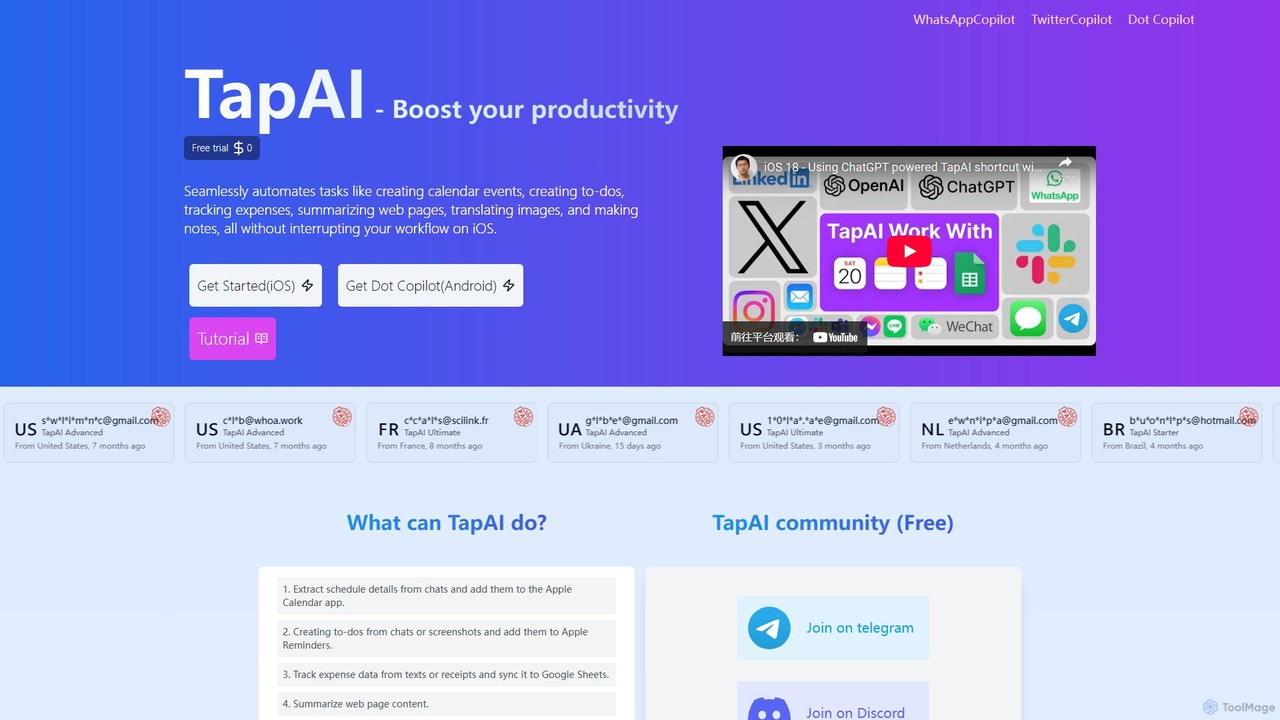
TapAI
TapAI is an iOS productivity tool that uses the iPhone's Back Tap feature to instantly process on-screen information. Powered by ChatGPT, it can extract text, create calendar events, manage to-do lists, track expenses to Google Sheets, translate content, and generate smart replies without ever leaving your current app.
Expense Tracking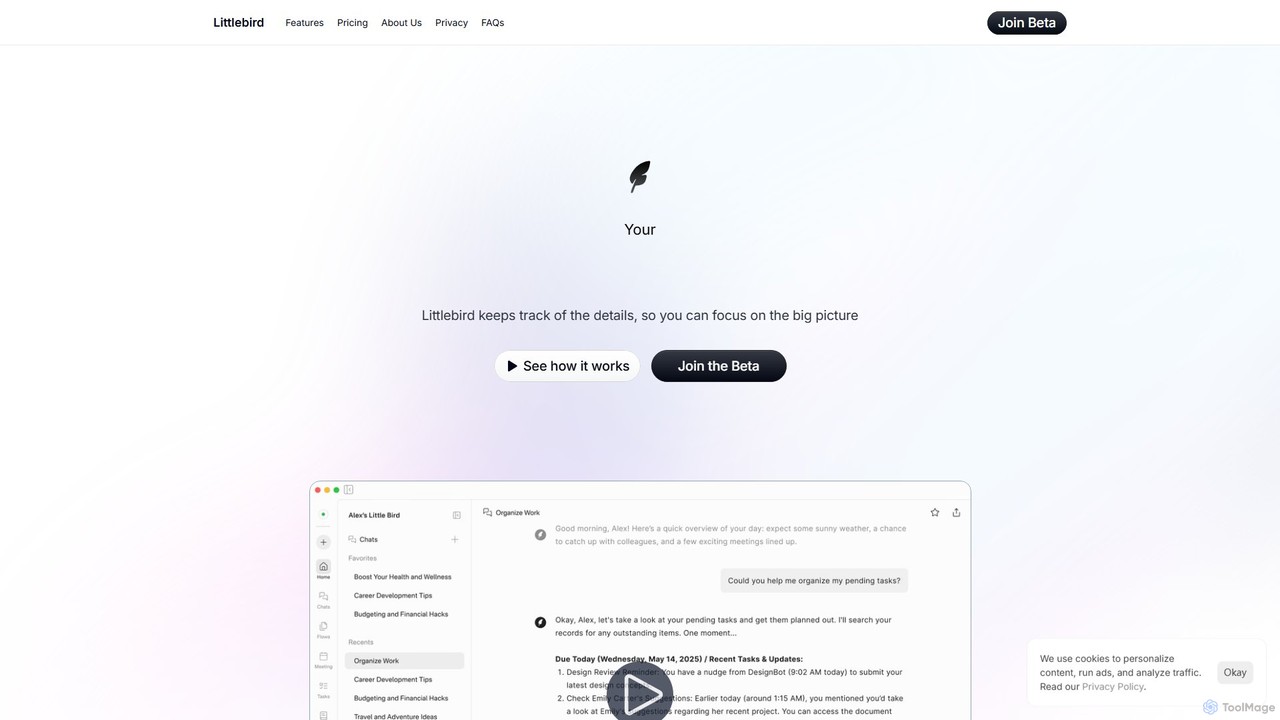
Littlebird
Littlebird is a personalized AI assistant that acts as your digital twin, learning your unique workflow across all applications. It automates tasks, organizes information, and provides contextual insights to help you focus on what matters most, eliminating busywork and context switching.
Personal Assistant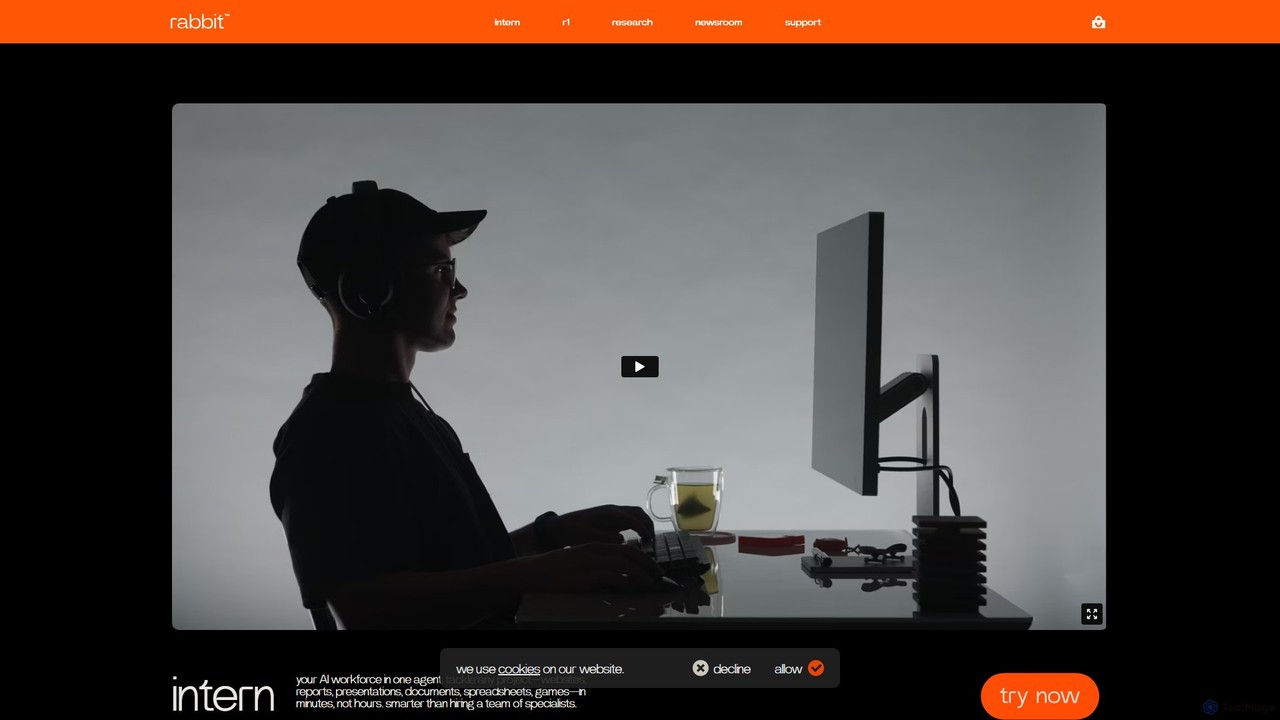
rabbit
rabbit is an AI ecosystem featuring the r1 hardware companion and the rabbit intern web agent. Powered by a proprietary Large Action Model (LAM), it's designed to understand natural language and execute complex tasks across websites and applications, simplifying digital workflows and moving beyond traditional app-based interfaces.
Personal Assistant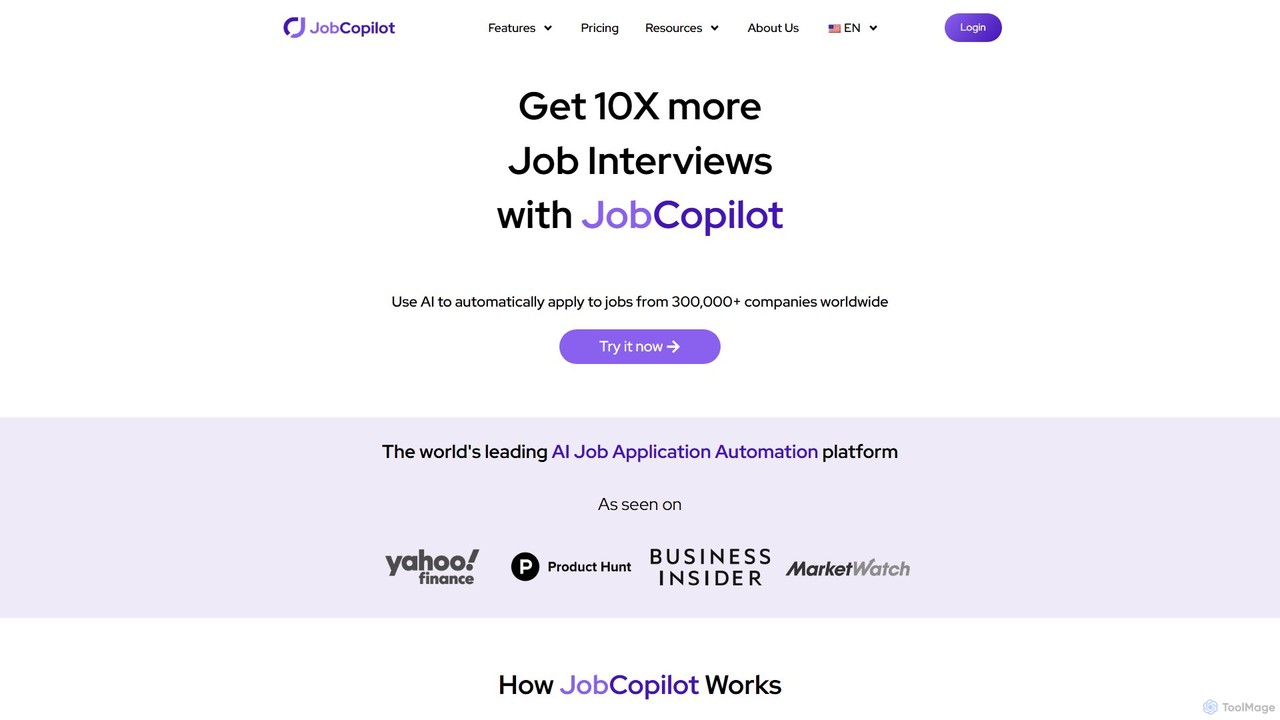
JobCopilot
JobCopilot is an AI-powered platform that automates the entire job application process. It helps users get more interviews by automatically searching for and applying to relevant jobs on over 300,000 company career pages. After a one-time setup, the AI copilot handles repetitive form-filling, tailors resumes, and tracks applications, saving users hours of manual work each week and ensuring they never miss an opportunity.
Personal Assistant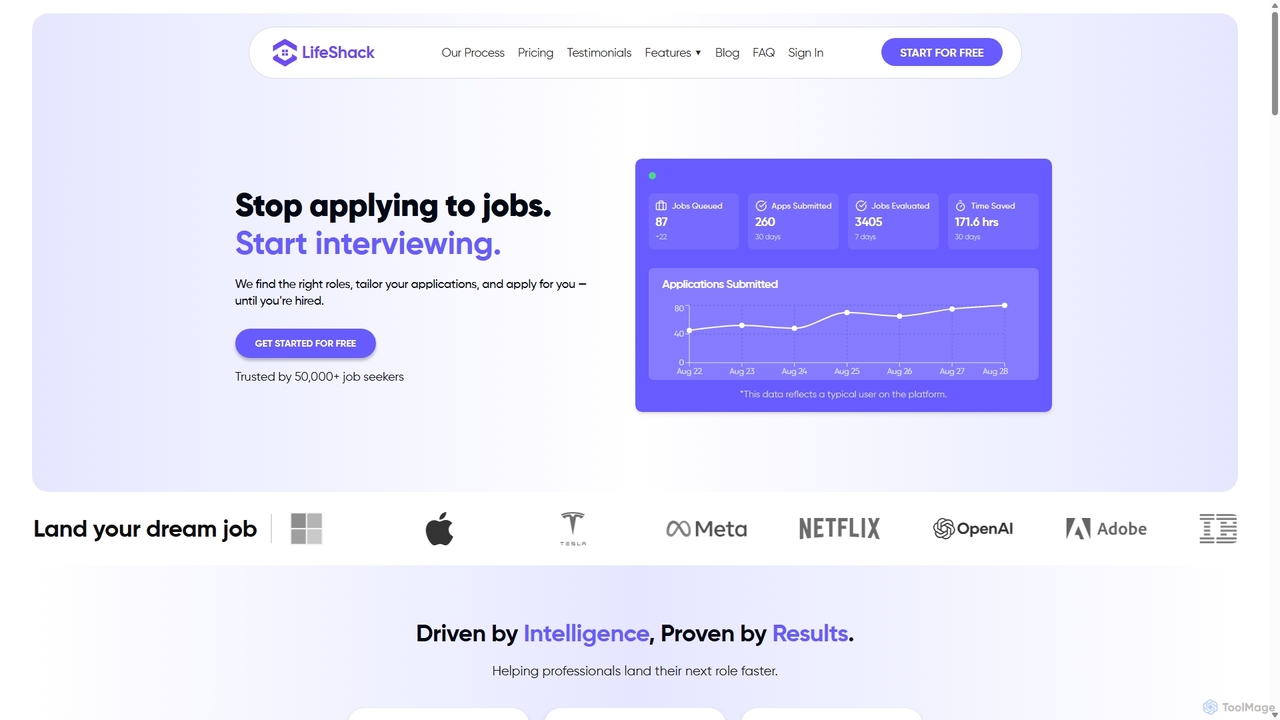
LifeShack
LifeShack is an AI-powered job search platform that automates the entire application process. It finds the best job matches, tailors your resume and cover letter for each role, and automatically applies on your behalf. This saves you hundreds of hours, reduces application fatigue, and helps you land more interviews faster.
Personal AssistantCOPILOT Categories
COPILOT Embed Widget
Copy this embed code to place the badge on your blog, article, or product site and send readers directly to this ToolMage detail page.

Related AI tools

SiriGPT
SiriGPT enhances your Apple experience by integrating the power of ChatGPT directly into Siri. This Apple Shortcut allows you to have advanced, voice-controlled conversations with a powerful AI on your iPhone and Mac. Get instant answers, brainstorm ideas, or chat with custom AI personas, all hands-free using the familiar 'Hey Siri' command. It's the fastest and most seamless way to access GPT on your Apple devices.
Personal AssistantTapAI
TapAI is an iOS productivity tool that uses the iPhone's Back Tap feature to instantly process on-screen information. Powered by ChatGPT, it can extract text, create calendar events, manage to-do lists, track expenses to Google Sheets, translate content, and generate smart replies without ever leaving your current app.
Expense Tracking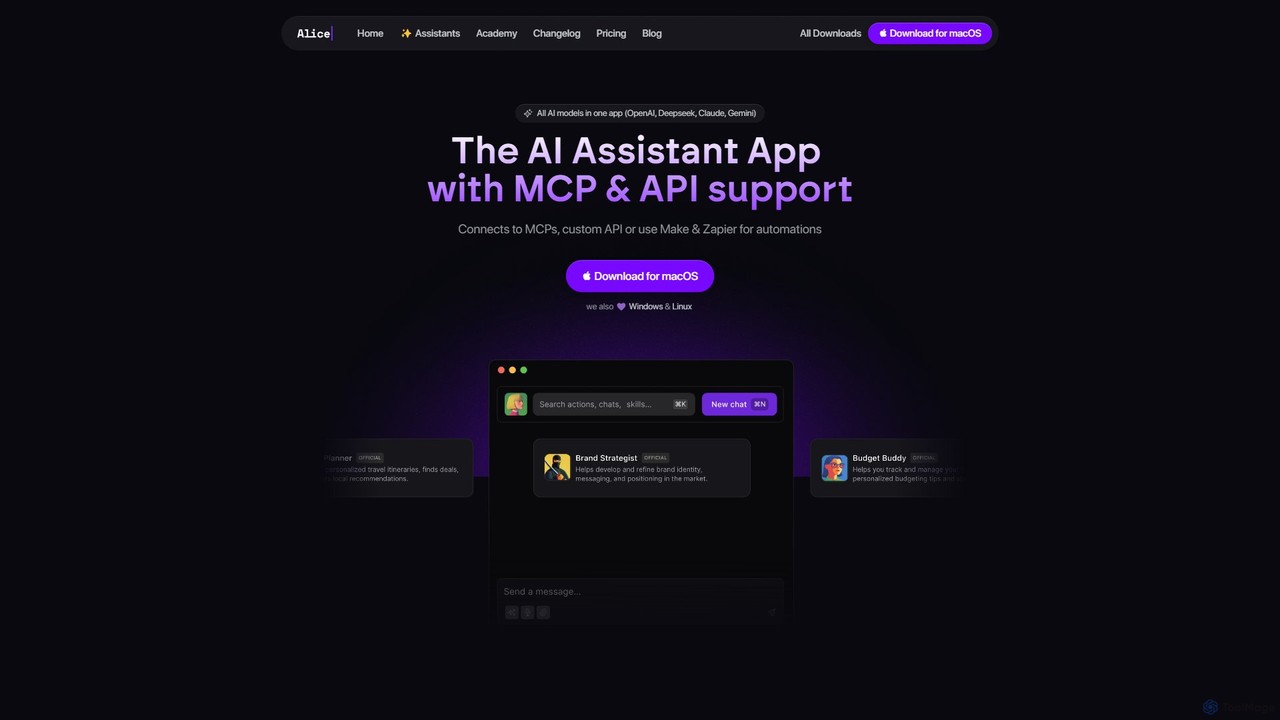
heyalice
heyalice is a personal AI assistant for your desktop (macOS, Windows, Linux) that centralizes top AI models like GPT-4o and Claude 3.5. It enhances productivity through customizable assistants, reusable prompts (Skills), and seamless integration with automation tools like Zapier and Make. Bring your own API keys to control costs and work faster with powerful keyboard shortcuts, all within a privacy-focused, local application.
Code Assistant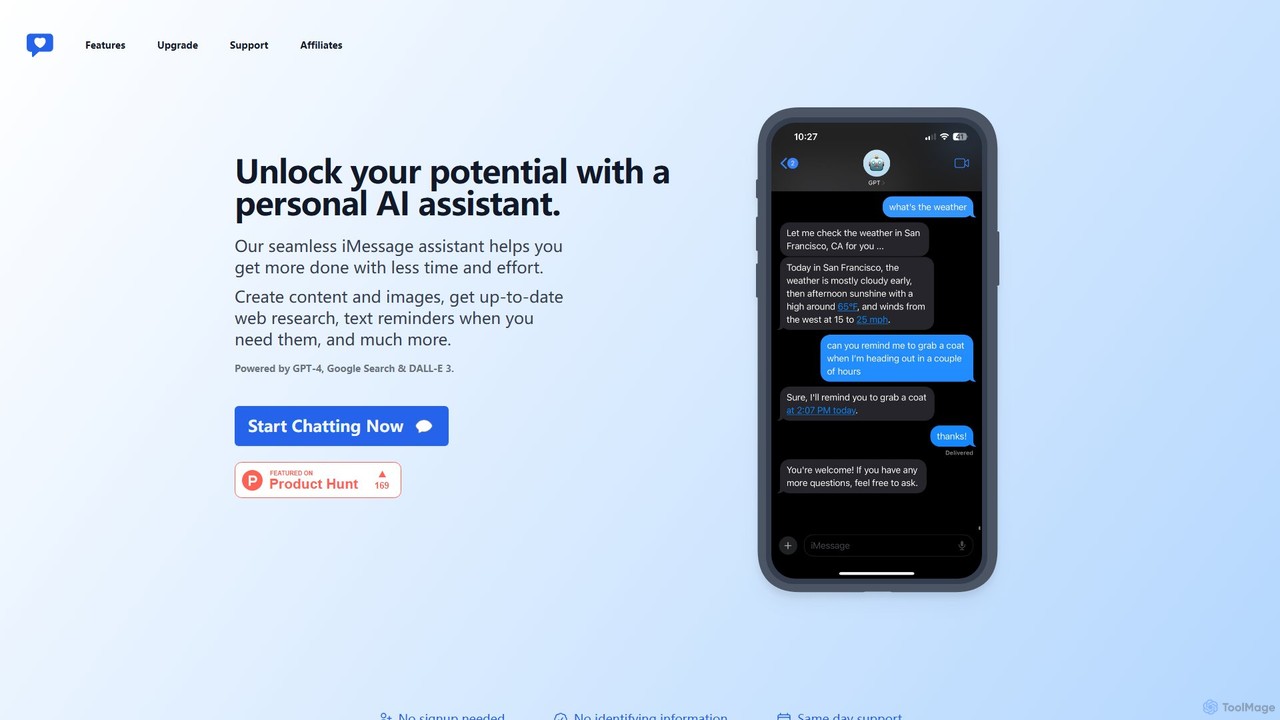
iChatWithGPT
A personal AI assistant integrated directly into iMessage, powered by GPT-4, DALL-E 3, and Google Search. Create content, generate images, get real-time web research, and set text reminders without leaving your messaging app. Accessible across the entire Apple ecosystem.
Chatbot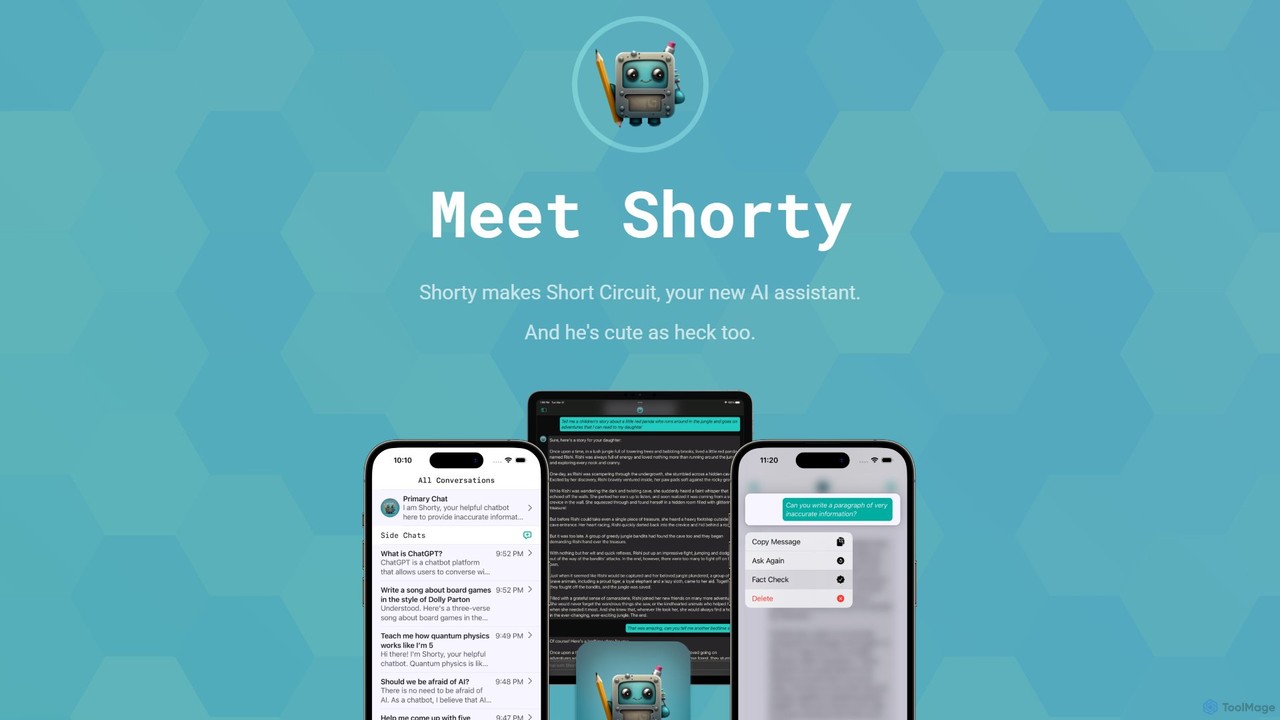
Short Circuit
Short Circuit is a privacy-focused AI assistant for iPhone, iPad, and Mac, powered by ChatGPT & GPT-4. It offers deep integration with the Apple ecosystem, including Siri and Shortcuts. Customize AI personalities for any task, from a math tutor to a code expert. With a strong commitment to privacy and flexible pricing options, including a lifetime unlock with your own API key, Short Circuit provides a premium, secure, and versatile AI experience.
Code Assistant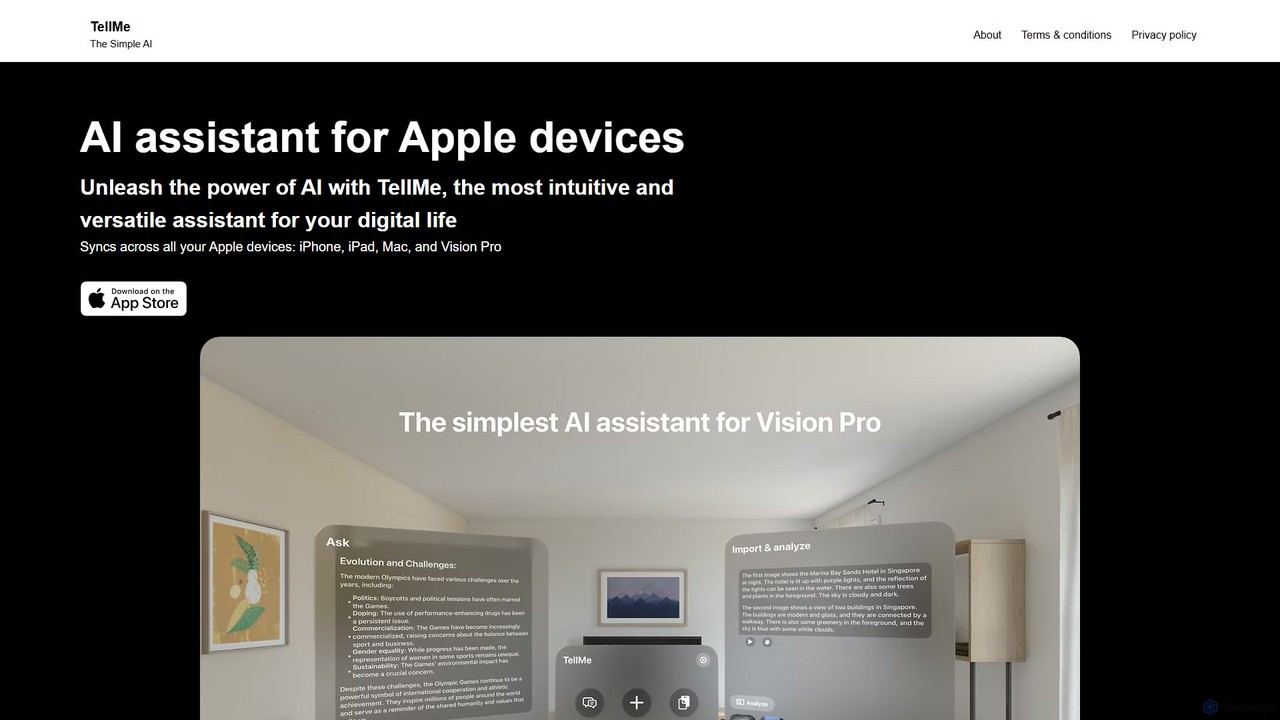
TellMe
TellMe is an intelligent AI assistant designed exclusively for the Apple ecosystem. It offers seamless synchronization across iPhone, iPad, Mac, and Vision Pro, providing an intuitive and versatile tool to enhance productivity, streamline tasks, and simplify your digital life.
Ecosystem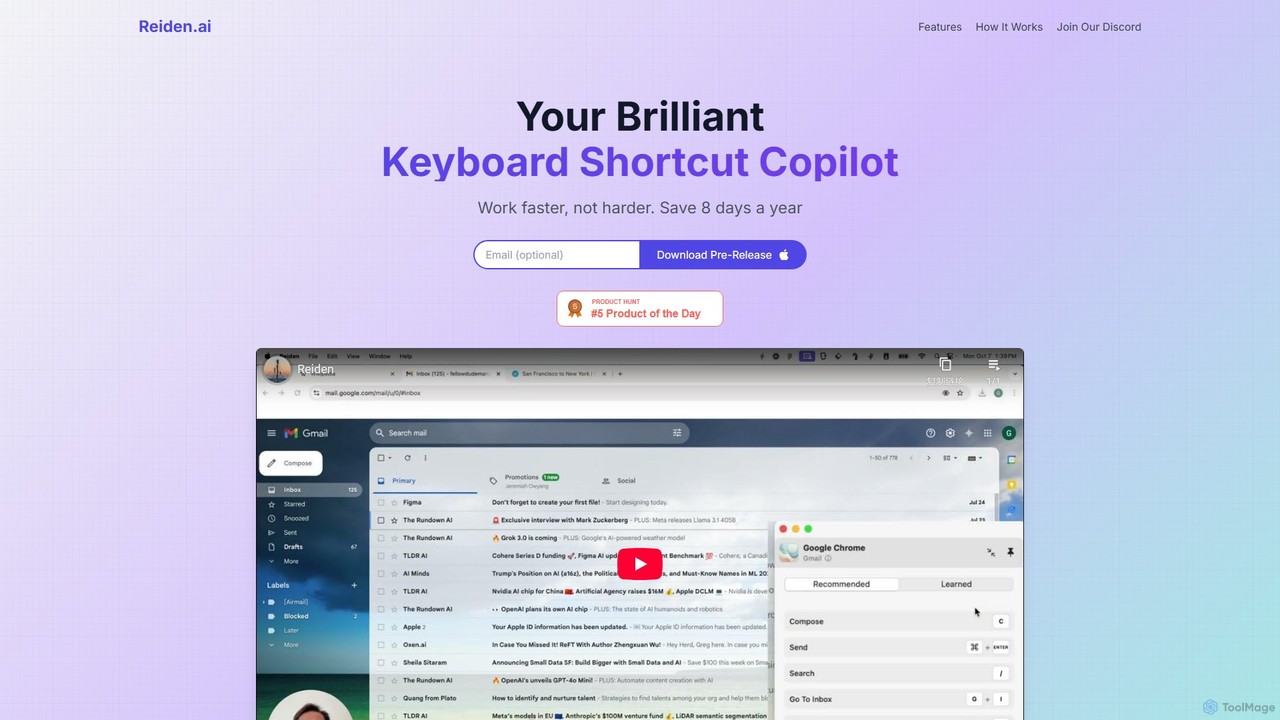
Reiden
Reiden is an AI-powered productivity assistant that acts as your personal keyboard shortcut copilot. It runs in the background, analyzes your workflow across 20+ applications, and provides real-time, personalized suggestions for keyboard shortcuts. By helping you replace repetitive mouse clicks with efficient key commands, Reiden saves you time, improves your ergonomic health, and boosts your overall productivity, making you work faster, not harder.
Self ImprovementLittlebird
Littlebird is a personalized AI assistant that acts as your digital twin, learning your unique workflow across all applications. It automates tasks, organizes information, and provides contextual insights to help you focus on what matters most, eliminating busywork and context switching.
Personal Assistant
Omnipilot
Omnipilot, now part of Highlight, is a powerful AI assistant for Mac & Windows. It works across all your apps, providing context-aware assistance for writing, meetings, and tasks. It understands what's on your screen to reduce context switching and boost productivity without needing to copy-paste.
Utilities
Raycast
Raycast is a blazingly fast, extensible launcher for macOS that supercharges your productivity. It acts as a central command bar to control your tools, with integrated AI, an extensive extension store, and powerful built-in features like window management and clipboard history. It's designed to reduce context switching and keep you in the flow.
Personal Assistant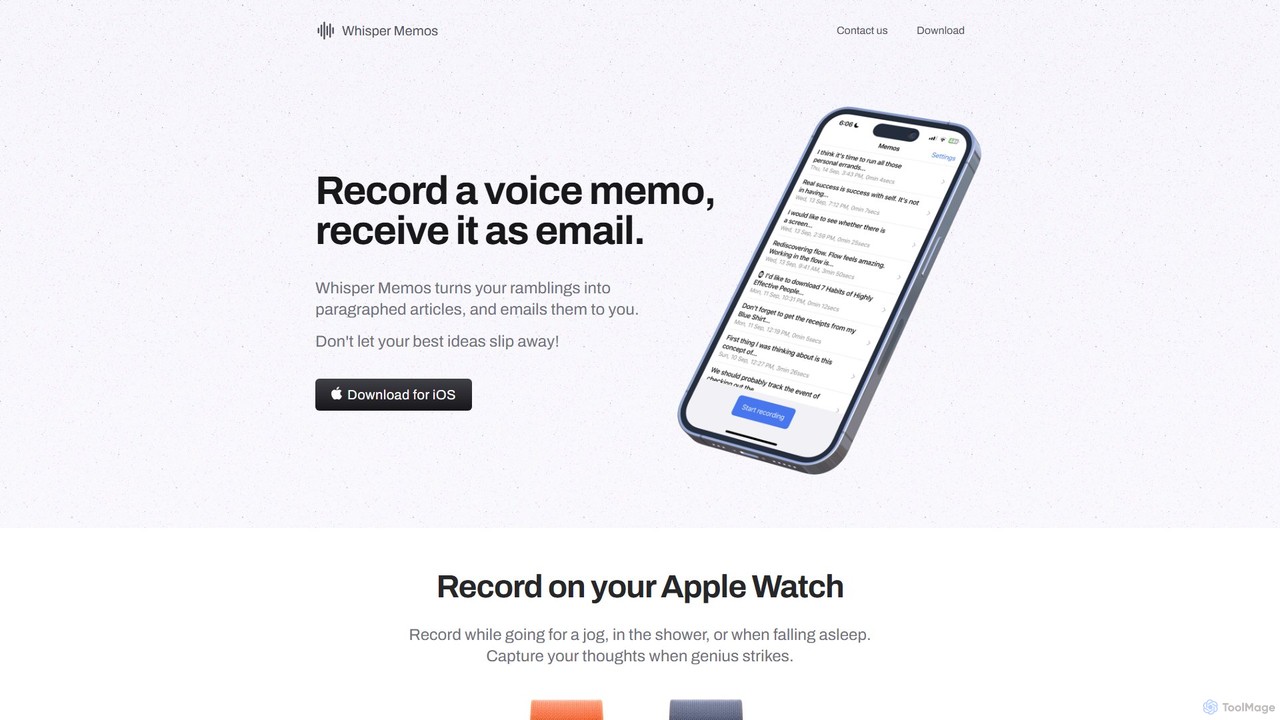
Whisper Memos
Whisper Memos is an iOS and Apple Watch app that captures your voice memos, uses AI (GPT-4) to transcribe and format them into structured articles, and delivers them directly to your email. It's designed for effortless, on-the-go idea capture, ensuring you never lose a fleeting thought.
Transcription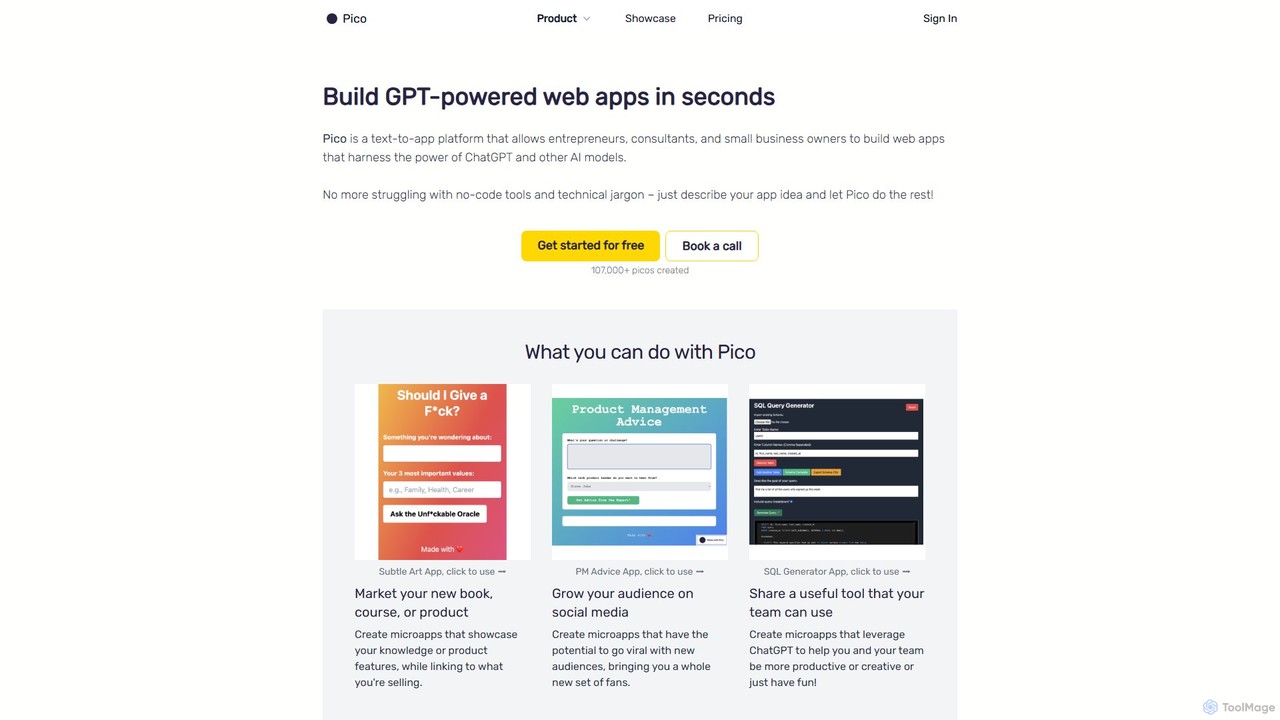
Pico
Pico is a text-to-app platform that empowers users to build GPT-powered web applications in seconds using simple natural language descriptions. Ideal for entrepreneurs, consultants, and small businesses, Pico eliminates the need for coding, allowing anyone to create, iterate, and deploy functional web apps effortlessly.
No Code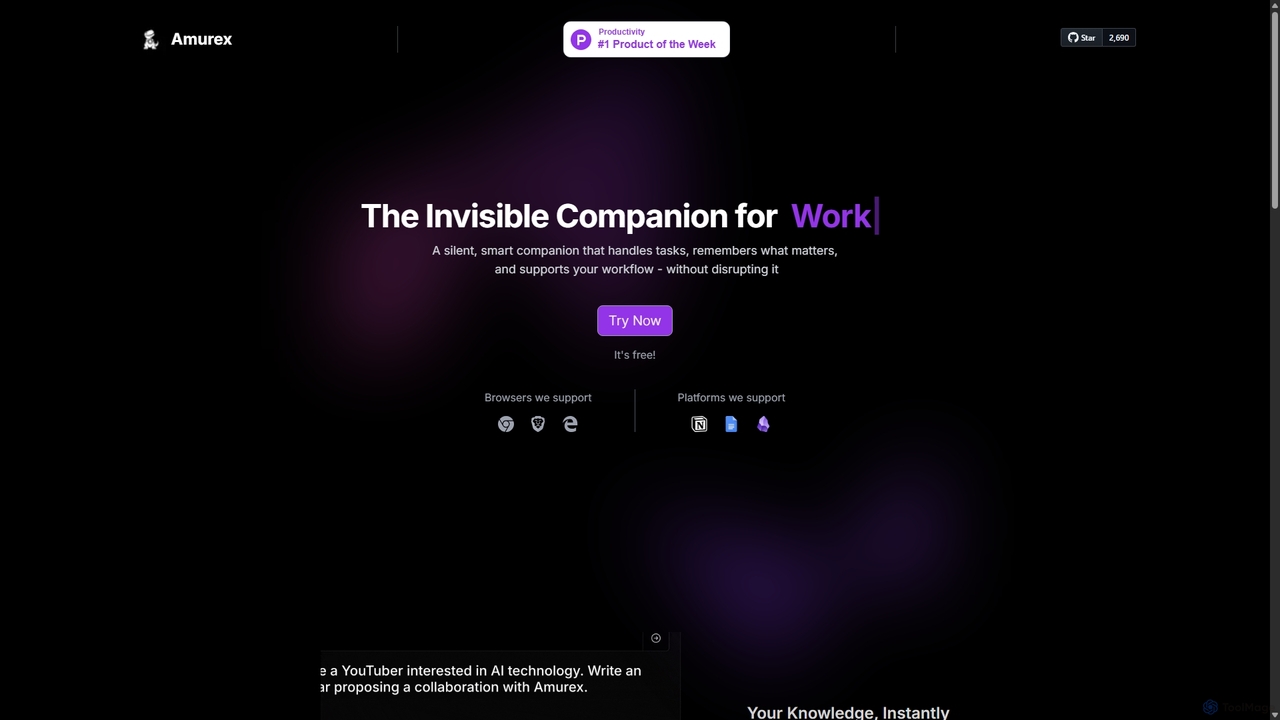
Amurex
Amurex is an open-source AI invisible companion that works silently in the background to streamline your workflow. It integrates with your existing apps like Notion, Google Drive, and Obsidian to create a searchable knowledge base, automates meeting transcriptions and summaries, and intelligently categorizes your inbox.
Automation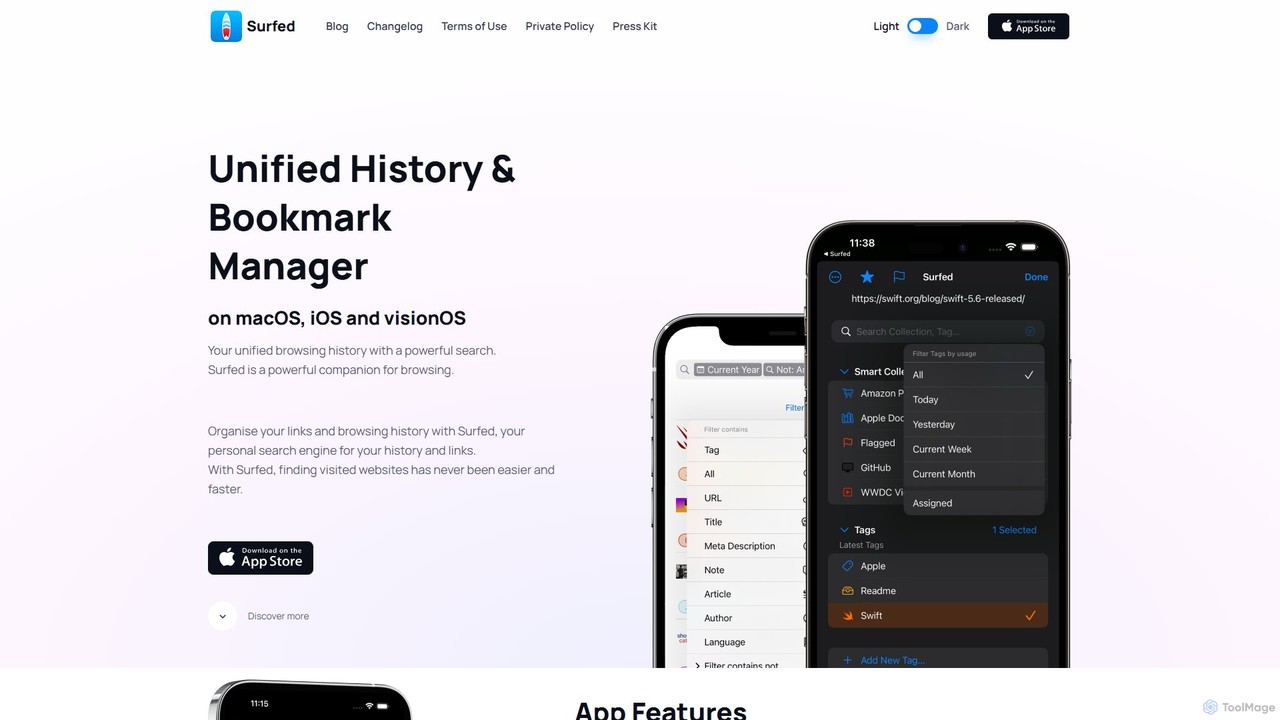
Surfed
Surfed is a powerful, privacy-focused history and bookmark manager for macOS, iOS, and visionOS. It unifies your browsing history from all major browsers, acting as your personal search engine. With features like AI-powered summarization, web automation, read-it-later, and cross-device sync, Surfed transforms how you organize, find, and interact with your web links and content.
Automation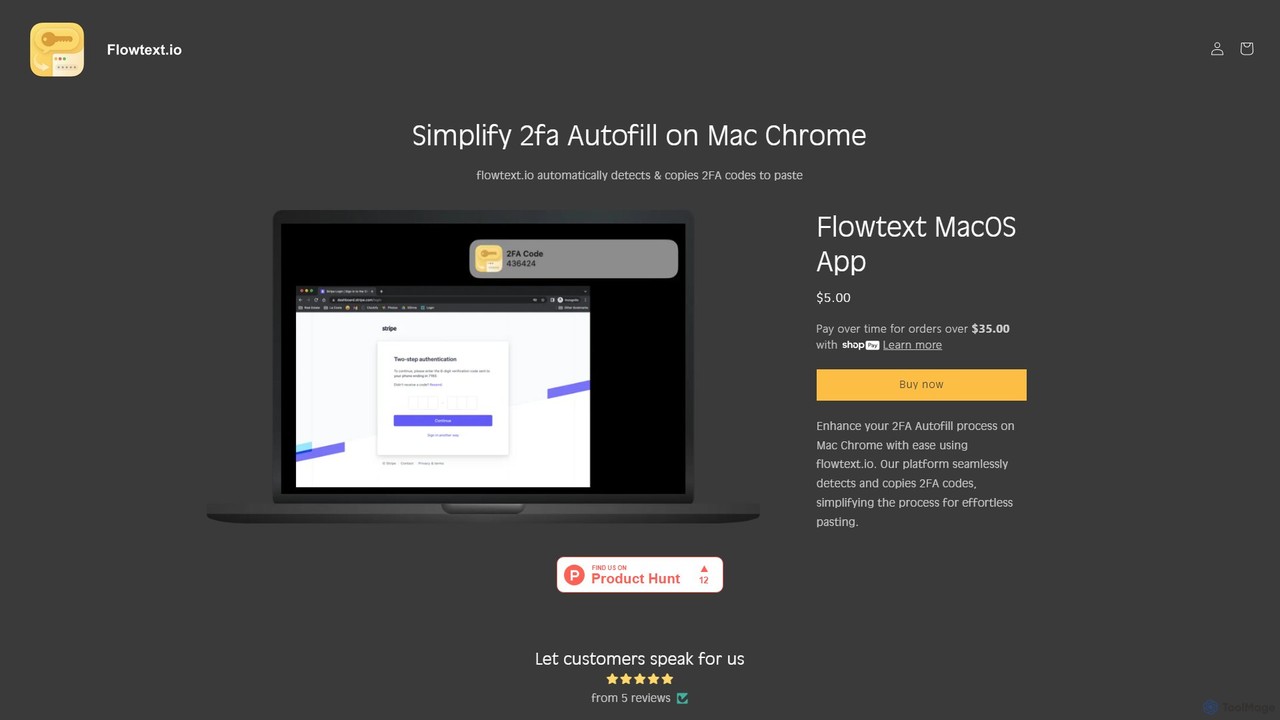
Flowtext
Flowtext is a macOS application designed to streamline your two-factor authentication (2FA) workflow. It automatically detects 2FA codes from SMS messages in iMessage and instantly copies them to your clipboard, eliminating the need to manually switch apps and copy-paste codes when logging into services on Google Chrome. This enhances both productivity and security.
Automation
COPILOT Comments (0)
Sign in to comment.
Sign inNo comments yet.