Scribe Notes
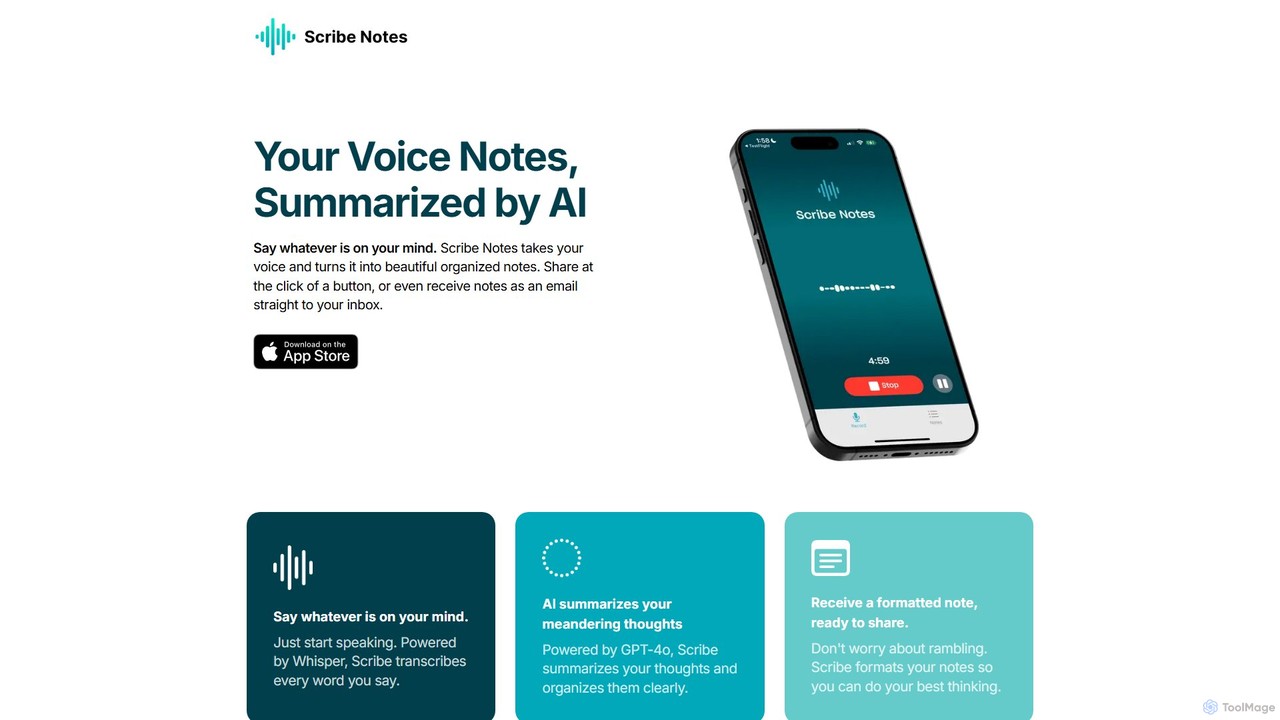
Scribe Notes is an AI-powered voice memo app for iOS that transcribes and summarizes your spoken thoughts. Capture ideas on the go with your iPhone or Apple Watch, and receive organized, actionable notes automatically.
TranscriptionPopular Ios AI tools in Mobile include Whisper Memos, Scribe Notes, LazyNotes, COPILOT, and TapAI, helping you work more efficiently.

Scribe Notes is an AI-powered voice memo app for iOS that transcribes and summarizes your spoken thoughts. Capture ideas on the go with your iPhone or Apple Watch, and receive organized, actionable notes automatically.
Transcription
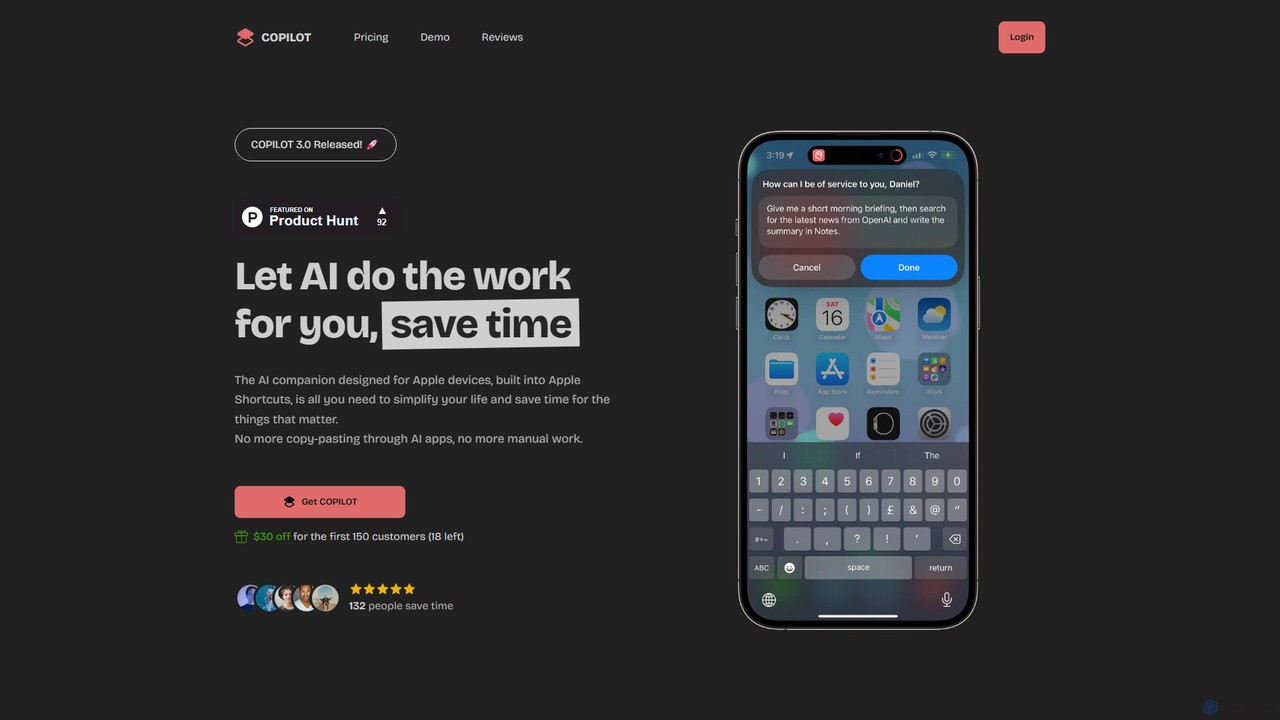
COPILOT is an AI assistant deeply integrated into the Apple ecosystem via Shortcuts. It automates daily tasks like summarizing schedules, browsing the web, writing content, and generating images, all within your favorite apps. Designed for Apple users, it eliminates the need for constant app-switching and copy-pasting, saving you time and streamlining your workflow.
Personal Assistant
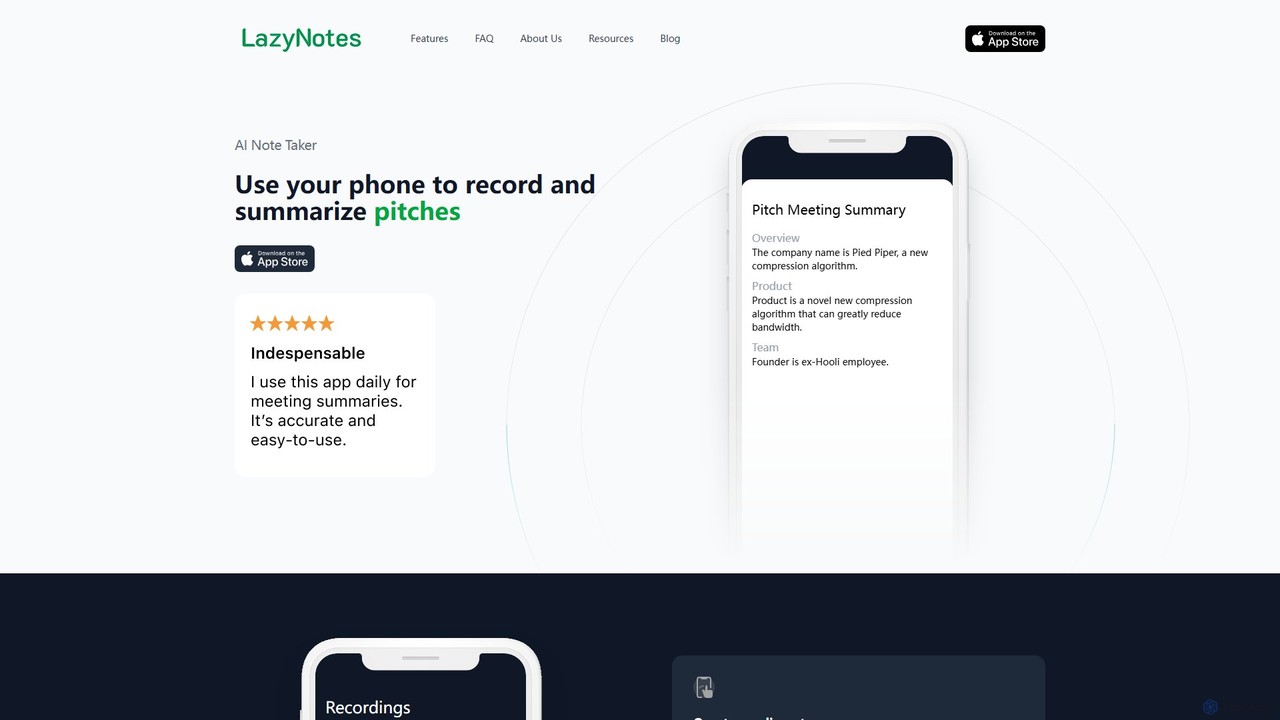
LazyNotes is an AI-powered note-taker app for iPhone that records, transcribes, and summarizes your meetings. It allows you to stay fully engaged in conversations by automating the note-taking process. Get concise, human-like summaries with key action items and concerns delivered directly to your email, all with a single tap.
Transcription
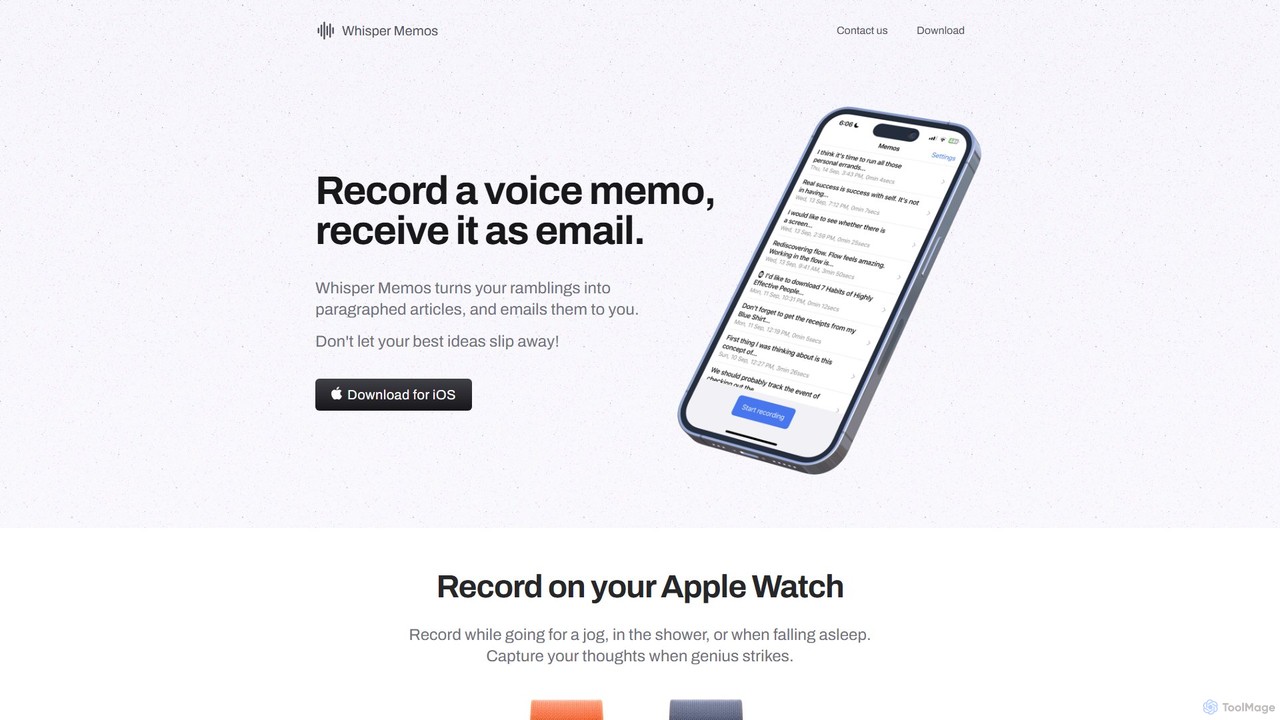
Whisper Memos is an iOS and Apple Watch app that captures your voice memos, uses AI (GPT-4) to transcribe and format them into structured articles, and delivers them directly to your email. It's designed for effortless, on-the-go idea capture, ensuring you never lose a fleeting thought.
Transcription
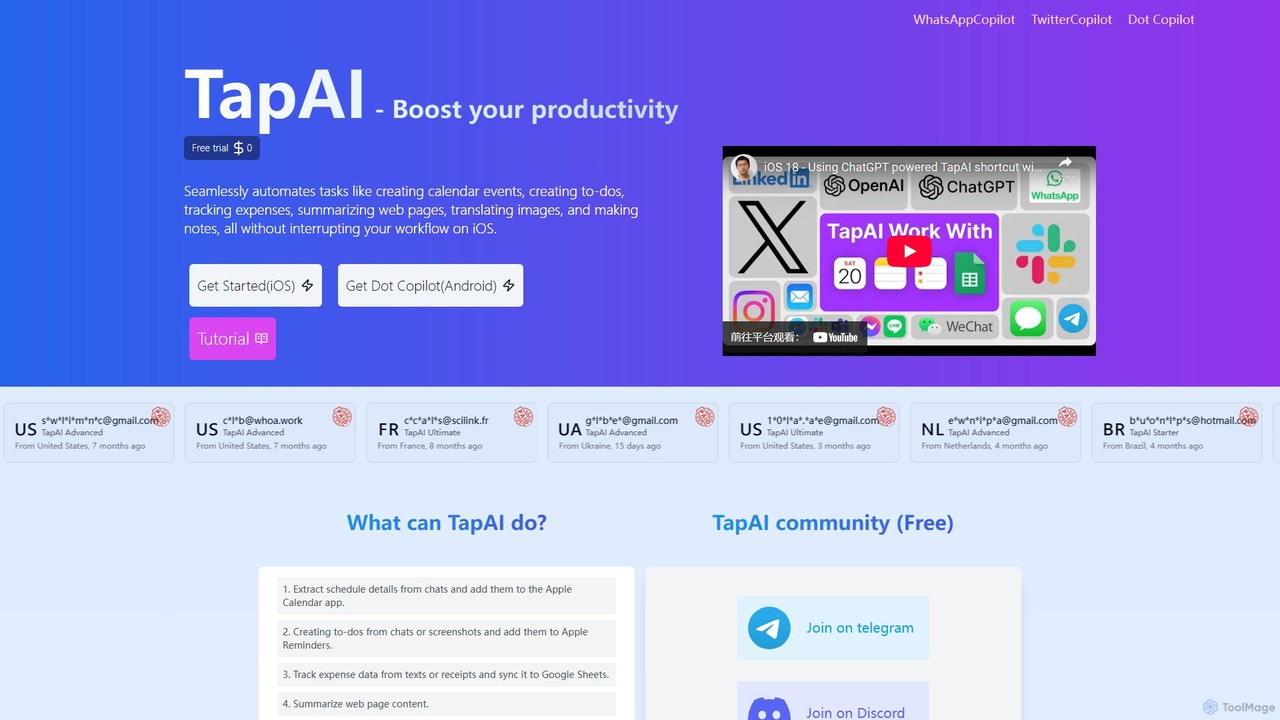
TapAI is an iOS productivity tool that uses the iPhone's Back Tap feature to instantly process on-screen information. Powered by ChatGPT, it can extract text, create calendar events, manage to-do lists, track expenses to Google Sheets, translate content, and generate smart replies without ever leaving your current app.
Expense TrackingiOS AI tools are a specialized category of artificial intelligence applications designed exclusively for Apple's mobile ecosystem, including iPhones and iPads. These tools leverage Apple's powerful hardware, such as the Neural Engine, and software frameworks like Core ML, to deliver high-performance, on-device AI capabilities. They enhance user experience across various applications, from productivity and creativity to health and accessibility, by offering intelligent features deeply integrated with the iOS platform.
Content creators use iOS AI tools for on-the-go video editing, photo enhancement, and generative art creation, leveraging the device's processing power. Developers integrate Core ML models into their apps for features like object recognition or natural language processing. Business professionals utilize AI-driven productivity apps for intelligent note-taking, task automation, and data analysis directly on their iPads.
When selecting iOS AI tools, consider their integration with Apple's ecosystem (e.g., iCloud, Siri, Shortcuts) and performance on your specific device's chipset. Evaluate the app's privacy policy, especially for tools handling sensitive data, and check for App Store reviews and developer support. Assess the specific AI capabilities offered, such as on-device processing versus cloud-based, and ensure it aligns with your workflow and budget.

Mobile photographers and content creators use iOS AI tools to automatically enhance photos, remove unwanted objects, or apply artistic filters directly on their iPhone. These tools leverage on-device AI to analyze image content, suggest optimal edits, and perform complex manipulations like background blurring or intelligent cropping, significantly speeding up the editing workflow without needing a desktop.
Individuals focused on health and wellness utilize iOS AI apps to gain deeper insights from their fitness data. AI algorithms analyze activity patterns, sleep cycles, and heart rate data collected by Apple Watch or other sensors, providing personalized recommendations for workouts, nutrition, and stress management. This helps users make informed decisions to improve their well-being.
Students, journalists, and professionals use iOS AI tools for smart note-taking and audio transcription during lectures, interviews, or meetings. AI-powered apps can automatically transcribe spoken words into text, identify different speakers, summarize key points, and even translate in real-time. This streamlines information capture and review, making knowledge management more efficient.
Travelers and language learners leverage iOS AI apps for real-time translation of spoken conversations or text from images. These tools often use on-device neural networks for quick and private processing, allowing users to communicate effectively in foreign environments or practice new languages with AI tutors that provide instant feedback on pronunciation and grammar.
Developers and consumers engage with iOS AI tools to create and experience advanced augmented reality applications. Leveraging Apple's ARKit and AI, these apps can accurately map real-world environments, place virtual objects with realistic physics, and enable interactive experiences like virtual try-ons for clothing or immersive gaming, blurring the lines between digital and physical.
Users with diverse needs benefit from iOS AI tools integrated into accessibility features. AI can power functions like real-time captioning for videos, object recognition for visually impaired users, or predictive text and voice control for those with motor impairments. These tools enhance independence and make the iOS ecosystem more inclusive and user-friendly for everyone.
iOS AI tools are artificial intelligence applications specifically developed for Apple's mobile operating system, running on devices like iPhones and iPads. They utilize Apple's hardware (e.g., Neural Engine) and software frameworks (e.g., Core ML) to perform tasks such as image recognition, natural language processing, and predictive analytics directly on the device, offering enhanced performance and privacy.
iOS AI tools are optimized for Apple's unique ecosystem, leveraging proprietary hardware like the Neural Engine and software frameworks such as Core ML and ARKit. This often results in superior on-device performance, tighter integration with system features (like Siri and Shortcuts), and adherence to Apple's stringent privacy standards, distinguishing them from more generic mobile AI solutions that must cater to a broader range of hardware and operating systems.
Key benefits include enhanced privacy due to on-device processing, faster performance thanks to dedicated hardware like the Neural Engine, seamless integration with the iOS ecosystem (Siri, Shortcuts, iCloud), and access to a high-quality, curated App Store. Users also benefit from Apple's strong focus on security and regular software updates, ensuring a reliable and cutting-edge AI experience.
Many iOS AI tools are designed to process data offline, especially those leveraging Apple's Core ML framework and the Neural Engine for on-device machine learning. This capability is crucial for privacy-sensitive applications and scenarios where internet connectivity is limited, allowing for real-time processing of tasks like image recognition, language translation, or speech-to-text without sending data to the cloud.
To choose a reliable iOS AI tool, first check the developer's reputation and read user reviews on the App Store. Look for apps that clearly state their privacy policy, especially regarding data handling. Evaluate the tool's specific features and ensure they align with your needs. Consider apps that offer a free trial or a freemium model to test functionality before committing to a purchase, and prioritize those with regular updates.