
TapAI Overview
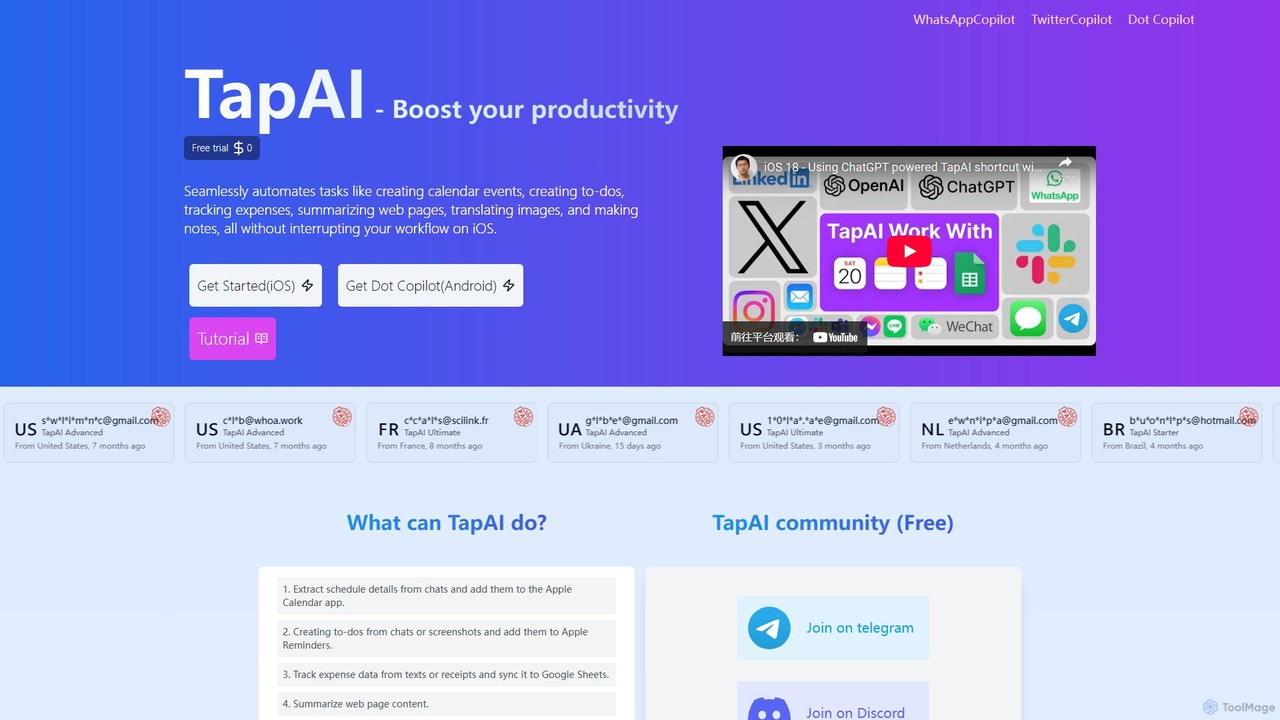
TapAI is a revolutionary productivity tool designed exclusively for iOS users, aiming to streamline workflows and enhance efficiency by integrating the power of ChatGPT directly into the operating system's core functionalities. It operates through a simple yet ingenious mechanism: a double or triple tap on the back of your iPhone. This gesture instantly activates TapAI, which then intelligently analyzes the content currently on your screen—be it text in a chat, details on a webpage, or information in a screenshot—and performs a relevant action without interrupting your flow.
The tool is built upon the iOS Shortcuts framework, making it a lightweight yet powerful addition to your device. By leveraging the GPT-4o-mini and the advanced GPT-4o models (which includes visual recognition for Ultimate plan users), TapAI can understand context with remarkable accuracy. Whether you're trying to capture a fleeting idea, schedule a meeting from a WhatsApp message, or track a purchase from a digital receipt, TapAI automates the process, saving you time and manual effort.
How to use TapAI
Getting started with TapAI is a straightforward process designed to be quick and easy:
- Purchase a Plan: Visit the TapAI website and choose the plan that best suits your needs (Starter, Advanced, or Ultimate). Complete the one-time payment for a one-year license.
- Check Your Email: After purchase, you will receive an email containing your unique license key and a download link for the TapAI shortcut.
- Install the Shortcut: Open the email on your iPhone and tap the download link. When prompted, add the TapAI shortcut to your Shortcuts app. You will be asked to enter your license key during this setup. If you plan to use the expense tracking feature, you can also enter your Google Sheet ID.
- Configure Back Tap: Navigate to your iPhone's Settings > Accessibility > Touch > Back Tap. Choose either 'Double Tap' or 'Triple Tap' and select 'TapAI' from the list of actions.
- Activate and Use: With the setup complete, simply navigate to any screen on your iPhone. Double or triple tap the back of your phone, and TapAI will activate, process the on-screen content, and suggest an appropriate action.
Core Features of TapAI
- Double-Tap Activation: Utilizes the iPhone's Back Tap accessibility feature for instant, system-wide activation without leaving the current app.
- Intelligent Content Extraction: Automatically extracts text from the screen. The Ultimate plan enhances this with multimodal comprehension, allowing it to understand images and screenshots.
- ChatGPT-Powered Processing: Employs GPT-4o-mini and GPT-4o models to understand context, summarize text, and process complex requests.
- Seamless App Integration: Natively integrates with Apple Calendar, Reminders, and Notes to create events, to-do lists, and memos directly from any screen.
- Automated Expense Tracking: Parses receipt and billing information from text or images and automatically syncs the extracted financial data to a designated Google Sheet.
- Communication Assistant: Generates context-aware smart replies and comments for messaging apps (like WhatsApp, Telegram) and social media platforms (X, LinkedIn, etc.).
- On-Screen Translation & Summarization: Instantly translates foreign language text on your screen or provides concise summaries of long articles and web pages.
- Data Privacy Assurance: Guarantees user privacy by sending data directly to the ChatGPT API without storing or sharing it on TapAI's servers.
Use Cases for TapAI
TapAI is versatile and can be applied in numerous daily scenarios:
- Effortless Scheduling: A friend texts you, "Let's grab coffee next Tuesday at 3 PM at the corner cafe." Double-tap the screen, and TapAI will automatically create a calendar event with the correct title, date, time, and location.
- Instant Task Management: While browsing a work email that says, "Please remember to send the quarterly report by Friday," a double-tap can instantly add "Send quarterly report" to your Apple Reminders with a deadline.
- Frictionless Expense Logging: After making an online purchase, you get a digital receipt. Double-tap the screen, and TapAI extracts the vendor, amount, and date, then adds it as a new row in your Google Sheets budget tracker.
- Quick Social Engagement: Reading an interesting article on LinkedIn? Double-tap to have TapAI generate a thoughtful and engaging comment based on the content.
- Overcoming Language Barriers: When chatting with an international friend on WhatsApp, you can double-tap to instantly translate their message without switching to a translation app.
Advantages of TapAI
The primary advantage of TapAI is its ability to eliminate friction in daily digital tasks. By integrating AI into a simple physical gesture, it keeps you in your workflow, preventing the constant app-switching that fragments attention. It acts as a true contextual assistant, understanding what you're looking at and anticipating what you need to do with that information. Its deep integration with both Apple's native apps and popular third-party services like Google Sheets makes it a powerful central hub for personal productivity on iOS.
Pricing and Plans
TapAI offers a flexible pricing structure to cater to different user needs:
- Free Trial: $0 for one day. Includes 5 requests and basic features to test the tool.
- Starter Plan: $9.00 per year. Includes 10,000 requests, all core integrations (Calendar, Reminders, Notes, Google Sheets), and processing via the GPT-4o-mini model.
- Advanced Plan: $19.00 per year. Includes 1,000 requests with the higher-quality GPT-4o model, enhanced text extraction, and standard email support.
- Ultimate Plan: $29.00 per year. Includes 1,000 requests with the premium GPT-4o model, adds visual recognition capabilities, priority for new feature upgrades, and 24/7 high-priority support.
TapAI Alternatives
COPILOT
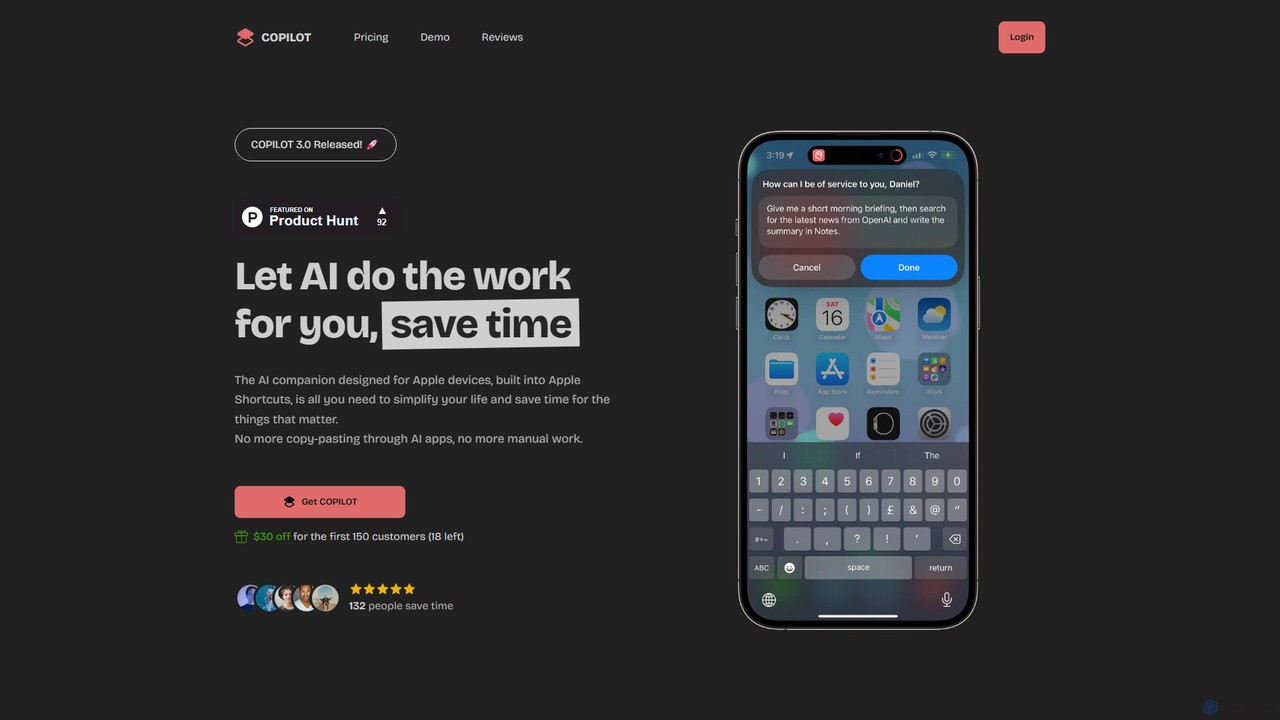
COPILOT is an AI assistant deeply integrated into the Apple ecosystem via Shortcuts. It automates daily tasks like summarizing schedules, browsing the web, writing content, and generating images, all within your favorite apps. Designed for Apple users, it eliminates the need for constant app-switching and copy-pasting, saving you time and streamlining your workflow.
Personal Assistant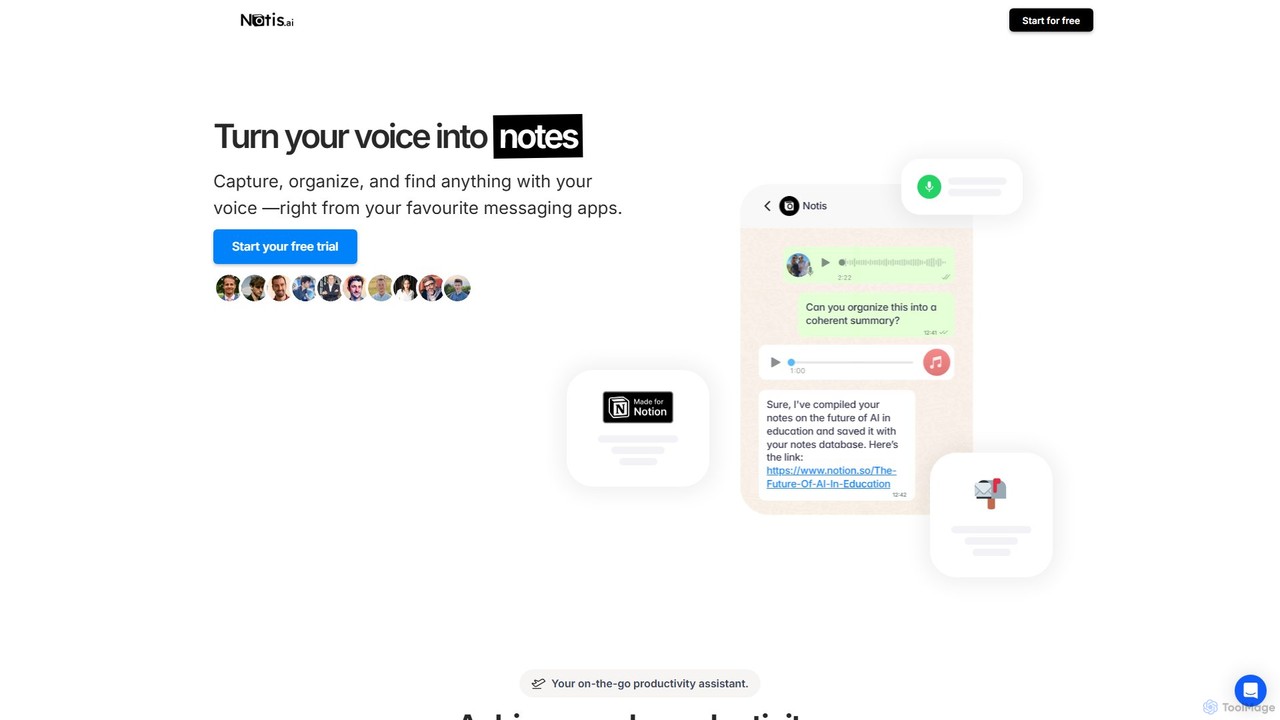
Notis
Notis is an AI-powered productivity assistant that turns your voice, text, and images into structured entries in Notion. Operating directly from messaging apps like WhatsApp and Telegram, it helps you capture ideas, manage tasks, draft content, and organize your life without ever opening the Notion app.
Content Creation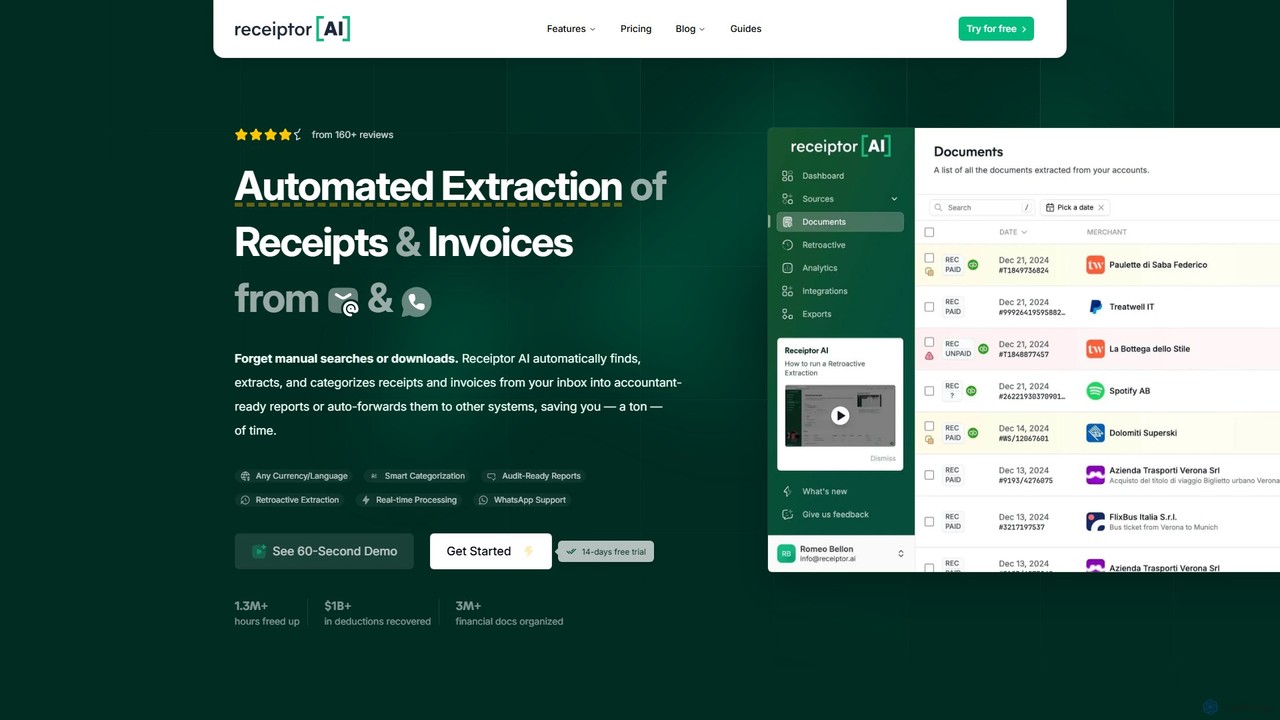
Receiptor AI
Receiptor AI is an intelligent automation tool that extracts receipts and invoices directly from your emails. It automatically captures, categorizes, and organizes financial documents, syncs with accounting software like Xero and QuickBooks, and provides real-time expense analytics. Ideal for freelancers, startups, and small businesses aiming for effortless expense management and audit readiness.
Accounting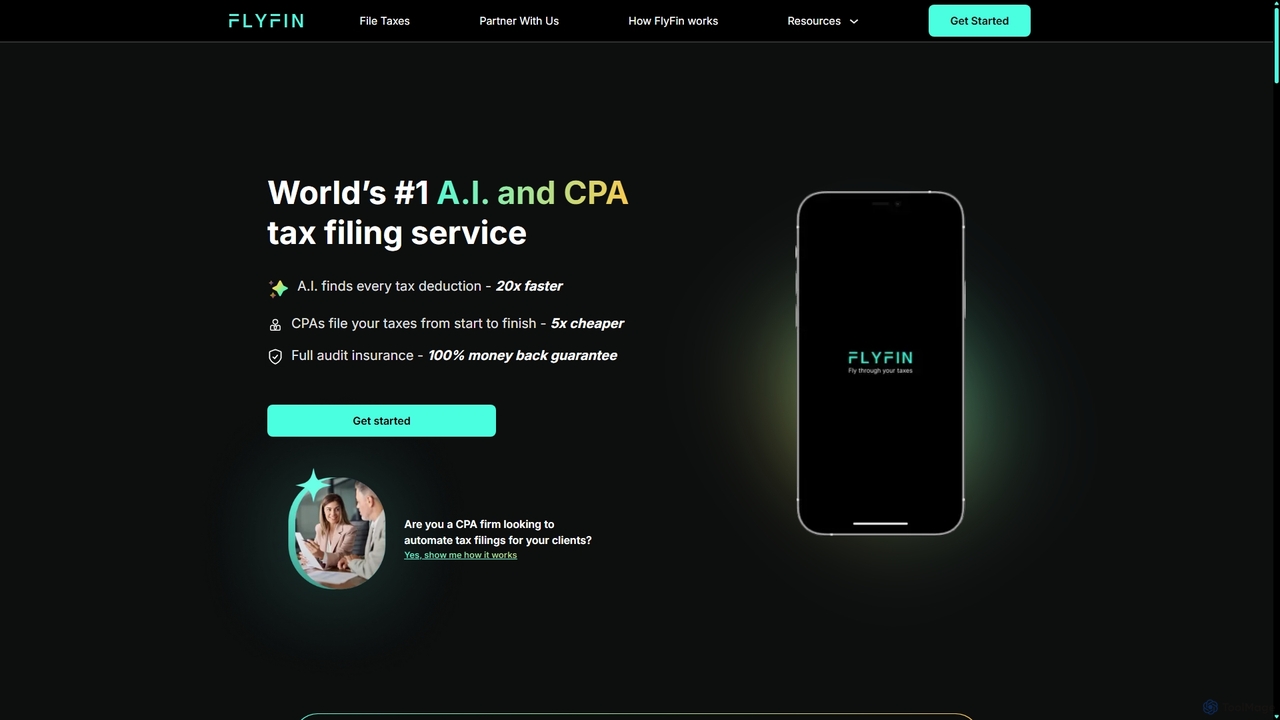
FlyFin
FlyFin is the #1 AI-powered tax service combined with expert CPA support, designed for freelancers, self-employed individuals, and small business owners. It automates tax preparation by finding every possible deduction and having certified CPAs prepare and file your federal and state returns, ensuring maximum refunds and full audit protection.
Expense Tracking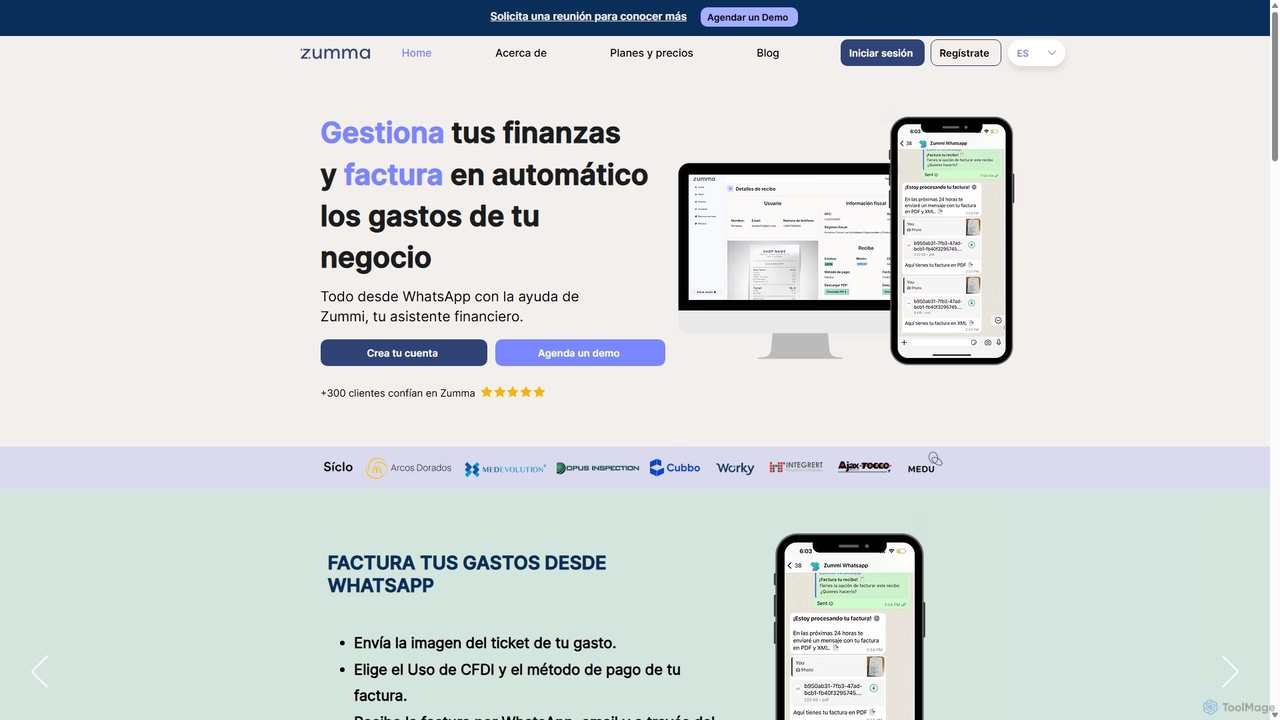
Zumma Financial
Zumma Financial is an AI-powered financial assistant that automates expense management and invoicing for businesses in Mexico. Using its AI assistant, Zummi, users can effortlessly generate official invoices (CFDI) by simply sending a photo of their receipt via WhatsApp, saving significant time and improving financial organization.
Personal AssistantTapAI Categories
TapAI Embed Widget
Copy this embed code to place the badge on your blog, article, or product site and send readers directly to this ToolMage detail page.

Related AI tools
COPILOT
COPILOT is an AI assistant deeply integrated into the Apple ecosystem via Shortcuts. It automates daily tasks like summarizing schedules, browsing the web, writing content, and generating images, all within your favorite apps. Designed for Apple users, it eliminates the need for constant app-switching and copy-pasting, saving you time and streamlining your workflow.
Personal AssistantNotis
Notis is an AI-powered productivity assistant that turns your voice, text, and images into structured entries in Notion. Operating directly from messaging apps like WhatsApp and Telegram, it helps you capture ideas, manage tasks, draft content, and organize your life without ever opening the Notion app.
Content Creation
Akiflow
Akiflow is an AI-powered time blocking and task management platform that consolidates all your tasks and calendars into a single, unified workspace. Featuring Aki, an AI executive assistant, it helps you automate scheduling, manage routines, and organize your day with unparalleled speed and efficiency, eliminating the need to switch between multiple apps.
Automation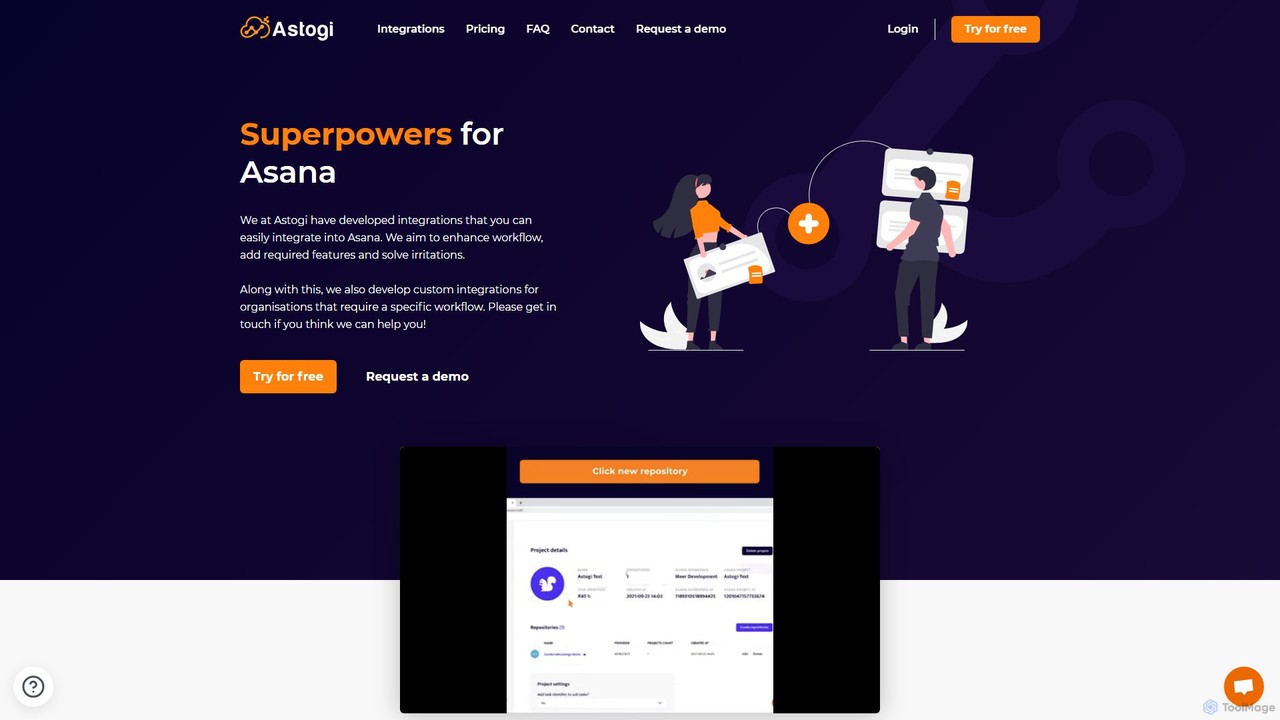
Astogi
Astogi supercharges Asana with powerful AI and automation integrations. It enhances team productivity by embedding tools like ChatGPT directly into tasks, automating task numbering, distributing assignments via round-robin, and simplifying team collaboration, all within the familiar Asana environment.
Collaboration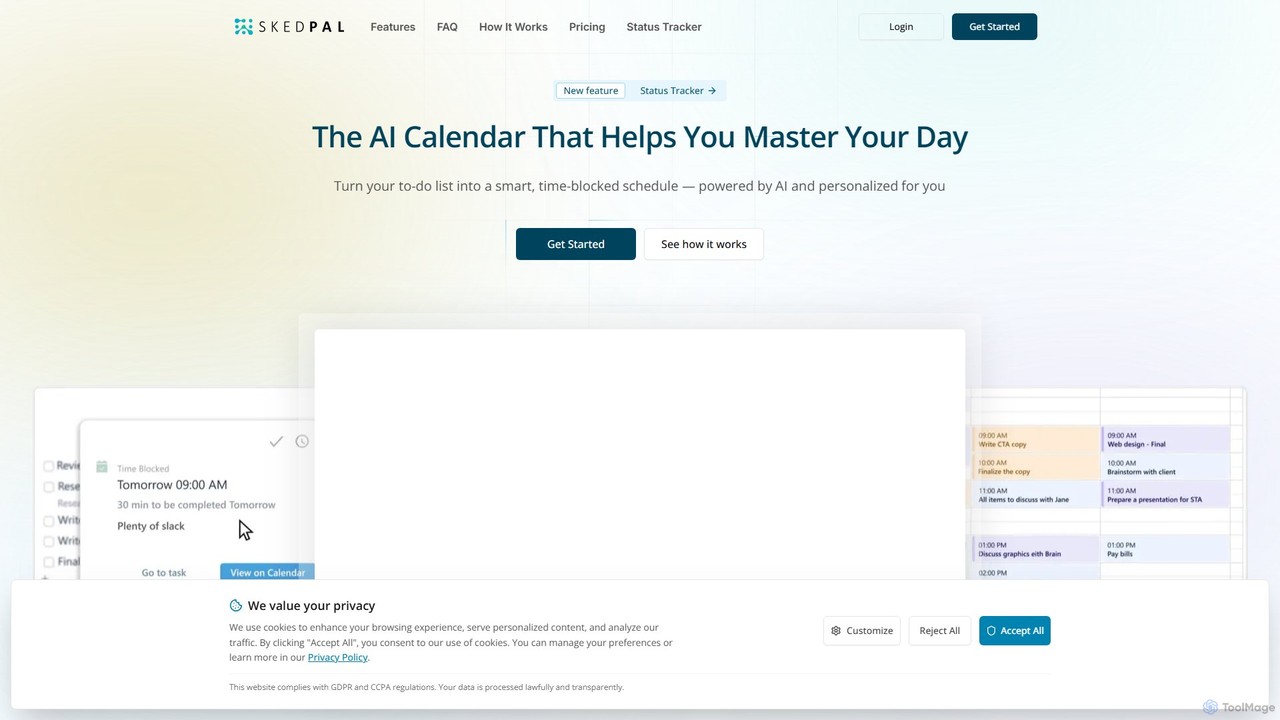
SkedPal
SkedPal is an AI-powered calendar that intelligently transforms your to-do list into a dynamic, time-blocked schedule. It automatically plans your tasks based on your priorities and availability, adapting in real-time to changes. This smart assistant helps you protect time for deep work, build habits, and master your day without the manual effort of calendar management.
Calendar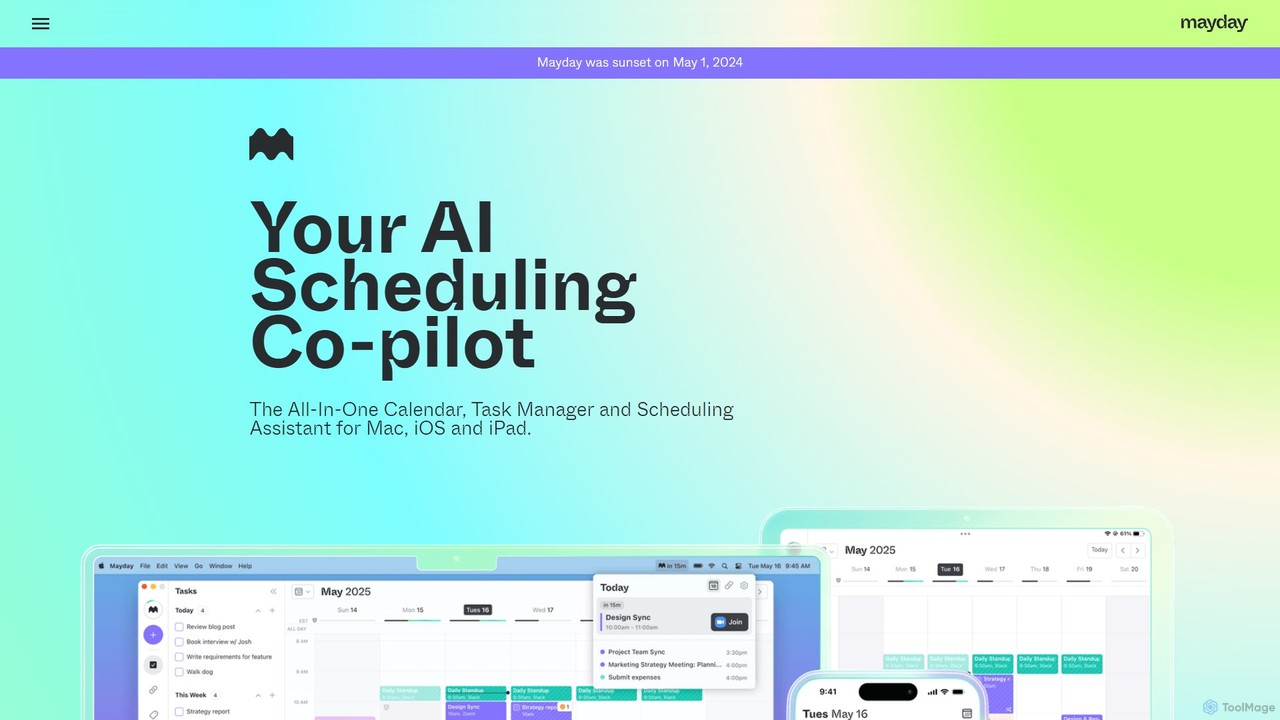
Mayday
Mayday was an AI-assisted calendar designed to protect your time and automate scheduling. It unified multiple calendars, intelligently scheduled tasks, and used features like buffer time and smart tags to create a more manageable schedule. Please note: Mayday was discontinued on May 1, 2024.
Calendar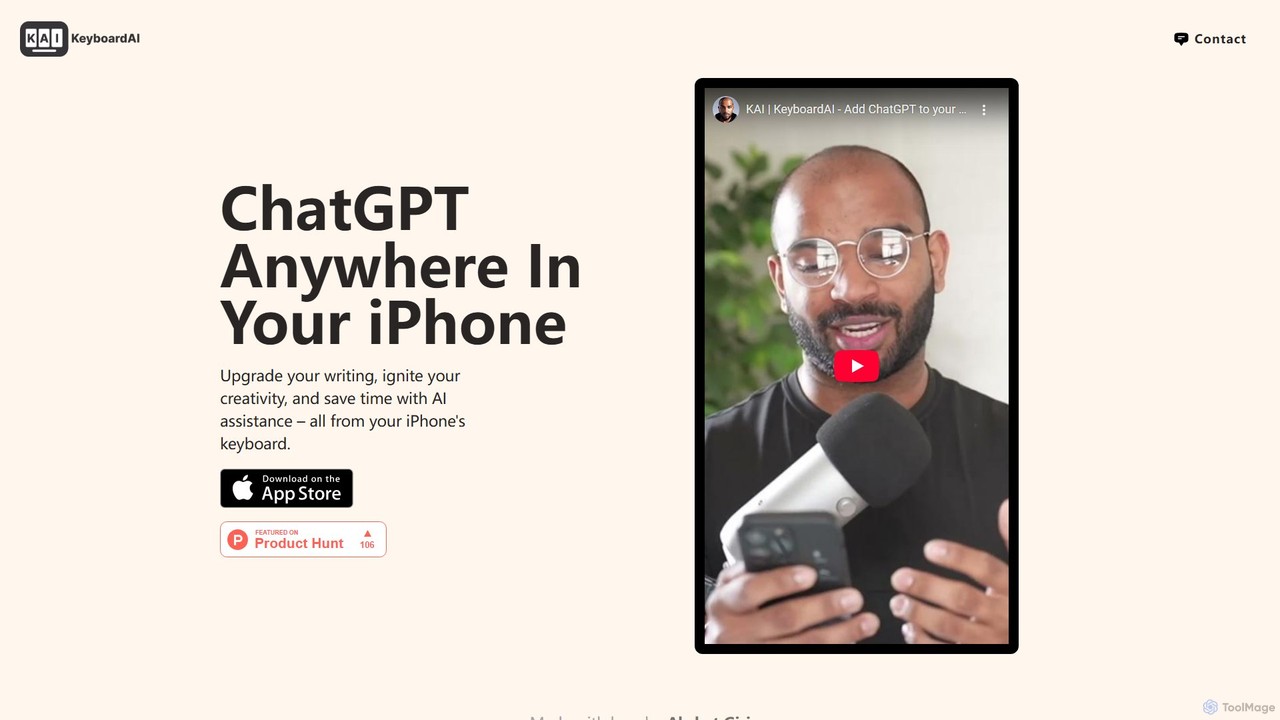
KAI
KAI is an AI-powered keyboard for iPhone that integrates ChatGPT-like capabilities directly into any app. It helps you upgrade your writing, brainstorm ideas, translate text, and get instant answers, boosting your productivity and creativity on the go.
Email Assistant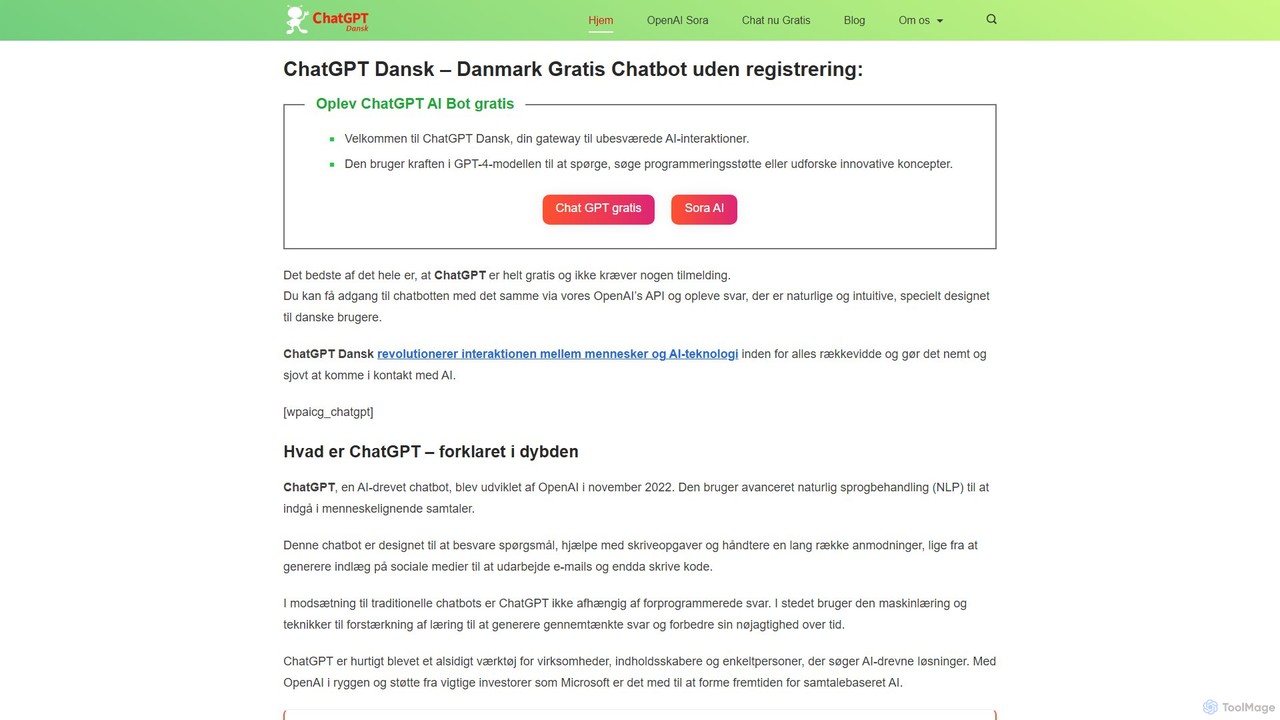
chatdansk
A user-friendly web platform providing Danish speakers with seamless access to advanced AI models like GPT-4. It facilitates a wide range of tasks, including writing, coding, translation, and creative brainstorming. The tool offers both free and premium access without requiring a native app, making powerful AI accessible to everyone.
Code Assistant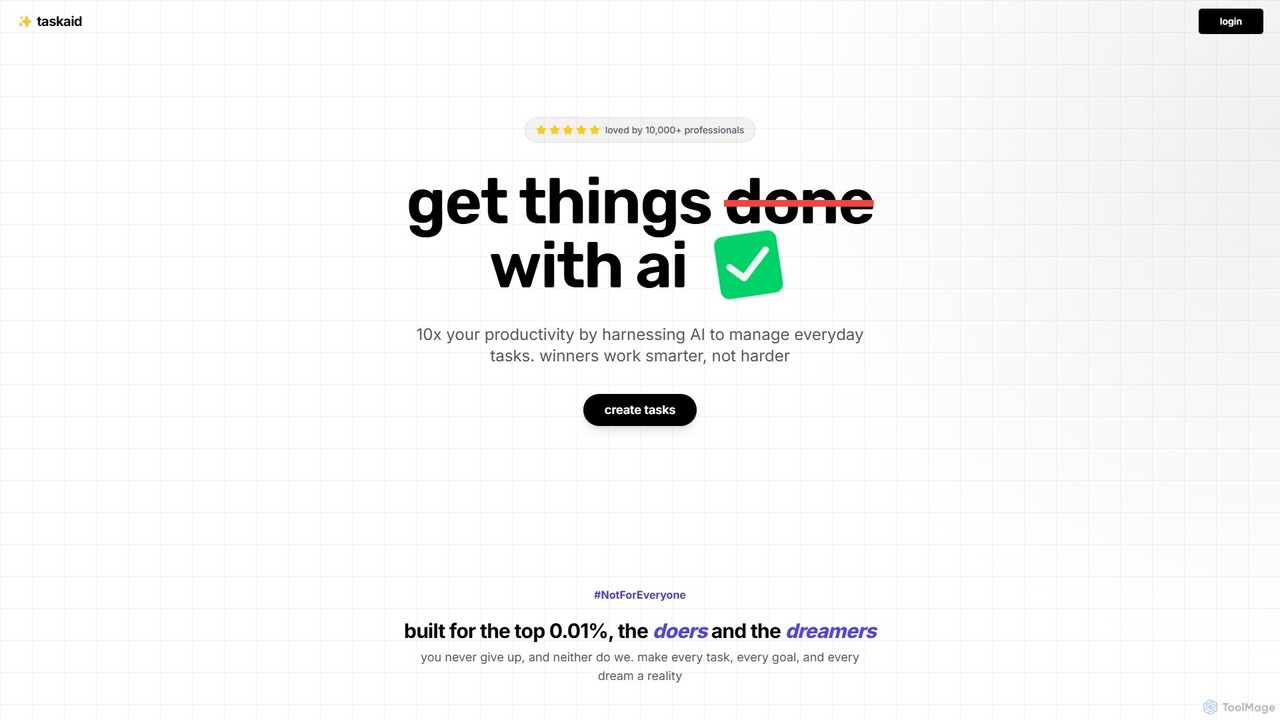
Taskaid
Taskaid is an AI-first task management tool designed for high-performing individuals. It leverages advanced LLMs like GPT-4 to automate task prioritization, scheduling, and breakdown. Interact with your to-do list through a conversational chat interface, use voice commands, and receive intelligent suggestions to 10x your productivity and focus on what truly matters.
Project Management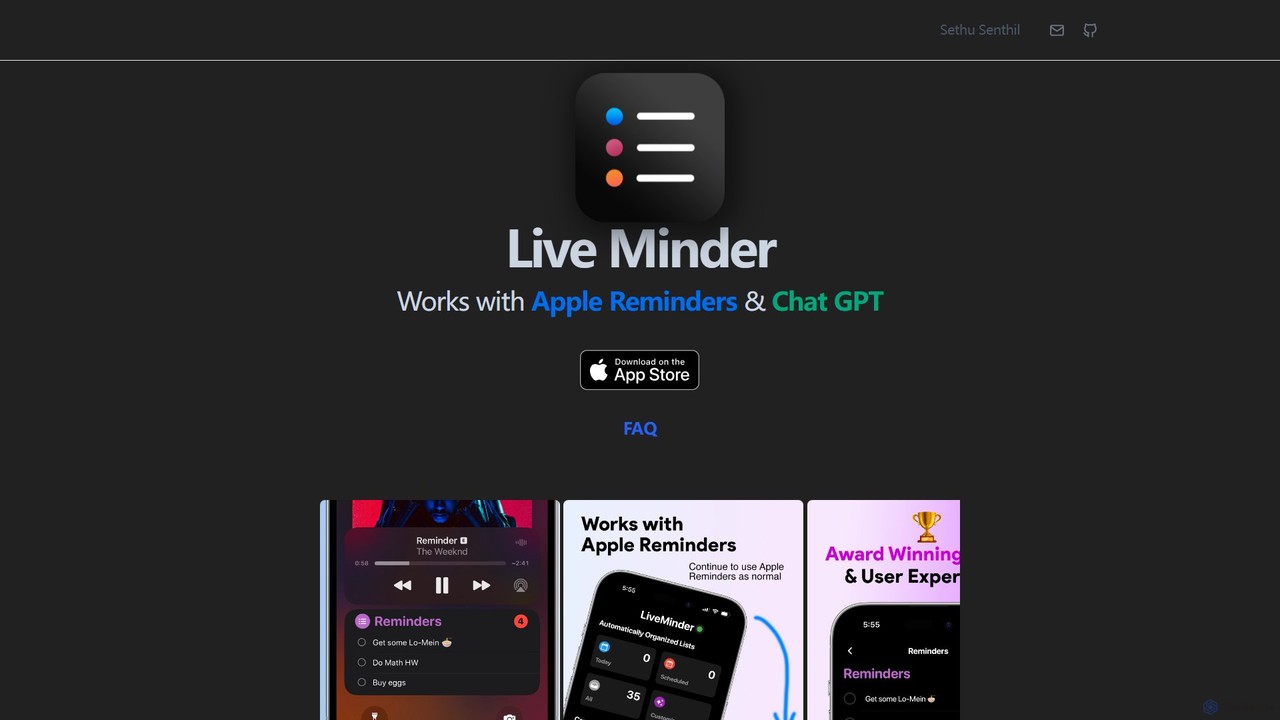
LiveMinder
LiveMinder brings your Apple Reminders and to-do lists directly to your iOS Lock Screen, Dynamic Island, and Always On Display. It features seamless iCloud sync and integrates ChatGPT to instantly generate task lists, shopping lists, and more, enhancing your productivity without replacing your existing workflow.
List Generation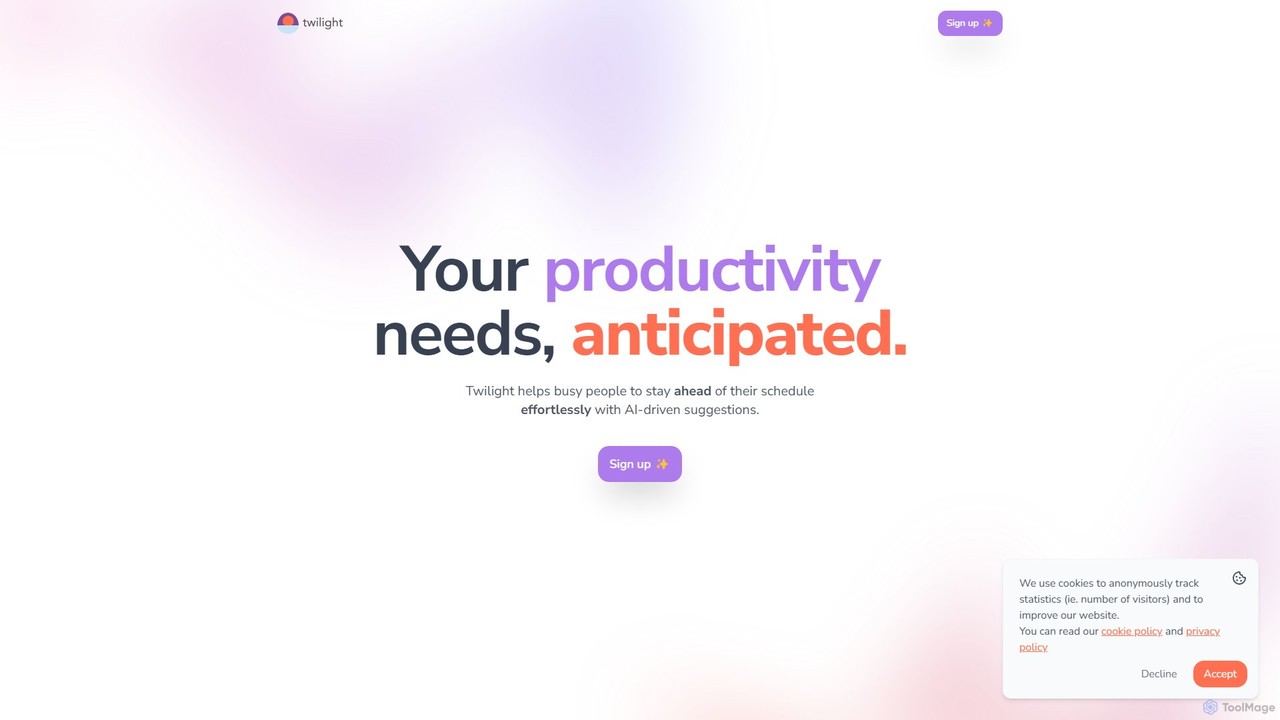
Twilight
Twilight is an AI-driven personal assistant that anticipates your productivity needs. It intelligently manages your schedule with proactive suggestions, automates rescheduling, prevents overbooking, and helps you focus on what truly matters by organizing your workflow.
Calendar Management
Focus Fox
Focus Fox is an AI-powered assistant designed to streamline your productivity by simplifying calendar and event management. Using natural language, you can instantly create events, organize your schedule, and manage tasks, allowing you to focus on what truly matters. It integrates with your existing calendars to provide a seamless experience.
Ai Assistant
SiriGPT
SiriGPT enhances your Apple experience by integrating the power of ChatGPT directly into Siri. This Apple Shortcut allows you to have advanced, voice-controlled conversations with a powerful AI on your iPhone and Mac. Get instant answers, brainstorm ideas, or chat with custom AI personas, all hands-free using the familiar 'Hey Siri' command. It's the fastest and most seamless way to access GPT on your Apple devices.
Personal Assistant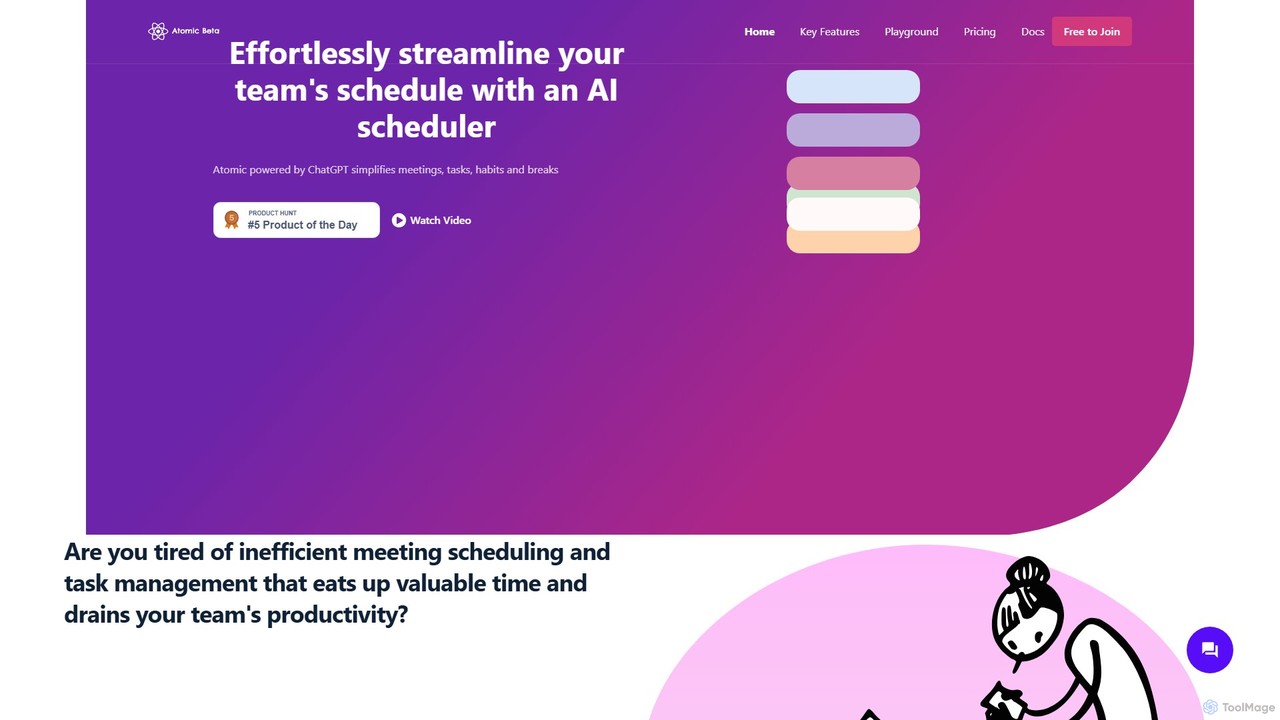
Atomic
Atomic is a ChatGPT-powered AI scheduler designed to streamline team schedules. It automates the process of organizing meetings, managing tasks, and scheduling breaks, considering everyone's availability and priorities. By eliminating back-and-forth communication, Atomic helps teams boost productivity and achieve a better work-life balance.
Team Collaboration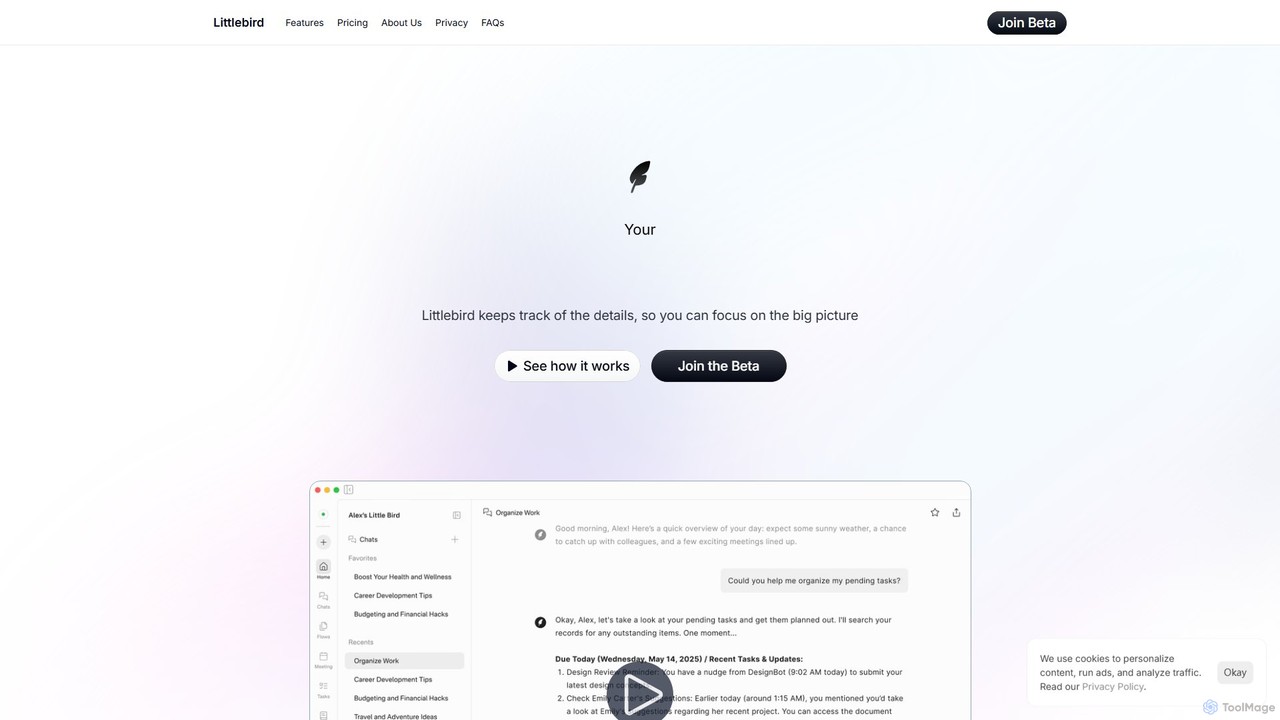
Littlebird
Littlebird is a personalized AI assistant that acts as your digital twin, learning your unique workflow across all applications. It automates tasks, organizes information, and provides contextual insights to help you focus on what matters most, eliminating busywork and context switching.
Personal Assistant
TapAI Comments (0)
Sign in to comment.
Sign inNo comments yet.