
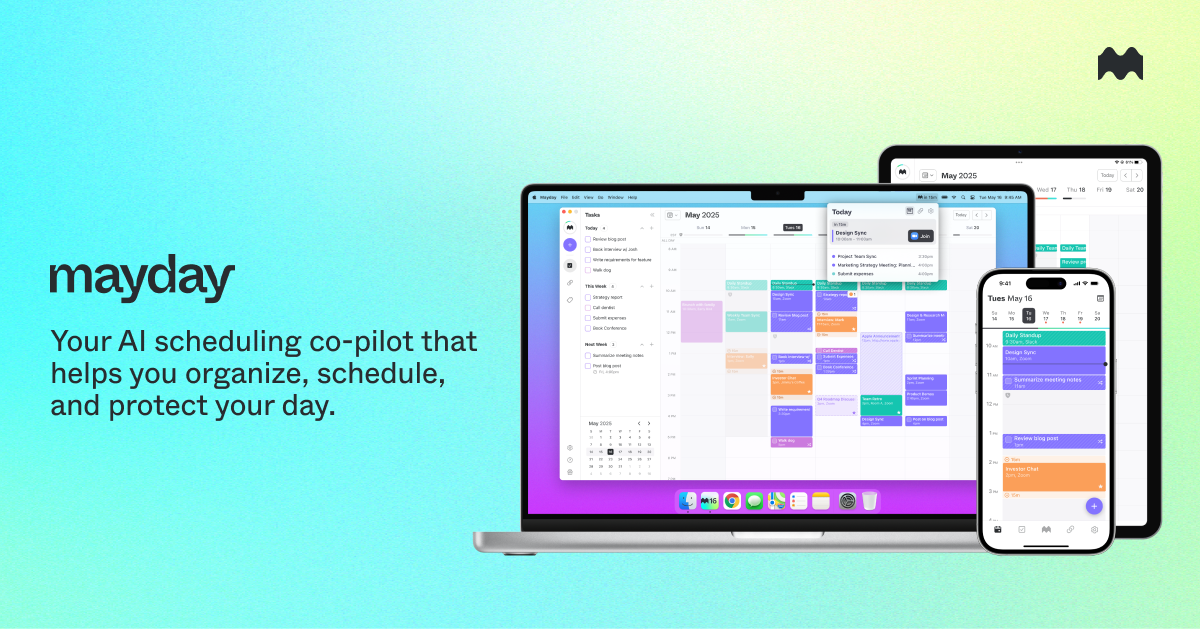
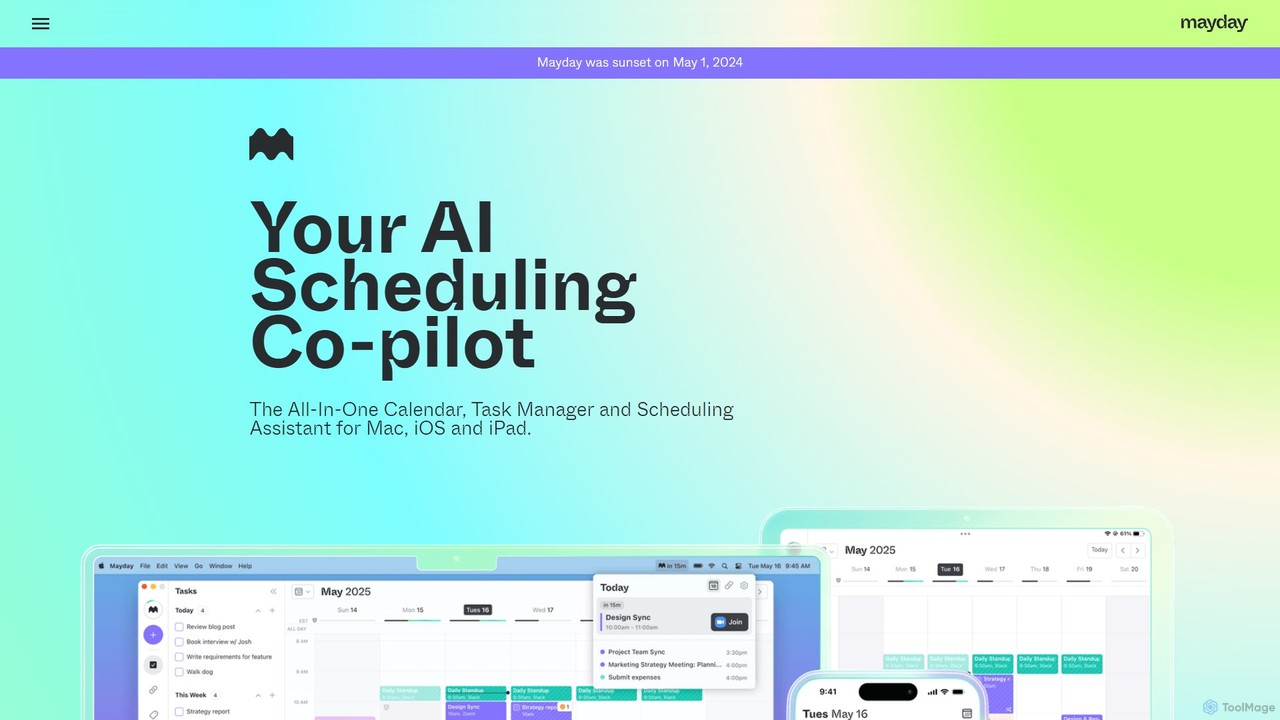
Mayday Overview
Important Note: The Mayday service was officially discontinued (sunset) on May 1, 2024, and is no longer available for use. The following description is for informational and historical purposes.
Mayday was a revolutionary AI-assisted calendar designed to fundamentally change our relationship with time. It operated on the principle of "empathetic productivity," moving beyond simple scheduling to become a personal assistant that actively protected and optimized a user's most valuable resource: their time. With a mission to coordinate the world's time, Mayday aimed to solve the modern problem of over-scheduled lives and constant burnout by building software that understood the unique demands on an individual's time, as well as the time of others.
The platform was more than just a prettier calendar; it was an intelligent system that integrated with existing calendar ecosystems like Google Calendar, Microsoft 365, and Apple iCloud. By bringing all commitments into a single, unified view, Mayday provided a holistic picture of a user's availability. Its AI core then worked to automate and streamline scheduling, ensuring that priorities were met without sacrificing well-being.
How to use Mayday
Using Mayday was an intuitive process designed to progressively automate your schedule management:
- Connect Your Calendars: The first step was to sync all your calendars (Google, Microsoft 365, etc.) with Mayday. This created a single source of truth for all your appointments, meetings, and events.
- Define Your Preferences: Users could set up "Time Windows" to define their ideal availability for different types of activities. For example, you could designate mornings for deep work and afternoons for meetings. Mayday's AI would then prioritize these windows when scheduling new events.
- Create Tasks and Events with Smart Tags: You could create tasks that needed to be done and events you needed to attend. By applying "Smart Tags" (e.g., #project-alpha, #personal, #meeting-prep), you could categorize your time, allowing Mayday to apply powerful automations and provide better insights.
- Let the AI Schedule: With the "AI-Scheduled Tasks" feature, users could simply list their to-dos, and Mayday would intelligently find open slots in the calendar to place them, ensuring that important work wasn't forgotten.
- Manage and Protect Your Time: Features like "Buffer Time" automatically added breaks before or after meetings. "FYI Events" allowed you to keep track of informational events without them cluttering your main schedule, visually minimizing them to maintain focus.
Core Features of Mayday
- AI-Scheduled Tasks: This allowed the AI to automatically find and book time in your calendar to complete your tasks.
- Unified Calendar Sync: Seamlessly integrated with Google Calendar, Microsoft 365, and Apple iCloud, creating private, mirrored placeholder events across calendars to prevent double-booking and reflect true availability.
- Smart Tags: A powerful categorization system that enabled users to organize events and trigger specific automations, helping to keep the calendar tidy and insightful.
- Time Windows: Allowed users to define and protect their ideal times for different activities, guiding the AI to schedule events in a way that aligns with personal productivity flows.
- Buffer Time: Automatically created placeholder events before and after meetings for preparation, debriefing, or simply taking a mental break, combating back-to-back meeting fatigue.
- FYI Events: A visual tool to declutter the calendar by minimizing events that you only need to be aware of, but not actively participate in.
- Cross-Platform Support: Mayday was available as a native app for Mac, iPhone, and iPad, complete with home screen and menu bar widgets for quick access to your schedule and upcoming meetings.
Use Cases for Mayday
Mayday was designed for a wide range of individuals and teams struggling with time management:
- Busy Professionals: For managers, executives, and freelancers juggling multiple projects and clients, Mayday automated the cognitive load of scheduling, freeing up mental space for strategic work.
- Remote Teams: It helped distributed teams coordinate more empathetically, respecting different time zones and individual work preferences through features like Time Windows.
- Individuals Seeking Work-Life Balance: By protecting personal time and ensuring breaks were scheduled, Mayday was a tool for preventing burnout and fostering a healthier relationship with work.
- Knowledge Workers: For developers, writers, and designers who need long blocks of uninterrupted focus time, Mayday's ability to protect these periods was invaluable.
Advantages of Mayday
Mayday's primary advantage was its unique, empathetic approach. While other calendars focused on fitting more in, Mayday focused on making the time you have count. It understood that not all hours are equal and that context matters. Its key strengths included:
- Proactive Time Protection: Instead of just displaying a schedule, it actively defended your focus time and breaks.
- Intelligent Automation: It automated tedious tasks like finding time for to-dos and adding travel or prep time, reducing manual effort.
- Holistic View: By unifying all calendars, it provided a single, reliable source of truth for your time.
- User-Centric Design: The focus was on reducing stress and burnout, making it a tool for well-being as much as for productivity.
Pricing and Plans
As Mayday was sunset on May 1, 2024, the service is no longer available for purchase and there are no active pricing plans. Before its discontinuation, it was a venture-backed commercial product, likely operating on a freemium or subscription-based model to support its advanced AI features and cross-platform applications.
Traffic
Latest traffic
Status
Monthly traffic trend
- 2025-9: 4.0K
- 2026-1: 5.3K
- 2026-2: 3.4K
- 2026-3: 5.3K
- 2026-4: 2.6K
- 2026-5: 2.9K
Geography
Top 5 countries / regions
- 🇺🇸United States73.1%
- 🇮🇳India26.9%
Top keywords
| Keyword | Cost per click |
|---|---|
| day ai | $5.04 |
| mayday | $0.69 |
| may day may day | $0.58 |
| may day meaning | $0.33 |
| maydays | $0.55 |
Mayday Alternatives
Twilight
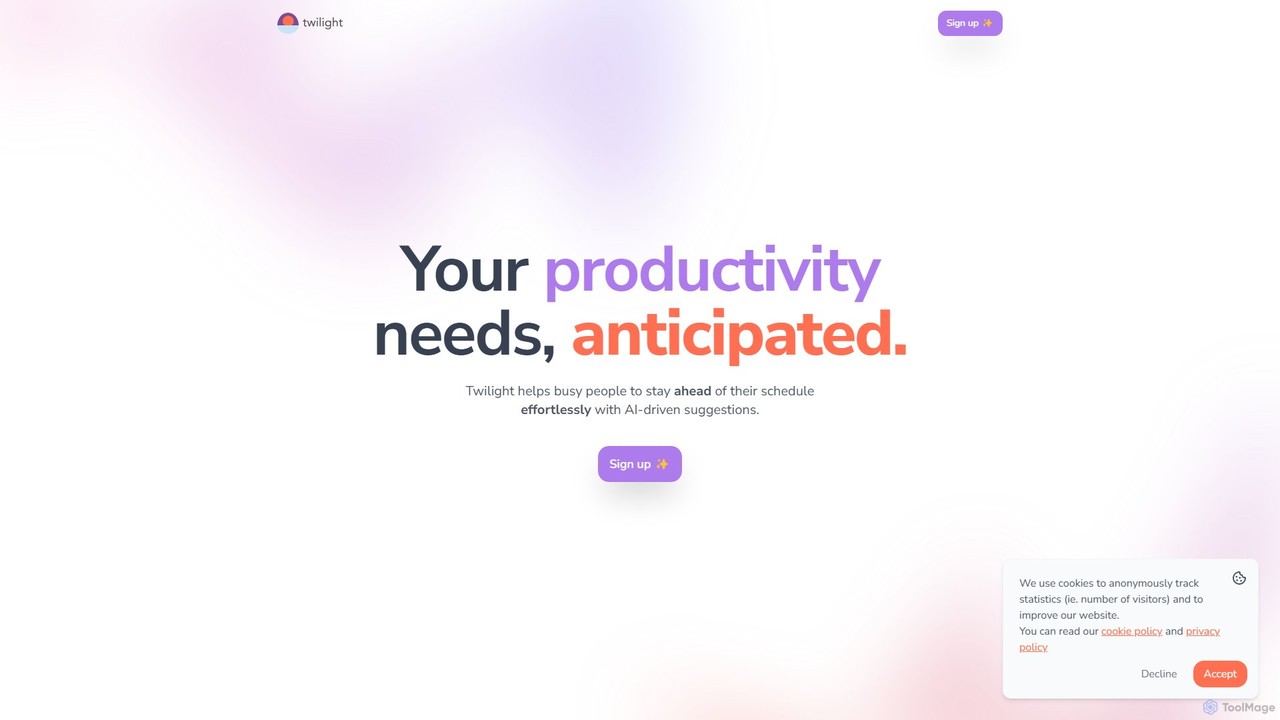
Twilight is an AI-driven personal assistant that anticipates your productivity needs. It intelligently manages your schedule with proactive suggestions, automates rescheduling, prevents overbooking, and helps you focus on what truly matters by organizing your workflow.
Calendar Management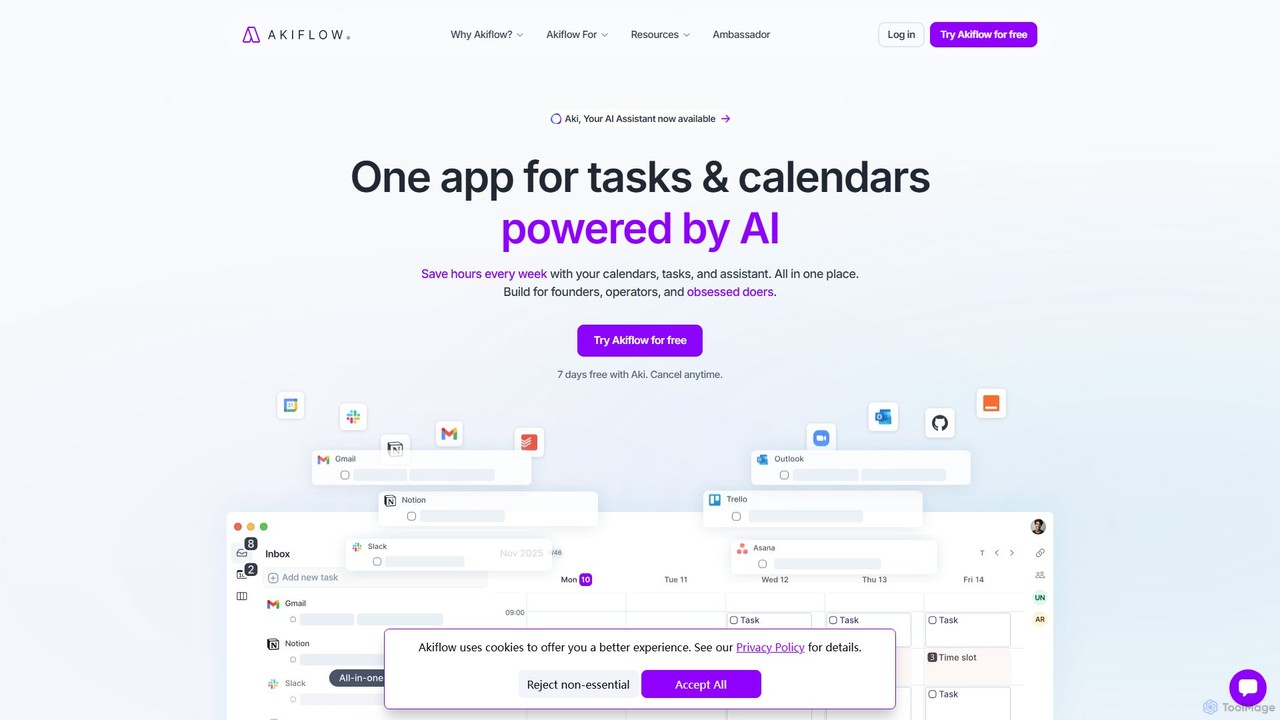
Akiflow
Akiflow is an AI-powered time-blocking and task management platform that unifies all your calendars and tasks from various tools into a single, streamlined workspace. Featuring an AI assistant named Aki, it helps high-performing professionals organize their day, automate routines, and save hours every week.
Calendar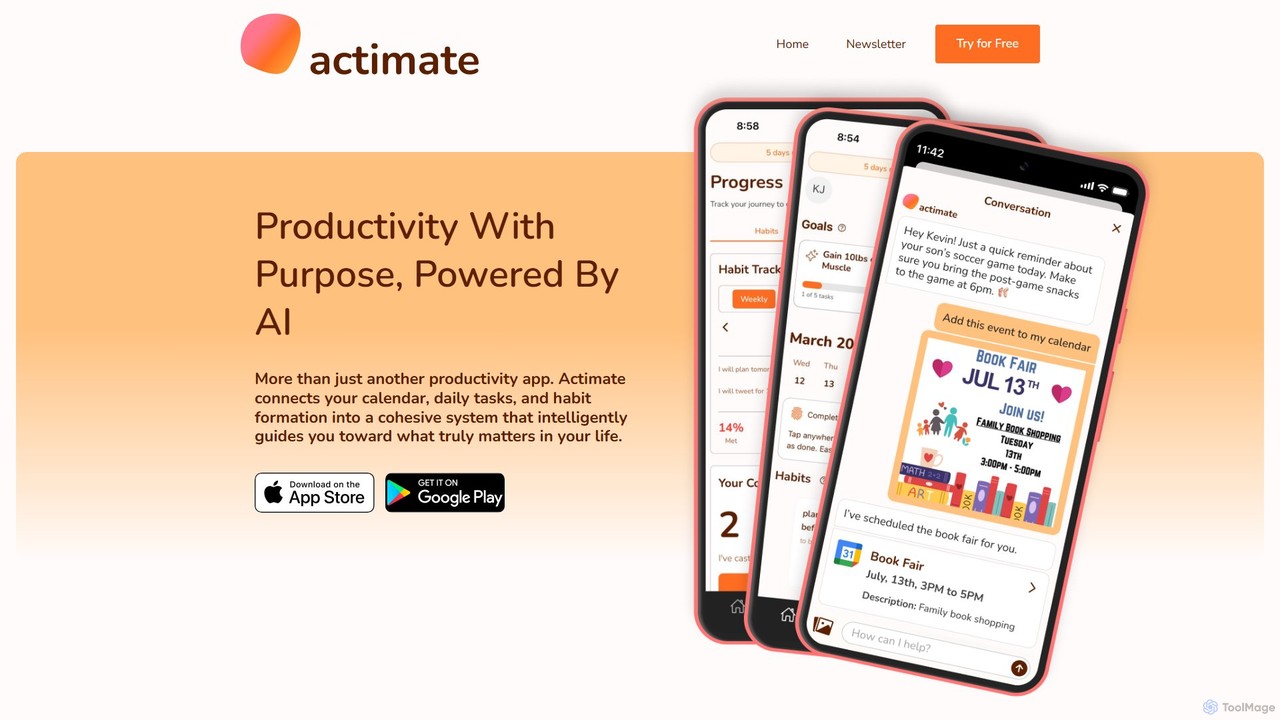
Actimate
Actimate is an AI-powered productivity partner designed to unify your calendar, daily tasks, and habit formation. It intelligently guides you to focus on what truly matters, reducing overwhelm and digital distractions. By acting as a proactive accountability coach, Actimate helps you manage your schedule, achieve your goals, and regain control over your time and energy.
Ai Assistant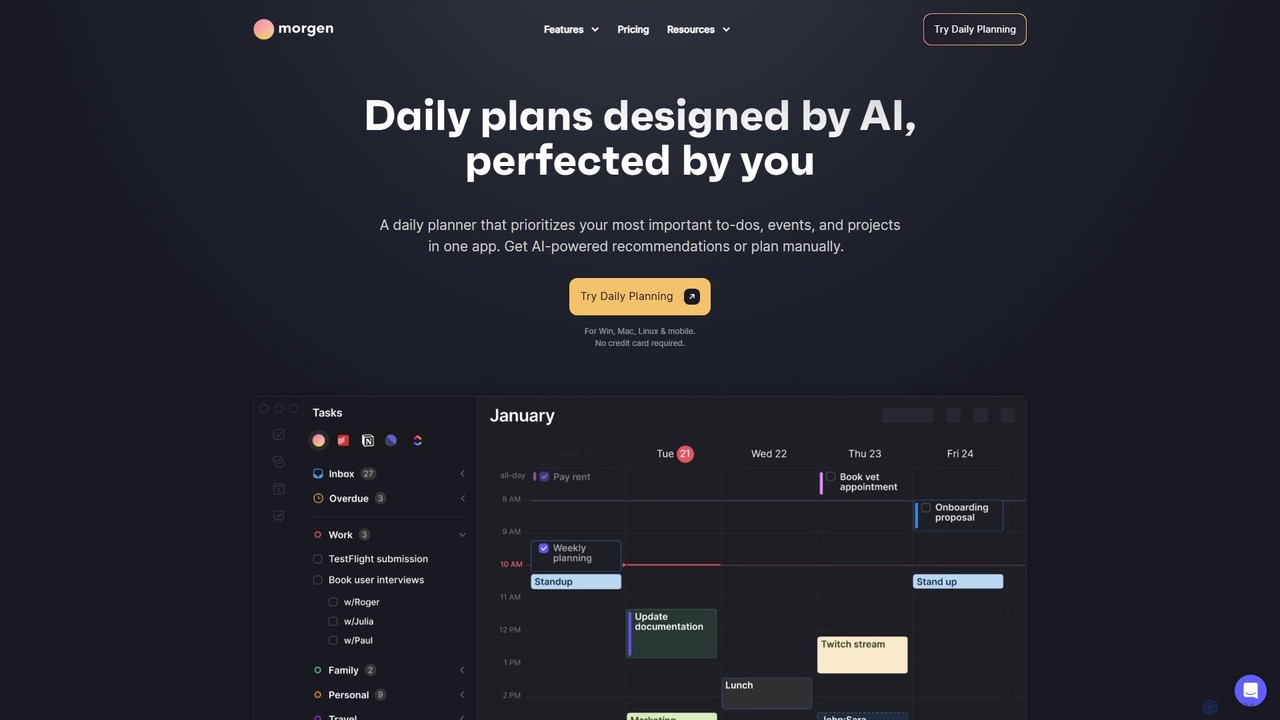
Morgen
Morgen is an AI-powered daily planner and calendar application designed to unify your tasks, events, and projects. It integrates with multiple calendars (Google, Outlook) and task managers (Notion, Todoist) to help you prioritize work, time block effectively, and adapt to schedule changes. With features like an AI Planner, smart workflows, and cross-platform availability, Morgen helps you take control of your time and boost productivity.
Calendar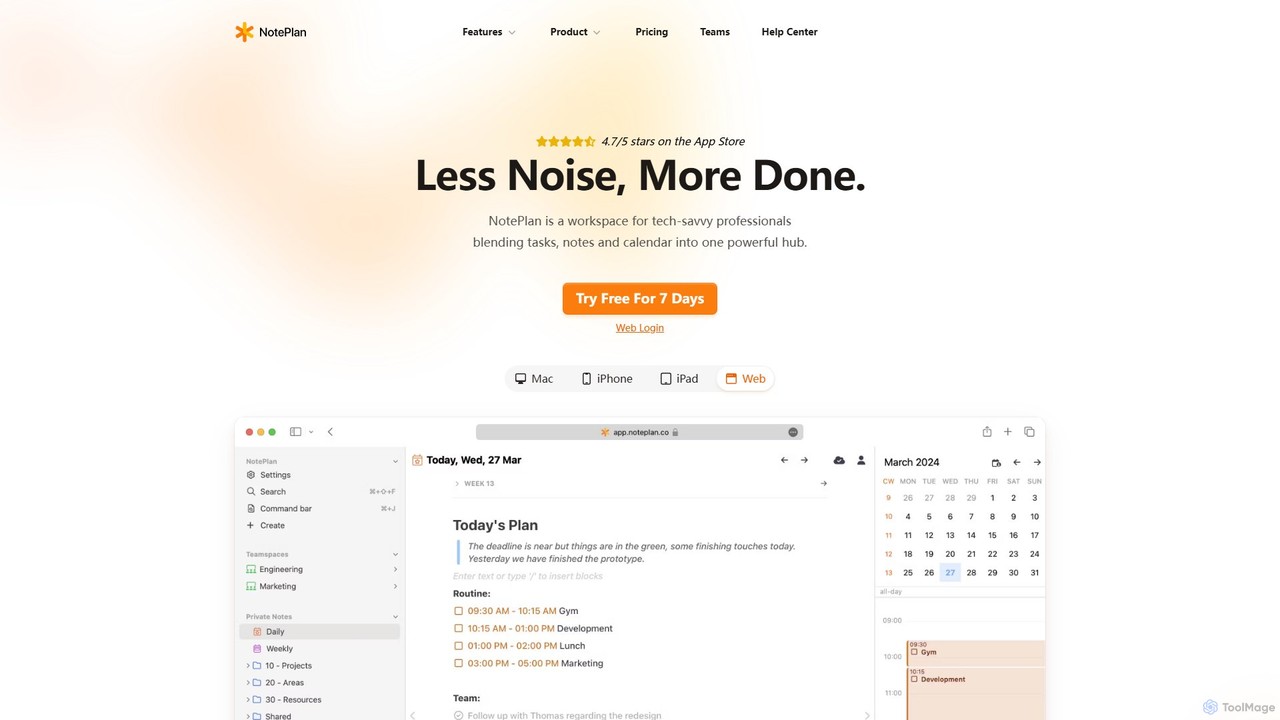
NotePlan
NotePlan is an all-in-one productivity workspace for professionals, blending tasks, notes, and calendar into a single, powerful hub. It supports Markdown, personal knowledge management (PKM) with bi-directional links, and features integrated AI for summarizing, rewriting, and transcribing. Available on Mac, iOS, and Web, it keeps you organized and focused.
CalendarMayday Categories
Mayday Embed Widget
Copy this embed code to place the badge on your blog, article, or product site and send readers directly to this ToolMage detail page.

Related AI tools
Twilight
Twilight is an AI-driven personal assistant that anticipates your productivity needs. It intelligently manages your schedule with proactive suggestions, automates rescheduling, prevents overbooking, and helps you focus on what truly matters by organizing your workflow.
Calendar Management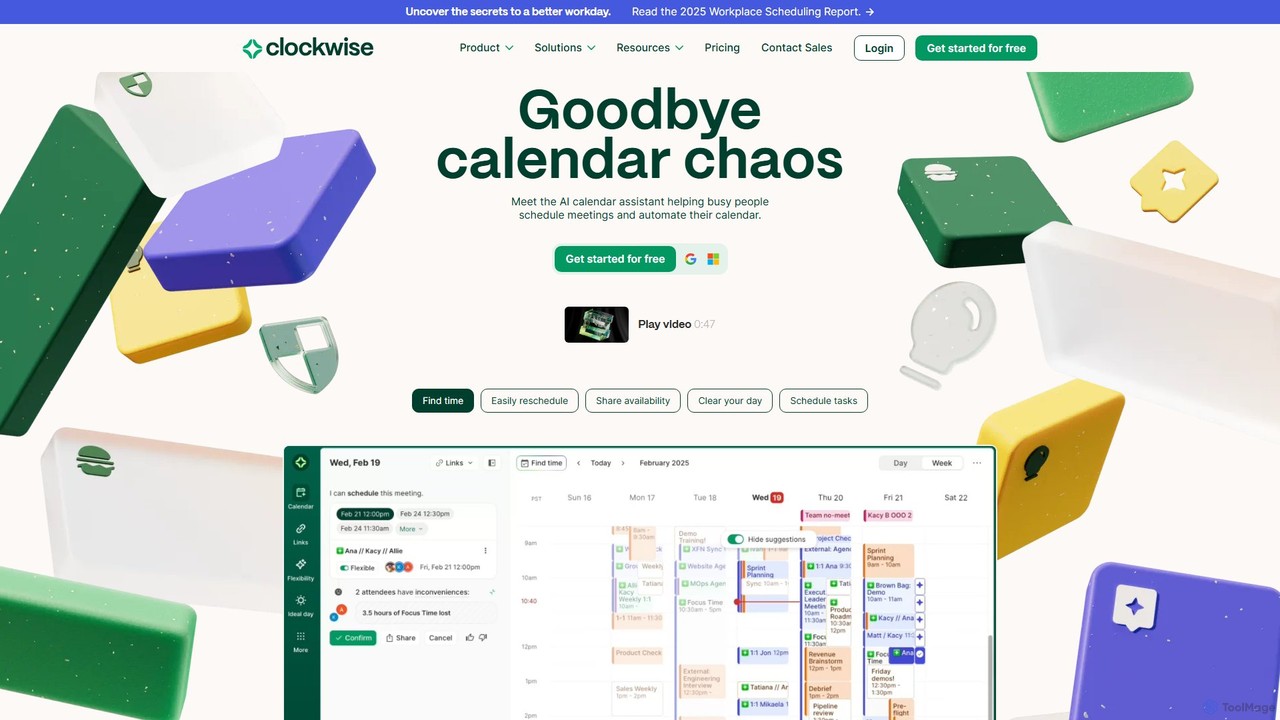
getclockwise
Clockwise is an AI-powered time management and calendar assistant that optimizes your schedule for maximum productivity. It intelligently rearranges meetings to create longer blocks of uninterrupted Focus Time, automates team scheduling, and acts as your personal assistant to manage your calendar effortlessly.
Calendar Management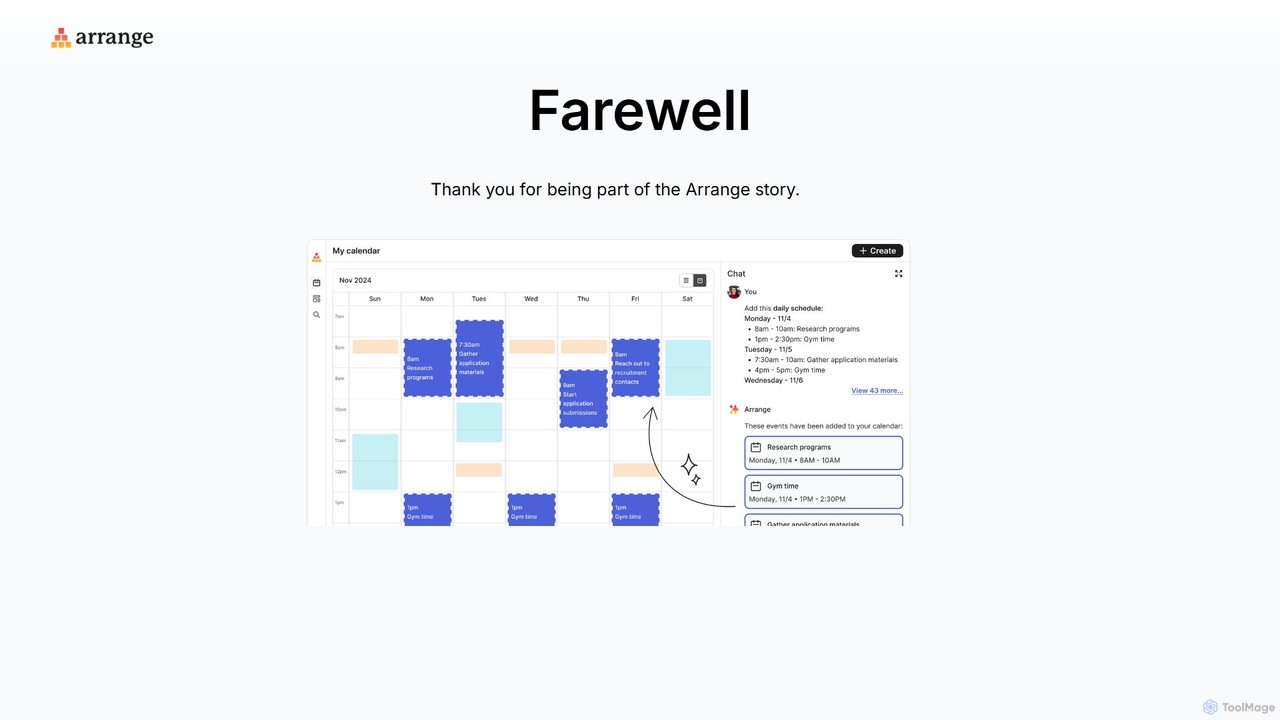
Arrange
Arrange is an AI-powered scheduling assistant that intelligently converts your text-based plans, emails, and messages into organized calendar events. It uses natural language processing to understand dates, times, and participants, automating the entire scheduling process to save you time and effort.
Task Management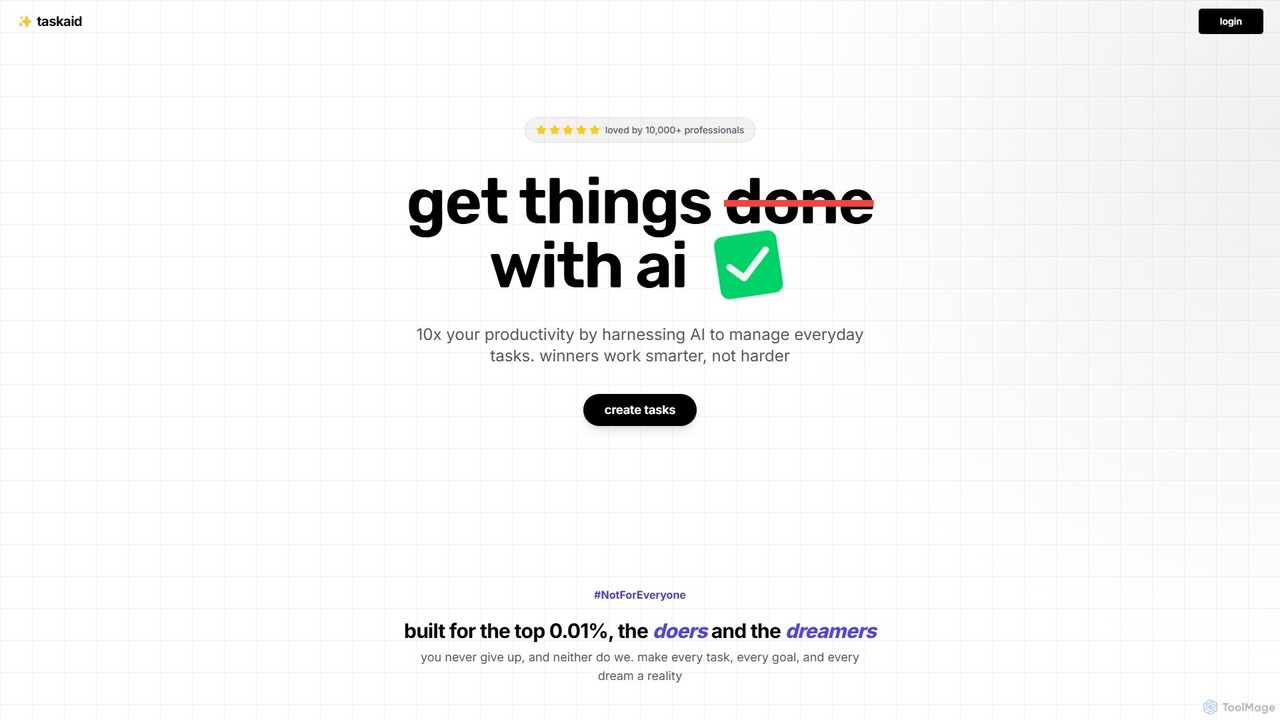
Taskaid
Taskaid is an AI-first task management tool designed for high-performing individuals. It leverages advanced LLMs like GPT-4 to automate task prioritization, scheduling, and breakdown. Interact with your to-do list through a conversational chat interface, use voice commands, and receive intelligent suggestions to 10x your productivity and focus on what truly matters.
Project Management
Akiflow
Akiflow is an AI-powered time blocking and task management platform that consolidates all your tasks and calendars into a single, unified workspace. Featuring Aki, an AI executive assistant, it helps you automate scheduling, manage routines, and organize your day with unparalleled speed and efficiency, eliminating the need to switch between multiple apps.
Automation
Focus Fox
Focus Fox is an AI-powered assistant designed to streamline your productivity by simplifying calendar and event management. Using natural language, you can instantly create events, organize your schedule, and manage tasks, allowing you to focus on what truly matters. It integrates with your existing calendars to provide a seamless experience.
Ai Assistant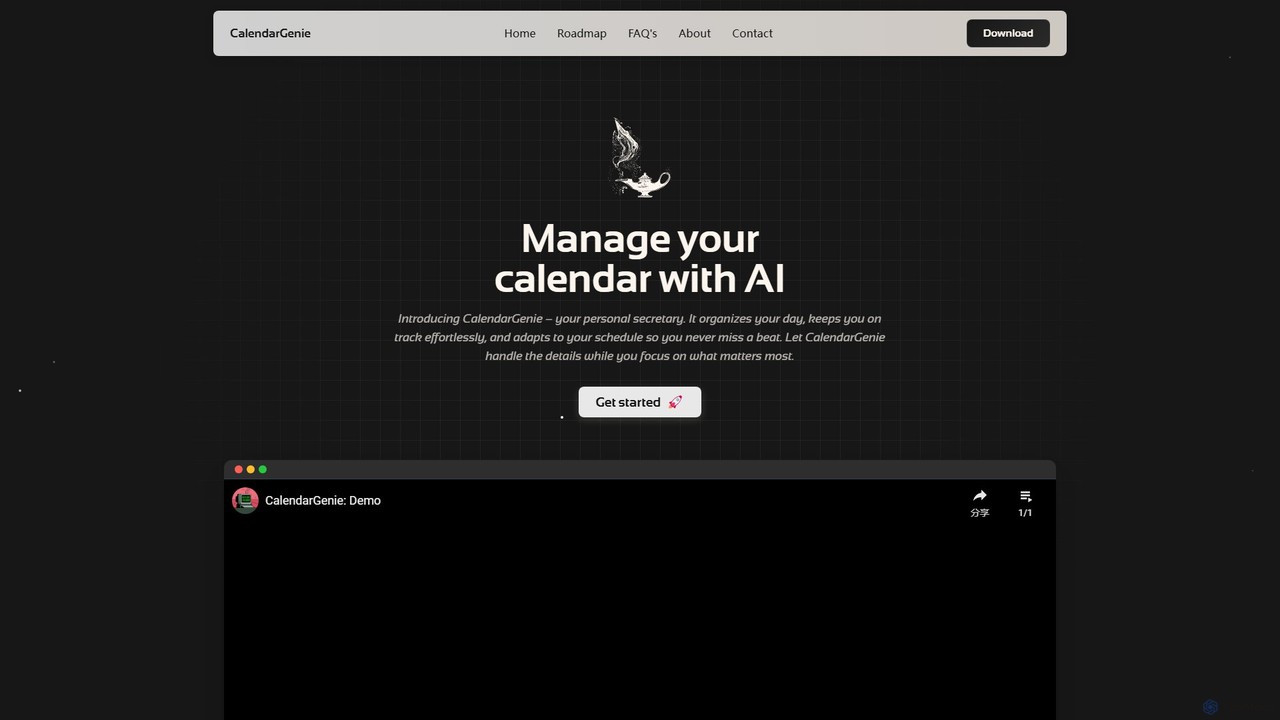
CalendarGenie
CalendarGenie is a free, AI-powered calendar assistant that acts as your personal secretary. Effortlessly manage your schedule by creating, modifying, and deleting events using simple, natural language prompts. It integrates with Google Calendar to streamline your day, adapt to your routine, and help you focus on what matters most.
AssistantAkiflow
Akiflow is an AI-powered time-blocking and task management platform that unifies all your calendars and tasks from various tools into a single, streamlined workspace. Featuring an AI assistant named Aki, it helps high-performing professionals organize their day, automate routines, and save hours every week.
CalendarActimate
Actimate is an AI-powered productivity partner designed to unify your calendar, daily tasks, and habit formation. It intelligently guides you to focus on what truly matters, reducing overwhelm and digital distractions. By acting as a proactive accountability coach, Actimate helps you manage your schedule, achieve your goals, and regain control over your time and energy.
Ai Assistant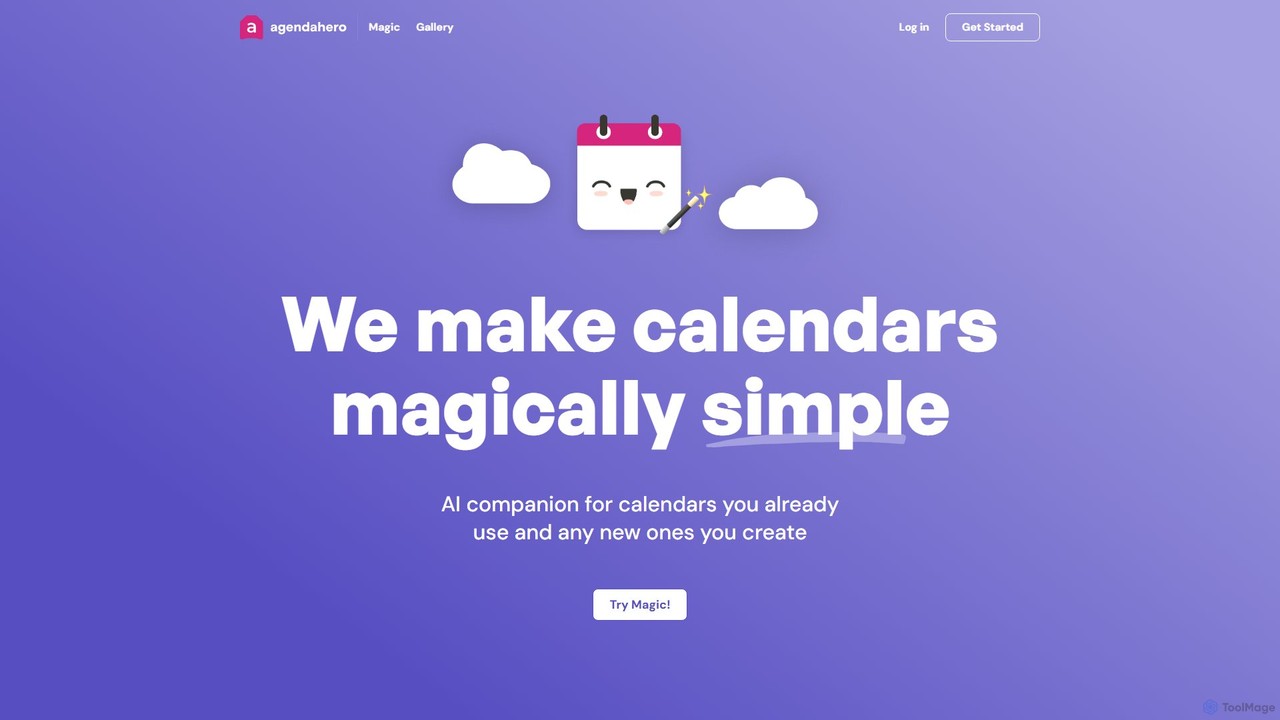
agendahero
agendahero is an AI-powered calendar assistant that simplifies scheduling by magically converting any text, email, PDF, or image into calendar events. It integrates seamlessly with your existing Google, Apple, and Outlook calendars, and allows for the creation of new, shareable schedules using natural language. Ideal for busy families, teams, and individuals.
Organization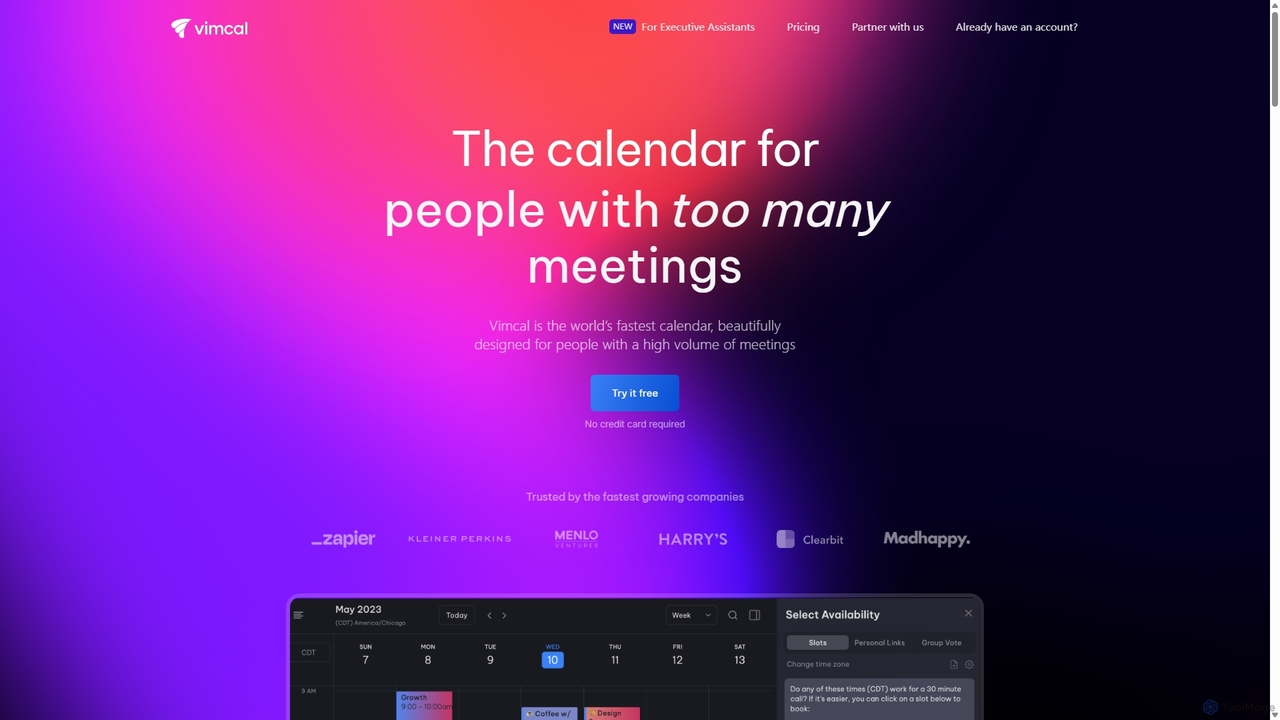
Vimcal
Vimcal is an AI-powered calendar designed for speed and efficiency. Dubbed the "Superhuman for calendar," it helps busy professionals and teams schedule meetings effortlessly. Features include an AI scheduling assistant, GPT-powered dossiers on attendees, and a unified view for all your calendars. It streamlines coordination, eliminates back-and-forth emails, and ensures you're always prepared for your next meeting.
Personal
Fluidwave
Fluidwave is an AI-powered task management platform designed to boost productivity by intelligently organizing tasks, auto-prioritizing them, and connecting users with human virtual assistants for delegation. It helps individuals and teams stay focused and efficient.
Virtual Assistant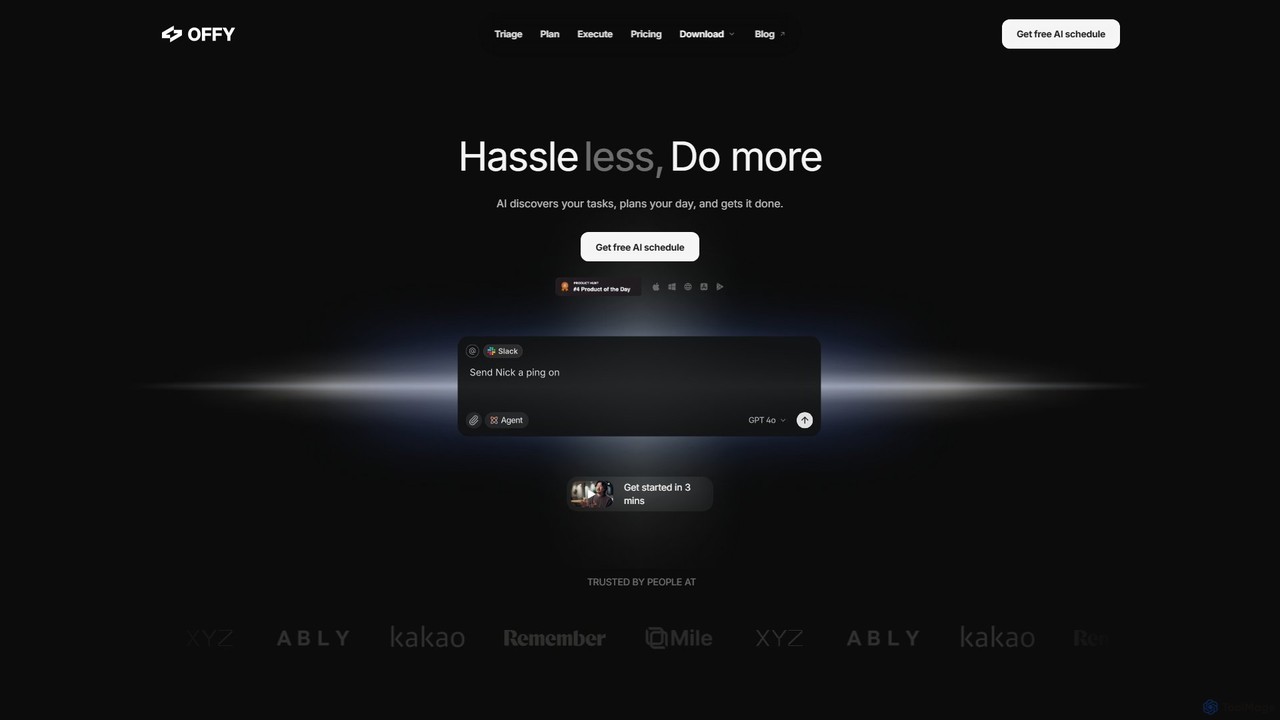
OFFLIGHT
OFFLIGHT is an AI-powered task management tool that automatically discovers tasks from your apps like Gmail and Slack, creates intelligent, time-based plans, and helps you execute them. Centralize your workflow and boost productivity with your personal AI assistant, Offy.
Personal Assistant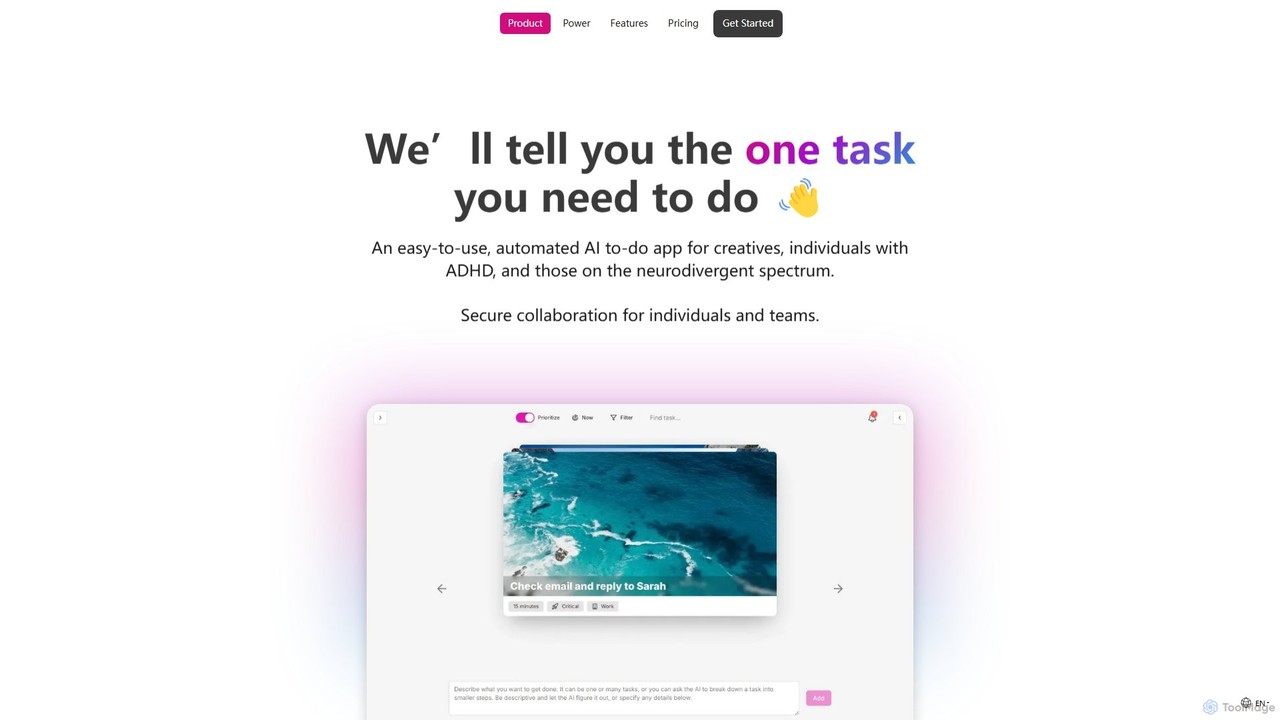
OneTask
OneTask is an AI-powered to-do list and productivity app specifically designed for individuals with ADHD and other neurodivergent traits. It uses artificial intelligence to analyze your tasks and identify the single most important one to focus on, reducing overwhelm and decision fatigue. By providing smart scheduling, task prioritization, and a clean, distraction-free interface, OneTask helps users enhance focus, manage workflows efficiently, and reclaim hours of their time each month.
Mental Health
EverlynAI
EverlynAI is your intelligent personal assistant designed to streamline your daily workflow. It manages your schedule, triages emails, drafts communications, and automates repetitive tasks, allowing you to focus on what truly matters. It learns your habits and preferences to provide proactive and personalized support.
Email Assistant
Mayday Comments (0)
Sign in to comment.
Sign inNo comments yet.