Personal Best in category 9 results Assistant AI Tool

Popular AI tools in the Assistant field of Personal include Luzia、Hypelist、Free AI Chat、aichatsms、JenAI Chat、AI Haggler、textgenie、ItaGPT、CalendarGenie, etc., helping you quickly improve efficiency.

AI Haggler

AI Haggler

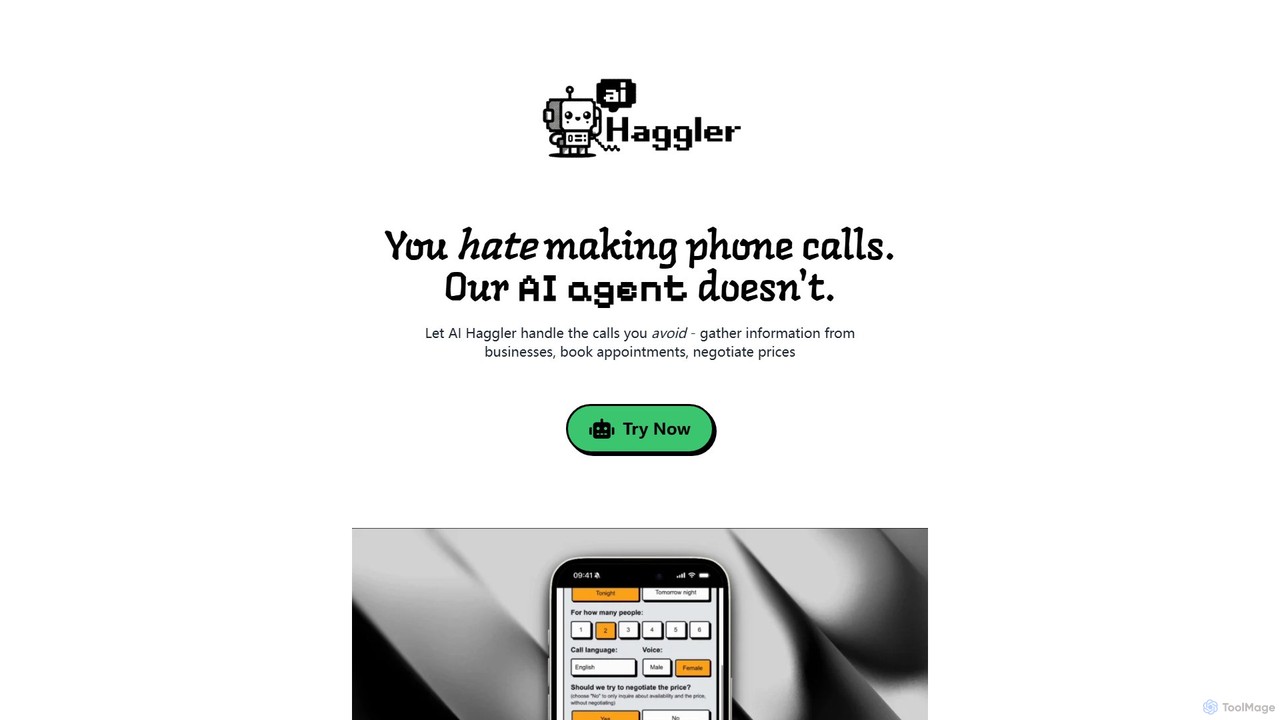
AI Haggler is a powerful AI agent that automates phone calls on your behalf. It contacts businesses to …

3.5K
textgenie

textgenie

textgenie is an AI-powered texting assistant designed to enhance your messaging experience. It generates personalized text suggestions, automates …

2.7K
JenAI Chat

JenAI Chat

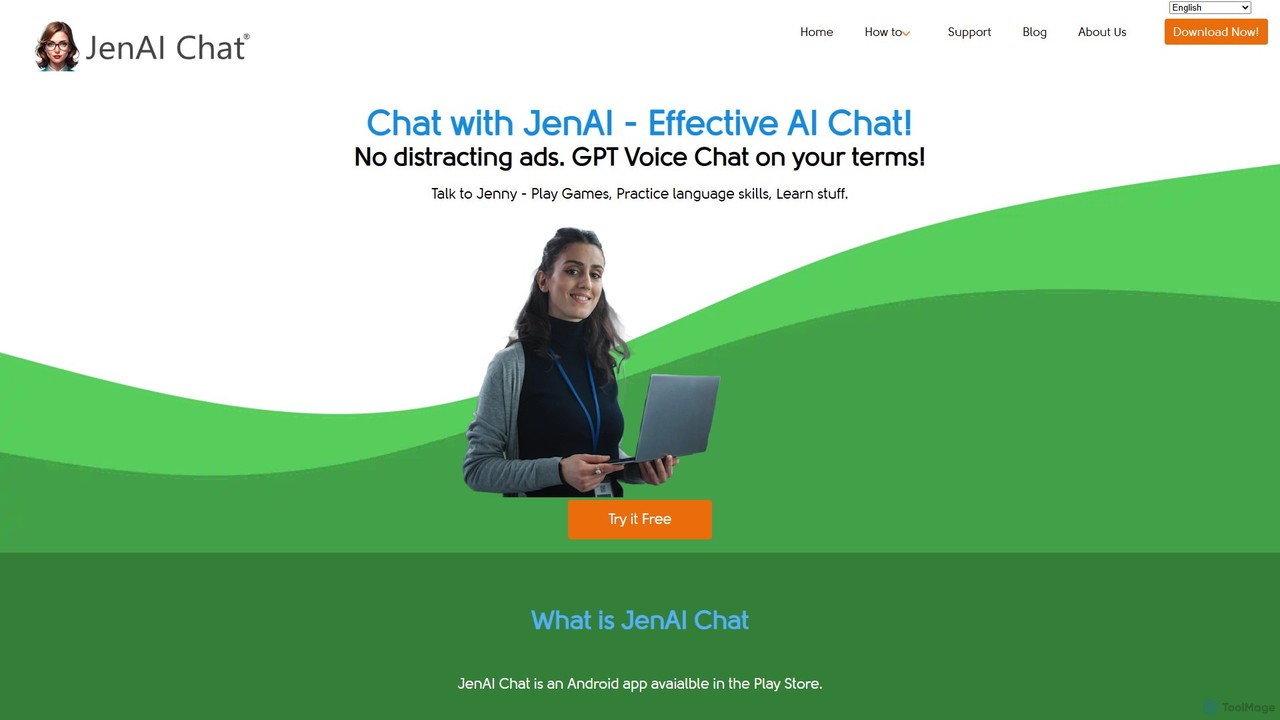
JenAI Chat is an ad-free AI chat application for Android, powered by advanced models like GPT-4o, GPT-4, and …

4.1K
Free
Free AI Chat

Free AI Chat

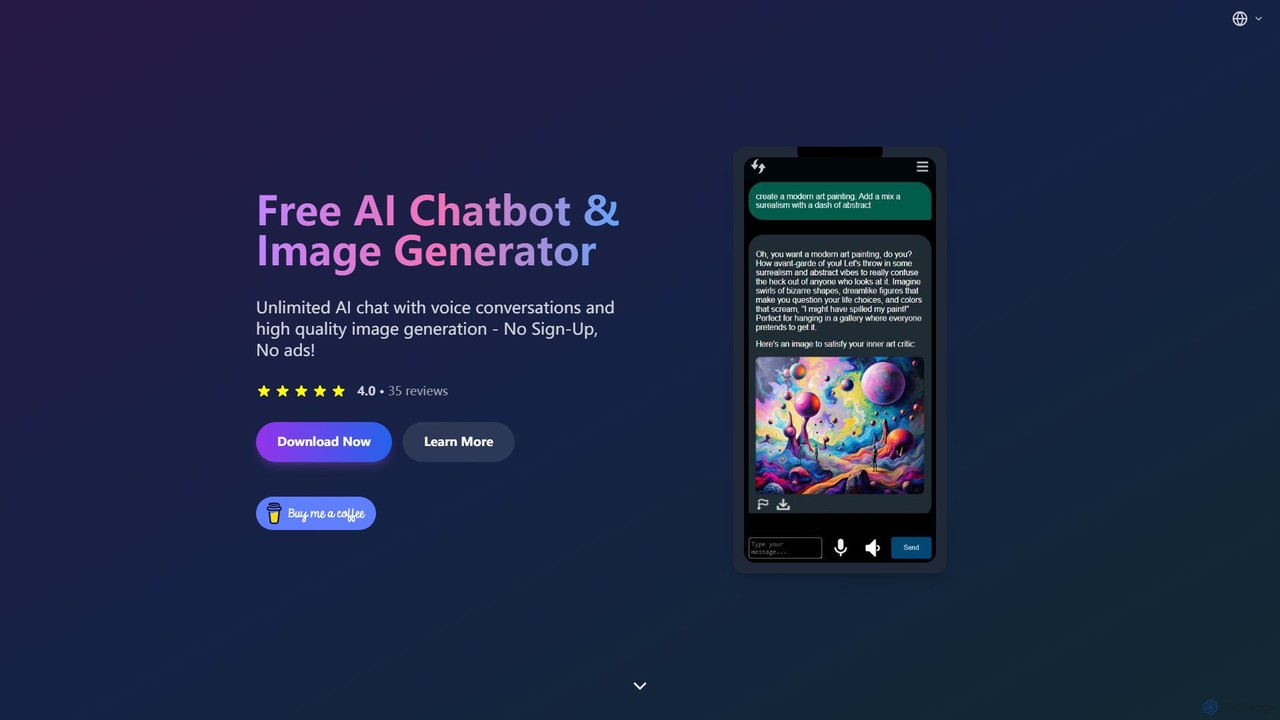
A completely free mobile app offering unlimited AI chat (text and voice) and high-quality image generation. Powered by …

8.4K
ItaGPT

ItaGPT

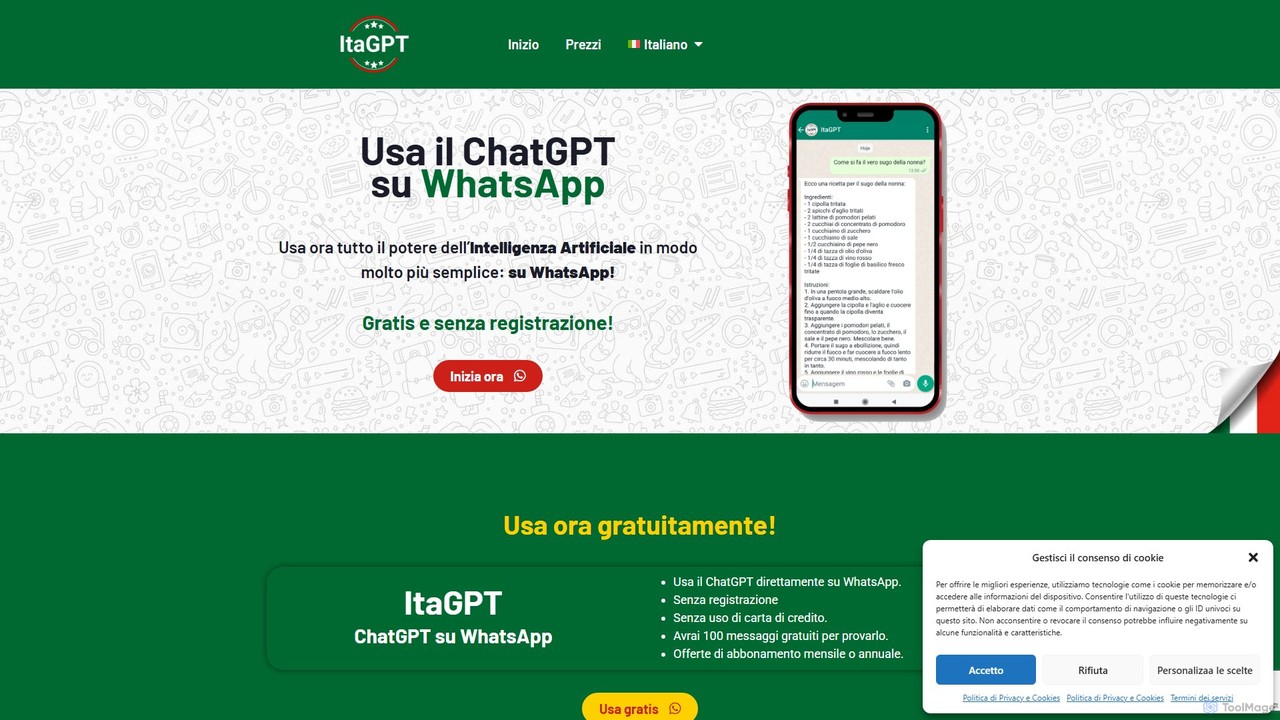
ItaGPT integrates the power of OpenAI's ChatGPT directly into your WhatsApp, allowing you to use advanced AI without …

2.7K
Luzia

Luzia

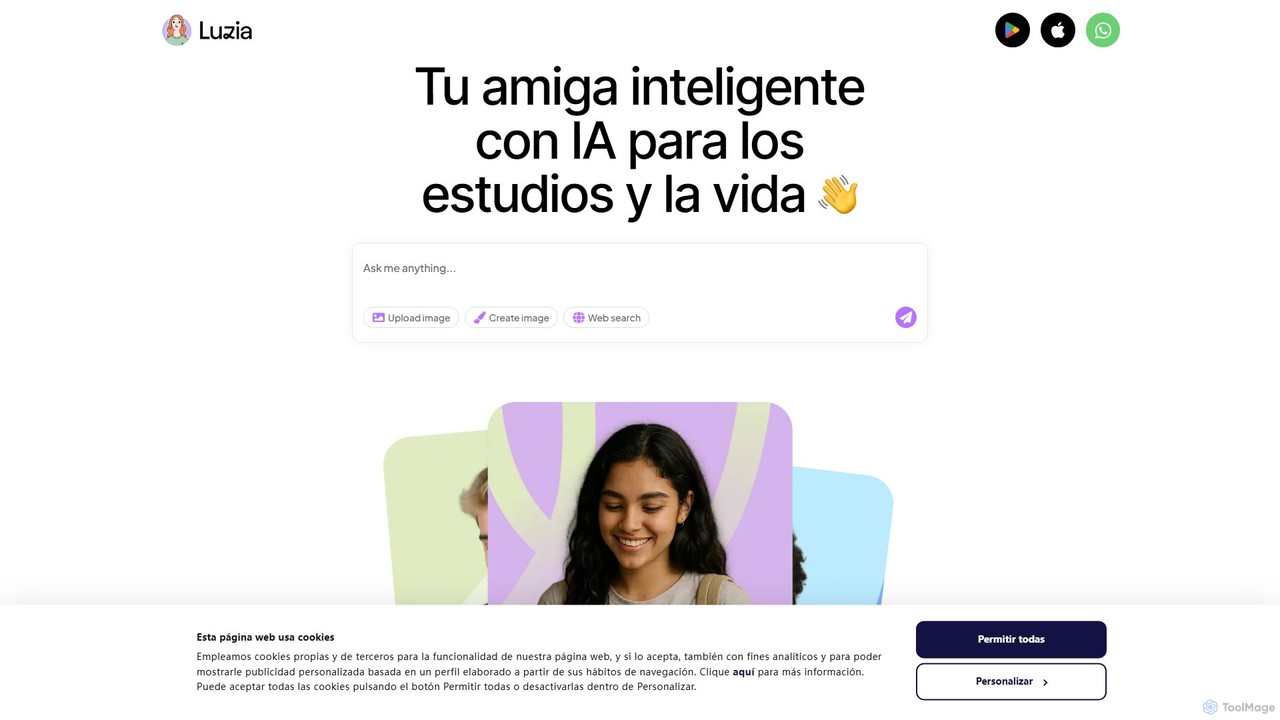
Luzia is a free, intelligent AI assistant that integrates directly into your WhatsApp and Telegram. Chat with Luzia …

283.5K
aichatsms

aichatsms

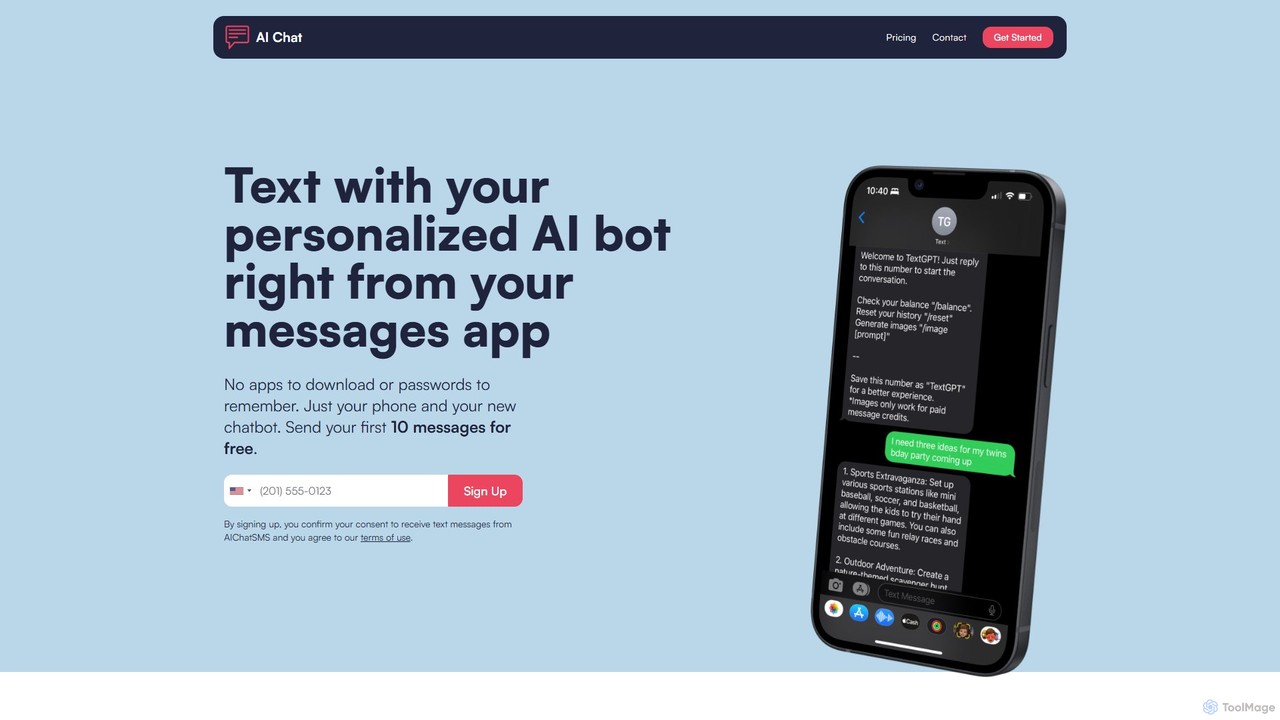
aichatsms provides a personalized AI chatbot that you can interact with directly through your phone's native SMS/text messaging …

4.9K
Hypelist

Hypelist

Hypelist is an AI-powered app for creating and organizing lists of everything you love. From movies and books …

83.9K
Free
CalendarGenie

CalendarGenie

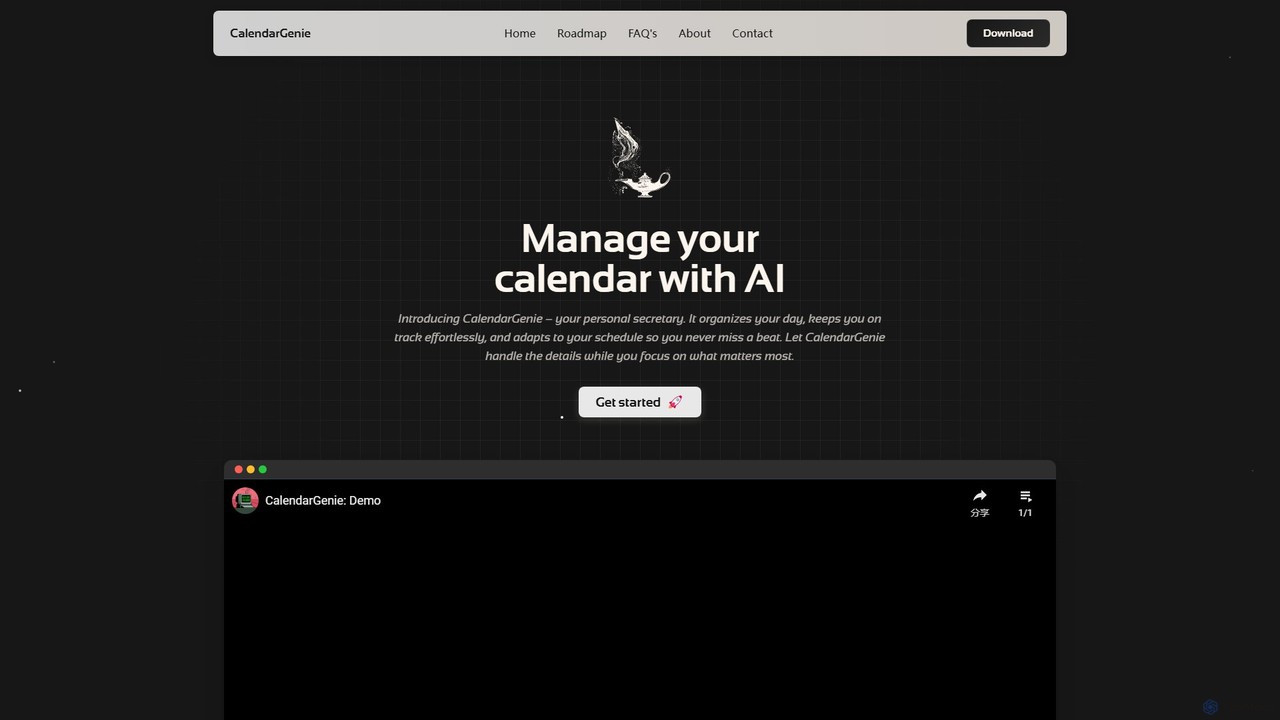
CalendarGenie is a free, AI-powered calendar assistant that acts as your personal secretary. Effortlessly manage your schedule by …

2.6K

About Assistant

AI Assistants are intelligent software tools designed to proactively manage your daily tasks, schedule, and information. Leveraging natural language processing (NLP) and machine learning, these tools understand context to automate complex workflows, such as scheduling meetings or organizing emails. They act as a personal productivity hub, helping you focus on high-value work by handling administrative overhead. Unlike simple to-do lists, AI Assistants learn your preferences to provide personalized and timely support.

Core Features

  • Intelligent Scheduling: Automatically finds optimal meeting times for all participants by analyzing calendars.
  • Task & Workflow Automation: Executes multi-step tasks based on simple natural language commands.
  • Email & Communication Management: Sorts, prioritizes, and drafts replies to emails to keep your inbox organized.
  • Proactive Reminders & Briefings: Provides timely alerts and daily summaries of your schedule and key priorities.
  • Contextual Information Retrieval: Quickly finds relevant documents, contacts, or past conversations related to your current task.

Use Cases

AI Assistants are widely used by busy professionals, executives, and sales teams to manage complex schedules and communications. They are also valuable for freelancers and small business owners seeking to optimize their administrative processes and for individuals aiming to better organize their personal and professional lives.

How to Choose

When selecting an AI Assistant, consider its integration capabilities with your existing tools (e.g., Google Calendar, Office 365, Slack). Evaluate the depth of its automation features and its ability to handle your specific workflows. Also, assess its platform availability (desktop, mobile, web) and review its data privacy and security policies carefully.

AssistantUse Cases

1

Automated Multi-Person Meeting Scheduling

A project manager needs to schedule a critical kickoff meeting with five team members from different departments, each with a packed schedule. Instead of sending multiple emails to find a common slot, the manager instructs the AI Assistant: "Find a 45-minute slot for me, Sarah, Tom, Li, and David next week for the 'Project Alpha Kickoff'." The assistant analyzes everyone's connected calendars, identifies available times, proposes the top three options, and once a choice is made, automatically sends out the calendar invitation with a meeting link.

2

Daily Executive Briefing Preparation

An executive begins her day with a personalized briefing compiled by her AI Assistant. This summary, delivered to her phone and desktop, includes her first meeting's agenda with links to relevant documents, a list of urgent emails requiring her attention, key performance metrics from the previous day, and even travel time alerts for her appointments. This allows her to be fully prepared and focused from the start of her workday without manually gathering information from multiple sources.

3

Smart Email Triage and Prioritization

A customer support lead is overwhelmed with hundreds of daily emails. Their AI Assistant automatically sorts the inbox based on learned priorities. It flags emails from high-value clients, categorizes inquiries by topic (e.g., billing, technical issue), and archives non-essential newsletters. The assistant can also draft standardized replies for frequently asked questions, which the lead can quickly review and send, reducing inbox management time by over 60%.

4

Seamless Travel and Itinerary Planning

A consultant who travels frequently for work uses an AI Assistant to handle all travel logistics. After forwarding a flight confirmation email to the assistant, it automatically blocks out travel time in her calendar, finds and suggests well-rated hotels near the meeting location, and adds the hotel booking to the itinerary. The assistant consolidates all confirmations, addresses, and contact numbers into a single, accessible travel plan, eliminating the need for manual organization.

5

Centralized Personal and Work Task Management

A freelancer juggles multiple client projects and personal commitments. They use their AI Assistant as a central hub. Using voice commands while driving, they can add a new task like "Remind me to send the invoice to Client X on Friday." The assistant integrates with their project management tool to create the task and also adds a personal reminder to "Pick up dry cleaning after 5 PM." This unified system ensures nothing falls through the cracks, seamlessly blending work deadlines and personal errands.

6

Automated Meeting Follow-up and Action Items

Following a team strategy session, a team lead uses an AI Assistant connected to their meeting software. The assistant transcribes the meeting, identifies key decisions, and automatically generates a list of action items. It then drafts a follow-up email summary for all attendees, including the assigned tasks and deadlines. This automates the entire post-meeting administrative process, ensuring accountability and immediate progress on discussed points.

AssistantFrequently Asked Questions