
Luzia Overview
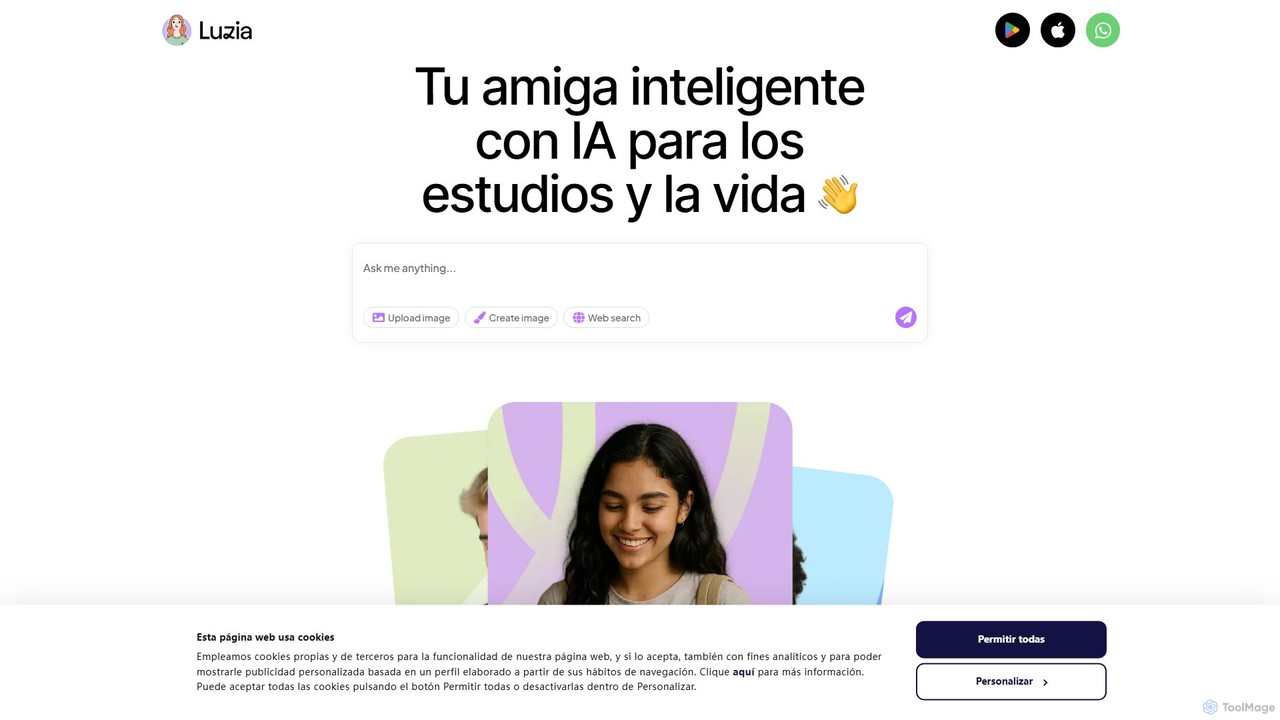
Luzia is a revolutionary AI personal assistant designed to seamlessly integrate into your daily life through the messaging apps you already use: WhatsApp and Telegram. It acts as a versatile and intelligent conversational partner, putting the power of advanced artificial intelligence right at your fingertips without the need to download a separate application or go through a tedious registration process. By simply adding Luzia as a contact, you unlock a suite of powerful features designed to enhance productivity, spark creativity, and provide instant information.
At its core, Luzia is powered by leading AI models, including those from OpenAI and other providers, enabling it to understand and respond to a vast range of queries and commands in natural language. Whether you need a quick answer to a complex question, a translation for an international conversation, or a creative partner to brainstorm ideas, Luzia is always available and ready to help.
How to use Luzia
Getting started with Luzia is incredibly simple and designed for maximum convenience:
- Add Luzia to Your Contacts: Visit the official Luzia website and choose to add it to either WhatsApp or Telegram. This will add Luzia's official number to your phone's contact list.
- Start a Conversation: Open your chosen messaging app (WhatsApp or Telegram) and find Luzia in your contacts. Start a new chat just like you would with any friend.
- Interact with Text: You can ask questions, request information, ask for advice, or have it write text for you. For example, you can type "Write a short, professional email to my boss asking for a day off" or "What are the top 5 tourist attractions in Tokyo?"
- Generate Images: To create an image, start your message with the command "imagine" followed by a description of the image you want. For example: "imagine a photorealistic cat wearing a spacesuit on Mars."
- Transcribe Audio: If you receive a voice message that you can't listen to, simply forward it to your chat with Luzia. It will quickly transcribe the audio into text for you to read.
- Translate Languages: Ask Luzia to translate words or phrases by typing something like "How do you say 'thank you very much' in Japanese?"
Core Features of Luzia
- Conversational AI Chat: Engage in natural, human-like conversations to get answers, explanations, and ideas on virtually any topic.
- Real-time Image Generation: Create unique and stunning images from simple text descriptions using the "imagine" command.
- Audio Message Transcription: Instantly convert voice notes from WhatsApp or Telegram into readable text, perfect for when you're in a meeting or a quiet place.
- Multi-language Translation: Break down language barriers by translating text between numerous languages directly within your chat.
- Content Creation & Writing Assistance: Draft emails, social media posts, essays, poems, code, and more with AI-powered writing support.
- Information & Knowledge Hub: Get quick summaries of complex topics, find recipes, plan travel itineraries, or get homework help.
- No Registration or App Required: Luzia respects your privacy and convenience. There's no need to create an account or install another app on your phone.
Use Cases for Luzia
Luzia is a versatile tool for a wide range of users:
- For Students: Quickly research topics for assignments, summarize long articles, get help with math problems, and practice new languages.
- For Professionals: Draft professional emails, brainstorm marketing copy, prepare for meetings by summarizing reports, and translate communications with international clients.
- For Content Creators: Generate ideas for blog posts or videos, write engaging social media captions, and create custom images for their content.
- For Everyday Life: Plan a weekly menu, create a travel itinerary for a vacation, get gift ideas, settle a debate with friends by getting quick facts, or transcribe a long voice message from a family member.
Advantages of Luzia
Luzia stands out from other AI tools due to its unique advantages:
- Unmatched Convenience: It lives where your conversations do. No need to switch between apps to access powerful AI.
- Zero Friction Onboarding: The process of adding a contact is familiar and takes seconds, removing barriers to entry.
- Multimodal Functionality: It's not just a chatbot. The combination of text, image, and audio capabilities in one interface makes it a true all-in-one assistant.
- Privacy-Centric: By not requiring registration, it offers a more private way to interact with AI. Phone numbers are anonymized for privacy.
- Free to Use: The core functionalities of Luzia are available for free, making advanced AI accessible to everyone.
Pricing and Plans
Luzia operates on a freemium model. The standard version is completely free and offers a generous number of interactions per day, including text chats, image generations, and audio transcriptions. For power users and professionals who require higher limits, faster response times, and access to the most advanced AI models (like GPT-4), Luzia offers a Premium Plan. This subscription-based plan unlocks the full potential of the assistant for an enhanced and unlimited experience.
Traffic
Latest traffic
Status
Monthly traffic trend
- 2025-9: 426.6K
- 2026-1: 258.9K
- 2026-2: 266.0K
- 2026-3: 269.9K
- 2026-4: 280.8K
- 2026-5: 306.2K
Geography
Top 5 countries / regions
- 🇨🇴Colombia31.6%
- 🇧🇷Brazil31.4%
- 🇲🇽Mexico17.8%
- 🇪🇸Spain13.5%
- 🇦🇷Argentina5.8%
Traffic sources
| Source type | Percentage |
|---|---|
Direct | 98.0% |
Email | 1.4% |
Referral | 0.5% |
Luzia Videos on YouTube


Gabriel & Luzia: El Eterno Abrazo

Liga Vovó LuzIA
Luzia Alternatives
ItaGPT
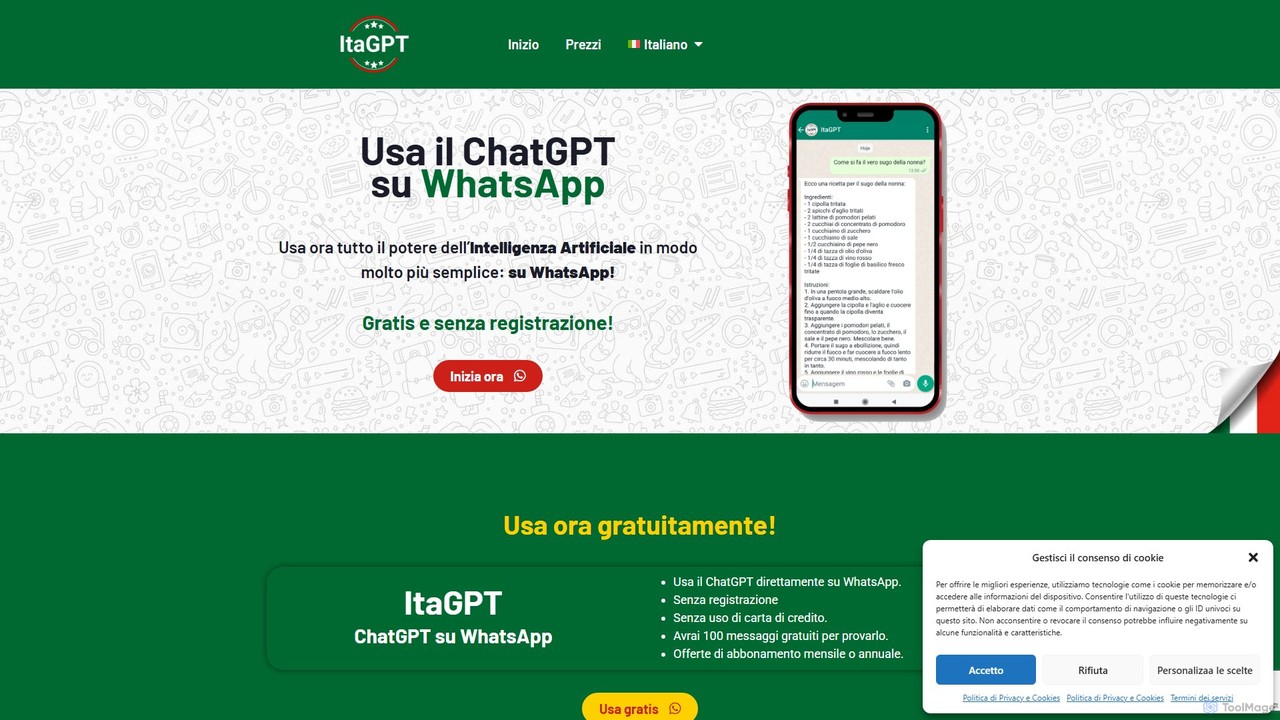
ItaGPT integrates the power of OpenAI's ChatGPT directly into your WhatsApp, allowing you to use advanced AI without leaving your favorite messaging app. No registration or credit card is required to start. It offers a seamless way to get answers, create content, and boost productivity on the go.
Messaging
WhatsGPT
WhatsGPT integrates a powerful AI assistant directly into your WhatsApp and Telegram, allowing you to chat with a GPT-powered bot. Get instant answers, generate text, translate languages, and boost your productivity without ever leaving your favorite messaging app. It's your personal AI companion, always available in your pocket.
Automated Response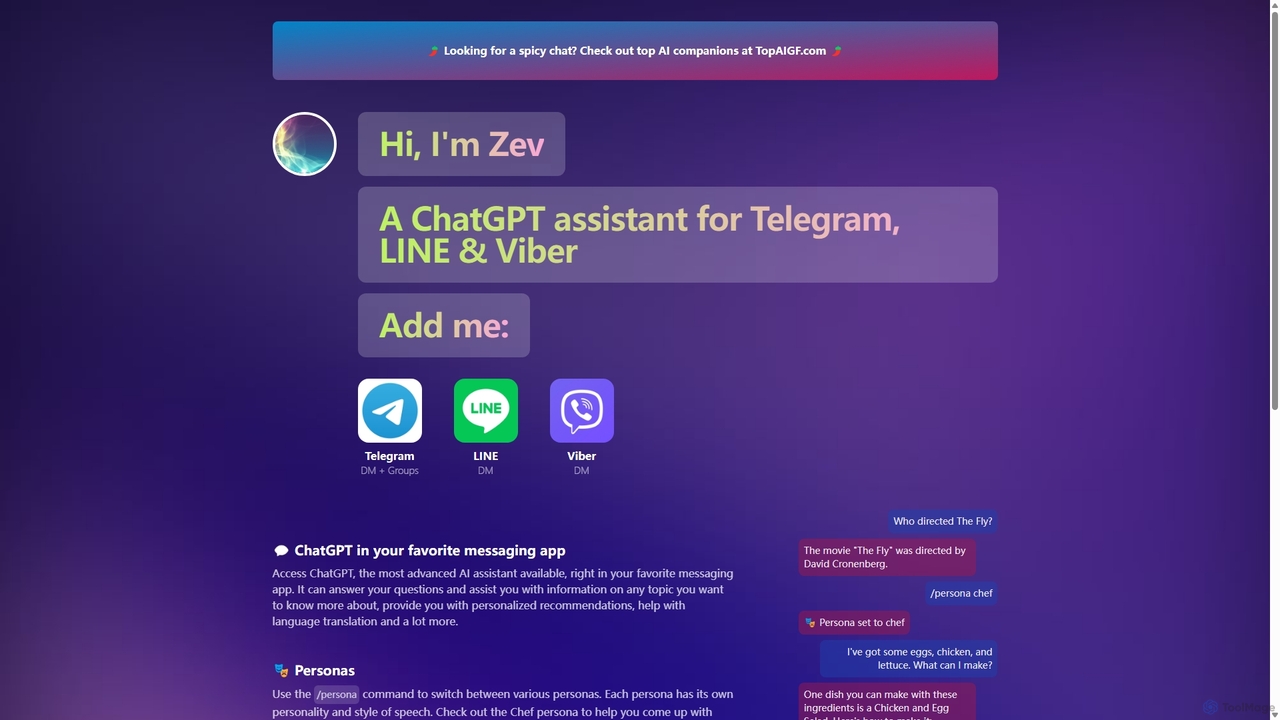
Zevbot
Zevbot integrates the power of ChatGPT into your favorite messaging apps like Telegram, LINE, and Viber. Access an advanced AI assistant for instant answers, creative tasks, and personalized help directly within your chats. Switch between various personas to get tailored responses for any situation.
Learning Assistant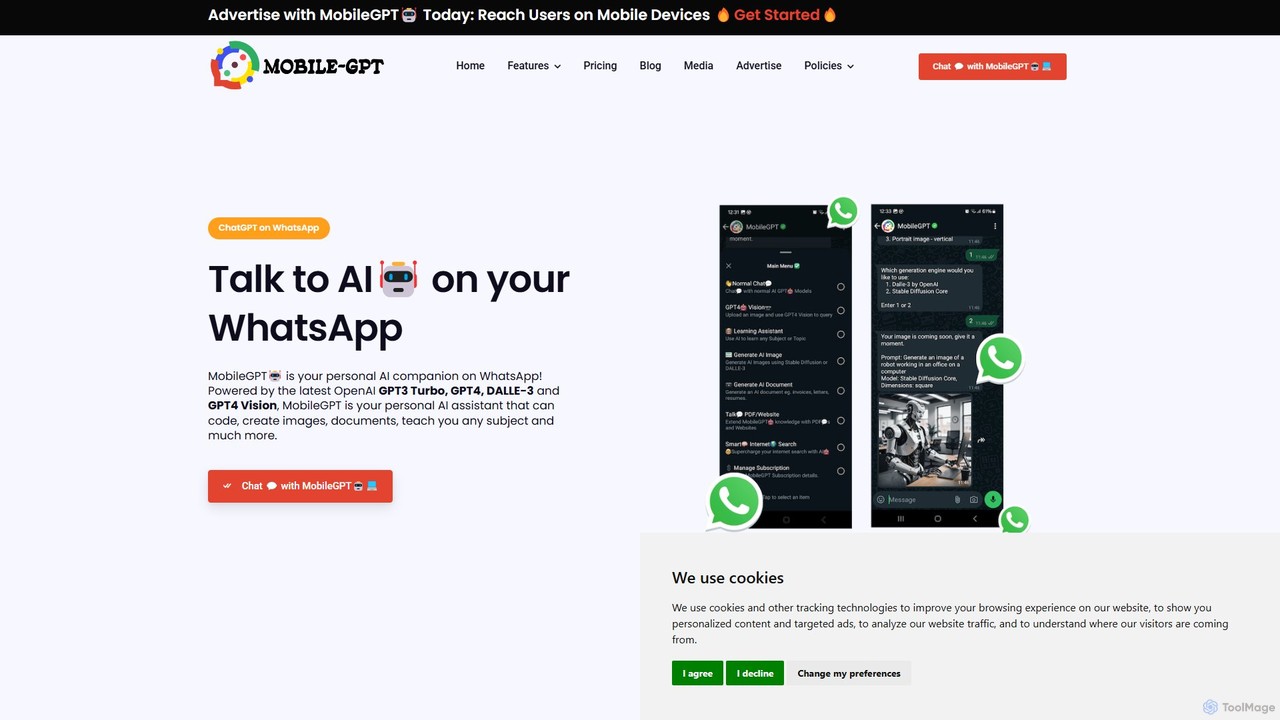
MobileGPT
MobileGPT is a powerful AI assistant integrated directly into WhatsApp. Powered by advanced models like GPT-4, DALL-E 3, and GPT-4 Vision, it allows users to chat, generate documents, create images, analyze PDFs and websites, and even learn new subjects. It acts as a personal AI companion, available 24/7 on your mobile device for enhanced productivity, learning, and creativity.
Virtual Assistant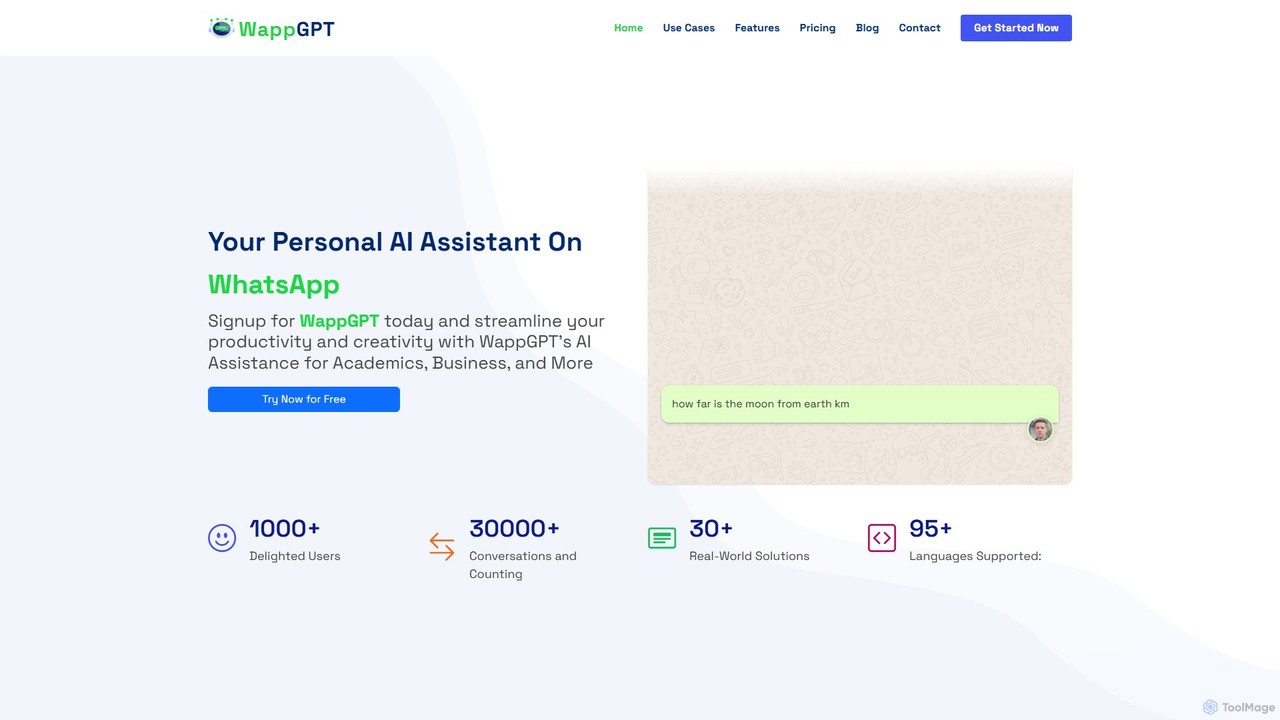
WappGPT
WappGPT is a powerful AI assistant that integrates OpenAI's ChatGPT and DALL-E 2 directly into your WhatsApp. Get instant answers, generate creative content, compose emails, translate languages, and create custom AI images, all within your favorite messaging app to boost productivity.
Learning AssistantLuzia Categories
Luzia Embed Widget
Copy this embed code to place the badge on your blog, article, or product site and send readers directly to this ToolMage detail page.

Related AI tools
MobileGPT
MobileGPT is a powerful AI assistant integrated directly into WhatsApp. Powered by advanced models like GPT-4, DALL-E 3, and GPT-4 Vision, it allows users to chat, generate documents, create images, analyze PDFs and websites, and even learn new subjects. It acts as a personal AI companion, available 24/7 on your mobile device for enhanced productivity, learning, and creativity.
Virtual AssistantWappGPT
WappGPT is a powerful AI assistant that integrates OpenAI's ChatGPT and DALL-E 2 directly into your WhatsApp. Get instant answers, generate creative content, compose emails, translate languages, and create custom AI images, all within your favorite messaging app to boost productivity.
Learning Assistant
GPT Hotline
GPT Hotline integrates a powerful AI assistant directly into your WhatsApp. Chat about any topic, create and edit images with text commands, get personalized news updates, search for videos, and set reminders, all within your favorite messaging app. It's a versatile, multi-modal AI companion designed for ultimate convenience and productivity on the go.
Image Generation
Wazgar
Wazgar is a powerful AI assistant that integrates directly into your WhatsApp, acting as a personal tutor, creative writer, and knowledgeable companion. Get instant help with complex topics, generate stories and emails, or engage in insightful conversations, all within your favorite messaging app.
Learning Assistant
Meta AI
Meta AI is a versatile and free personal AI assistant integrated across Meta's platforms. Powered by the advanced Llama models, it enhances creativity and productivity through conversational chat, multimodal image and video generation, and seamless access on mobile, web, and smart glasses. It's designed to help you solve problems, explore ideas, and bring your imagination to life.
Image Generators
heycami
heycami is a versatile AI assistant integrated into your favorite messaging apps. It leverages advanced models like GPT-4 and Stable Diffusion to provide conversational help, generate stunning images, transcribe audio in multiple languages, and even adopt custom personalities. Access AI power directly from your chats for productivity and fun.
Transcription
askjinni
askjinni is a powerful AI assistant integrated directly into WhatsApp. Get instant answers, learn new subjects with a personal tutor, draft emails and content with a writing assistant, and even generate images. It supports voice messages and prioritizes user privacy with GDPR compliance.
TutoringItaGPT
ItaGPT integrates the power of OpenAI's ChatGPT directly into your WhatsApp, allowing you to use advanced AI without leaving your favorite messaging app. No registration or credit card is required to start. It offers a seamless way to get answers, create content, and boost productivity on the go.
Messaging
Qwen
Qwen is a powerful multimodal AI chat assistant from Alibaba Cloud. It excels at natural language conversations, content creation, code generation, data analysis, and even image generation. With integrated web search and document analysis, Qwen provides comprehensive, up-to-date, and accurate answers for a wide range of tasks.
Image Generation
Meta AI
Meta AI is a powerful, free conversational assistant integrated across Meta's apps like WhatsApp, Instagram, and Facebook. Powered by the Llama 3 model, it provides real-time information, generates high-quality images as you type, and helps with tasks from brainstorming and writing to trip planning. It's designed to be a seamless and intelligent companion in your daily digital life.
Image Generation
Le Chat
Le Chat is a powerful conversational AI assistant from Mistral AI, providing direct access to their cutting-edge language models. It excels at complex reasoning, code generation, and multilingual tasks. Le Chat offers a streamlined interface for users to brainstorm ideas, create content, and get instant answers, leveraging Mistral's high-performance and efficient AI technology for both personal and professional use.
Code Assistant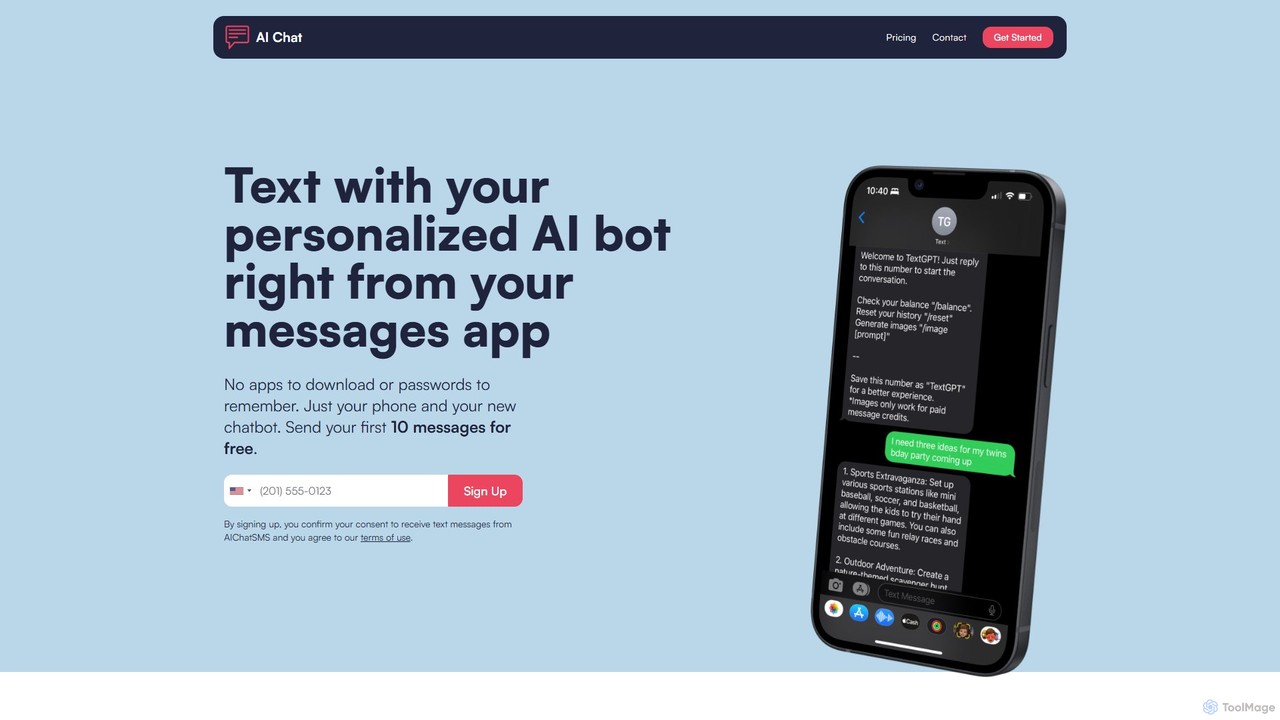
aichatsms
aichatsms provides a personalized AI chatbot that you can interact with directly through your phone's native SMS/text messaging app. No downloads, passwords, or API keys required. It features customizable personalities, long-term memory, and AI image generation, making advanced AI accessible and incredibly simple to use for daily tasks, companionship, and creative projects.
Generative Art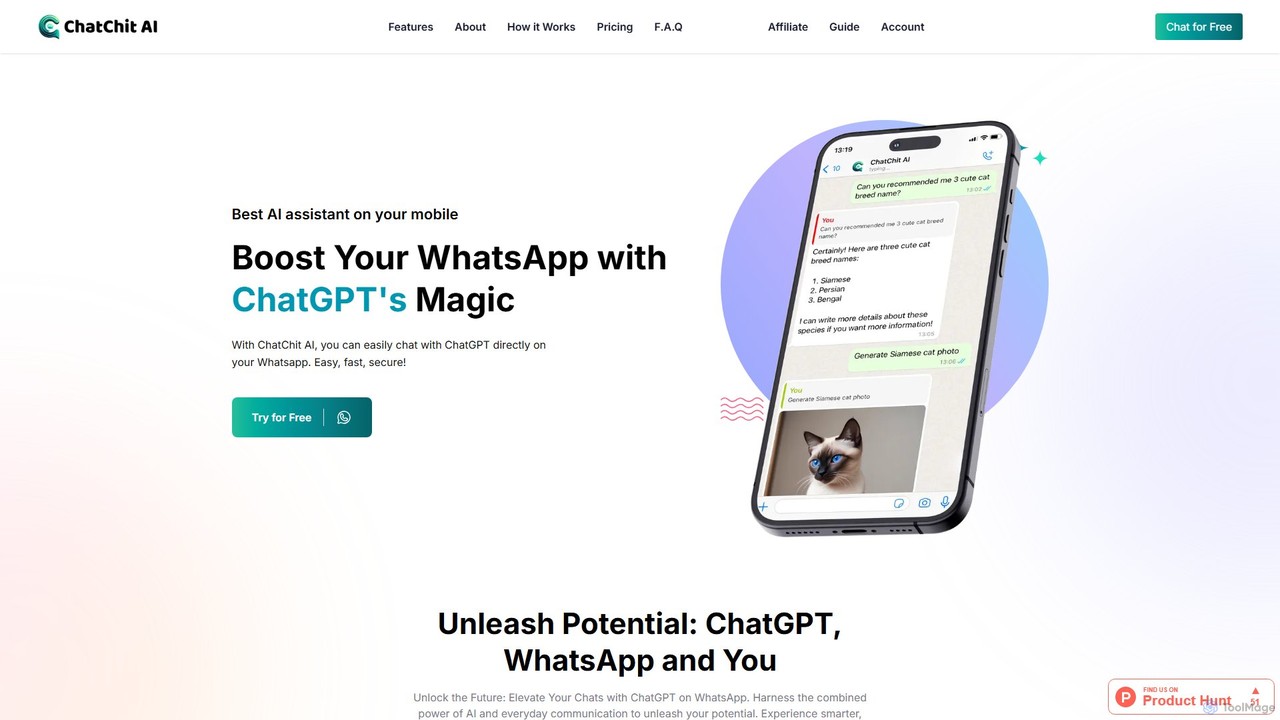
ChatChit AI
ChatChit AI integrates ChatGPT directly into your WhatsApp, transforming it into a powerful AI assistant. Get instant answers, generate stunning AI images, transcribe voice notes, download social media videos, and more, all within your favorite chat app. Supporting over 100 languages, it's designed for seamless productivity and creativity on the go.
Image Generator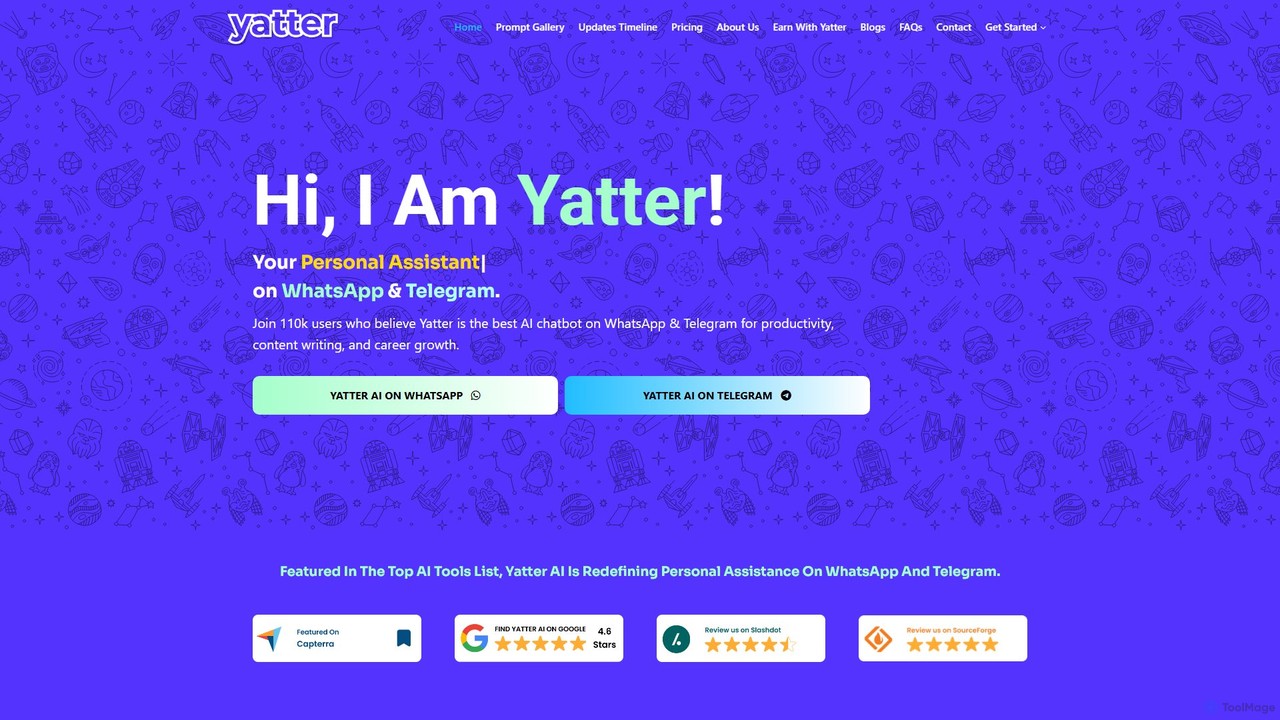
Yatter
Yatter is a powerful AI assistant integrated into WhatsApp and Telegram, powered by GPT-4o, Google Gemini, and Llama 3. It enhances productivity and communication by offering text, voice, and image interactions, real-time web search, content creation, and smart reminders directly within your favorite messaging apps, no installation required.
Personal Assistant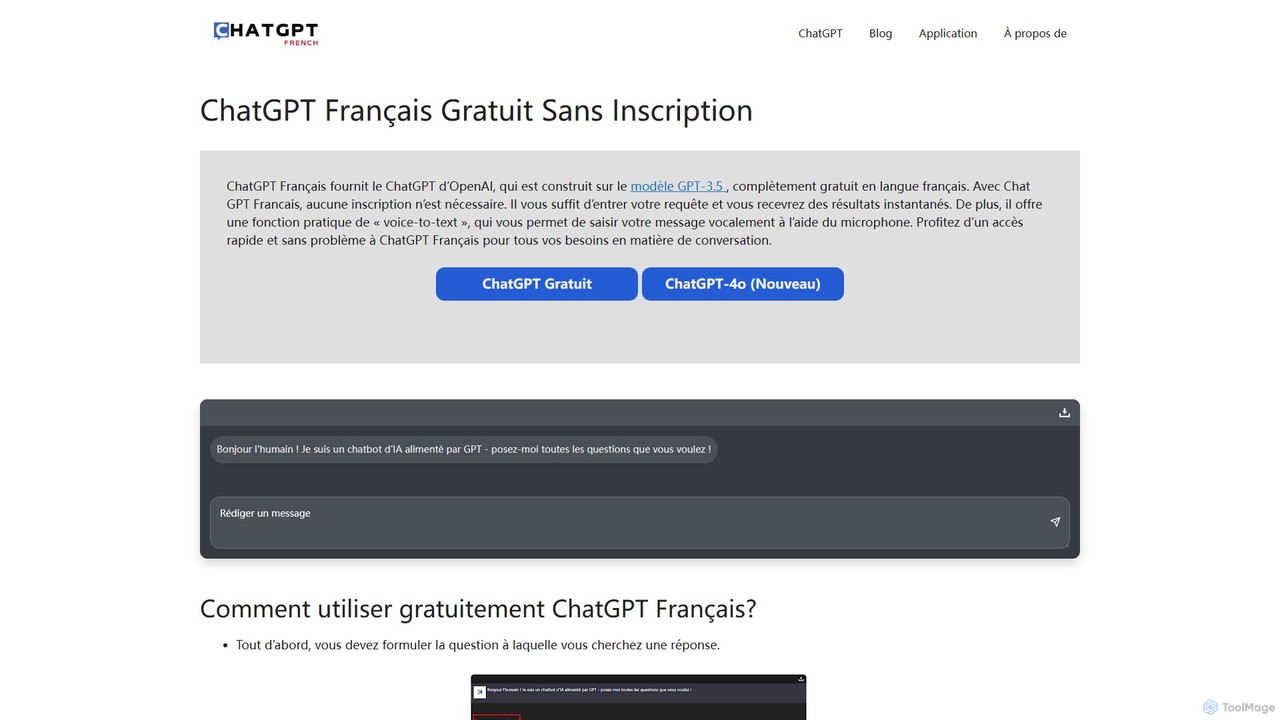
ChatGPT French
A free, no-registration web platform providing access to OpenAI's powerful language models like GPT-3.5 and GPT-4o, specifically tailored for French speakers. It offers instant conversational AI, voice-to-text input, and conversation downloads, making advanced AI accessible to everyone without barriers.
Writing Assistant
Luzia Comments (0)
Sign in to comment.
Sign inNo comments yet.