


GPT Hotline Overview
GPT Hotline revolutionizes how you interact with artificial intelligence by bringing the world's most advanced AI directly to your WhatsApp. This service eliminates the need for separate applications or websites, embedding a powerful, multi-functional assistant into the messaging platform you use daily. It leverages the capabilities of sophisticated models like GPT-3 to provide a seamless and intuitive user experience, making AI more accessible and practical for everyday tasks.
With GPT Hotline, your WhatsApp becomes a central hub for information, creativity, and productivity. You can engage in natural, ongoing conversations, ask complex questions, brainstorm ideas, or get help with writing. The chat history is preserved within your WhatsApp, allowing you to easily search past conversations, pick up where you left off, and share interesting responses with friends and family with a simple forward.
How to use GPT Hotline
Getting started with GPT Hotline is a straightforward, three-step process designed for immediate access:
- Sign Up: Visit the GPT Hotline website and subscribe to the GPT Pro Plan.
- Register Your Number: Register your phone number on their platform to link your WhatsApp account to the service.
- Start Chatting: Once registered, you can immediately start sending messages to your new AI assistant contact on WhatsApp. You can initiate new conversations or use special 'Power Commands' to access advanced features.
Core Features of GPT Hotline
- Conversational AI: Engage in natural, human-like conversations on any topic. Ask questions, get explanations, and brainstorm ideas.
- Image Generation & Editing: Create stunning, Mid-Journey style images or edit existing ones simply by sending a text description of your request. Send an image with instructions like "add a hat" or "change the background to a beach."
- Video Search: Find and receive YouTube videos directly in your chat by describing what you're looking for.
- Personalized News Updates: Stay informed with the latest news headlines tailored to your interests.
- Speech-to-Text: Send voice messages (currently supported in English), and the AI will understand and respond in text, offering a hands-free way to interact.
- Reminders: Set reminders for tasks and appointments. The AI will send you a WhatsApp message at the specified time.
- Power Commands: Use special commands like `/reset` to start a new conversation, `/image` to generate visuals, and more to control the AI's functions efficiently.
Use Cases for GPT Hotline
GPT Hotline is a versatile tool for both personal and professional use. Students can use it for homework help and research. Professionals can draft emails, summarize articles, and brainstorm marketing copy. Creatives can generate visual ideas and inspiration on the fly. For personal use, it's perfect for planning trips, getting recipes, settling debates with friends, or simply exploring creative prompts for fun. The ability to set reminders and get news updates makes it a powerful daily assistant.
Advantages of GPT Hotline
The primary advantage of GPT Hotline is its unparalleled convenience. By operating within WhatsApp, it integrates into a user's existing workflow without requiring them to learn a new interface or download another app. The multi-modal capabilities—handling text, voice, images, and video—make it a comprehensive tool. The preservation of chat history within WhatsApp allows for easy reference and sharing, which is a significant benefit over many web-based chat interfaces. It offers a more personal and immediate connection to AI.
Pricing and Plans
GPT Hotline offers a straightforward subscription model:
- GPT Hotline Pro Plan: $9.99 per month.
- This plan includes up to 1,000 messages and 1 million tokens (approximately 750,000 words) per month.
- Users can cancel their subscription at any time through their personal Subscription Portal.
- Promotional offers, such as a 20% discount for the first month with a code, are sometimes available.
Traffic
Latest traffic
Status
Monthly traffic trend
- 2025-9: 398
- 2026-1: 652
- 2026-2: 258
- 2026-3: 771
- 2026-4: 1.5K
- 2026-5: 342
Top keywords
| Keyword | Cost per click |
|---|---|
| gupt chat | $0.00 |
GPT Hotline Alternatives
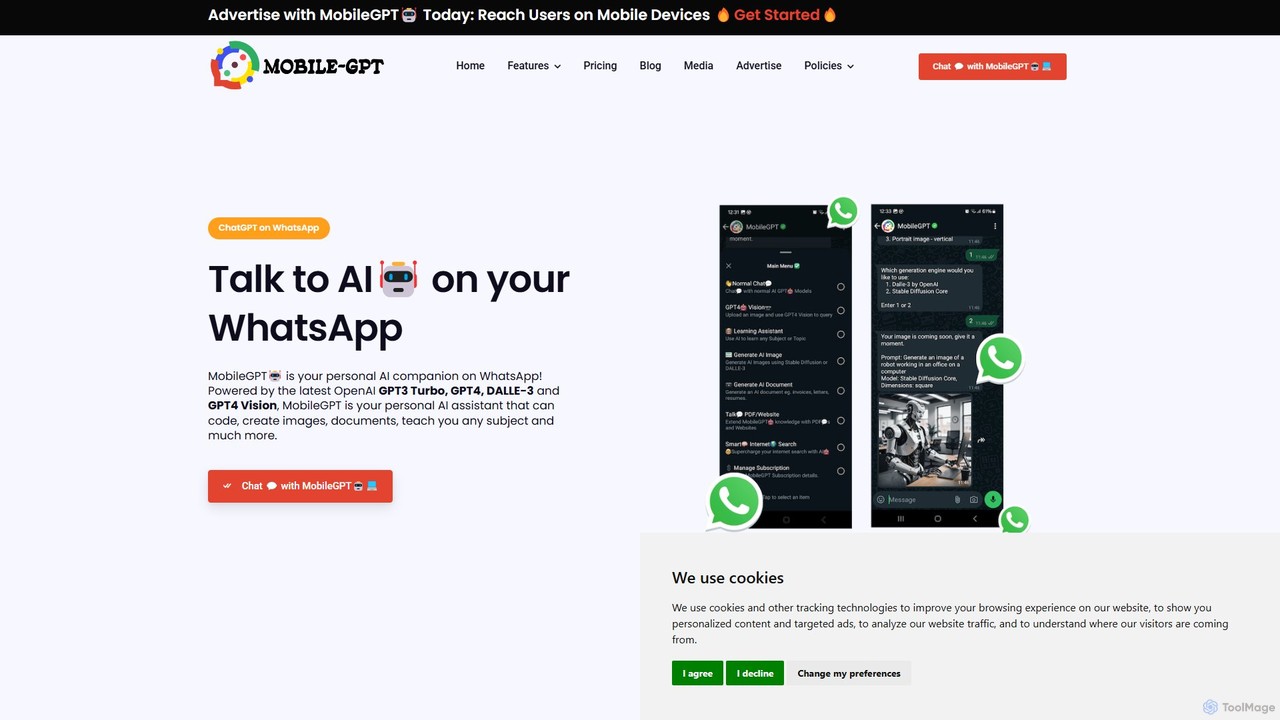
MobileGPT
MobileGPT is a powerful AI assistant integrated directly into WhatsApp. Powered by advanced models like GPT-4, DALL-E 3, and GPT-4 Vision, it allows users to chat, generate documents, create images, analyze PDFs and websites, and even learn new subjects. It acts as a personal AI companion, available 24/7 on your mobile device for enhanced productivity, learning, and creativity.
Virtual Assistant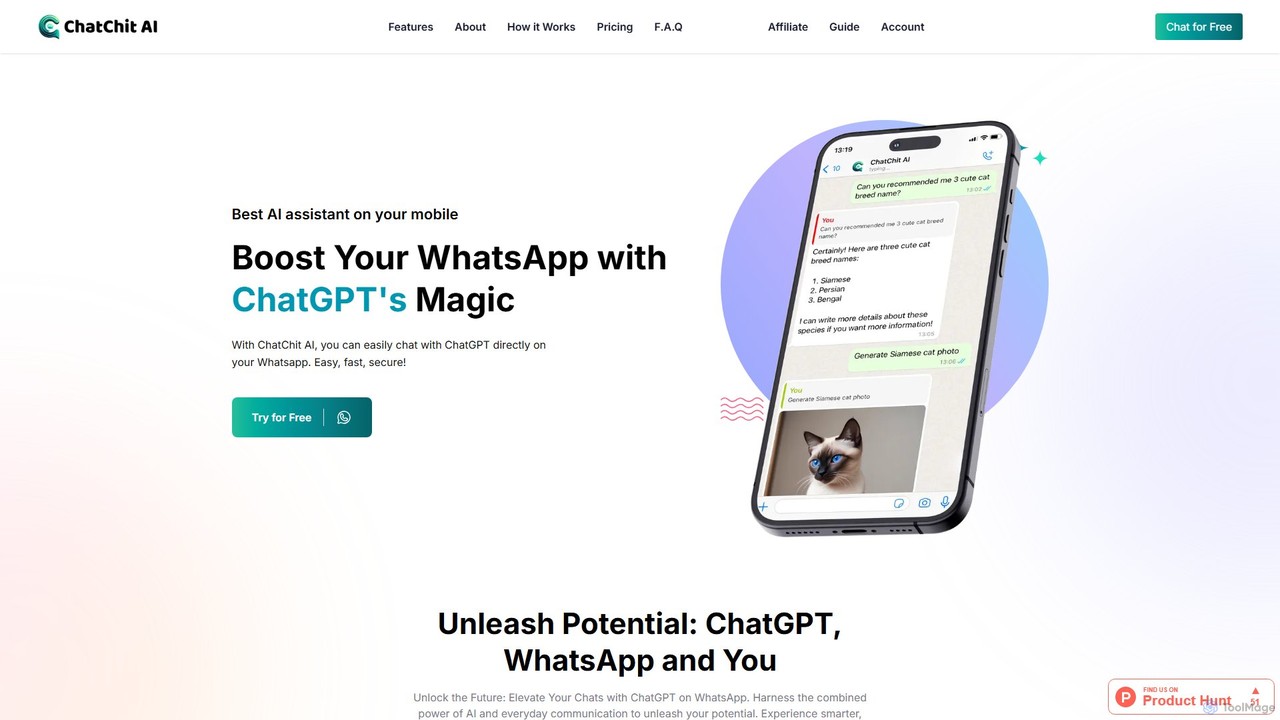
ChatChit AI
ChatChit AI integrates ChatGPT directly into your WhatsApp, transforming it into a powerful AI assistant. Get instant answers, generate stunning AI images, transcribe voice notes, download social media videos, and more, all within your favorite chat app. Supporting over 100 languages, it's designed for seamless productivity and creativity on the go.
Image Generator
DigiCord
DigiCord is a powerful, all-in-one AI bot for Discord, integrating over 80 AI models like GPT-4o, Claude 3, and Leonardo AI. It brings advanced capabilities such as text and image generation, content summarization, translation, and team collaboration directly into your server. With a pay-as-you-go model, it makes AI accessible and cost-effective for everyone.
Writing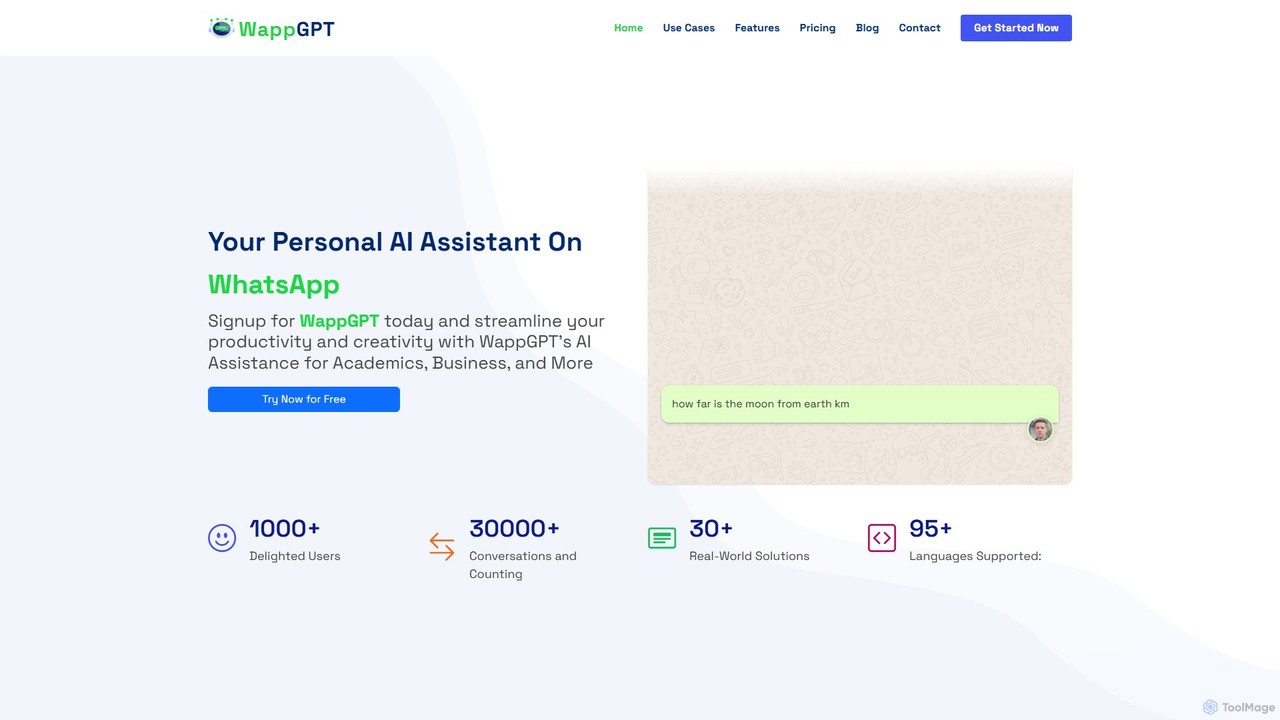
WappGPT
WappGPT is a powerful AI assistant that integrates OpenAI's ChatGPT and DALL-E 2 directly into your WhatsApp. Get instant answers, generate creative content, compose emails, translate languages, and create custom AI images, all within your favorite messaging app to boost productivity.
Learning Assistant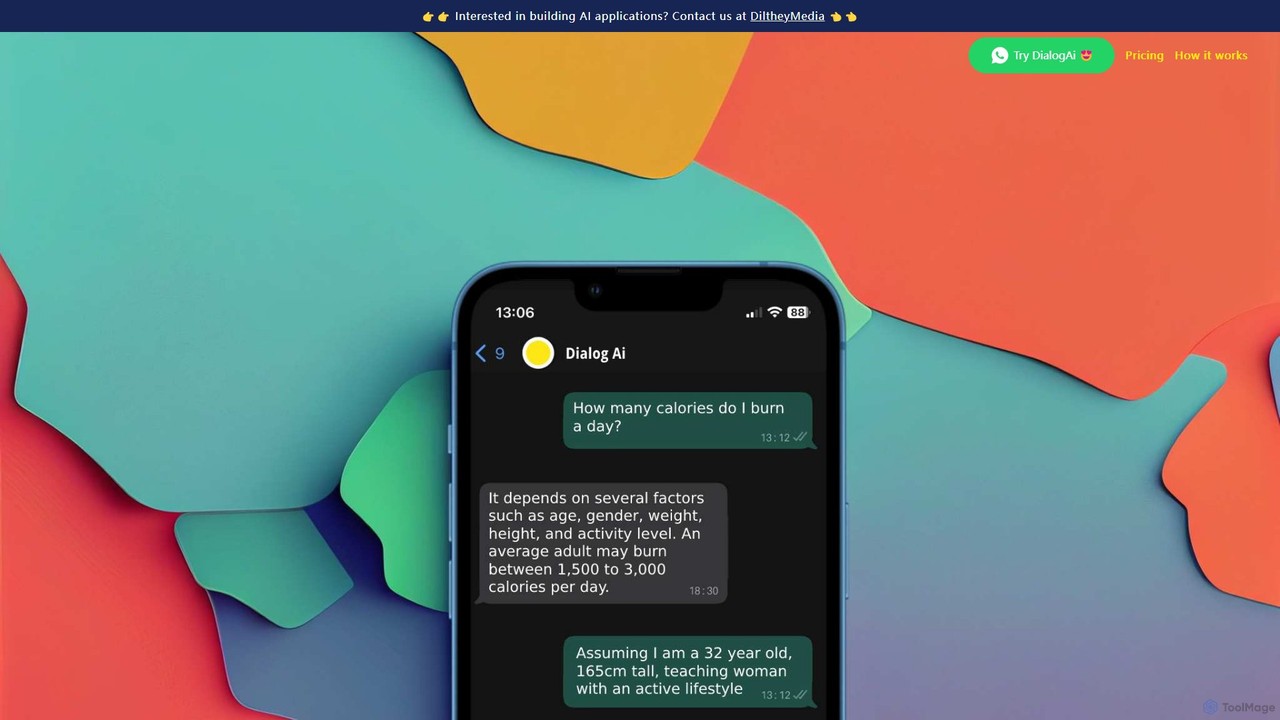
DialogAi
DialogAi is an AI-powered assistant integrated directly into WhatsApp. It transcribes voice notes into text, answers questions using ChatGPT, summarizes long messages, and helps formulate replies. It's a convenient personal and professional assistant designed to enhance productivity and communication within your favorite messaging app.
TranscriptionGPT Hotline Categories
GPT Hotline Embed Widget
Copy this embed code to place the badge on your blog, article, or product site and send readers directly to this ToolMage detail page.

Related AI tools
WappGPT
WappGPT is a powerful AI assistant that integrates OpenAI's ChatGPT and DALL-E 2 directly into your WhatsApp. Get instant answers, generate creative content, compose emails, translate languages, and create custom AI images, all within your favorite messaging app to boost productivity.
Learning Assistant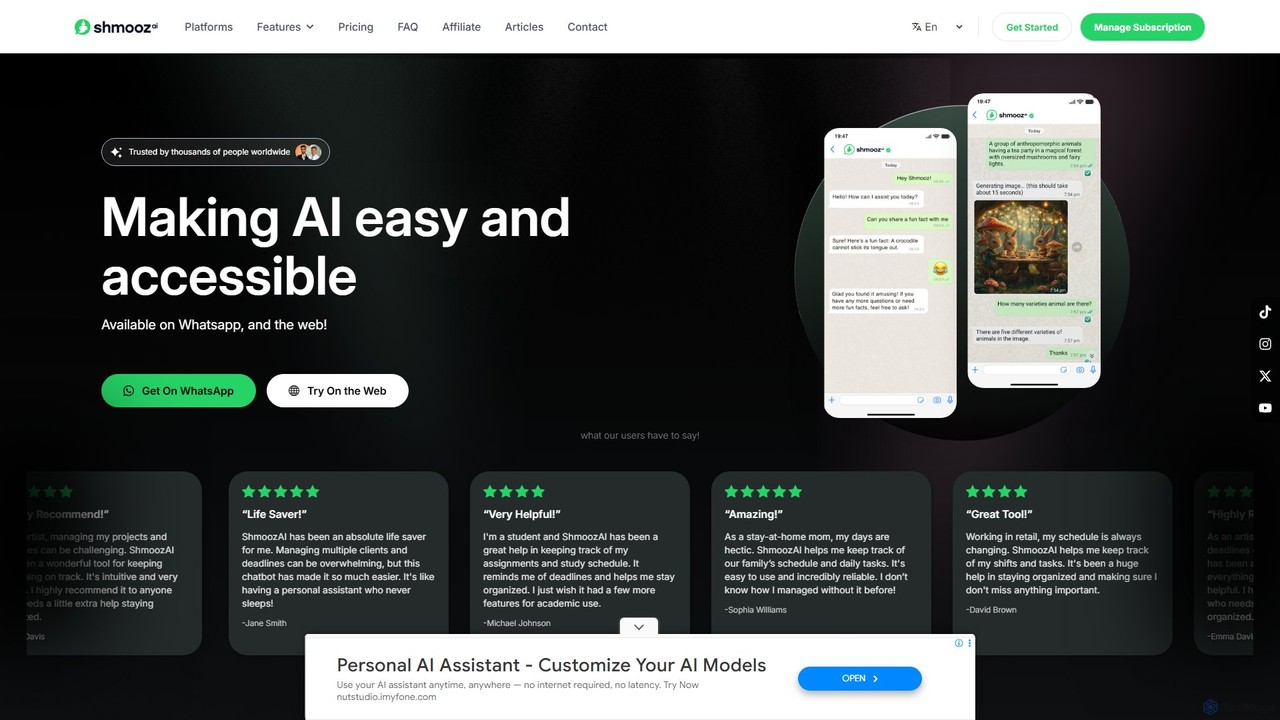
shmooz
shmooz is a versatile AI assistant accessible directly through WhatsApp and a web app. It integrates powerful models like ChatGPT and Claude to offer conversational AI, advanced image generation, web browsing for live information, and file/URL summarization. It acts as a 24/7 personal assistant for managing tasks, schedules, and information, making advanced AI simple and convenient for everyday use.
Chatbot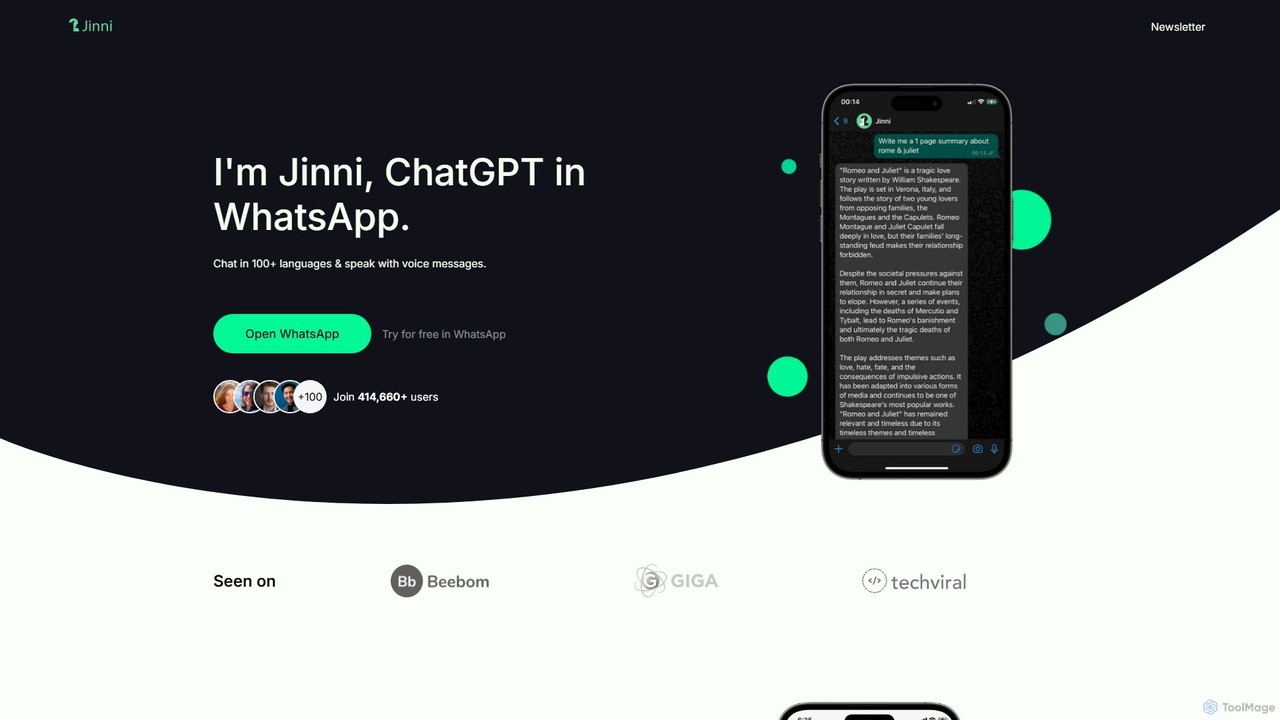
askjinni
askjinni is a powerful AI assistant integrated directly into WhatsApp. Get instant answers, learn new subjects with a personal tutor, draft emails and content with a writing assistant, and even generate images. It supports voice messages and prioritizes user privacy with GDPR compliance.
TutoringMobileGPT
MobileGPT is a powerful AI assistant integrated directly into WhatsApp. Powered by advanced models like GPT-4, DALL-E 3, and GPT-4 Vision, it allows users to chat, generate documents, create images, analyze PDFs and websites, and even learn new subjects. It acts as a personal AI companion, available 24/7 on your mobile device for enhanced productivity, learning, and creativity.
Virtual AssistantChatChit AI
ChatChit AI integrates ChatGPT directly into your WhatsApp, transforming it into a powerful AI assistant. Get instant answers, generate stunning AI images, transcribe voice notes, download social media videos, and more, all within your favorite chat app. Supporting over 100 languages, it's designed for seamless productivity and creativity on the go.
Image GeneratorDigiCord
DigiCord is a powerful, all-in-one AI bot for Discord, integrating over 80 AI models like GPT-4o, Claude 3, and Leonardo AI. It brings advanced capabilities such as text and image generation, content summarization, translation, and team collaboration directly into your server. With a pay-as-you-go model, it makes AI accessible and cost-effective for everyone.
Writing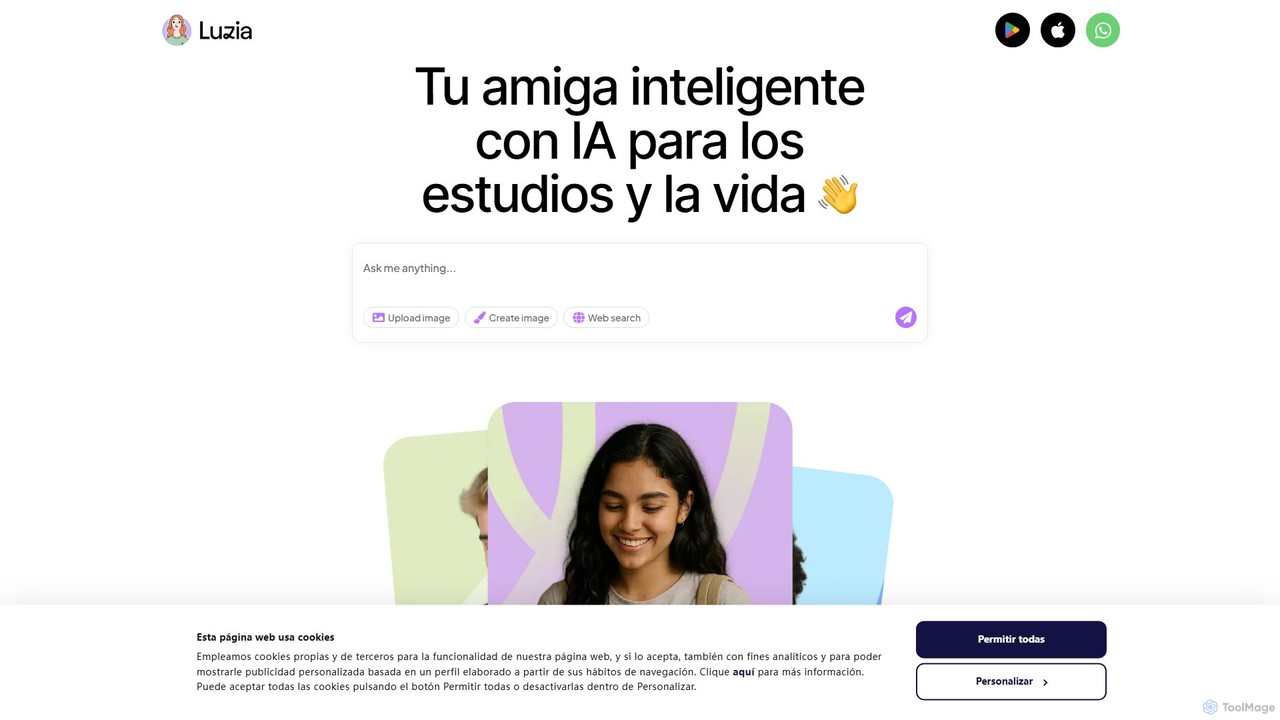
Luzia
Luzia is a free, intelligent AI assistant that integrates directly into your WhatsApp and Telegram. Chat with Luzia to get answers, translate languages, transcribe audio messages, generate images, and draft text for any purpose. No app download or registration is required—just add Luzia as a contact and start chatting to boost your productivity and creativity.
Assistant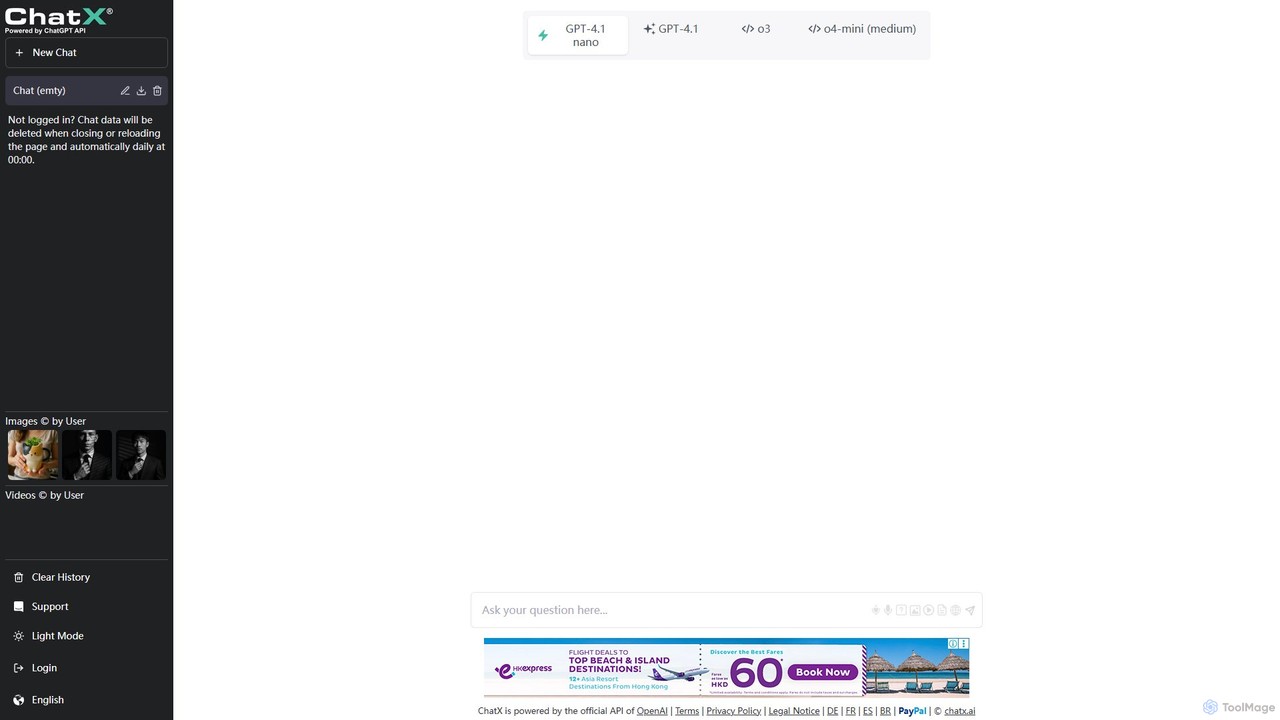
ChatX
ChatX offers a seamless, no-login, fullscreen experience for interacting with a powerful AI chatbot. It provides free access to advanced text generation, problem-solving, and creative writing. Additionally, ChatX integrates multi-modal capabilities, allowing users to generate and edit images using intuitive text prompts and brush tools, making it a versatile all-in-one AI assistant.
Image Editor
WhatsGPT
WhatsGPT integrates a powerful AI assistant directly into your WhatsApp and Telegram, allowing you to chat with a GPT-powered bot. Get instant answers, generate text, translate languages, and boost your productivity without ever leaving your favorite messaging app. It's your personal AI companion, always available in your pocket.
Automated Response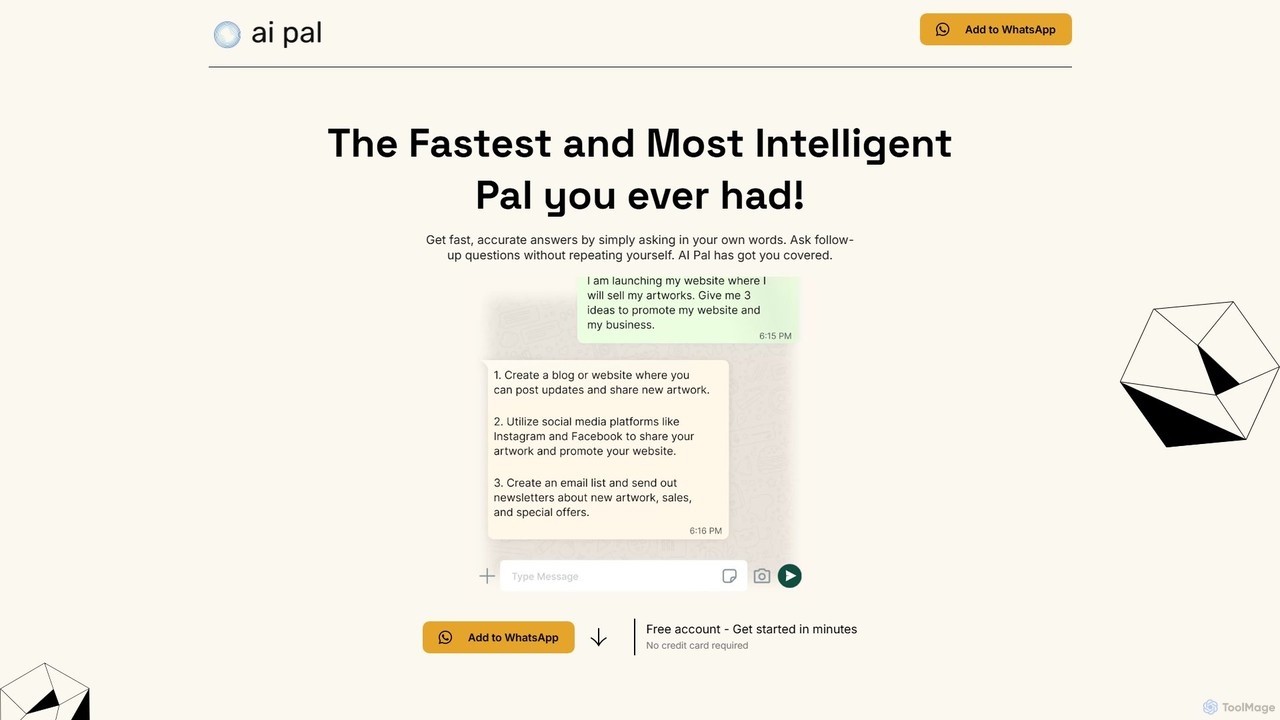
getaipal
getaipal is a powerful AI assistant integrated directly into your WhatsApp. Generate professional emails, captivating social media content, stunning images from text, and personalized travel itineraries without ever leaving your chat app. It's your personal AI companion for productivity, creativity, and daily tasks, available 24/7.
Image Generator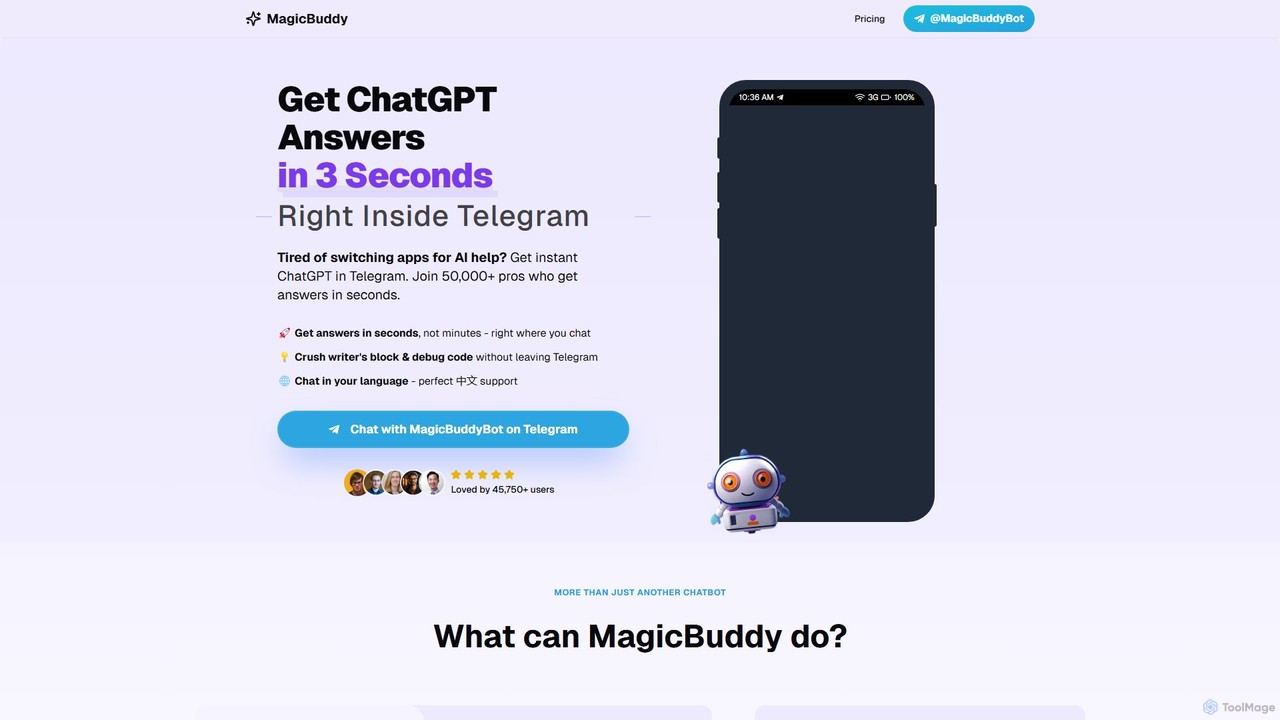
MagicBuddy
MagicBuddy is a powerful ChatGPT and DALL-E assistant integrated directly into Telegram. Get instant answers, generate images, debug code, and overcome writer's block without ever leaving your chat app. Boost your productivity with seamless AI support right where you communicate.
Code Assistant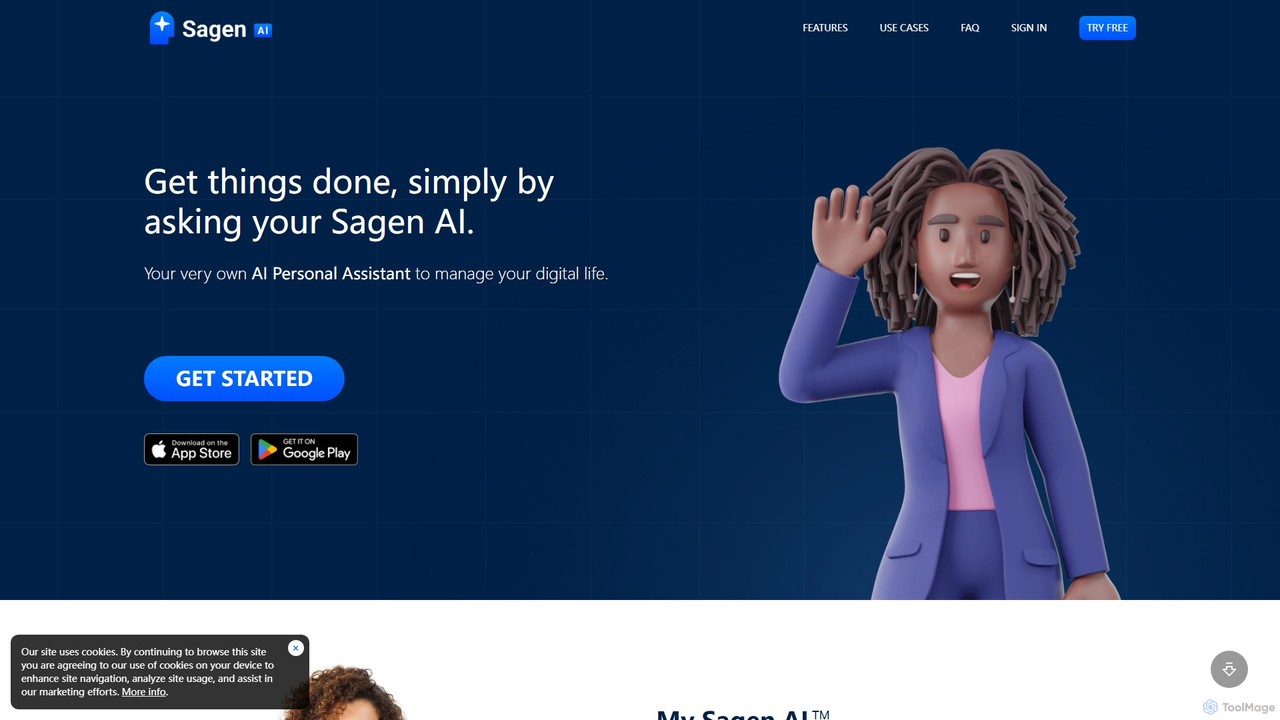
Sagen AI
Sagen AI is a versatile platform for creating your own personalized AI assistant. Customize its character and name, and interact with it conversationally to manage digital tasks, brainstorm ideas, learn new things, or even integrate it into your own website as a custom chatbot.
Chatbot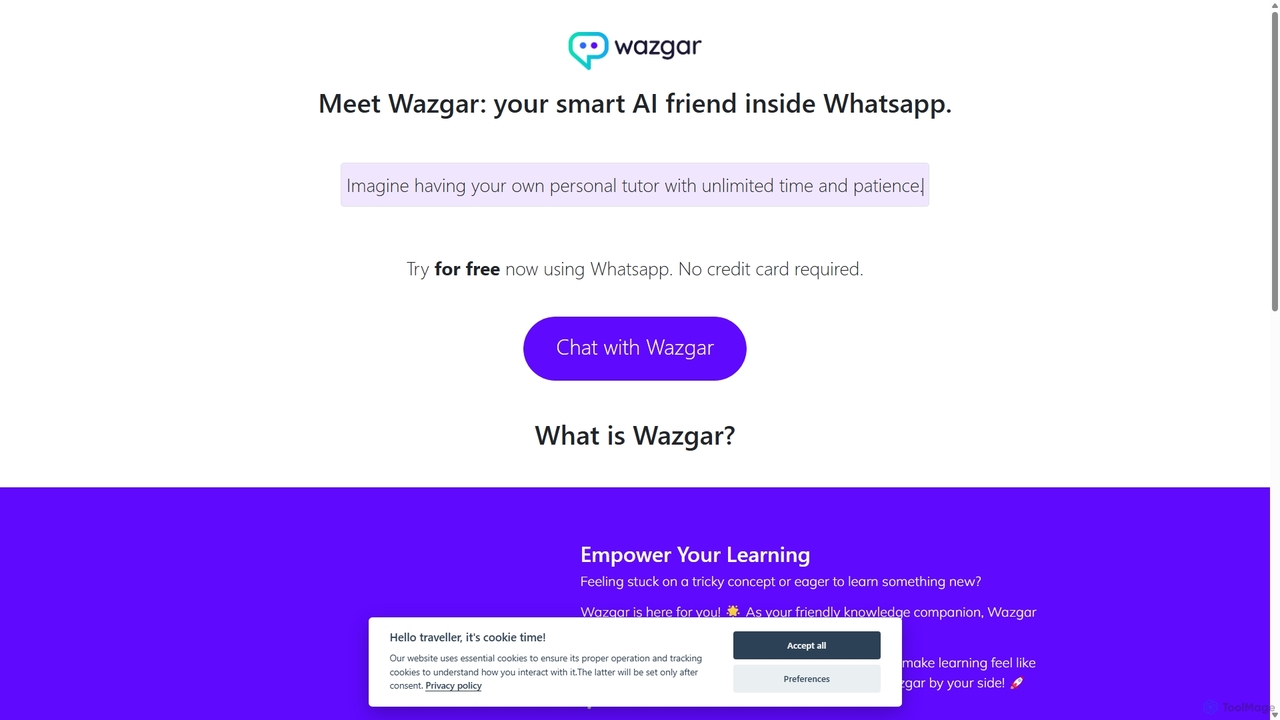
Wazgar
Wazgar is a powerful AI assistant that integrates directly into your WhatsApp, acting as a personal tutor, creative writer, and knowledgeable companion. Get instant help with complex topics, generate stories and emails, or engage in insightful conversations, all within your favorite messaging app.
Learning Assistant
Jyek
Jyek is an AI agent platform that understands objectives, creates execution plans, uses tools, and delivers verifiable results for complex, multi-step tasks.
Automation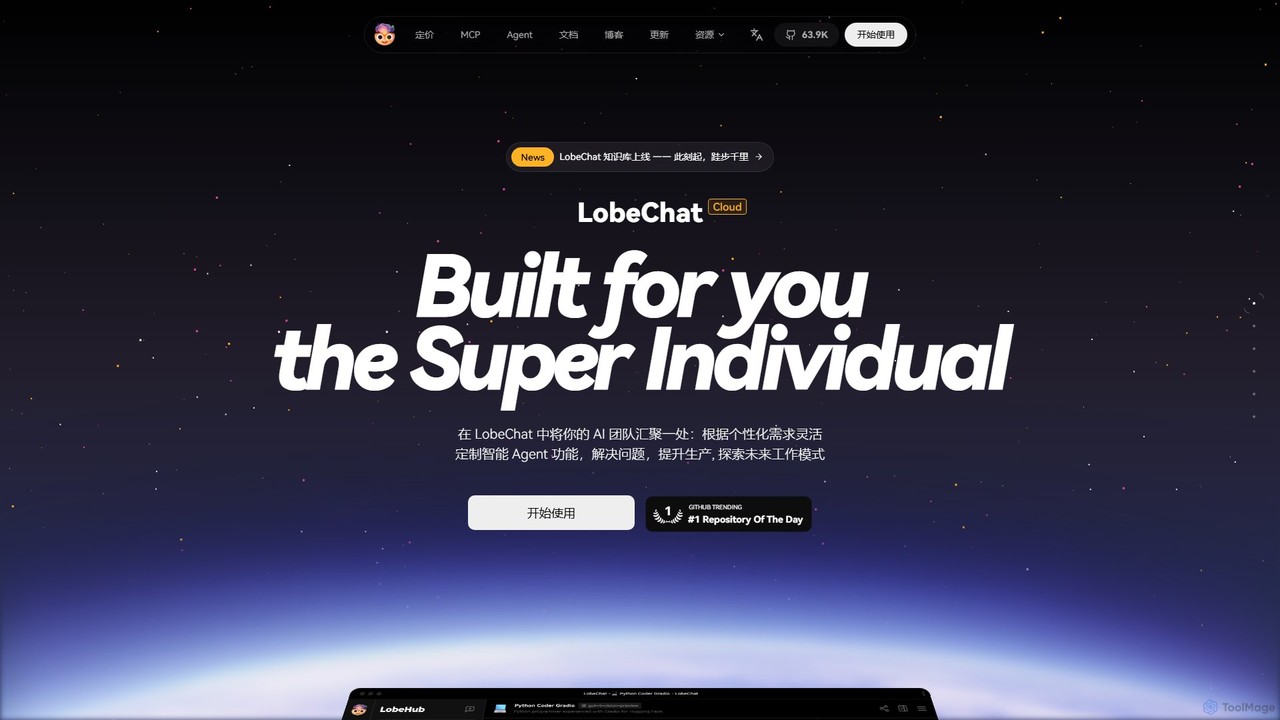
LobeHub
LobeHub is an all-in-one AI platform that allows you to build and manage a personalized team of AI Agents. It offers a superior user experience to standard LLM interfaces like ChatGPT, with support for numerous models, plugins, and multi-modal interactions. Create, share, and use specialized agents for tasks ranging from coding and writing to academic research and daily life, all within a single, intuitive chat interface.
Chatbot Platform
GPT Hotline Comments (0)
Sign in to comment.
Sign inNo comments yet.