Typeless
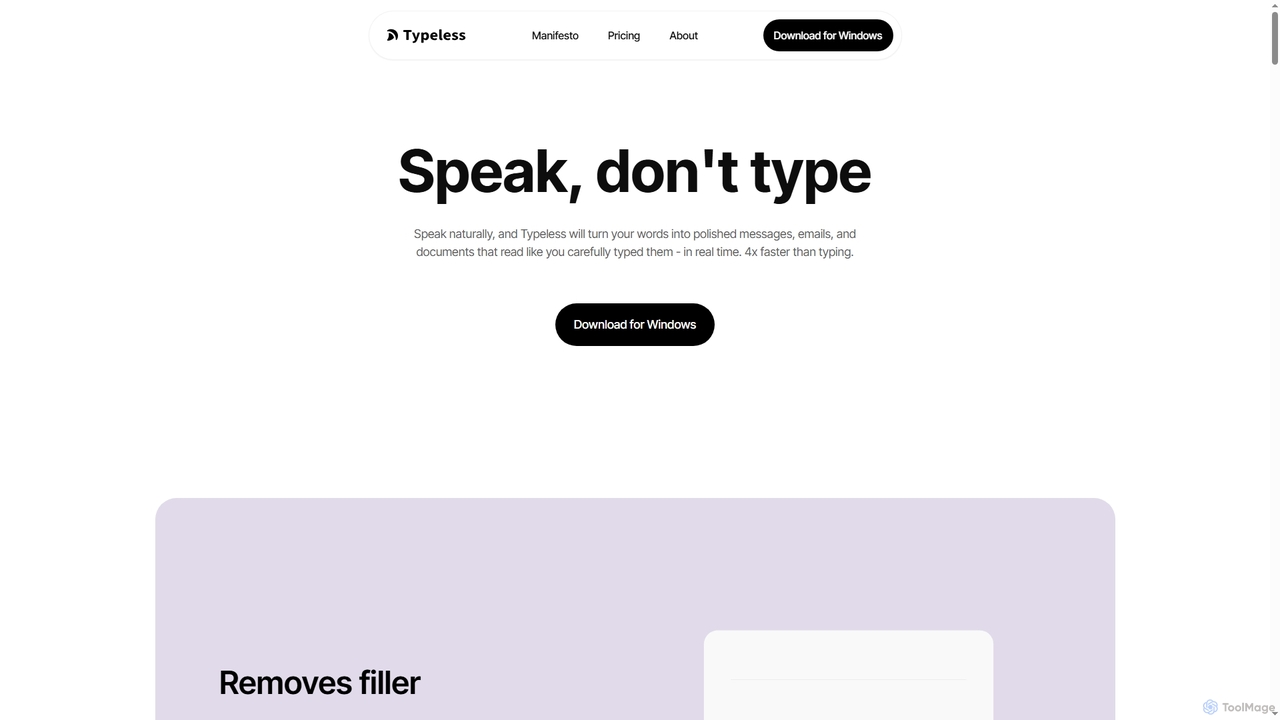
Typeless is an intelligent AI voice dictation tool that transforms natural speech into polished, formatted text in real-time. …
Typeless is an intelligent AI voice dictation tool that transforms natural speech into polished, formatted text in real-time. It enhances productivity by automatically removing filler words, repetitions, and auto-correcting mid-sentence changes, making communication up to 4x faster than traditional typing.
MeetingAssistant
MeetingAssistant is an AI-powered copilot designed to enhance your performance in meetings, especially job interviews. It provides real-time …
MeetingAssistant is an AI-powered copilot designed to enhance your performance in meetings, especially job interviews. It provides real-time transcription of conversations and delivers smart, AI-generated suggestions, helping you respond confidently and effectively. It seamlessly integrates with any web-based meeting platform like Zoom, Google Meet, and Microsoft Teams, acting as your personal communication coach.
Kaption AI
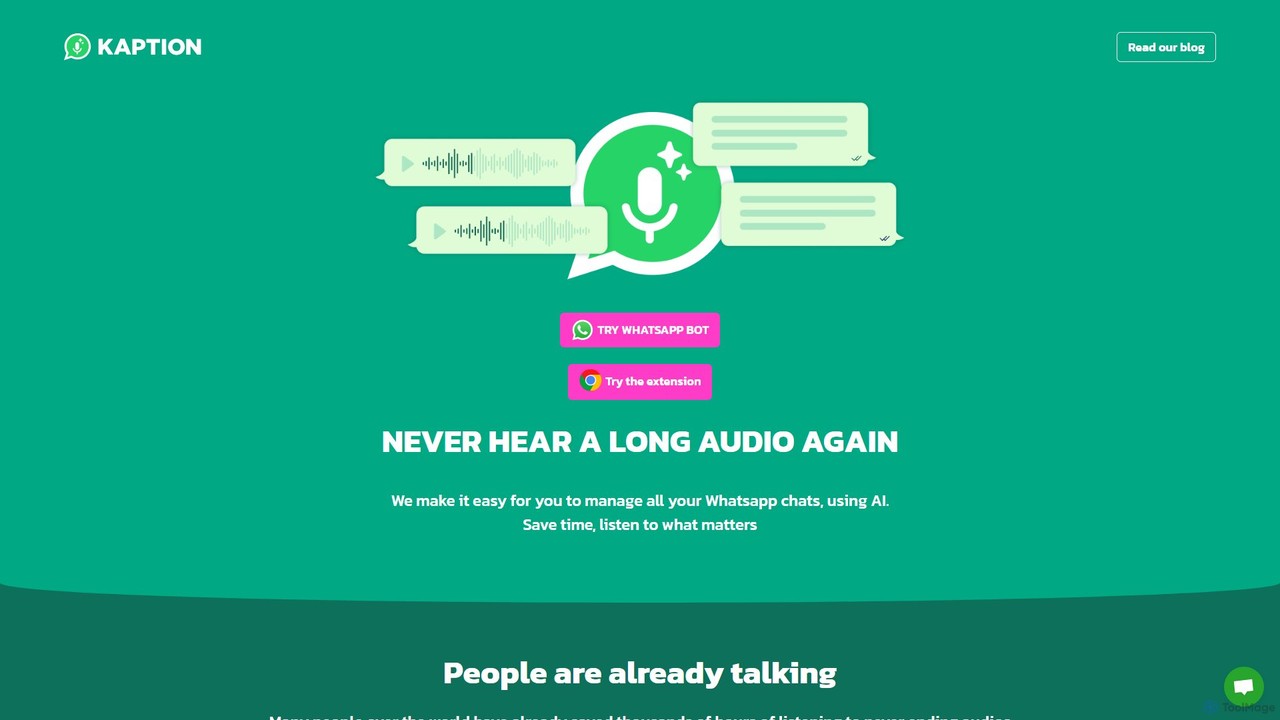
Kaption AI is a powerful Chrome extension for WhatsApp Web that uses AI to transcribe audio messages into …
Kaption AI is a powerful Chrome extension for WhatsApp Web that uses AI to transcribe audio messages into text, generate concise summaries of long conversations, and suggest smart replies. It's designed to save you time, boost productivity, and make messaging more accessible.
DialogAi
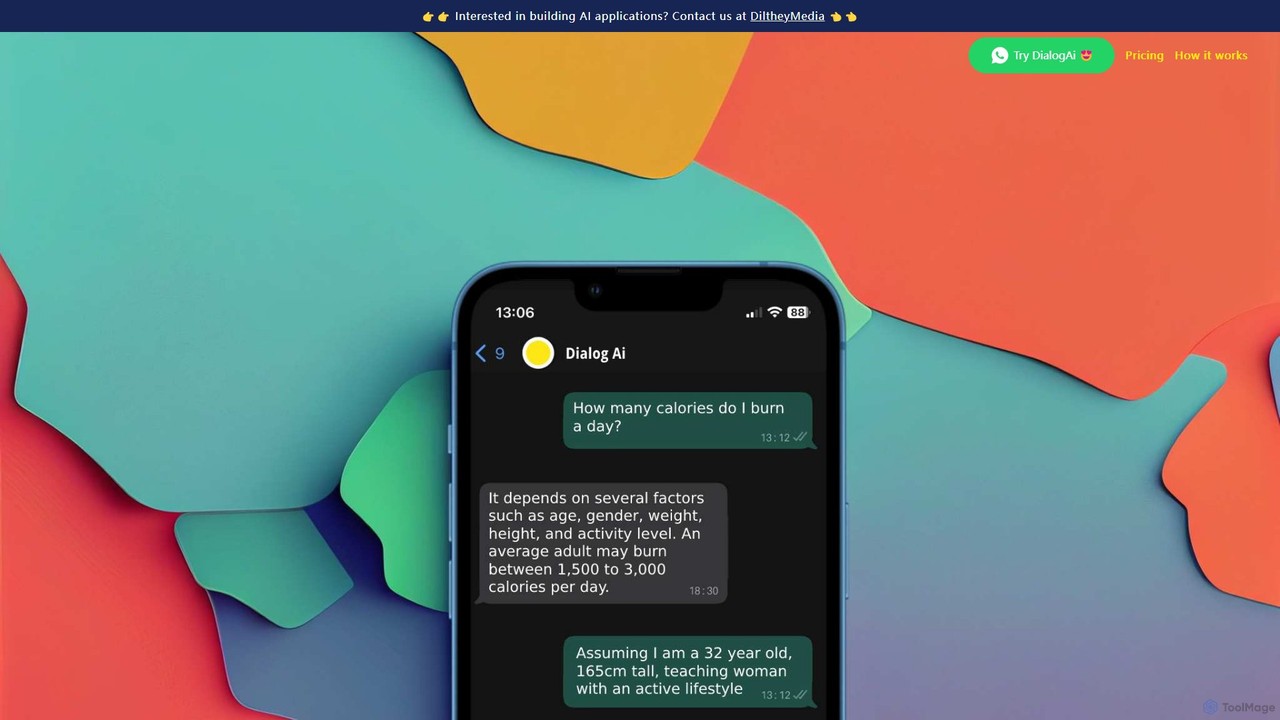
DialogAi is an AI-powered assistant integrated directly into WhatsApp. It transcribes voice notes into text, answers questions using …
DialogAi is an AI-powered assistant integrated directly into WhatsApp. It transcribes voice notes into text, answers questions using ChatGPT, summarizes long messages, and helps formulate replies. It's a convenient personal and professional assistant designed to enhance productivity and communication within your favorite messaging app.
About Transcription
Transcription tools are AI-powered software designed to convert spoken language from audio or video files into written text. Leveraging advanced speech recognition (ASR) and natural language processing (NLP) algorithms, these tools accurately transform verbal communication into a searchable, editable, and shareable format. As a vital component within AI communication tools, they bridge the gap between spoken and written forms, significantly enhancing accessibility, documentation, and data analysis across various professional fields.
Core Features
- High Accuracy: Utilizes advanced AI models to achieve high word error rate (WER) accuracy, even with varied accents and background noise.
- Speaker Diarization: Automatically identifies and labels different speakers in a conversation, making multi-person transcripts clear and organized.
- Timestamping: Adds precise time markers to the transcribed text, allowing users to quickly locate specific moments in the original audio/video.
- Multi-language Support: Offers transcription capabilities for a wide range of languages and dialects, catering to global communication needs.
- Custom Vocabulary: Allows users to add industry-specific jargon, proper nouns, or unique terms to improve transcription accuracy for specialized content.
Applicable Scenarios
AI transcription tools are indispensable for professionals who regularly deal with spoken information. Journalists use them to quickly transcribe interviews, allowing them to focus on analysis rather than manual typing. Researchers convert interview audio into text for qualitative data analysis, coding, and theme extraction. Content creators generate captions and subtitles for videos and podcasts, improving accessibility and SEO. Legal professionals rely on them for accurate documentation of court hearings and depositions, while medical practitioners use them for efficient dictation and record-keeping.
How to Choose
When selecting an AI transcription tool, consider several key factors. Evaluate the accuracy rate, especially for your specific audio quality and language requirements. Check for language and dialect support to ensure it covers your needs. Assess speed and real-time capabilities if immediate transcription is crucial. Look into integration options with existing workflows (e.g., video editors, CRM systems). Finally, compare pricing models (per minute, subscription) and ensure robust data security and privacy measures are in place, particularly for sensitive information.

TranscriptionUse Cases
Automating Meeting Minutes & Summaries
Business professionals and teams utilize AI transcription to automatically convert recorded meetings, webinars, or conference calls into text. The tool identifies speakers, timestamps key discussions, and can even generate concise summaries, saving hours of manual note-taking. This ensures accurate records, facilitates easy information retrieval, and allows participants to focus entirely on the discussion rather than documentation.
Enhancing Video & Podcast Accessibility
Content creators, marketers, and educators employ transcription tools to generate accurate captions and subtitles for their video content and podcasts. This not only makes content accessible to hearing-impaired audiences but also improves SEO by providing searchable text for search engines. It expands reach, boosts engagement, and complies with accessibility standards without significant manual effort.
Streamlining Academic Research & Interview Analysis
Academic researchers and students leverage AI transcription to convert recorded interviews, focus groups, or lectures into text. This facilitates qualitative data analysis, allowing them to easily search for keywords, identify themes, and code responses without repeatedly listening to audio. It significantly accelerates the research process, enabling deeper insights from spoken data.
Documenting Legal & Medical Consultations
Legal professionals (e.g., lawyers, paralegals) and healthcare providers (e.g., doctors, therapists) use transcription tools for precise documentation. They transcribe court proceedings, client consultations, patient dictations, or therapy sessions, ensuring a verifiable and detailed written record. This enhances compliance, reduces administrative burden, and provides critical evidence or medical history.
Accelerating Journalism & Media Production
Journalists, reporters, and media producers rely on AI transcription to quickly convert recorded interviews, press conferences, or field reports into editable text. This allows them to rapidly extract quotes, verify facts, and structure narratives, drastically cutting down the time spent on manual transcription. It enables faster content turnaround and more efficient news production.
Personal Productivity & Note-Taking
Individuals and students use transcription tools to convert personal voice notes, lectures, or brainstorming sessions into written text. This serves as an efficient way to capture thoughts, create study guides, or document ideas without the need for constant typing. It transforms spoken thoughts into organized, searchable notes, boosting personal productivity and information retention.