


MeetingAssistant Overview
MeetingAssistant is a sophisticated AI-powered tool designed to act as your smart companion during any type of online meeting, with a special focus on elevating your performance in job interviews. It empowers users by providing a significant strategic advantage through real-time transcription and intelligent, context-aware suggestions. The application listens to the conversation, transcribes the other party's speech instantly, and uses this information to generate helpful hints and talking points. This allows you to articulate your thoughts clearly, answer questions with confidence, and ensure you never miss a critical detail, even when faced with unfamiliar topics. It's designed to feel like a 'cheat code' for high-stakes conversations, giving you the support you need to make every interview count.
The platform is engineered for simplicity and broad compatibility, working seamlessly with the web versions of all major meeting platforms, including Microsoft Teams, Slack, Zoom, Google Meet, Skype, and Zoho Meeting. This removes any technical barriers, allowing you to focus solely on the conversation at hand. By providing a live feed of the discussion and AI-driven insights, MeetingAssistant ensures you are always prepared and can communicate at your best.
How to use MeetingAssistant
Getting started with MeetingAssistant is a straightforward process designed for immediate use. After signing up, you'll land on your dashboard where a usage bar clearly displays your remaining meeting time.
1. Start and Configure a Meeting: Click on 'Start New Meeting' to open the setup screen. First, use the dropdown menu to select the language your interlocutor will be speaking. The tool supports over 25 languages. Next, click the 'Select Tab' button to choose the specific browser tab where your meeting (e.g., a Zoom or Google Meet call) is running. Grant access by clicking 'Share'. A confirmation message will appear, indicating the app is now monitoring the selected tab.
2. Set Up Automated Mode (Pro Users): If you are a Pro user, you can enable the automated hints feature. This allows the AI to proactively provide suggestions after a set number of sentences (e.g., every 3, 4, or 5 sentences) spoken by the other person. This setting can be adjusted at any time.
3. Engage During the Meeting: Once the meeting starts, the main interface will display a live transcription of the conversation. You can manually request help by selecting one or more transcribed sentences and clicking the 'Ask AI' button. The AI will then analyze the selected text and provide tailored suggestions, talking points, or answers to help you respond effectively. A timer at the top tracks the meeting duration, and you can end the session at any time by clicking 'STOP'.
Core Features of MeetingAssistant
- Real-Time Transcription: Instantly converts spoken words from your meeting into text, providing a live record of the conversation.
- AI-Powered Suggestions: Delivers smart, context-aware hints to help you formulate confident and effective responses. This is available in both a manual 'Ask AI' mode and an automated mode for Pro users.
- Multilingual Support: Offers live transcription and AI suggestions in over 25 languages, making it a versatile tool for global communication.
- Universal Platform Compatibility: Seamlessly integrates with any web-based meeting platform, including Zoom, Google Meet, Microsoft Teams, Slack, Skype, and more.
- User-Friendly Dashboard: Features a simple interface with a clear usage timer and easy-to-access controls for starting and managing meetings.
Use Cases for MeetingAssistant
Job Interviews: This is the primary use case. It acts as a personal interview coach, providing you with a strategic edge to confidently answer difficult or unexpected questions and impress recruiters.
Brainstorming Meetings: Capture every idea without fail. The live transcription ensures no concept is lost, while the AI can help connect ideas or suggest new avenues to explore, fostering a more creative and productive session.
Retrospective Meetings: Accurately track all feedback and discussions during team retrospectives. The AI can provide actionable hints based on the conversation to help identify areas for improvement and boost team performance and productivity.
Sales and Client Calls: Prepare for client objections and questions on the fly. The AI can suggest effective responses and ensure you cover all key selling points, helping you close more deals.
Advantages of MeetingAssistant
MeetingAssistant offers a distinct competitive edge. Its primary advantage is the significant boost in confidence it provides users in high-pressure situations. By having a smart assistant at your side, you can eliminate the fear of being caught off guard. The tool enhances communication clarity, ensures you are always prepared, and helps you structure your thoughts effectively. Its seamless integration and ease of use mean you can add a powerful layer of support to your meetings without any complex setup or learning curve.
Pricing and Plans
MeetingAssistant offers two straightforward subscription plans:
- Standard Plan: Priced at $9.99 per week. This plan is ideal for regular users and includes up to 25 hours of meeting time, with a limit of 30 minutes per meeting. It features live transcripts of the interviewer and manual AI hints.
- Pro Plan: Priced at $14.99 per week. This advanced tier offers up to 40 hours of usage, with a limit of 45 minutes per meeting. It includes all features of the Standard plan, plus configurable automated AI hints for a more proactive assistance experience.
MeetingAssistant Alternatives
Tactiq
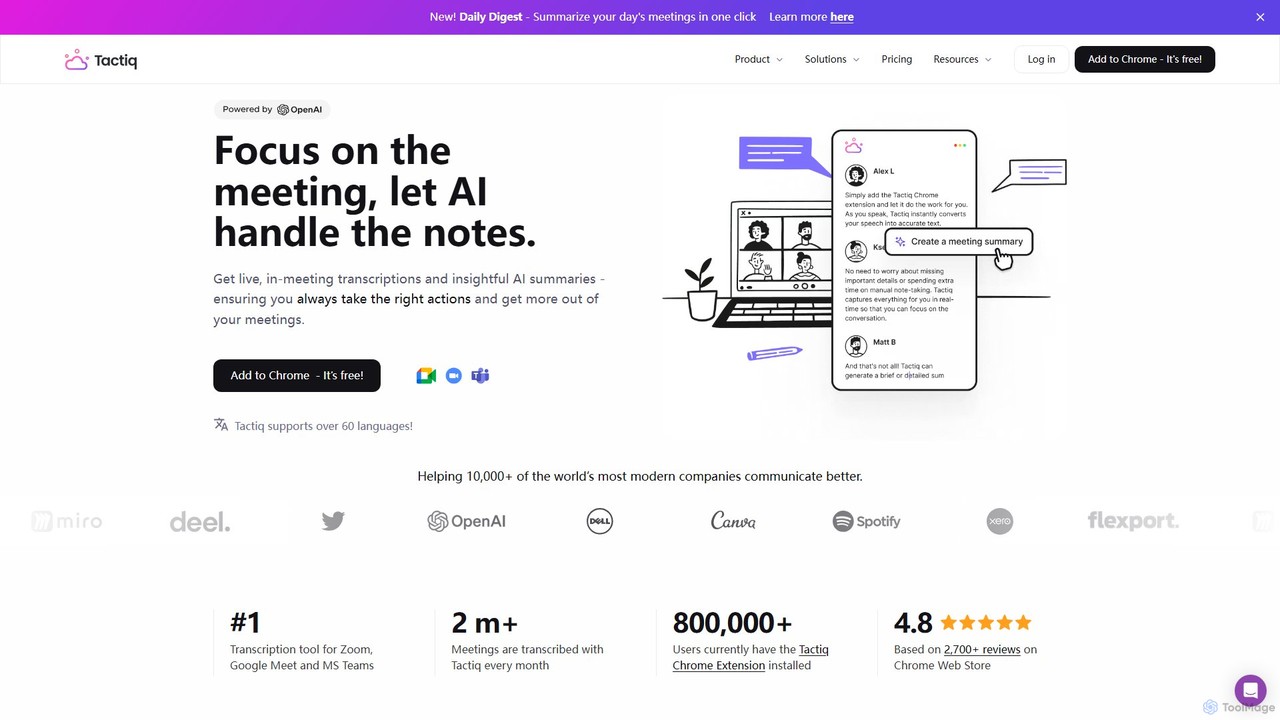
Tactiq is an AI-powered Chrome extension that provides real-time transcription, summaries, and actionable insights for Google Meet, Zoom, and MS Teams meetings. It operates without a bot, ensuring privacy while capturing every detail, identifying speakers, and automating post-meeting tasks like follow-up emails and action items.
Team Collaboration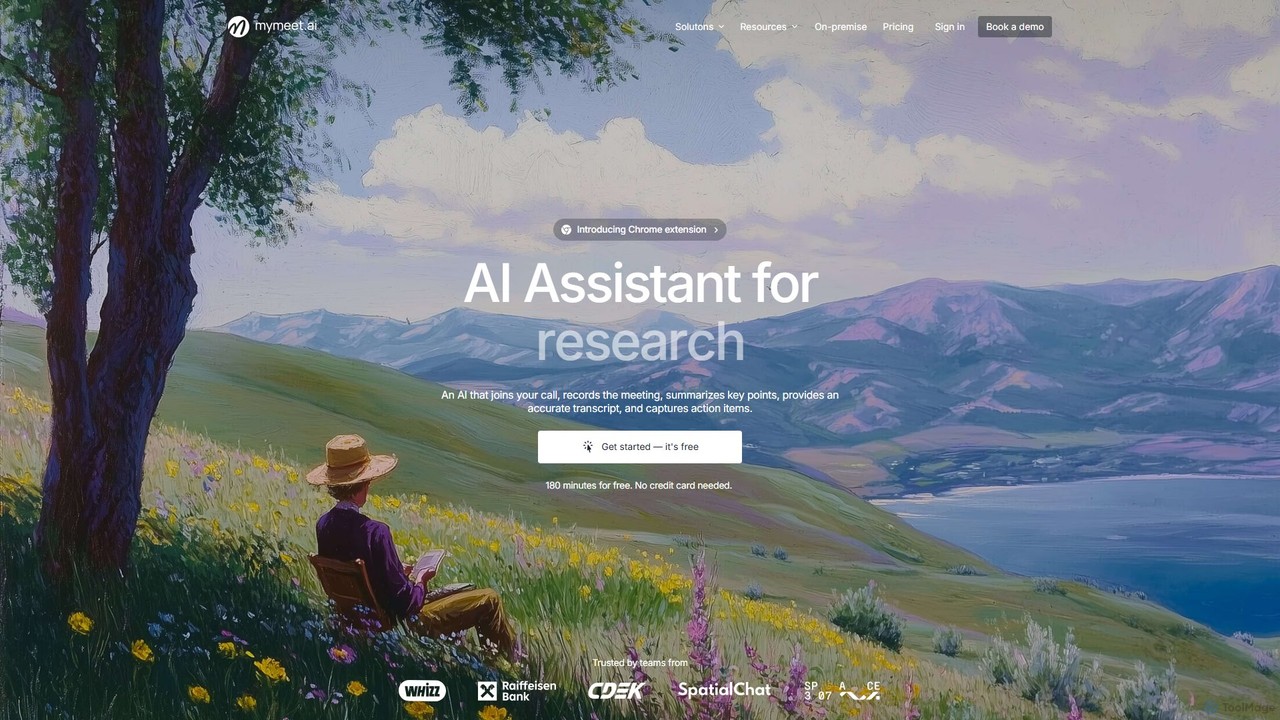
mymeet.ai
mymeet.ai is an AI meeting assistant that automatically joins your calls on Zoom, Google Meet, and Teams to record, transcribe, summarize, and identify action items. It features an interactive AI chat to query meeting details, offers specialized analysis templates, and integrates seamlessly with your calendar and other work tools to boost productivity.
Sales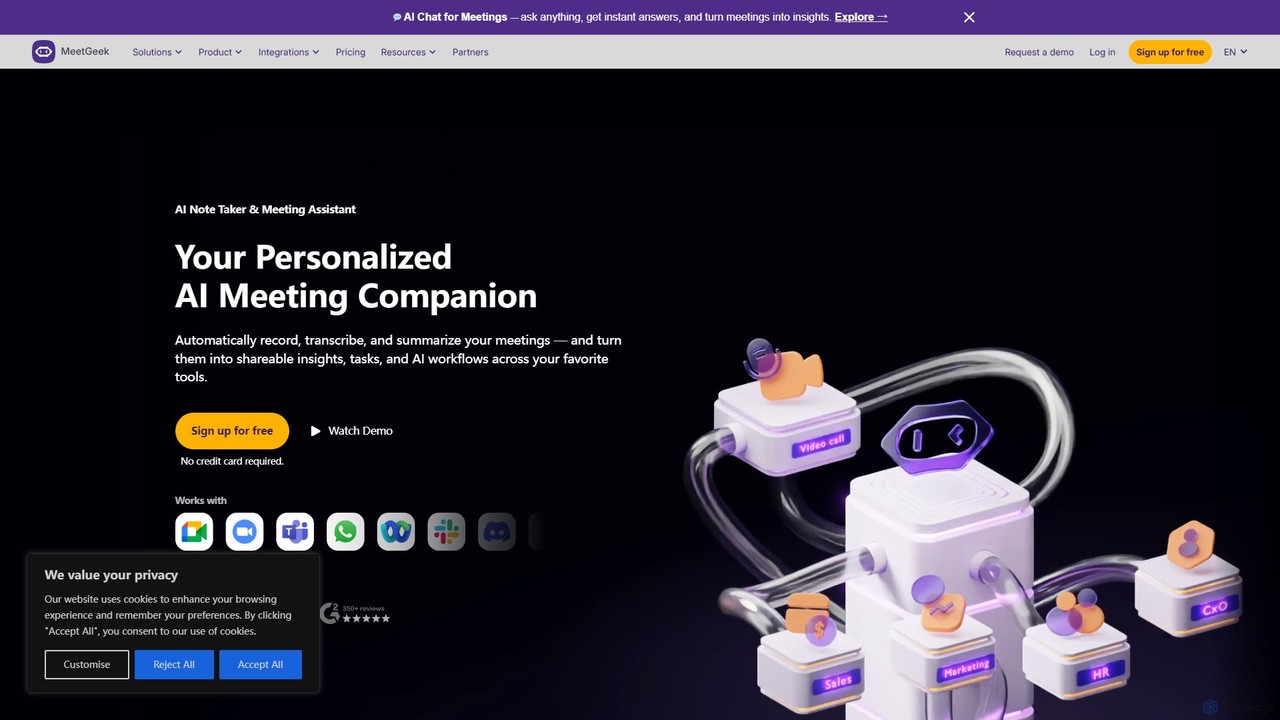
MeetGeek
MeetGeek is an AI meeting assistant that automatically records, transcribes, summarizes, and provides key insights for your meetings. It integrates seamlessly with Zoom, Google Meet, and Microsoft Teams, transforming conversations into actionable knowledge, boosting team productivity, and ensuring no important details are ever missed.
Meetings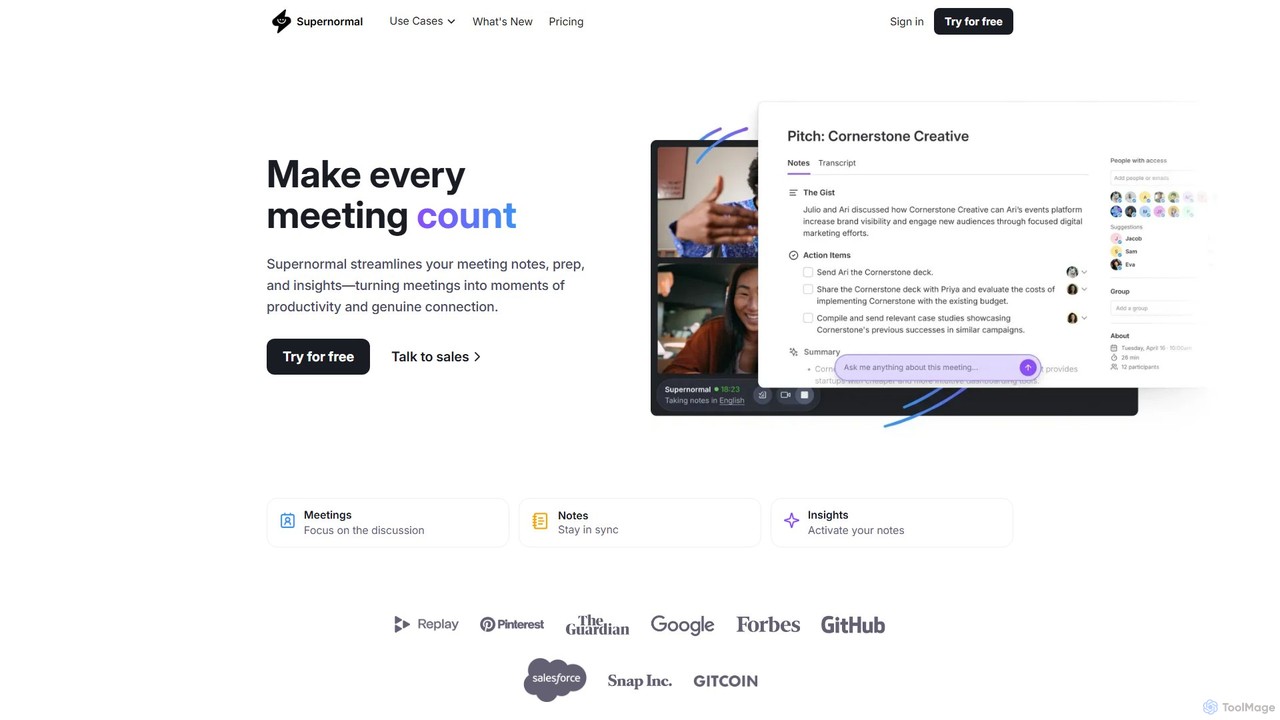
Supernormal
Supernormal is an AI meeting assistant that automatically records, transcribes, and summarizes your meetings on Google Meet, Zoom, and Microsoft Teams. It helps you focus on the conversation by taking care of note-taking, identifying action items, and providing actionable insights.
Meetings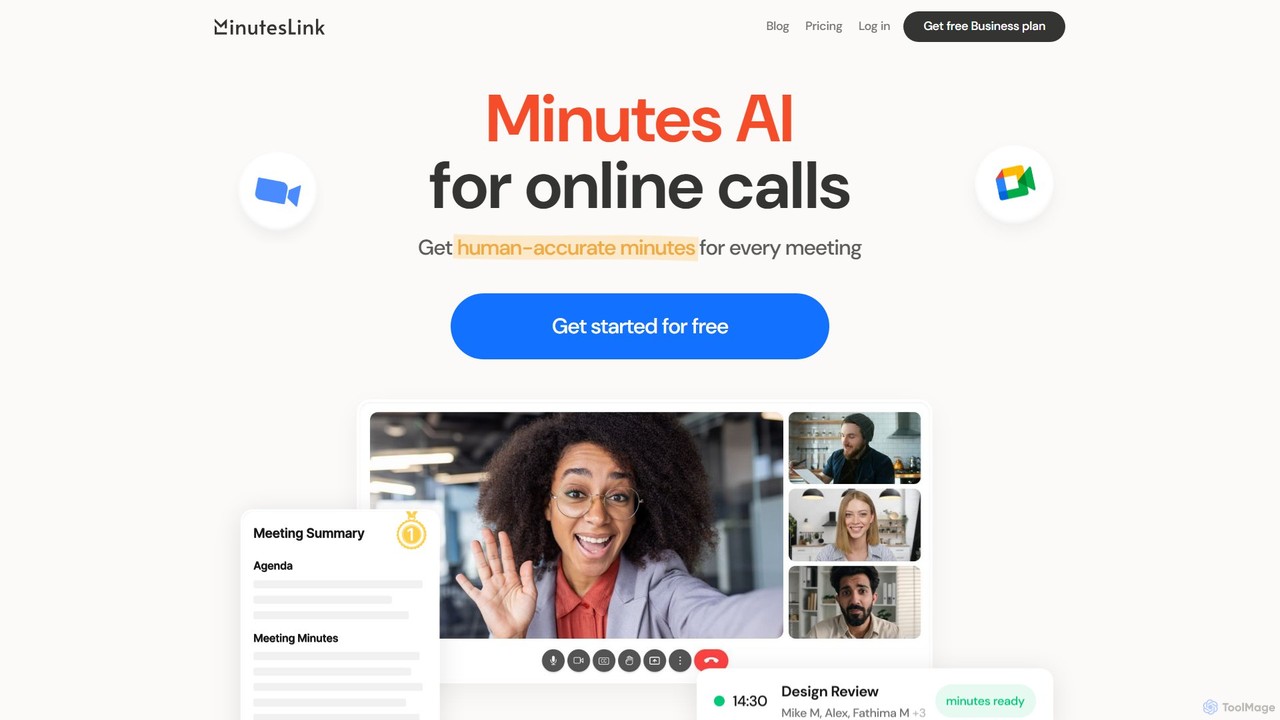
MinutesLink
MinutesLink is an AI meeting assistant for Zoom and Google Meet that automatically records, transcribes, and summarizes your online calls. It generates accurate, human-like meeting minutes, identifies key points, and assigns action items to boost productivity and ensure accountability.
CommunicationMeetingAssistant Categories
MeetingAssistant Embed Widget
Copy this embed code to place the badge on your blog, article, or product site and send readers directly to this ToolMage detail page.

Related AI tools
Tactiq
Tactiq is an AI-powered Chrome extension that provides real-time transcription, summaries, and actionable insights for Google Meet, Zoom, and MS Teams meetings. It operates without a bot, ensuring privacy while capturing every detail, identifying speakers, and automating post-meeting tasks like follow-up emails and action items.
Team Collaborationmymeet.ai
mymeet.ai is an AI meeting assistant that automatically joins your calls on Zoom, Google Meet, and Teams to record, transcribe, summarize, and identify action items. It features an interactive AI chat to query meeting details, offers specialized analysis templates, and integrates seamlessly with your calendar and other work tools to boost productivity.
SalesMeetGeek
MeetGeek is an AI meeting assistant that automatically records, transcribes, summarizes, and provides key insights for your meetings. It integrates seamlessly with Zoom, Google Meet, and Microsoft Teams, transforming conversations into actionable knowledge, boosting team productivity, and ensuring no important details are ever missed.
MeetingsSupernormal
Supernormal is an AI meeting assistant that automatically records, transcribes, and summarizes your meetings on Google Meet, Zoom, and Microsoft Teams. It helps you focus on the conversation by taking care of note-taking, identifying action items, and providing actionable insights.
Meetings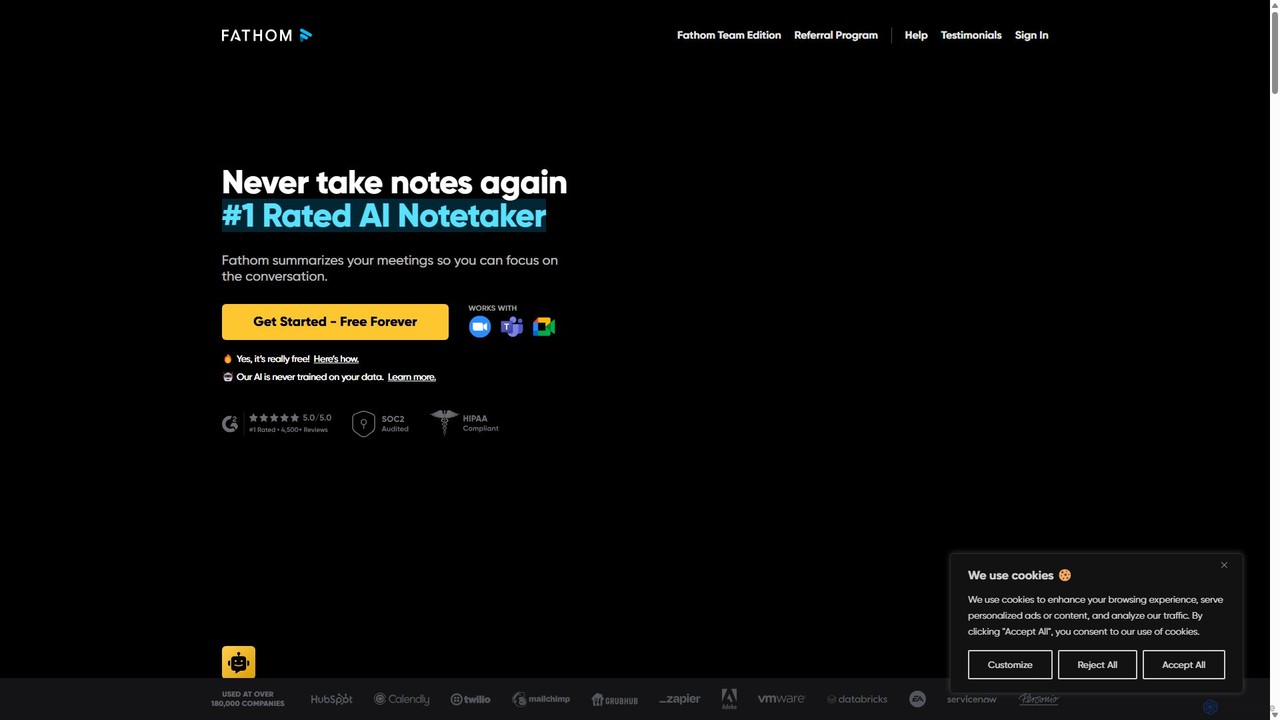
Fathom
Fathom is a top-rated AI meeting assistant that automatically records, transcribes, and summarizes your video calls on Zoom, Google Meet, and Microsoft Teams. It liberates you from note-taking, allowing full focus on the conversation. Fathom provides instant, shareable summaries and action items, and integrates seamlessly with your CRM and other productivity tools, saving significant time and boosting post-meeting efficiency.
Transcription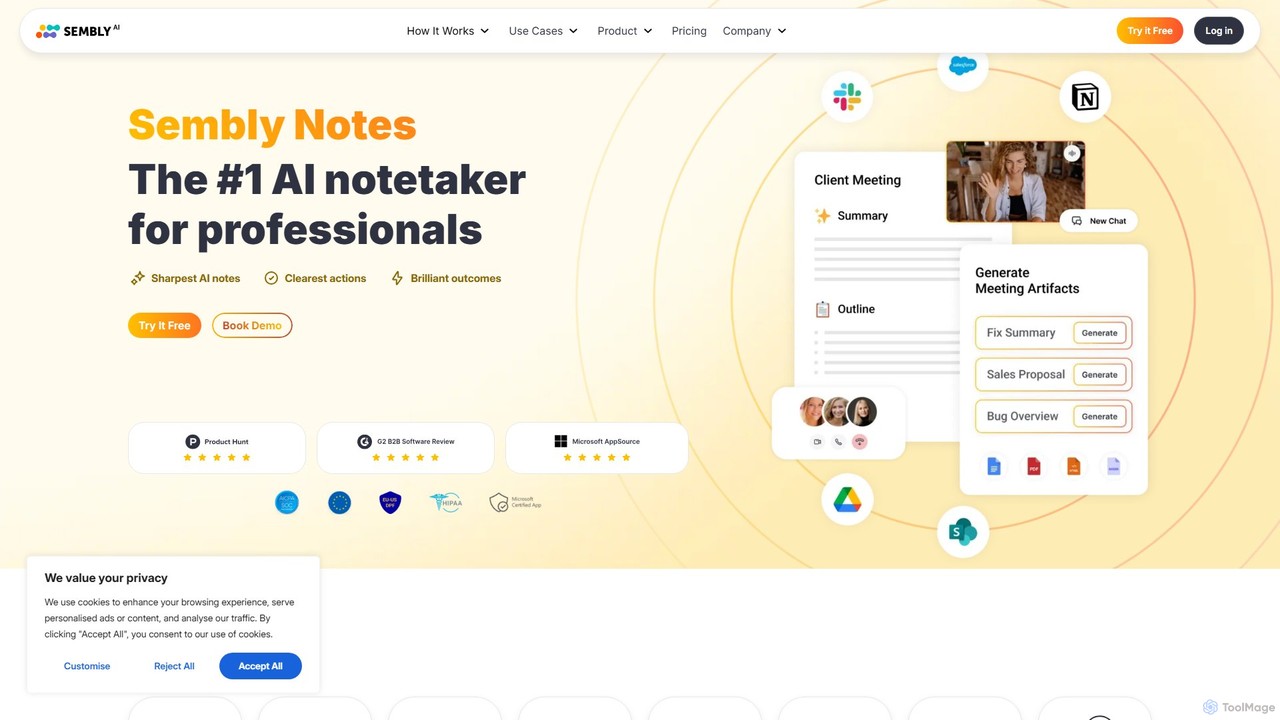
Sembly
Sembly is an AI meeting assistant that records, transcribes, and generates intelligent summaries for your meetings. It integrates with major platforms like Zoom, Google Meet, and Microsoft Teams to capture conversations, identify key items, create action points, and provide deep insights, transforming discussions into actionable outcomes.
Project Management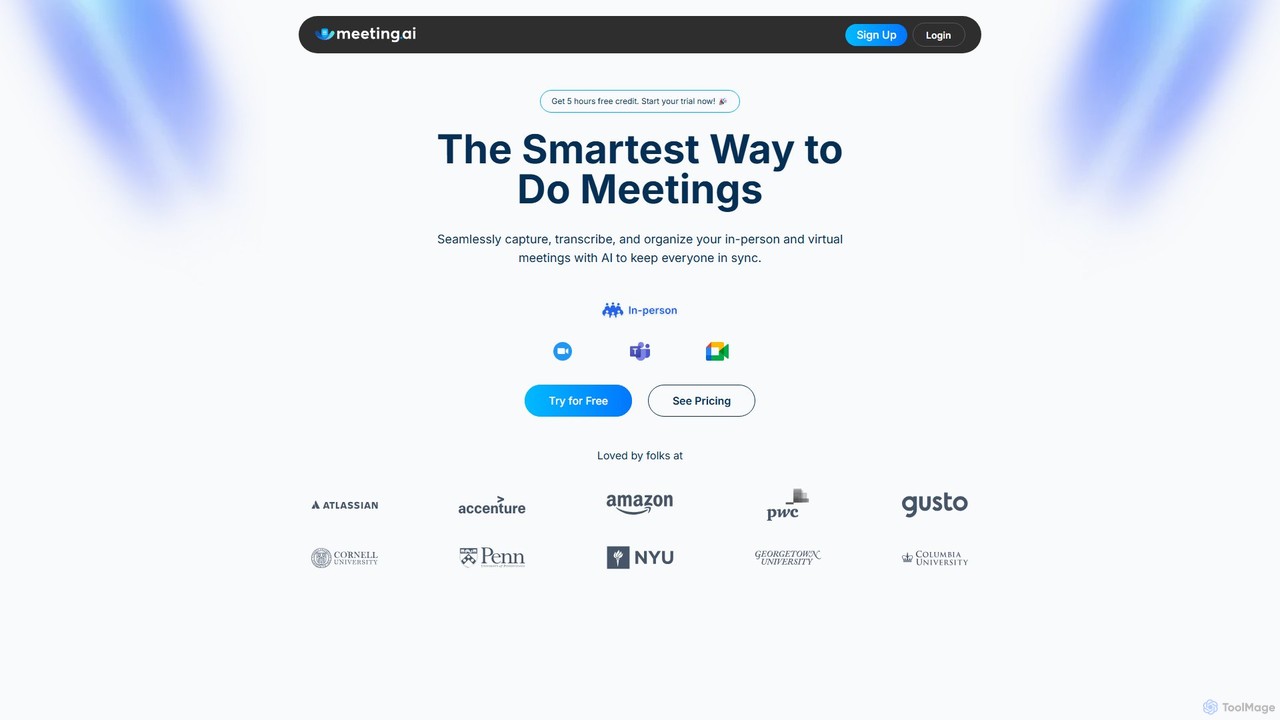
Meeting.ai
Meeting.ai is an AI-powered meeting assistant that seamlessly captures, transcribes, and summarizes your in-person and virtual meetings. It supports over 35 languages, integrates with major platforms like Zoom and Google Meet, and automatically generates organized notes and action items to keep your team synchronized and productive.
Transcription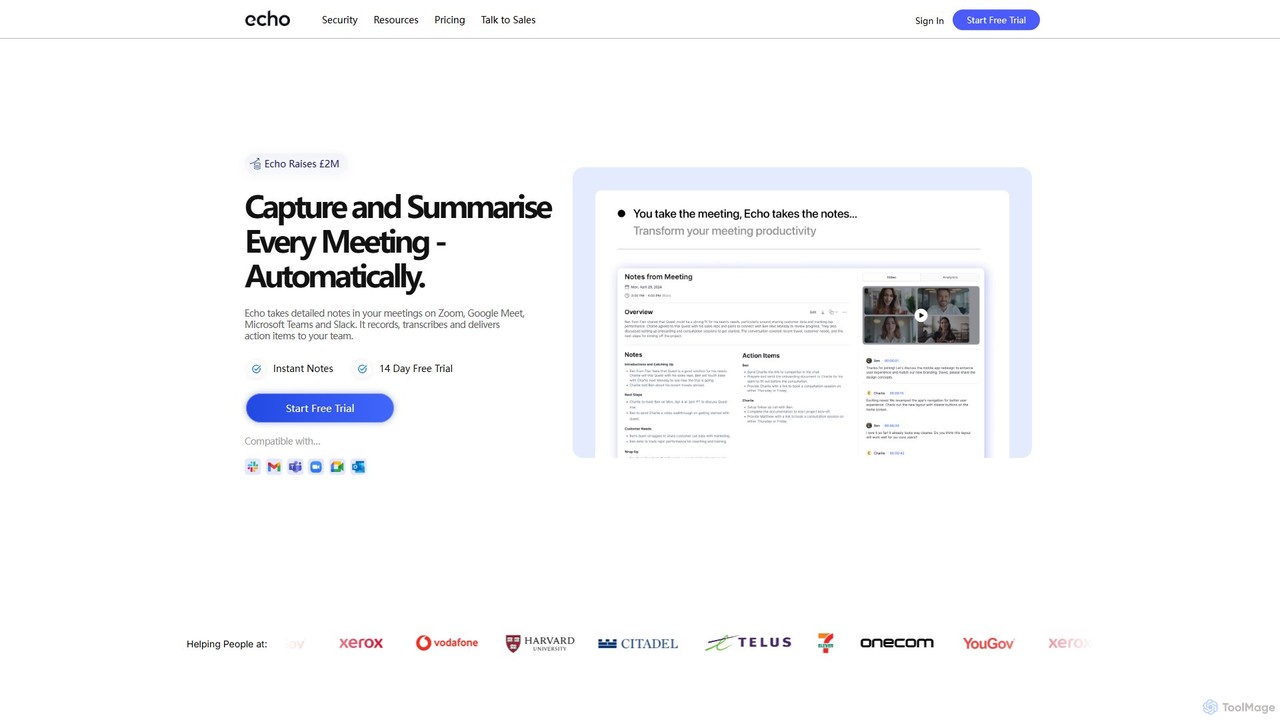
meetecho
Meetecho is an AI executive assistant that automatically joins your meetings on Zoom, Google Meet, and Teams. It records, transcribes, and generates structured summaries with action items, freeing you to focus on the conversation. It supports over 30 languages and offers robust security features.
Communication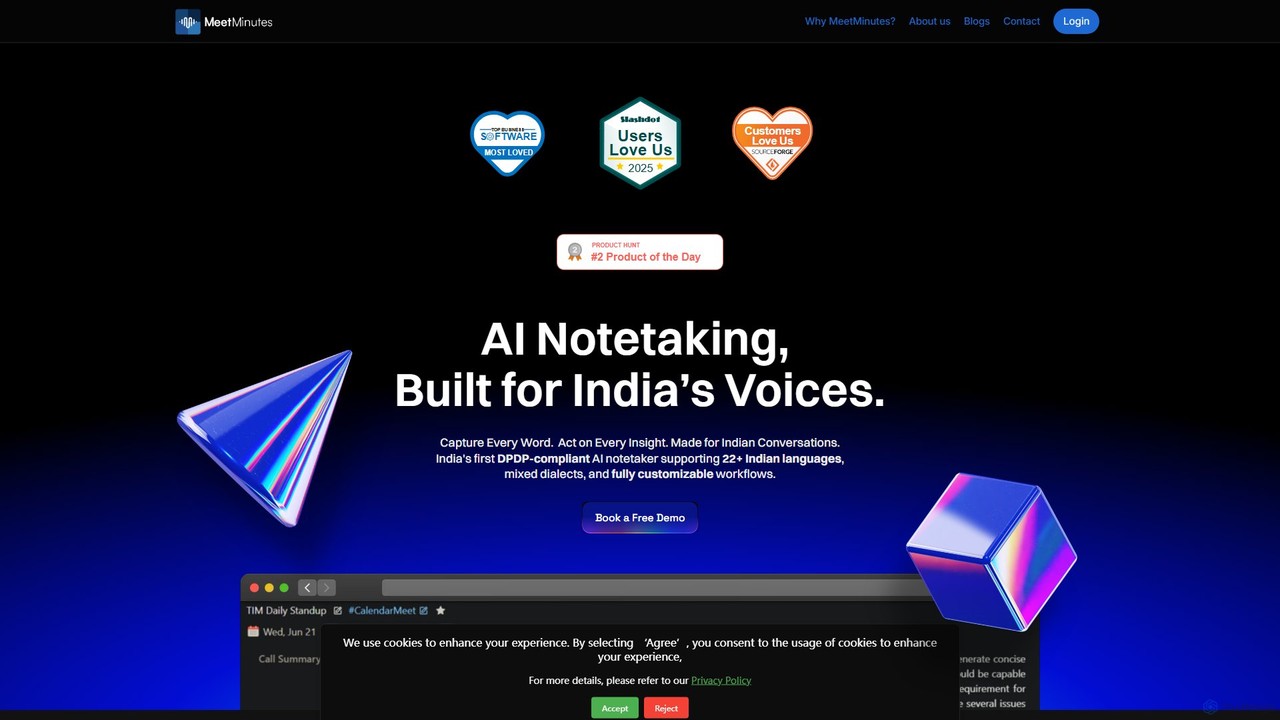
MeetMinutes
MeetMinutes is an AI-powered meeting assistant designed for Indian voices. It automatically transcribes, summarizes, and analyzes meetings from Zoom, Google Meet, and Teams. Supporting 22+ Indian languages and mixed dialects, it captures action items and creates a searchable knowledge base, all while being DPDP, GDPR, and SOC2 compliant.
Meeting Assistant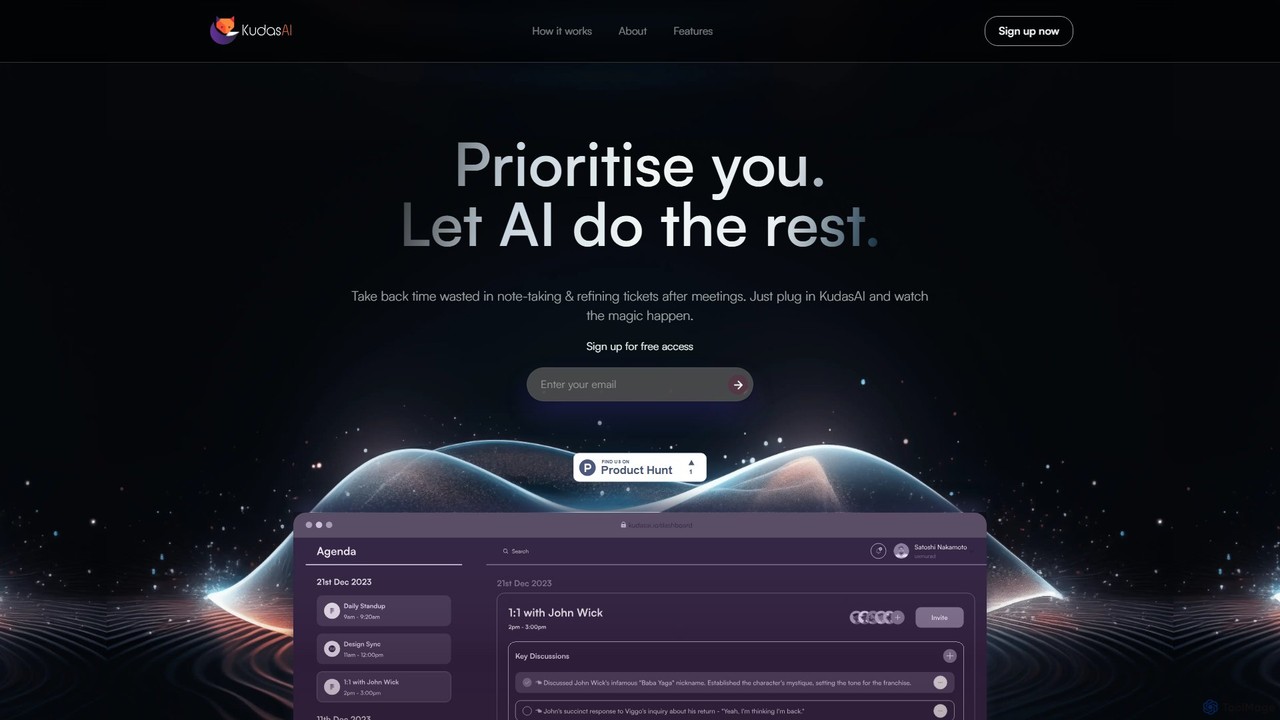
KudasAI
KudasAI is an AI-powered sidekick designed to supercharge your agile meetings. It joins your calls on platforms like Zoom, Google Meet, and Teams to automatically transcribe, summarize, and identify key takeaways and action items. This allows your team to focus on the discussion, not on note-taking, ensuring every important detail is captured accurately and objectively.
Transcription
Jyek
Jyek is an AI agent platform that understands objectives, creates execution plans, uses tools, and delivers verifiable results for complex, multi-step tasks.
Automation
bubbly_ai
Bubbly AI is a developer-focused API for integrating AI-powered meeting bots into various platforms. It automates meeting recording, transcription, and generates actionable insights, supporting services like Zoom, Google Meet, and Microsoft Teams. Effortlessly manage and extract value from your meetings.
Transcription
Clearword
Clearword is an AI-powered meeting assistant that automatically records, transcribes, and summarizes your online meetings. It integrates with Zoom, Google Meet, and Microsoft Teams to capture every detail, generate actionable notes, and create a searchable knowledge base from your conversations.
Team Collaboration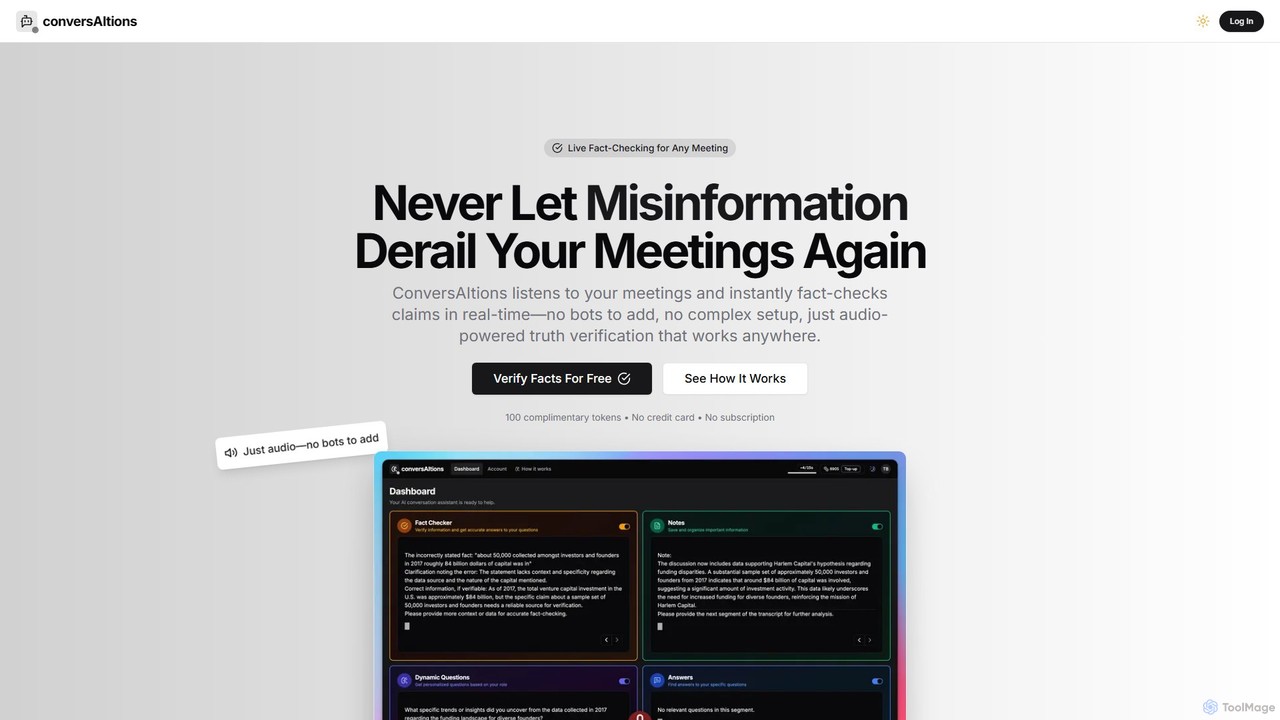
ConversAItions
ConversAItions is a real-time AI conversation copilot that listens to your meetings, providing instant fact-checking, automatic note-taking, and smart follow-up questions. It works seamlessly with any audio source like Zoom or Google Meet without needing bots, ensuring your decisions are based on verified information.
Fact CheckingMinutesLink
MinutesLink is an AI meeting assistant for Zoom and Google Meet that automatically records, transcribes, and summarizes your online calls. It generates accurate, human-like meeting minutes, identifies key points, and assigns action items to boost productivity and ensure accountability.
Communication
MeetingAssistant Comments (0)
Sign in to comment.
Sign inNo comments yet.