

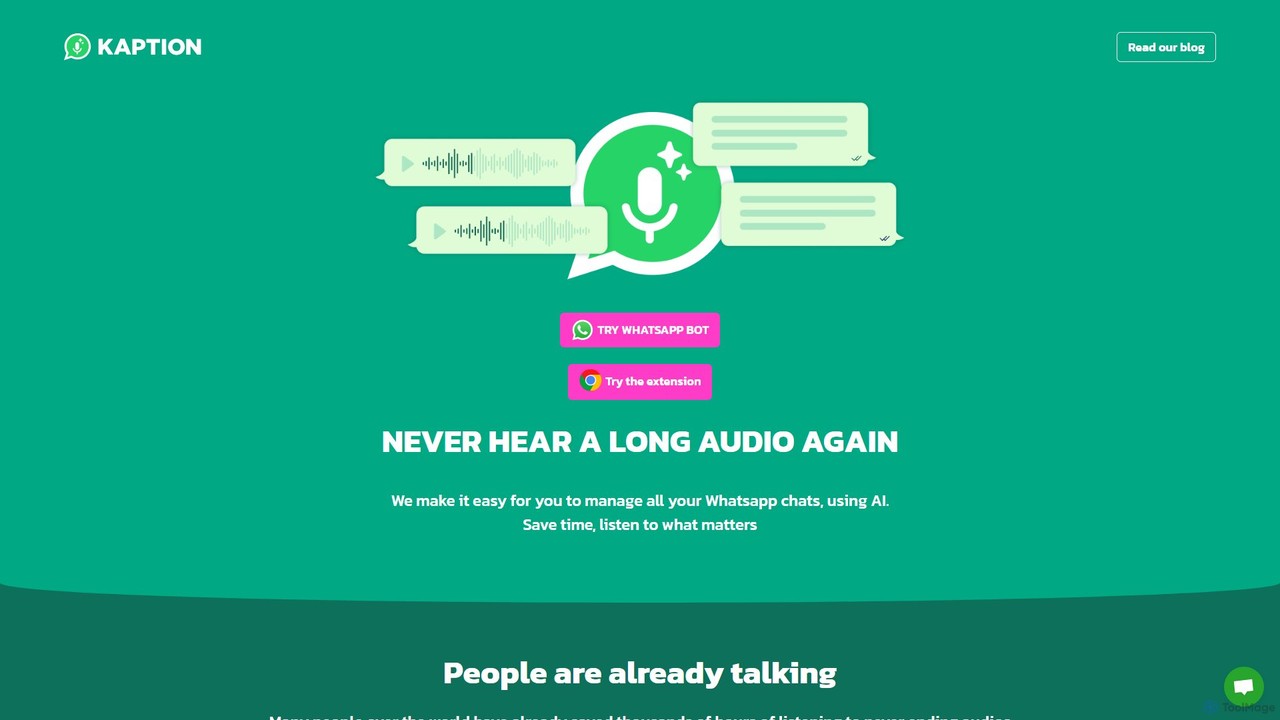
Kaption AI Overview
Kaption AI is an innovative AI-powered tool designed to revolutionize your WhatsApp Web experience. As a seamless Chrome extension, it integrates directly into your messaging interface, providing a suite of features aimed at enhancing productivity and communication efficiency. The core function of Kaption AI is to convert voice messages into readable text, freeing you from the need to listen to lengthy audios. This is particularly useful in noisy environments, during meetings, or for users who simply prefer reading to listening. The tool boasts high accuracy thanks to its state-of-the-art AI technology.
Beyond simple transcription, Kaption AI offers intelligent summarization. It can condense long audio messages or even entire chat threads into short, digestible summaries, allowing you to grasp the key points of a conversation in seconds. Furthermore, the tool provides context-aware reply suggestions, helping you respond to messages faster and more effectively. The platform also includes a creative Text-to-Image bot, allowing users to generate images directly within their chats. With a strong emphasis on user privacy and security, Kaption AI has become a trusted tool for thousands of users globally, including professionals, students, and anyone looking to optimize their messaging workflow.
How to use Kaption AI
Using Kaption AI is straightforward and requires no technical expertise. Follow these simple steps to get started:
- Install the Extension: Go to the Chrome Web Store, search for "Kaption AI," and add it to your Chrome browser.
- Open WhatsApp Web: Navigate to web.whatsapp.com and log in to your account. The Kaption AI extension will automatically activate and integrate into the interface.
- Transcribe Audio: When you receive a voice message, you will see a new "Transcribe" button next to it. Click this button, and Kaption AI will instantly convert the audio into text, displaying it for you to read.
- Summarize Conversations: For long messages or chats, look for the Kaption AI icon or a "Summarize" option. Clicking it will provide a concise summary of the content.
- Use Smart Replies: After receiving a message, Kaption AI will suggest potential replies just above the text input box. Simply click on a suggestion to use it.
- Activate Your Plan: For premium features, you may need to subscribe. This involves linking your phone number to your subscription, which automatically unlocks the full feature set upon reloading WhatsApp Web. Your subscription status is conveniently displayed within the extension's settings.
Core Features of Kaption AI
- AI-Powered Audio Transcription: Accurately converts WhatsApp voice notes into text in multiple languages.
- Conversation Summarization: Generates brief summaries of long audio messages and text conversations to save you reading time.
- Smart Reply Suggestions: Offers contextually relevant, one-click reply options to streamline your communication.
- Text-to-Image Bot: A built-in bot that creates images from text descriptions directly within your WhatsApp chat.
- Multi-Language Support: The tool is used globally and supports transcription and other features in various languages, including English, Spanish, Portuguese, Italian, and French.
- Privacy-First Approach: Built with a heavy focus on user data privacy and security, ensuring your conversations remain confidential.
- Seamless Integration: Works as a lightweight Chrome extension that integrates smoothly into the WhatsApp Web user interface.
Use Cases for Kaption AI
Kaption AI is versatile and beneficial for a wide range of users:
- Business Professionals: Quickly process voice messages from clients or colleagues without interrupting a meeting. Keep a text record of important voice communications for future reference.
- Students: Transcribe lecture notes or study group discussions sent via voice message. Especially useful for students in fields like law or medicine who deal with complex terminology.
- Users with Hearing Impairments: Makes audio-based communication fully accessible by providing accurate text alternatives.
- Multitaskers: Read messages while in a public space, on a phone call, or in any situation where playing audio is inconvenient.
- Non-Native Speakers: Reading text can be easier than deciphering fast-spoken audio, aiding comprehension and communication.
Advantages of Kaption AI
Kaption AI stands out for several reasons. Its primary advantage is the significant time savings it offers by eliminating the need to listen to long voice notes. This directly translates to increased productivity. The tool is multi-functional, combining transcription, summarization, and reply suggestions into a single, convenient package. Its seamless integration into WhatsApp Web means there is no learning curve. Finally, its commitment to user privacy provides peace of mind, a critical factor when dealing with personal and professional communications.
Pricing and Plans
Kaption AI operates on a freemium model. New users can typically access a limited number of free transcriptions or use basic features to experience the tool's value. For unlimited access to all features, including extensive transcriptions, summaries, and priority support, users are required to purchase a subscription. The subscription plan is linked directly to your phone number, making the activation process on WhatsApp Web simple and automatic. A badge within the extension's settings clearly indicates your current subscription status.
Traffic
Latest traffic
Status
Monthly traffic trend
- 2025-9: 11.4K
- 2026-1: 21.6K
- 2026-2: 22.6K
- 2026-3: 24.3K
- 2026-4: 15.4K
- 2026-5: 22.6K
Geography
Top 5 countries / regions
- 🇧🇷Brazil63.3%
- 🇦🇷Argentina11.6%
- 🇮🇳India9.2%
- 🇺🇸United States8.1%
- 🇮🇹Italy8.0%
Traffic sources
| Source type | Percentage |
|---|---|
Direct | 92.4% |
Referral | 7.6% |
Top keywords
| Keyword | Cost per click |
|---|---|
| estensioni chrome convenzioni universitarie | $0.00 |
| extenciones whatsapp | $0.00 |
| kaption ai | $0.94 |
| kaption ai whatsapp web | $0.00 |
| kaption ia | $0.00 |
Kaption AI Alternatives
Cmd J AI Assistant
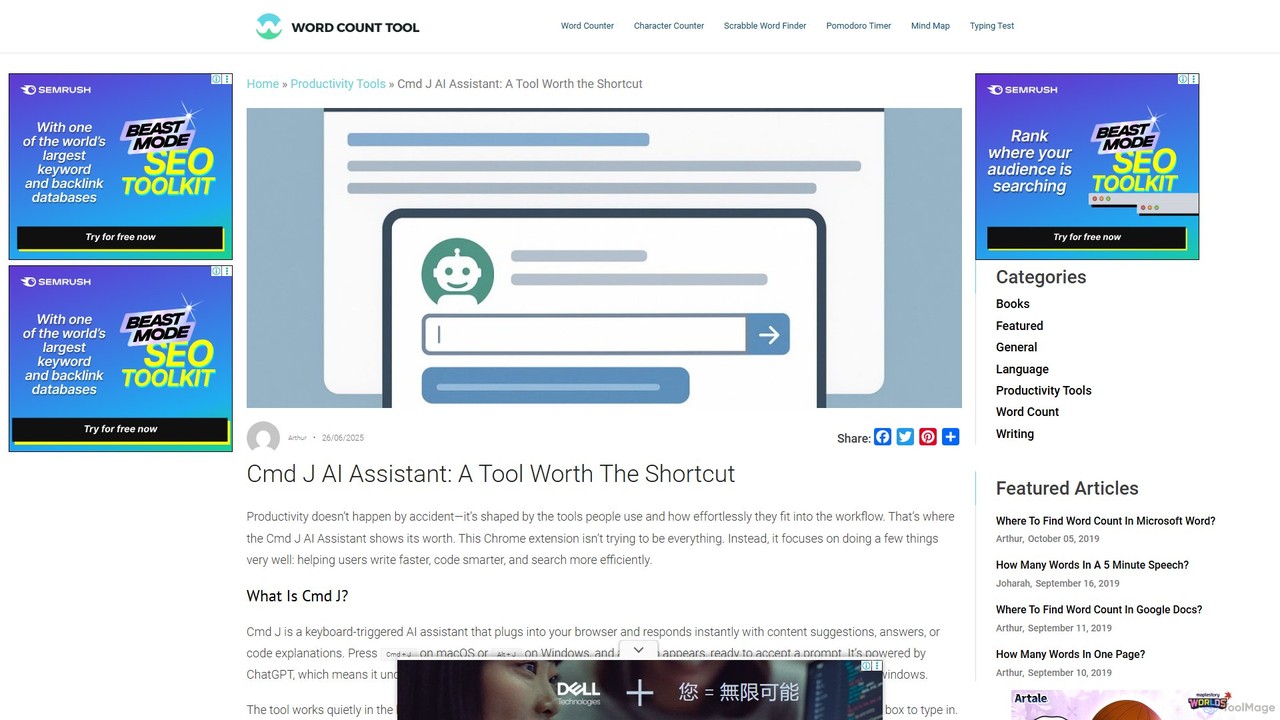
Cmd J is a keyboard-activated AI assistant, available as a Chrome extension, designed to boost productivity. Powered by ChatGPT, it provides instant help with writing, coding, and research directly in your browser. Simply press a shortcut (Cmd+J or Alt+J) to summon the AI, eliminating the need to switch tabs or open new applications, and seamlessly integrating into any workflow.
Chrome Extensions
chrome_ai
An all-in-one AI assistant integrated into your Chrome browser. Summarize web pages and YouTube videos, enhance your writing, explain complex topics, and chat with advanced AI models without leaving your current tab. Boost your productivity with seamless AI power.
Chrome Extensions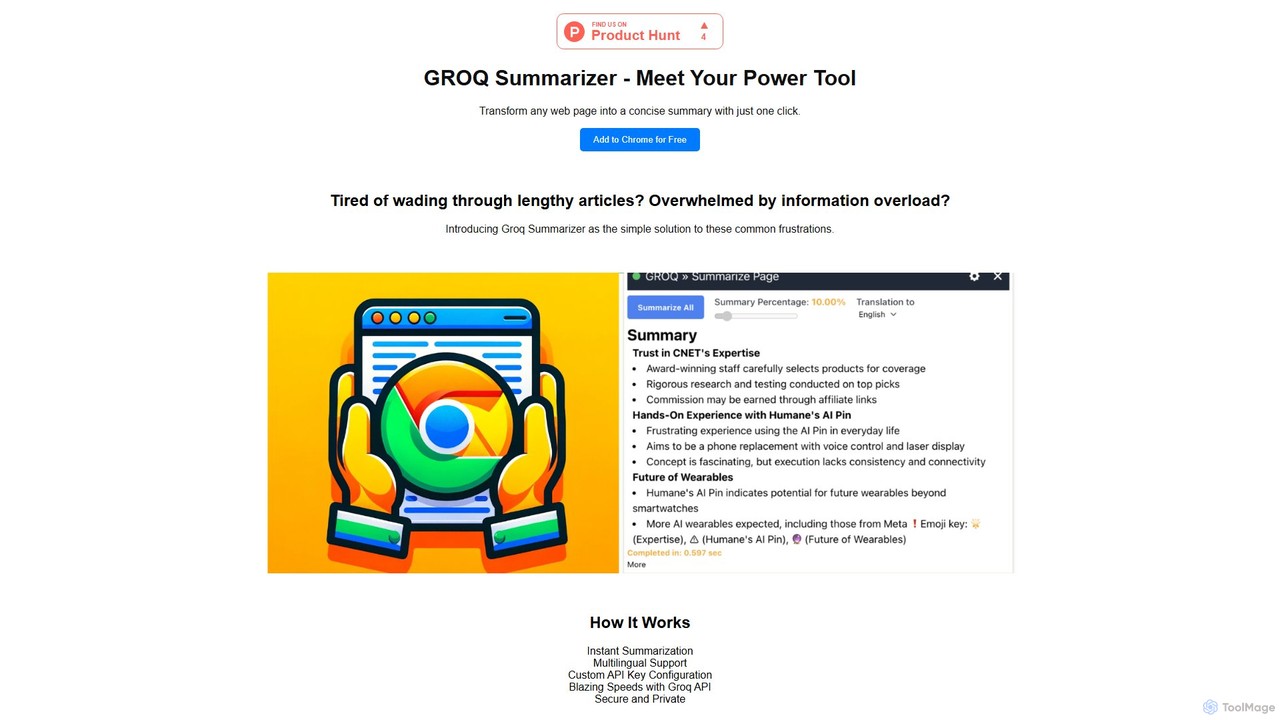
groqsummarizer
A lightning-fast Chrome extension that summarizes web pages and articles in seconds. Powered by the Groq API, it offers instant, multilingual summaries, allowing you to quickly grasp key information and overcome information overload. It operates on a Bring-Your-Own-Key (BYOK) model for enhanced privacy and control.
Chrome Extensions
Merlin AI
Merlin is an all-in-one AI assistant, available as a browser extension and app, that integrates top AI models like GPT-4, Claude 3, and Gemini. It allows you to research, write, summarize content, generate images, and code with a single click on any website, streamlining your workflow and boosting productivity without switching tabs.
Chrome Extensions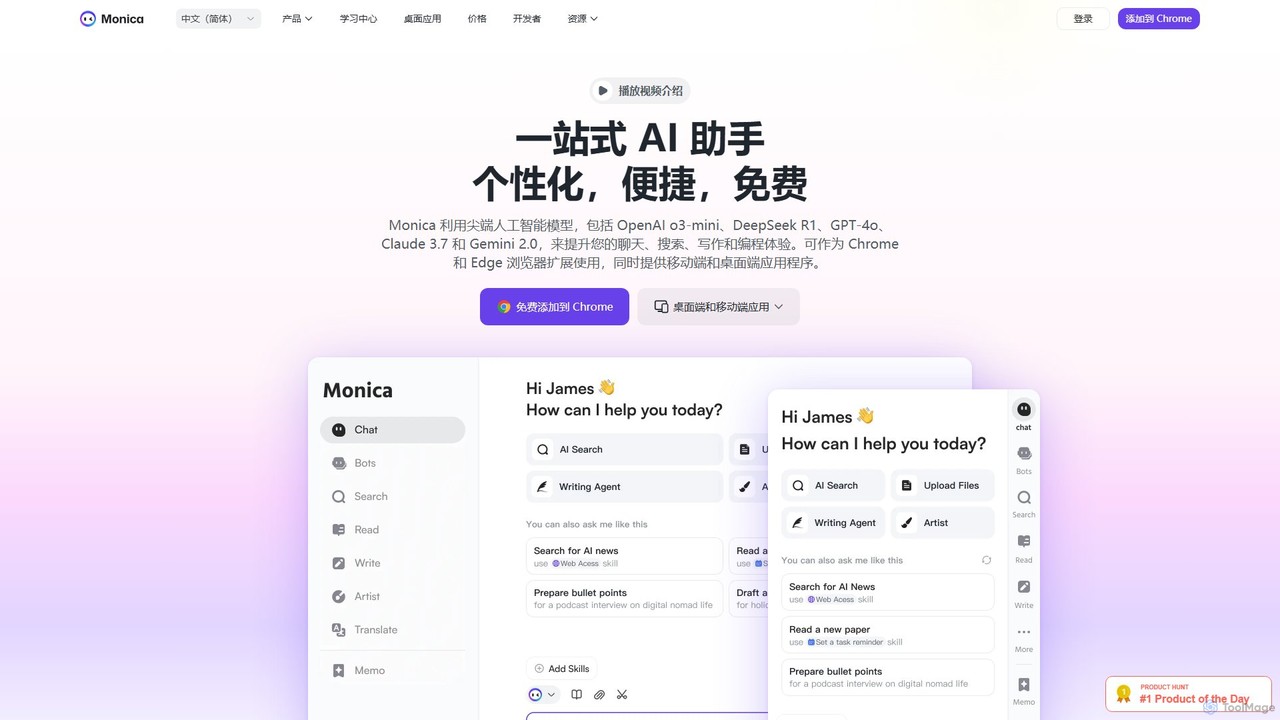
Monica
Monica is an all-in-one AI assistant powered by leading models like GPT-4o, Claude 3.7, and Gemini 1.5. It integrates seamlessly into your workflow as a browser extension, desktop, and mobile app, offering features for chat, search, writing, translation, and image creation to boost productivity.
Chrome ExtensionsKaption AI Categories
Kaption AI Embed Widget
Copy this embed code to place the badge on your blog, article, or product site and send readers directly to this ToolMage detail page.

Related AI tools
EchoFox
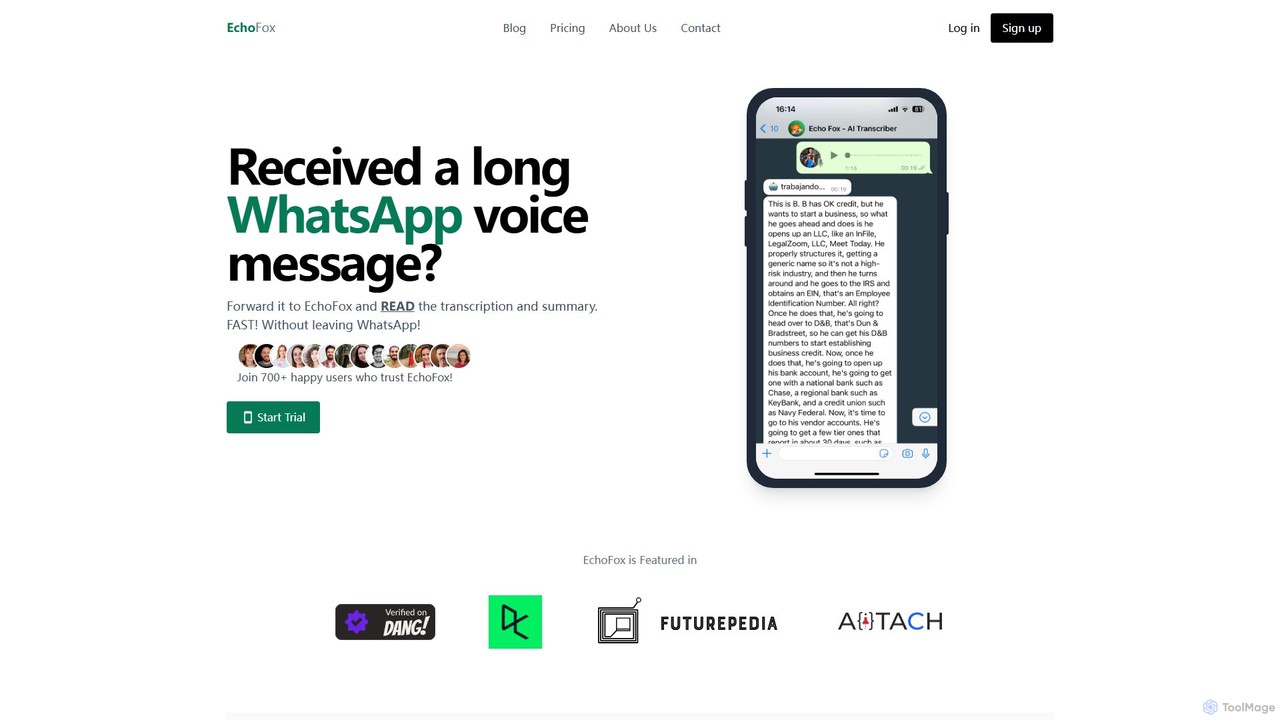
EchoFox is an AI-powered personal transcriber for WhatsApp. Simply forward any voice message, audio file, or video to the EchoFox contact, and instantly receive a highly accurate transcription and a concise summary. It supports over 90 languages, enhances productivity by saving time, and ensures privacy. Ideal for busy professionals, parents, and anyone who prefers reading to listening.
Speech To Text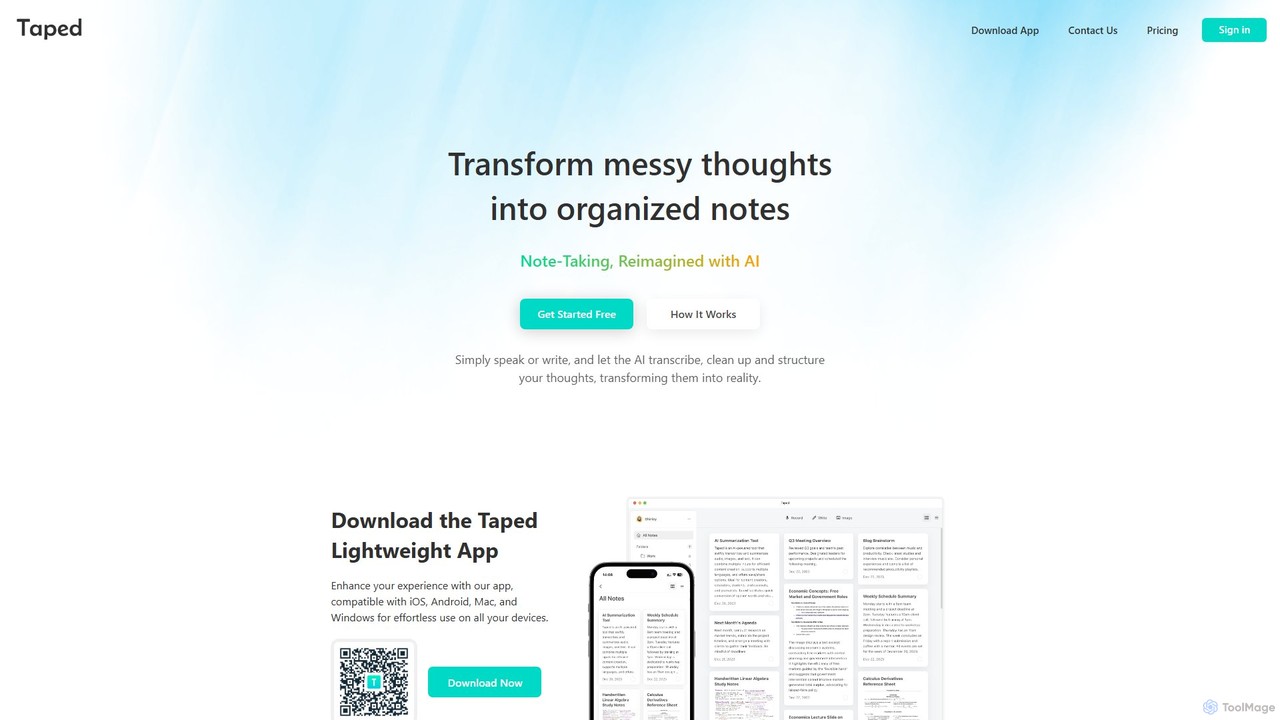
Taped
Taped is an AI-powered note-taking application that transforms your spoken or written thoughts into structured, organized, and summarized notes. It uses advanced AI to transcribe, clean up, and format your ideas, making it easy to capture and act on them across all your devices.
Transcription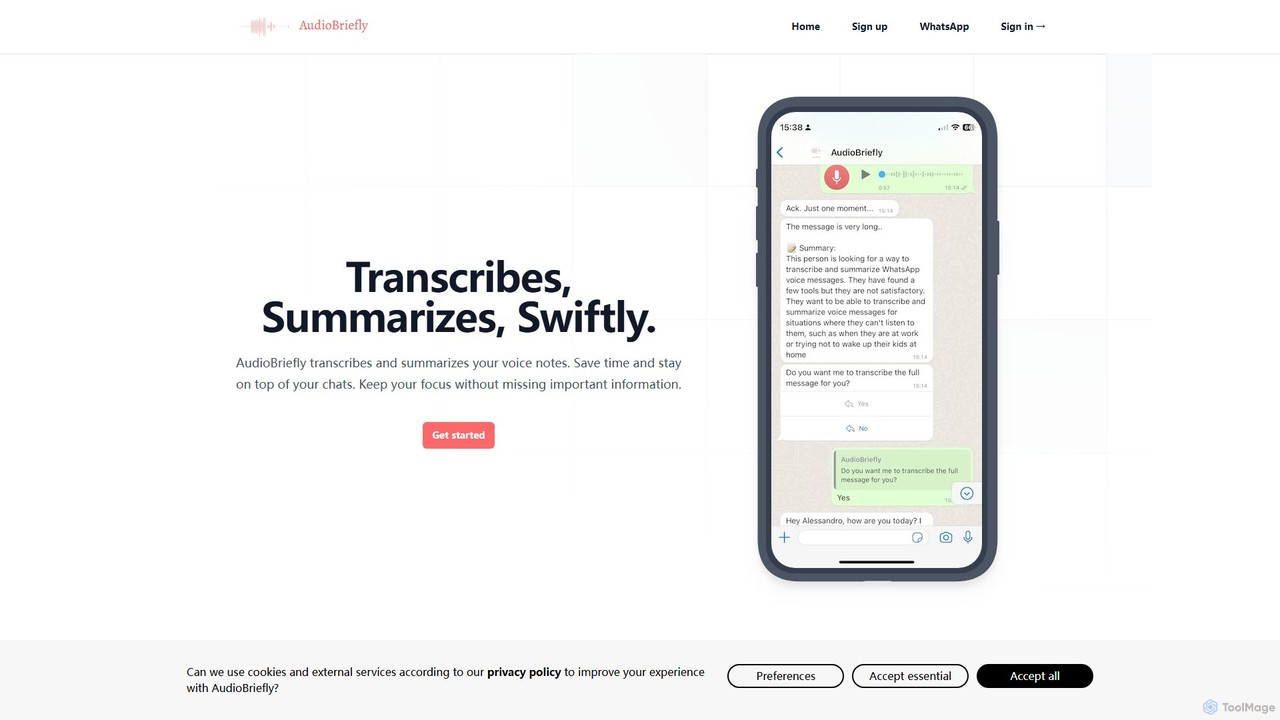
AudioBriefly
AudioBriefly is an AI-powered tool that transcribes and summarizes audio notes directly within WhatsApp and on the web. It saves you time by converting long voice messages into concise text and summaries, allowing you to quickly grasp key information without listening to the entire audio. It's perfect for busy professionals, students, and anyone who wants to manage their voice communications more efficiently.
Speech To Text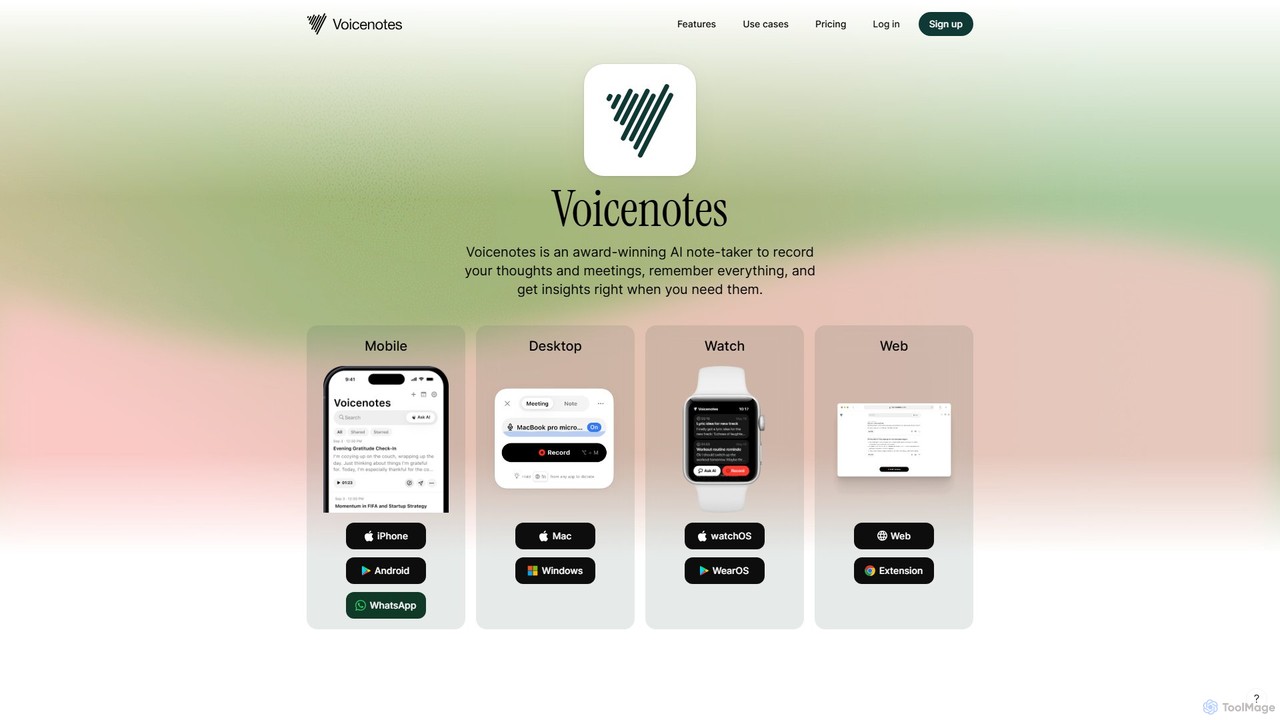
Voicenotes
Voicenotes is an award-winning AI note-taker that records your thoughts and meetings, transcribes them with high accuracy, and turns your voice memos into a searchable second brain. It supports over 100 languages and integrates seamlessly across mobile, desktop, and web platforms, including WhatsApp.
Meeting Assistant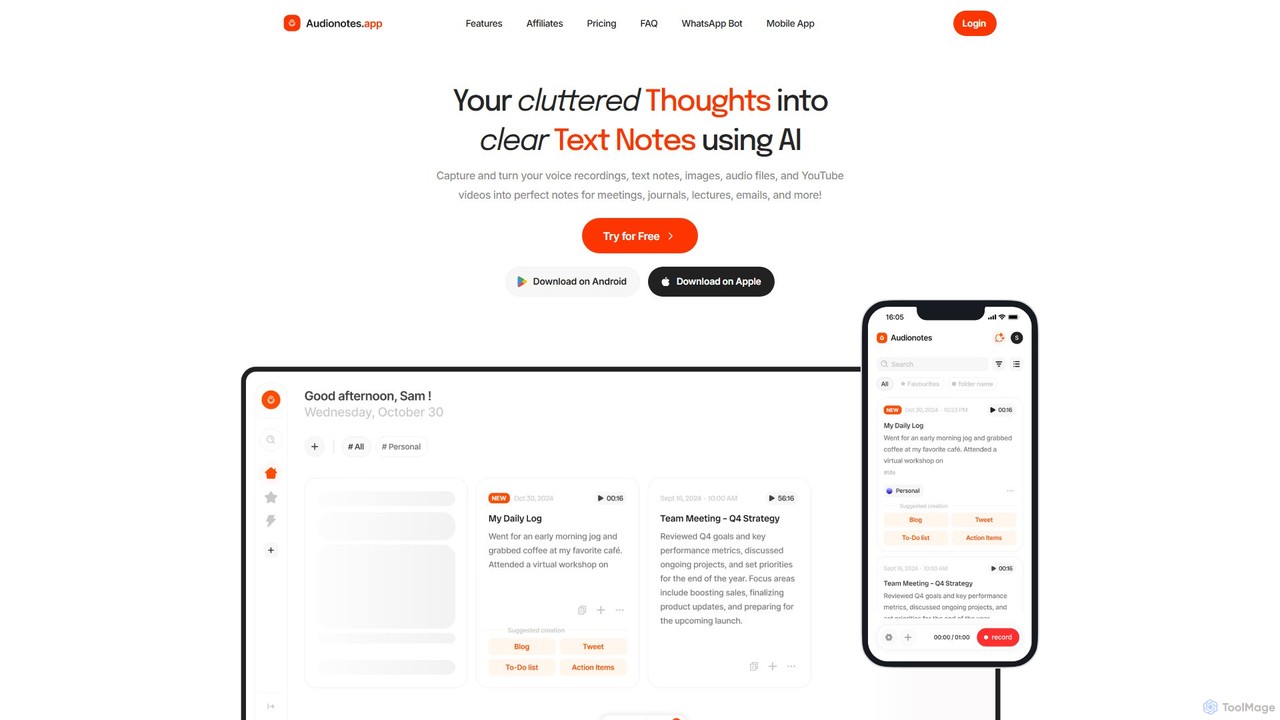
Audionotes.app
Audionotes.app is an AI-powered assistant that transforms your voice notes, text, images, audio/video files, and YouTube videos into clear, structured text. It's designed for professionals, students, and creators to capture ideas, transcribe meetings, summarize lectures, and generate content effortlessly across multiple platforms.
Transcription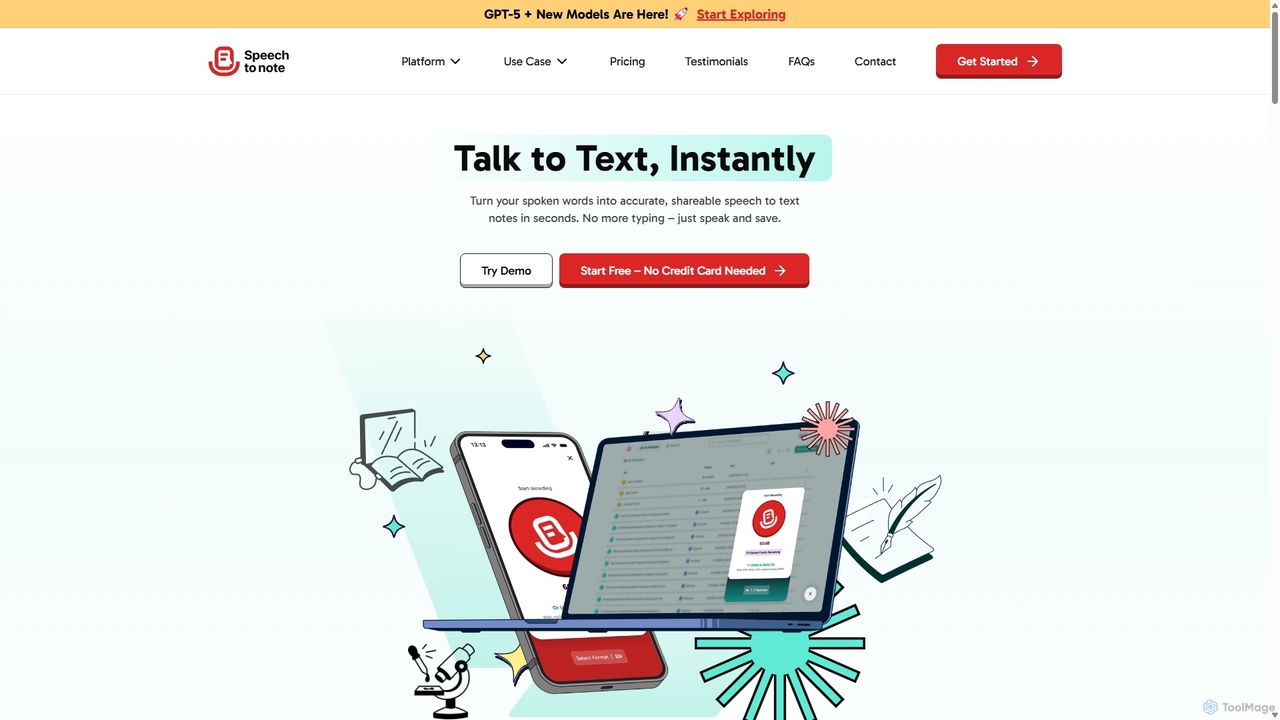
SpeechtoNote
SpeechtoNote is an AI-powered tool that instantly converts spoken words into accurate text notes. It supports over 40 languages and offers 30+ smart note formats, including summaries, emails, and to-do lists. Powered by advanced models like GPT-4o, it's designed for professionals, students, and creators to capture ideas, transcribe meetings, and streamline their workflow effortlessly.
Speech To TextCmd J AI Assistant
Cmd J is a keyboard-activated AI assistant, available as a Chrome extension, designed to boost productivity. Powered by ChatGPT, it provides instant help with writing, coding, and research directly in your browser. Simply press a shortcut (Cmd+J or Alt+J) to summon the AI, eliminating the need to switch tabs or open new applications, and seamlessly integrating into any workflow.
Chrome Extensionschrome_ai
An all-in-one AI assistant integrated into your Chrome browser. Summarize web pages and YouTube videos, enhance your writing, explain complex topics, and chat with advanced AI models without leaving your current tab. Boost your productivity with seamless AI power.
Chrome Extensionsgroqsummarizer
A lightning-fast Chrome extension that summarizes web pages and articles in seconds. Powered by the Groq API, it offers instant, multilingual summaries, allowing you to quickly grasp key information and overcome information overload. It operates on a Bring-Your-Own-Key (BYOK) model for enhanced privacy and control.
Chrome ExtensionsMerlin AI
Merlin is an all-in-one AI assistant, available as a browser extension and app, that integrates top AI models like GPT-4, Claude 3, and Gemini. It allows you to research, write, summarize content, generate images, and code with a single click on any website, streamlining your workflow and boosting productivity without switching tabs.
Chrome Extensions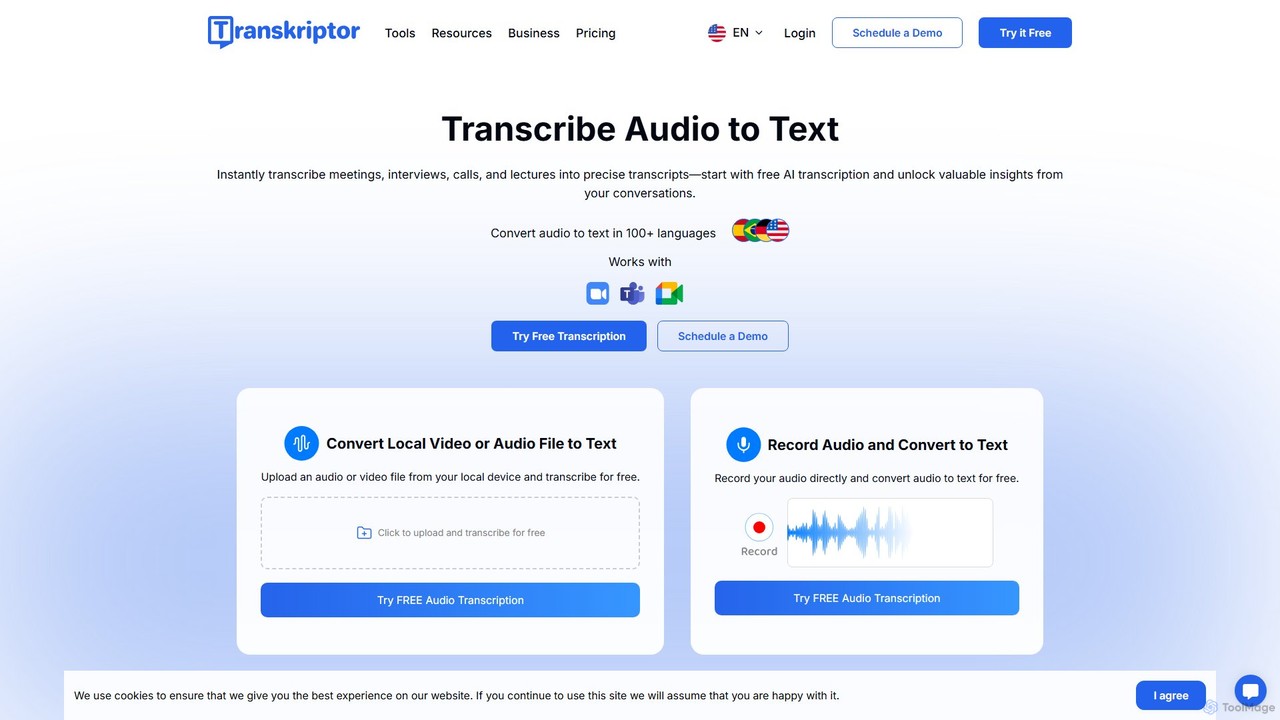
Transkriptor
Transkriptor is an AI-powered transcription service that converts audio and video files into accurate, editable text in over 100 languages. It features an AI assistant for summarizing content, identifying speakers, and extracting action items. Ideal for meetings, interviews, lectures, and content creation, it offers up to 99% accuracy and integrates with platforms like Zoom, Google Meet, and Microsoft Teams. Available as a web app, mobile app, and Chrome extension, it streamlines note-taking and creates a searchable knowledge base from your conversations.
Speech To Text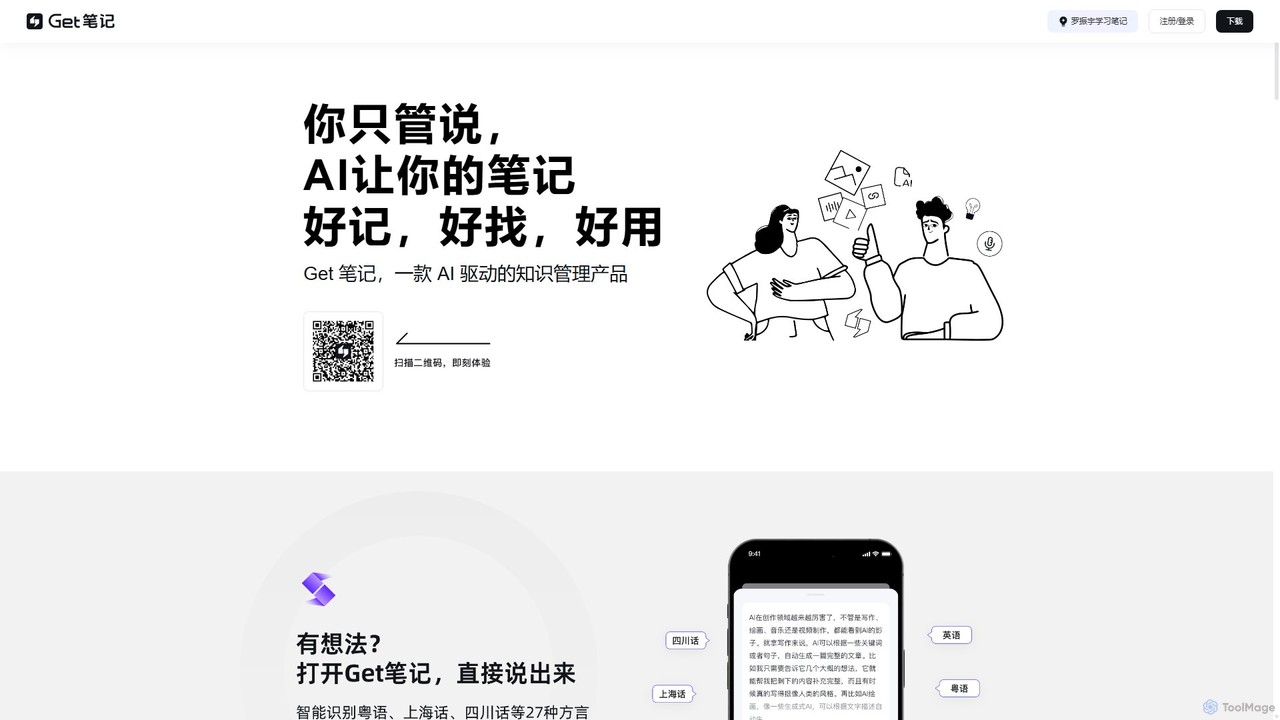
biji
biji is an AI-driven knowledge management app that transforms your spoken ideas into structured, searchable, and usable notes. Just talk, and biji's AI will handle transcription, summarization, and organization, making it effortless to capture and manage your thoughts, meetings, and learnings.
Transcription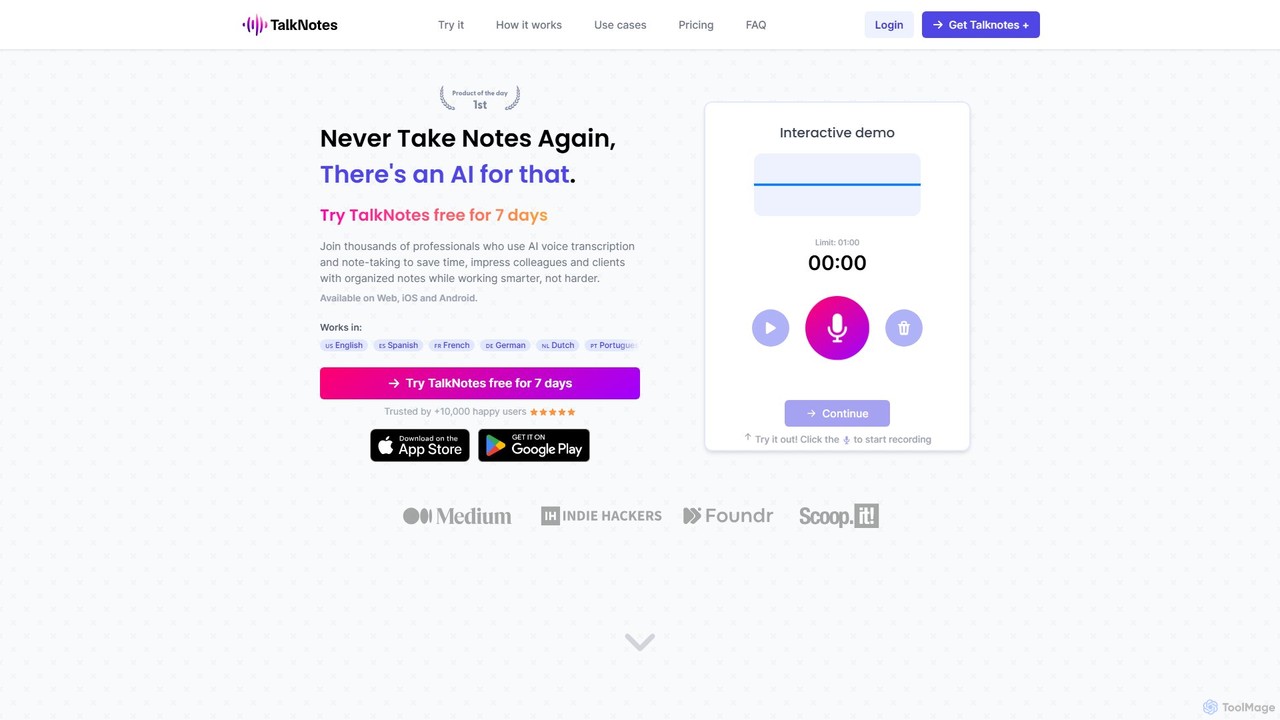
Talknotes
Talknotes is an AI-powered voice note app that transcribes, summarizes, and transforms your spoken words into structured content. Capture ideas, meetings, and lectures effortlessly, and let the AI create organized notes, blog posts, task lists, and more. Available on Web, iOS, and Android, it supports over 50 languages to boost your productivity.
Transcription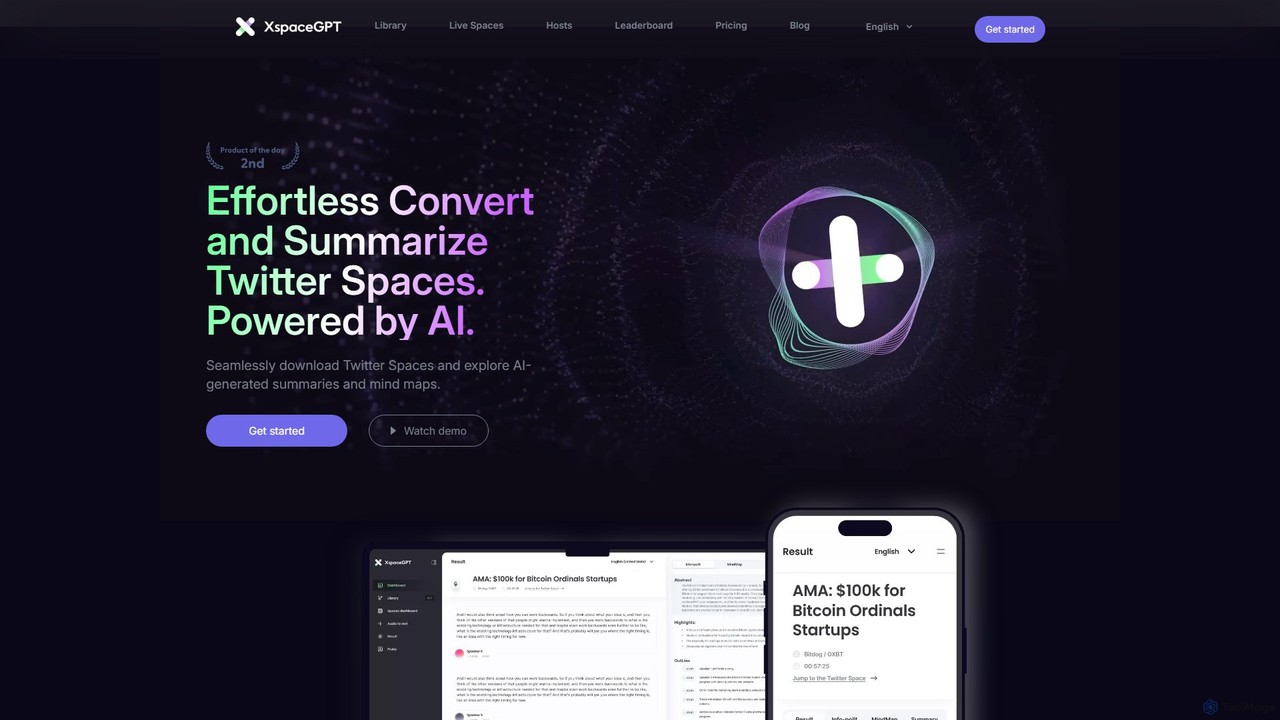
twitterspacegpt
An AI-powered platform that converts Twitter Spaces into text, summaries, and mind maps. Effortlessly download, transcribe, and analyze audio conversations to save time and unlock key insights from long-form audio content.
Summarization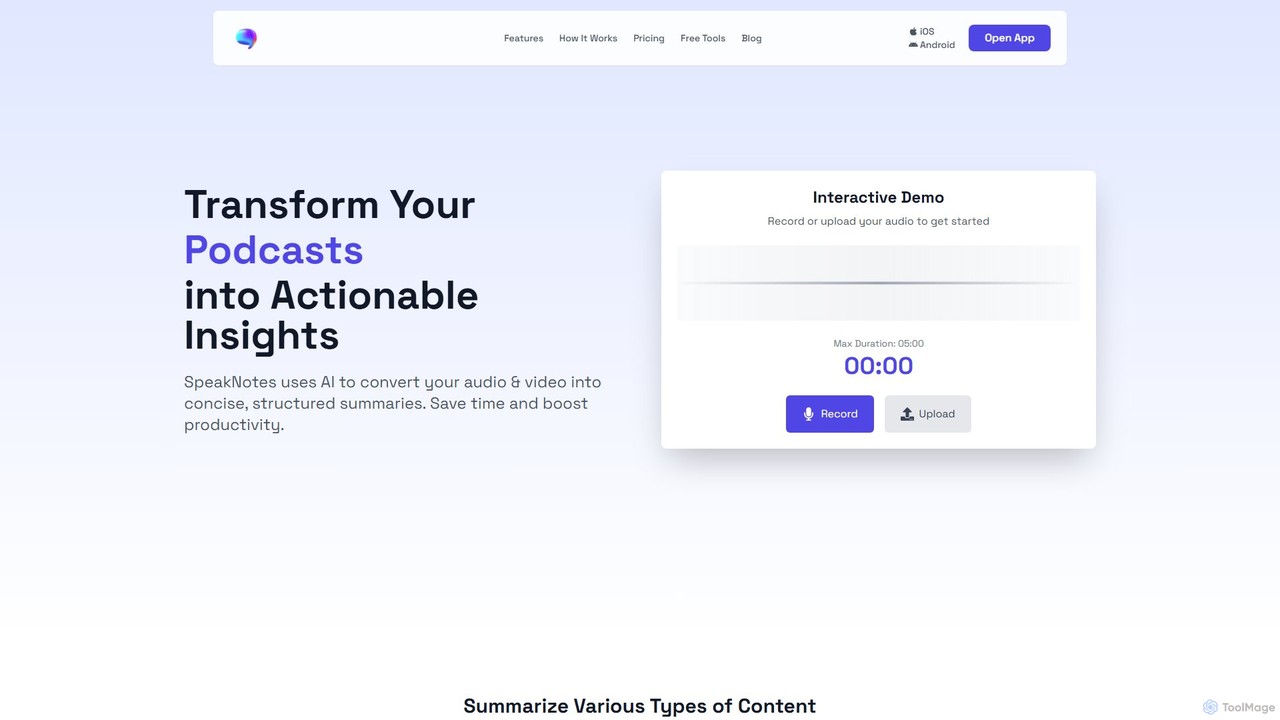
SpeakNotes
SpeakNotes is an AI-powered tool that transforms audio and video content into accurate transcripts and concise, structured summaries. It supports various file formats, multiple languages, and offers diverse output styles to boost productivity for students, professionals, and content creators.
Transcription
Kaption AI Comments (0)
Sign in to comment.
Sign inNo comments yet.