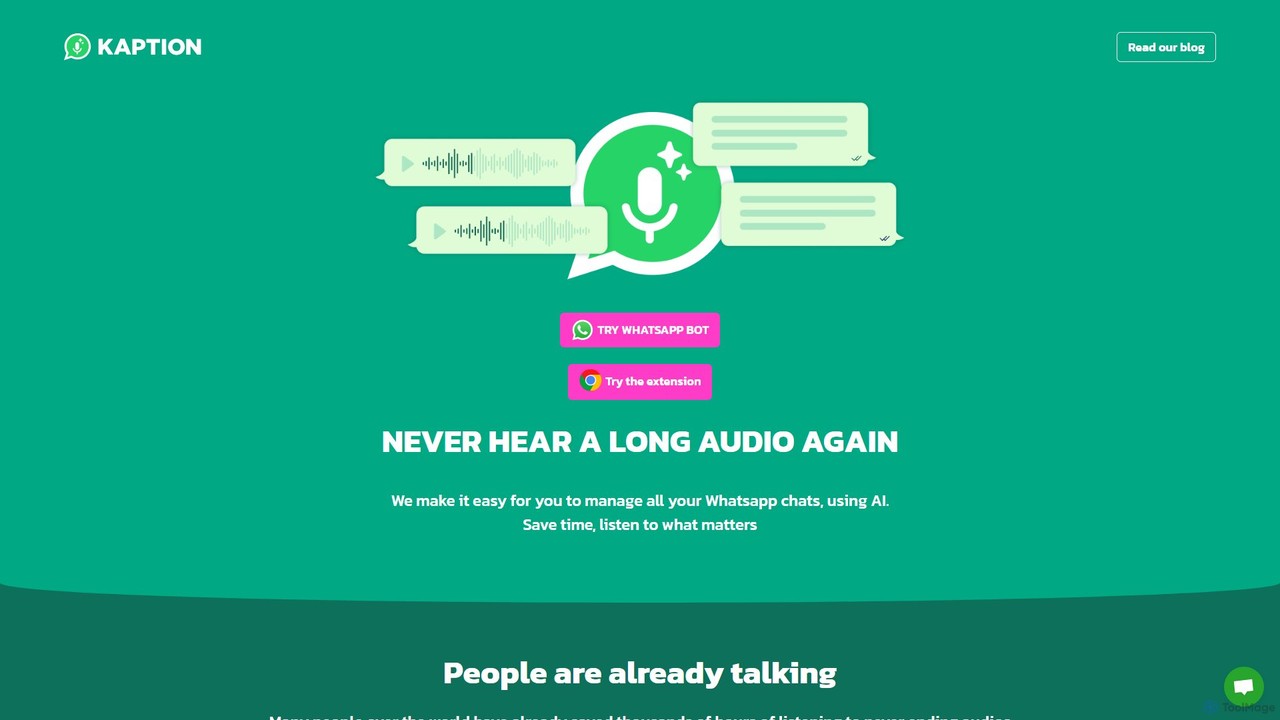
Kaption AI
Kaption AI is a powerful Chrome extension for WhatsApp Web that uses AI to transcribe audio messages into …
Kaption AI is a powerful Chrome extension for WhatsApp Web that uses AI to transcribe audio messages into text, generate concise summaries of long conversations, and suggest smart replies. It's designed to save you time, boost productivity, and make messaging more accessible.
About Messaging
AI Messaging tools are applications that use artificial intelligence to automate, enhance, and analyze communication across various platforms. These tools leverage Natural Language Processing (NLP) to understand context, generate smart replies, summarize long conversations, and detect actionable tasks. They help teams streamline internal collaboration and external customer support by making communication more efficient and insightful. Unlike standard chat applications, AI Messaging tools provide an intelligent layer that processes information, saving time and reducing manual effort.
Core Features
- Automated Summarization: Instantly condenses long chat threads or meeting transcripts into concise summaries with key points.
- Smart Replies & Suggestions: Provides context-aware response options to accelerate replies in chats and emails.
- Sentiment Analysis: Gauges the emotional tone of messages to help prioritize customer issues or understand team morale.
- Action Item Detection: Automatically identifies and extracts tasks, deadlines, and commitments from conversations.
- Real-time Translation: Translates messages instantly to facilitate seamless communication between multilingual teams.
Applicable Scenarios
These tools are widely used by customer support teams to manage high volumes of inquiries and automate responses. Project managers utilize them to track progress and extract action items from team discussions on platforms like Slack or Microsoft Teams. Global companies also rely on them to overcome language barriers in cross-functional collaboration.
How to Choose
When selecting an AI Messaging tool, consider its integration capabilities with your existing platforms (e.g., CRM, project management software). Evaluate the accuracy and language support of its NLP models. Also, assess the level of customization available for automated workflows and the tool's security protocols for handling sensitive conversation data.
MessagingUse Cases
Automate Customer Support Triage
A customer support team for an e-commerce company uses an AI messaging tool integrated with their helpdesk. When a customer initiates a chat, the AI analyzes the initial query for keywords and sentiment. It automatically categorizes the ticket (e.g., 'Billing Issue', 'Return Request') and assesses its urgency. High-urgency issues, like payment failures, are immediately routed to a senior agent, while common questions are handled by an automated response. This process reduces average first-response time by 40% and ensures critical issues are addressed promptly.
Generate Summaries of Project Chats
A project manager overseeing a remote development team uses an AI messaging tool connected to their primary Slack channel. Instead of manually reading hundreds of messages each day, the manager requests an end-of-day summary. The AI generates a concise report highlighting key decisions made, action items assigned (with deadlines and owners), and any identified blockers or risks. This allows the manager to stay informed in under five minutes, enabling them to focus on strategic planning and problem-solving rather than message management.
Facilitate Multilingual Team Collaboration
A global marketing team with members in Spain, Japan, and the United States uses an AI messaging platform for daily communication. The tool's real-time translation feature allows each member to type in their native language. The messages are instantly translated for other recipients, preserving the original text for context. This eliminates delays caused by waiting for manual translations and reduces misunderstandings. As a result, the team can collaborate on campaigns more effectively, share feedback instantly, and maintain a cohesive workflow across different time zones and cultures.
Draft Context-Aware Email Replies
A busy executive uses an AI messaging assistant integrated into their email client. When they receive a complex inquiry about a partnership proposal, they can invoke the AI assistant. By providing a few bullet points like 'Interested, but need more data on Q3 projections' and 'Suggest a meeting next Tuesday', the AI drafts a complete, professional email. It adopts the executive's typical tone and formatting, includes a polite opening and closing, and structures the points into clear paragraphs. This reduces the time spent on email composition by over 70%, allowing the executive to handle more correspondence with less effort.
Analyze Team Communication Patterns
A human resources manager uses an AI messaging analytics tool to gain insights into company-wide communication on their internal platform. The tool analyzes anonymized metadata to identify communication bottlenecks, information silos between departments, and key influencers who bridge different teams. The dashboard reveals that the engineering and marketing teams rarely interact directly. Based on this data, the HR manager organizes a cross-departmental workshop to foster collaboration, leading to more integrated product launch strategies and improved team cohesion.
Monitor Brand Mentions and Sentiment
A social media manager uses an AI messaging tool that aggregates mentions of their brand from platforms like Twitter, Reddit, and news sites into a single feed. The tool's sentiment analysis feature automatically flags negative comments for immediate review. When a wave of negative feedback about a new feature is detected, the manager is alerted instantly. This allows them to quickly draft a public response, escalate the issue to the product team, and manage the situation before it becomes a major crisis, protecting the brand's reputation.