
Arrange Overview
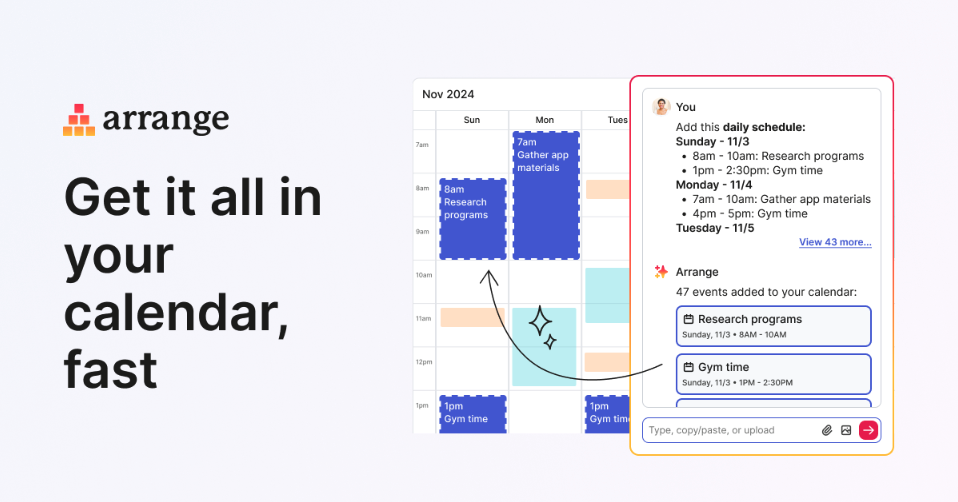
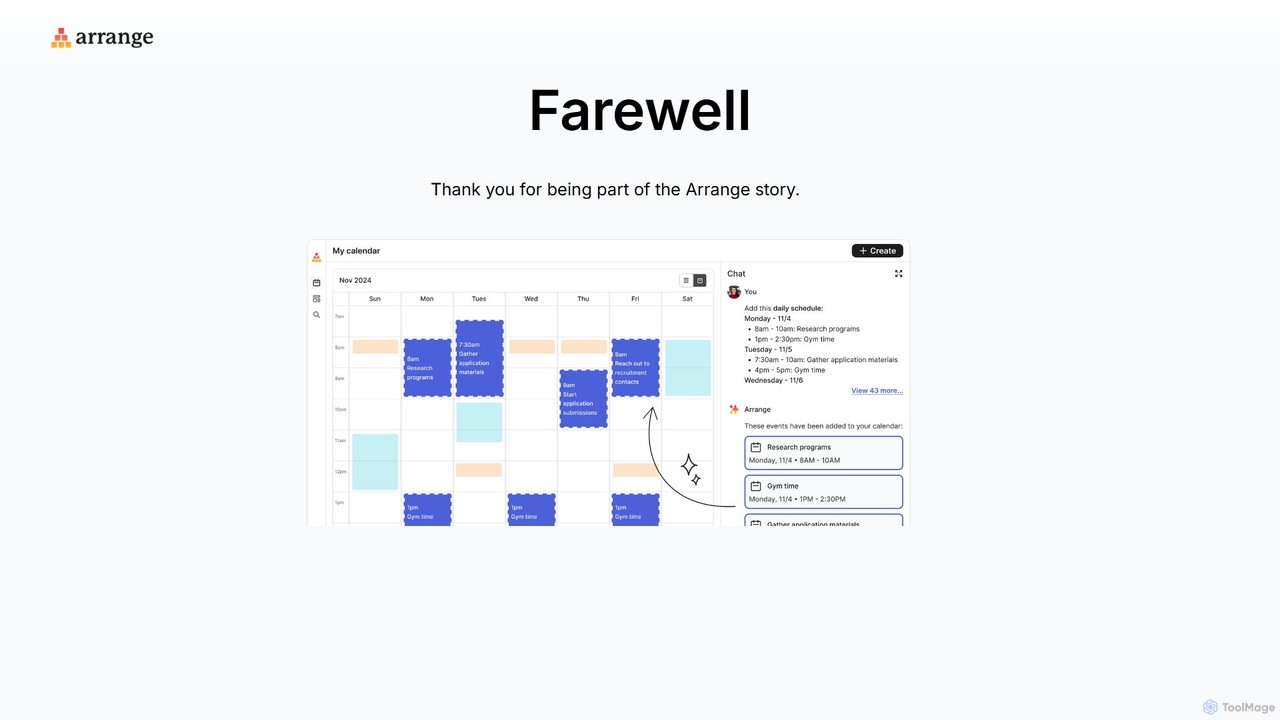
Arrange is a sophisticated AI-powered tool designed to revolutionize how you manage your schedule. In a world of constant communication across multiple platforms, Arrange acts as your personal scheduling assistant, intelligently parsing information from your emails, messages, and notes to automatically create and organize calendar events. The core of its technology lies in advanced Natural Language Processing (NLP), which allows it to understand context, identify key details like dates, times, locations, and attendees, and seamlessly add them to your calendar without manual input.
The primary goal of Arrange is to eliminate the tedious and time-consuming task of transferring information into your calendar. Instead of manually copying and pasting details from an email thread or a chat conversation, you can simply let Arrange handle it. This not only saves a significant amount of time but also reduces the risk of human error, ensuring your schedule is always accurate and up-to-date.
How to use Arrange
Using Arrange is designed to be intuitive and seamless, integrating directly into your existing workflow. The process typically involves three simple steps:
- Connect Your Sources: First, you connect Arrange to your primary communication channels, such as your email account (e.g., Gmail, Outlook) and your calendar (e.g., Google Calendar, Apple Calendar). This one-time setup allows the AI to access the information it needs to work its magic.
- Forward or Input Information: When you receive an email or message with scheduling information—like "Let's meet for coffee next Tuesday at 3 PM at the downtown cafe"—you can simply forward it to a dedicated Arrange email address or use a potential integration to send the text to the service.
- Automatic Calendar Entry: Arrange's AI instantly analyzes the text, extracts all relevant scheduling details, and creates a new event in your connected calendar. It will pre-fill the event title, date, time, location, and even invite the other participants mentioned in the text. You receive a confirmation once the event is successfully created.
Core Features of Arrange
- AI-Powered Natural Language Processing: Accurately understands and interprets scheduling requests from unstructured text in emails, chats, and notes.
- Automatic Event Creation: Seamlessly creates detailed calendar events, including title, date, time, location, and attendees, without manual intervention.
- Multi-Calendar Sync: Integrates with popular calendar services like Google Calendar, Outlook Calendar, and Apple Calendar, ensuring your schedule is always synchronized.
- Email Integration: Works directly with your email client. Simply forward scheduling emails to have them instantly added to your calendar.
- Contextual Awareness: Intelligently handles complex requests, such as recurring meetings, time zone differences, and tentative plans.
- Team Scheduling Support: Capable of parsing conversations with multiple participants to suggest meeting times and coordinate schedules efficiently.
Use Cases for Arrange
Arrange is a versatile tool for anyone looking to optimize their time management:
- Busy Professionals: Effortlessly manage a packed schedule of meetings, calls, and appointments by automating calendar entries from email traffic.
- Sales Teams: Quickly schedule client demos, follow-up calls, and meetings directly from their inbox, reducing administrative overhead and speeding up the sales cycle.
- Project Managers: Keep project timelines and team meetings organized by converting action items and deadlines from project management tools or email threads into calendar events.
- Freelancers and Consultants: Easily manage appointments with multiple clients, ensuring no meeting is missed and schedules don't overlap.
- Personal Use: Organize social events, appointments, and reminders from personal emails and messages with zero hassle.
Advantages of Arrange
The main advantage of Arrange is its powerful automation, which leads to significant productivity gains. By taking over the manual, repetitive task of calendar management, it frees up valuable mental energy and time for users to focus on more important work. It enhances accuracy by eliminating typos and other human errors that can occur during manual data entry. Furthermore, its seamless integration into existing workflows means there is no steep learning curve, allowing users to benefit from its capabilities almost immediately.
Pricing and Plans
Arrange is expected to operate on a freemium model to cater to a wide range of users.
- Free Plan: Ideal for individuals with basic scheduling needs, offering a limited number of AI-parsed events per month and integration with one calendar.
- Pro Plan: Aimed at professionals and power users, this plan would offer unlimited event creation, integration with multiple calendars and email accounts, and priority support.
- Business Plan: Designed for teams, this tier would include all Pro features plus advanced team scheduling capabilities, centralized billing, and integrations with business tools like Slack and Salesforce.
Traffic
Latest traffic
Status
Monthly traffic trend
- 2025-9: 2.2K
- 2026-1: 1.1K
- 2026-2: 1.7K
- 2026-3: 711
- 2026-4: 1.3K
- 2026-5: 2.1K
Geography
Top 5 countries / regions
- 🇺🇸United States44.5%
- 🇰🇷South Korea31.5%
- 🇸🇪Sweden18.9%
- 🇮🇱Israel5.1%
Top keywords
| Keyword | Cost per click |
|---|---|
| arragne | $0.00 |
| arrange | $0.66 |
| arrange that | $0.00 |
Arrange Alternatives
Vimcal
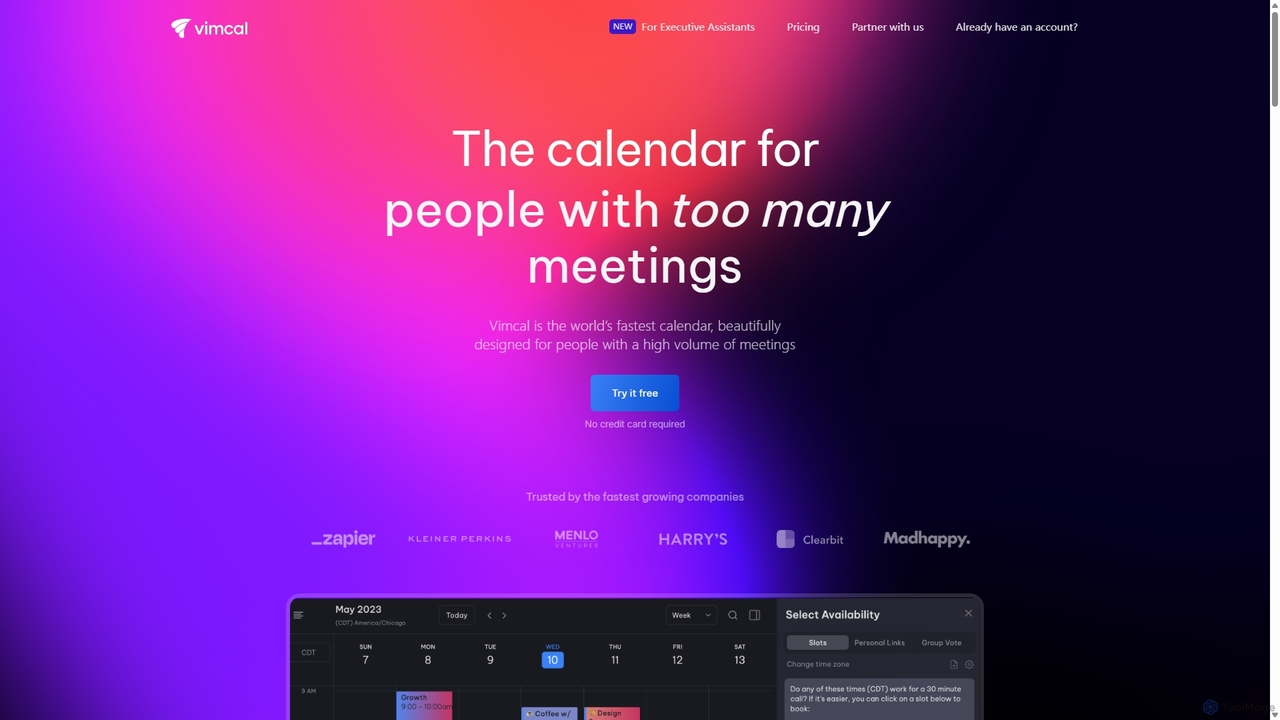
Vimcal is an AI-powered calendar designed for speed and efficiency. Dubbed the "Superhuman for calendar," it helps busy professionals and teams schedule meetings effortlessly. Features include an AI scheduling assistant, GPT-powered dossiers on attendees, and a unified view for all your calendars. It streamlines coordination, eliminates back-and-forth emails, and ensures you're always prepared for your next meeting.
Personal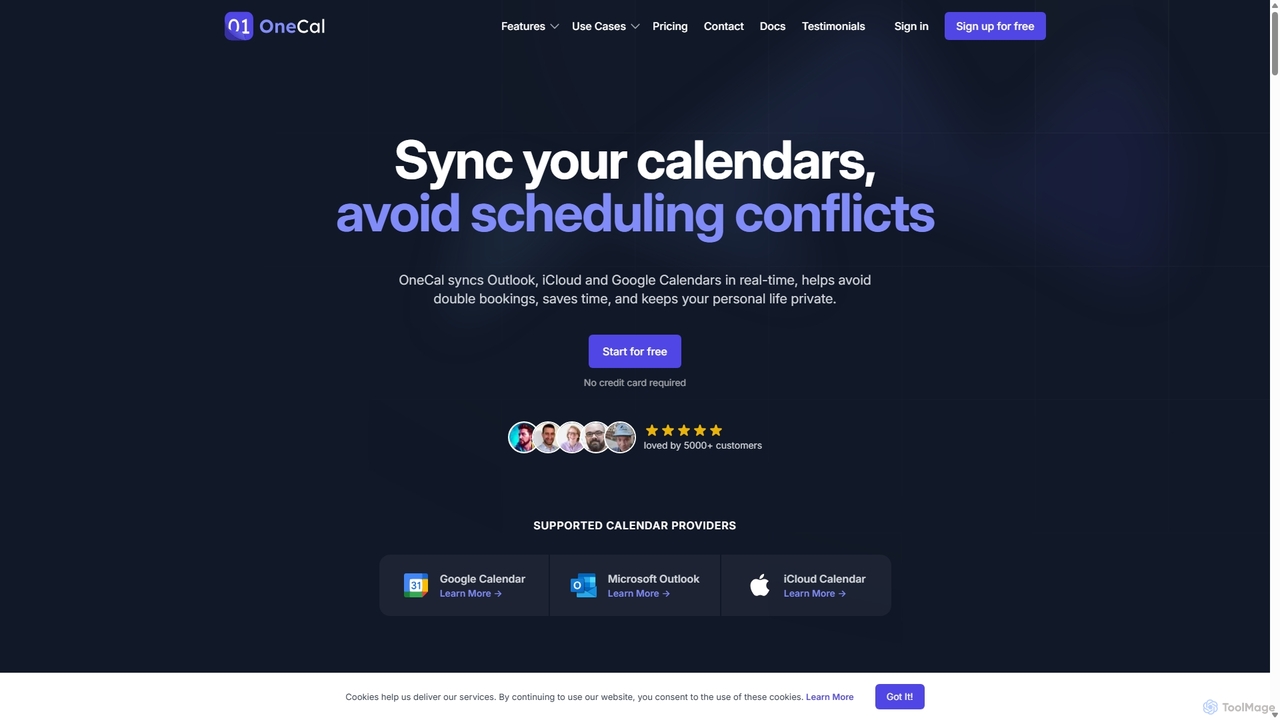
OneCal
OneCal is a powerful calendar automation tool that syncs Outlook, Google, and iCloud calendars in real-time. It helps professionals and teams avoid double bookings, save time on scheduling, and maintain privacy by consolidating all events into a unified view and providing customizable scheduling links.
Time Management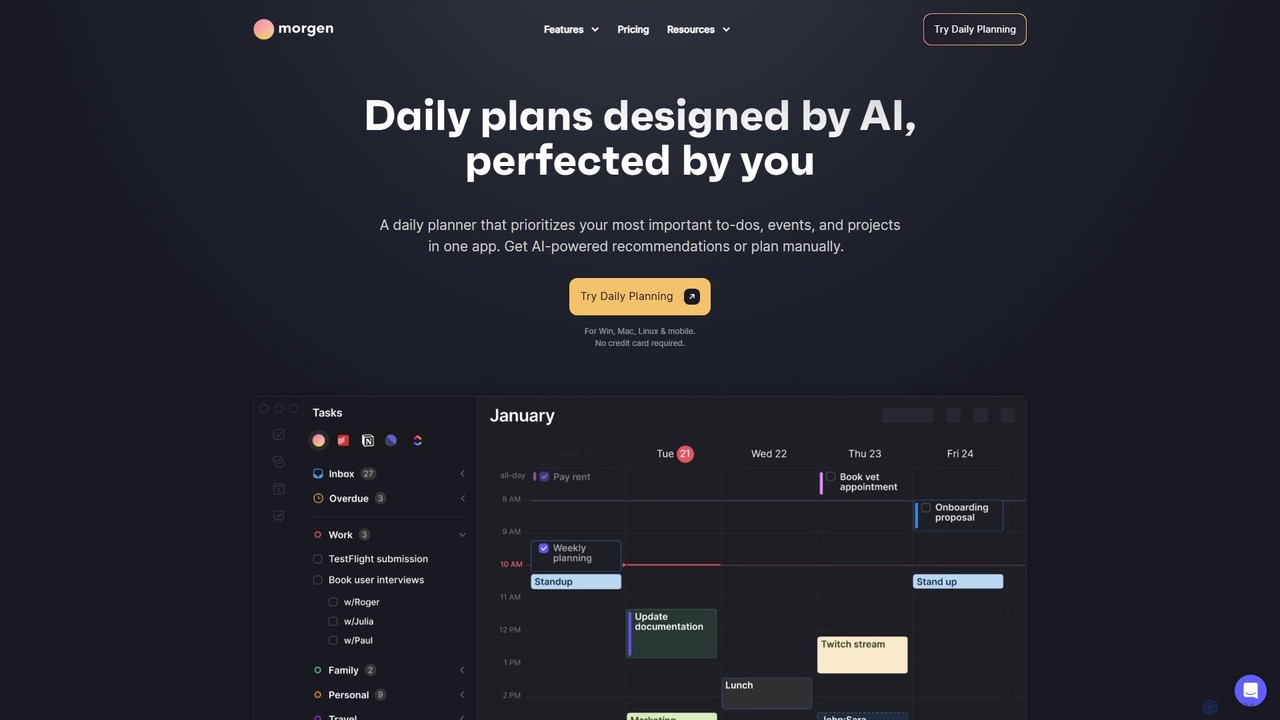
Morgen
Morgen is an AI-powered daily planner and calendar application designed to unify your tasks, events, and projects. It integrates with multiple calendars (Google, Outlook) and task managers (Notion, Todoist) to help you prioritize work, time block effectively, and adapt to schedule changes. With features like an AI Planner, smart workflows, and cross-platform availability, Morgen helps you take control of your time and boost productivity.
Calendar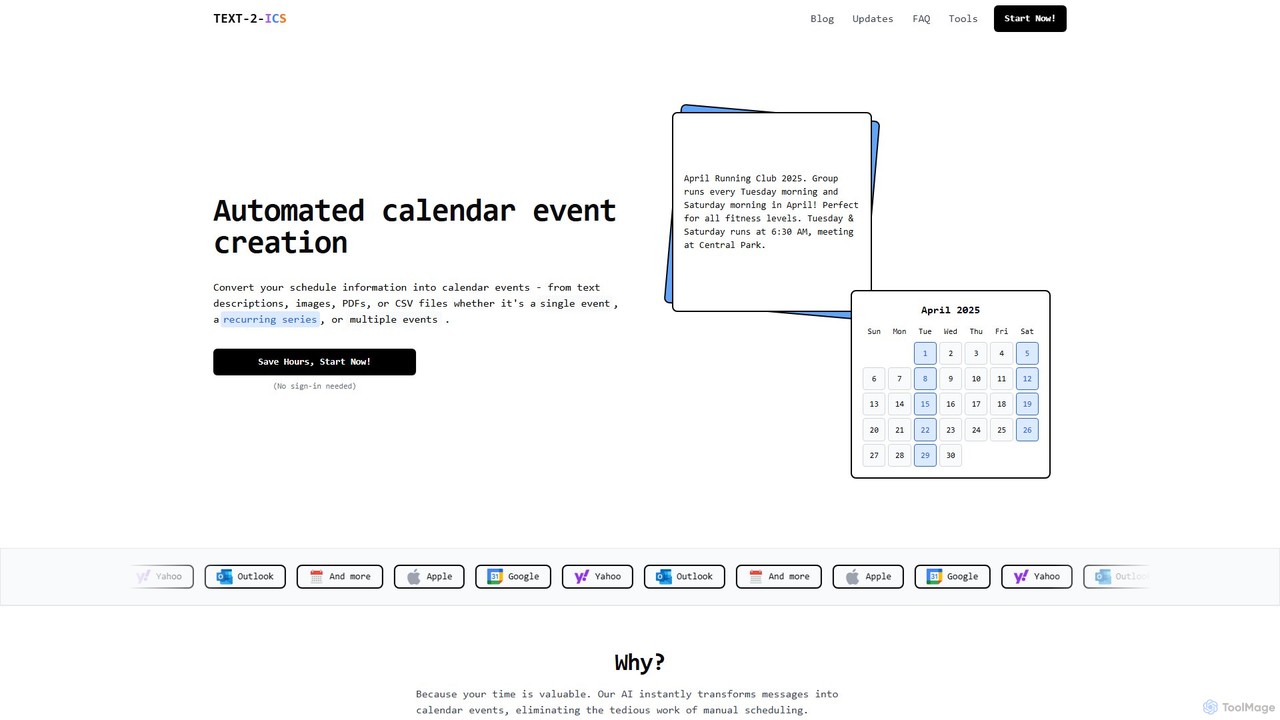
Text-2-ICS
An AI-powered tool that instantly converts text, images, PDFs, and CSV files into calendar events (.ics files). It uses natural language processing to automatically extract event details, saving you from tedious manual scheduling. Supports single, recurring, and multiple events.
Converter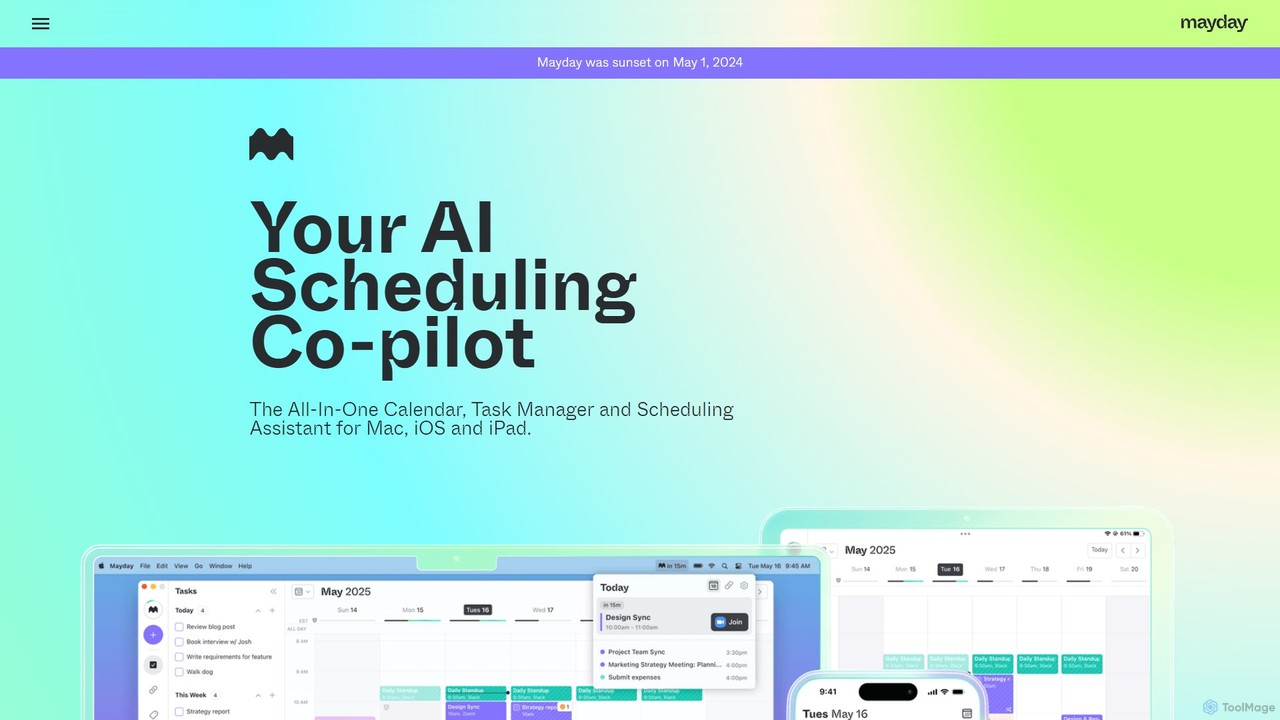
Mayday
Mayday was an AI-assisted calendar designed to protect your time and automate scheduling. It unified multiple calendars, intelligently scheduled tasks, and used features like buffer time and smart tags to create a more manageable schedule. Please note: Mayday was discontinued on May 1, 2024.
CalendarArrange Categories
Arrange Embed Widget
Copy this embed code to place the badge on your blog, article, or product site and send readers directly to this ToolMage detail page.

Related AI tools
getclockwise
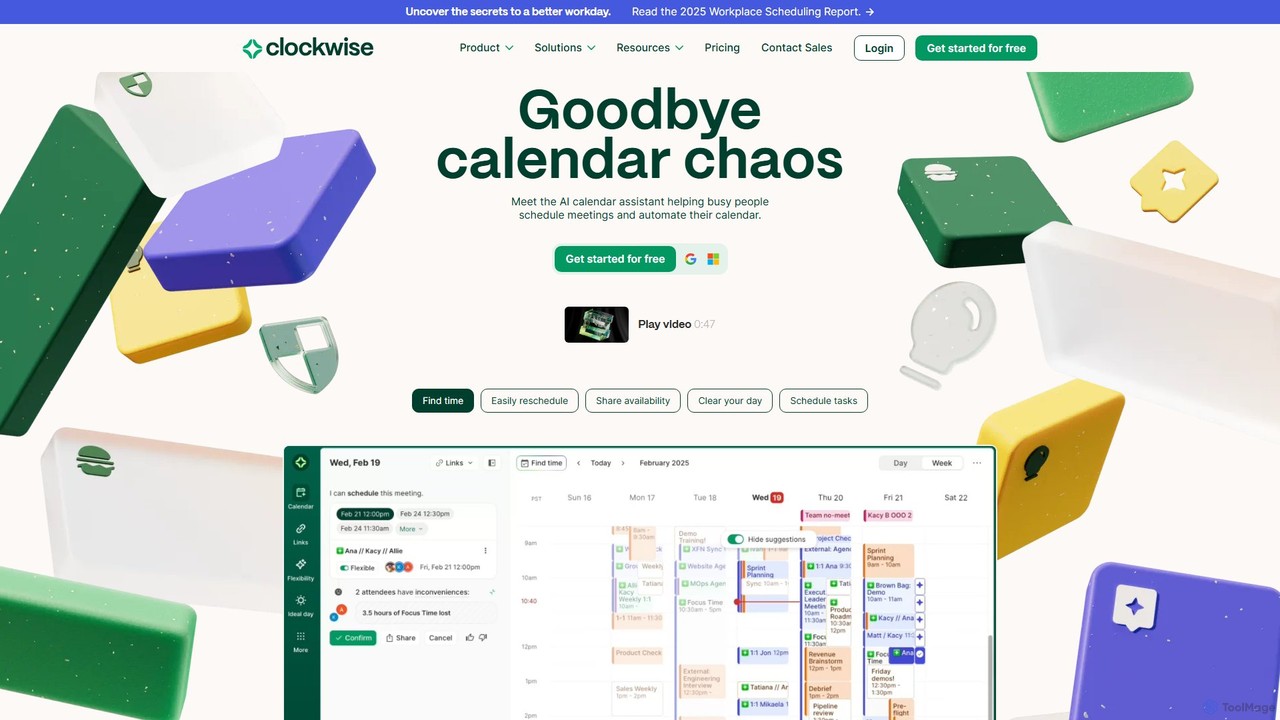
Clockwise is an AI-powered time management and calendar assistant that optimizes your schedule for maximum productivity. It intelligently rearranges meetings to create longer blocks of uninterrupted Focus Time, automates team scheduling, and acts as your personal assistant to manage your calendar effortlessly.
Calendar Management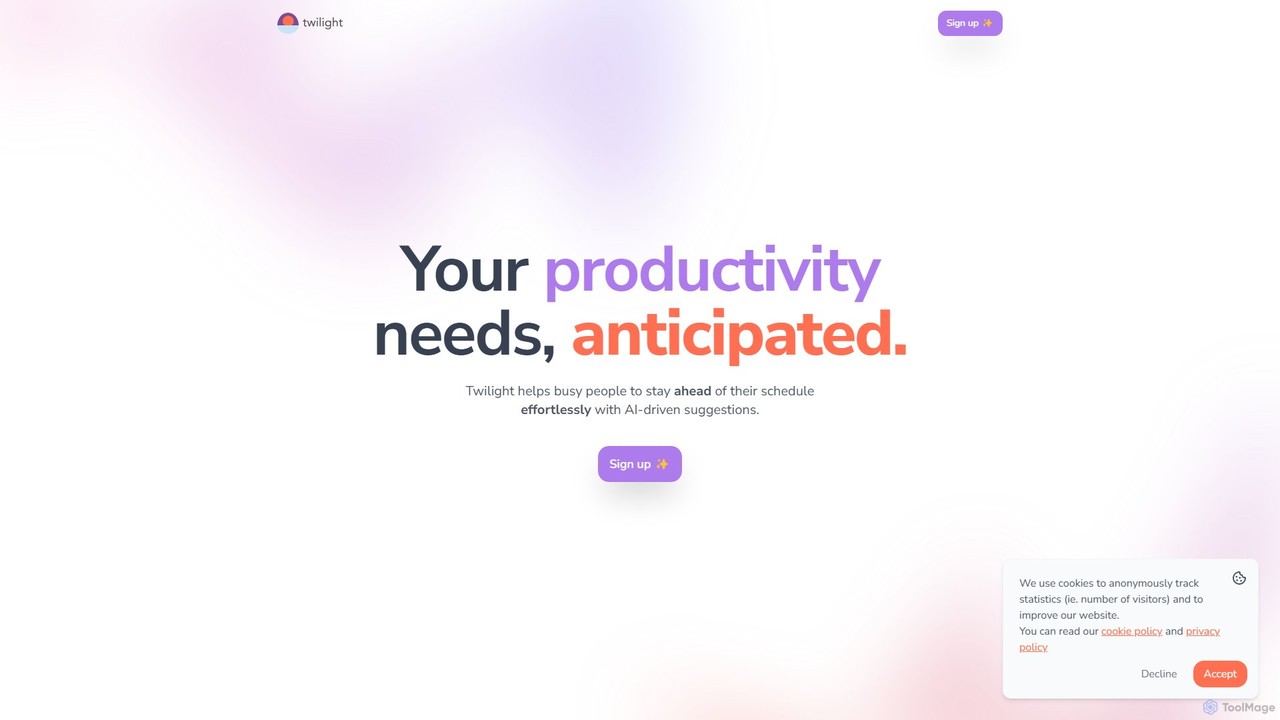
Twilight
Twilight is an AI-driven personal assistant that anticipates your productivity needs. It intelligently manages your schedule with proactive suggestions, automates rescheduling, prevents overbooking, and helps you focus on what truly matters by organizing your workflow.
Calendar ManagementVimcal
Vimcal is an AI-powered calendar designed for speed and efficiency. Dubbed the "Superhuman for calendar," it helps busy professionals and teams schedule meetings effortlessly. Features include an AI scheduling assistant, GPT-powered dossiers on attendees, and a unified view for all your calendars. It streamlines coordination, eliminates back-and-forth emails, and ensures you're always prepared for your next meeting.
PersonalText-2-ICS
An AI-powered tool that instantly converts text, images, PDFs, and CSV files into calendar events (.ics files). It uses natural language processing to automatically extract event details, saving you from tedious manual scheduling. Supports single, recurring, and multiple events.
ConverterMayday
Mayday was an AI-assisted calendar designed to protect your time and automate scheduling. It unified multiple calendars, intelligently scheduled tasks, and used features like buffer time and smart tags to create a more manageable schedule. Please note: Mayday was discontinued on May 1, 2024.
Calendar
Focus Fox
Focus Fox is an AI-powered assistant designed to streamline your productivity by simplifying calendar and event management. Using natural language, you can instantly create events, organize your schedule, and manage tasks, allowing you to focus on what truly matters. It integrates with your existing calendars to provide a seamless experience.
Ai Assistant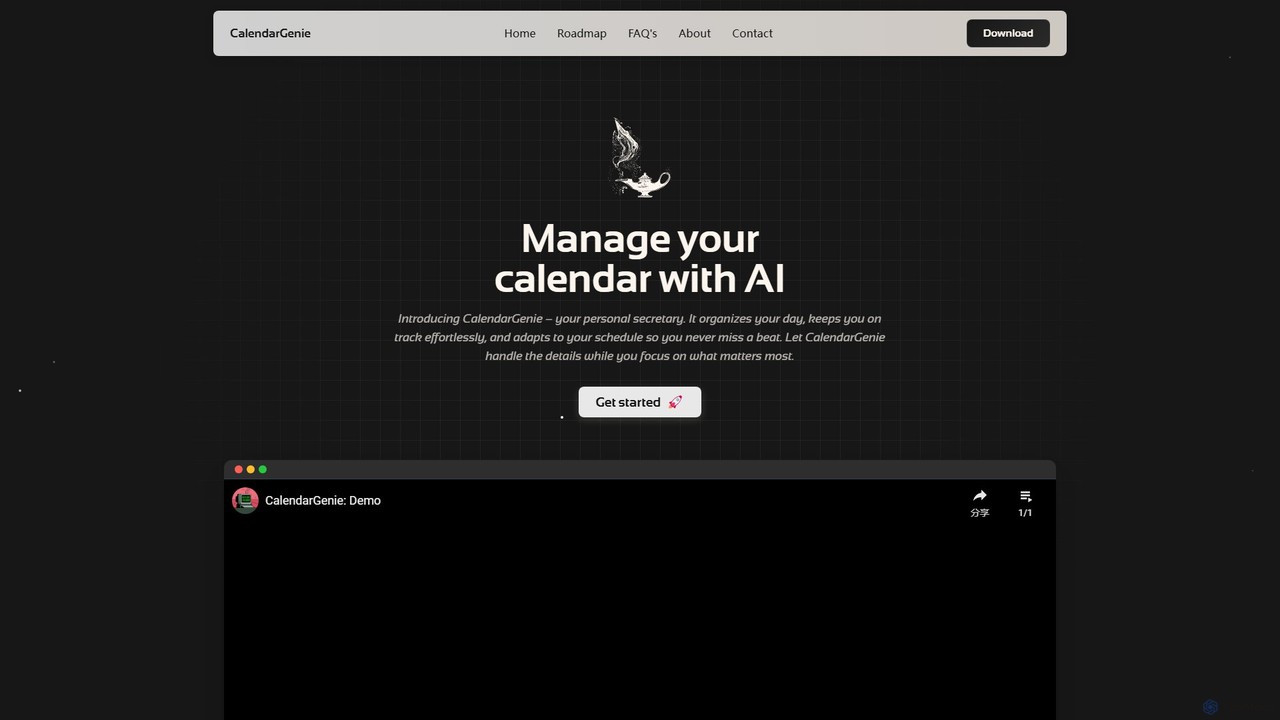
CalendarGenie
CalendarGenie is a free, AI-powered calendar assistant that acts as your personal secretary. Effortlessly manage your schedule by creating, modifying, and deleting events using simple, natural language prompts. It integrates with Google Calendar to streamline your day, adapt to your routine, and help you focus on what matters most.
Assistant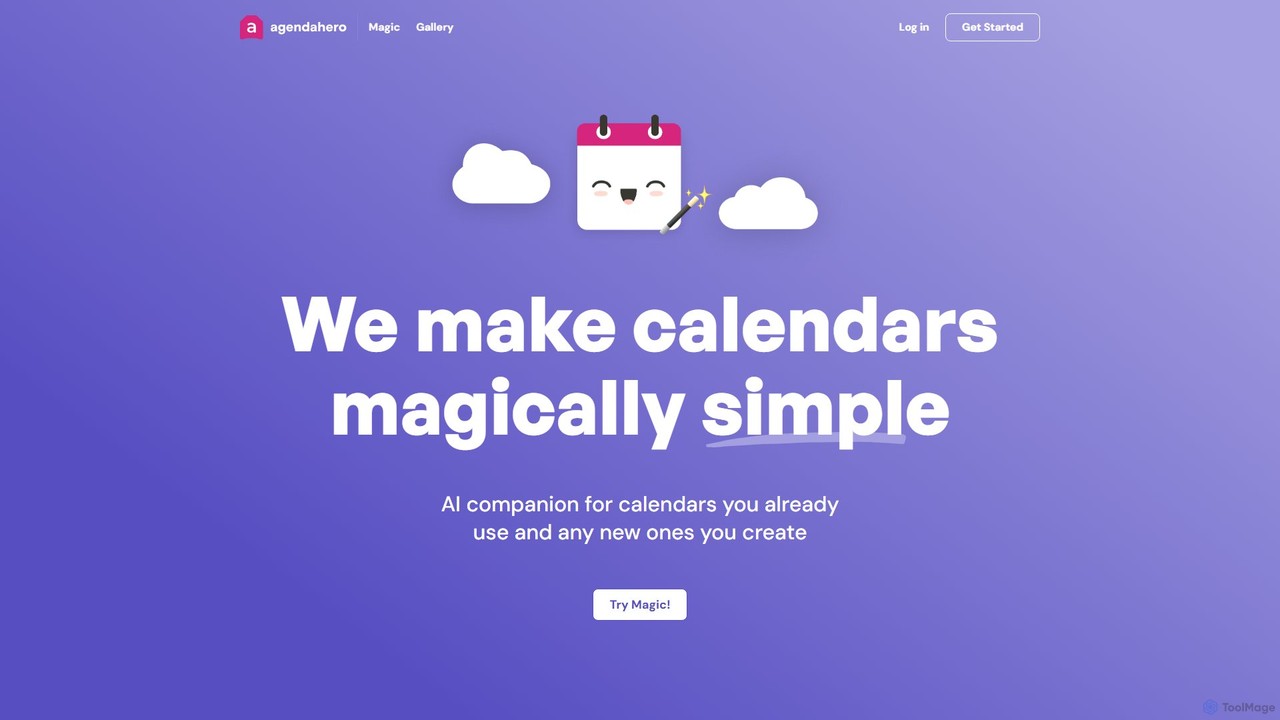
agendahero
agendahero is an AI-powered calendar assistant that simplifies scheduling by magically converting any text, email, PDF, or image into calendar events. It integrates seamlessly with your existing Google, Apple, and Outlook calendars, and allows for the creation of new, shareable schedules using natural language. Ideal for busy families, teams, and individuals.
Organization
resona.ai
Resona.ai is an AI-powered scheduling assistant that automates the process of finding the best meeting times for teams. By understanding natural language requests, it integrates with your calendar to eliminate the back-and-forth emails typically required for coordination. It's designed for professionals and teams looking to boost productivity by streamlining calendar management.
Calendar Management
Jyek
Jyek is an AI agent platform that understands objectives, creates execution plans, uses tools, and delivers verifiable results for complex, multi-step tasks.
Automation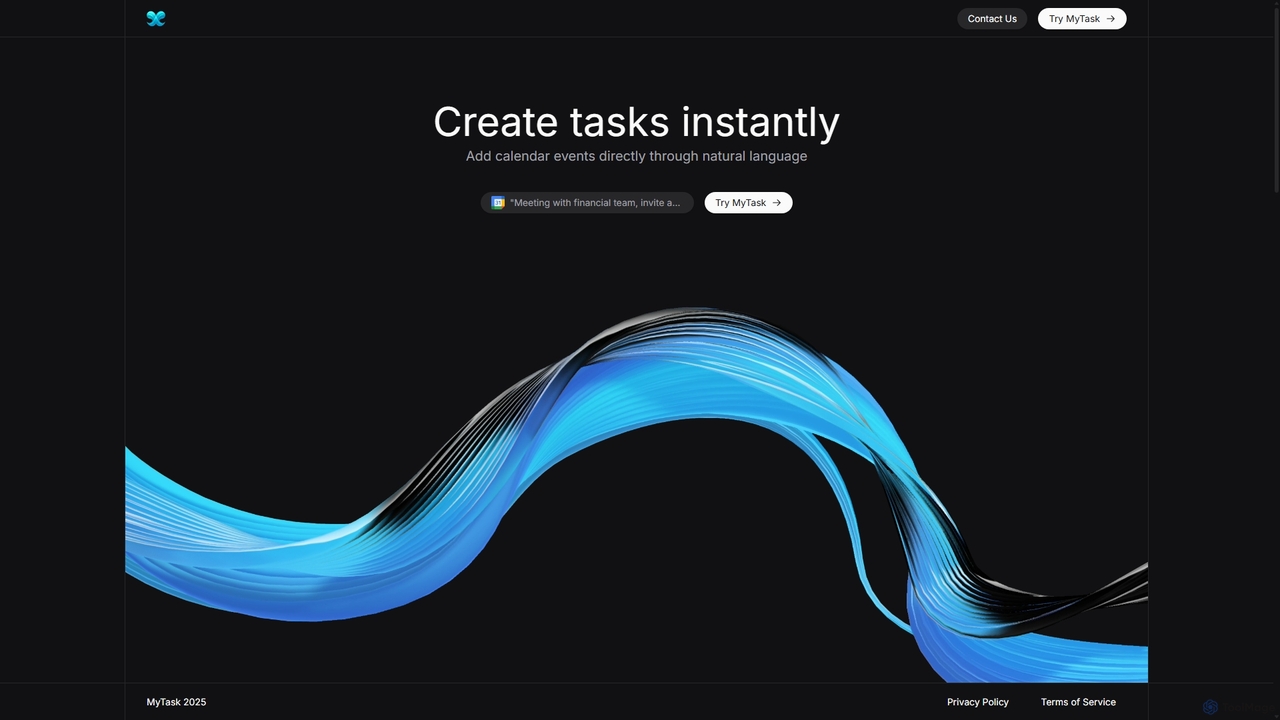
MyTask AI
MyTask AI is a productivity tool that uses AI to instantly create, edit, and delete Google Calendar events through natural language commands. Streamline your scheduling and save time without ever leaving your current browser tab.
Scheduling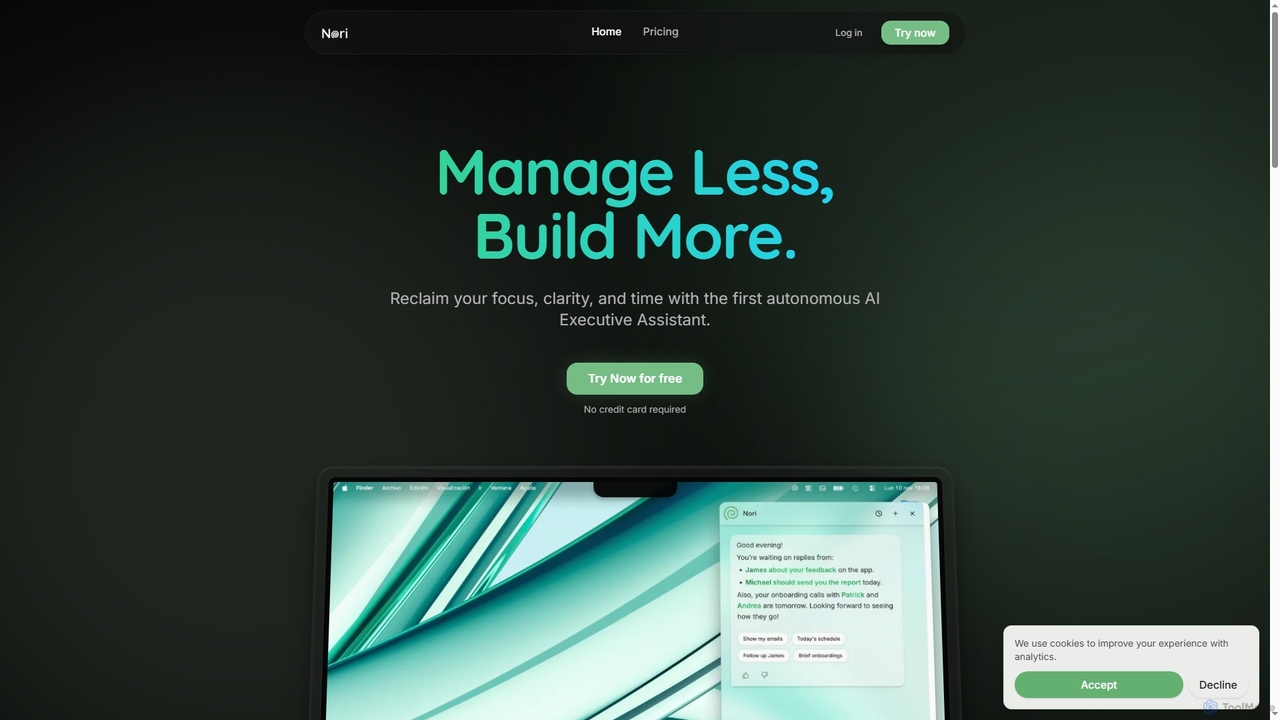
Nori
Nori is an autonomous AI Executive Assistant designed to help founders and executives reclaim their time and focus. It intelligently manages your day, prioritizes tasks, handles follow-ups, sets reminders, and coordinates meetings across calendars, integrating seamlessly with Gmail and Google Calendar.
Executive Assistant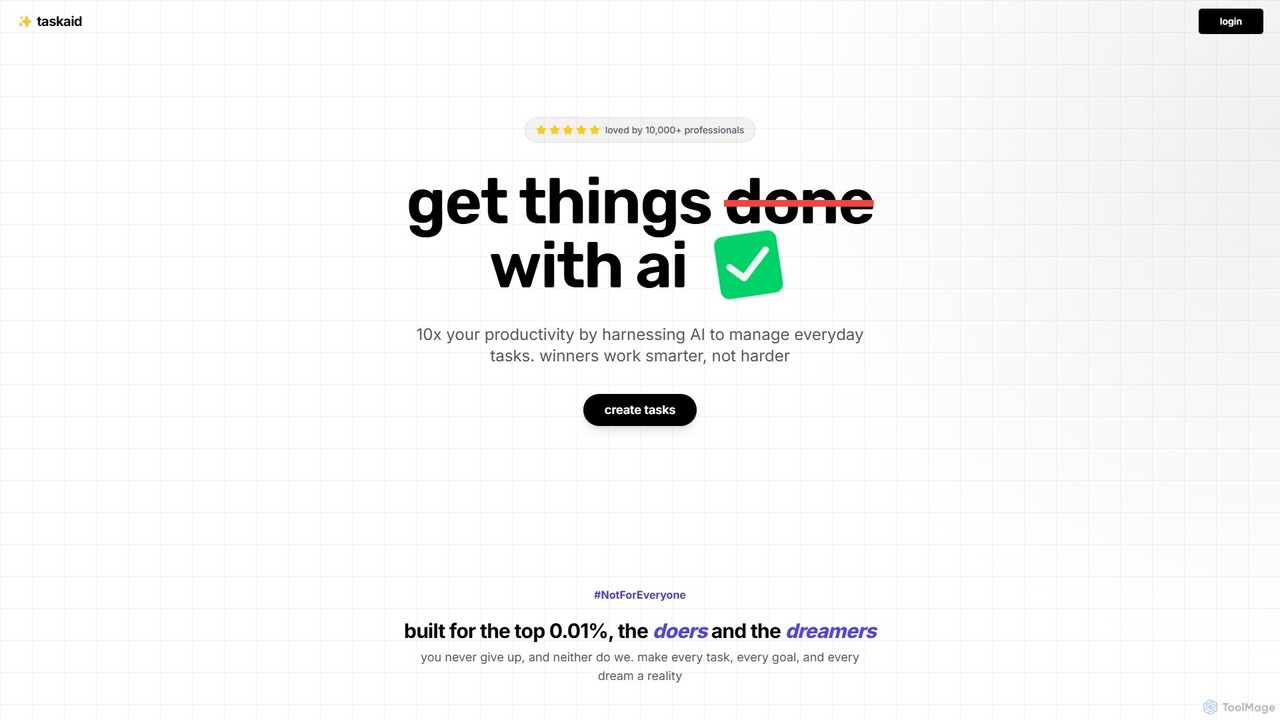
Taskaid
Taskaid is an AI-first task management tool designed for high-performing individuals. It leverages advanced LLMs like GPT-4 to automate task prioritization, scheduling, and breakdown. Interact with your to-do list through a conversational chat interface, use voice commands, and receive intelligent suggestions to 10x your productivity and focus on what truly matters.
Project Management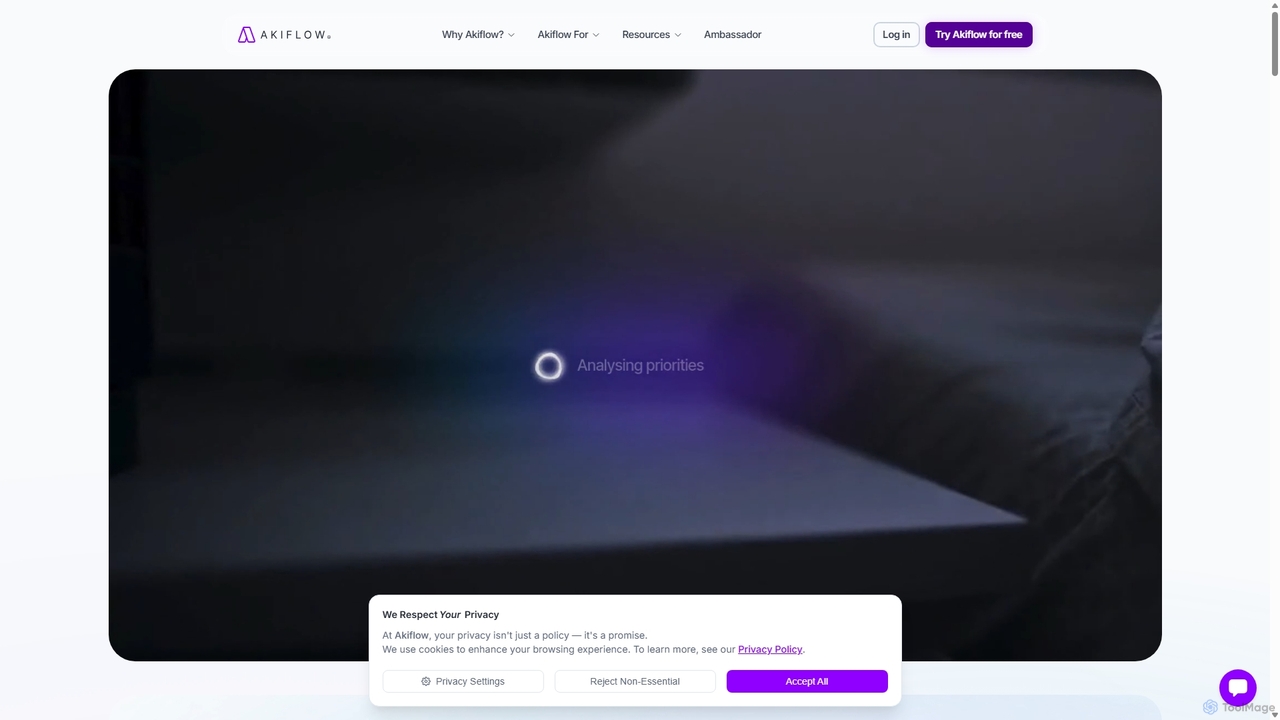
Akiflow
Akiflow is an AI-powered time blocking and task management platform that consolidates all your tasks and calendars into a single, unified workspace. Featuring Aki, an AI executive assistant, it helps you automate scheduling, manage routines, and organize your day with unparalleled speed and efficiency, eliminating the need to switch between multiple apps.
AutomationOneCal
OneCal is a powerful calendar automation tool that syncs Outlook, Google, and iCloud calendars in real-time. It helps professionals and teams avoid double bookings, save time on scheduling, and maintain privacy by consolidating all events into a unified view and providing customizable scheduling links.
Time Management
Arrange Comments (0)
Sign in to comment.
Sign inNo comments yet.