

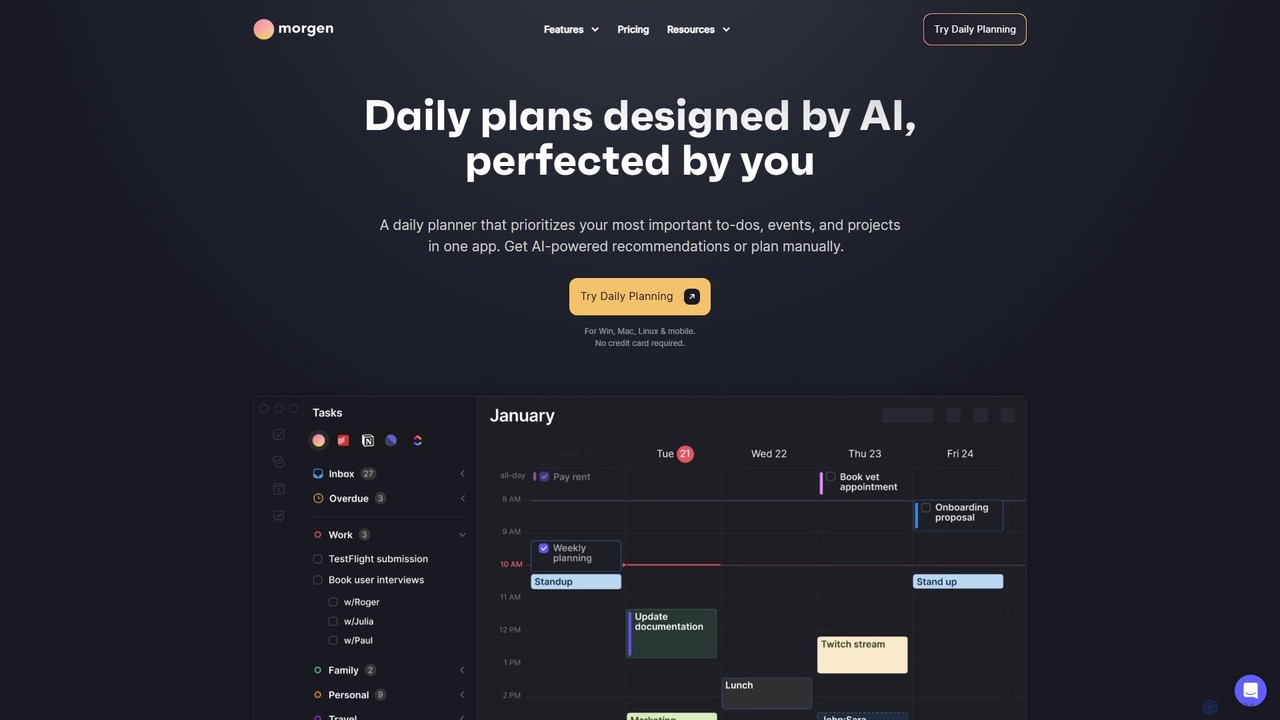
Morgen Overview
Morgen is a comprehensive time management and productivity tool that centralizes your calendars, tasks, and scheduling into a single, intuitive application. Designed for high performers, professionals, students, and teams, Morgen leverages AI to help you plan your day with intention and efficiency. It eliminates the need to juggle multiple apps by providing a unified view of all your commitments, ensuring you focus on what truly matters.
At its core, Morgen is built around the concept of time blocking, where tasks are not just listed but are scheduled directly into your calendar. This protects your focus time and provides a realistic overview of your day. The platform's AI Planner can automatically generate a daily plan based on your priorities, deadlines, and pre-defined weekly templates called 'Frames'. This proactive assistance helps you stay ahead, adapt to unexpected changes, and ensure no task falls through the cracks.
How to use Morgen
Getting started with Morgen is a straightforward process designed to integrate seamlessly into your existing workflow:
- Download and Install: Morgen is available as a native app for Windows, macOS, Linux, iOS, and Android. Download the appropriate version for your devices.
- Connect Your Accounts: The first step is to consolidate your schedules. Connect all your calendar accounts, including Google Calendar, Outlook, Apple Calendar, Fastmail, and other CalDAV providers.
- Integrate Task Managers: Link your favorite task and project management tools like Notion, Todoist, ClickUp, Linear, and Apple Reminders. Morgen will import your tasks, allowing you to manage them from one place.
- Plan with the AI Planner: Use the AI Planner to get intelligent recommendations for your daily schedule. You can guide the AI by setting up 'Frames'—templates for your ideal week. The AI will suggest a plan, which you can then review, adjust, and confirm.
- Time Block Manually: For more control, you can drag and drop tasks from your integrated lists directly onto your calendar to schedule them. Adjust their duration and position as needed.
- Automate Your Calendar: Set up smart workflows to automate repetitive actions. Automatically block travel time for events, add buffer time between meetings, or sync events across different calendars.
- Share Your Availability: Create personalized scheduling links or open invites to let others book meetings with you effortlessly, based on your real-time availability across all connected calendars.
Core Features of Morgen
- AI Planner: Automatically generates daily plans, reprioritizes tasks during conflicts, and highlights tasks at risk of being late.
- Unified Calendar & Tasks: Consolidates multiple calendars and task lists (from Notion, Todoist, ClickUp, etc.) into a single view.
- Time Blocking: Easily schedule tasks in your calendar to protect focus time and create a realistic daily plan.
- Extensive Integrations: Seamlessly connects with Google, Outlook, Apple calendars, and popular task management tools.
- Smart Workflows: Automate your schedule with features like automatic travel time blocking, buffer time between meetings, and calendar sync.
- Scheduling Links: Share personalized booking pages for others to schedule meetings with you, eliminating back-and-forth emails.
- Team Availability: View your colleagues' availability to find the best meeting times without disrupting their focus.
- Cross-Platform Sync: Available on Windows, macOS, Linux, iOS, and Android, with seamless syncing across all devices.
- Privacy-Focused: Built in Switzerland, Morgen is committed to data privacy and security, never selling or sharing user data.
Use Cases for Morgen
Morgen is versatile and caters to a wide range of users:
- Professionals and Entrepreneurs: Manage multiple work and personal calendars, time block for deep work, and streamline client meetings with scheduling links.
- Students: Organize class schedules, assignments from different platforms, and study sessions in one place. The AI planner helps balance academic and personal life.
- Project Managers: Integrate tasks from project management tools like ClickUp or Linear and schedule them directly into the team's calendar to ensure deadlines are met.
- Teams: Coordinate schedules, view team availability to find optimal meeting times, and improve overall collaborative efficiency.
- Individuals with ADHD: The structured, visual nature of time blocking and AI-assisted planning can help improve focus and task completion.
Advantages of Morgen
Morgen stands out by offering a powerful combination of AI assistance and user control. Its main advantage is the true unification of tasks and calendars, which prevents context switching and mental overload. The AI acts as an assistant, not a dictator, allowing users to perfect the suggested plans. Its cross-platform native apps (especially for Linux users) and strong commitment to privacy are significant differentiators. The intuitive interface makes powerful features like time blocking and automated workflows accessible to everyone.
Pricing and Plans
Morgen offers a 14-day free trial for its Pro plan, with no credit card required. After the trial, users can choose from several paid plans:
- Pro Monthly: $24 per month (billed monthly). Includes all features like the AI Planner, unlimited integrations, and calendar automations.
- Pro Yearly: $12 per month (billed annually). Offers a 50% saving compared to the monthly plan.
- Believer Plan: $8 per month (billed every 3 years). The best value for long-term users, offering a 67% saving.
Note: Prices reflect a summer deal and may be subject to change.
Morgen also provides discounts:
- Academic & Nonprofit Discount: 25% off for students, academics, and non-profit organizations.
- Switching Discount: 15% off for one year for users switching from competitors like Motion, Reclaim, or Sunsama.
All plans come with a 30-day money-back guarantee.
Traffic
Latest traffic
Status
Monthly traffic trend
- 2025-9: 205.6K
- 2026-1: 220.7K
- 2026-2: 222.7K
- 2026-3: 243.5K
- 2026-4: 258.1K
- 2026-5: 324.6K
Geography
Top 5 countries / regions
- 🇺🇸United States59.0%
- 🇨🇭Switzerland16.4%
- 🇧🇷Brazil10.3%
- 🇪🇸Spain7.3%
- 🇩🇪Germany7.1%
Traffic sources
| Source type | Percentage |
|---|---|
Direct | 78.3% |
Referral | 20.5% |
Email | 1.2% |
Top keywords
| Keyword | Cost per click |
|---|---|
| adhd planner | $1.08 |
| morgen | $0.40 |
| morgen app | $0.00 |
| morgen calendar | $1.90 |
| pomodoro timer | $0.39 |
Morgen Alternatives
Trevor AI
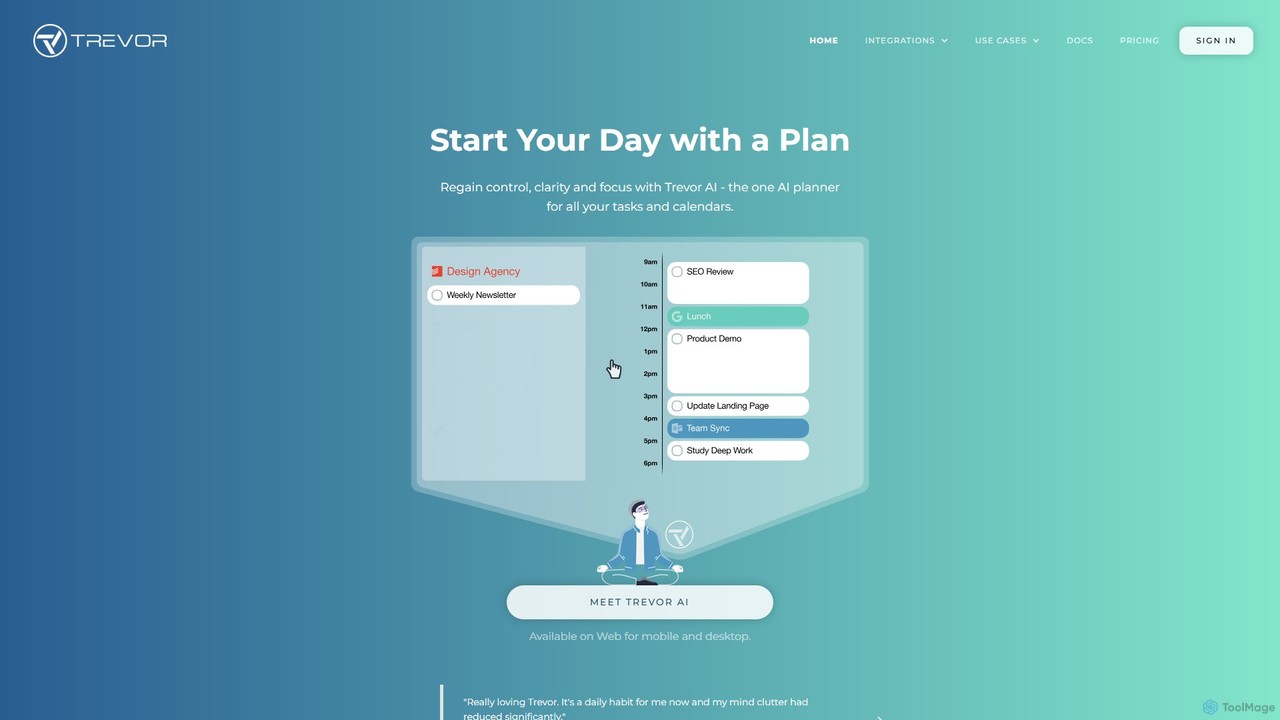
Trevor AI is an intelligent daily planning assistant that uses AI-powered time-blocking to connect your to-do lists and calendars. It helps you visualize, organize, and schedule all your tasks from services like Todoist, Google Tasks, and Microsoft To Do directly into your Google or Outlook Calendar, turning scattered lists into a focused, actionable plan.
Calendar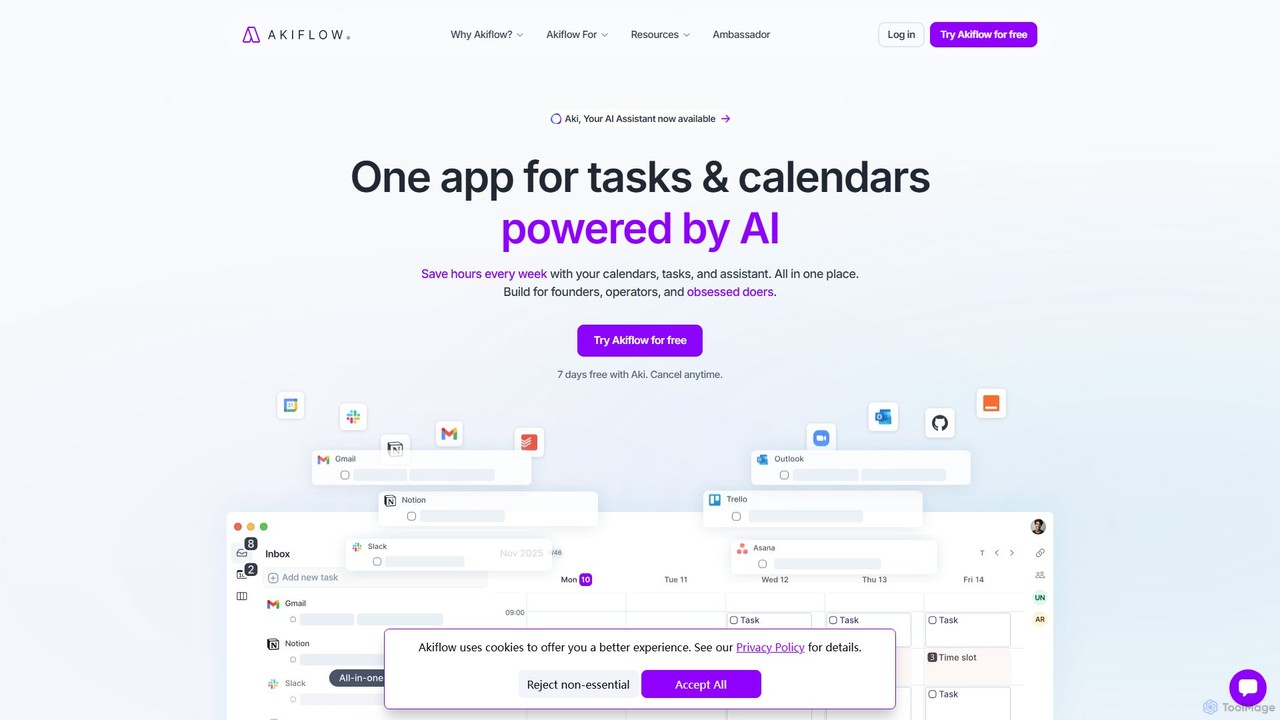
Akiflow
Akiflow is an AI-powered time-blocking and task management platform that unifies all your calendars and tasks from various tools into a single, streamlined workspace. Featuring an AI assistant named Aki, it helps high-performing professionals organize their day, automate routines, and save hours every week.
Calendar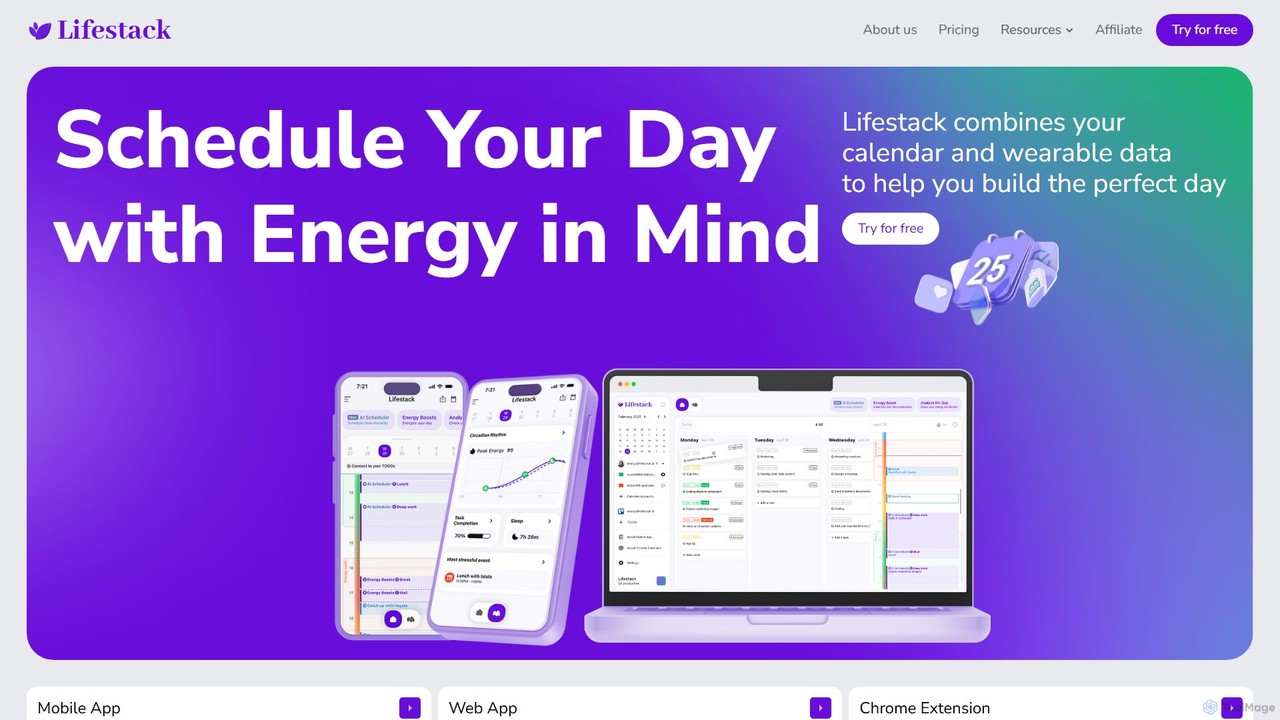
Lifestack
Lifestack is an intelligent calendar app that integrates with your health wearables to optimize your schedule based on your energy levels. By analyzing data like sleep and circadian rhythm, it helps you schedule demanding tasks during your peak energy periods, boosting productivity and preventing burnout.
Wellness
Reclaim.ai
Reclaim.ai is an intelligent AI calendar assistant that automates your schedule for optimal productivity and work-life balance. It intelligently blocks time for tasks, habits, and focus work, finds the best times for meetings, and syncs all your calendars. By defending your time and creating a flexible plan, Reclaim helps you focus on what matters most.
Calendar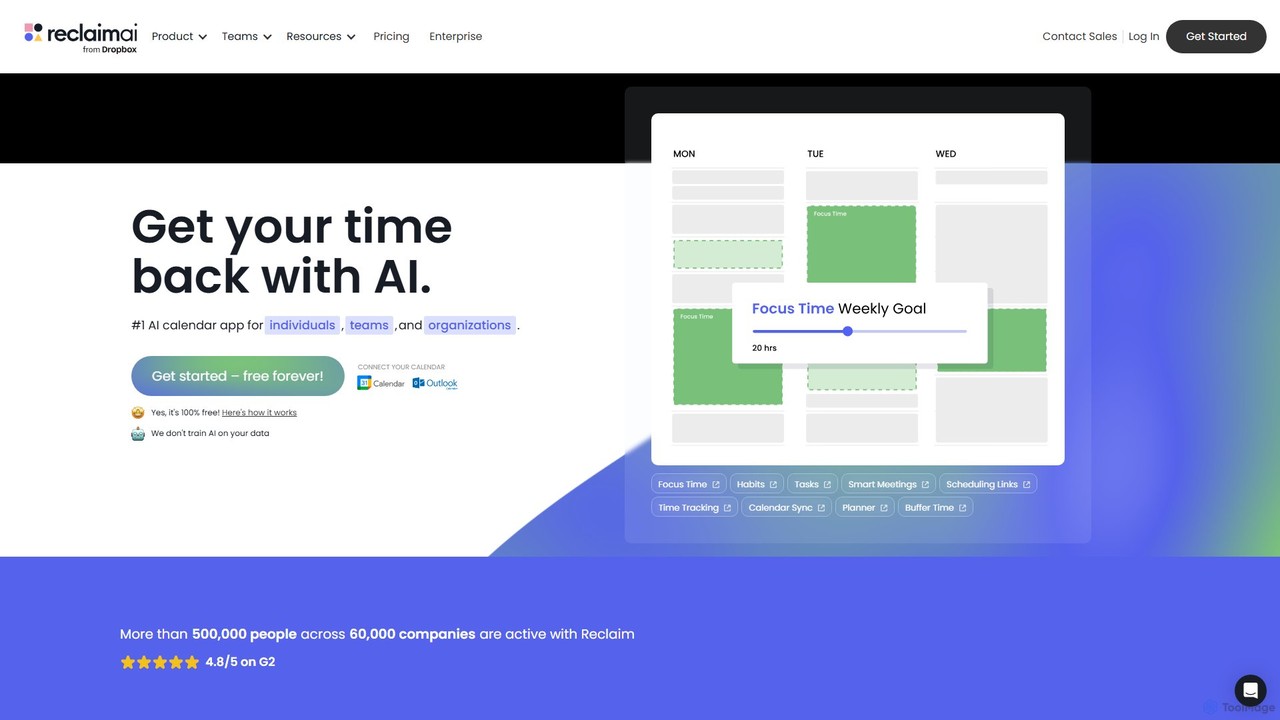
Reclaim
Reclaim is an AI-powered smart calendar assistant that automatically manages your schedule to optimize for productivity and work-life balance. It intelligently finds the best time for your tasks, habits, and meetings, defending your focus time and ensuring you never get overbooked.
CalendarMorgen Categories
Morgen Embed Widget
Copy this embed code to place the badge on your blog, article, or product site and send readers directly to this ToolMage detail page.

Related AI tools
Trevor AI
Trevor AI is an intelligent daily planning assistant that uses AI-powered time-blocking to connect your to-do lists and calendars. It helps you visualize, organize, and schedule all your tasks from services like Todoist, Google Tasks, and Microsoft To Do directly into your Google or Outlook Calendar, turning scattered lists into a focused, actionable plan.
CalendarAkiflow
Akiflow is an AI-powered time-blocking and task management platform that unifies all your calendars and tasks from various tools into a single, streamlined workspace. Featuring an AI assistant named Aki, it helps high-performing professionals organize their day, automate routines, and save hours every week.
Calendar
Routine
Routine is an all-in-one work platform designed for individuals and teams to enhance productivity. It unifies tasks, calendar, notes, and contacts into a single, streamlined workspace. Featuring natural language input, time blocking, and extensive integrations, Routine helps you organize work, focus on priorities, and get things done faster across all your devices.
All In One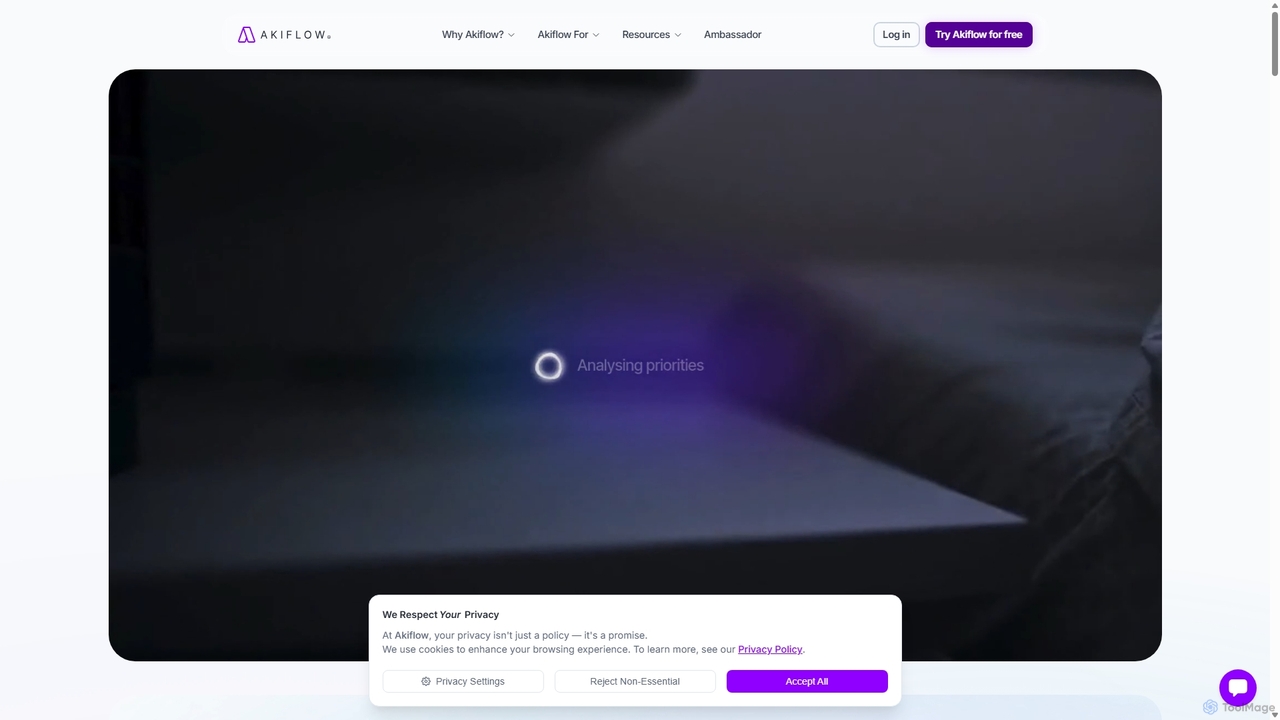
Akiflow
Akiflow is an AI-powered time blocking and task management platform that consolidates all your tasks and calendars into a single, unified workspace. Featuring Aki, an AI executive assistant, it helps you automate scheduling, manage routines, and organize your day with unparalleled speed and efficiency, eliminating the need to switch between multiple apps.
Automation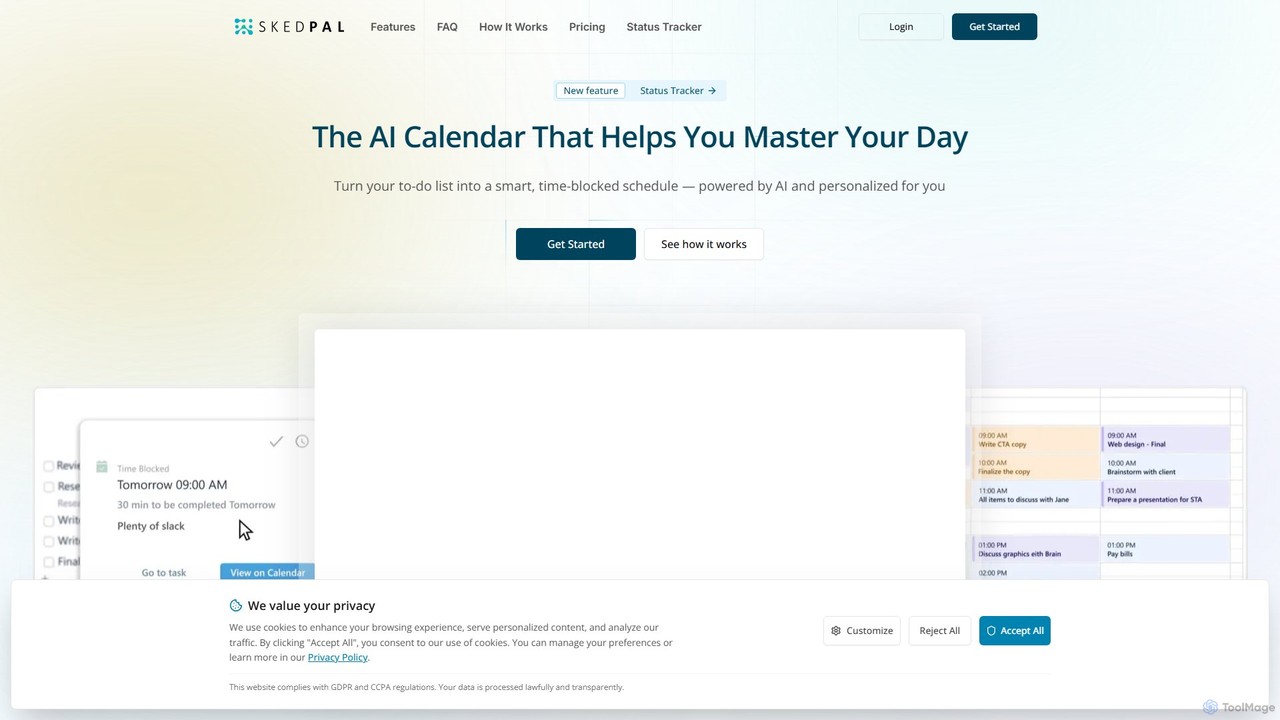
SkedPal
SkedPal is an AI-powered calendar that intelligently transforms your to-do list into a dynamic, time-blocked schedule. It automatically plans your tasks based on your priorities and availability, adapting in real-time to changes. This smart assistant helps you protect time for deep work, build habits, and master your day without the manual effort of calendar management.
Calendar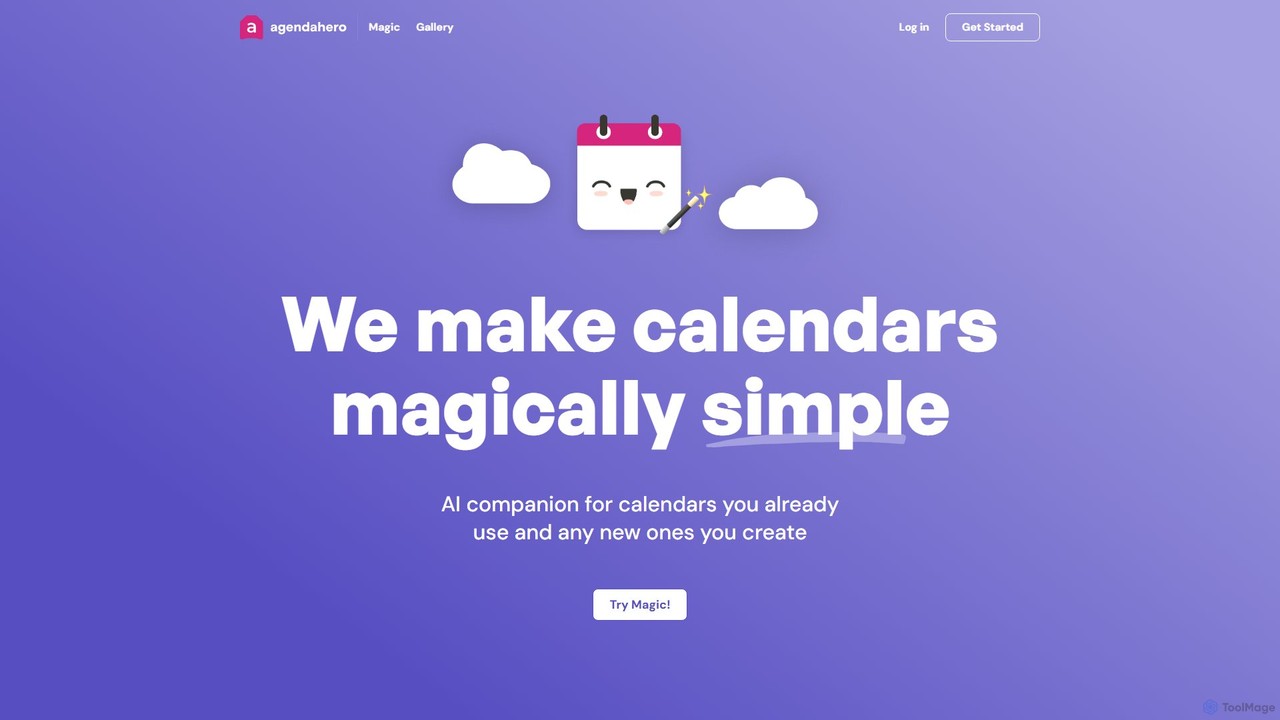
agendahero
agendahero is an AI-powered calendar assistant that simplifies scheduling by magically converting any text, email, PDF, or image into calendar events. It integrates seamlessly with your existing Google, Apple, and Outlook calendars, and allows for the creation of new, shareable schedules using natural language. Ideal for busy families, teams, and individuals.
Organization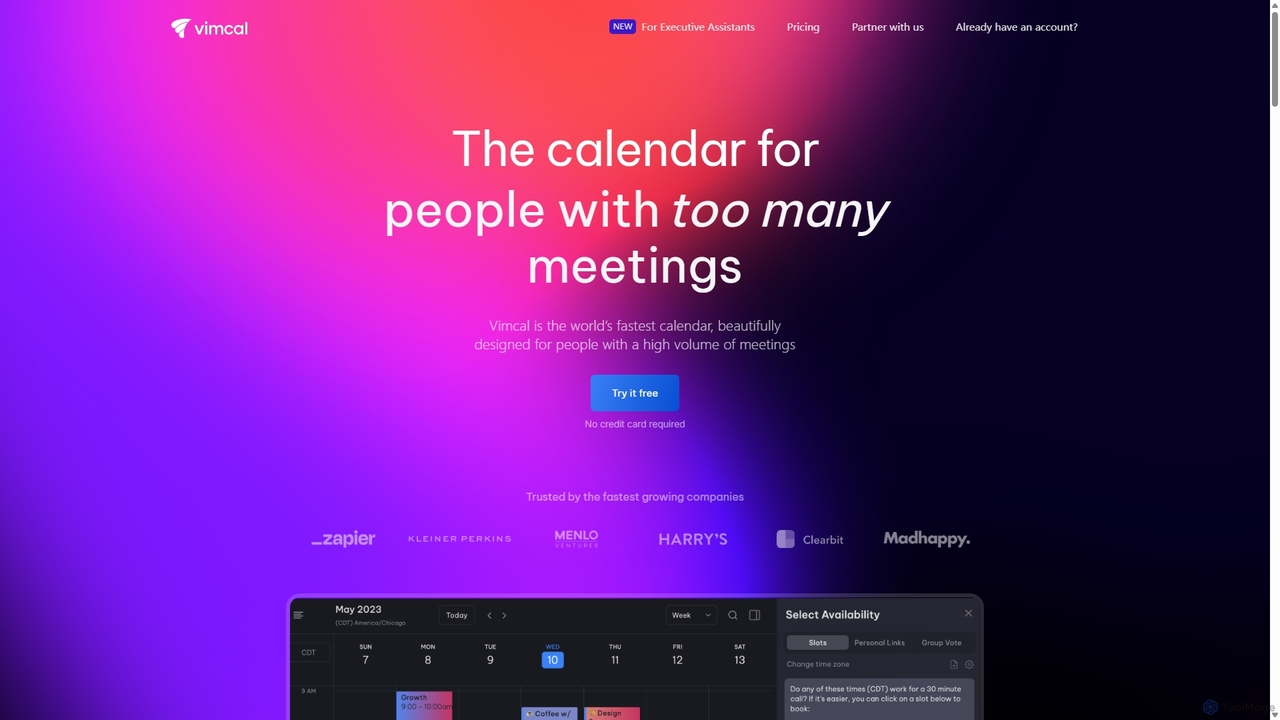
Vimcal
Vimcal is an AI-powered calendar designed for speed and efficiency. Dubbed the "Superhuman for calendar," it helps busy professionals and teams schedule meetings effortlessly. Features include an AI scheduling assistant, GPT-powered dossiers on attendees, and a unified view for all your calendars. It streamlines coordination, eliminates back-and-forth emails, and ensures you're always prepared for your next meeting.
Personal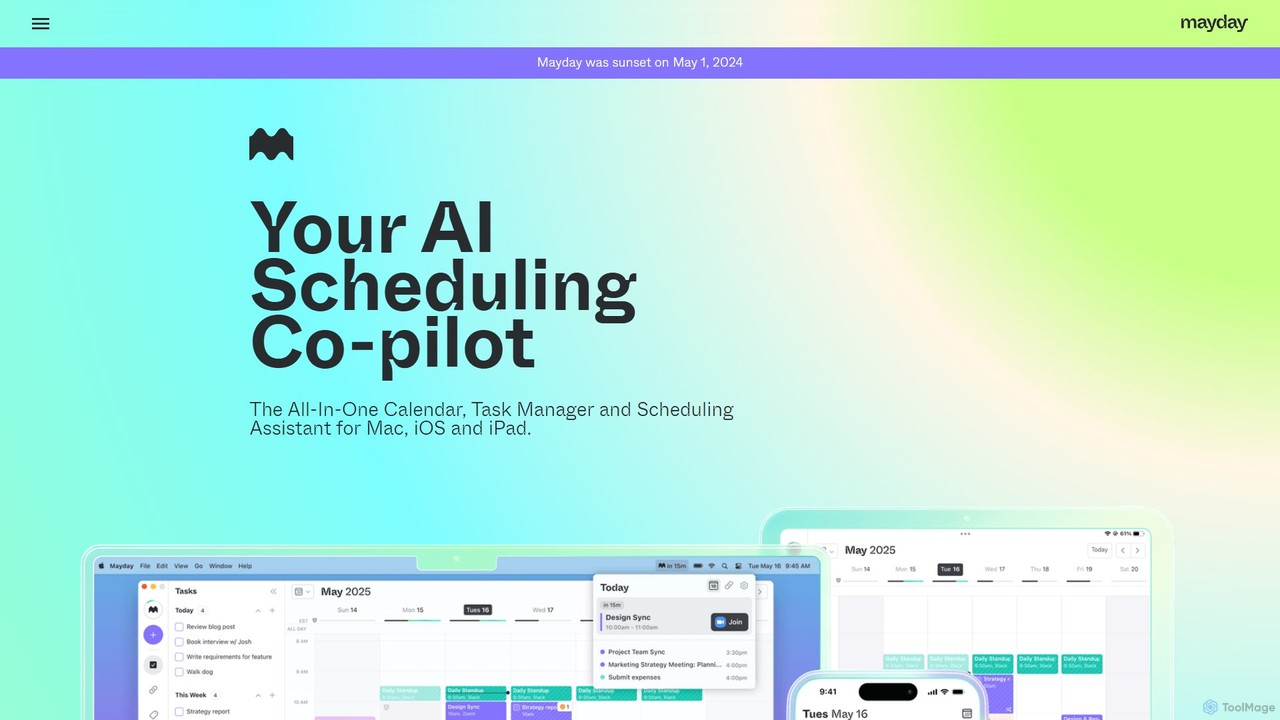
Mayday
Mayday was an AI-assisted calendar designed to protect your time and automate scheduling. It unified multiple calendars, intelligently scheduled tasks, and used features like buffer time and smart tags to create a more manageable schedule. Please note: Mayday was discontinued on May 1, 2024.
Calendar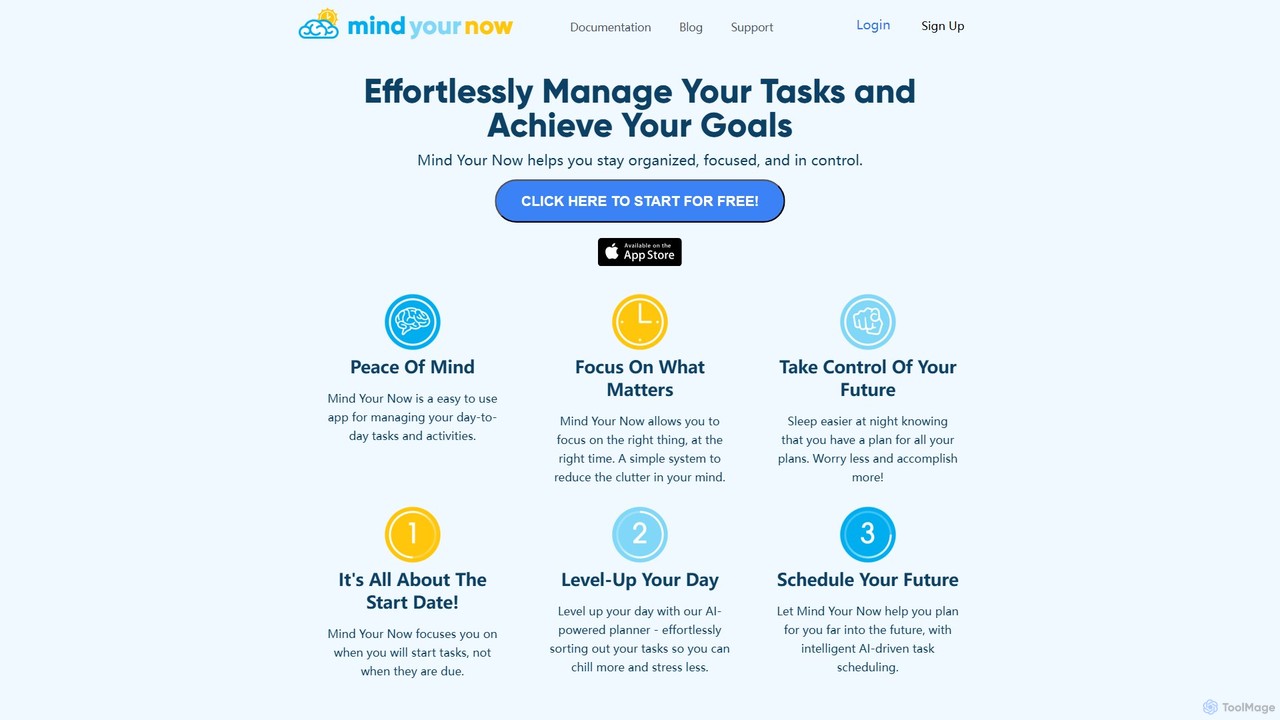
Mind Your Now
Mind Your Now is an AI-powered task and productivity manager designed to reduce overwhelm and increase focus. By prioritizing tasks based on their start dates, not due dates, and integrating proven methodologies like GTD and Time Blocking, it helps you manage daily activities, achieve long-term goals, and maintain a healthy work-life balance with its smart AI assistant, Kaia.
Calendar
Focus Fox
Focus Fox is an AI-powered assistant designed to streamline your productivity by simplifying calendar and event management. Using natural language, you can instantly create events, organize your schedule, and manage tasks, allowing you to focus on what truly matters. It integrates with your existing calendars to provide a seamless experience.
Ai Assistant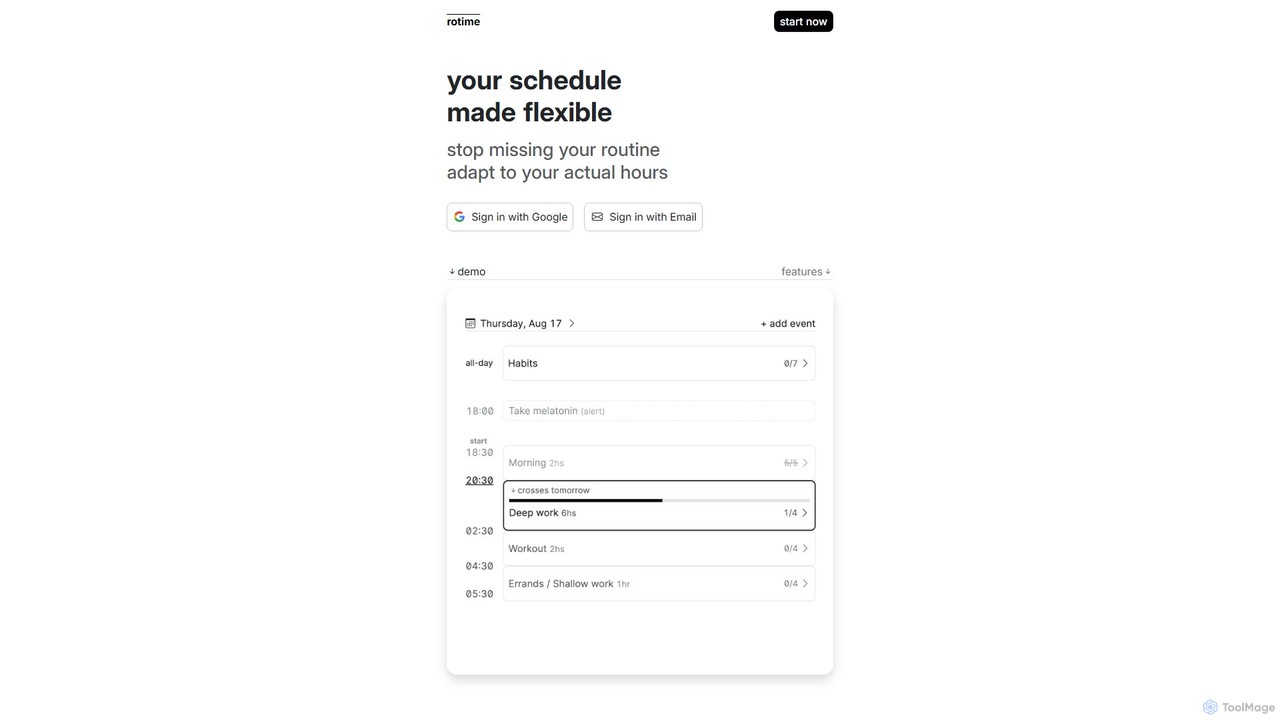
rotimeapp
A minimalist, focus-aware calendar app designed to reduce distractions. It highlights your current event and dims the rest, helping you concentrate on the task at hand. Ideal for time blocking and mindful productivity.
Mindfulness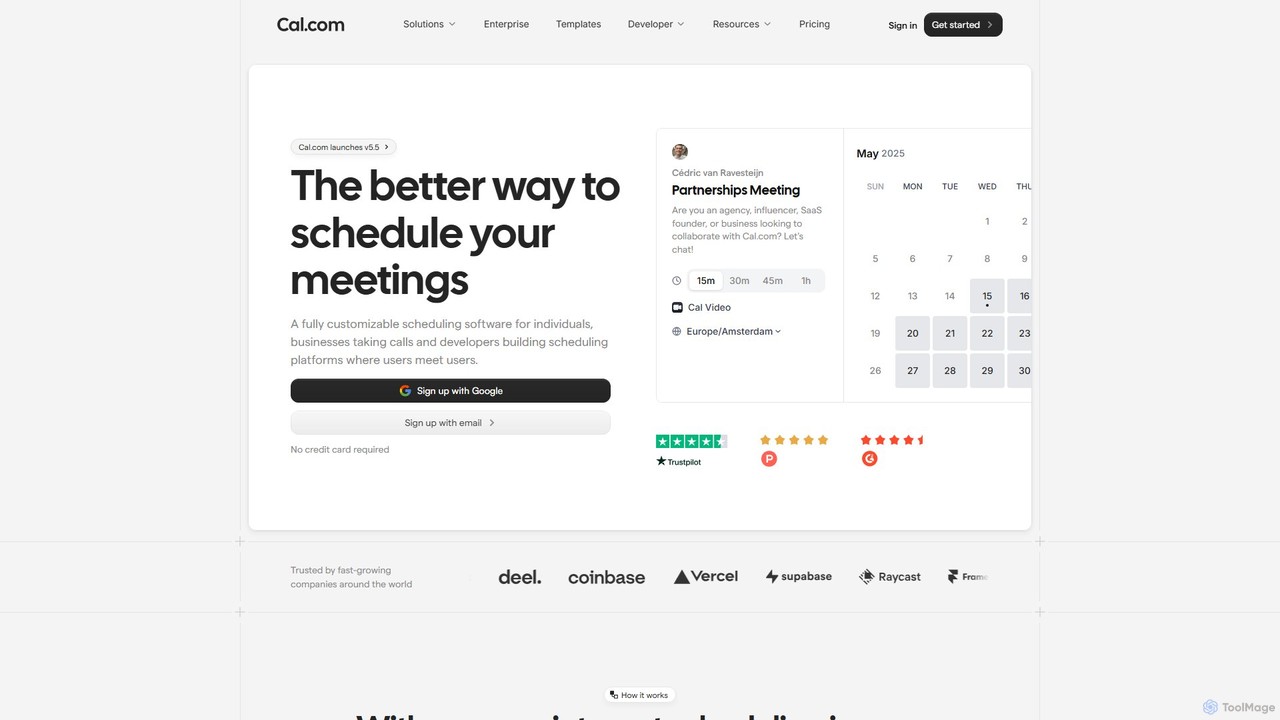
Cal.com
Cal.com is an open-source scheduling infrastructure designed for individuals, teams, and developers. It offers a highly customizable, privacy-first alternative to traditional scheduling tools, allowing for seamless integration, self-hosting, and white-labeling to manage meetings and appointments efficiently.
Customer Management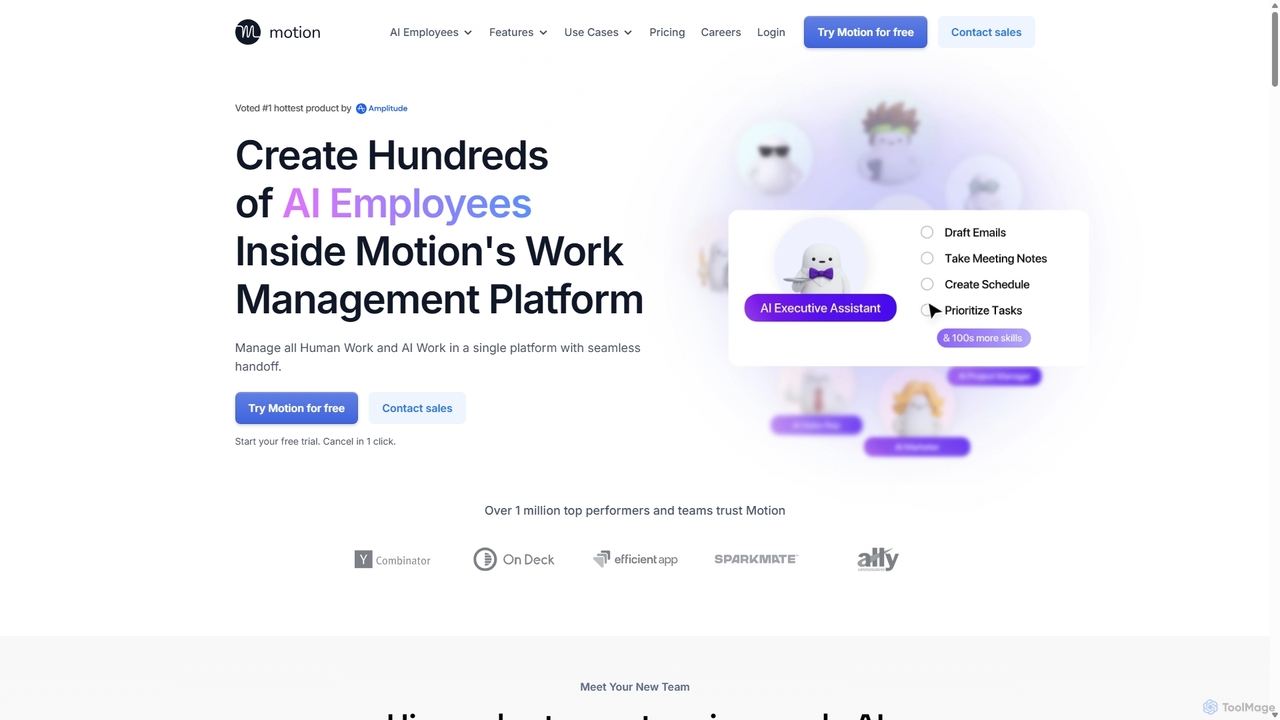
Motion
Motion is an AI-powered platform that provides a suite of AI Employees and productivity tools to automate tasks, manage projects, and organize schedules. It's designed to 10x your team's output by handling everything from calendar management and email replies to sales outreach and customer support, all within a single integrated workspace.
Virtual Assistant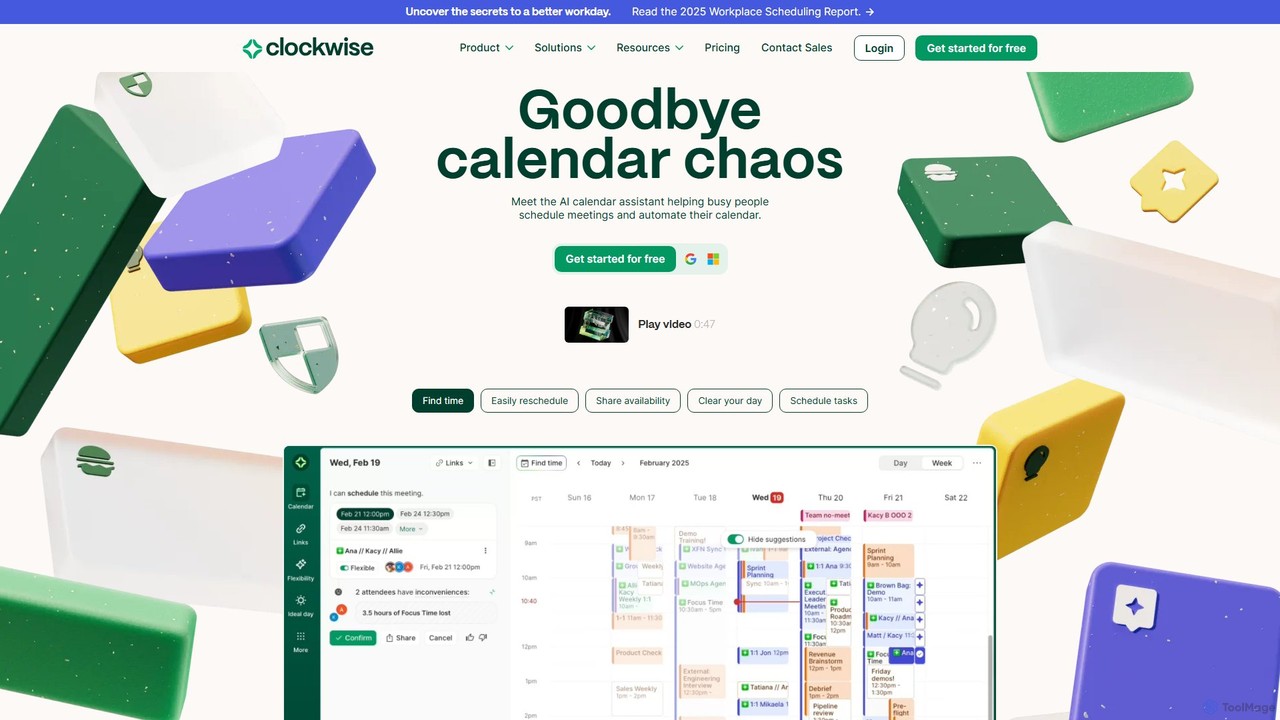
getclockwise
Clockwise is an AI-powered time management and calendar assistant that optimizes your schedule for maximum productivity. It intelligently rearranges meetings to create longer blocks of uninterrupted Focus Time, automates team scheduling, and acts as your personal assistant to manage your calendar effortlessly.
Calendar Management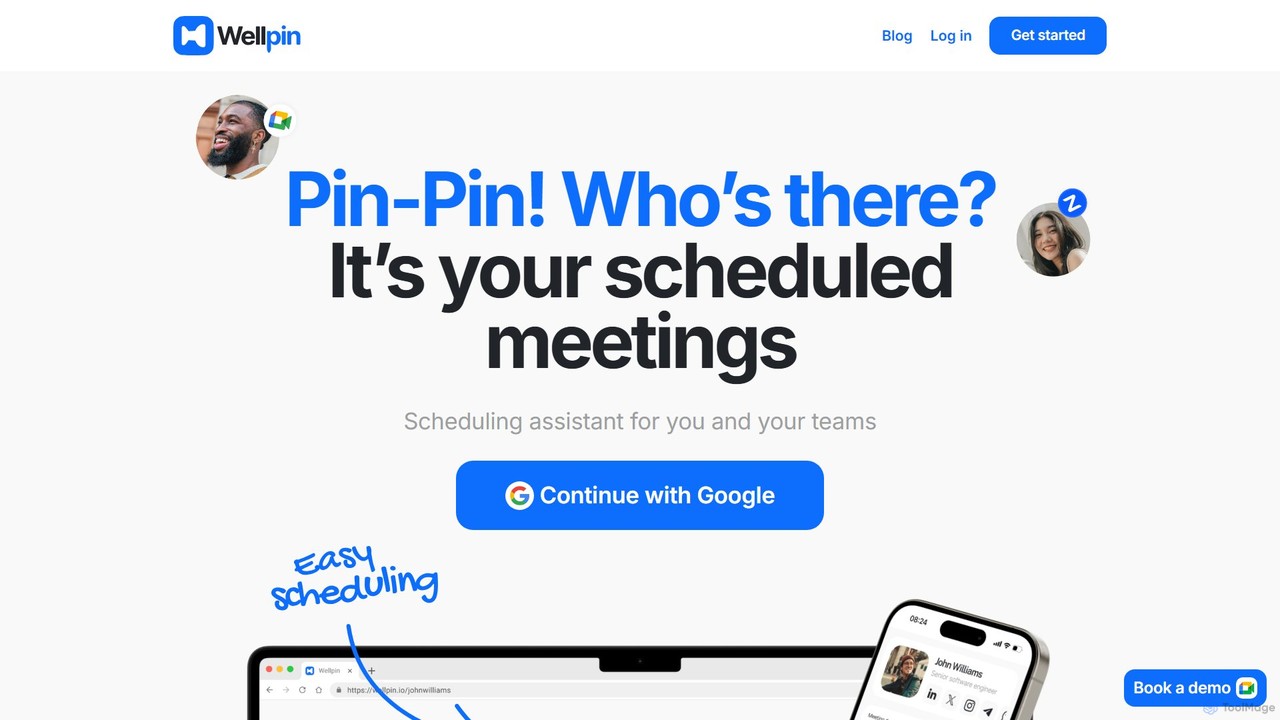
Wellpin
Wellpin is an AI-powered scheduling assistant designed for individuals and teams. It simplifies meeting arrangements by syncing with your calendars, preventing double bookings with AI conflict detection, and providing a single link for all your scheduling needs. Ideal for recruiters, sales teams, educators, and consultants.
Booking
Morgen Comments (0)
Sign in to comment.
Sign inNo comments yet.