
Akiflow Overview
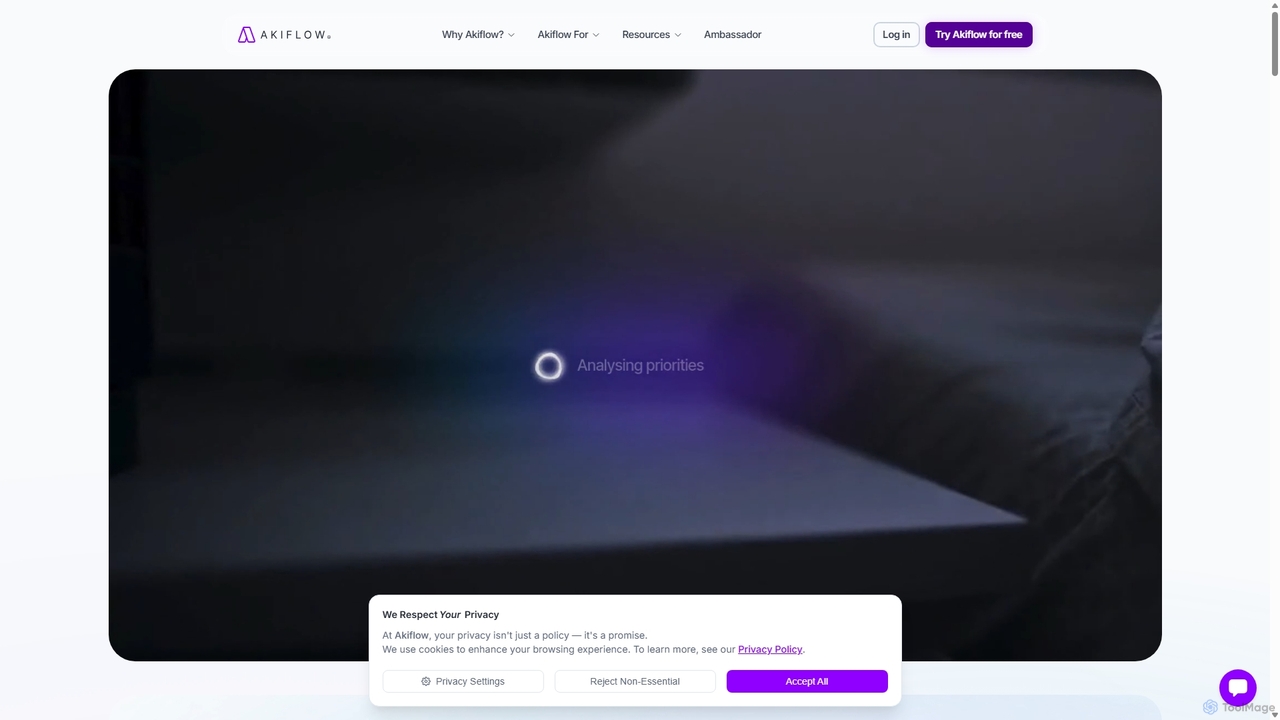
Akiflow is a comprehensive productivity suite designed to help busy professionals regain control of their time. It acts as a central command center, unifying tasks from over 3,000 integrations (including Slack, Gmail, Asana, Jira, and Trello) and consolidating all your calendars (Google, Outlook) into one streamlined view. The core philosophy of Akiflow is time blocking, a method where you schedule every task on your calendar to ensure you have dedicated time for focused work.
The standout feature of Akiflow is its integrated AI assistant, Aki. Aki functions as a proactive executive assistant, capable of understanding natural language commands to manage your schedule, create tasks, and automate complex workflows. This allows you to offload mental overhead and execute tasks with simple prompts, transforming how you interact with your to-do list and calendar.
How to use Akiflow
Getting started with Akiflow is intuitive. First, you connect your existing tools and calendar accounts. All your tasks from different sources will automatically flow into a unified inbox. From there, you can simply drag and drop tasks from the inbox directly onto your calendar to time block them. For faster operations, use the Command Bar (Ctrl/Cmd+K) to perform any action—create a task, find availability, or integrate a new tool—without ever leaving your keyboard. To leverage the AI, you can give prompts to Aki, such as "Schedule a 30-minute follow-up call with the marketing team for next week" or "Create a recurring task to review my weekly goals every Friday morning." Aki will process the request and organize your schedule accordingly.
Core Features of Akiflow
- AI Executive Assistant (Aki): Automates tasks, schedules meetings, and manages routines using natural language prompts. Provides proactive support and real-time execution.
- Unified Inbox: Consolidates tasks from thousands of applications like Gmail, Slack, Asana, Jira, Notion, and more into one central place.
- Time Blocking: A powerful calendar interface that allows you to drag and drop tasks to schedule your day and protect your focus time.
- Universal Command Bar: A lightning-fast interface to capture thoughts, create tasks, and manage your schedule with simple keyboard shortcuts.
- Two-Way Calendar Sync: Seamlessly syncs with Google Calendar, Outlook, and other major calendar providers, ensuring your schedule is always up-to-date everywhere.
- Extensive Integrations: Natively connects with essential tools and supports over 3,000 more through platforms like Zapier and Make.
- Proactive Productivity Coach: (Coming Soon) Aki will offer suggestions to optimize your schedule, such as reviewing your inbox during a free slot.
Use Cases for Akiflow
Akiflow is versatile and benefits a wide range of professionals. For founders and C-level executives, it's a powerful tool for managing a hectic schedule and staying on top of strategic priorities. Project managers can use it to consolidate tasks from various project management systems and allocate team resources effectively. Developers can pull in tickets from Jira or GitHub and block out uninterrupted coding sessions. Sales teams can manage follow-ups from their CRM, while marketers can coordinate campaign tasks from multiple platforms. Essentially, anyone feeling overwhelmed by tool fatigue and constant context switching can use Akiflow to create a single source of truth for their work.
Advantages of Akiflow
The primary advantage of Akiflow is its ability to drastically reduce context switching, which is a major drain on productivity. By centralizing all tasks and calendars, it saves significant time and mental energy. The AI assistant, Aki, elevates this by automating routine administrative work, freeing you up to focus on high-impact activities. The speed of the application, particularly the Command Bar, allows for a frictionless workflow, making task management feel effortless. Furthermore, its robust integration capabilities ensure it fits seamlessly into any existing tech stack.
Pricing and Plans
Akiflow operates on a subscription model and is a paid tool. It offers a 7-day free trial that provides full access to all features, including the AI assistant, Aki. After the trial period, users can subscribe to the Premium plan. The pricing is typically billed monthly or annually, with the annual plan offering a discount. The plan includes access to all integrations, unlimited tasks and calendar connections, and support for desktop and mobile apps. For the most current pricing details, please visit the official Akiflow website.
Akiflow Alternatives
Motion
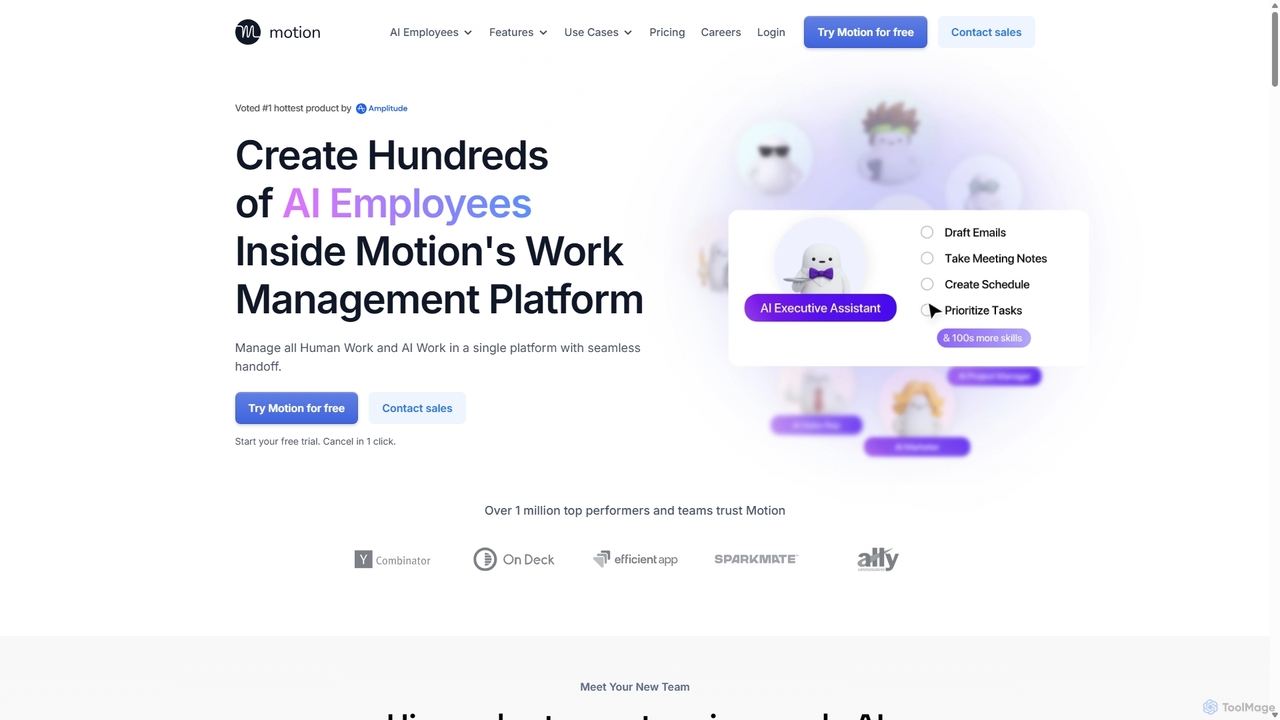
Motion is an AI-powered platform that provides a suite of AI Employees and productivity tools to automate tasks, manage projects, and organize schedules. It's designed to 10x your team's output by handling everything from calendar management and email replies to sales outreach and customer support, all within a single integrated workspace.
Virtual Assistant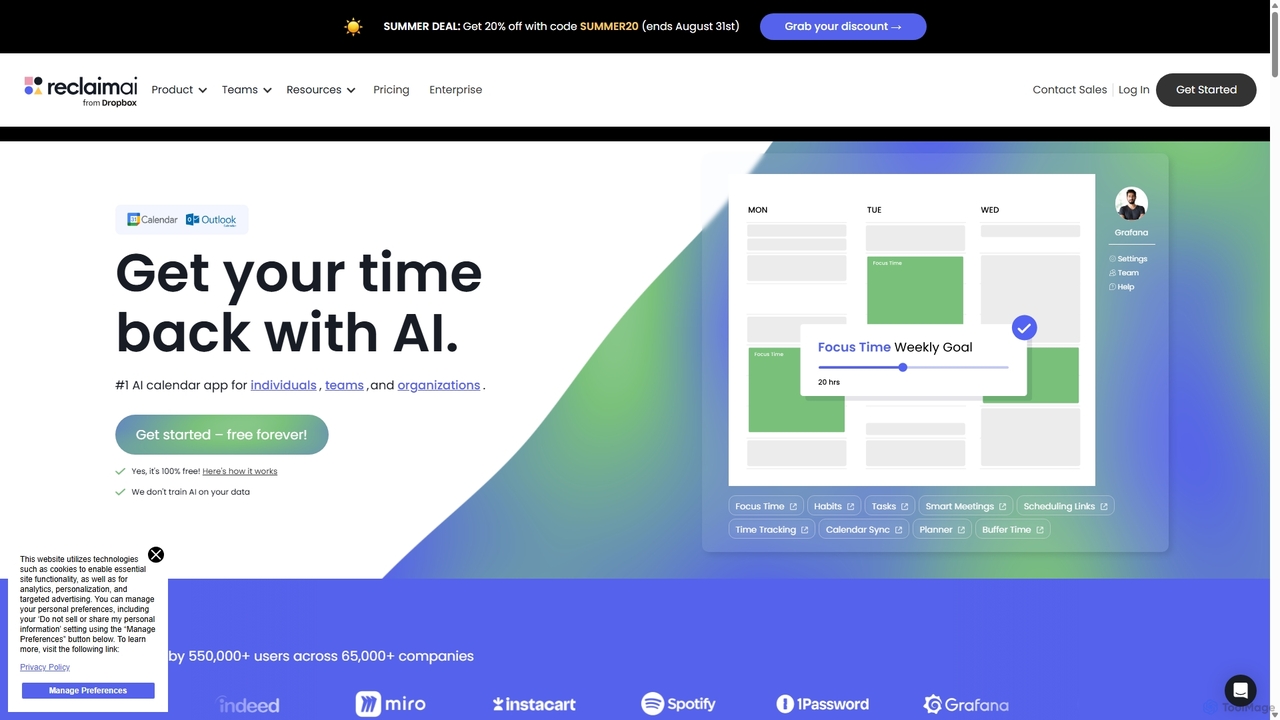
Reclaim.ai
Reclaim.ai is an intelligent AI calendar assistant that automates your schedule for optimal productivity and work-life balance. It intelligently blocks time for tasks, habits, and focus work, finds the best times for meetings, and syncs all your calendars. By defending your time and creating a flexible plan, Reclaim helps you focus on what matters most.
Calendar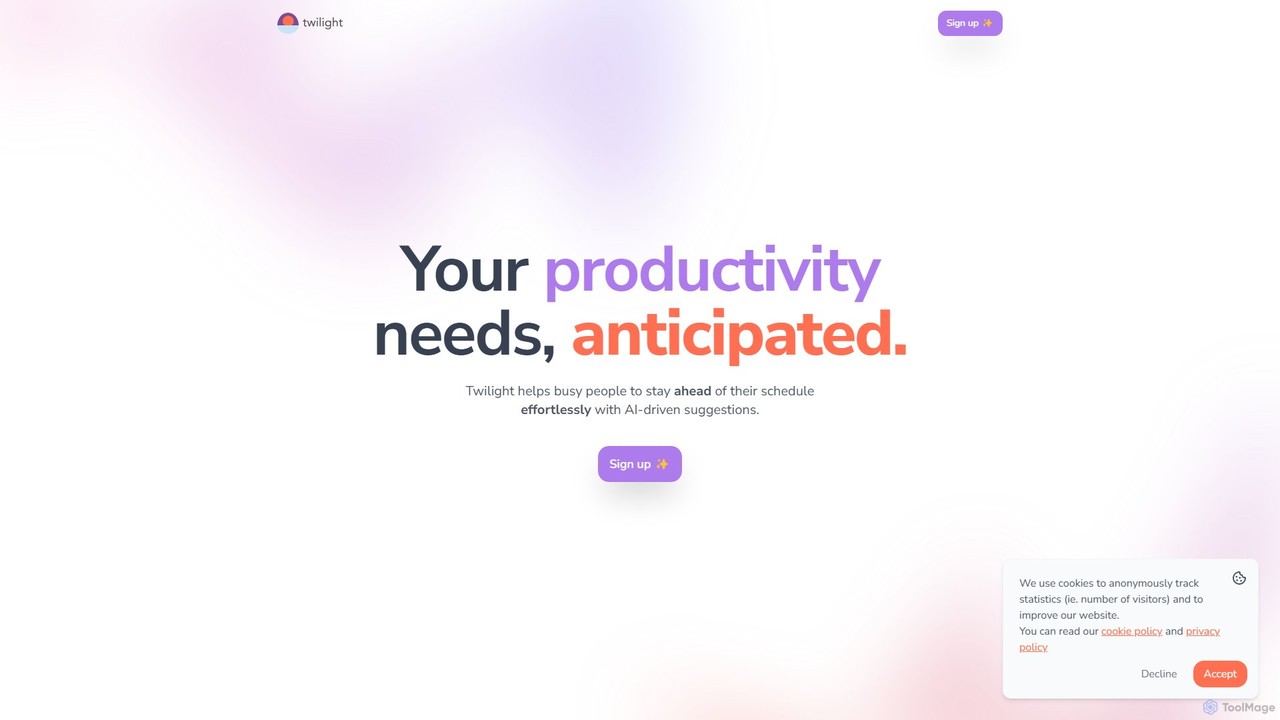
Twilight
Twilight is an AI-driven personal assistant that anticipates your productivity needs. It intelligently manages your schedule with proactive suggestions, automates rescheduling, prevents overbooking, and helps you focus on what truly matters by organizing your workflow.
Calendar Management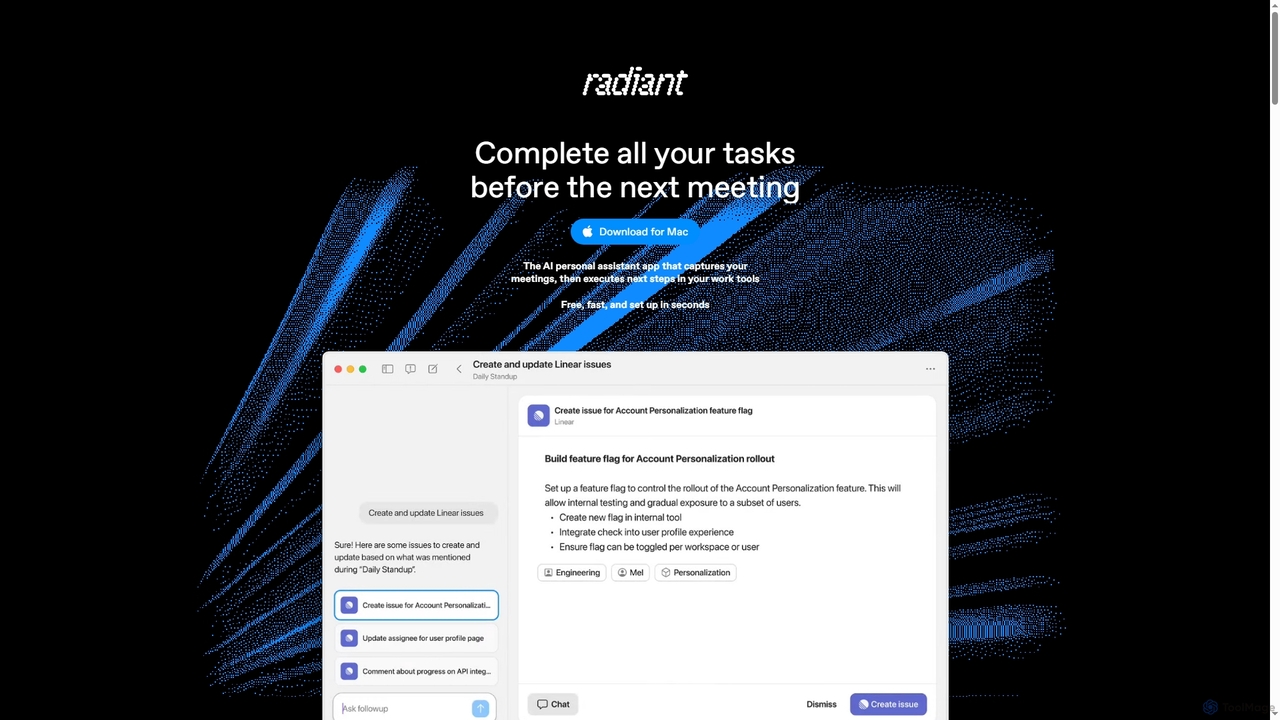
Radiant
Radiant is an AI personal assistant app for Mac that captures meetings and automatically executes next steps. It goes beyond note-taking by suggesting and drafting actions like emails, documents, and tickets directly in your work tools, streamlining your workflow without needing a bot.
Collaboration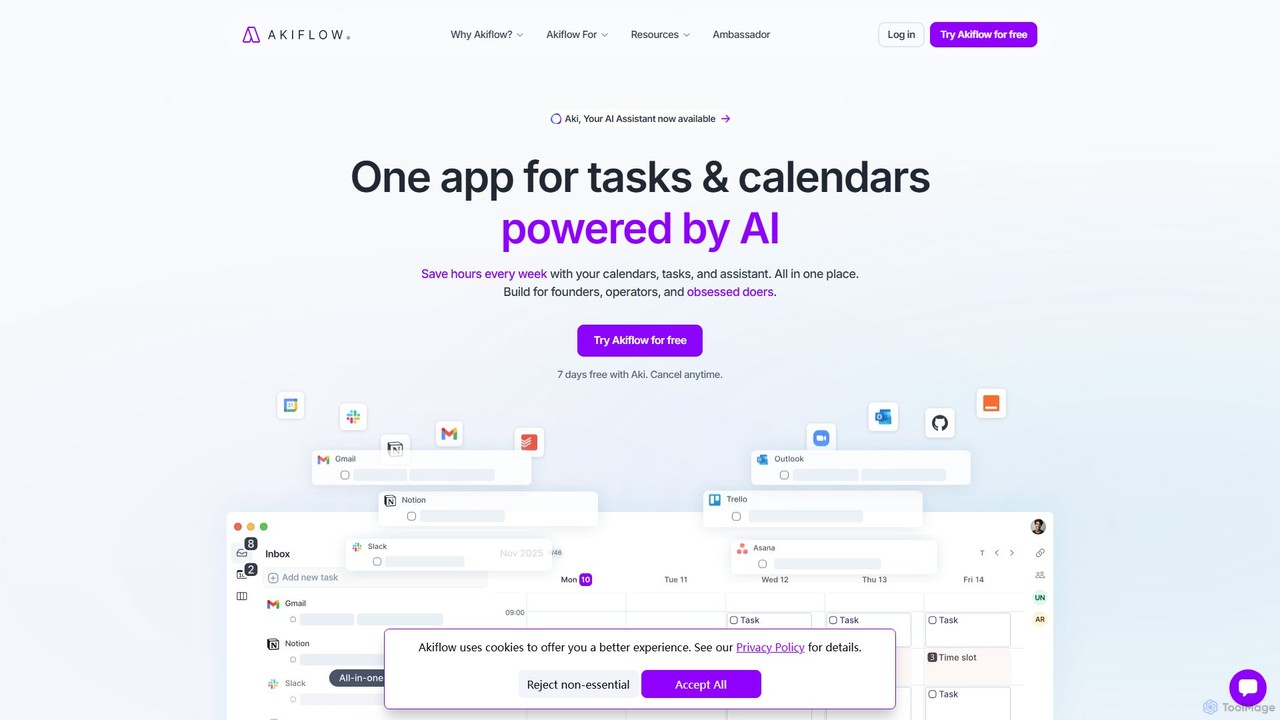
Akiflow
Akiflow is an AI-powered time-blocking and task management platform that unifies all your calendars and tasks from various tools into a single, streamlined workspace. Featuring an AI assistant named Aki, it helps high-performing professionals organize their day, automate routines, and save hours every week.
CalendarAkiflow Categories
Akiflow Jobs
Akiflow Embed Widget
Copy this embed code to place the badge on your blog, article, or product site and send readers directly to this ToolMage detail page.

Related AI tools

Jarvis
Jarvis is an intelligent AI assistant designed to automate tasks, manage schedules, and streamline communication for busy professionals and teams. It acts as a central command hub, integrating with your existing tools to boost productivity and reclaim your time.
WorkflowAkiflow
Akiflow is an AI-powered time-blocking and task management platform that unifies all your calendars and tasks from various tools into a single, streamlined workspace. Featuring an AI assistant named Aki, it helps high-performing professionals organize their day, automate routines, and save hours every week.
CalendarReclaim.ai
Reclaim.ai is an intelligent AI calendar assistant that automates your schedule for optimal productivity and work-life balance. It intelligently blocks time for tasks, habits, and focus work, finds the best times for meetings, and syncs all your calendars. By defending your time and creating a flexible plan, Reclaim helps you focus on what matters most.
CalendarMotion
Motion is an AI-powered platform that provides a suite of AI Employees and productivity tools to automate tasks, manage projects, and organize schedules. It's designed to 10x your team's output by handling everything from calendar management and email replies to sales outreach and customer support, all within a single integrated workspace.
Virtual Assistant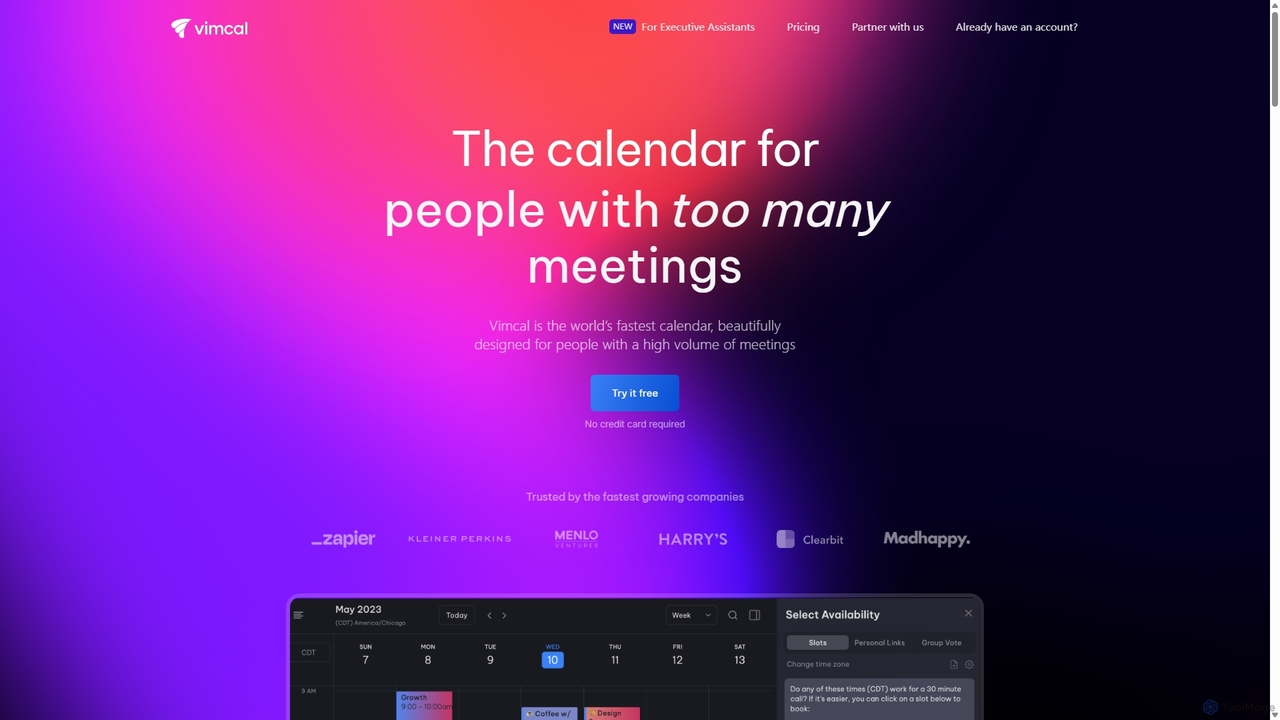
Vimcal
Vimcal is an AI-powered calendar designed for speed and efficiency. Dubbed the "Superhuman for calendar," it helps busy professionals and teams schedule meetings effortlessly. Features include an AI scheduling assistant, GPT-powered dossiers on attendees, and a unified view for all your calendars. It streamlines coordination, eliminates back-and-forth emails, and ensures you're always prepared for your next meeting.
Personal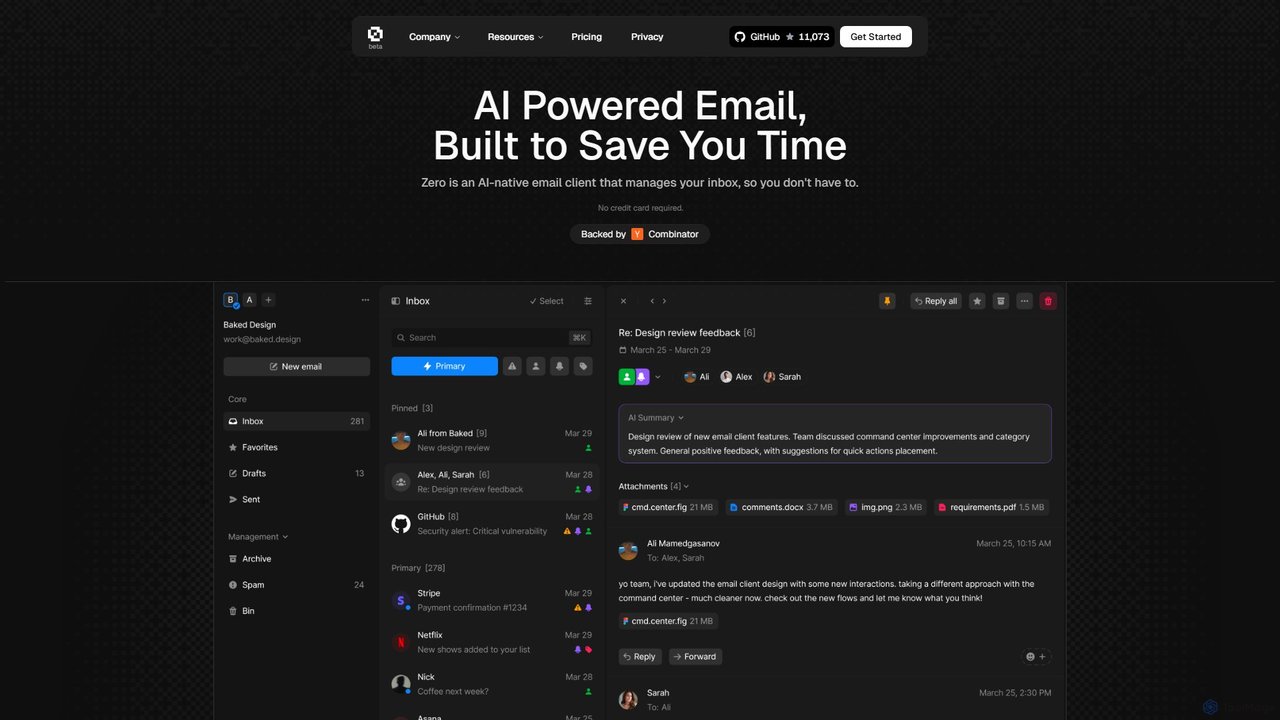
Zero
Zero is an AI-native email client designed to save you time. It automatically manages your inbox by summarizing threads, drafting replies, and extracting action items, allowing you to process emails at lightning speed with a keyboard-first interface.
Personal Assistant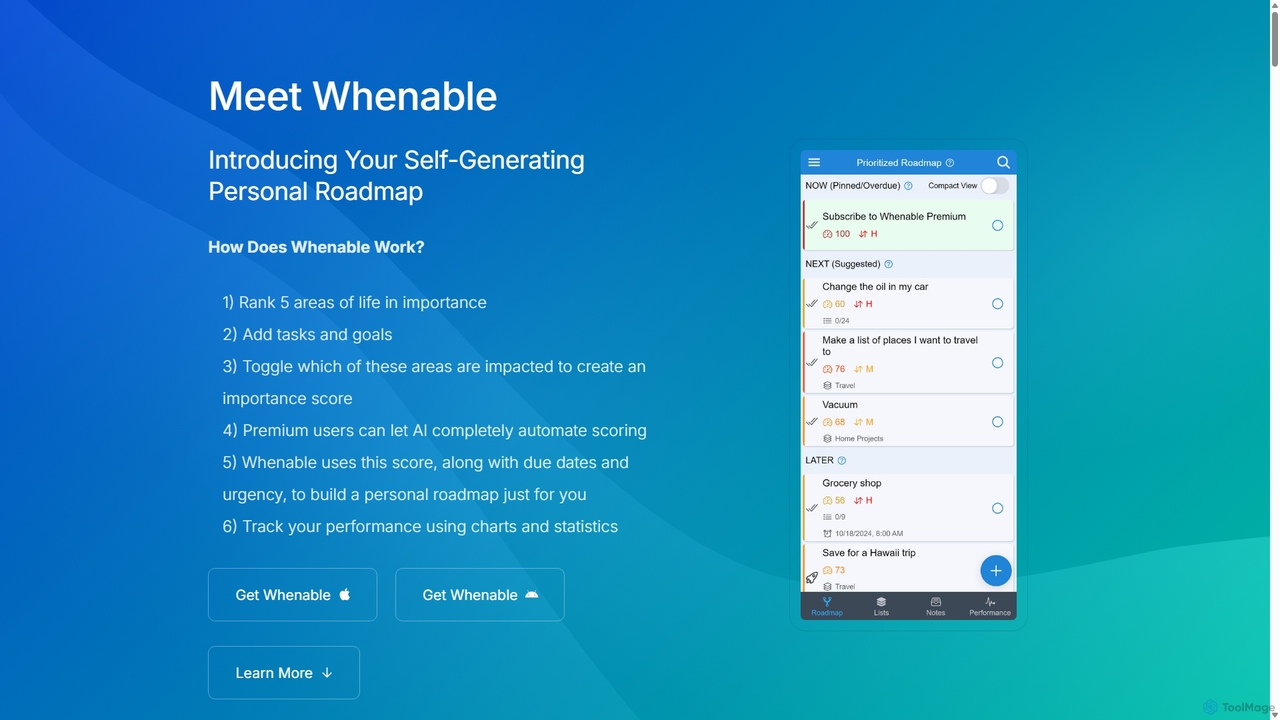
Whenable
Whenable is an AI-powered productivity app that transforms your overwhelming to-do list into a manageable, prioritized life roadmap. By ranking your life areas and leveraging AI, it automatically organizes tasks into NOW, NEXT, and LATER categories, helping you focus on what truly matters and celebrate your achievements.
Personal Development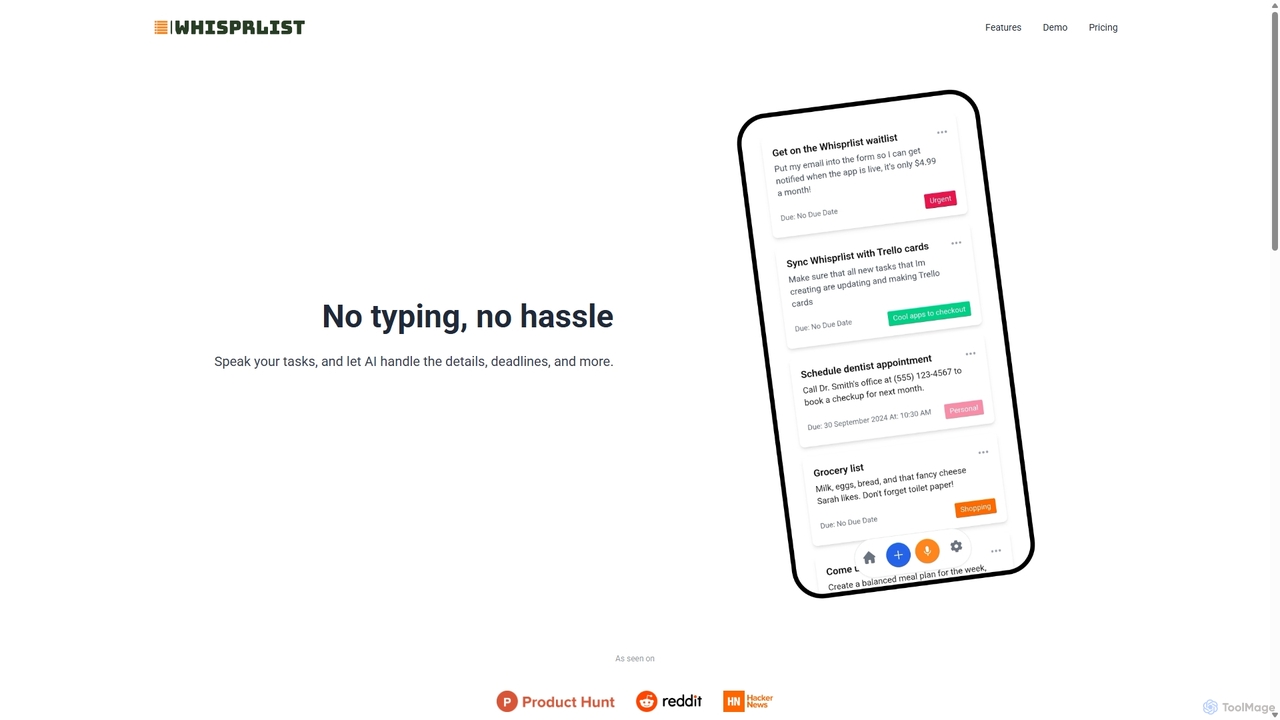
Whisprlist
Whisprlist is an AI-powered task management tool that lets you create and organize your to-do list simply by speaking. It eliminates typing, using advanced voice recognition and AI to parse details, set deadlines, and structure your tasks. Receive a daily summary email to stay on track effortlessly.
Voice Recognition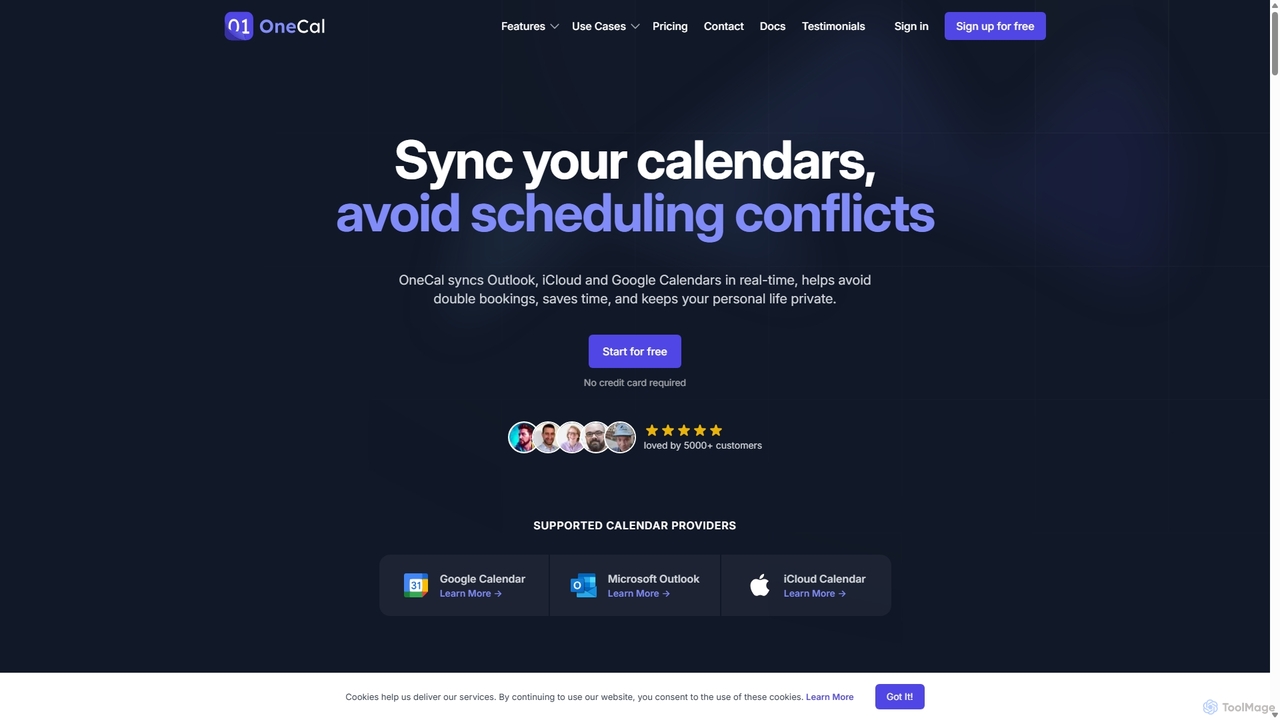
OneCal
OneCal is a powerful calendar automation tool that syncs Outlook, Google, and iCloud calendars in real-time. It helps professionals and teams avoid double bookings, save time on scheduling, and maintain privacy by consolidating all events into a unified view and providing customizable scheduling links.
Time Management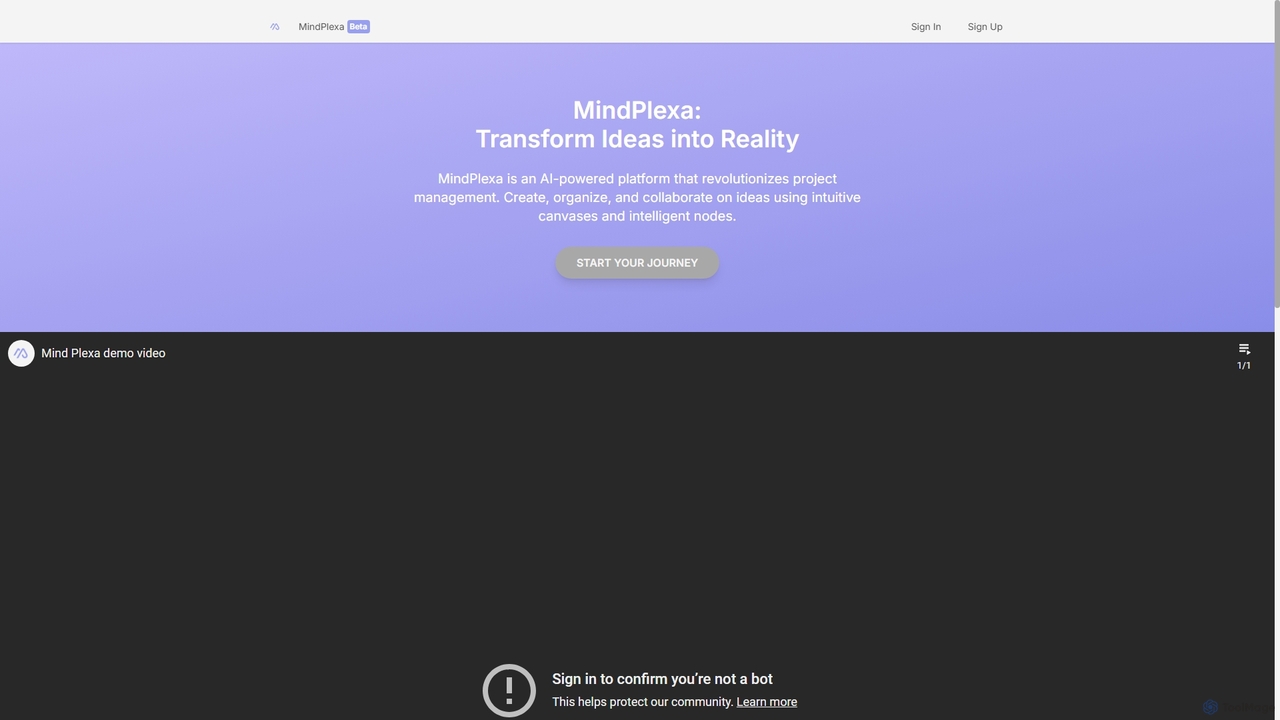
MindPlexa
MindPlexa is an AI-powered productivity platform that transforms ideas into actionable projects. It combines visual mind mapping with intelligent project management, allowing users to create, organize, and collaborate on ideas using intuitive canvases and smart nodes. The AI assistant helps generate project layouts, suggest tasks, and streamline workflows, making it an ideal tool for teams and individuals looking to boost creativity and efficiency.
Teamwork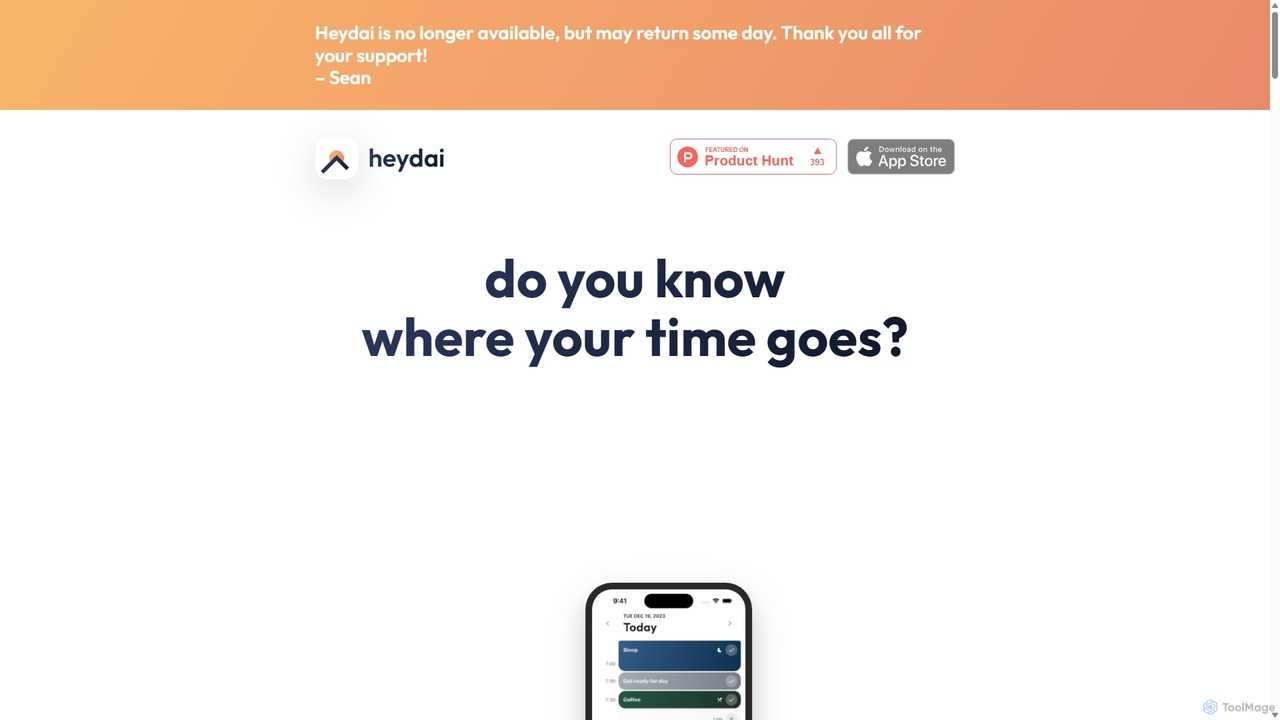
Heydai
Heydai is an AI-powered daily planner and time tracker designed to help you understand where your time goes. It provides a visual timeline, in-depth analytics, and intelligent recommendations to align your daily activities with your long-term goals, boosting productivity and ensuring your time matches your priorities.
Analytics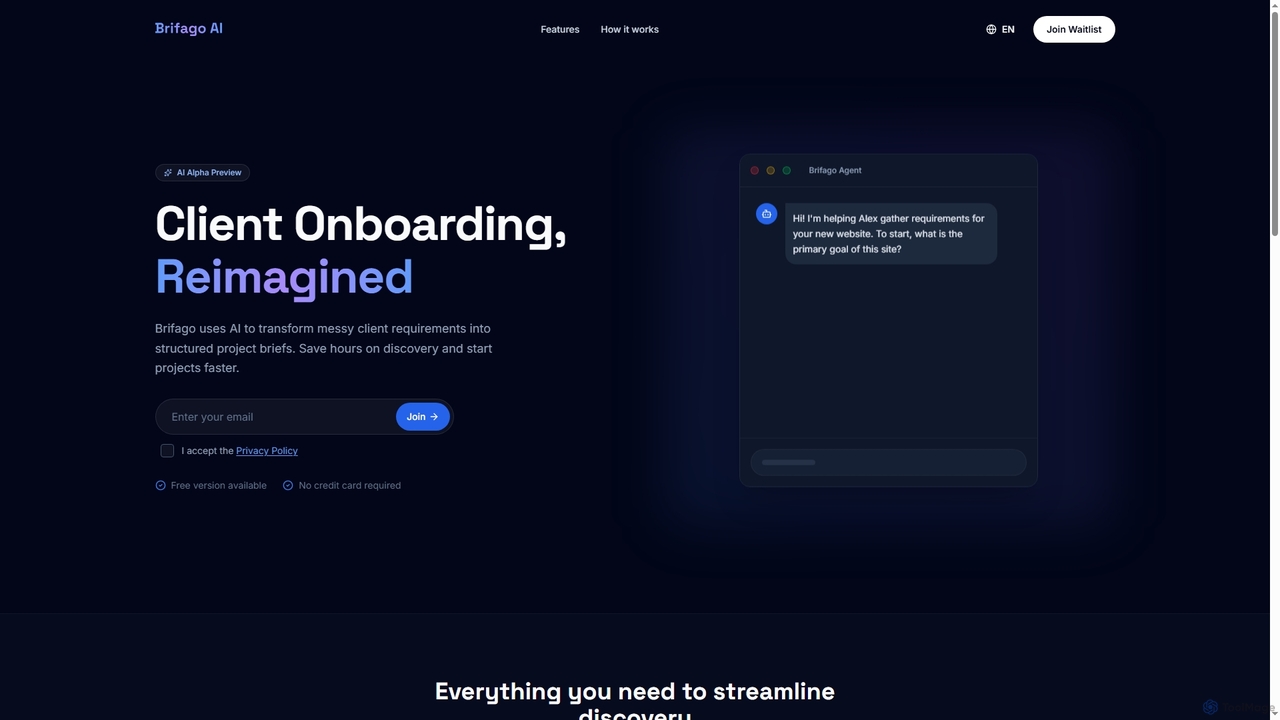
Brifagoai
Brifagoai is an AI-powered client onboarding tool designed to streamline the requirement gathering process. It uses a conversational AI agent to interview clients, transforming unstructured requests into clear, structured project briefs. This saves agencies and freelancers hours of manual work, reduces back-and-forth communication, and helps prevent scope creep.
OnboardingTwilight
Twilight is an AI-driven personal assistant that anticipates your productivity needs. It intelligently manages your schedule with proactive suggestions, automates rescheduling, prevents overbooking, and helps you focus on what truly matters by organizing your workflow.
Calendar Management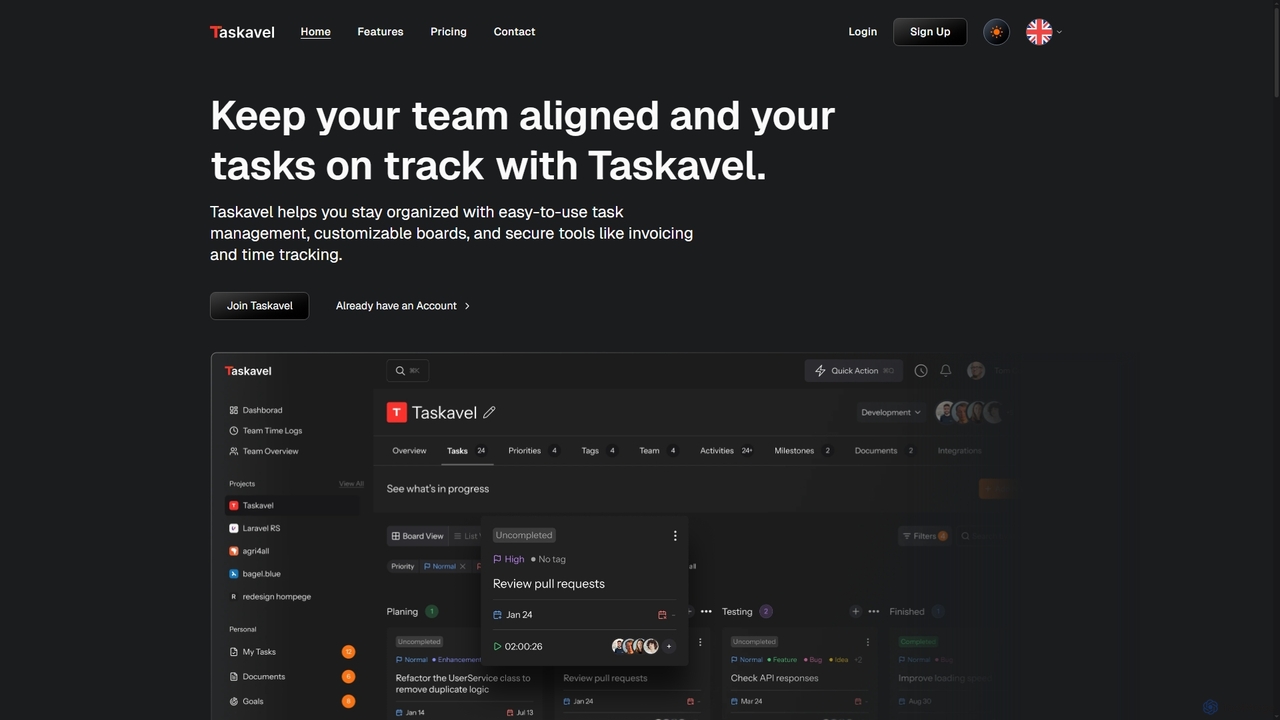
Taskavel
Taskavel is a comprehensive task and project management platform designed to keep teams aligned and tasks on track. It offers intuitive tools like customizable Kanban boards, integrated time tracking, invoicing, and robust collaboration features, especially tailored for developers and agile teams.
Workflow Automation
carlos_app
carlos_app is an intelligent AI personal assistant designed to streamline your workflow, manage tasks, automate scheduling, and enhance communication. It acts as your proactive partner, helping you focus on what truly matters by handling the administrative details.
Task Management
Akiflow Comments (0)
Sign in to comment.
Sign inNo comments yet.