

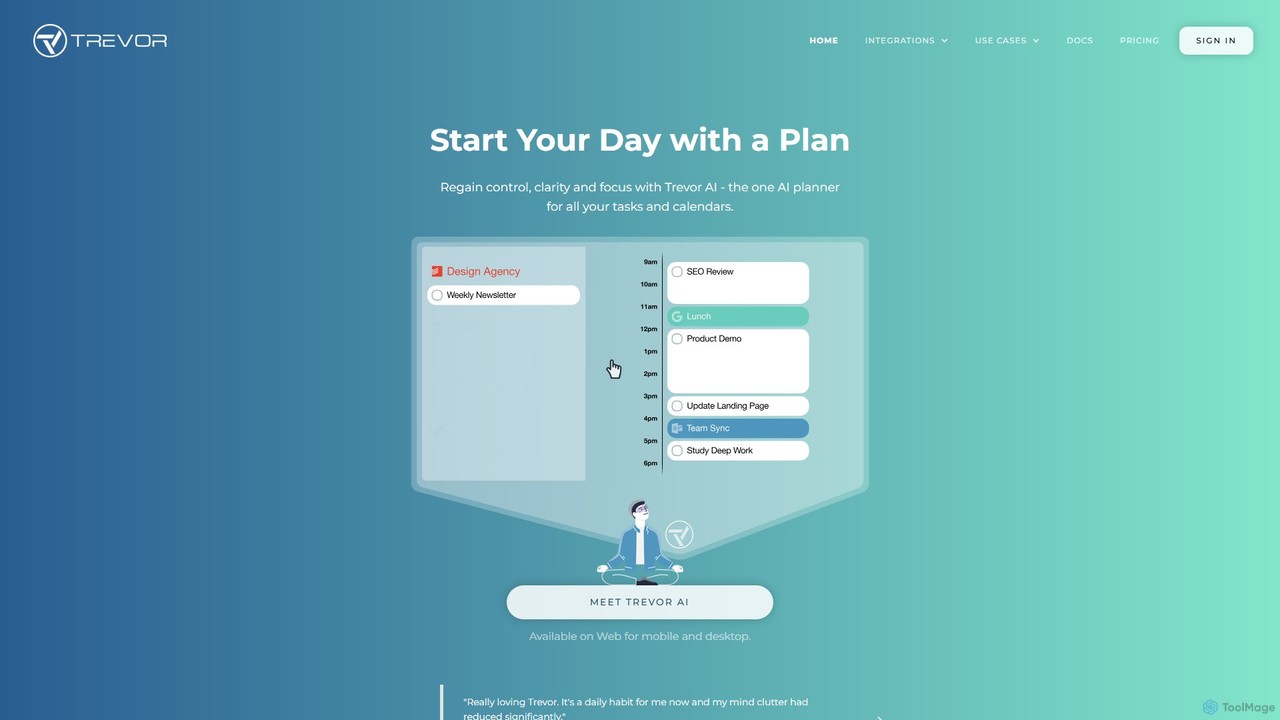
Trevor AI Overview
Trevor AI is a sophisticated daily planning application designed to bridge the gap between your to-do lists and your calendar. In a world of digital overload, it provides a unified platform to see and manage everything that competes for your time. By integrating with popular task managers like Todoist, Microsoft To Do, and Google Tasks, as well as calendar services like Google Calendar and Microsoft Outlook, Trevor AI creates a single, streamlined view of your commitments. This allows you to move from a passive list of tasks to an active, time-managed schedule, significantly boosting productivity and reducing overwhelm.
The core philosophy of Trevor AI is built around time-blocking, a powerful productivity technique used by top performers. The platform's AI intelligently predicts the duration of your tasks, analyzes your availability, and suggests optimal time-blocks in your calendar. This transforms abstract to-dos into concrete, scheduled appointments with your work, which has been shown to increase task completion rates from 40% with traditional lists to 85% with Trevor AI's method.
How to use Trevor AI
Getting started with Trevor AI is a simple and intuitive process designed to get you planning quickly:
- Sign Up and Connect Accounts: Begin by signing up with your preferred calendar account (Google or Microsoft). In the Account Settings, you can then integrate your favorite task management apps like Todoist, Microsoft To Do, or Google Tasks. For Pro users, multiple calendar accounts can be connected.
- Organize Your Tasks: All your tasks from connected services appear in the Task Hub. You can organize them into color-coded lists, add new tasks manually, and let the AI automatically predict their duration.
- Schedule with Ease: The primary way to plan is by dragging and dropping tasks from the Task Hub directly onto your calendar timeline. Alternatively, you can use AI-powered features like "Plan My Day," which automatically generates a schedule for you based on your task list and availability.
- Enter Focus Mode: Once a task is scheduled, you can click on it to enter Focus Mode. This feature provides a timer, a note-taking area, and an AI-generated breakdown of the task into smaller, manageable steps to help you overcome procrastination and achieve deep work.
- Interact with the AI Assistant: Use the "Ask Trevor" chat feature to add, schedule, or find tasks using natural language. It's a capable planning assistant that understands the context of your schedule and preferences.
- Review and Improve: Opt-in for the "Start My Day" email, which provides daily progress reports, a list of overdue tasks, and personalized AI coaching to help you refine your planning skills over time.
Core Features of Trevor AI
- Unified Planning Dashboard: Integrates multiple task lists (Todoist, Google Tasks, Microsoft To Do) and calendars (Google, Outlook) into a single, real-time synchronized view.
- AI-Powered Scheduling: Leverages a personal AI model to predict task durations, suggest optimal scheduling times, and automatically plan your day or week with the "Plan My Day" feature.
- Intelligent Time-Blocking: Seamlessly converts tasks into scheduled time-blocks on your calendar using drag-and-drop or smart suggestions.
- Deep Work Focus Mode: A dedicated mode for each task that includes a timer, notes, and an AI-generated action plan to eliminate distractions and enhance concentration.
- Smart Scheduling Queue: A prioritization tool that allows you to specify which tasks or lists the AI should focus on when generating a plan.
- "Ask Trevor" AI Assistant: A conversational AI that can execute complex scheduling commands, find tasks, and answer questions about the app.
- Progress Tracking and AI Coaching: A progress dashboard and daily emails provide insights into your time allocation and offer personalized tips to improve your planning habits.
- Collaboration: Share task lists with others to collaborate on projects, assign tasks, and schedule work together.
Use Cases for Trevor AI
Trevor AI is ideal for anyone looking to gain control over their time and enhance their productivity:
- Professionals and Knowledge Workers: Manage a complex mix of meetings, project deadlines, and individual tasks from various sources in one centralized location.
- Freelancers and Entrepreneurs: Juggle multiple clients, projects, and administrative duties by creating a clear, actionable plan for each day.
- Students: Balance academic responsibilities, study sessions, part-time jobs, and personal life by visually organizing their schedule.
- Individuals Seeking Better Habits: Anyone feeling overwhelmed by endless to-do lists can use Trevor AI to build a sustainable time management system, reduce stress, and ensure they make time for what truly matters.
Advantages of Trevor AI
The primary advantage of Trevor AI is its ability to transform passive planning into active execution. By visualizing tasks on a timeline, it forces a realistic assessment of what can be accomplished. The AI automation offloads hundreds of small scheduling decisions, freeing up mental energy for more important work. Its seamless, real-time, two-way sync across all integrated platforms ensures your plan is always up-to-date, no matter where you make a change. Finally, the focus on deep work and continuous improvement through AI coaching helps users not just to plan, but to become fundamentally more effective with their time.
Pricing and Plans
Trevor AI operates on a freemium model, offering two main tiers:
- Free Tier: This plan is free forever and provides access to most of Trevor AI's core technologies for personal use. It is limited to one calendar account and has some limitations on AI automation features.
- Pro Tier: This paid plan unlocks the full power of Trevor AI's Intelligent Time-blocking Technology. It includes support for multiple calendar accounts, more frequent AI model updates for higher accuracy, and access to all advanced features like the Progress Dashboard and enhanced scheduling automations.
Traffic
Latest traffic
Status
Monthly traffic trend
- 2025-9: 104.1K
- 2026-1: 67.8K
- 2026-2: 59.1K
- 2026-3: 61.3K
- 2026-4: 70.8K
- 2026-5: 58.3K
Geography
Top 5 countries / regions
- 🇺🇸United States47.7%
- 🇩🇪Germany18.3%
- 🇻🇳Vietnam15.6%
- 🇲🇾Malaysia10.7%
- 🇮🇳India7.7%
Traffic sources
| Source type | Percentage |
|---|---|
Direct | 70.6% |
Referral | 19.6% |
Email | 9.8% |
Top keywords
| Keyword | Cost per click |
|---|---|
| best ai to plan your day | $0.00 |
| connect trello to trevor ai | $0.00 |
| plan your day | $4.43 |
| revor ai | $0.00 |
| trevor ai | $2.40 |
Trevor AI Alternatives
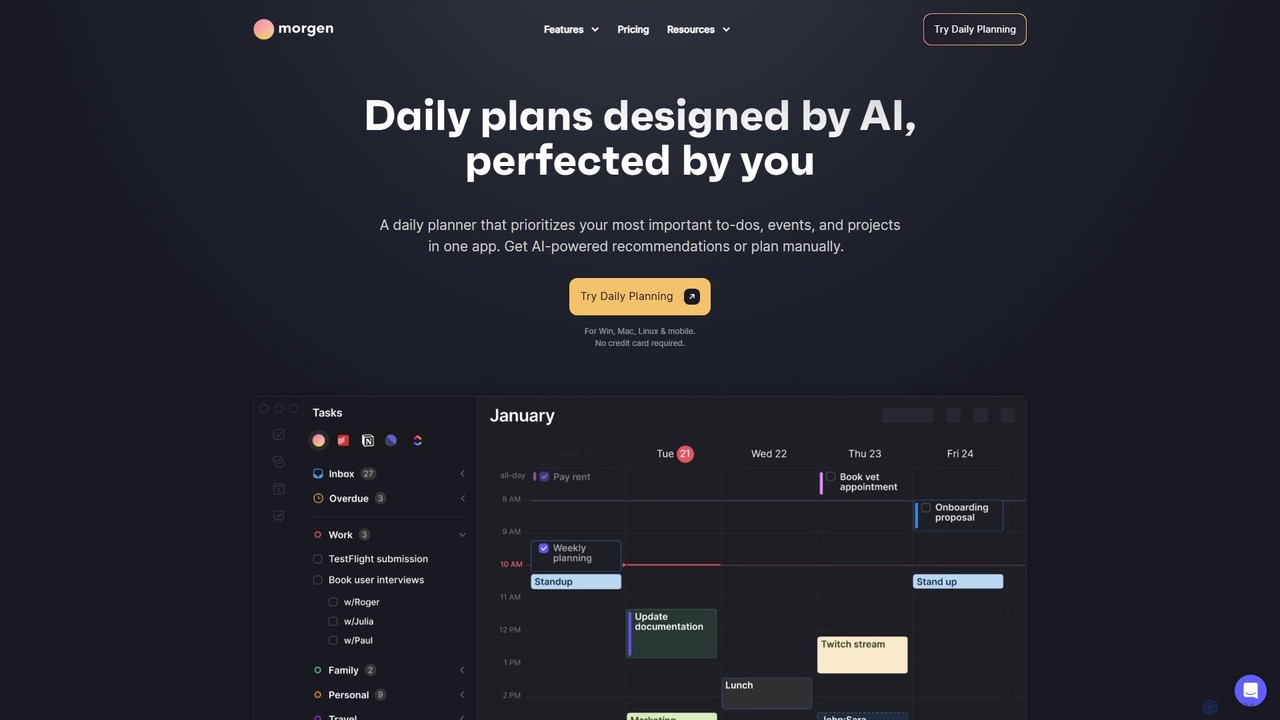
Morgen
Morgen is an AI-powered daily planner and calendar application designed to unify your tasks, events, and projects. It integrates with multiple calendars (Google, Outlook) and task managers (Notion, Todoist) to help you prioritize work, time block effectively, and adapt to schedule changes. With features like an AI Planner, smart workflows, and cross-platform availability, Morgen helps you take control of your time and boost productivity.
Calendar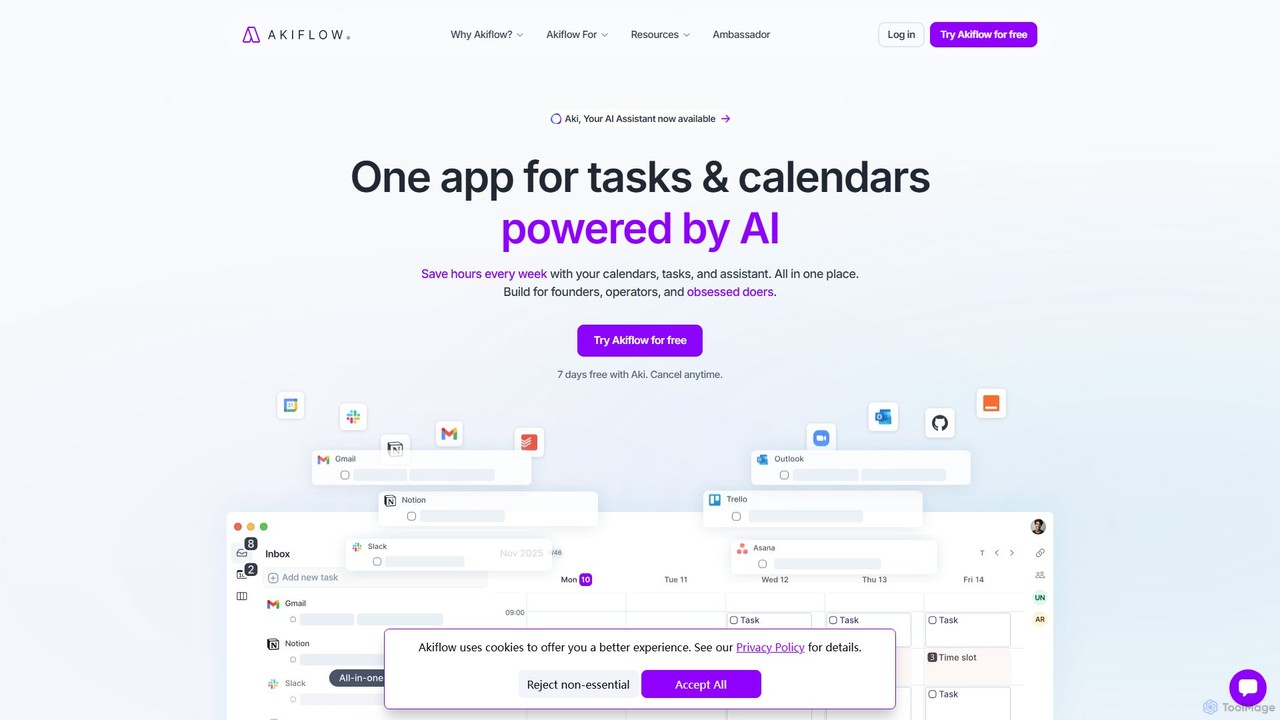
Akiflow
Akiflow is an AI-powered time-blocking and task management platform that unifies all your calendars and tasks from various tools into a single, streamlined workspace. Featuring an AI assistant named Aki, it helps high-performing professionals organize their day, automate routines, and save hours every week.
Calendar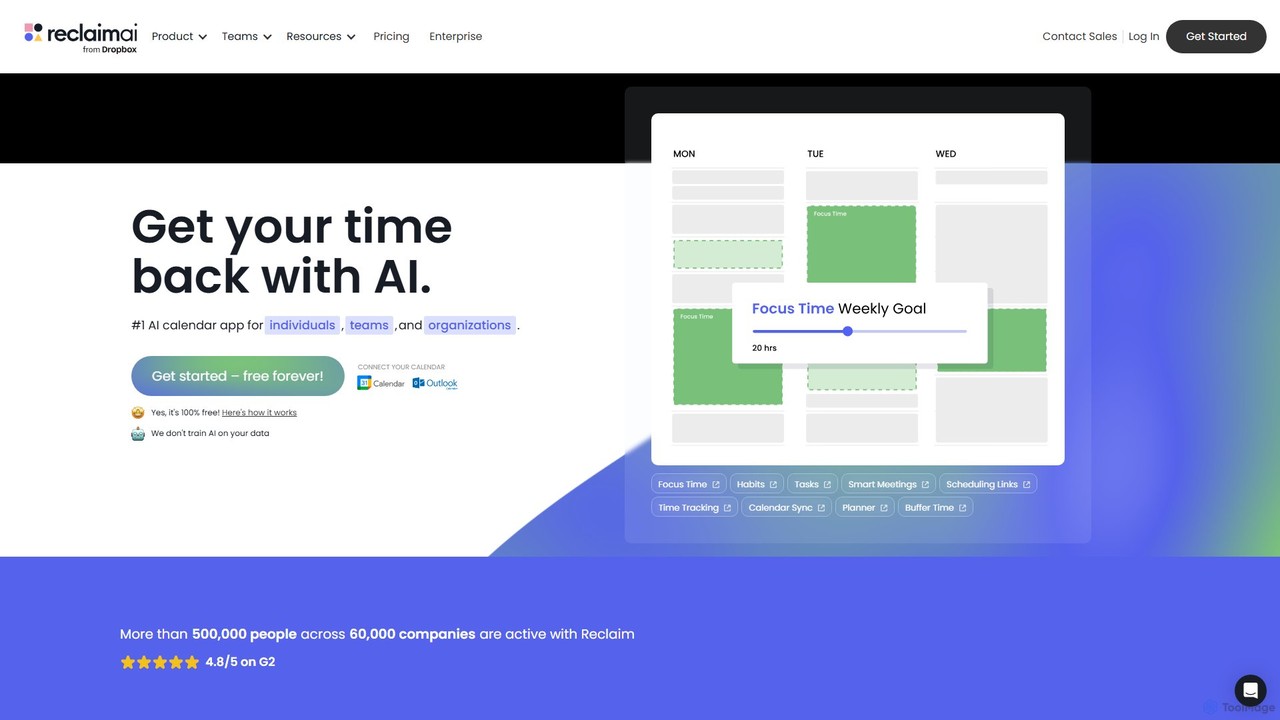
Reclaim
Reclaim is an AI-powered smart calendar assistant that automatically manages your schedule to optimize for productivity and work-life balance. It intelligently finds the best time for your tasks, habits, and meetings, defending your focus time and ensuring you never get overbooked.
Calendar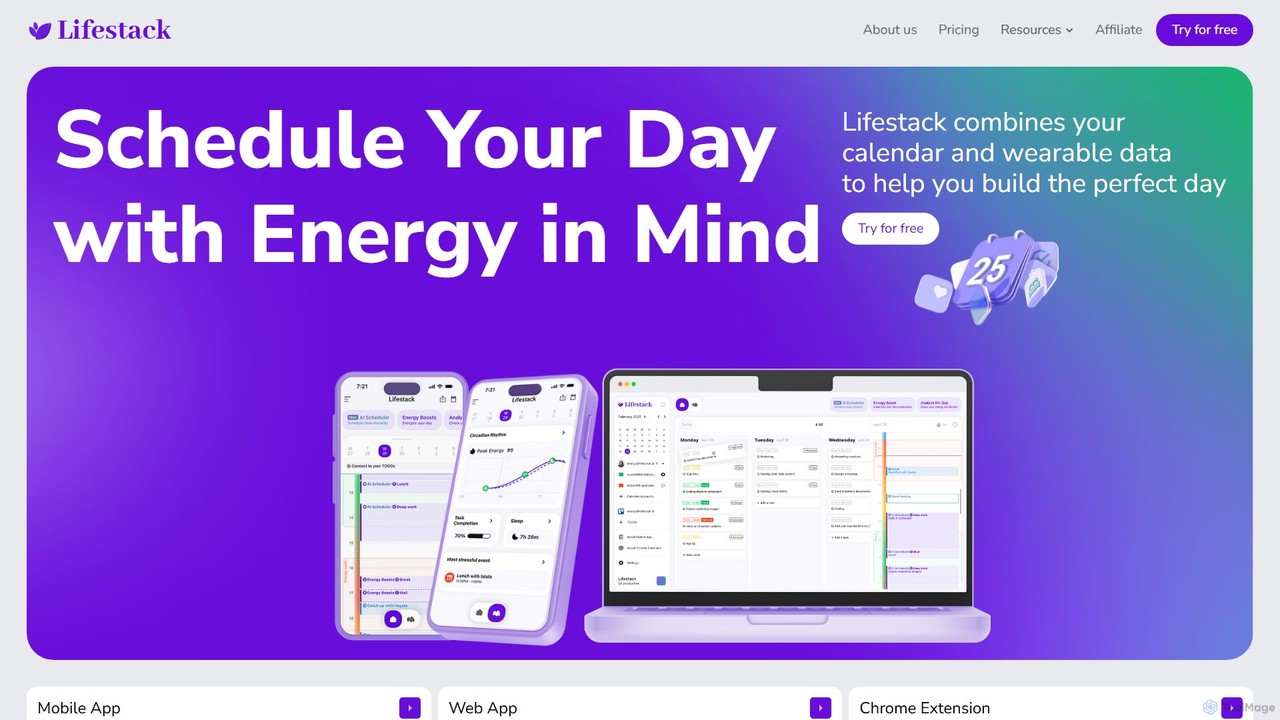
Lifestack
Lifestack is an intelligent calendar app that integrates with your health wearables to optimize your schedule based on your energy levels. By analyzing data like sleep and circadian rhythm, it helps you schedule demanding tasks during your peak energy periods, boosting productivity and preventing burnout.
Wellness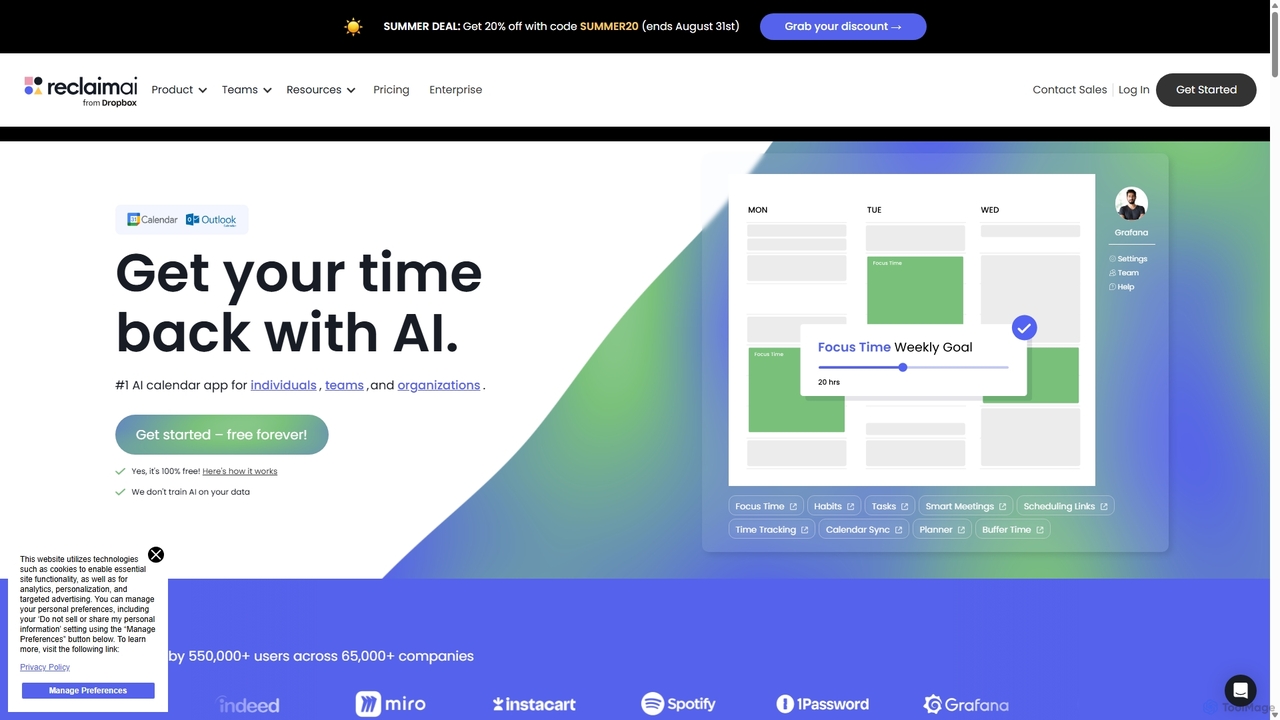
Reclaim.ai
Reclaim.ai is an intelligent AI calendar assistant that automates your schedule for optimal productivity and work-life balance. It intelligently blocks time for tasks, habits, and focus work, finds the best times for meetings, and syncs all your calendars. By defending your time and creating a flexible plan, Reclaim helps you focus on what matters most.
CalendarTrevor AI Categories
Trevor AI Embed Widget
Copy this embed code to place the badge on your blog, article, or product site and send readers directly to this ToolMage detail page.

Related AI tools
Morgen
Morgen is an AI-powered daily planner and calendar application designed to unify your tasks, events, and projects. It integrates with multiple calendars (Google, Outlook) and task managers (Notion, Todoist) to help you prioritize work, time block effectively, and adapt to schedule changes. With features like an AI Planner, smart workflows, and cross-platform availability, Morgen helps you take control of your time and boost productivity.
CalendarAkiflow
Akiflow is an AI-powered time-blocking and task management platform that unifies all your calendars and tasks from various tools into a single, streamlined workspace. Featuring an AI assistant named Aki, it helps high-performing professionals organize their day, automate routines, and save hours every week.
Calendar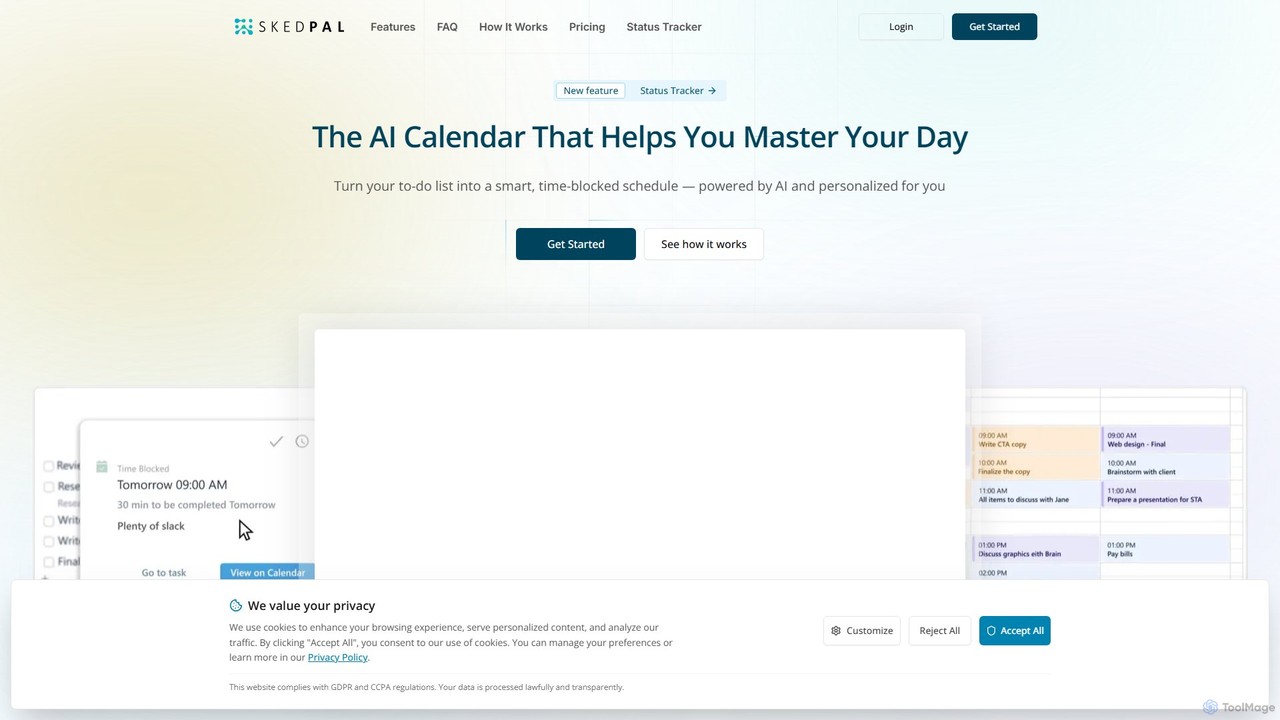
SkedPal
SkedPal is an AI-powered calendar that intelligently transforms your to-do list into a dynamic, time-blocked schedule. It automatically plans your tasks based on your priorities and availability, adapting in real-time to changes. This smart assistant helps you protect time for deep work, build habits, and master your day without the manual effort of calendar management.
Calendar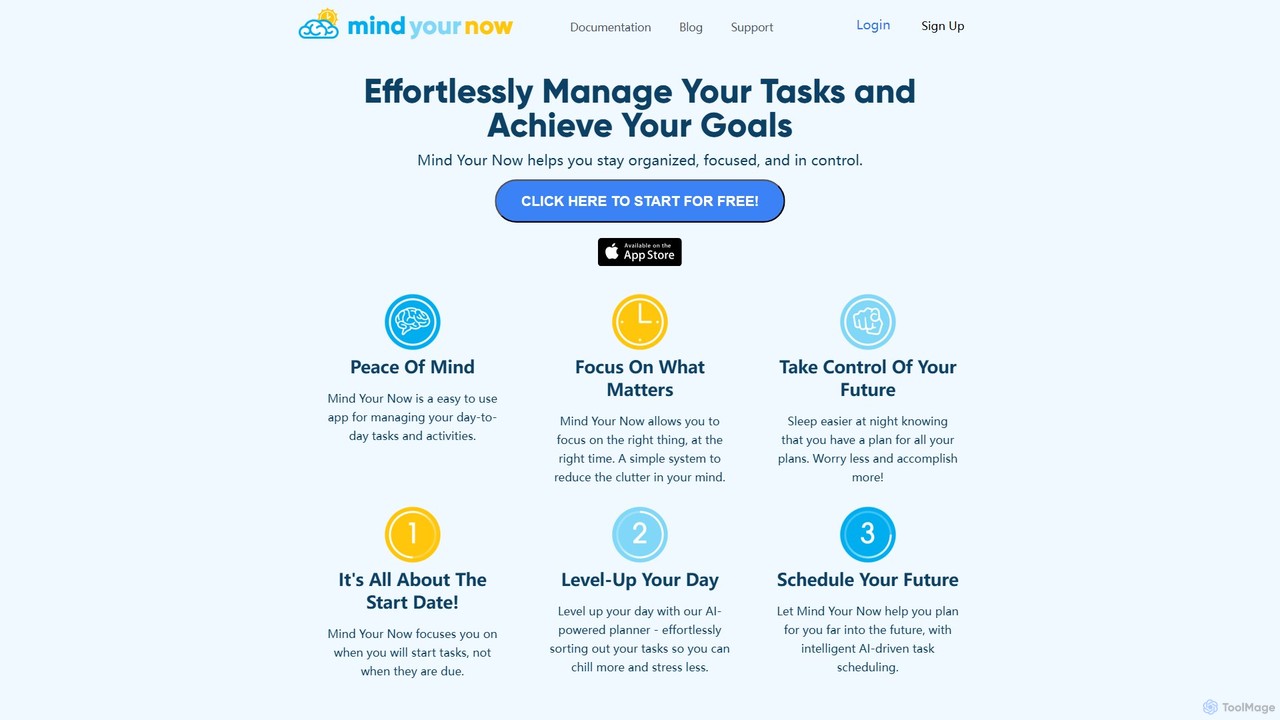
Mind Your Now
Mind Your Now is an AI-powered task and productivity manager designed to reduce overwhelm and increase focus. By prioritizing tasks based on their start dates, not due dates, and integrating proven methodologies like GTD and Time Blocking, it helps you manage daily activities, achieve long-term goals, and maintain a healthy work-life balance with its smart AI assistant, Kaia.
Calendar
Jyek
Jyek is an AI agent platform that understands objectives, creates execution plans, uses tools, and delivers verifiable results for complex, multi-step tasks.
Automation
Akiflow
Akiflow is an AI-powered time blocking and task management platform that consolidates all your tasks and calendars into a single, unified workspace. Featuring Aki, an AI executive assistant, it helps you automate scheduling, manage routines, and organize your day with unparalleled speed and efficiency, eliminating the need to switch between multiple apps.
Automation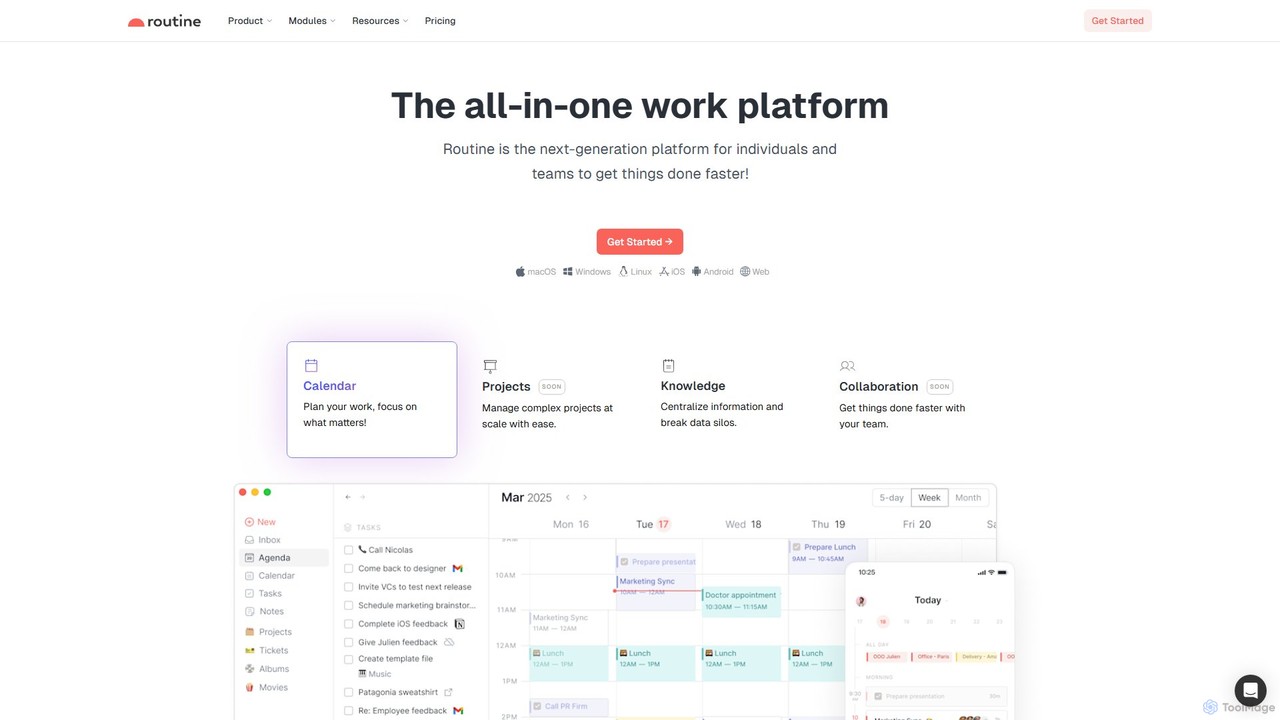
Routine
Routine is an all-in-one work platform designed for individuals and teams to enhance productivity. It unifies tasks, calendar, notes, and contacts into a single, streamlined workspace. Featuring natural language input, time blocking, and extensive integrations, Routine helps you organize work, focus on priorities, and get things done faster across all your devices.
All In One
FlowSavvy
FlowSavvy is an AI-powered schedule planner that automatically organizes your to-do list into a time-blocked calendar. It intelligently plans your week, dynamically reschedules tasks when plans change, and helps you build habits. Sync with your existing calendars and access it on web, iOS, and Android to boost productivity and reduce mental load.
Calendar
ToDoIt
ToDoIt is an AI-powered task management tool that converts your spoken words into organized to-do lists in seconds. Just speak your goals, and the AI will intelligently structure them into actionable tasks, even providing smart recommendations to enhance your planning. It's designed for rapid, hands-free productivity.
Task Management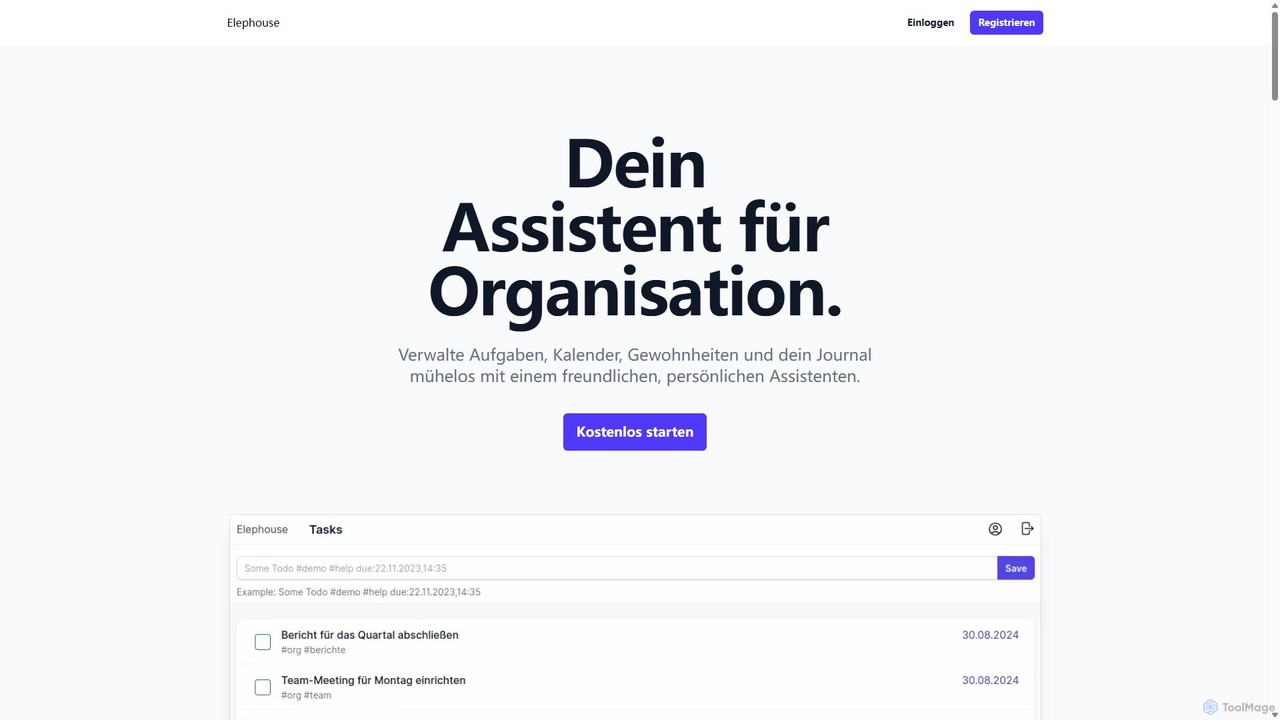
Elephouse
Elephouse is an all-in-one personal assistant designed to simplify your life. It helps you effortlessly manage tasks, calendars, habits, and a journal through a friendly, minimalist, and intuitive interface. With upcoming AI features, it aims to make organization as simple as thinking.
Calendar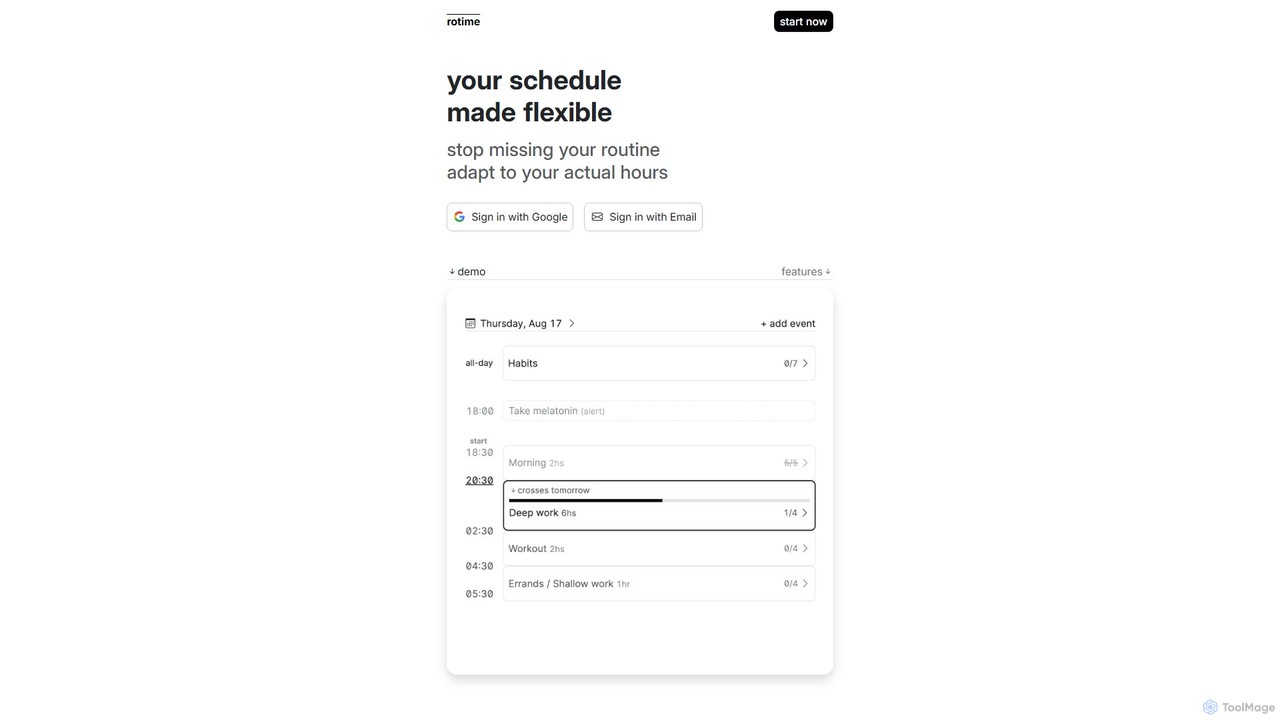
rotimeapp
A minimalist, focus-aware calendar app designed to reduce distractions. It highlights your current event and dims the rest, helping you concentrate on the task at hand. Ideal for time blocking and mindful productivity.
Mindfulness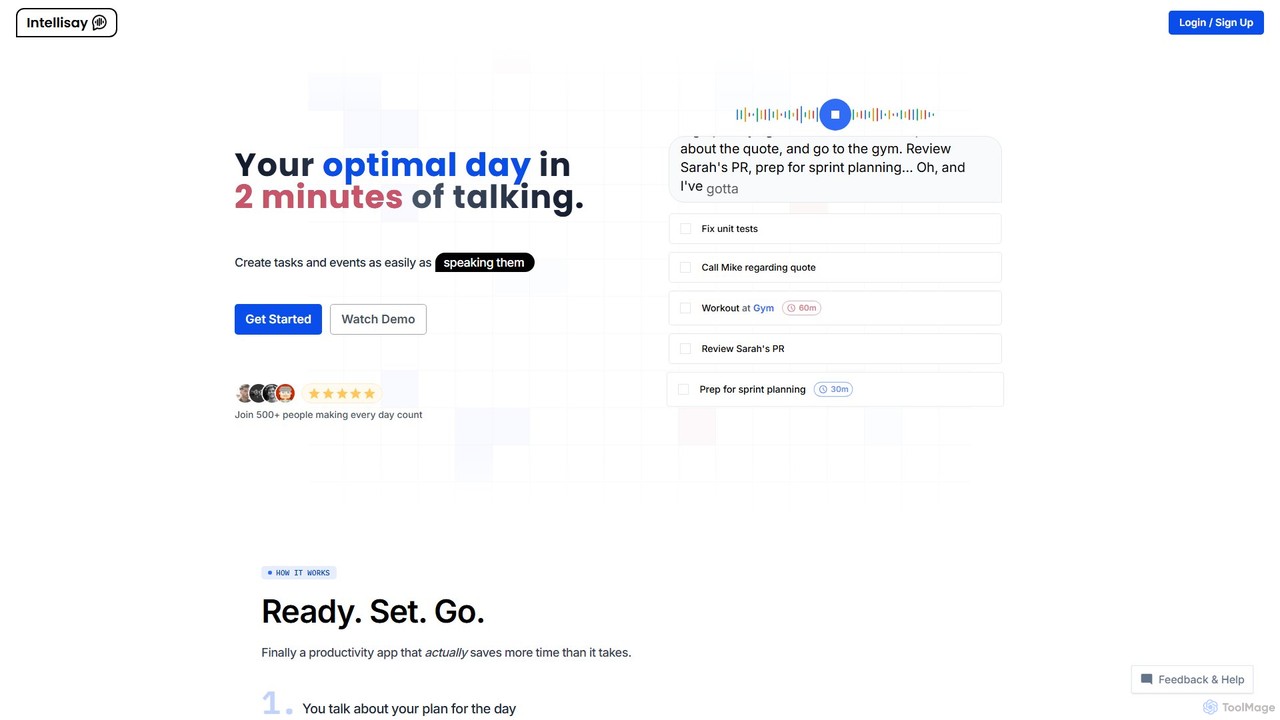
Intellisay
Intellisay is an AI-powered productivity app that transforms your spoken words into an optimized daily plan. In just two minutes of talking, it transcribes and analyzes your intentions to create a structured to-do list and schedule. It features smart task suggestions, automatic task carry-over, and multi-language support, making daily planning effortless and efficient.
Task Management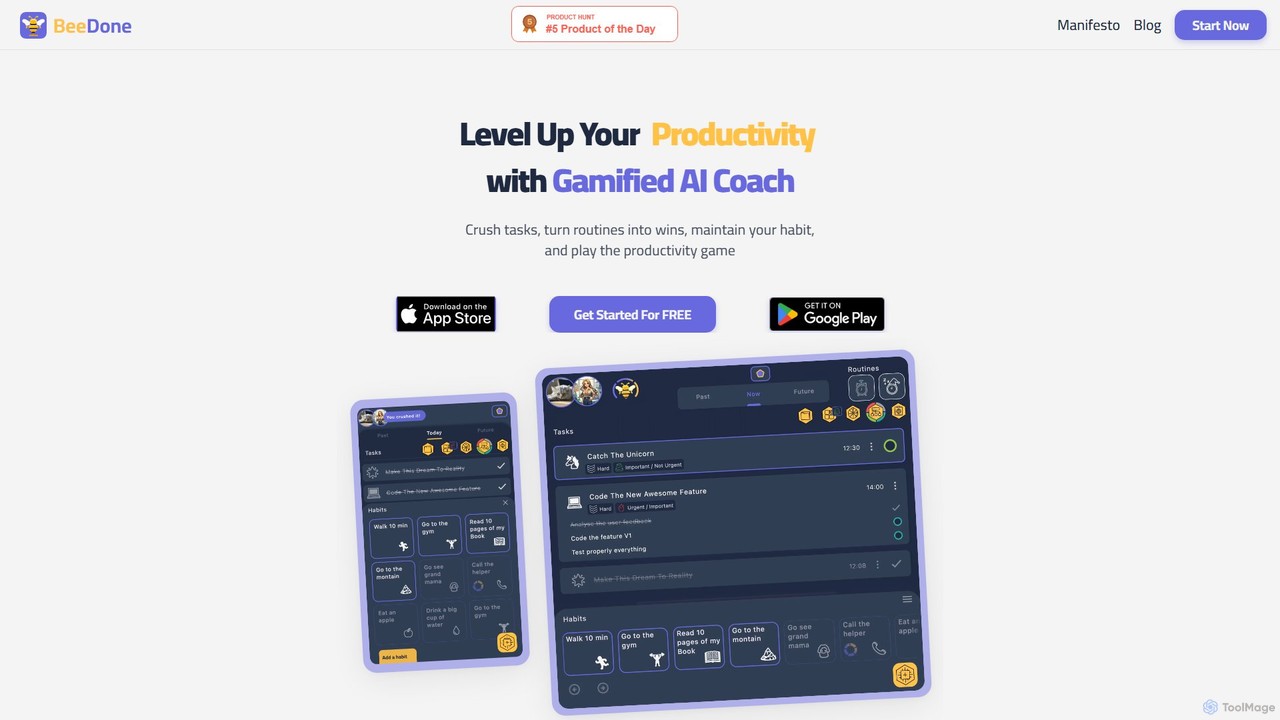
beedone
beedone is an AI-powered daily planner and task management game designed to make productivity fun and engaging. It helps users overcome procrastination and build lasting habits by combining smart to-do lists, gamified elements, and personalized routines. Elevate your efficiency and conquer your goals with this personal task wizard.
Goal Setting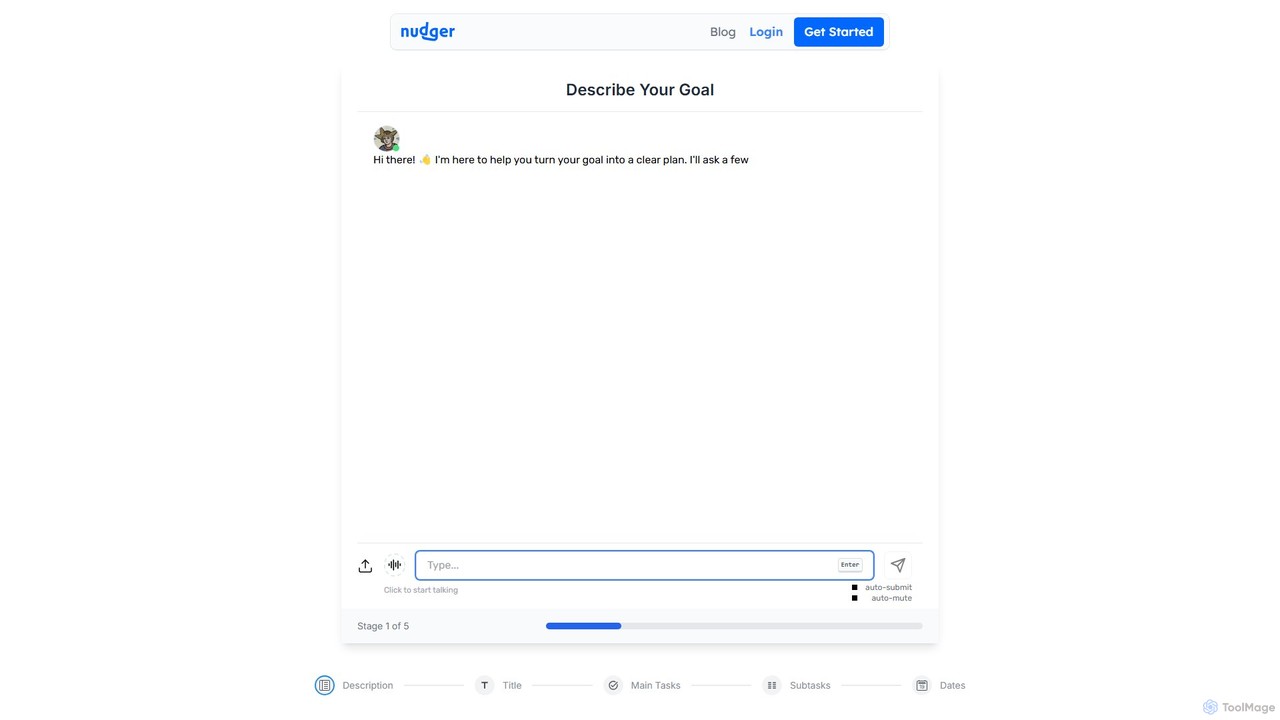
Nudger
Nudger is an AI-powered interactive roadmap planner that transforms your goals into clear, actionable plans. Simply describe your objective, and Nudger's AI will generate a detailed roadmap with main tasks and subtasks. It features dynamic views, progress tracking, and seamless calendar integration to boost your productivity.
Goal Setting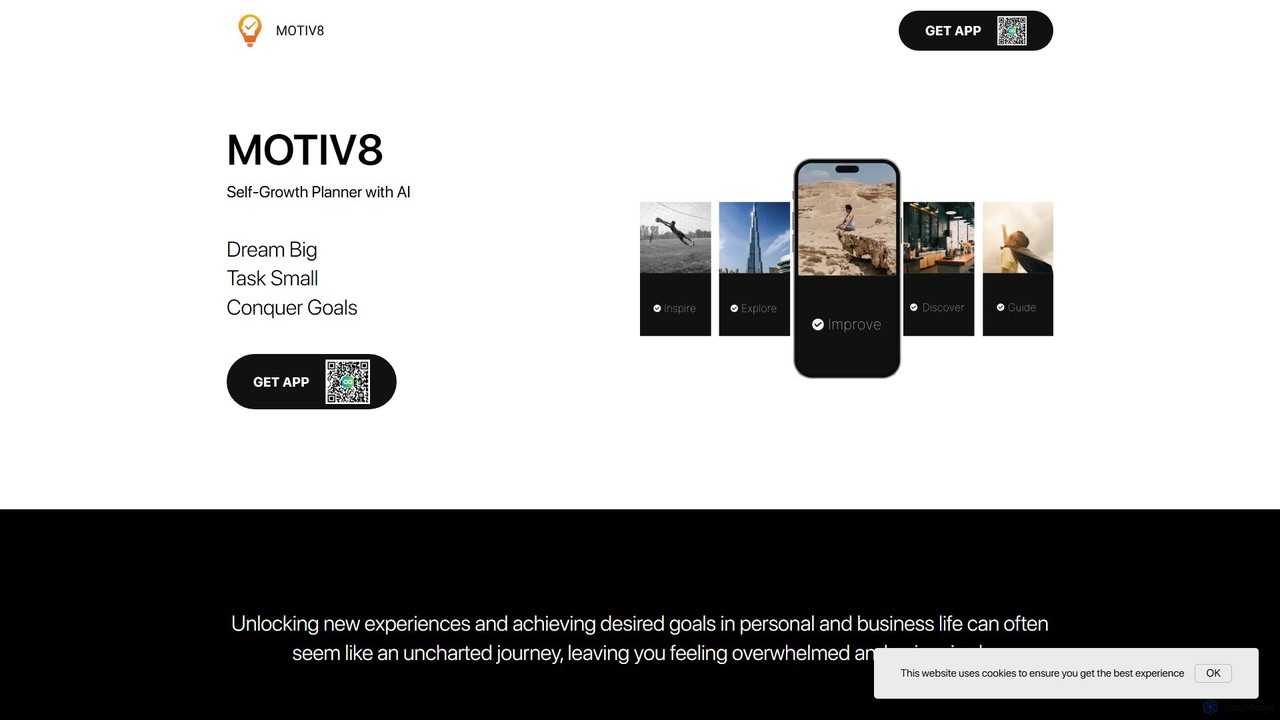
motiv8
motiv8 is an AI-powered self-growth planner and task manager designed to help you explore ideas, organize your life, and achieve your goals. It uses GPT technology to break down large ambitions into small, manageable tasks, making personal and professional development accessible and motivating.
Personal Growth
Trevor AI Comments (0)
Sign in to comment.
Sign inNo comments yet.