Automation Best in category 3 results Task Management AI Tool

Popular AI tools in the Task Management field of Automation include Arrange、Dule、Off*Work, etc., helping you quickly improve efficiency.

Off*Work

Off*Work

Off*Work develops autonomous AI agents designed to handle tedious operational tasks, liberating professionals from mundane work. Its flagship …

2.7K
Arrange

Arrange

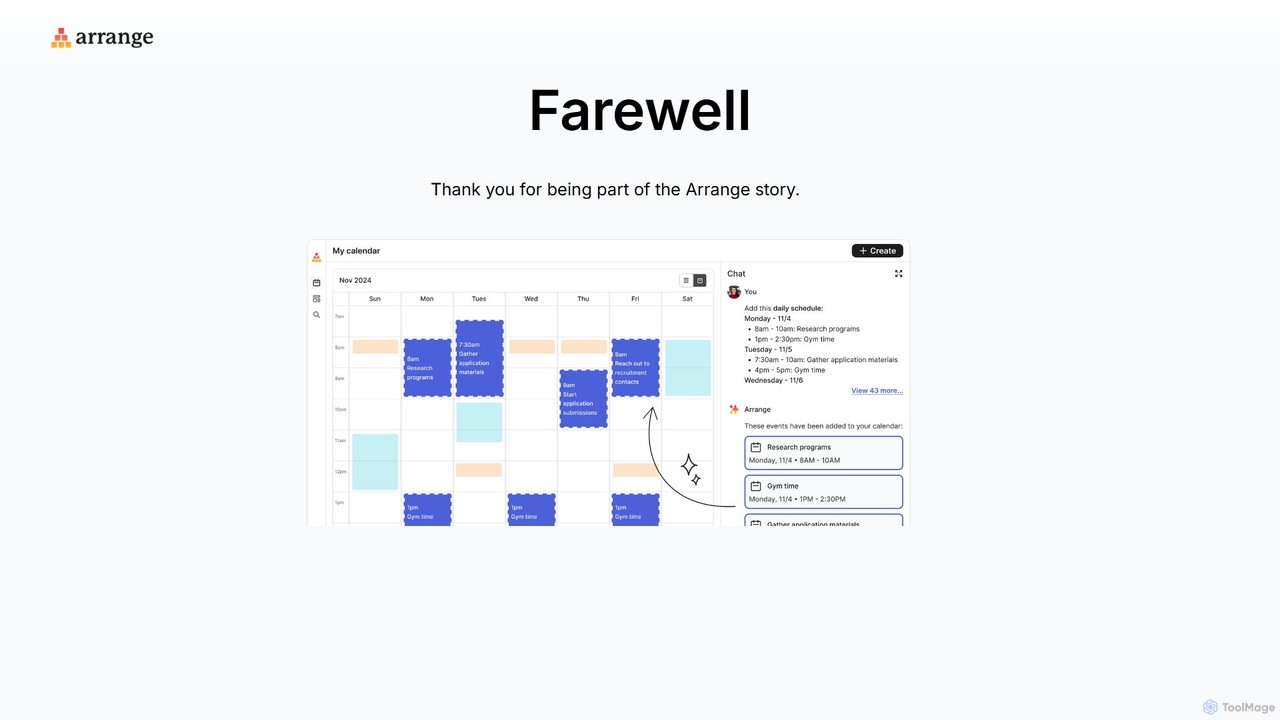
Arrange is an AI-powered scheduling assistant that intelligently converts your text-based plans, emails, and messages into organized calendar …

4.0K
Dule

Dule

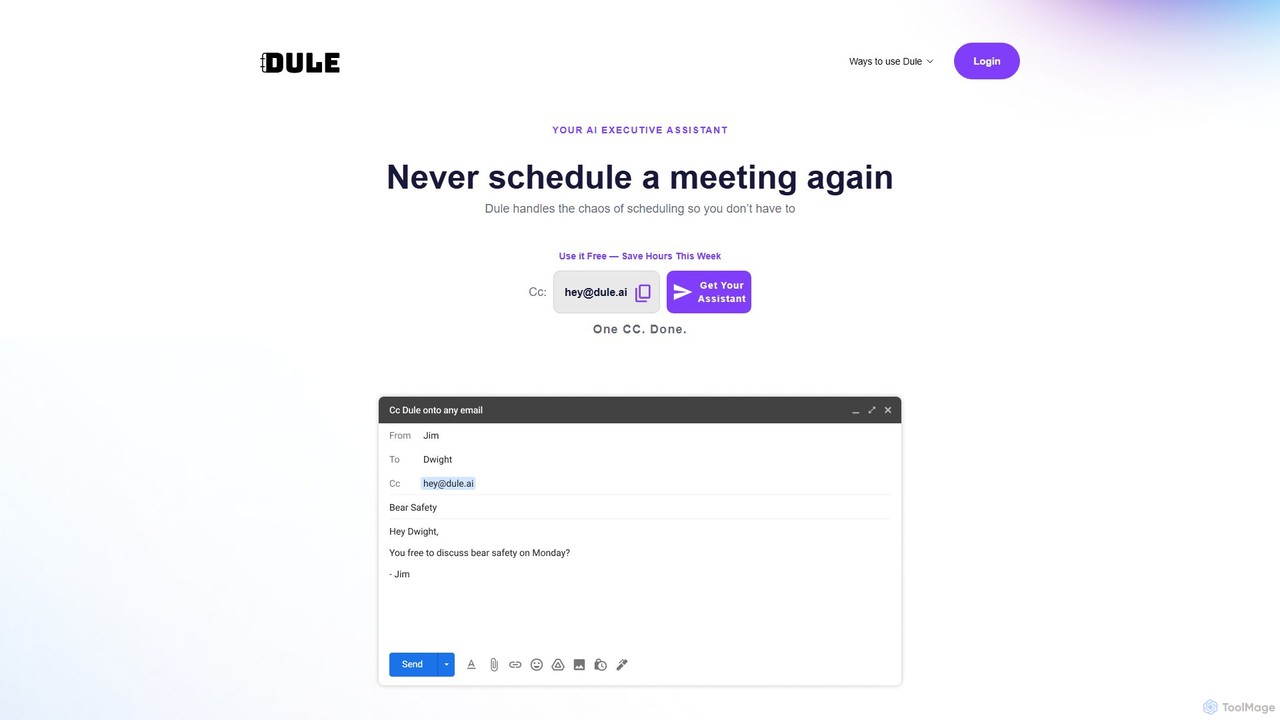
Dule is an AI scheduling assistant that works directly in your email. Simply CC Dule, and it handles …

2.7K

About Task Management

AI Task Management tools are a specialized category of automation software that intelligently organizes, prioritizes, and tracks work. They utilize machine learning and natural language processing (NLP) to understand task context, predict completion times, and automate assignments based on team member skills and availability. This transforms static to-do lists into dynamic, self-optimizing workflows, enhancing project visibility and team productivity. Unlike simple task trackers, these AI tools can proactively identify bottlenecks and learn from past data to refine future planning.

Core Features

  • Intelligent Prioritization: Automatically ranks tasks based on urgency, dependencies, and strategic goals.
  • Automated Assignment: Assigns new tasks to the most suitable team member using skill and workload analysis.
  • Predictive Analytics: Forecasts project timelines and potential delays by analyzing historical performance data.
  • Natural Language Input: Creates tasks and sets deadlines from plain text in emails, chats, or voice commands.
  • Workflow Automation: Automates routine sub-tasks, status updates, and notifications to reduce manual work.

Use Cases

These tools are highly effective for agile software development teams managing sprints, marketing agencies coordinating multiple campaigns, and operations departments handling complex cross-functional projects. They help any team that needs to dynamically allocate resources and adapt to changing priorities without constant manual intervention.

How to Choose

When selecting an AI Task Management tool, evaluate its integration capabilities with your existing software stack (e.g., Slack, GitHub). Assess the depth of its AI features—does it offer true predictive analytics or just basic automation? Consider its scalability to support team growth and the intuitiveness of its user interface to ensure quick adoption.

Task ManagementUse Cases

1

Automating Agile Sprint Planning

A software development team lead uses an AI Task Management tool to streamline sprint planning. Instead of manually estimating story points and assigning tasks, the lead inputs the sprint goals. The AI analyzes the backlog, references historical data on similar tasks and developer performance, and then automatically suggests a balanced sprint plan. It assigns tasks to developers based on their current workload and specific skill sets, predicting the likelihood of on-time completion for each item and highlighting potential risks before the sprint even begins.

2

Coordinating Multi-Channel Marketing Campaigns

A marketing manager is tasked with launching a new product across social media, email, and content marketing channels. Using an AI task management tool, they upload the campaign brief. The tool's NLP capabilities parse the document, identify key deliverables (e.g., 'write blog post', 'design ad creatives', 'schedule tweets'), and automatically create a project timeline with dependencies. It then assigns these tasks to the content writer, graphic designer, and social media specialist, ensuring everyone is aligned and aware of deadlines without endless kickoff meetings.

3

Balancing Team Workload in Operations

An operations manager needs to ensure tasks are distributed evenly across their support team to prevent burnout and maintain service levels. The AI task management system provides a real-time dashboard of each team member's current and projected workload. When a new high-priority support ticket arrives, the system automatically assigns it to the most qualified agent with the most available capacity. If one team member's queue becomes too long, the AI proactively suggests reassigning some of their lower-priority tasks to others, helping the manager maintain a balanced and efficient team.

4

Managing Client Projects for a Creative Agency

An account manager at a design agency juggles multiple client projects simultaneously. They use an AI task management platform to create a separate workspace for each client. The AI helps by automatically generating project timelines based on standard agency templates and the specific scope of work. It tracks time spent on tasks, monitors progress against deadlines, and flags any project that is at risk of delay. The manager can then use the tool to generate automated weekly status reports for each client, saving hours of manual reporting work.

5

Enhancing Personal Productivity for Freelancers

A freelance writer works with multiple clients, each with different deadlines and priorities. They connect their email and calendar to an AI task management app. The app automatically scans incoming emails for action items (e.g., 'Please send the draft by Friday') and creates tasks with due dates. It then presents a prioritized daily to-do list, ranking tasks based on deadlines, estimated effort, and client importance. This allows the freelancer to focus on writing instead of spending valuable time on manual organization and planning each morning.

6

Streamlining Cross-Functional Product Launches

A product manager is coordinating the launch of a new software feature, which involves engineering, marketing, and sales teams. They use an AI task management tool to create a master project plan. The AI helps identify critical dependencies, such as marketing not being able to create tutorials until the final feature is deployed. It automatically sends reminders to task owners before deadlines and notifies dependent teams when a preceding task is completed. This provides a single source of truth and ensures all departments move in sync, reducing miscommunication and launch delays.

Task ManagementFrequently Asked Questions