
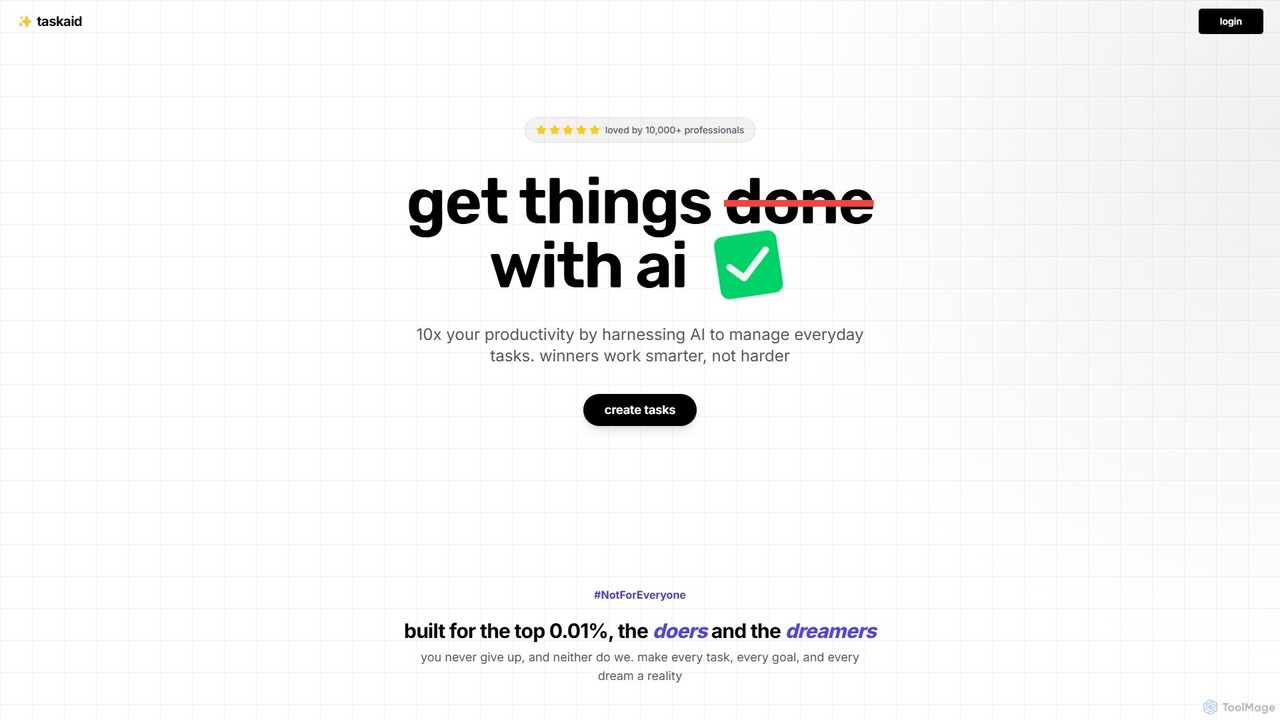
Taskaid Overview
Taskaid is a revolutionary task management platform built with an AI-first approach, designed to transform how professionals and high-achievers manage their daily workflows. Unlike traditional to-do list applications that simply store tasks, Taskaid actively participates in your productivity journey. By harnessing the power of cutting-edge Large Language Models (LLMs) like OpenAI's GPT-4, it acts as an intelligent personal assistant that understands the context of your tasks, learns from your habits, and automates the tedious aspects of planning and organization.
The core philosophy of Taskaid is to help you work smarter, not harder. It aims to reduce cognitive load and decision fatigue by proactively suggesting priorities, breaking down complex projects into manageable steps, and even helping you overcome creative blocks. The platform is built for those who demand more from their productivity tools and want to leverage AI to achieve peak performance and turn every goal into a reality.
How to use Taskaid
Getting started with Taskaid is designed to be simple and intuitive, requiring no technical AI knowledge. First, sign up for an account on the website. Once logged in, you can begin adding tasks. You can do this by typing them in or using the innovative voice command feature for hands-free operation. For example, you can say, "Create a new task to buy groceries tomorrow at 3 PM," and Taskaid's AI will parse the information and schedule it accordingly.
The standout feature is the conversational interface. You can 'chat' with your tasks by asking questions like, "What should be my top priority for today?" or "Can you make a rough plan for my day?" The AI will analyze your entire task list, consider deadlines and your learned preferences, and provide a structured, actionable plan. For focused work sessions, Taskaid also includes an integrated Pomodoro timer to help you manage work and break intervals effectively.
Core Features of Taskaid
- AI-Powered Prioritization: The system automatically analyzes and prioritizes your tasks based on urgency, importance, and your personal work patterns, ensuring you focus on what's most impactful.
- Conversational Task Management: Engage in a natural dialogue with your to-do list. Ask for plans, get suggestions, and organize your schedule through an intuitive chat interface.
- Voice Commands: Add and filter tasks using your voice. This feature, powered by advanced NLP, makes task management faster and more accessible, especially when on the go.
- Intelligent Task Breakdown: For large or complex projects, the AI can suggest breaking them down into smaller, actionable subtasks, making daunting goals more approachable.
- AI-Generated Insights & Feedback: Review your weekly progress with AI-driven statistics and insights. The system learns from your completion patterns and offers feedback to help you refine your strategies.
- Integrated Pomodoro Timer: Boost focus and manage your energy with a built-in Pomodoro timer, allowing you to cycle between intense work sessions and short/long breaks.
- Seamless Integrations: Taskaid is designed to work with your existing tools. It plans to integrate with popular calendars, email clients, and other productivity platforms to centralize your workflow.
Use Cases for Taskaid
Taskaid is a versatile tool that can enhance productivity across various professional and personal scenarios:
- Project Management: Break down complex projects, assign priorities to subtasks, and create a clear roadmap for your team.
- Content Creation: Overcome writer's block by asking the AI for outlines, starter sentences, or brainstorming different angles for an article or report.
- Personal Development: Create a structured plan for learning a new skill or building a new habit, with the AI generating actionable steps and progress-tracking questions.
- Meeting Efficiency: Generate summaries from meeting notes, automatically identify action items, and create follow-up tasks directly from the discussion.
- Daily Planning: Start your day by asking Taskaid to create a schedule based on your to-do list, helping you tackle the most critical items first.
- Code Documentation: Developers can use the AI to generate plain English explanations for code snippets, simplifying the documentation process.
Advantages of Taskaid
Taskaid's primary advantage is its deep, native integration of AI, which goes far beyond what traditional tools offer. This results in a proactive, personalized, and highly efficient task management experience. It saves significant time by automating planning and prioritization, reduces the mental burden of managing a complex schedule, and adapts to your unique workflow over time. The conversational and voice-enabled interface makes it incredibly intuitive and fast to use, turning task management from a chore into a seamless part of your day.
Pricing and Plans
Taskaid is a premium, paid service. The company believes in providing the best possible experience, which requires a sustainable business model to cover the significant resources needed for training, fine-tuning, and running advanced LLMs. There are no free plans. However, Taskaid offers a free trial for new users to experience the full power of the platform. For the most current pricing and plan details, please visit the official Taskaid website.
Traffic
Latest traffic
Status
Monthly traffic trend
- 2025-9: 1.2K
- 2026-1: 0
- 2026-2: 245
- 2026-3: 1.1K
- 2026-4: 0
- 2026-5: 829
Geography
Top 5 countries / regions
- 🇹🇼Taiwan60.5%
- 🇮🇳India30.9%
- 🇺🇸United States8.6%
Top keywords
| Keyword | Cost per click |
|---|---|
| break tasks into smaller steps ai | $0.00 |
| taskaid | $0.00 |
| tasked ai | $0.00 |
| task it ai | $0.00 |
| top taskingai | $0.00 |
Taskaid Alternatives
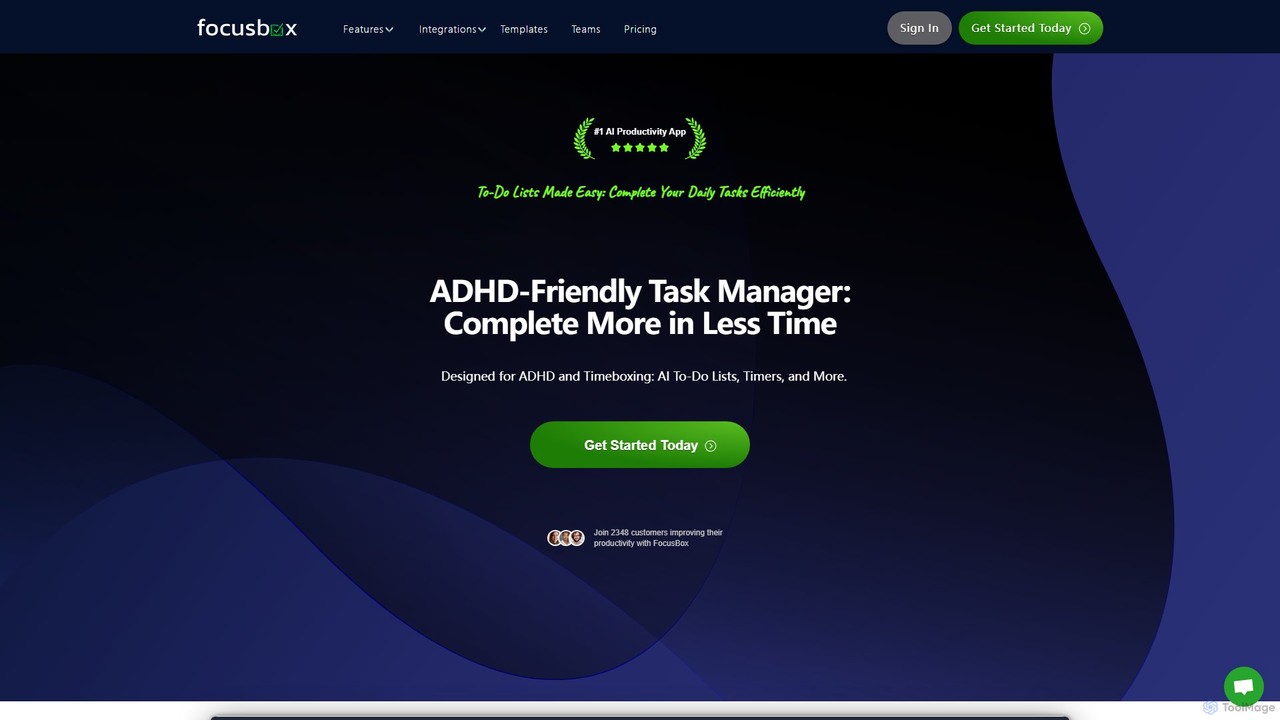
FocusBox
FocusBox is an AI-powered productivity app designed for ADHD and timeboxing. It creates smart to-do lists, uses timers to enhance focus, and offers features like ambient sounds and celebration modes to boost motivation. Ideal for individuals and teams looking to minimize distractions and complete tasks efficiently.
Mental Health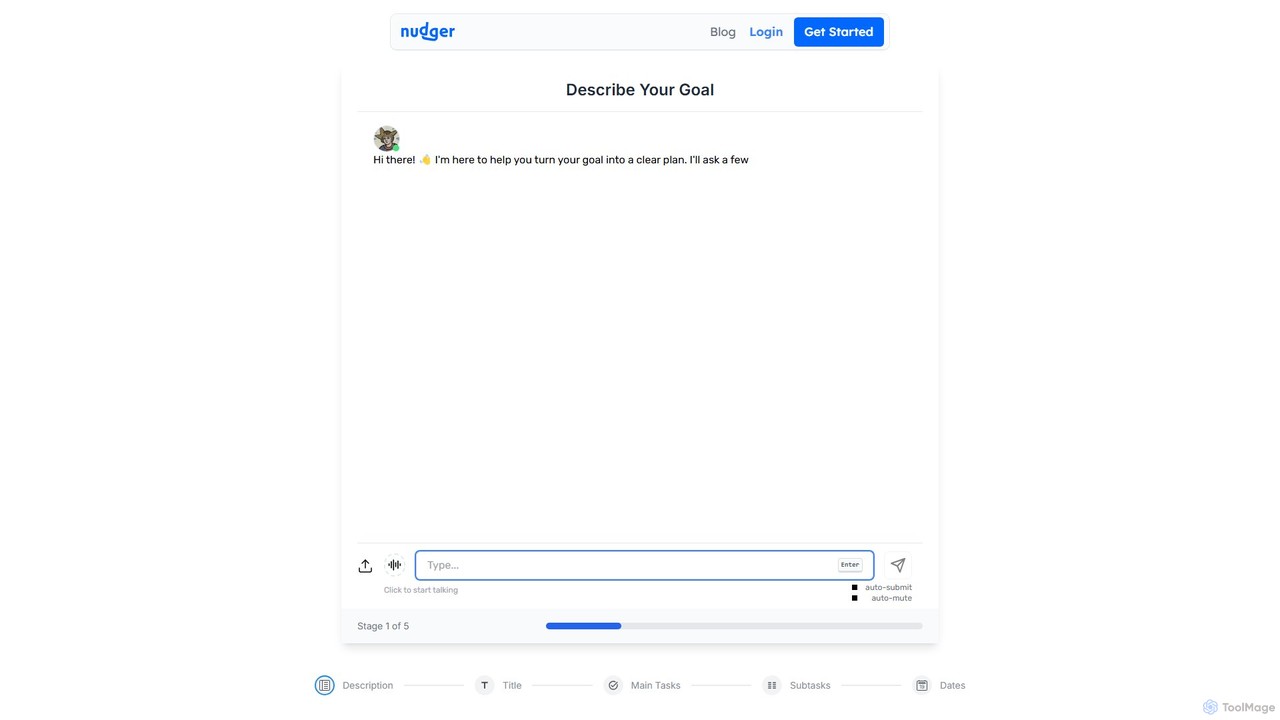
Nudger
Nudger is an AI-powered interactive roadmap planner that transforms your goals into clear, actionable plans. Simply describe your objective, and Nudger's AI will generate a detailed roadmap with main tasks and subtasks. It features dynamic views, progress tracking, and seamless calendar integration to boost your productivity.
Goal Setting
Todo.is
Todo.is is an AI-powered productivity command center designed for streamlined task and project management. It combines a minimalist, text-based interface with a unique AI Export feature, allowing users to instantly transform their to-do lists into structured reports, summaries, and actionable plans. Ideal for individuals and teams seeking efficiency and clarity in their workflow.
Project Management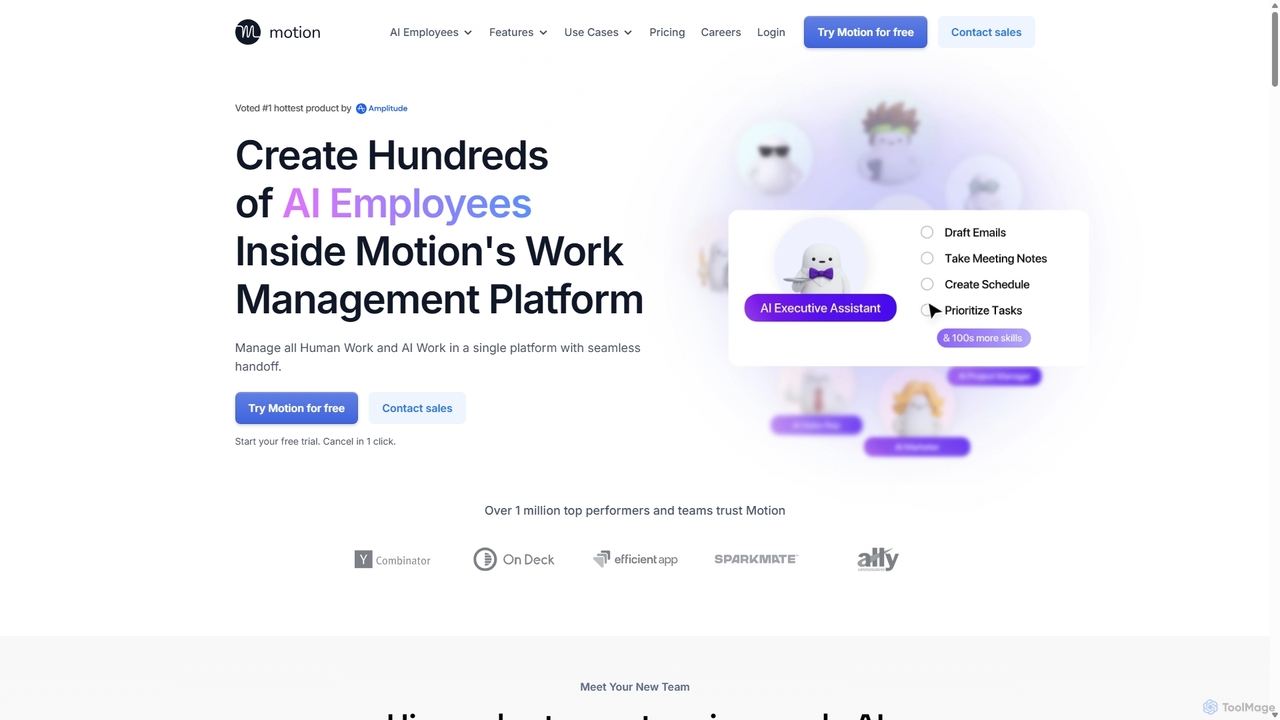
Motion
Motion is an AI-powered platform that provides a suite of AI Employees and productivity tools to automate tasks, manage projects, and organize schedules. It's designed to 10x your team's output by handling everything from calendar management and email replies to sales outreach and customer support, all within a single integrated workspace.
Virtual Assistant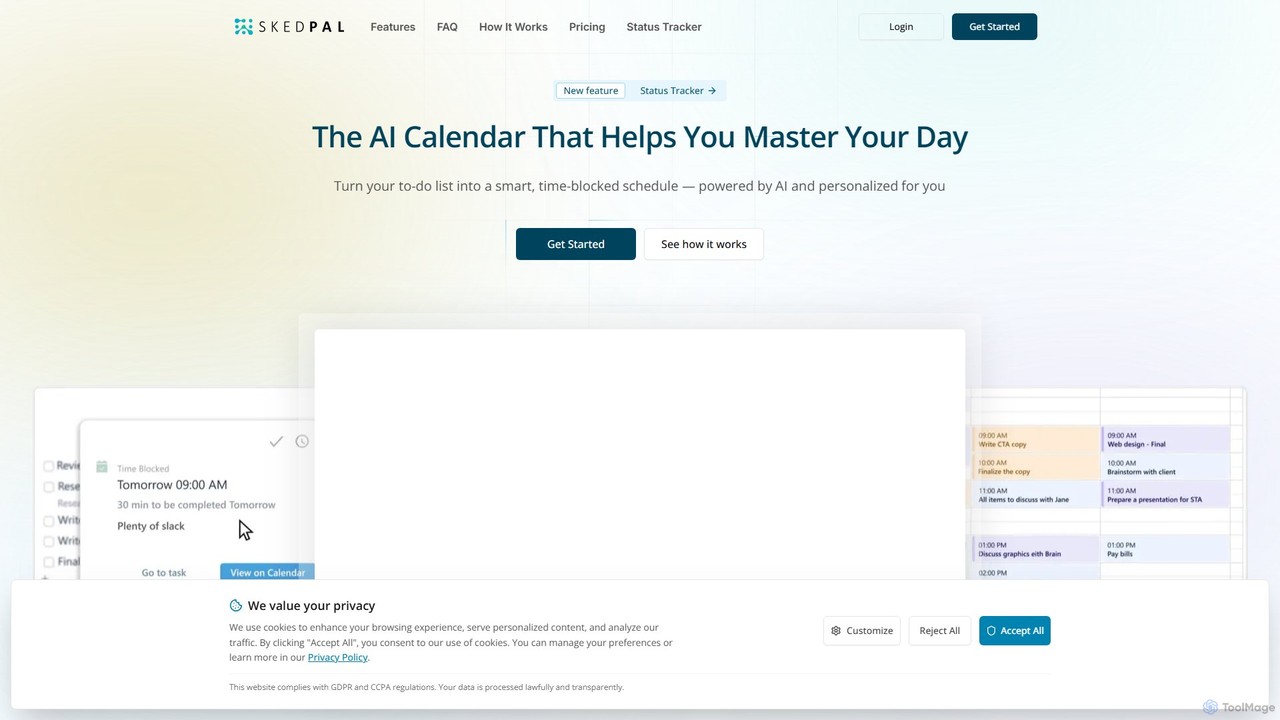
SkedPal
SkedPal is an AI-powered calendar that intelligently transforms your to-do list into a dynamic, time-blocked schedule. It automatically plans your tasks based on your priorities and availability, adapting in real-time to changes. This smart assistant helps you protect time for deep work, build habits, and master your day without the manual effort of calendar management.
CalendarTaskaid Categories
Taskaid Embed Widget
Copy this embed code to place the badge on your blog, article, or product site and send readers directly to this ToolMage detail page.

Related AI tools
FocusBox
FocusBox is an AI-powered productivity app designed for ADHD and timeboxing. It creates smart to-do lists, uses timers to enhance focus, and offers features like ambient sounds and celebration modes to boost motivation. Ideal for individuals and teams looking to minimize distractions and complete tasks efficiently.
Mental HealthNudger
Nudger is an AI-powered interactive roadmap planner that transforms your goals into clear, actionable plans. Simply describe your objective, and Nudger's AI will generate a detailed roadmap with main tasks and subtasks. It features dynamic views, progress tracking, and seamless calendar integration to boost your productivity.
Goal SettingTodo.is
Todo.is is an AI-powered productivity command center designed for streamlined task and project management. It combines a minimalist, text-based interface with a unique AI Export feature, allowing users to instantly transform their to-do lists into structured reports, summaries, and actionable plans. Ideal for individuals and teams seeking efficiency and clarity in their workflow.
Project Management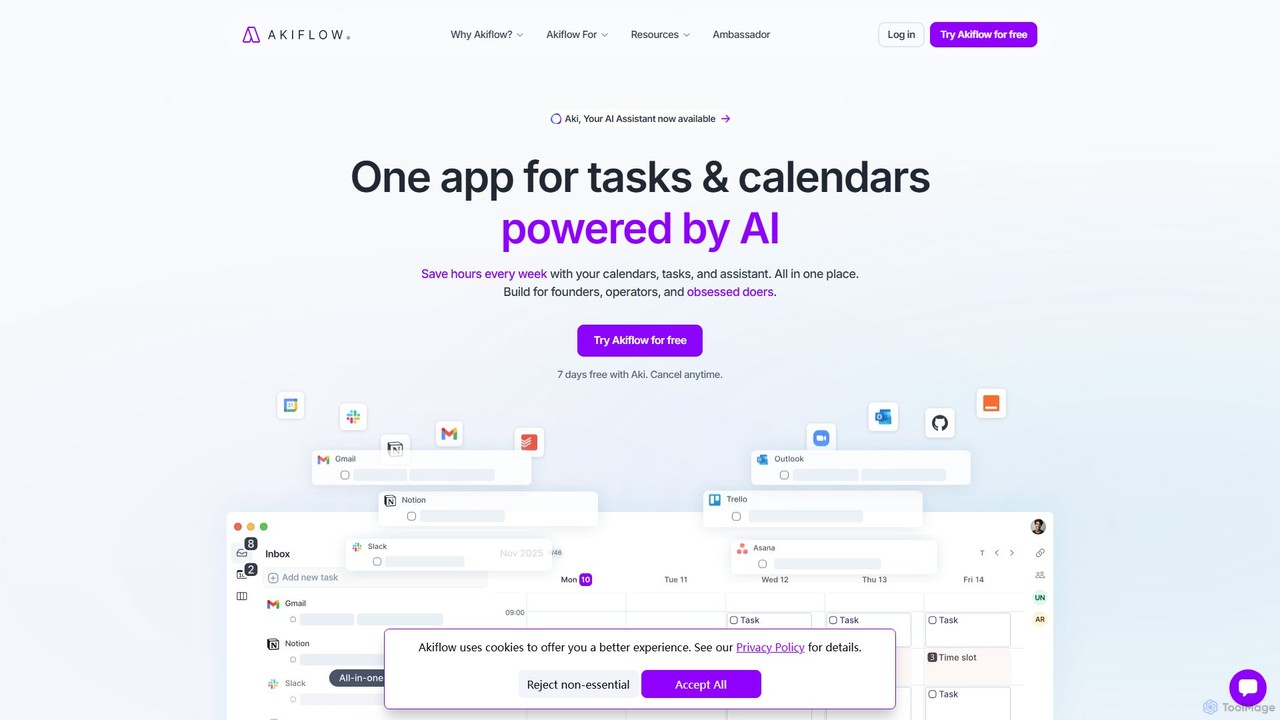
Akiflow
Akiflow is an AI-powered time-blocking and task management platform that unifies all your calendars and tasks from various tools into a single, streamlined workspace. Featuring an AI assistant named Aki, it helps high-performing professionals organize their day, automate routines, and save hours every week.
Calendar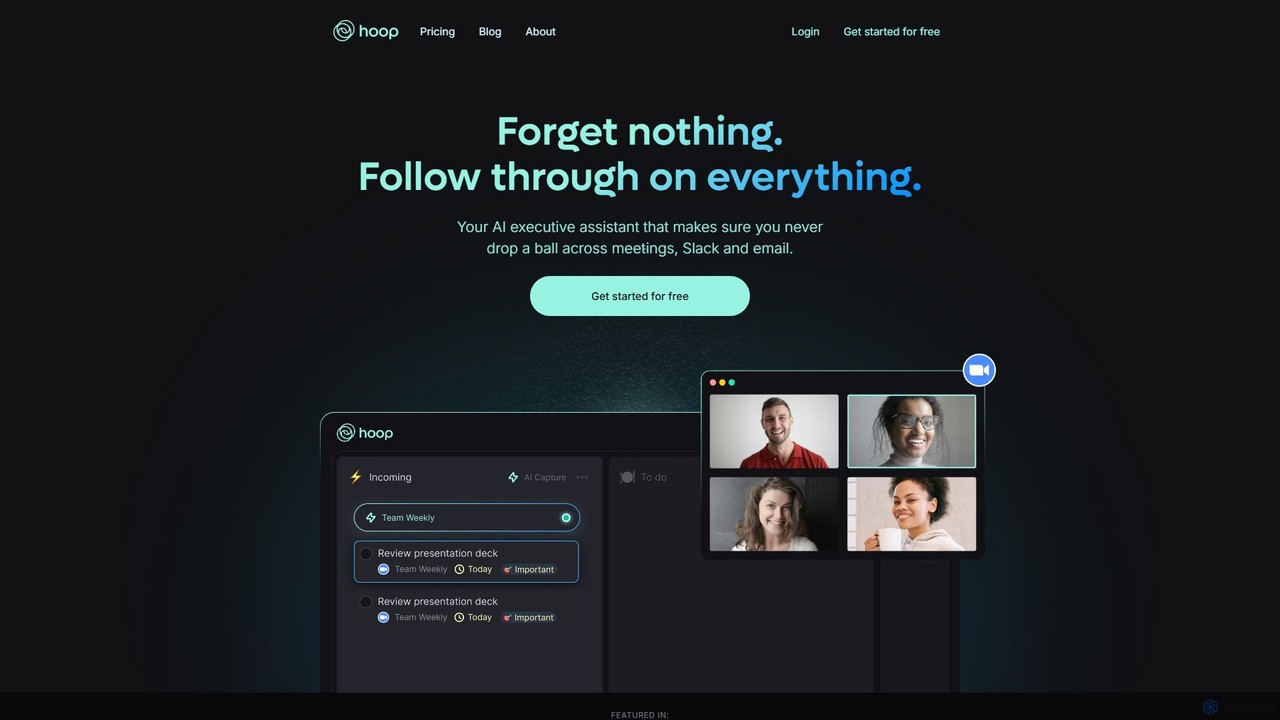
Hoop
Hoop is an AI executive assistant that automatically captures tasks from your meetings, Slack, and emails. It centralizes all your to-dos in one place, ensuring you never miss an important action item. It works seamlessly across platforms like Zoom, Meet, and Teams without intrusive bots.
Virtual Assistant
Fluidwave
Fluidwave is an AI-powered task management platform designed to boost productivity by intelligently organizing tasks, auto-prioritizing them, and connecting users with human virtual assistants for delegation. It helps individuals and teams stay focused and efficient.
Virtual Assistant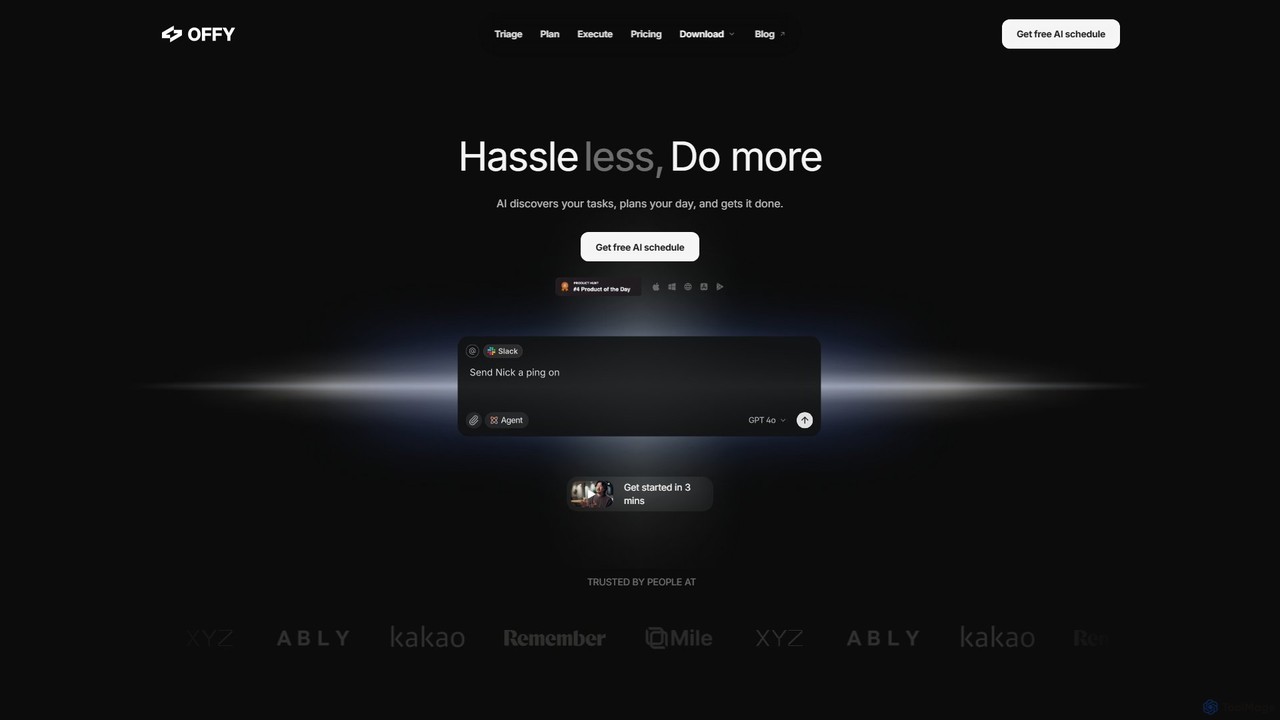
OFFLIGHT
OFFLIGHT is an AI-powered task management tool that automatically discovers tasks from your apps like Gmail and Slack, creates intelligent, time-based plans, and helps you execute them. Centralize your workflow and boost productivity with your personal AI assistant, Offy.
Personal Assistant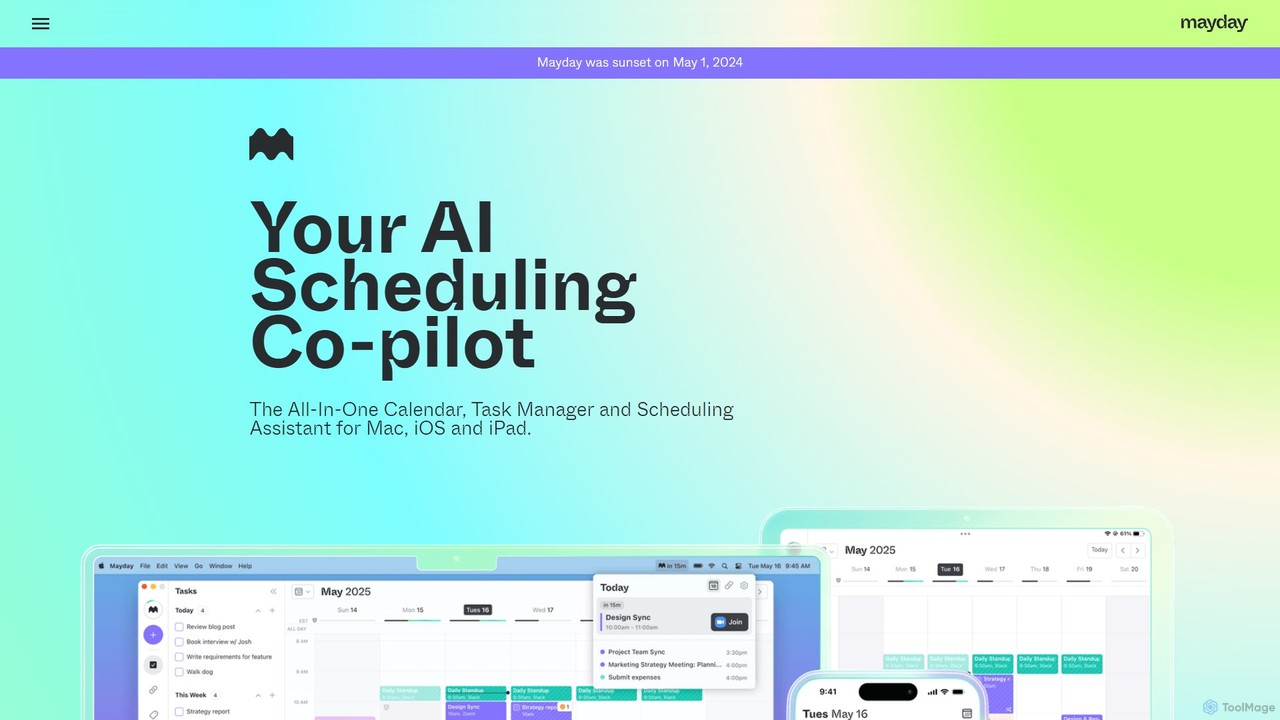
Mayday
Mayday was an AI-assisted calendar designed to protect your time and automate scheduling. It unified multiple calendars, intelligently scheduled tasks, and used features like buffer time and smart tags to create a more manageable schedule. Please note: Mayday was discontinued on May 1, 2024.
Calendar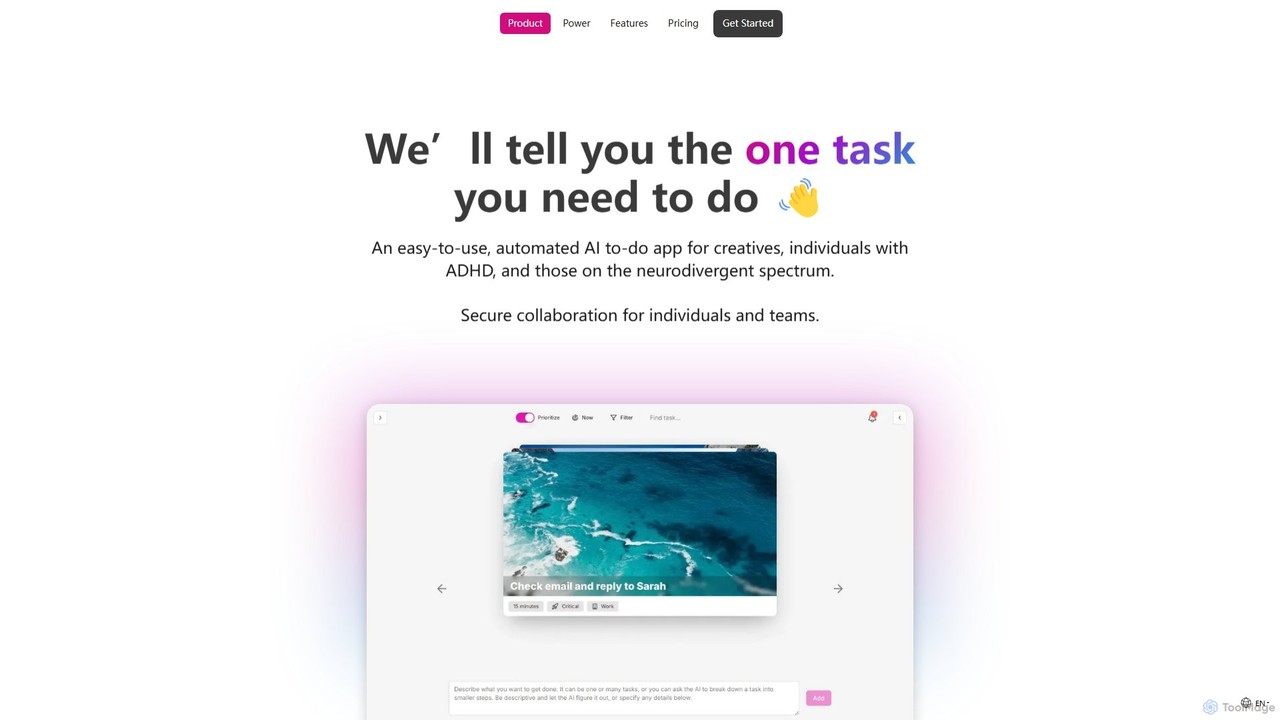
OneTask
OneTask is an AI-powered to-do list and productivity app specifically designed for individuals with ADHD and other neurodivergent traits. It uses artificial intelligence to analyze your tasks and identify the single most important one to focus on, reducing overwhelm and decision fatigue. By providing smart scheduling, task prioritization, and a clean, distraction-free interface, OneTask helps users enhance focus, manage workflows efficiently, and reclaim hours of their time each month.
Mental Health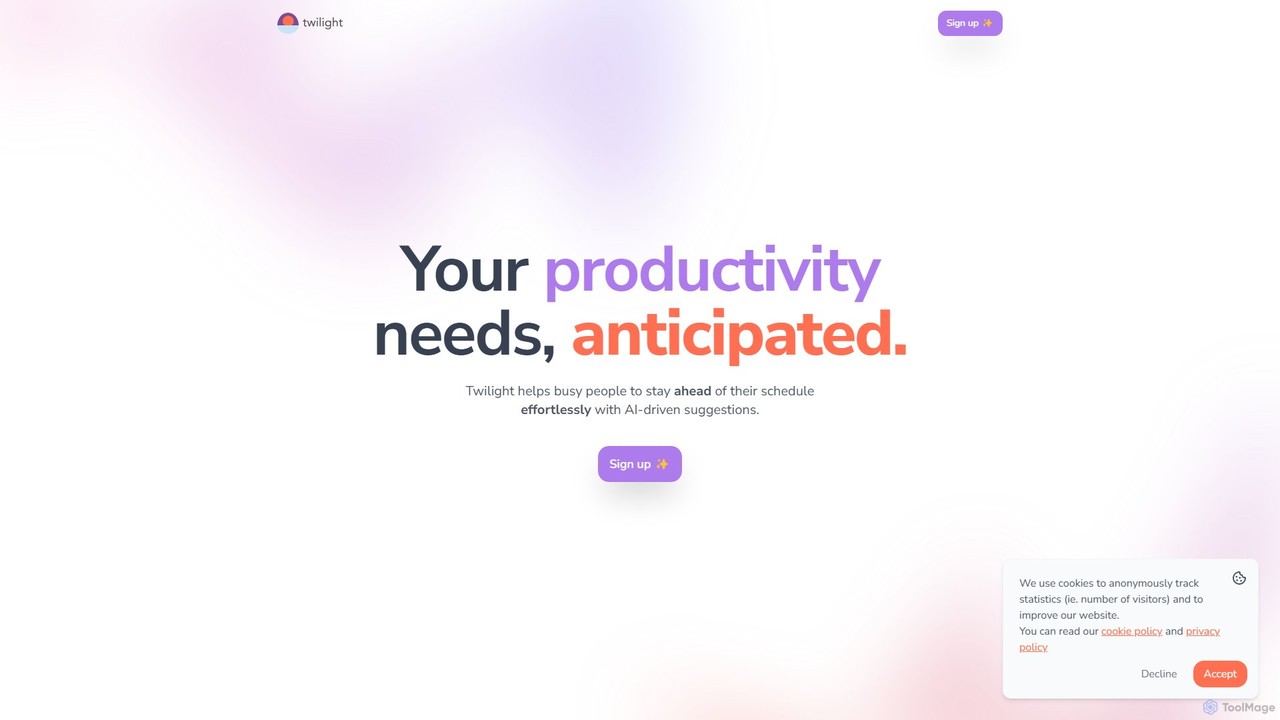
Twilight
Twilight is an AI-driven personal assistant that anticipates your productivity needs. It intelligently manages your schedule with proactive suggestions, automates rescheduling, prevents overbooking, and helps you focus on what truly matters by organizing your workflow.
Calendar Management
Akiflow
Akiflow is an AI-powered time blocking and task management platform that consolidates all your tasks and calendars into a single, unified workspace. Featuring Aki, an AI executive assistant, it helps you automate scheduling, manage routines, and organize your day with unparalleled speed and efficiency, eliminating the need to switch between multiple apps.
Automation
goalfocus
An AI-powered goal management and productivity platform. It helps individuals and teams set clear objectives, break them down into actionable tasks, and maintain focus. The AI provides intelligent suggestions, prioritizes tasks, and offers insights to optimize performance and accelerate goal achievement.
Goal SettingMotion
Motion is an AI-powered platform that provides a suite of AI Employees and productivity tools to automate tasks, manage projects, and organize schedules. It's designed to 10x your team's output by handling everything from calendar management and email replies to sales outreach and customer support, all within a single integrated workspace.
Virtual AssistantSkedPal
SkedPal is an AI-powered calendar that intelligently transforms your to-do list into a dynamic, time-blocked schedule. It automatically plans your tasks based on your priorities and availability, adapting in real-time to changes. This smart assistant helps you protect time for deep work, build habits, and master your day without the manual effort of calendar management.
Calendar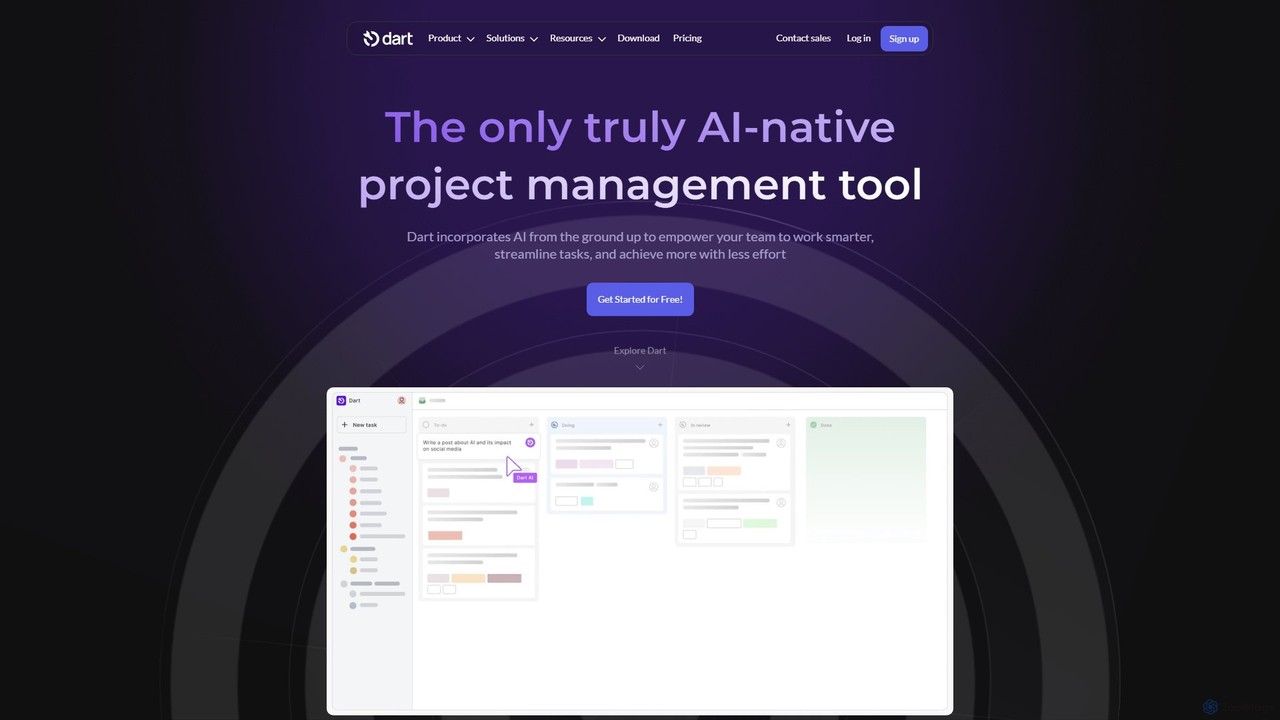
itsdart
Dart is an AI-native project management platform designed to automate workflows and enhance team productivity. It integrates AI from the ground up to handle tasks like subtask generation, project planning, and report creation. With features like intelligent task management, AI agents, integrated documents, and seamless integrations with tools like Slack and GitHub, Dart helps teams streamline operations, reduce manual overhead, and achieve goals faster.
Collaboration
Taskaid Comments (0)
Sign in to comment.
Sign inNo comments yet.