ToolMage
Sign in

Best 8 Scheduling Automation AI tools for Productivity

Popular Scheduling Automation AI tools in Productivity include getclockwise, TrueLark, Mayday, Mavex, Twilight, Syncline, LocSync, and BuddyBrain, helping you work more efficiently.

Syncline
Freemium

Syncline

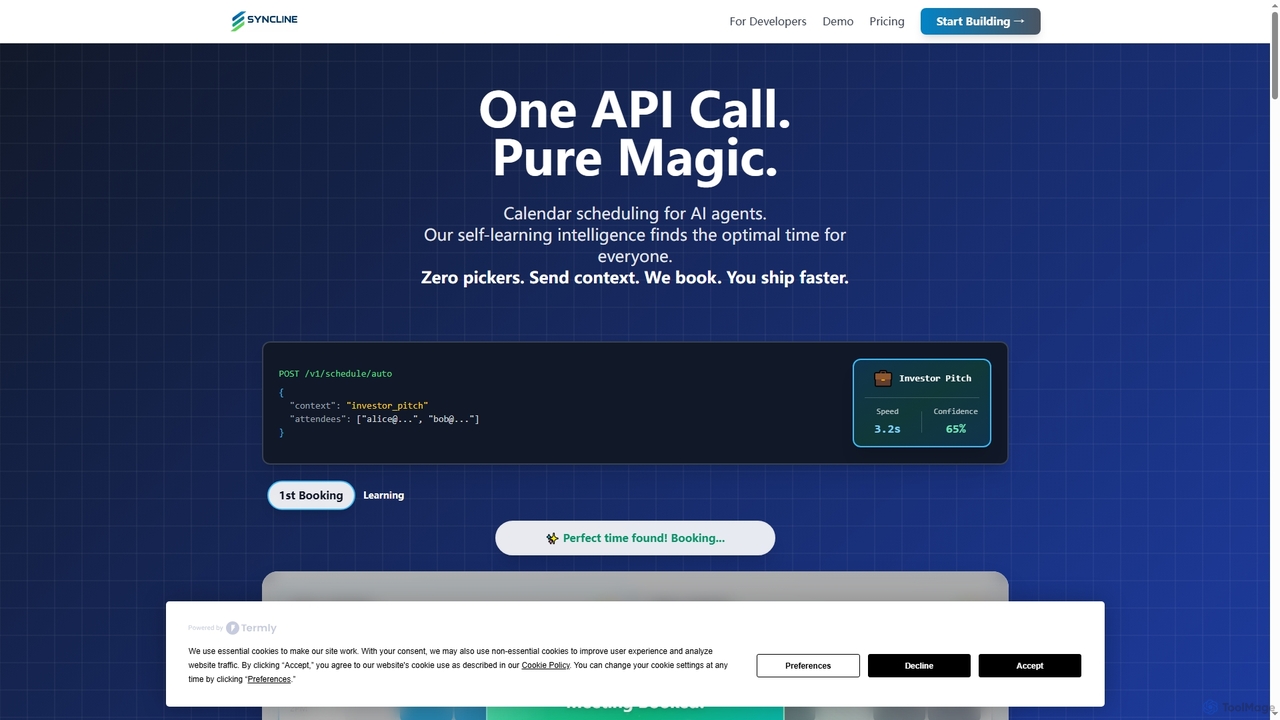
Syncline is an AI-first scheduling infrastructure designed for developers and AI agents. It automates meeting scheduling by intelligently analyzing preferences and context, integrating seamlessly with Google Calendar via a powerful API and Model Context Protocol. It eliminates manual coordination, allowing AI agents to book optimal meeting times autonomously.

Api
Visits 5.6KFavorites 54Likes 50
LocSync
Paid

LocSync

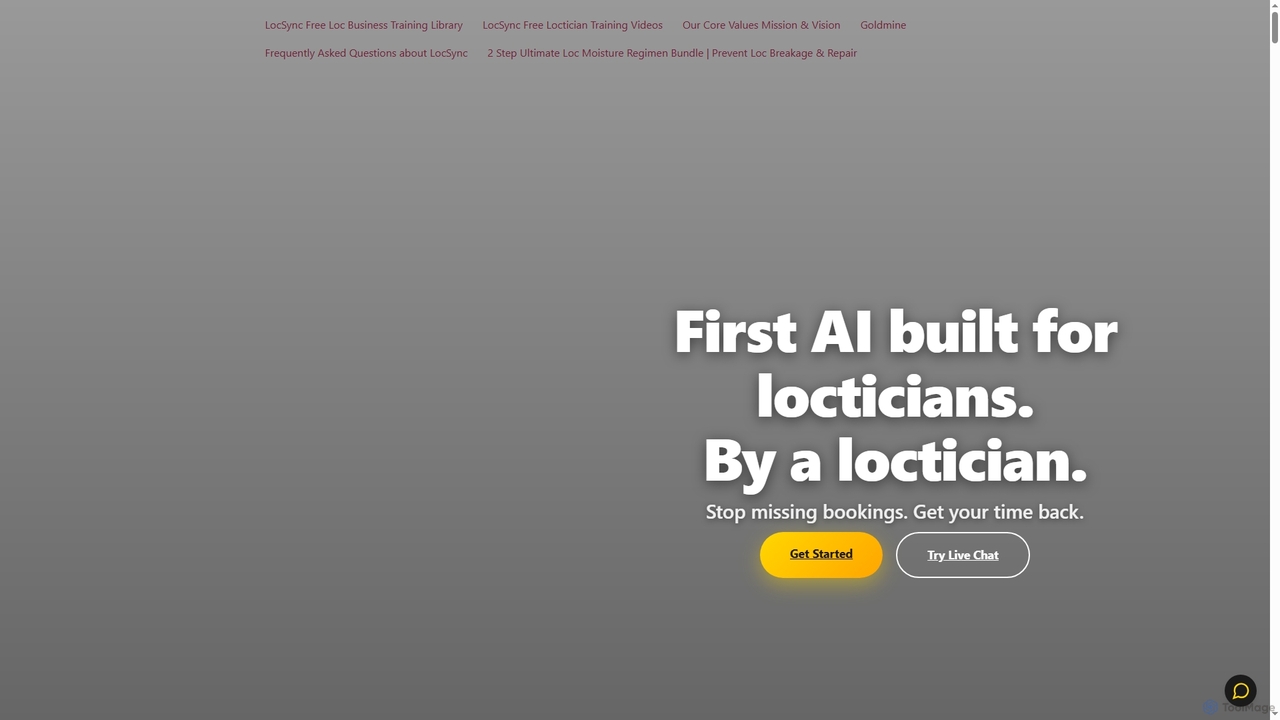
LocSync is a 24/7 AI-powered receptionist specifically designed for locticians. Developed by a master loctician, it handles voice calls and chats to manage bookings, answer specialized loc care questions, collect deposits, and increase revenue through automated upselling.

Salon Management
Visits 5.6KFavorites 116Likes 124
Mavex
Freemium

Mavex

Mavex is an AI executive assistant, Mavy, that automates meeting scheduling directly from your email. Simply CC Mavy, and it handles all the back-and-forth communication, finds suitable times based on your calendar, and sends out invites. It integrates seamlessly with Google and Microsoft calendars, saving time and eliminating scheduling friction for professionals, sales teams, and recruiters.

Virtual Assistant
Visits 7.2KFavorites 121Likes 122
BuddyBrain
Paid

BuddyBrain

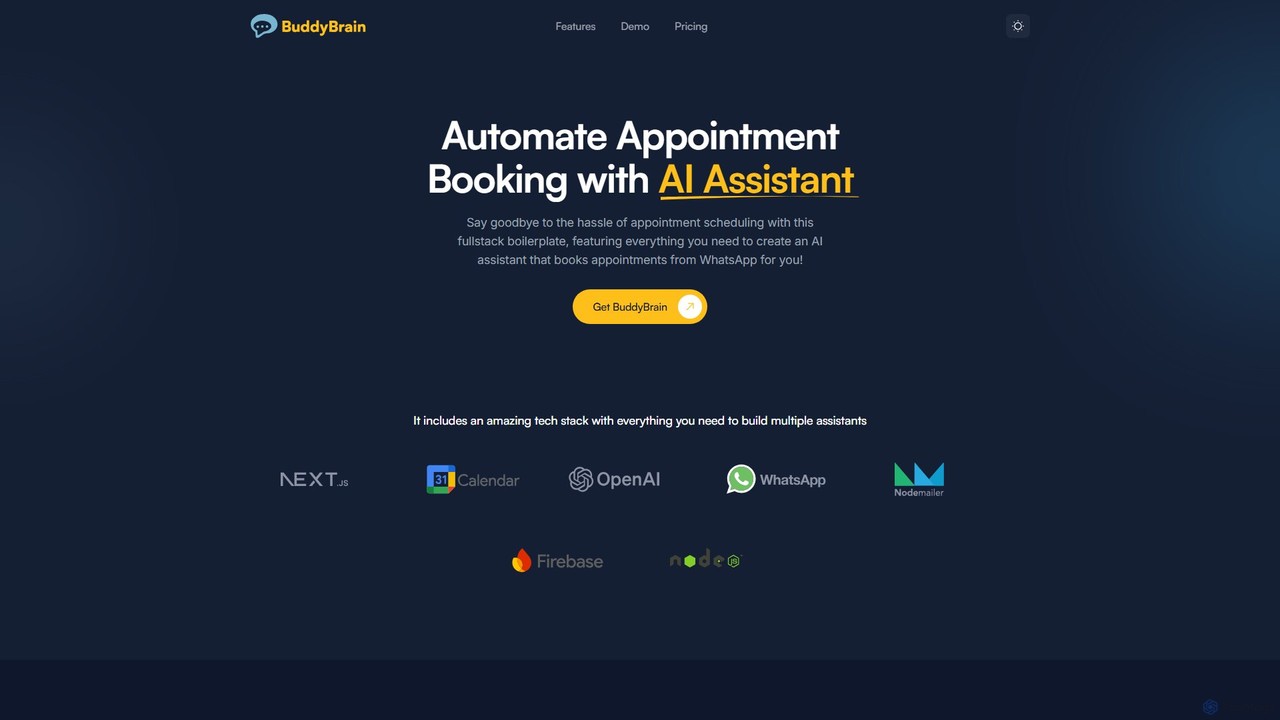
BuddyBrain is a full-stack boilerplate for developers to build and deploy a custom AI scheduling assistant on WhatsApp. It automates appointment booking by integrating with OpenAI's ChatGPT, Google Calendar, and WhatsApp, providing a complete source code solution to save businesses significant time and development costs.

Chatbots
Visits 5.5KFavorites 131Likes 136
Mayday

Mayday

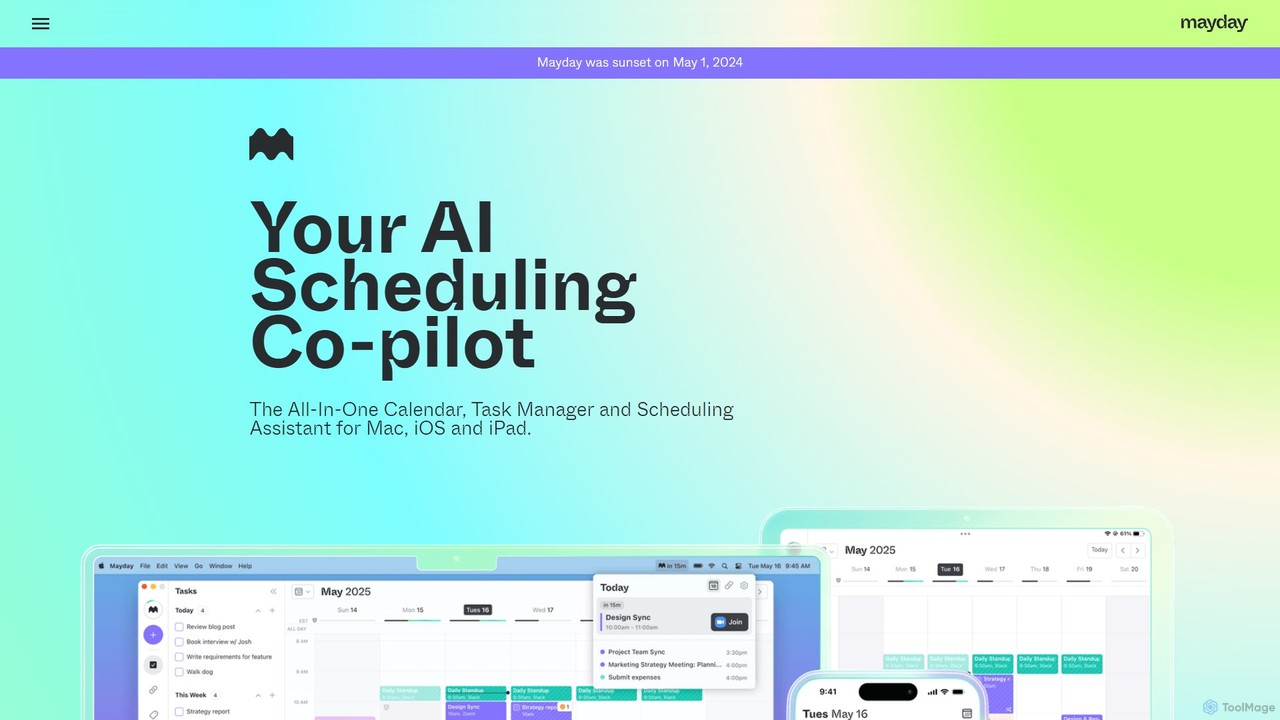
Mayday was an AI-assisted calendar designed to protect your time and automate scheduling. It unified multiple calendars, intelligently scheduled tasks, and used features like buffer time and smart tags to create a more manageable schedule. Please note: Mayday was discontinued on May 1, 2024.

Calendar
Visits 8.4KFavorites 145Likes 145
Twilight
Freemium

Twilight

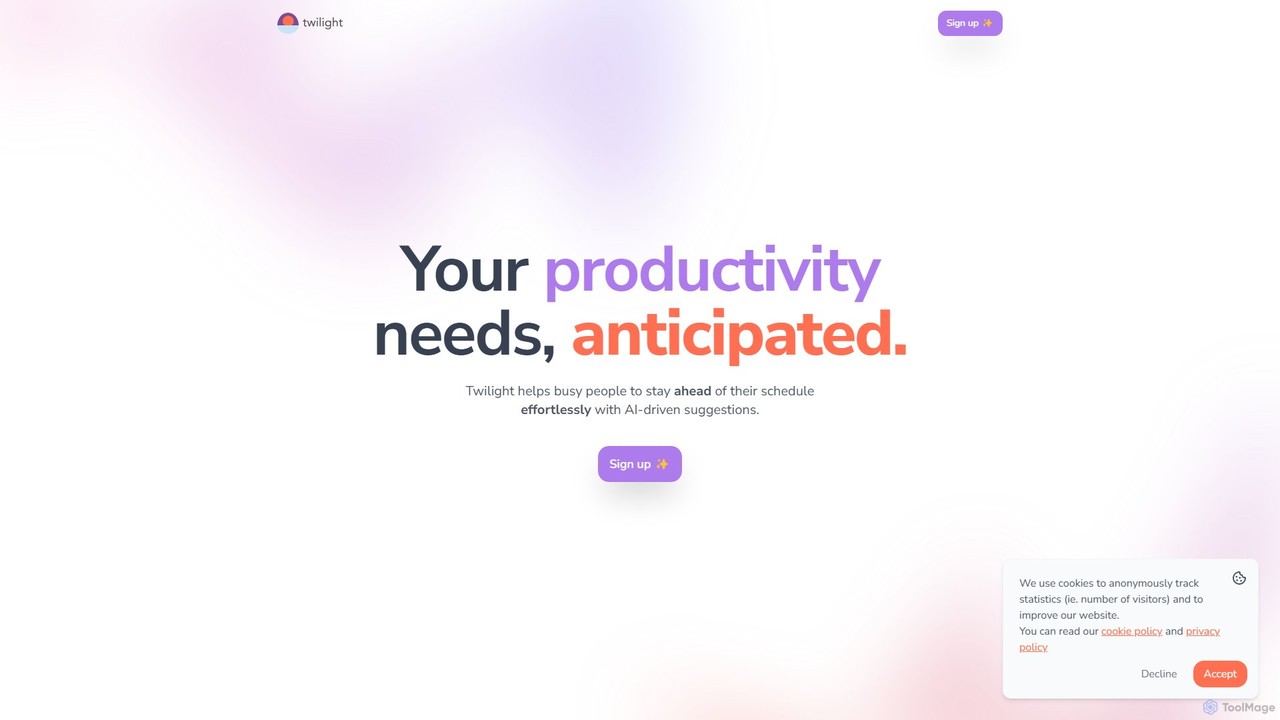
Twilight is an AI-driven personal assistant that anticipates your productivity needs. It intelligently manages your schedule with proactive suggestions, automates rescheduling, prevents overbooking, and helps you focus on what truly matters by organizing your workflow.

Calendar Management
Visits 6KFavorites 119Likes 107
getclockwise
Freemium

getclockwise

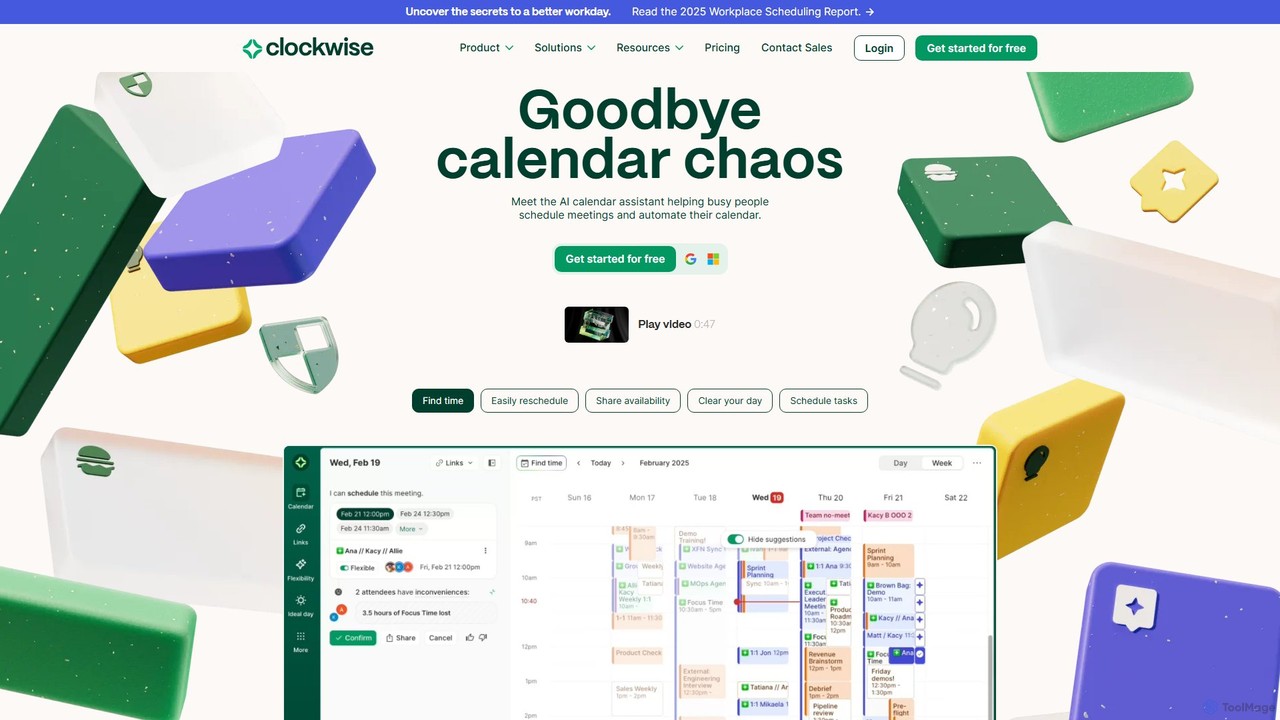
Clockwise is an AI-powered time management and calendar assistant that optimizes your schedule for maximum productivity. It intelligently rearranges meetings to create longer blocks of uninterrupted Focus Time, automates team scheduling, and acts as your personal assistant to manage your calendar effortlessly.

Calendar Management
Visits 40.8KFavorites 154Likes 162
TrueLark
Paid

TrueLark

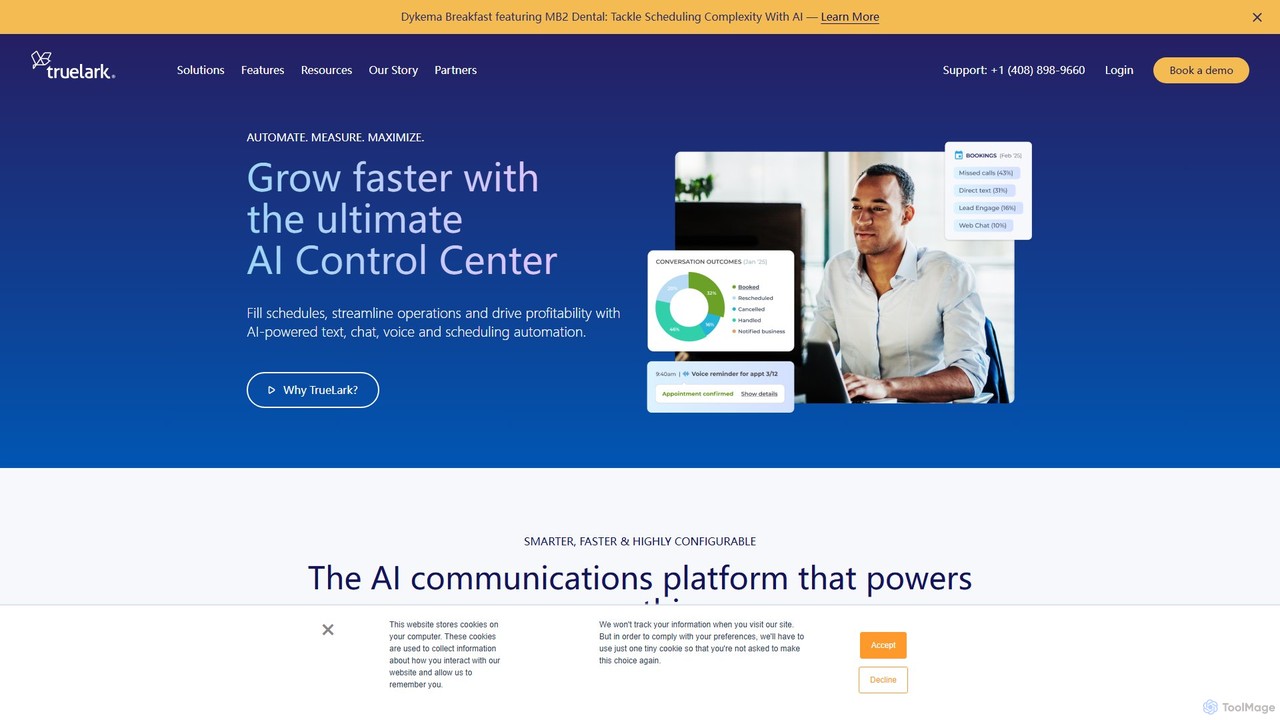
TrueLark is an AI-powered control center for service-based businesses, designed to automate customer interactions and maximize profitability. It streamlines operations by handling scheduling, lead conversion, and customer service across text, chat, and voice channels 24/7. By unifying communications and providing deep business insights, TrueLark helps businesses like dental clinics and wellness spas fill their schedules, reduce staff workload, and drive significant revenue growth.

Analytics
Visits 18.3KFavorites 141Likes 151

About Scheduling Automation

Scheduling Automation tools are a class of AI-powered applications that streamline the process of booking meetings and appointments. They intelligently analyze the availability across multiple calendars to suggest optimal times, eliminating the time-consuming back-and-forth communication. This automation allows professionals to set up meetings effortlessly through shareable booking links, reducing administrative overhead and minimizing scheduling errors. These tools often integrate seamlessly with existing calendars, CRMs, and video conferencing platforms to create a unified workflow.

Core Features

  • Intelligent Availability Analysis: AI scans multiple calendars (yours and your guests') to identify and suggest mutually convenient time slots.
  • Personalized Booking Pages: Create and share custom links where clients, candidates, or colleagues can self-schedule appointments based on your real-time availability.
  • Automated Calendar Sync: Provides real-time, two-way synchronization with popular calendar services like Google Calendar, Outlook, and Apple Calendar to prevent double bookings.
  • Workflow Automation: Automatically sends confirmations, reminders, and follow-up emails or SMS messages to reduce no-shows and prepare attendees.

Use Cases

These tools are widely used by sales teams for booking demos, recruiters for coordinating interviews with candidates and hiring managers, and consultants for managing client appointments. They are also valuable for customer support teams scheduling technical sessions and service-based businesses managing client bookings.

How to Choose

When selecting a Scheduling Automation tool, consider its integration capabilities with your existing software stack (CRM, email, video conferencing). Evaluate the level of customization for booking pages and communication templates. For teams, assess features like round-robin or collective scheduling. Finally, consider the pricing model and whether it scales with your usage needs.

Scheduling Automation use cases

1

Streamlining Sales Demo Bookings

A sales development representative (SDR) needs to book product demos with qualified leads. Instead of emailing back and forth, the SDR includes a personalized scheduling link in their outreach email. The lead clicks the link, sees the SDR's real-time availability synced from their calendar, and picks a time that works for them. The tool automatically creates a calendar event for both parties, adds a video conference link, and sends a confirmation email. This reduces the sales cycle time and presents a professional, efficient experience for the potential customer.

2

Coordinating Multi-Person Interviews

A recruiter needs to schedule a final-round interview between a candidate and three internal team members (a hiring manager, a senior developer, and a product manager). Manually finding a time that works for all four people is complex. The recruiter uses a scheduling tool to create a collective event, which overlays the calendars of all internal interviewers to show only the times they are all free. The candidate is then sent a link with these pre-approved slots, allowing them to choose the most convenient time. The tool then books the meeting for everyone instantly.

3

Managing Client Appointments for a Consultancy

A business consultant offers different types of sessions (e.g., 30-min discovery calls, 60-min strategy workshops). They create a main booking page with different event types. Potential clients can visit the page, select the service they need, and see the consultant's availability for that specific meeting duration. The tool can also be configured to collect upfront payment via Stripe or PayPal integration before the appointment is confirmed. This automates the entire client intake and scheduling process, freeing up the consultant's time for billable work.

4

Automating Internal Cross-Functional Meetings

A project manager needs to schedule a weekly sync meeting with members from engineering, marketing, and design teams. Instead of creating a recurring poll or email thread, they use a scheduling tool's group polling feature. They propose several potential time slots for the first meeting. Team members receive a link to vote on the times that work for them. The tool automatically identifies the most popular time slot and schedules the meeting. This democratic approach ensures higher attendance and saves the project manager significant coordination time each week.

5

Scheduling Customer Support and Onboarding Calls

A customer success manager (CSM) needs to schedule onboarding sessions with new clients. They create a specific event type for 'Onboarding Call' that automatically allocates 60 minutes. The link is shared in the welcome email. When a customer books a session, the tool can be set up to ask pre-call questions like 'What is your main goal for using our product?'. This information is added to the calendar event, allowing the CSM to be fully prepared. The system also sends automated reminders 24 hours and 1 hour before the call, reducing no-shows and ensuring a smooth onboarding experience.

6

Offering Office Hours for Academics or Mentors

A university professor or a professional mentor wants to make themselves available to students or mentees without a constant stream of email requests. They set up a recurring availability schedule in their automation tool (e.g., every Tuesday and Thursday from 2 PM to 4 PM) for 15-minute slots. They share the single booking link on their course syllabus or professional profile. Students can then book a slot that fits their schedule. The tool can also implement rules, such as a buffer time between appointments or limiting how far in advance someone can book, ensuring the professor's time is managed effectively.

Scheduling Automation FAQ

What is Scheduling Automation?

Scheduling Automation refers to software that uses AI to streamline the process of booking appointments and meetings. Instead of manual email exchanges to find a suitable time, these tools analyze calendars for availability and allow people to book a time slot directly via a shareable link. Their core purpose is to eliminate administrative tasks, reduce scheduling conflicts, and save time for all participants involved in setting up a meeting.

How is a scheduling tool different from a standard calendar app?

A standard calendar app (like Google Calendar or Outlook) is primarily for managing and viewing your existing schedule. A scheduling automation tool is designed to create new events by automating the process of finding a time with others. Key differences include:

  • Booking Process: Scheduling tools provide shareable links for others to book time with you, whereas calendars require manual invitation.
  • Availability Analysis: Scheduling tools intelligently find mutual availability, a feature most standard calendars lack.
  • Workflows: They automate reminders, follow-ups, and can integrate with other apps like CRMs and payment processors.
In short, a calendar is a passive repository, while a scheduling tool is an active facilitator.

Who can benefit most from Scheduling Automation tools?

While anyone who frequently schedules meetings can benefit, these tools are particularly valuable for client-facing roles and those who coordinate with multiple people. Key users include:

  • Sales Teams: For quickly booking demos and calls with prospects.
  • Recruiters: For coordinating complex interview schedules with candidates and internal teams.
  • Consultants and Coaches: For allowing clients to book and pay for sessions easily.
  • Customer Success Managers: For scheduling onboarding, training, and support calls.
  • Executives and Managers: For managing a busy calendar and coordinating with numerous stakeholders.
Essentially, if a significant part of your job involves finding time to meet with people outside your immediate team, a scheduling tool can provide substantial value.

How do I choose the right Scheduling Automation tool?

Choosing the right tool depends on your specific needs. Consider these key factors:

  • Integrations: Does it connect seamlessly with your primary calendar (Google, Outlook), video conferencing tools (Zoom, Teams), and other essential software like your CRM?
  • Team Features: If you work in a team, look for features like round-robin scheduling (distributing meetings evenly), collective availability, or centralized billing.
  • Customization: Can you brand your booking page with your company's logo and colors? Can you customize the questions asked before a meeting is booked?
  • Scalability and Price: Evaluate the pricing tiers. Does the cost scale reasonably as your team grows or your needs become more complex? Start with your most critical need and find a tool that solves it well.

Are scheduling automation tools secure?

Reputable scheduling automation tools prioritize security. They typically use encryption to protect data both in transit and at rest. Many also comply with data privacy regulations like GDPR and CCPA. When choosing a tool, look for information on their security practices, such as SOC 2 compliance or details on their data handling policies. It is also good practice to use strong, unique passwords and enable two-factor authentication (2FA) if the service offers it. For enterprise use, check for features like single sign-on (SSO) for enhanced security and user management.