
LiveMinder
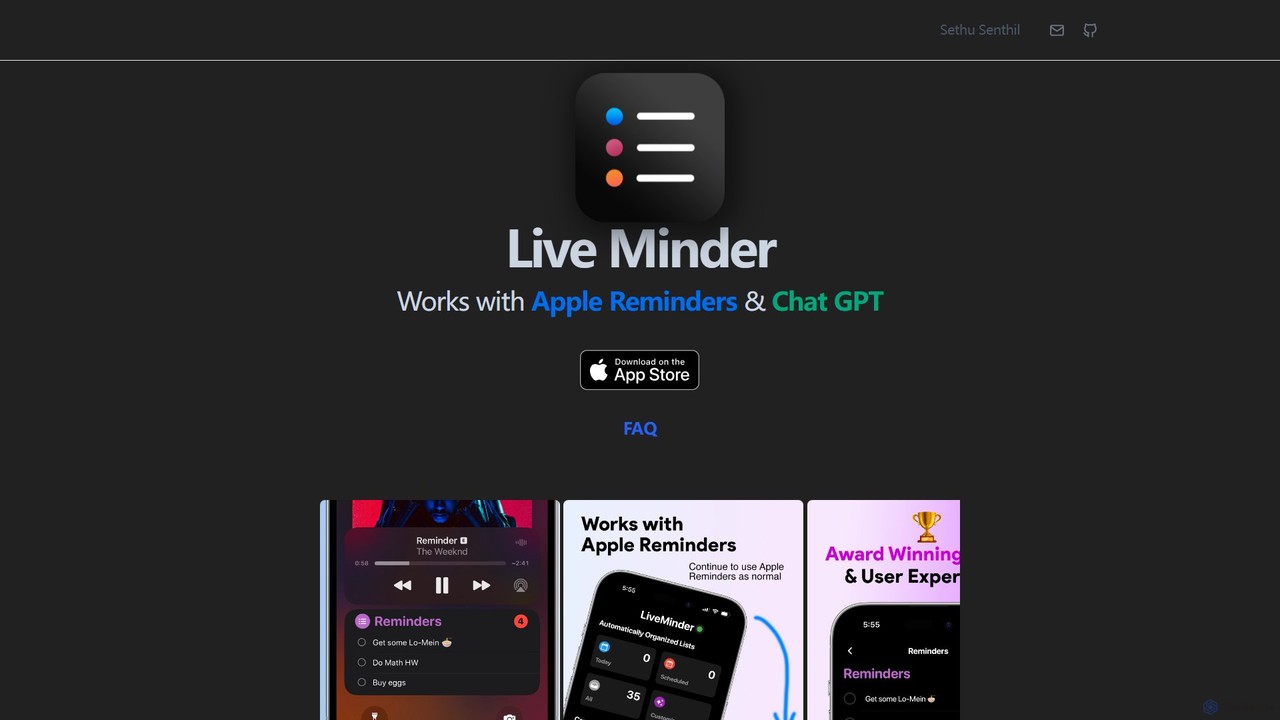
LiveMinder brings your Apple Reminders and to-do lists directly to your iOS Lock Screen, Dynamic Island, and Always …
LiveMinder brings your Apple Reminders and to-do lists directly to your iOS Lock Screen, Dynamic Island, and Always On Display. It features seamless iCloud sync and integrates ChatGPT to instantly generate task lists, shopping lists, and more, enhancing your productivity without replacing your existing workflow.
About List Generation
List Generation tools are AI-powered assistants designed to automatically create structured lists from various inputs. Leveraging natural language processing (NLP) and machine learning, they can extract, categorize, and format information into coherent lists. These tools significantly streamline tasks like data compilation, content outlining, and information organization, enhancing productivity for professionals. They excel at transforming unstructured text or raw data into actionable, well-organized formats with minimal manual effort.
Core Features
- Automated Extraction: Automatically identifies and pulls relevant data points from text or documents.
- Categorization & Tagging: Organizes extracted items into predefined or AI-suggested categories and adds relevant tags.
- Format Customization: Allows users to specify output formats, such as bullet points, numbered lists, tables, or JSON.
- Contextual Understanding: Interprets the intent behind user prompts to generate highly relevant and accurate lists.
- Multi-source Integration: Can process information from web pages, PDFs, databases, and other digital sources.
Use Cases
Content creators can quickly generate blog post outlines, topic ideas, or research summaries. Marketers can compile competitor lists or product feature comparisons. Data analysts can extract key metrics from reports into structured lists for further analysis.
How to Choose
Consider the types of lists you need to generate (e.g., simple bullet points vs. complex data tables). Evaluate the tool's ability to integrate with your existing workflows and data sources. Check for customization options for output formats and categorization rules. Assess the accuracy and relevance of generated lists based on your specific data.
List GenerationUse Cases
Generate Blog Post Outlines
Content writers can input a topic and target keywords to instantly receive a structured outline with headings, subheadings, and key points, accelerating content creation. This helps ensure comprehensive coverage and a logical flow, saving hours of manual planning and research for each article.
Compile Product Feature Comparisons
Marketing teams can feed product specifications from multiple competitors to generate a side-by-side feature comparison list, aiding competitive analysis and sales enablement. This allows for quick identification of strengths and weaknesses, providing sales teams with clear talking points and helping product managers refine their offerings.
Extract Key Takeaways from Reports
Business analysts can upload lengthy reports or articles to automatically generate a concise list of main findings, recommendations, or action items, saving reading time. This ensures that critical information is not missed and can be quickly disseminated to stakeholders, improving decision-making speed.
Create Event Attendee Lists
Event organizers can process registration data or social media mentions to compile categorized lists of potential attendees, speakers, or VIPs, streamlining outreach. This helps in targeted communication, personalized invitations, and efficient management of event logistics, ensuring a smoother planning process.
Develop SEO Keyword Lists
SEO specialists can input a broad topic to generate a comprehensive list of related long-tail keywords, search queries, and semantic terms for content optimization. This enhances search engine visibility, attracts targeted organic traffic, and informs content strategy with relevant and high-potential keywords.
Organize Research References
Researchers can input article abstracts or paper titles to automatically generate formatted bibliographies, reference lists, or annotated lists of relevant studies. This significantly reduces the manual effort of citation management, ensures consistency in formatting, and helps maintain an organized overview of academic sources.