Mobile Best in category 2 results Assistive Technology AI Tool

Popular AI tools in the Assistive Technology field of Mobile include Supersense、PingPath, etc., helping you quickly improve efficiency.

PingPath

PingPath

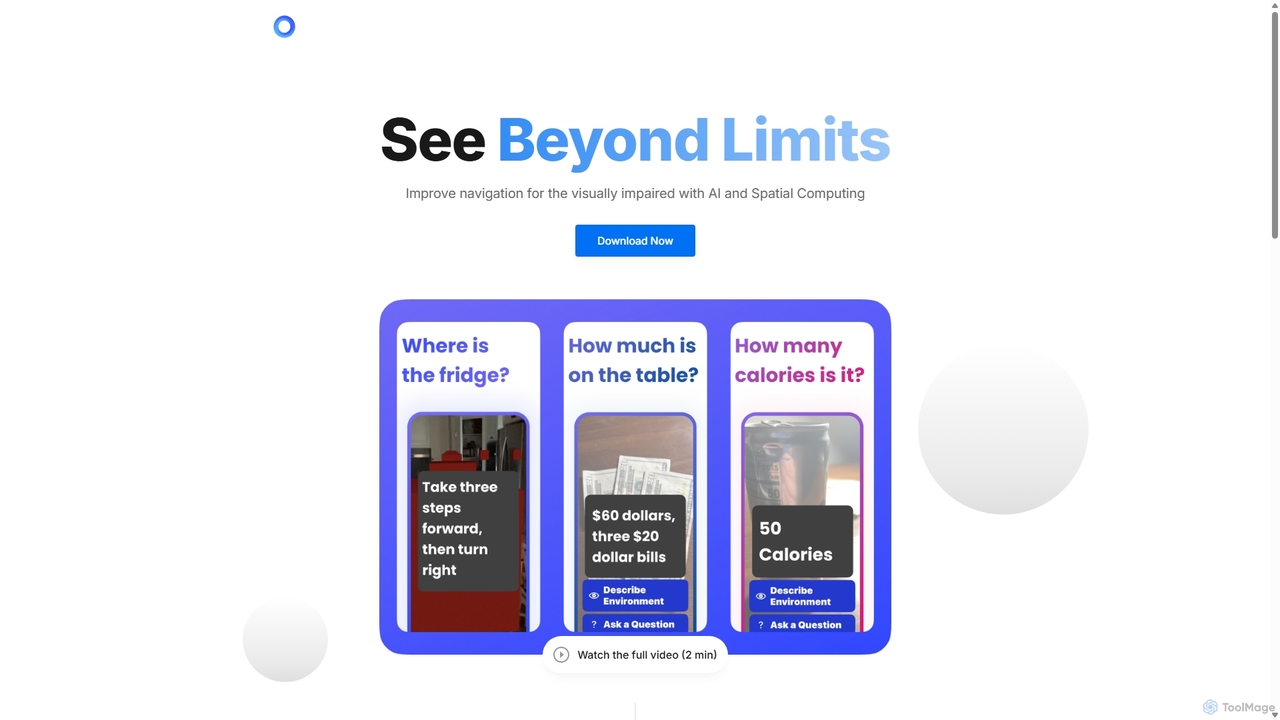
PingPath is an AI-powered mobile application designed to enhance indoor navigation for visually impaired individuals. By leveraging LiDAR, …

2.8K
Supersense

Supersense

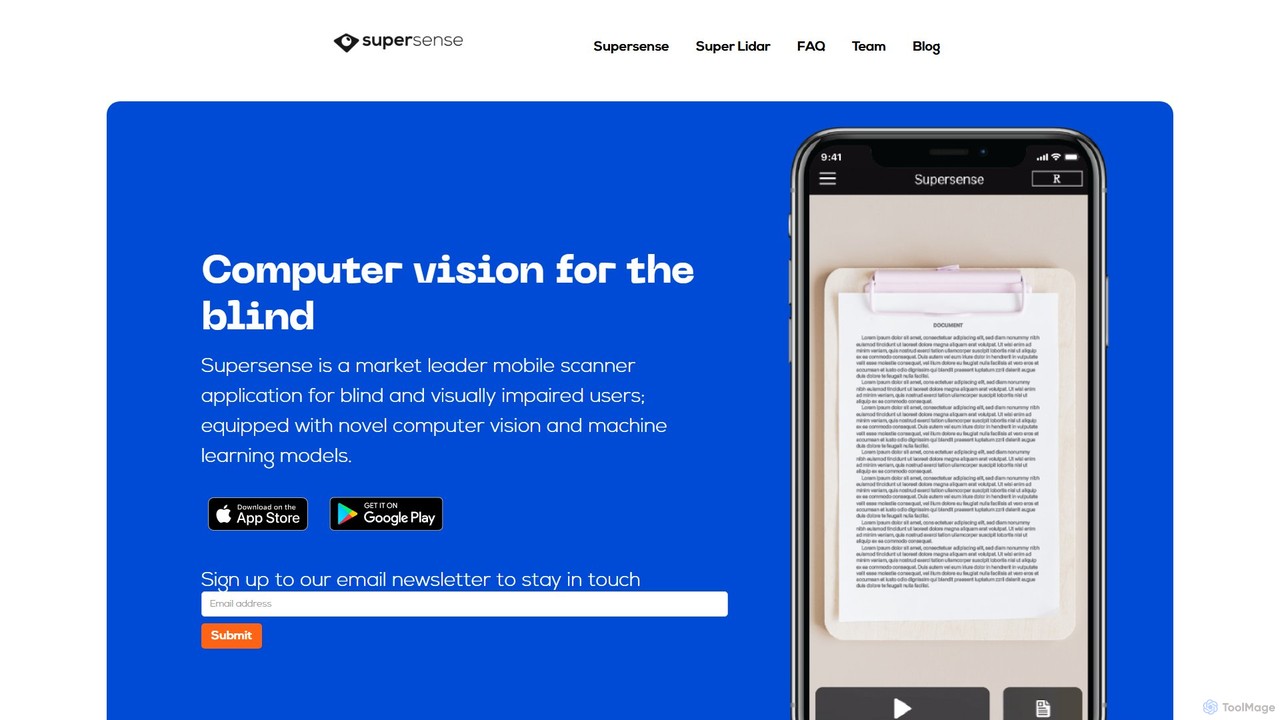
Supersense is an AI-powered mobile application designed for blind and visually impaired users. It acts as a smart …

3.2K

About Assistive Technology

Assistive Technology (AT) on mobile devices comprises AI-powered tools designed to enhance accessibility and independence for individuals with disabilities. These solutions leverage advanced algorithms and mobile device capabilities to overcome barriers, enabling users to interact with their environment, communicate effectively, and manage daily tasks with greater ease. By integrating seamlessly into smartphones and tablets, mobile AT provides personalized support, fostering inclusion and improving quality of life for a diverse range of users.

Core Features

  • Screen Readers & Magnifiers: Convert on-screen text to speech or enlarge content for visually impaired users.
  • Voice Control & Speech-to-Text: Allow hands-free device operation and dictation for individuals with motor or writing impairments.
  • Alternative Input Methods: Provide specialized interfaces like switch access or eye-tracking for users unable to use standard touchscreens.
  • Augmentative & Alternative Communication (AAC): Enable non-verbal individuals to communicate through symbols, text-to-speech, or pre-recorded phrases.
  • Cognitive Aids: Offer structured support for memory, organization, and task management for those with cognitive challenges.

Use Cases

Mobile Assistive Technology is crucial for empowering various user groups. Visually impaired individuals can navigate public transport using audio-guided GPS apps, while users with severe motor impairments can control their entire smartphone interface through voice commands. Furthermore, children with communication disorders can use AAC apps on tablets to express their needs and participate in social interactions.

How to Choose

Selecting the right mobile Assistive Technology involves considering the specific disability or need, compatibility with the user's mobile operating system (iOS or Android), and the tool's ease of customization. Evaluate the level of integration with other applications, the availability of technical support, and the overall cost-effectiveness, including any subscription models or hardware requirements.

Assistive TechnologyUse Cases

1

Independent Urban Navigation for Visually Impaired

A visually impaired individual uses a mobile assistive app that integrates GPS, real-time audio cues, and object recognition to navigate unfamiliar city streets. The app provides spoken directions, identifies landmarks, and warns of obstacles, allowing for safer and more independent travel without relying solely on human assistance.

2

Hands-Free Mobile Device Control for Motor Impairment

An individual with limited hand mobility operates their smartphone entirely through voice commands or a single switch connected via Bluetooth. This allows them to make calls, send messages, browse the internet, and control smart home devices, maintaining full digital connectivity and personal autonomy.

3

Facilitating Communication for Non-Verbal Individuals

A person with a speech impairment utilizes an Augmentative and Alternative Communication (AAC) app on their tablet. They select symbols or type text, which the app then converts into spoken words, enabling them to participate in conversations, express complex thoughts, and engage socially with family and friends.

4

Cognitive Support for Daily Task Management

An individual with ADHD uses a mobile assistive app that provides structured task lists, visual timers, and personalized reminders for daily routines. The app breaks down complex tasks into manageable steps, helping them stay organized, manage time effectively, and complete responsibilities independently.

5

Real-time Transcription for Hearing Impaired Users

A hearing-impaired student attends a lecture and uses a mobile app that provides real-time transcription of the speaker's words. This allows them to follow the discussion, take notes, and fully participate in the learning environment, overcoming communication barriers in educational settings.

6

Enhanced Learning for Students with Dyslexia

A student with dyslexia uses a mobile assistive app that offers text-to-speech functionality, customizable font settings, and dictation tools. This enables them to listen to written content, reduce reading fatigue, and compose written assignments more easily, supporting their academic success.

Assistive TechnologyFrequently Asked Questions