
Accessibility Best in category 1 results Visual Impairment AI Tool

Popular AI tools in the Visual Impairment field of Accessibility include Supersense, etc., helping you quickly improve efficiency.

Supersense

Supersense

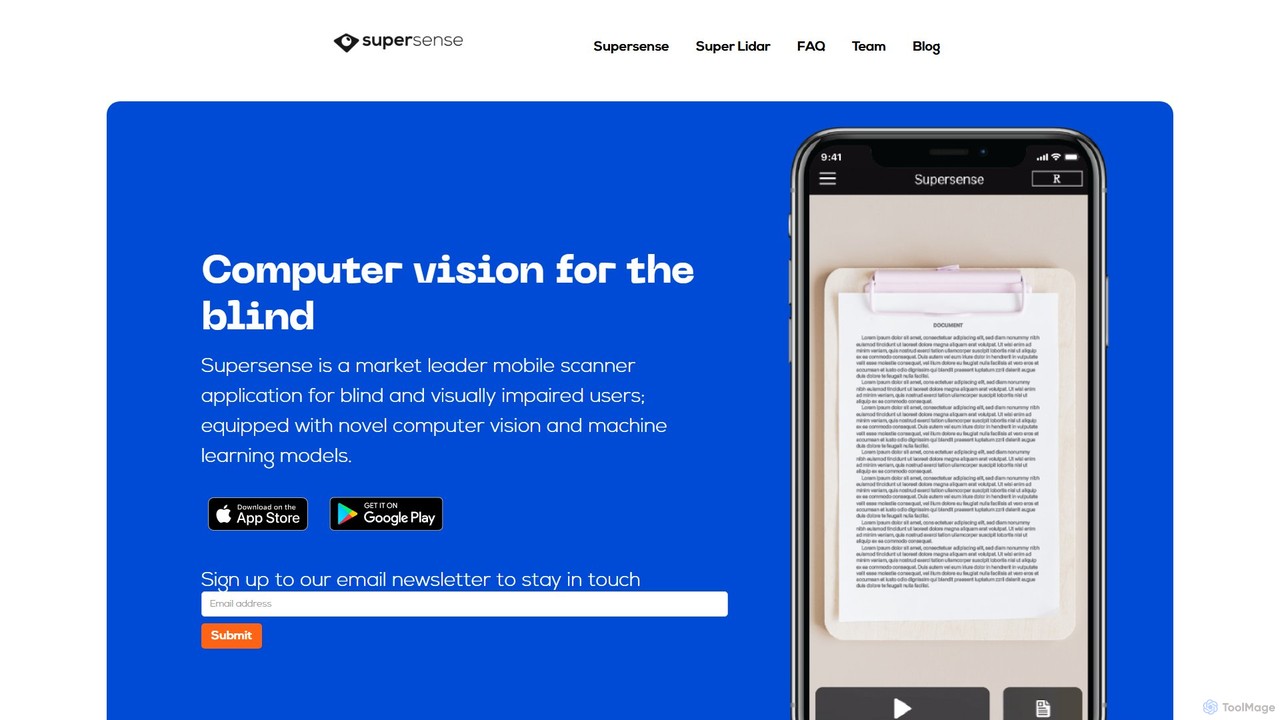
Supersense is an AI-powered mobile application designed for blind and visually impaired users. It acts as a smart …

3.1K

About Visual Impairment

Visual Impairment AI tools are specialized software and applications that leverage artificial intelligence to enhance accessibility for individuals with low vision or blindness. These tools interpret visual information, convert text to speech, and provide intelligent assistance, enabling greater independence and participation. They bridge the gap between digital and physical content and the visually impaired user, transforming how they interact with the world.

Core Features

  • AI-Powered Image & Scene Description: Automatically analyzes and verbally describes visual content from photos, live camera feeds, or digital images.
  • Advanced Text-to-Speech (TTS): Converts digital text, scanned documents, or real-world text (e.g., labels, signs) into natural-sounding audio.
  • Object & Facial Recognition: Identifies objects, products, currency, and even recognizes familiar faces in real-time.
  • Intelligent Navigation Assistance: Provides audio cues and directional guidance for indoor and outdoor navigation, enhancing spatial awareness.
  • Screen Magnification & Contrast Enhancement: Offers customizable magnification, color filters, and high-contrast modes for improved readability on digital interfaces.

Applicable Scenarios

These tools are crucial for individuals seeking to independently read documents, navigate public spaces, or identify everyday objects. They empower users in educational settings, daily living, and professional environments by providing real-time visual interpretation and auditory feedback.

How to Choose

When selecting Visual Impairment AI tools, consider the accuracy and naturalness of AI output, especially for image descriptions and TTS voices. Evaluate integration with existing devices and operating systems, real-time processing capability for dynamic tasks, and the level of customization offered for user interface and preferences.

Visual ImpairmentUse Cases

1

Reading Printed Materials Independently

A visually impaired student uses an AI tool on their smartphone to scan textbooks, handouts, and library books. The AI's OCR technology converts the text, and its advanced TTS engine reads the content aloud with natural intonation, allowing the student to complete assignments and study without constant human assistance. This significantly reduces reliance on Braille or large print versions.

2

Navigating Unfamiliar Environments

An individual with low vision is visiting a new city. They use an AI-powered smart glasses app that analyzes their surroundings in real-time. The AI verbally describes landmarks, identifies street signs, warns of obstacles like lampposts or uneven pavement, and provides turn-by-turn audio directions, enabling confident and safe independent travel.

3

Identifying Products and Groceries

While shopping, a blind person uses an AI tool to identify items on shelves. By pointing their phone camera at a product, the AI instantly recognizes the packaging, reads out the brand, product name, and even ingredients or nutritional information, ensuring they pick the correct items and manage their diet effectively.

4

Recognizing People and Their Expressions

At a social gathering, a visually impaired person uses an AI app to discreetly scan faces. The AI identifies familiar friends by name and even attempts to describe their facial expressions (e.g., "John is smiling," "Sarah looks thoughtful"), helping the user engage more naturally and understand social cues.

5

Accessing Digital Content and Websites

A professional with visual impairment uses an AI-enhanced screen reader that goes beyond basic text reading. It intelligently interprets complex website layouts, identifies interactive elements, and provides concise summaries of content, making it easier to navigate professional documents, emails, and web applications efficiently.

6

Managing Personal Finances and Documents

An elderly person with deteriorating eyesight uses an AI tool to read bank statements, utility bills, and personal letters. They simply place the document under a camera, and the AI accurately reads out all the details, including dates, amounts, and sender information, helping them manage their finances and personal affairs securely and independently.

Visual ImpairmentFrequently Asked Questions