

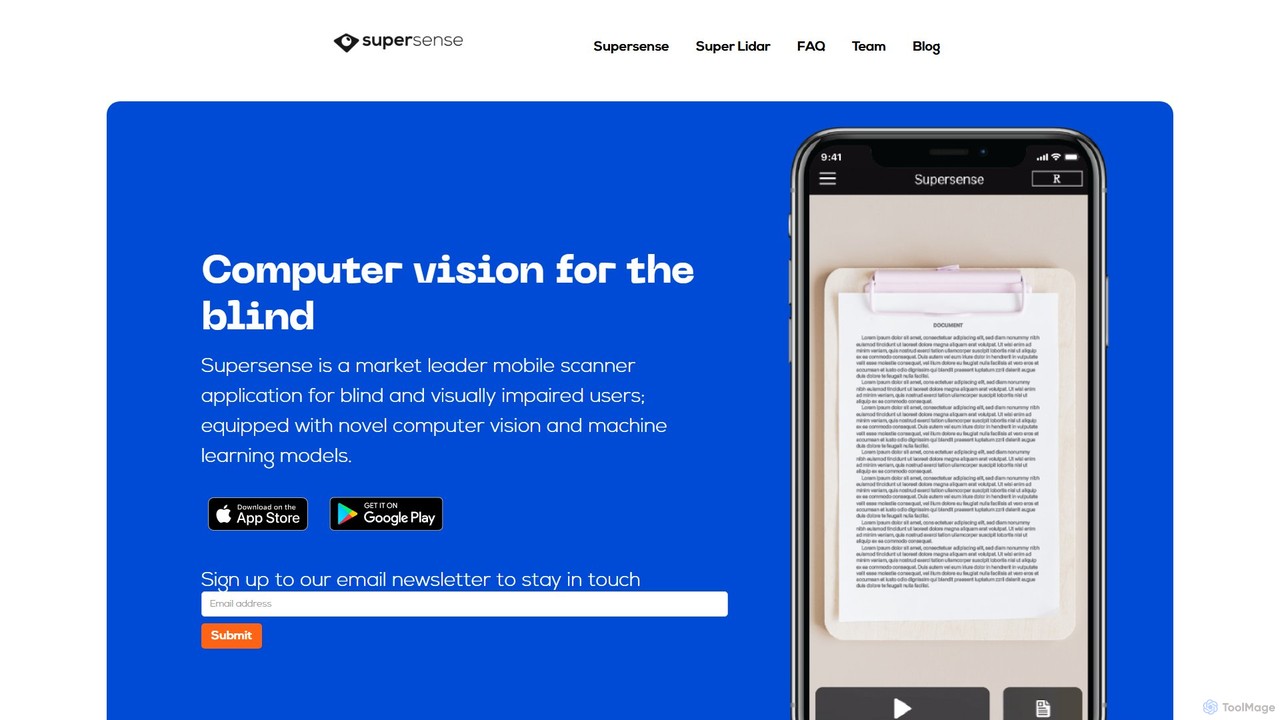
Supersense Overview
Supersense is a revolutionary AI-driven application developed to empower blind and visually impaired individuals by providing them with a powerful set of tools to perceive and interact with their surroundings. Available on both iOS and Android, Supersense leverages advanced computer vision and unique AI technology through a super-accessible user interface. It transforms a smartphone into an intelligent assistant that can see, read, and describe the world, significantly enhancing independence and daily life.
The app is designed from the ground up with simplicity in mind, ensuring that users do not need to be tech-savvy to benefit from its features. It provides verbal guidance to help users correctly position their camera, and its intelligent modes automatically adapt to the task at hand, whether it's reading a quick label or a multi-page document.
How to use Supersense
Using Supersense is designed to be an intuitive experience. Simply open the app and point your smartphone's camera at what you want to identify or read. The app provides real-time verbal instructions to help you aim the camera for the best possible angle and focus. For general scanning, the 'Smart Scanner' mode automatically detects whether you are pointing at short text, a long document, a banknote, or a barcode, and switches to the appropriate function. You can also manually select specific modes like 'Document', 'Currency', or 'Explore' from the simple menu. Information is then read aloud instantly. Additionally, you can import images from other applications like WhatsApp or Facebook, and Supersense will analyze and read the text within them.
Core Features of Supersense
- Smart Scanner: An all-in-one mode that automatically identifies and processes short text, documents, currency, and barcodes without needing manual switching.
- Document & Multi-Page Scanner: Read long-form text from letters, books, or articles with smart guidance. It supports scanning multiple pages in a single session and allows navigation through the text using VoiceOver commands.
- Quick Read: Instantly reads any short text presented to the camera, perfect for product labels, business cards, or book covers.
- Currency Reader: Recognizes banknotes from various currencies and announces their value out loud, facilitating cash transactions.
- Barcode Reader: Scans product barcodes to retrieve and read out product information. Users can also label new barcodes and share them with the community.
- Explore Mode: Scans your physical environment to identify and announce objects around you, such as doors, chairs, people, and more, aiding in indoor navigation.
- Super Lidar: A specialized feature that uses the LiDAR sensor on compatible devices to create a 3D map of the environment. It detects the distance to objects, alerts you to obstacles, and identifies open spaces with sound feedback. It can also detect people and check if they are wearing face masks to help with social distancing.
- Import from Other Apps: Read text from images shared via other applications like Facebook, Twitter, or WhatsApp.
Use Cases for Supersense
Supersense is a versatile tool for countless daily situations. Users can read their personal mail, restaurant menus, and cooking instructions independently. While shopping, it can be used to identify the value of banknotes or scan barcodes to learn about products. In an unfamiliar office or home, the 'Explore' mode helps locate furniture, doors, and other people. The 'Document' scanner is invaluable for students and professionals who need to access printed materials. The Super Lidar feature enhances safety by helping users avoid obstacles and maintain social distance in public spaces.
Advantages of Supersense
The primary advantage of Supersense is its user-centric design, which is radically simplified for blind users. The verbal camera guidance removes the guesswork from scanning. Its proprietary technology ensures fast and highly accurate text recognition, even from blurry images. The automated 'Smart Scanning' mode provides a seamless and efficient user experience. Furthermore, the Supersense team is committed to innovation, constantly testing and releasing cutting-edge experimental features, allowing users to be part of the future of accessibility technology.
Pricing and Plans
Supersense operates on a freemium model, offering both a free and a premium version.
- Free Plan: Provides unlimited access to core features including Quick Read, Import Read, Read History, and the Magnifier.
- Premium Plan: Unlocks the full suite of advanced features, including the Smart Scanner, Document Scanner, Multi-Page Scanning, Currency Reader, Barcode Reader, Explore Mode, and Find feature.
Subscription options for the Premium Plan are:
- Monthly: $4.99
- Annual: $49.99
- Lifetime: $99.99
Please note that prices may vary depending on your region. Subscriptions can be managed through the Supersense app on the iOS App Store or Google Play Store.
Traffic
Latest traffic
Status
Monthly traffic trend
- 2025-9: 2.0K
- 2026-1: 2.8K
- 2026-2: 2.0K
- 2026-3: 557
- 2026-4: 448
- 2026-5: 1.8K
Geography
Top 5 countries / regions
- 🇺🇸United States42.9%
- 🇹🇭Thailand28.5%
- 🇺🇿Uzbekistan17.4%
- 🇩🇪Germany11.2%
Top keywords
| Keyword | Cost per click |
|---|---|
| echo location | $0.00 |
| super lidar | $0.00 |
| supersense | $0.78 |
| supersense app | $0.00 |
| super zsnese | $0.00 |
Supersense Alternatives
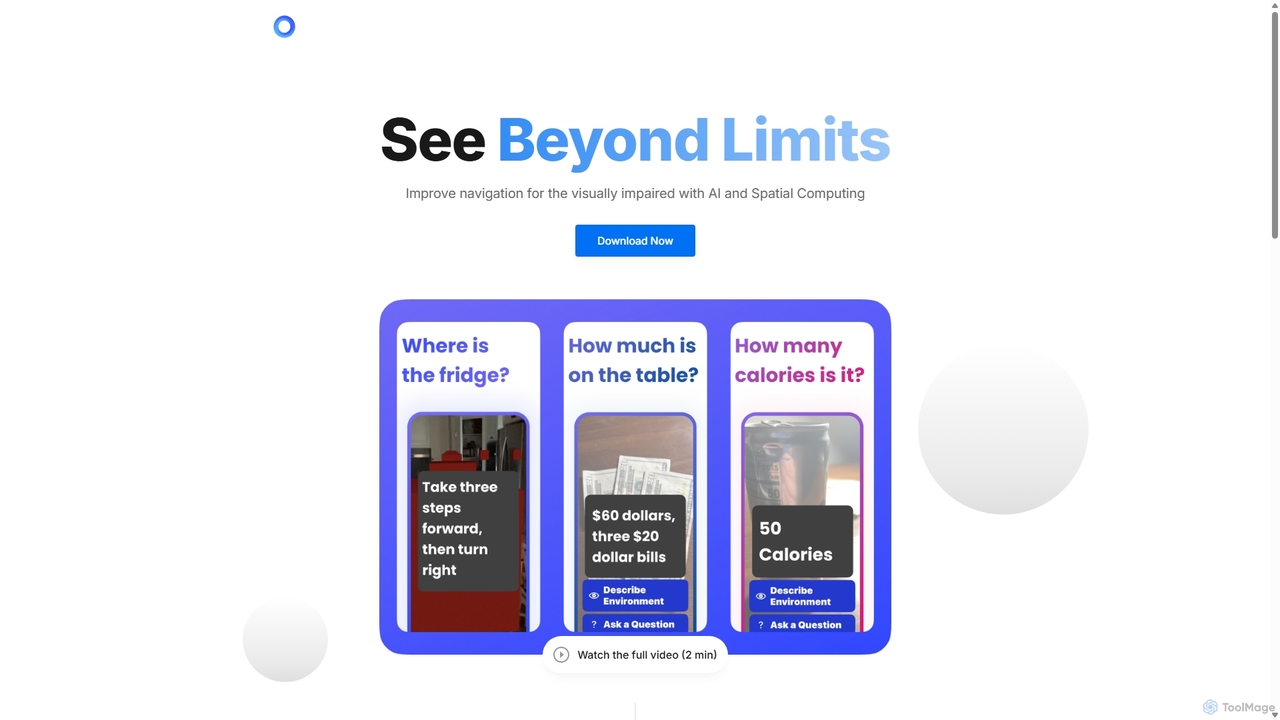
PingPath
PingPath is an AI-powered mobile application designed to enhance indoor navigation for visually impaired individuals. By leveraging LiDAR, spatial computing, and intuitive spatial audio, it transforms a smartphone into a powerful assistive tool for identifying objects, avoiding obstacles, and confidently navigating unfamiliar indoor environments.
Visual Impairment Aid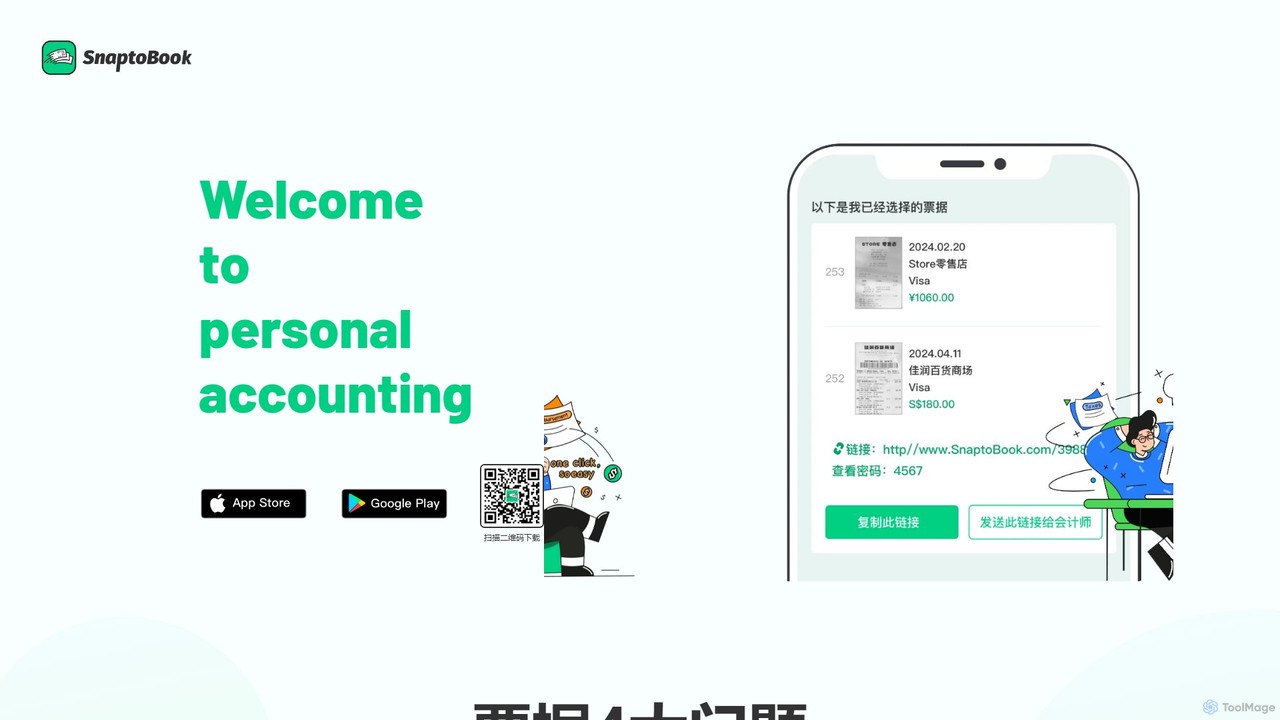
SnaptoBook
SnaptoBook is an AI-powered mobile app that digitizes receipts and invoices for effortless personal finance management. Simply snap a photo of any bill, and the app automatically extracts data for expense tracking, reimbursement, tax filing, bill splitting, and project cost management. It's your smart assistant for organizing finances.
Expense Tracking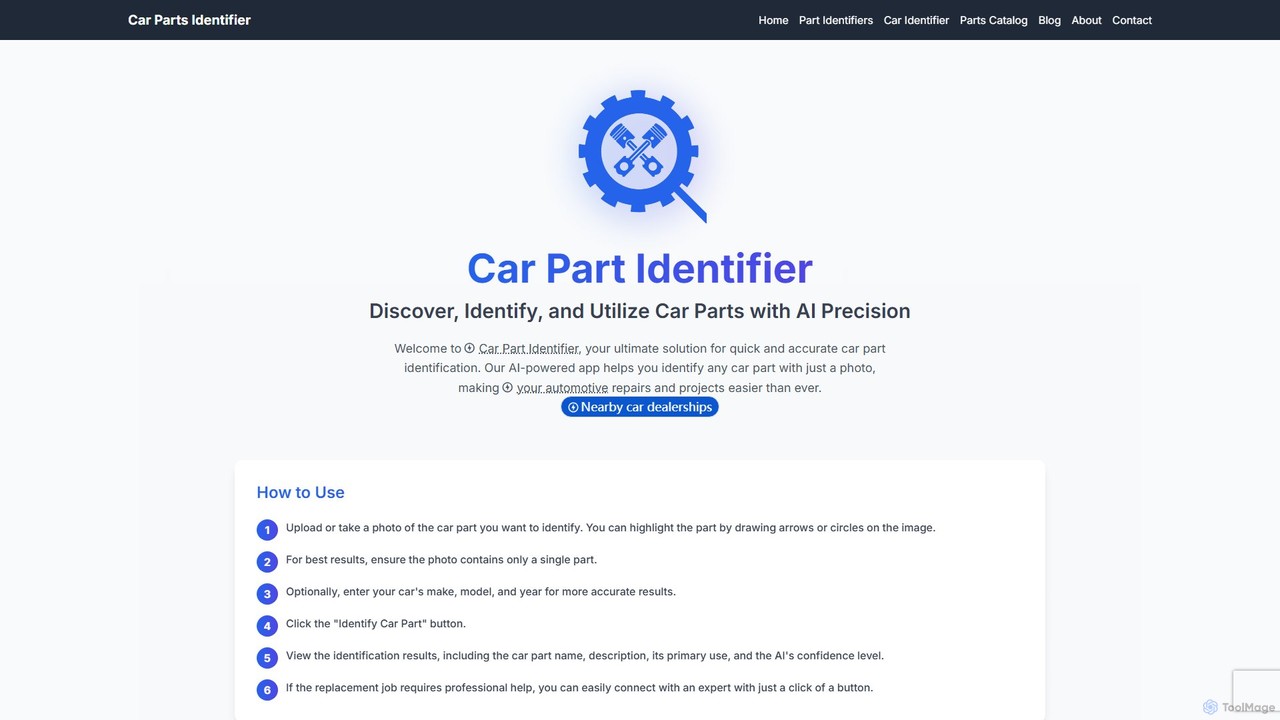
Car Part Identifier
An AI-powered tool that accurately identifies car parts from a photo. Designed for mechanics, DIY enthusiasts, and automotive businesses, it provides part details, usage information, and direct links to purchase.
Diy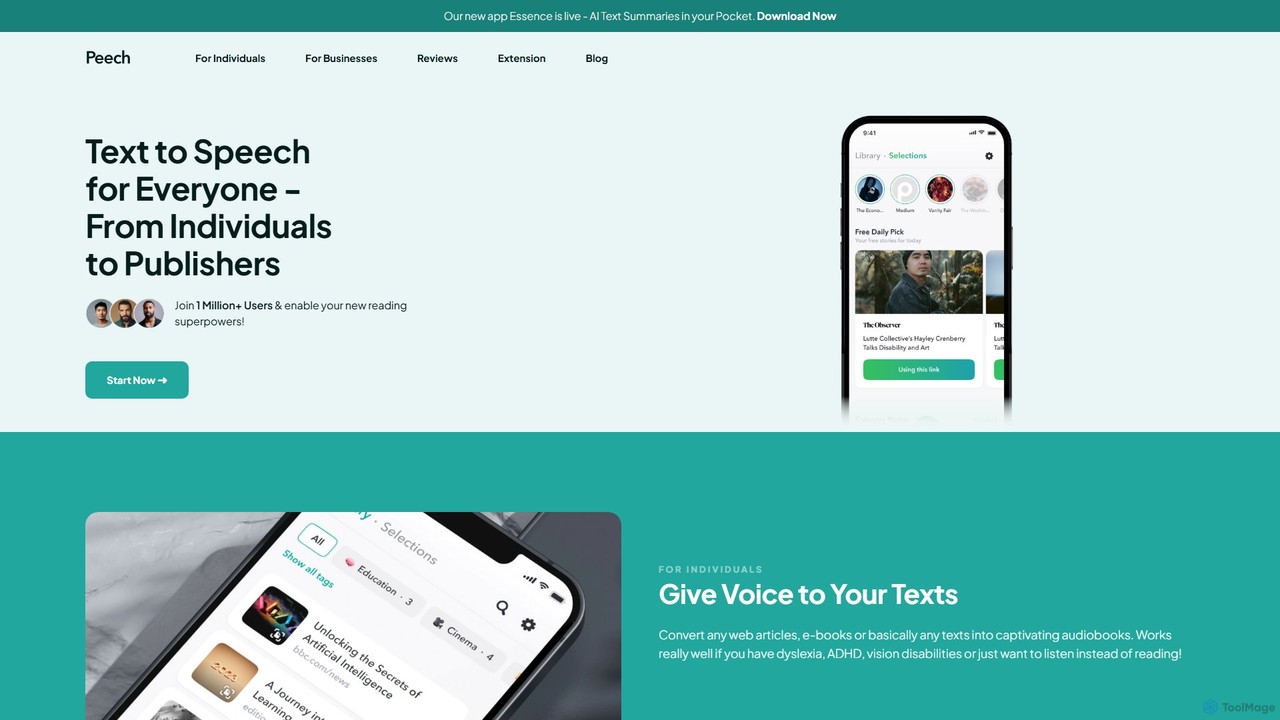
Peech
Peech is an AI-powered text-to-speech reader that converts any text, including web articles, PDFs, e-books, and even images, into high-quality, natural-sounding audio. Designed for individuals and publishers, it enhances productivity, accessibility for users with reading difficulties like dyslexia, and provides a cost-effective way to create audiobooks. Available on iOS, Android, and as a Chrome extension.
Reading Aid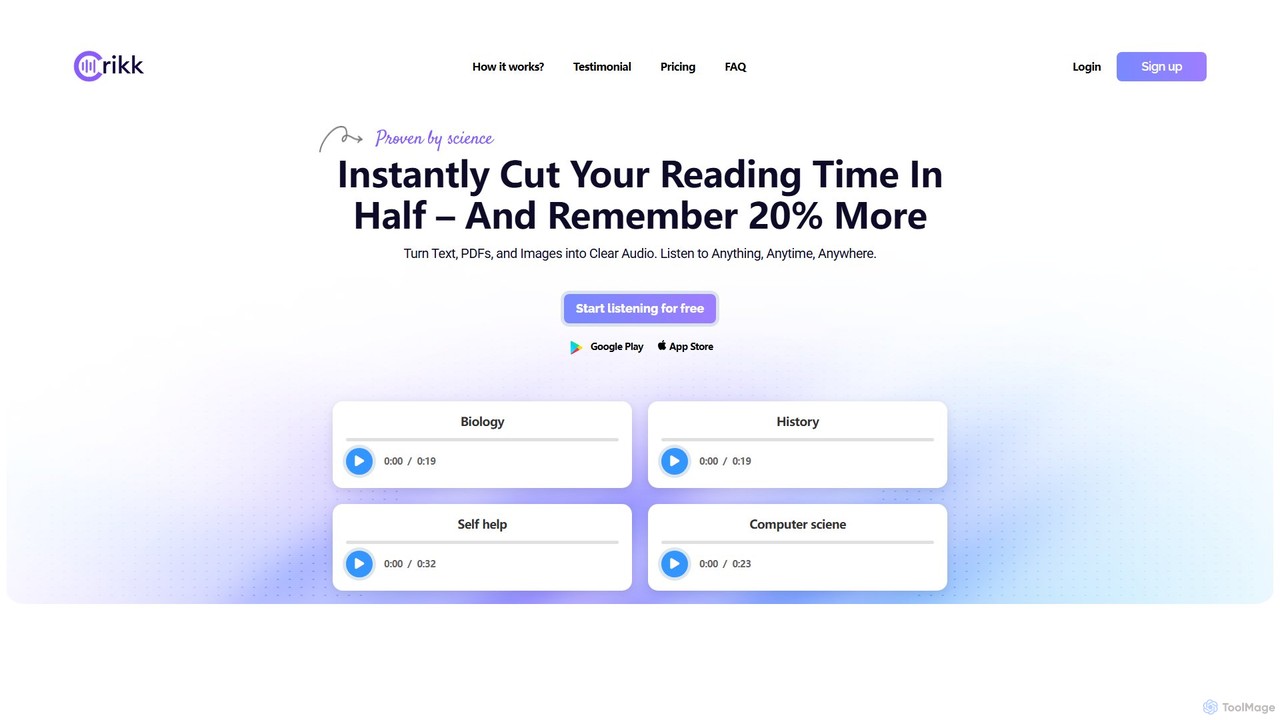
Crikk
Crikk is an AI-powered text-to-speech tool that converts documents, PDFs, and even images into natural-sounding audio. It's designed to enhance learning, boost productivity, and create professional voiceovers. With features like synchronized text highlighting, adjustable playback speed, and support for over 90 languages, Crikk makes it easy to listen to any content, anytime, anywhere, on web, Android, and iOS devices.
Voice GenerationSupersense Categories
Supersense Embed Widget
Copy this embed code to place the badge on your blog, article, or product site and send readers directly to this ToolMage detail page.

Related AI tools
PingPath
PingPath is an AI-powered mobile application designed to enhance indoor navigation for visually impaired individuals. By leveraging LiDAR, spatial computing, and intuitive spatial audio, it transforms a smartphone into a powerful assistive tool for identifying objects, avoiding obstacles, and confidently navigating unfamiliar indoor environments.
Visual Impairment AidPeech
Peech is an AI-powered text-to-speech reader that converts any text, including web articles, PDFs, e-books, and even images, into high-quality, natural-sounding audio. Designed for individuals and publishers, it enhances productivity, accessibility for users with reading difficulties like dyslexia, and provides a cost-effective way to create audiobooks. Available on iOS, Android, and as a Chrome extension.
Reading AidCrikk
Crikk is an AI-powered text-to-speech tool that converts documents, PDFs, and even images into natural-sounding audio. It's designed to enhance learning, boost productivity, and create professional voiceovers. With features like synchronized text highlighting, adjustable playback speed, and support for over 90 languages, Crikk makes it easy to listen to any content, anytime, anywhere, on web, Android, and iOS devices.
Voice Generation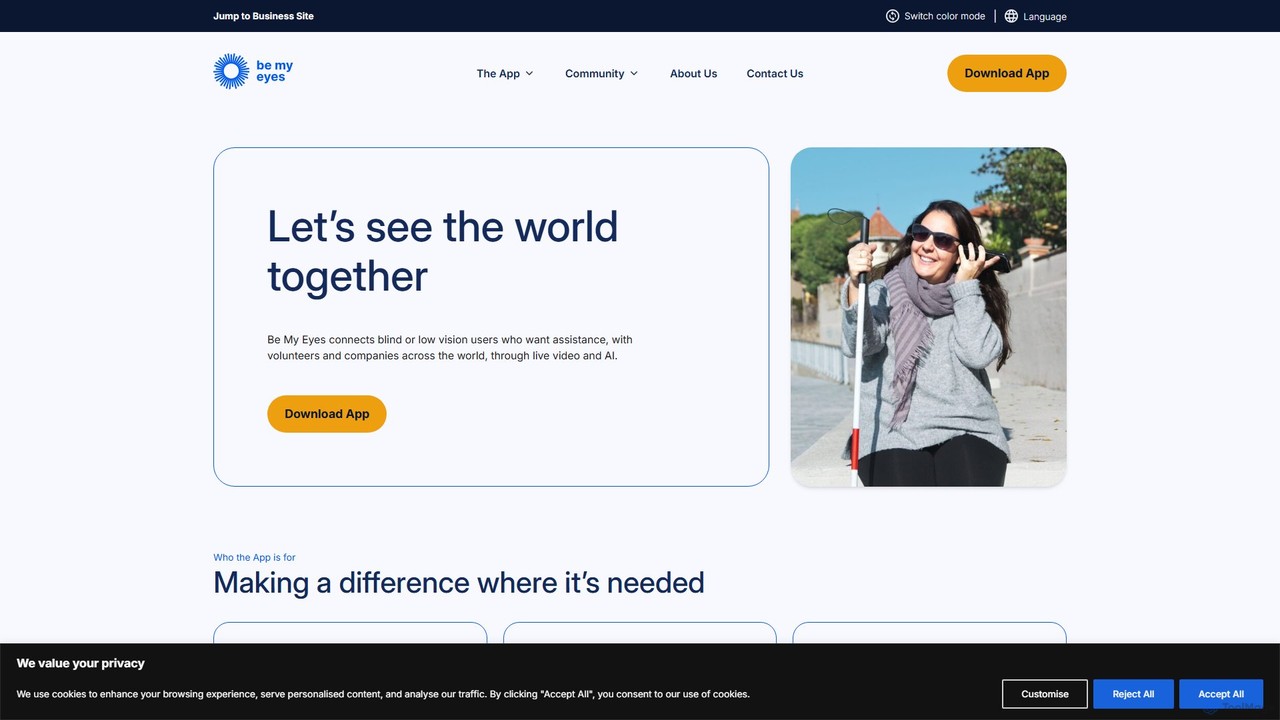
Be My Eyes
Be My Eyes is a free mobile app that connects blind and low-vision individuals with sighted volunteers and advanced AI for visual assistance. Through live video calls or AI-powered image descriptions, users get help with tasks like reading labels, navigating new places, and identifying objects, fostering greater independence.
Visual Assistance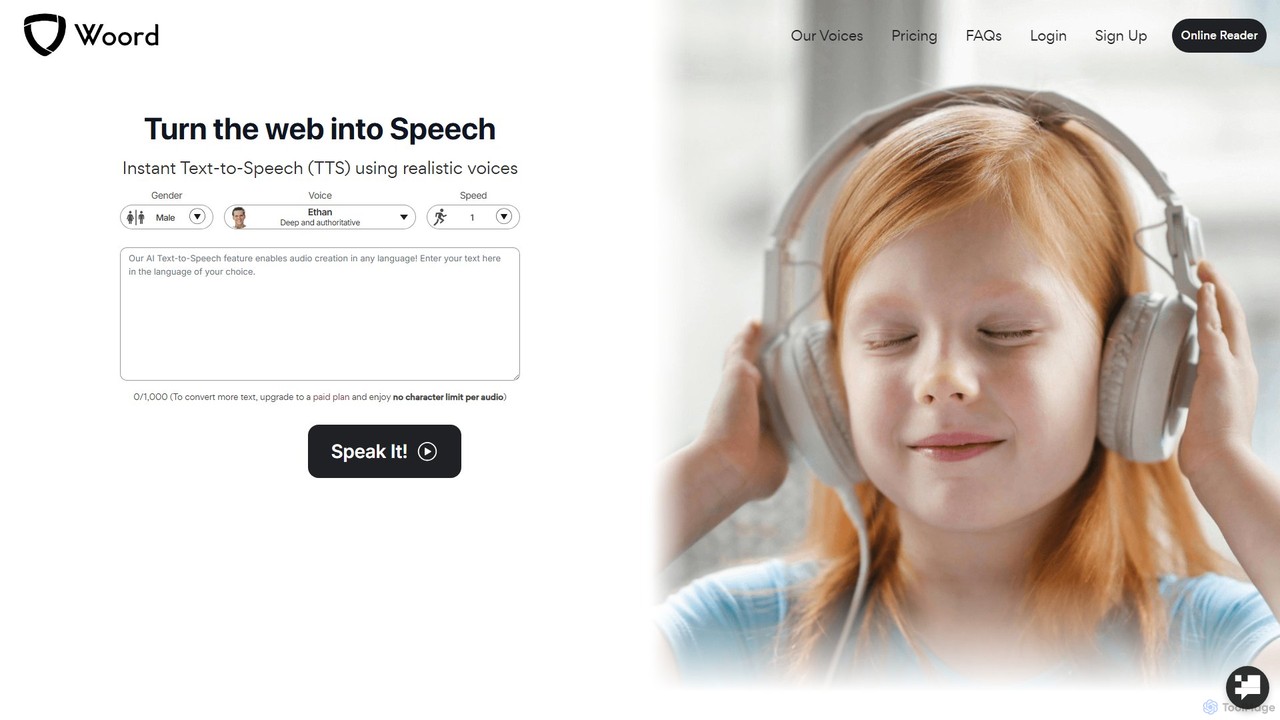
getwoord
getwoord is an advanced AI text-to-speech (TTS) platform that converts any text into high-quality, natural-sounding audio. It offers over 100 realistic voices across more than 34 languages and various accents. Ideal for content creators, educators, and businesses, getwoord provides MP3 downloads, commercial usage rights, and API access, making it easy to create audio for videos, podcasts, e-learning, and more.
Screen Reader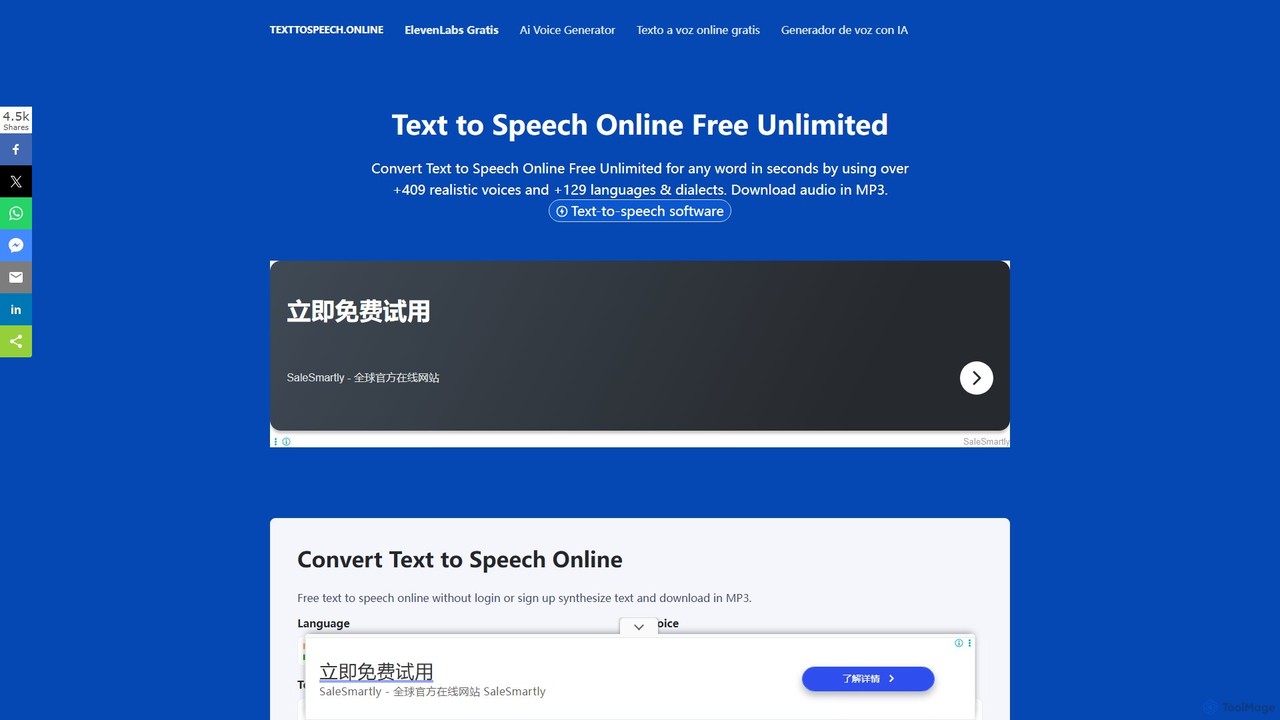
Text To Speech Online
A free and unlimited online AI tool that converts text into natural-sounding speech. It supports over 129 languages and dialects with more than 409 realistic voices. Users can download the audio in MP3 or WAV format without needing to sign up, making it ideal for content creation, learning, and accessibility.
Text To Speech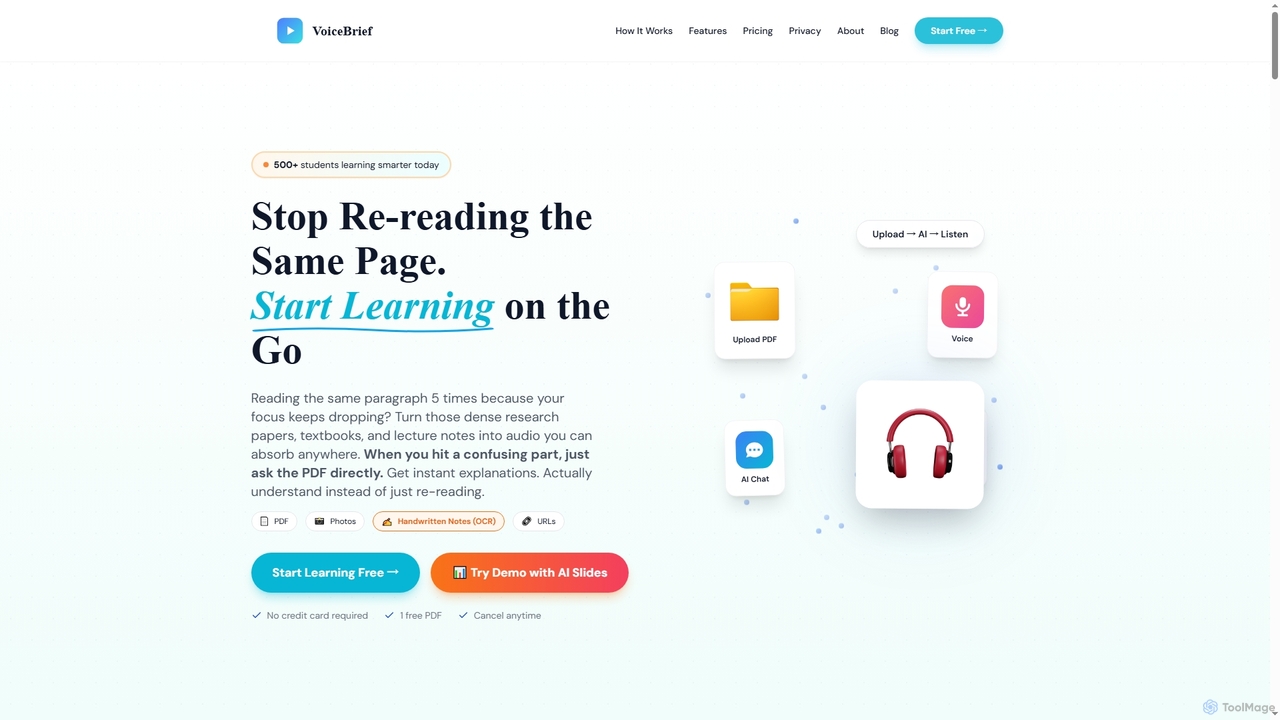
VoiceBrief
VoiceBrief is an AI-powered study tool that transforms dense academic materials like PDFs, textbooks, notes, and web articles into interactive audio lectures. Designed for students and professionals, it offers personalized AI tutoring, flashcards, and quizzes to enhance learning, improve retention, and save study time by enabling on-the-go learning.
Learning Assistant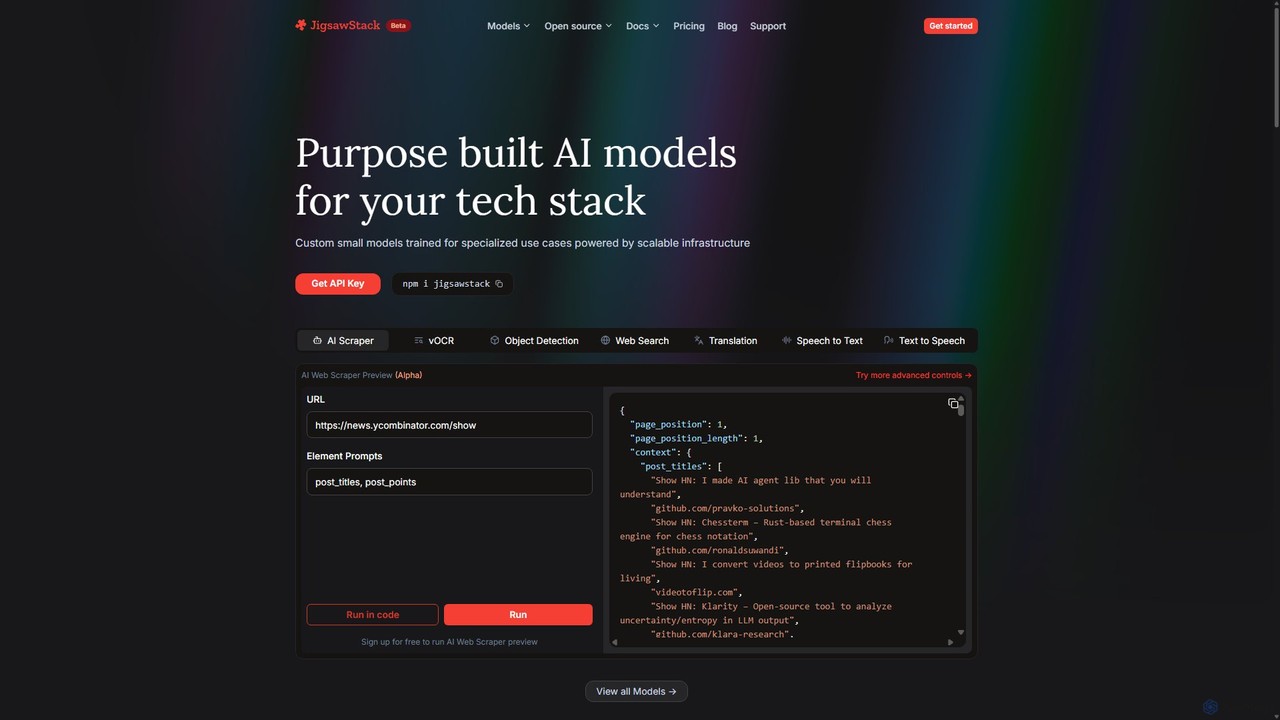
JigsawStack
JigsawStack offers a suite of purpose-built, small AI models for developers, accessible via a single API. It simplifies complex backend tasks like web scraping, OCR, translation, and speech-to-text with fast, reliable, and scalable infrastructure. Designed for seamless integration, it provides a developer-first experience with structured data output and global support, enabling teams to build and ship features faster.
Speech Synthesis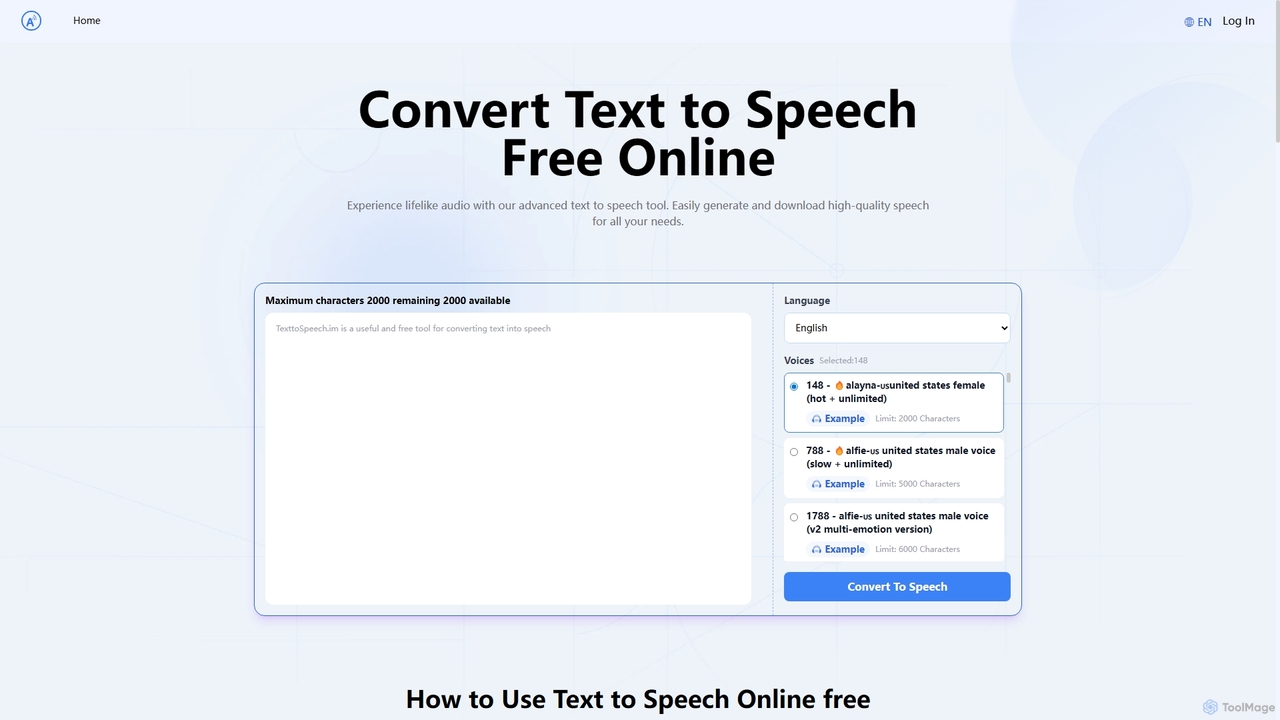
Text to Speech.im
Text to Speech.im is a free online AI tool that converts text into natural-sounding speech. It supports a vast array of languages and voices, allowing users to generate high-quality audio for videos, e-learning, accessibility, and more. Customize voice speed and volume, then easily download the generated audio as an MP3 file.
Speech Synthesis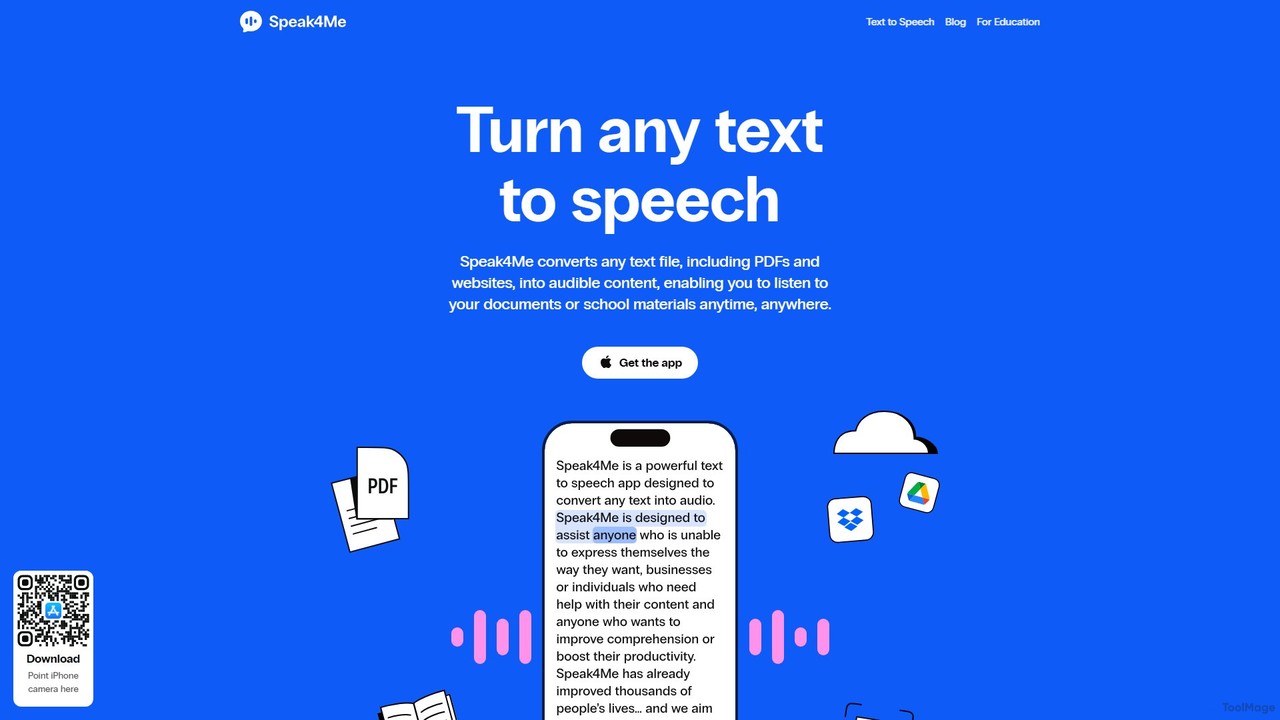
Speak4Me
Speak4Me is an advanced text-to-speech iOS app that converts any text from documents, websites, or scanned pages into natural-sounding audio. It features AI-powered chat for summarizing and querying documents, seamless cloud integration, and robust accessibility tools for users with dyslexia or ADHD. Listen to content on the go, increase productivity, and enhance your reading and learning experience.
Assistive Technology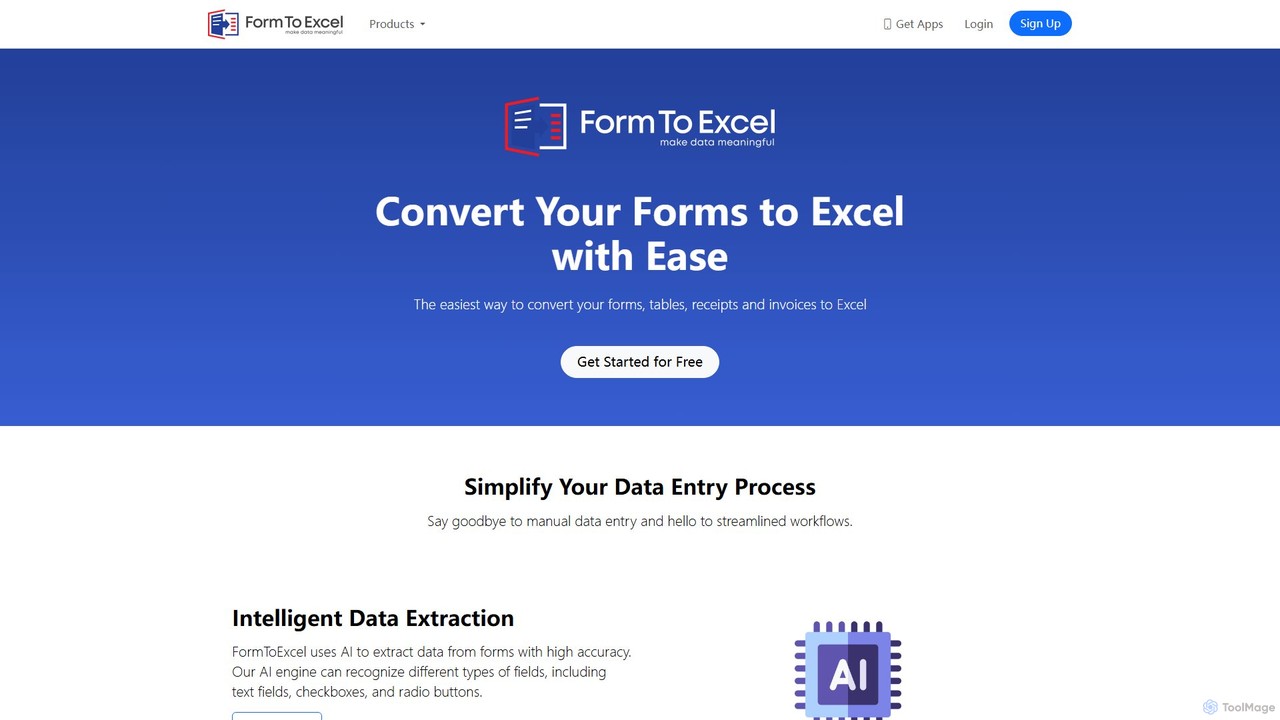
FormToExcel
FormToExcel is an AI-powered data extraction tool that automates the conversion of documents into structured Excel spreadsheets. It uses advanced OCR technology to accurately extract data from PDFs, images, scanned forms, and invoices, eliminating manual data entry and improving workflow efficiency.
Document Management
Translatium
Translatium is a powerful, feature-rich desktop translation application for macOS, Windows, and Linux. It supports over 100 languages, offering text translation, text-to-speech, OCR camera translation, and a built-in dictionary. Designed for students, professionals, and travelers, it provides a seamless and intuitive translation experience.
Localization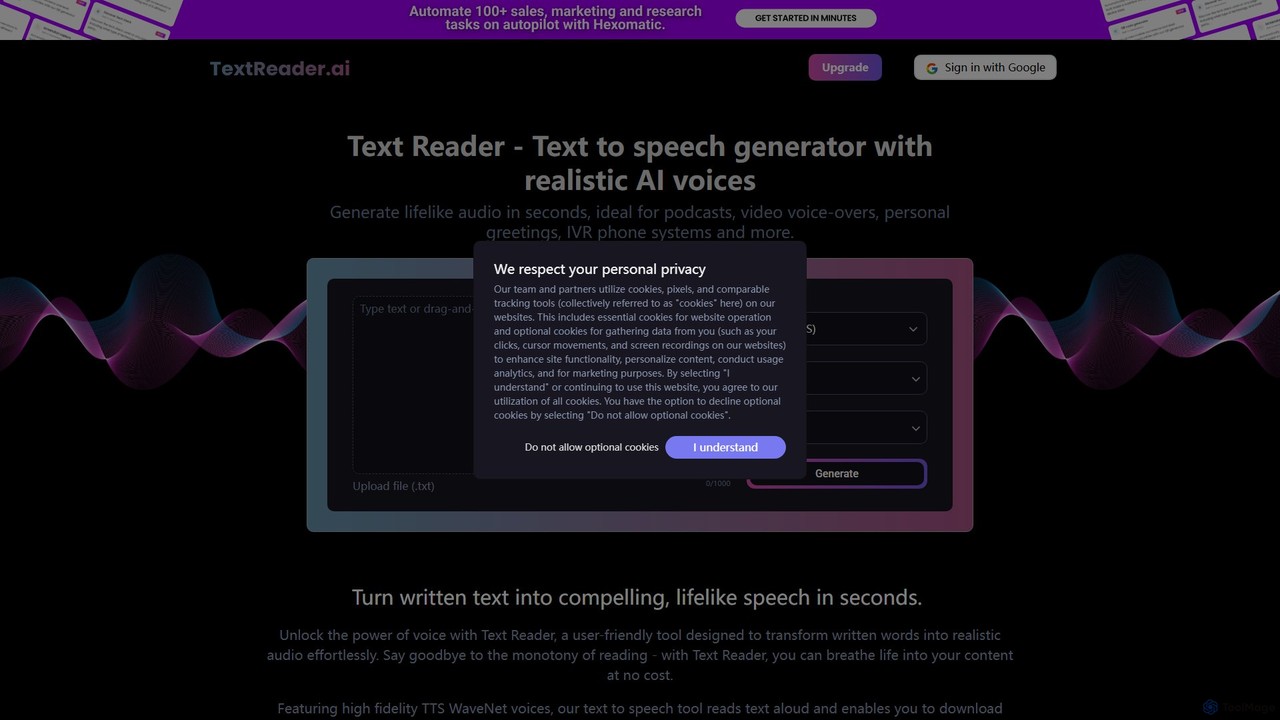
Text Reader
Text Reader is a free AI-powered text-to-speech generator that converts written text into realistic, lifelike audio in seconds. Supporting over 40 languages with high-fidelity voices, it's perfect for creating voice-overs for videos, podcasts, educational content, and personal greetings. Simply type or upload text, choose a voice, and download the MP3 audio file instantly.
Text To Speech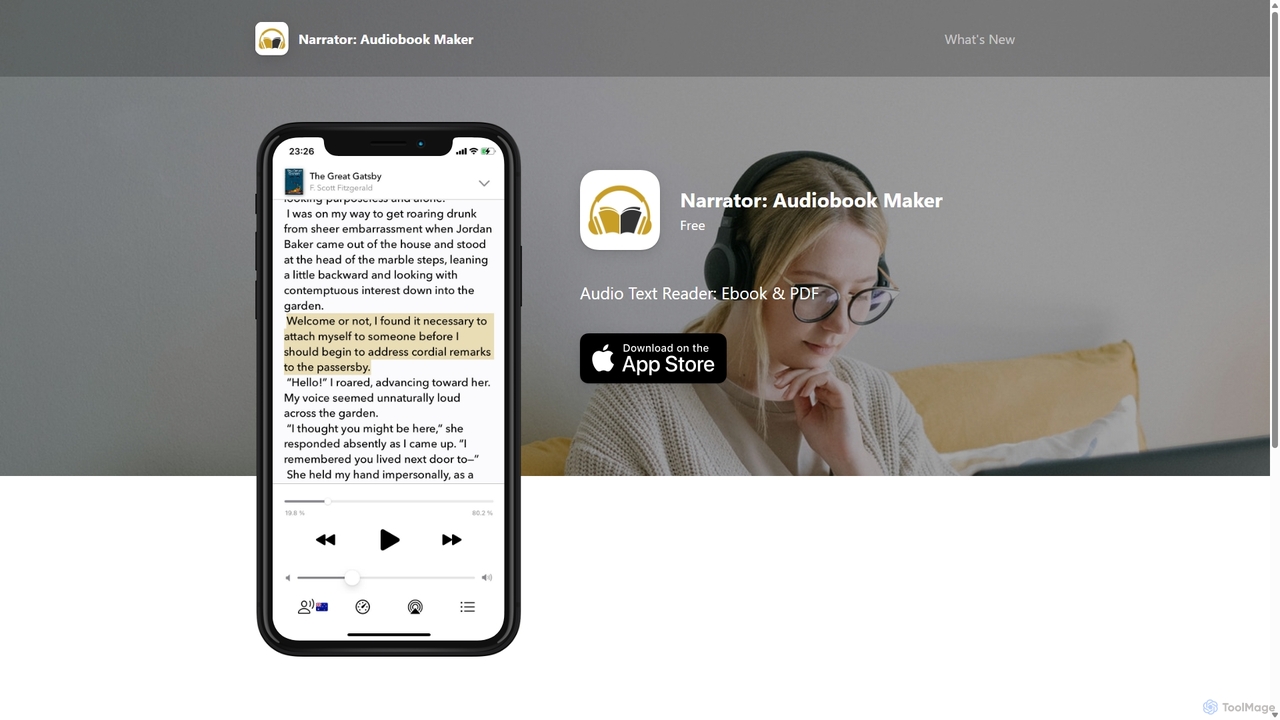
Narrator: Audiobook Maker
Narrator is an AI-powered mobile app that converts text from various formats like ePub, PDF, and DOCX into natural-sounding audiobooks. Supporting over 25 languages, it offers features like adjustable reading speed, AI-powered summaries, and premium voices, making it easy to listen to any document on the go.
Screen Reader
VoiceGPT
VoiceGPT is a voice-enabled AI assistant for Android, providing hands-free access to models like ChatGPT, GPT-4, and Bard. It enhances user interaction with features like multi-language voice input/output (67+ languages), OCR for text extraction from images, and hotword activation ("Hey, Chat"). Designed for accessibility and convenience, it also includes code execution, DALL-E 2 image generation, and seamless chat history sync, making it a powerful personal and professional tool.
Voice Control
Supersense Comments (0)
Sign in to comment.
Sign inNo comments yet.