

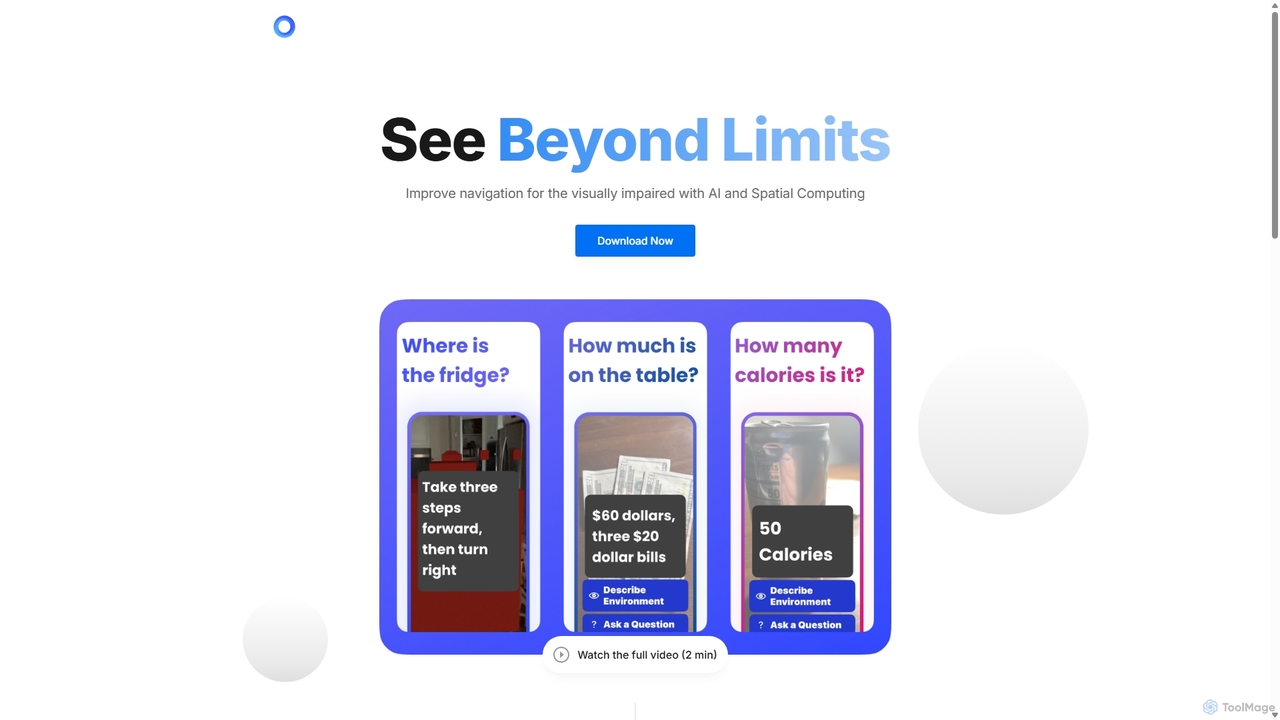
PingPath Overview
PingPath is a revolutionary mobile application that empowers people with visual impairments to navigate the world with greater independence and confidence. It addresses the significant challenge of indoor navigation, where traditional tools like GPS are ineffective. By harnessing the power of advanced technologies built into modern smartphones, PingPath provides a rich, real-time understanding of the user's surroundings. It uses a combination of Artificial Intelligence (AI), LiDAR (Light Detection and Ranging), and spatial computing to create a dynamic 3D map of any indoor space. This allows the app to not only detect walls and large furniture but also to identify specific objects like chairs, tables, doorways, and potential hazards, offering a level of detail previously unattainable.
The core of the PingPath experience is its intuitive guidance system. Instead of relying on complex verbal instructions, the app uses spatial audio to guide users. This means that if a doorway is to the user's left, they will hear a distinct audio cue that sounds like it's coming from that exact direction. This creates a natural and immersive navigational experience that is easy to follow. The AI works continuously in the background to analyze the environment, calculate the safest and most efficient routes, and provide proactive alerts about upcoming obstacles, enabling users to move through complex spaces like offices, shopping malls, airports, and university campuses with newfound ease and peace of mind.
How to use PingPath
Using PingPath is designed to be simple and intuitive. The process begins with downloading the application onto a compatible smartphone equipped with a LiDAR sensor. Here’s a typical user journey:
- Launch and Scan: Open the PingPath app. The user holds their phone up, pointing it forward to allow the camera and LiDAR sensor to scan the immediate environment.
- Environment Mapping: In seconds, the app processes the sensor data to build a real-time 3D map of the room. The AI engine simultaneously identifies key objects and architectural features within the scanned area.
- Set a Goal (Optional): The user can interact with the app via voice commands. For example, they can ask, "Find the nearest chair" or "Guide me to the exit."
- Receive Spatial Audio Guidance: The app provides navigational cues through spatial audio. A gentle, non-intrusive sound will emanate from the direction of the target or the next waypoint on the path. As the user walks, the audio updates in real-time to keep them on track.
- Obstacle Avoidance: If an obstacle, such as a misplaced bag or a low-hanging object, is detected in the user's path, PingPath will issue a distinct warning sound or haptic feedback, giving them ample time to react and navigate around it safely.
Core Features of PingPath
- AI-Powered Object Recognition: The app's advanced AI can identify a wide range of common indoor objects, including furniture, doors, stairs, and potential hazards, providing users with a detailed awareness of their surroundings.
- LiDAR-Based Real-Time Mapping: Utilizes the LiDAR scanner on modern smartphones to create accurate, high-fidelity 3D maps of indoor spaces instantly, ensuring precise distance measurement and obstacle detection.
- Intuitive Spatial Audio Cues: Delivers navigational instructions through 3D audio, allowing users to perceive the location of objects and paths in a natural, immersive way without needing to look at a screen.
- Dynamic Pathfinding and Obstacle Avoidance: The AI algorithm continuously calculates the safest and most efficient route to a destination, dynamically adjusting the path to avoid both stationary and moving obstacles.
- Voice-Activated Commands: Offers a hands-free experience through voice commands, enabling users to easily request information, set destinations, and control the app's functions.
Use Cases for PingPath
PingPath is a versatile tool with applications across various daily-life scenarios for the visually impaired:
- Navigating Public Spaces: Confidently move through complex environments like airports, train stations, museums, and shopping centers.
- Work and Education: Independently navigate office buildings and university campuses, finding meeting rooms, classrooms, or the cafeteria.
- Social Gatherings: Easily find a seat in a crowded café or locate friends in an unfamiliar home.
- Daily Independence: Enhance safety and efficiency at home by locating specific items or navigating around furniture and temporary clutter.
Advantages of PingPath
PingPath offers significant advantages over traditional assistive methods:
- Enhanced Independence: Drastically reduces the reliance on a white cane, guide dog, or human assistance for indoor navigation.
- Increased Safety: Proactive obstacle detection and alerts help prevent accidents and injuries.
- Greater Confidence: Empowers users to explore new and unfamiliar indoor environments without fear or anxiety.
- Cutting-Edge Technology: Leverages the powerful sensors and processing capabilities of modern smartphones, making advanced assistive technology more accessible.
- User-Centric Design: The focus on spatial audio and simple voice commands creates an intuitive and non-disruptive user experience.
Pricing and Plans
PingPath is currently in its beta testing phase and is available for early adopters to try. As the application is still under development, final pricing and subscription plans have not yet been announced. Interested users are encouraged to sign up on the official website to become a beta tester and receive updates on the official launch and future pricing information.
PingPath Alternatives
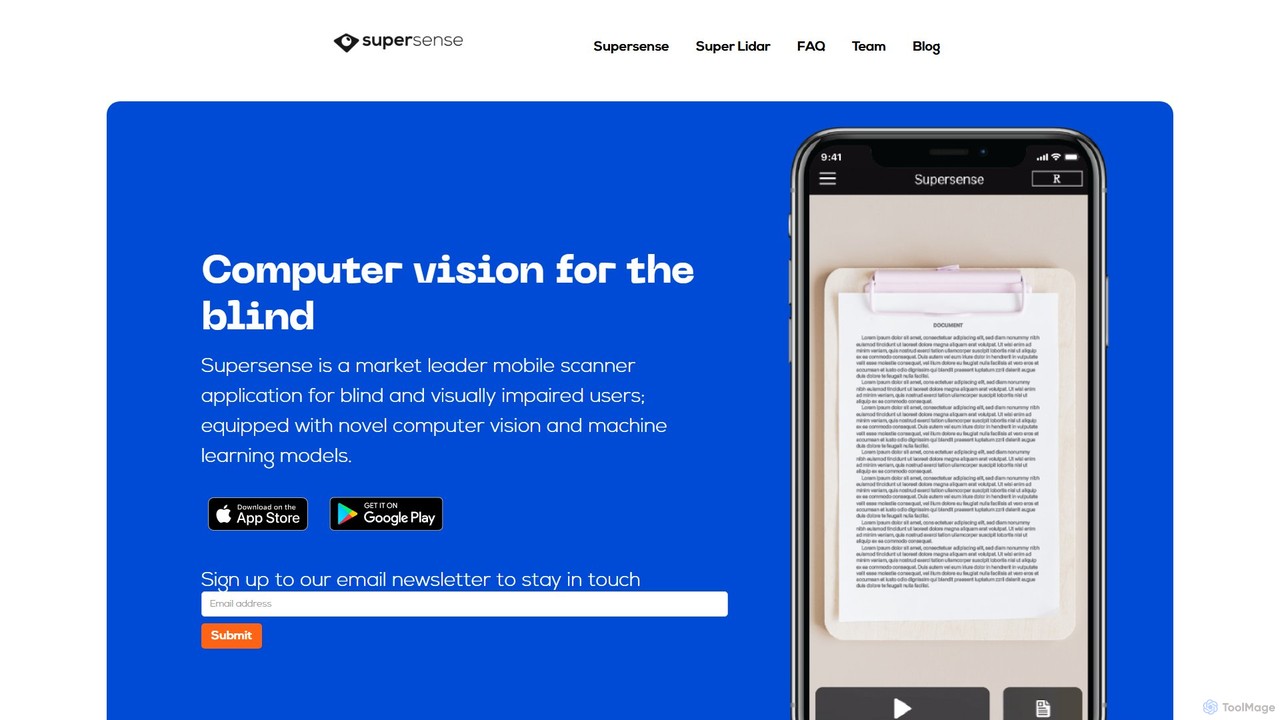
Supersense
Supersense is an AI-powered mobile application designed for blind and visually impaired users. It acts as a smart scanner, using the phone's camera to read text, identify currency, scan barcodes, and recognize objects in the user's environment. With a highly accessible interface and verbal guidance, it makes the physical world more navigable and information more accessible.
Visual Impairment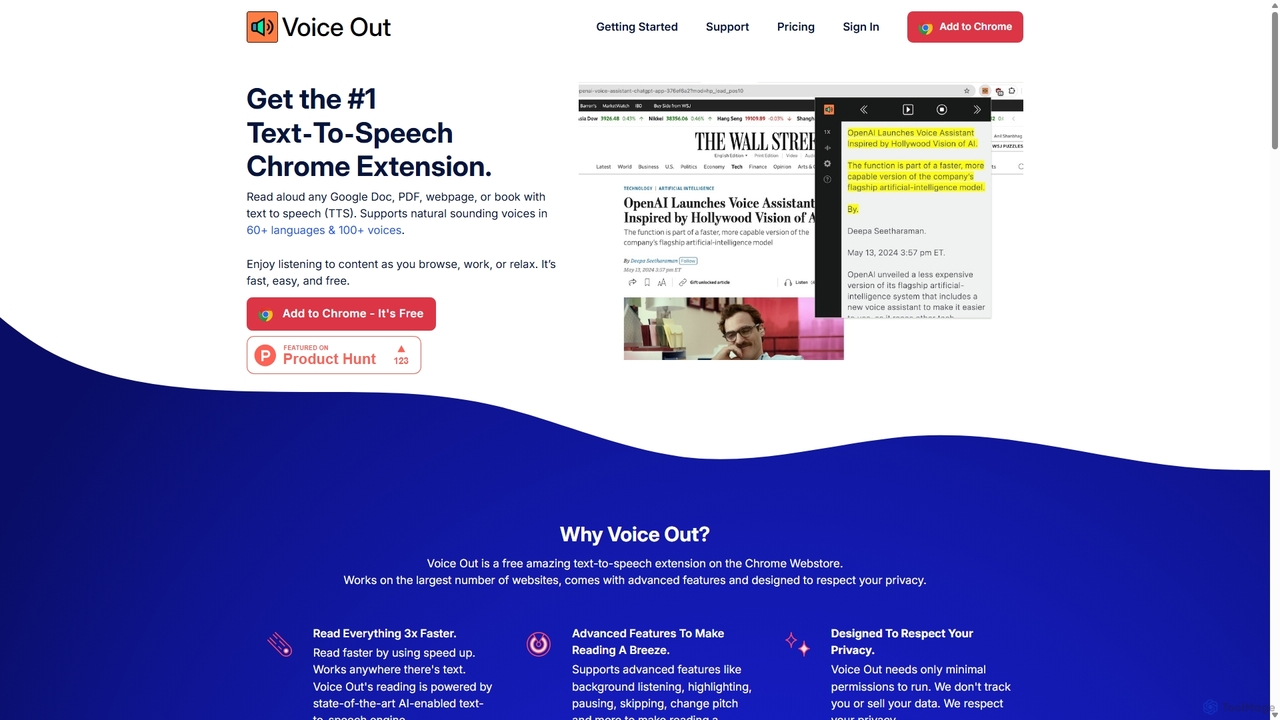
Voice Out
Voice Out is a leading text-to-speech (TTS) Chrome extension that converts any written content—from webpages and PDFs to Google Docs—into natural-sounding audio. Supporting over 60 languages with 100+ AI-powered voices, it enhances productivity, aids learning, and improves accessibility for all users. Listen to content while multitasking, proofread documents, or give your eyes a rest.
Screen Reader
Turbo
Turbo is an advanced AI note-taker and study tool designed to transform various content formats like lectures, PDFs, videos, and audio into editable notes, flashcards, quizzes, and podcasts. It helps students and professionals study smarter, organize information, and collaborate efficiently, leveraging AI for enhanced learning and productivity.
Transcription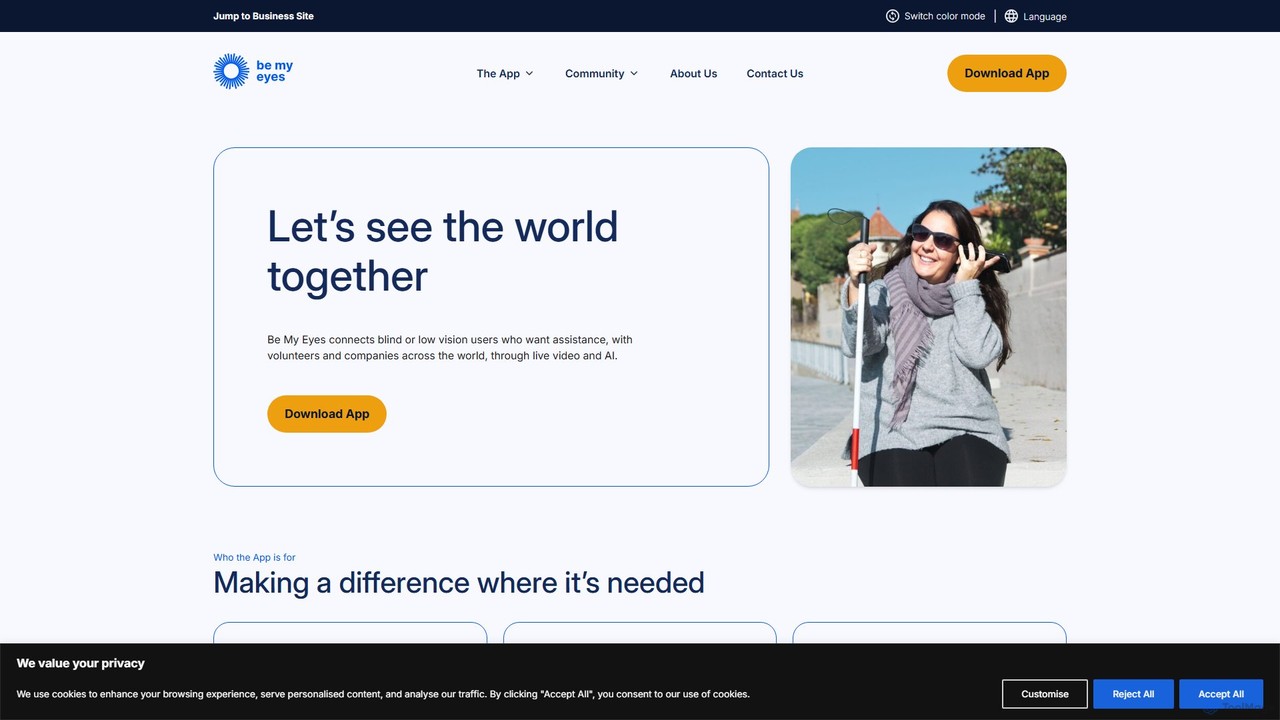
Be My Eyes
Be My Eyes is a free mobile app that connects blind and low-vision individuals with sighted volunteers and advanced AI for visual assistance. Through live video calls or AI-powered image descriptions, users get help with tasks like reading labels, navigating new places, and identifying objects, fostering greater independence.
Visual Assistance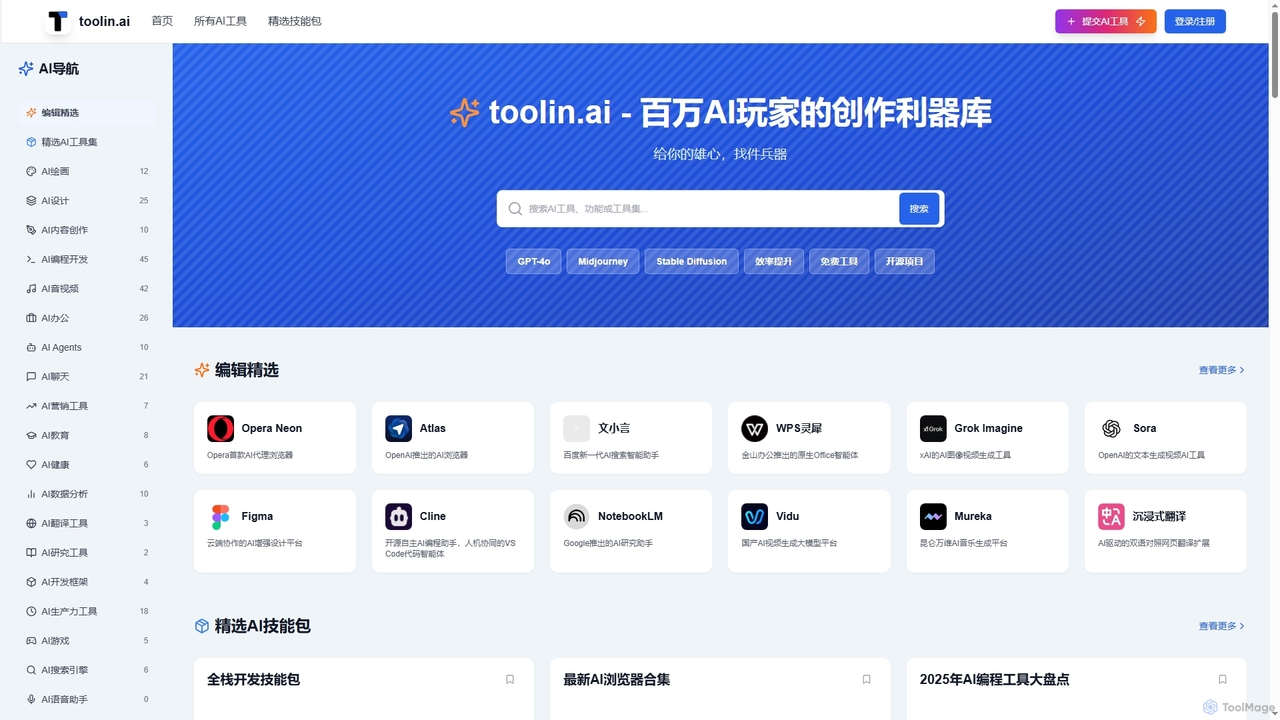
Toolin
Toolin is a curated AI tool navigation and discovery platform designed for millions of AI enthusiasts and creators. It helps users find, organize, and share powerful AI tools for various applications, from productivity and content creation to programming and design. The platform also features 'AI Skill Packs,' which are expert-curated collections of tools for specific workflows, fostering a community of knowledge sharing.
Knowledge SharingPingPath Categories
PingPath Jobs
PingPath Embed Widget
Copy this embed code to place the badge on your blog, article, or product site and send readers directly to this ToolMage detail page.

Related AI tools
Supersense
Supersense is an AI-powered mobile application designed for blind and visually impaired users. It acts as a smart scanner, using the phone's camera to read text, identify currency, scan barcodes, and recognize objects in the user's environment. With a highly accessible interface and verbal guidance, it makes the physical world more navigable and information more accessible.
Visual ImpairmentVoice Out
Voice Out is a leading text-to-speech (TTS) Chrome extension that converts any written content—from webpages and PDFs to Google Docs—into natural-sounding audio. Supporting over 60 languages with 100+ AI-powered voices, it enhances productivity, aids learning, and improves accessibility for all users. Listen to content while multitasking, proofread documents, or give your eyes a rest.
Screen ReaderBe My Eyes
Be My Eyes is a free mobile app that connects blind and low-vision individuals with sighted volunteers and advanced AI for visual assistance. Through live video calls or AI-powered image descriptions, users get help with tasks like reading labels, navigating new places, and identifying objects, fostering greater independence.
Visual Assistance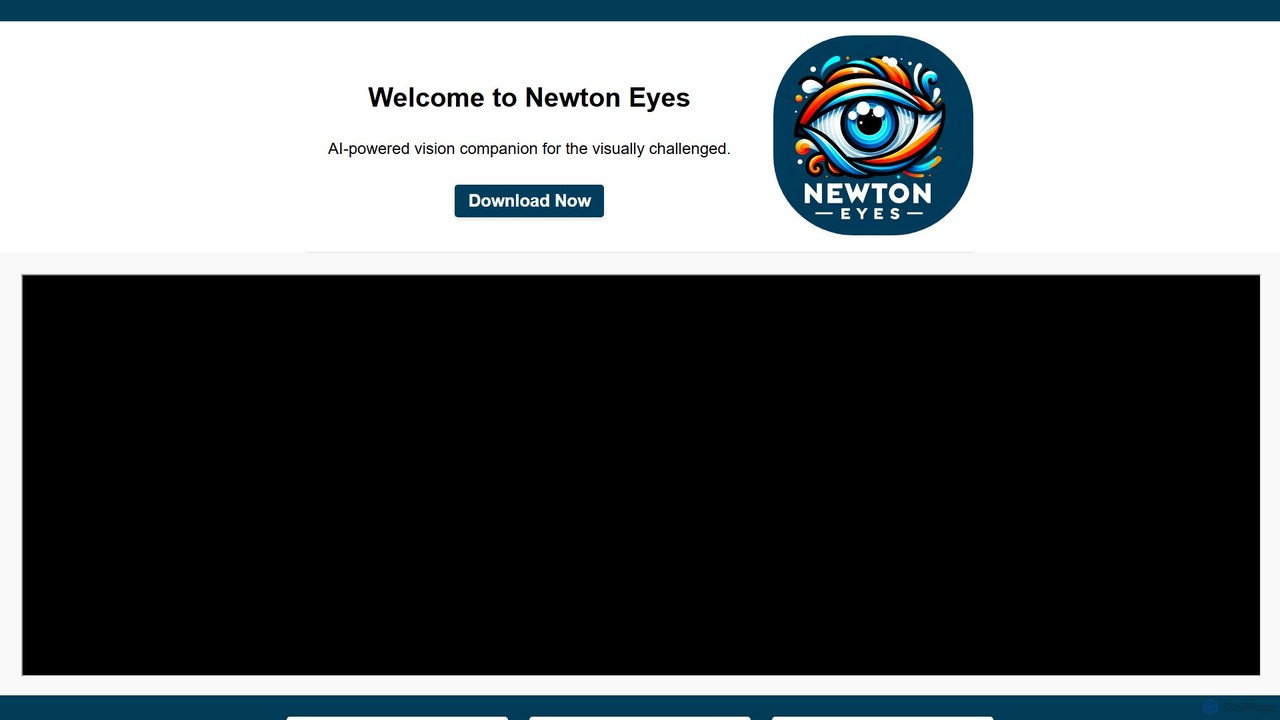
Newton Eyes
Newton Eyes is a free, AI-powered mobile app designed as a vision companion for visually challenged individuals. It uses your phone's camera and voice commands to provide detailed audio descriptions of surroundings, objects, and text, fostering greater independence and interaction with the world.
Visual AssistanceTurbo
Turbo is an advanced AI note-taker and study tool designed to transform various content formats like lectures, PDFs, videos, and audio into editable notes, flashcards, quizzes, and podcasts. It helps students and professionals study smarter, organize information, and collaborate efficiently, leveraging AI for enhanced learning and productivity.
TranscriptionToolin
Toolin is a curated AI tool navigation and discovery platform designed for millions of AI enthusiasts and creators. It helps users find, organize, and share powerful AI tools for various applications, from productivity and content creation to programming and design. The platform also features 'AI Skill Packs,' which are expert-curated collections of tools for specific workflows, fostering a community of knowledge sharing.
Knowledge Sharing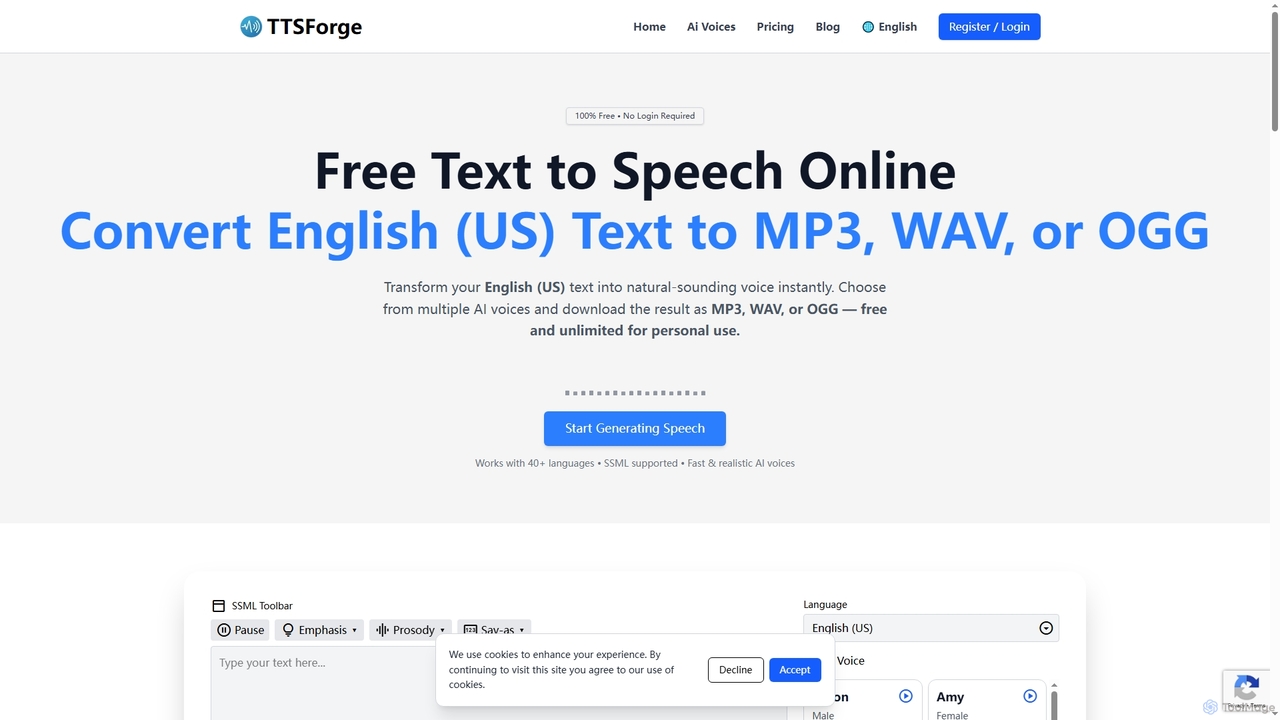
TTSForge
TTSForge is a free online text-to-speech platform that converts written text into natural-sounding audio using advanced AI voices. It supports over 40 languages and allows users to download audio in MP3, WAV, or OGG formats for various personal and commercial projects.
Text To Speech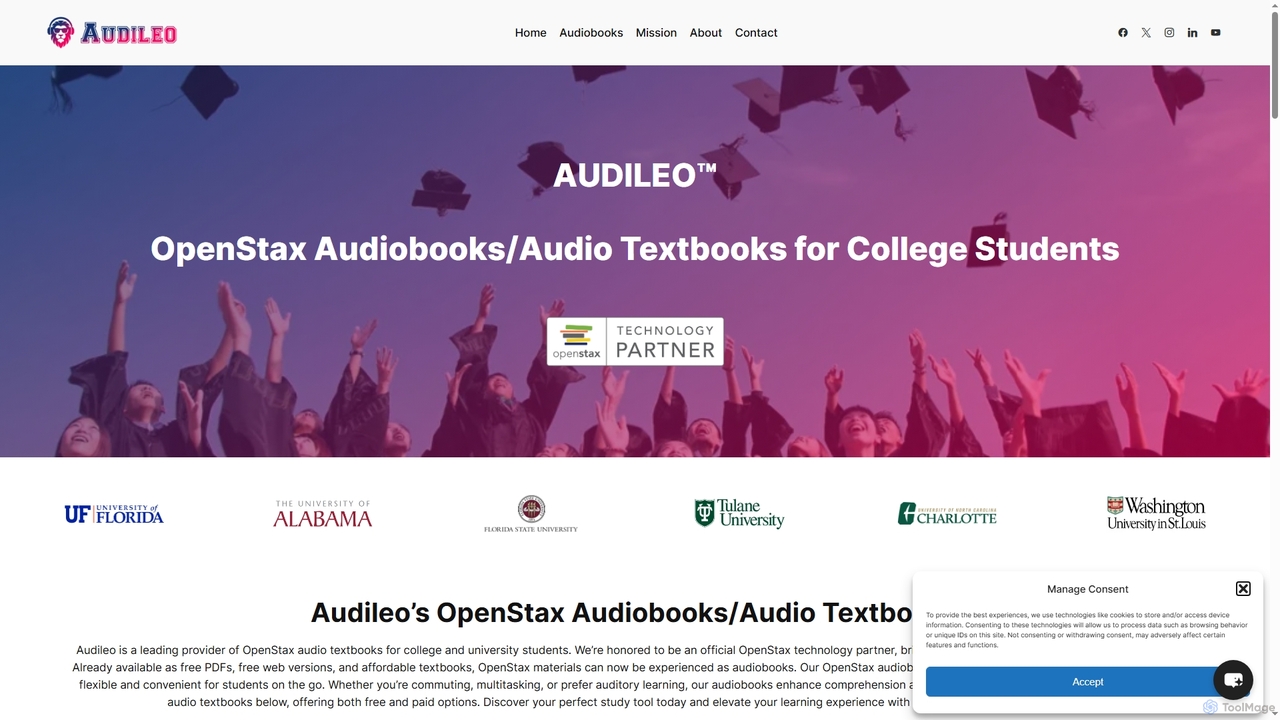
Audileo
Audileo is an official OpenStax partner that transforms college textbooks into professionally narrated audiobooks. Powered by AI, it enhances learning for diverse students, including those with ADHD or dyslexia, by making education accessible, flexible, and convenient on platforms like Spotify and Libby.
Assistive Technology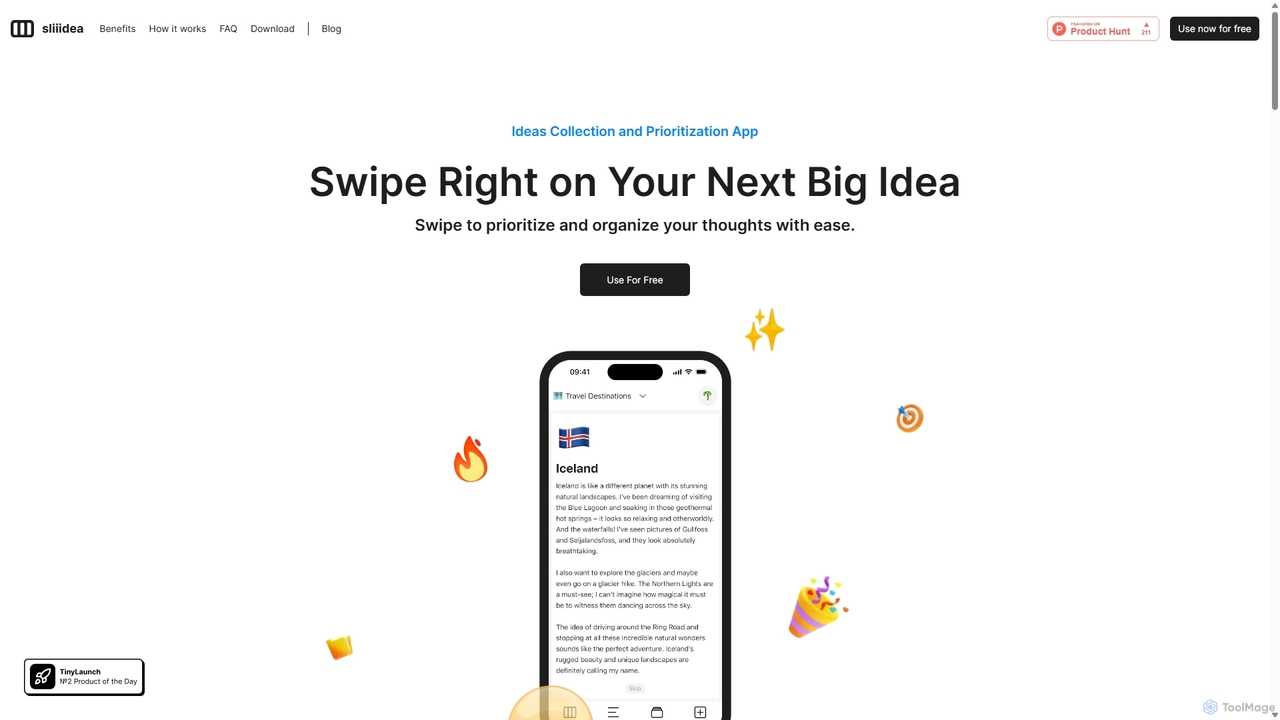
Sliiidea
Sliiidea is an innovative idea management and prioritization app designed to help you capture, evaluate, and cultivate your thoughts. Using an intuitive swipe-right/left interface, similar to dating apps, you can regularly review and rank your ideas, ensuring the best ones rise to the top. It focuses on simplicity and continuous reflection, making it easy to organize concepts, track their progress, and make better decisions. With upcoming AI features and collaboration tools, Sliiidea aims to be the ultimate hub for personal and team brainstorming.
Brainstorming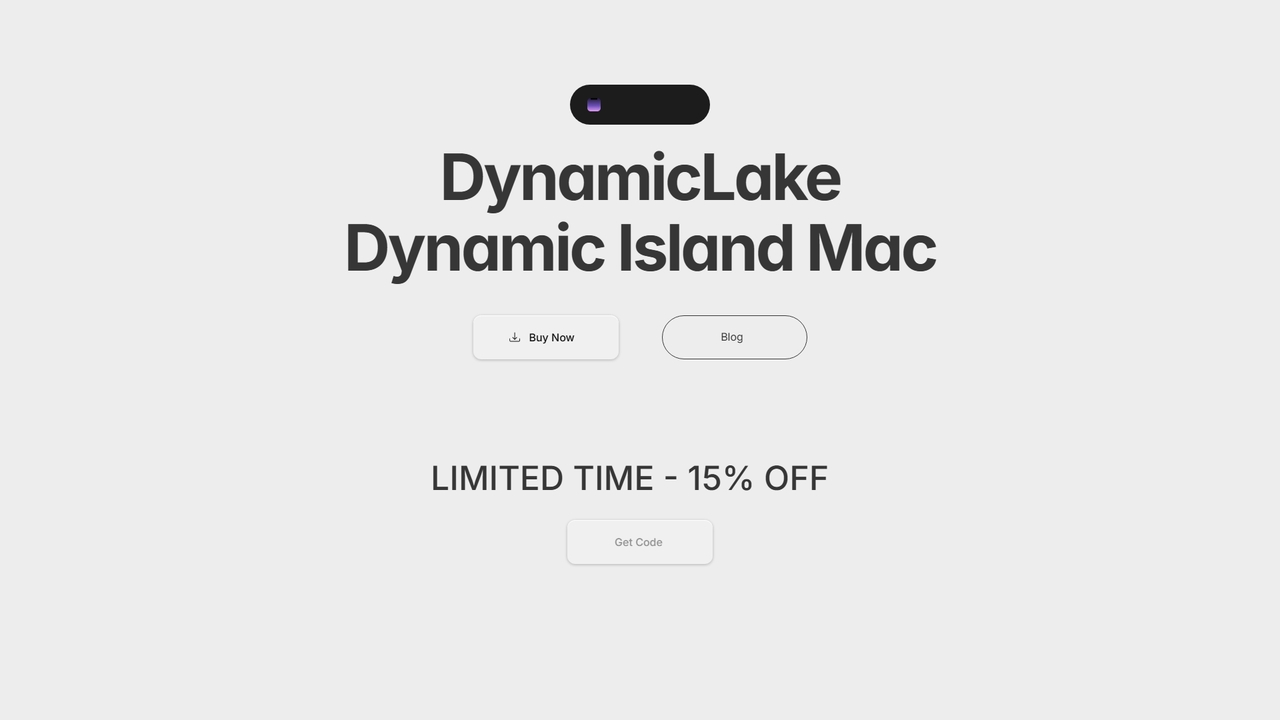
DynamicLake
DynamicLake is a powerful Mac application that brings the iPhone's iconic Dynamic Island experience to macOS, complete with Liquid Glass aesthetics. It transforms the menu bar into an interactive hub for notifications, media control, file management, system utilities, and live activities, enhancing productivity and workflow with a visually stunning and intuitive interface.
Notifications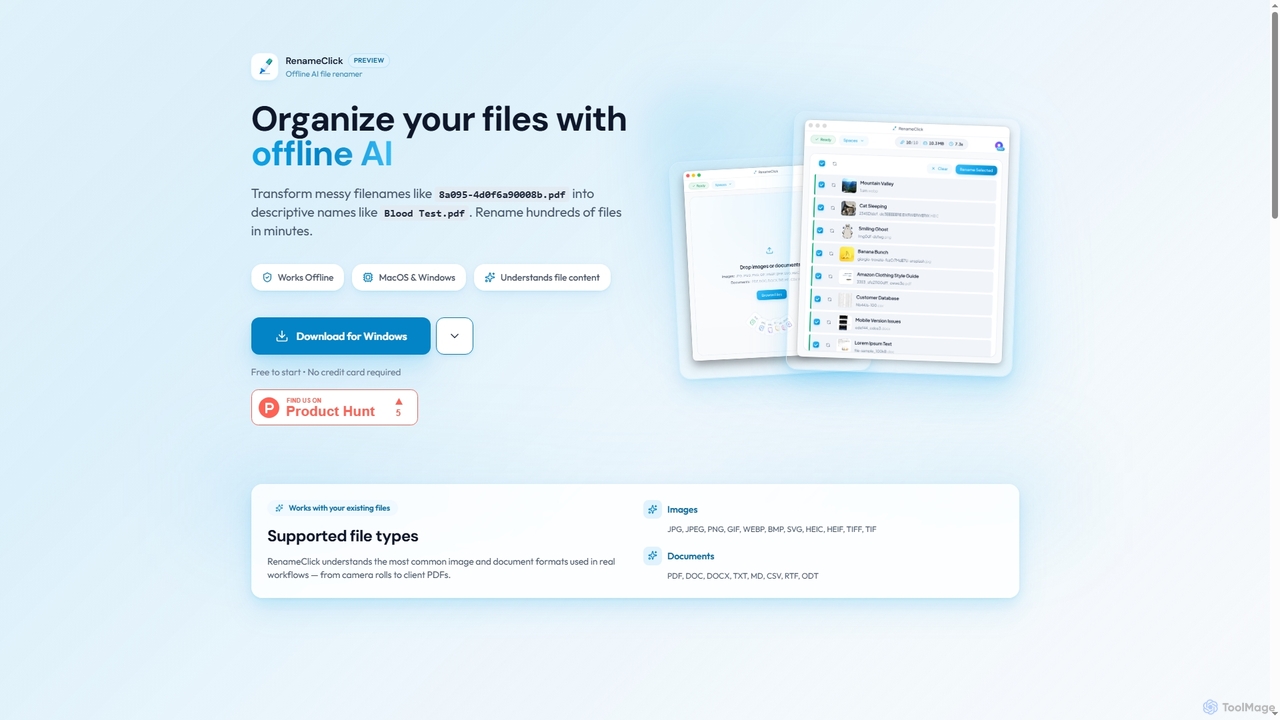
RenameClick
RenameClick is an offline AI file renamer for Mac and Windows that intelligently transforms messy, unorganized filenames into descriptive, clean labels. It leverages local AI to understand file content, enabling efficient batch renaming of hundreds of images and documents while ensuring complete privacy.
Offline Processing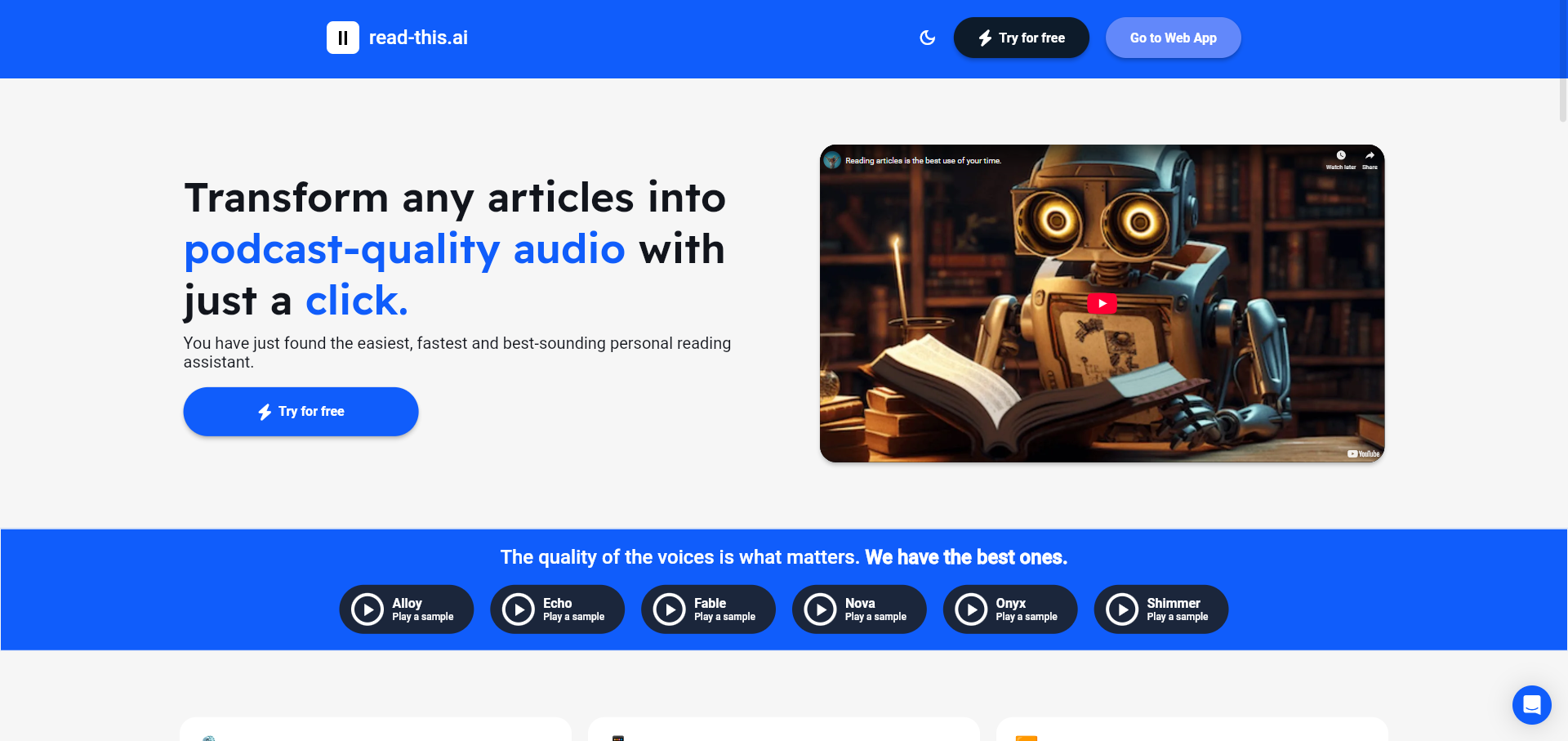
Read This
An AI-powered text-to-speech tool that transforms any article, text, or webpage into natural, podcast-quality audio with a single click. It supports multiple languages and offers a variety of high-quality AI voices, making content accessible and easy to consume on the go.
Screen Reader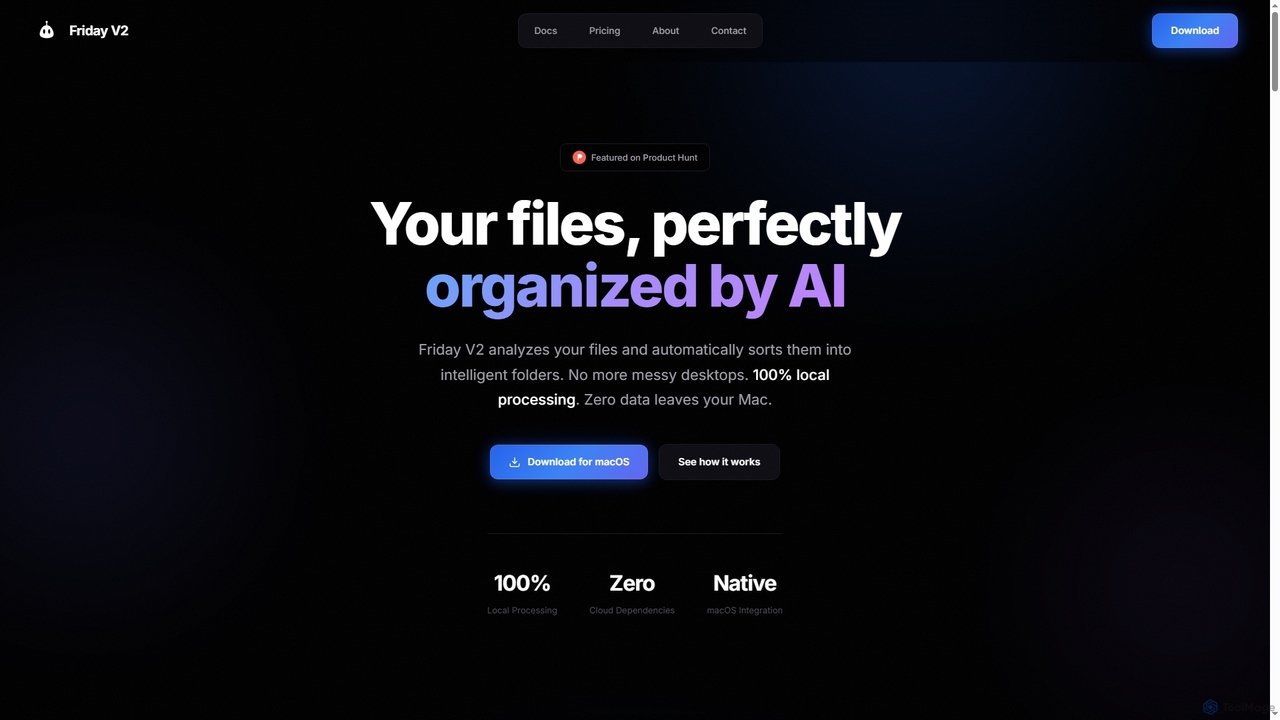
Friday
Friday is an AI-powered Mac application designed for intelligent, privacy-first file organization. It scans, classifies, and organizes your digital files locally on your device, transforming chaotic folders into a clean, logical structure automatically.
Desktop Automation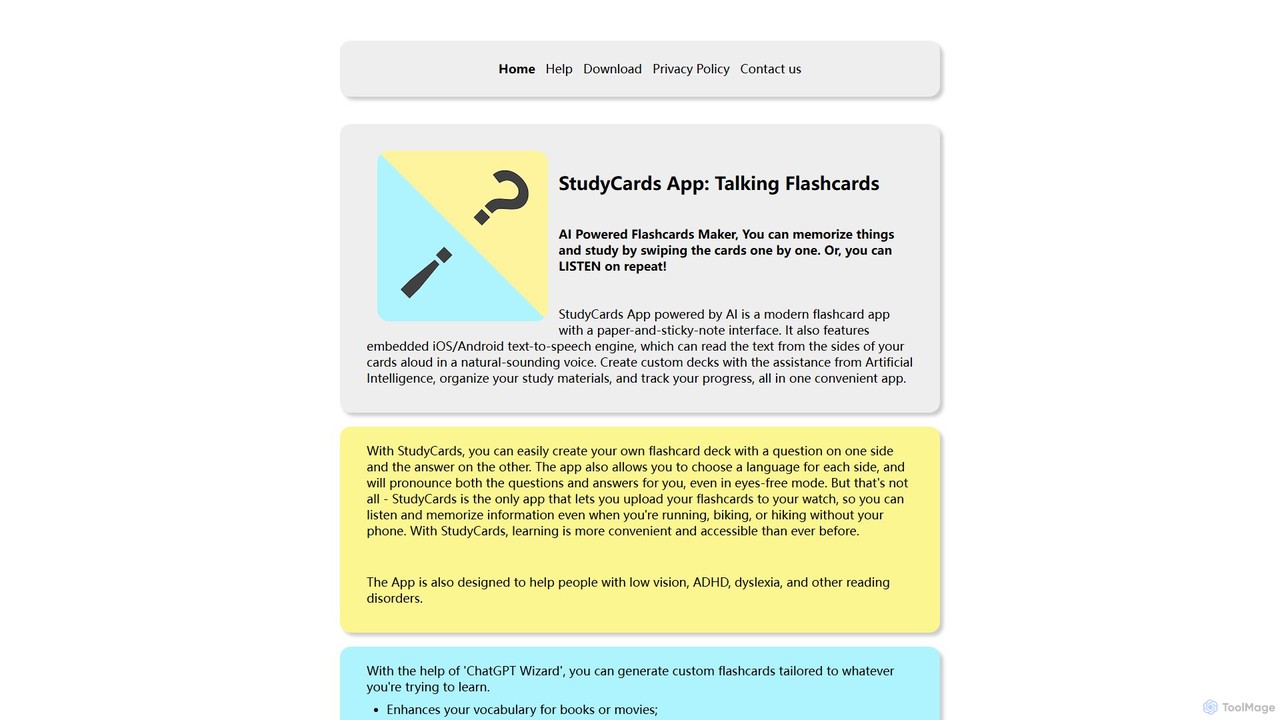
StudyCards App
StudyCards App is an AI-powered flashcard maker for efficient learning on the go. It uses a 'ChatGPT Wizard' to instantly generate custom study decks on any topic. Key features include text-to-speech for auditory learning, smartwatch synchronization for phone-free studying, and CSV import. It's built with accessibility in mind, aiding users with dyslexia or ADHD. Available on iOS and Android, it makes memorization easy and accessible for everyone, from students to professionals.
Learning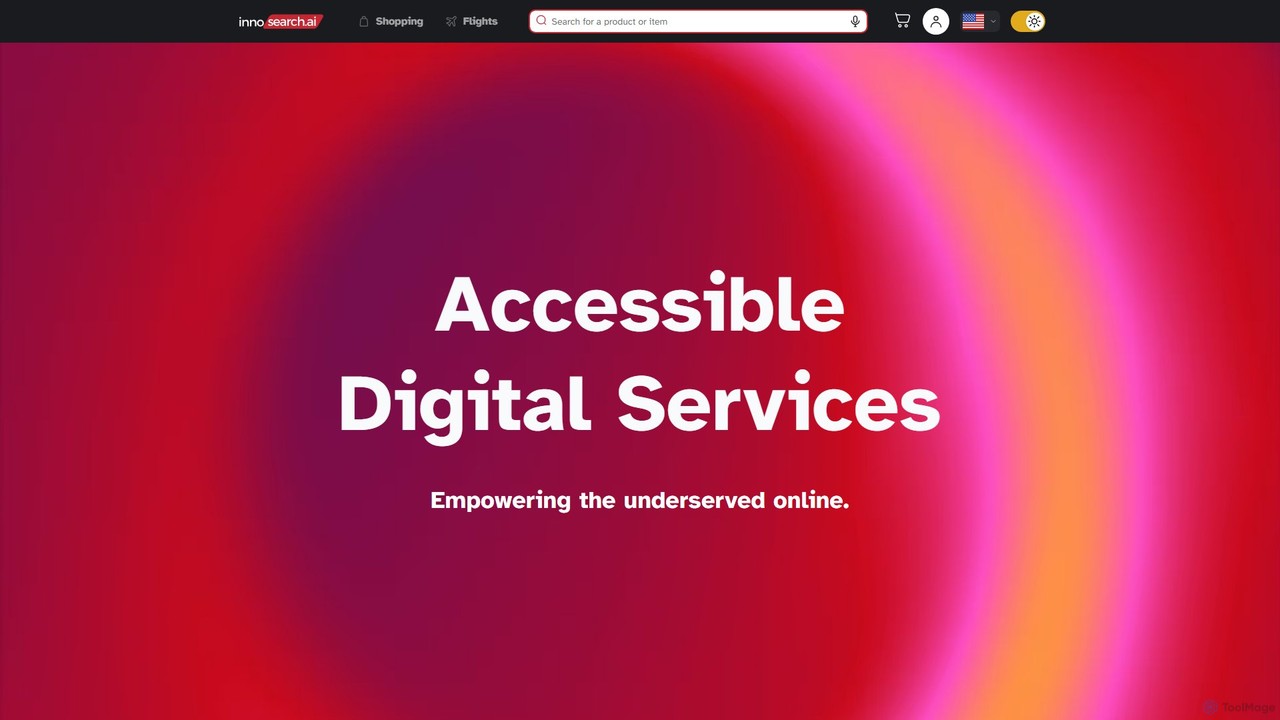
Innosearch AI
Innosearch AI is an AI-powered shopping assistant designed for accessibility, especially for blind and low-vision users. It simplifies online shopping by offering a unified platform to search billions of products, find the best deals, and book flights using a website, voice commands, or even a standard phone call, all in an ad-free environment.
Assistive Technology
PingPath Comments (0)
Sign in to comment.
Sign inNo comments yet.