

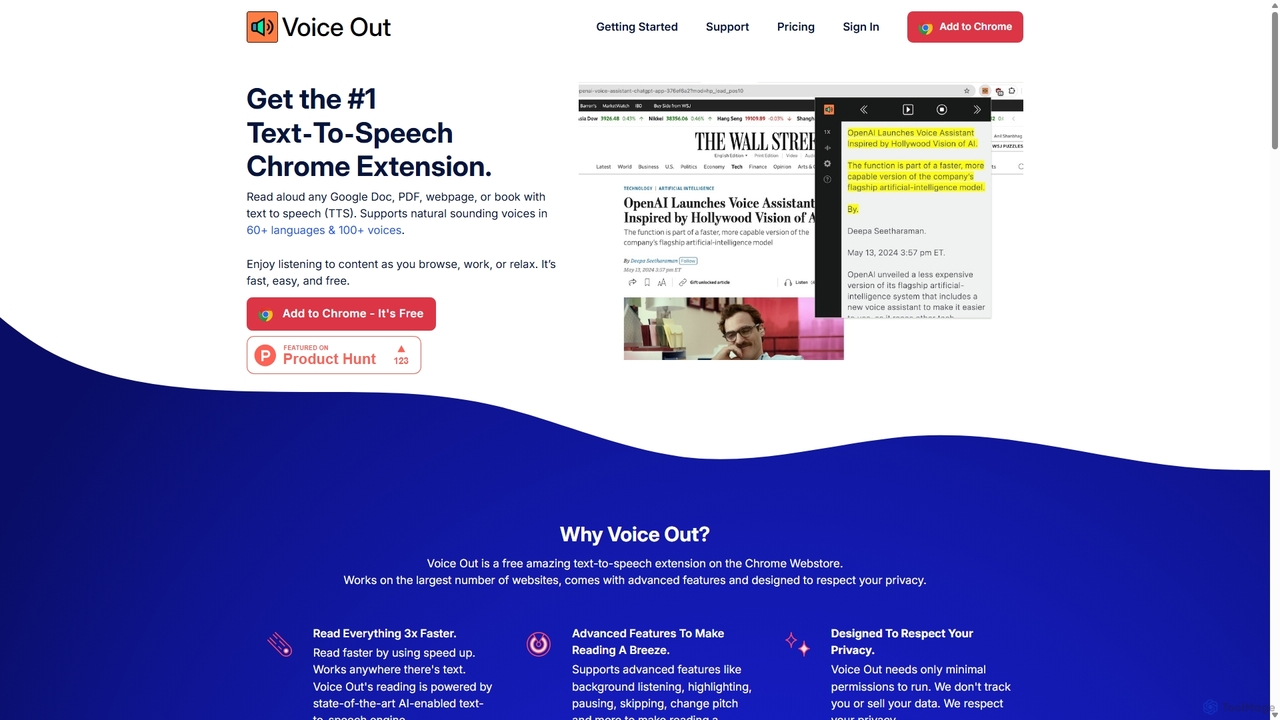
Voice Out Overview
Voice Out is a powerful and user-friendly text-to-speech (TTS) extension for Chrome and Edge, designed to transform your reading experience. It effortlessly converts text from any webpage, PDF, Google Doc, or ebook into clear, natural-sounding speech. This tool is perfect for a wide range of users, including students, professionals, writers, language learners, and individuals with reading difficulties like dyslexia. By providing high-quality audio playback, Voice Out helps boost productivity, improve comprehension, and make digital content more accessible.
The extension is built with privacy in mind, operating entirely on the client-side. This means your data, browsing history, and extension settings are stored locally in your browser and never sent to external servers. It even works offline, ensuring you can listen to your content anytime, anywhere, without an internet connection.
How to use Voice Out
Getting started with Voice Out is simple and takes just a few minutes:
- Install the Extension: Add Voice Out from the Chrome Web Store or Edge Add-ons Store.
- Pin to Toolbar: After installation, click the puzzle icon in your browser's toolbar and click the pin icon next to Voice Out to keep it easily accessible.
- Activate Reading: Navigate to the webpage or document you want to hear. Click the Voice Out icon in your toolbar to start playback. Alternatively, you can use the keyboard shortcut ALT + P (or Option + P on Mac).
- Use Context Menu: For specific sections, simply select the text you want to read, right-click, and choose "Voice Out Selected Text" from the menu.
- Customize Your Experience: Click the settings icon within the Voice Out player to change the voice, language, or adjust the reading speed to your preference.
Core Features of Voice Out
- Extensive Language and Voice Library: Access over 30 languages and 130 voices in the free version, and upgrade to Premium for over 60 languages and 100+ ultra-realistic, natural-sounding premium voices (including from Google, Amazon, and OpenAI).
- Seamless Integration: Works flawlessly on websites, Google Docs, PDFs, and various ebook formats, turning any text-based content into an audiobook.
- Customizable Playback: Easily adjust the reading speed (up to 5x faster with Premium), choose from male and female voices, and select different accents to personalize your listening experience.
- Offline Functionality: Voice Out works without an internet connection, allowing you to listen to saved articles or documents on the go.
- Privacy-Focused: All processing is done locally in your browser. No text or user data is stored on external servers, ensuring your privacy is protected.
- User-Friendly Controls: Simple interface with intuitive play/pause, stop, rewind, and forward controls, accessible via the player, right-click menu, and keyboard shortcuts.
- Premium - Pronunciation Rules: Customize how specific words, acronyms, or symbols are pronounced, perfect for technical terms or industry jargon (e.g., set 'SQL' to be read as 'sequel').
Use Cases for Voice Out
Voice Out is a versatile tool that benefits various individuals:
- For Students & Researchers: Listen to academic papers, articles, and textbooks to absorb information while multitasking or to aid in comprehension and retention.
- For Writers & Editors: Proofread manuscripts, articles, and emails by listening to them. Hearing your text read aloud makes it easier to catch typos, grammatical errors, and awkward phrasing.
- For Language Learners: Improve pronunciation and listening skills by hearing text read by native-sounding voices in different languages.
- For Accessibility: An invaluable tool for users with visual impairments, dyslexia, or other reading difficulties, making the web's content accessible to everyone.
- For Professionals & Multitaskers: Catch up on reports, news, and emails while commuting, exercising, or doing chores, effectively turning reading time into listening time.
Advantages of Voice Out
Voice Out stands out with its combination of high-quality voices, ease of use, and robust features. The AI-powered voices are remarkably human-like, avoiding the robotic sound of older TTS systems. Its seamless integration across different platforms and its commitment to user privacy make it a reliable and secure choice. The ability to work offline adds a layer of convenience not found in many competing tools. The freemium model allows everyone to access core features, while the affordable premium plan unlocks a truly advanced listening experience.
Pricing and Plans
Voice Out offers a flexible freemium model:
- Free Plan: 100% free to use. Includes access to standard voices and core text-to-speech functionality.
- Premium Plan: Unlock the full potential of Voice Out.
- Monthly: $6 per month.
- Yearly: $4 per month (billed as one payment of $48 per year).
The Premium plan includes 100+ natural-sounding premium voices, 400,000 premium character credits per month, pronunciation rules, and up to 5x playback speed. It also comes with a 30-day money-back guarantee.
Traffic
Latest traffic
Status
Monthly traffic trend
- 2025-9: 64.9K
- 2026-1: 81.2K
- 2026-2: 71.4K
- 2026-3: 62.8K
- 2026-4: 61.8K
- 2026-5: 74.6K
Geography
Top 5 countries / regions
- 🇺🇸United States61.2%
- 🇧🇷Brazil16.3%
- 🇬🇧United Kingdom7.9%
- 🇳🇬Nigeria7.5%
- 🇮🇳India7.1%
Traffic sources
| Source type | Percentage |
|---|---|
Direct | 83.1% |
Referral | 16.9% |
Top keywords
| Keyword | Cost per click |
|---|---|
| chrome extension text to speech | $3.61 |
| is there a free text in english and say in hindu web site | $0.00 |
| tamil text to voice generator desktop app | $0.00 |
| text to speech extension | $2.40 |
| voice out | $2.20 |
Voice Out Alternatives
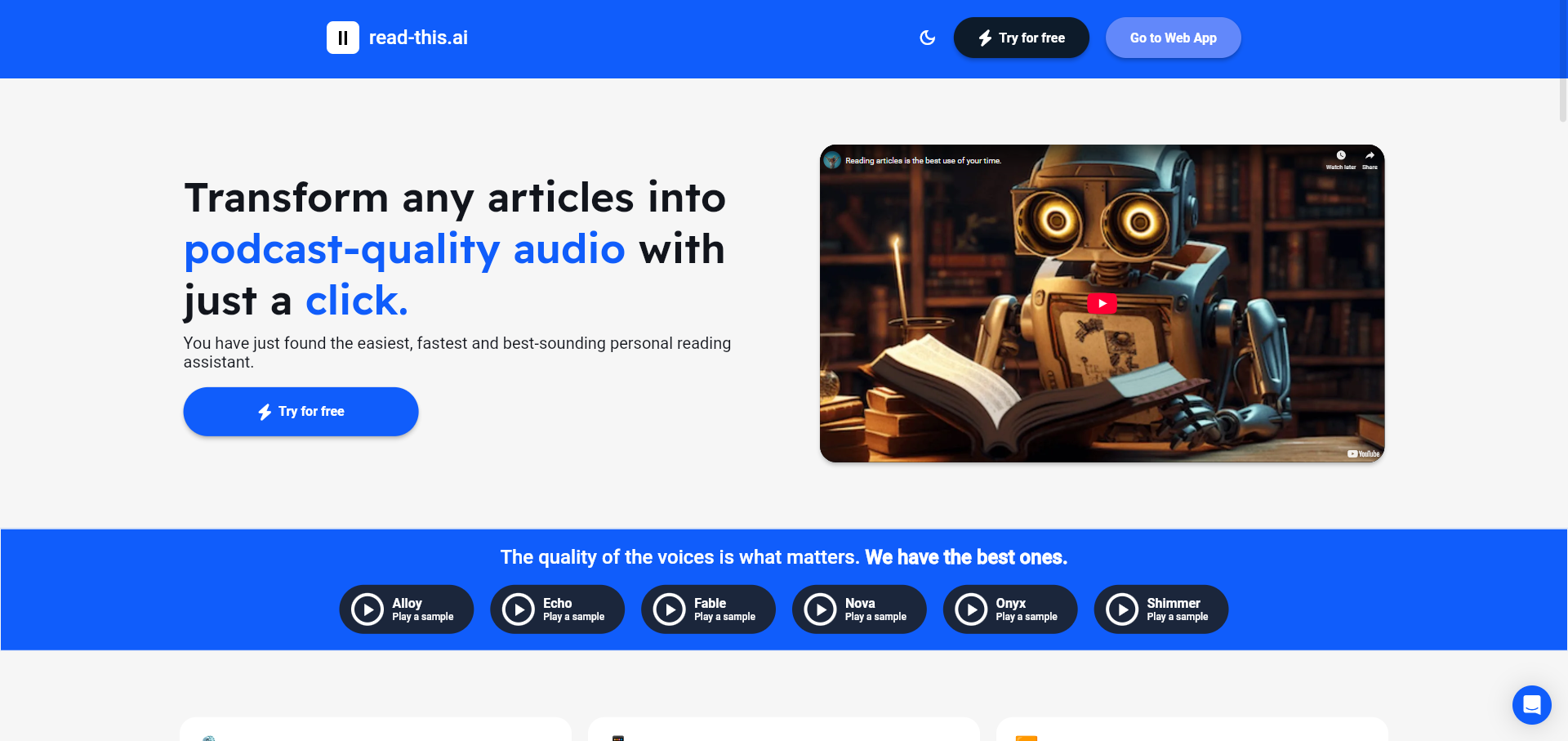
Read This
An AI-powered text-to-speech tool that transforms any article, text, or webpage into natural, podcast-quality audio with a single click. It supports multiple languages and offers a variety of high-quality AI voices, making content accessible and easy to consume on the go.
Screen Reader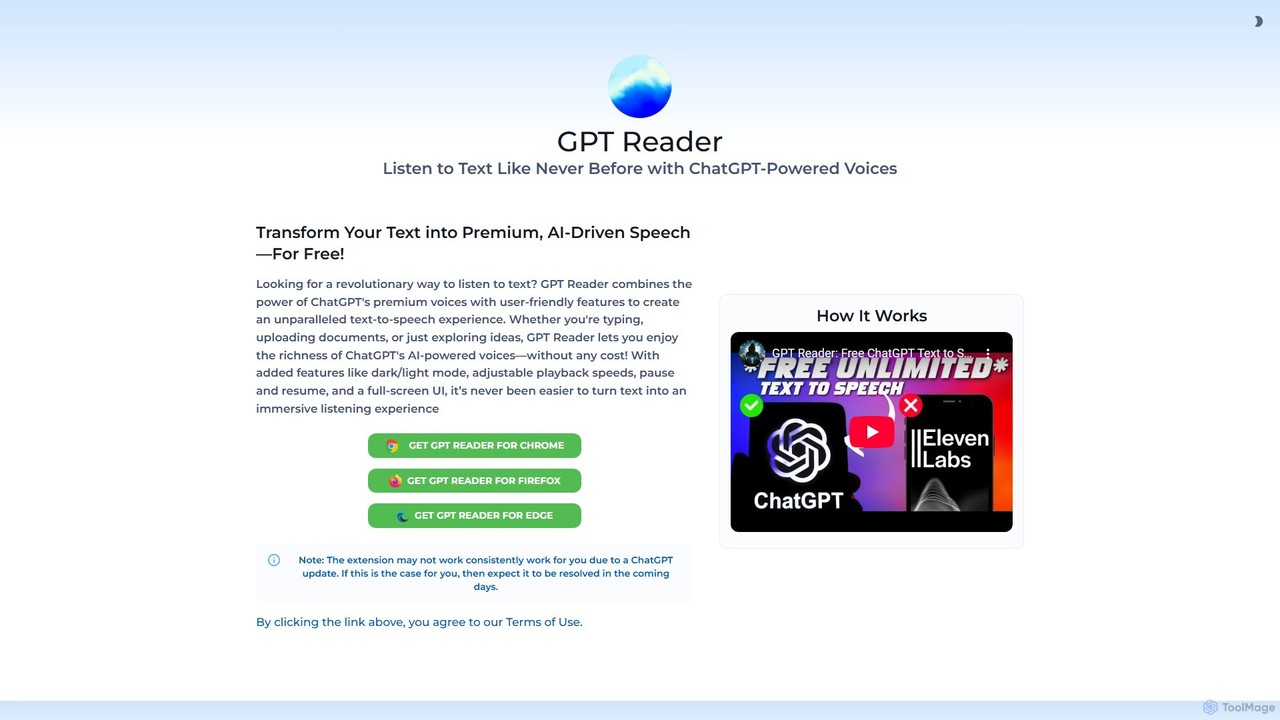
GPT Reader
A free text-to-speech browser extension that uses premium, natural-sounding voices from ChatGPT. Convert articles, documents, and any selected text into high-quality audio for enhanced productivity and accessibility.
Screen Reader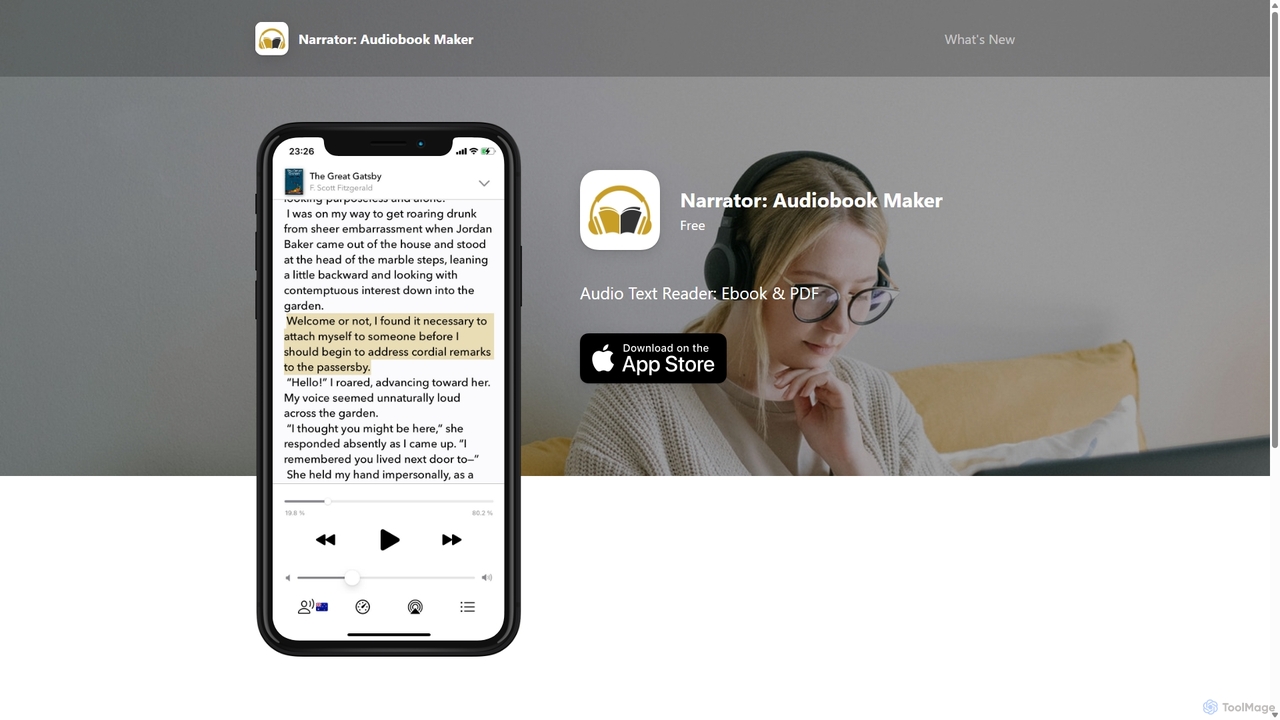
Narrator: Audiobook Maker
Narrator is an AI-powered mobile app that converts text from various formats like ePub, PDF, and DOCX into natural-sounding audiobooks. Supporting over 25 languages, it offers features like adjustable reading speed, AI-powered summaries, and premium voices, making it easy to listen to any document on the go.
Screen Reader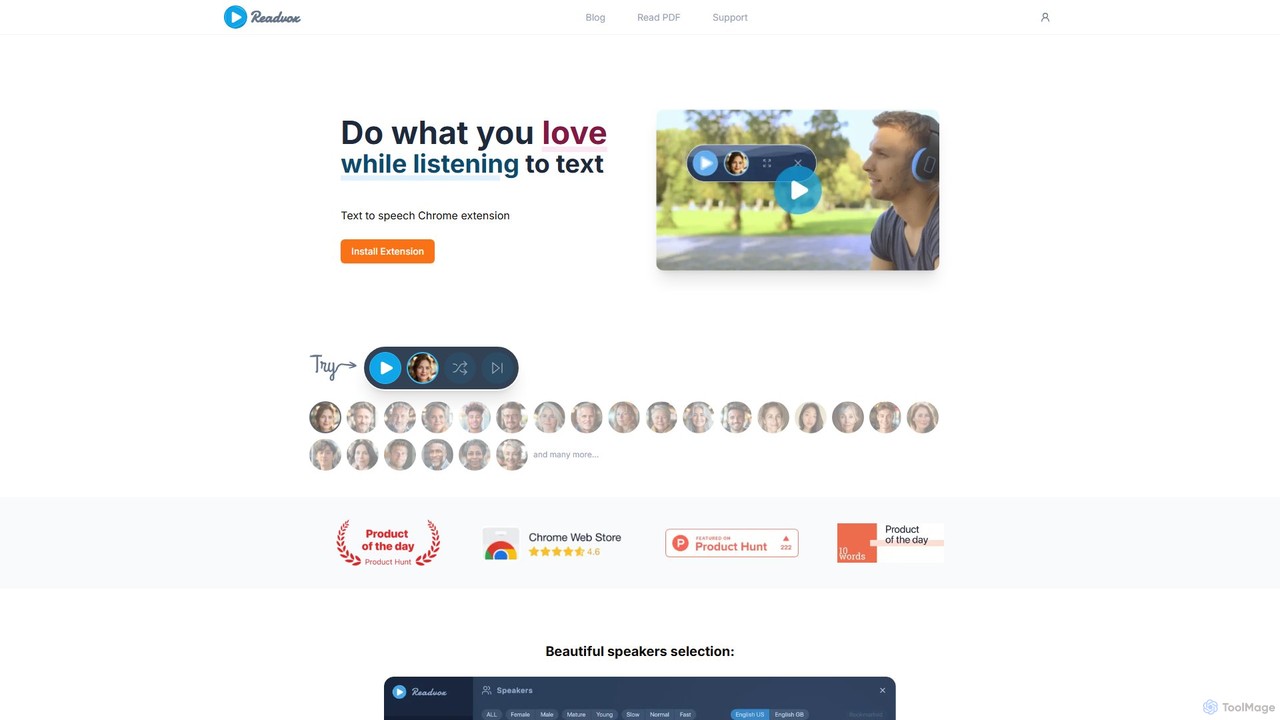
Readvox
Readvox is an AI-powered text-to-speech Chrome extension that converts web pages, PDFs, and Google Docs into natural-sounding audio. Listen to articles, books, and documents while multitasking, improving productivity and accessibility with its high-quality voices and customizable reading controls.
Chrome Extensions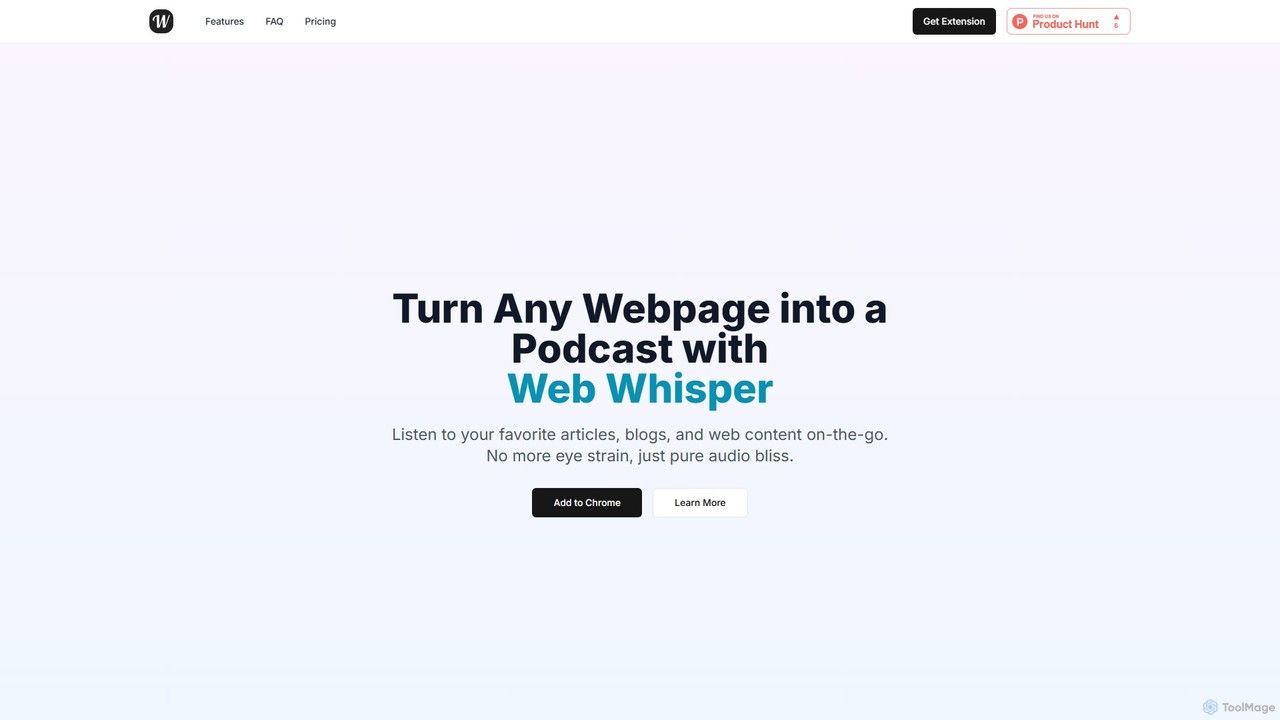
WebWhisper
WebWhisper is a free Chrome extension that instantly converts any webpage, article, or blog post into a high-quality audio podcast. It allows you to listen to web content on the go, create playlists for later, and even access them offline. With natural-sounding AI voices and automatic language detection, it transforms your reading experience into an effortless listening one, reducing eye strain and boosting productivity.
Screen ReaderVoice Out Categories
Voice Out Jobs
Voice Out Embed Widget
Copy this embed code to place the badge on your blog, article, or product site and send readers directly to this ToolMage detail page.

Related AI tools
Readvox
Readvox is an AI-powered text-to-speech Chrome extension that converts web pages, PDFs, and Google Docs into natural-sounding audio. Listen to articles, books, and documents while multitasking, improving productivity and accessibility with its high-quality voices and customizable reading controls.
Chrome Extensions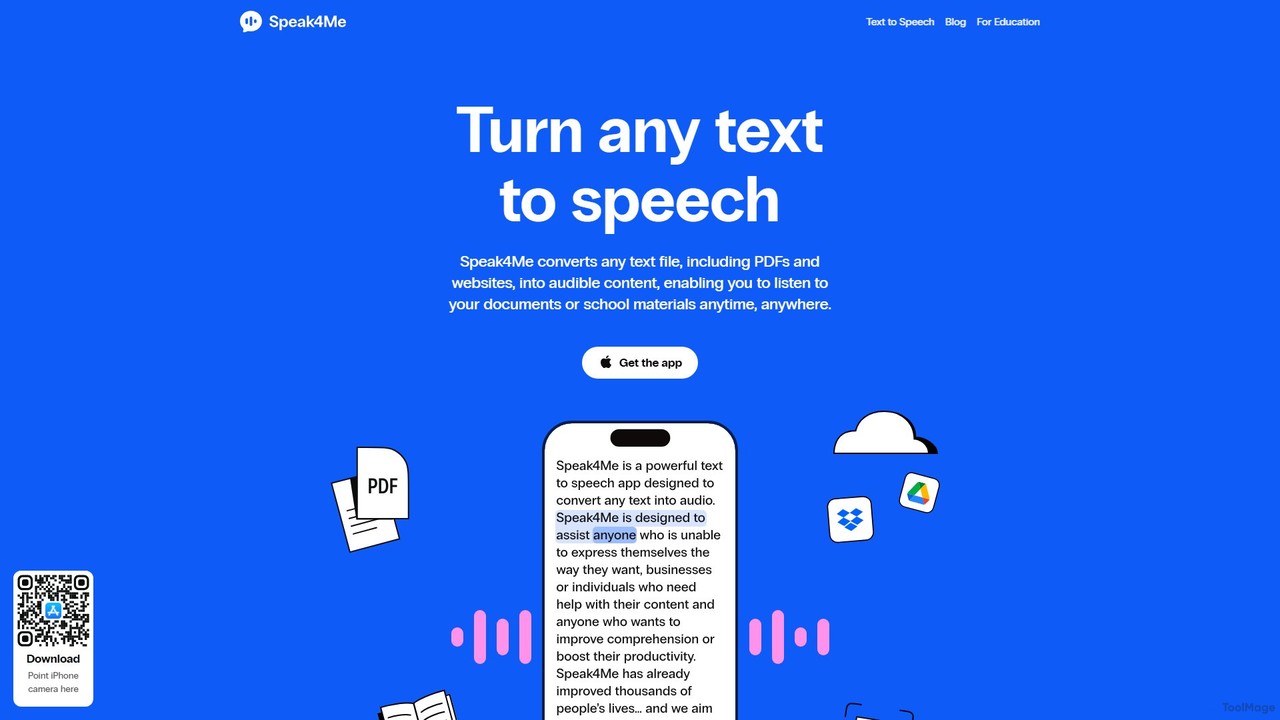
Speak4Me
Speak4Me is an advanced text-to-speech iOS app that converts any text from documents, websites, or scanned pages into natural-sounding audio. It features AI-powered chat for summarizing and querying documents, seamless cloud integration, and robust accessibility tools for users with dyslexia or ADHD. Listen to content on the go, increase productivity, and enhance your reading and learning experience.
Assistive Technology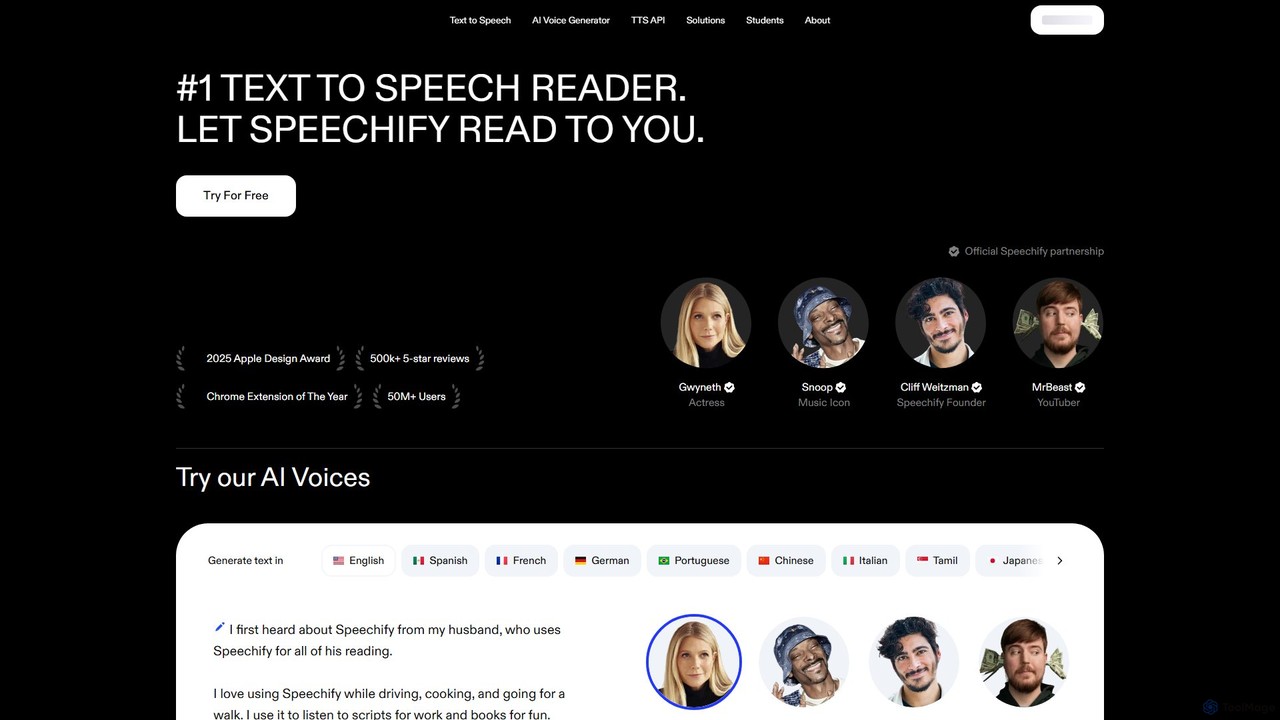
Speechify
Speechify is a leading AI-powered text-to-speech (TTS) reader that transforms any text into natural-sounding audio. It helps users listen to documents, articles, PDFs, and emails on any device, boosting productivity and making content more accessible. Ideal for students, professionals, and anyone with reading difficulties like dyslexia.
Text To SpeechGPT Reader
A free text-to-speech browser extension that uses premium, natural-sounding voices from ChatGPT. Convert articles, documents, and any selected text into high-quality audio for enhanced productivity and accessibility.
Screen Reader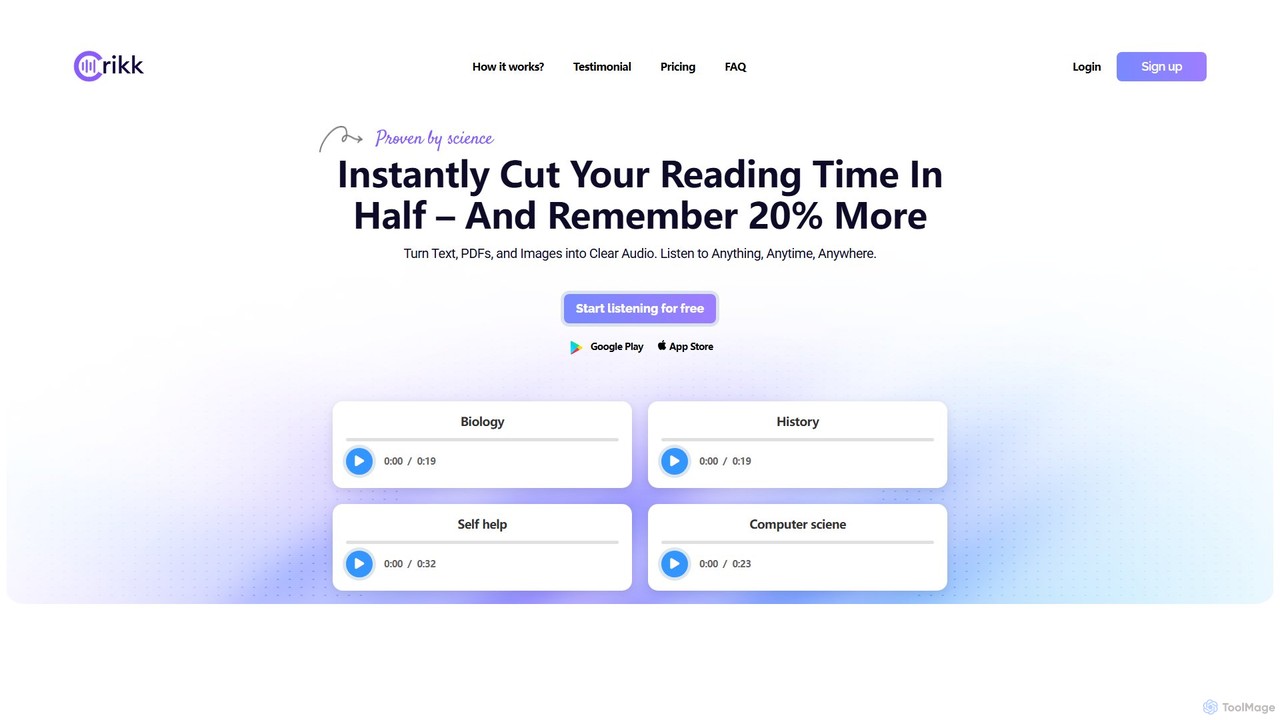
Crikk
Crikk is an AI-powered text-to-speech tool that converts documents, PDFs, and even images into natural-sounding audio. It's designed to enhance learning, boost productivity, and create professional voiceovers. With features like synchronized text highlighting, adjustable playback speed, and support for over 90 languages, Crikk makes it easy to listen to any content, anytime, anywhere, on web, Android, and iOS devices.
Voice GenerationRead This
An AI-powered text-to-speech tool that transforms any article, text, or webpage into natural, podcast-quality audio with a single click. It supports multiple languages and offers a variety of high-quality AI voices, making content accessible and easy to consume on the go.
Screen ReaderWebWhisper
WebWhisper is a free Chrome extension that instantly converts any webpage, article, or blog post into a high-quality audio podcast. It allows you to listen to web content on the go, create playlists for later, and even access them offline. With natural-sounding AI voices and automatic language detection, it transforms your reading experience into an effortless listening one, reducing eye strain and boosting productivity.
Screen ReaderNarrator: Audiobook Maker
Narrator is an AI-powered mobile app that converts text from various formats like ePub, PDF, and DOCX into natural-sounding audiobooks. Supporting over 25 languages, it offers features like adjustable reading speed, AI-powered summaries, and premium voices, making it easy to listen to any document on the go.
Screen Reader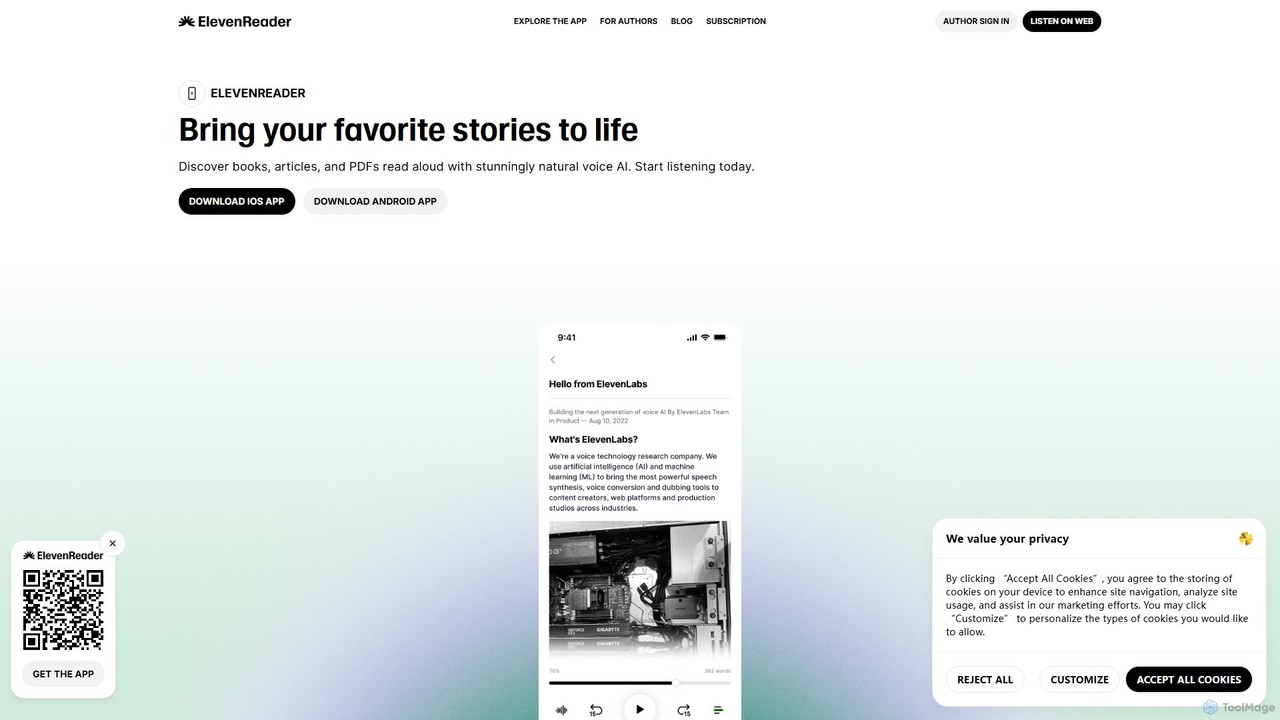
ElevenReader
ElevenReader is an advanced AI-powered text-to-speech application that converts any written text into incredibly natural-sounding audio. Leveraging the state-of-the-art voice synthesis technology from ElevenLabs, it allows you to listen to articles, documents, PDFs, and emails on the go. Ideal for multitasking, learning, and accessibility, ElevenReader transforms your reading material into a personal audiobook library with a wide range of lifelike voices and languages.
Reading Assistant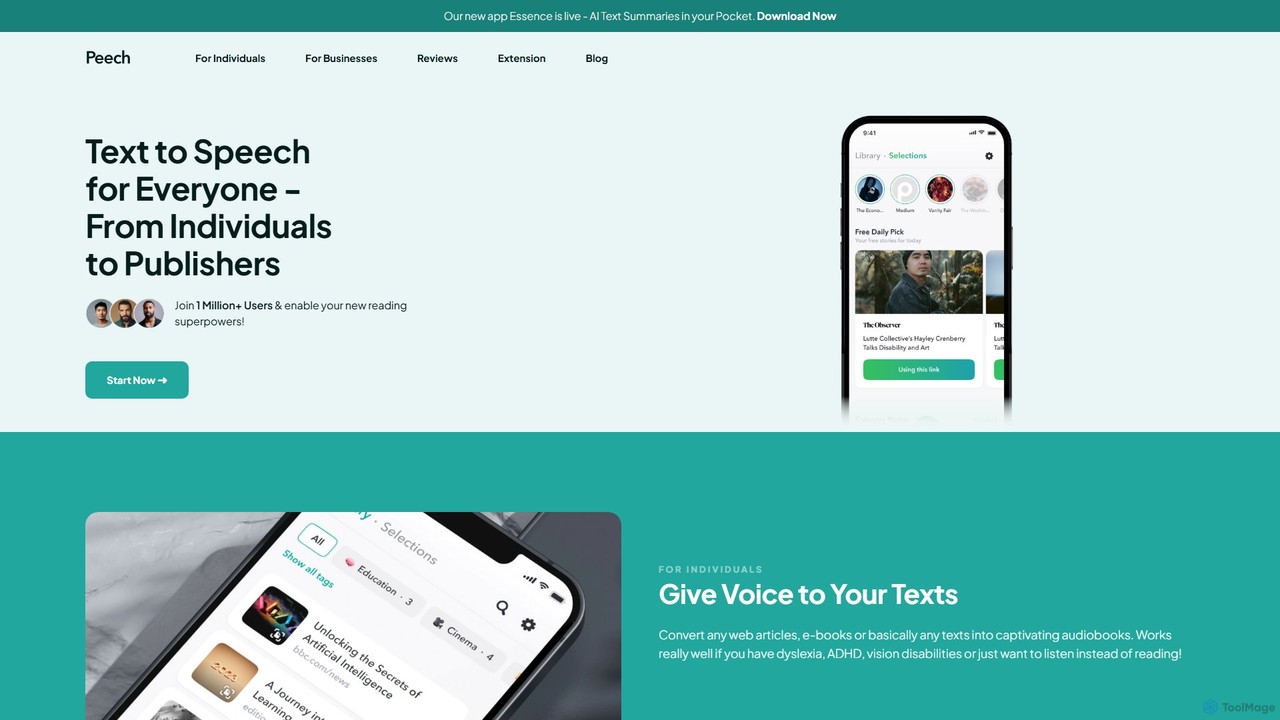
Peech
Peech is an AI-powered text-to-speech reader that converts any text, including web articles, PDFs, e-books, and even images, into high-quality, natural-sounding audio. Designed for individuals and publishers, it enhances productivity, accessibility for users with reading difficulties like dyslexia, and provides a cost-effective way to create audiobooks. Available on iOS, Android, and as a Chrome extension.
Reading Aid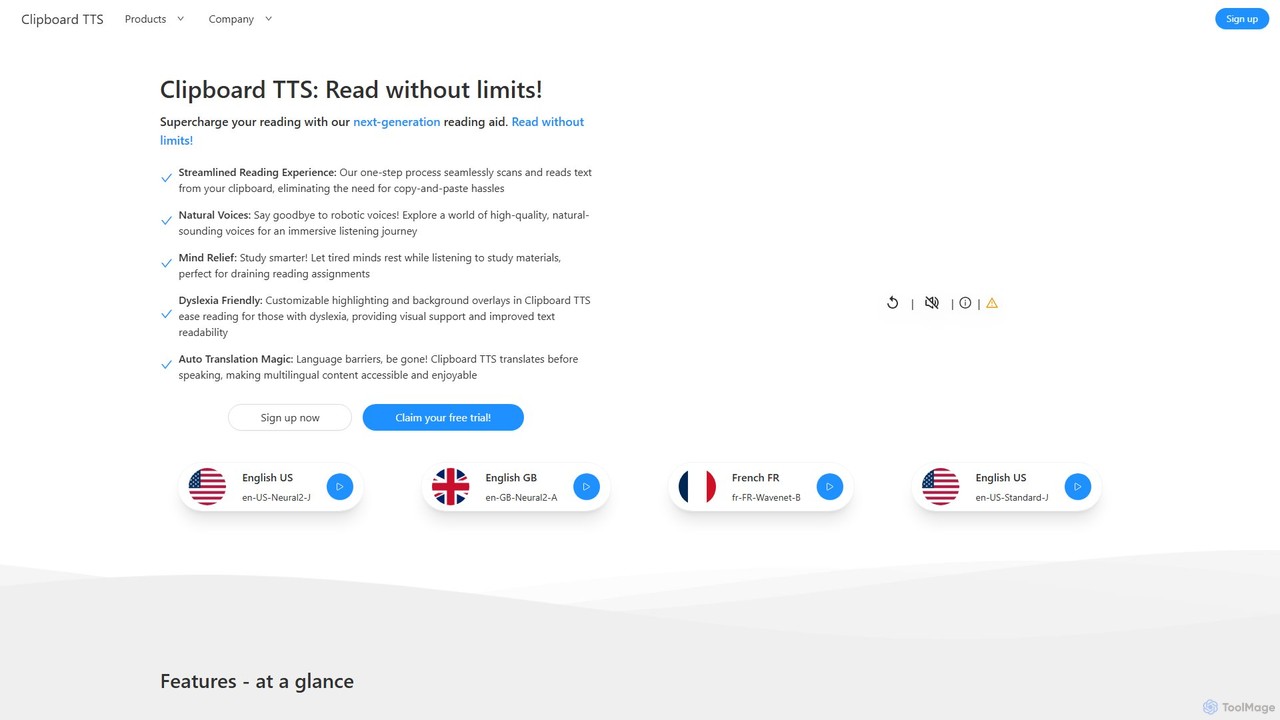
Clipboard TTS
An advanced text-to-speech application for Windows and Linux that automatically reads text from your clipboard. It features natural voices, auto-translation, OCR, and extensive accessibility tools, including dyslexia-friendly options, to create a seamless and powerful reading experience.
Reading Aid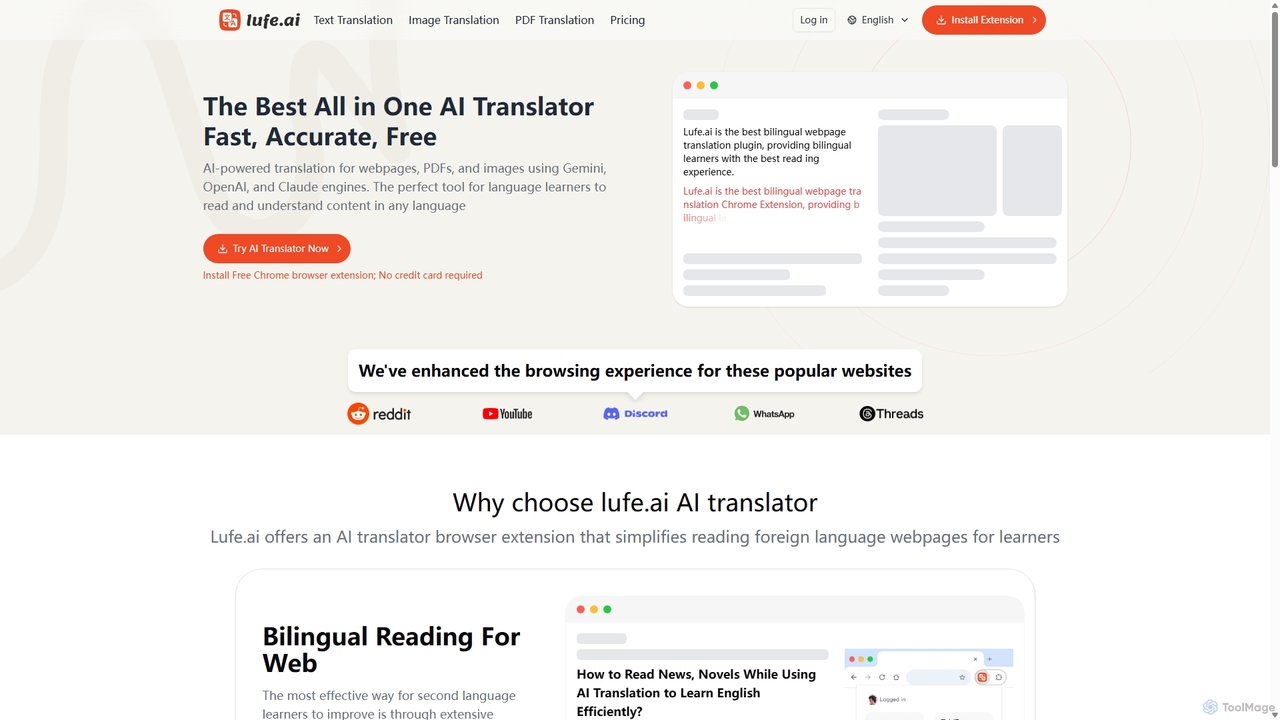
Lufe
Lufe is an all-in-one AI translator powered by Gemini, ChatGPT, and Claude. It offers fast, accurate translation for webpages, PDFs, and images as a Chrome extension and web tool. Its standout feature is the bilingual, side-by-side reading mode, making it an ideal tool for language learners and professionals to understand foreign content with ease and precision.
Chrome Extensions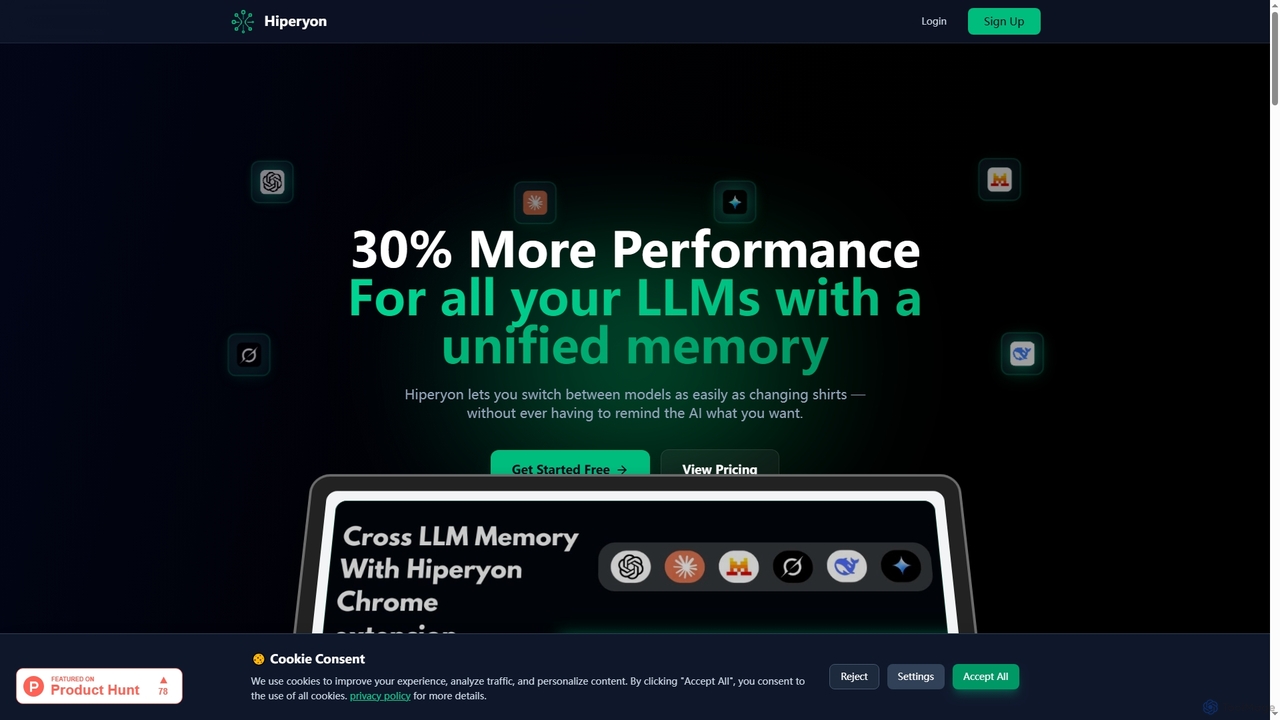
Hiperyon
Hiperyon is an AI tool that provides a unified contextual memory layer for multiple Large Language Models (LLMs) like ChatGPT, Claude, and Gemini. It enhances productivity by allowing users to switch between different AI models without losing context or repeating information, ensuring consistent and efficient interactions.
Context Management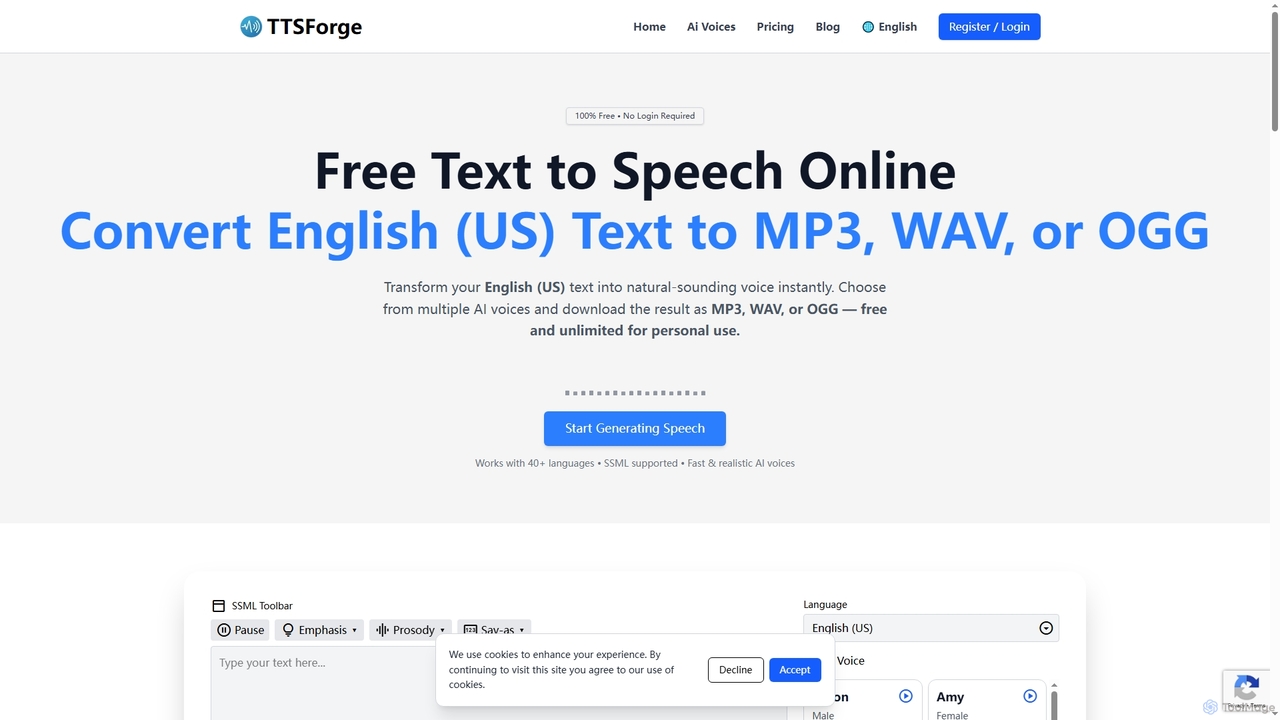
TTSForge
TTSForge is a free online text-to-speech platform that converts written text into natural-sounding audio using advanced AI voices. It supports over 40 languages and allows users to download audio in MP3, WAV, or OGG formats for various personal and commercial projects.
Text To Speech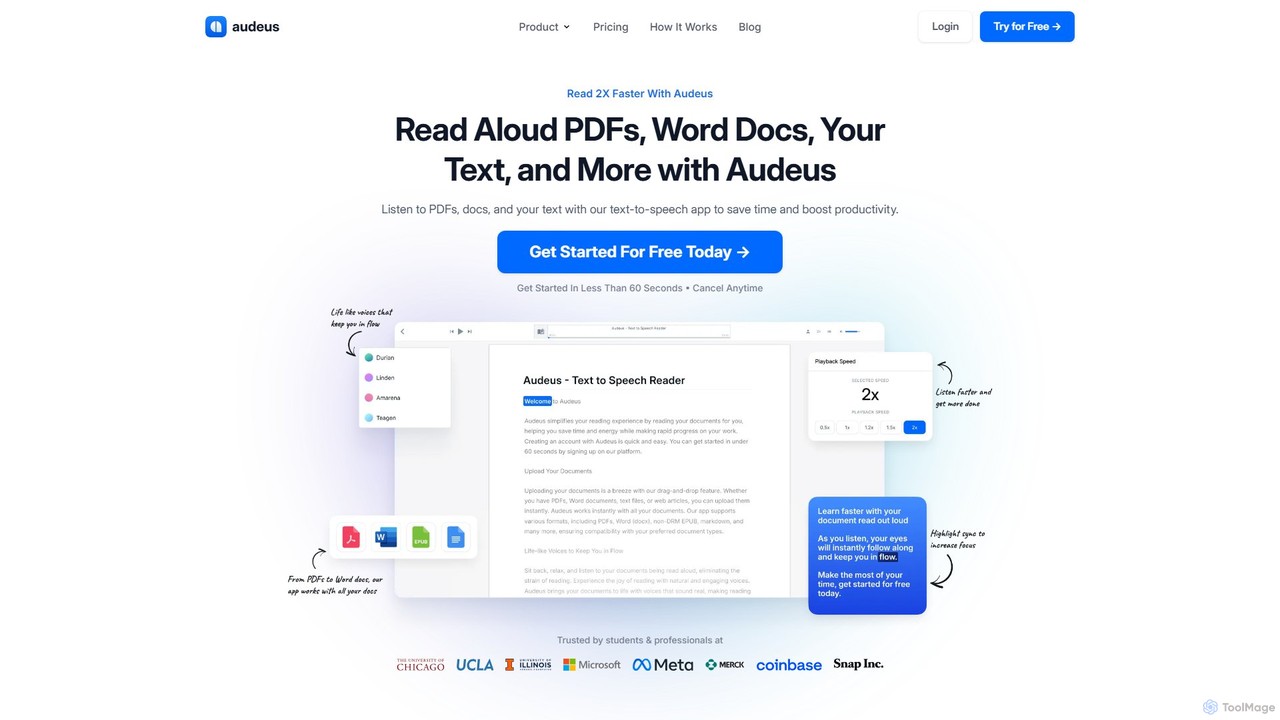
Audeus
Audeus is an advanced AI-powered text-to-speech (TTS) reader that transforms documents, web articles, and text into natural-sounding audio. It's designed for students, professionals, and anyone looking to increase productivity, improve focus, and absorb information more effectively. By listening and reading simultaneously with synced highlighting, users can double their reading speed, reduce eye strain, and enhance comprehension. It supports various formats like PDF, Word, and EPUB, and works seamlessly across devices.
Text To Speech
Voice Out Comments (0)
Sign in to comment.
Sign inNo comments yet.