Accessibility Best in category 2 results Reading Assistant AI Tool

Popular AI tools in the Reading Assistant field of Accessibility include ElevenReader、iListen, etc., helping you quickly improve efficiency.

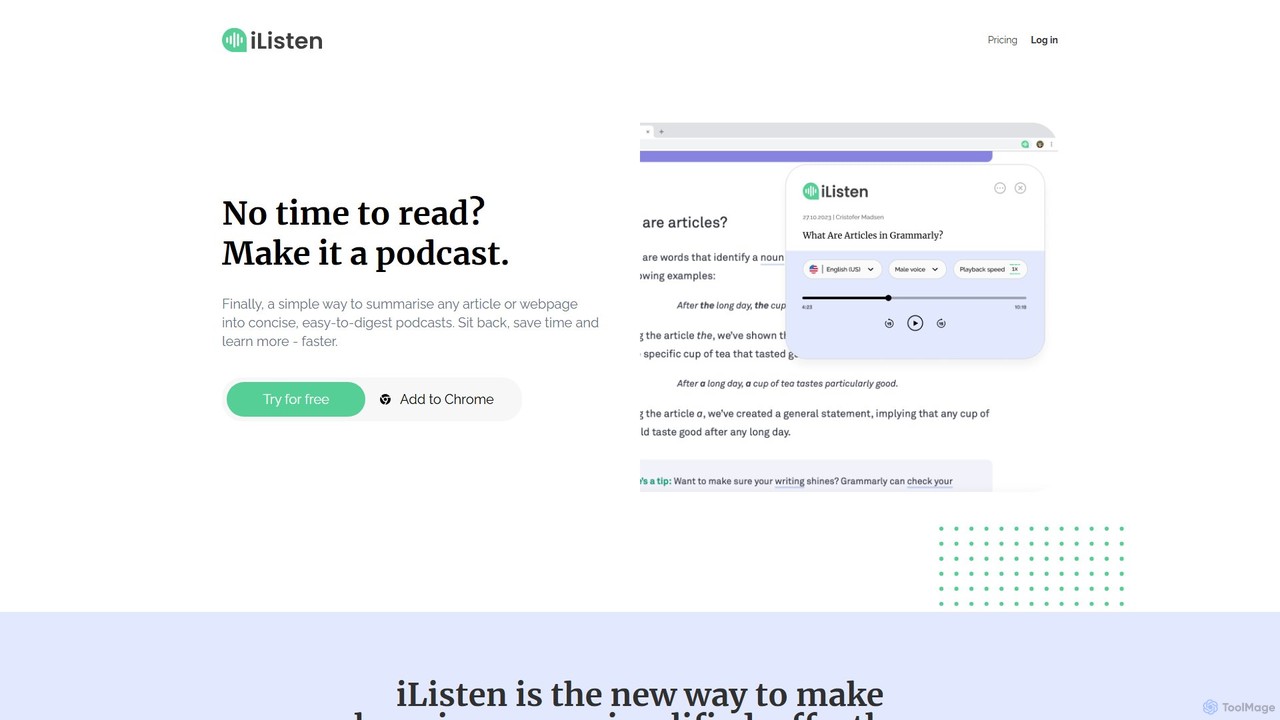
iListen

iListen

iListen is an AI-powered tool that transforms any online article or webpage into a concise, easy-to-digest audio podcast. …

5.1K
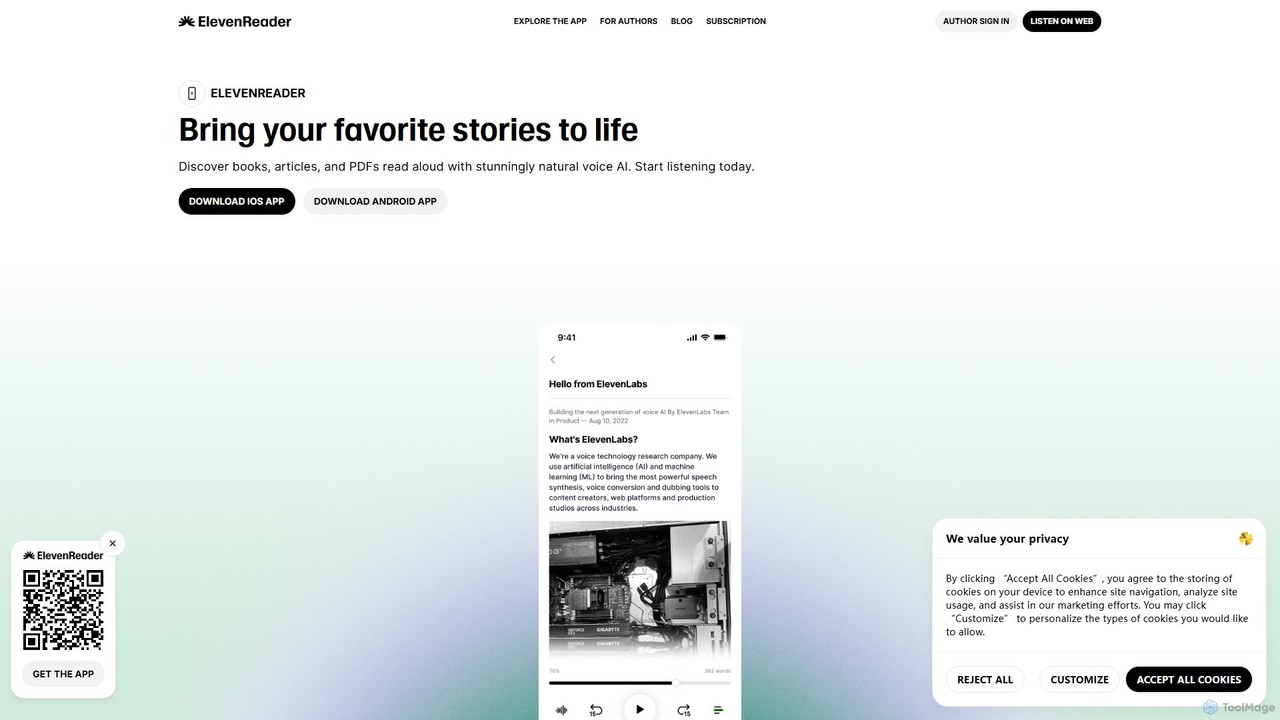
ElevenReader

ElevenReader

ElevenReader is an advanced AI-powered text-to-speech application that converts any written text into incredibly natural-sounding audio. Leveraging the …

755.2K

About Reading Assistant

Reading Assistant tools are AI-powered applications designed to improve text comprehension and accessibility. They utilize technologies like text-to-speech (TTS), natural language processing (NLP), and content simplification to help users process written information more effectively. These assistants are valuable for individuals with reading difficulties, researchers facing information overload, or anyone looking to consume content audibly. They transform static text into an interactive and digestible experience, going beyond simple screen readers.

Core Features

  • Text-to-Speech (TTS): Converts written text from documents, web pages, or emails into natural-sounding audio.
  • Content Summarization: Generates concise summaries of long articles or reports to quickly grasp key points.
  • Vocabulary Support: Provides instant definitions, synonyms, and translations for complex words or phrases.
  • Focus & Reading Aids: Offers features like text highlighting, screen masking, and dyslexia-friendly fonts to reduce distractions and improve focus.
  • Optical Character Recognition (OCR): Extracts and reads text from images, PDFs, and scanned documents, making them accessible.

Use Cases

Reading Assistants are widely used in education to support students with learning disabilities like dyslexia and ADHD. Professionals and researchers leverage them to quickly digest dense reports, academic papers, and news articles. They are also popular among general users for multitasking, such as listening to articles while commuting or exercising, and for language learners to improve pronunciation and vocabulary.

How to Choose

When selecting a Reading Assistant, consider the quality and variety of its text-to-speech voices. Evaluate its compatibility across different platforms (web, desktop, mobile) and file types (PDF, DOCX, EPUB). Assess the accuracy of its summarization and OCR capabilities. Finally, look for customization options, such as reading speed control, highlighting styles, and integration with other applications like note-taking tools.

Reading AssistantUse Cases

1

Assisting Students with Dyslexia

A university student with dyslexia uses a Reading Assistant to comprehend dense academic textbooks. Instead of struggling with visual text processing, the student activates the text-to-speech feature to listen to chapters. The tool highlights sentences as they are read, reinforcing the connection between spoken and written words. For complex terminology, the student uses the built-in dictionary for instant definitions. This approach transforms a challenging study session into an effective learning experience, improving comprehension and reducing study time.

2

Accelerating Research for Professionals

A market analyst needs to review dozens of industry reports and articles daily. To save time, they use a Reading Assistant's summarization feature. By pasting the URL of an article or uploading a PDF report, the analyst receives a bullet-point summary of the key findings and data within seconds. This allows them to quickly assess the relevance of each document before committing to a full read. This workflow enables the analyst to cover significantly more ground, identify trends faster, and stay ahead of market changes without getting bogged down in lengthy texts.

3

Multitasking by Listening to Content

A busy professional wants to keep up with industry news during their daily commute. They use a Reading Assistant's browser extension to create a playlist of articles from their favorite news sites. During their drive, they listen to the articles read aloud in a natural-sounding voice. They can easily skip articles or adjust the playback speed using simple voice commands or controls. This turns unproductive commuting time into a valuable opportunity for learning and staying informed, allowing them to arrive at work already up-to-date on the latest developments.

4

Improving Language Learning and Pronunciation

Someone learning Spanish uses a Reading Assistant to improve their skills. They find an online news article in Spanish and have the tool read it aloud. This helps them associate the written words with their correct pronunciation. When they encounter an unfamiliar word, they use the tool's translation feature to see its English equivalent and definition instantly. They can also slow down the reading speed to carefully listen to the enunciation of each syllable. This interactive method accelerates their vocabulary acquisition and builds confidence in their listening comprehension.

5

Making Digital Content Accessible for the Visually Impaired

A user with visual impairments navigates the web using a Reading Assistant integrated with OCR technology. When they encounter an image containing important text, such as an infographic or a scanned PDF, the tool automatically extracts the text and reads it aloud. This allows them to access information that would otherwise be unavailable through a standard screen reader. They can control the reading pace, pause, and have specific sections repeated, giving them full command over their consumption of digital content and ensuring equal access to information online.

6

Proofreading and Editing Written Work

A content writer finishes drafting a blog post and uses a Reading Assistant to proofread it. By listening to their own text being read aloud, they can easily spot awkward phrasing, grammatical errors, and typos that their eyes might have missed. The different perspective offered by hearing the words helps them judge the flow and rhythm of their writing more objectively. This auditory feedback loop is a powerful editing technique that helps the writer refine their work to a higher standard of quality and clarity before publishing.

Reading AssistantFrequently Asked Questions