

Speechify Overview
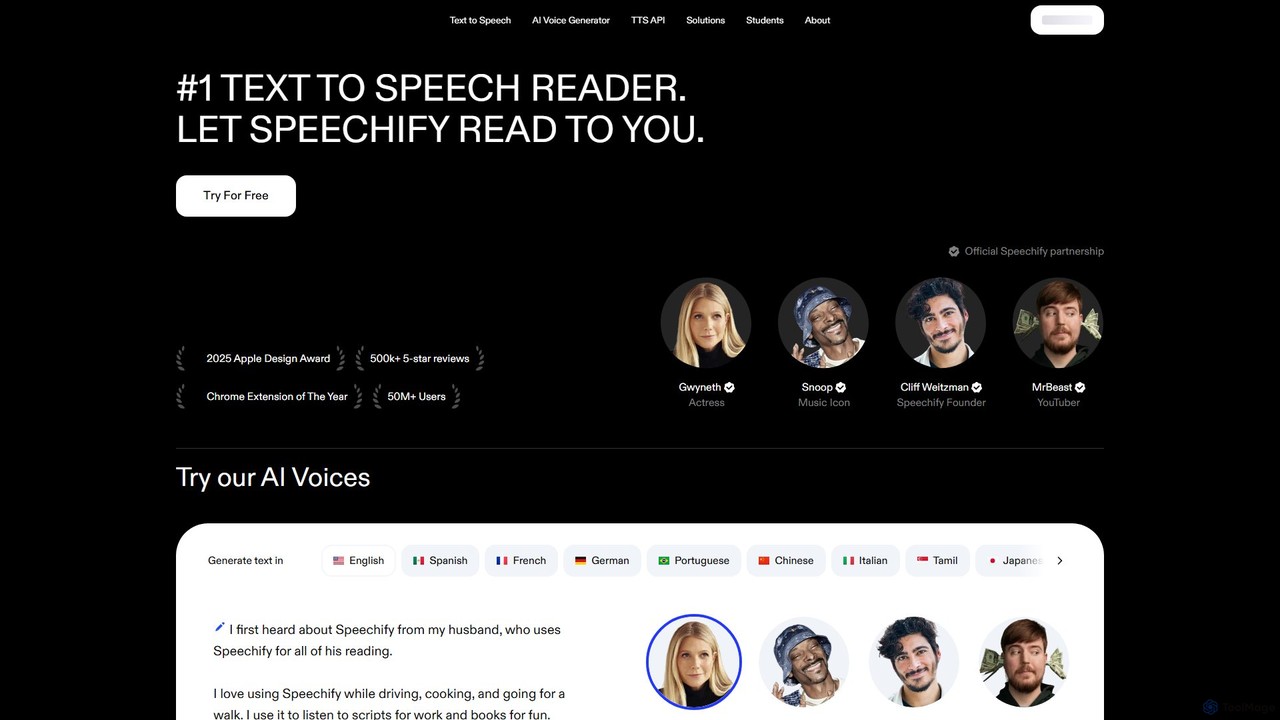
Speechify is the #1 rated text-to-speech application, designed to help people read faster, retain more information, and improve their comprehension by listening. Founded by Cliff Weitzman, who is dyslexic, Speechify was born from a personal need to overcome reading barriers. Today, it serves over 50 million users, from students with learning disabilities to busy professionals aiming to enhance their productivity. The platform can read virtually any digital or physical text aloud—including PDFs, articles, emails, Google Docs, and even physical books via your phone's camera.
With a vast library of over 200 high-quality, human-like voices across more than 60 languages, Speechify offers a highly personalized listening experience. Users can adjust the reading speed up to 5 times the normal rate, saving hours each week. The platform seamlessly syncs across all your devices, including iOS, Android, a web app, and browser extensions for Chrome and Edge, allowing you to start listening on your laptop and continue on your phone during your commute.
How to use Speechify
Getting started with Speechify is simple and intuitive. First, install the application on your preferred device—the mobile app for iOS/Android, the browser extension for Chrome/Edge, or use the web/Mac app. Once installed, you can import content in several ways: open a webpage and click the Speechify extension icon, upload a PDF or document directly into the app's library, or use the mobile app's camera feature to scan a physical page. After the text is loaded, simply press the 'Play' button. You can then customize the experience by choosing your favorite voice, adjusting the reading speed, and even highlighting text as it's read.
Core Features of Speechify
- High-Quality AI Voices: Access over 200 natural-sounding voices in more than 60 languages and various accents.
- Cross-Platform Availability: Use Speechify seamlessly on iOS, Android, Mac, Windows (via web app), and through Chrome & Edge browser extensions.
- Variable Speed Listening: Increase your reading speed by up to 5x, allowing you to consume content much faster than traditional reading.
- Scan & Listen (OCR): The mobile app features Optical Character Recognition (OCR) technology that lets you take a picture of any physical text and have it read aloud to you.
- Import Anything: Listen to web articles, PDFs, Google Docs, emails, and other text formats by importing them directly into your library.
- AI Summaries: Instantly generate summaries of long articles and documents to quickly grasp the key takeaways.
- Offline Listening: Premium users can download audio files in MP3 format to listen to their content anywhere, without an internet connection.
- Speechify Studio: A suite of tools for creators and businesses to produce professional-grade voice-overs, dubbing, and voice clones for videos, podcasts, and other media.
- Developer API: A powerful API that allows developers to integrate Speechify's advanced TTS technology into their own applications.
Use Cases for Speechify
Speechify is a versatile tool with a wide range of applications:
- Education & Students: An invaluable aid for students with dyslexia, ADHD, or visual impairments. It helps them keep up with reading assignments, study more effectively, and improve comprehension of textbooks and research papers.
- Professionals: Busy professionals can listen to emails, reports, and industry articles during their commute, while exercising, or doing chores, turning downtime into productive learning time.
- Content Creators: Using Speechify Studio, YouTubers, podcasters, and marketers can create realistic voice-overs for their content quickly and affordably.
- Personal Productivity: Anyone looking to read more can use Speechify to get through their reading list of books and articles faster.
- Accessibility: Makes written content accessible to individuals with low vision, blindness, or other conditions that make reading a challenge.
Advantages of Speechify
The primary advantage of Speechify is its ability to transform the reading experience. By converting text to audio, it allows for efficient multitasking and helps users save up to 9 hours per week. The highly natural and human-like voices make for an engaging listening experience, which can lead to better focus, retention, and comprehension. Its cross-platform syncing ensures a continuous experience, and its powerful features like OCR and AI summaries add significant value. Above all, its mission-driven focus on accessibility makes it a life-changing tool for millions.
Pricing and Plans
Speechify operates on a freemium model, offering both a free and a premium plan.
- Free Plan: Includes listening at speeds up to 1.5x, access to 10 standard, robotic-sounding voices, and basic text-to-speech features.
- Speechify Premium: This plan unlocks the full potential of the tool. It is available as a monthly or annual subscription.
- Monthly: $29.00 per month.
- Annual (Most Popular): $11.58 per month, billed as $138.96 annually.
The Premium plan includes over 200 high-quality, natural voices, support for 60+ languages, listening speeds up to 5x, advanced importing and skipping features, offline MP3 downloads, AI summaries and chats, and unlimited library storage.
Traffic
Latest traffic
Status
Monthly traffic trend
- 2025-9: 5.4M
- 2026-1: 6.2M
- 2026-2: 5.8M
- 2026-3: 7.4M
- 2026-4: 6.9M
- 2026-5: 6.7M
Geography
Top 5 countries / regions
- 🇺🇸United States73.8%
- 🇬🇧United Kingdom11.2%
- 🇨🇦Canada5.4%
- 🇦🇺Australia5.0%
- 🇧🇷Brazil4.6%
Traffic sources
| Source type | Percentage |
|---|---|
Direct | 93.6% |
Referral | 4.3% |
Email | 2.2% |
Top keywords
| Keyword | Cost per click |
|---|---|
| adobe podcast | $0.44 |
| speechify | $0.93 |
| speechify login | $0.37 |
| text to speech | $0.45 |
| ttsmaker | $0.29 |
Speechify Videos on YouTube

Tutorials with Jordan


Marble Jar Channel


Speechify Alternatives
Audioread
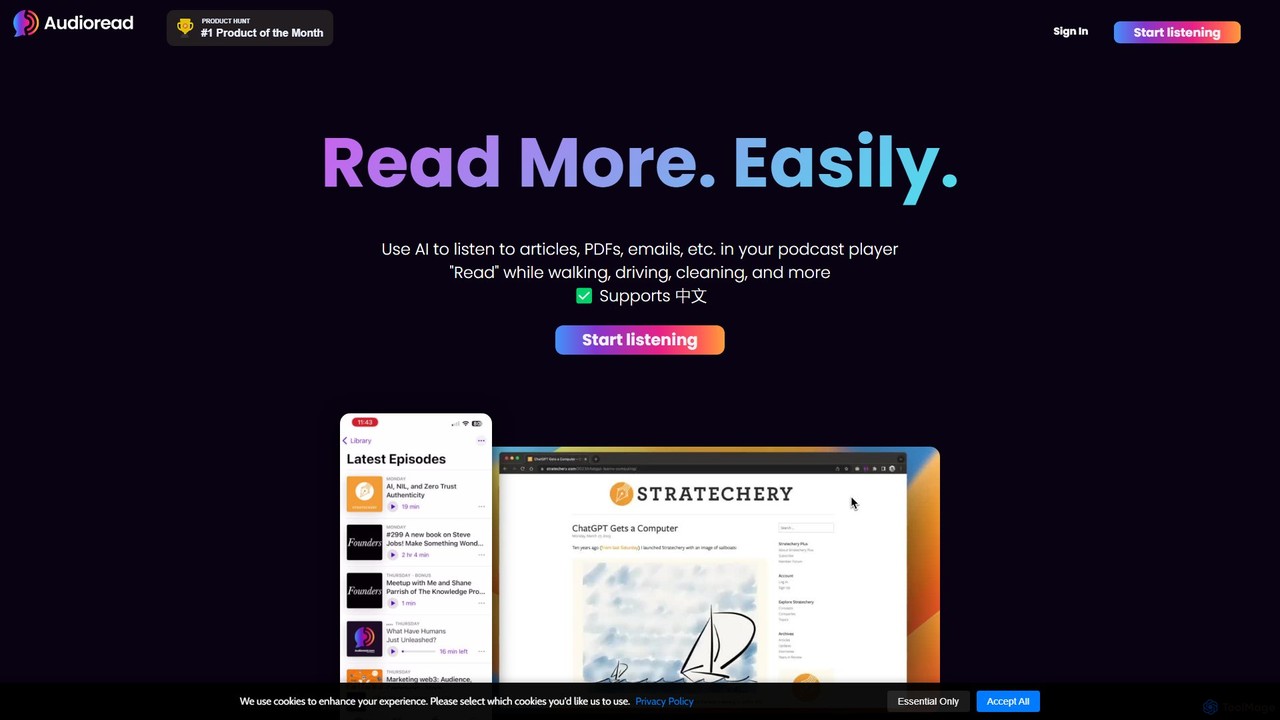
Audioread is an advanced AI text-to-speech tool that converts any text—articles, PDFs, emails, and more—into ultra-realistic, natural-sounding audio. Listen on the go via your favorite podcast app, the web player, or by downloading MP3s. It's designed for long-form listening, helping busy individuals multitask and consume content efficiently.
Text To Speech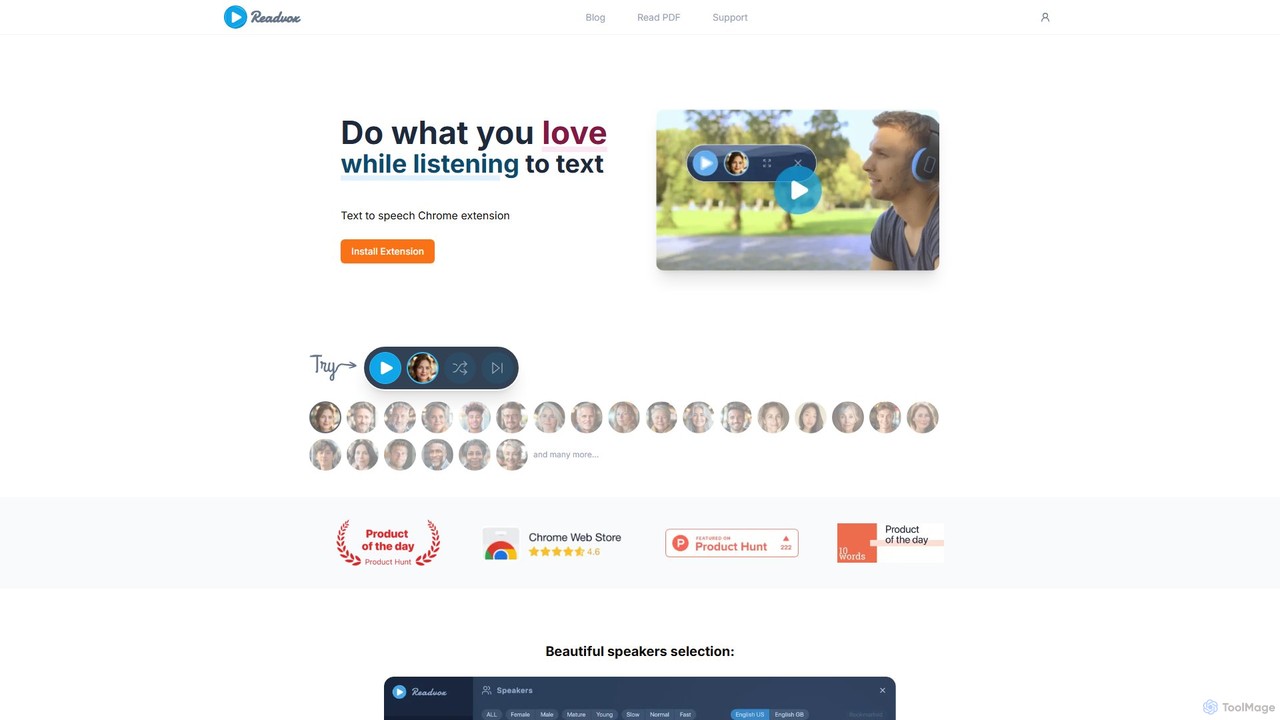
Readvox
Readvox is an AI-powered text-to-speech Chrome extension that converts web pages, PDFs, and Google Docs into natural-sounding audio. Listen to articles, books, and documents while multitasking, improving productivity and accessibility with its high-quality voices and customizable reading controls.
Chrome Extensions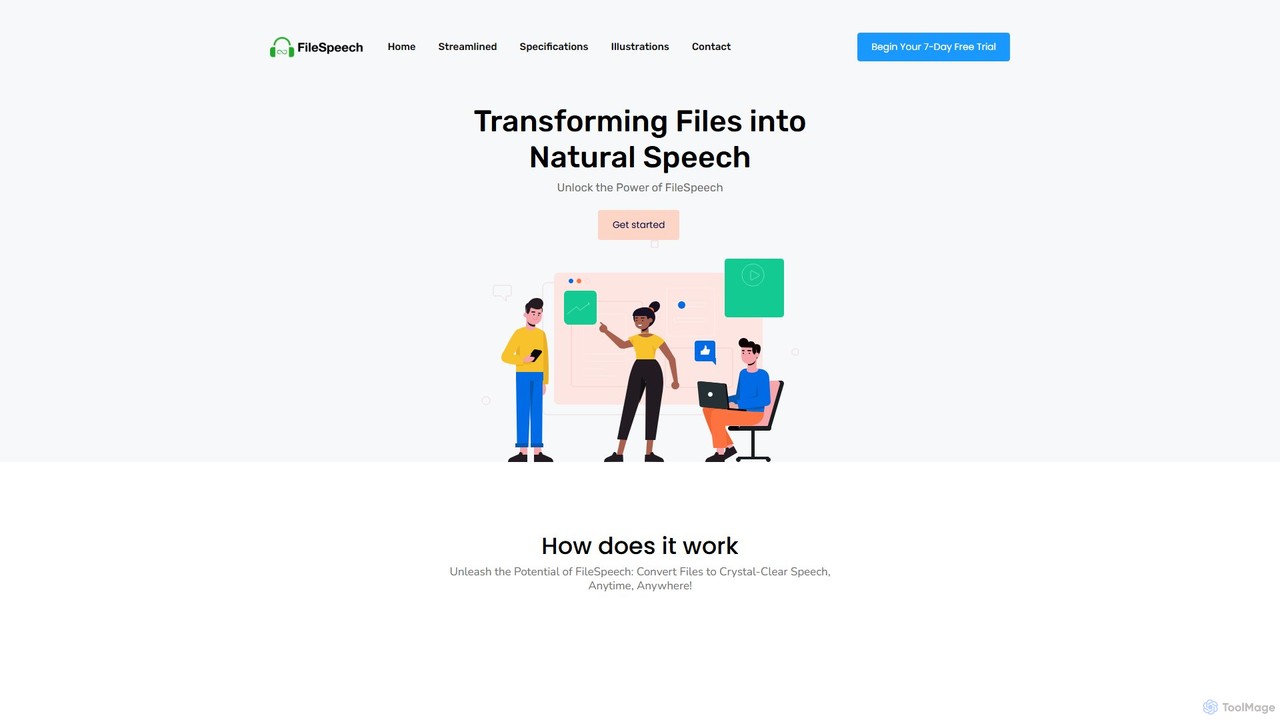
FileSpeech
FileSpeech is a powerful text-to-speech iOS app that converts various files like PDFs, websites, and scanned documents into natural-sounding audio. It supports multiple languages and voices, with offline mode for listening anywhere. Ideal for enhancing accessibility, boosting productivity, and aiding content creation.
Text To Speech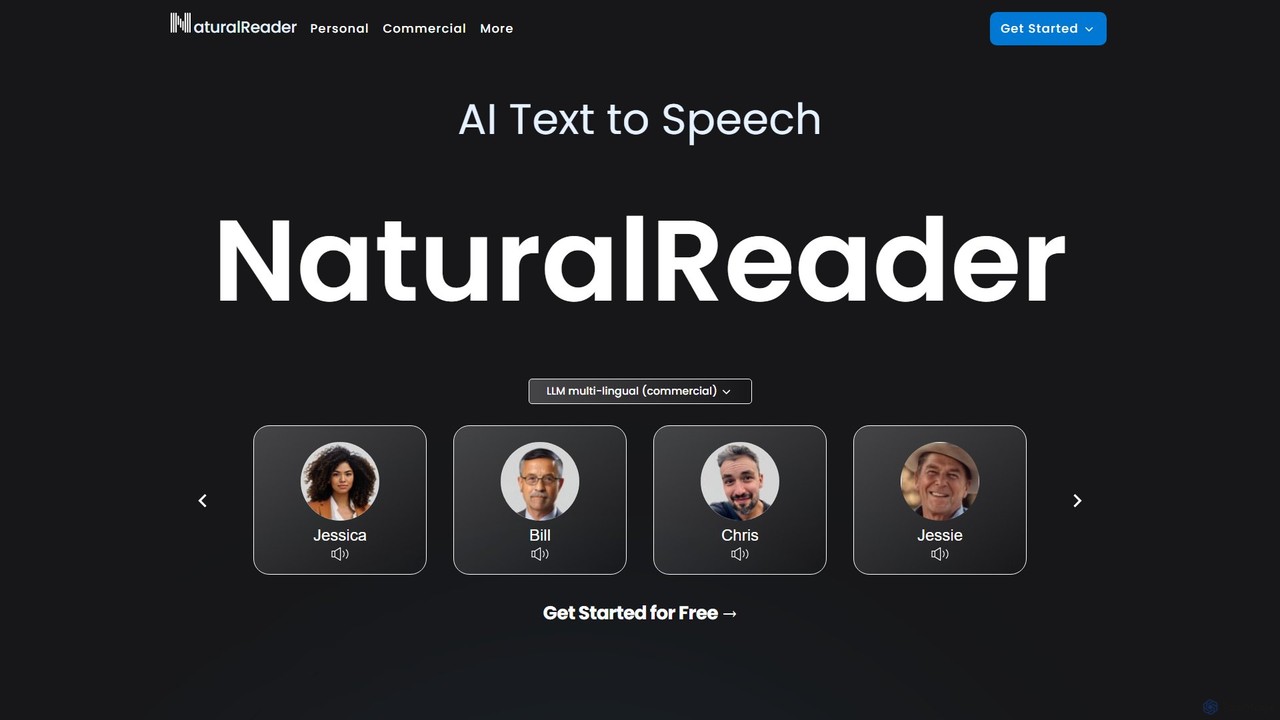
NaturalReader
NaturalReader is an advanced AI text-to-speech platform that converts text, PDFs, and webpages into natural-sounding audio. It leverages LLM technology for high-quality, multi-lingual voices and offers features like voice cloning, OCR, and commercial voiceover creation. It's designed for personal, educational, and professional use across web, mobile, and browser extensions.
Voice Generation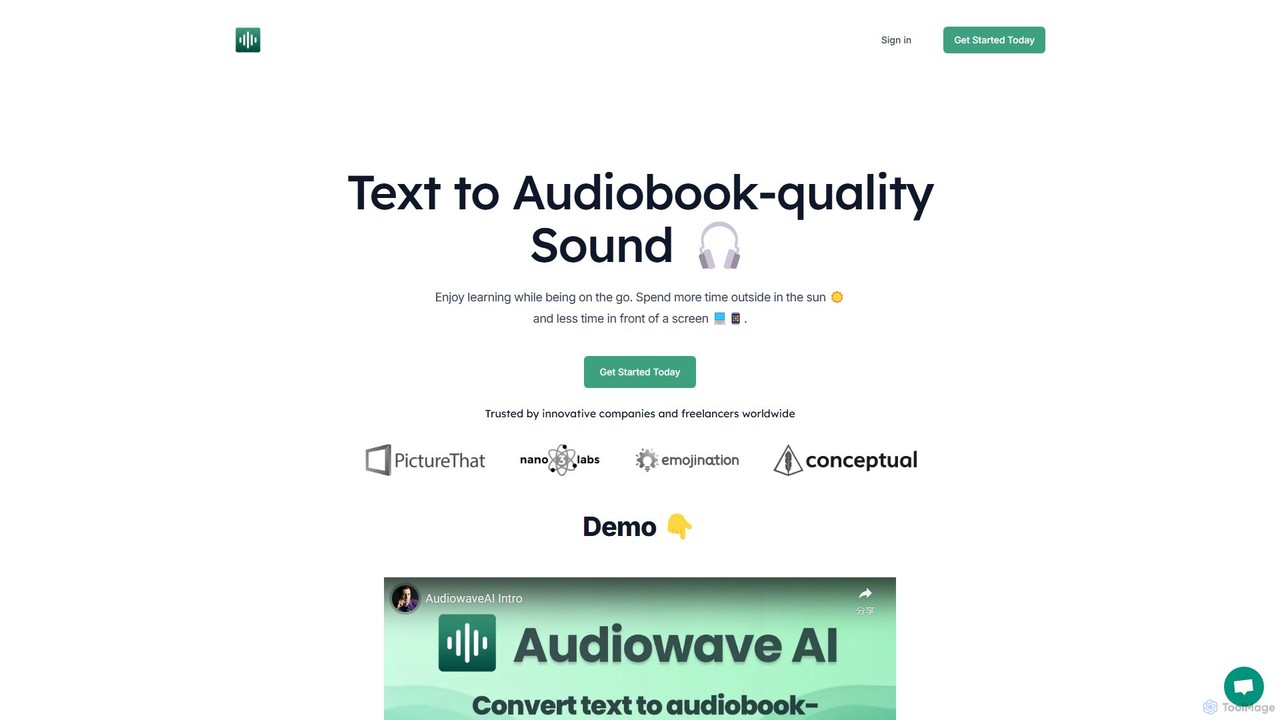
AudiowaveAI
AudiowaveAI is an advanced AI-powered text-to-speech tool that converts any written content, such as articles, PDFs, or e-books, into natural, audiobook-quality audio. It's designed for learners, professionals, and anyone who prefers listening to reading. With a focus on engaging, human-like voices, it helps users consume content on the go, turning their reading list into a personal podcast.
Text To SpeechSpeechify Categories
Speechify Embed Widget
Copy this embed code to place the badge on your blog, article, or product site and send readers directly to this ToolMage detail page.

Related AI tools
Voice Out
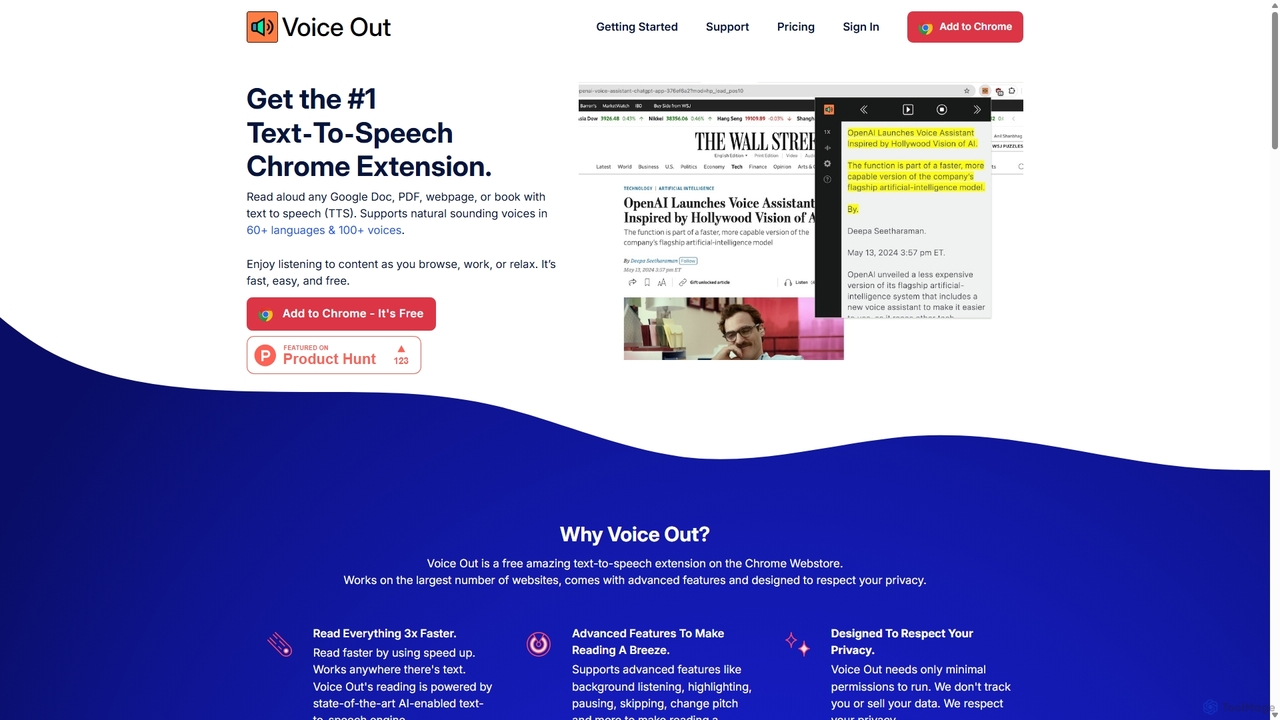
Voice Out is a leading text-to-speech (TTS) Chrome extension that converts any written content—from webpages and PDFs to Google Docs—into natural-sounding audio. Supporting over 60 languages with 100+ AI-powered voices, it enhances productivity, aids learning, and improves accessibility for all users. Listen to content while multitasking, proofread documents, or give your eyes a rest.
Screen Reader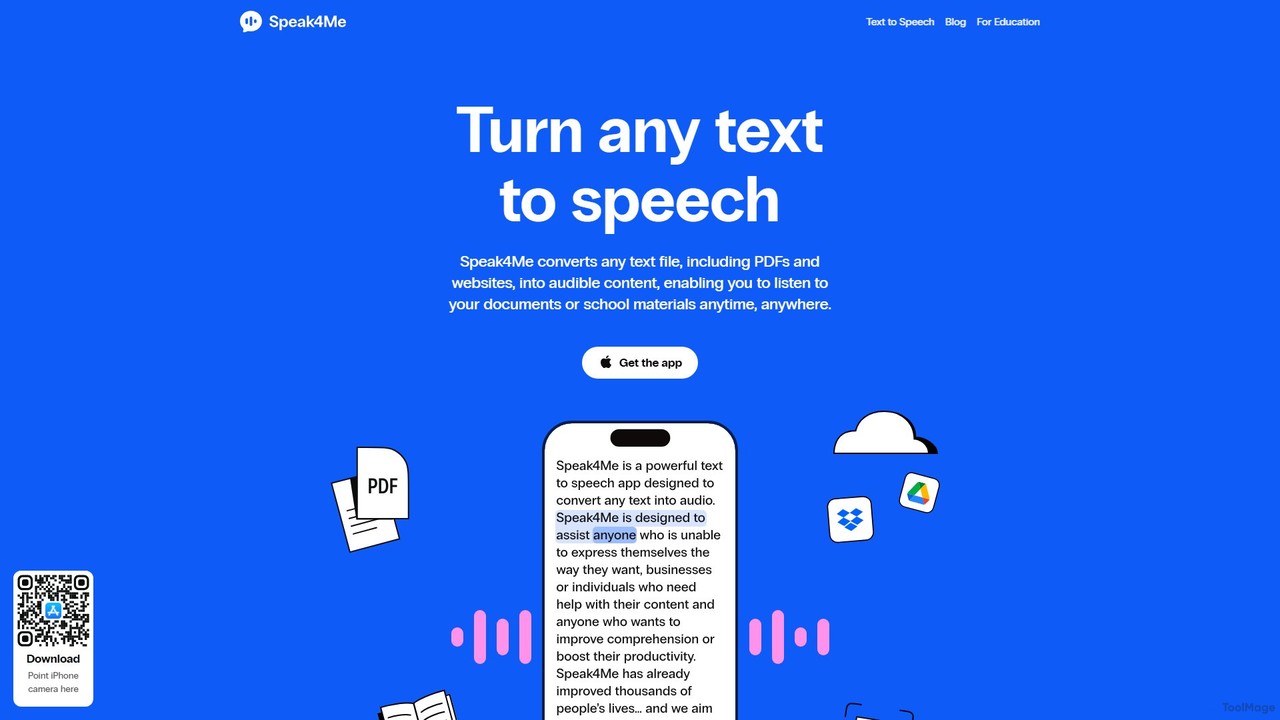
Speak4Me
Speak4Me is an advanced text-to-speech iOS app that converts any text from documents, websites, or scanned pages into natural-sounding audio. It features AI-powered chat for summarizing and querying documents, seamless cloud integration, and robust accessibility tools for users with dyslexia or ADHD. Listen to content on the go, increase productivity, and enhance your reading and learning experience.
Assistive TechnologyReadvox
Readvox is an AI-powered text-to-speech Chrome extension that converts web pages, PDFs, and Google Docs into natural-sounding audio. Listen to articles, books, and documents while multitasking, improving productivity and accessibility with its high-quality voices and customizable reading controls.
Chrome Extensions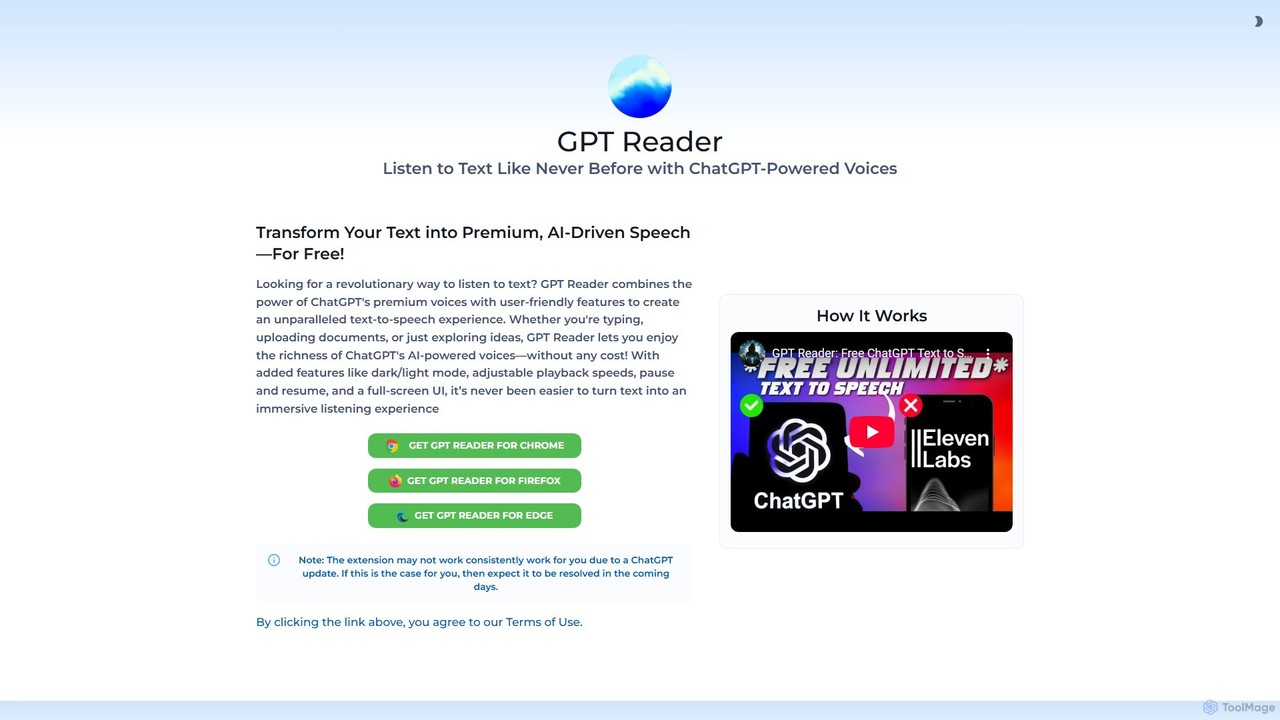
GPT Reader
A free text-to-speech browser extension that uses premium, natural-sounding voices from ChatGPT. Convert articles, documents, and any selected text into high-quality audio for enhanced productivity and accessibility.
Screen ReaderAudioread
Audioread is an advanced AI text-to-speech tool that converts any text—articles, PDFs, emails, and more—into ultra-realistic, natural-sounding audio. Listen on the go via your favorite podcast app, the web player, or by downloading MP3s. It's designed for long-form listening, helping busy individuals multitask and consume content efficiently.
Text To SpeechNaturalReader
NaturalReader is an advanced AI text-to-speech platform that converts text, PDFs, and webpages into natural-sounding audio. It leverages LLM technology for high-quality, multi-lingual voices and offers features like voice cloning, OCR, and commercial voiceover creation. It's designed for personal, educational, and professional use across web, mobile, and browser extensions.
Voice Generation
Jyek
Jyek is an AI agent platform that understands objectives, creates execution plans, uses tools, and delivers verifiable results for complex, multi-step tasks.
Automation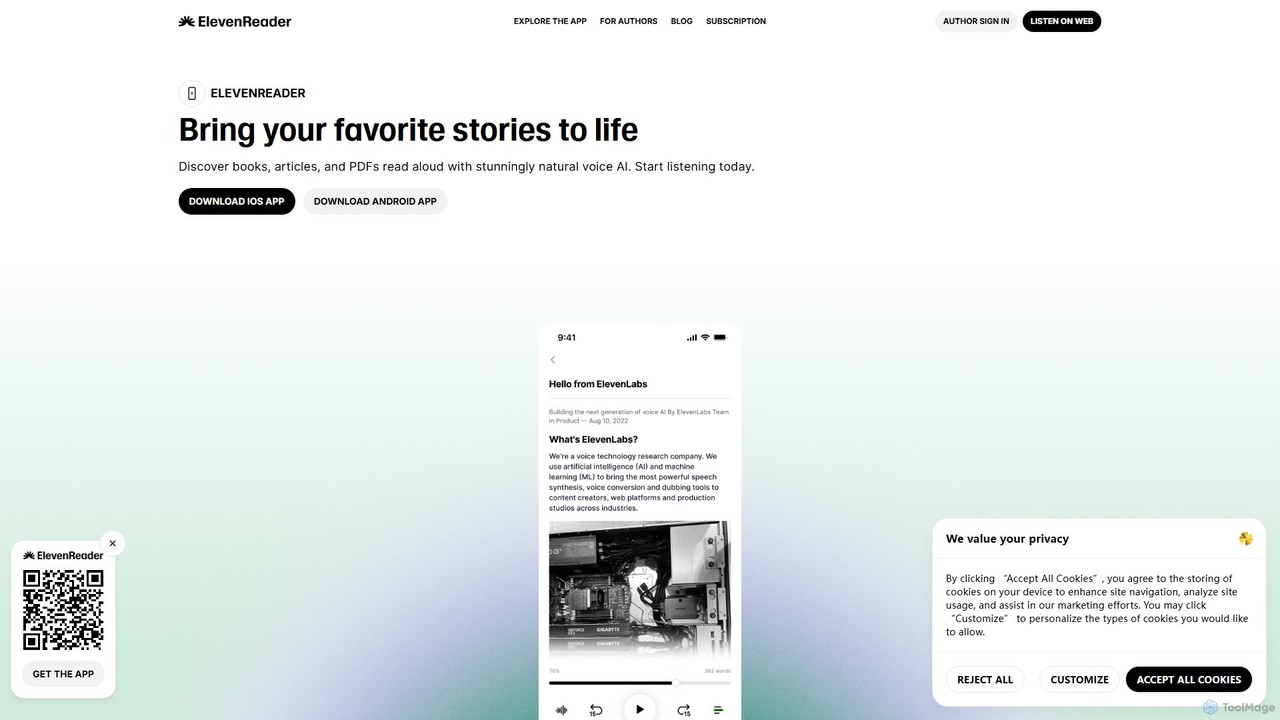
ElevenReader
ElevenReader is an advanced AI-powered text-to-speech application that converts any written text into incredibly natural-sounding audio. Leveraging the state-of-the-art voice synthesis technology from ElevenLabs, it allows you to listen to articles, documents, PDFs, and emails on the go. Ideal for multitasking, learning, and accessibility, ElevenReader transforms your reading material into a personal audiobook library with a wide range of lifelike voices and languages.
Reading Assistant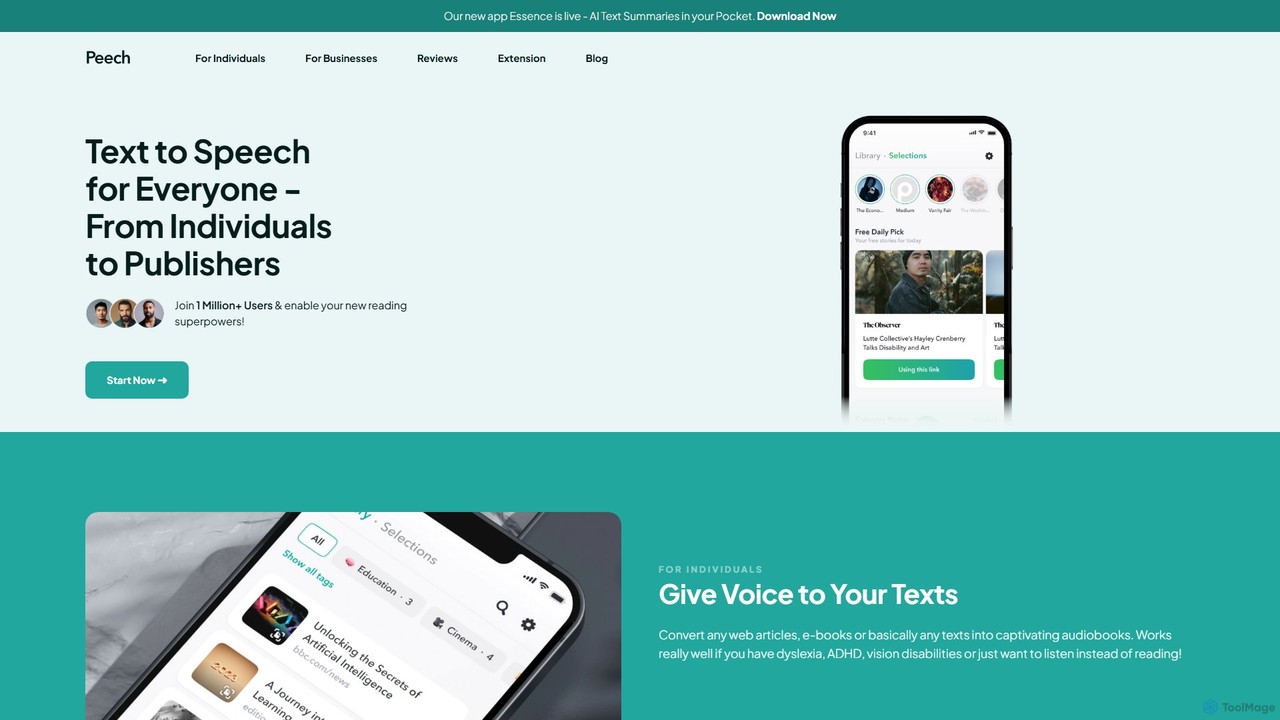
Peech
Peech is an AI-powered text-to-speech reader that converts any text, including web articles, PDFs, e-books, and even images, into high-quality, natural-sounding audio. Designed for individuals and publishers, it enhances productivity, accessibility for users with reading difficulties like dyslexia, and provides a cost-effective way to create audiobooks. Available on iOS, Android, and as a Chrome extension.
Reading Aid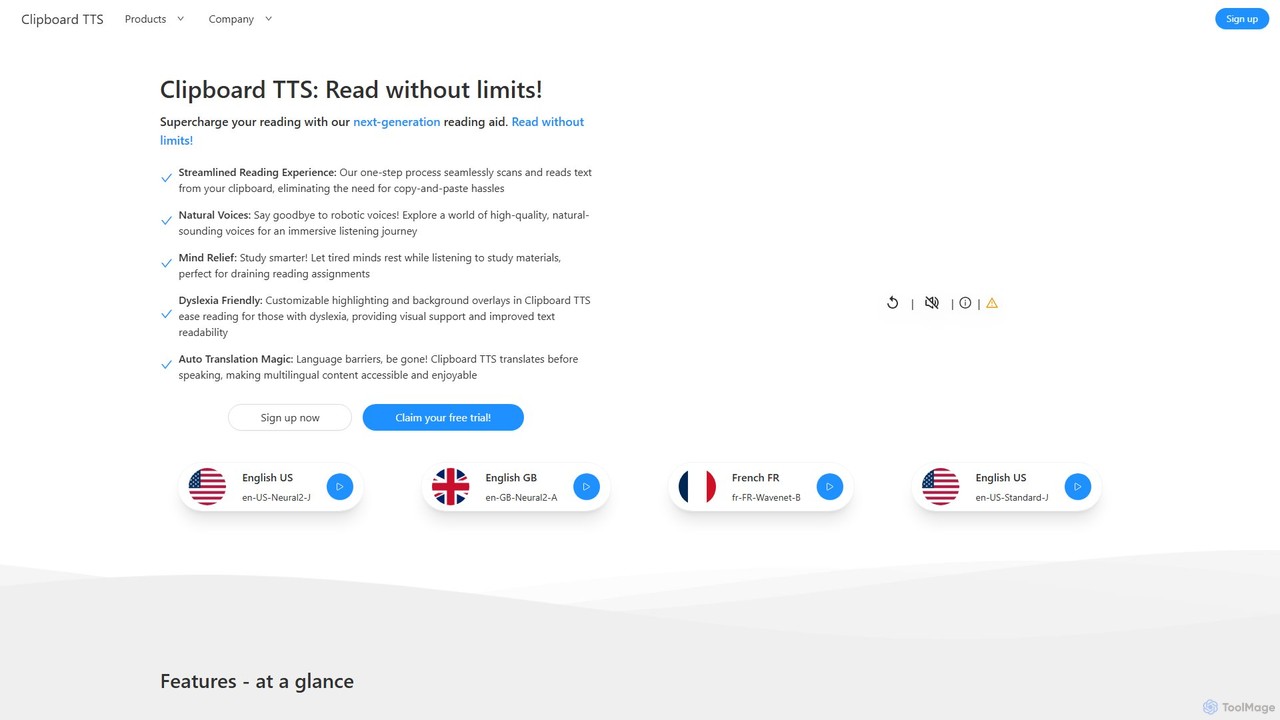
Clipboard TTS
An advanced text-to-speech application for Windows and Linux that automatically reads text from your clipboard. It features natural voices, auto-translation, OCR, and extensive accessibility tools, including dyslexia-friendly options, to create a seamless and powerful reading experience.
Reading Aid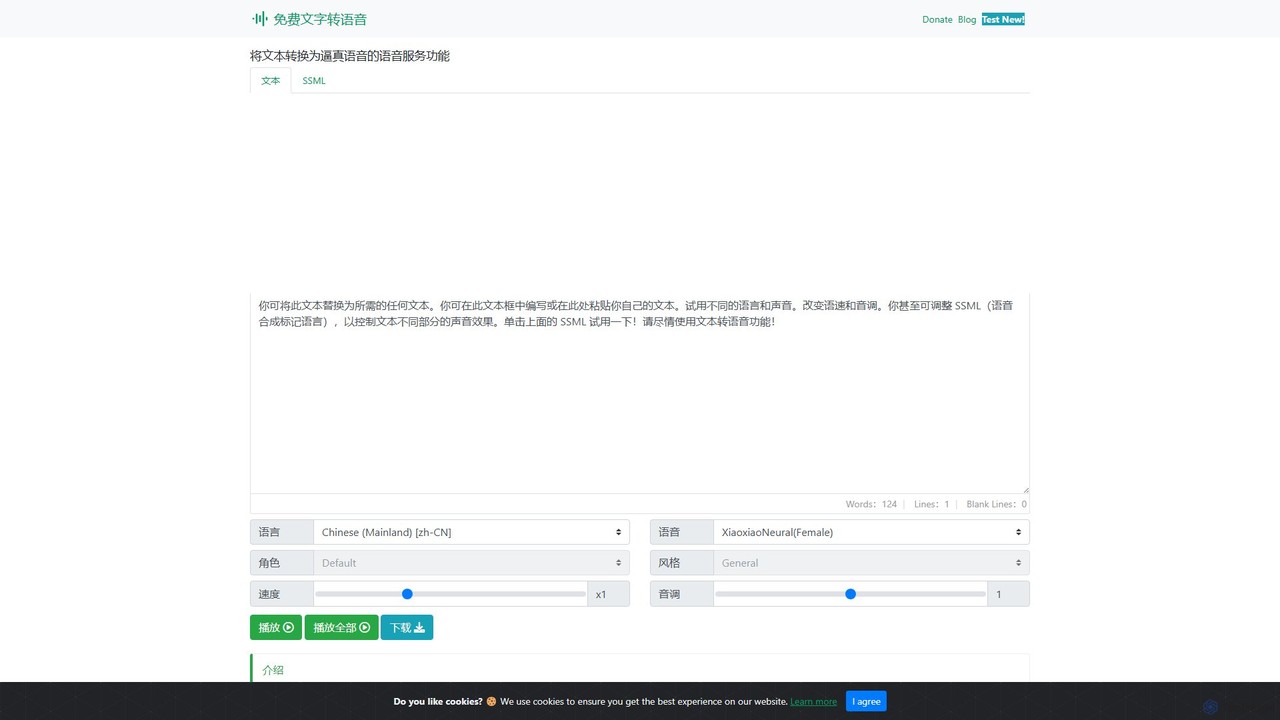
Text to Speech Online
A free, powerful online text-to-speech converter that uses advanced AI to generate realistic, human-like voices. It supports over 129 languages and 330+ neural voices, offering extensive customization of speed, pitch, and style for various applications.
Text To Speech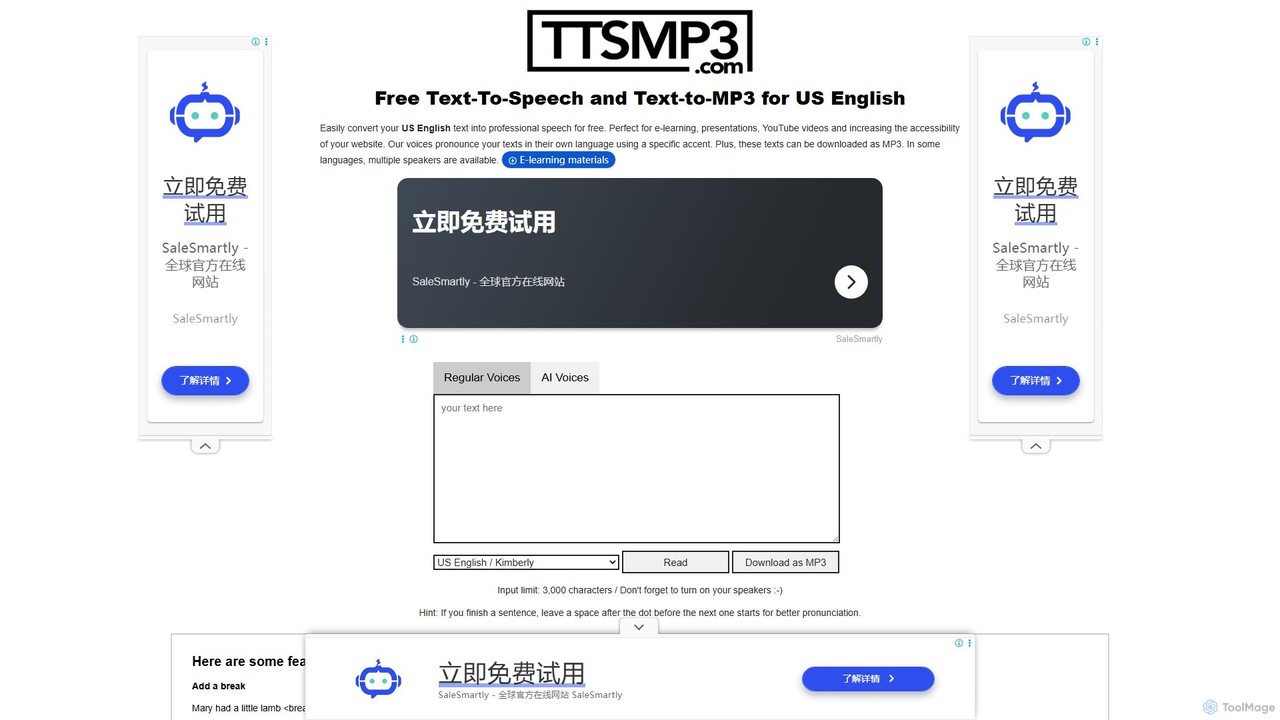
ttsmp3.com
A free online text-to-speech (TTS) tool that converts text into natural-sounding audio and allows MP3 downloads. It offers a wide range of languages and voices, powered by both standard (AWS Polly) and advanced AI (OpenAI) voice engines, perfect for e-learning, presentations, and content creation.
Text To Speech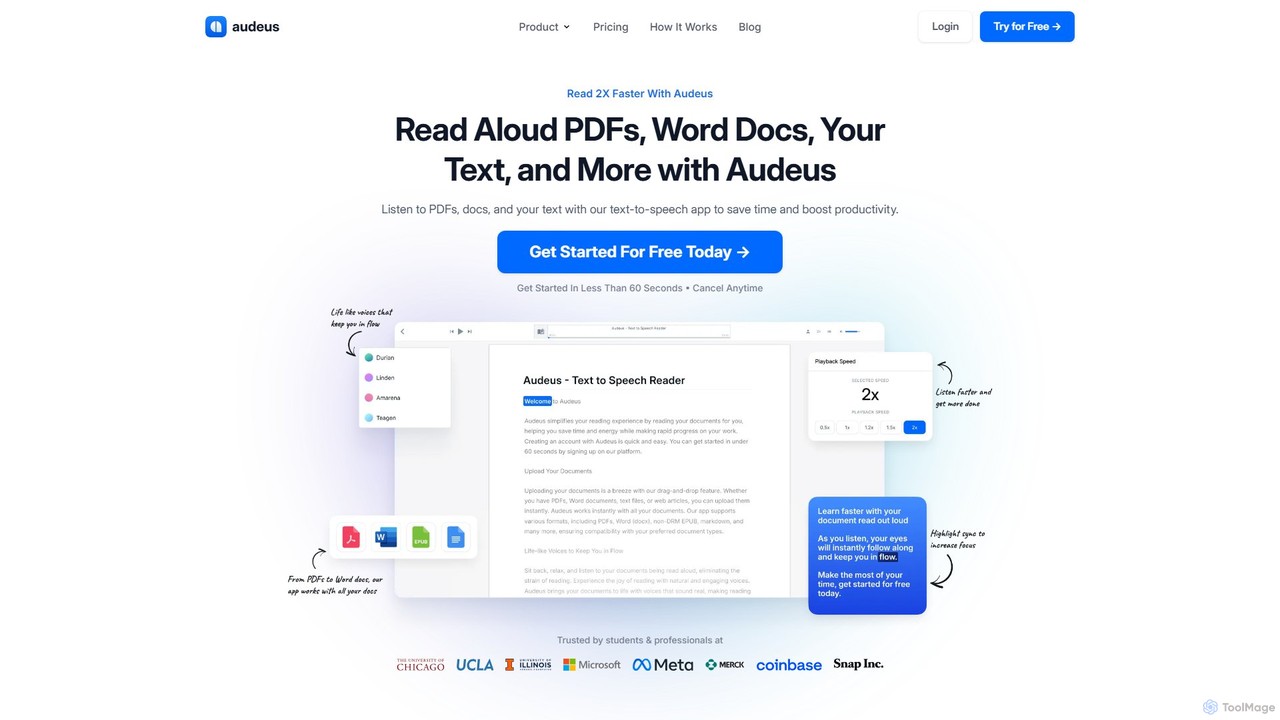
Audeus
Audeus is an advanced AI-powered text-to-speech (TTS) reader that transforms documents, web articles, and text into natural-sounding audio. It's designed for students, professionals, and anyone looking to increase productivity, improve focus, and absorb information more effectively. By listening and reading simultaneously with synced highlighting, users can double their reading speed, reduce eye strain, and enhance comprehension. It supports various formats like PDF, Word, and EPUB, and works seamlessly across devices.
Text To Speech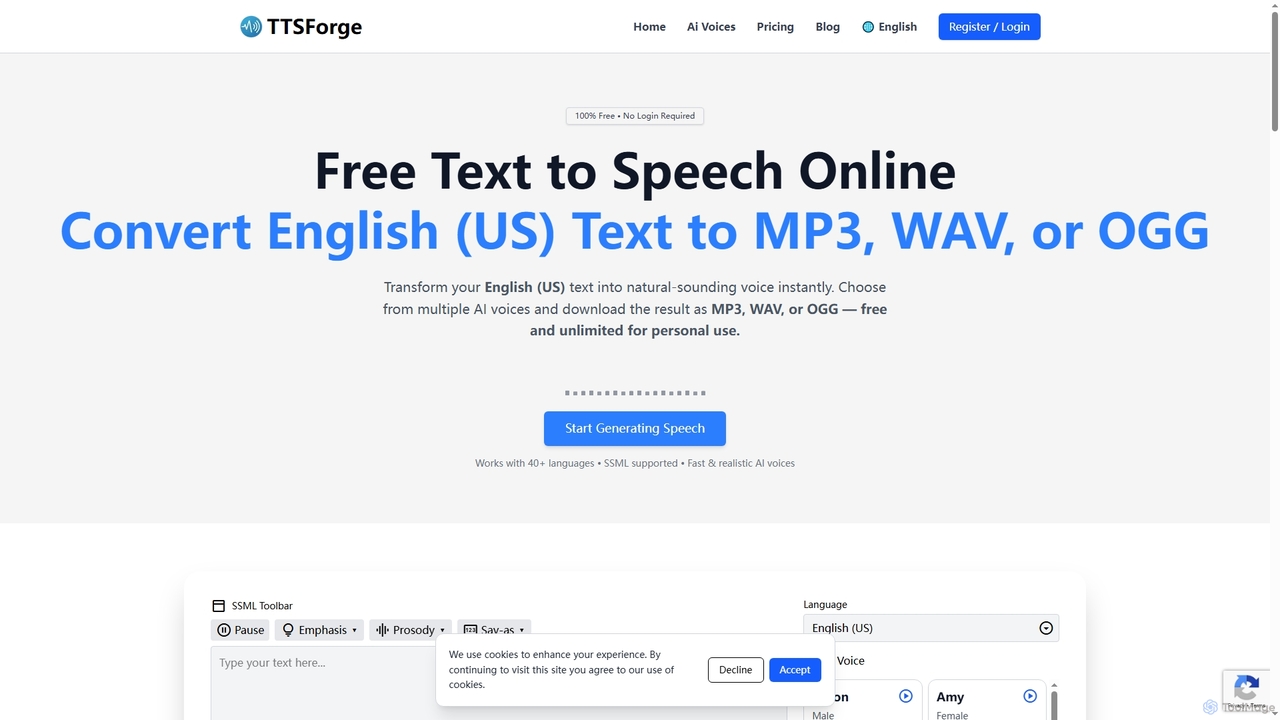
TTSForge
TTSForge is a free online text-to-speech platform that converts written text into natural-sounding audio using advanced AI voices. It supports over 40 languages and allows users to download audio in MP3, WAV, or OGG formats for various personal and commercial projects.
Text To Speech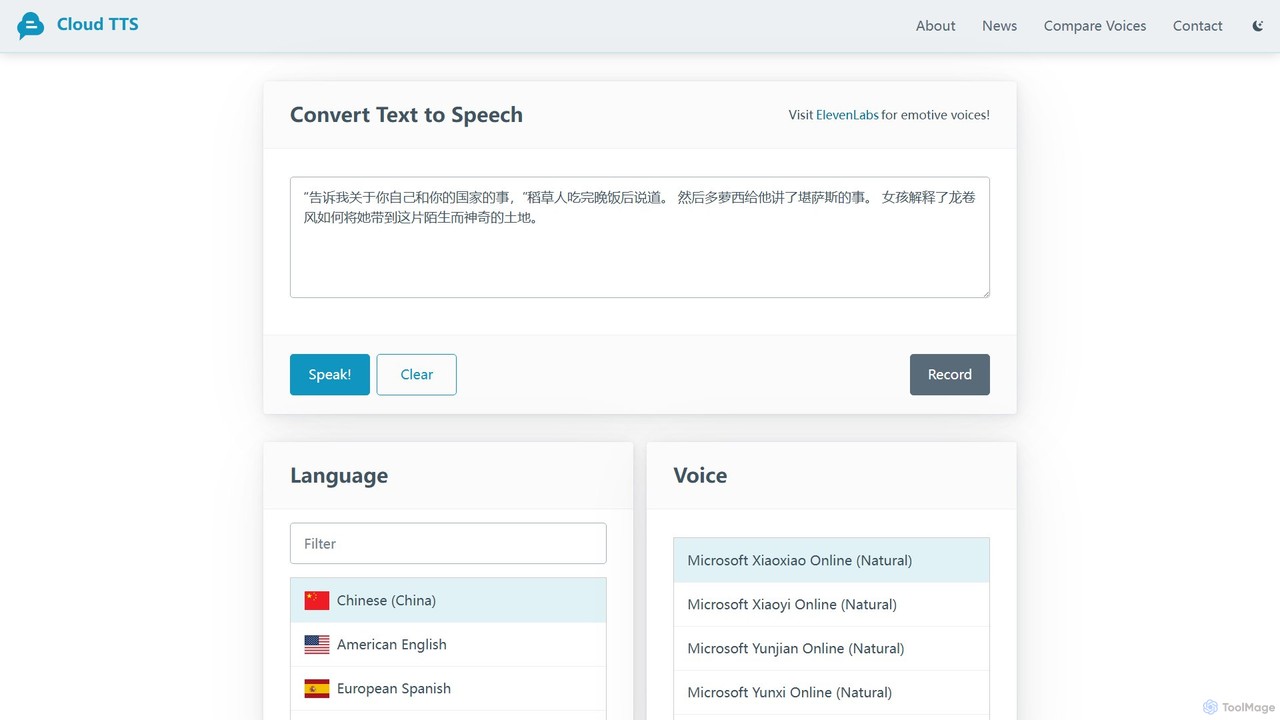
CloudTTS
CloudTTS is a completely free, AI-powered text-to-speech tool that converts text into natural-sounding audio. It supports approximately 140 languages and dialects, features adjustable speed and volume, and highlights words as they are spoken. Ideal for language learners, content creators, and accessibility needs, it's a simple, user-friendly web application with no fees or subscriptions.
Text To Speech
Speechify Comments (0)
Sign in to comment.
Sign inNo comments yet.