Education Best in category 4 results Assistive Technology AI Tool

Popular AI tools in the Assistive Technology field of Education include Speechify、NaturalReader、Tiimo、Readvox, etc., helping you quickly improve efficiency.

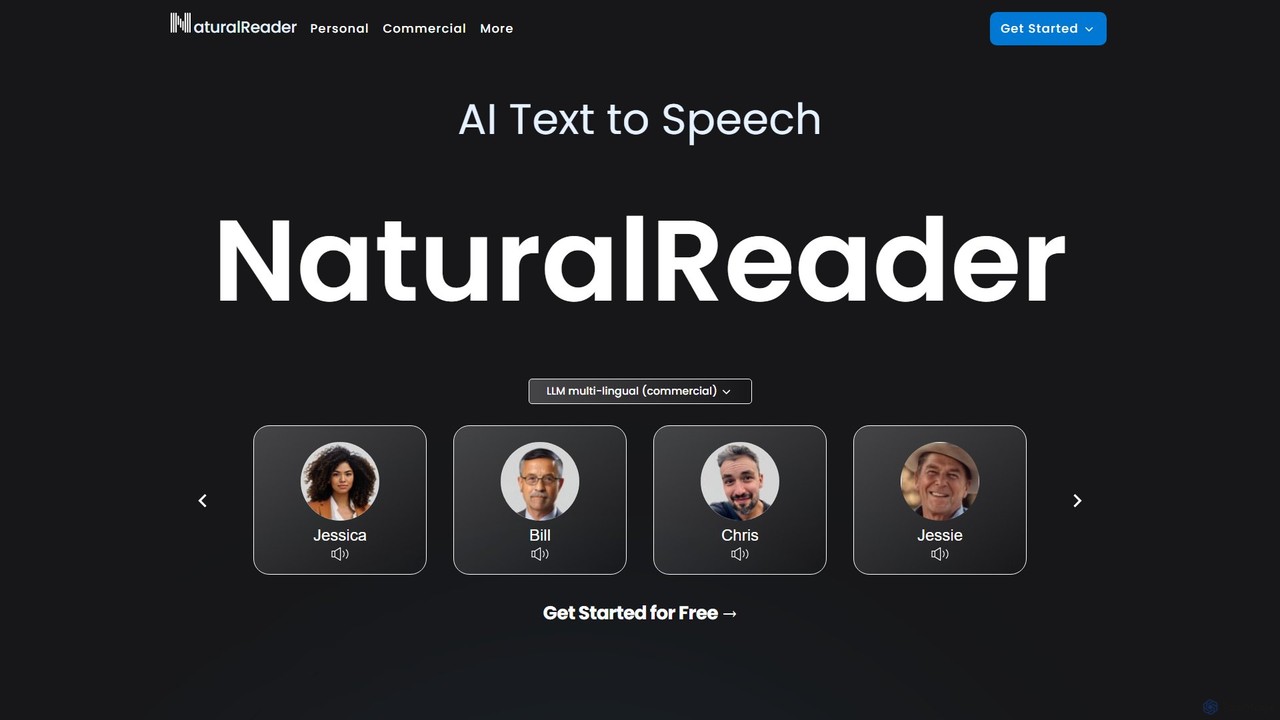
NaturalReader

NaturalReader

NaturalReader is an advanced AI text-to-speech platform that converts text, PDFs, and webpages into natural-sounding audio. It leverages …

3.7M
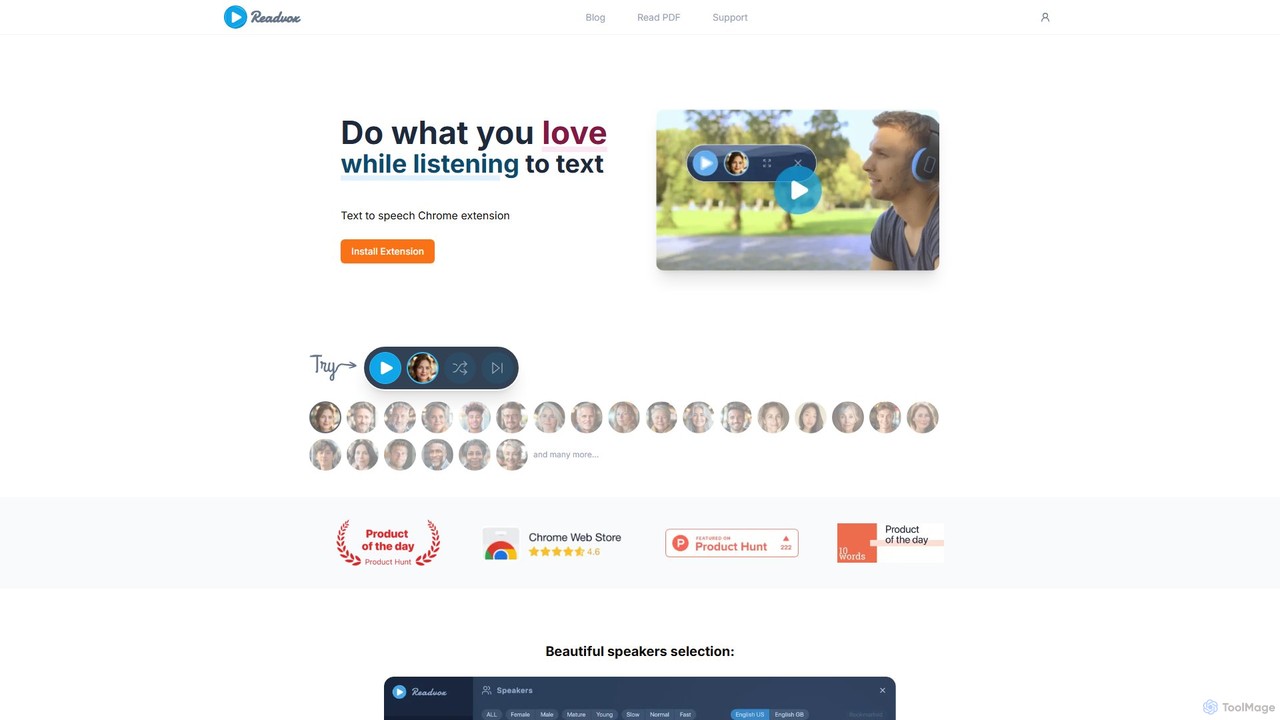
Readvox

Readvox

Readvox is an AI-powered text-to-speech Chrome extension that converts web pages, PDFs, and Google Docs into natural-sounding audio. …

45.0K
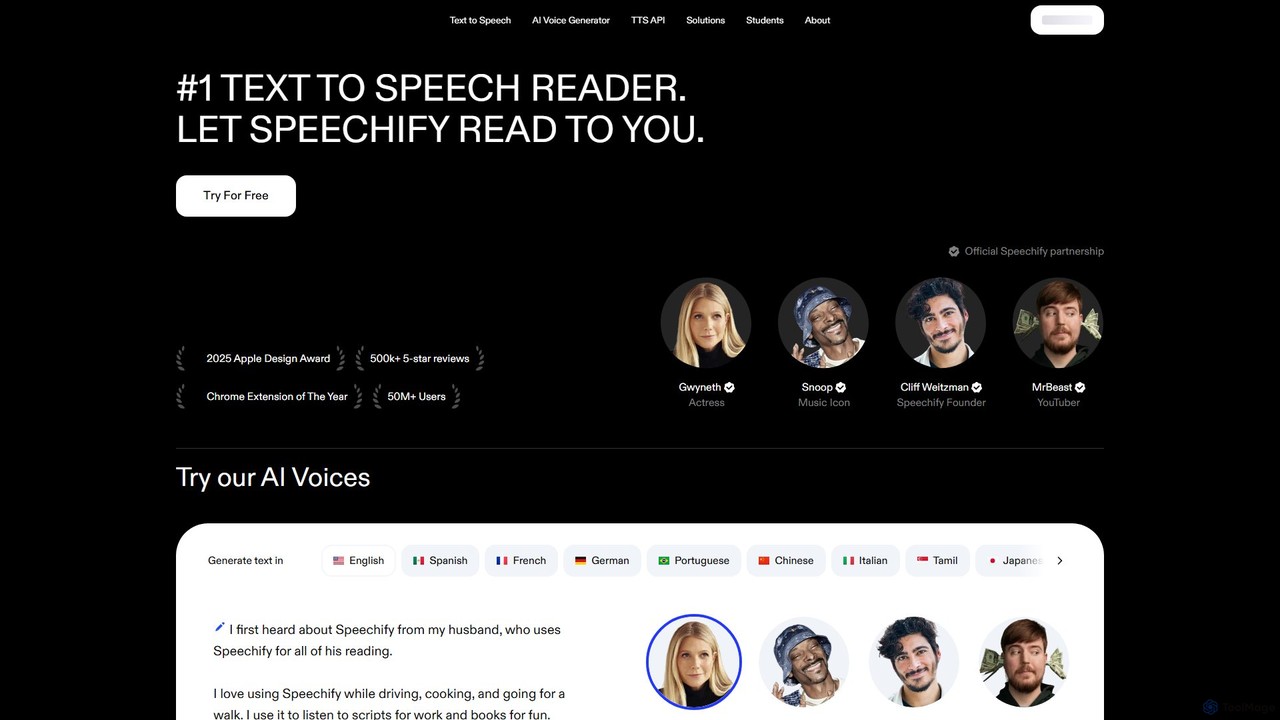
Speechify

Speechify

Speechify is a leading AI-powered text-to-speech (TTS) reader that transforms any text into natural-sounding audio. It helps users …

6.9M
Tiimo

Tiimo

Tiimo is an AI-powered visual daily planner designed for neurodivergent individuals, especially those with ADHD and Autism. It …

440.6K

About Assistive Technology

AI Assistive Technology is a class of tools that leverages artificial intelligence to enhance the capabilities of individuals with disabilities or learning differences. These tools utilize advanced algorithms like natural language processing and computer vision to provide adaptive support for communication, learning, and daily activities. They empower users by converting text to natural-sounding speech, transcribing spoken words in real-time, or describing the visual world. This technology fosters greater independence, inclusion, and accessibility in educational, professional, and personal settings.

Core Features

  • Advanced Text-to-Speech (TTS): Generates highly natural, human-like speech from text, often with options for different voices and languages.
  • Real-Time Speech-to-Text (STT): Provides accurate, instantaneous transcription of spoken language, crucial for meetings, lectures, and conversations.
  • Visual Recognition and Description: Uses computer vision to identify objects, text, and scenes from a camera feed and describe them aloud.
  • Predictive Writing Assistance: Offers intelligent word prediction and grammar correction to aid users with dyslexia or motor impairments.

Use Cases

This technology is vital in education for students with learning disabilities like dyslexia, helping them access written materials. In the workplace, it enables professionals with hearing or visual impairments to participate fully. It also serves a crucial role in daily life, assisting individuals with navigation, communication, and interaction with their environment.

How to Choose

When selecting an AI assistive tool, first identify the specific need it must address (e.g., reading, writing, hearing). Evaluate its compatibility with your existing devices and software. Assess the accuracy of its core function—such as transcription or object recognition—and check for customization options. Finally, consider the user interface's simplicity and the level of customer support available.

Assistive TechnologyUse Cases

1

Improving Reading Comprehension for Students with Dyslexia

A university student with dyslexia often struggles with dense academic texts and research papers. Using an AI assistive tool with advanced text-to-speech (TTS) functionality, they can listen to articles and textbooks instead of reading them. The AI voice is natural and can be adjusted for speed, allowing for better focus and information retention. Many tools also integrate summarization features, which condense long chapters into key points, saving hours of study time and significantly improving comprehension of complex subjects.

2

Enabling Participation in Meetings for Deaf Professionals

A project manager who is deaf relies on AI-powered real-time transcription services during virtual and in-person meetings. The tool connects to the meeting's audio feed and instantly displays captions on their laptop or mobile device. The AI model is trained to understand various accents and technical jargon specific to their industry, ensuring high accuracy. This allows the manager to follow the conversation seamlessly, contribute their ideas without delay, and receive a full, searchable transcript after the meeting for their records.

3

Navigating the World for the Visually Impaired

A person with a visual impairment uses a smartphone app powered by AI computer vision to navigate their daily life. By pointing their phone's camera, the app can identify and announce objects in their path, read street signs, identify currency denominations, and even describe the scene in a room. This technology acts as a pair of virtual eyes, providing crucial information that enhances their mobility, safety, and independence, allowing them to perform tasks like shopping or using public transport with greater confidence.

4

Assisting Writing for Individuals with Motor Disabilities

An author with a motor disability that makes typing difficult uses AI assistive software to write their novels. The software combines highly accurate speech-to-text with an advanced predictive text engine. As they dictate, the text appears on the screen. When they need to make edits, the AI predicts words and phrases based on their writing style, reducing the number of keystrokes required. This enables them to maintain their creative output and professional career without being limited by physical constraints.

5

Facilitating Communication for Non-Verbal Individuals

A child who is non-verbal due to a developmental disorder uses an AI-powered Augmentative and Alternative Communication (AAC) device. Unlike traditional AACs that rely on pre-programmed buttons, this AI tool learns the user's communication patterns and context. It intelligently suggests relevant words, phrases, or symbols based on the time of day, location, or previous conversations. This predictive capability allows for faster and more nuanced communication, enabling the child to express their thoughts and needs more effectively with family and teachers.

6

Organizing Tasks for Learners with ADHD

A high school student with ADHD uses an AI-powered planning tool to manage their homework and study schedule. The tool helps break down large assignments into smaller, manageable steps. It uses AI to learn their productivity patterns and suggests optimal times for studying specific subjects, scheduling breaks to prevent burnout. It also provides smart reminders and can automatically block distracting websites during focus sessions, helping the student stay on track, reduce procrastination, and improve their academic performance.

Assistive TechnologyFrequently Asked Questions