
Readvox Overview
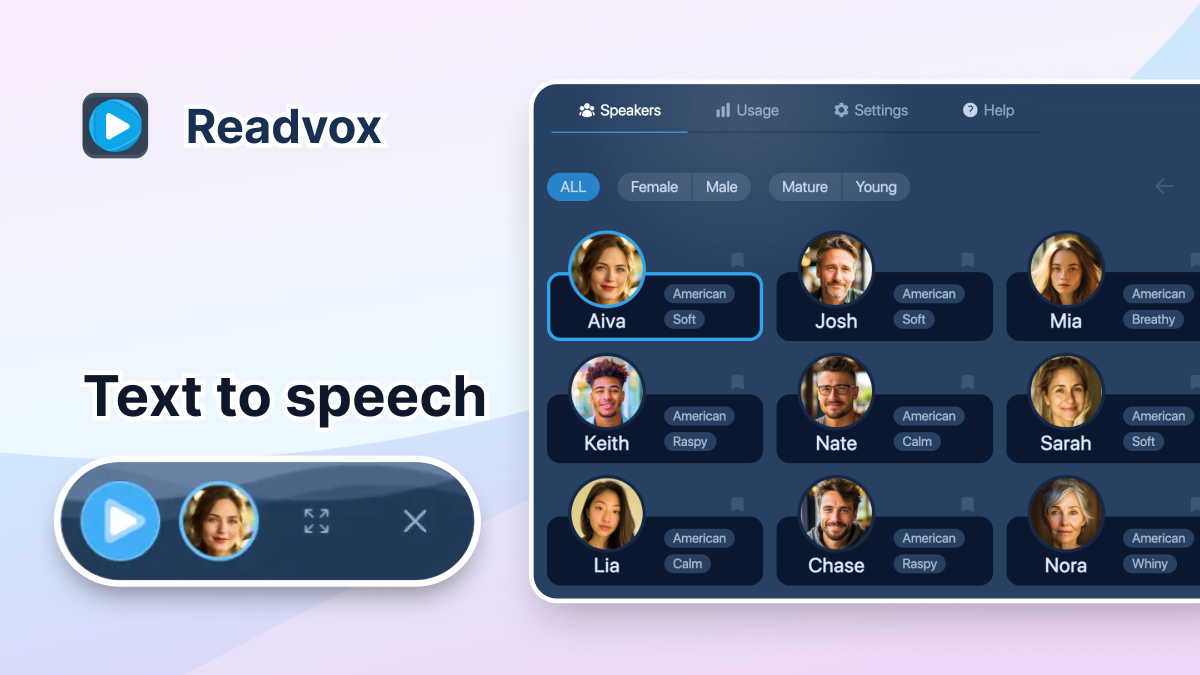
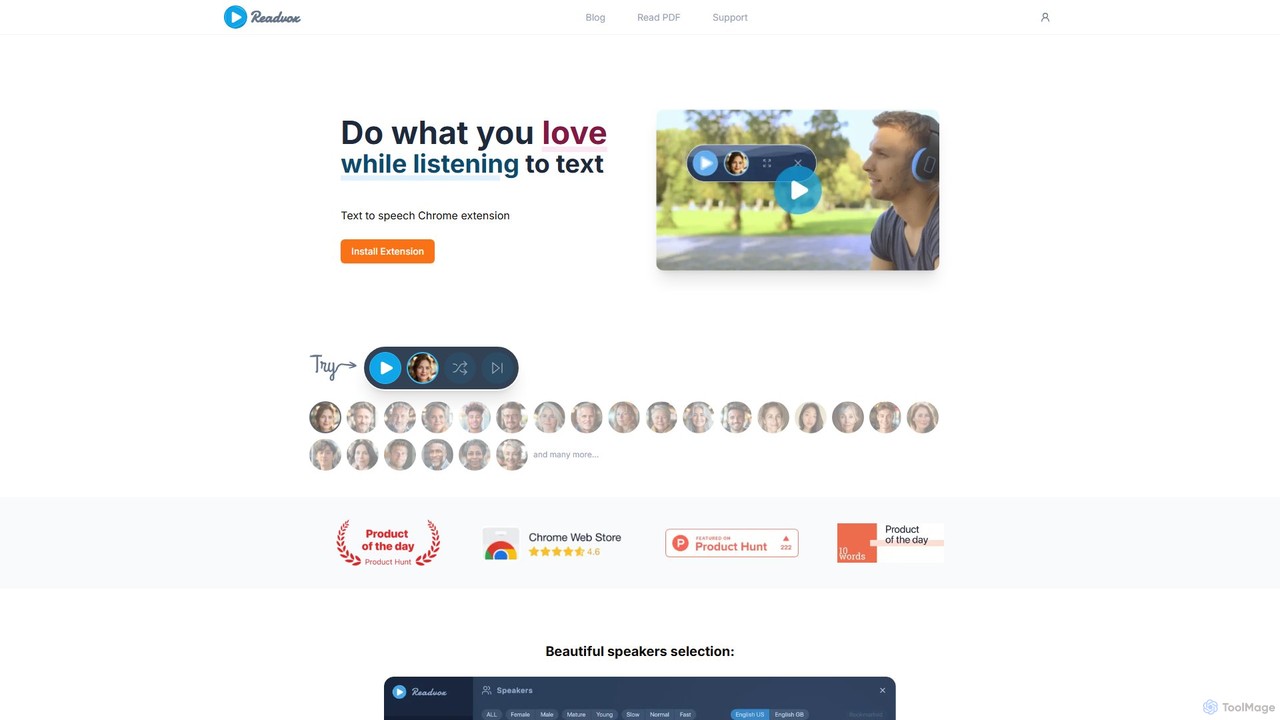
Readvox is a revolutionary AI-powered text-to-speech (TTS) tool, designed as a Chrome extension to transform your digital reading experience. It breathes life into static text on web pages, Google Docs, PDFs, Kindle books, and more, converting it into incredibly natural and human-like audio. This allows you to consume content hands-free, making it perfect for multitasking, learning, or for users who require accessibility assistance. By leveraging advanced AI trained on real human narrators, Readvox delivers speech with realistic intonations and accents, making listening a truly immersive and enjoyable experience, far superior to robotic-sounding alternatives.
How to use Readvox
Getting started with Readvox is simple and intuitive. Follow these steps to begin listening to your content:
- Install the Extension: Head to the Chrome Web Store and add the Readvox extension to your browser (works with Chrome, Brave, and other Chromium-based browsers).
- Open Content: Navigate to any webpage, Google Doc, online PDF, or your Kindle library that you wish to have read aloud.
- Activate Reading: You have several ways to start the narration. You can click the Readvox icon in your browser's toolbar to read the entire page. Alternatively, for more focused listening, simply highlight a specific piece of text, and a small Readvox tooltip will appear—click it to start reading just the selection. You can also right-click on a paragraph to start reading from that point.
- Customize Your Experience: Open the Readvox player panel to access a wide range of settings. You can choose from a diverse selection of male and female AI voices, adjust the reading speed to your preference, and even fine-tune the length of pauses after commas and sentences for optimal comprehension.
Core Features of Readvox
- High-Quality AI Voices: Access a selection of natural, human-like voices across various languages and accents, trained on advanced neural networks to provide an engaging listening experience.
- Broad Platform Compatibility: Works seamlessly across the web, including Google Docs, Kindle Cloud Reader, PDFs, Reddit, Wikipedia, news sites, blogs, and educational platforms like Coursera and Khan Academy.
- Snippet Scanner (OCR): Features an Optical Character Recognition (OCR) tool that allows you to capture and listen to text from images, infographics, or non-selectable text on any webpage.
- Precise Speech Control: Offers granular control over the listening experience. Adjust the reading speed from slow to turbo, and customize the duration of pauses for paragraphs, sentences, and commas.
- Custom Pronunciation: Use the 'See-Say' feature to teach Readvox how to pronounce specific words, acronyms, or names correctly, tailoring the narration to your needs.
- Bimodal Learning Support: Enhances reading comprehension and focus by highlighting sentences as they are being read. The page can also auto-scroll to keep the current text in view, creating a synchronized audio-visual experience.
- Flexible Reading Modes: Choose to read an entire page, start from a specific paragraph, or listen to only the text you've selected.
Use Cases for Readvox
Readvox is a versatile tool that caters to a wide range of users:
- For Students: An invaluable aid for research and study. Listen to academic papers, digital textbooks, and online articles to improve retention (bimodal learning). It's especially beneficial for students with learning disabilities like dyslexia, ADHD, or visual impairments.
- For Professionals: Boost productivity by listening to long reports, emails, and industry news while commuting, working out, or performing other tasks. Lawyers can review case briefs, and marketers can proof-listen to copy for flow and tone.
- For Writers and Editors: A powerful proofreading tool. Hearing your own writing read aloud by a different voice makes it easier to catch typos, grammatical errors, and awkward phrasing that your eyes might miss.
- For Casual Readers & Multitaskers: Turn your favorite blogs, news articles, and even novels into personal podcasts. Catch up on your reading list while cooking, cleaning, or relaxing without screen fatigue.
- For Accessibility: Empowers users with visual impairments or reading difficulties to access web content independently and enjoyably.
Advantages of Readvox
Readvox stands out from other TTS tools with its user-centric approach. Its most significant advantage is the superior quality of its AI voices, which closely mimic human narration. The free version is exceptionally generous, offering all core features, including unlimited languages and no character limits, which is a rare find in the market. Its intuitive interface, with features like the select-to-read tooltip and precise pause controls, makes it both powerful and easy to use. By transforming reading into an effortless, hands-free activity, Readvox saves time, reduces eye strain, and makes knowledge more accessible to everyone.
Pricing and Plans
Readvox operates on a freemium model, ensuring core features are accessible to all.
- Free Plan ($0): Includes all core features such as AI speakers in all available languages, whole page reading, selected text reading, snippet scanner (OCR), custom pronunciation, and full control over speed and pauses. It's fully functional for reading Google Docs, Kindle books, and PDFs. The free plan may experience occasional speech interruptions during peak usage times.
- Readvox Premium Monthly ($8/month): Includes everything in the Free plan, plus unlimited reading time and no speech breaks, ensuring a seamless, uninterrupted listening experience even during high-load periods.
- Readvox Premium Yearly ($69/year): Offers all the benefits of the Premium Monthly plan at a 28% discount, billed annually. This is the most cost-effective option for dedicated users.
Discounts are also available for students and users who provide a review.
Traffic
Latest traffic
Status
Monthly traffic trend
- 2025-9: 53.3K
- 2026-1: 45.1K
- 2026-2: 51.5K
- 2026-3: 36.2K
- 2026-4: 42.0K
- 2026-5: 44.7K
Geography
Top 5 countries / regions
- 🇺🇸United States57.8%
- 🇧🇷Brazil20.7%
- 🇩🇪Germany7.6%
- 🇬🇧United Kingdom7.6%
- 🇨🇦Canada6.3%
Traffic sources
| Source type | Percentage |
|---|---|
Direct | 90.2% |
Referral | 9.0% |
Email | 0.8% |
Top keywords
Readvox Alternatives
GPT Reader
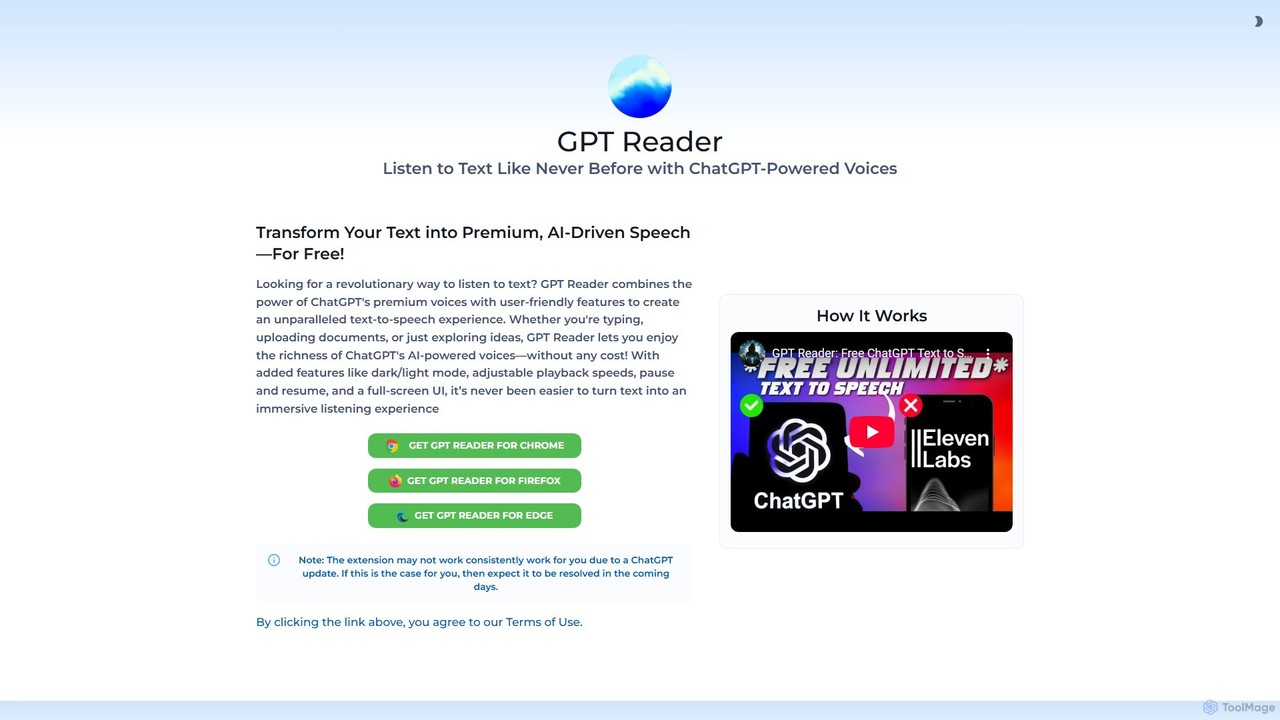
A free text-to-speech browser extension that uses premium, natural-sounding voices from ChatGPT. Convert articles, documents, and any selected text into high-quality audio for enhanced productivity and accessibility.
Screen Reader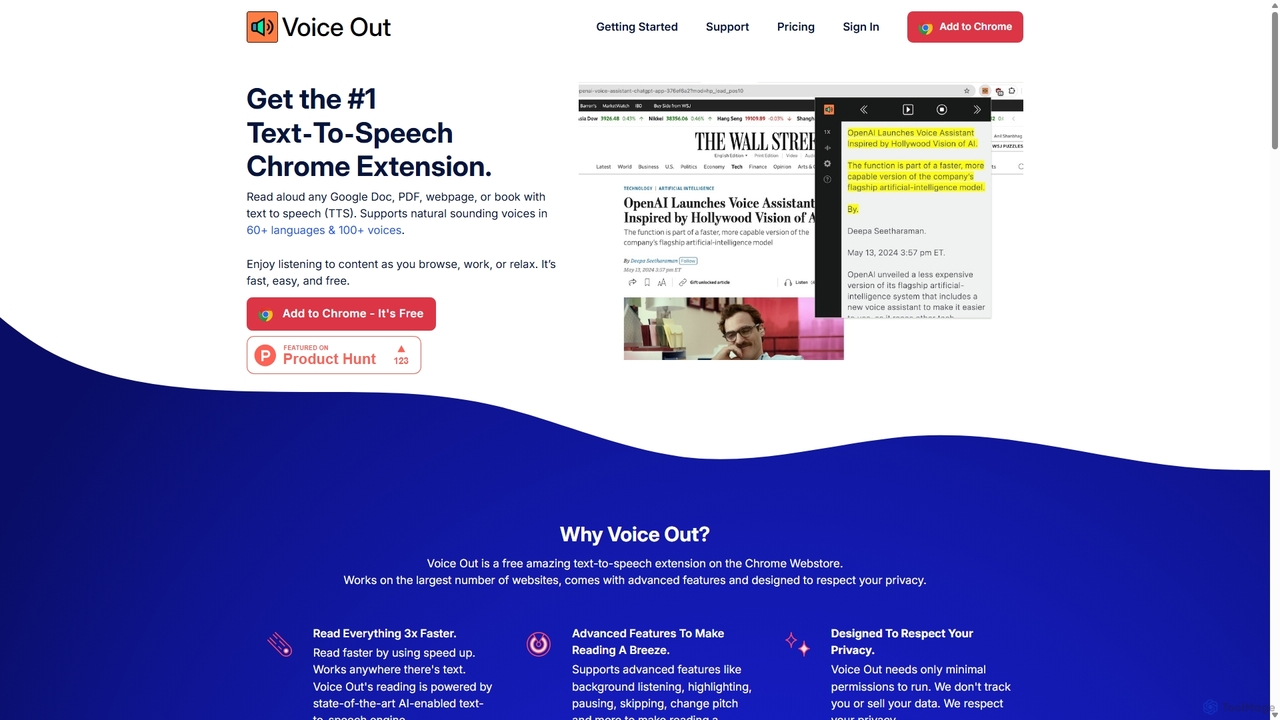
Voice Out
Voice Out is a leading text-to-speech (TTS) Chrome extension that converts any written content—from webpages and PDFs to Google Docs—into natural-sounding audio. Supporting over 60 languages with 100+ AI-powered voices, it enhances productivity, aids learning, and improves accessibility for all users. Listen to content while multitasking, proofread documents, or give your eyes a rest.
Screen Reader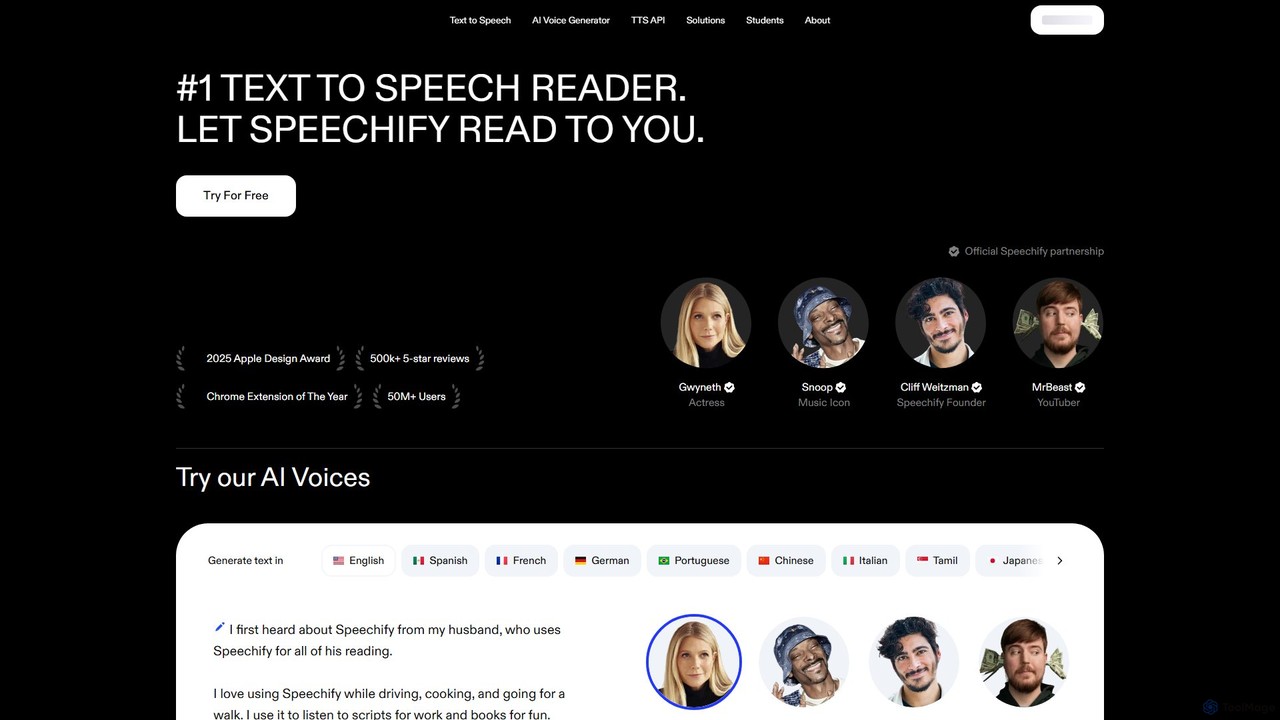
Speechify
Speechify is a leading AI-powered text-to-speech (TTS) reader that transforms any text into natural-sounding audio. It helps users listen to documents, articles, PDFs, and emails on any device, boosting productivity and making content more accessible. Ideal for students, professionals, and anyone with reading difficulties like dyslexia.
Text To Speech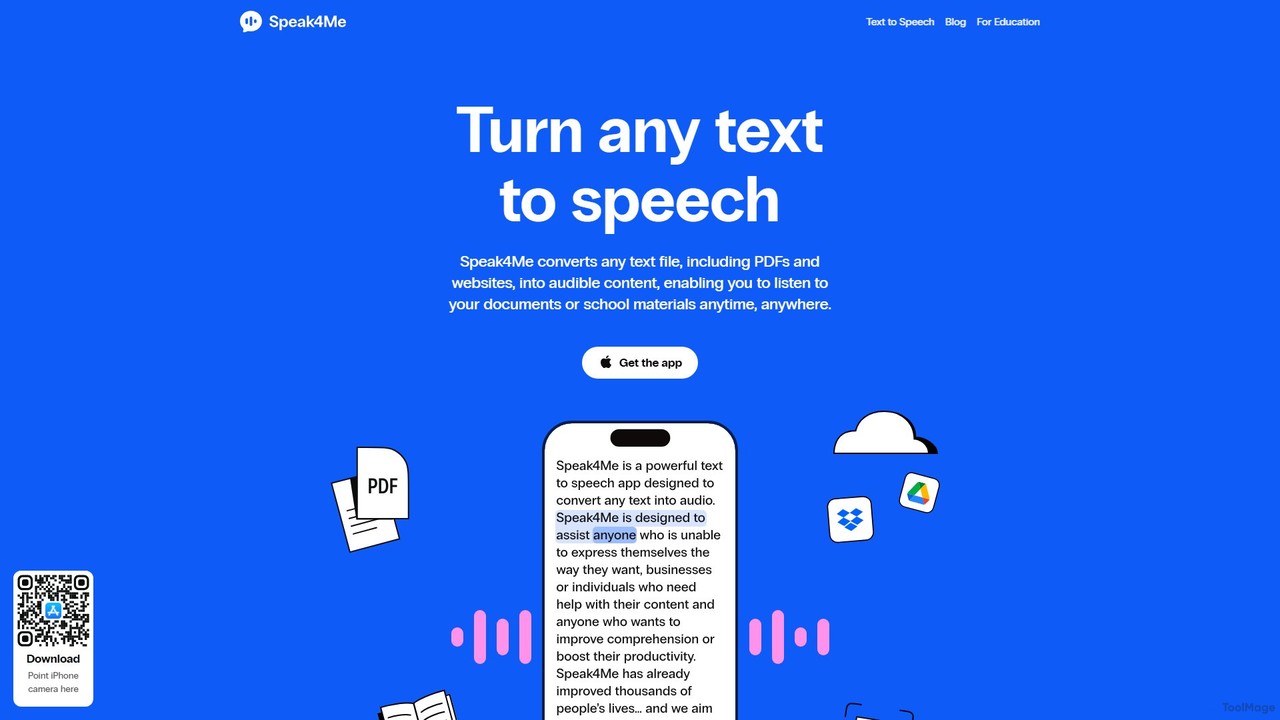
Speak4Me
Speak4Me is an advanced text-to-speech iOS app that converts any text from documents, websites, or scanned pages into natural-sounding audio. It features AI-powered chat for summarizing and querying documents, seamless cloud integration, and robust accessibility tools for users with dyslexia or ADHD. Listen to content on the go, increase productivity, and enhance your reading and learning experience.
Assistive Technology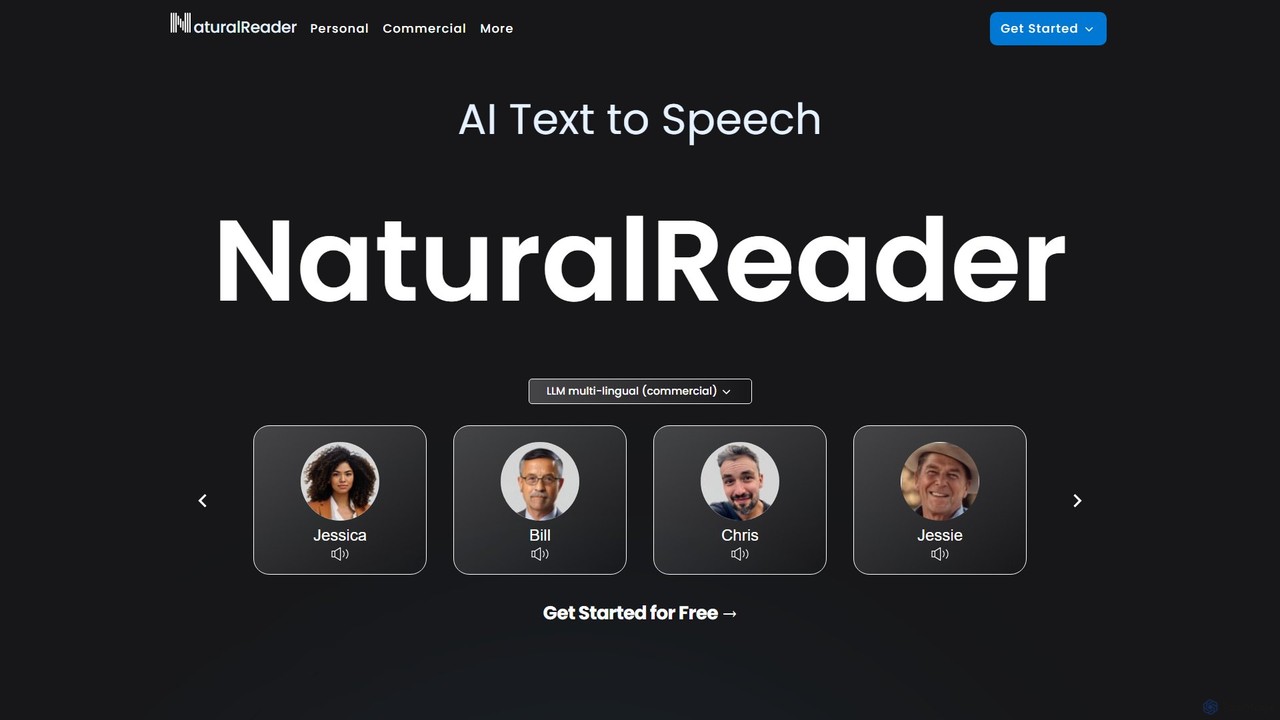
NaturalReader
NaturalReader is an advanced AI text-to-speech platform that converts text, PDFs, and webpages into natural-sounding audio. It leverages LLM technology for high-quality, multi-lingual voices and offers features like voice cloning, OCR, and commercial voiceover creation. It's designed for personal, educational, and professional use across web, mobile, and browser extensions.
Voice GenerationReadvox Categories
Readvox Embed Widget
Copy this embed code to place the badge on your blog, article, or product site and send readers directly to this ToolMage detail page.

Related AI tools
Voice Out
Voice Out is a leading text-to-speech (TTS) Chrome extension that converts any written content—from webpages and PDFs to Google Docs—into natural-sounding audio. Supporting over 60 languages with 100+ AI-powered voices, it enhances productivity, aids learning, and improves accessibility for all users. Listen to content while multitasking, proofread documents, or give your eyes a rest.
Screen ReaderGPT Reader
A free text-to-speech browser extension that uses premium, natural-sounding voices from ChatGPT. Convert articles, documents, and any selected text into high-quality audio for enhanced productivity and accessibility.
Screen ReaderSpeechify
Speechify is a leading AI-powered text-to-speech (TTS) reader that transforms any text into natural-sounding audio. It helps users listen to documents, articles, PDFs, and emails on any device, boosting productivity and making content more accessible. Ideal for students, professionals, and anyone with reading difficulties like dyslexia.
Text To SpeechSpeak4Me
Speak4Me is an advanced text-to-speech iOS app that converts any text from documents, websites, or scanned pages into natural-sounding audio. It features AI-powered chat for summarizing and querying documents, seamless cloud integration, and robust accessibility tools for users with dyslexia or ADHD. Listen to content on the go, increase productivity, and enhance your reading and learning experience.
Assistive Technology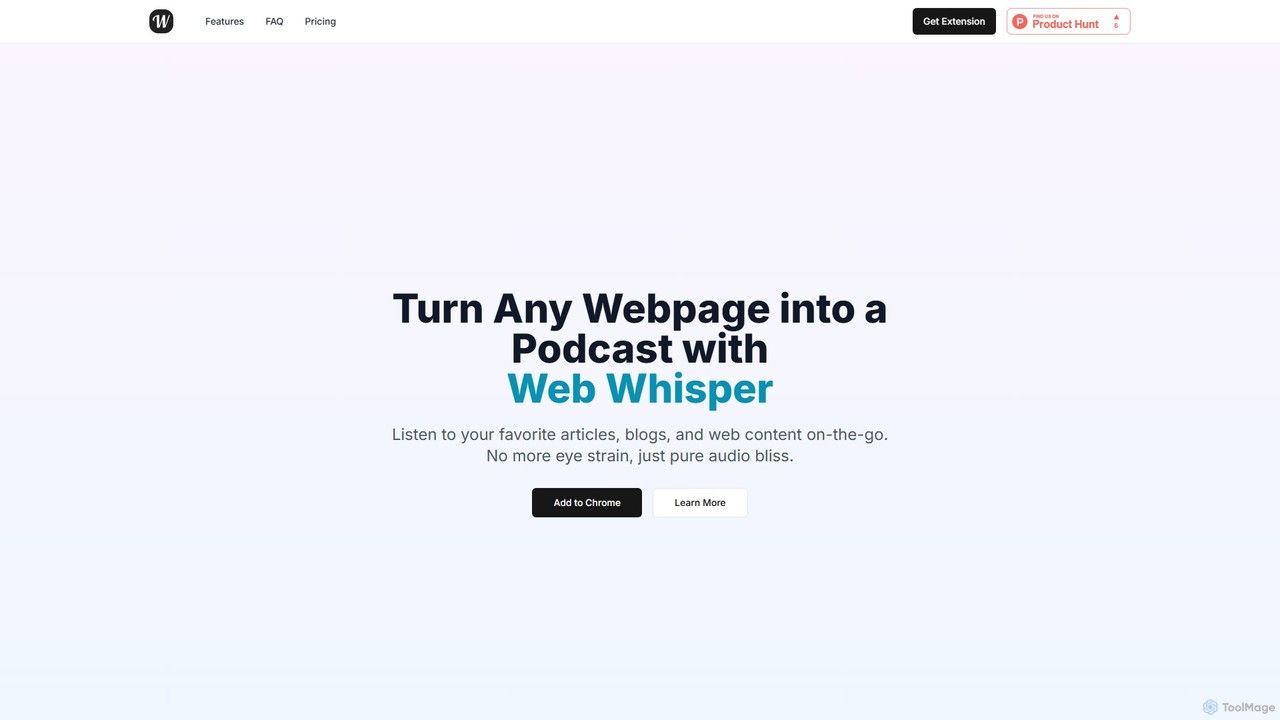
WebWhisper
WebWhisper is a free Chrome extension that instantly converts any webpage, article, or blog post into a high-quality audio podcast. It allows you to listen to web content on the go, create playlists for later, and even access them offline. With natural-sounding AI voices and automatic language detection, it transforms your reading experience into an effortless listening one, reducing eye strain and boosting productivity.
Screen Reader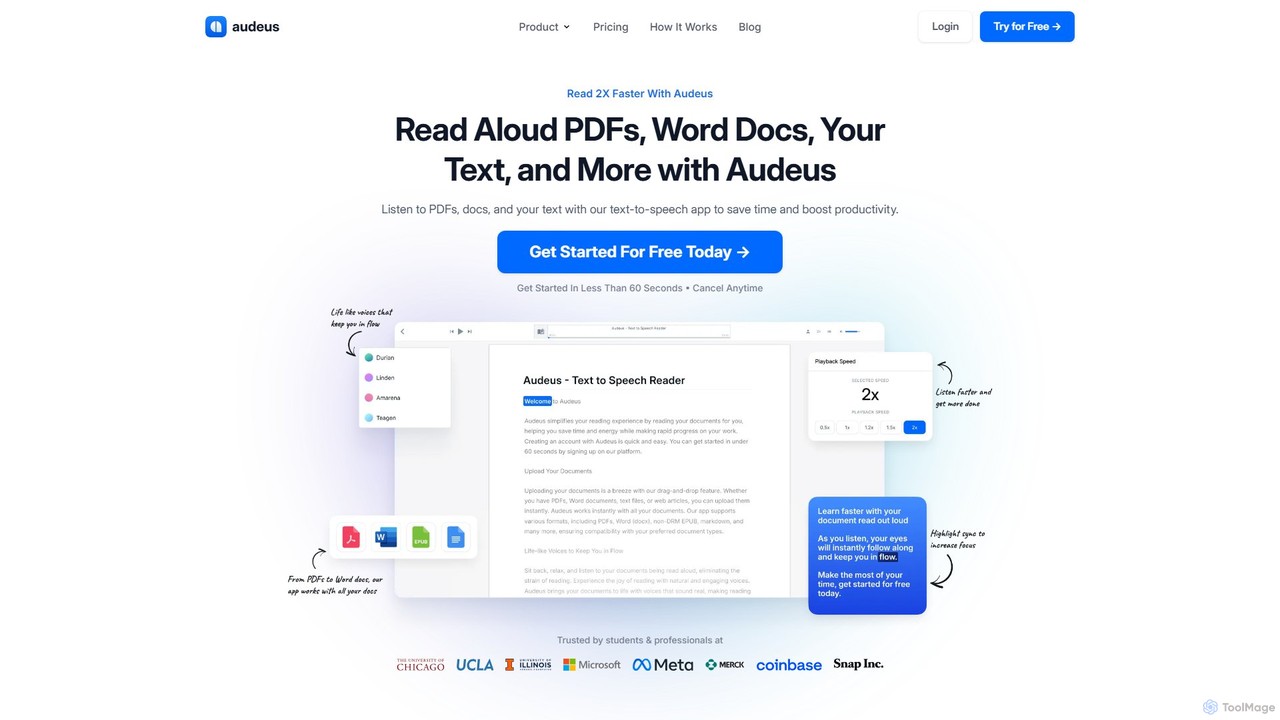
Audeus
Audeus is an advanced AI-powered text-to-speech (TTS) reader that transforms documents, web articles, and text into natural-sounding audio. It's designed for students, professionals, and anyone looking to increase productivity, improve focus, and absorb information more effectively. By listening and reading simultaneously with synced highlighting, users can double their reading speed, reduce eye strain, and enhance comprehension. It supports various formats like PDF, Word, and EPUB, and works seamlessly across devices.
Text To Speech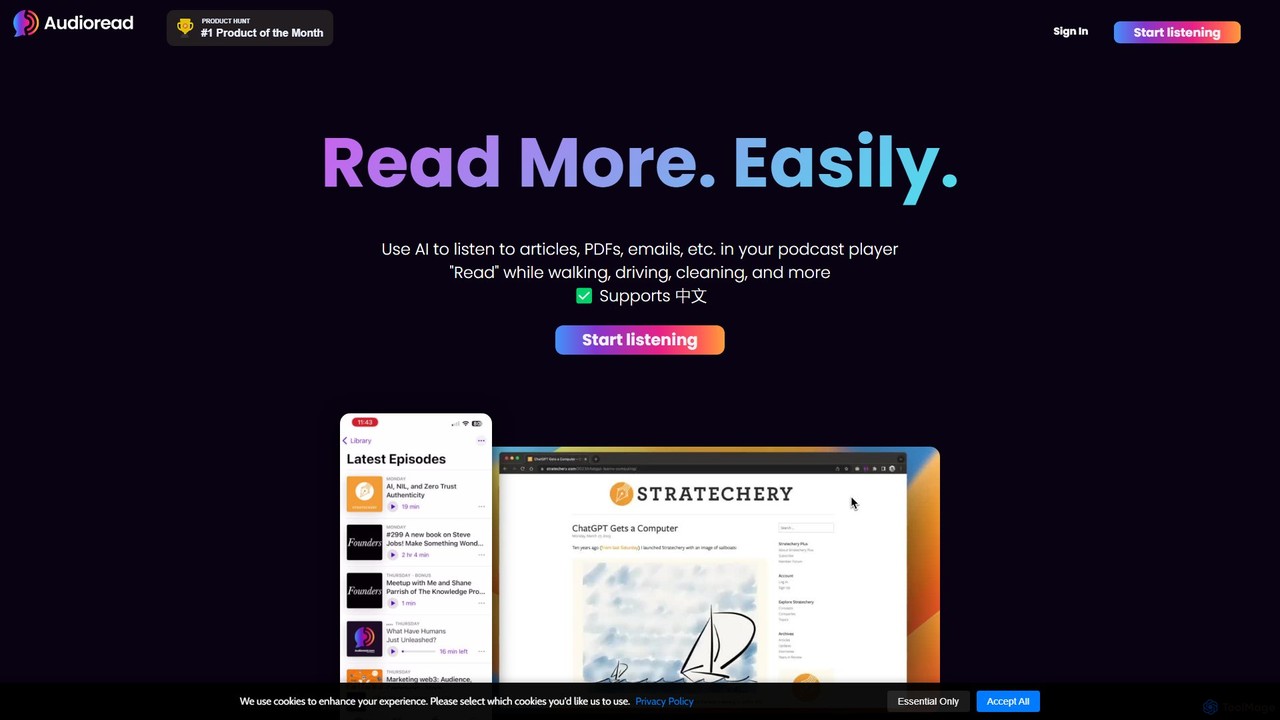
Audioread
Audioread is an advanced AI text-to-speech tool that converts any text—articles, PDFs, emails, and more—into ultra-realistic, natural-sounding audio. Listen on the go via your favorite podcast app, the web player, or by downloading MP3s. It's designed for long-form listening, helping busy individuals multitask and consume content efficiently.
Text To Speech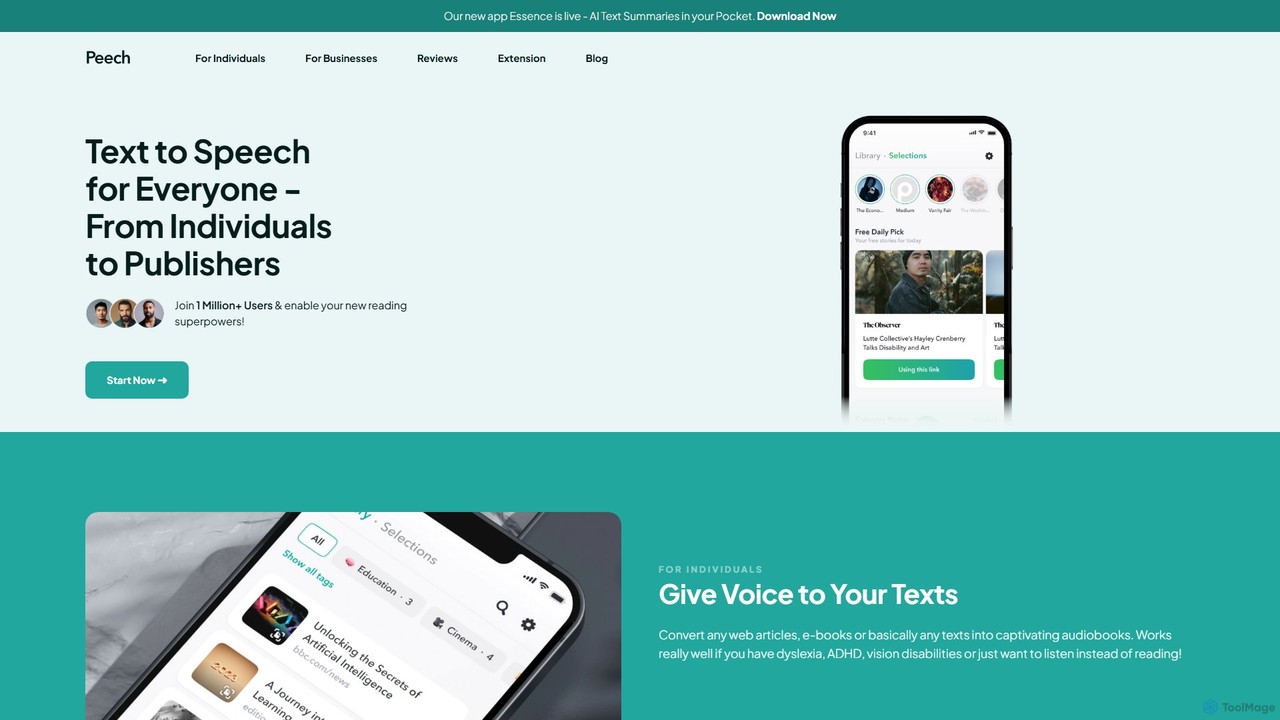
Peech
Peech is an AI-powered text-to-speech reader that converts any text, including web articles, PDFs, e-books, and even images, into high-quality, natural-sounding audio. Designed for individuals and publishers, it enhances productivity, accessibility for users with reading difficulties like dyslexia, and provides a cost-effective way to create audiobooks. Available on iOS, Android, and as a Chrome extension.
Reading Aid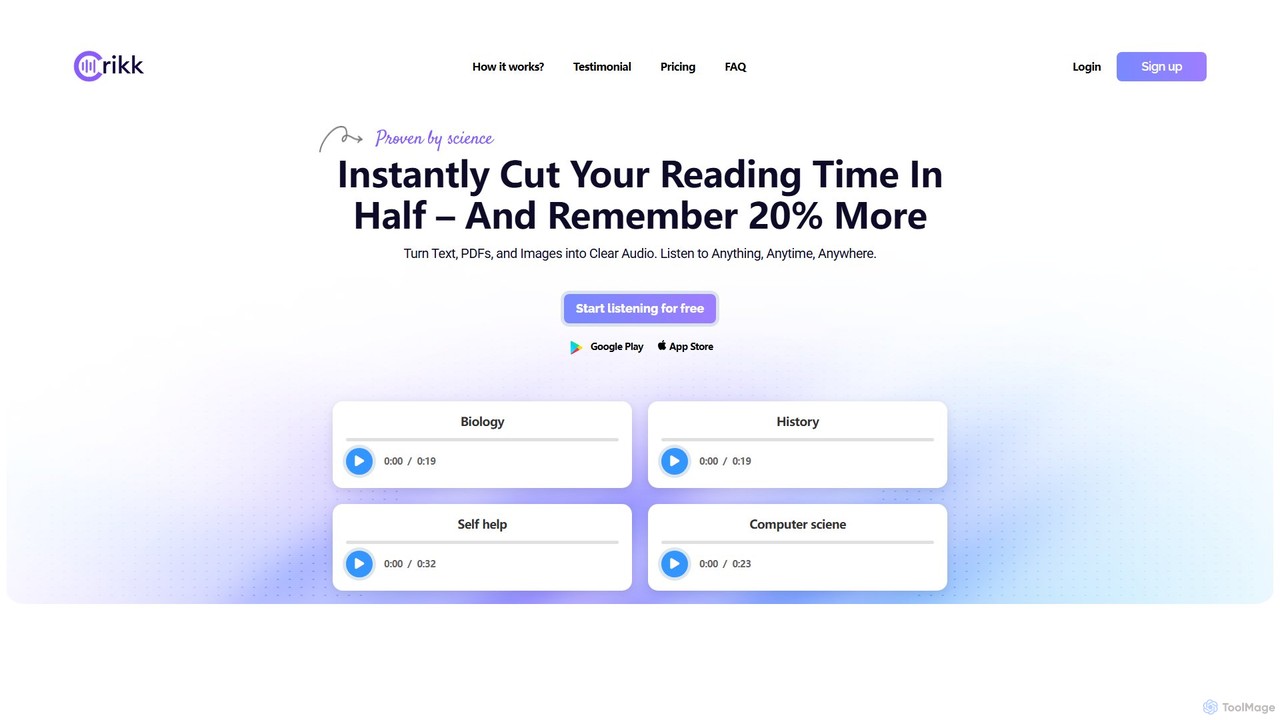
Crikk
Crikk is an AI-powered text-to-speech tool that converts documents, PDFs, and even images into natural-sounding audio. It's designed to enhance learning, boost productivity, and create professional voiceovers. With features like synchronized text highlighting, adjustable playback speed, and support for over 90 languages, Crikk makes it easy to listen to any content, anytime, anywhere, on web, Android, and iOS devices.
Voice Generation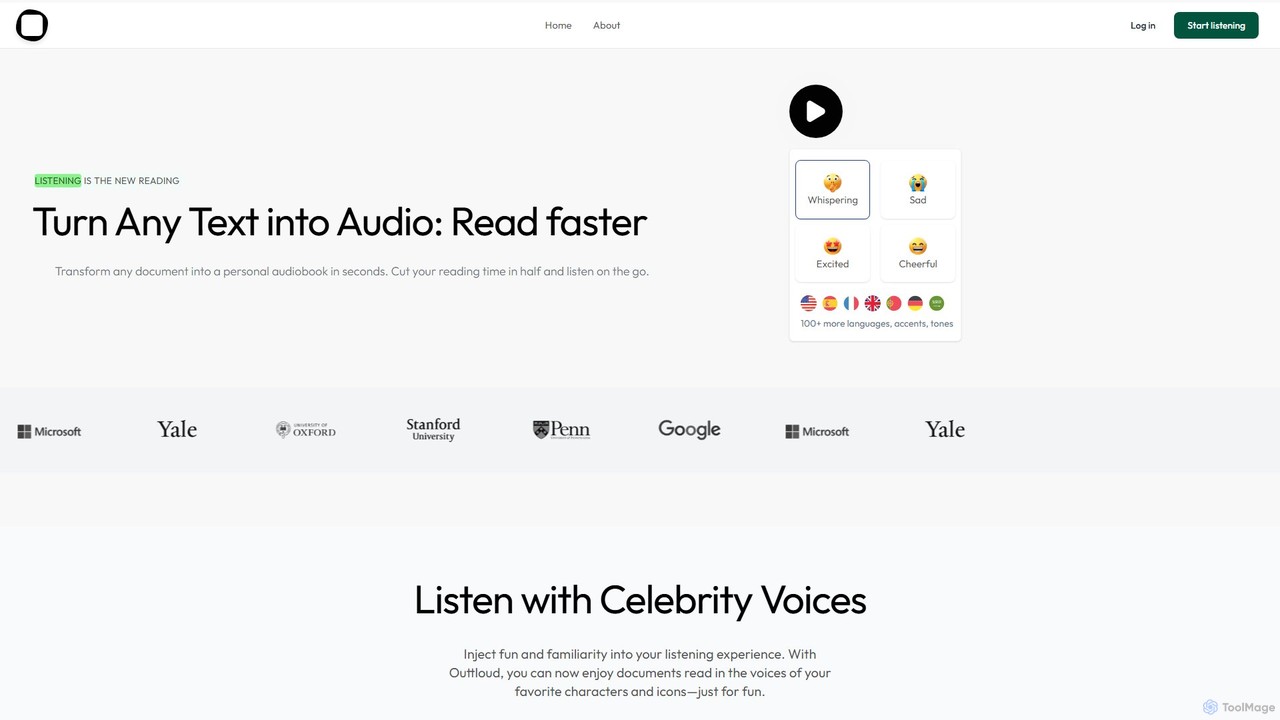
Outtloud
Outtloud is an AI-powered text-to-speech tool that converts any document (PDF, EPUB) or web content into high-quality, natural-sounding audio. It features over 100 voices in 50+ languages, emotional tones, and even celebrity voice clones. Designed for productivity and accessibility, it can create AI podcasts from web searches, generate summaries, and includes tools for bookmarking and annotation, making it ideal for students, researchers, and busy professionals.
Reading Aid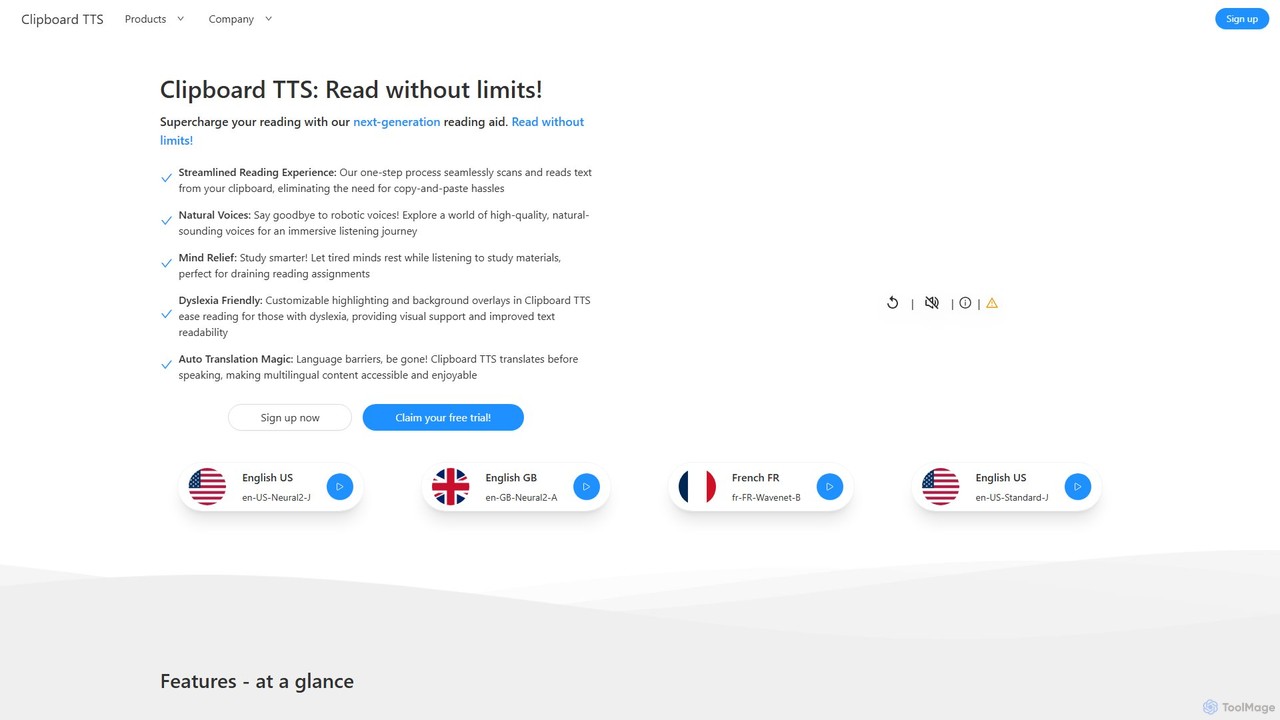
Clipboard TTS
An advanced text-to-speech application for Windows and Linux that automatically reads text from your clipboard. It features natural voices, auto-translation, OCR, and extensive accessibility tools, including dyslexia-friendly options, to create a seamless and powerful reading experience.
Reading Aid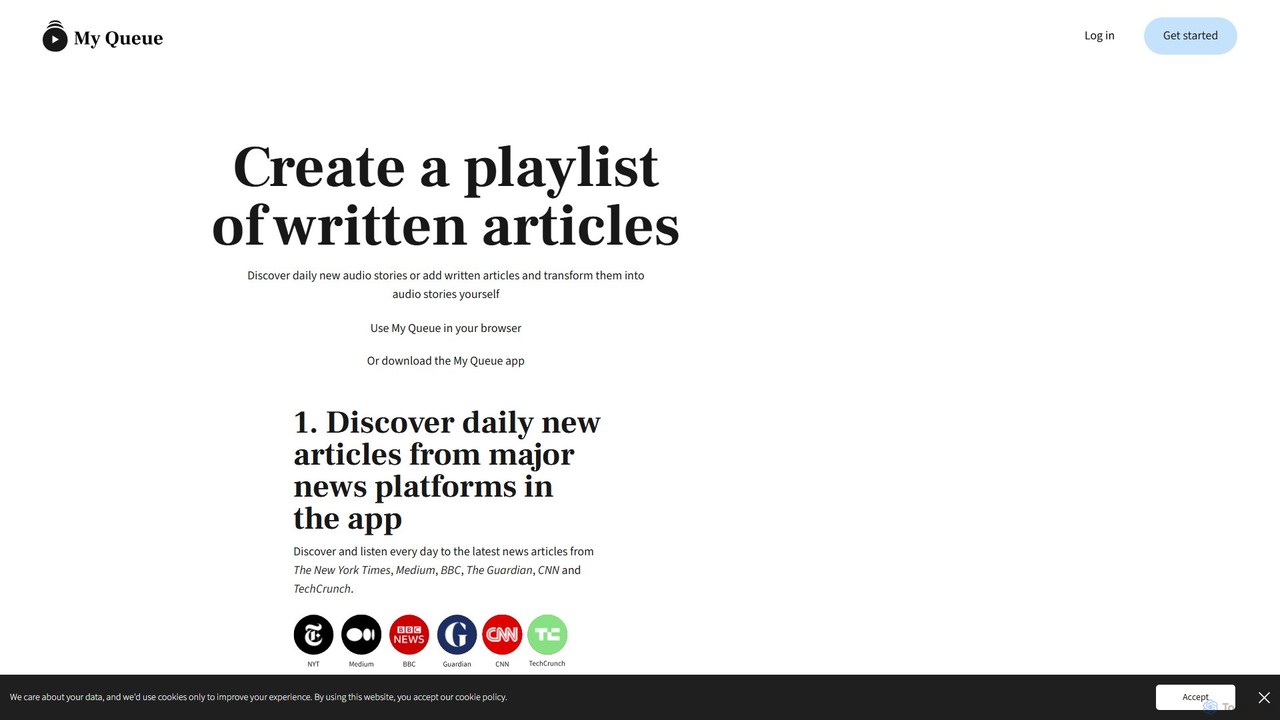
My Queue
My Queue transforms written articles from the web into a personal audio playlist. Save content from news sites and blogs using a browser extension or by pasting a link. Listen on the go with mobile and desktop apps to reduce screen time. It supports 48 languages, offers customizable playback, and helps you stay informed while multitasking.
Audio Generation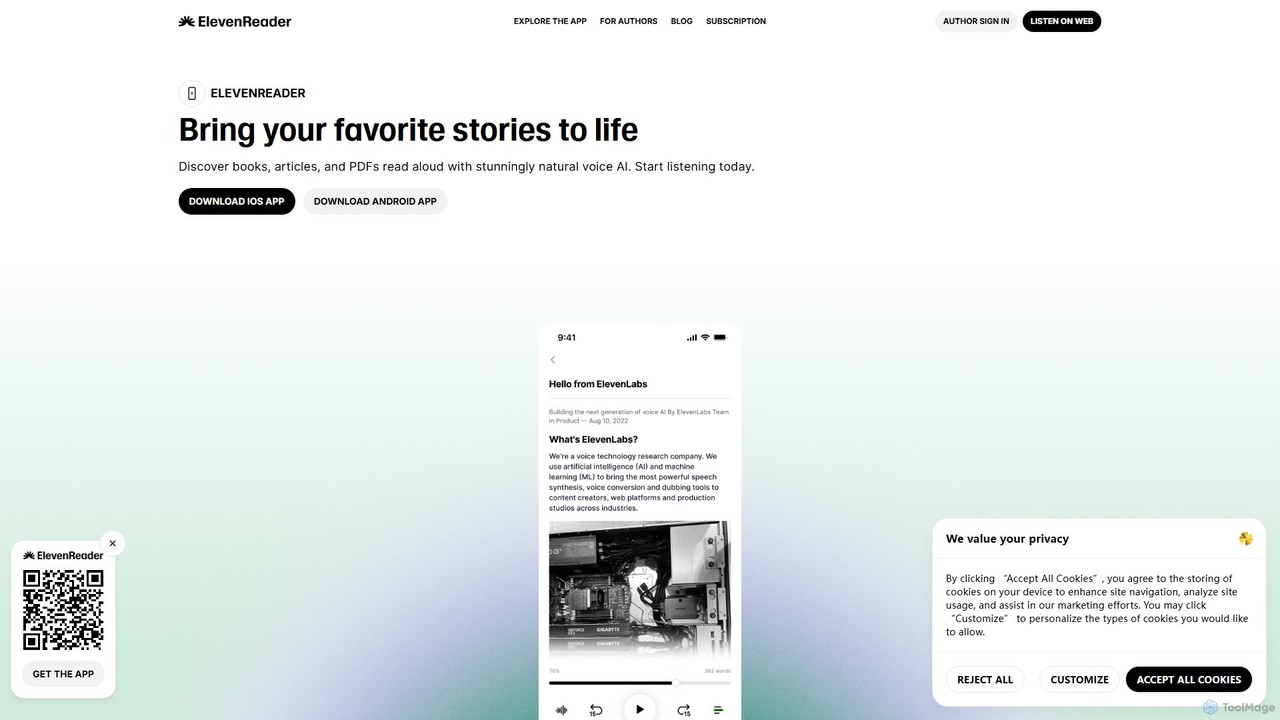
ElevenReader
ElevenReader is an advanced AI-powered text-to-speech application that converts any written text into incredibly natural-sounding audio. Leveraging the state-of-the-art voice synthesis technology from ElevenLabs, it allows you to listen to articles, documents, PDFs, and emails on the go. Ideal for multitasking, learning, and accessibility, ElevenReader transforms your reading material into a personal audiobook library with a wide range of lifelike voices and languages.
Reading Assistant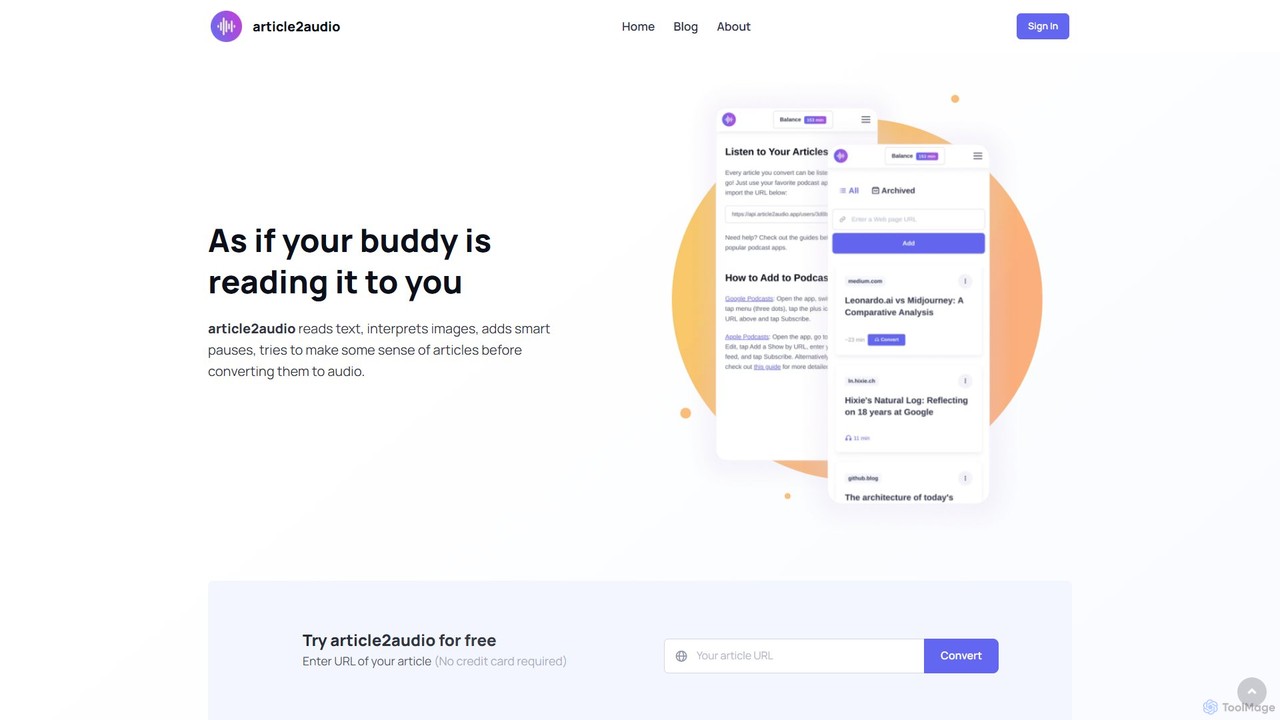
article2audio
article2audio is an advanced AI-powered text-to-speech tool that converts online articles into natural, human-like audio. It goes beyond simple narration by interpreting images, summarizing tables, and handling complex text like code. This makes listening to web content more engaging and informative, as if a friend were reading it to you. Ideal for turning your reading list into a personal podcast.
Voice Generation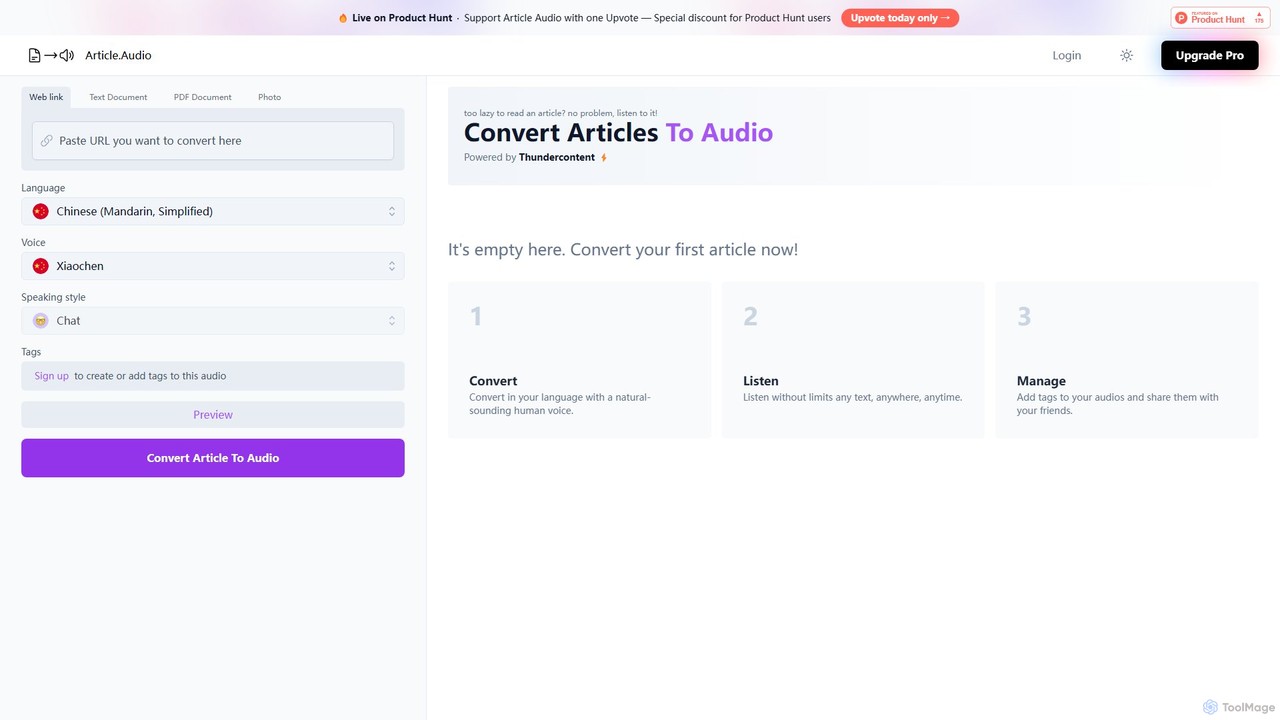
Article Audio
Article Audio is an AI-powered tool that instantly converts any web article into high-quality, natural-sounding audio. Choose from a wide range of languages and voices to listen to content on the go, making it perfect for multitasking, learning, and accessibility.
Reading Aid
Readvox Comments (0)
Sign in to comment.
Sign inNo comments yet.