

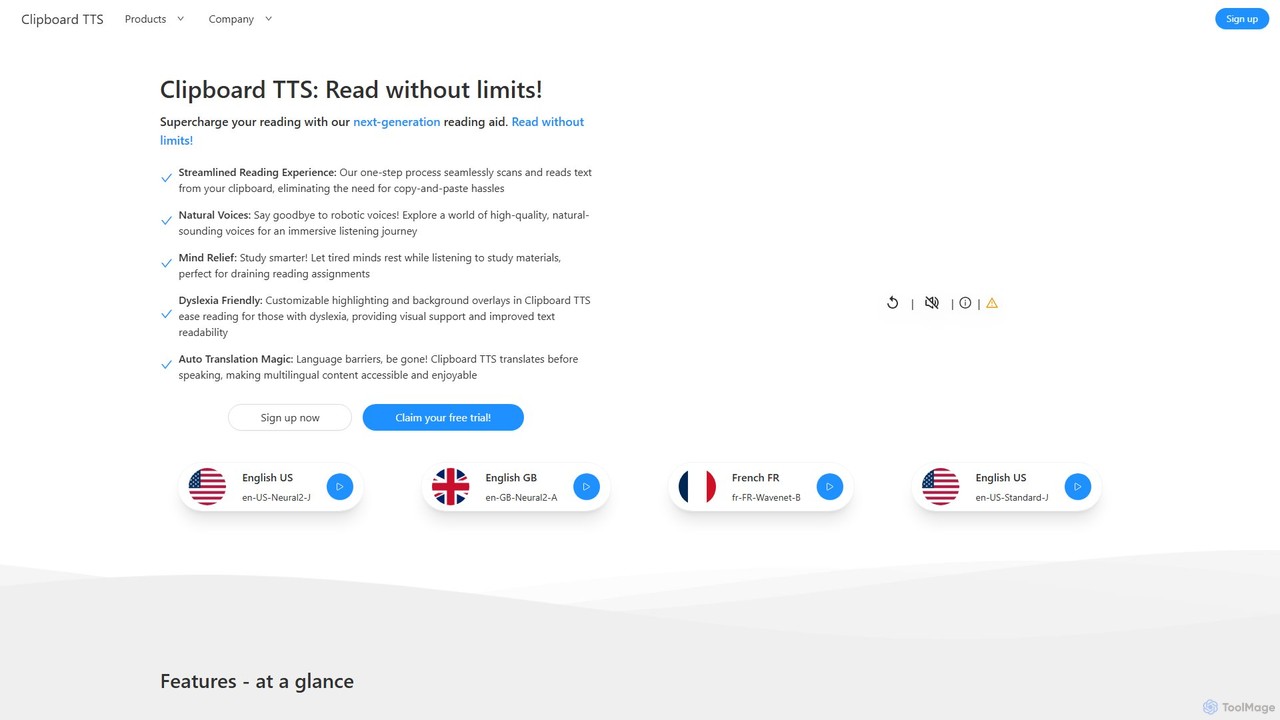
Clipboard TTS Overview
Clipboard TTS is a next-generation reading aid designed to supercharge your reading and learning process. Operating on Windows and Linux, this powerful application eliminates the hassle of traditional text-to-speech (TTS) tools by automatically detecting and reading any text or image content copied to your clipboard. It's built for anyone who needs to consume large amounts of text, from students and researchers to individuals with reading difficulties like dyslexia.
With a focus on a streamlined user experience, Clipboard TTS offers high-quality, natural-sounding voices in over 49 languages. This multilingual capability is enhanced by an automatic translation feature, which can detect the source language and translate it into your preferred language before reading it aloud, effectively breaking down language barriers. The tool is not just about listening; it's about enhancing comprehension and accessibility through a rich set of features.
How to use Clipboard TTS
The core functionality of Clipboard TTS is designed for ultimate simplicity. The process is straightforward:
- Launch the Clipboard TTS application on your Windows or Linux computer.
- Select your preferred voice, language, speed, and other settings.
- Simply copy any text from a website, document, or any other source to your clipboard.
- Clipboard TTS will instantly detect the new content and begin reading it aloud in the main window.
- If you copy an image containing text, the built-in OCR will automatically extract the text and read it.
This one-step process means you can listen to articles, emails, or study notes without ever needing to paste the content into the application manually.
Core Features of Clipboard TTS
- Advanced Text-to-Speech: Automatically detects and reads clipboard text with support for 49 languages and over 100 natural-sounding voices.
- Image-to-Text (OCR): Extracts text from copied images and reads it aloud, making content from screenshots and graphics accessible.
- Auto Translation: Automatically detects the language of the copied text and translates it to your chosen voice's language before speaking.
- Auto Dictionary: Instantly reads the definition of any single word you copy, perfect for vocabulary building.
- AI Assist: An experimental feature that uses AI to modify the copied text based on your prompts, such as generating a summary of a long paragraph.
- Dyslexia-Friendly Features: Includes customizable text/sentence highlighting, background color overlays, the OpenDyslexic font, and the BoldCue feature (bolds the first half of words) to improve readability and focus.
- Full Customization: Adjust reading speed, pitch, and volume. Use substitutions to change how certain words are pronounced (e.g., 'e.g.' to 'for example'). Customize font type, size, and spacing.
- History: Keeps a record of all copied text, allowing you to easily revisit and replay previous entries.
- Custom Mutations Order: Control the sequence in which features like Translation, AI Assist, and Substitutions are applied to the text for a fully tailored output.
Use Cases for Clipboard TTS
Clipboard TTS is a versatile tool suitable for a wide range of users:
- Students and Researchers: Listen to lengthy study materials, academic papers, and articles to reduce eye strain and improve information retention. Use the dictionary feature to learn new terminology on the fly.
- Individuals with Dyslexia and Visual Impairments: Leverage the specialized accessibility features like overlays, highlighting, and custom fonts to make digital text easier to read and comprehend.
- Language Learners: Improve pronunciation and listening skills by hearing foreign text read aloud. Use the auto-translation feature to understand content in unfamiliar languages.
- Content Creators and Writers: Proofread their work by listening to it, helping to catch errors, typos, and awkward phrasing that are easily missed when reading silently.
- Professionals and Multitaskers: Stay productive by listening to emails, reports, and news articles while performing other tasks.
Advantages of Clipboard TTS
The primary advantage of Clipboard TTS is its seamless, clipboard-based workflow that integrates effortlessly into your daily tasks. Its strong emphasis on accessibility, with multiple features specifically designed for users with dyslexia, sets it apart from standard TTS readers. The combination of high-quality voices, automatic translation, and OCR in a single application provides a comprehensive solution for consuming digital content. The deep customization options, including the unique AI Assist and Custom Mutations Order, give users unparalleled control over their listening experience.
Pricing and Plans
Clipboard TTS offers a free trial for new users to explore its full range of features. As of the latest information, new user sign-ups are managed privately. For detailed pricing information or to request access, it is recommended to visit the official website or contact their support team directly.
Clipboard TTS Alternatives
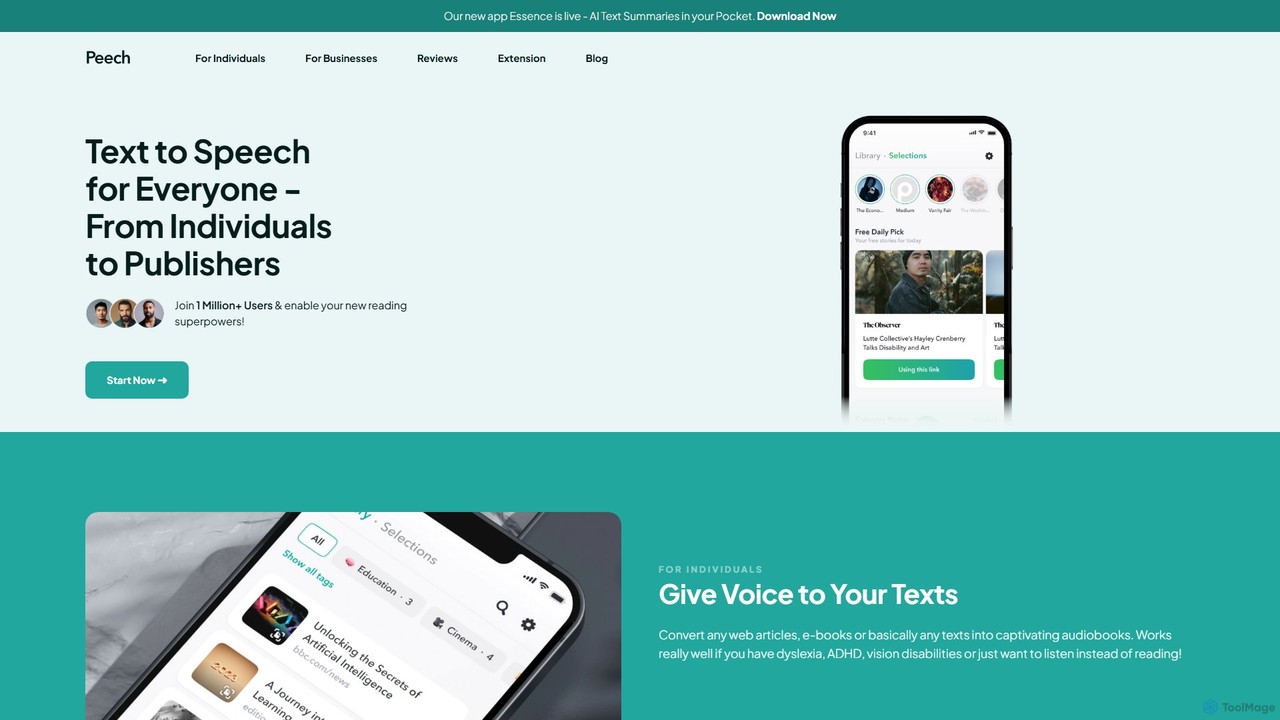
Peech
Peech is an AI-powered text-to-speech reader that converts any text, including web articles, PDFs, e-books, and even images, into high-quality, natural-sounding audio. Designed for individuals and publishers, it enhances productivity, accessibility for users with reading difficulties like dyslexia, and provides a cost-effective way to create audiobooks. Available on iOS, Android, and as a Chrome extension.
Reading Aid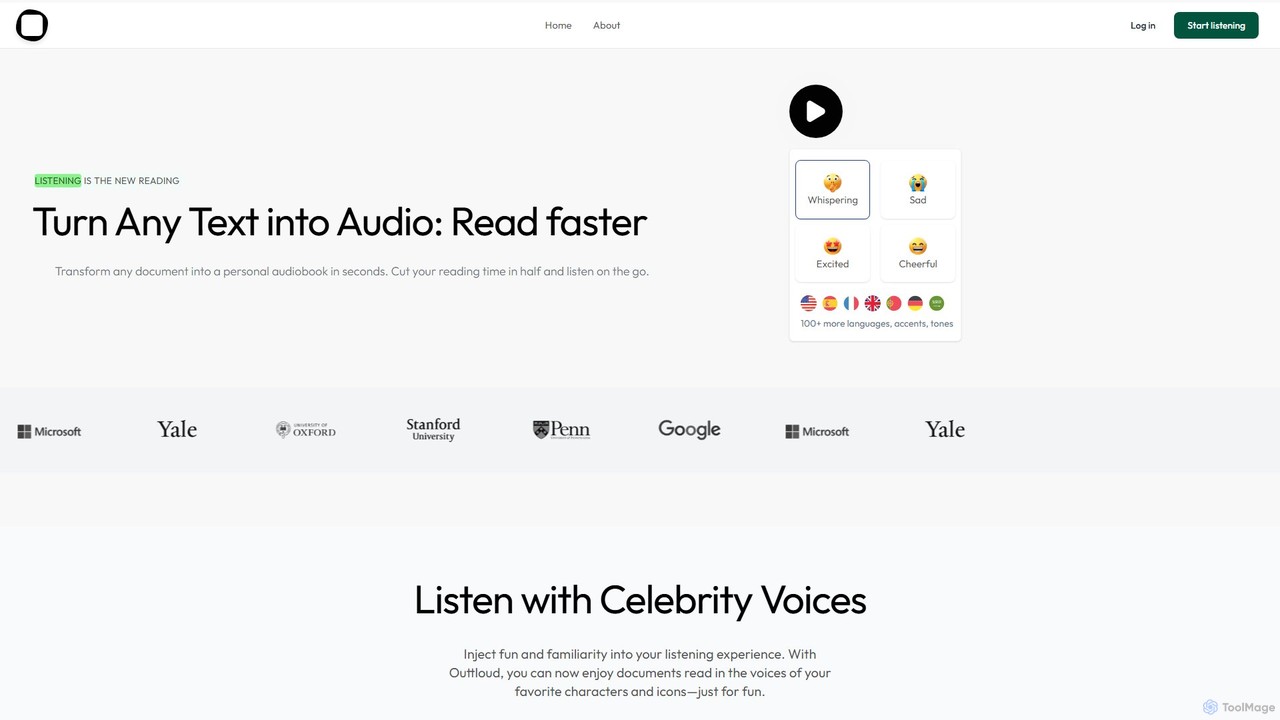
Outtloud
Outtloud is an AI-powered text-to-speech tool that converts any document (PDF, EPUB) or web content into high-quality, natural-sounding audio. It features over 100 voices in 50+ languages, emotional tones, and even celebrity voice clones. Designed for productivity and accessibility, it can create AI podcasts from web searches, generate summaries, and includes tools for bookmarking and annotation, making it ideal for students, researchers, and busy professionals.
Reading Aid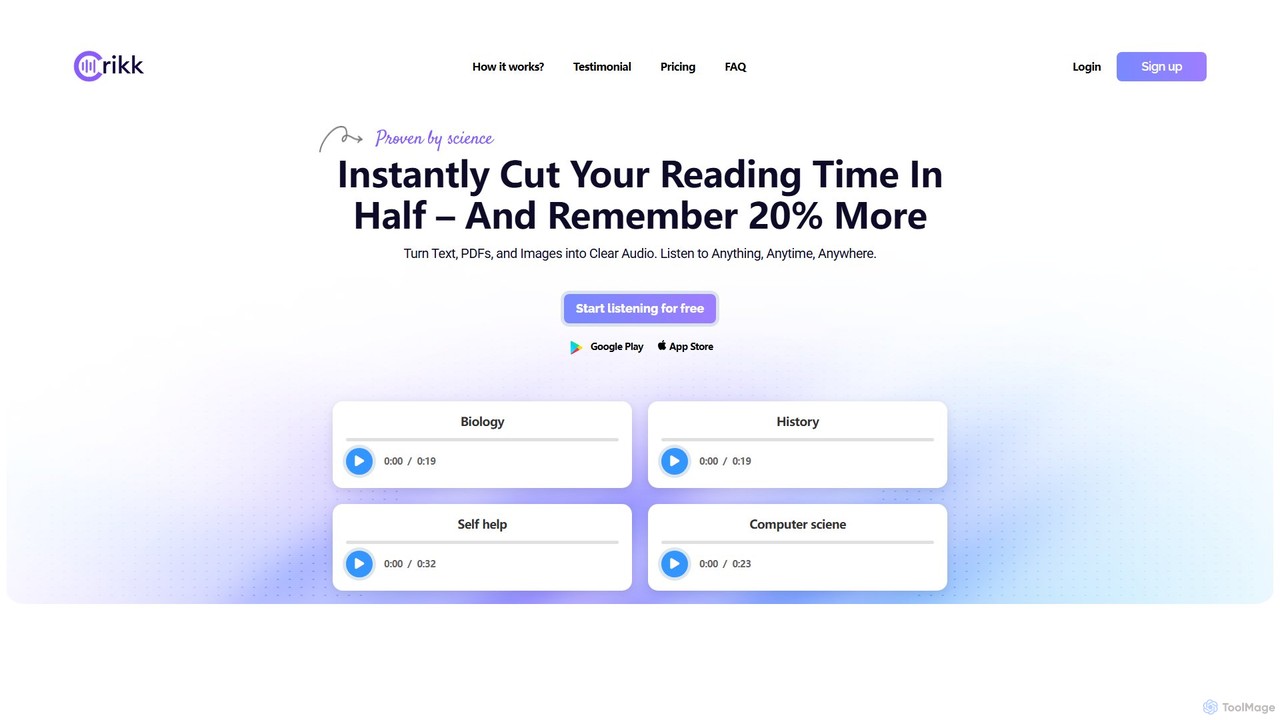
Crikk
Crikk is an AI-powered text-to-speech tool that converts documents, PDFs, and even images into natural-sounding audio. It's designed to enhance learning, boost productivity, and create professional voiceovers. With features like synchronized text highlighting, adjustable playback speed, and support for over 90 languages, Crikk makes it easy to listen to any content, anytime, anywhere, on web, Android, and iOS devices.
Voice Generation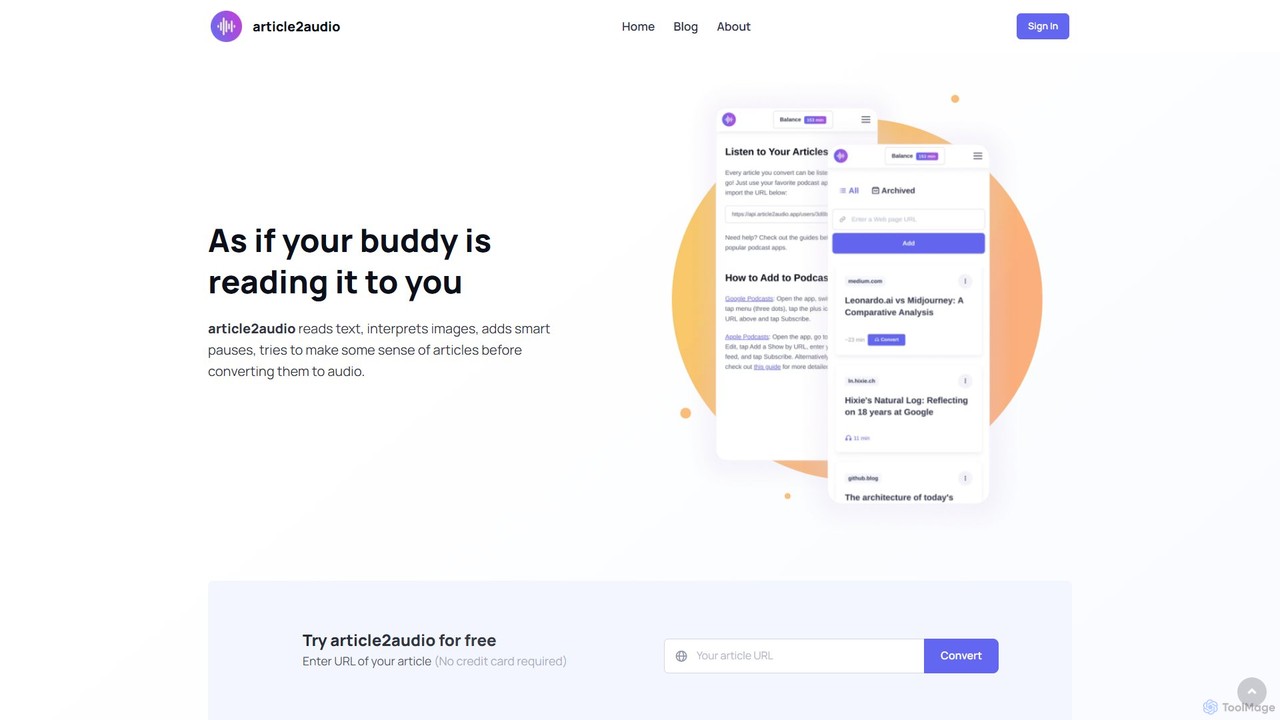
article2audio
article2audio is an advanced AI-powered text-to-speech tool that converts online articles into natural, human-like audio. It goes beyond simple narration by interpreting images, summarizing tables, and handling complex text like code. This makes listening to web content more engaging and informative, as if a friend were reading it to you. Ideal for turning your reading list into a personal podcast.
Voice Generation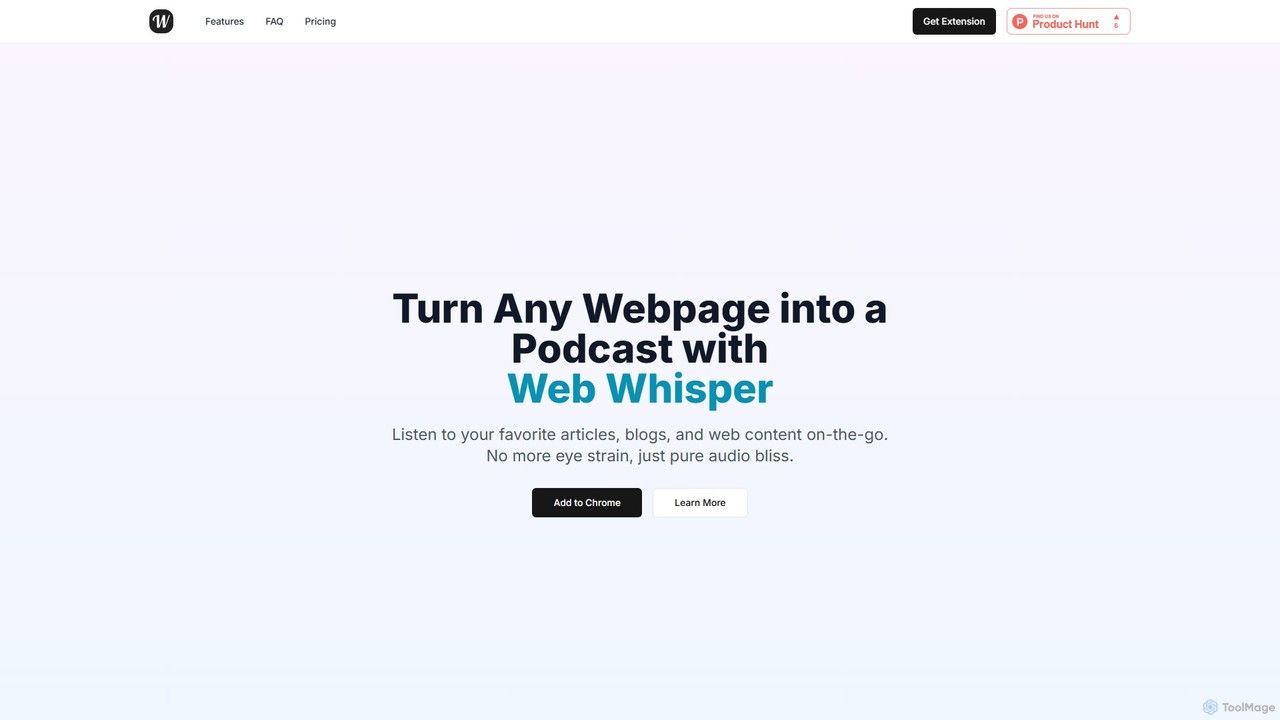
WebWhisper
WebWhisper is a free Chrome extension that instantly converts any webpage, article, or blog post into a high-quality audio podcast. It allows you to listen to web content on the go, create playlists for later, and even access them offline. With natural-sounding AI voices and automatic language detection, it transforms your reading experience into an effortless listening one, reducing eye strain and boosting productivity.
Screen ReaderClipboard TTS Categories
Clipboard TTS Embed Widget
Copy this embed code to place the badge on your blog, article, or product site and send readers directly to this ToolMage detail page.

Related AI tools
Voice Out
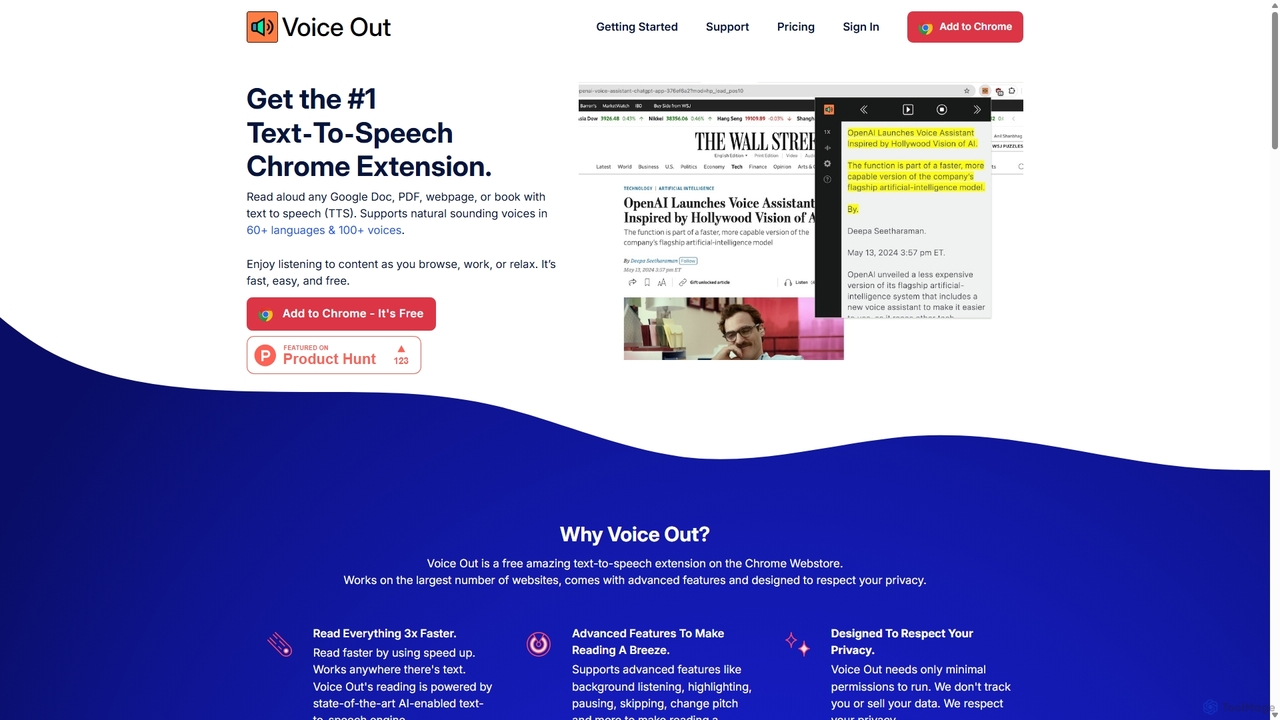
Voice Out is a leading text-to-speech (TTS) Chrome extension that converts any written content—from webpages and PDFs to Google Docs—into natural-sounding audio. Supporting over 60 languages with 100+ AI-powered voices, it enhances productivity, aids learning, and improves accessibility for all users. Listen to content while multitasking, proofread documents, or give your eyes a rest.
Screen Reader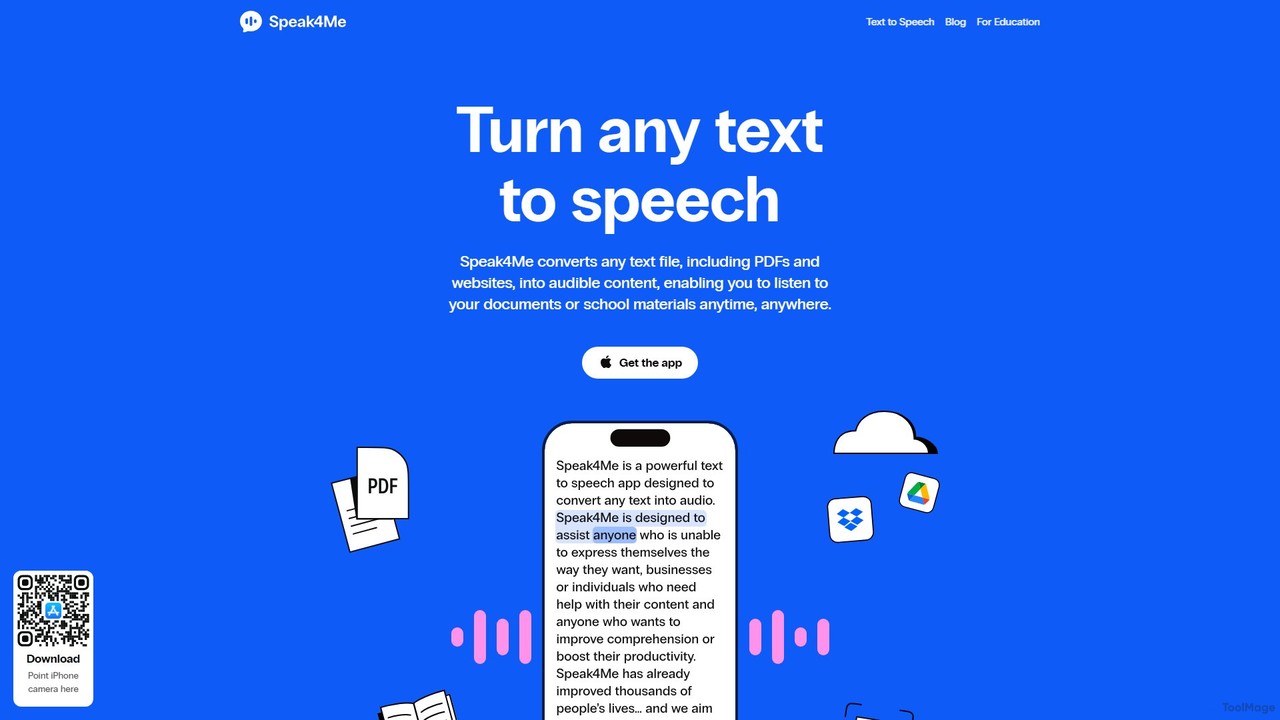
Speak4Me
Speak4Me is an advanced text-to-speech iOS app that converts any text from documents, websites, or scanned pages into natural-sounding audio. It features AI-powered chat for summarizing and querying documents, seamless cloud integration, and robust accessibility tools for users with dyslexia or ADHD. Listen to content on the go, increase productivity, and enhance your reading and learning experience.
Assistive Technology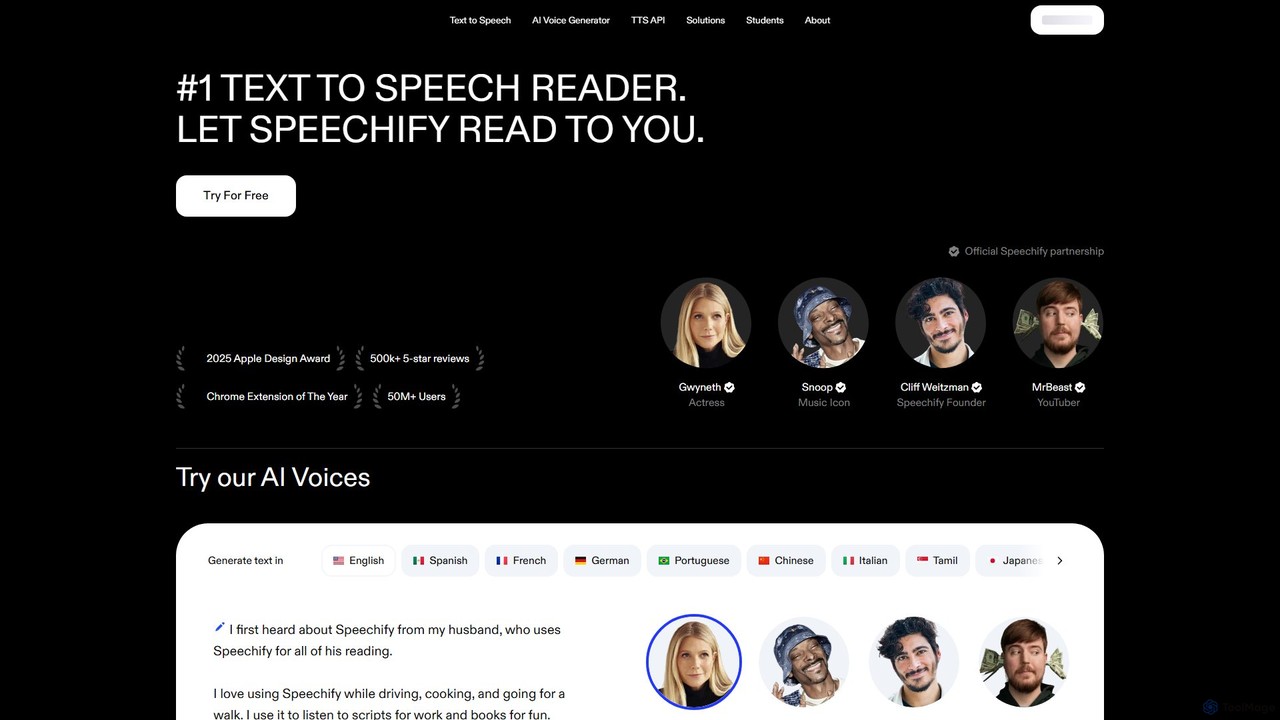
Speechify
Speechify is a leading AI-powered text-to-speech (TTS) reader that transforms any text into natural-sounding audio. It helps users listen to documents, articles, PDFs, and emails on any device, boosting productivity and making content more accessible. Ideal for students, professionals, and anyone with reading difficulties like dyslexia.
Text To Speech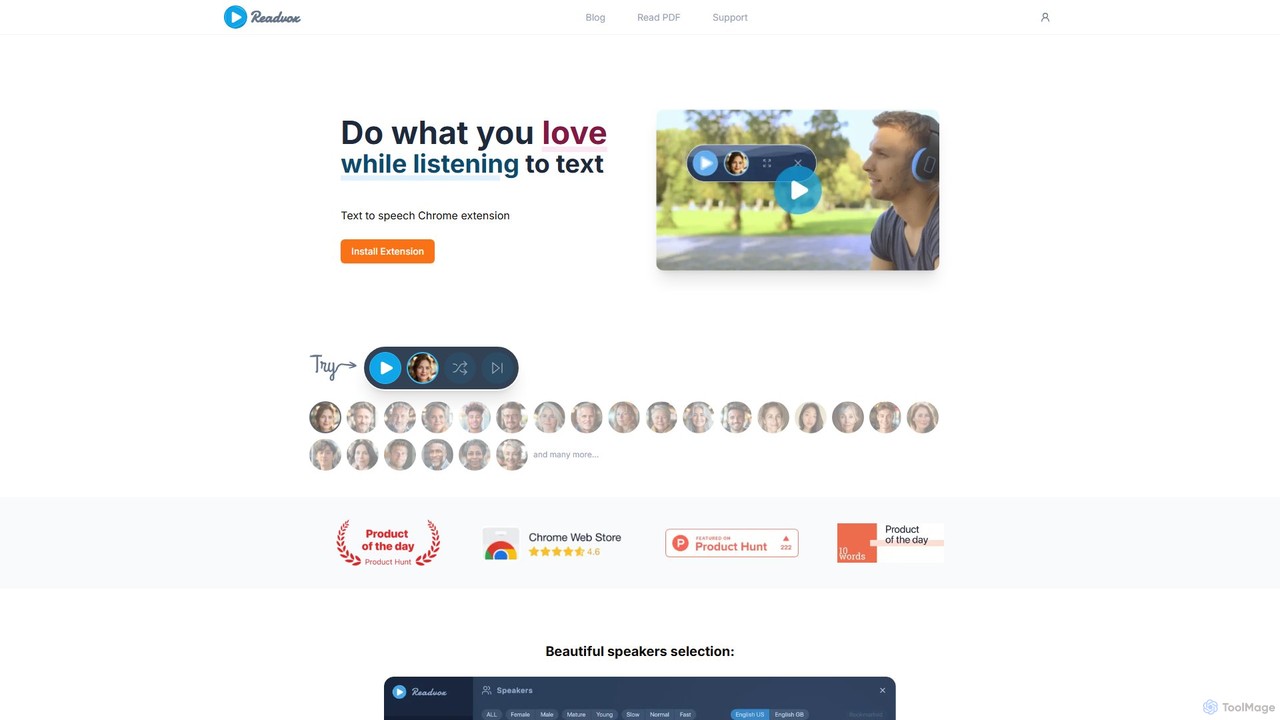
Readvox
Readvox is an AI-powered text-to-speech Chrome extension that converts web pages, PDFs, and Google Docs into natural-sounding audio. Listen to articles, books, and documents while multitasking, improving productivity and accessibility with its high-quality voices and customizable reading controls.
Chrome Extensions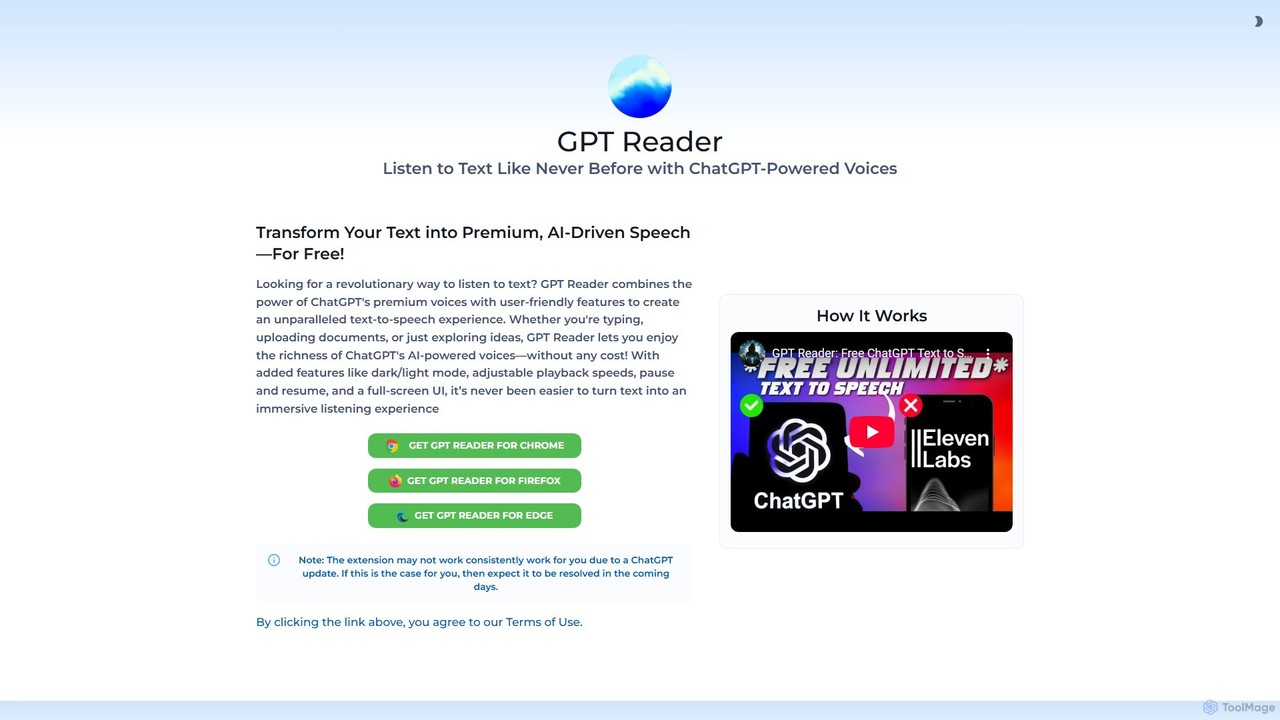
GPT Reader
A free text-to-speech browser extension that uses premium, natural-sounding voices from ChatGPT. Convert articles, documents, and any selected text into high-quality audio for enhanced productivity and accessibility.
Screen ReaderPeech
Peech is an AI-powered text-to-speech reader that converts any text, including web articles, PDFs, e-books, and even images, into high-quality, natural-sounding audio. Designed for individuals and publishers, it enhances productivity, accessibility for users with reading difficulties like dyslexia, and provides a cost-effective way to create audiobooks. Available on iOS, Android, and as a Chrome extension.
Reading AidOuttloud
Outtloud is an AI-powered text-to-speech tool that converts any document (PDF, EPUB) or web content into high-quality, natural-sounding audio. It features over 100 voices in 50+ languages, emotional tones, and even celebrity voice clones. Designed for productivity and accessibility, it can create AI podcasts from web searches, generate summaries, and includes tools for bookmarking and annotation, making it ideal for students, researchers, and busy professionals.
Reading AidCrikk
Crikk is an AI-powered text-to-speech tool that converts documents, PDFs, and even images into natural-sounding audio. It's designed to enhance learning, boost productivity, and create professional voiceovers. With features like synchronized text highlighting, adjustable playback speed, and support for over 90 languages, Crikk makes it easy to listen to any content, anytime, anywhere, on web, Android, and iOS devices.
Voice Generationarticle2audio
article2audio is an advanced AI-powered text-to-speech tool that converts online articles into natural, human-like audio. It goes beyond simple narration by interpreting images, summarizing tables, and handling complex text like code. This makes listening to web content more engaging and informative, as if a friend were reading it to you. Ideal for turning your reading list into a personal podcast.
Voice GenerationWebWhisper
WebWhisper is a free Chrome extension that instantly converts any webpage, article, or blog post into a high-quality audio podcast. It allows you to listen to web content on the go, create playlists for later, and even access them offline. With natural-sounding AI voices and automatic language detection, it transforms your reading experience into an effortless listening one, reducing eye strain and boosting productivity.
Screen Reader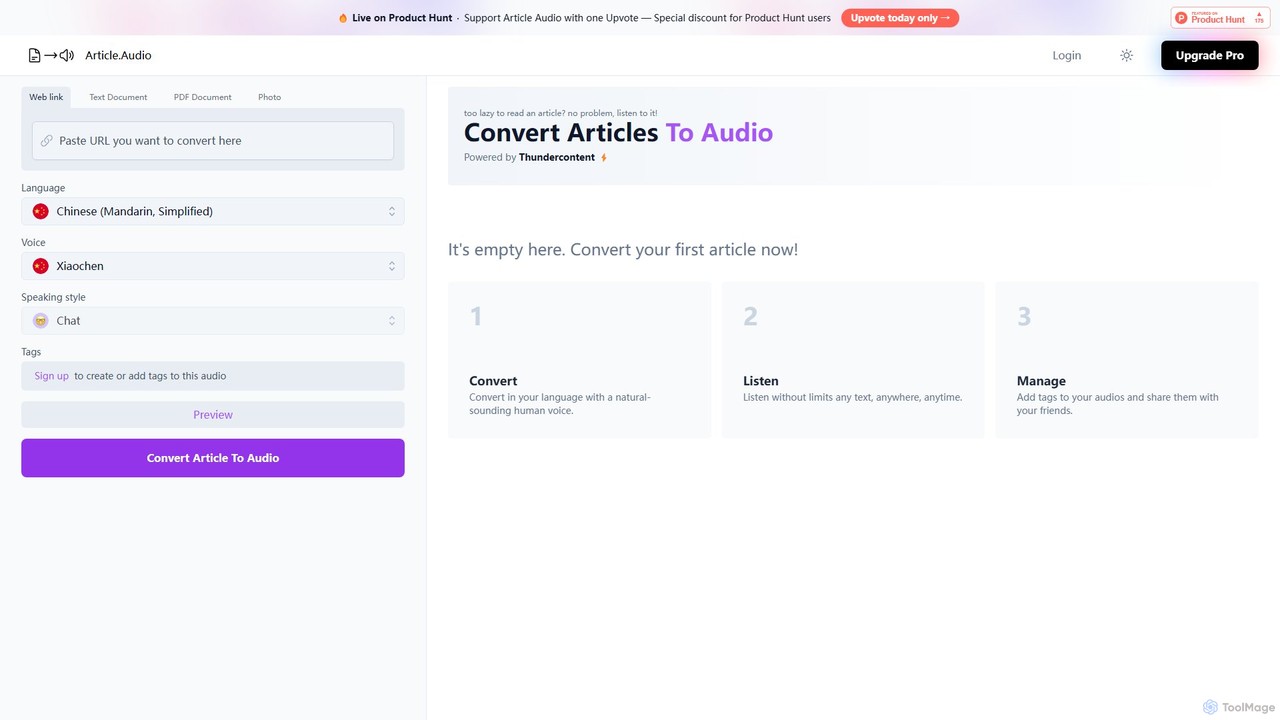
Article Audio
Article Audio is an AI-powered tool that instantly converts any web article into high-quality, natural-sounding audio. Choose from a wide range of languages and voices to listen to content on the go, making it perfect for multitasking, learning, and accessibility.
Reading Aid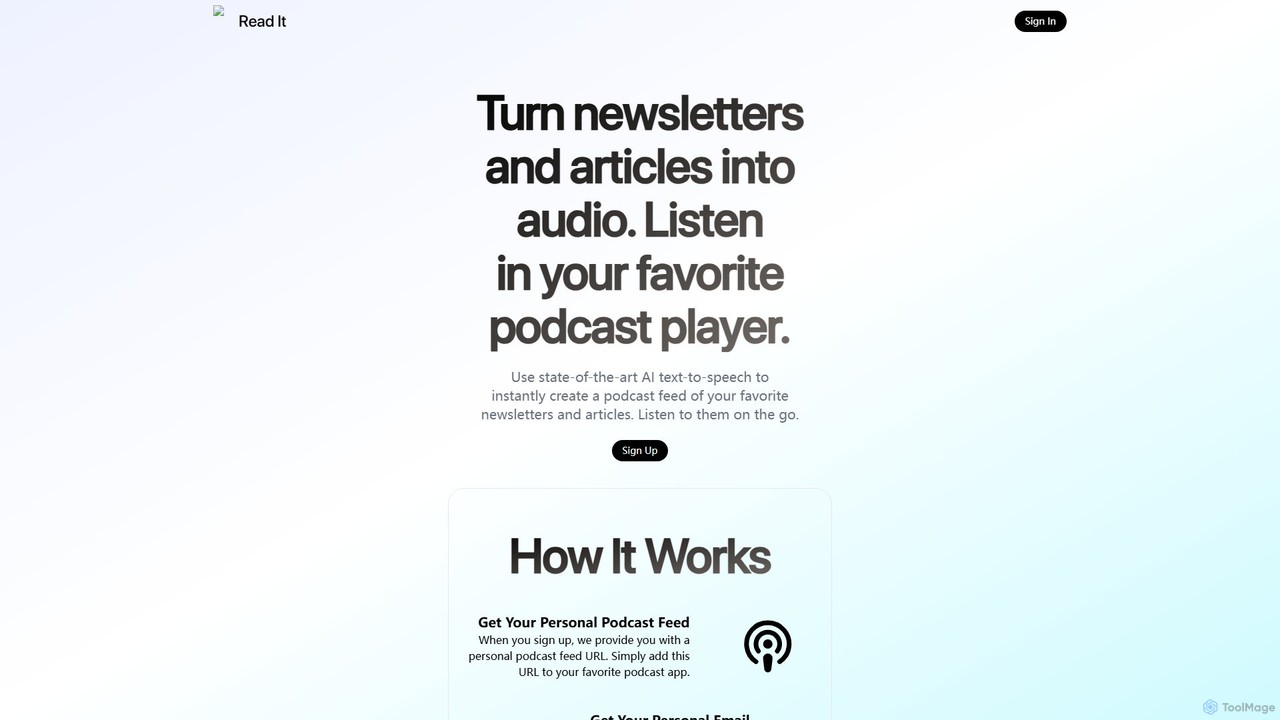
readit
readit transforms your favorite newsletters and web articles into a personal podcast. Using advanced AI text-to-speech, it converts written content into high-quality audio. Simply forward emails or use the browser bookmarklet to add content, and listen in your preferred podcast app. Perfect for catching up on your reading list while commuting, exercising, or multitasking.
Reading Aid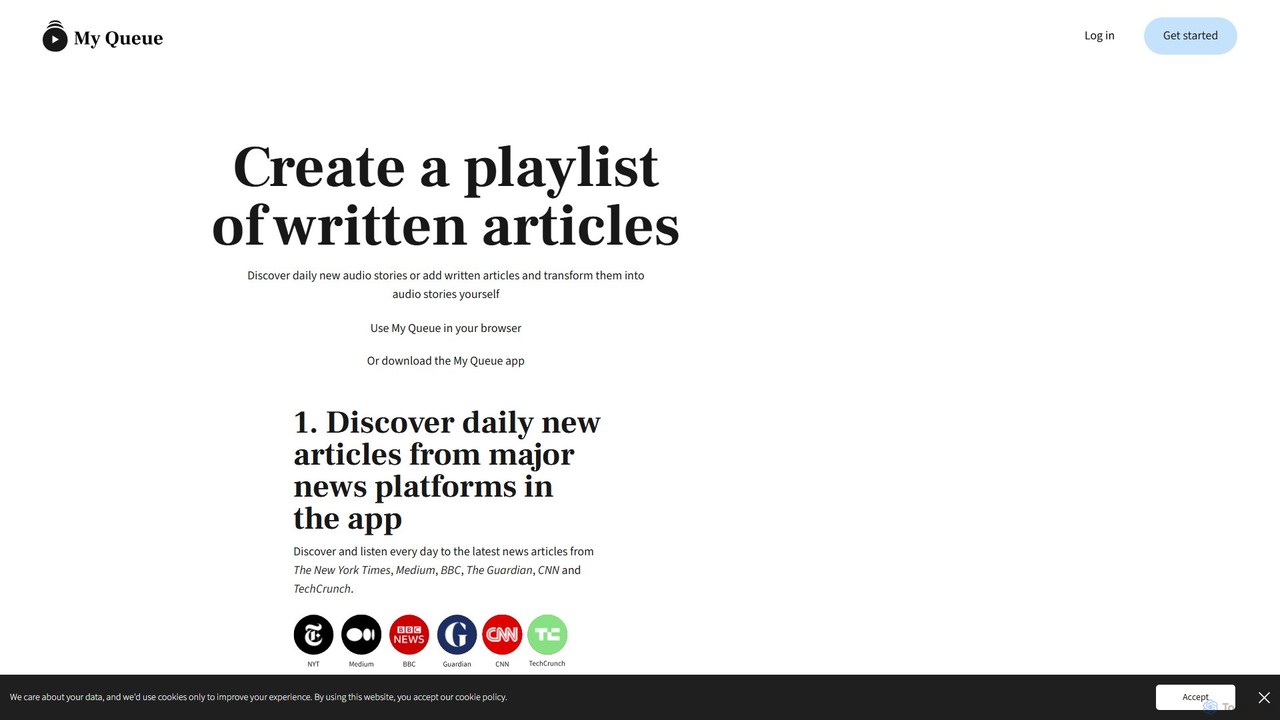
My Queue
My Queue transforms written articles from the web into a personal audio playlist. Save content from news sites and blogs using a browser extension or by pasting a link. Listen on the go with mobile and desktop apps to reduce screen time. It supports 48 languages, offers customizable playback, and helps you stay informed while multitasking.
Audio Generation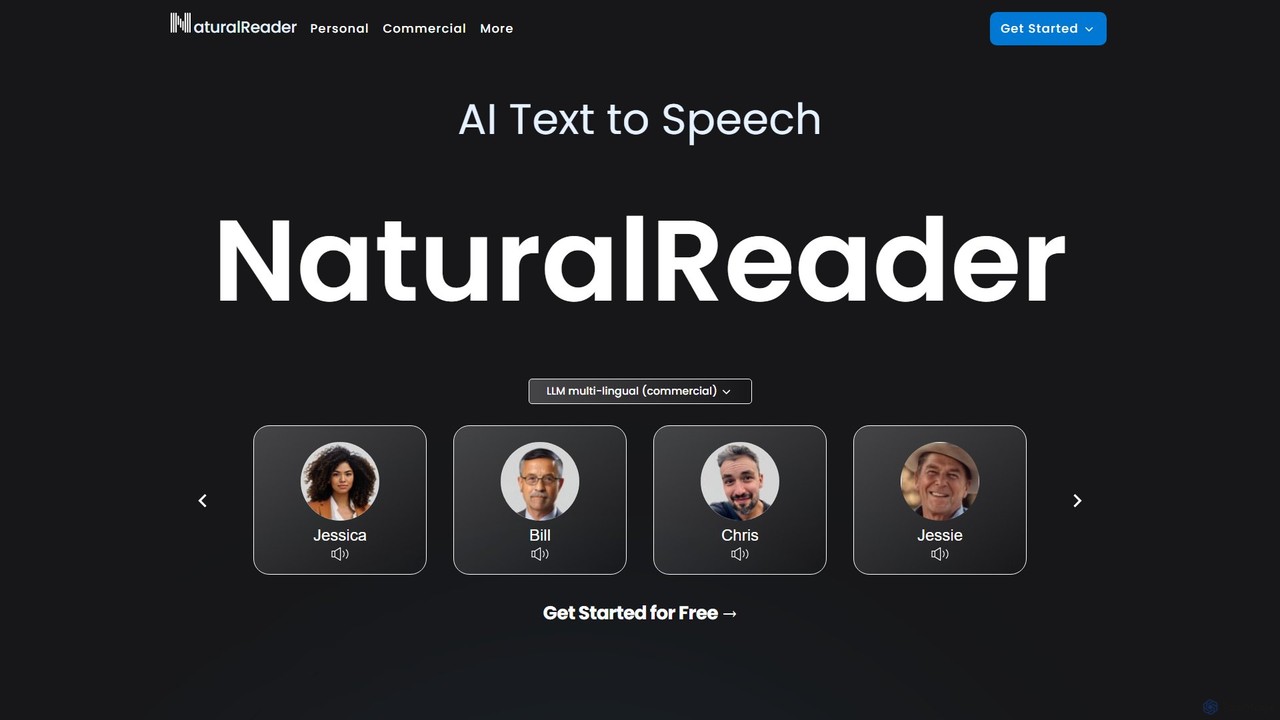
NaturalReader
NaturalReader is an advanced AI text-to-speech platform that converts text, PDFs, and webpages into natural-sounding audio. It leverages LLM technology for high-quality, multi-lingual voices and offers features like voice cloning, OCR, and commercial voiceover creation. It's designed for personal, educational, and professional use across web, mobile, and browser extensions.
Voice Generation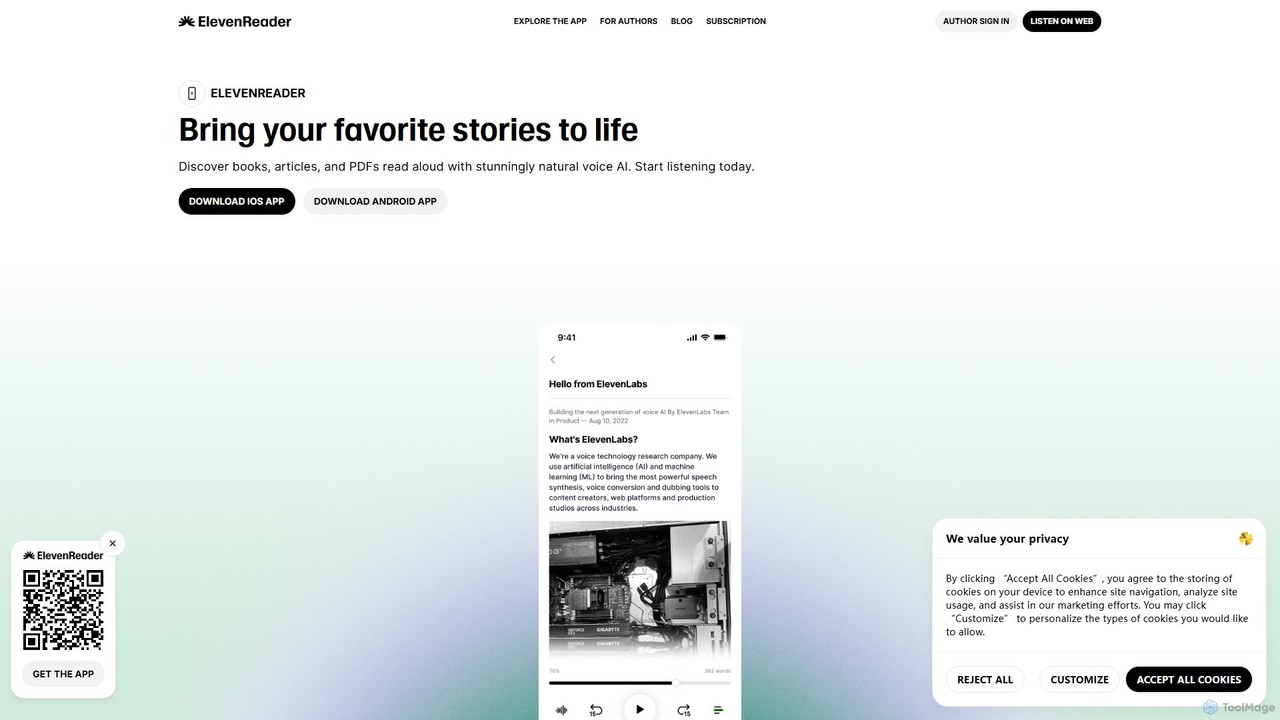
ElevenReader
ElevenReader is an advanced AI-powered text-to-speech application that converts any written text into incredibly natural-sounding audio. Leveraging the state-of-the-art voice synthesis technology from ElevenLabs, it allows you to listen to articles, documents, PDFs, and emails on the go. Ideal for multitasking, learning, and accessibility, ElevenReader transforms your reading material into a personal audiobook library with a wide range of lifelike voices and languages.
Reading Assistant
Clipboard TTS Comments (0)
Sign in to comment.
Sign inNo comments yet.