

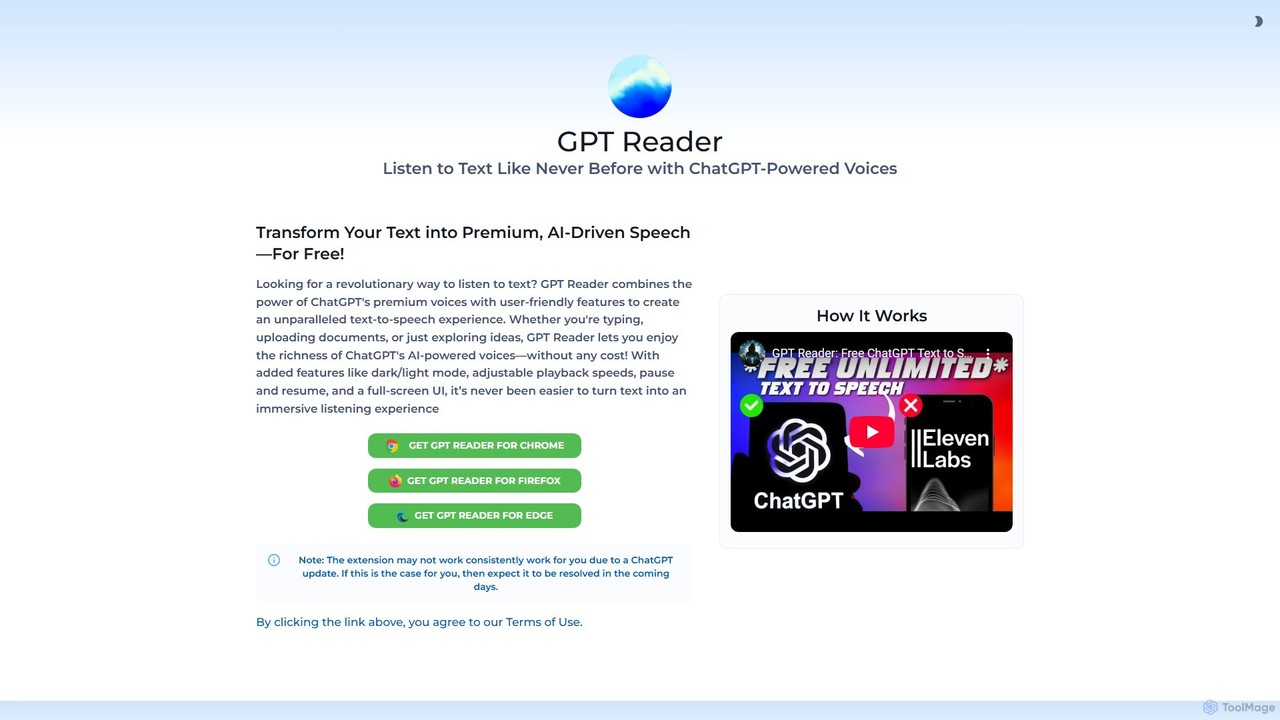
GPT Reader Overview
GPT Reader is a revolutionary text-to-speech (TTS) tool designed to transform your reading experience. Available as a free browser extension for Chrome, Firefox, and Edge, it leverages the advanced AI power of ChatGPT to provide premium, human-like voices. This tool allows you to listen to any text—from web articles and research papers to uploaded documents—with exceptional clarity and natural intonation, making information more accessible and easier to consume on the go.
Unlike traditional, robotic-sounding TTS engines, GPT Reader focuses on delivering an immersive and enjoyable listening experience. It's built for anyone looking to increase their productivity by multitasking, for students who want a new way to study, for individuals with visual impairments or reading difficulties, and for anyone who simply prefers listening to reading. With a user-friendly interface and powerful features, GPT Reader turns the web into your personal audiobook.
How to use GPT Reader
Getting started with GPT Reader is simple and intuitive. Follow these steps to begin converting text to audio:
- Installation: Visit the official GPT Reader website or your browser's extension store (Chrome Web Store, Firefox Add-ons, Microsoft Edge Add-ons) and add the GPT Reader extension to your browser.
- Reading from a Web Page: Navigate to any article or website. Highlight the text you want to listen to, right-click, and select the 'Listen with GPT Reader' option from the context menu.
- Using the Player: A player will appear, allowing you to play, pause, and control the audio. You can adjust the playback speed to match your listening preference, from slower speeds for comprehension to faster speeds for quick skimming.
- Manual Input: You can also click on the GPT Reader icon in your browser's toolbar. This will open an interface where you can directly type or paste text to be converted into speech.
- Document Upload: The interface also supports uploading documents (such as PDF or TXT files). Simply upload your file, and GPT Reader will process the text and read it aloud for you.
- Customization: Use the settings to switch between dark and light modes for comfortable viewing or activate the full-screen UI for a distraction-free listening session.
Core Features of GPT Reader
- Premium ChatGPT Voices: Utilizes OpenAI's state-of-the-art AI models to generate incredibly natural and expressive voices, making listening a pleasure.
- Multi-Browser Support: Fully functional as a browser extension for Google Chrome, Mozilla Firefox, and Microsoft Edge.
- Versatile Text Input: Reads text directly from web page selections, pasted text, and uploaded documents, offering flexibility for all your needs.
- Adjustable Playback Speed: Easily control the speed of the narration, allowing you to listen at a pace that works best for you.
- Intuitive Playback Controls: Simple and effective controls to play, pause, and resume the audio at any time.
- User-Friendly Interface: Features a clean design with both dark and light modes to reduce eye strain, plus a full-screen option for an immersive experience.
- Multi-Language Support: Capable of reading text in numerous languages with correct pronunciation, making it a valuable tool for multilingual users and language learners.
- Completely Free: All features are available at no cost, providing access to premium TTS technology for everyone.
Use Cases for GPT Reader
GPT Reader is a versatile tool that can benefit a wide range of users:
- Students and Researchers: Listen to academic papers, online textbooks, and research articles to aid comprehension and retention. It's perfect for studying while commuting or exercising.
- Professionals: Catch up on industry news, reports, and long emails while multitasking. Free up your screen time by converting essential reading material into audio.
- Content Creators and Writers: Proofread your own articles, blog posts, or scripts by listening to them. Hearing your text read aloud helps you catch errors, typos, and awkward phrasing.
- Accessibility: An essential tool for users with visual impairments, dyslexia, or other reading difficulties, making web content significantly more accessible.
- Language Learners: Improve pronunciation and listening skills by hearing native-sounding AI voices read text in a foreign language.
- Casual Readers: Turn long-form articles, news, and blog posts into a podcast-like experience to enjoy anytime, anywhere.
Advantages of GPT Reader
The primary advantage of GPT Reader is its combination of high-end technology and user-centric design, all for free. It stands out by offering voice quality that rivals expensive, paid TTS services. Its seamless integration into the daily workflow via a browser extension makes it incredibly convenient. By supporting various input methods and offering essential customization features, it provides a flexible and powerful solution for converting text to audio, boosting productivity and making digital content accessible to all.
Pricing and Plans
GPT Reader is currently available completely free of charge. There are no subscription fees, hidden costs, or premium tiers. Users can download the extension for Chrome, Firefox, and Edge and enjoy all its features without any payment required. This commitment to free access makes premium AI-powered text-to-speech technology available to a global audience.
Traffic
Latest traffic
Status
Monthly traffic trend
- 2025-9: 49.5K
- 2026-1: 80.2K
- 2026-2: 44.5K
- 2026-3: 29.2K
- 2026-4: 45.3K
- 2026-5: 44.9K
Geography
Top 5 countries / regions
- 🇺🇸United States57.1%
- 🇬🇧United Kingdom14.2%
- 🇦🇺Australia9.9%
- 🇳🇬Nigeria9.8%
- 🇻🇳Vietnam9.0%
Traffic sources
| Source type | Percentage |
|---|---|
Direct | 99.4% |
Referral | 0.6% |
Top keywords
| Keyword | Cost per click |
|---|---|
| "ai voice reader" chrome extension | $0.00 |
| browser extension that reads chat messages | $0.00 |
| chatgpt text to speech | $1.07 |
| chat reader | $0.00 |
| gpt reader | $2.00 |
GPT Reader Alternatives
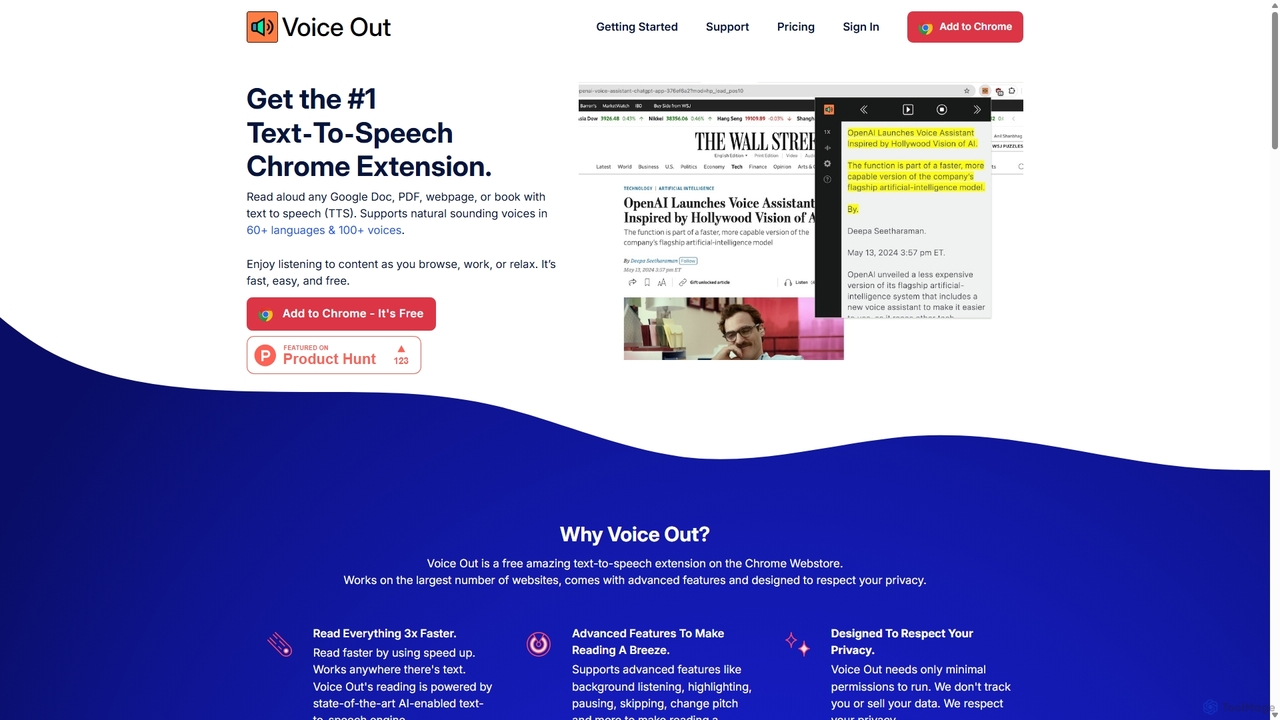
Voice Out
Voice Out is a leading text-to-speech (TTS) Chrome extension that converts any written content—from webpages and PDFs to Google Docs—into natural-sounding audio. Supporting over 60 languages with 100+ AI-powered voices, it enhances productivity, aids learning, and improves accessibility for all users. Listen to content while multitasking, proofread documents, or give your eyes a rest.
Screen Reader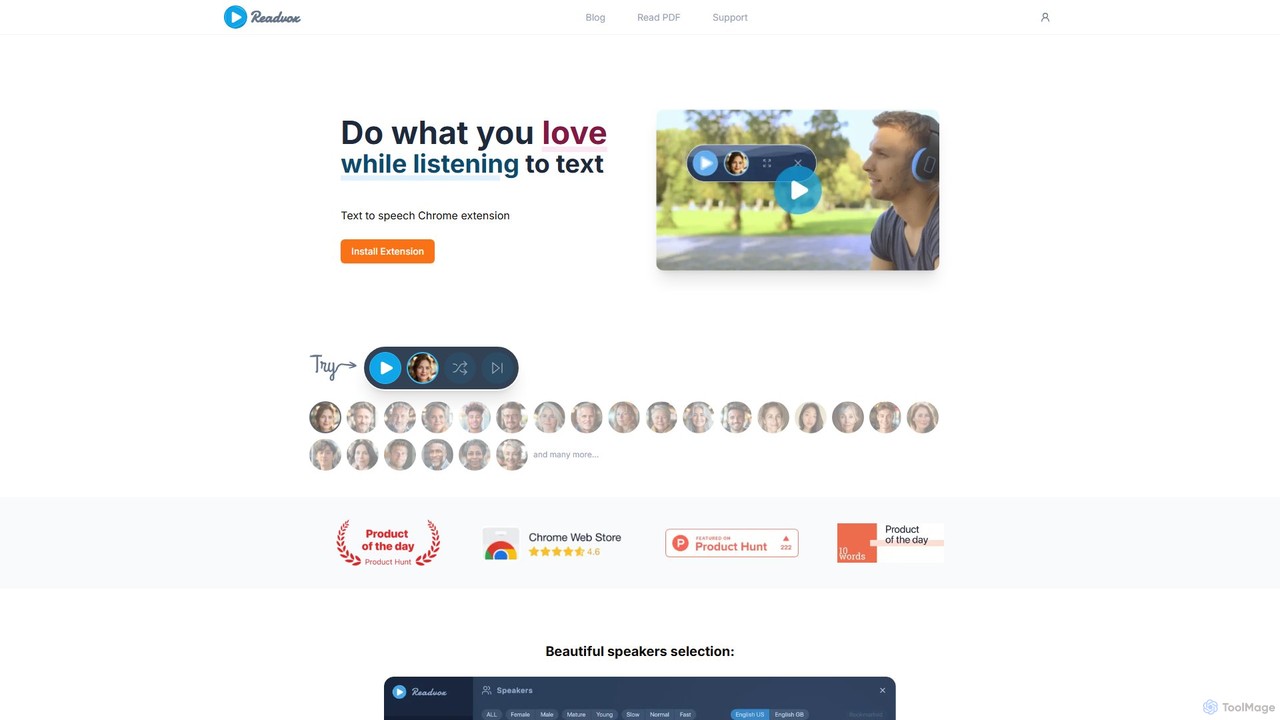
Readvox
Readvox is an AI-powered text-to-speech Chrome extension that converts web pages, PDFs, and Google Docs into natural-sounding audio. Listen to articles, books, and documents while multitasking, improving productivity and accessibility with its high-quality voices and customizable reading controls.
Chrome Extensions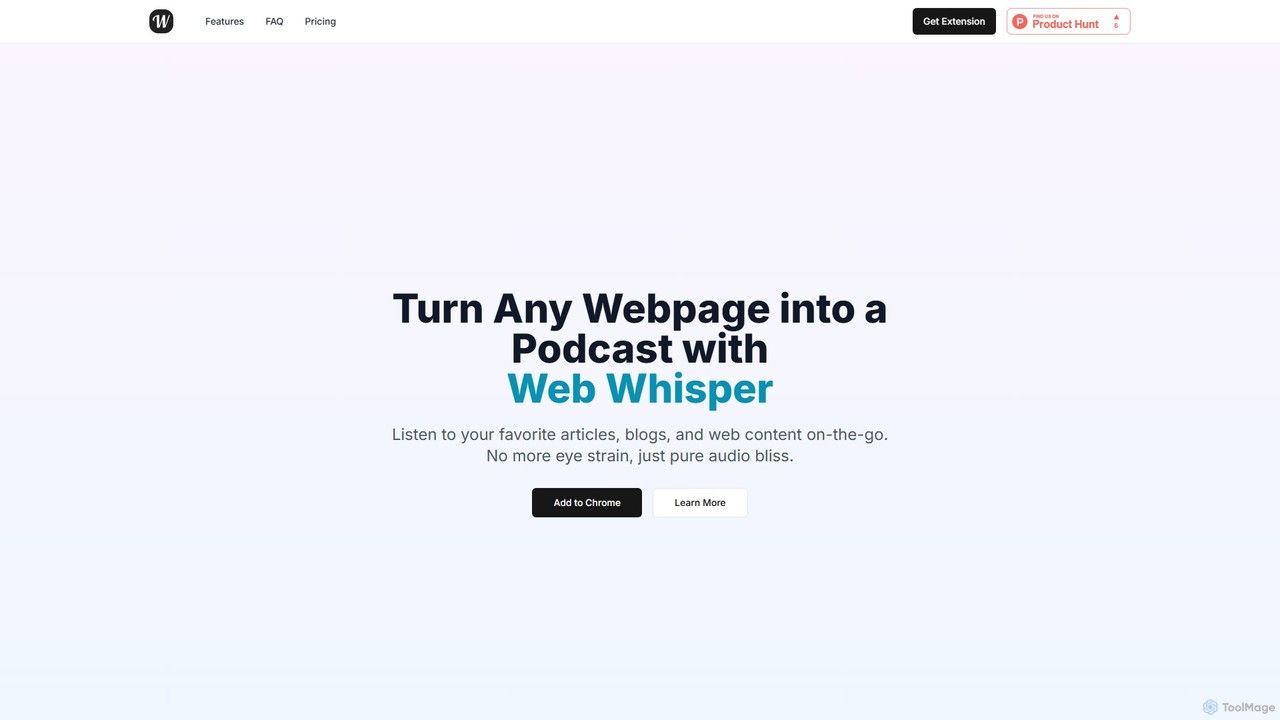
WebWhisper
WebWhisper is a free Chrome extension that instantly converts any webpage, article, or blog post into a high-quality audio podcast. It allows you to listen to web content on the go, create playlists for later, and even access them offline. With natural-sounding AI voices and automatic language detection, it transforms your reading experience into an effortless listening one, reducing eye strain and boosting productivity.
Screen Reader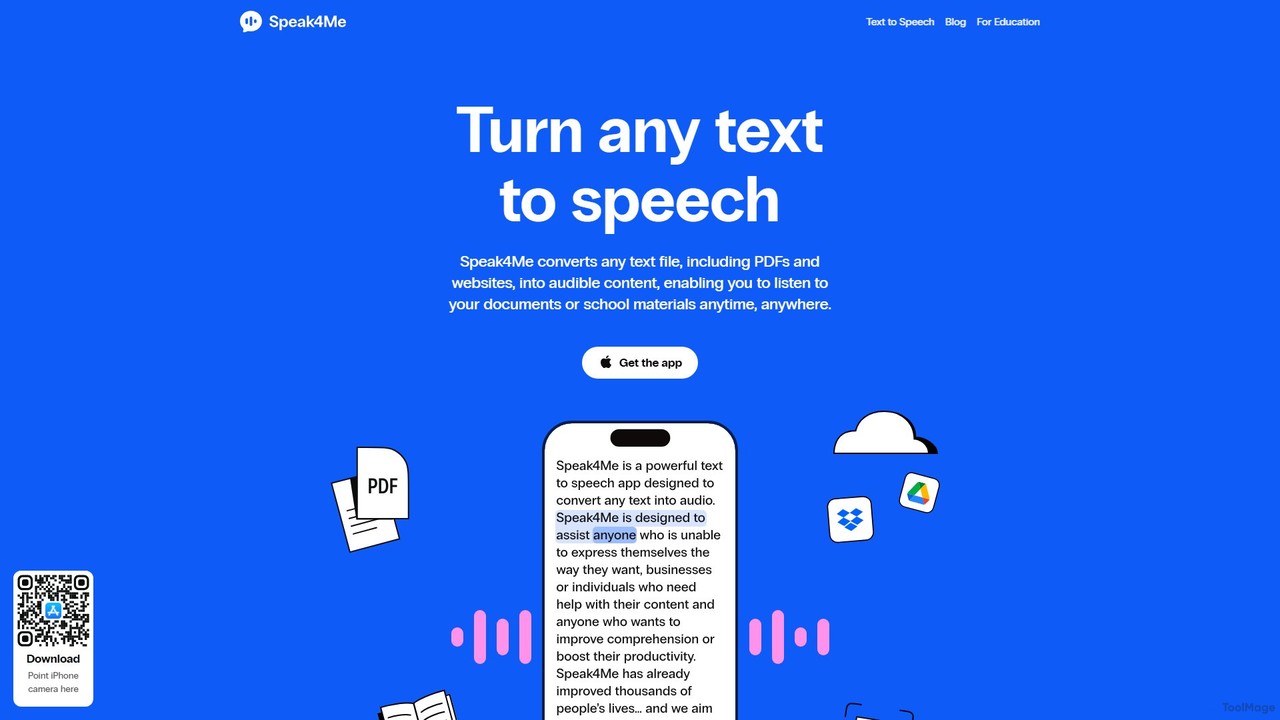
Speak4Me
Speak4Me is an advanced text-to-speech iOS app that converts any text from documents, websites, or scanned pages into natural-sounding audio. It features AI-powered chat for summarizing and querying documents, seamless cloud integration, and robust accessibility tools for users with dyslexia or ADHD. Listen to content on the go, increase productivity, and enhance your reading and learning experience.
Assistive Technology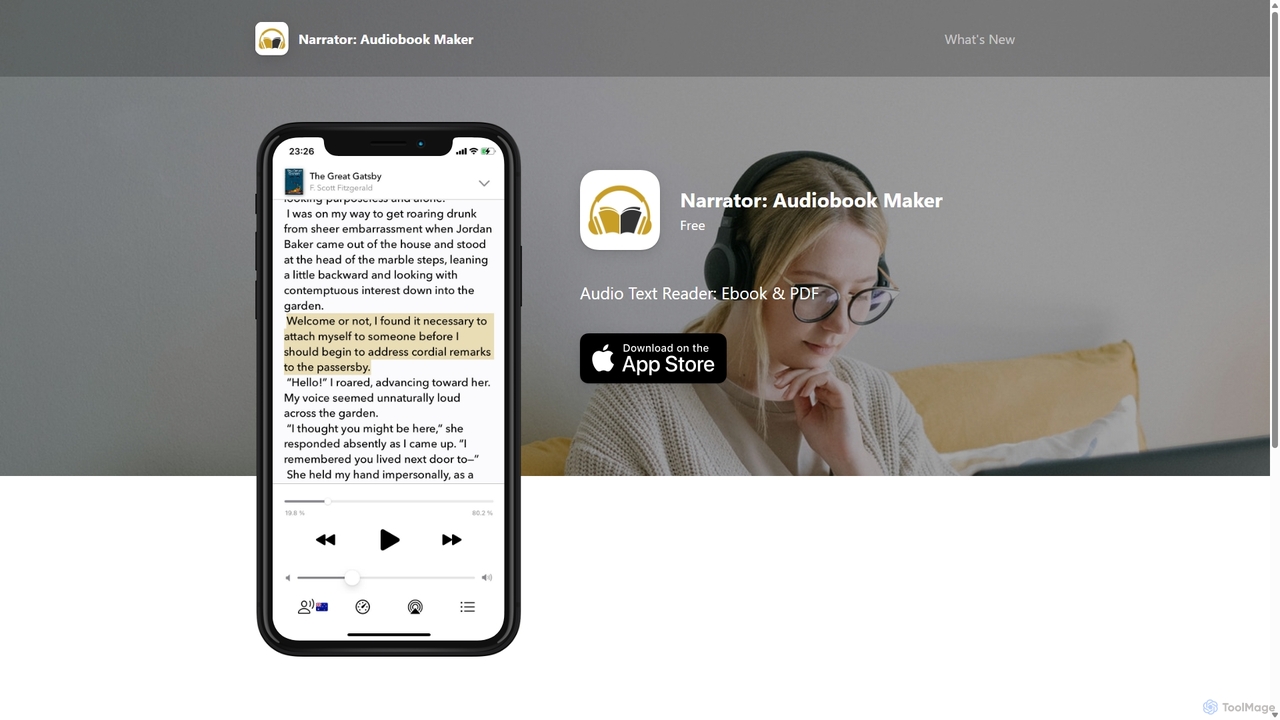
Narrator: Audiobook Maker
Narrator is an AI-powered mobile app that converts text from various formats like ePub, PDF, and DOCX into natural-sounding audiobooks. Supporting over 25 languages, it offers features like adjustable reading speed, AI-powered summaries, and premium voices, making it easy to listen to any document on the go.
Screen ReaderGPT Reader Categories
GPT Reader Embed Widget
Copy this embed code to place the badge on your blog, article, or product site and send readers directly to this ToolMage detail page.

Related AI tools
Voice Out
Voice Out is a leading text-to-speech (TTS) Chrome extension that converts any written content—from webpages and PDFs to Google Docs—into natural-sounding audio. Supporting over 60 languages with 100+ AI-powered voices, it enhances productivity, aids learning, and improves accessibility for all users. Listen to content while multitasking, proofread documents, or give your eyes a rest.
Screen ReaderReadvox
Readvox is an AI-powered text-to-speech Chrome extension that converts web pages, PDFs, and Google Docs into natural-sounding audio. Listen to articles, books, and documents while multitasking, improving productivity and accessibility with its high-quality voices and customizable reading controls.
Chrome Extensions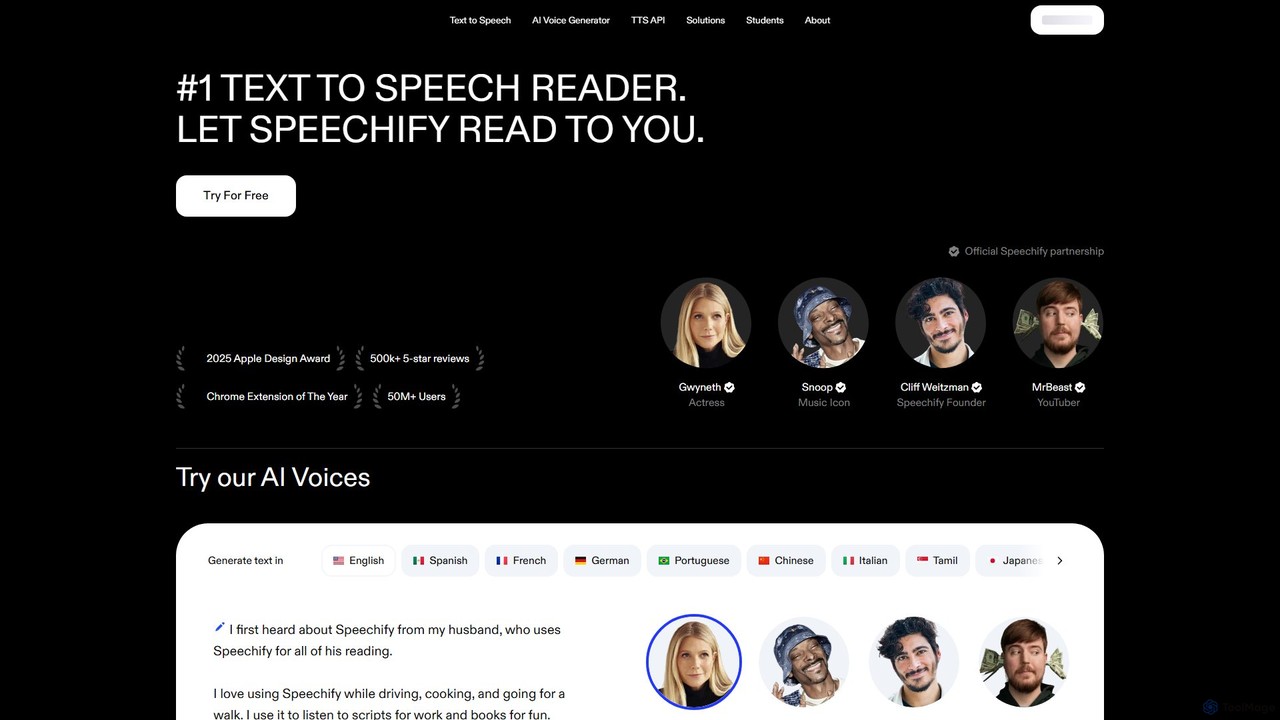
Speechify
Speechify is a leading AI-powered text-to-speech (TTS) reader that transforms any text into natural-sounding audio. It helps users listen to documents, articles, PDFs, and emails on any device, boosting productivity and making content more accessible. Ideal for students, professionals, and anyone with reading difficulties like dyslexia.
Text To SpeechWebWhisper
WebWhisper is a free Chrome extension that instantly converts any webpage, article, or blog post into a high-quality audio podcast. It allows you to listen to web content on the go, create playlists for later, and even access them offline. With natural-sounding AI voices and automatic language detection, it transforms your reading experience into an effortless listening one, reducing eye strain and boosting productivity.
Screen ReaderSpeak4Me
Speak4Me is an advanced text-to-speech iOS app that converts any text from documents, websites, or scanned pages into natural-sounding audio. It features AI-powered chat for summarizing and querying documents, seamless cloud integration, and robust accessibility tools for users with dyslexia or ADHD. Listen to content on the go, increase productivity, and enhance your reading and learning experience.
Assistive Technology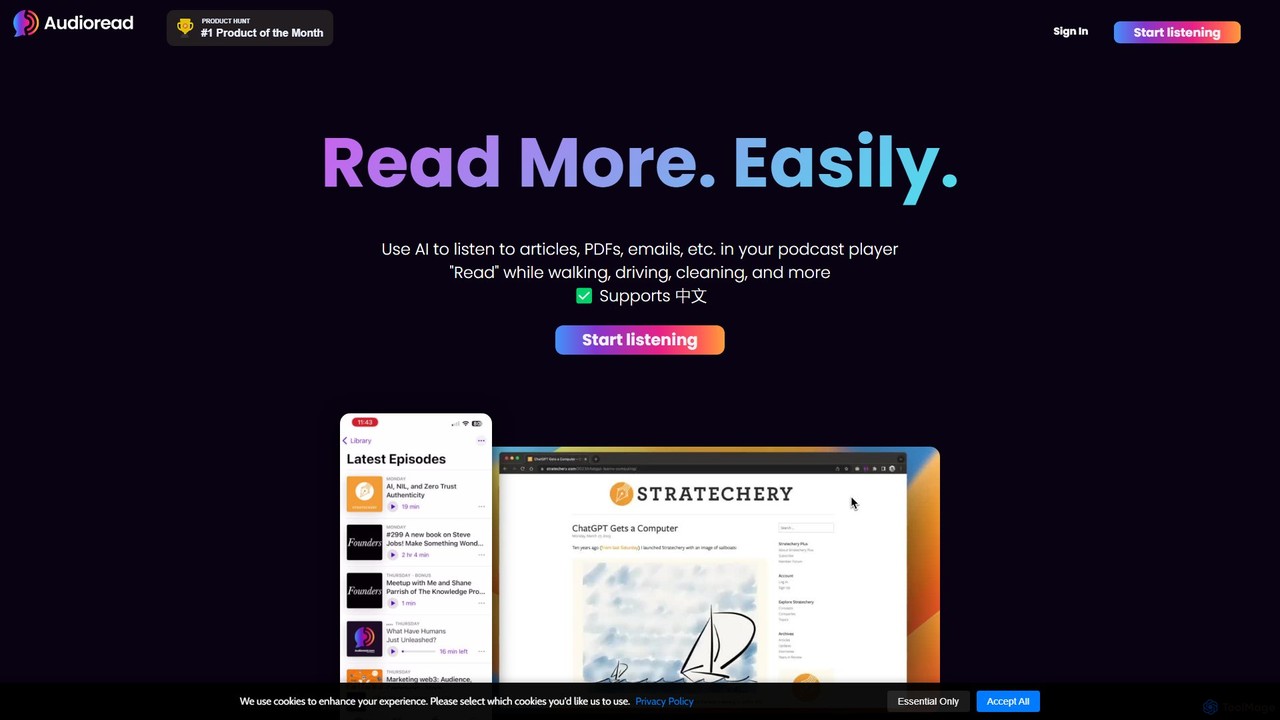
Audioread
Audioread is an advanced AI text-to-speech tool that converts any text—articles, PDFs, emails, and more—into ultra-realistic, natural-sounding audio. Listen on the go via your favorite podcast app, the web player, or by downloading MP3s. It's designed for long-form listening, helping busy individuals multitask and consume content efficiently.
Text To Speech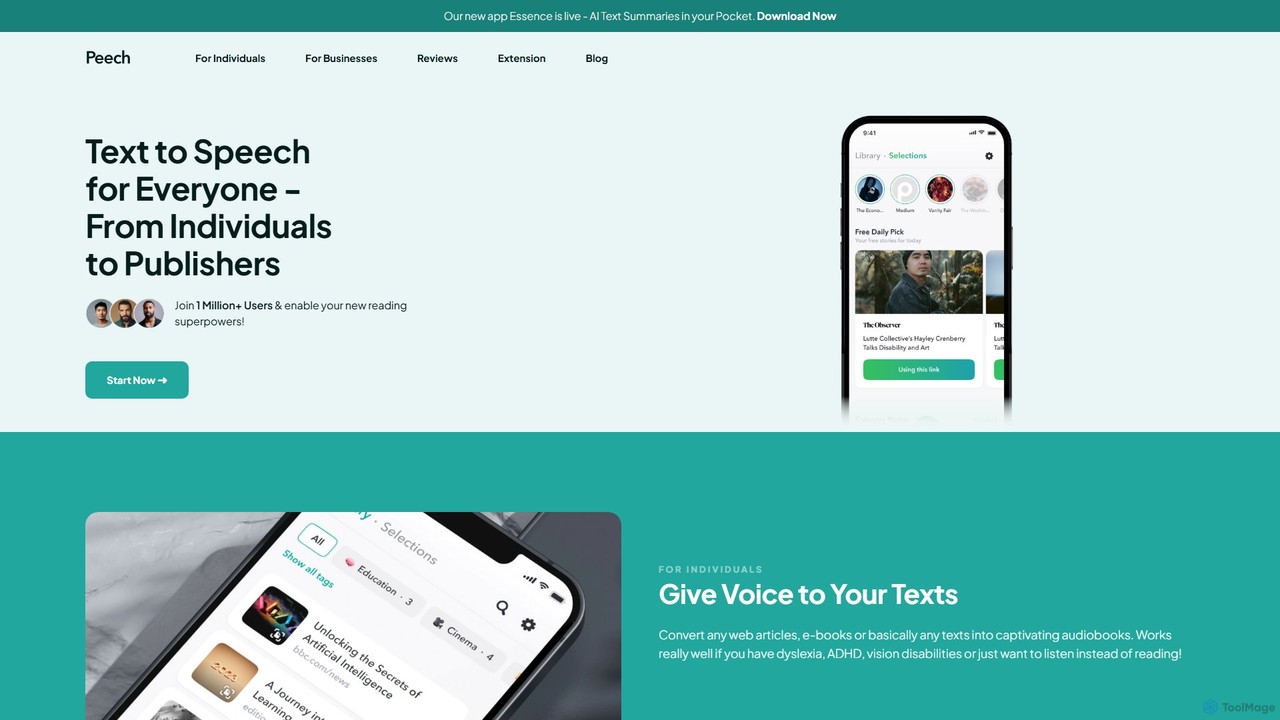
Peech
Peech is an AI-powered text-to-speech reader that converts any text, including web articles, PDFs, e-books, and even images, into high-quality, natural-sounding audio. Designed for individuals and publishers, it enhances productivity, accessibility for users with reading difficulties like dyslexia, and provides a cost-effective way to create audiobooks. Available on iOS, Android, and as a Chrome extension.
Reading Aid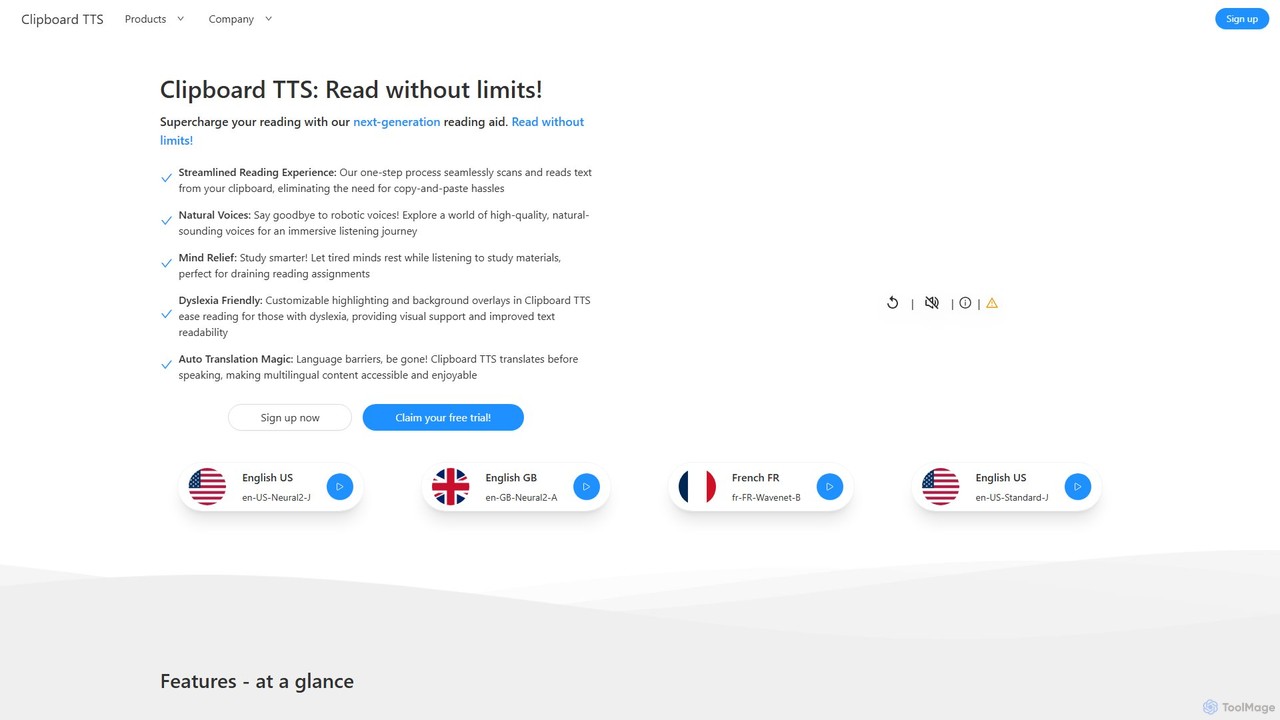
Clipboard TTS
An advanced text-to-speech application for Windows and Linux that automatically reads text from your clipboard. It features natural voices, auto-translation, OCR, and extensive accessibility tools, including dyslexia-friendly options, to create a seamless and powerful reading experience.
Reading Aid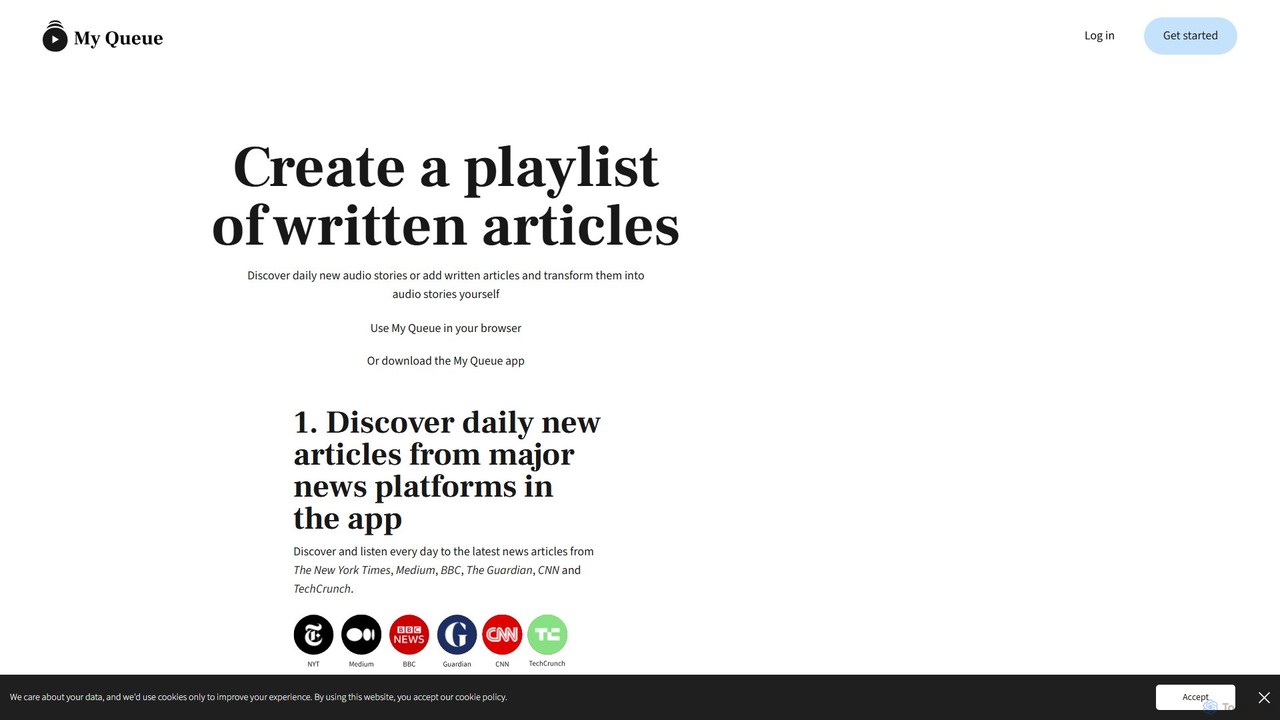
My Queue
My Queue transforms written articles from the web into a personal audio playlist. Save content from news sites and blogs using a browser extension or by pasting a link. Listen on the go with mobile and desktop apps to reduce screen time. It supports 48 languages, offers customizable playback, and helps you stay informed while multitasking.
Audio Generation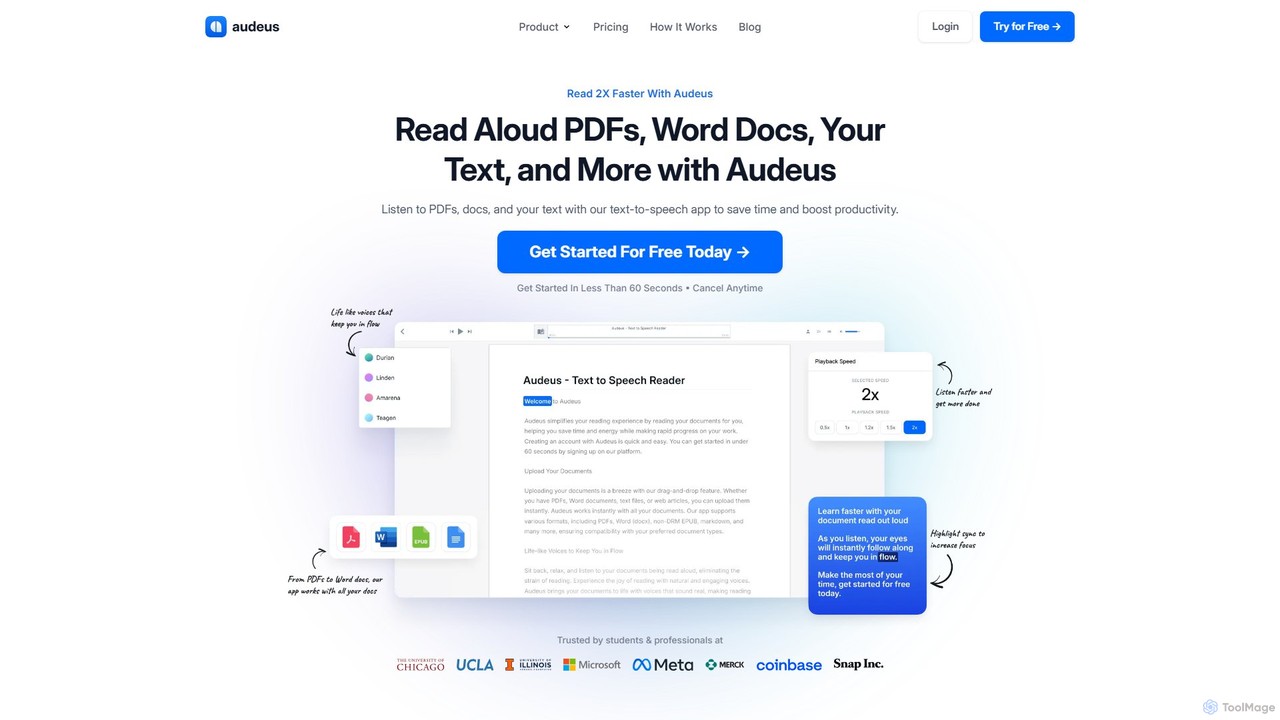
Audeus
Audeus is an advanced AI-powered text-to-speech (TTS) reader that transforms documents, web articles, and text into natural-sounding audio. It's designed for students, professionals, and anyone looking to increase productivity, improve focus, and absorb information more effectively. By listening and reading simultaneously with synced highlighting, users can double their reading speed, reduce eye strain, and enhance comprehension. It supports various formats like PDF, Word, and EPUB, and works seamlessly across devices.
Text To Speech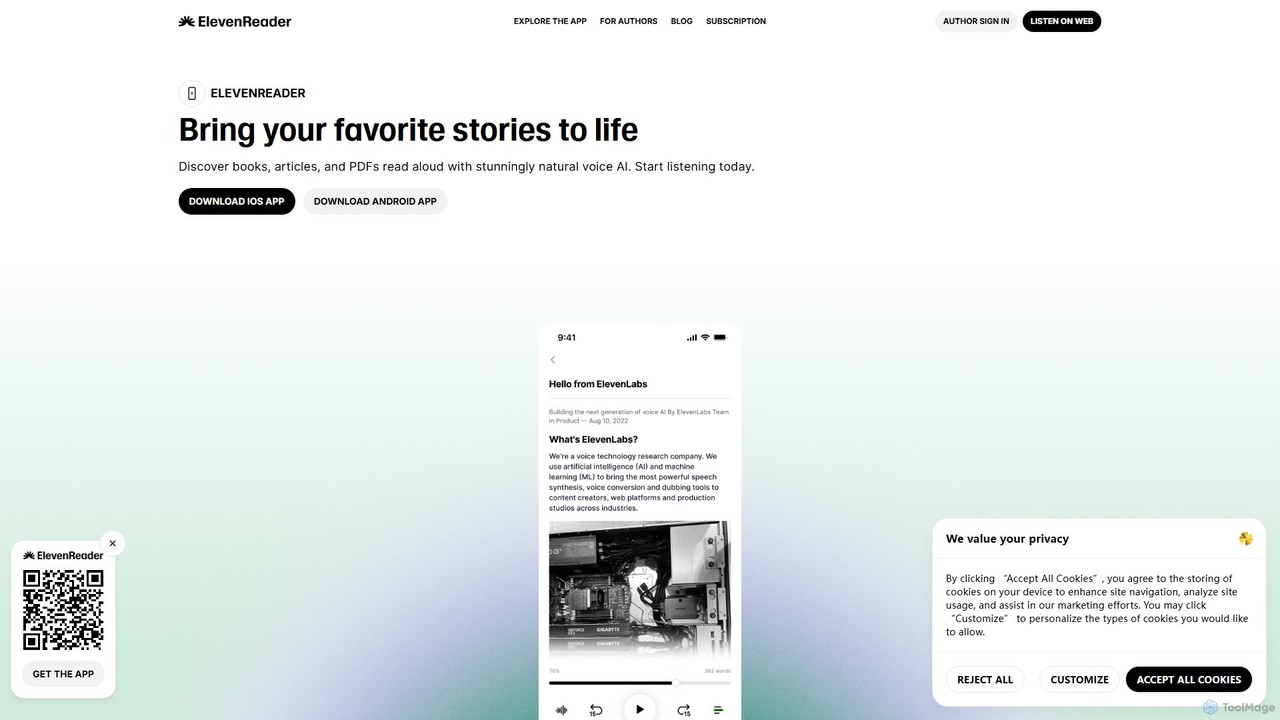
ElevenReader
ElevenReader is an advanced AI-powered text-to-speech application that converts any written text into incredibly natural-sounding audio. Leveraging the state-of-the-art voice synthesis technology from ElevenLabs, it allows you to listen to articles, documents, PDFs, and emails on the go. Ideal for multitasking, learning, and accessibility, ElevenReader transforms your reading material into a personal audiobook library with a wide range of lifelike voices and languages.
Reading Assistant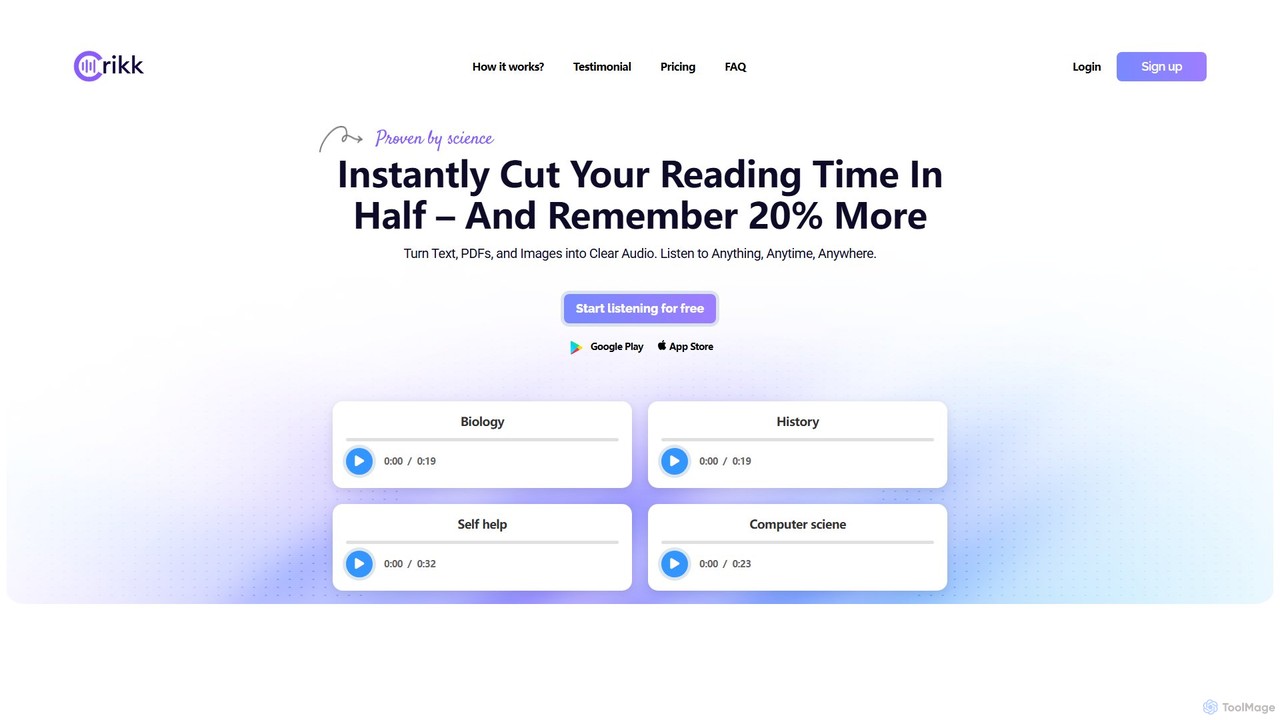
Crikk
Crikk is an AI-powered text-to-speech tool that converts documents, PDFs, and even images into natural-sounding audio. It's designed to enhance learning, boost productivity, and create professional voiceovers. With features like synchronized text highlighting, adjustable playback speed, and support for over 90 languages, Crikk makes it easy to listen to any content, anytime, anywhere, on web, Android, and iOS devices.
Voice Generation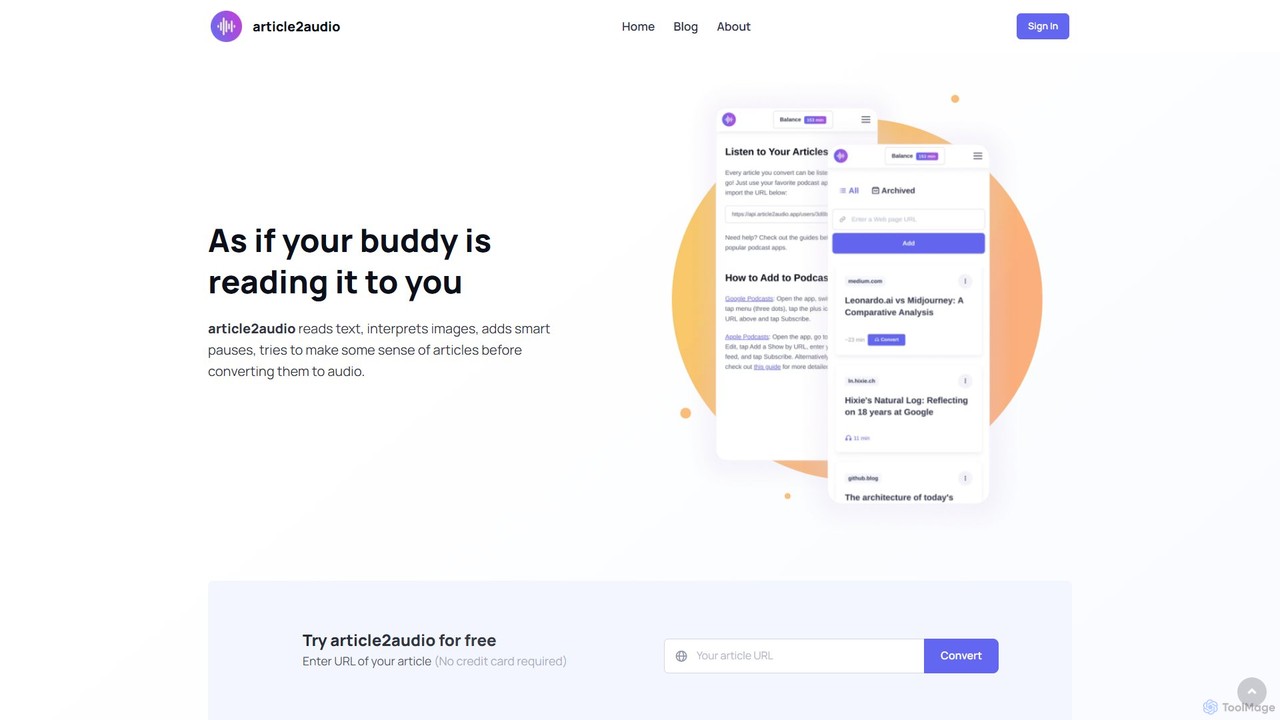
article2audio
article2audio is an advanced AI-powered text-to-speech tool that converts online articles into natural, human-like audio. It goes beyond simple narration by interpreting images, summarizing tables, and handling complex text like code. This makes listening to web content more engaging and informative, as if a friend were reading it to you. Ideal for turning your reading list into a personal podcast.
Voice Generation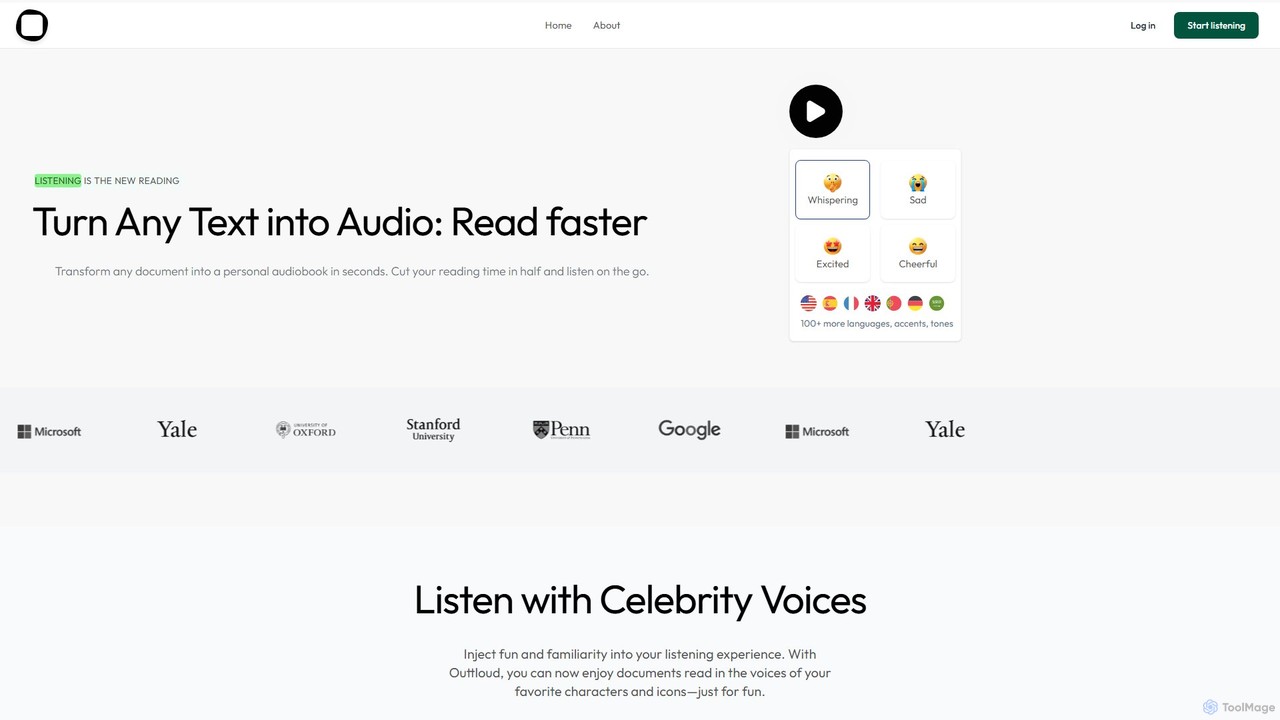
Outtloud
Outtloud is an AI-powered text-to-speech tool that converts any document (PDF, EPUB) or web content into high-quality, natural-sounding audio. It features over 100 voices in 50+ languages, emotional tones, and even celebrity voice clones. Designed for productivity and accessibility, it can create AI podcasts from web searches, generate summaries, and includes tools for bookmarking and annotation, making it ideal for students, researchers, and busy professionals.
Reading Aid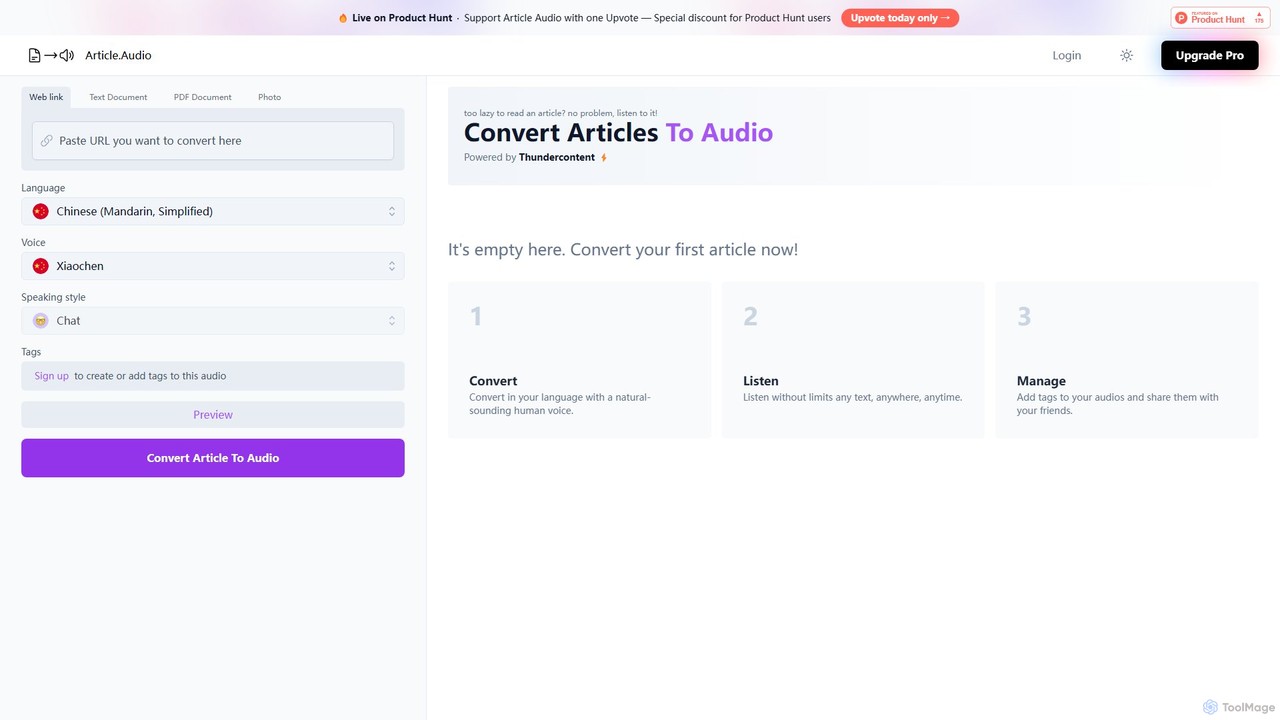
Article Audio
Article Audio is an AI-powered tool that instantly converts any web article into high-quality, natural-sounding audio. Choose from a wide range of languages and voices to listen to content on the go, making it perfect for multitasking, learning, and accessibility.
Reading Aid
GPT Reader Comments (0)
Sign in to comment.
Sign inNo comments yet.