

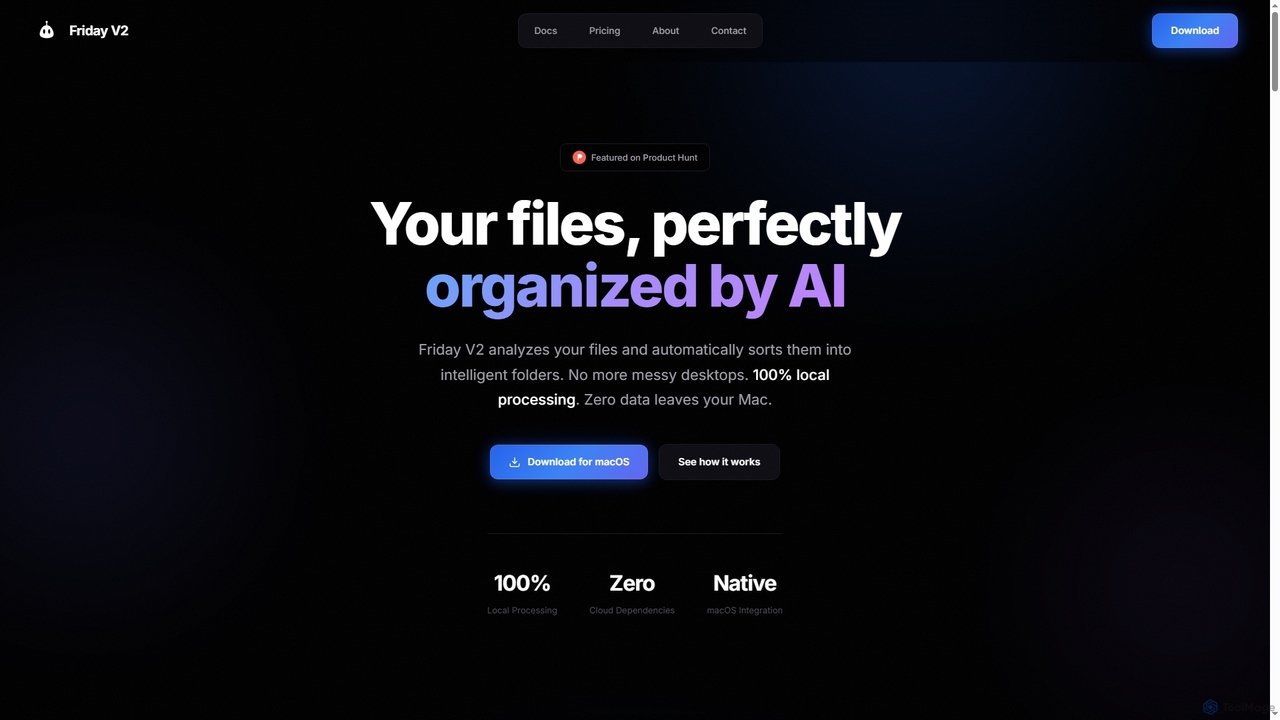
Friday Overview
Friday is an advanced AI assistant for Mac users, revolutionizing how digital files are managed. It offers a powerful three-step process – Scan, Classify, Organize – all executed locally on your machine to ensure maximum privacy and efficiency. This tool is built on the belief that files should organize themselves, freeing users from the tedious task of manual file management.
How to use Friday
To get started with Friday, first download the latest version from the official website as a standard .dmg file for macOS. Install the application by dragging it to your Applications folder. Upon first launch, you may need to right-click and select "Open" to bypass Gatekeeper. Grant Friday V2 the necessary permissions to access your files, selecting the folders you wish to organize. For your first organization, it's recommended to start with a single folder like Downloads or Desktop. Select a folder, and Friday will scan and analyze its contents, providing a preview of the proposed categories and folder structure. After reviewing the changes, click "Organize" to apply them. All actions are recorded in the History panel, allowing for one-click undo at any time.
Core Features of Friday
- Deep File Scanning: High-performance recursive scan with minimal CPU impact, extracting metadata (properties, dates, types) and performing content analysis (document text, image content, file context).
- AI Classification: Advanced AI models analyze files in real-time, combining vision, text, and spatial understanding to intelligently categorize documents, images, videos, and projects.
- Smart Organization: Automatically moves files to their perfect folder locations, intelligently renames files with consistent conventions, and detects/manages duplicate files.
- Preview Mode: See exactly what will happen before any files are moved or changes are applied.
- Custom Rules: Create personalized organization rules based on file type, name pattern, date, or size, with specified destination folders.
- Undo History: A complete history of all organization actions, allowing for one-click undo of the last action or any specific past action.
- Scheduled Cleanup: Set up automatic organization to run on a schedule.
- 100% Local Processing: All AI processing happens directly on your Mac; files never leave your device, ensuring privacy.
Use Cases for Friday
Friday is ideal for anyone struggling with digital clutter on their Mac. It's perfect for decluttering overflowing Downloads folders, organizing project-specific documents and assets, managing large collections of photos and videos, and maintaining a clean, accessible file system. Professionals, students, and creatives can leverage Friday to save significant time on file management, ensuring important files are always where they belong and easily retrievable.
Advantages of Friday
The primary advantage of Friday is its commitment to privacy, with all AI processing occurring locally on your Mac. This ensures your sensitive data remains secure and never leaves your device. Its intelligent, AI-powered classification goes beyond simple file extensions, understanding actual content and context for superior organization. The automation saves countless hours, transforming chaotic desktops into perfectly structured folders with minimal effort. Features like Preview Mode and Undo History provide control and peace of mind, making file management both powerful and risk-free. Furthermore, its custom rules allow for tailored organization to fit individual workflows.
Pricing and Plans
Friday offers simple pricing with three plans, all including full AI file organization and 100% local processing:
- Monthly: $4 / month. Perfect for trying Friday out, includes unlimited file organization, smart folder creation, and AI-powered categorization. Cancel anytime.
- Yearly: $30 / year (saves $18, 38% off compared to monthly). Best value for regular users, includes everything in Monthly, plus priority support, early access to features, custom organization rules, and advanced AI models.
- Forever: $70 one-time payment. Provides lifetime access with no subscriptions, includes everything in Yearly, plus lifetime updates, VIP support forever, all future features, and a founding member badge.
These are early adopter prices and may increase as Friday evolves with new features, so locking in the rate now is recommended.
Friday FAQ
Friday Alternatives
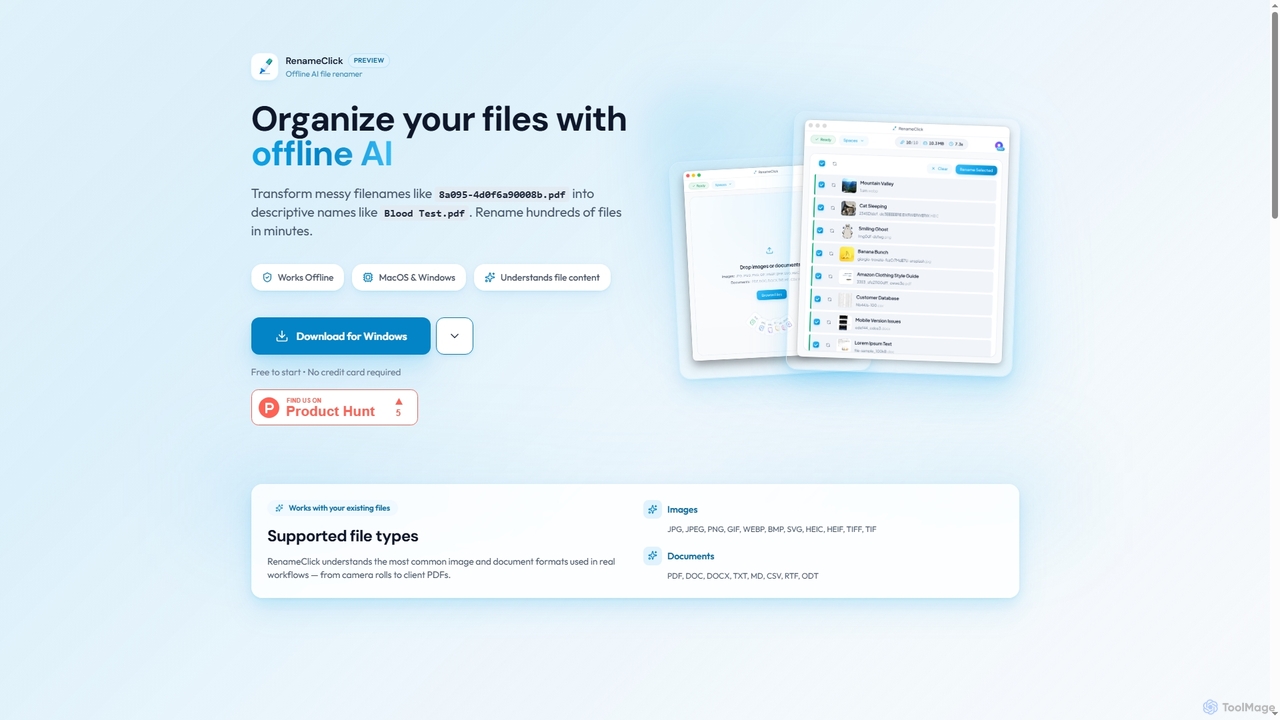
RenameClick
RenameClick is an offline AI file renamer for Mac and Windows that intelligently transforms messy, unorganized filenames into descriptive, clean labels. It leverages local AI to understand file content, enabling efficient batch renaming of hundreds of images and documents while ensuring complete privacy.
Offline Processing
Ai Photo Sorter
A privacy-first, AI-powered web application that helps you efficiently organize local photo collections. Create custom categories, sort images, and detect duplicates securely on your own computer without uploading any data.
Photo Organization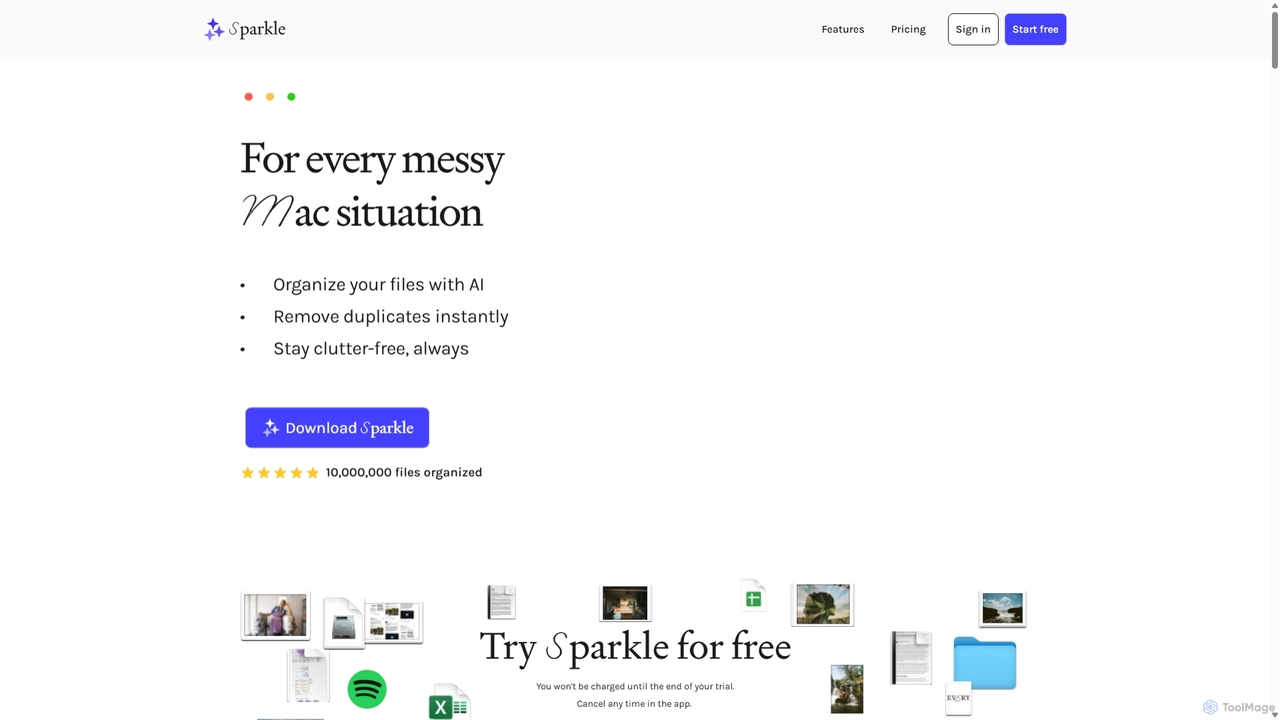
Sparkle
Sparkle is an AI-powered Mac application that automatically organizes your files. It intelligently creates custom folder structures for your Desktop, Downloads, and cloud drives, sorting files into relevant categories. With built-in duplicate detection and a privacy-first approach, Sparkle eliminates digital clutter and saves you hours of manual organization.
Personal Assistant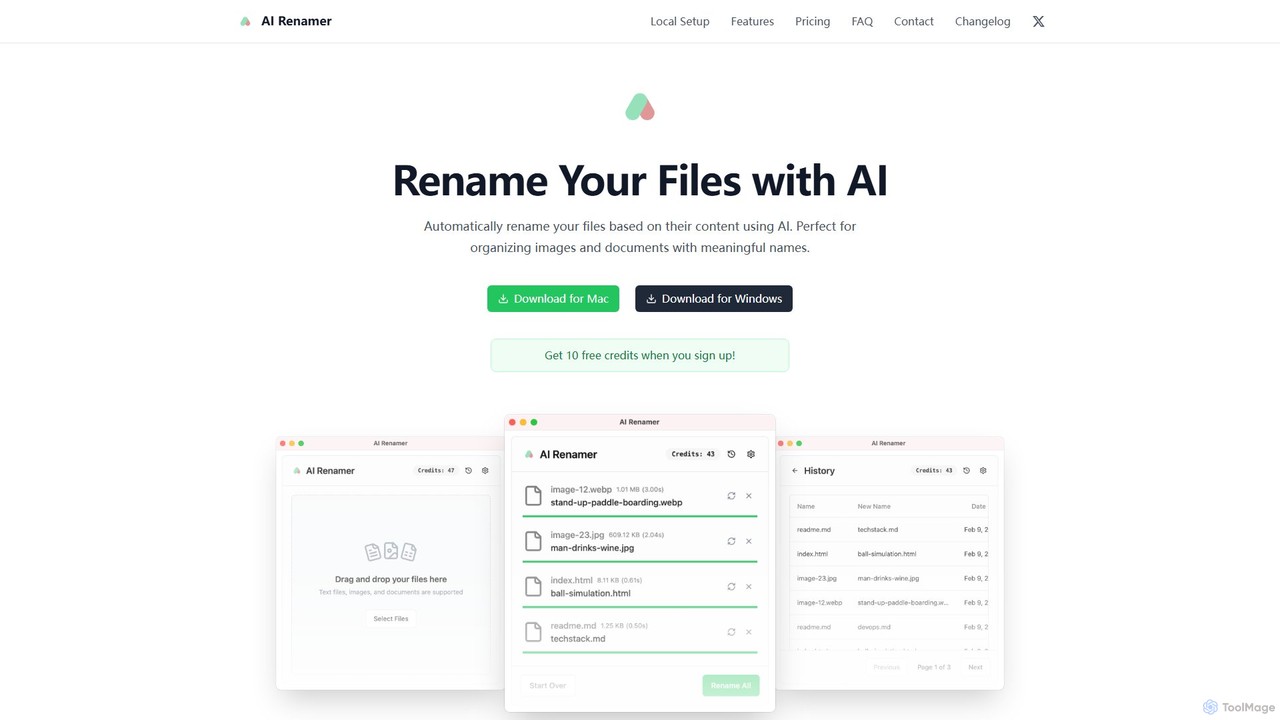
AI Renamer
AI Renamer is a smart desktop application for Mac and Windows that automatically renames files based on their content. It analyzes images and documents to generate descriptive, meaningful names, helping you organize your digital life effortlessly. It supports batch processing, custom naming rules, and offers both a private, offline Local Mode and a convenient Cloud Mode.
Document Management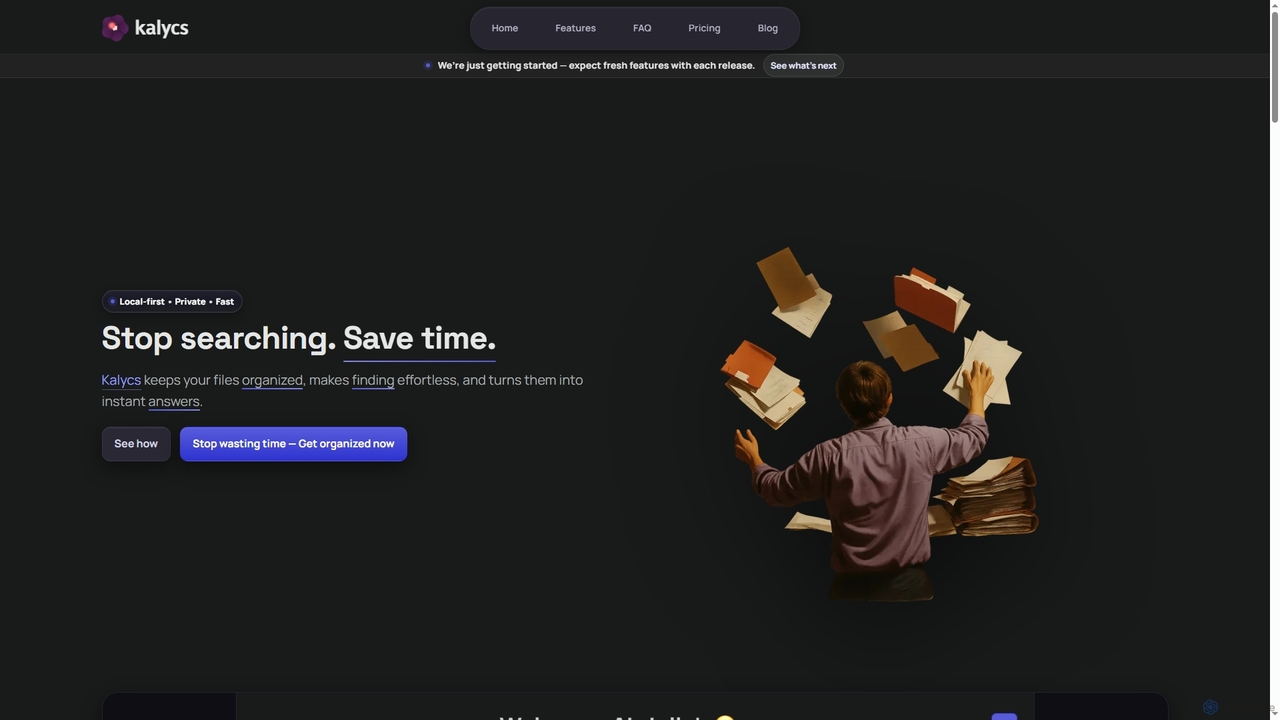
Kalycs
Kalycs is a local-first AI-powered file search and organization tool exclusively for Mac. It helps users quickly find information within their documents, auto-organize downloads, and get instant answers using natural language queries, ensuring privacy by keeping files on-device and leveraging the user's own OpenAI API key for AI features.
Personal Knowledge BaseFriday Categories
Friday Jobs
Friday Embed Widget
Copy this embed code to place the badge on your blog, article, or product site and send readers directly to this ToolMage detail page.

Related AI tools
RenameClick
RenameClick is an offline AI file renamer for Mac and Windows that intelligently transforms messy, unorganized filenames into descriptive, clean labels. It leverages local AI to understand file content, enabling efficient batch renaming of hundreds of images and documents while ensuring complete privacy.
Offline ProcessingAi Photo Sorter
A privacy-first, AI-powered web application that helps you efficiently organize local photo collections. Create custom categories, sort images, and detect duplicates securely on your own computer without uploading any data.
Photo Organization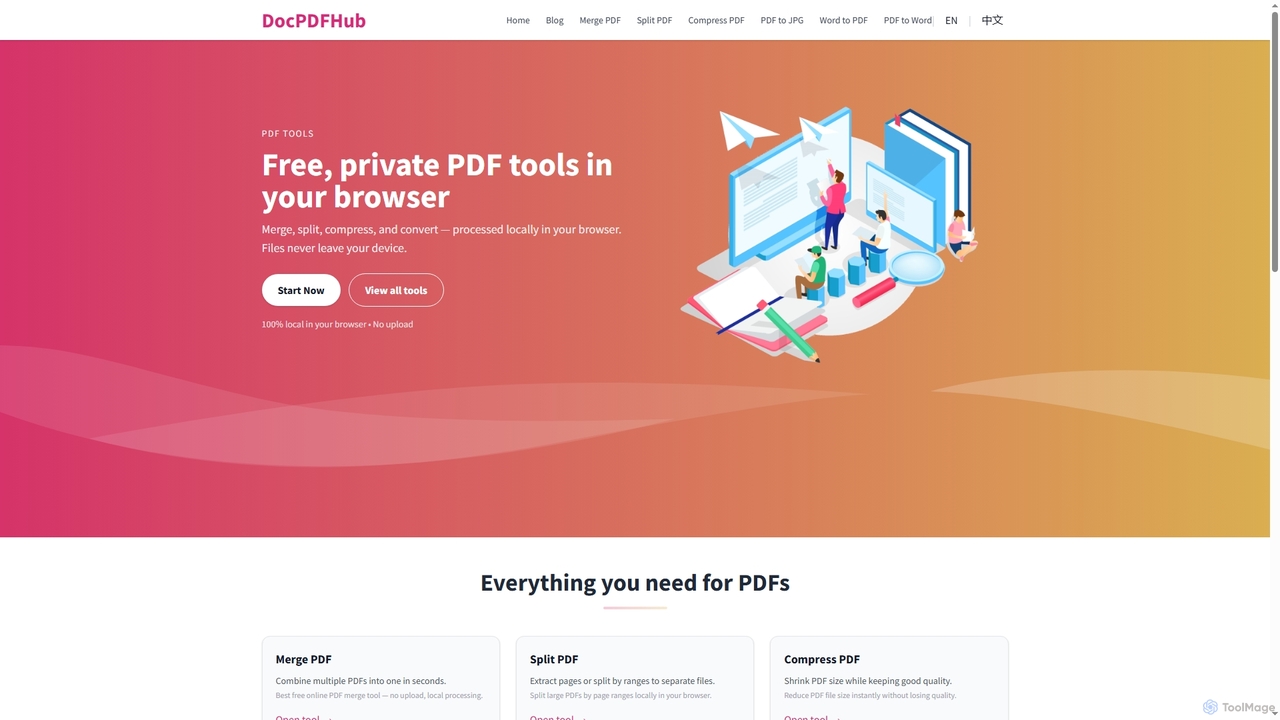
DocPDFHub
DocPDFHub is a suite of free, privacy-focused online PDF and Word tools that process documents entirely within your browser. It offers essential functionalities like merging, splitting, compressing PDFs, and converting between PDF, Word, and JPG formats, ensuring your files never leave your device. Designed for speed, simplicity, and security, it's ideal for everyday document management without uploads or sign-ups.
Pdf ToolsSparkle
Sparkle is an AI-powered Mac application that automatically organizes your files. It intelligently creates custom folder structures for your Desktop, Downloads, and cloud drives, sorting files into relevant categories. With built-in duplicate detection and a privacy-first approach, Sparkle eliminates digital clutter and saves you hours of manual organization.
Personal AssistantAI Renamer
AI Renamer is a smart desktop application for Mac and Windows that automatically renames files based on their content. It analyzes images and documents to generate descriptive, meaningful names, helping you organize your digital life effortlessly. It supports batch processing, custom naming rules, and offers both a private, offline Local Mode and a convenient Cloud Mode.
Document Management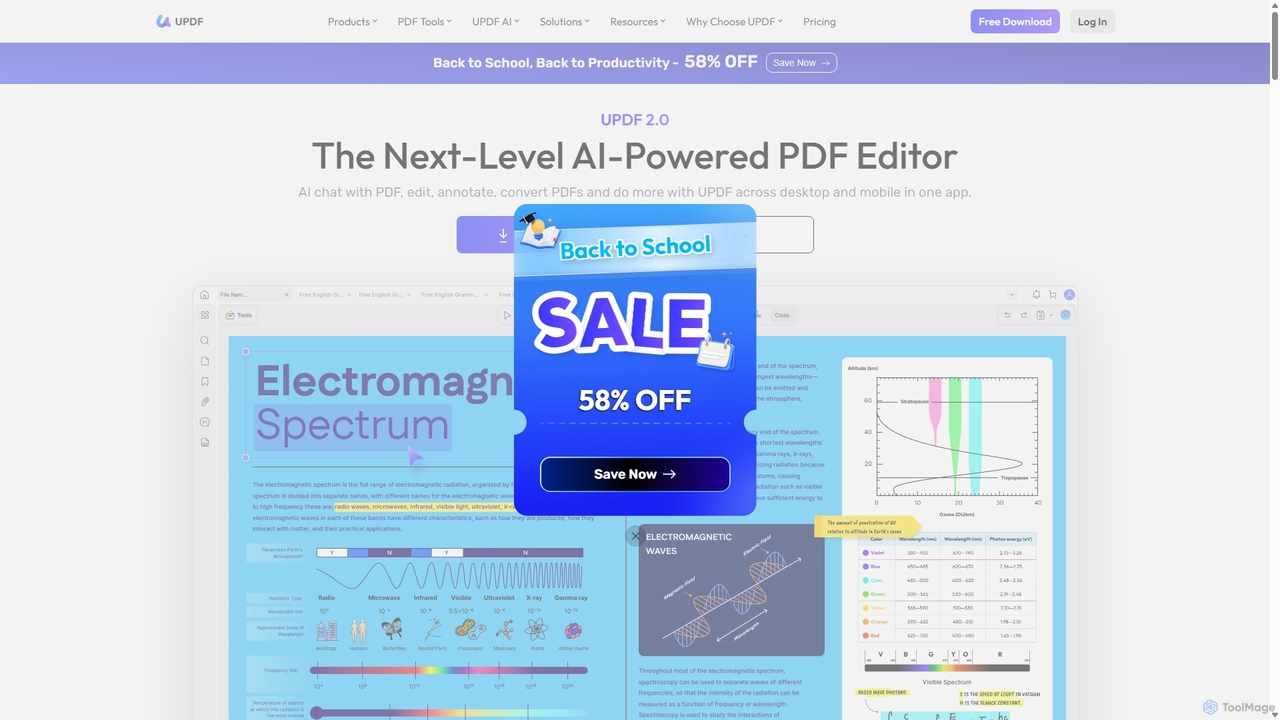
UPDF
UPDF is an AI-integrated, all-in-one PDF editor that allows users to edit, annotate, convert, summarize, translate, and chat with PDF documents. It offers a seamless experience across Windows, macOS, iOS, and Android, boosting productivity for individuals, students, and businesses.
Document Analysis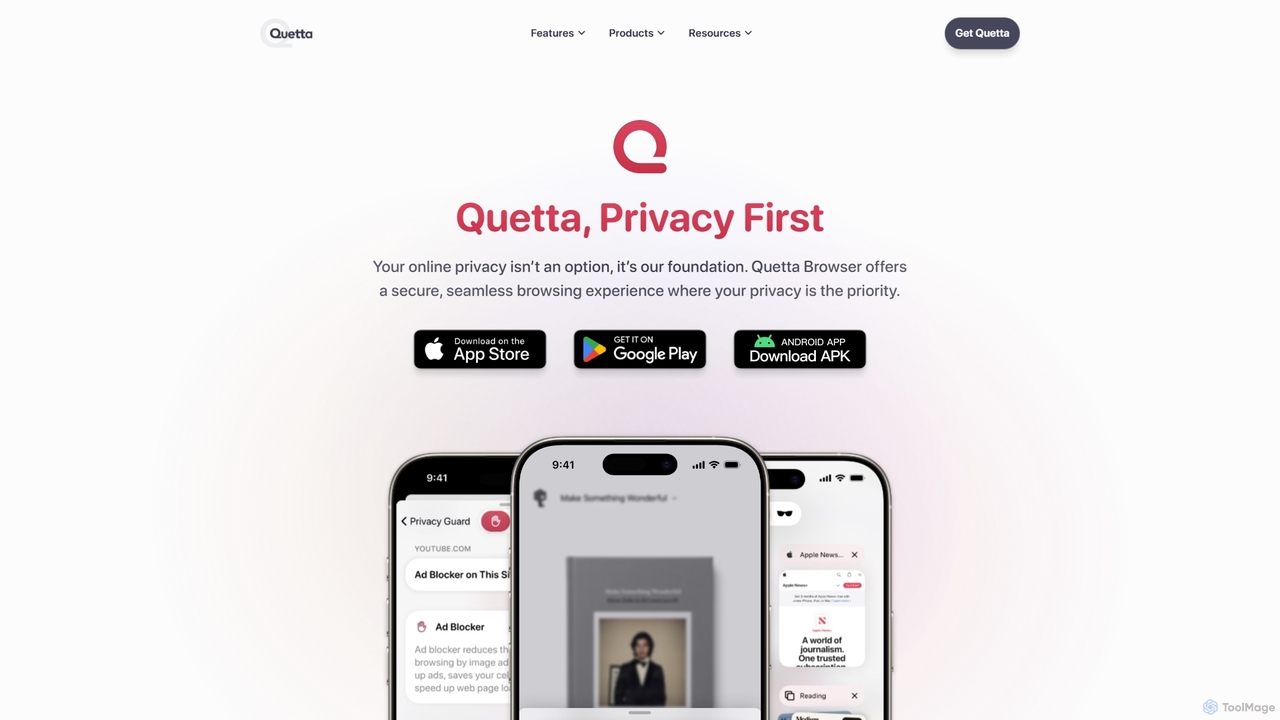
Quetta
Quetta is a private mobile browser featuring a powerful AI-powered ad blocker, full extension support, and advanced privacy protection. It offers a fast, clean, and secure browsing experience with unique utilities like a video downloader, offline playlist, and magazine-style reader mode, all within a minimalist, user-friendly interface.
Browser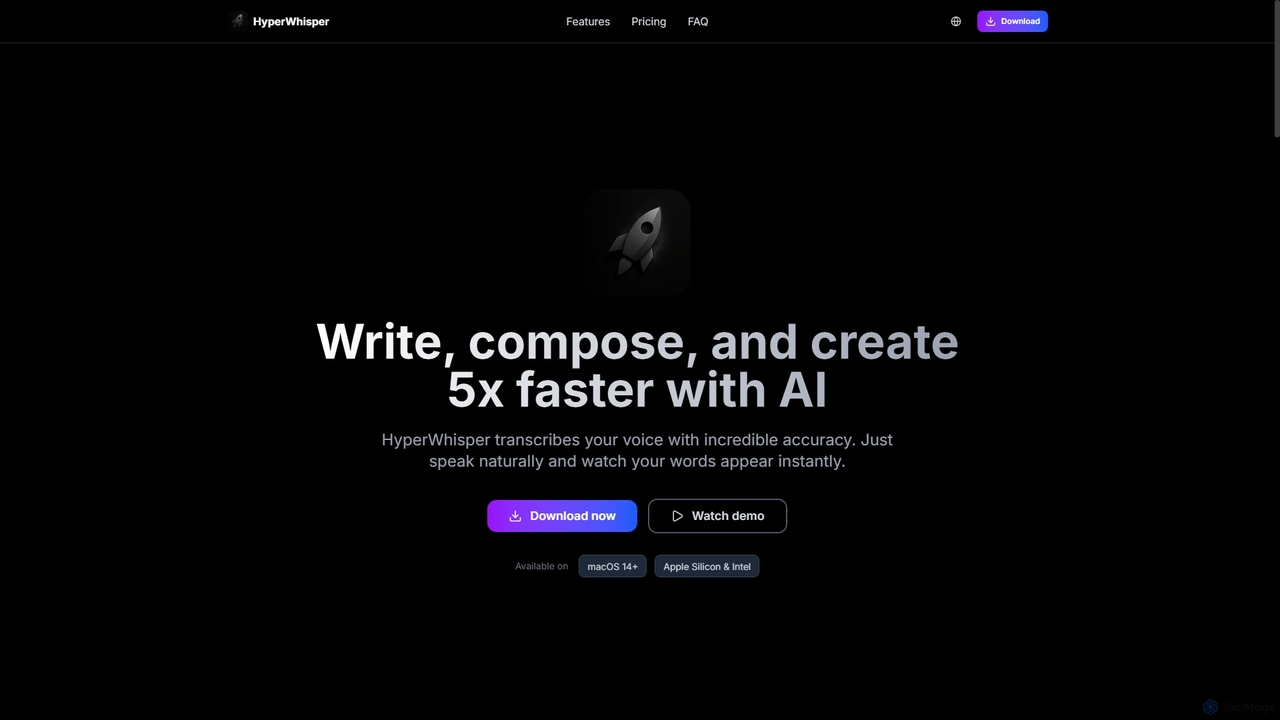
HyperWhisper
HyperWhisper is an AI-powered voice transcription application for macOS, designed to convert spoken words into text with exceptional accuracy and speed. It supports over 100 languages, offers robust offline capabilities, and prioritizes user privacy, making it ideal for professionals seeking efficient content creation and note-taking.
Coding Assistant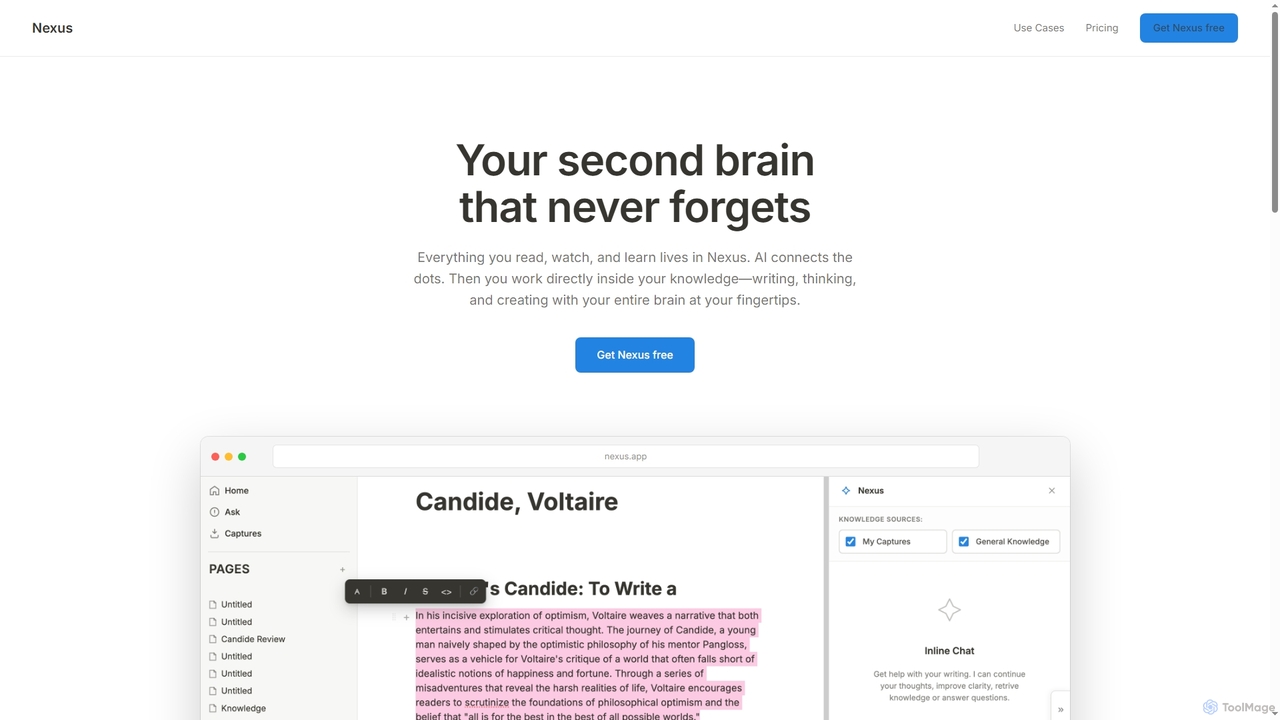
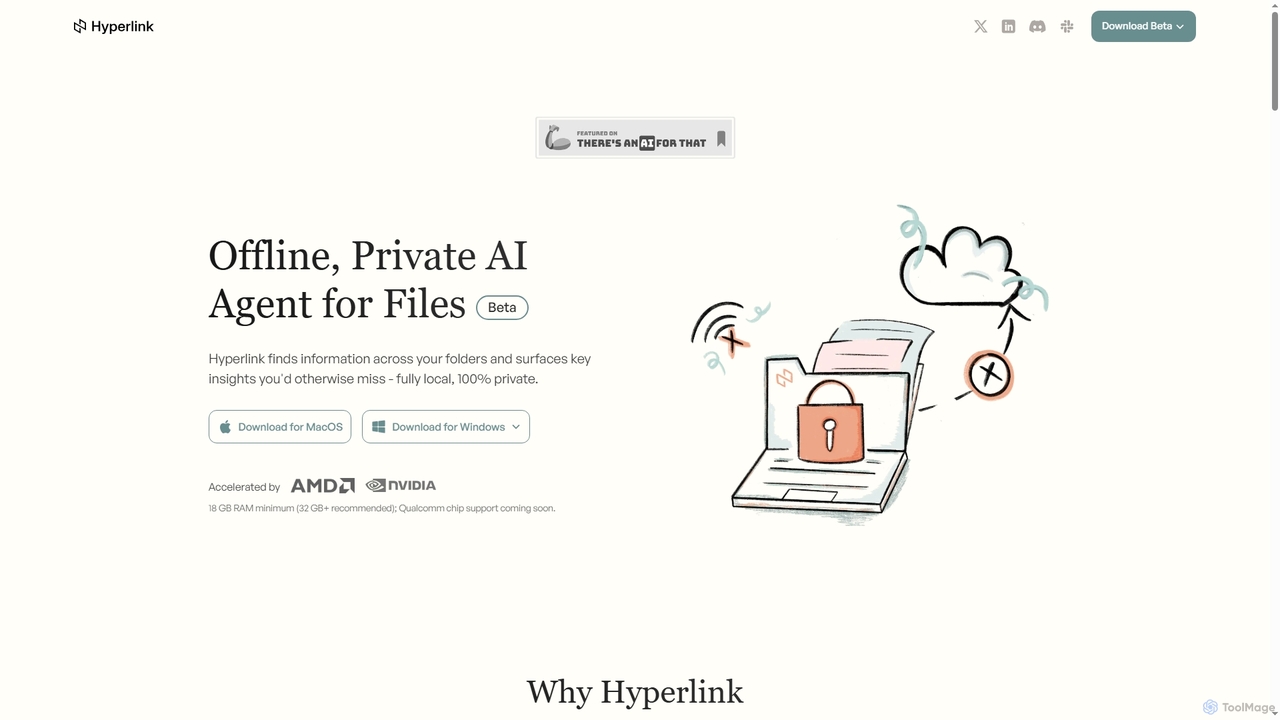
Hyperlink
Hyperlink is a fully on-device, private AI agent designed for document search and understanding. It allows knowledge workers to instantly find, analyze, and summarize information from their local files, notes, and documents without compromising privacy. With features like real-time file indexing, in-text citations, and image text search, Hyperlink transforms your personal data into an intelligent, searchable knowledge base, all processed offline on your device.
Offline Agent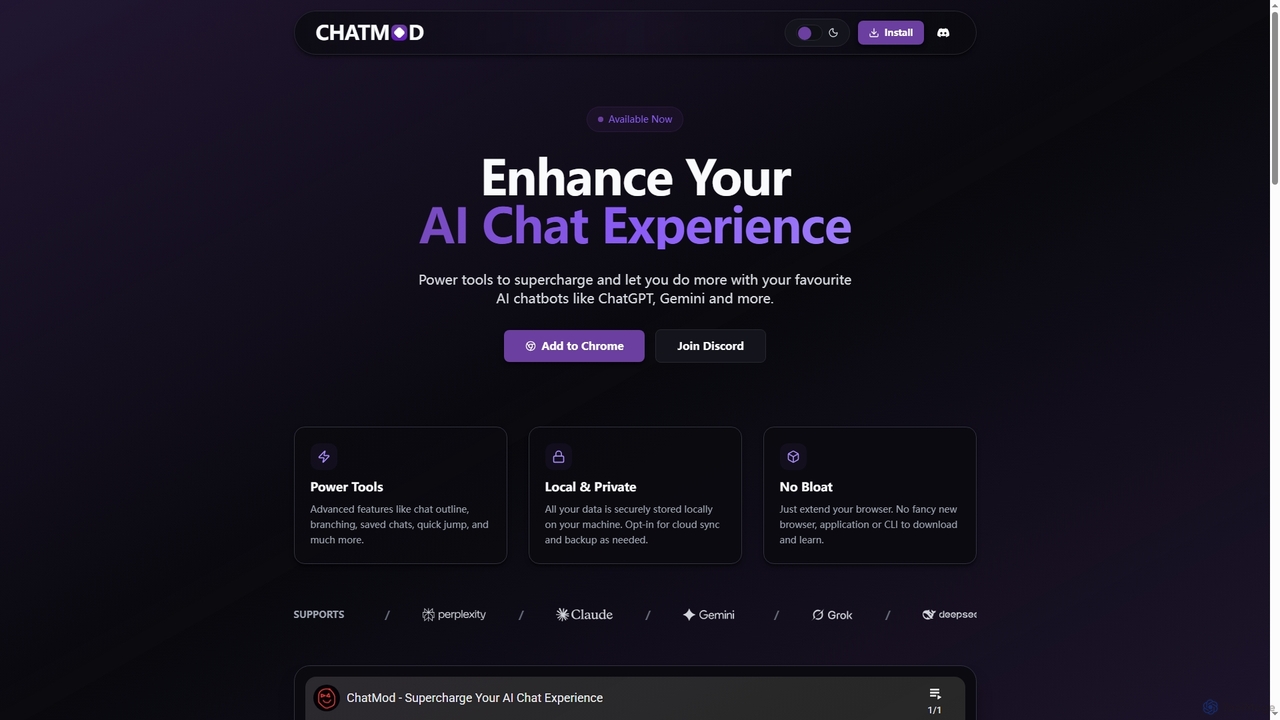
ChatMod
ChatMod is a powerful browser extension designed to supercharge your AI chat experience across platforms like ChatGPT, Gemini, Perplexity, and more. It offers advanced features for chat organization, navigation, and productivity, all while keeping your data local and private.
Chat Management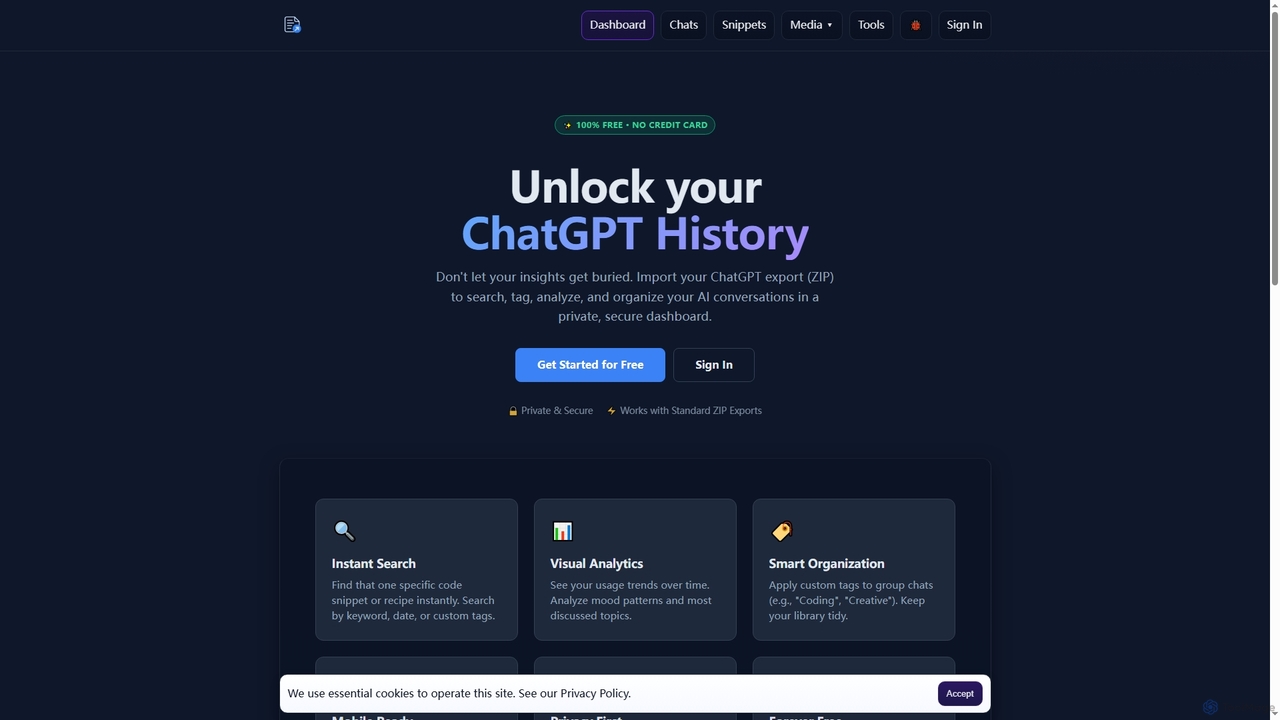
Export Reader
Export Reader is a free, private, and secure tool designed to help users manage their ChatGPT conversation history. It allows you to import your ChatGPT data export (ZIP file) to easily search, tag, analyze, and organize your AI interactions within a responsive dashboard.
Chat Data
Jyek
Jyek is an AI agent platform that understands objectives, creates execution plans, uses tools, and delivers verifiable results for complex, multi-step tasks.
Automation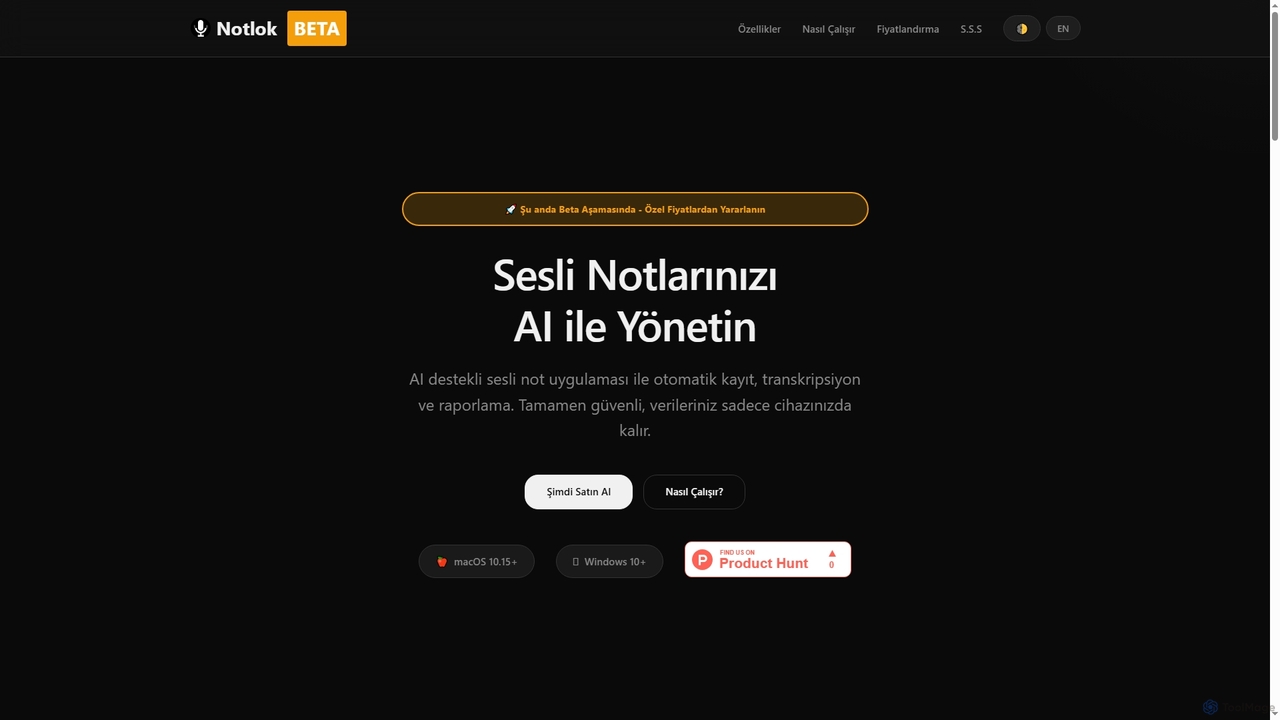
Notlok
Notlok is an AI-powered desktop application for macOS and Windows that provides secure, offline voice note transcription and direct system audio recording. It leverages Whisper AI models to convert spoken content from over 99 languages into text, ensuring user data remains entirely on the local device.
Voice Notes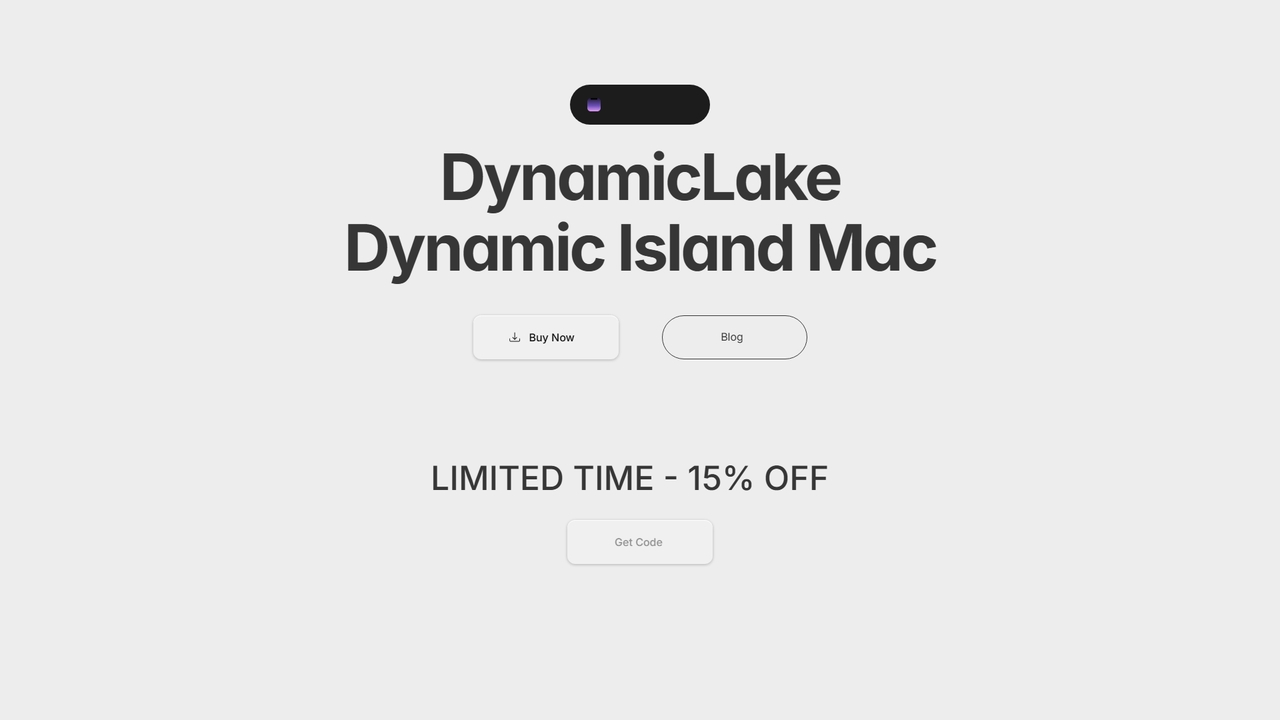
DynamicLake
DynamicLake is a powerful Mac application that brings the iPhone's iconic Dynamic Island experience to macOS, complete with Liquid Glass aesthetics. It transforms the menu bar into an interactive hub for notifications, media control, file management, system utilities, and live activities, enhancing productivity and workflow with a visually stunning and intuitive interface.
Notifications
Friday Comments (0)
Sign in to comment.
Sign inNo comments yet.