

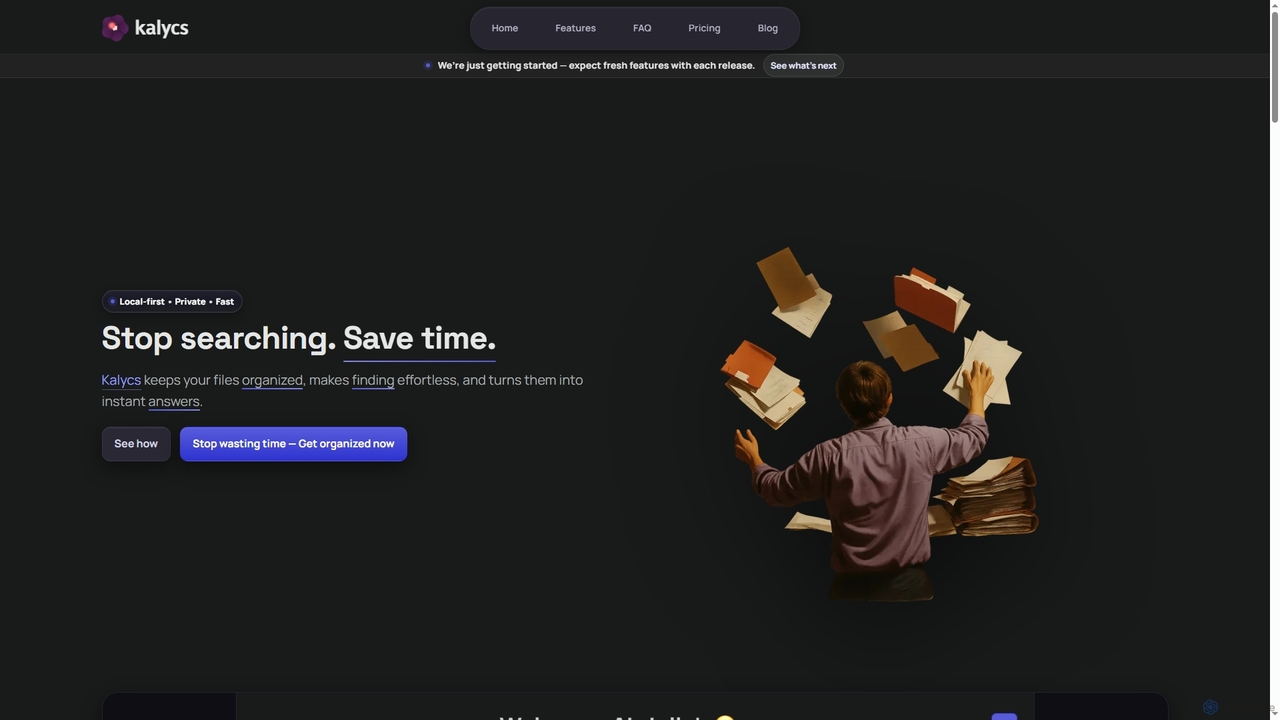
Kalycs Overview
Kalycs is an innovative, local-first application designed specifically for macOS users to transform how they interact with their digital files. It aims to eliminate the frustration of searching by making finding effortless, keeping files organized, and turning documents into instant answers. By prioritizing privacy and speed, Kalycs ensures that your data remains on your device while offering powerful AI-driven capabilities for semantic search, natural language Q&A, and automated file organization.
How to use Kalycs
To use Kalycs, simply install the application on your Mac. For AI-powered features like semantic search and natural language Q&A, you will need to add your own OpenAI API key in the Kalycs Settings. Once set up, you can type questions in plain language (using ⌥⌘K from anywhere) to get grounded answers from your documents with citations. Kalycs also watches your Downloads folder, automatically organizing files based on your custom rules or AI suggestions. You can upload and manage files within projects, browsing them through a simple interface.
Core Features of Kalycs
- Natural Language Q&A: Ask questions in plain language and get cited answers from your documents.
- Semantic Search: Find files based on meaning, not just keywords, for lightning-fast and accurate results.
- Automated File Organization: Automatically organize your Downloads folder using predefined rules or AI suggestions.
- Local-First & Private: All your files remain on your device; no cloud upload is required.
- On-Device AI Processing: AI requests are sent directly to OpenAI using your API key, with only relevant excerpts shared.
- Project & File Management: Easily upload, browse, and manage files within organized projects.
- Quick Access: Open search from anywhere on your Mac using the ⌥⌘K shortcut.
- Multi-File Type Support: Works with various document types to prepare them for accurate search and answers.
- Offline Functionality: Local search, organization, and file management work completely offline.
Use Cases for Kalycs
Kalycs is ideal for professionals, researchers, students, and anyone who manages a large volume of digital documents on their Mac. It can be used for: quickly finding specific information across multiple research papers or reports; automatically sorting downloaded invoices, photos, or documents; preparing for meetings by instantly retrieving answers from project files; managing personal archives efficiently; and enhancing overall productivity by reducing time spent on file management and information retrieval.
Advantages of Kalycs
Kalycs offers significant advantages including unparalleled privacy due to its local-first design, ensuring your files never leave your device. Its AI-powered semantic search and Q&A capabilities drastically cut down information retrieval time, providing accurate, cited answers. The automated organization feature keeps your digital workspace tidy without manual effort. Furthermore, the one-time lifetime license offers a cost-effective solution without recurring subscription fees, making it a valuable long-term investment for Mac users seeking enhanced productivity and control over their data.
Pricing and Plans
Kalycs is available with a one-time payment of $49.99 USD for a lifetime license. This includes full access to all current features and future updates, with no recurring fees. The license can be activated on up to 2 devices and comes with a 14-day money-back guarantee.
Kalycs FAQ
Kalycs Alternatives
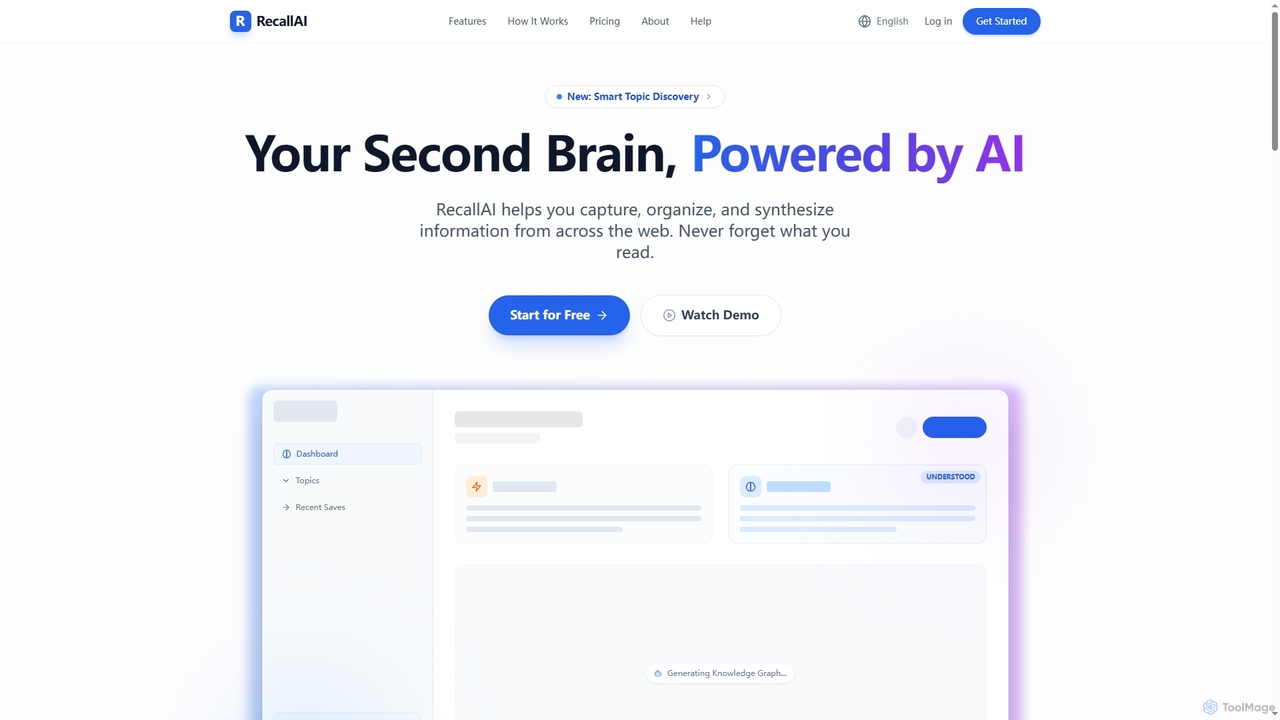
RecallAI
RecallAI is an AI-powered 'second brain' designed to help users capture, organize, and synthesize information from across the web. It automatically summarizes articles, videos, and podcasts, categorizes content into relevant topics, and allows for instant knowledge retrieval through natural language queries and a visual knowledge graph.
Learning Assistant
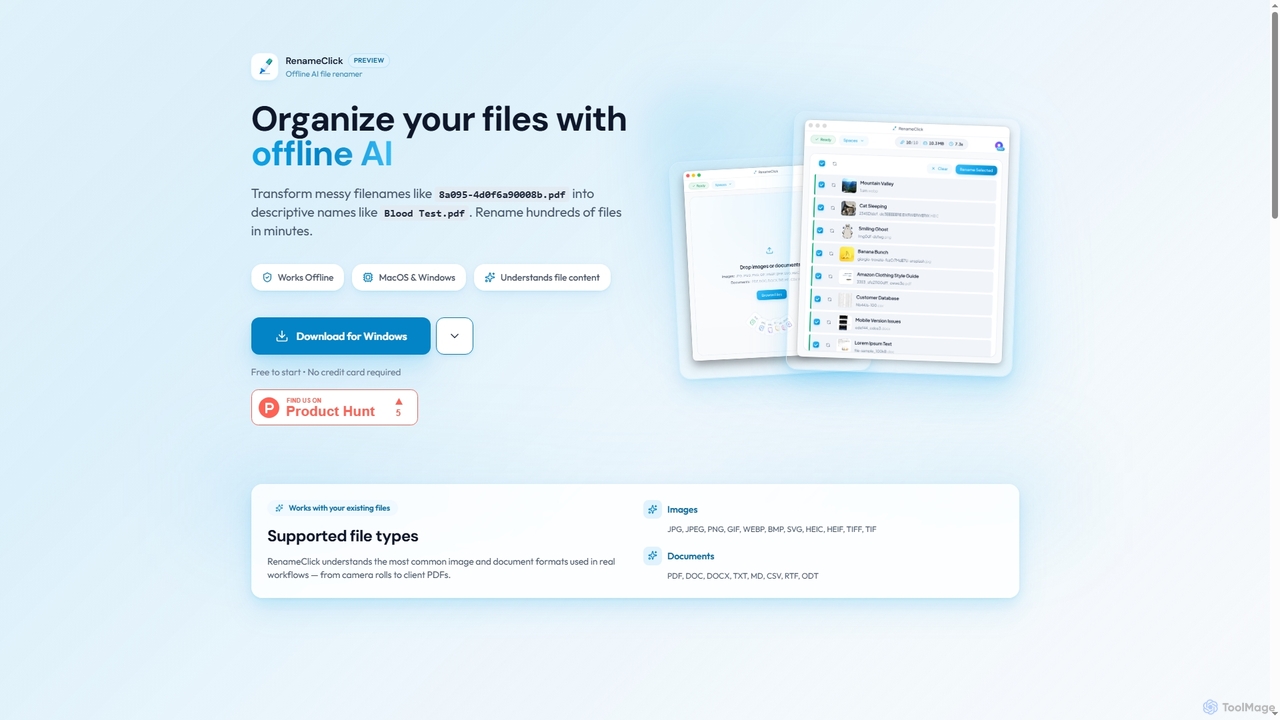
RenameClick
RenameClick is an offline AI file renamer for Mac and Windows that intelligently transforms messy, unorganized filenames into descriptive, clean labels. It leverages local AI to understand file content, enabling efficient batch renaming of hundreds of images and documents while ensuring complete privacy.
Offline Processing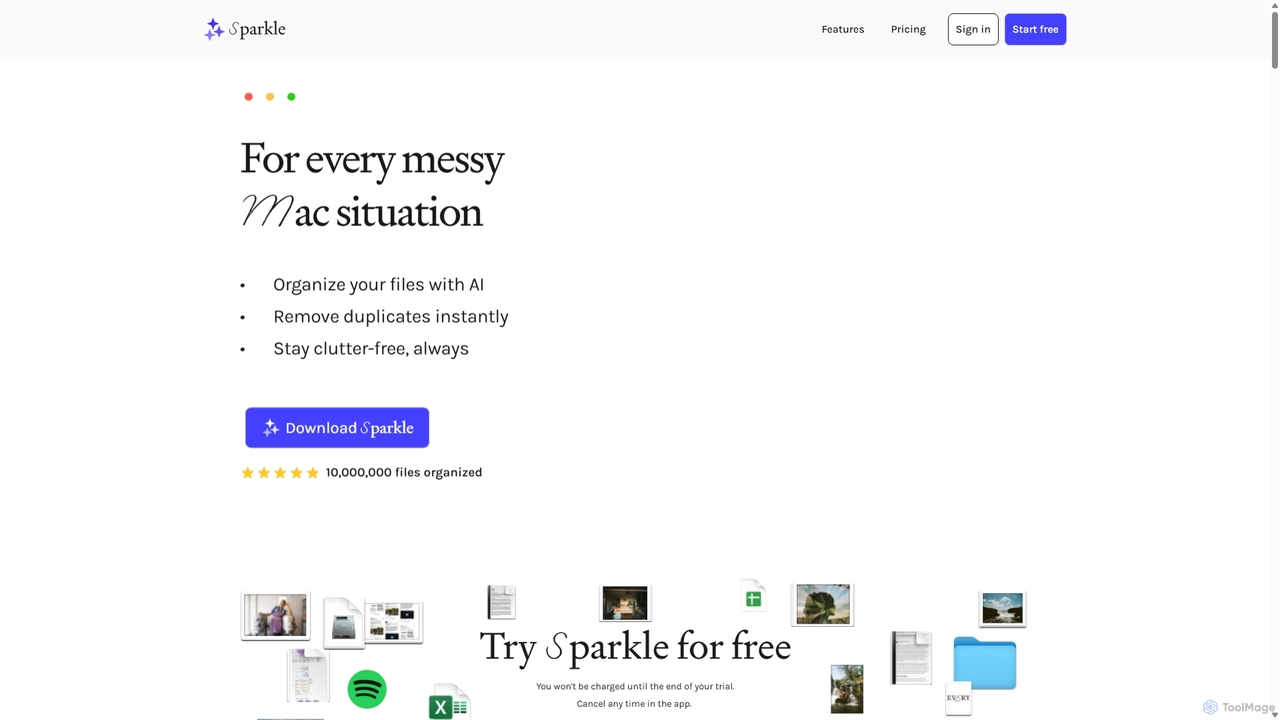
Sparkle
Sparkle is an AI-powered Mac application that automatically organizes your files. It intelligently creates custom folder structures for your Desktop, Downloads, and cloud drives, sorting files into relevant categories. With built-in duplicate detection and a privacy-first approach, Sparkle eliminates digital clutter and saves you hours of manual organization.
Personal Assistant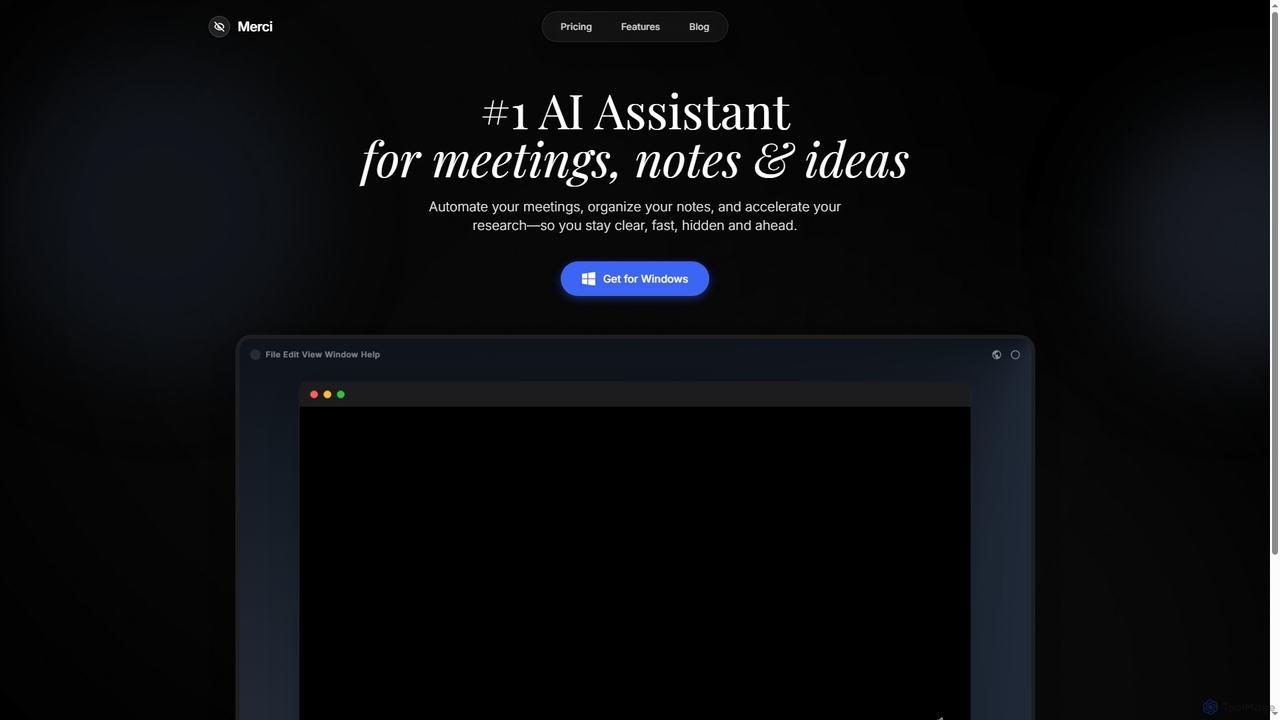
Merci
Merci is an advanced AI assistant designed to streamline your professional life by automating meetings, organizing notes, and accelerating research. It helps users stay clear, fast, hidden, and ahead in their respective fields, offering a powerful solution for efficient information management and productivity on Windows.
AssistantKalycs Categories
Kalycs Jobs
Kalycs Embed Widget
Copy this embed code to place the badge on your blog, article, or product site and send readers directly to this ToolMage detail page.

Related AI tools
Merci
Merci is an advanced AI assistant designed to streamline your professional life by automating meetings, organizing notes, and accelerating research. It helps users stay clear, fast, hidden, and ahead in their respective fields, offering a powerful solution for efficient information management and productivity on Windows.
Assistant
Tikpal
Tikpal is an innovative AI creative companion designed to enhance focus and productivity. This compact, multi-agent smart device captures ideas instantly through high-quality voice recording, offers real-time transcription, and intelligently organizes your thoughts. It seamlessly integrates with popular tools like Notion and Xmind, fostering an uninterrupted creative flow for thinkers and creators.
Idea ManagementRecallAI
RecallAI is an AI-powered 'second brain' designed to help users capture, organize, and synthesize information from across the web. It automatically summarizes articles, videos, and podcasts, categorizes content into relevant topics, and allows for instant knowledge retrieval through natural language queries and a visual knowledge graph.
Learning Assistant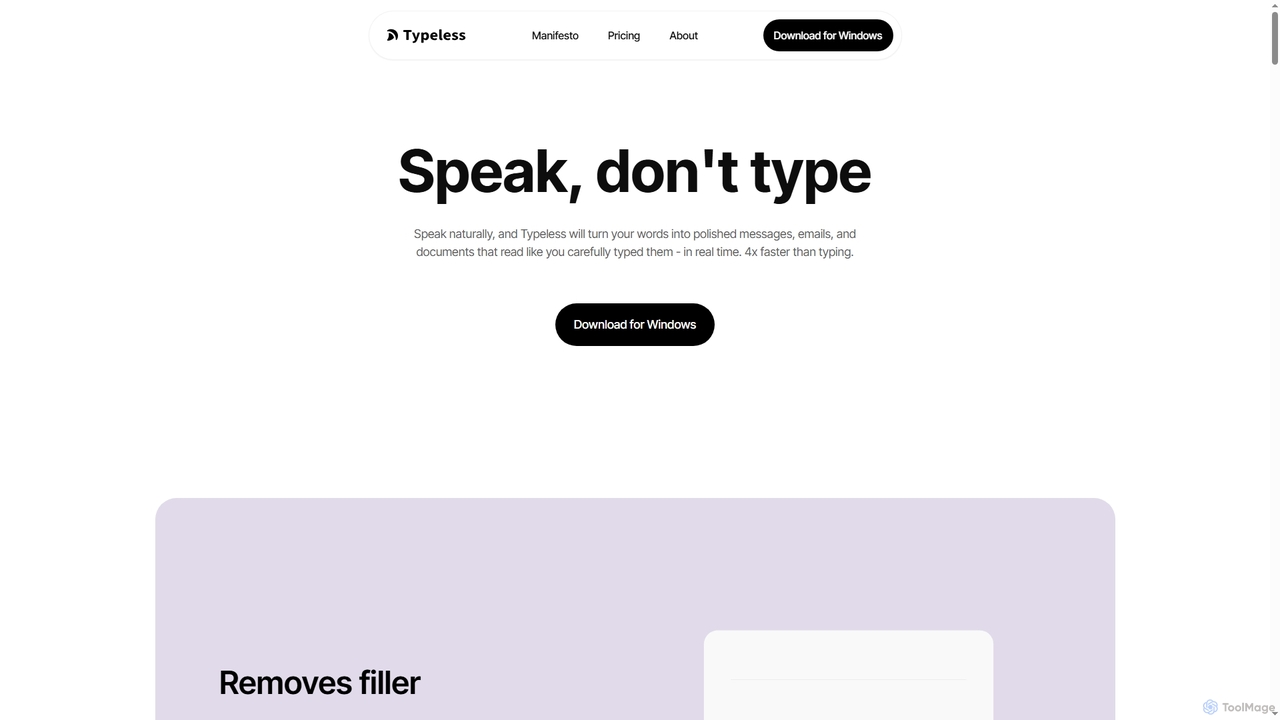
Typeless
Typeless is an intelligent AI voice dictation tool that transforms natural speech into polished, formatted text in real-time. It enhances productivity by automatically removing filler words, repetitions, and auto-correcting mid-sentence changes, making communication up to 4x faster than traditional typing.
Automation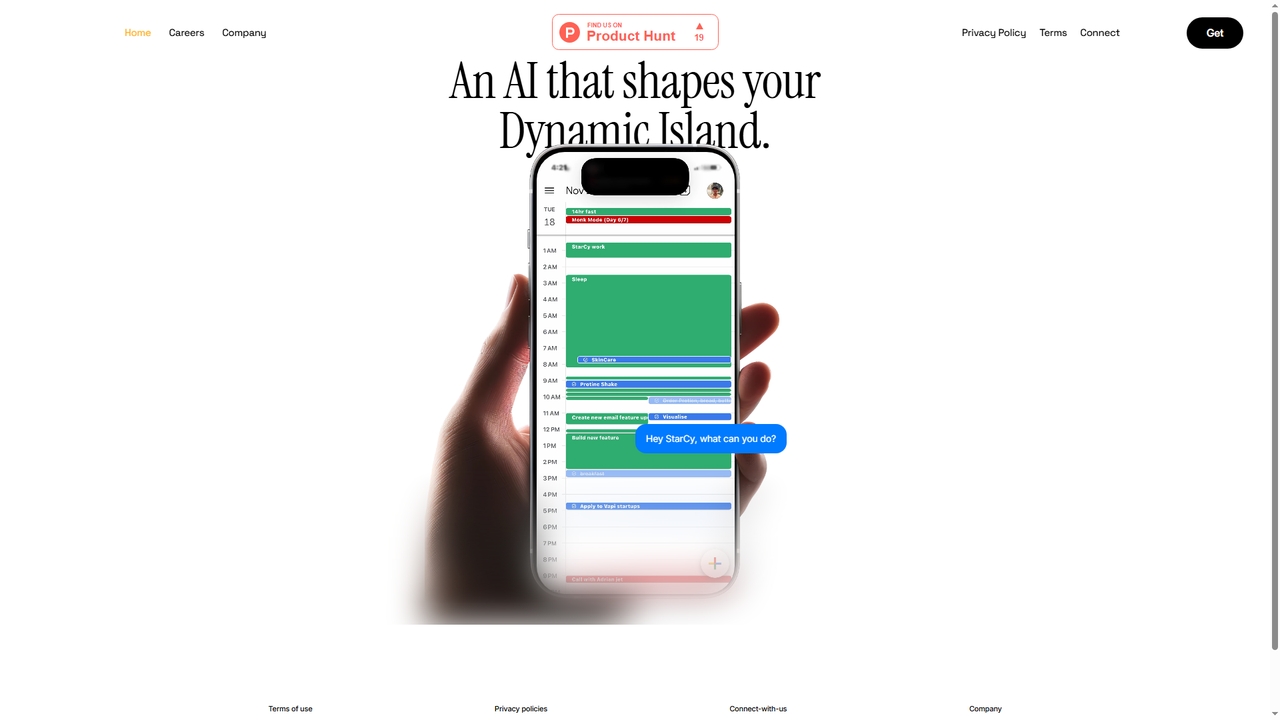
StarCy
StarCy is a conversational AI assistant designed to help users efficiently obtain information and accomplish tasks through natural language dialogue. It aims to simplify workflows and provide intelligent support by understanding user queries and delivering relevant responses.
Customer Support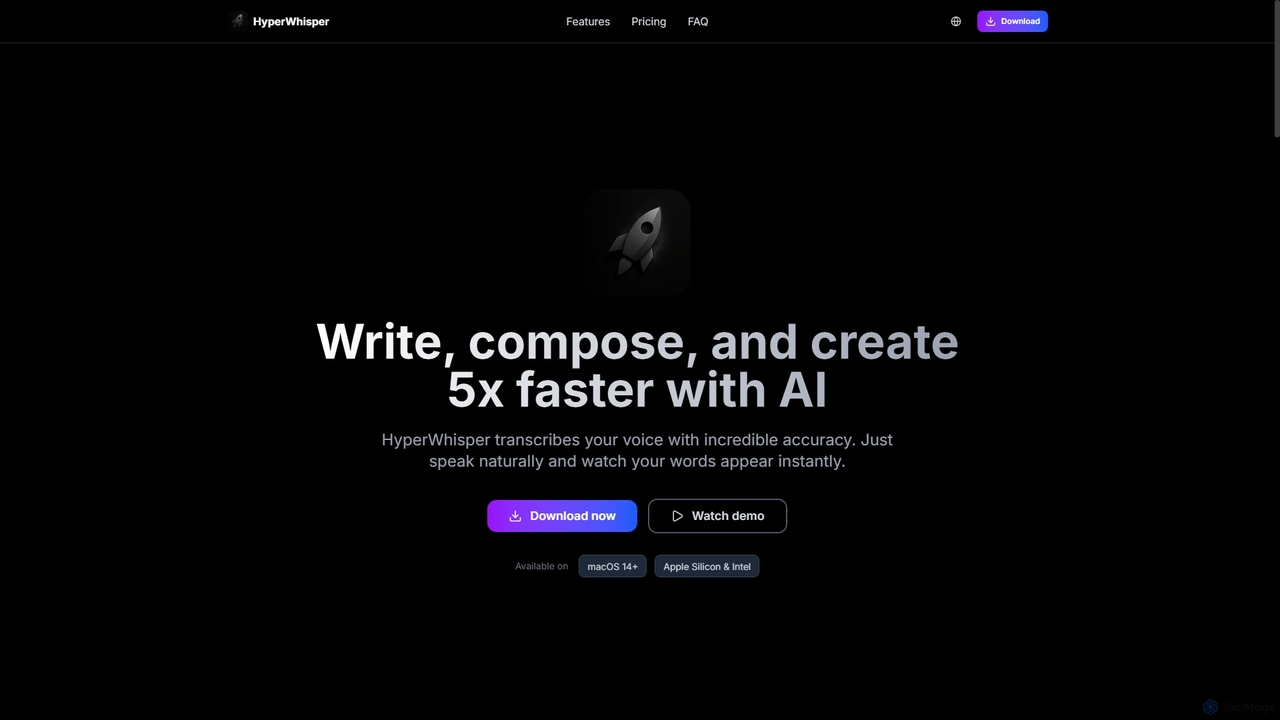
HyperWhisper
HyperWhisper is an AI-powered voice transcription application for macOS, designed to convert spoken words into text with exceptional accuracy and speed. It supports over 100 languages, offers robust offline capabilities, and prioritizes user privacy, making it ideal for professionals seeking efficient content creation and note-taking.
Coding Assistant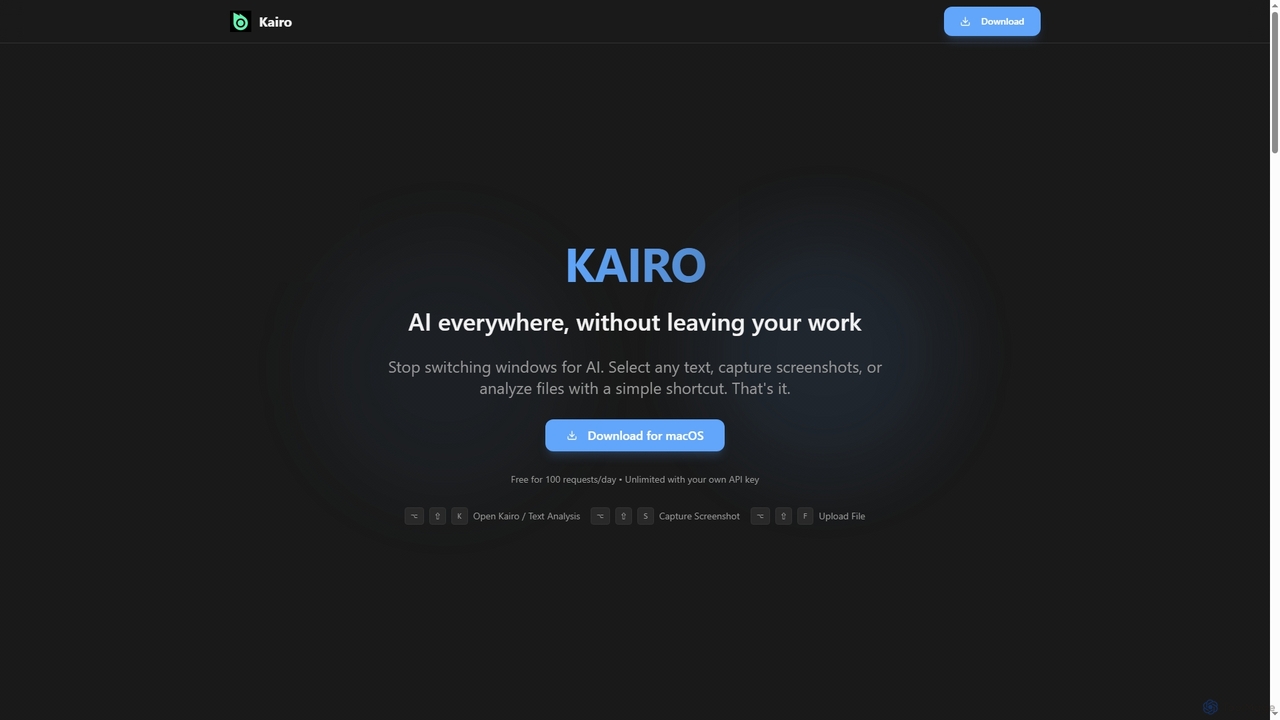
Kairo
Kairo is an AI-powered desktop assistant for macOS that integrates seamlessly into your workflow, eliminating the need to switch applications for AI tasks. It offers smart text transformation, visual analysis of screenshots, and deep analysis of files directly from any app using simple keyboard shortcuts.
Document Analysis
Lookitup AI
Lookitup AI is an AI-powered document intelligence tool that transforms your documents into interactive conversations. Upload PDFs, Word docs, and spreadsheets to get instant, accurate answers to your questions, eliminating manual searching and unlocking hidden knowledge with advanced AI insights.
Natural Language Processing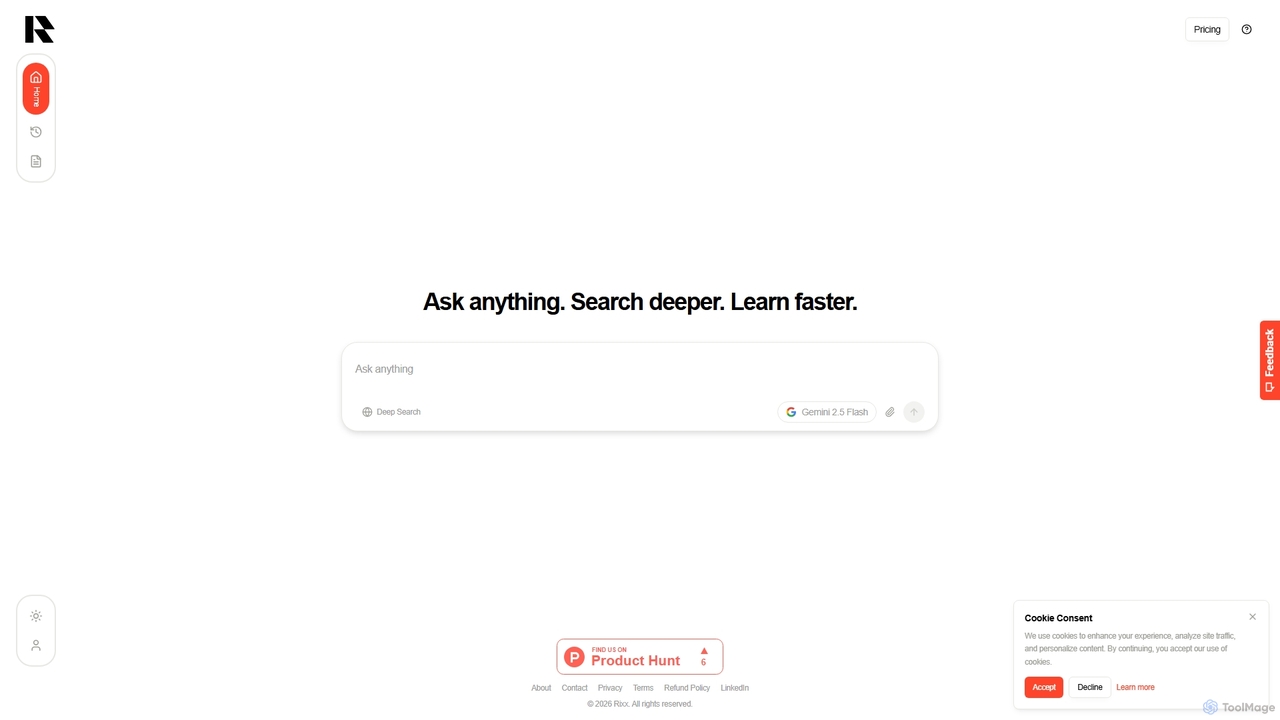
Rixx
Rixx is an AI-powered research engine designed for deep understanding, not just information retrieval. It synthesizes complex information from hundreds of sources into structured, verifiable answers, acting as a tireless research assistant for professionals, students, and engineers seeking profound insights.
Generative Search
Sideindexer
Sideindexer is a powerful Chrome extension designed to revolutionize how you navigate and manage your AI conversations on platforms like ChatGPT, Gemini, and Claude. It provides instant indexing, persistent highlights, and advanced search capabilities, transforming lengthy AI chats into easily navigable knowledge bases.
Ai Tools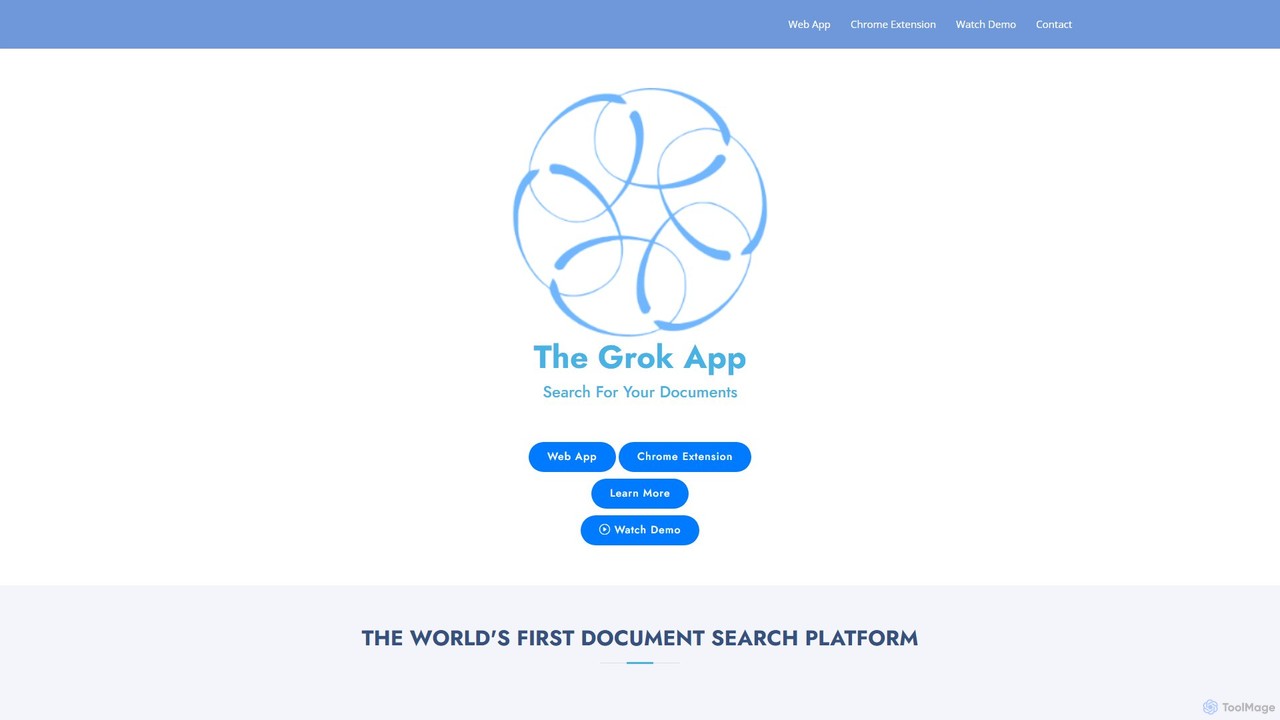
The Grok App
The Grok App is an AI-powered platform that transforms your personal and professional documents into a searchable knowledge base. Upload files in various formats, ask questions in natural language, and receive instant, insightful answers. It's designed to help you uncover hidden patterns, understand complex information, and even analyze codebases with AI-driven explanations.
Code Assistant
DynamicLake
DynamicLake is a powerful Mac application that brings the iPhone's iconic Dynamic Island experience to macOS, complete with Liquid Glass aesthetics. It transforms the menu bar into an interactive hub for notifications, media control, file management, system utilities, and live activities, enhancing productivity and workflow with a visually stunning and intuitive interface.
Notifications
Yack
Yack is a lightweight, fast, and private open-source native macOS application that provides instant access to ChatGPT directly from your menu bar. Built with Rust, it's designed for efficiency with a keyboard-first approach, ensuring you can interact with AI without disrupting your workflow.
Api Client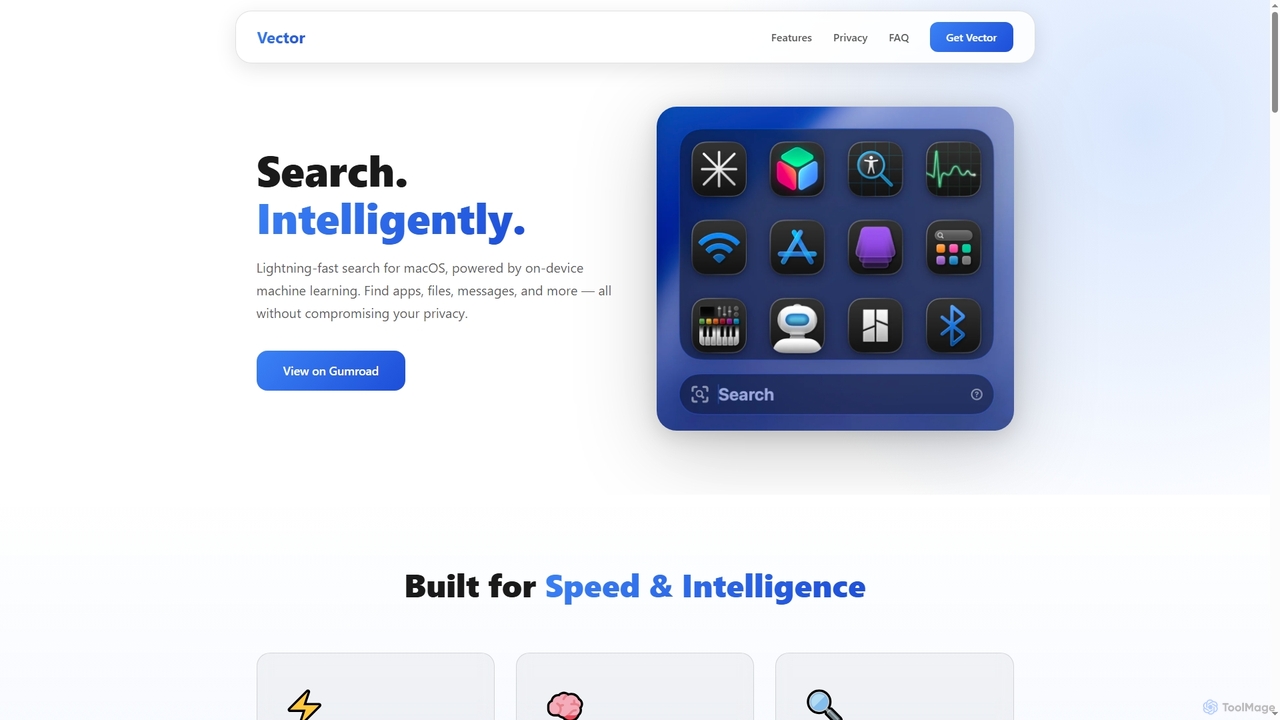
Vector
Vector is an intelligent search application for macOS, leveraging machine learning to provide semantic search capabilities across your iMessage and Files. Designed for Apple Silicon Macs, it offers a more powerful and reliable alternative to traditional system search, optimizing for performance and resource efficiency.
Semantic Search
Kalycs Comments (0)
Sign in to comment.
Sign inNo comments yet.