

RenameClick Overview
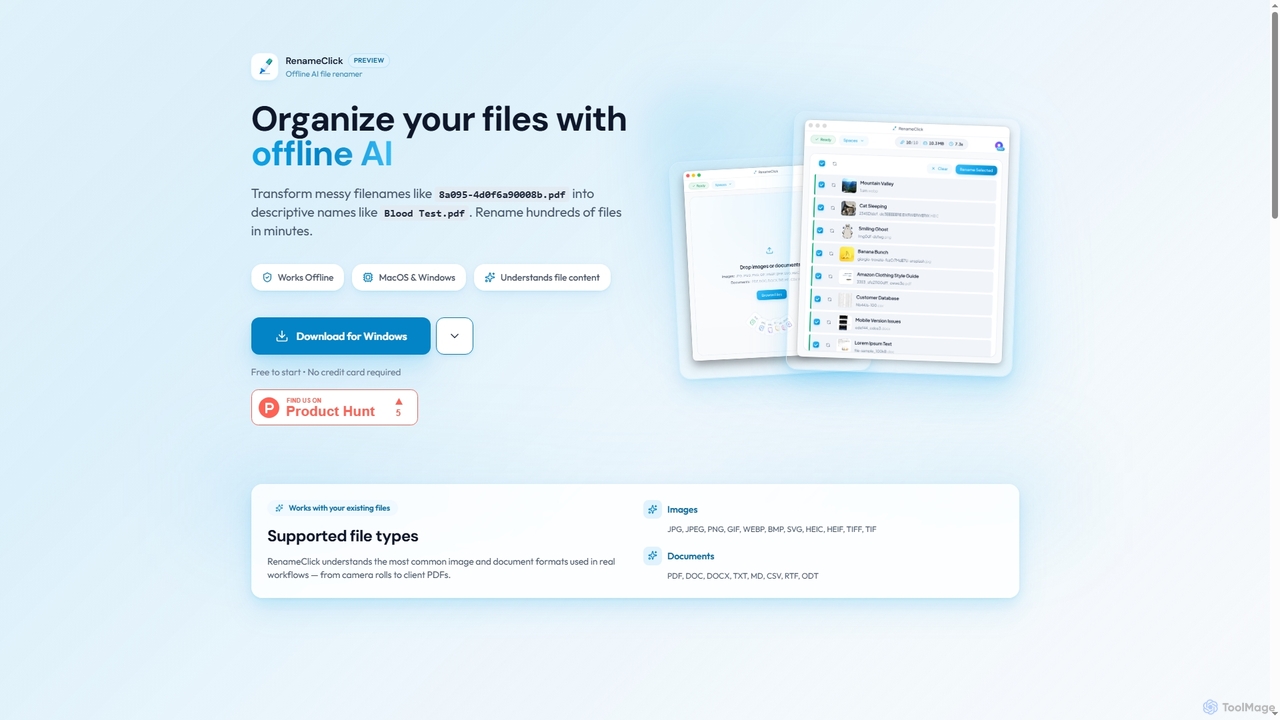
RenameClick is an innovative offline AI file renamer designed for both Mac and Windows users, empowering them to effortlessly transform disorganized and cryptic filenames into clear, descriptive labels. By utilizing a local artificial intelligence model, RenameClick intelligently understands the content of various file types, making it an indispensable tool for anyone looking to streamline their digital organization. It can rename hundreds of files in minutes, offering a significant boost in productivity for personal and professional use.
How to use RenameClick
To use RenameClick, first download and install the application on your macOS or Windows computer. Once installed, simply drag and drop your messy files or entire folders into the RenameClick interface. The integrated AI will then analyze the content of these files and generate intelligent, descriptive name suggestions. Users can preview these suggestions and, with a single click, apply the changes to instantly organize their digital library. The process is designed to be intuitive and efficient, making file management straightforward.
Core Features of RenameClick
- Offline AI processing for enhanced privacy and security, as files are processed locally.
- Efficient batch renaming capability, allowing hundreds of files to be renamed in minutes.
- Intelligent content understanding for accurate and descriptive filename suggestions.
- Support for a wide range of common image formats: JPG, JPEG, PNG, GIF, WEBP, BMP, SVG, HEIC, HEIF, TIFF, TIF.
- Support for various common document formats: PDF, DOC, DOCX, TXT, MD, CSV, RTF, ODT.
- Intuitive preview functionality to review proposed filenames before applying changes.
- One-time payment model for lifetime access and unlimited renames.
- Future roadmap includes Output Language Selection, Custom API Keys (OpenAI, Google), Custom GGUF Models, Ollama Integration, Cloud Storage Integration (Google Drive, iCloud), and Apple Intelligence native integration.
Use Cases for RenameClick
RenameClick is ideal for a diverse range of users and scenarios requiring robust file organization. Photographers can use it to rename large batches of camera roll images into meaningful names based on content or metadata. Professionals can quickly organize client PDFs, reports, and project documents, transforming generic file codes into descriptive titles. Students and researchers can categorize their study materials, lecture notes, and research papers efficiently. Anyone with a cluttered digital archive, from personal photos to work documents, can leverage RenameClick to create a clean, searchable, and well-structured file system, enhancing overall productivity and accessibility.
Advantages of RenameClick
The primary advantage of RenameClick lies in its offline AI processing, which guarantees complete privacy as your files never leave your device. This makes it a secure choice for sensitive documents. Its efficiency is unparalleled, capable of renaming hundreds of files in minutes, saving users valuable time. The accuracy of its AI-driven suggestions ensures that new filenames are highly relevant and descriptive. With versatile format support, it handles most common image and document types. The cost-effective pricing model, featuring a free tier and a one-time payment for lifetime access, offers excellent value. Furthermore, its cross-platform availability for both macOS and Windows makes it accessible to a broad user base.
Pricing and Plans
RenameClick offers a flexible pricing structure to suit different needs:
- Free Plan: $0 per month. This plan allows users to rename up to 30 files per month and includes access to all AI features. It renews monthly, making it perfect for occasional use or testing the tool.
- Lifetime Plan (Preview Price): Currently available for a one-time payment of $8 (plus VAT). This plan provides unlimited file renames forever, includes all AI features, and guarantees lifetime updates, offering exceptional long-term value.
RenameClick FAQ
Traffic
Latest traffic
Status
Monthly traffic trend
- 2026-1: 1.7K
- 2026-2: 6.0K
- 2026-3: 8.2K
- 2026-4: 11.7K
- 2026-5: 18.3K
Geography
Top 5 countries / regions
- 🇩🇪Germany33.4%
- 🇺🇸United States25.7%
- 🇳🇬Nigeria16.4%
- 🇧🇷Brazil15.8%
- 🇬🇧United Kingdom8.7%
Top keywords
| Keyword | Cost per click |
|---|---|
| free ai tool that can sift thorugh folders and select only certain tpys ofimages] | $0.00 |
| rename | $0.16 |
| rename click | $0.00 |
| renameclick | $0.00 |
| rename file | $1.46 |
RenameClick Alternatives

Ai Photo Sorter
A privacy-first, AI-powered web application that helps you efficiently organize local photo collections. Create custom categories, sort images, and detect duplicates securely on your own computer without uploading any data.
Photo Organization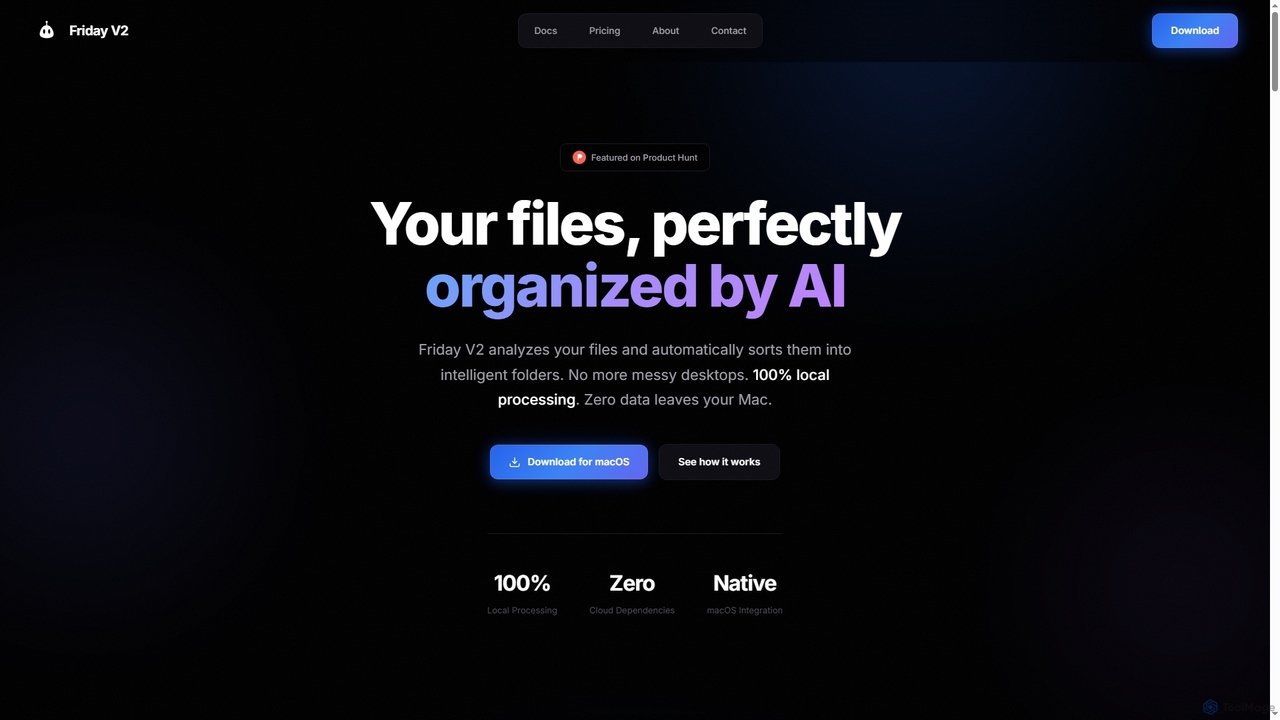
Friday
Friday is an AI-powered Mac application designed for intelligent, privacy-first file organization. It scans, classifies, and organizes your digital files locally on your device, transforming chaotic folders into a clean, logical structure automatically.
Desktop Automation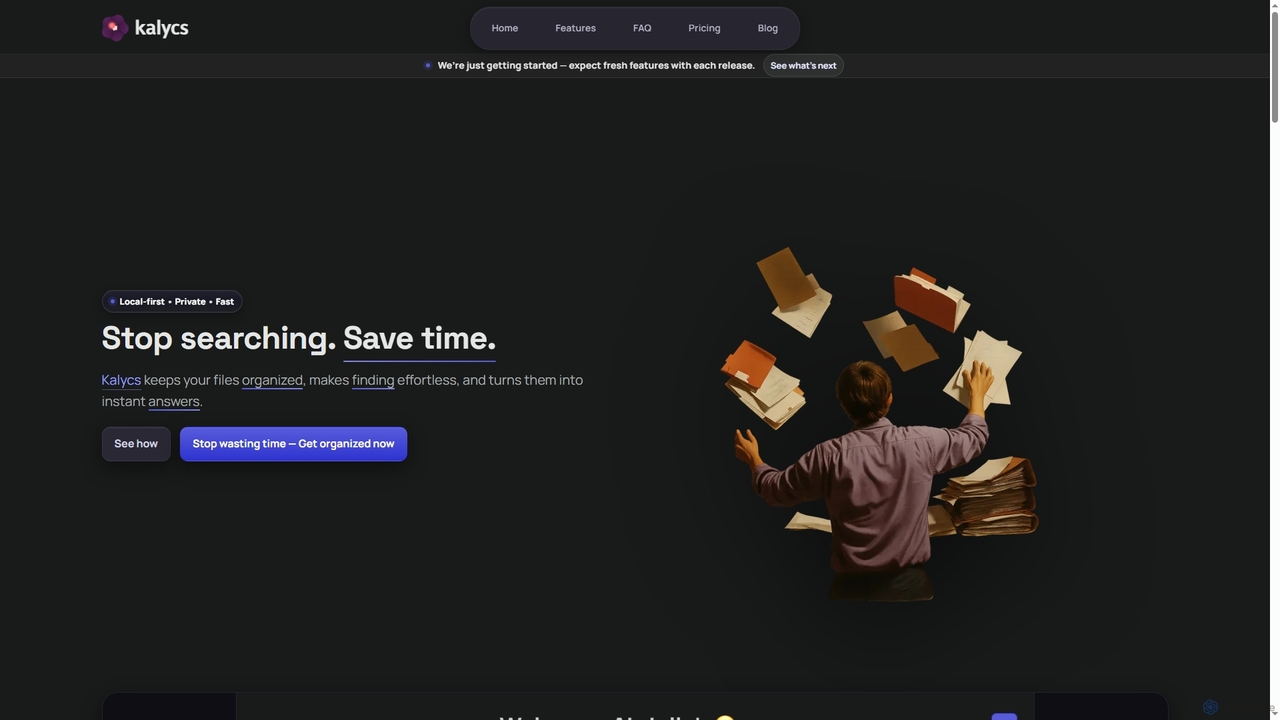
Kalycs
Kalycs is a local-first AI-powered file search and organization tool exclusively for Mac. It helps users quickly find information within their documents, auto-organize downloads, and get instant answers using natural language queries, ensuring privacy by keeping files on-device and leveraging the user's own OpenAI API key for AI features.
Personal Knowledge Base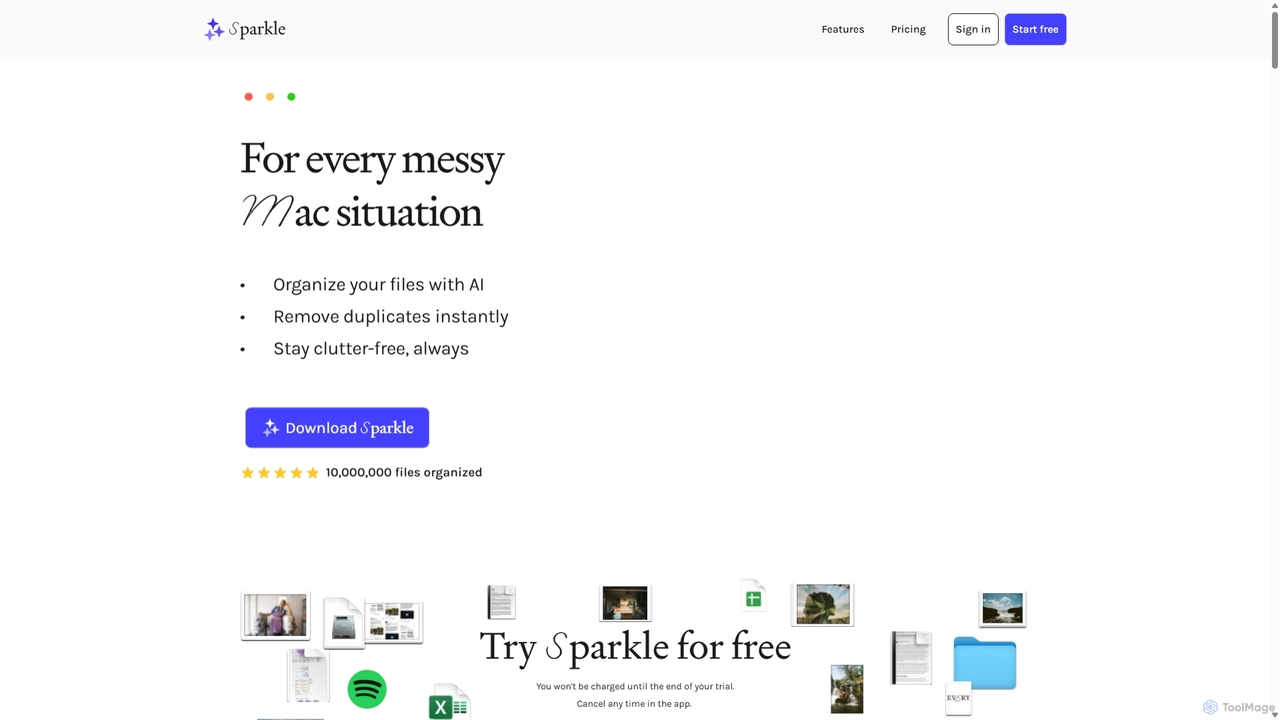
Sparkle
Sparkle is an AI-powered Mac application that automatically organizes your files. It intelligently creates custom folder structures for your Desktop, Downloads, and cloud drives, sorting files into relevant categories. With built-in duplicate detection and a privacy-first approach, Sparkle eliminates digital clutter and saves you hours of manual organization.
Personal Assistant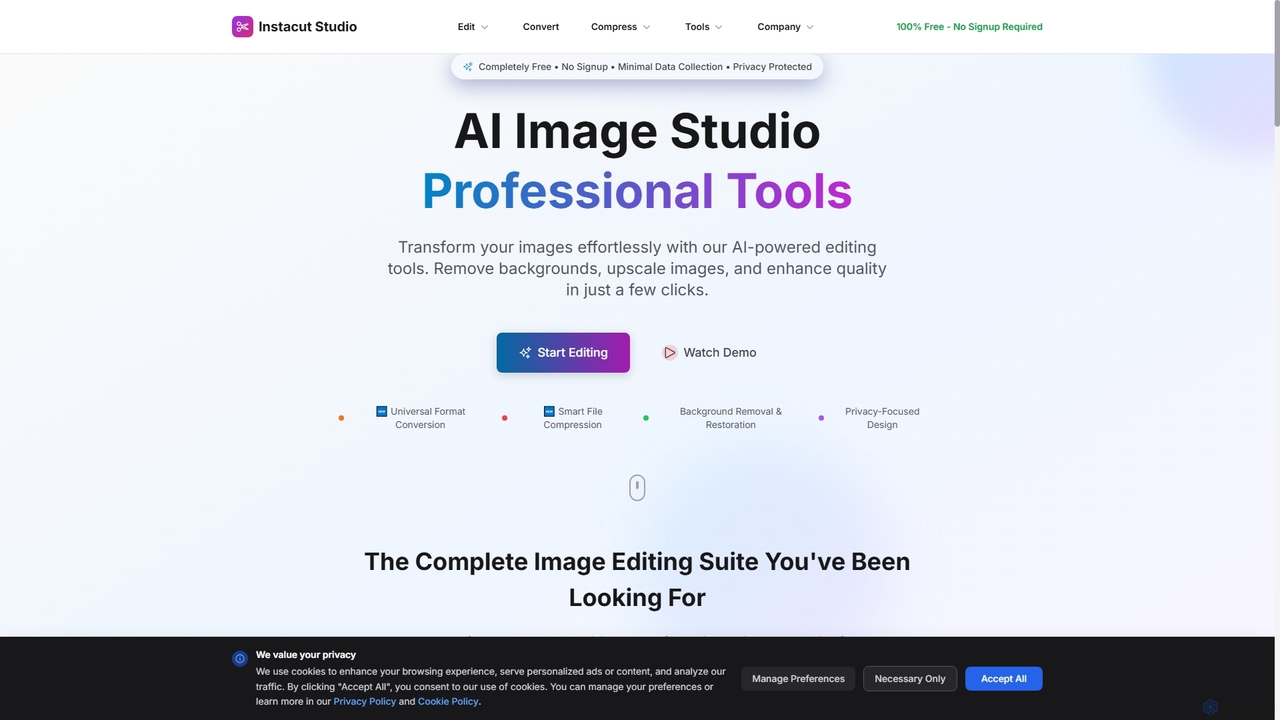
Instacut
Instacut is a comprehensive, privacy-first suite of AI-powered image editing tools available online for free. It requires no signup and offers features like background removal, image upscaling, photo restoration, format conversion, and file compression, ensuring user data is never stored.
GraphicsRenameClick Categories
RenameClick Jobs
RenameClick Embed Widget
Copy this embed code to place the badge on your blog, article, or product site and send readers directly to this ToolMage detail page.

Related AI tools
Ai Photo Sorter
A privacy-first, AI-powered web application that helps you efficiently organize local photo collections. Create custom categories, sort images, and detect duplicates securely on your own computer without uploading any data.
Photo OrganizationFriday
Friday is an AI-powered Mac application designed for intelligent, privacy-first file organization. It scans, classifies, and organizes your digital files locally on your device, transforming chaotic folders into a clean, logical structure automatically.
Desktop Automation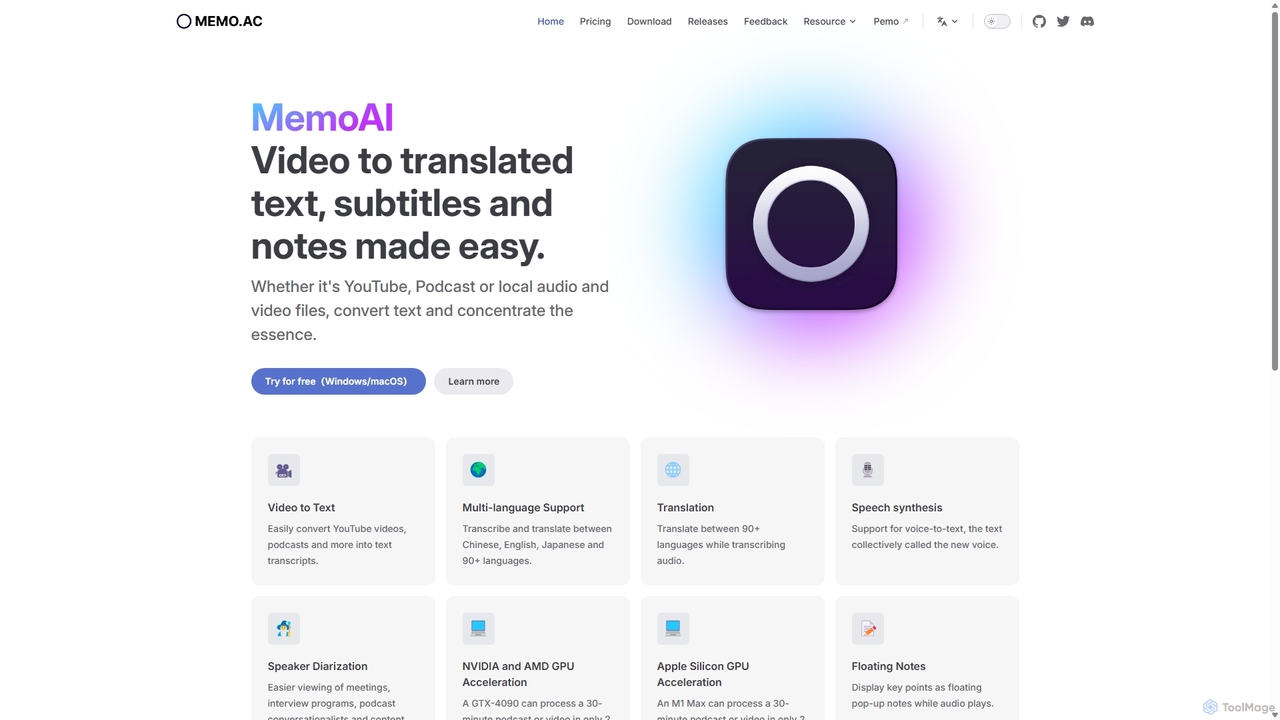
Memo AI
Memo AI is a privacy-focused desktop application for Windows and macOS that provides AI-powered transcription, translation, and summarization for audio and video files. It operates completely offline, leveraging GPU acceleration for fast processing of local files and online content from platforms like YouTube. It supports over 90 languages, speaker diarization, and various export formats.
Speech To Text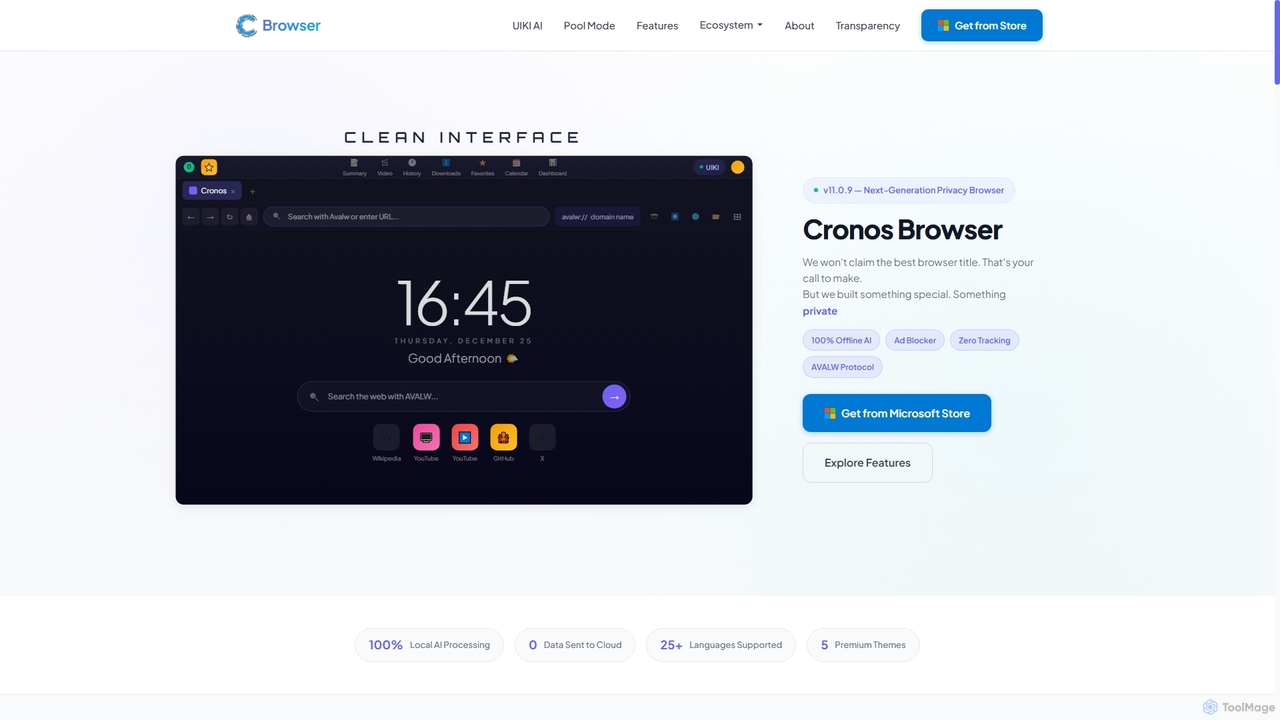
Cronos
Cronos is a privacy-first web browser integrating 100% local AI, offering unparalleled data protection and enhanced performance. It features an offline AI assistant, a decentralized network, built-in ad blocking, and advanced security protocols, ensuring your browsing experience is fast, secure, and completely private without cloud data transmission.
Privacy Browser
The Mind Studio
The Mind Studio offers a suite of innovative AI tools designed for local execution, ensuring privacy and performance. It includes Ollamind for powerful local LLMs (coming soon), MindCraft for on-device visual creation, and MindScape for mental well-being experiences. It empowers users with advanced AI capabilities directly on their machines.
Image Generation
Pansophy
Pansophy is a private desktop AI tool that processes all data locally, offering secure document summarization, text and code generation, and smart search capabilities without cloud dependence. It's designed for enhanced productivity and data privacy across multiple operating systems.
Code GenerationKalycs
Kalycs is a local-first AI-powered file search and organization tool exclusively for Mac. It helps users quickly find information within their documents, auto-organize downloads, and get instant answers using natural language queries, ensuring privacy by keeping files on-device and leveraging the user's own OpenAI API key for AI features.
Personal Knowledge Base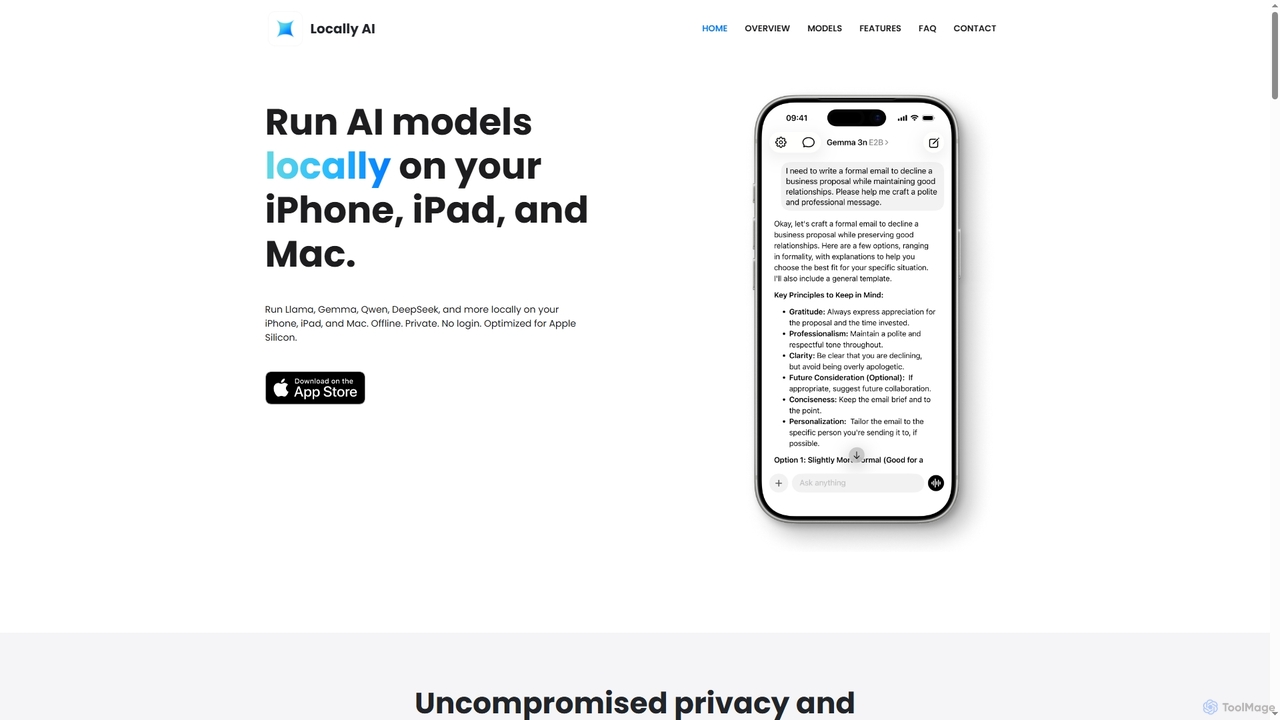
Locally AI
Locally AI enables users to run powerful AI models directly on their iPhone, iPad, and Mac devices. It prioritizes privacy and offers features like offline voice mode, Siri integration, and customizable prompts for text and image processing, all seamlessly integrated within the Apple ecosystem.
On Device Ai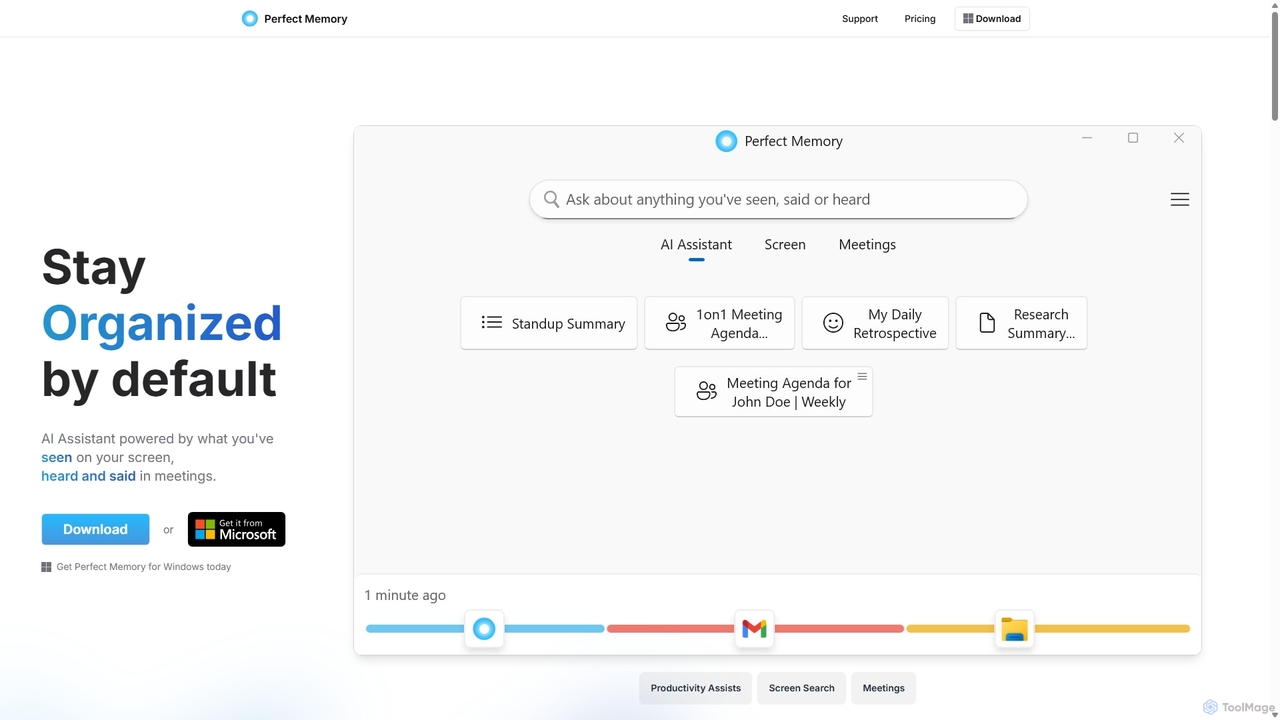
Perfect Memory AI
Perfect Memory AI is a privacy-focused productivity assistant that acts as your second brain. It records your screen activity and meetings, making everything you've seen or heard fully searchable. With a powerful AI assistant, it helps you recall information, summarize research, and prepare for meetings, all while keeping your data securely on your local device.
Local Processing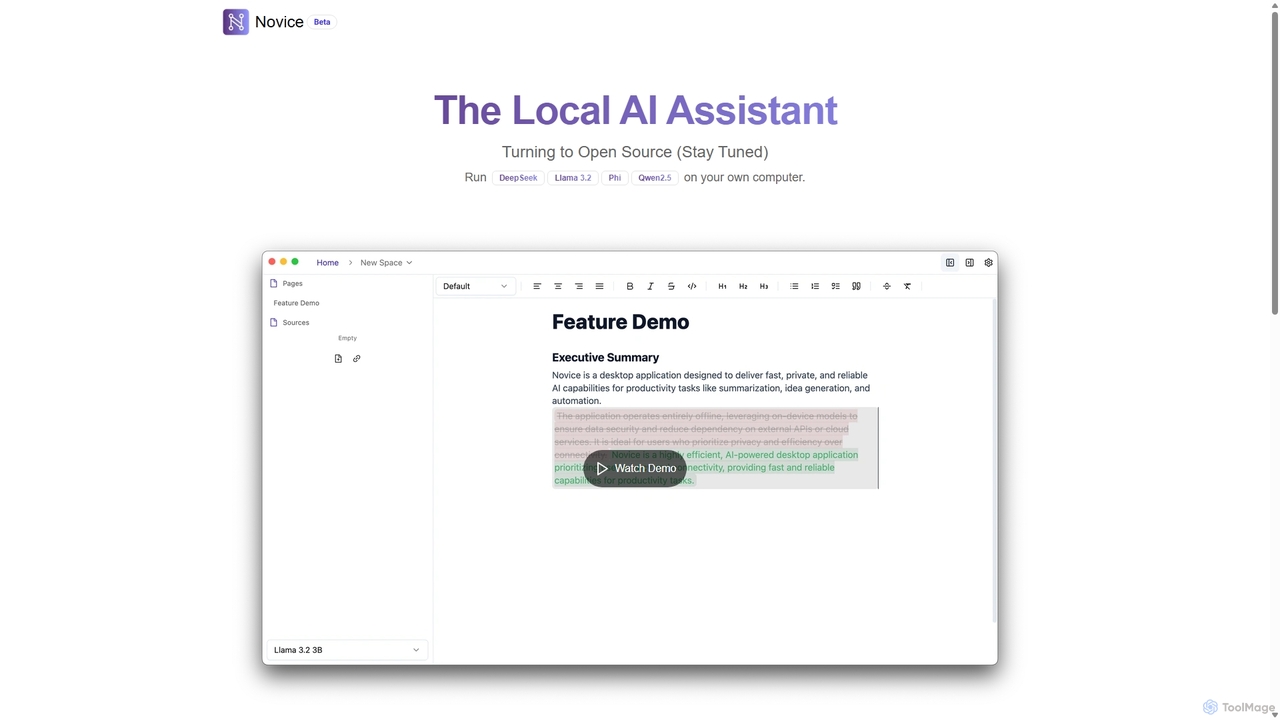
Novice
Novice is a local-first AI assistant that runs powerful language models like Llama 3.2 and Phi directly on your computer. It transforms your documents into a private, offline knowledge base, allowing you to analyze, summarize, and query information with complete data privacy. Every answer is backed by clear citations from your sources, ensuring accuracy and trust.
Local Ai
AetheriumAI
AetheriumAI is a secure, privacy-focused AI tool that allows you to chat with your PDF documents. It operates entirely on your local machine, ensuring no data is ever uploaded to a server. Supports multiple PDF uploads for comprehensive, cross-document analysis and insights.
Data Extraction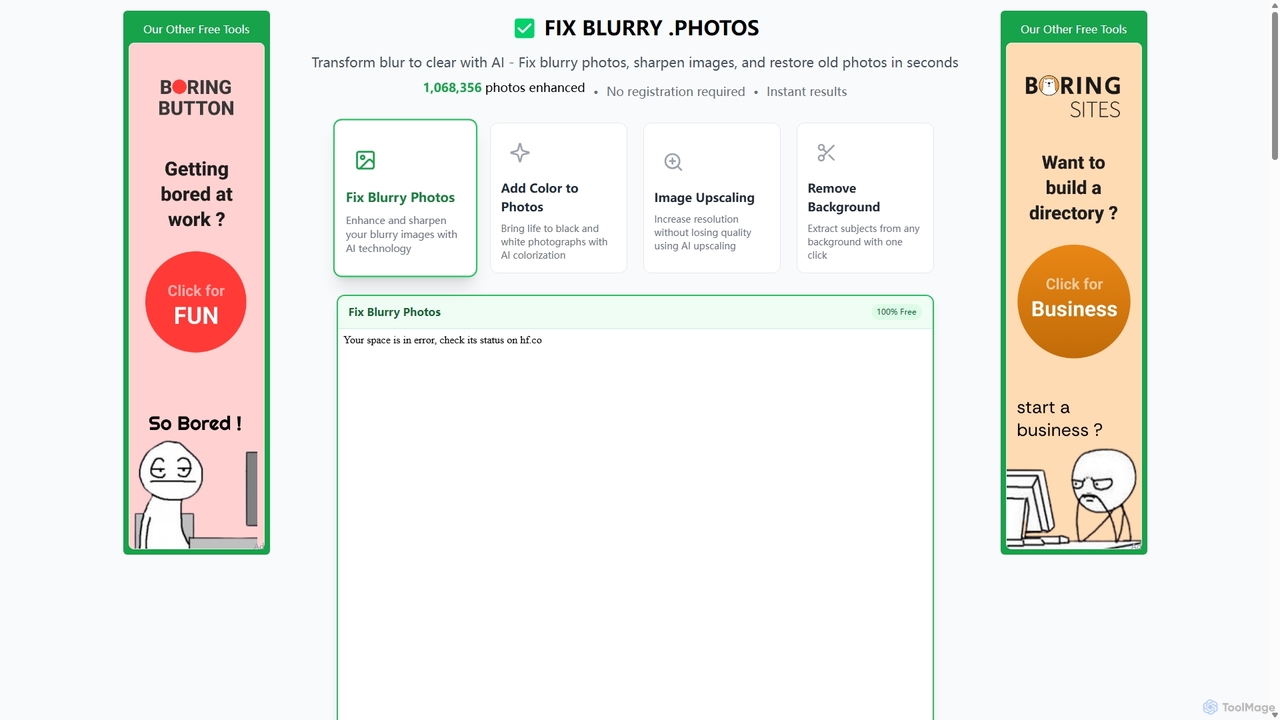
Fixblurry
fixblurry is a free, AI-powered online tool suite designed to enhance your images instantly. It specializes in unblurring and sharpening photos, restoring old or faded pictures, upscaling low-resolution images without quality loss, colorizing black-and-white photos, and removing backgrounds with a single click. No registration or software installation is required, offering professional-grade results for everyone.
Image Editing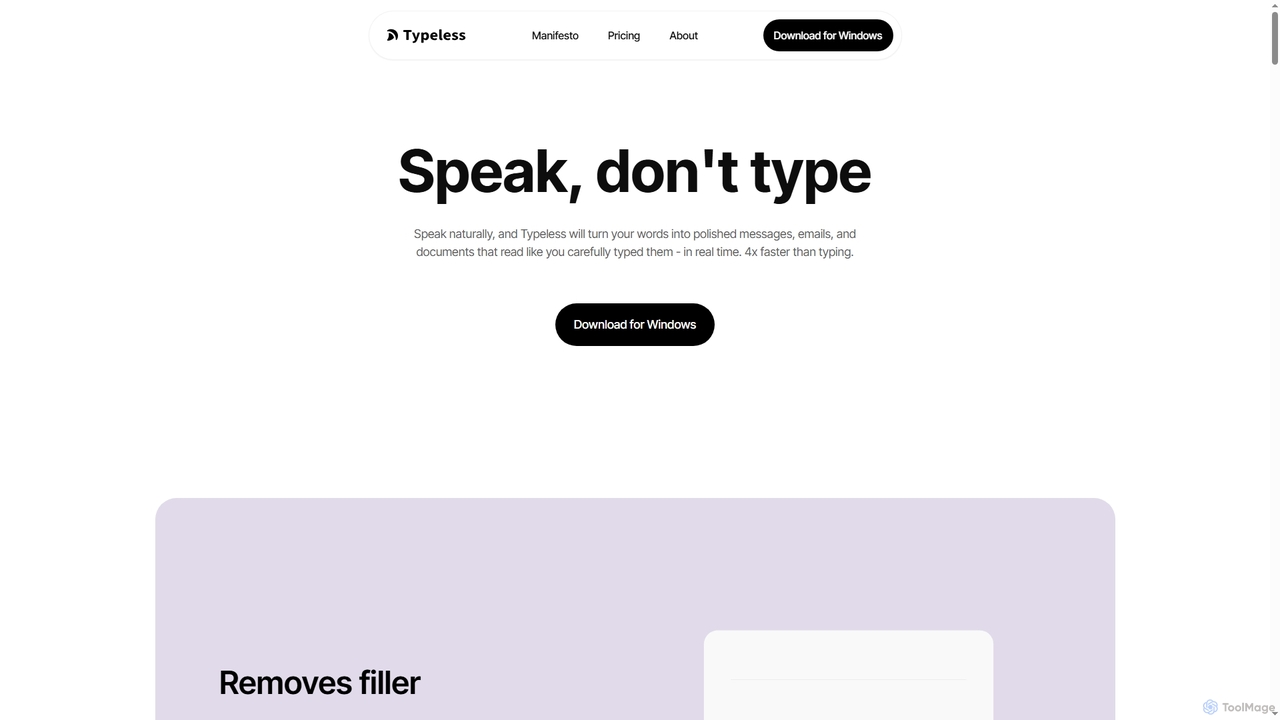
Typeless
Typeless is an intelligent AI voice dictation tool that transforms natural speech into polished, formatted text in real-time. It enhances productivity by automatically removing filler words, repetitions, and auto-correcting mid-sentence changes, making communication up to 4x faster than traditional typing.
Automation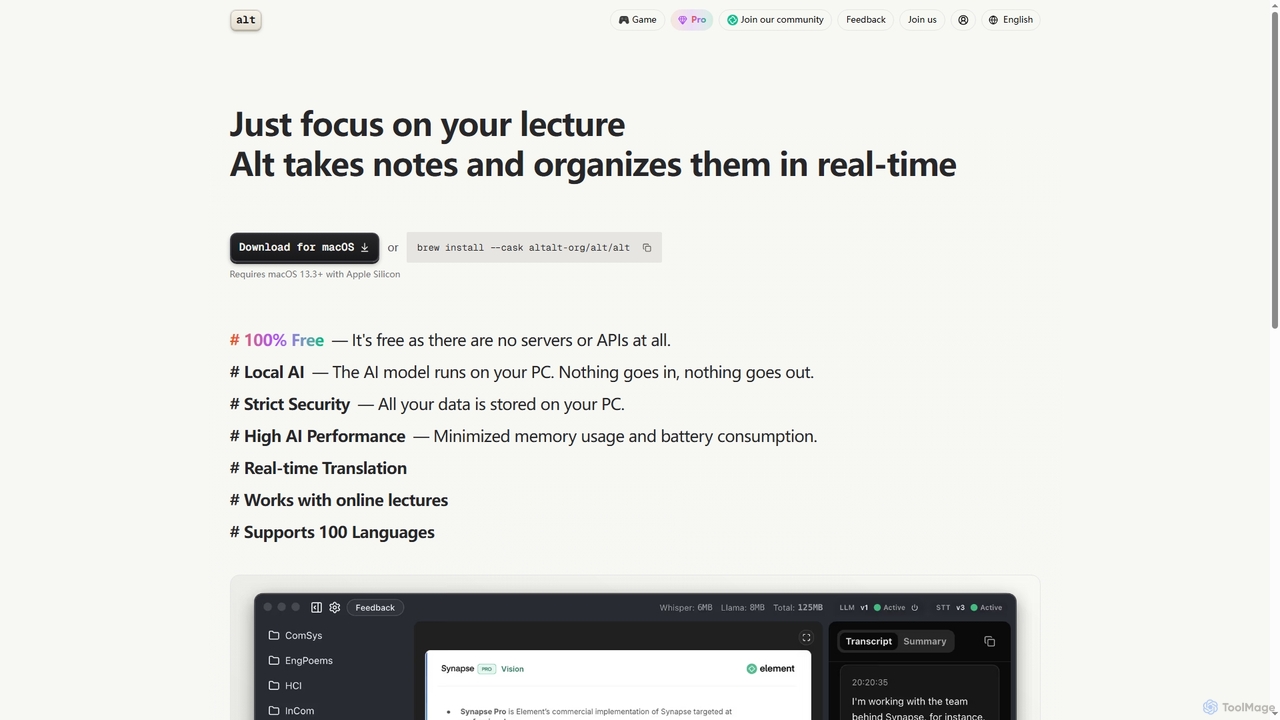
Altalt
Altalt is a free, local AI lecture notetaker for macOS that transcribes and organizes your lectures in real-time. It ensures strict data privacy by running entirely on your device, supporting 100 languages and real-time translation, making it ideal for students and professionals seeking efficient, secure note-taking.
Note Taking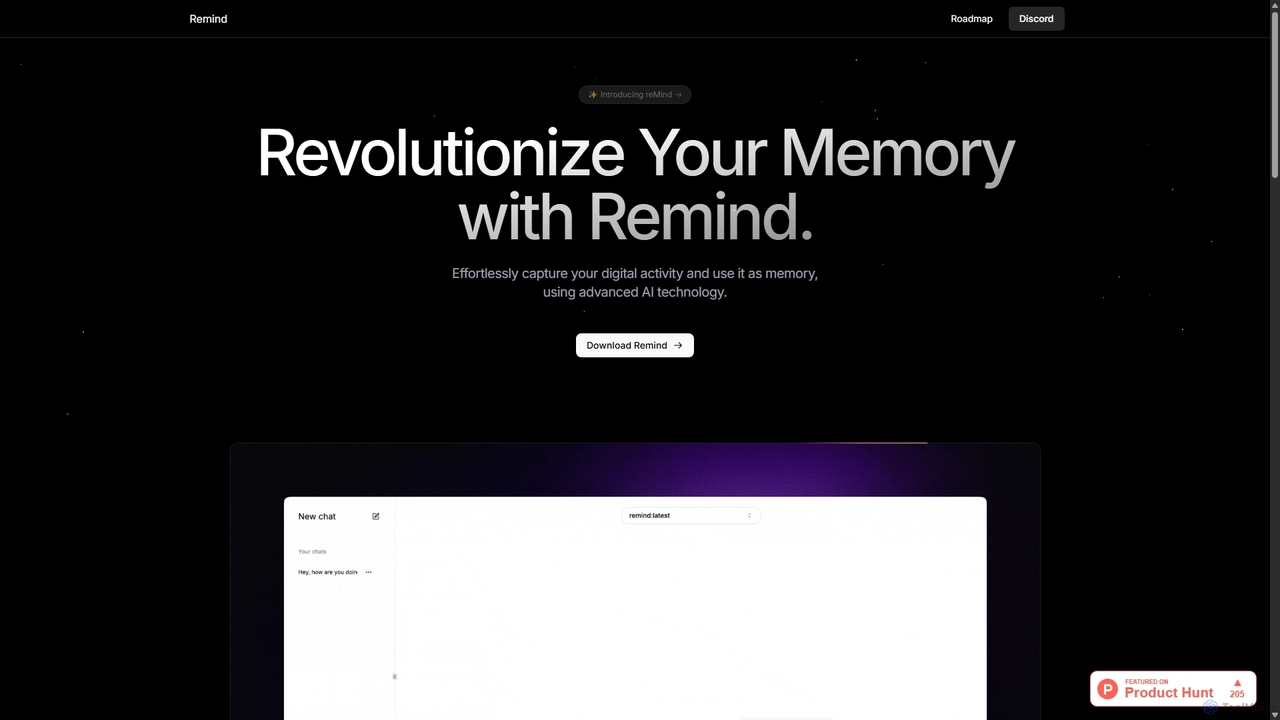
ReMind
reMind is an open-source, privacy-first AI tool that acts as your personal memory. It captures your digital activity locally, allowing you to search and recall anything you've seen or done on your computer using natural language. It runs entirely on your machine for maximum security.
Utilities
RenameClick Comments (0)
Sign in to comment.
Sign inNo comments yet.