


Ai Photo Sorter Overview
Ai Photo Sorter is a user-friendly and powerful web application designed to bring order to your digital photo collection. Leveraging the capabilities of neural networks, this tool helps you sort thousands of photos into custom categories and identify duplicates, all while prioritizing your privacy. The entire process runs locally on your computer, meaning your precious memories and sensitive images are never uploaded to any server, ensuring complete security and confidentiality.
How to use Ai Photo Sorter
The workflow is designed to be simple and intuitive, giving you full control over the organization process:
- Initialize the AI: Start by setting the processing power. You can control how many of your computer's CPU cores are used. More cores mean faster processing. On the first run, the AI model will be downloaded to your machine.
- Load Your Photos: Simply drag and drop your photos or an entire folder into the application window. Remember, the photos are loaded into your browser's memory for local processing and are not uploaded anywhere.
- Define Categories: Create a list of custom class names for your photos. You can scroll through your images to get ideas for initial categories like "Family," "Vacation," "Documents," or "Pets." You can refine these classes at any time.
- Process with AI: Click the "Process" button. The AI will analyze each photo and sort it into the most appropriate category you've defined. It will also intelligently group duplicate or visually similar images together.
- Review and Refine: Once processing is complete, you can review the results. Go through the sorted photos, mark any unwanted images for deletion, and make adjustments to the categories as needed. You can re-run the processing after making changes.
- Generate and Execute Script: When you are satisfied with the organization, click the "Generate script" button. The application will create a command-line script (e.g., for Windows Batch or macOS/Linux Shell). This script contains the commands to move the sorted photos into new folders corresponding to your categories and delete the files you marked. You then run this script on your computer to apply the changes. This final step ensures that no files are altered without your explicit command.
Core Features of Ai Photo Sorter
- AI-Powered Sorting: Utilizes advanced neural networks to automatically classify and categorize your photos based on their content.
- Customizable Categories: Freedom to create any number of personalized categories to fit your specific organizational needs.
- Duplicate Detection: Intelligently identifies and groups identical or visually similar photos, helping you clean up your library and save disk space.
- 100% Local and Private: All processing is done directly on your machine. Your photos never leave your computer, guaranteeing absolute privacy and security.
- Script-Based File Management: Generates a safe and transparent script to execute file operations (move, delete). This gives you a chance to review the planned actions before they happen.
- Adjustable Performance: Allows you to configure the number of CPU cores dedicated to processing, balancing speed and system resource usage.
Use Cases for Ai Photo Sorter
This tool is perfect for anyone struggling with a large, unorganized photo library:
- Personal Use: Effortlessly organize years of family photos, vacation snapshots, and personal documents.
- Professional Photographers: Quickly perform an initial sort of large photo shoots, separating portraits, landscapes, and event photos.
- Researchers and Archivists: Classify large visual datasets for academic or professional projects.
- Content Creators and Marketers: Manage digital assets by sorting images into campaigns, product types, or themes.
Advantages of Ai Photo Sorter
The primary advantage is its unwavering commitment to privacy. In an era of cloud-based services, Ai Photo Sorter stands out by ensuring your data remains yours alone. It's also incredibly efficient, turning a tedious, multi-hour task into a streamlined, automated process. The script generation feature provides a crucial safety net, giving you final approval before any changes are made to your file system.
Pricing and Plans
Ai Photo Sorter is a completely free tool. As a web application that runs locally in your browser, there are no subscriptions, fees, or hidden costs associated with its use. It is designed to be an accessible solution for everyone.
Traffic
Latest traffic
Status
Monthly traffic trend
- 2025-9: 1.9K
- 2026-1: 2.7K
- 2026-2: 2.1K
- 2026-3: 4.5K
- 2026-4: 4.4K
- 2026-5: 2.4K
Geography
Top 5 countries / regions
- 🇺🇸United States33.4%
- 🇻🇪Venezuela27.4%
- 🇿🇦South Africa25.7%
- 🇮🇹Italy13.4%
Top keywords
| Keyword | Cost per click |
|---|---|
| free ai tool that can sift thorugh folders and select only certain tpys ofimages] | $0.00 |
| image sorter ai | $0.00 |
| image sorter online | $0.00 |
| order photos by color | $0.00 |
| photo organizer online | $0.00 |
Ai Photo Sorter Alternatives
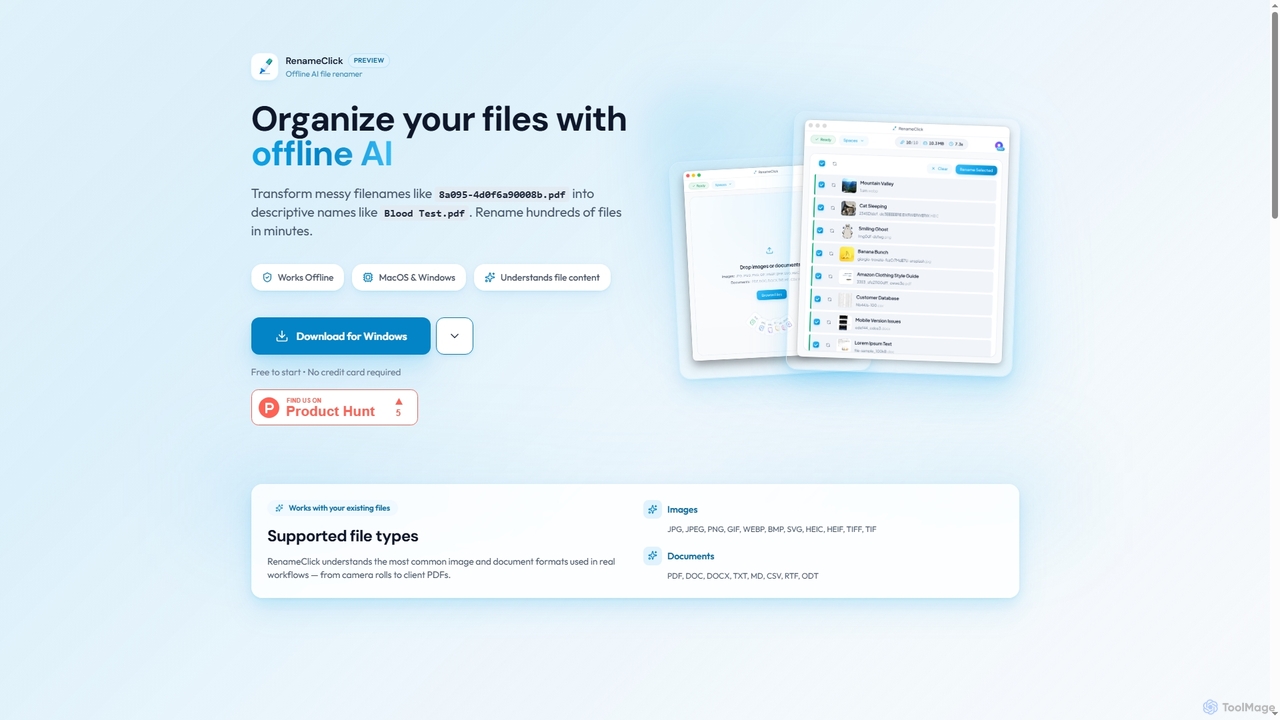
RenameClick
RenameClick is an offline AI file renamer for Mac and Windows that intelligently transforms messy, unorganized filenames into descriptive, clean labels. It leverages local AI to understand file content, enabling efficient batch renaming of hundreds of images and documents while ensuring complete privacy.
Offline Processing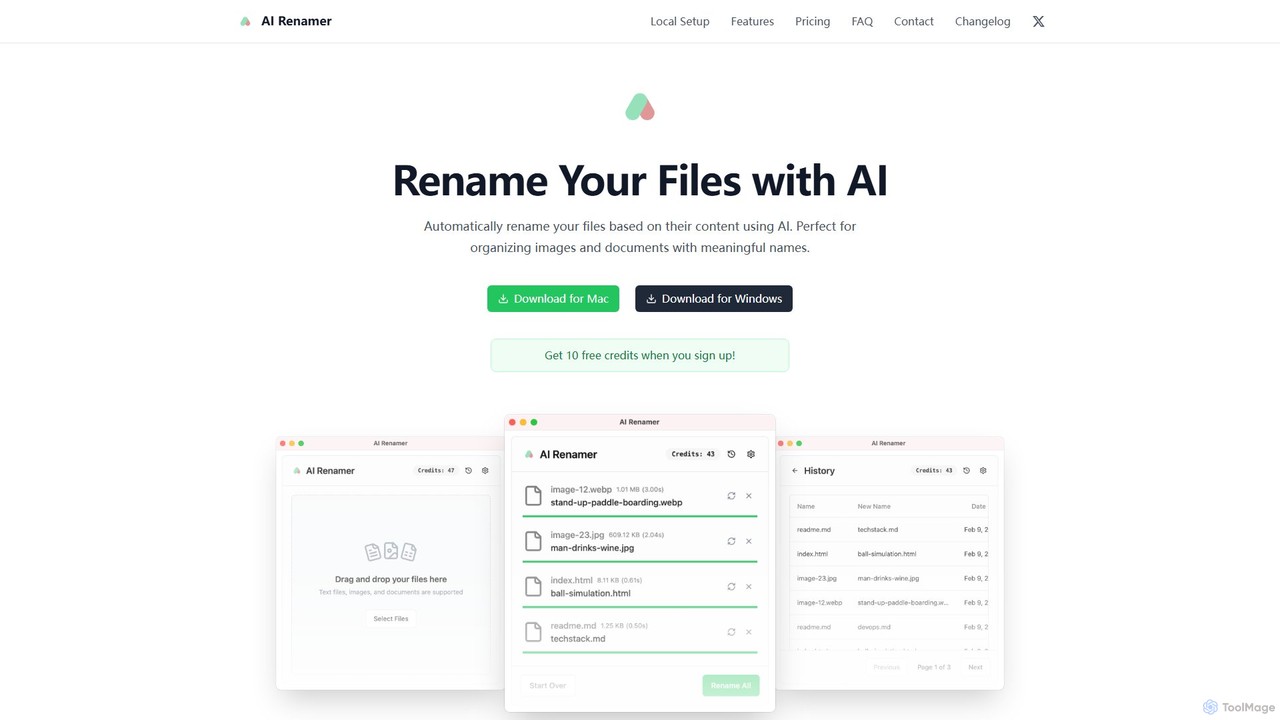
AI Renamer
AI Renamer is a smart desktop application for Mac and Windows that automatically renames files based on their content. It analyzes images and documents to generate descriptive, meaningful names, helping you organize your digital life effortlessly. It supports batch processing, custom naming rules, and offers both a private, offline Local Mode and a convenient Cloud Mode.
Document Management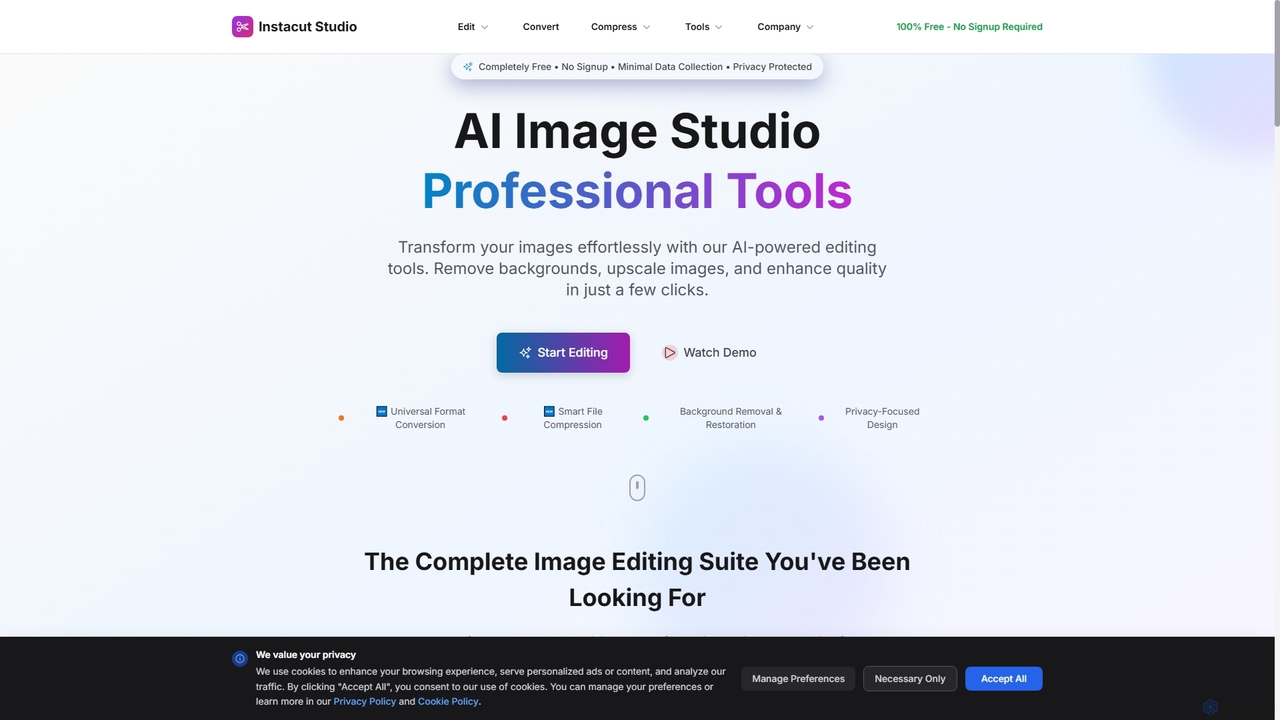
Instacut
Instacut is a comprehensive, privacy-first suite of AI-powered image editing tools available online for free. It requires no signup and offers features like background removal, image upscaling, photo restoration, format conversion, and file compression, ensuring user data is never stored.
Graphics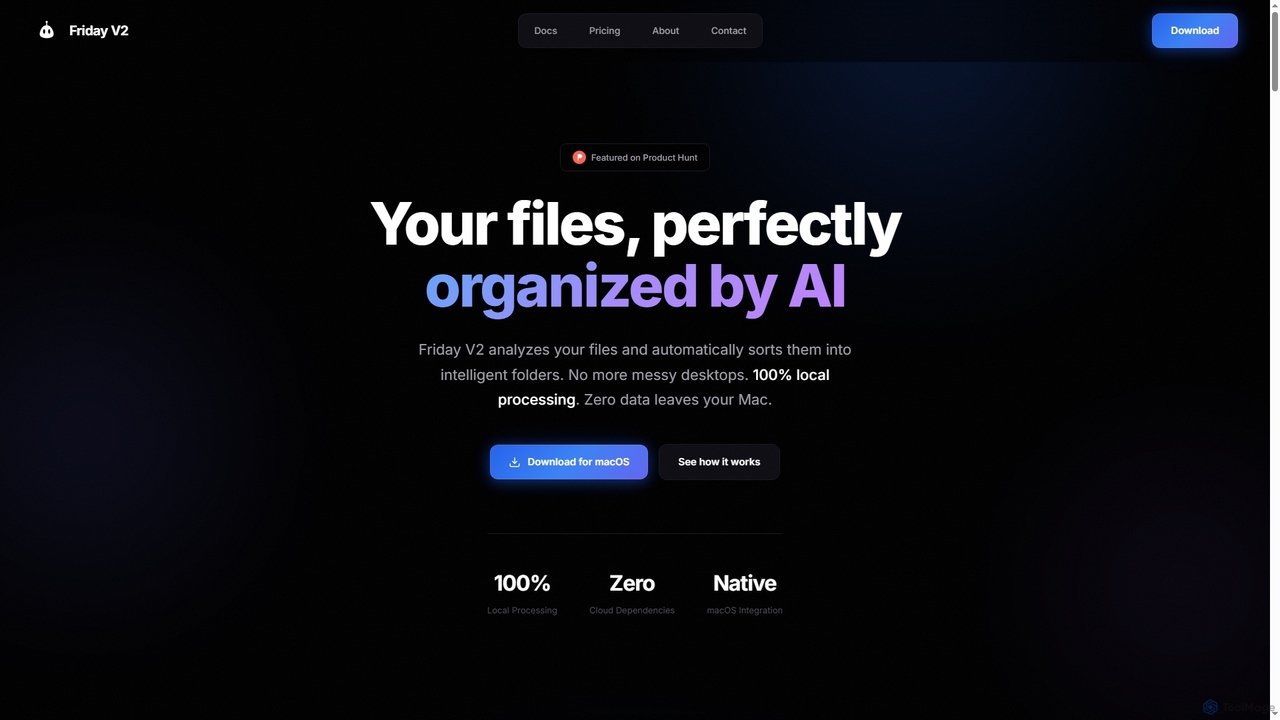
Friday
Friday is an AI-powered Mac application designed for intelligent, privacy-first file organization. It scans, classifies, and organizes your digital files locally on your device, transforming chaotic folders into a clean, logical structure automatically.
Desktop Automation
Playbook
Playbook is an AI-powered visual cloud storage and digital asset management (DAM) platform designed for creatives, teams, and enterprises. It replaces traditional file storage with a dynamic, searchable workspace for images, videos, and design files. Featuring GPT-4 powered search, seamless collaboration tools, one-click publishing for portfolios, and integrated mini-apps for quick edits, Playbook streamlines the entire creative workflow from storage to delivery.
Asset ManagementAi Photo Sorter Categories
Ai Photo Sorter Jobs
Ai Photo Sorter Embed Widget
Copy this embed code to place the badge on your blog, article, or product site and send readers directly to this ToolMage detail page.

Related AI tools
RenameClick
RenameClick is an offline AI file renamer for Mac and Windows that intelligently transforms messy, unorganized filenames into descriptive, clean labels. It leverages local AI to understand file content, enabling efficient batch renaming of hundreds of images and documents while ensuring complete privacy.
Offline Processing
BgSub
BgSub is a free, AI-powered tool for instantly removing and replacing image backgrounds. It prioritizes user privacy by processing images directly in the browser without any uploads. Features include high-precision cutouts, background replacement with colors, gradients, or images, and AI-driven color correction.
Image Editing
Overvisual
Overvisual is an AI-powered Instagram Story maker that helps creators and businesses generate stunning, engaging story series in minutes. It automates text placement, applies brand kits, and offers interactive widgets, saving significant time and design costs while boosting engagement.
Image Editing
Stockfill
An AI-powered keyword and title generator for stock media contributors. Upload your photos or illustrations (JPG, PNG, WEBP) to instantly receive optimized metadata. This tool streamlines your workflow, improves image discoverability on stock platforms, and helps increase your sales by providing accurate, relevant keywords in seconds.
TaggingFriday
Friday is an AI-powered Mac application designed for intelligent, privacy-first file organization. It scans, classifies, and organizes your digital files locally on your device, transforming chaotic folders into a clean, logical structure automatically.
Desktop Automation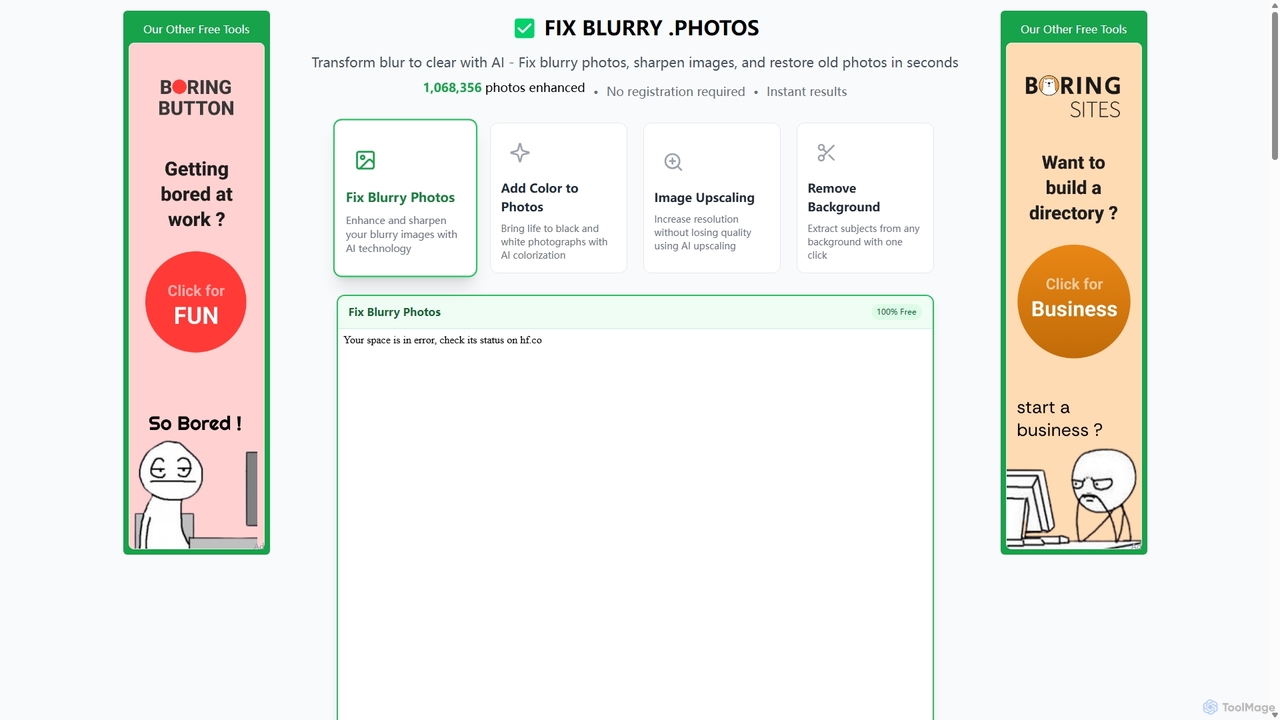
Fixblurry
fixblurry is a free, AI-powered online tool suite designed to enhance your images instantly. It specializes in unblurring and sharpening photos, restoring old or faded pictures, upscaling low-resolution images without quality loss, colorizing black-and-white photos, and removing backgrounds with a single click. No registration or software installation is required, offering professional-grade results for everyone.
Image Editing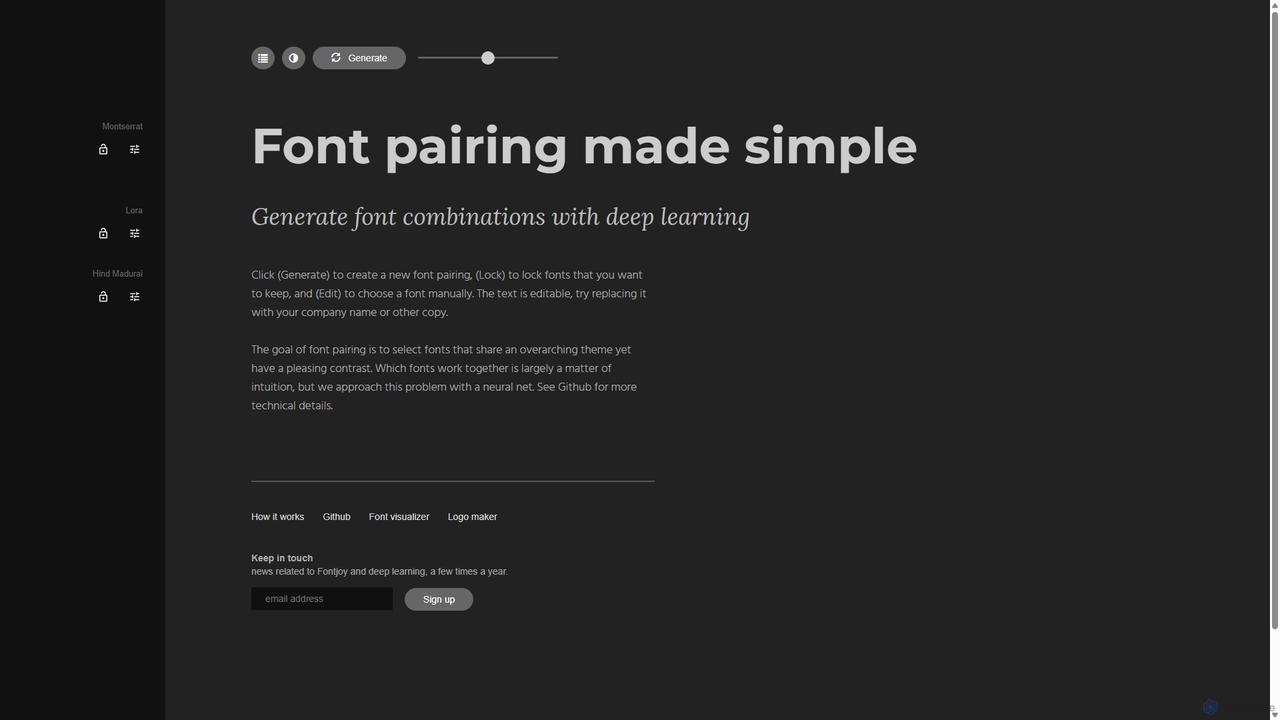
Fontjoy
Fontjoy is an AI-powered tool that helps designers and developers generate beautiful and harmonious font pairings with a single click. Using deep learning, it intelligently selects fonts for headings, subheadings, and body text that balance contrast and similarity, streamlining the design process.
TypographyAI Renamer
AI Renamer is a smart desktop application for Mac and Windows that automatically renames files based on their content. It analyzes images and documents to generate descriptive, meaningful names, helping you organize your digital life effortlessly. It supports batch processing, custom naming rules, and offers both a private, offline Local Mode and a convenient Cloud Mode.
Document Management
RemovebgAPI
RemovebgAPI is a developer-friendly background removal API offering high-accuracy results at a significantly lower cost. It enables businesses to automate image background removal with AI-powered precision, lightning-fast processing, and seamless integration for various applications like e-commerce, real estate, and content creation.
ApiInstacut
Instacut is a comprehensive, privacy-first suite of AI-powered image editing tools available online for free. It requires no signup and offers features like background removal, image upscaling, photo restoration, format conversion, and file compression, ensuring user data is never stored.
Graphics
Remover
Remover is a free AI-powered tool by ZMO.AI that effortlessly removes unwanted objects, people, text, and backgrounds from photos. Ideal for e-commerce, real estate, and general photo cleanup, it provides unlimited edits and professional results in seconds without needing complex software like Photoshop.
3D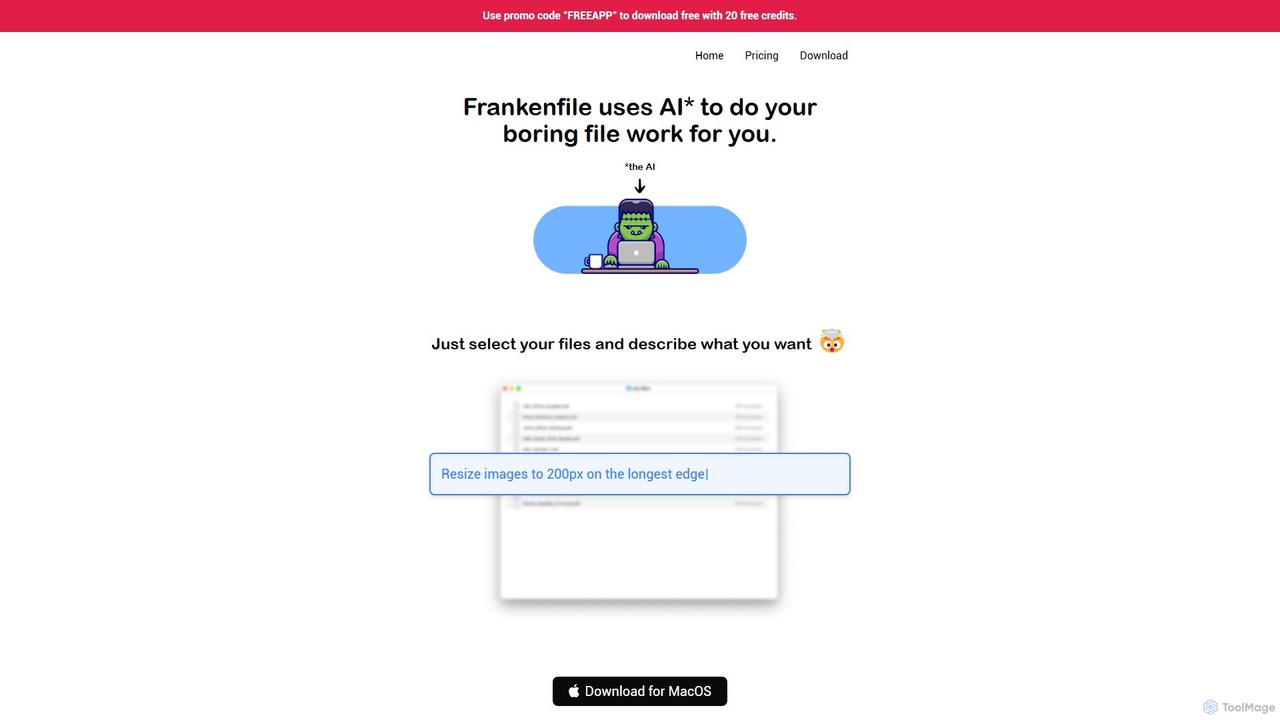
Frankenfile
Frankenfile is an AI-powered assistant for MacOS that automates your file management tasks. Simply describe what you want to do in plain English, and the app handles complex operations on images, videos, audio, and PDFs. It runs entirely locally, ensuring your files remain private and secure.
Task Automation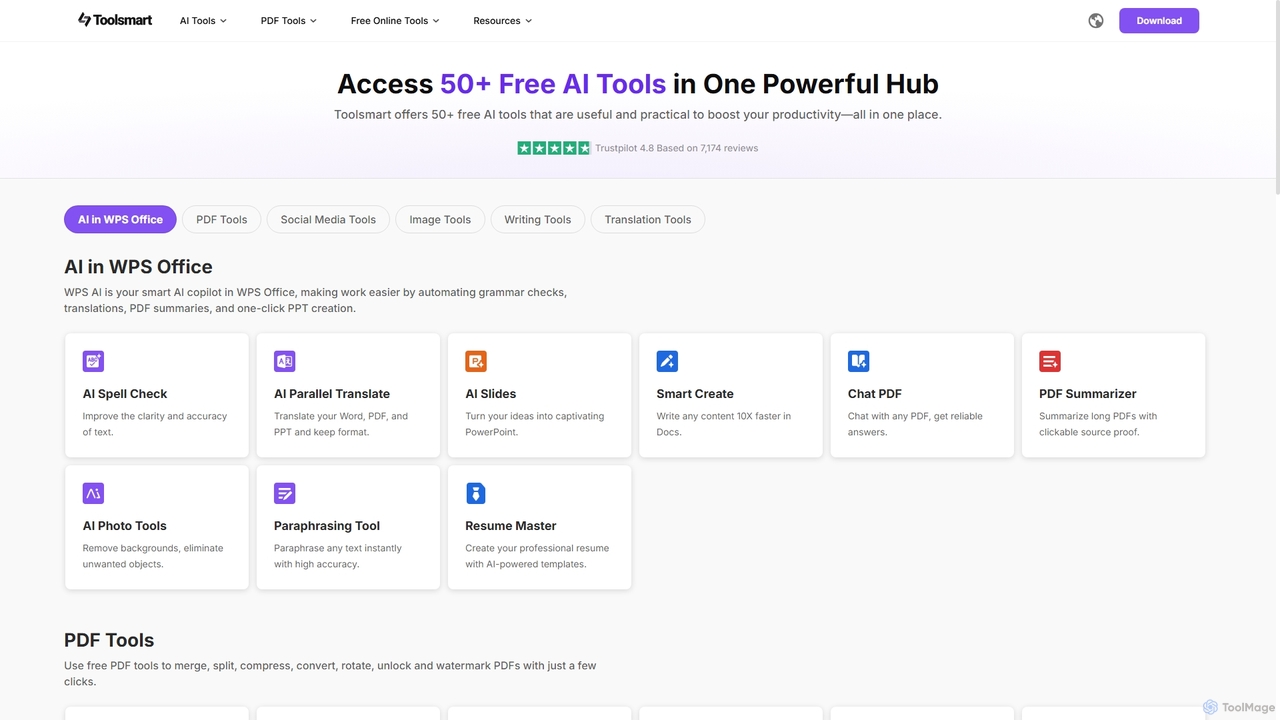
Toolsmart
Toolsmart is a comprehensive suite of over 50 free AI-powered tools designed to boost productivity. It offers a wide range of utilities in one convenient hub, including PDF converters and editors, social media video downloaders, advanced image editing tools like background and watermark removers, and a variety of AI writing assistants for paraphrasing, summarizing, and humanizing text. No sign-up is required for most tools, providing a fast, accessible, and ad-free user experience for creators, marketers, and professionals.
Pdf
TensorPix
TensorPix is an AI-powered online platform for video and image enhancement. It offers a suite of tools to upscale resolution up to 4K/8K, restore old footage, remove noise, and improve overall visual quality. Ideal for filmmakers, content creators, and archivists, TensorPix simplifies complex post-production tasks with an intuitive web-based interface, making professional-grade restoration accessible to everyone.
Creative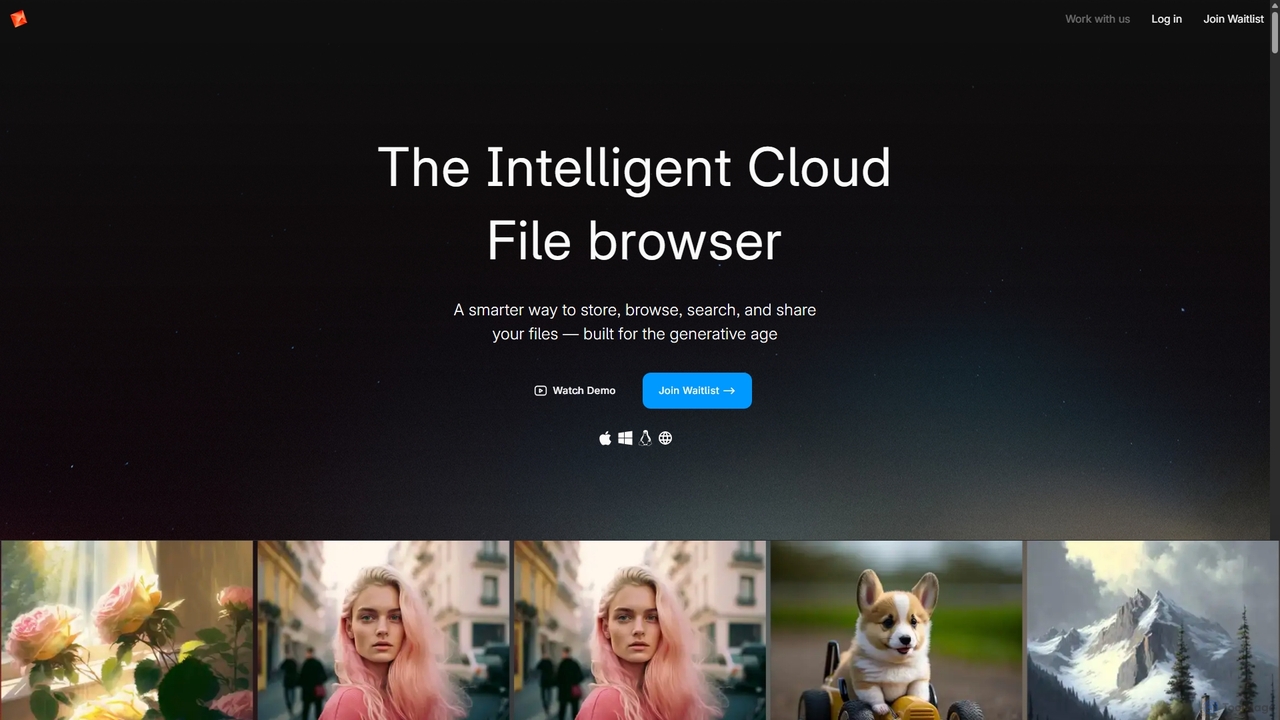
Poly
Poly is an intelligent cloud file browser designed for the generative age. It leverages multimodal AI to help you store, browse, search, and share your digital creations with unprecedented ease. Search by natural language, enjoy hyper-fast previews, and collaborate in real-time.
Search
Ai Photo Sorter Comments (0)
Sign in to comment.
Sign inNo comments yet.