Design Best in category 3 results Asset Management AI Tool

Popular AI tools in the Asset Management field of Design include Playbook、Poly、ci_hub, etc., helping you quickly improve efficiency.

Poly

Poly

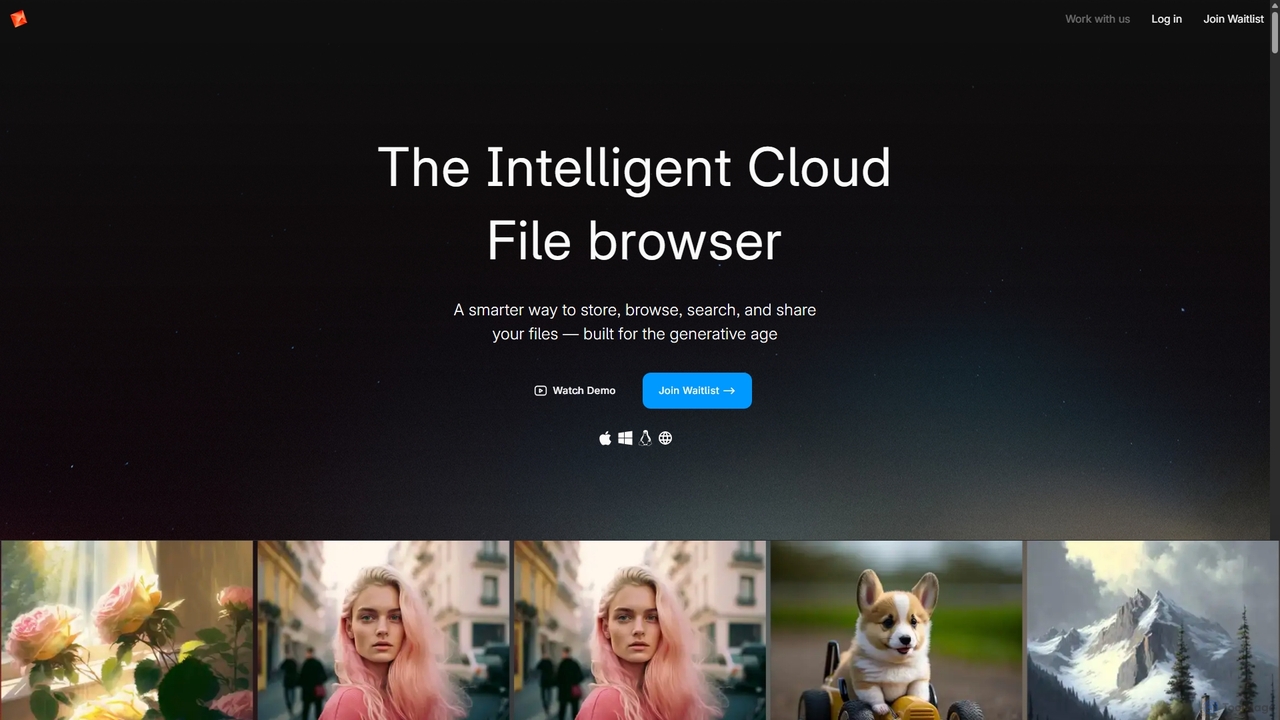
Poly is an intelligent cloud file browser designed for the generative age. It leverages multimodal AI to help …

68.5K
Playbook

Playbook

Playbook is an AI-powered visual cloud storage and digital asset management (DAM) platform designed for creatives, teams, and …

561.3K
ci_hub

ci_hub

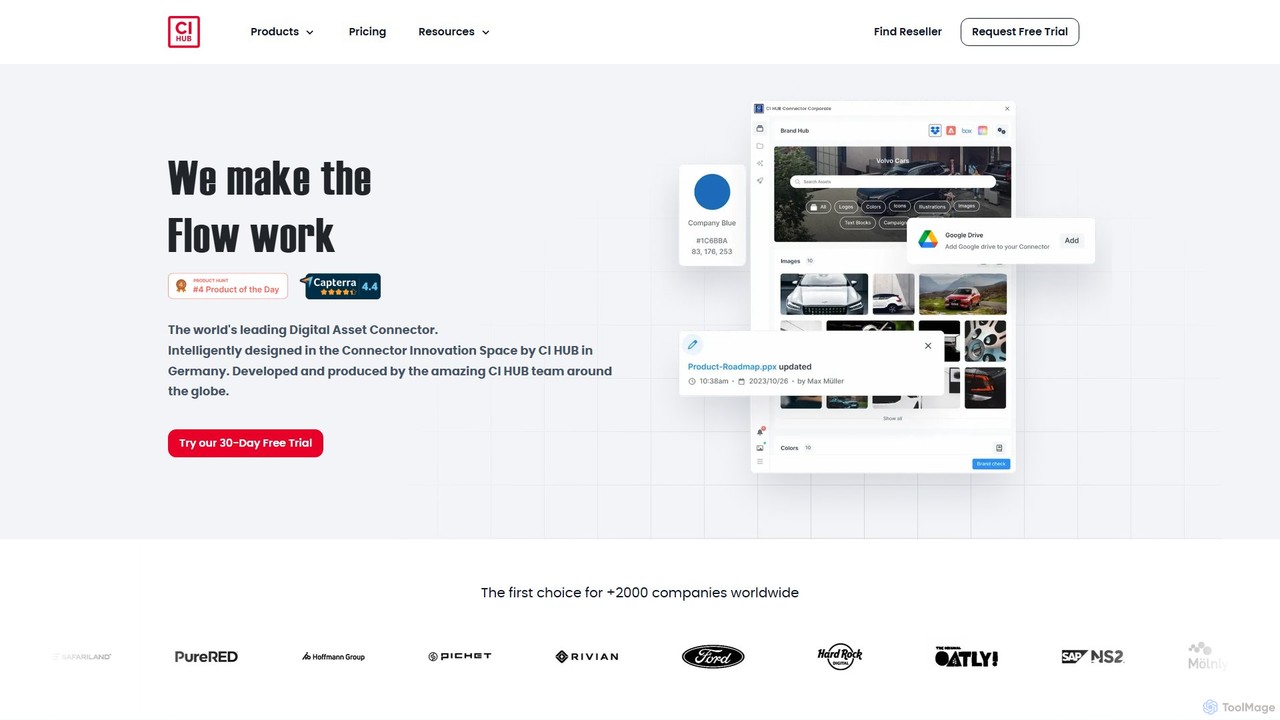
CI HUB is a leading digital asset connector that seamlessly integrates your DAM, PIM, cloud storage, and stock …

18.8K

About Asset Management

AI Asset Management tools are specialized platforms designed to organize, search, and distribute creative design files. These systems leverage artificial intelligence to automate tasks like metadata tagging, object recognition, and content categorization, making assets instantly discoverable. They serve as a central source of truth for brand materials, ensuring consistency and streamlining creative workflows. This approach significantly reduces the time spent searching for files and prevents the use of outdated or incorrect assets.

Core Features

  • AI-Powered Auto-Tagging: Automatically analyzes images and videos to generate descriptive keywords, colors, and object tags.
  • Visual Search: Enables users to find assets by uploading a similar image or using natural language to describe visual content.
  • Advanced Version Control: Tracks the history of file changes, allowing teams to access previous versions and avoid overwriting work.
  • Centralized Asset Library: Provides a single, secure repository for all brand assets, including logos, fonts, images, and templates.
  • Permission & Access Management: Allows administrators to set granular controls over who can view, edit, or download specific assets.

Use Cases

These tools are essential for marketing teams, design agencies, and large enterprises that need to maintain brand consistency across numerous channels. They are also invaluable for UI/UX designers managing component libraries and for video production teams organizing vast amounts of footage. Any organization dealing with a high volume of digital creative assets can benefit.

How to Choose

When selecting an AI Asset Management tool, consider its integration capabilities with your existing design software (e.g., Adobe Creative Cloud, Figma). Evaluate the sophistication of its AI features, such as the accuracy of auto-tagging and visual search. Also, assess its scalability, security protocols, and the flexibility of its permission management system to fit your team's structure.

Asset ManagementUse Cases

1

Ensure Brand Consistency in Marketing Campaigns

A marketing manager for a global brand needs to launch a new social media campaign across multiple regions. Instead of emailing designers for the latest assets, they access the centralized AI Asset Management system. They use visual search to find approved lifestyle images that match the campaign's aesthetic and quickly locate the most recent version of the company logo and brand guidelines. This ensures every post is visually consistent and on-brand, eliminating the risk of using outdated materials and saving hours of coordination time.

2

Streamline Multi-Client Projects for a Design Agency

A design agency juggles projects for a dozen different clients, each with unique brand assets. Using an AI Asset Management tool, the agency creates separate, secure collections for each client. AI automatically tags uploaded assets (logos, fonts, photos), making them searchable. When a new designer joins a project, they are granted access only to the relevant client's collection. This prevents asset mix-ups, protects client confidentiality, and drastically speeds up the onboarding process for new team members, who can find what they need without asking.

3

Build and Maintain a UI/UX Component Library

A product design team is building a design system to ensure consistency across their web and mobile apps. They use an Asset Management tool as the single source of truth for all UI components like buttons, icons, and form fields. The tool's integration with Figma allows designers to pull the latest components directly into their designs. Version control is critical; when a component is updated (e.g., a button style changes), the system flags the old version, ensuring all designers adopt the new standard and preventing UI inconsistencies in the final product.

4

Organize Large-Scale Video Production Assets

A video production house shoots terabytes of raw footage for a documentary. Manually logging and tagging this content would take weeks. By uploading the footage to an AI Asset Management system, the process is automated. The AI transcribes spoken dialogue, identifies speakers, and tags scenes with objects and locations (e.g., 'car', 'city', 'interview'). Editors can then search for specific shots using queries like 'show me all clips of Dr. Smith talking in a lab'. This dramatically accelerates the post-production workflow and makes vast archives of footage reusable for future projects.

5

Centralize E-commerce Product Photography

An online retailer manages thousands of products, each with multiple images (front view, side view, lifestyle shot). Using an AI Asset Management platform, they create a structured library where each image is tagged with its corresponding product SKU, color, and type. When the marketing team needs an image of a 'red summer dress', they can find all relevant, high-resolution photos in seconds. The system also helps manage usage rights for model photography, ensuring that images are only used during the licensed period, mitigating legal risks.

6

Automate Asset Discovery with Visual Search

A content creator needs an image for a blog post about 'sustainable architecture'. Instead of guessing keywords like 'green building' or 'eco-friendly house', they find an image they like on the web and upload it to the AI Asset Management system's visual search. The AI analyzes the sample image's composition, style, and subject matter and instantly returns a collection of visually similar, on-brand, and fully licensed images from the company's library. This discovery method is faster and often more accurate than traditional keyword searching, surfacing relevant assets that might have been missed otherwise.

Asset ManagementFrequently Asked Questions