Poly
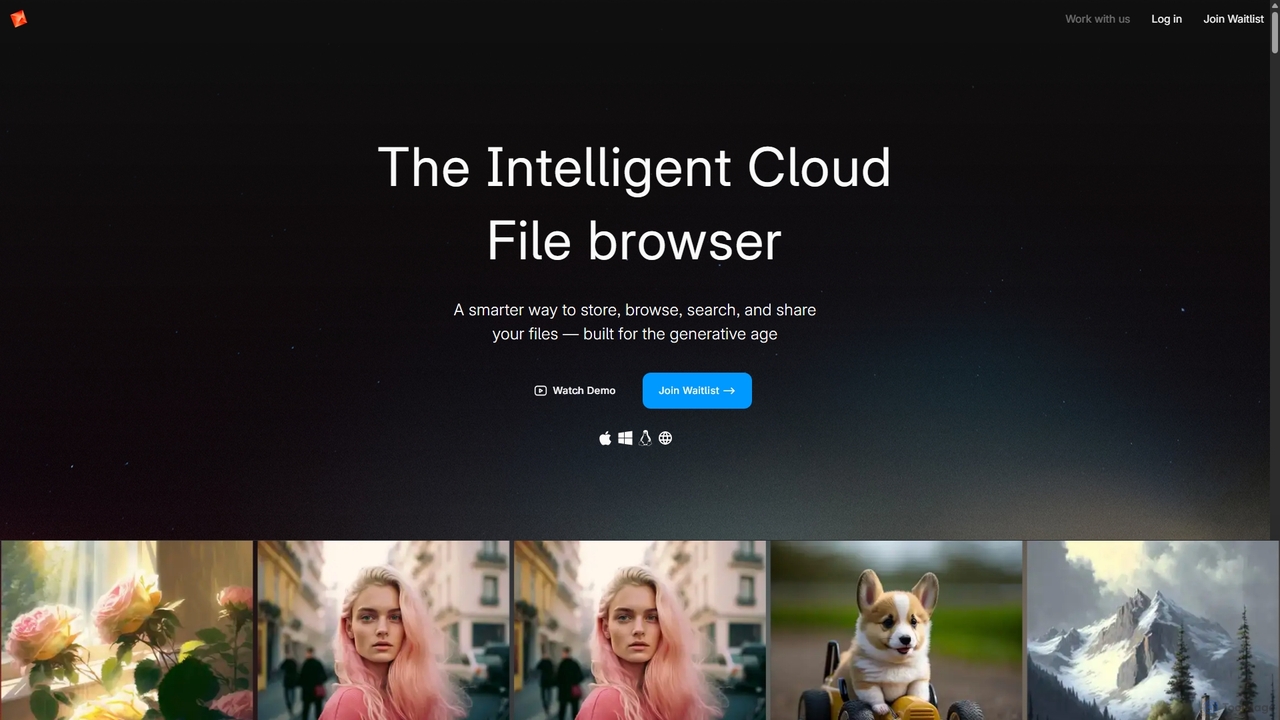
Poly is an intelligent cloud file browser designed for the generative age. It leverages multimodal AI to help …
Poly is an intelligent cloud file browser designed for the generative age. It leverages multimodal AI to help you store, browse, search, and share your digital creations with unprecedented ease. Search by natural language, enjoy hyper-fast previews, and collaborate in real-time.
InboxChat
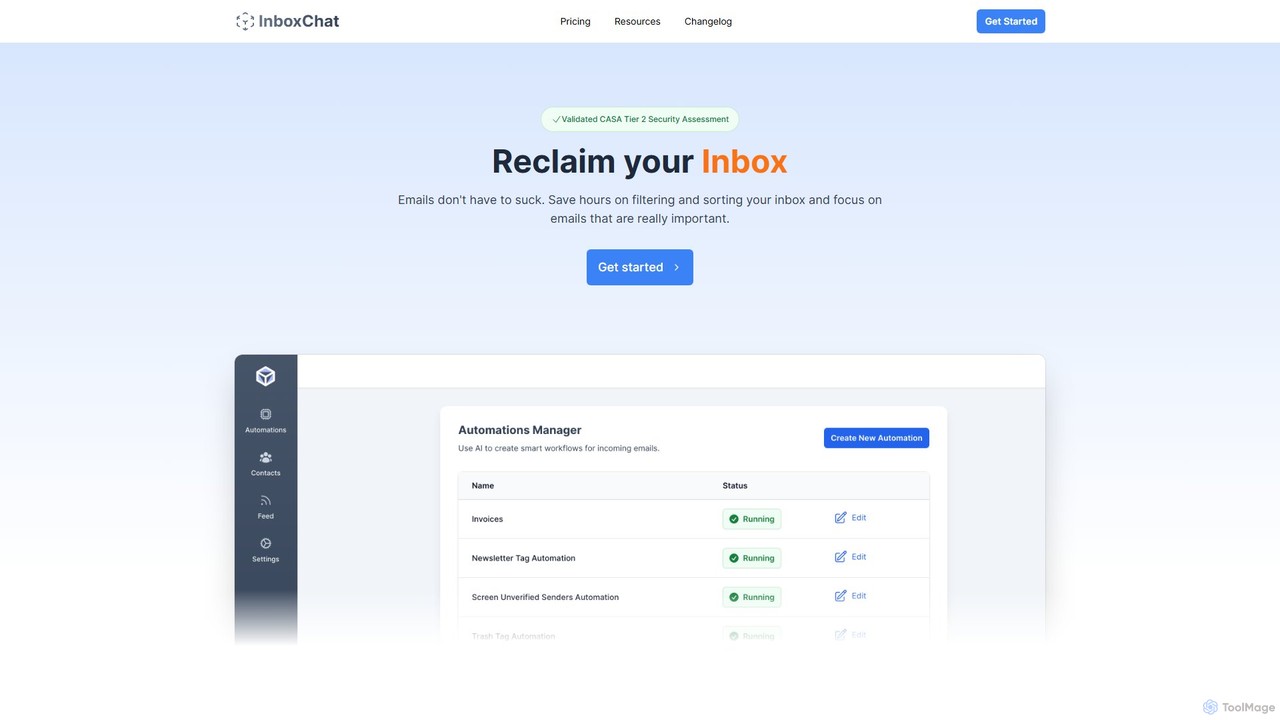
InboxChat is an AI-powered assistant that transforms your Gmail inbox management. Use natural language to search, summarize, and …
InboxChat is an AI-powered assistant that transforms your Gmail inbox management. Use natural language to search, summarize, and draft emails, saving you hours each week. It offers top-tier security, ensuring your data is always private and protected.
About Search
AI Search tools are a class of applications that use artificial intelligence, particularly natural language processing (NLP), to understand user intent and deliver highly relevant, contextual answers from vast datasets. Unlike traditional keyword-based search, these tools analyze the semantic meaning behind a query to find information. This enables users to ask complex questions in conversational language and receive synthesized summaries or direct answers, rather than just a list of links. They excel at navigating internal knowledge bases, code repositories, and complex document archives.
Core Features
- Semantic Understanding: Goes beyond keywords to grasp the context and intent of a query.
- Natural Language Queries: Allows users to ask questions in everyday, conversational language.
- Answer Synthesis: Consolidates information from multiple sources to provide a single, summarized answer.
- Cross-Platform Search: Indexes and searches across various data sources like documents, emails, and cloud apps.
- Personalized Results: Learns from user interactions to tailor future search results for better relevance.
Use Cases
These tools are widely adopted in corporate environments for internal knowledge management, allowing employees to quickly find company policies or project data. Development teams use them to search through complex codebases and documentation. Customer support departments also leverage AI Search to provide agents with instant, accurate answers to customer inquiries from a central knowledge base.
How to Choose
When selecting an AI Search tool, evaluate its integration capabilities with your existing data sources (e.g., Slack, Google Drive, Confluence). Consider the accuracy and relevance of its semantic search model for your specific domain. Also, assess security features, deployment options (cloud vs. on-premise), and the pricing structure, which often depends on the number of users or the volume of data indexed.

SearchUse Cases
Accelerate Enterprise Knowledge Discovery
For a large enterprise, an employee in the marketing department needs to find the final report on the 'Project Titan' campaign from two years ago. Instead of manually searching through shared drives and email archives with keywords, they use an AI Search tool. They simply ask, 'What were the key outcomes and ROI of Project Titan?'. The tool understands the query, locates the relevant reports, and provides a synthesized summary with key metrics and a direct link to the source document, reducing research time from hours to minutes.
Streamline Developer Onboarding and Debugging
A new software developer joins a team and needs to understand how the company's proprietary payment processing API works. Using an AI-powered code search tool, they can ask, 'Show me an example of how to implement a refund using the v3 payment API in Python.' The tool searches across all internal repositories, wikis, and Slack conversations, presenting the most relevant code snippets, official documentation, and discussions from senior engineers, significantly speeding up their learning process and problem-solving.
Enhance Customer Support Agent Efficiency
A customer support agent is on a live call with a customer facing a complex technical issue with a specific product model. The agent types the customer's problem description into their internal AI Search portal: 'Model X-500 is not connecting to Wi-Fi after the latest firmware update.' The system instantly retrieves the correct troubleshooting guide, relevant engineering notes, and similar resolved tickets, empowering the agent to provide a precise, step-by-step solution without escalating the call or placing the customer on a long hold.
Conduct In-depth Academic and Legal Research
A legal researcher is building a case and needs to find precedents related to intellectual property in AI-generated art. A traditional search might miss nuanced documents. Using an AI Search platform, they can query, 'Find court cases where the copyright of non-human created art was debated.' The AI understands the concept and retrieves relevant case law, academic papers, and legal analyses that are thematically linked, even if they don't use the exact keywords, uncovering critical information that would otherwise be missed.
Unify and Search Personal Digital Files
A freelance consultant manages projects across multiple platforms like Google Drive, Dropbox, and Notion. To find a specific client contract, they would typically have to search each service individually. With a personal AI Search tool, they can connect all their accounts. They simply search 'find the signed contract for the Acme Corp project from March' from a single interface. The tool intelligently searches across all connected apps, identifies the correct document based on content and metadata, and presents it instantly.
Improve E-commerce Product Discovery
An online shopper visits a large fashion retail website looking for an outfit. Instead of using rigid filters, they type 'a comfortable but elegant blue dress for an outdoor wedding' into the search bar. The e-commerce site's AI Search engine interprets the intent behind 'comfortable,' 'elegant,' and 'outdoor wedding.' It then displays results featuring dresses made of breathable fabrics (like linen or cotton), in appropriate styles (like A-line or maxi), and in shades of blue, dramatically improving the shopping experience and conversion rate.