
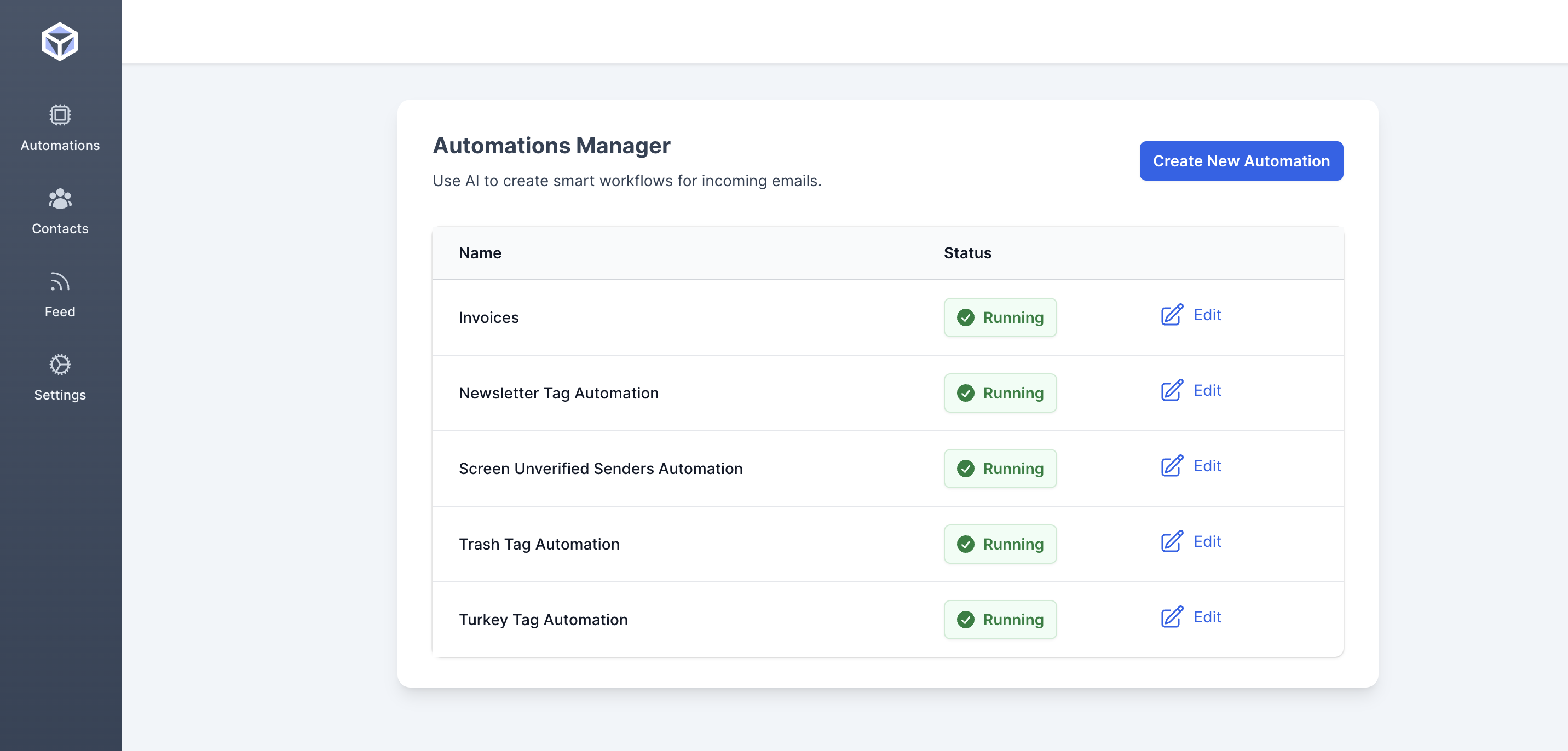
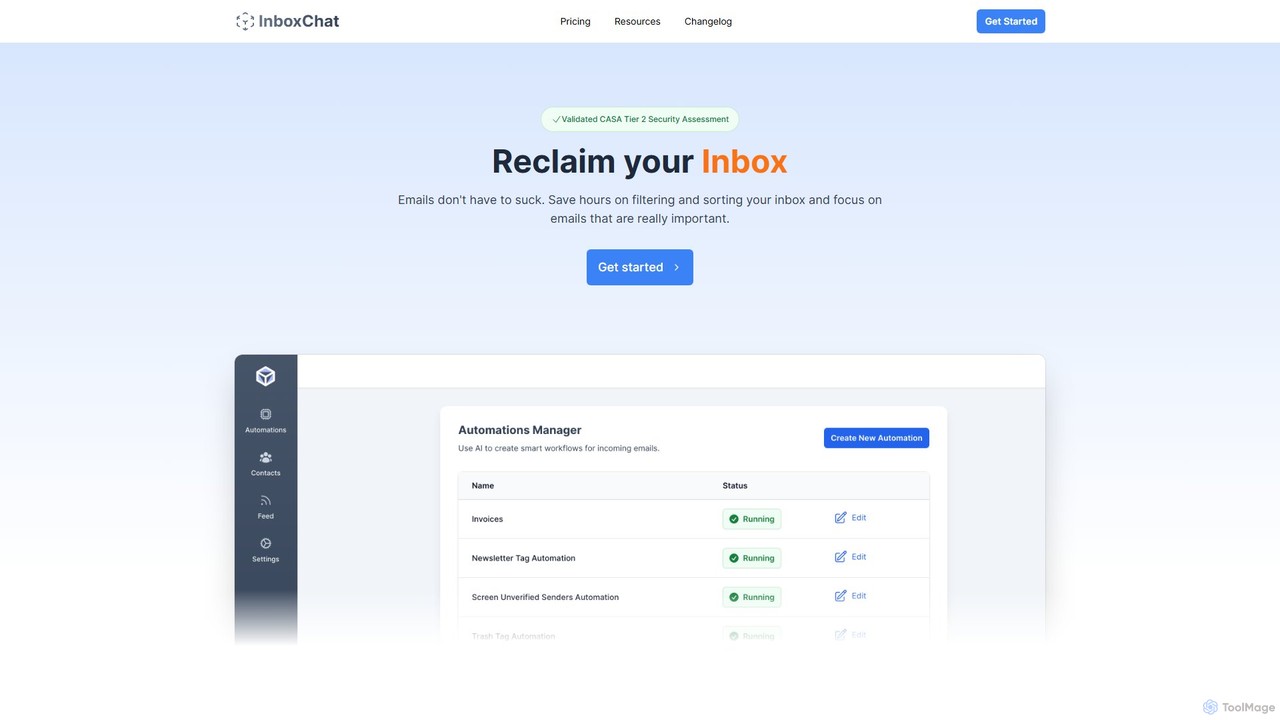
InboxChat Overview
InboxChat is a revolutionary AI-powered tool designed to streamline and supercharge your email management directly within your Gmail account. In an era of information overload, InboxChat acts as your personal email assistant, helping you cut through the noise, find information instantly, and communicate more effectively. By leveraging advanced artificial intelligence, it transforms your inbox from a source of stress into a hub of productivity. Instead of relying on rigid keyword searches, you can interact with your emails using simple, natural language commands, making email management as easy as having a conversation.
The core mission of InboxChat is to give you back your most valuable asset: time. It automates tedious tasks like sifting through long threads for key information or composing routine replies. With robust security measures, including a PWC CASA Tier 2 Security Certification, InboxChat prioritizes your data privacy, ensuring all your communications remain encrypted and confidential.
How to use InboxChat
Getting started with InboxChat is a seamless process designed for immediate productivity gains:
- Connect Your Gmail Account: Visit the InboxChat website and sign up. You'll be prompted to securely connect your Gmail account via a standard Google authentication process. InboxChat uses this access to analyze and manage your emails on your behalf.
- Open the Chat Interface: Once connected, you'll be presented with a clean, chat-like interface. This is your new command center for your inbox.
- Use Natural Language Commands: Start interacting with your emails. You can ask questions like, "Find the presentation sent by my boss last month," or "Summarize all unread emails from the 'Project Phoenix' team."
- Draft Replies Instantly: Select an email and ask InboxChat to draft a response. For example, you could command, "Draft a polite refusal to this meeting invitation and suggest a new time next week."
- Organize and Manage: Use the tool to quickly find attachments, identify action items from long conversations, and get a high-level overview of your daily email traffic without reading every single word.
Core Features of InboxChat
- AI-Powered Natural Language Search: Go beyond keywords. Find emails, attachments, and information by asking questions in plain English, just as you would ask a human assistant.
- Email & Thread Summarization: Instantly get concise summaries of long emails or entire conversation threads. Understand the key points and context in seconds, not minutes.
- AI-Assisted Reply Drafting: Generate context-aware email replies. The AI understands the incoming message and helps you craft professional, well-worded responses, saving significant time.
- Action Item Extraction: Automatically identifies tasks, deadlines, and commitments within your emails, helping you stay on top of your responsibilities.
- Advanced Security and Privacy: With PWC CASA Tier 2 Security Certification, your data is protected with end-to-end encryption. Strict access protocols and regular audits ensure your information remains secure and private.
- Seamless Gmail Integration: Works directly with your existing Gmail account, requiring no migration or complex setup. It enhances your current workflow, rather than replacing it.
Use Cases for InboxChat
InboxChat is versatile and benefits a wide range of users:
- Busy Professionals and Executives: Quickly triage a high volume of emails, get summaries of important discussions before meetings, and delegate reply drafting to the AI.
- Sales and Account Managers: Instantly locate past client conversations, find specific contracts or proposals, and track communication history without manual searching.
- Project Managers: Extract action items and deadlines from team communications to ensure projects stay on track.
- Freelancers and Small Business Owners: Efficiently manage client inquiries, track project-related emails, and maintain a professional communication standard with minimal effort.
- Anyone Looking to Achieve 'Inbox Zero': Drastically reduce the time spent on email, allowing for more focus on deep work and strategic tasks.
Advantages of InboxChat
The primary advantage of InboxChat is its ability to transform email from a time-consuming chore into a streamlined, intelligent process. It boosts productivity by automating repetitive tasks, enhances decision-making with quick summaries, and provides a more intuitive way to interact with your own data. Its commitment to top-tier security provides peace of mind, a critical factor when dealing with sensitive email communications. The ability to cancel anytime offers flexibility and a risk-free experience.
Pricing and Plans
InboxChat likely offers a freemium model to cater to different user needs:
- Free Plan: Ideal for individuals who want to try the core features. This plan would typically include a limited number of AI queries (e.g., searches, summaries) per month.
- Pro Plan: A paid monthly subscription for power users and professionals. It would offer a significantly higher query limit, access to all advanced features like unlimited reply drafting, and priority support.
- Business/Team Plan: Custom pricing for teams and organizations. This plan would include all Pro features, plus team management capabilities, centralized billing, and dedicated support.
All plans come with the flexibility to cancel at any time, ensuring users are in full control of their subscription.
InboxChat Alternatives
Forage Mail
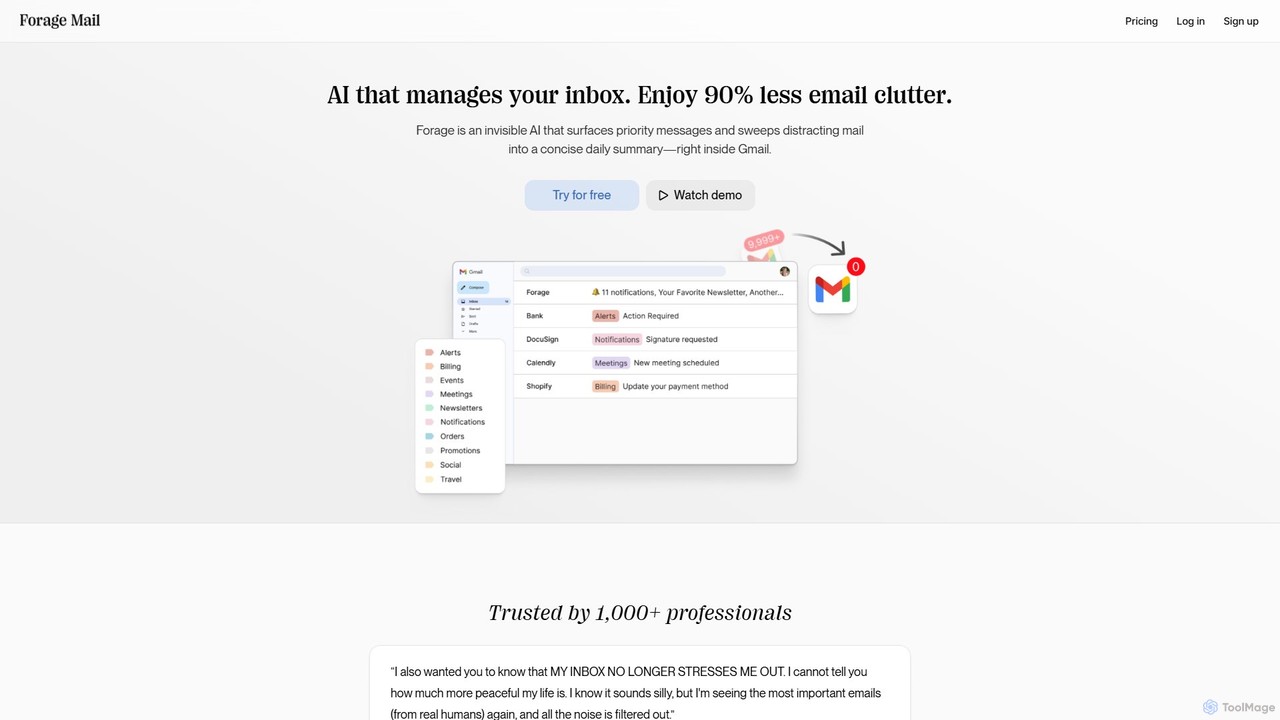
Forage Mail is an AI-powered email management tool for Gmail that ends inbox overwhelm. It intelligently filters emails, surfaces priority messages, and consolidates non-essential mail like newsletters and promotions into a single, concise daily summary, helping you save hours and reduce stress.
Inbox Management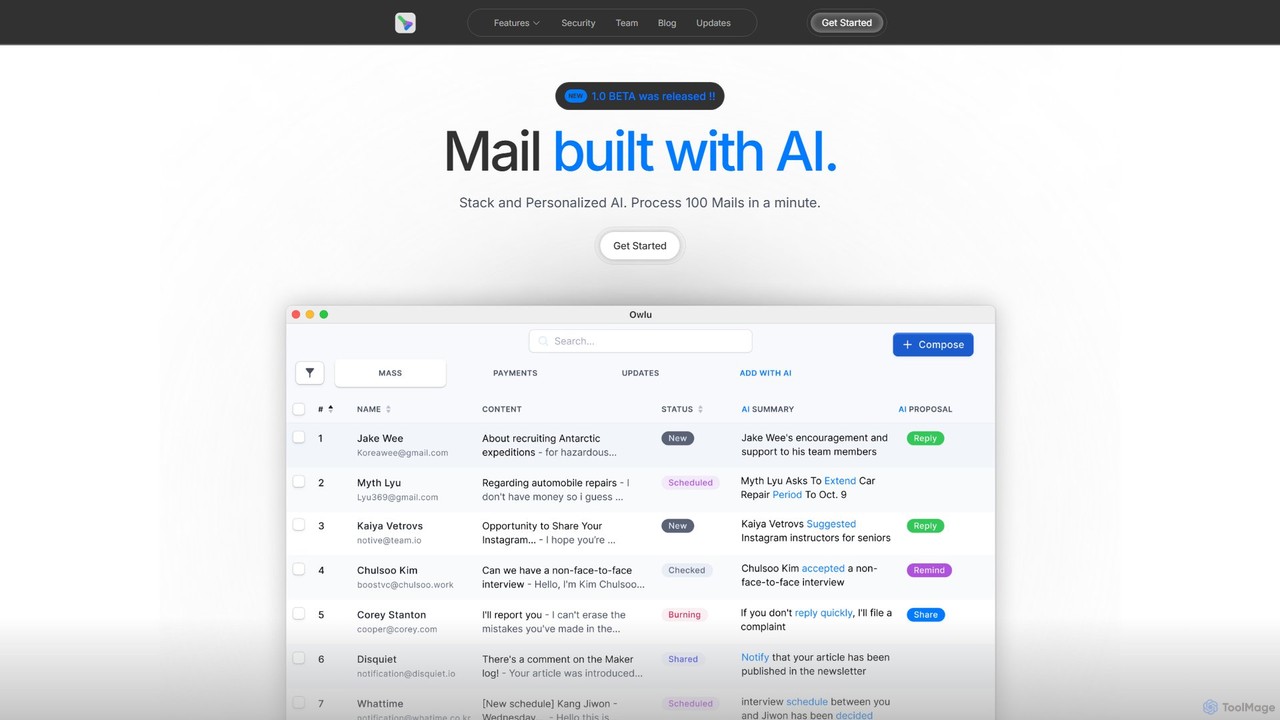
OwlU
OwlU is an AI-powered email client for Mac OS designed to revolutionize your inbox. It intelligently summarizes, suggests replies, and automates tasks, allowing you to process hundreds of emails in minutes. With a personalized AI and a unified dashboard, OwlU helps you achieve unprecedented email productivity.
Personal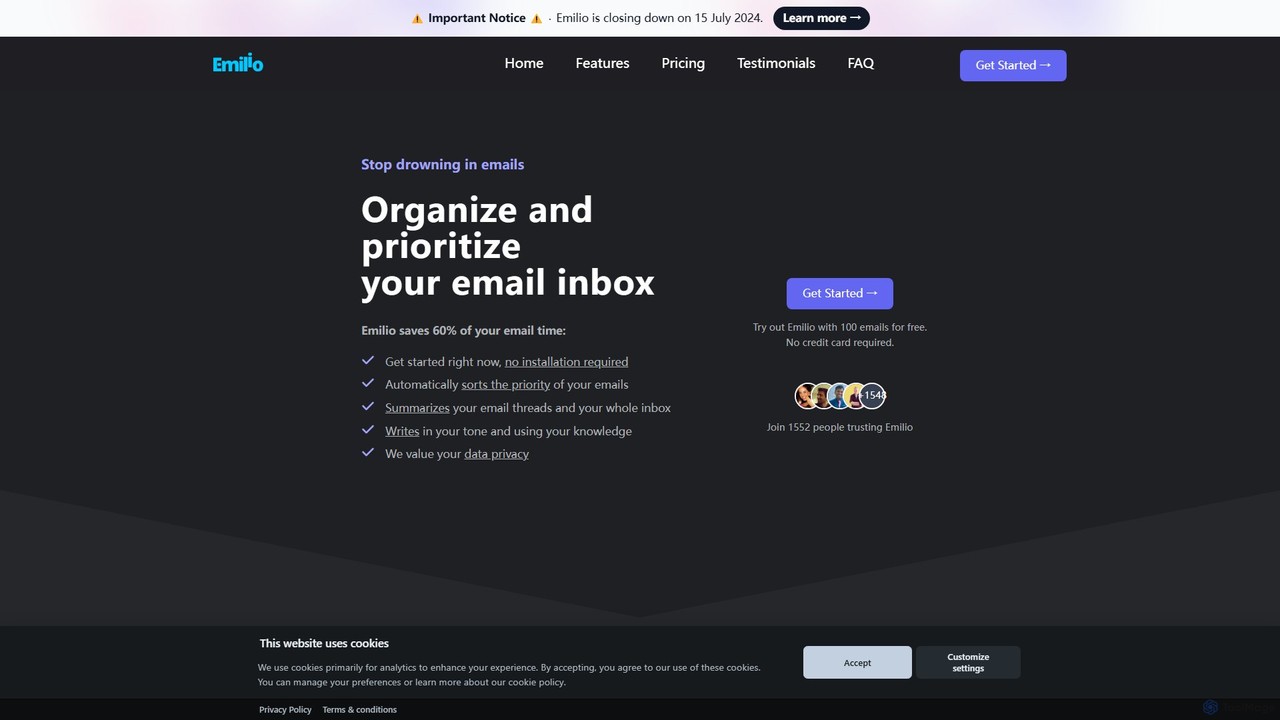
getemil
Emilio is an AI email assistant that intelligently organizes your Gmail inbox. It automatically prioritizes, labels, and summarizes your unread emails, helping you focus on what's important and reclaim your productivity without ever leaving your current email client.
Workflow Management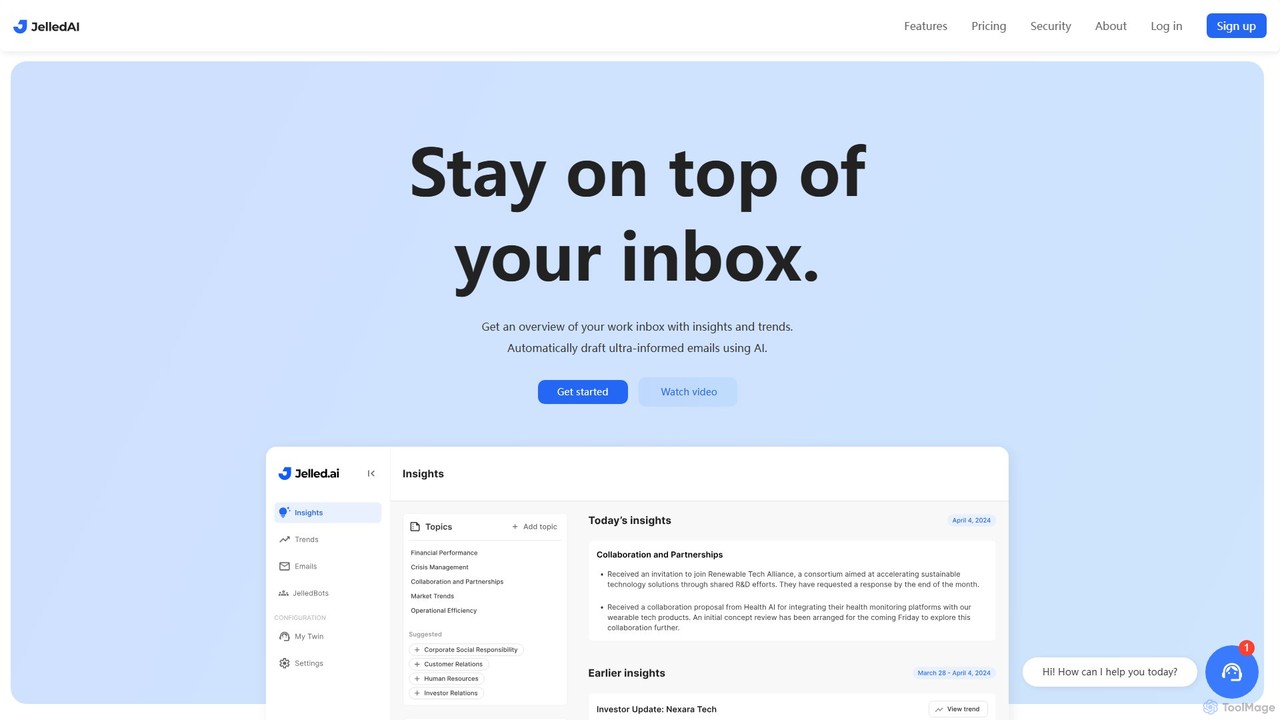
Jelled.ai
Jelled.ai is an AI-powered digital twin that revolutionizes workplace communication. It integrates with Gmail and Slack to provide contextual insights, detect trends, and automatically draft informed email responses in your unique voice. Stay on top of your inbox, filter out noise, and preserve your professional knowledge effortlessly.
Inbox Management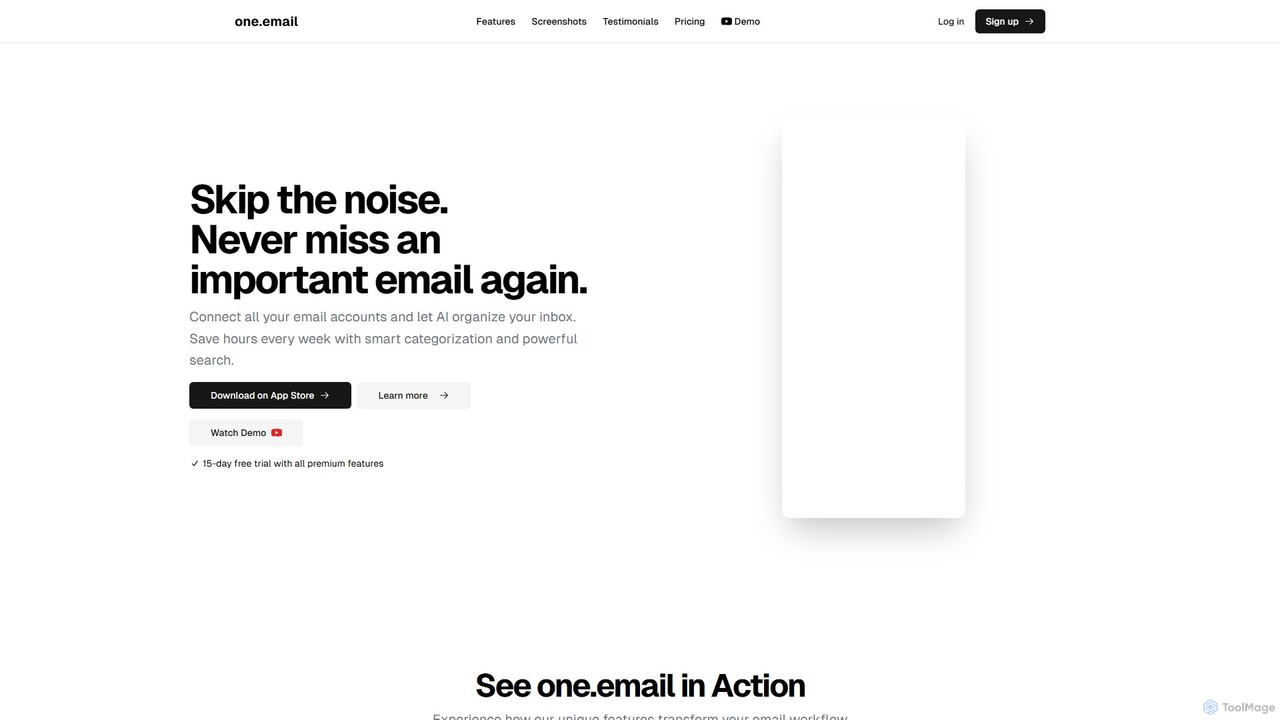
one.email
one.email is an AI-powered email client that transforms your cluttered inbox into a model of clarity. It unifies all your email accounts (Gmail, Outlook, etc.), automatically categorizes messages using AI, and presents conversations in an intuitive chat-style view. With powerful semantic search and simple, plain-English commands for organization, one.email helps you save hours each week and never miss an important message again.
Inbox ManagementInboxChat Categories
InboxChat Embed Widget
Copy this embed code to place the badge on your blog, article, or product site and send readers directly to this ToolMage detail page.

Related AI tools
Boxzero
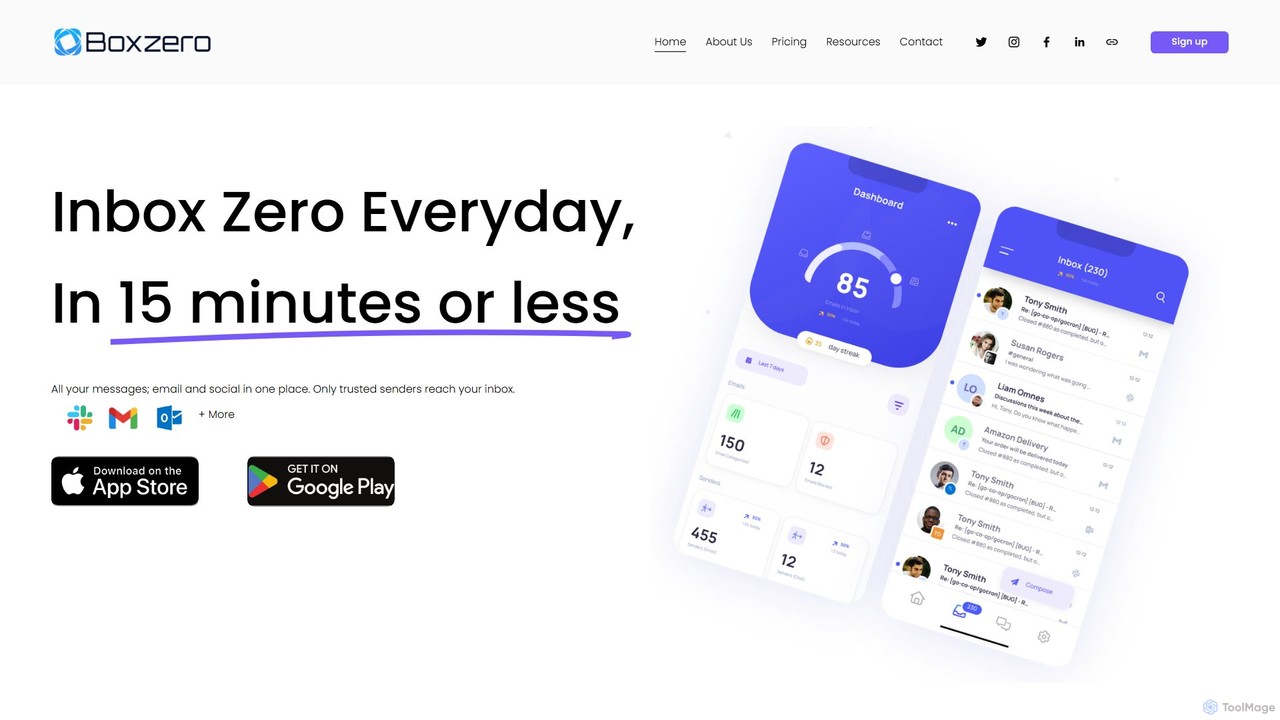
Boxzero is an AI-powered unified inbox that helps you achieve 'Inbox Zero' in 15 minutes or less daily. It consolidates all your emails (Gmail, Outlook) and social messages (Slack) into one place, using smart filtering to only show messages from trusted senders. An AI assistant generates smart replies, saving you hours of work and reducing communication overload.
Personal AssistantForage Mail
Forage Mail is an AI-powered email management tool for Gmail that ends inbox overwhelm. It intelligently filters emails, surfaces priority messages, and consolidates non-essential mail like newsletters and promotions into a single, concise daily summary, helping you save hours and reduce stress.
Inbox Management
Harmony
Harmony is an AI-powered email voice assistant that lets you manage your inbox hands-free. It reads your emails aloud and allows you to reply, delete, archive, and organize them using simple voice commands, perfect for when you're driving, exercising, or doing chores. Achieve Inbox Zero without ever looking at your screen.
Ios Apps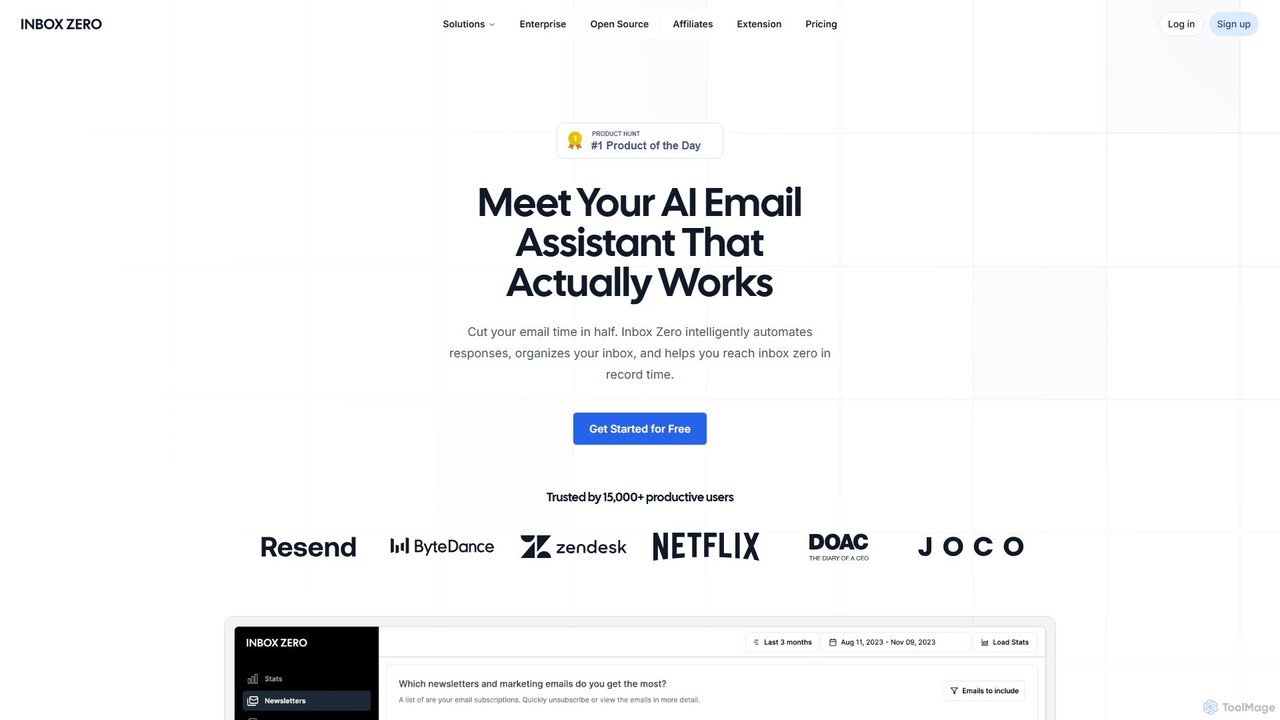
getinboxzero
getinboxzero is an AI-powered email assistant designed to help you achieve Inbox Zero. It intelligently automates responses, organizes your inbox, blocks cold emails, and bulk unsubscribes from newsletters. By handling repetitive email tasks, it cuts your email time in half and boosts productivity for individuals and support teams.
Personal Assistant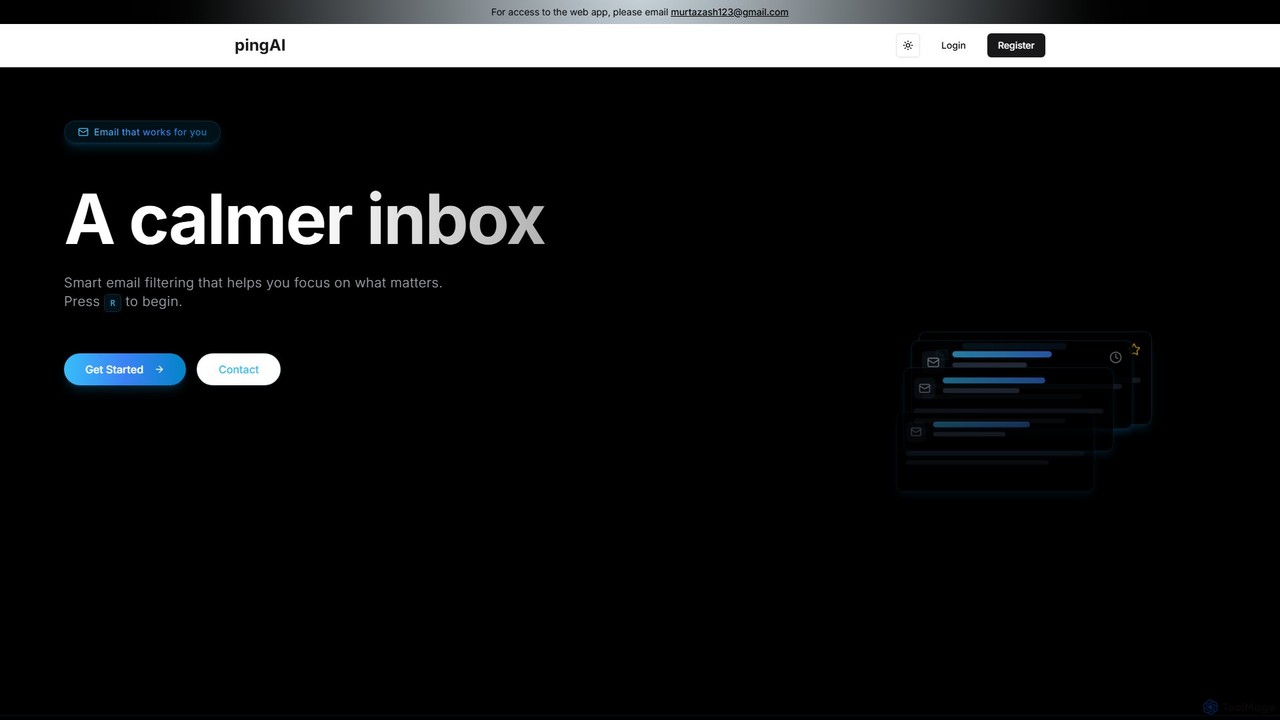
Ping
Ping is an AI-powered email management tool designed to combat inbox overload. It intelligently filters your emails, prioritizes important messages, and learns from your behavior to create a calmer, more focused inbox. Stop missing critical emails and reduce stress with smart, automated organization for your Gmail account.
Inbox AssistantOwlU
OwlU is an AI-powered email client for Mac OS designed to revolutionize your inbox. It intelligently summarizes, suggests replies, and automates tasks, allowing you to process hundreds of emails in minutes. With a personalized AI and a unified dashboard, OwlU helps you achieve unprecedented email productivity.
Personal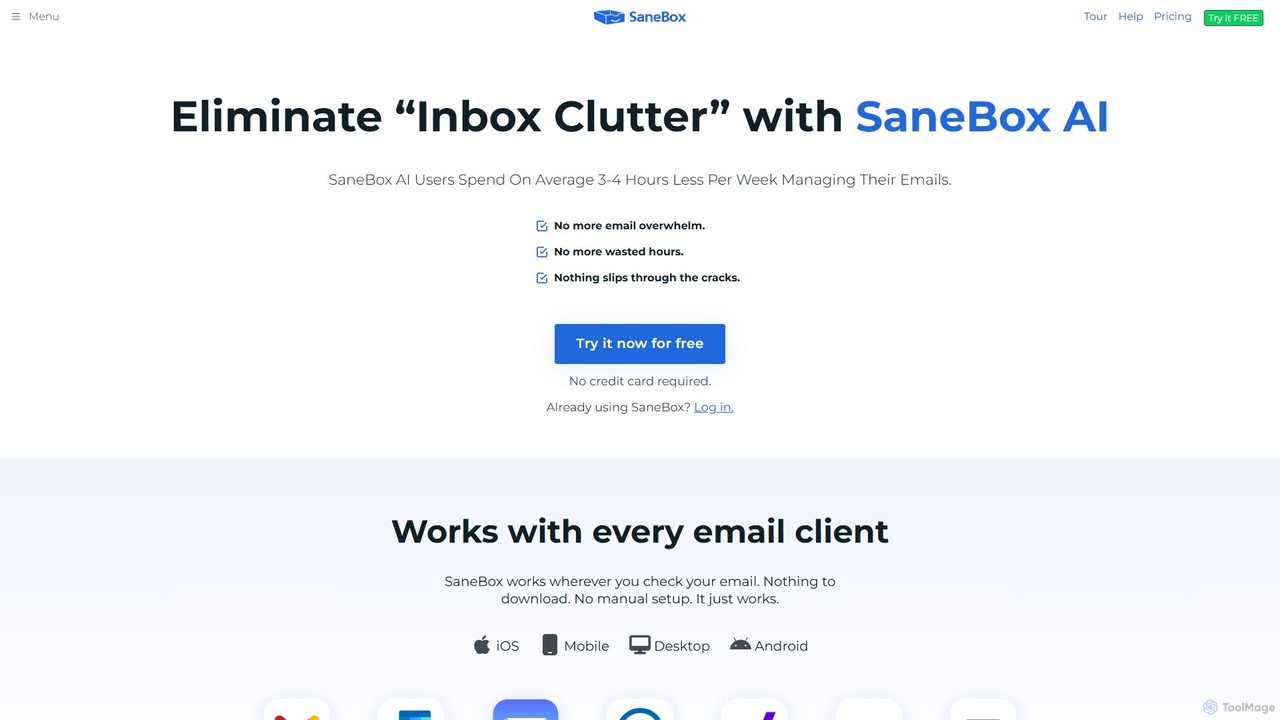
SaneBox
SaneBox is an AI-powered email management tool that automatically cleans up your inbox, filters unimportant emails, and helps you stay focused. It identifies important messages, hides distractions, provides follow-up reminders, and offers one-click unsubscribing, saving users an average of 3-4 hours per week.
Communication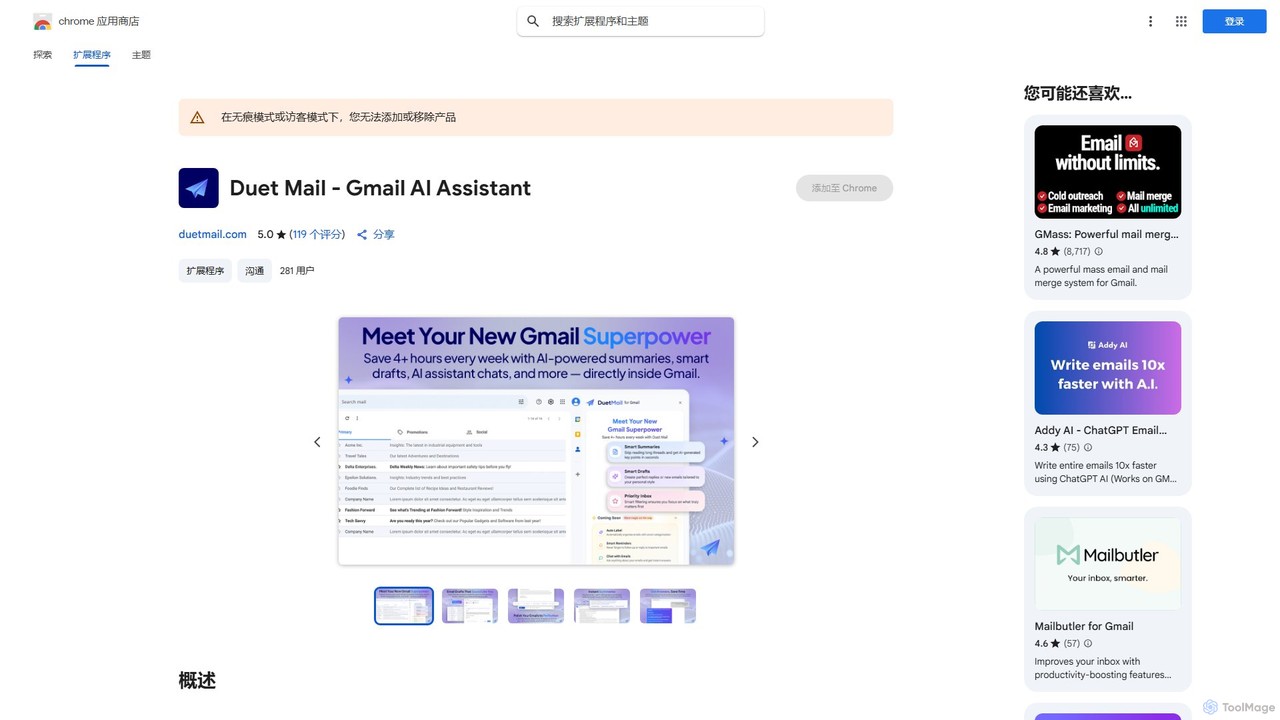
Duet Mail
Duet Mail is an AI-powered Gmail assistant that supercharges your inbox. It helps you draft emails in your personal style, provides instant summaries of long threads, sets smart follow-up reminders, and categorizes important messages. Save hours each week and reclaim control over your email.
Chrome Extensions
The Librarian
The Librarian is an AI personal assistant designed to supercharge your productivity. It integrates with Google Workspace (Gmail, Calendar, Drive) to automate tasks like drafting emails, summarizing conversations, scheduling meetings, and instantly finding documents. Accessible via Web, WhatsApp, and Slack, it helps you focus on what truly matters by streamlining your daily workflow.
Assistant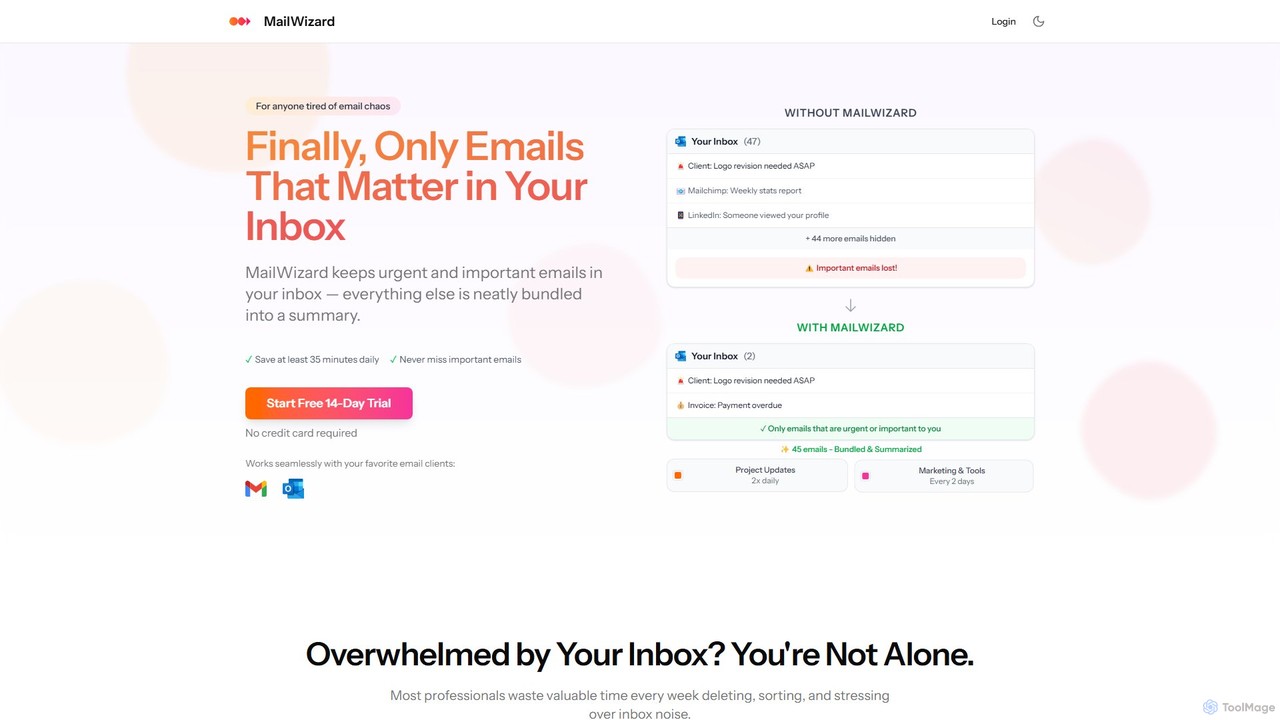
MailWizard
MailWizard is an AI-powered email assistant that transforms your inbox experience. It intelligently filters out noise, bundles non-urgent emails into smart summaries, and ensures you only see what truly matters. Save time, reduce stress, and reclaim your focus with automated workflows and AI-generated digests, including audio versions for on-the-go updates.
Workflow Management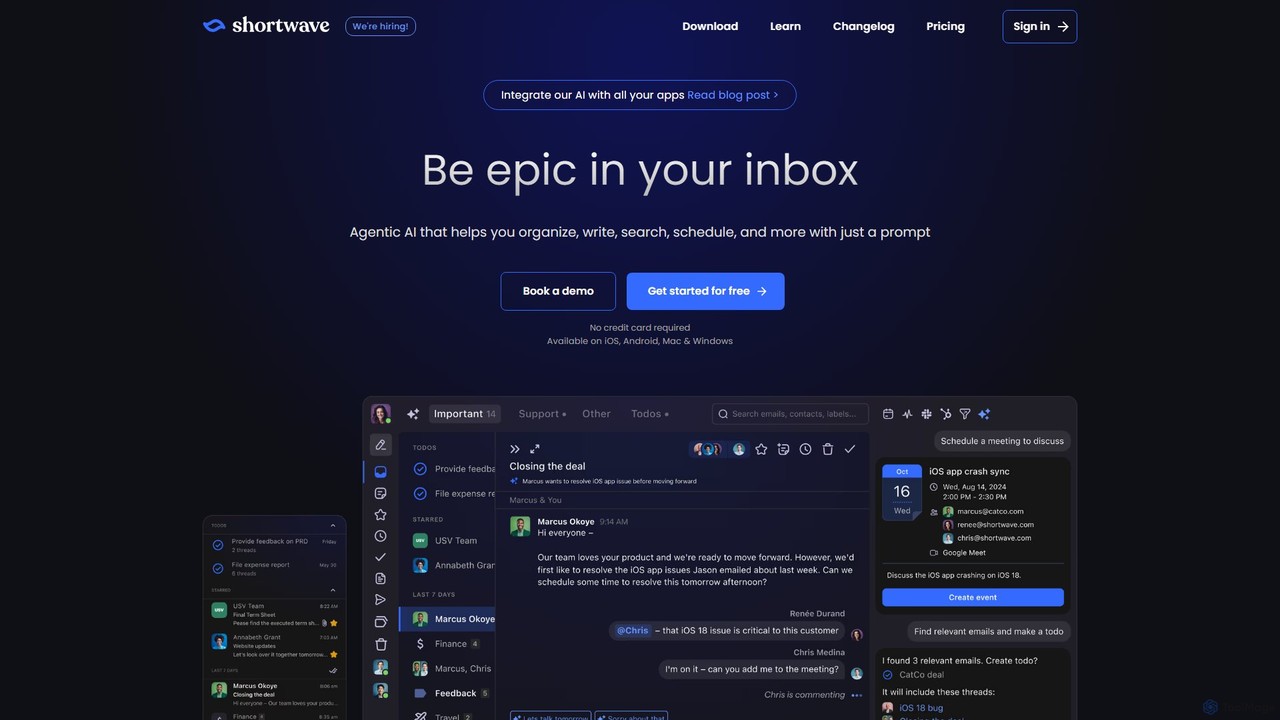
Shortwave
Shortwave is an AI-powered email client designed to supercharge your productivity and team collaboration. It acts as an intelligent assistant for your inbox, helping you organize, write, search, and automate email workflows. By learning your unique writing style and prioritizing important messages, Shortwave transforms your cluttered inbox into an organized workspace, helping you and your team achieve more with less effort.
Writing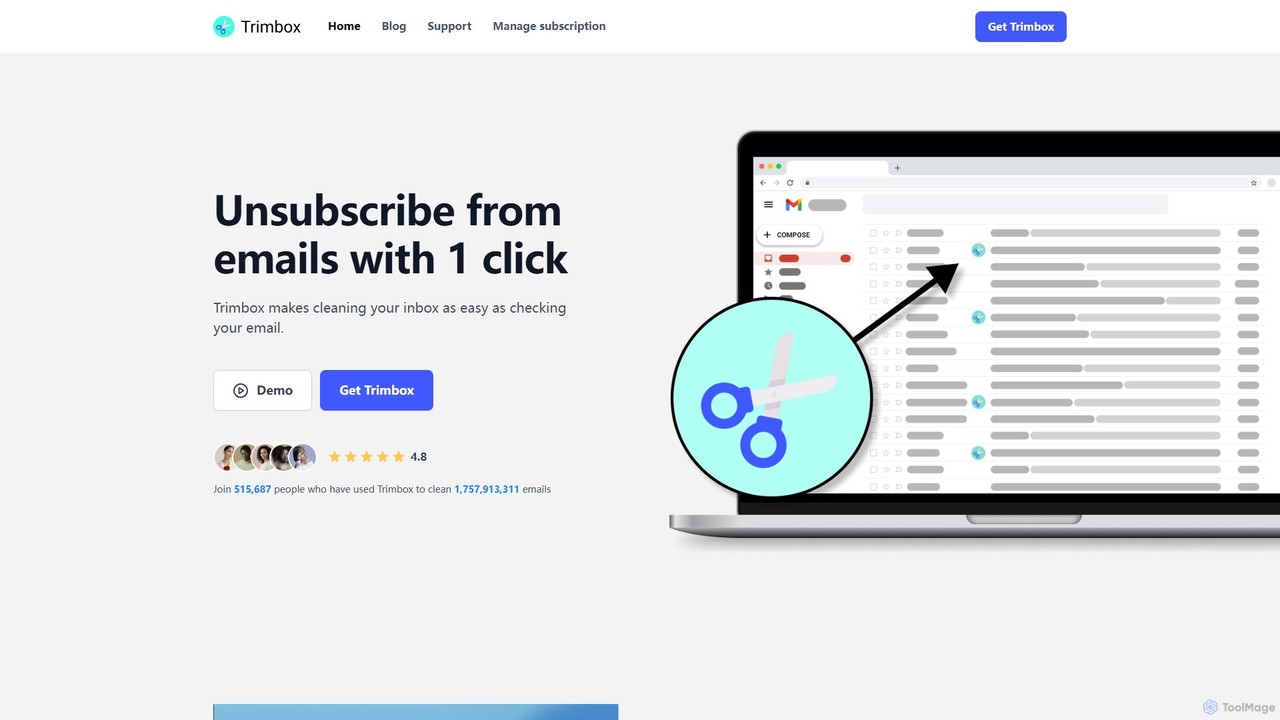
Trimbox
Trimbox is an AI-powered Gmail plugin designed for ultimate inbox management. It allows you to unsubscribe from mailing lists and delete all past emails from any sender with a single click, all while ensuring your privacy by processing data directly on your device.
Email Management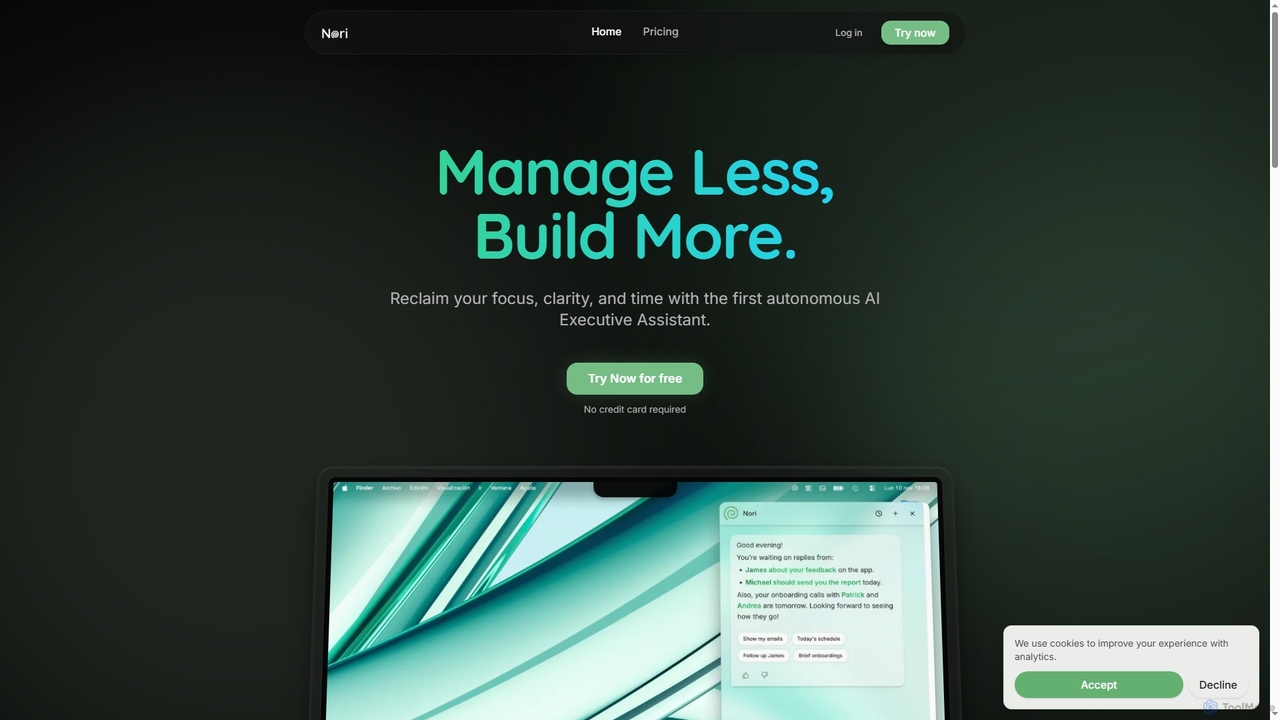
Nori
Nori is an autonomous AI Executive Assistant designed to help founders and executives reclaim their time and focus. It intelligently manages your day, prioritizes tasks, handles follow-ups, sets reminders, and coordinates meetings across calendars, integrating seamlessly with Gmail and Google Calendar.
Executive Assistant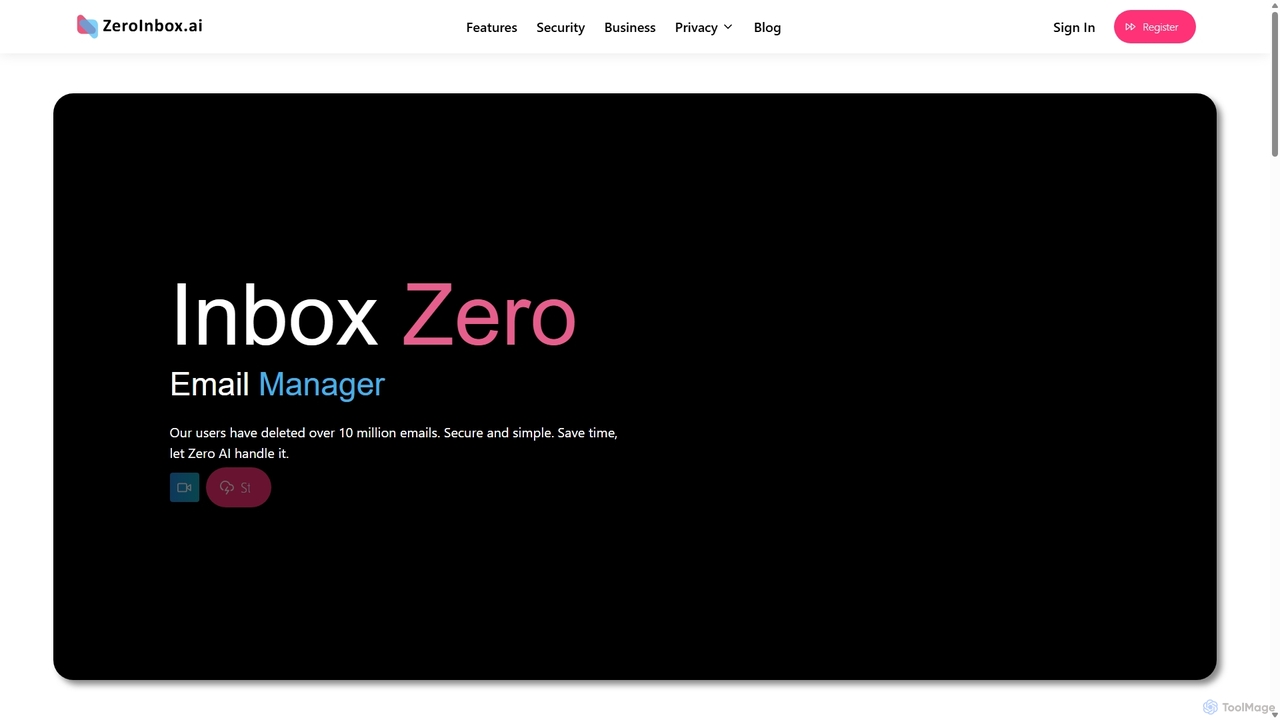
Inbox Zero
Inbox Zero is an AI-powered email organizer designed to help you clean and manage your inbox effortlessly. It intelligently sorts emails, deletes spam, and facilitates one-click unsubscribing from newsletters, allowing you to achieve a clean, organized inbox in seconds. With a strong focus on security and user privacy, it's the ultimate tool for boosting email productivity for both individuals and businesses.
Email Management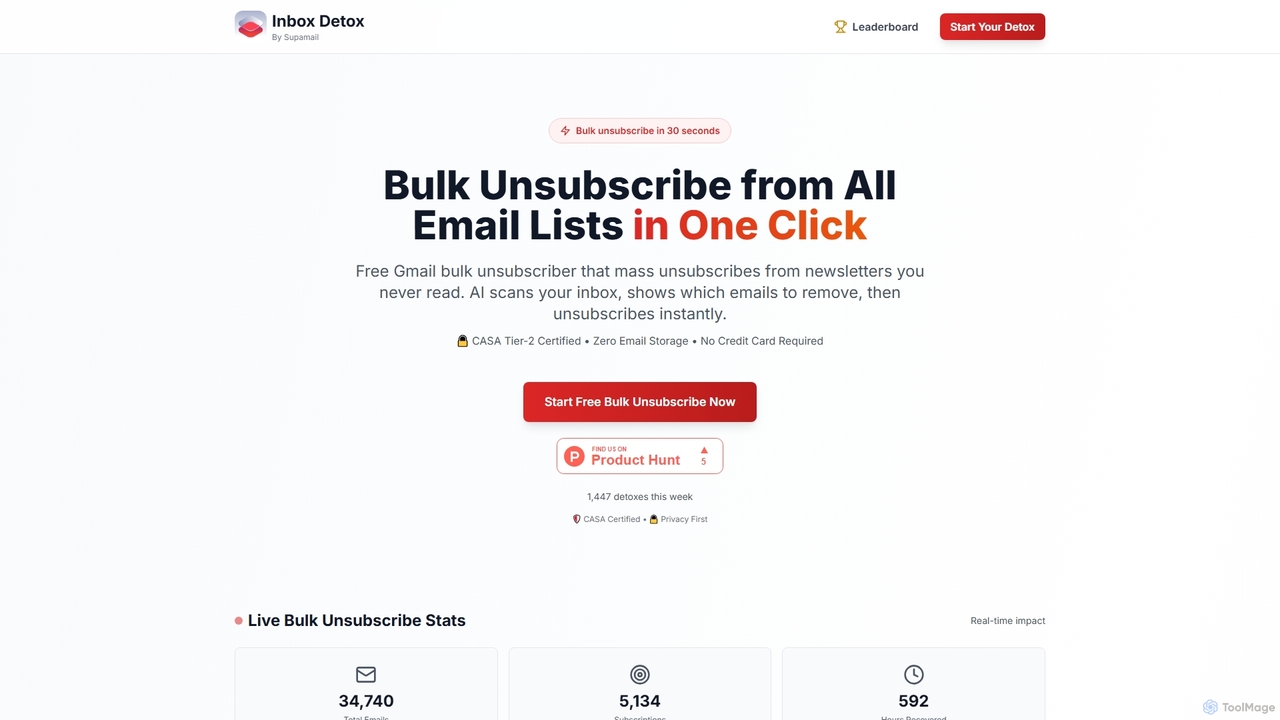
Inboxdetox
Inboxdetox is a free, AI-powered tool for Gmail that helps you bulk unsubscribe from unwanted newsletters and promotional emails in one click. It prioritizes user privacy and security, offering a fast way to declutter your inbox without storing your emails or selling your data.
Email Management
InboxChat Comments (0)
Sign in to comment.
Sign inNo comments yet.