

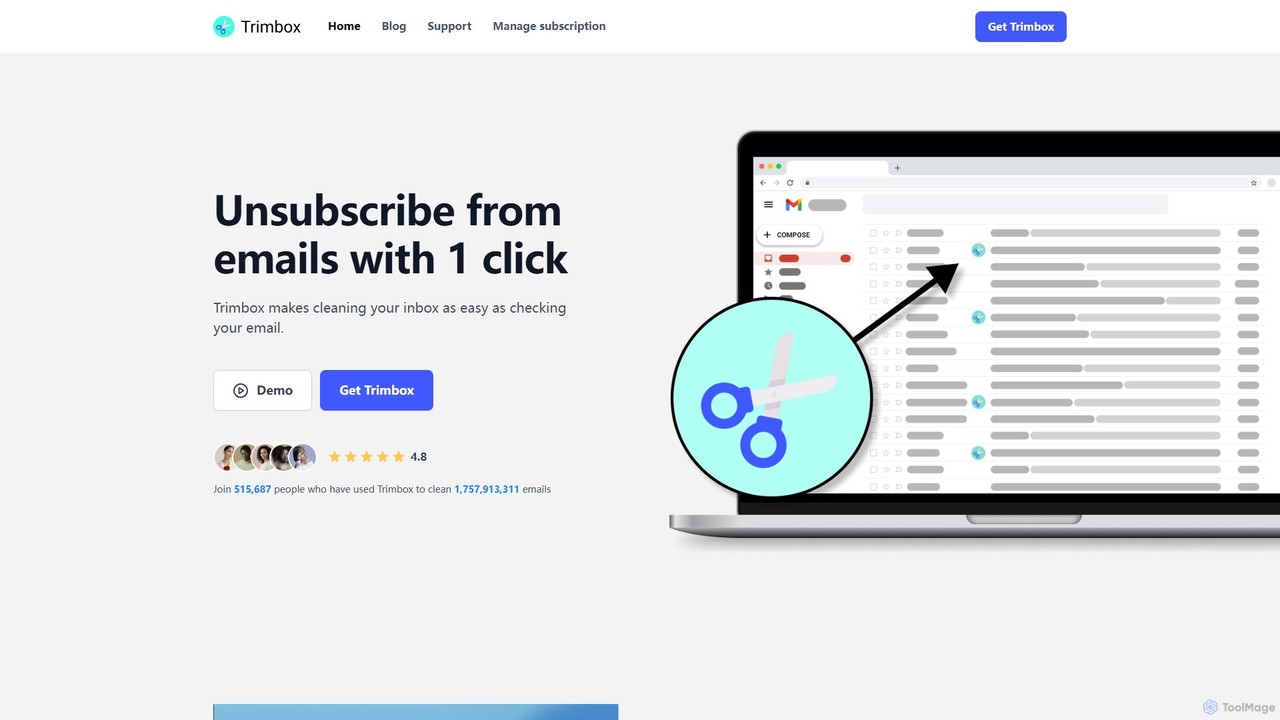
Trimbox Overview
Trimbox is a powerful and privacy-focused tool designed to help you regain control over your Gmail inbox. As an intelligent plugin, it streamlines the process of decluttering your email, allowing you to focus on what truly matters. The core philosophy of Trimbox is to make email management effortless and secure. It scans your inbox to identify newsletters and promotional mailing lists, presenting you with a simple, one-click option to unsubscribe without ever needing to open the email or search for a hidden unsubscribe link.
What sets Trimbox apart is its unwavering commitment to user privacy. Unlike many other email management services that require access to your email content on their servers, Trimbox processes all your data locally on your own device. This means your personal and sensitive email information never leaves your computer, ensuring complete confidentiality. This security-first approach is validated by its certification from Google's privacy team, giving users peace of mind.
Beyond unsubscribing, Trimbox offers a robust mass-deletion feature. If your inbox is cluttered with years of old emails from a particular sender, you can eliminate all of them with a single click. This is incredibly useful for freeing up valuable storage space in your Google account and achieving a clean, organized inbox, often referred to as 'Inbox Zero'.
How to use Trimbox
Using Trimbox is designed to be simple and intuitive. Here’s a step-by-step guide:
- Installation: First, install the Trimbox extension from the official browser store (e.g., Chrome Web Store) for your Gmail account.
- Grant Permissions: Once installed, grant Trimbox the necessary permissions to access your Gmail. This is required for it to scan your emails for mailing lists.
- Automatic Scanning: Trimbox will automatically and securely scan your inbox on your device to identify all your subscriptions.
- One-Click Unsubscribe: When you open Gmail, you will see a 'Trimbox Unsubscribe' button next to emails from mailing lists. Simply click this button to instantly unsubscribe.
- Mass Delete Emails: To clean up past clutter, use the mass delete option. With one click, you can remove all previous emails from that sender, instantly freeing up space and organizing your inbox.
Core Features of Trimbox
- One-Click Unsubscribe: Instantly unsubscribe from any mailing list directly from your inbox without opening the email.
- Mass Email Deletion: Delete all past emails from a specific sender with a single click to quickly clean up your inbox and free up storage.
- Privacy by Design: All email scanning and processing happens locally on your device. Your email data never leaves your computer and is never shared.
- Google Privacy Certified: Officially reviewed and certified by Google's privacy team, ensuring it meets high standards for security and data handling.
- Seamless Gmail Integration: Works as a lightweight and intuitive plugin directly within the Gmail interface, providing a native user experience.
- AI-Powered Identification: Utilizes smart technology to accurately identify mailing lists and promotional emails, distinguishing them from personal correspondence.
Use Cases for Trimbox
Trimbox is ideal for anyone looking to improve their email productivity and security. Common use cases include:
- Busy Professionals: Quickly decluttering promotional emails to focus on critical work-related communication.
- Privacy-Conscious Individuals: Managing email subscriptions without compromising data privacy to third-party servers.
- Digital Minimalists: Effortlessly achieving and maintaining 'Inbox Zero' for a stress-free digital environment.
- Users with Limited Storage: Freeing up significant Google account storage by bulk-deleting years of accumulated, unwanted emails.
- Anyone Overwhelmed by Spam: Taking back control from aggressive marketing campaigns and reducing the daily influx of junk mail.
Advantages of Trimbox
The primary advantages of Trimbox lie in its efficiency, security, and simplicity. It saves users countless hours that would otherwise be spent manually unsubscribing and deleting emails. Its on-device processing model offers a superior level of privacy that is rare in the email management tool market. The user-friendly, one-click interface makes it accessible to everyone, regardless of their technical skill level. By combining these benefits, Trimbox provides a comprehensive solution for modern email overload.
Pricing and Plans
Trimbox is a premium, paid tool. It is designed for users who value their time and privacy and are looking for a powerful, one-stop solution for inbox management. For the most current pricing information and available plans, please visit the official Trimbox website. The tool offers a refund policy if you are not satisfied with the product.
Traffic
Latest traffic
Status
Monthly traffic trend
- 2025-9: 97.5K
- 2026-1: 100.1K
- 2026-2: 99.3K
- 2026-3: 111.0K
- 2026-4: 87.1K
- 2026-5: 67.3K
Geography
Top 5 countries / regions
- 🇺🇸United States64.6%
- 🇮🇳India12.1%
- 🇬🇧United Kingdom9.8%
- 🇫🇷France7.8%
- 🇦🇺Australia5.7%
Traffic sources
| Source type | Percentage |
|---|---|
Direct | 55.4% |
Email | 29.8% |
Referral | 14.8% |
Top keywords
| Keyword | Cost per click |
|---|---|
| clean email | $3.77 |
| email subscription checker | $0.00 |
| how to clean gmail account | $0.90 |
| trimbox | $2.04 |
| trimbox login | $0.00 |
Trimbox Alternatives
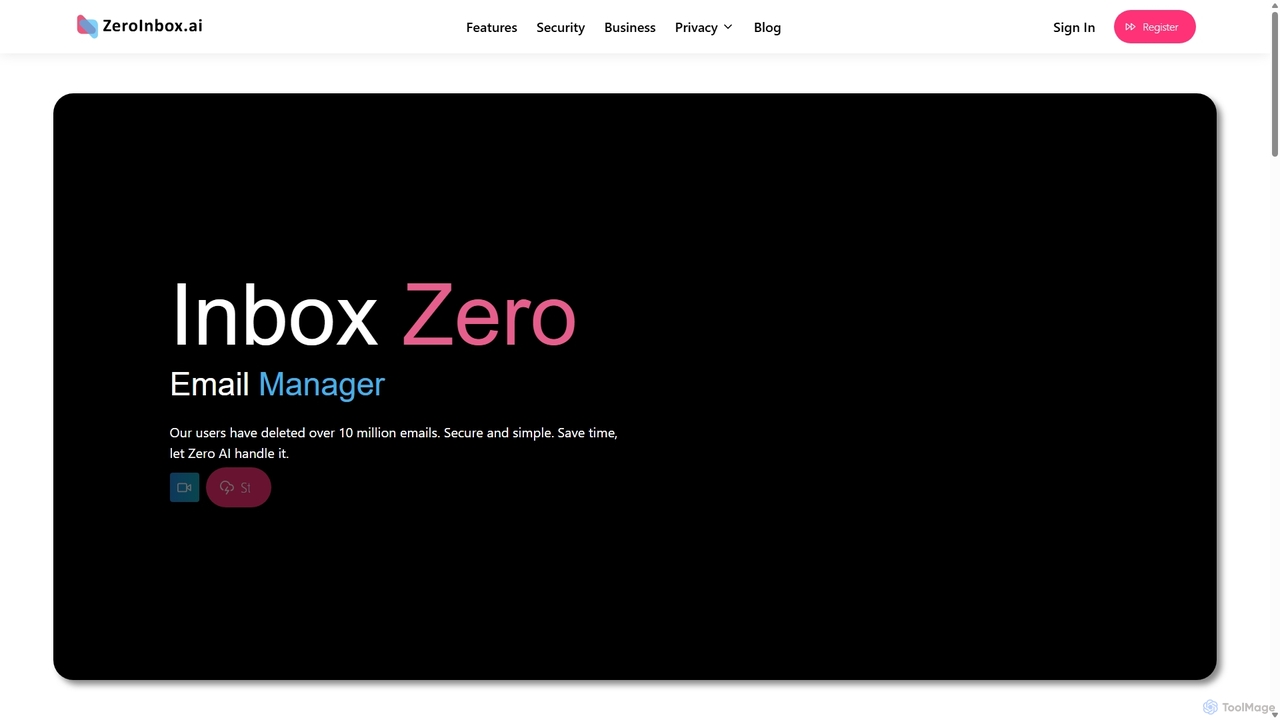
Inbox Zero
Inbox Zero is an AI-powered email organizer designed to help you clean and manage your inbox effortlessly. It intelligently sorts emails, deletes spam, and facilitates one-click unsubscribing from newsletters, allowing you to achieve a clean, organized inbox in seconds. With a strong focus on security and user privacy, it's the ultimate tool for boosting email productivity for both individuals and businesses.
Email Management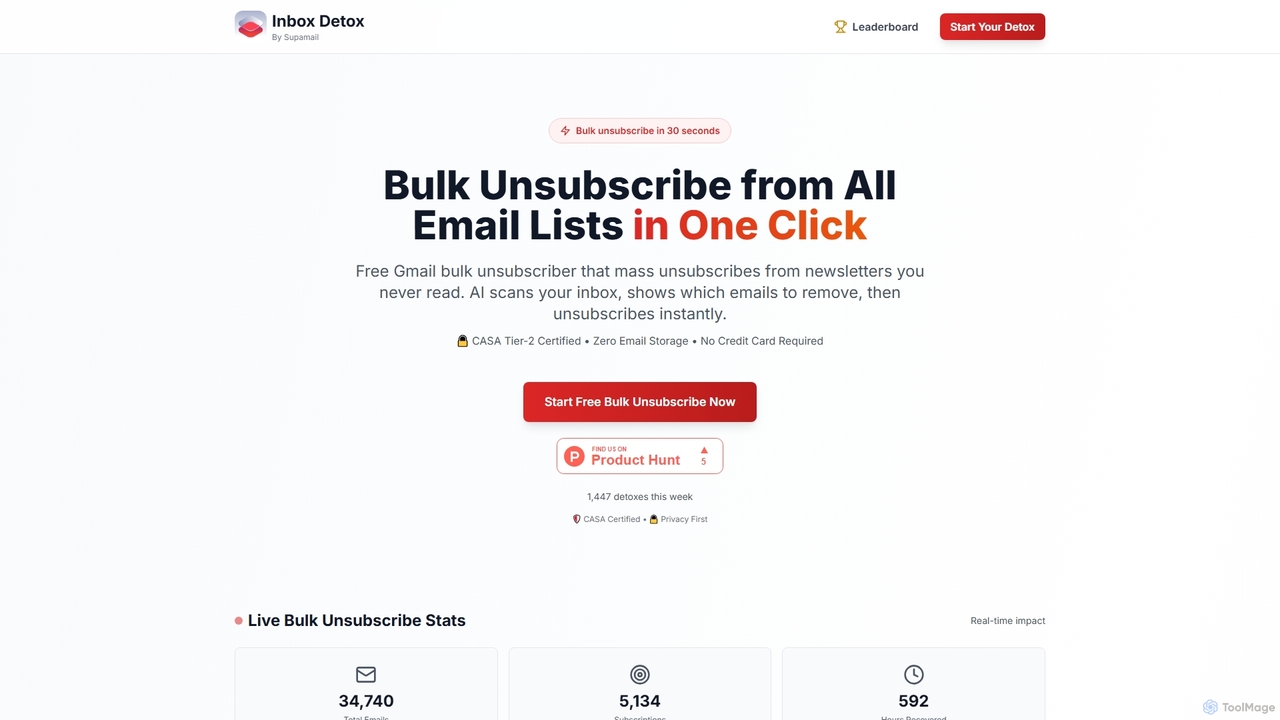
Inboxdetox
Inboxdetox is a free, AI-powered tool for Gmail that helps you bulk unsubscribe from unwanted newsletters and promotional emails in one click. It prioritizes user privacy and security, offering a fast way to declutter your inbox without storing your emails or selling your data.
Email Management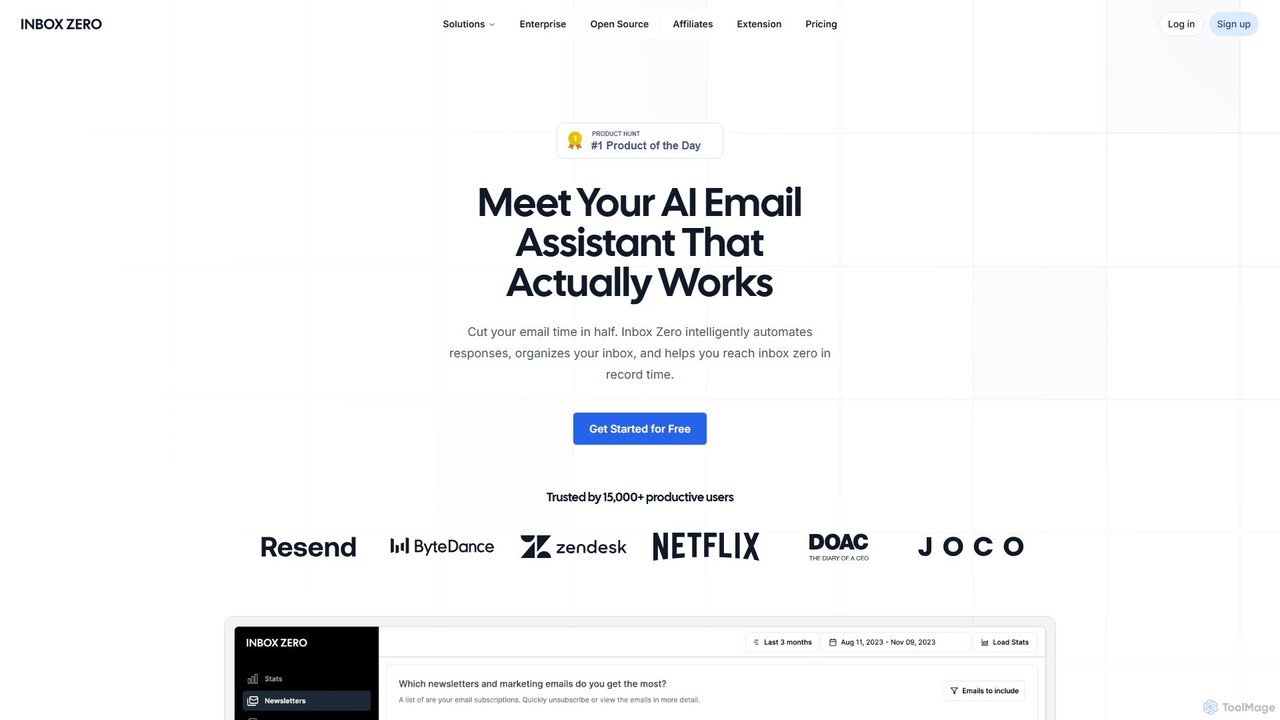
getinboxzero
getinboxzero is an AI-powered email assistant designed to help you achieve Inbox Zero. It intelligently automates responses, organizes your inbox, blocks cold emails, and bulk unsubscribes from newsletters. By handling repetitive email tasks, it cuts your email time in half and boosts productivity for individuals and support teams.
Personal Assistant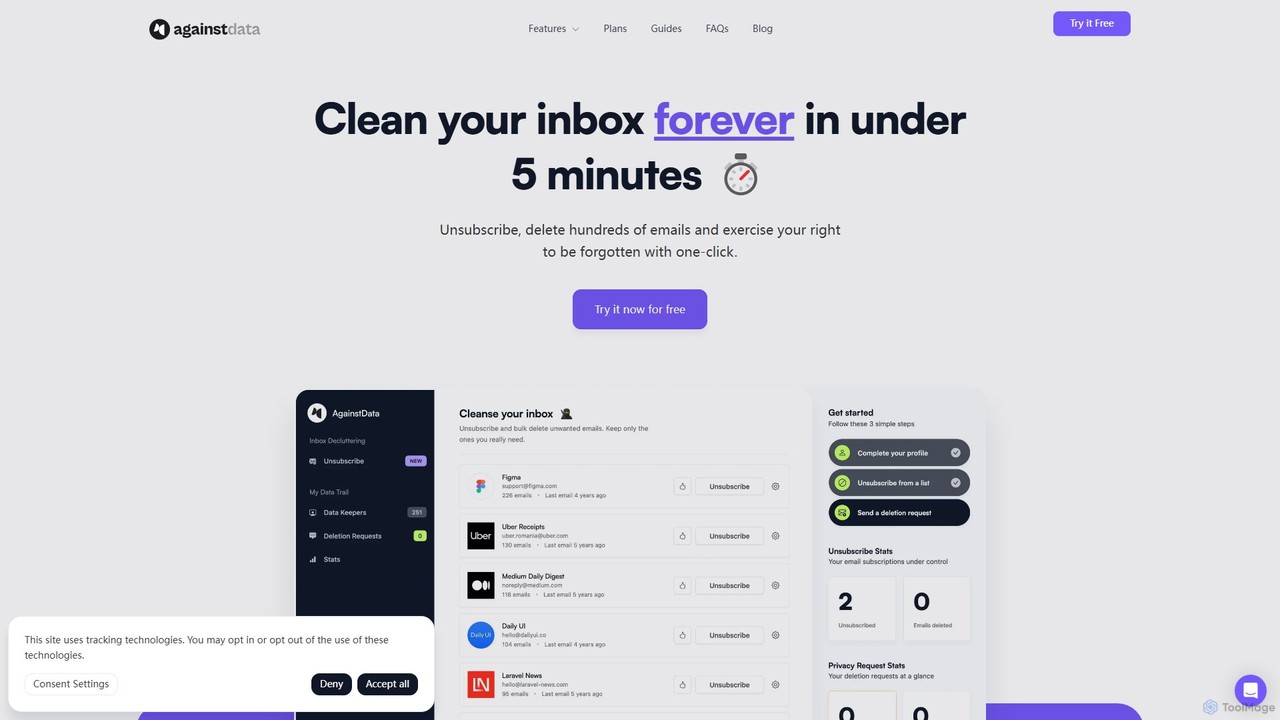
AgainstData
AgainstData is an AI-powered digital assistant that cleans your inbox and protects your privacy. Effortlessly unsubscribe from mailing lists, bulk delete unwanted emails, and request the removal of your personal data from companies with a single click.
Email Management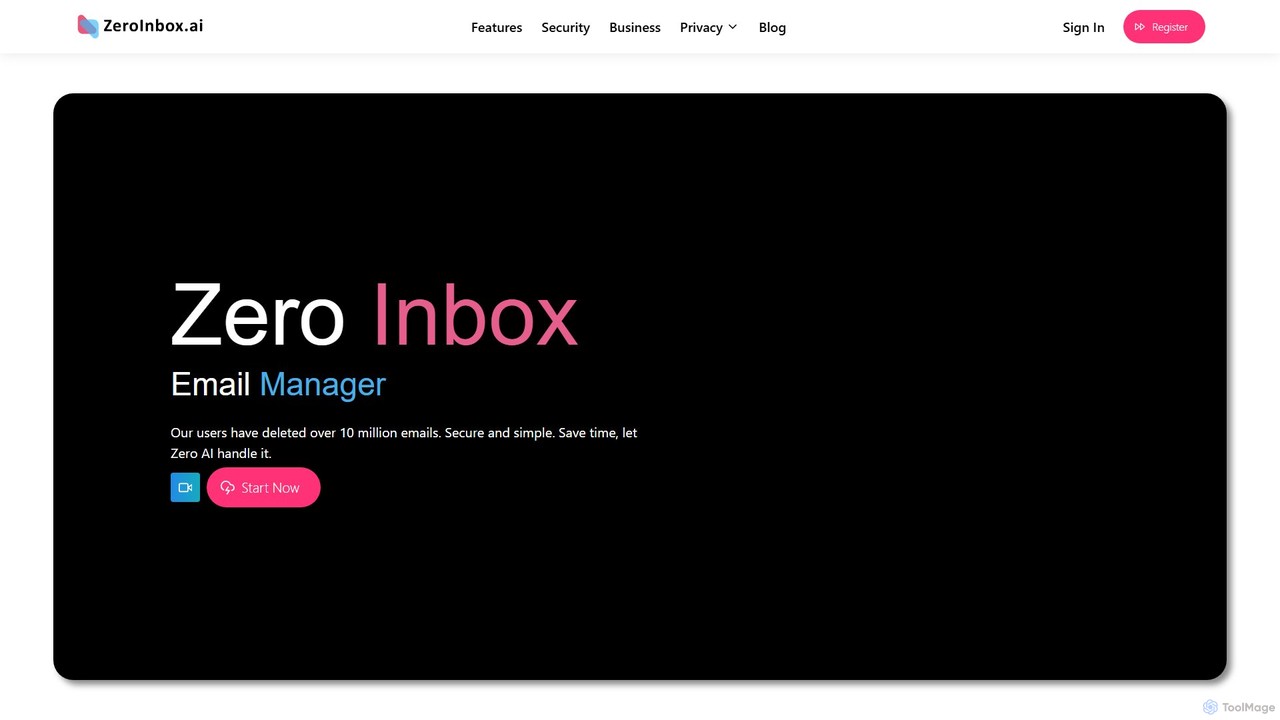
zeroinbox
zeroinbox is an AI-powered email organizer designed to help you clean and manage your inbox effortlessly. It intelligently identifies and deletes spam, promotional emails, and other clutter, while also offering a one-click unsubscribe feature. Achieve the coveted 'Inbox Zero' in seconds and significantly boost your email productivity.
AutomationTrimbox Categories
Trimbox Embed Widget
Copy this embed code to place the badge on your blog, article, or product site and send readers directly to this ToolMage detail page.

Related AI tools
Inboxdetox
Inboxdetox is a free, AI-powered tool for Gmail that helps you bulk unsubscribe from unwanted newsletters and promotional emails in one click. It prioritizes user privacy and security, offering a fast way to declutter your inbox without storing your emails or selling your data.
Email ManagementInbox Zero
Inbox Zero is an AI-powered email organizer designed to help you clean and manage your inbox effortlessly. It intelligently sorts emails, deletes spam, and facilitates one-click unsubscribing from newsletters, allowing you to achieve a clean, organized inbox in seconds. With a strong focus on security and user privacy, it's the ultimate tool for boosting email productivity for both individuals and businesses.
Email Managementgetinboxzero
getinboxzero is an AI-powered email assistant designed to help you achieve Inbox Zero. It intelligently automates responses, organizes your inbox, blocks cold emails, and bulk unsubscribes from newsletters. By handling repetitive email tasks, it cuts your email time in half and boosts productivity for individuals and support teams.
Personal AssistantAgainstData
AgainstData is an AI-powered digital assistant that cleans your inbox and protects your privacy. Effortlessly unsubscribe from mailing lists, bulk delete unwanted emails, and request the removal of your personal data from companies with a single click.
Email Managementzeroinbox
zeroinbox is an AI-powered email organizer designed to help you clean and manage your inbox effortlessly. It intelligently identifies and deletes spam, promotional emails, and other clutter, while also offering a one-click unsubscribe feature. Achieve the coveted 'Inbox Zero' in seconds and significantly boost your email productivity.
Automation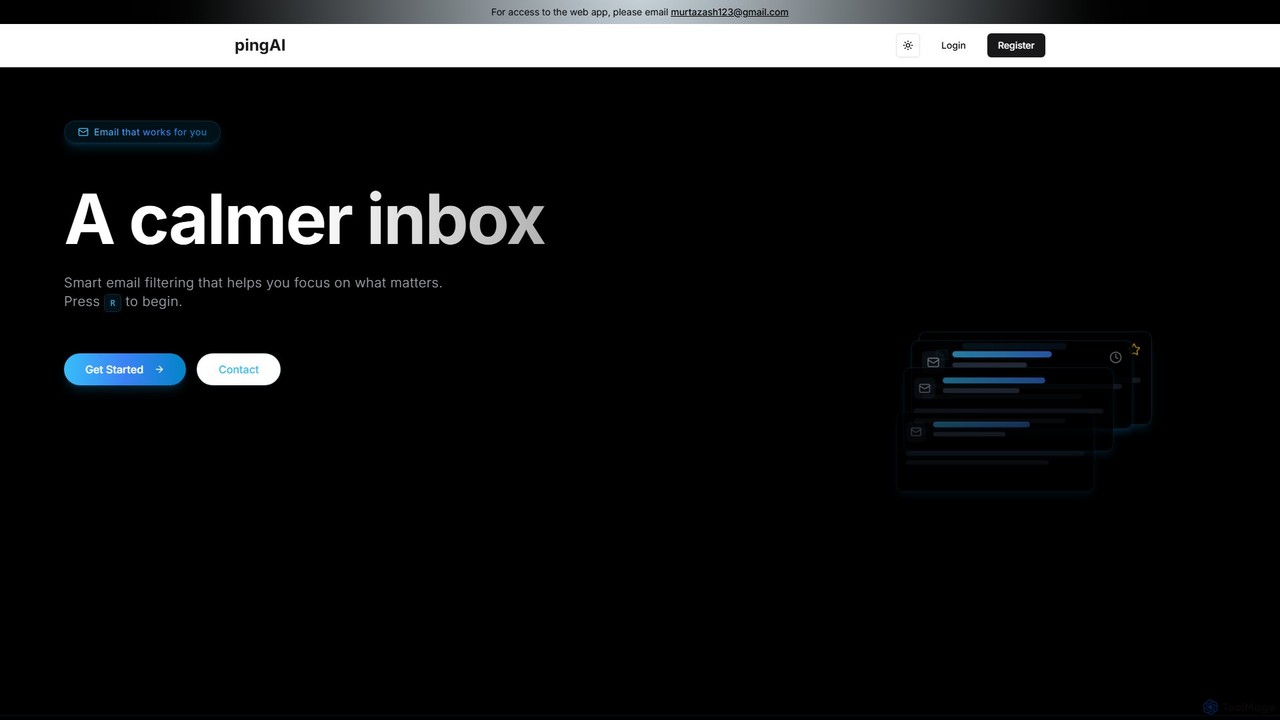
Ping
Ping is an AI-powered email management tool designed to combat inbox overload. It intelligently filters your emails, prioritizes important messages, and learns from your behavior to create a calmer, more focused inbox. Stop missing critical emails and reduce stress with smart, automated organization for your Gmail account.
Inbox Assistant
Boxzero
Boxzero is an AI-powered unified inbox that helps you achieve 'Inbox Zero' in 15 minutes or less daily. It consolidates all your emails (Gmail, Outlook) and social messages (Slack) into one place, using smart filtering to only show messages from trusted senders. An AI assistant generates smart replies, saving you hours of work and reducing communication overload.
Personal Assistant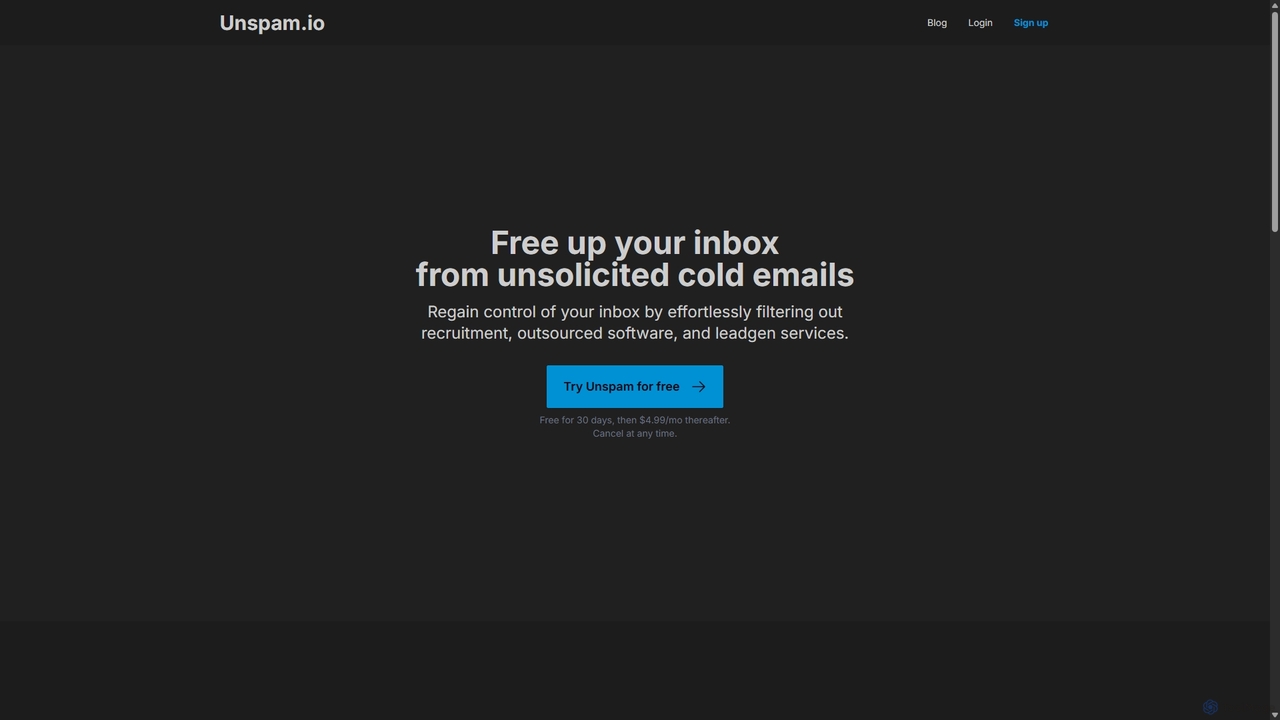
Unspam
Unspam is an AI-powered tool designed to clean up your inbox by automatically filtering unsolicited cold emails. It seamlessly integrates with Gmail and Google Workspace to identify and remove spam from recruiters, outsourced software services, and lead generation agencies, allowing you to focus on important communications.
Inbox Organization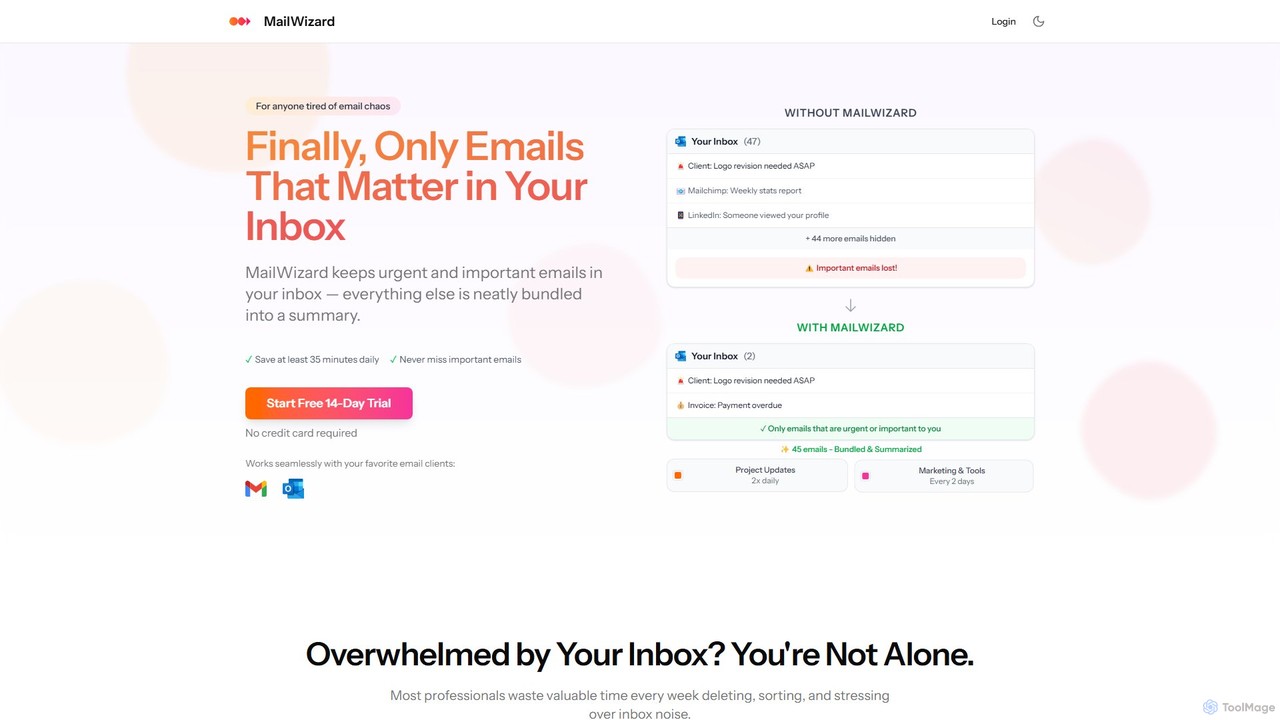
MailWizard
MailWizard is an AI-powered email assistant that transforms your inbox experience. It intelligently filters out noise, bundles non-urgent emails into smart summaries, and ensures you only see what truly matters. Save time, reduce stress, and reclaim your focus with automated workflows and AI-generated digests, including audio versions for on-the-go updates.
Workflow Management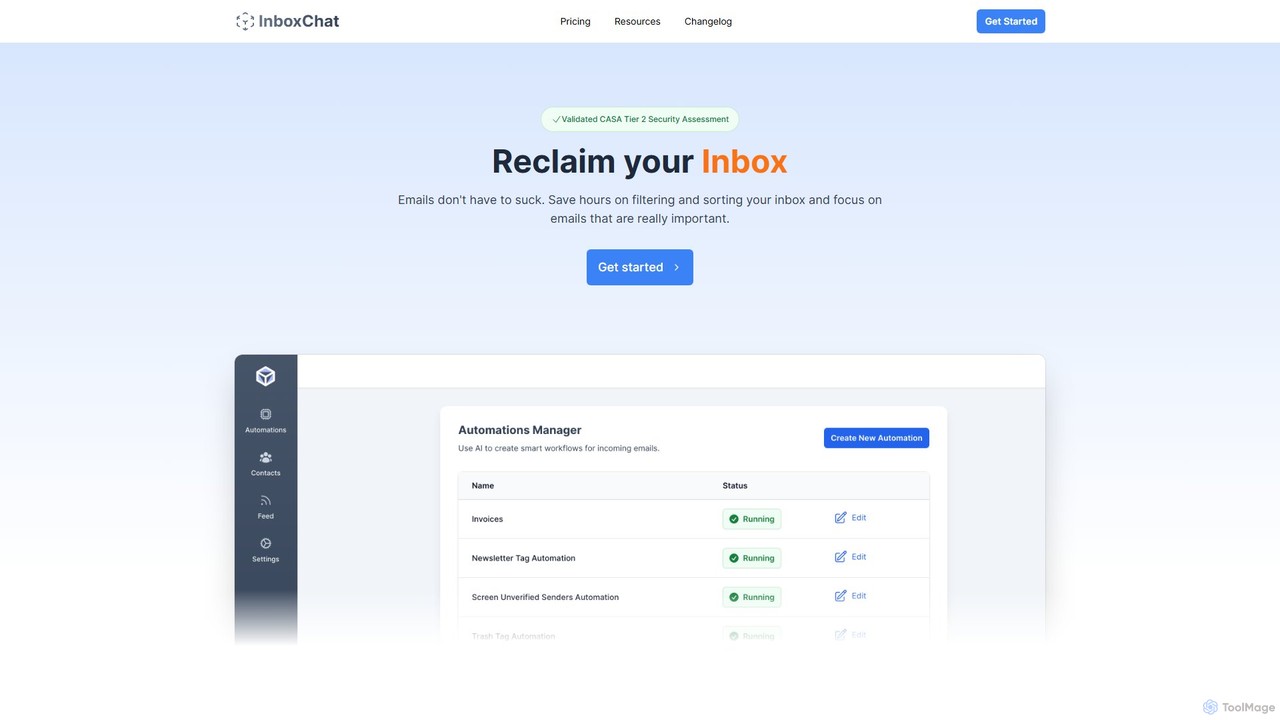
InboxChat
InboxChat is an AI-powered assistant that transforms your Gmail inbox management. Use natural language to search, summarize, and draft emails, saving you hours each week. It offers top-tier security, ensuring your data is always private and protected.
Search
Harmony
Harmony is an AI-powered email voice assistant that lets you manage your inbox hands-free. It reads your emails aloud and allows you to reply, delete, archive, and organize them using simple voice commands, perfect for when you're driving, exercising, or doing chores. Achieve Inbox Zero without ever looking at your screen.
Ios Apps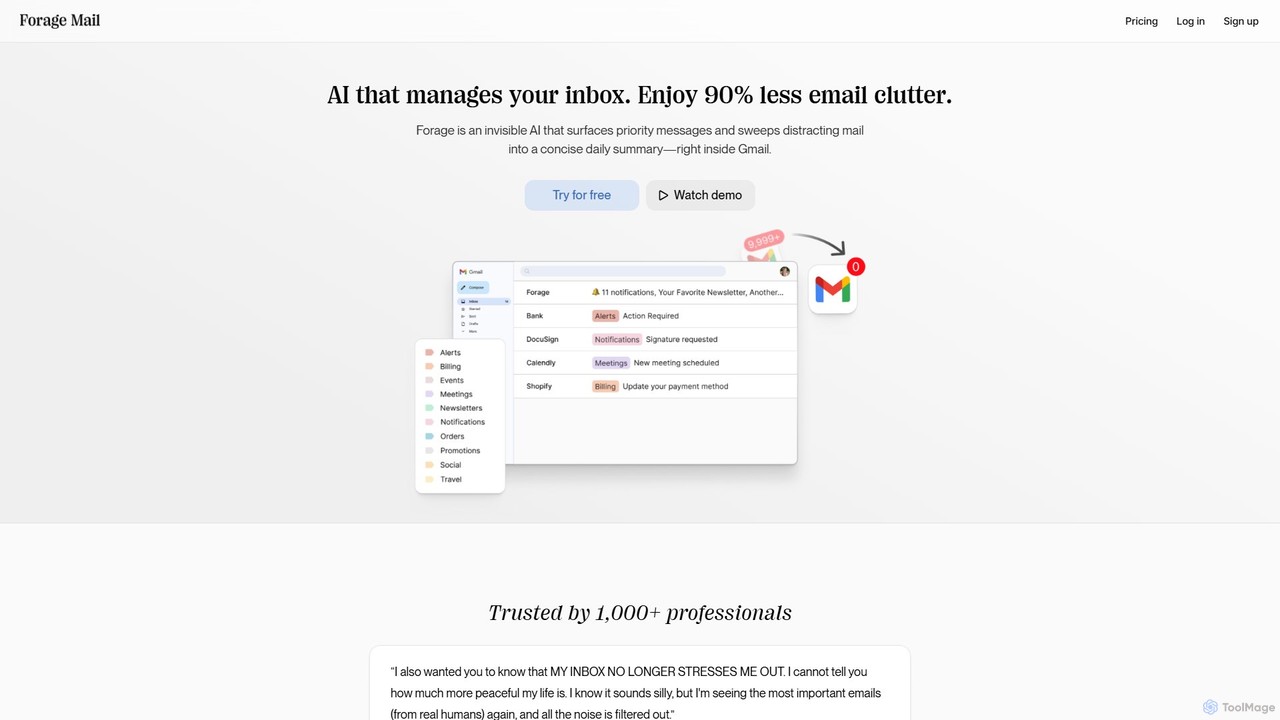
Forage Mail
Forage Mail is an AI-powered email management tool for Gmail that ends inbox overwhelm. It intelligently filters emails, surfaces priority messages, and consolidates non-essential mail like newsletters and promotions into a single, concise daily summary, helping you save hours and reduce stress.
Inbox Management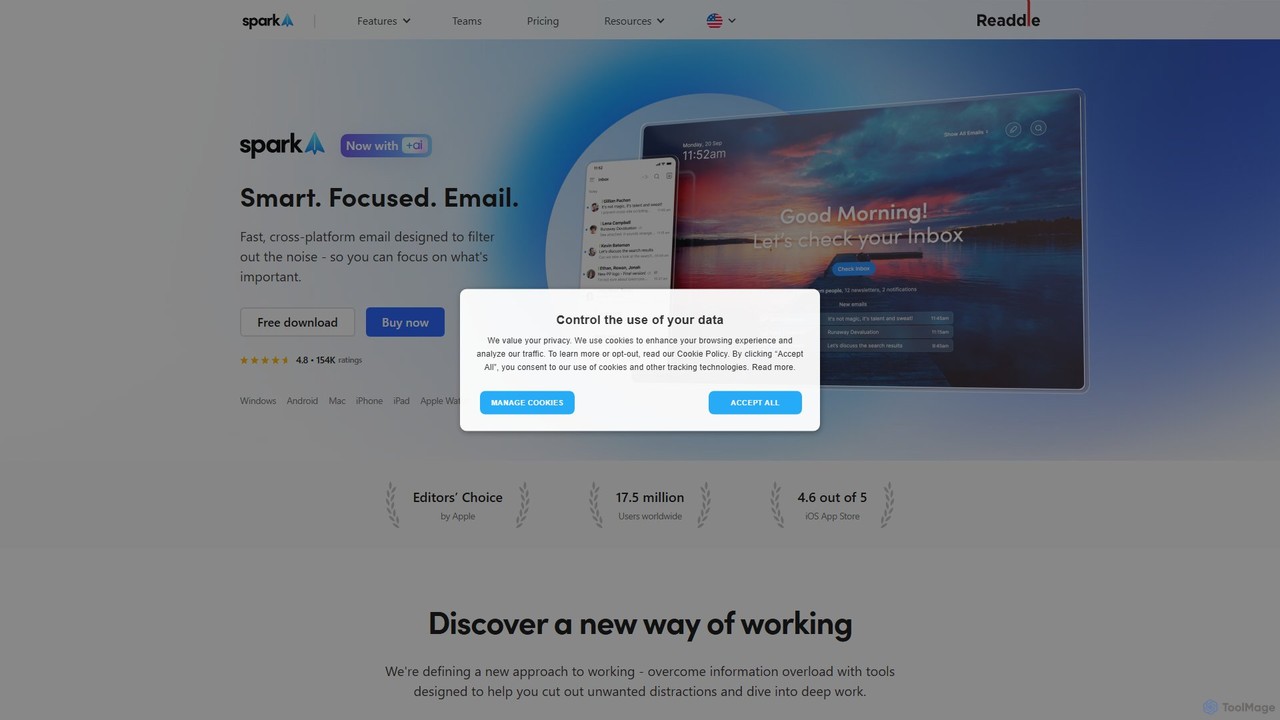
Spark Mail
Spark Mail is an intelligent, cross-platform email client designed to help you focus on what's important. It uses AI to draft emails, summarize threads, and translate messages, while its Smart Inbox filters out noise. With powerful team collaboration features, Spark streamlines your workflow and helps you achieve inbox zero.
Writing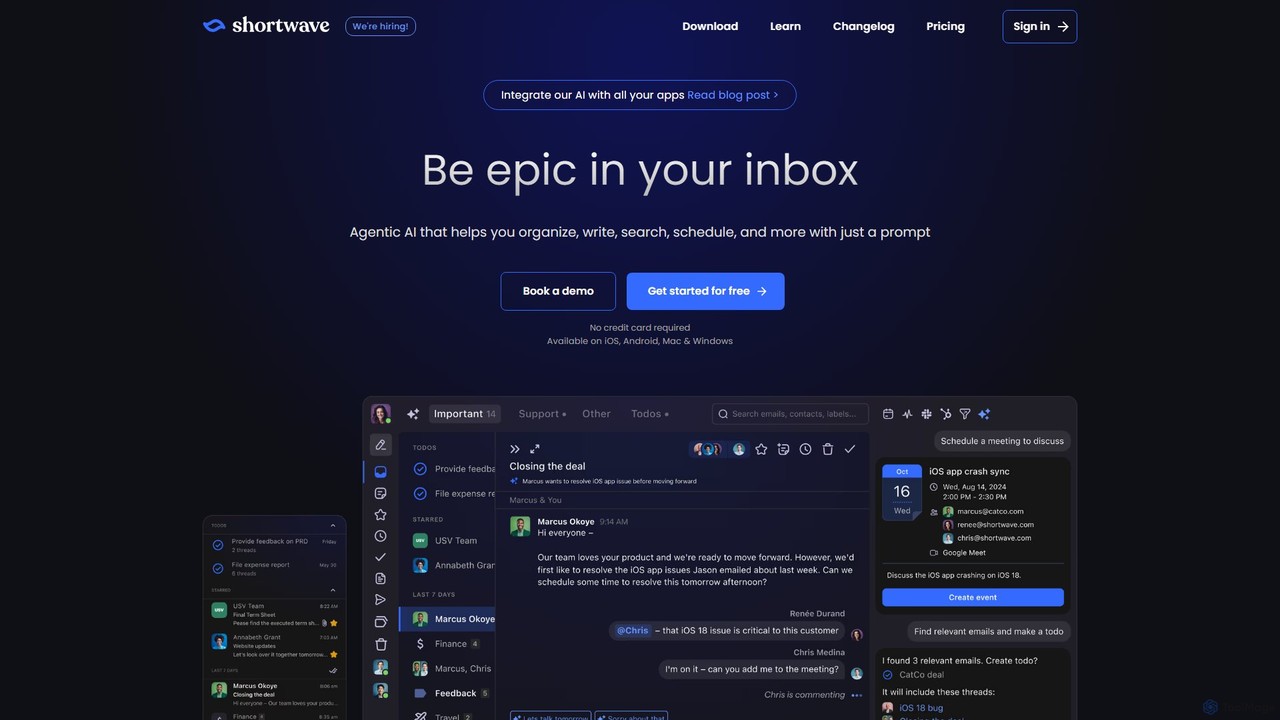
Shortwave
Shortwave is an AI-powered email client designed to supercharge your productivity and team collaboration. It acts as an intelligent assistant for your inbox, helping you organize, write, search, and automate email workflows. By learning your unique writing style and prioritizing important messages, Shortwave transforms your cluttered inbox into an organized workspace, helping you and your team achieve more with less effort.
Writing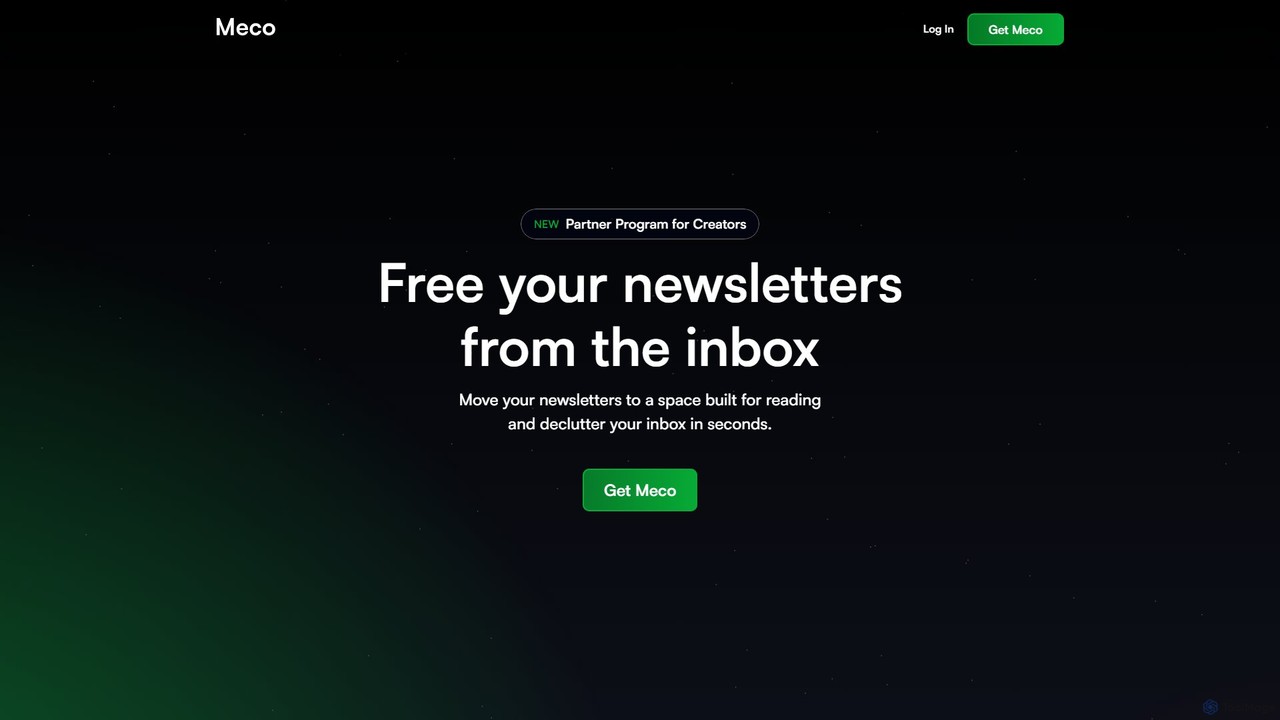
Meco
Meco is an AI-powered newsletter reader and aggregator designed to declutter your inbox. It moves your newsletters to a dedicated, distraction-free reading space, offering features like AI-generated audio roundups and text summaries to help you stay informed efficiently. Organize, discover, and retain knowledge from your favorite subscriptions seamlessly across web, iOS, and Android.
Summarizer
Trimbox Comments (0)
Sign in to comment.
Sign inNo comments yet.